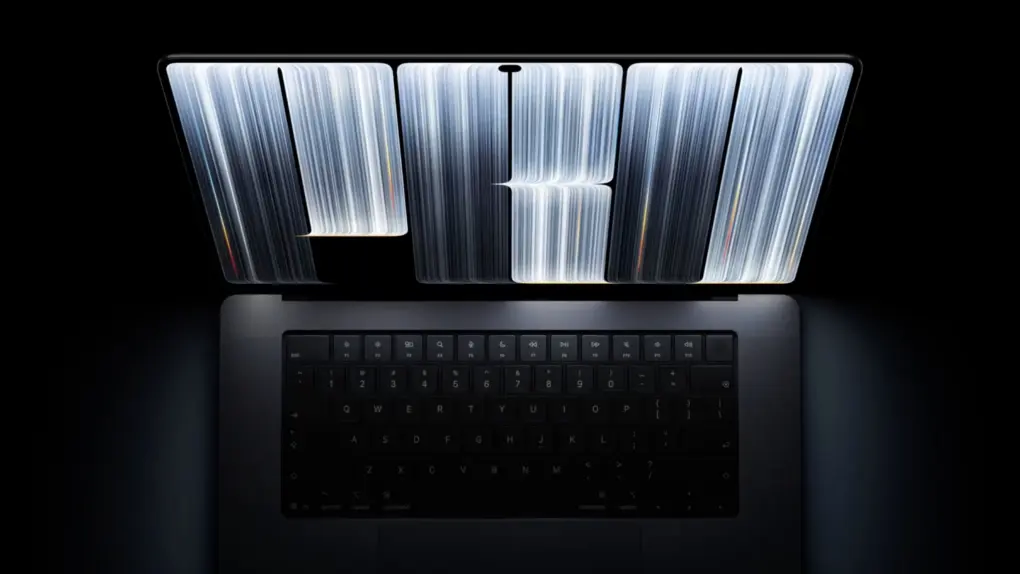
The OLED MacBook Pro is finally here. But the OLED touchscreen is not the main highlight of the new machine despite all the hullabaloo around it.
Apple’s newest MacBook Pro packs several other key upgrades, many of which make it a better everyday machine. These improvements come with a higher starting price, though. So, what exactly does the new touchscreen MacBook Pro bring over the regular MacBook Pro?
Apple’s announcement about its newest MacBook Pro with PROLED XDR display centers around the OLED panel. While this is a big upgrade in itself, the machine packs several other upgrades as well. It’s not just about the OLED screen and the touchscreen, though they are useful in their own right.
Since the new MacBook Pro uses the same M5 Pro and M5 Max chips as the existing models with Liquid Retina XDR displays, those improvements focus on its design and everyday usability rather than processing power.
So, what exactly has Apple changed beyond the display? From a lighter chassis to improved speakers and more storage, here are all the upgrades the touchscreen MacBook Pro brings over the standard models.
Table of contents
- OLED touchscreen display
- Hello, Dynamic Island!
- Lighter and thinner
- Audio gets even better
- Even more storage
- Price: The upgrades come at a premium
- Touchscreen MacBook Pro vs. MacBook Pro: More than an OLED upgrade
OLED touchscreen display
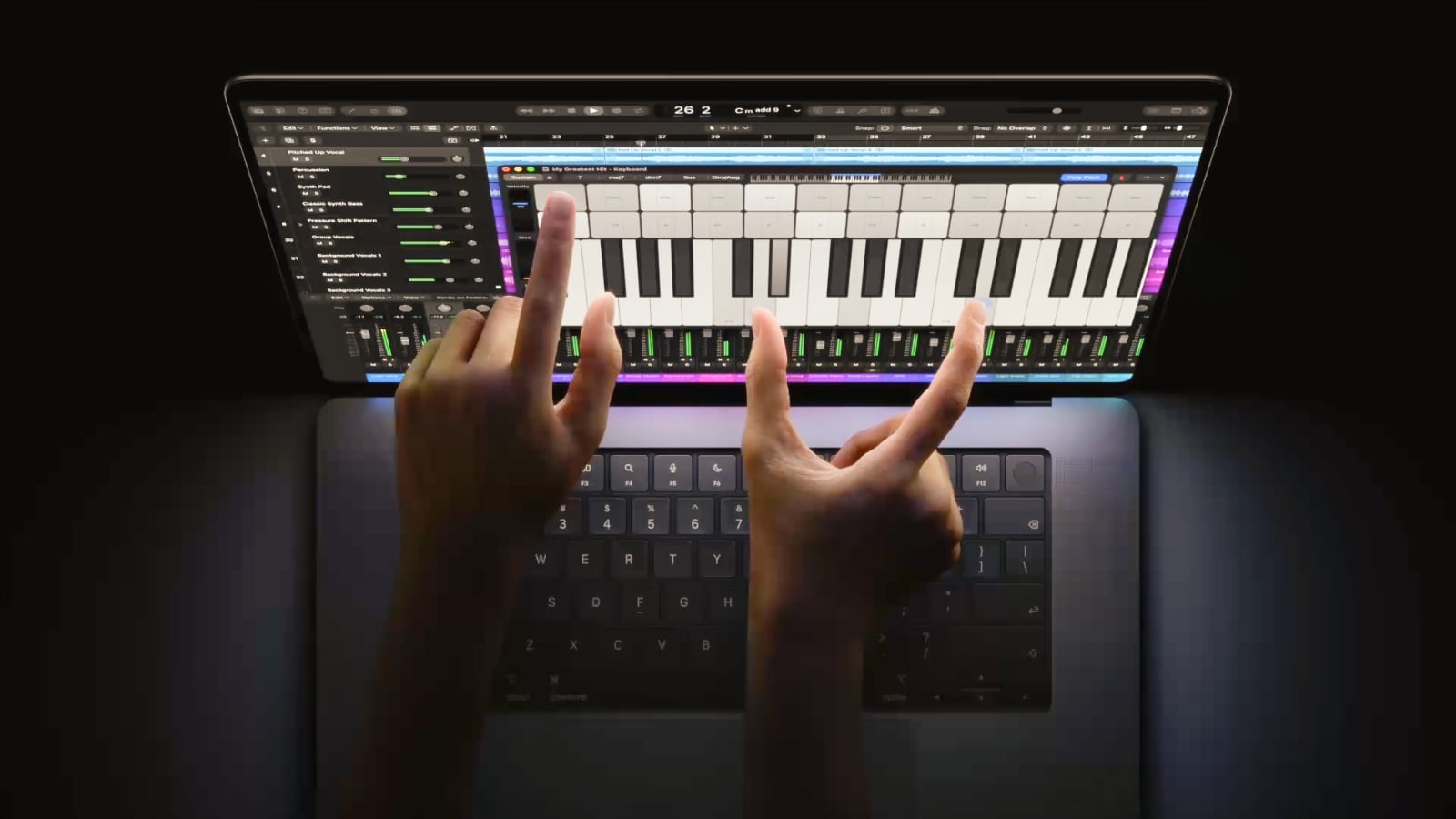
Photo: Apple
The MacBook Pro with PROLED XDR display brings an entirely new way to interact with the laptop. You can directly touch the screen to interact with the OS and apps.
To take full advantage of the new input method, Apple has also updated macOS. Besides the usual gestures like pinch-to-zoom and swiping through web pages, there are also gestures for managing windows.
You can double-tap a window to make it fill the screen, or flick it to tile it to the left or right edge of the screen. For creators and app developers, the touchscreen can be especially useful in Logic Pro, Final Cut Pro or while developing apps for iPhone and iPad.
Is a touchscreen on a MacBook even useful? That’s another debate. But even if you don’t care about the touchscreen, the new MacBook Pro uses a tandem OLED panel. It’s a big upgrade over the already excellent mini-LED Liquid Retina XDR display of the standard MacBook Pro.
As seen on the iPad Pro, it uses two self-illuminating pixel layers to deliver deeper blacks, a wider color gamut and a contrast ratio of 10,000,000:1.
Brightness gets a big boost as well, with the peak HDR brightness now reaching 2,000 nits. That’s 400 nits brighter than the Liquid Retina XDR display. SDR brightness can now also hit 2,000 nits, with the full-screen SDR brightness reaching up to 1,000 nits.
For photographers and designers, another welcome addition is Adobe RGB support alongside P3. This expands the display’s color capabilities for photography and print work.
Apple points out that the new MacBook Pro’s display can act as a portable reference monitor. This can be a big boon for professionals working who are always on the go.
Hello, Dynamic Island!
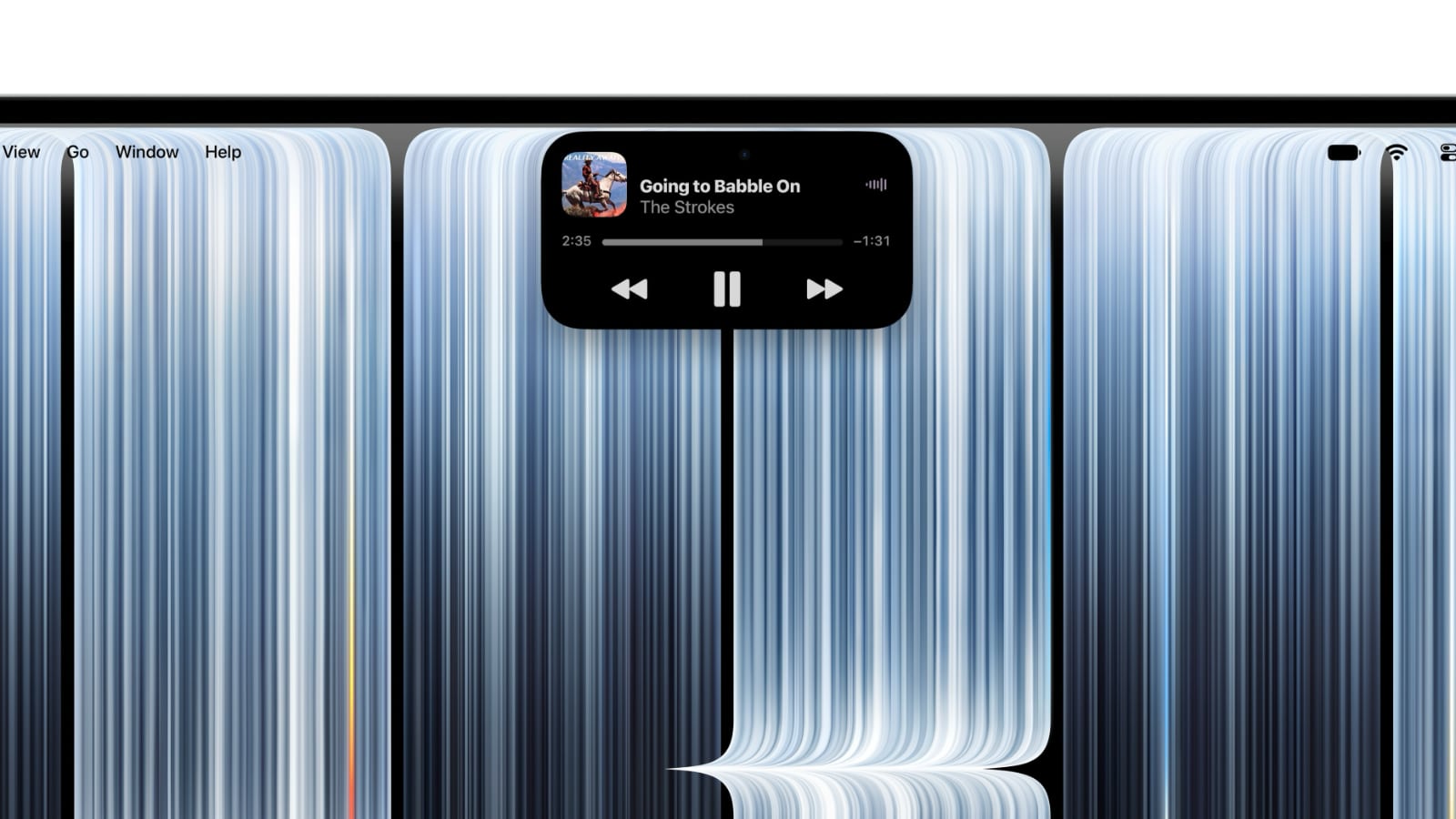
Photo: Apple
With the touchscreen MacBook Pro, Apple is bringing the iPhone’s Dynamic Island to its laptop. And like on the iPhone, the Dynamic Island houses the FaceTime camera. There’s no Face ID here.
Apple has also updated macOS to take advantage of Dynamic Island. It displays Live Activities and provides quick access to music controls, incoming calls, and AirDrop requests. You can pause a song or accept a file transfer with a tap, making the camera cutout more useful.
Dynamic Island also serves as a home for Siri AI and Spotlight, letting you search your Mac or ask the assistant for help. Do note that Spotlight only moves here when Siri AI is available and enabled.
Lighter and thinner
The MacBook Pro with PROLED XDR retains the regular MacBook Pro’s familiar design. But it sheds considerable weight, which is a big deal if you carry your laptop around every day.
The 14-inch M5 Pro model weighs 3 pounds, down from 3.5 pounds. The equivalent 16-inch model drops from 4.7 to 4 pounds. M5 Max configurations weigh slightly more, at 3.1 and 4.1 pounds, respectively.
Both sizes are thinner as well. The 14-inch model measures 15mm thick, compared to 15.5mm for the standard version. The 16-inch model drops from 16.8mm to 16mm.
14-inch MacBook Pro
| Dimension | OLED model | Mini-LED model |
|---|---|---|
| Width | 12.24 inches | 12.31 inches |
| Depth | 8.52 inches | 8.71 inches |
| Thickness | 0.59 inches | 0.61 inches |
16-inch MacBook Pro
| Dimension | OLED model | Mini-LED model |
|---|---|---|
| Width | 14 inches | 14.01 inches |
| Depth | 9.62 inches | 9.77 inches |
| Thickness | 0.63 inches | 0.66 inches |
That’s not it. Thanks to the switch to the OLED panels, the new MacBook Pro features slimmer bezels. This allows Apple to shrink the 14-inch model’s footprint while retaining its 14.2-inch display.
The 16-inch model remains nearly the same size, but its screen grows slightly from 16.2 to 16.3 inches.
Finally, the new MacBook Pro brings back an iconic design detail: the glowing Apple logo. And this time, the logo’s brightness adjusts along with the display’s.
Audio gets even better
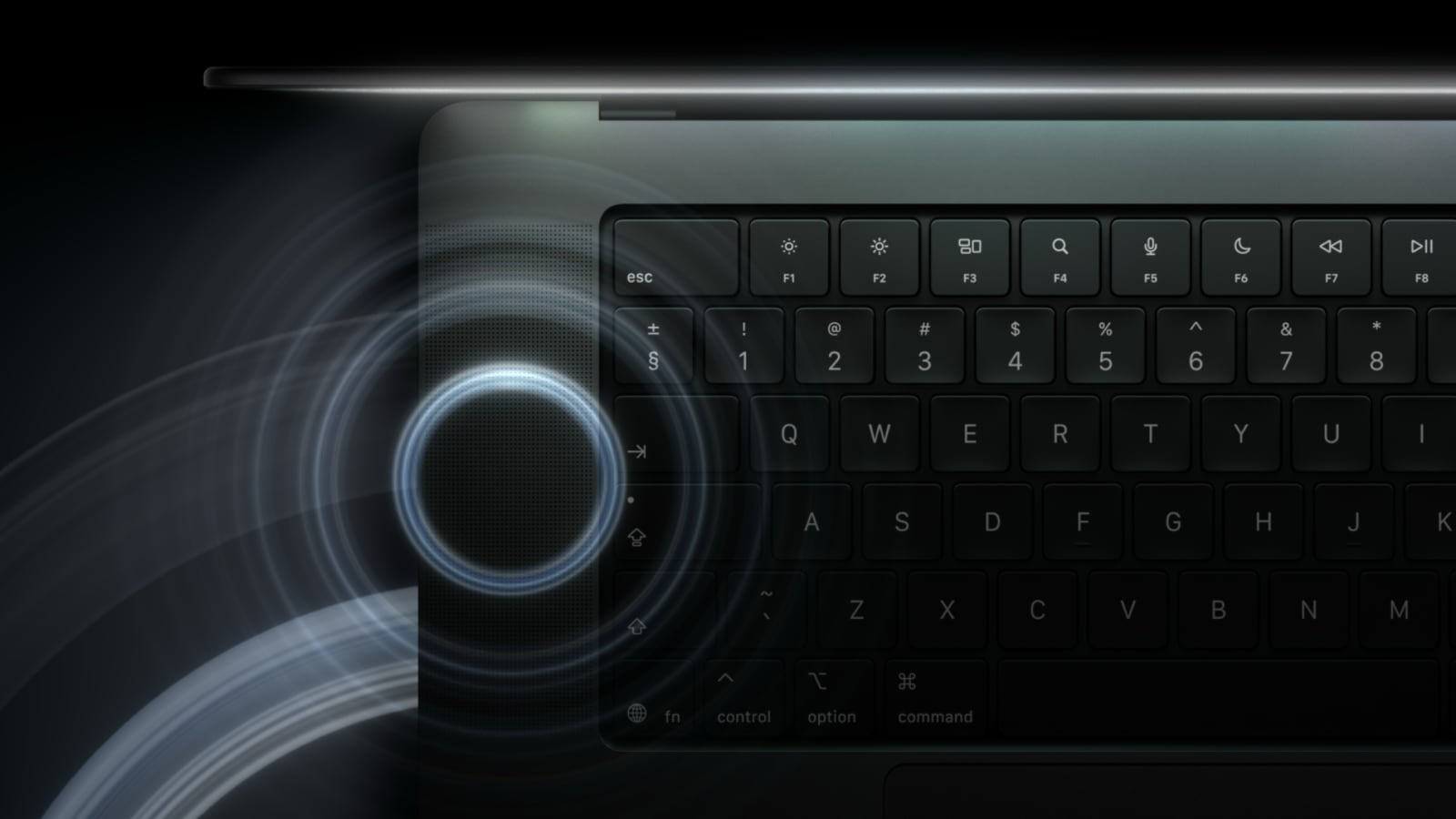
Image: Apple
The regular MacBook Pro with XDR display already comes with an impressive six-speaker system. It’s easily one of the best speaker systems in a laptop. With the ProLED XDR refresh, Apple is making it even better.
Thanks to new woofers, the company says its touchscreen MacBook Pro delivers 50% deeper bass. Redesigned tweeters further help improve clarity. Plus, it has tuned the audio output to ensure better sound quality when the Mac’s lid is closed.
The three-mic studio array microphones are also present, so you can record crystal-clear audio while on the go.
Even more storage
You can configure the M5 Max MacBook Pro with a Liquid Retina XDR display with up to 8 TB of storage. The touchscreen MacBook Pro doubles that to 16TB.
You will have to pay for that bump in storage, though, with the upgrade costing a whopping $7,000 of its own. Like before, this option is only available on the 14-inch and 16-inch MacBook Pro with M5 Max chips. The M5 Pro configuration tops out at 4TB of storage.
Another specialized addition is Genlock support over Thunderbolt. This enables synchronization in compatible video-production setups, although it requires third-party hardware and software.
Price: The upgrades come at a premium
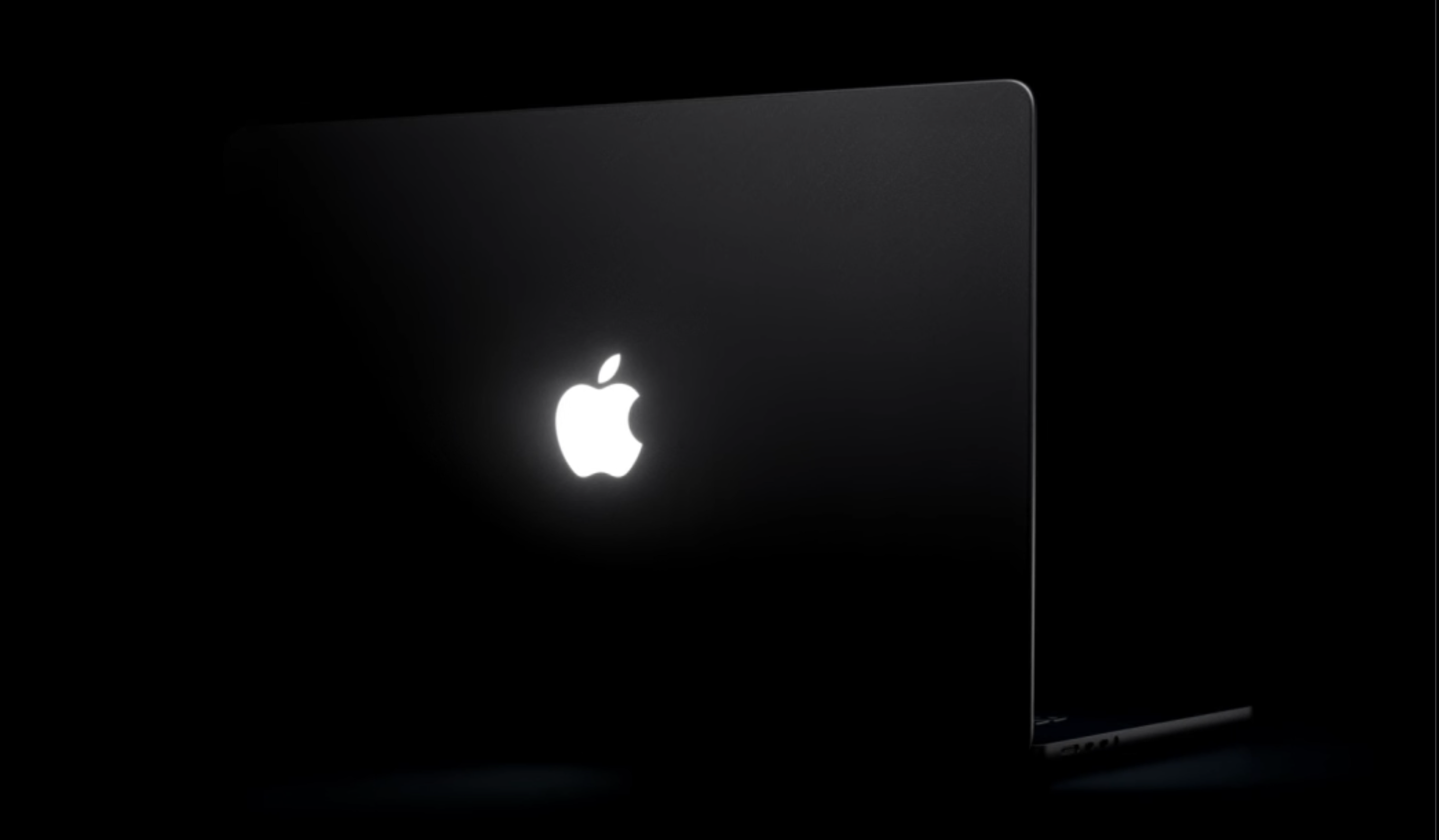
Photo: Apple
The touchscreen MacBook Pro costs more than the regular model at every tier. The 14-inch M5 Pro starts at $2,899, which is $400 more than the $2,499 regular version. The 16-inch MacBook Pro with an OLED display and an M5 Pro chip starts at $3,399, compared with $2,999. And that’s for the base configuration with 24GB of unified memory and 1TB of storage.
The M5 Max follows the same pattern. The touchscreen 14-inch starts at $4,499 and the regular one at $4,099. The OLED 16-inch model starts at $4,799, while the regular one retails for $4,399.
So, there’s a premium to pay for the switch to the OLED display, a lighter chassis and other improvements.
Touchscreen MacBook Pro vs. MacBook Pro: More than an OLED upgrade
The new MacBook Pro brings several welcome improvements over the standard ‘Pro’ models. The OLED display is the biggest addition, but the lower weight, slimmer chassis, improved speakers and camera stabilization all make a difference in everyday use.
What it doesn’t offer is more speed. Both models use the same M5 Pro and M5 Max chips, so performance is identical. You are paying the $400 premium for the display, design and audio, not for more power.

Rajesh has been writing about consumer technology for over a decade, with a strong focus on iPhones, Macs and Apple’s ecosystem. He enjoys digging into Apple software updates, hardware changes, and discovering new Mac apps that make work faster and more enjoyable.
You can reach out to him at mail[at]rajeshpandey.me.

