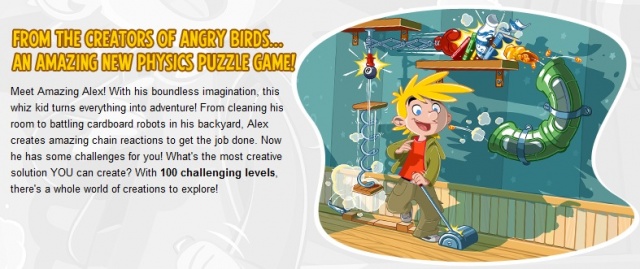
Get in your doomsday bunker because Rovio has released a new game. That’s right, Casey’s Contraptions Amazing Alex is now available on both the Google Play Store and App Store. You’ve seen the trailers and now it’s time to see how much weight Rovio’s name carries.
Anyone taken a look at the price of a professional photo editing software package, lately? Yeah, we dare you.
Redditor jayfehr noticed that Apple design award winner Pixelmator is currently on the Mac App Store for a quarter of it’s regular ($60) price, coming in at a nice $14.99 for this fairly beautiful looking Mac OS X image editing and paint program.
If you want to make photo collages on your iPhone or iPad, you use Diptic. Those are the rules. But a challenger is in town: Fuzel, from the Vietnamese designers at Not A Basement Studio, will launch on July 12th and looks to be a fast and easy way to make great collages.
Who would have thought we’d see the day when Rovio released anything but an Angry Birds game? Well, that day is almost upon us, as Rovio has released the official Amazing Alex trailer announcing a July 12th release for both the Google Play Store and App Store.
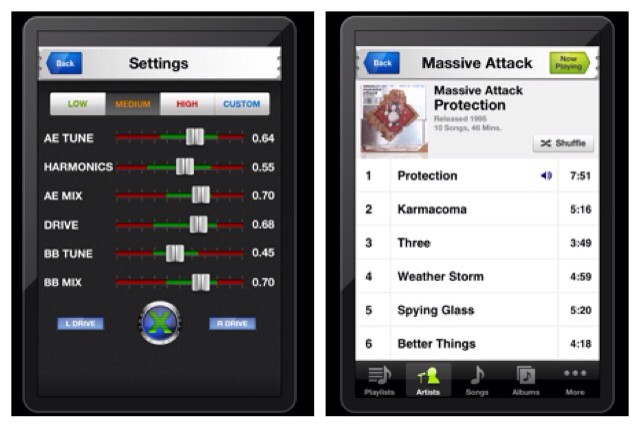
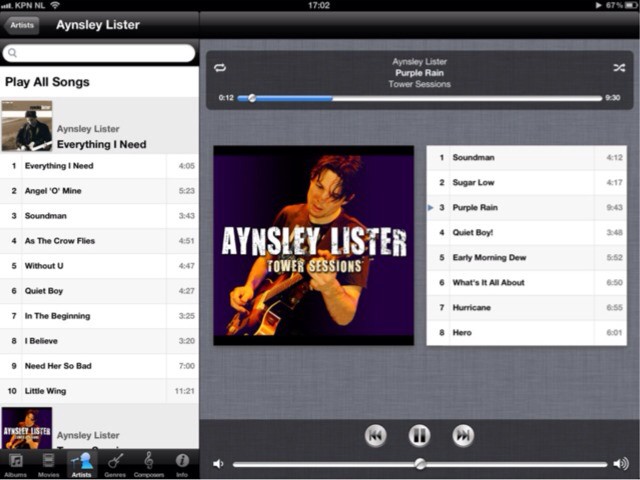
The Audio Xciter music player’s press release is full of the usual superlatives, and I quickly glossed over them in my usual cynical manner looking for something to make fun of (which I found – more on that in a bit). But one listen of the audio-processing iOS app is enough to make you sit up and, uh, listen.
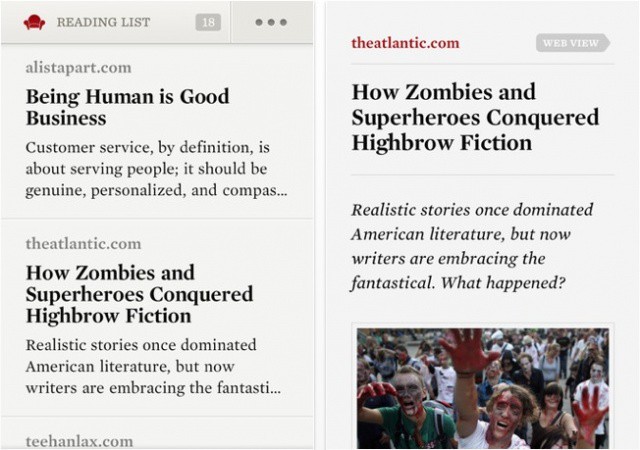
Readability is faster than ever before in version 1.1.
The official Readability app for iOS has received a major update today that not only promises to deliver “huge performance improvements,” but also adds a number of new features, including new “Top Reads” and “Longform Picks” reading lists, YouTube and Vimeo integration, and more.
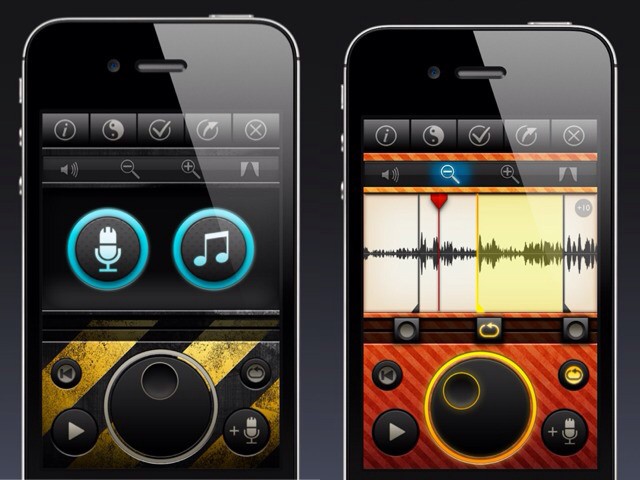
Using Tones might actually be more fun than hearing the result.
Tones looks to be just about the coolest way to create custom ringtones for your iPhone that I have seen. Then again, I haven’t seen many as I’m not a thoughtless teenager who thinks that other people want to hear his crappy music every time a call comes in.
Better still, Tones puts iPhone ringtone editing just where it should be: on the iPhone itself.
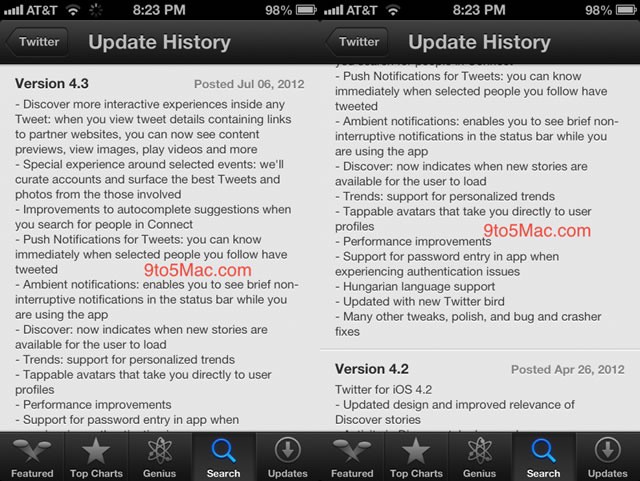
As reported by Marc Gurman over at 9 to 5 Mac, Twitter’s official iPhone app is getting a big update soon.
The beta iOS 6 App Store has mistakenly loaded some app update screens for the new Twitter client, version 4.3. Twitter’s apps have been lagging farther and farther behind recently, due to changes in Twitter’s mobile API and third-party apps that include more power features than the official ones. The changes are substantive, however, in the upcoming Twitter app, as shown in the leaked release notes.
Despite months of speculation, many doubted Google would ever bring its terrific Chrome browser to iOS. But the search giant has put an end to the rumors by finally releasing it, and it’s kicking off this week’s must-have apps roundup. We also have a new weather app for those who like to keep it simple, arguably the best Google Analytics client for iOS, and more.
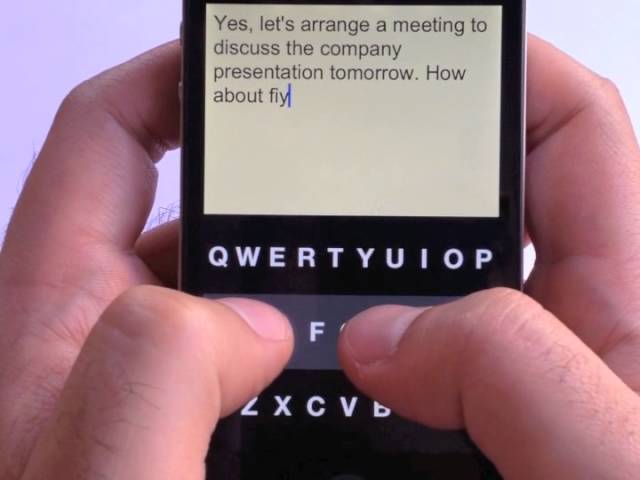
Blind? Then you’re most likely reading this post on an iOS device, because no other platform has quite the same great level of accessibility options built-in. But that still doesn’t help you when you want to write (unless using Voiceover to find the individual keys is your thing). But I bring good news! Fleksy is a new app which takes predictive text to a ridiculous new level.
As usual, Lonelysandwich (aka. Adam Lisagor)’s video is hilarious and makes you want to buy the product right away (remember the Jambox?). Checkmark is a soon-to-be-released iPhone app which makes setting (and forgetting – for now) location-based reminders easy, and effective.
Sick of forgetting to pick up that [insert household item here] every damn time you visit the grocery store? You need Checkmark.
With the right apps, the iPad and iPhone are the best tools available for small businesses.
Much of the discussion about the iPhone and iPad in business focuses on larger enterprise companies and organizations. While the devices are clearly have a lot to offer in the big business arena, the iPhone and iPad are also excellent tools for smaller companies. The versatility of iOS devices, the iPad in particular, lets small business owners perform many crucial tasks like tracking expenses, generating invoices, and planning new projects quickly and easily from a single device.
The App Store is full of apps that can help launch, manage, and grow a business of any size. Many business apps useful to small business are fairly well-known. Square’s mobile payment system (and PayPal’s competing solutions) get a fair amount of coverage in mainstream and tech media stories, for example. There are, however, many great apps for small business users in the App Store that don’t get that kind of publicity.
If you’re a small business owner (or employee), here are ten amazing apps that you may not know about which can help you run your business more easily and efficiently.
Hold onto your Mac and iOS app updates for the time being, because they're likely to break your apps.
An issue with Apple’s App Store and Mac App Store is causing newly-updated Mac and iOS apps to become nonfunctional. Users are reporting that after updating certain apps, they no longer load, but simply crash at the startup screen. It is advised that users avoid updating any of their software until the issue is fixed.
You may occasionally wonder why Apple allows so much crap into the App Store. Despite there being thousands of excellent apps, hundreds of thousands of apps in the App Store’s 600,000+ catalog are worthless pieces or junk and/or knockoffs. Apps often slip into the store that should have never been allowed in the first place, and Apple has to pull the offending app after everyone else takes notice.
Apple employs a small group of people to approve each app that is submitted to the App Store. Mike Lee, a former senior engineer at Apple, has shed some light on what life is like for the people who guard the gateway to the largest and most vibrant app ecosystem in existence.
Finally! Sure, we use that word far too often, but for the iCade Mobile, the physical D-Pad game controller for the iPhone and iPod touch, it seems somewhat appropriate. After what seems like years in development, and months since we saw it at CES, the iCade is finally available to buy at everybody’s favorite nerd-o-rama, ThinkGeek.
B&W is all about impact. And scary dogs, it seems.
If you have any interest in shooting black and white photos with your iPhone, you probably already have Hueless, the excellent colorblind photo app. If not, now is a great time to get it, as the latest 1.1 update brings some neat new features.
Why bother writing weird love-letters to serial killers when you can send them photos of your children instead?
Here’s the typical course of a couple of world-changing new technologies:
Printing press. Steve Guttenberg created the moveable type press back in around 1400, shortly after the invention of beatboxing. At first it disrupted the monks' monopoly illuminated manuscripts (books with built-in reading lights), then came the pulp paperback, then comic books, and then people started typing letters to prison inmates.
Postcard. This innocent vacation staple was introduced in the 1800s. It’s a letter without an envelope which can be read by anybody as it travels from sender to recipient, and in this way was the inspiration for the inventors of email. Later, it was used to mail contest answers into Saturday morning TV shows, and in England a smutty variety emerged which is still available today. Then people started sending postcards to prison inmates.
Today, we have the iPhone. I’ll skip the last five years of its history and arrive at today. Now, people can send paper postcards to prison inmates using their iPhones.
After a day of dumb product names (Adixxion, Shoqbox), I’m glad to be able to bring you an app named Mc Loud. You’ll see how clever that name is when I tell you what it does: Mc Loud streams music and movies direct from your Dropbox account.
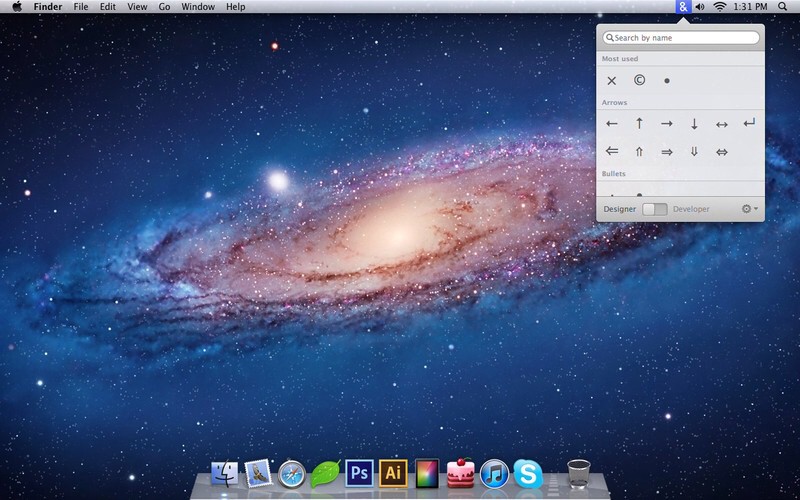
Characters helps out with those hard-to-find, ah, characters.
As a tech writer, I know that pressing Option-Y on my keyboard will give me a ¥ symbol, and that Option-K will add a little degree circle˚ to my article. I even know how to add umlauts (handy for death mëtal band names – just press Option-U and then type a letter) and accents (good for clichés – like an umlaut but using Option-E).
But what about the Apple logo, the copyright symbol, or any of those other essential but seldom used characters? That’s what Characters is for.
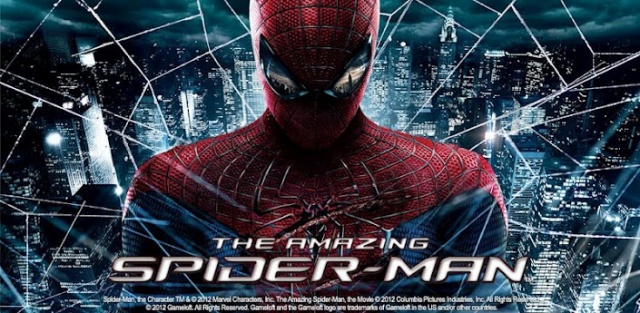
Gameloft promised a June 28th launch for their Amazing Spider-Man mobile game, and sure enough, it’s now available. If you’d like to get your web slinging on, it’ll cost you $6.99 — a price I was fully expecting from Gameloft. The game is available now on Android and iOS and features:
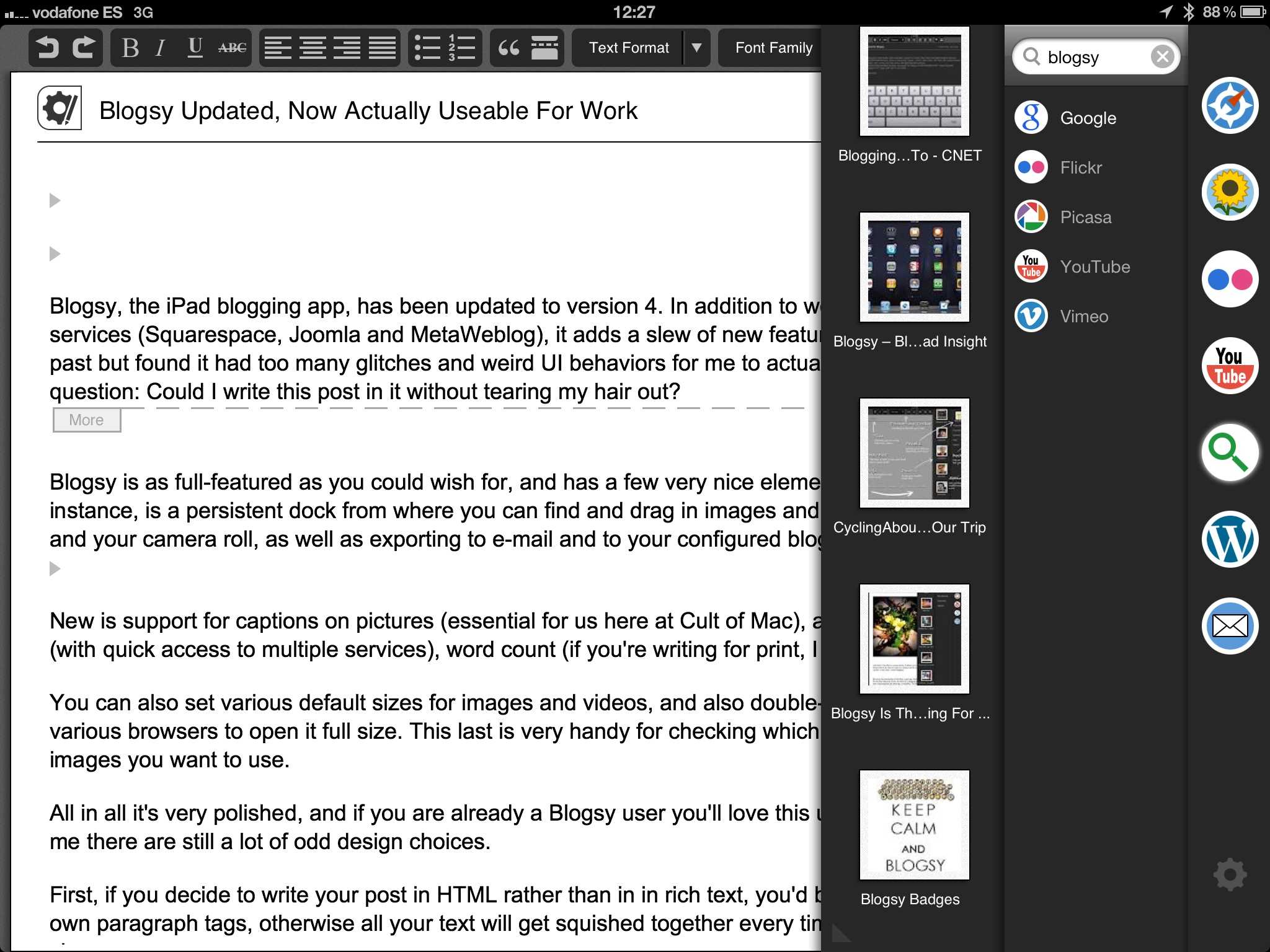
Blogsy, the iPad blogging app, has been updated to version 4. In addition to working with a few new blogging services (Squarespace, Joomla and MetaWeblog), it adds a slew of new features. I have used Bloggsy in the past but found it had too many glitches and weird UI behaviors for me to actually work with it, so I had one question: Could I write this post in it without tearing my hair out?
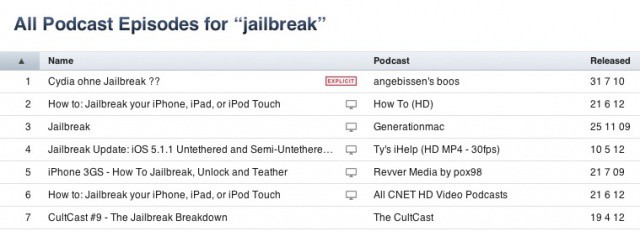
Apple no longer considers the word "jailbreak" an expletive.
Remember when someone in the Apple camp let their censoring powers go to their head back in May, and they began censoring the word “jailbreak” across music, movies, apps, and podcasts? It didn’t take the Cupertino company too long to backtrack, and it removed the censor almost entirely just hours later.
I say almost before for podcasts, the word was still considered an expletive — until this morning, when Apple removed the censor completely. Finally.
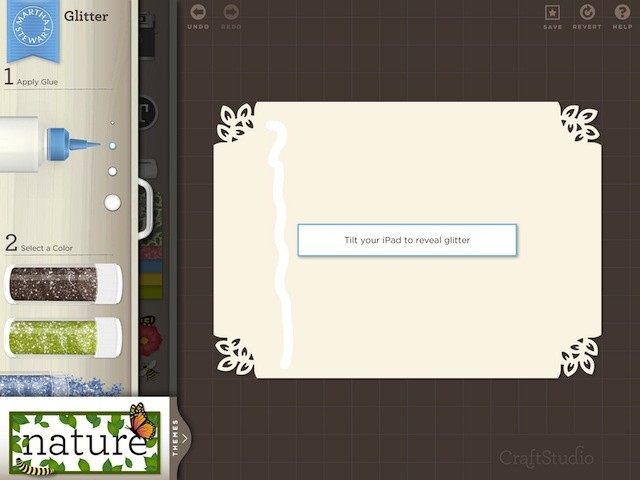
However dramatic the stories about her extra-curricular activities and personality are, Martha Stewart remains the undisputed queen of crafts.
But the last time I did anything crafty was back in high school when I ditched three periods and headed for the beach — so I wasn’t horribly enthusiastic when Martha Stewart CraftStudio popped up on our radar. Color me shocked though, because it’s pretty darn awesome — especially for kids, and people who actually know what they’re doing.
It seems that my whining prayers for native iPad photo apps have started to answered by the developing gods. And how! MiniatureCam is not only an iPad-specific tilt-shift app, it is fantastically designed, too.