Nightmare fuel, courtesy of Face Swap Live. Photo: Face Swap Live
Tis the season for playing around with weird iOS apps with your friends and family, and boy, do we have a doozy for you. It’s called Face Swap Live, and it does exactly what it says on the tin.
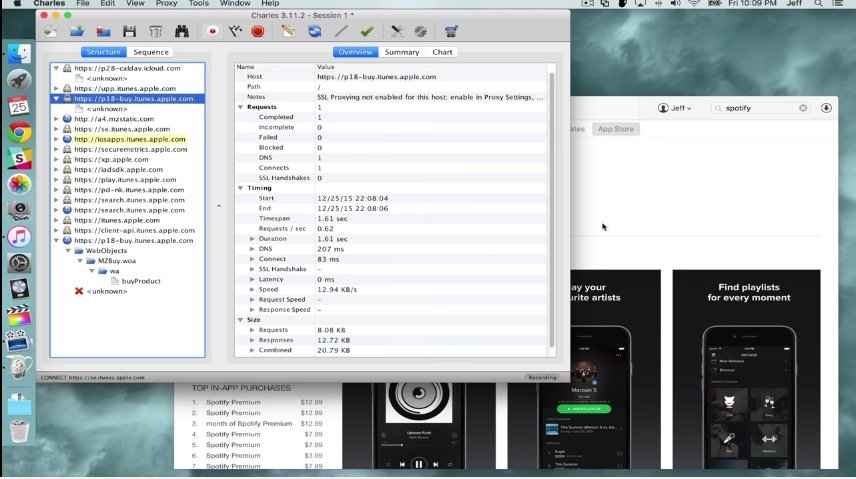
It's not easy, but you can restore old versions of apps on iOS. Photo: Jeff Benjamin
Usually, an app update is a good thing. But sometimes, things go wrong: An update does the opposite of what you expect it to do. In that scenario, you want to roll your apps back, but unfortunately, at least on the iOS and Mac App Stores, Apple makes that seemingly impossible.
But it isn’t impossible — just a little tricky. Here’s how to roll your iOS apps back to an older version when things go wrong.
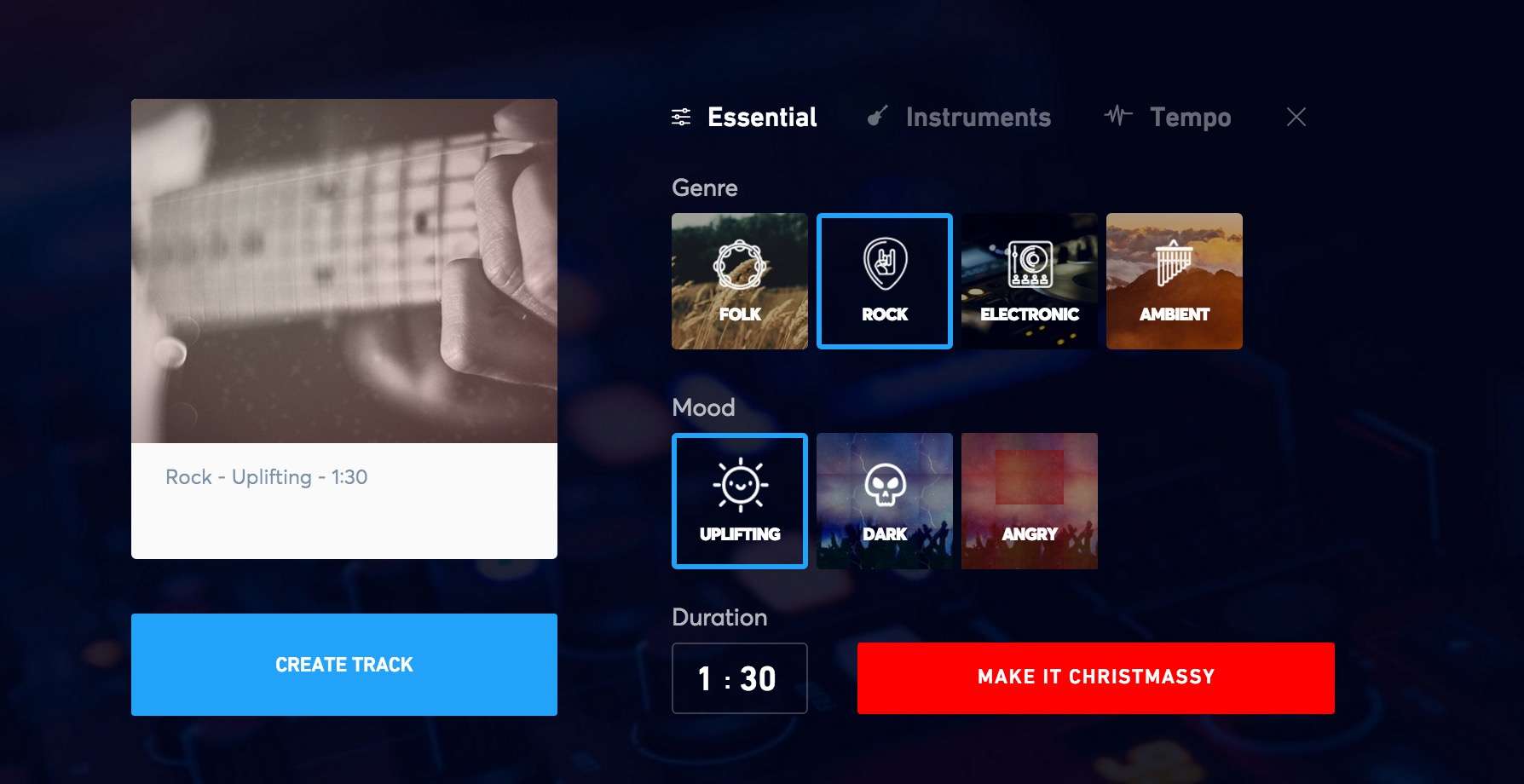
Make any kind of music you like, at any tempo and to any length. Photo: Jukedeck
I just made three custom, royalty-free soundtracks using nothing more than a website and my Mac. I’ll be able to use these in any video project I like. This is some super-simple music making; if you make videos that need music, you’ll want to check this out.
Jukedeck Make is an amazing online tool for making basic soundtracks using artificial intelligence. A team of experts in machine learning, music composition and audio production came together around this system, initially conceived of and built by a couple of classmates from Cambridge University.
If you're appy and you know it, check our list! Photo: Cult of Mac
From a photography app with a difference to a math training app with human curation and a fantastic classic iOS puzzle game going free, we’ve sifted through this week’s most exciting apps to bring you the ones you absolutely need to download now.
Check out our picks below. Trust us, this is the way you want to spend Sunday!
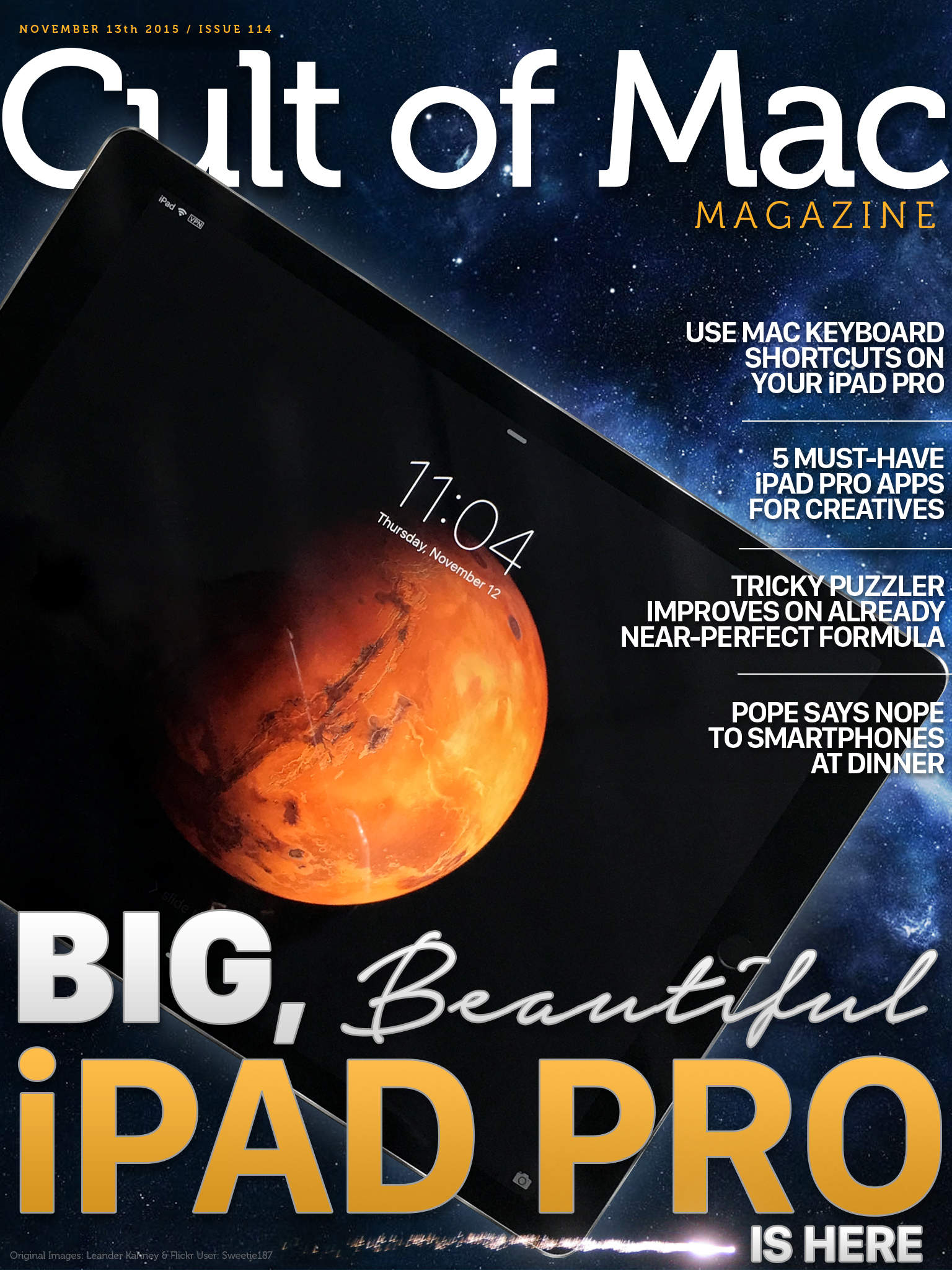
Size does matter. Cover Design: Stephen Smith/Cult of Mac
We’ve gotten our happy little hands on the gorgeous, huge new iPad Pro, and we’ve got first impressions of the next-gen post-PC Apple tablet right here.
Plus, some Mac-like keyboard shortcuts for your new friend, must-have iPad Pro apps for creative types, a review of The Room Three (a fantastic puzzler in the App Store), and a check-in with Pope Francis, who wants us all to spend time with each other at the dinner table.
So check out all that and a bunch more in this week’s Cult of Mac Magazine, the best slice of Apple news and info this side of Cupertino. Be sure to get your own copy today.
The Aurora Borealis over the Atlantic Ocean as seen from the International Space Station Photo: Jetson Creative
I’ve always wanted to go into space. The now-familiar view of our “big blue marble” have always fascinated and entranced me, even as a young boy.
With Earthlapse TV, I can stare out of a virtual window from the International Space Station to watch the coast of Northern Australia spin past my high viewpoint, see the aurora borealis as it shimmers above the northern hemisphere, or watch as the world turns from London to Africa beneath my gaze.
This is a gorgeous app and a perfect fit for the big-screen TV in my living room.
Facebook's chief product officer has had enough of workers preferring the iPhone. Photo: Killian Bell/Cult of AndroidFacebook’s chief product officer has had enough of workers preferring the iPhone. Photo: Killian Bell/Cult of Android
Facebook has a problem of iPhone love: too many of its employees prefer Apple’s device when given the chance between an iPhone and Android smartphone. This means that up until now, far less workers have been able to truly live in an Android environment where they can identify bugs within Facebook and fix them. Now, the chief product officer is changing that by ordering some employees to switch to Android.
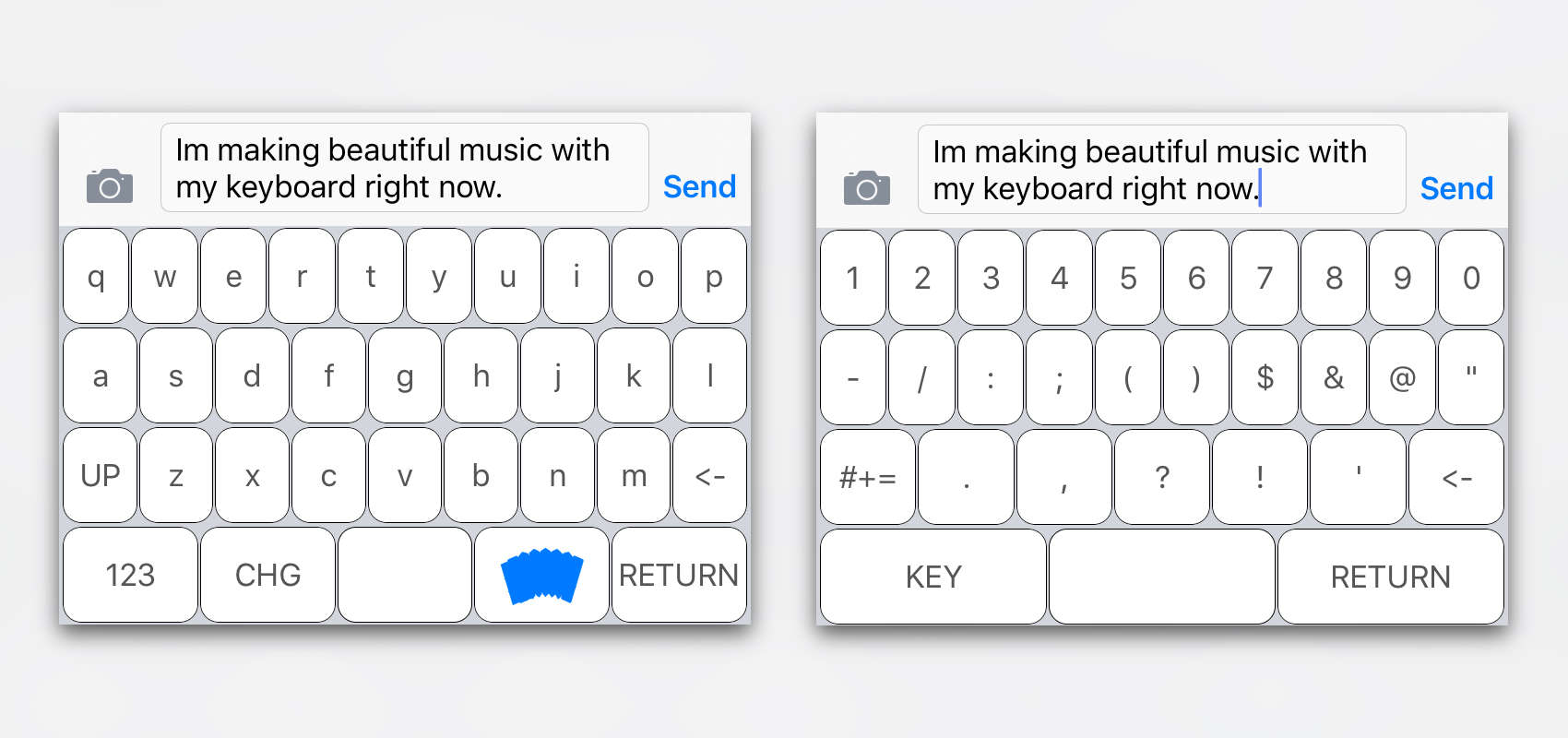
Typing "LOL" and "WTF" has never been so melodious. Photo: SoundKey
SoundKey is a clever keyboard app that plays instruments as you type to create melodies from your words.
Developed by two French students who wanted to incorporate music directly into people’s daily use of the iPhone, it’s an unusual twist on the custom iOS keyboards we’ve come to know and love.
'Appy weekend everyone! Photo: Ste Smith/Cult of Mac
The weekend’s already half way over but, fear not, Cult of Mac is here to fill you in on the week’s best apps.
In addition to great gadget-hunting and photo sharing apps, we’ve picked out some great games from the past seven days. Check out our suggestions below. You won’t regret it!
Even more magic than you expected, right? Cover Design: Stephen Smith/Cult of Mac
Happy weekend, everyone! We’ve got another insane issue of Cult of Mac Magazine for you this week, full of details on Apple’s new iMac, Magic peripherals, the best updates in iWork’s new update, fresh how-tos, product reviews, and a sad goodbye to one of Apple’s ultimate fans.
Somehow it’s already half-way through the weekend, but there’s still time to check out the hottest apps to have arrived in the App Store as of late!
This week, we’ve selected a broad range of topics — from emergency alerts everyone should have installed on their iOS devices, to a fun photo app, and some truly immersive puzzle games. Check out our picks below.
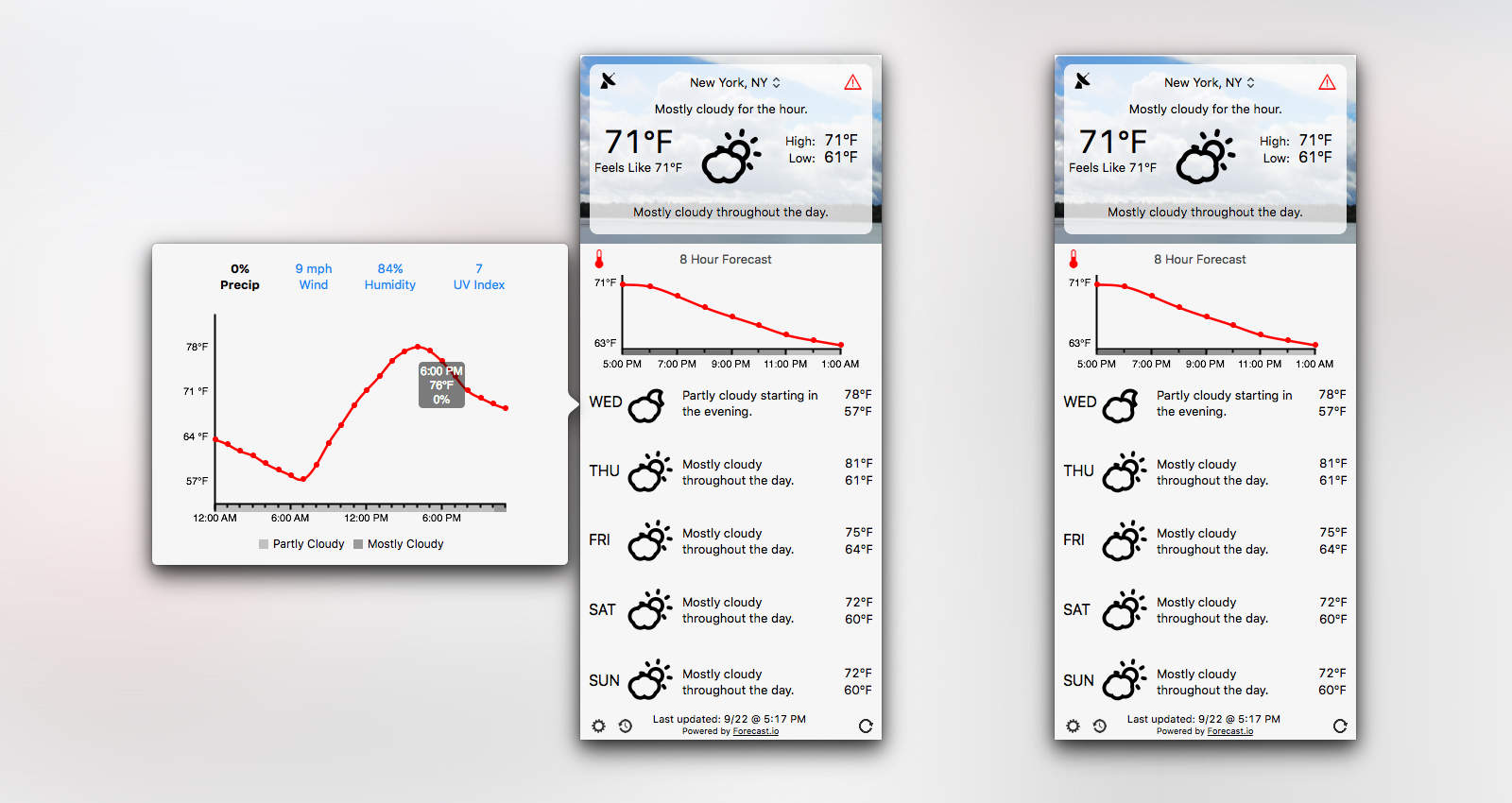
Forecast Bar brings loads of weather data your Mac's menu bar. Photo: Forecast Bar
Forecast Bar brings all the features you love about awesome weather app Dark Sky to a Mac app. Not only does it look similar to Dark Sky, but it’s powered by the same Forecast API, which means you’re getting the same accurate weather predictions.
Forecast Bar also works the way you want it to. Keep it in the menu bar or let it sit in your Dock. Enable certain notifications and display a three-day, five-day or seven-day forecast — up to you. With its detailed weather and range of customization options, it should very quickly take your Mac by storm.
False versions of Xcode may have gotten into your apps; here's how to fix the problem. Photo: Apple
Apple has now been affected by the worst security snafu in iOS history when it found that hundreds of apps, mostly in the Chinese App Store, have malicious code in them, called “XcodeGhost.”
Apple’s pulled the affected apps from the App Store to contain the security breach, but you’ll still need to take a few more steps to make sure your iOS devices aren’t affected. Here’s what you need to do.
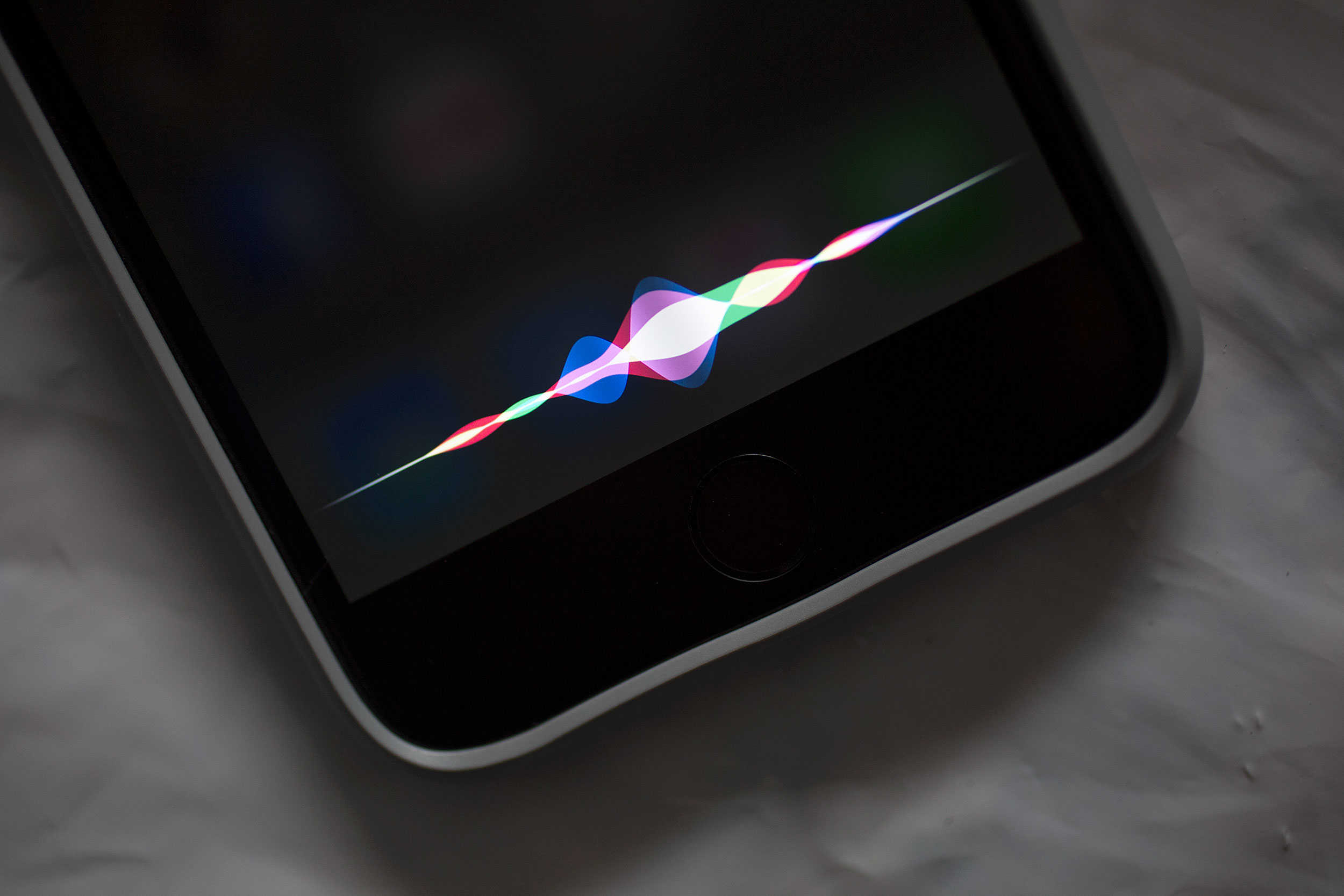
"Hey Siri, which iOS 9 apps should I download?" Photo: Jim Merithew/Cult of Mac
iOS 9 is out and, unsurprisingly, app developers are springing to take advantage of its new features.
There are already too many to provide a fully comprehensive list of every iOS 9-optimized app out there, but we’ve pulled together a selection of some of the best — to give you a test drive of some of the best features of Apple’s latest mobile OS.
Have you ever found yourself staring at the Netflix or Amazon Prime Video screen on your TV, or drooling a bit while you page through the Redbox screens at a red kiosk near you?
It’s frustrating, especially when you’re always hearing about movies that you must see right now, but can’t seem to remember when you’re on the couch (or sofa, get it?) with a remote in hand.
The developers of Sofa have you covered, though, with a new app aimed at helping you find and track all those flicks you haven’t seen, but want to.
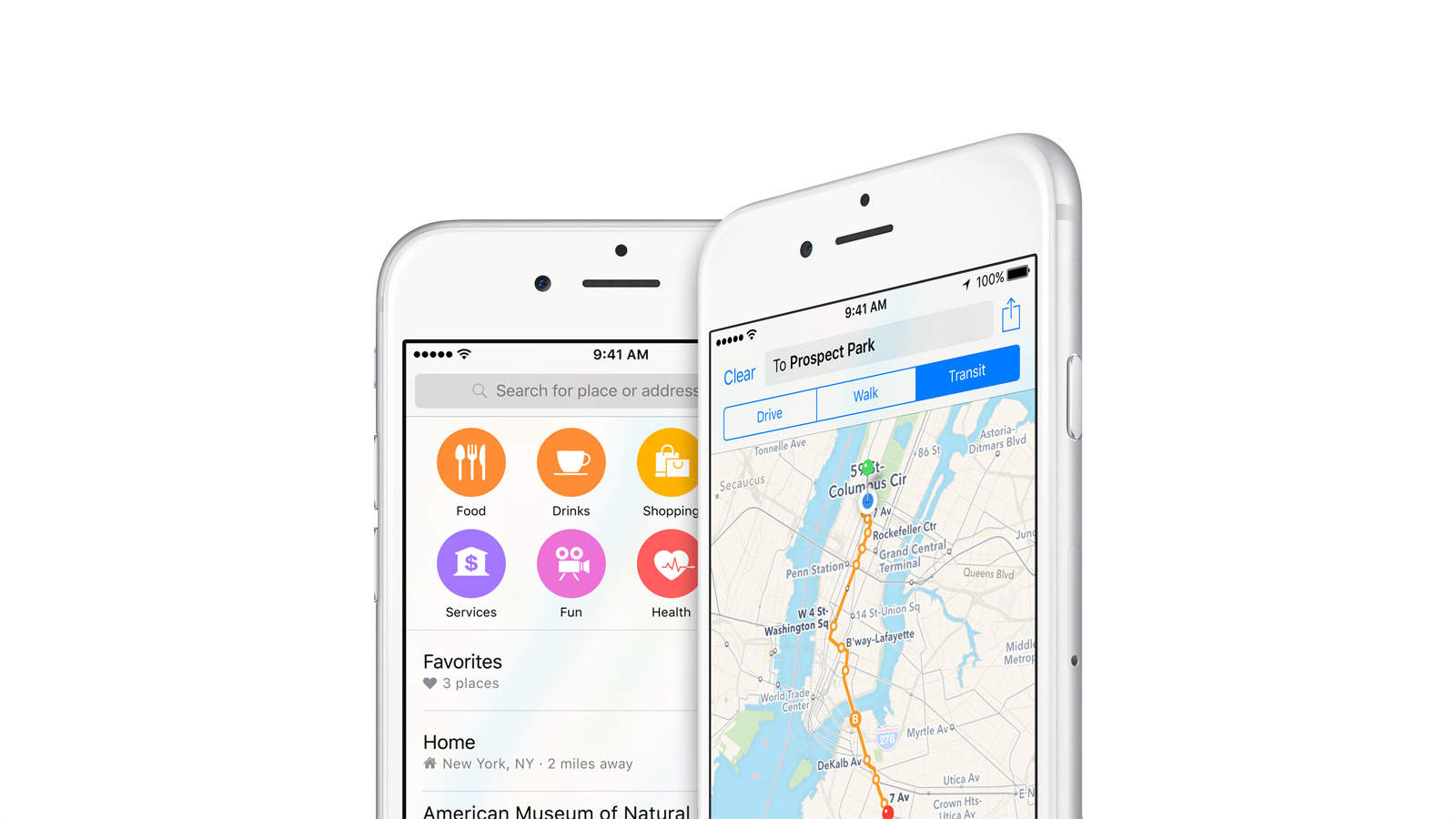
With Transit coming in iOS 9, HopStop doesn't need to exist anymore. Photo: Apple
It looks like HopStop is doing the walk of shame back from Apple’s apartment. The city transit mapping service is shutting down as of this October. Apple acquired HopStop in 2013 and seems to have used up just about all of the data it wants for its own Maps app, so the folks in Cupertino have apparently moved on.
'Appy weekend everyone! Photo: Ste Smith/Cult of Mac
The weekend lasts a way-too-quick 48 hours, so it’s essential that you don’t waste time downloading the wrong app.
Fortunately, Cult of Mac is here to fill you in on the best pieces of mobile software to hit the App Store as of late. From a photo-app-with-a-difference to a fantastic new Star Wars title, we’ve got you covered whatever your interests.
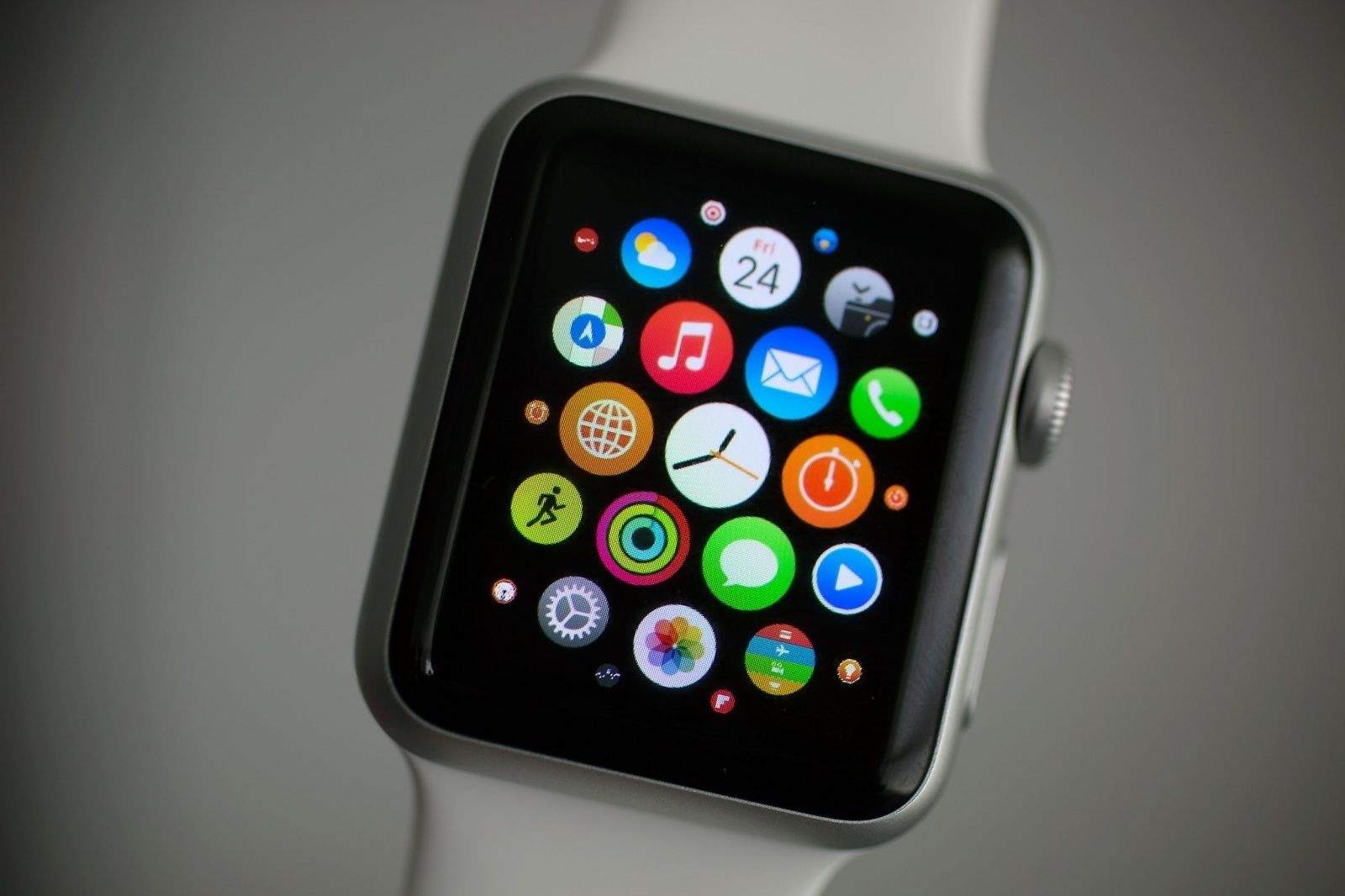
Developers have been showing the Apple Watch some extra love lately. Photo: Jim Merithew/Cult of Mac
Though there aren’t any specific numbers on Apple Watch units sold up until this point, we do have some exciting statistics on how many apps are available for watchOS. It turns out that ahead of the watchOS 2 public release, developers have shown significant interest in the platform. They’ve contributed an impressive 11,469 Watch apps to the App Store and counting, but growth has particularly taken off in recent months.
Tons of new apps are coming to the next-gen Apple TV. Photo: Jim Merithew/Cult of Mac
We’ve all been focusing on games as the killer apps for a new Apple TV reveal tomorrow at the Bill Graham Civic Auditorium, but even regular apps could bring Apple the audience it wants as it tries to leapfrog competitors like Chromecast and Roku with features that the other guys just don’t have (yet).
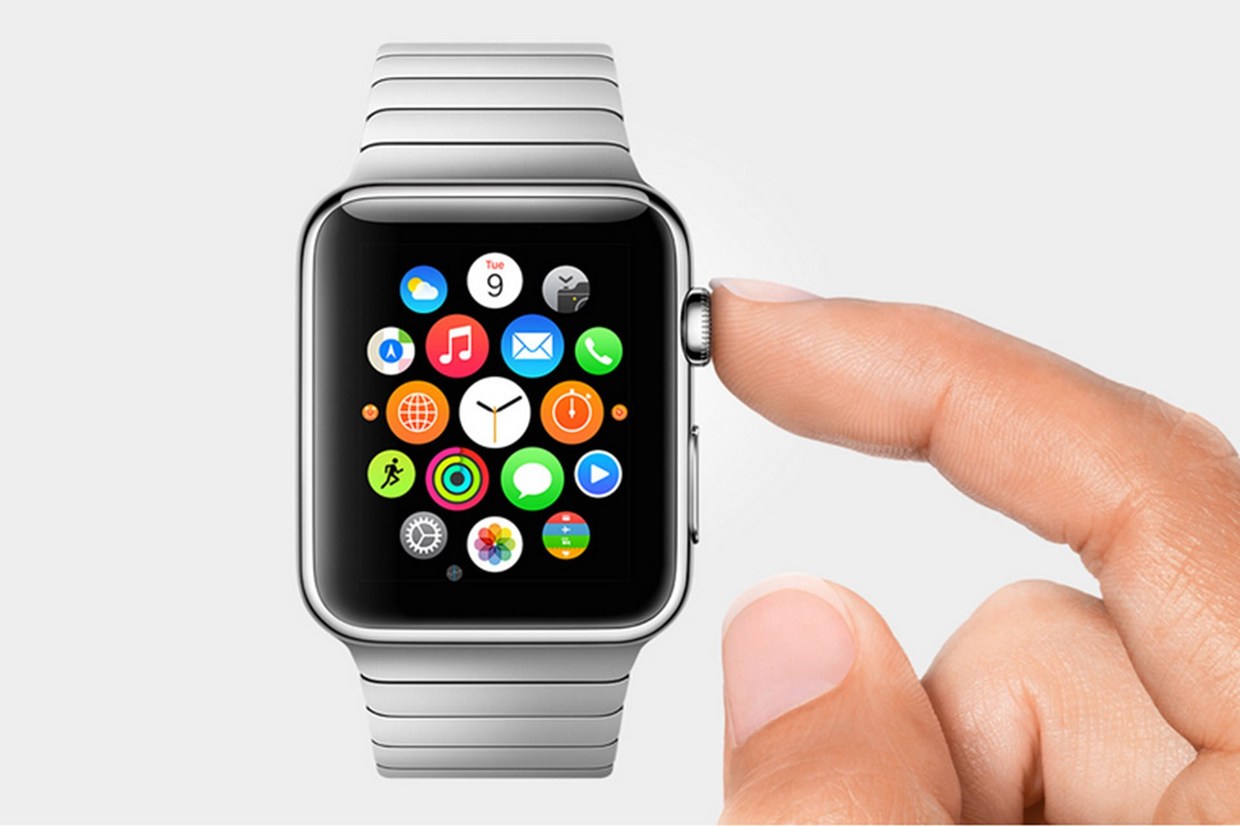
The Apple Watch sure is a versatile device. Photo: Apple
Unlike many previous must-have tech gadgets, the Apple Watch doesn’t just have one killer app — but many. So what exactly do owners use their Watch for then, and how does this stack up against Apple’s stated goals for the device?
A new survey released by analysts at Wristly charts the usage of around 2,000 Apple Watch owners, and reveals a few intriguing insights into the most and least popular uses for Apple’s debut wearable device.
The conclusions? Checking the time and monitoring activity = Hot. Using it as a next-gen communication device = Not.
Saturday? More like App-aday, amirite? (I'm sorry about this.) Photo: Ste Smith/Cult of Mac
The weekend is short enough as it is, and Cult of Mac knows you don’t want to spend it searching through the App Store for the best apps you might have missed over the past week.
Whether you’re after wacky bread-related games for your iPhone, video chatting tools for your iPad, or or a nifty travel-related messaging service for your Apple Watch, we’ve dutifully combed through the best offerings of the past 7 days to find something for everyone.
Have an 'appy weekend. Photo: Ste Smith/Cult of Mac
From undersea virtual reality to a great Mac Instagram client, there have been plenty of interesting apps that have hit the App Store in the past seven days. But which ones to download this weekend?
Thankfully, Cult of Mac is here to help guide you through the best apps of the week. Check below to see our picks:
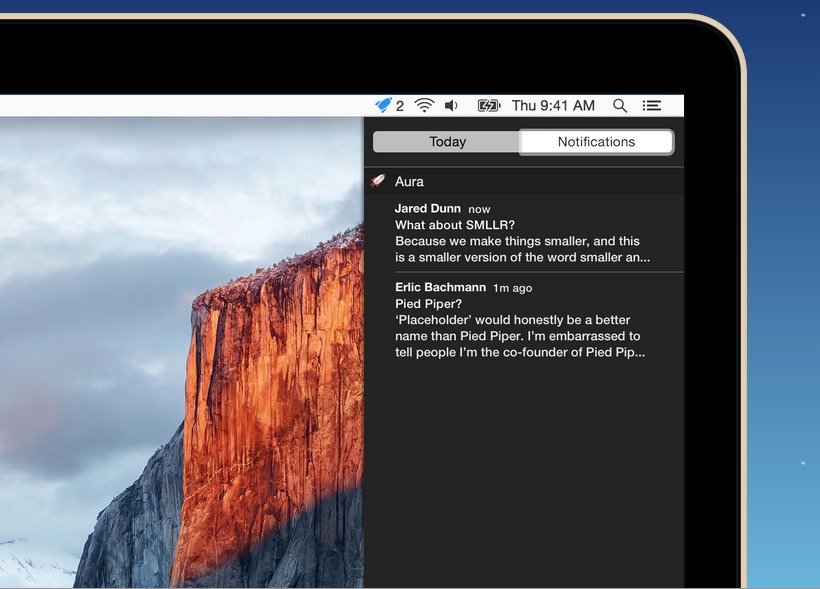
You can use Gmail's web app and get Notifications in OS X with Aura. Photo: Cross Coded
If you use Gmail – and let’s face it, most of us do – one of the biggest draws of using an external app, like OS X Mail, is being able to get Notifications when new emails arrive. Unfortunately, many email apps don’t support Gmail’s best features natively, like labeling, search or automatically filtered inboxes.
If you’d like to get Notifications when a new Gmail comes in, but continue to use the Gmail web app instead of a dedicated client, here’s how.
The new Alchemy synthesizer is center-stage in today's updates to Logic Pro X and MainStage 3. Photo: Apple
Apple released updates today for Logic Pro X and MainStage 3, adding a famous synthesizer and other fun goodies. This synthesizer, called Alchemy, for the most part isn’t an Apple original – it was previously an award-winning piece of software from Camel Audio, which Apple acquired at the beginning of the year. Now it has officially resurfaced in Apple’s professional audio apps.