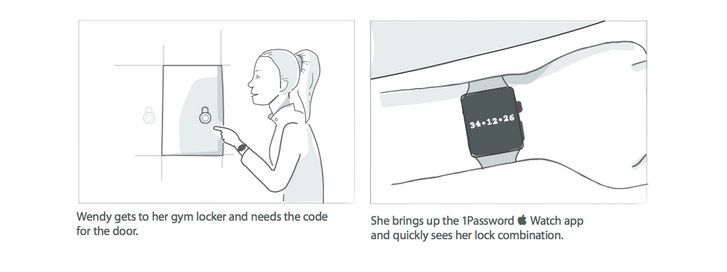
Here's how 1Password will work on your Apple Watch. Photo: AgileBits
Today, 1Password developer AgileBits announced that their popular iOS password management app, 1Password, has been updated to the Apple Watch. But 1Password could even be cooler in the updates that follow.
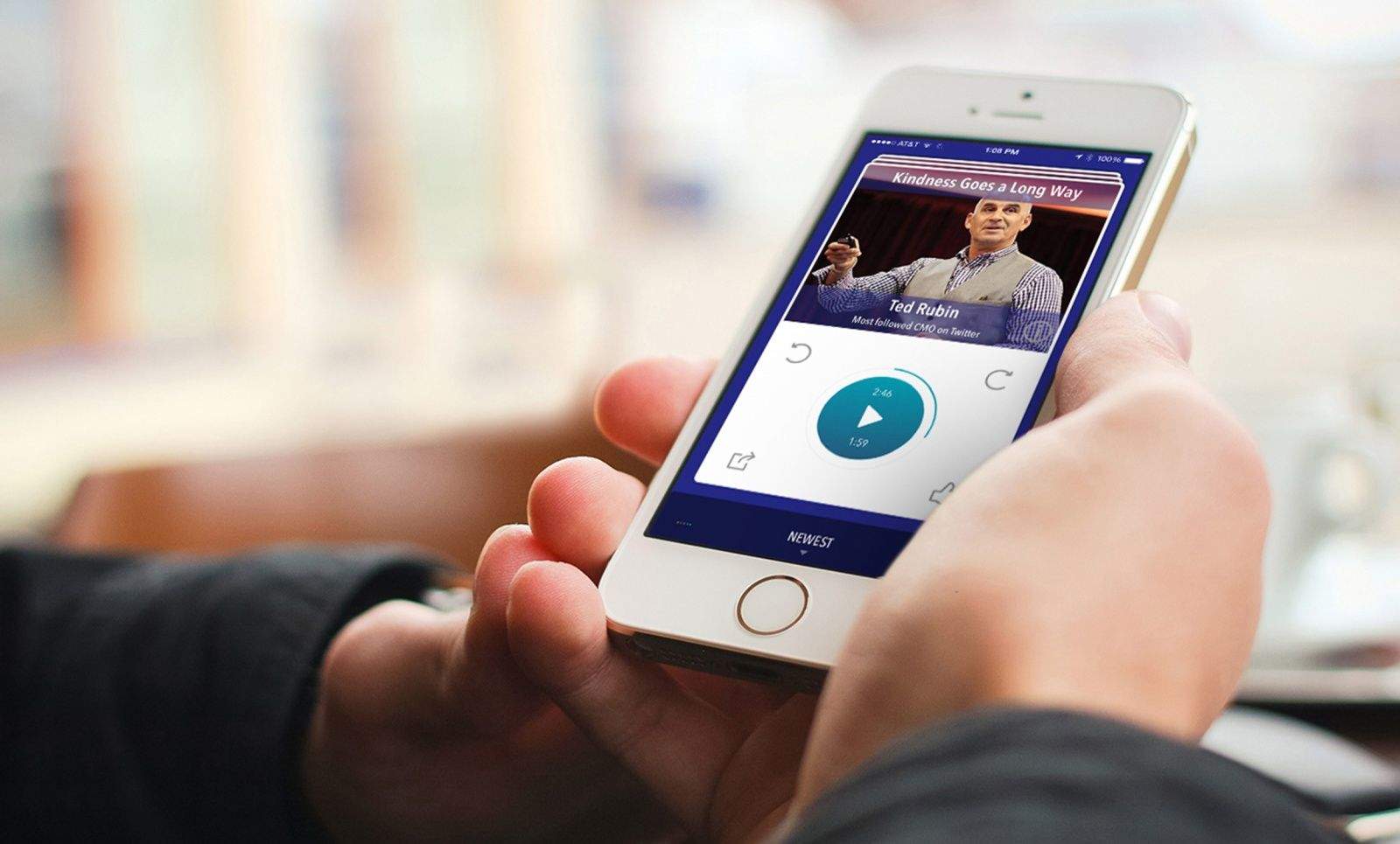
Advice from some of the leading thought and business gurus are available with the Audvisor app. Photo: Audvisor
There are self-help books and expensive seminars that can give powerful inspiration to raise your career profile, be a better leader or grow your business.
Then there’s the free app that could potentially be a game-changer in less than three minutes.
The ambitious can gain bits of advice from more than 100 corporate gurus, best-selling authors and motivational speakers with Audvisor, a library of curated expertise brought to IOS and Android users in short audio clips.
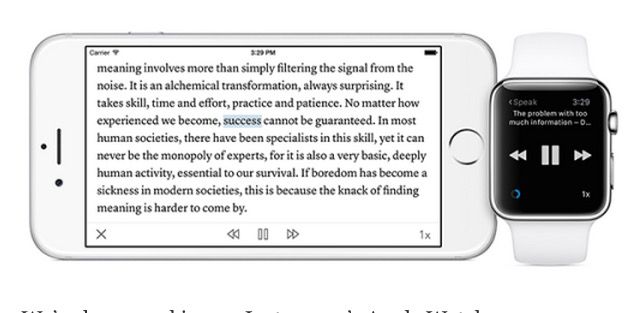
Instapaper for Apple Watch lets Siri read to you. Photo: Betaworks
The Apple Watch may be good at telling you how healthy you are, tracking your steps, propelling you to move, and reminding you of upcoming appoints, but conventional wisdom says it’s rubbish for reading. The 38mm and 42mm screens are just too tiny to read anything more than a sentence or two long on, and certainly not any longreads.
So on paper (no pun intended), Instapaper for Apple Watch is a terrible idea. Amazingly, though, it looks like the Instapaper team at Betaworks has made it work.
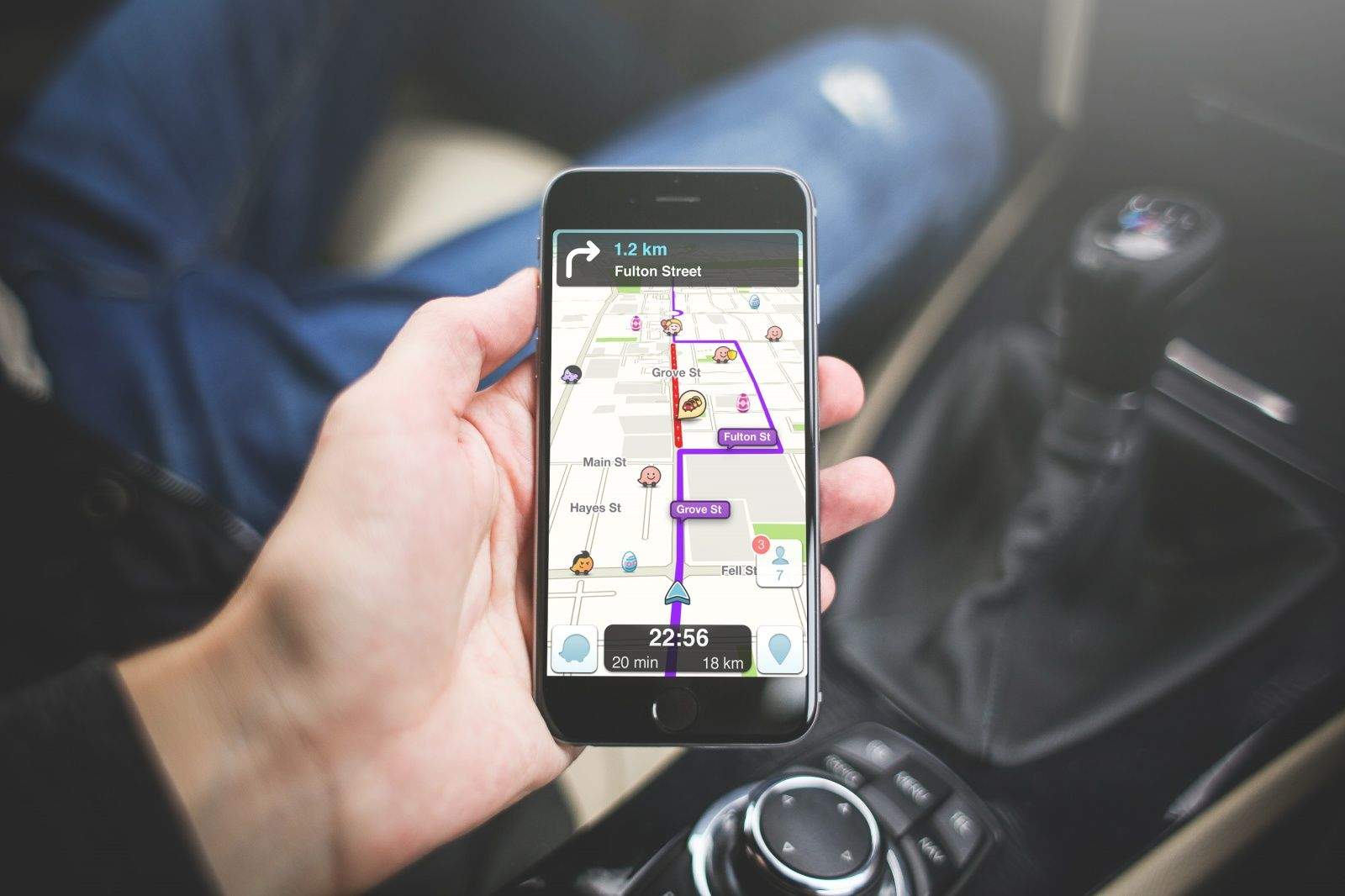
Need to gamify your ride? Waze has you covered. Photo remix: Stephen Smith/Cult of Mac
Crowd-sourced navigation app Waze has got a neat little idea for this coming Easter: little eggs you can drive over while using the app for points (three per egg!) and bragging rights.
So, as you drive down the street, headed to the grocery or picking up the kids, you can maximize your route to get as many egg points as possible.
This fun little promotion is happening now (it started last week) and will last through April 5.
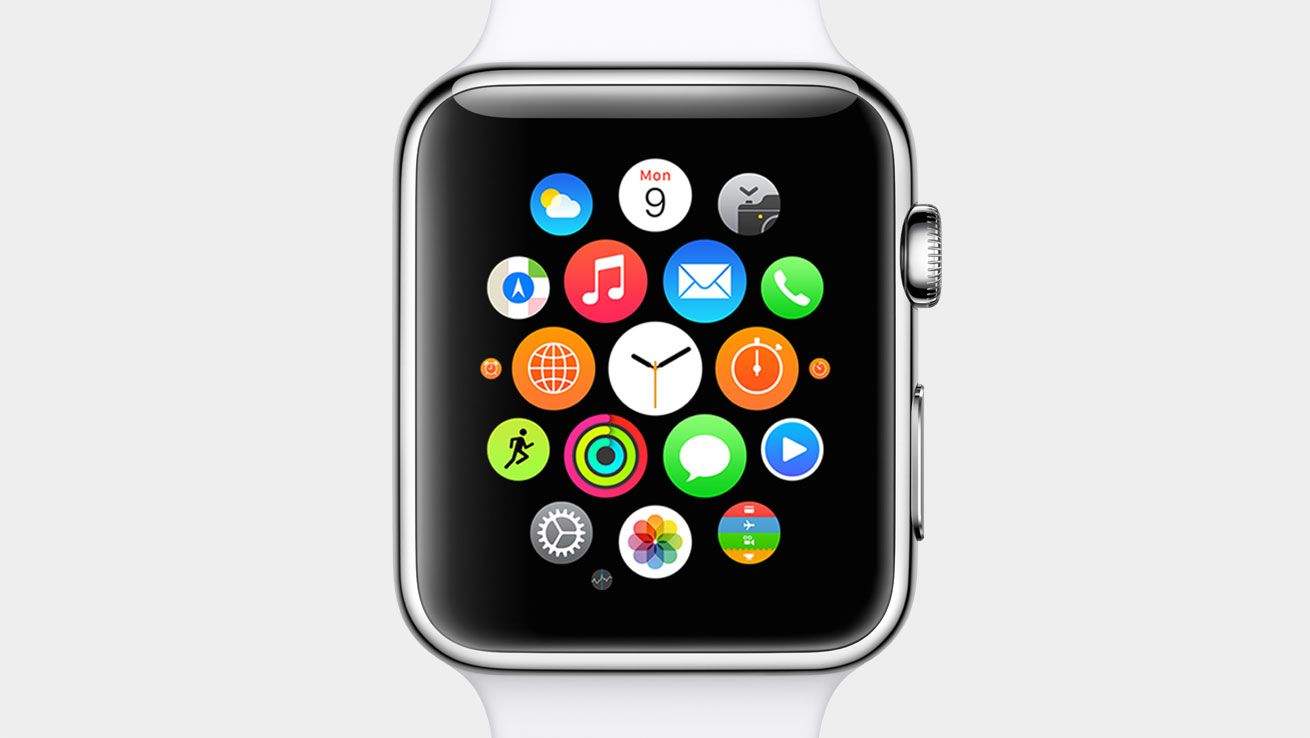
Apple Watch apps are ready for your wrist. Photo: Apple
Apple Stores won’t have the Apple Watch on display for a few weeks, but anyone eager to see what the world of wrist apps will offer can already download them to their iPhone.
The first wave of Apple Watch-supported apps started hitting iTunes today, with big names like Target, Evernote, WeChat and Expedia being some of the first out of the gate. You can’t actually use the Apple Watch functionality on the apps yet (unless Tim Cook hooked you up with an early unit), but you can get an early glimpse of how some apps will dramatically change your life.
Here are some of the first Apple Watch apps you can download and their features:
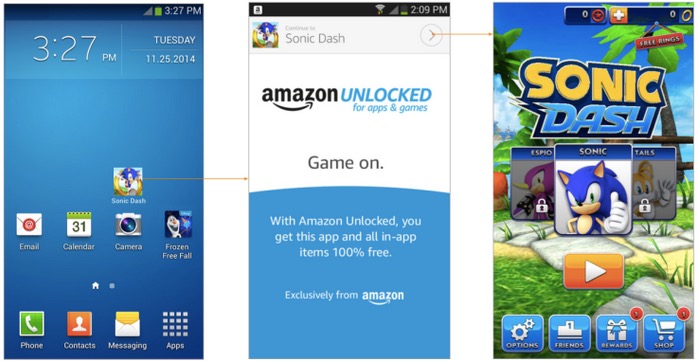
Amazon is preparing a new app service for Android. It’s called Unlocked, and think of it as free Amazon Prime for apps. But there’s a catch. Apps that are given freely can also be taken away again.
What will make or break the Apple Watch for most people isn’t a fancy band or the feel of the Digital Crown. It will be the apps they can use.
And after today’s Spring Forward event, it looks like a lot of apps will be ready for Watch on day one.
There won’t be an App Store on the Watch itself, but you’ll be able to install apps directly from a special section of the App Store on a paired iPhone. Here are what the hottest third-party Watch apps will look like, including ones Apple isn’t showing off on its site:
Apple and IBM’s partnership to bring iOS apps into the workplace produced 10 apps last year. Today at Mobile World Congress, IBM announced that it is launching three more MobileFirst apps aimed at the banking, airline, and retail industries.
The three new iOS apps are available for deployment and customization starting today. The apps are part of Tim Cook’s initiative to change the way people work by giving companies access to high-quality iOS apps. IBM says its clients for the MobileFirst apps include American Eagle Outfitters, Sprint, Air Canada, Banorte, and more than 50 others.
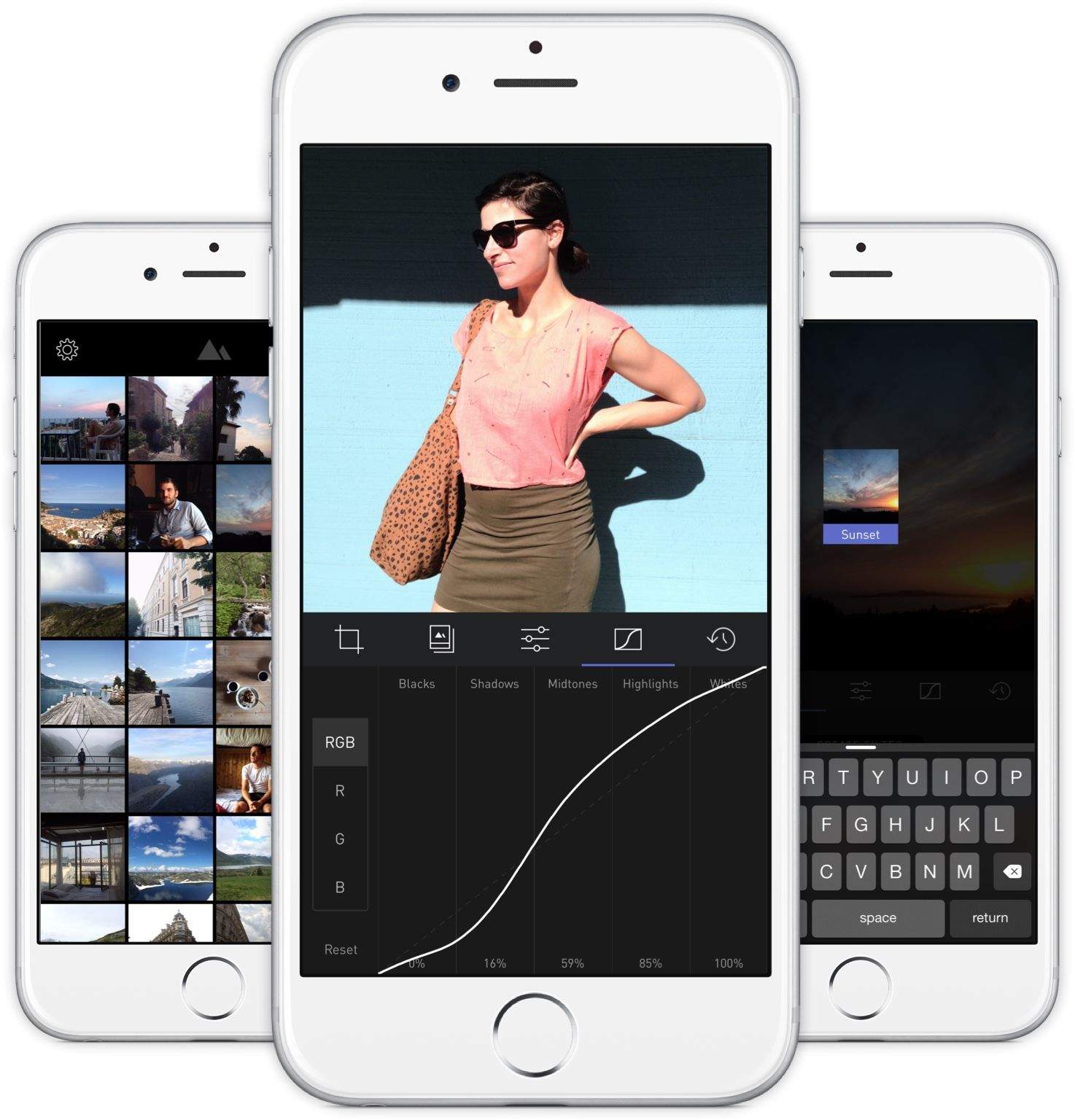
We compared Darkroom to having Adobe Lightroom on your iPhone in our full review, and it’s not hard to understand why Apple featured it on the front of the App Store.
If you’re looking for an excellent, full-featured photo editor for iOS that can let you make your own filters, this is the ticket.
Adobe’s Lightroom app for iOS is actually pretty good, but you have to pay for a Creative Cloud subscription to use it.
What if you could have the power of an editing suite like Lightroom without all of the extra fuss? You want just one app for editing pictures on the go, but it needs to be easy to use and full featured.
Enter Darkroom, the hottest new photography app for iPhone.
Since the App Store’s debut in 2008, apps have never been able to be larger than 2GB. Today that changes.
Apple has notified third-party developers that they can now submit apps that are a max of 4GB in size. The change reflects the needs certain apps, namely games, have for larger file sizes as iOS becomes a more mature platform.
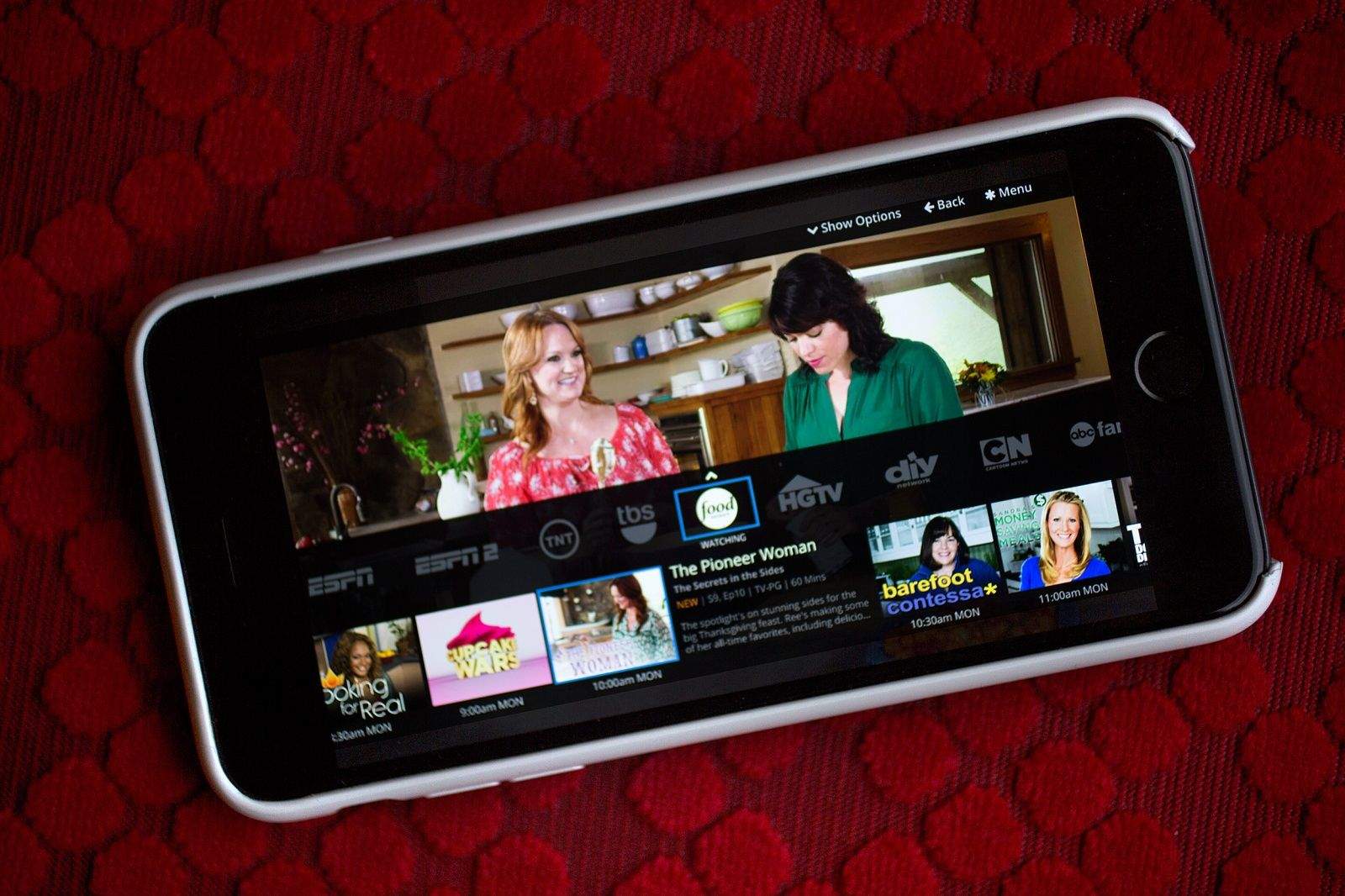
Sling television interface. Photo: Jim Merithew/Cult of Mac Photo: Jim Merithew/Cult of Mac
Sling TV — the Dish-owned streaming service that does for cable what Netflix did for video tentals — has just announced that it is opening its door to the general public. And if the cable stations it currently has on offer don’t entice you to sign up for its $20 per month subscription, well, some more channels are coming down the pipeline soon.
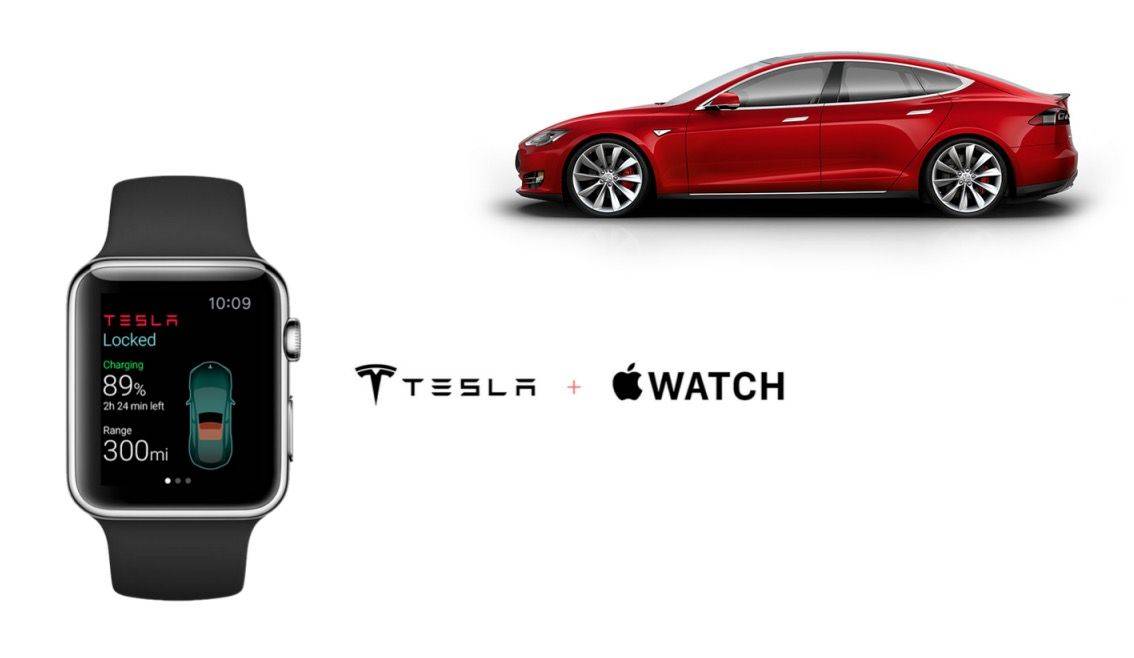
The makers of this Tesla app were frustrated by the Apple Watch's lack of capability. Photo: Eleks Labs
When the first iPhone came out in 2007, third-party apps were limited affairs: glorified web apps without a lot of access to the iPhone’s more advanced functionality. According to a new blog post from Eleks Labs, a developer working on an Apple Wacth Tesla app, the same could be true of third-party Apple Watch apps when the wearable launches in April.
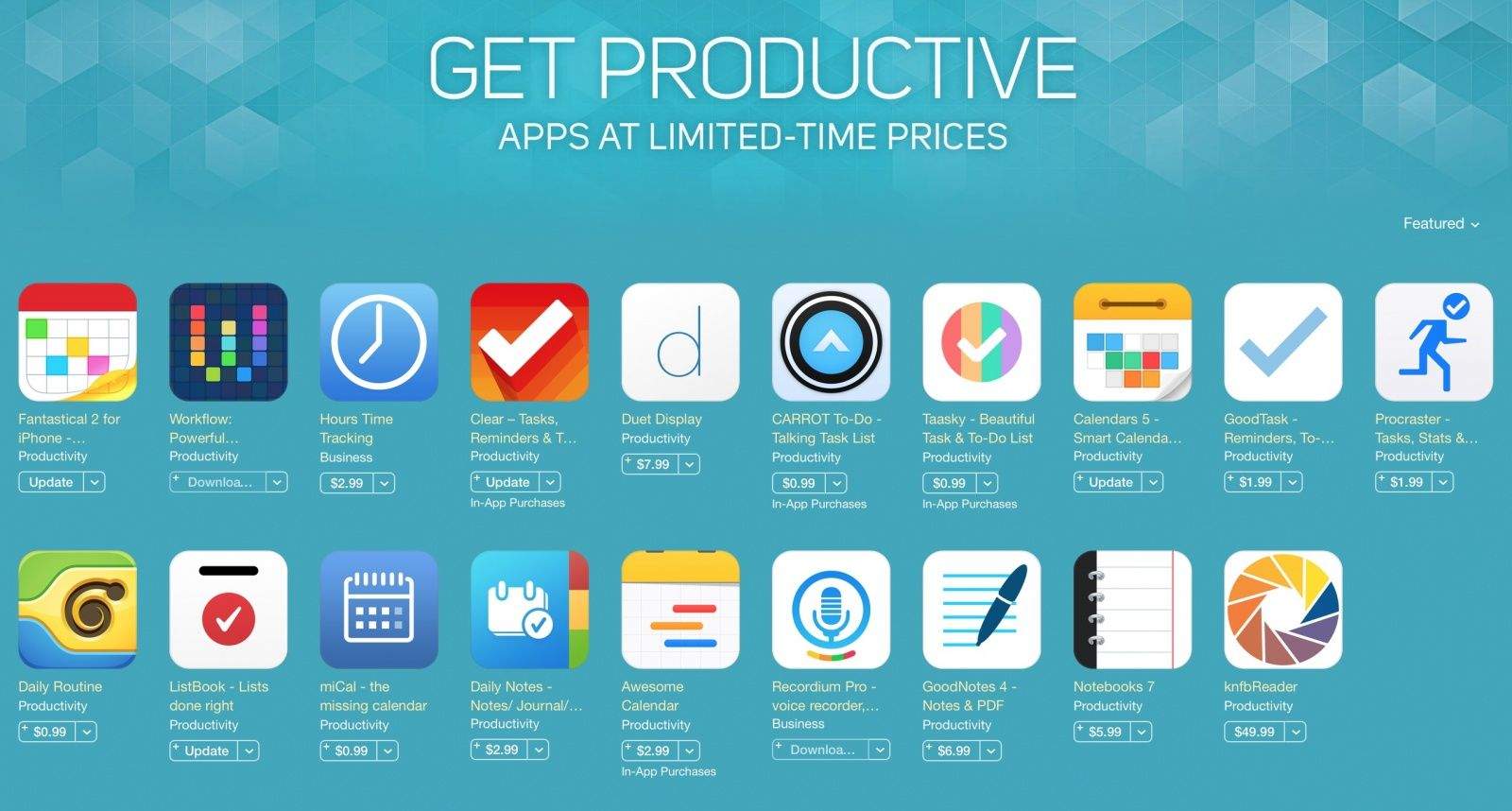
Apple has really been upping its game with curated app collections, and today a slew of amazing productivity apps were put on sale as part of a new “Get Productive” roundup in the App Store.
It’s the most impressive collection of app deals we’ve ever seen in the store. Many of the included apps have been discounted by more than 50 percent.
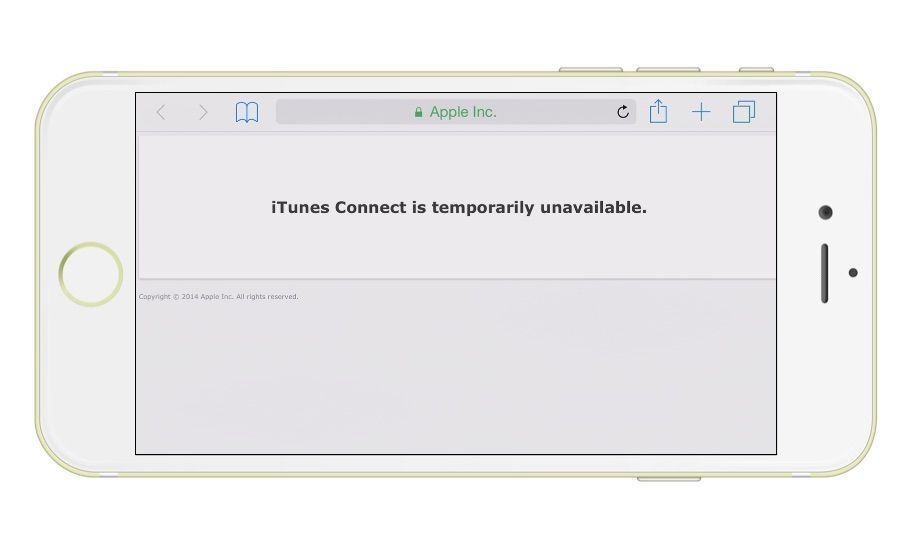
Developers trying to update their apps on iTunes got a surprise this morning, when thanks to a weird glitch with iTunes Connect, devs were logged into other users’ accounts.
Not only has the outage prevented developers from being able to log into their own accounts to update apps, but it’s also exposed apps that are secretly in development to competitors.
Developers have taken to Twitter this morning expressing their outrage, with some calling for Apple to just take an ax to any cable leading to the iTunes Connect servers. Apple has yet to release an official statement, but they have finally taken iTunes connect offline, hours after the first reports hit.
That’s the first thought I had when I saw the new Spotlight in OS X Yosemite. I feared Apple had basically made my favorite little app launcher obsolete (we nerds call it “sherlocked”).
I was wrong.
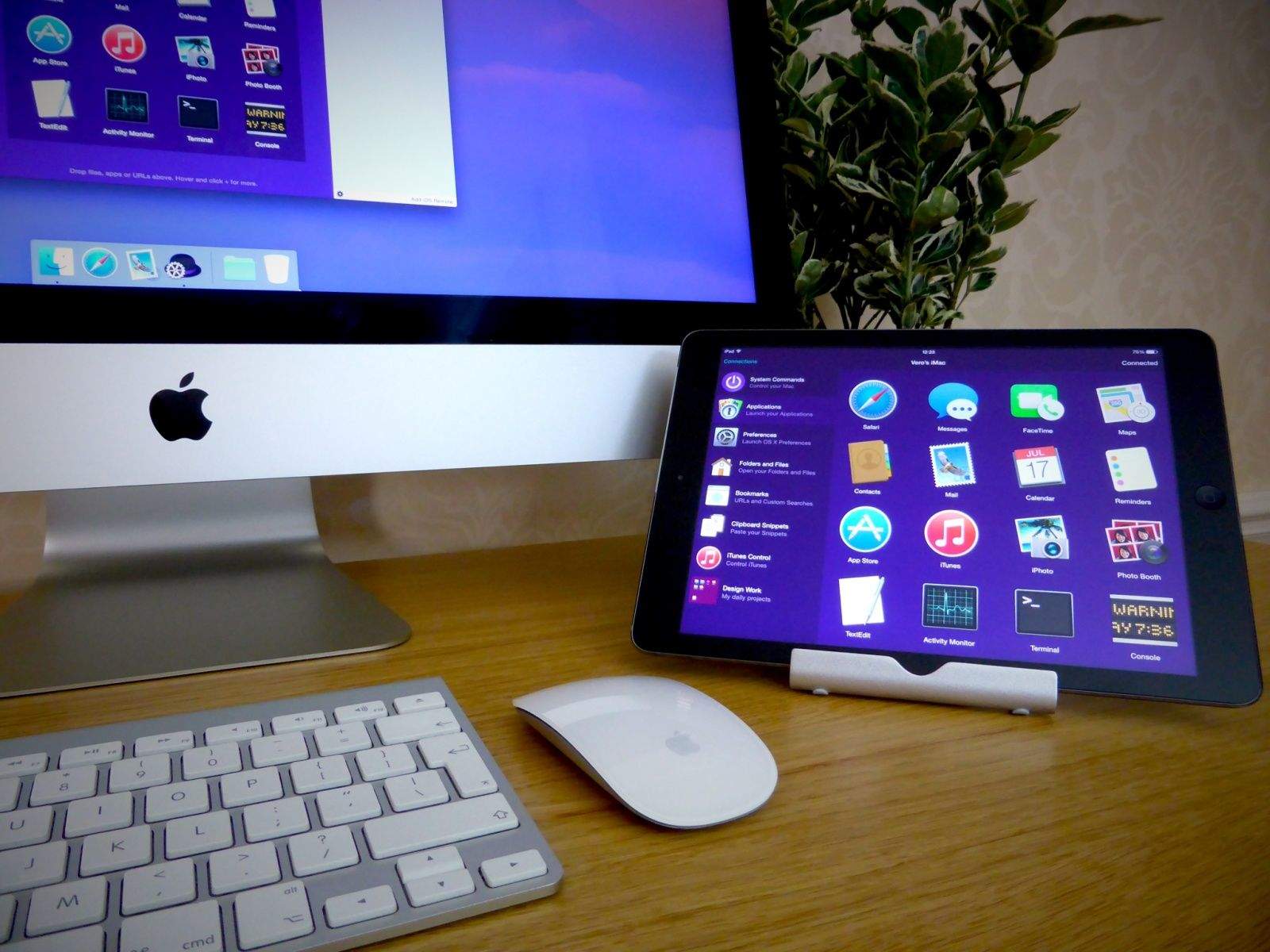
It’s six months later, and Alfred is doing just fine, thanks largely to a vibrant community built around its power features, or workflows. Spotlight may be able to quickly launch an app from anywhere, but Alfred can tell the weather, eject attached hard drives, and control your Nest thermostat.
And now, after five years on the Mac, Alfred is making the leap to iOS with a new companion app called Alfred Remote. Released today, it’s not going to be useful for most people, but serious Alfred users will love it. If anything, it’s evidence that you can still build a great app and community around core features offered by Apple.
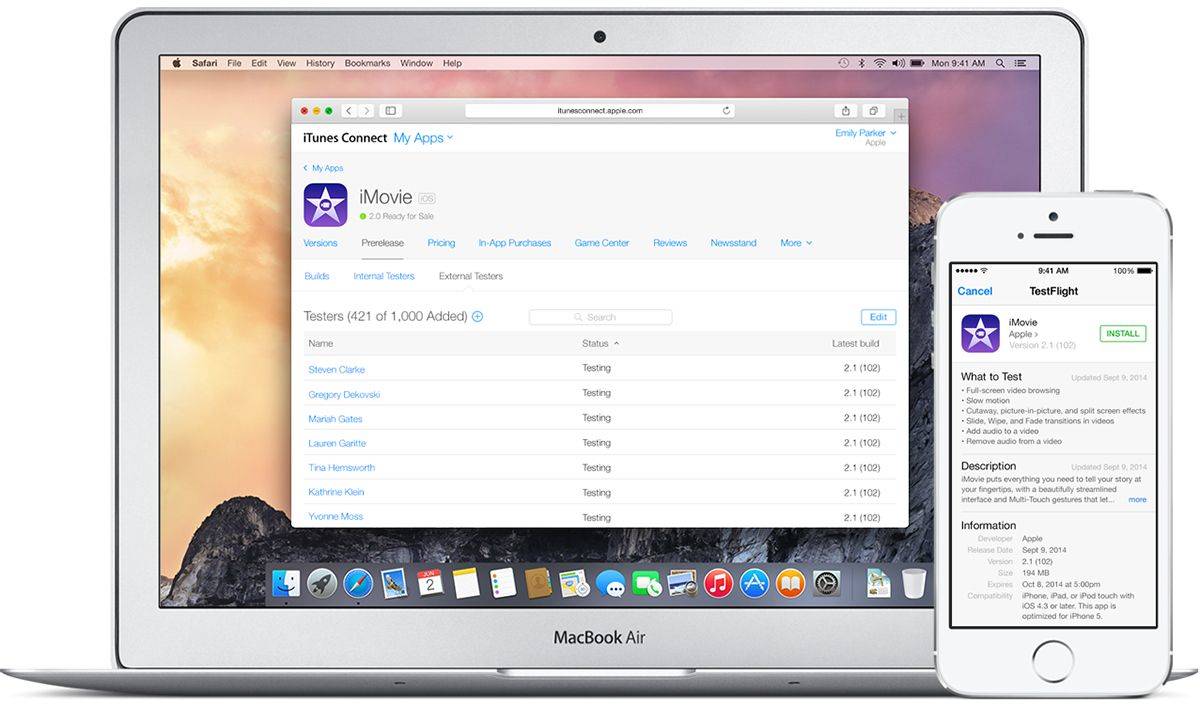
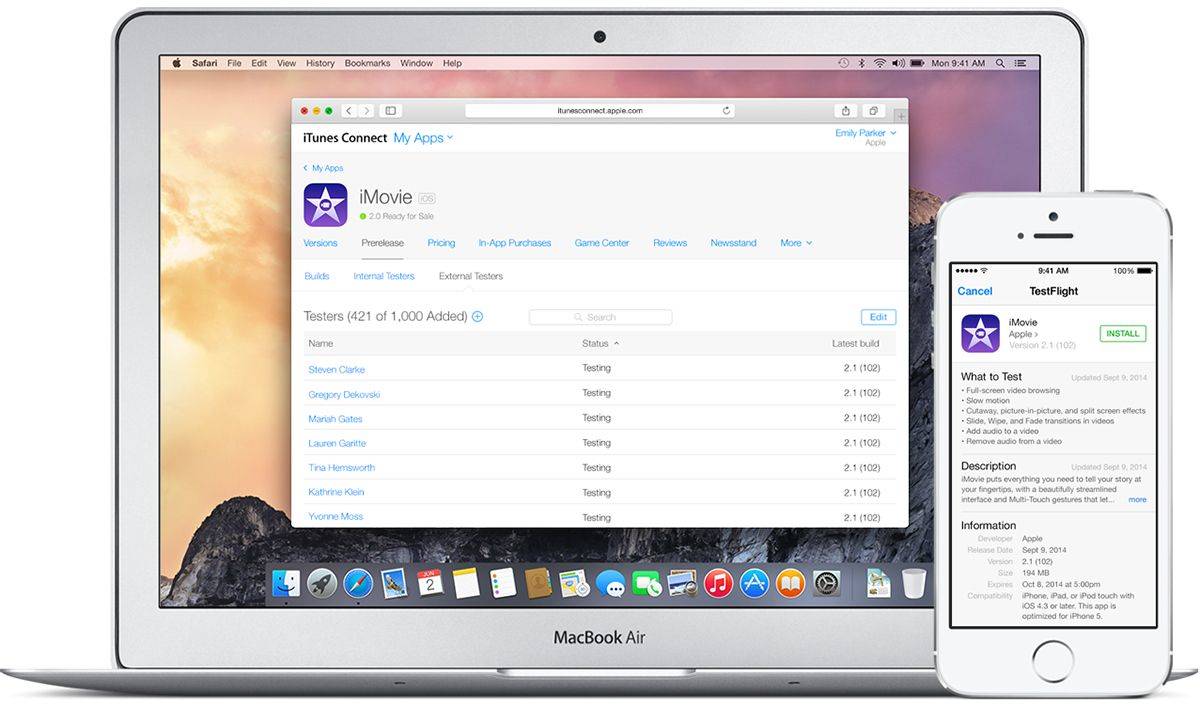
Apple acquired TestFlight maker Burtsly last year and quickly added it to iOS in an effort to improve the iOS beta testing experience for both developers and testers. Now Apple plans to close the independent site TestFlightapp.com to Android users and everyone else, forcing iPhone and iPad owners to only test apps through the official TestFlight iOS app.
The official Rdio app just updated with a new station and sharing capabilities. Photo: Cult of Mac
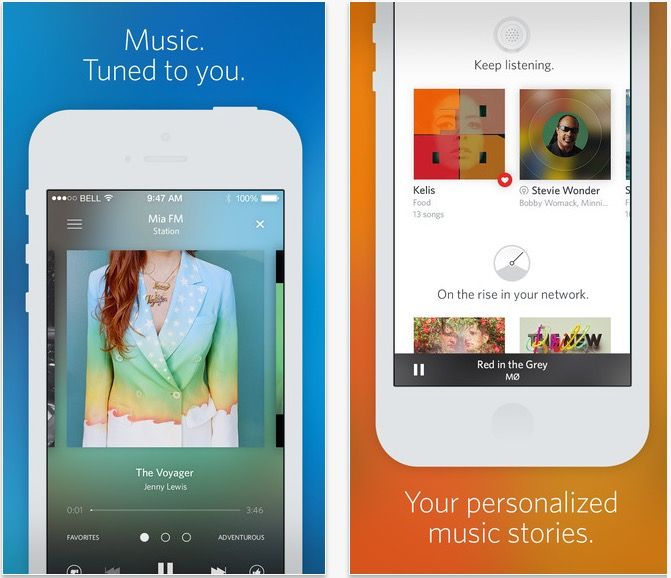
Rdio may be the underdog in the streaming media wars when compared to Spotify, but for my money, they still have the best software around. And it’s just gotten even better.
Today, Rdio for iOS was updated to version 3.1, bringing a new station for just-released music, enhanced sharing abilities and a load of other features and bug fixes.
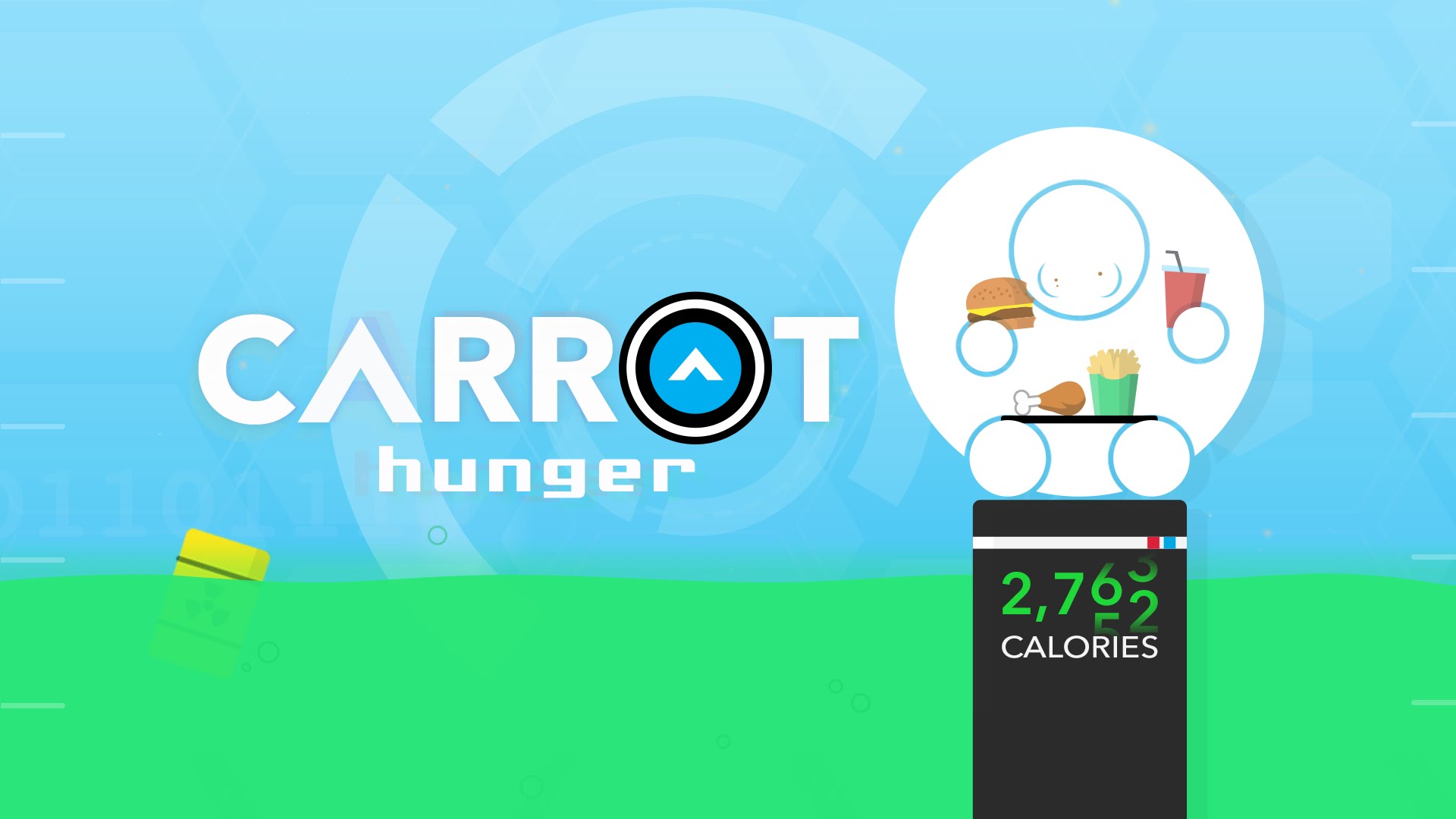
In their efforts to trigger mass market adoption, most food-tracking apps and tools go out of the way to be nice to you. After all, who wants an app which publicly shames you for gorging on unhealthy food — or choosing a greasy takeout over five sticks of carrot and a crouton?
Try telling that to the creator of CARROT Hunger, an hilarious new smart calorie counter which rewards you for healthy eating — and brutally punishes you for overindulging.
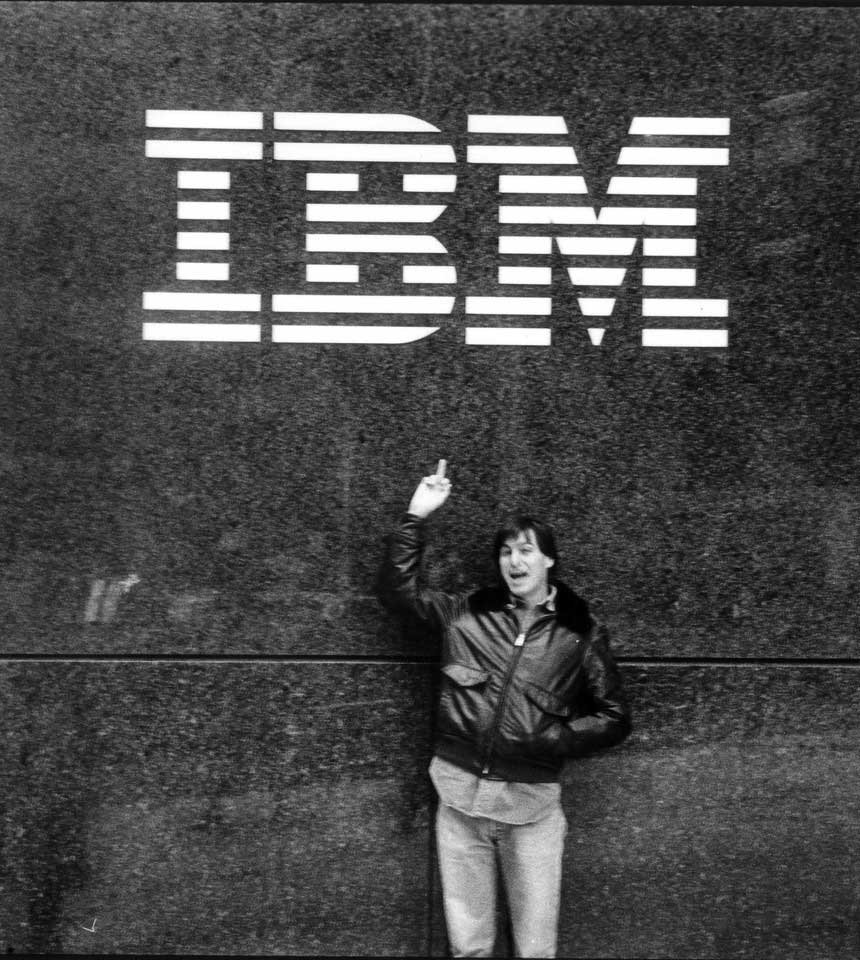
2014 will go down as one of the biggest years in Apple history. The stock hit record highs. The company’s first wearable was revealed. And Apple dropped $3 billion on its biggest acquisition ever. But of all the huge news Apple dropped in the last 12 months, nothing is likely to have as big an impact as the previously unthinkable announcement that Apple and IBM buried the hatchet and partnered up.
The move was significant not only for the historic aspect of the two rival tech titans uniting, but also for how it will impact all of us in the workplace. In his final note of the year, top Apple analyst Horace Dediu dubbed the IBM partnership “the most significant technology news of 2014.”
That may sound ridiculous considering how much hype Apple Watch is getting ahead of its release, but Dediu points to the first wave of apps created by the partnership. These offer an early indication of just how transformative the relationship could be. For the first time, enterprise apps are being designed for their users (the employees) rather than their employers.
Just take a look at the difference between IBM’s new Expert Tech app compared to the closest equivalent from Oracle, and see which one you’d rather work with:
2015 is nearly upon us, but before you pop the bubbly, listen up for the tech, apps, movies and TV shows that delighted us in 2014. You’ll get it all in this very special, far too long, last-episode-of-the-2014 … CultCast.
Our thanks to lynda.com for sponsoring this episode! Learn virtually any application at your own pace from expert-taught video tutorials at lynda.com.
App Santa is back for the holidays with a very impressive collection of over 40 discounted iOS and Mac apps. You can score up to 80% off on some real gems, including Clear, Tweetbot, Day One, and Deliveries.
Organized by Realmac Software, App Santa represents an extremely high caliber of indie app developers. And if you’ve been holding out on buying any of their apps, now is the time to pounce. The promotion lasts today through December 26th.
Keeping music on iOS weird. Photo: Jim Merithew/Cult of Mac Photo:
If there’s one thing we humans like to do, it’s make music. Seriously, we’ve been doing it since prehistoric times, so it’s no big surprise that we’d find many ways to bring music to our latest tool: the iPhone and iPad.
While there are a ton of different ways to play or make music on your iOS device of choice, here are nine rather weird ones, plus some fantastic videos to hear and see just how its done.
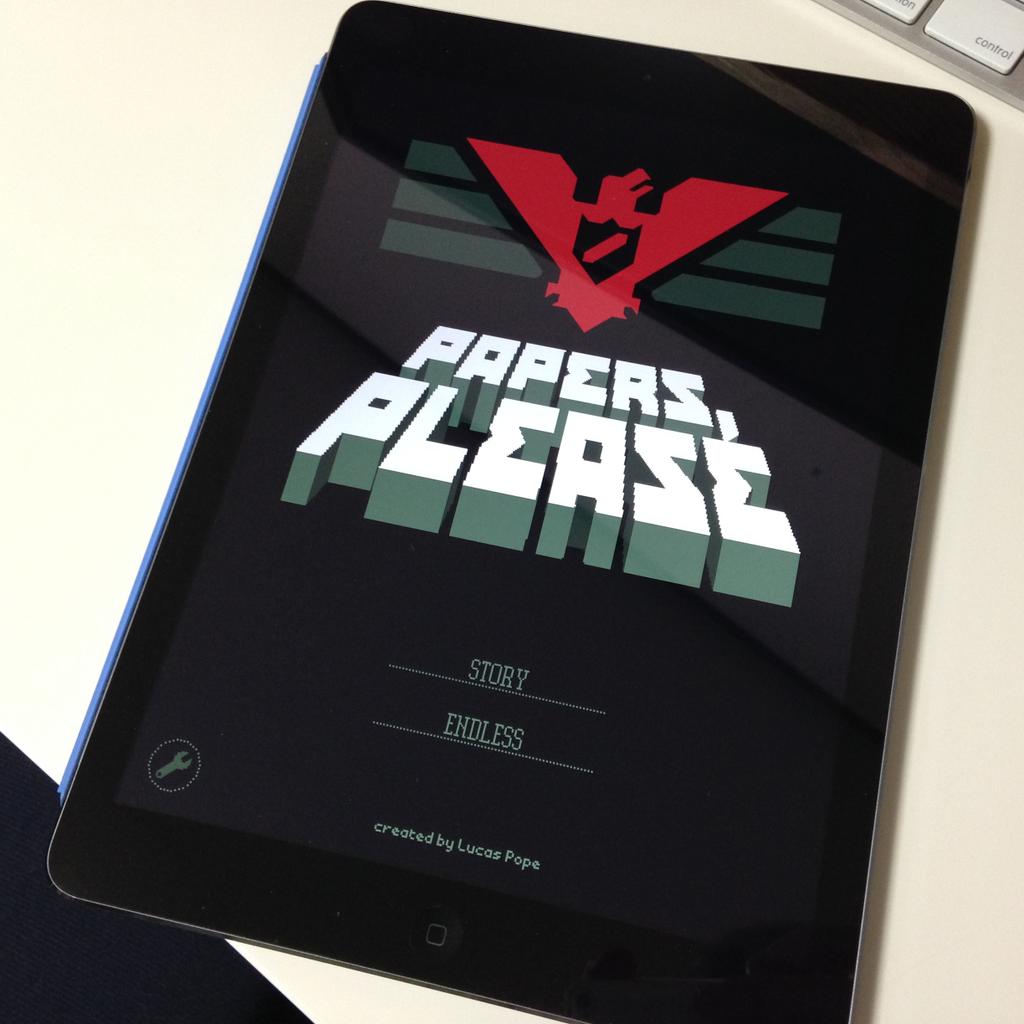
One of the most cerebral Mac games is now on iPad. Photo: Lucas Pope
As promised — and after a tiny storm of controversy over Apple’s initial rejection of the app over so-called pornographic content — the award-winning dystopian document thriller Papers, Please is now available for iOS.
One of the most cerebral Mac games is coming to iPad this Friday. Photo: Lucas Pope
When it comes to video games that will make you think, few are as cerebral as “dystopian document thriller” Papers, Please, a Mac game released in 2013. It casts the player as a passport inspector for a fictional Soviet bloc state who must keep track of increasingly arcane rules to let people in or out of the country … even when a mistake can cost him his life.