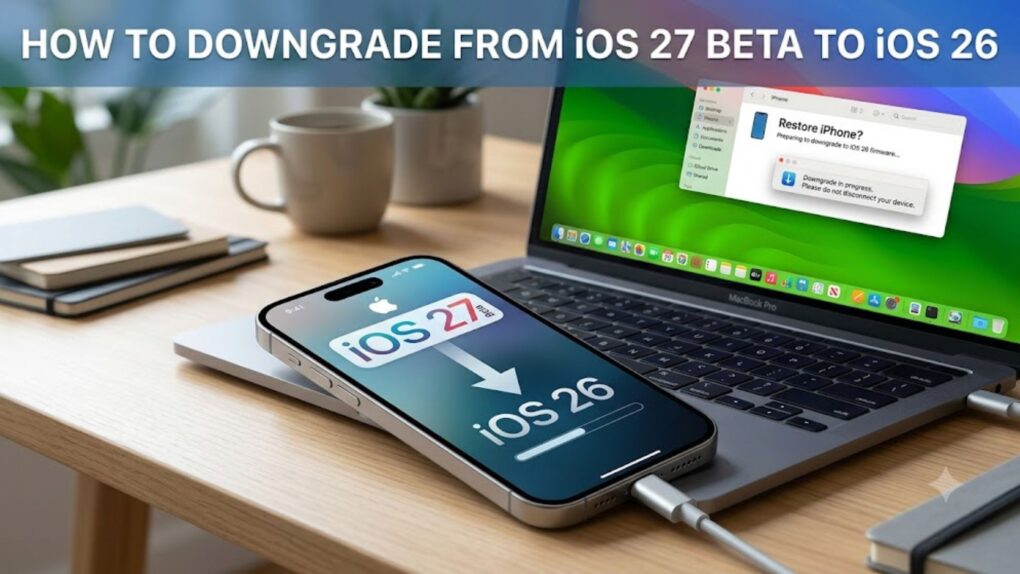
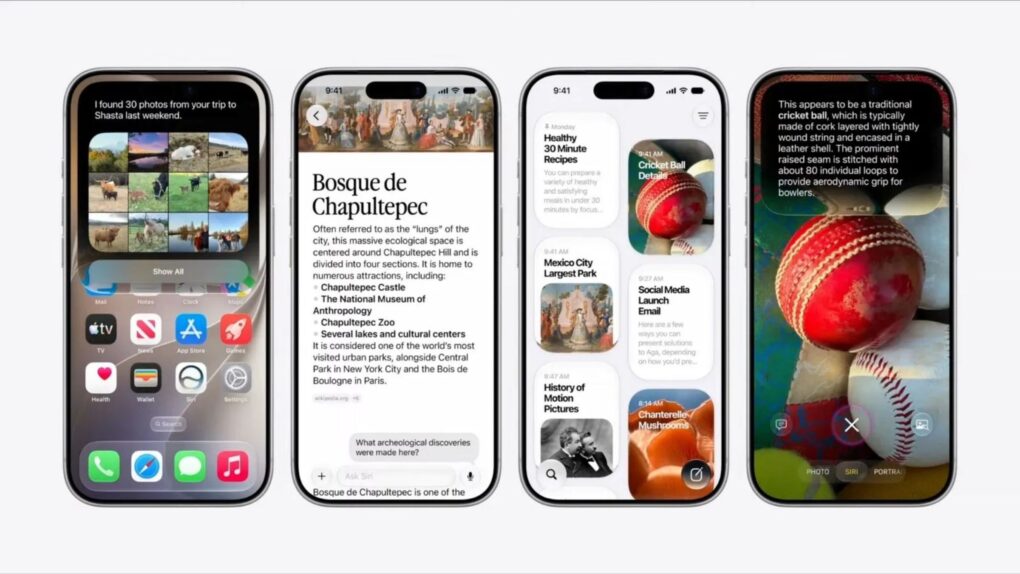
Here’s how to downgrade from the iOS 27 beta back to stable iOS 26. AI image: Google Gemini/Cult of Mac
Beta remorse is real. Maybe an app won’t open, maybe things just feel off, or maybe you just want to go back to a stable daily driver while Apple sorts all the issues. Whatever the reason, you can downgrade from iOS 27 beta to iOS 26, and it’s not even that hard.
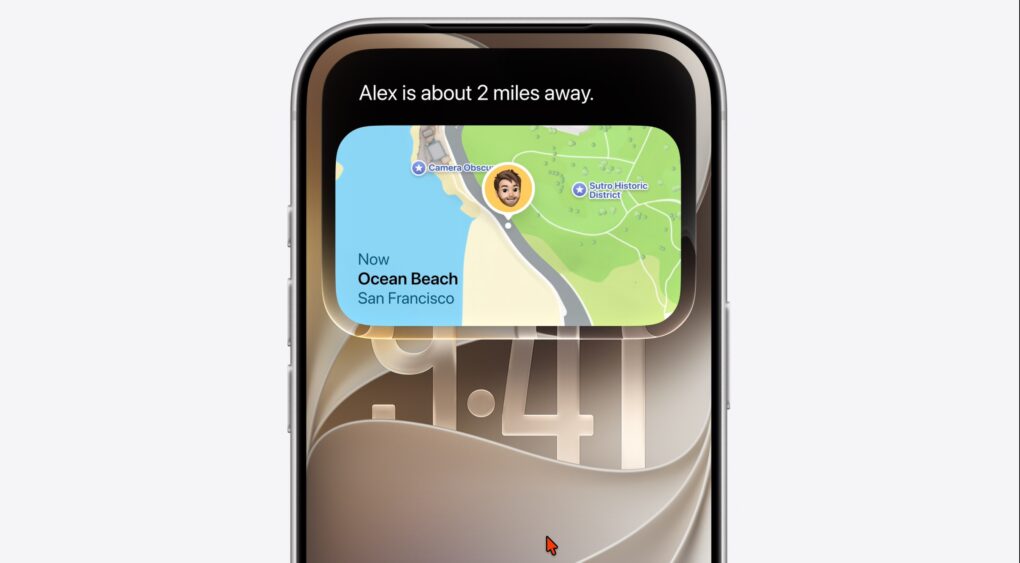
Swipe down from the top-left corner now, not the center, to reach Notification Center in iOS 27. Photo: Apple
Apple just rewired a gesture you’ve used every day since 2011, and you probably won’t notice it until it’s too late. iOS 27 hands to the new Siri AI the exact swipe you’ve used to check notifications, and it doesn’t even ask nicely first.
Turn on Siri AI in the latest iOS 27 beta, and swiping down from the top center of your screen will no longer open the Notification Center but wake up Siri instead. Your alerts aren’t going anywhere, but you’ll need to relearn where to find them.
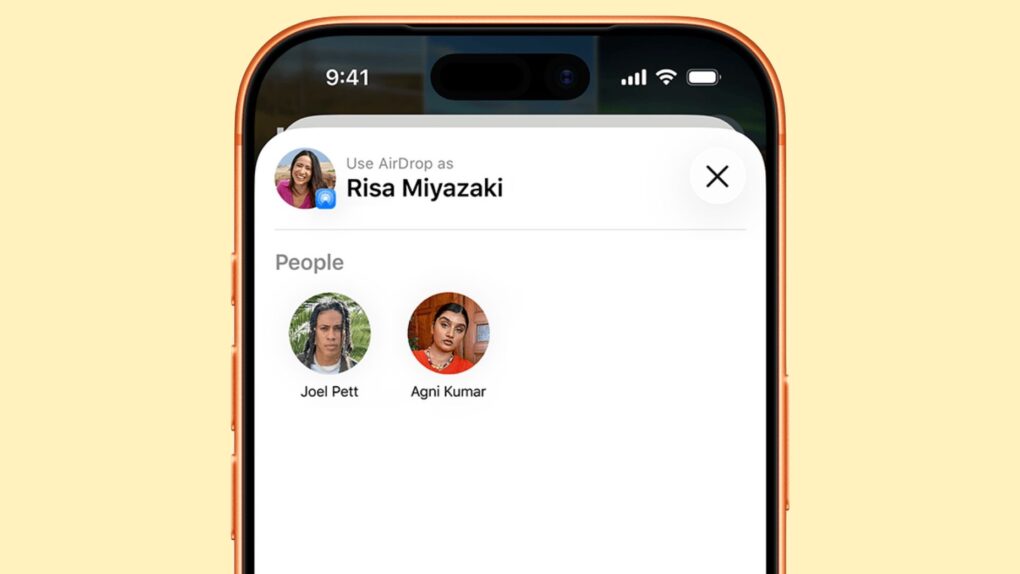
AirDrop's convenience comes from processes that respond before you even see a prompt, which is exactly the problem. Photo: Apple
A newly discovered AirDrop vulnerability means someone sitting in the same café as you can silently break AirDrop on your iPhone or Mac, no tap or pairing required. They just send a stream of junk data to your iPhone and AirDrop — alongside AirPlay, Handoff, Universal Clipboard, and Continuity Camera — all go dark for as long as they keep it up.
That’s the core finding from new security research into Apple’s AirDrop protocol. The exploit does not steal any data, but instead lets an attacker shut down AirDrop and Continuity features. For Apple users who use AirDrop regularly, that could be a real annoyance hiding in a real-life vulnerability.
The Supreme Court ruled 6-3 that accessing someone's phone location history is a Fourth Amendment search, regardless of which company stores the data. Photo: Pexels CC
Because it’s connected to a wireless carrier, your iPhone can be used to locate you. Until this week, police could access this data on little more than a hunch — no Supreme Court location data ruling stood in their way. That changed on Monday.
The Supreme Court ruled that pulling your phone’s location history now counts as a Fourth Amendment search — no matter how short the window or whose server it sits on. Cops now need a real, individualized warrant before being able to dig through where your iPhone has been.
Apple just raised prices on MacBooks and iPads by as much as 20%, and now its reportedly lobbying for a controversial fix. Photo: Google Gemini/Cult of Mac
RAM has gotten so expensive that Apple is reportedly willing to stir up a political storm just to secure its supply. The solution may involve buying RAM from a Chinese chipmaker that the Pentagon says has ties to the Chinese military.
It wouldn’t be illegal. But that doesn’t mean there wouldn’t be consequences for the Mac maker.
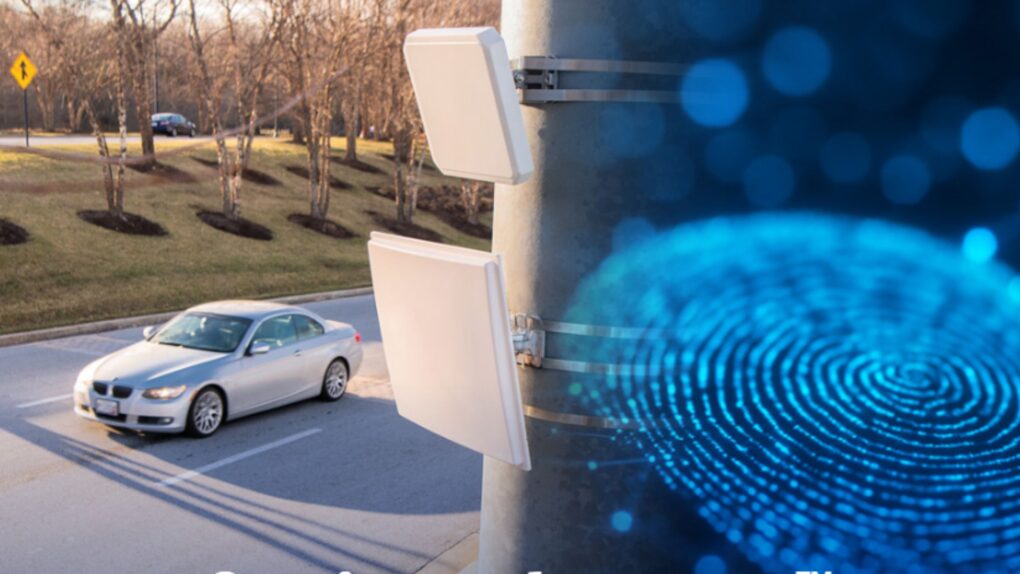
Leonardo's iPhone license plate camera tech can read Bluetooth, Wi-Fi, and RFID signals from devices passing by. Photo: Leonardo US Cyber and Security Solutions
The camera mounted on the streetlight has done one job for years: photograph your license plate. That could soon change. A new sensor upgrade is reportedly underway to detect Bluetooth signals coming from your iPhone, Apple Watch, and AirPods — turning routine plate scans into a record of which devices, and which person, just drove by.
If you’ve always treated your iPhone’s Bluetooth signal as harmless background noise, it’s time to rethink that. Every time you pass these cameras, they could pull a wireless fingerprint of your devices and link it to your license plate. This builds a trail far richer than a single photo ever could. It also stitches your phone into a database that has nothing to do with Apple.
WhatsApp's latest iPhone update adds keyword search for Channels, making old posts much easier to find. Photo: WhatsApp/Cult of Mac
WhatsApp is fixing one of its most annoying iPhone quirks: endless scrolling through channels just to find a post. WhatsApp is now rolling out in-channel search to iPhone, which means you can type a keyword and jump straight to the update instead of hunting for it manually.
If you follow a channel that posts often, you already know the pain. Updates pile up fast, and until now, finding an old one on your iPhone meant scrolling back post by post. Now, your iPhone can search channels just the way it goes through your regular chats.
Every OLED screen in Apple's fall lineup is reportedly coming from just two companies. Photo: Ian Fuchs/Cult of Mac
Apple’s first foldable iPhone could be about to get off the assembly line, and so is the much rumored OLED iPad mini and OLED MacBook Pro. And every single panel inside them might come from just two South Korean companies, which presents a major supply-chain risk for Apple.
If you are planning to buy any of these products, that’s worth knowing. Reportedly, Samsung Display and LG Display are said to be supplying 100% of the OLED panels for Apple’s upcoming 2026 lineup, with China’s BOE — a display giant that reportedly fumbled production of previous iPhone screens — shut out completely.
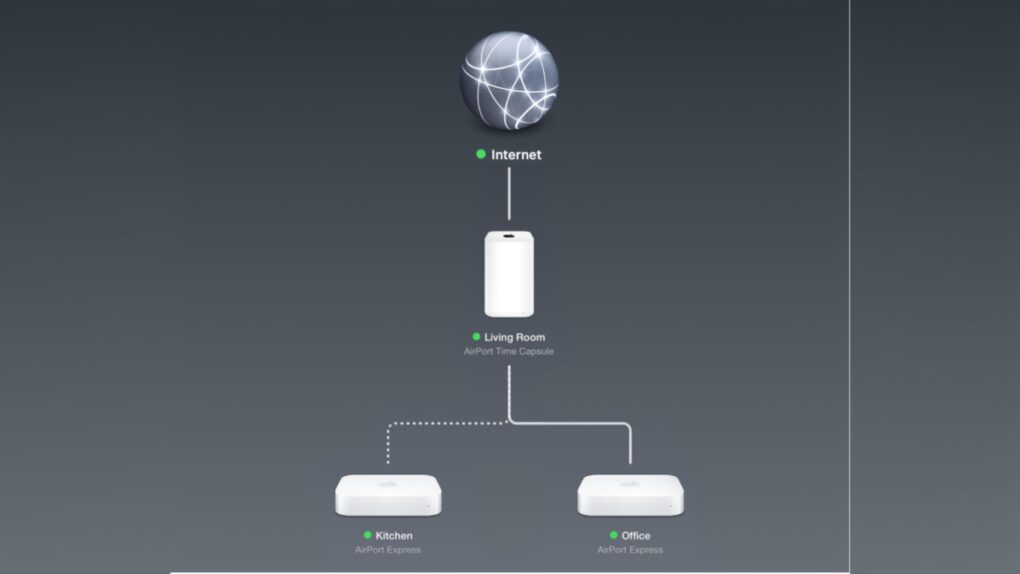
AirPort Utility, first released more than a decade ago, hasn't been updated since years. Photo: Apple
The AirPort Utility app, which has been available for Apple devices since the mid-2000s, is going away. Buried in iOS 27 and macOS 27 beta 2 release notes, Apple says it is removing the app that lets anyone configure an AirPort router from the App Store.
If you are still using an AirPort Extreme, AirPort Express or Time Capsule with your home Wi-Fi, this is your warning. Once the app disappears, new users won’t be able to download it again from the App Store. Even if it’s already on your iPhone, iPad or Mac, Apple says it will stop working the moment you update to iOS 27 or macOS 27 Golden Gate.
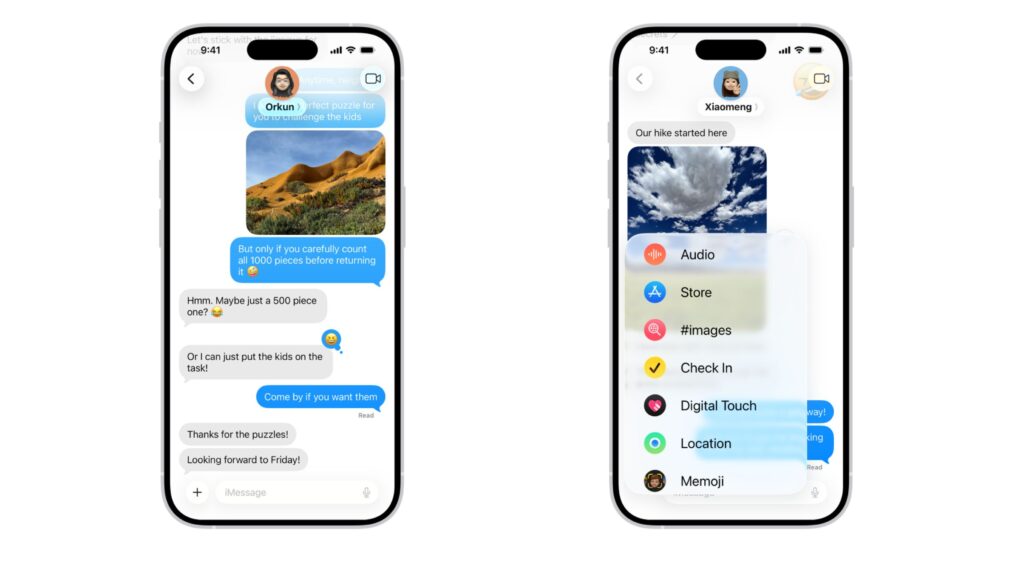
iOS 27 RCS improvements are bringing Android texts a lot closer to iMessage. Photo: Apple
Your iPhone just stopped being the awkward one in the group chat. Buried deep inside iOS 27 beta 2 are two small RCS fixes that solve some of the biggest quirks that made “green-bubble” chats between iPhone and Android users feel half-baked for years.
If you have ever tapped a heart on a photo your Android friend sent, your iPhone has likely announced to the entire thread that you “loved an image” instead of simply showing a heart. But with iOS 27 beta 2, your reactions show up as they should.
Apple's new Personalized Collections feature in the App Store raises privacy concerns after researchers flagged the scope of its tracking. Image: Apple
The App Store’s new Personalized Collections feature gives you tailored app recommendations based on your behavior. Sounds great for finding new apps that you might like, but security researchers say the feature uses a tracking mechanism that logs every single tap you make in the App Store, with no way to opt out.
This means Apple might record all your search queries, every app page you visit, and even how fast you type. If you happen to use an iPhone, Apple could be collecting this data right now.
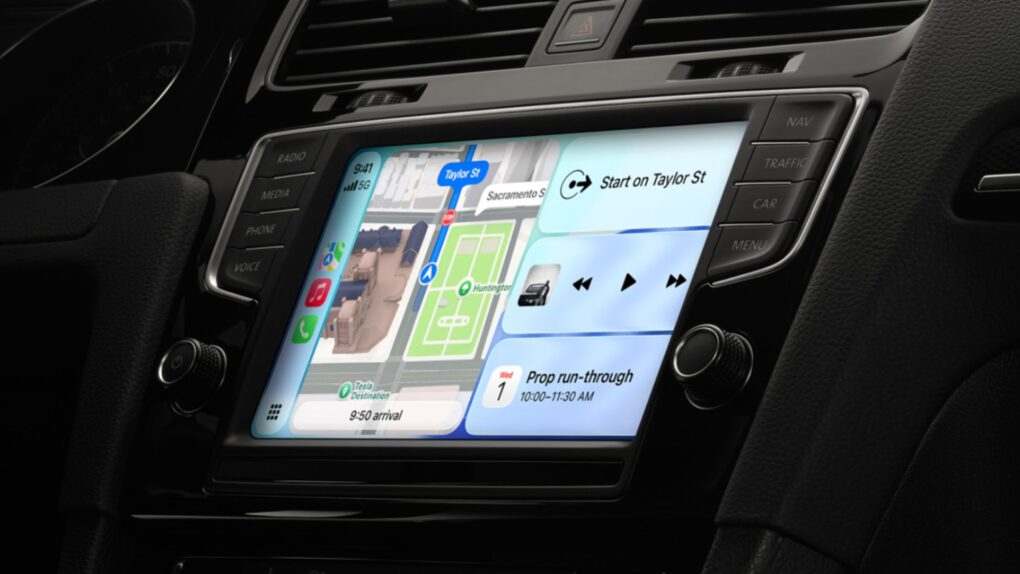
iOS 27 brings video browsing, audio scrubbing and a persistent mini audio player to CarPlay. Photo: Apple
With iOS 27, Apple is giving CarPlay one of the biggest quality-of-life upgrades in years. The showcase feature is the ability to browse and watch videos, right on your car’s display, without touching your iPhone. But that’s just the start.
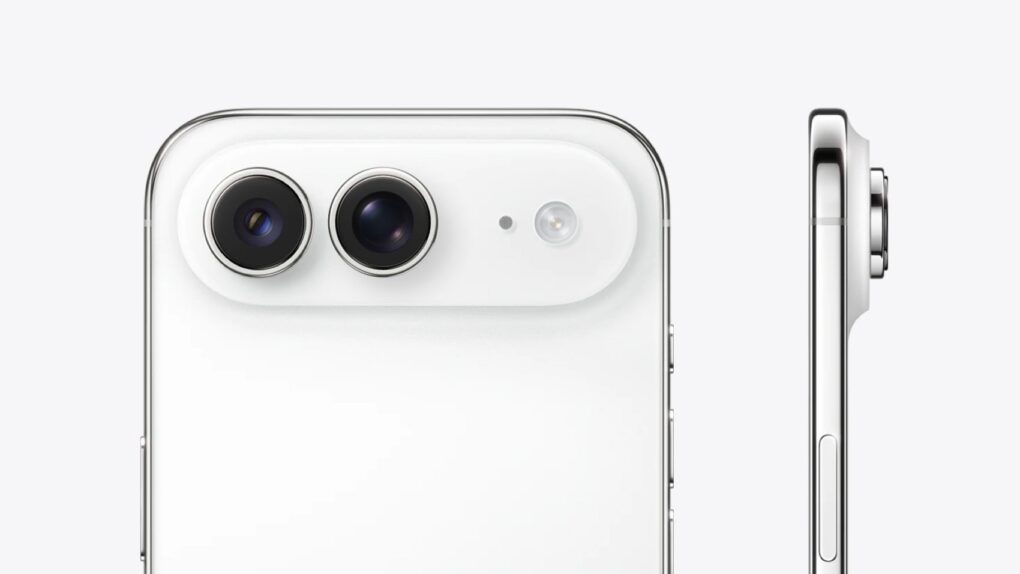
The iPhone Air 2 might fix what the first one got wrong. Image: Digital Chat Station/Weibo
Apple is reportedly working to fix iPhone Air’s biggest shortcomings. The second-generation model might come with a dual-camera setup and better battery life.
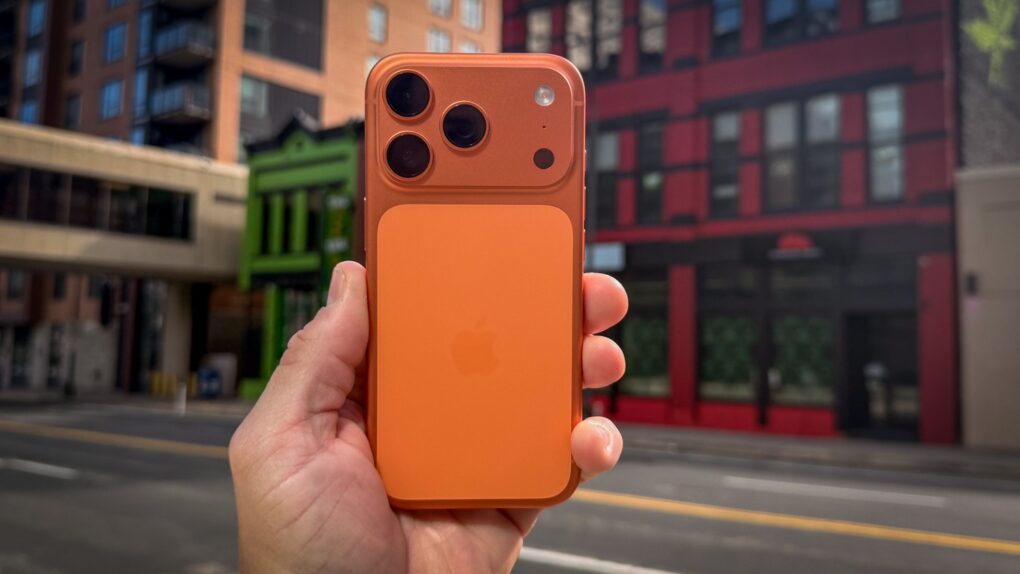
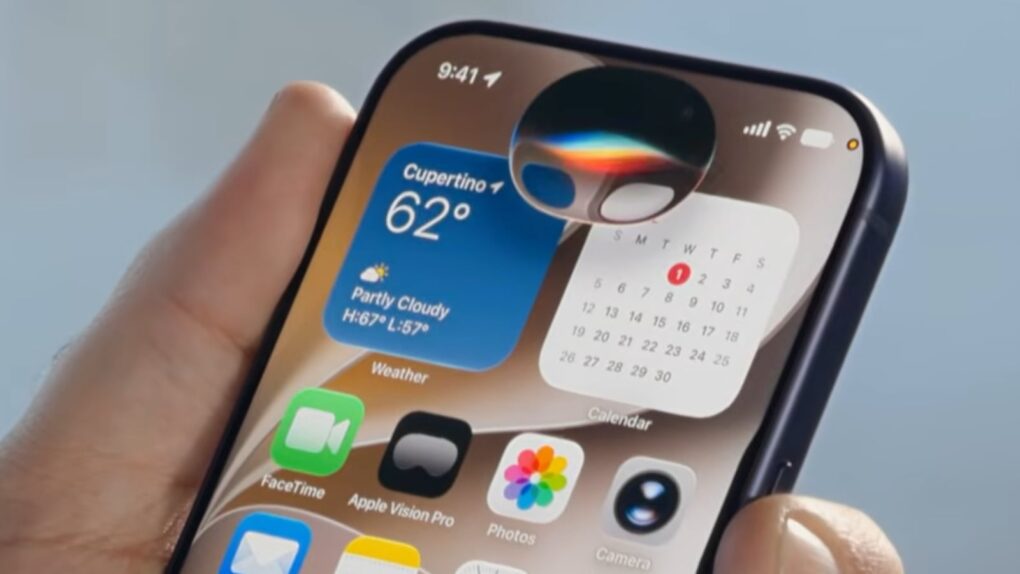
Siri AI looks like a pill-shaped blob on current iPhones, but the iPhone 18 Pro might make it an orb. Photo: Apple
The new Siri AI in iOS 27 shows up as a glowing pill on the iPhone — and it might just be teasing the iPhone 18 Pro’s biggest design change. On the iPhone 17, the Dynamic Island forces Siri AI to stretch wide and flat to mask the cutout, sacrificing its intended shape.
It looks out of place. But if you pick up an iPhone 18 Pro this fall, that might change. Siri’s pill shape on the current iPhone results from a hardware constraint, and rumors indicate Apple already engineered a fix into its upcoming flagship phone.
Three exciting features that Apple skipped at WWDC26 might still be headed your way. Photo: Apple
Three rumored features that Apple didn’t mention at WWDC26 last week — a customizable Camera app, Siri support for third-party AI chatbots, and a Modular watch face that works on regular Apple Watches — might arrive this fall.
These features all bubbled up in the rumor mill before Apple’s annual Worldwide Developers Conference, but it looks like we won’t see them until September.
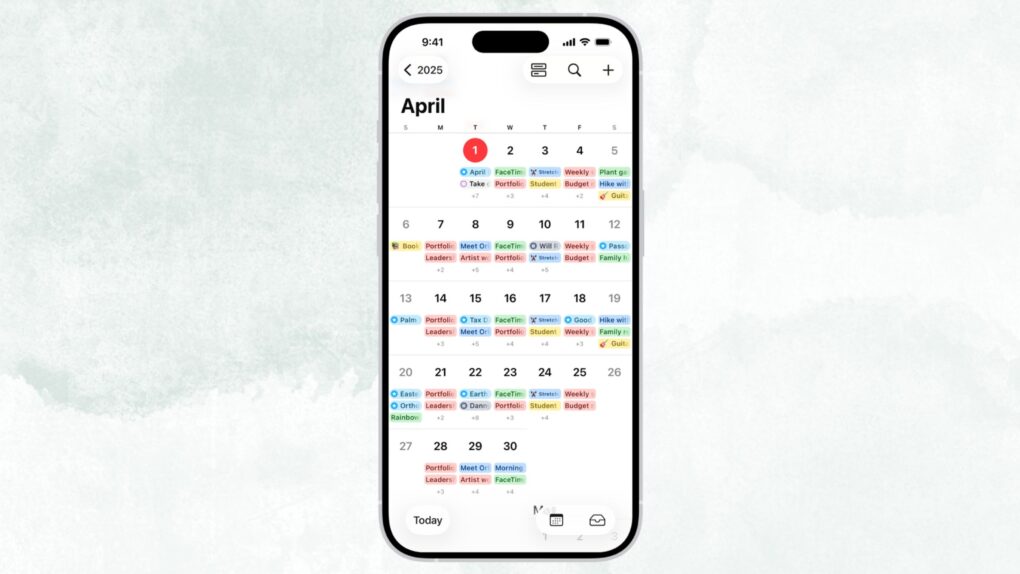
Type it like you'd say it. iOS 27's Calendar app understands plain-English event descriptions. Image: Apple
Apple’s Calendar app is just fine — good enough to use, but never good enough to love — but iOS 27 finally changes that. The update brings natural-language event creation to Apple’s stock app, a feature that third-party solutions have made possible for years.
In iOS 27, you can just type in simple English what you want to do, and your iPhone will take care of the rest. No more hopping between date pickers, fiddling with time selectors, and entering a location. The app will understand and build an event for you.
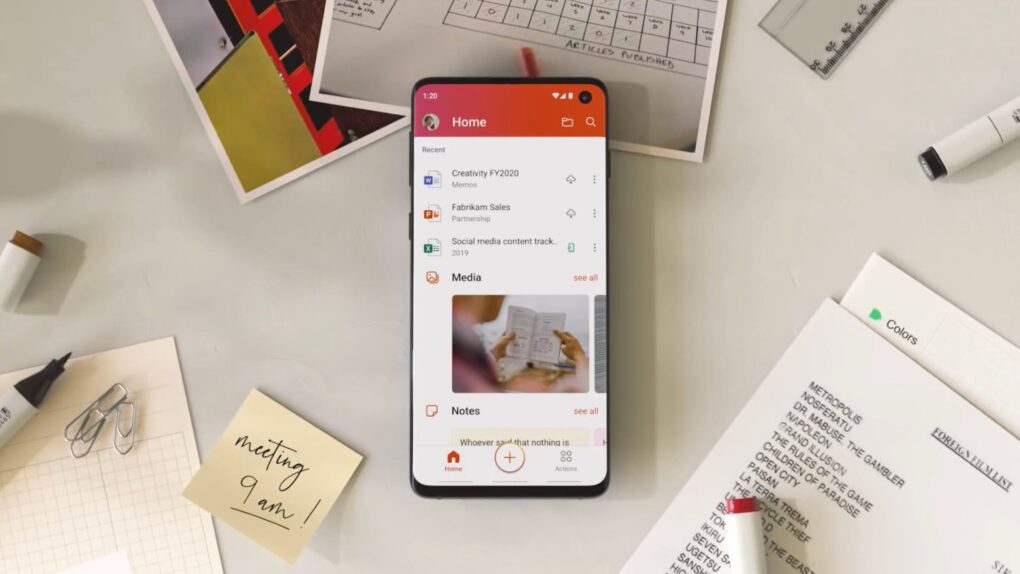
Old iPhones and Macs will soon be unable to edit and create Microsoft Office files. Photo: Microsoft
If you use an older Mac, iPhone or iPad, Microsoft might be about to break your Office apps. Starting July 13, Word, Excel, PowerPoint, Outlook and OneNote will stop letting you edit, save or create new files unless you meet certain requirements. You’ll still be able to open and print documents, but that’s it.
The move affects more people than you might think. If you’re running anything older than iOS 17 or macOS 11 Big Sur, your Office apps will mostly be defunct. Microsoft calls it “reduced functionality mode,” which is a fancy way of saying your Office apps will lose editing functionality.
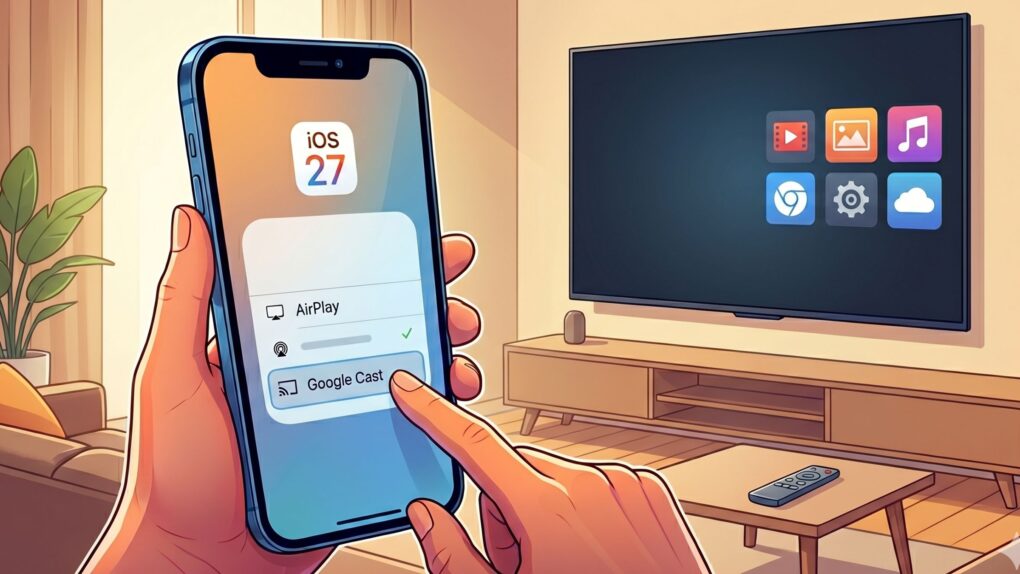
With iOS 27, casting from your iPhone to standard smart TVs could become as easy as using AirPlay. AI image: Google Gemini/Cult of Mac
The iPhone could get a lot better at casting videos to the big screen, as Apple is reportedly working on native support for Google Cast in iOS 27. That means you could soon beam video, photos and audio to almost all smart TVs on the planet.
Apple’s AirPlay is great if you are into the Apple ecosystem, but Google Cast is almost everywhere. It’s built into nearly all smart TVs sold today, including the hotel TVs you may have struggled with during vacations. Right now, your iPhone can’t natively talk to these devices, but iOS 27 could change that.
Get an unlocked iPhone 12 at a fraction of its original price. Photo: Cult of Mac Deals
Who’s still paying full price for an iPhone? Not us. Especially when you can score a fully unlocked iPhone 12 refurbished model for just $229.99 — a fraction of the $799 you’d spend for an iPhone 16.
Wondering how we’re able to practically give away these iPhones? They’re refurbished devices. But that doesn’t mean they’re janky hand-me-downs like you’d get when your mom upgrades her old cellphone. Like Apple’s refurbished line, these are restored to near-mint condition for the best experience … and massive savings.
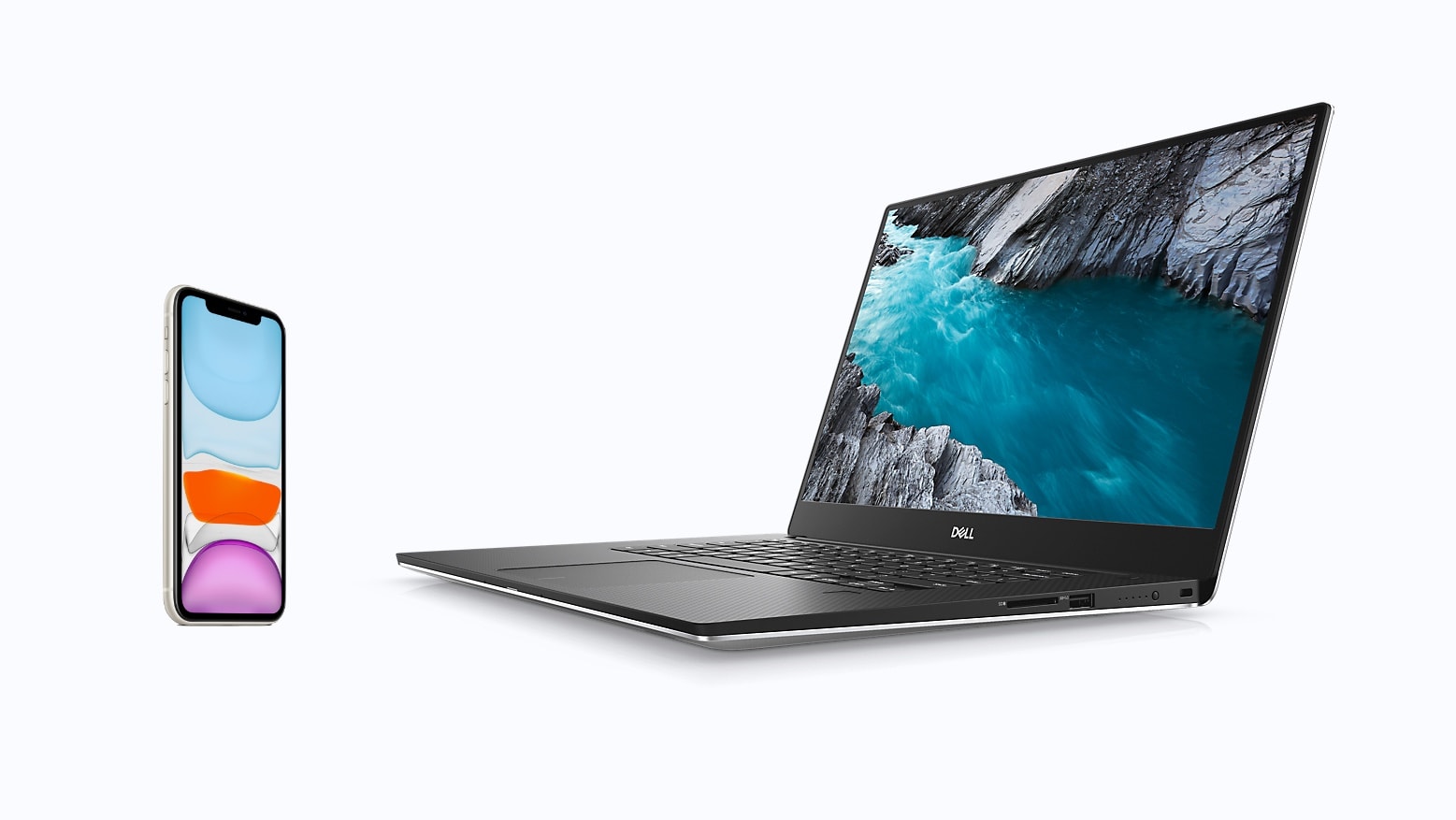
Your iPhone and laptop can be friends with Dell Mobile Connect. Photo: Apple/Dell
Integrating your iPhone with your Dell computer just got far easier. A significant update to Dell Mobile Connect lets users mirror applications running on their iOS handset to their Windows computer. Wireless files transfers between the two were also added.
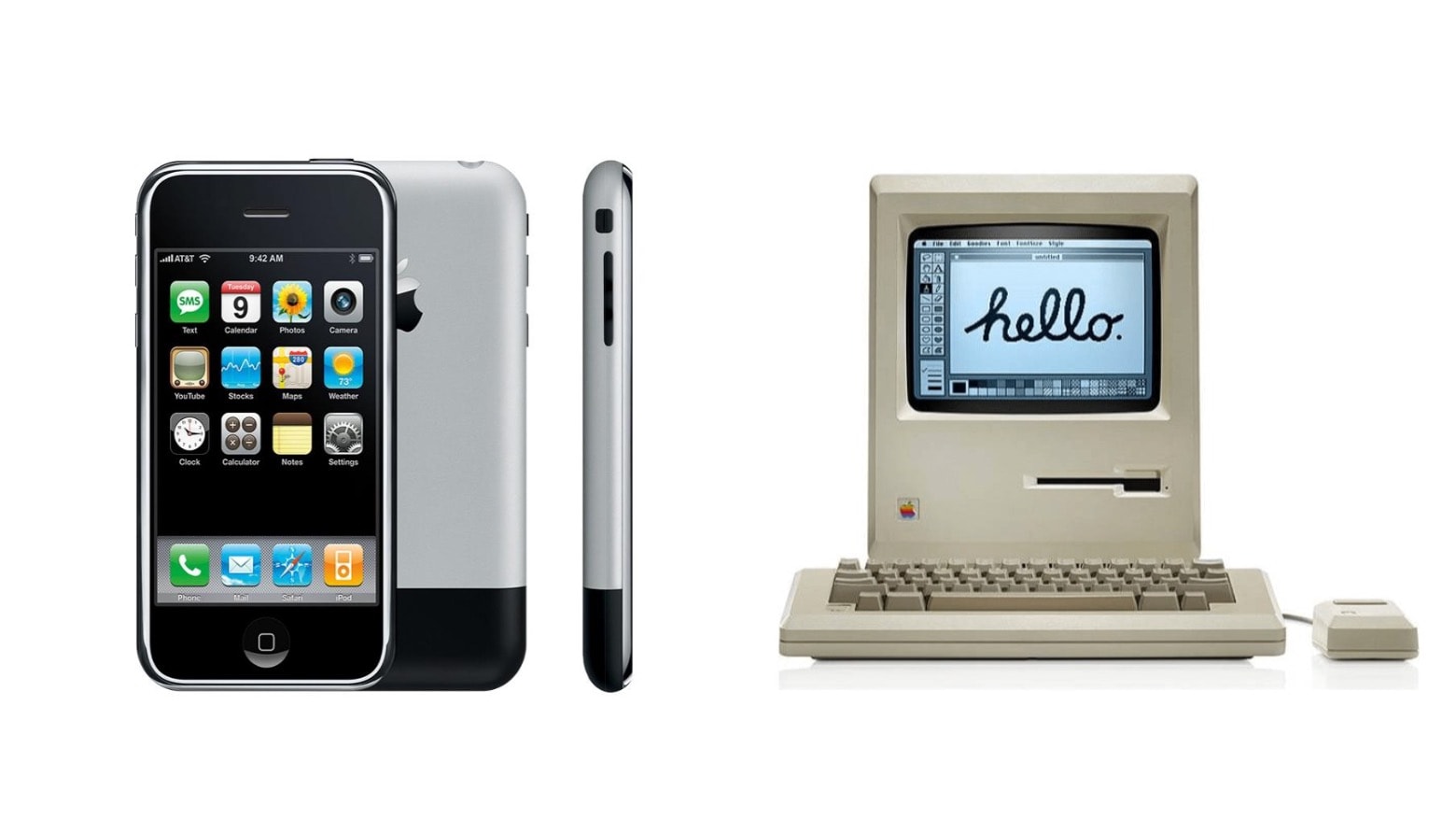
The iPhone and the Macintosh are first and second on a list of the greatest designs of our time. Photo: Apple/Cult of Mac
Fortune asked experts what product designs they consider truly great, and Apple features very prominently in the responses. iPhone and Mac captured the top two places in the list of 100, and has four products in the top 20.
They beat out some other amazing designs, from Lego bricks and the 747 to the Apollo 11 spacecraft.
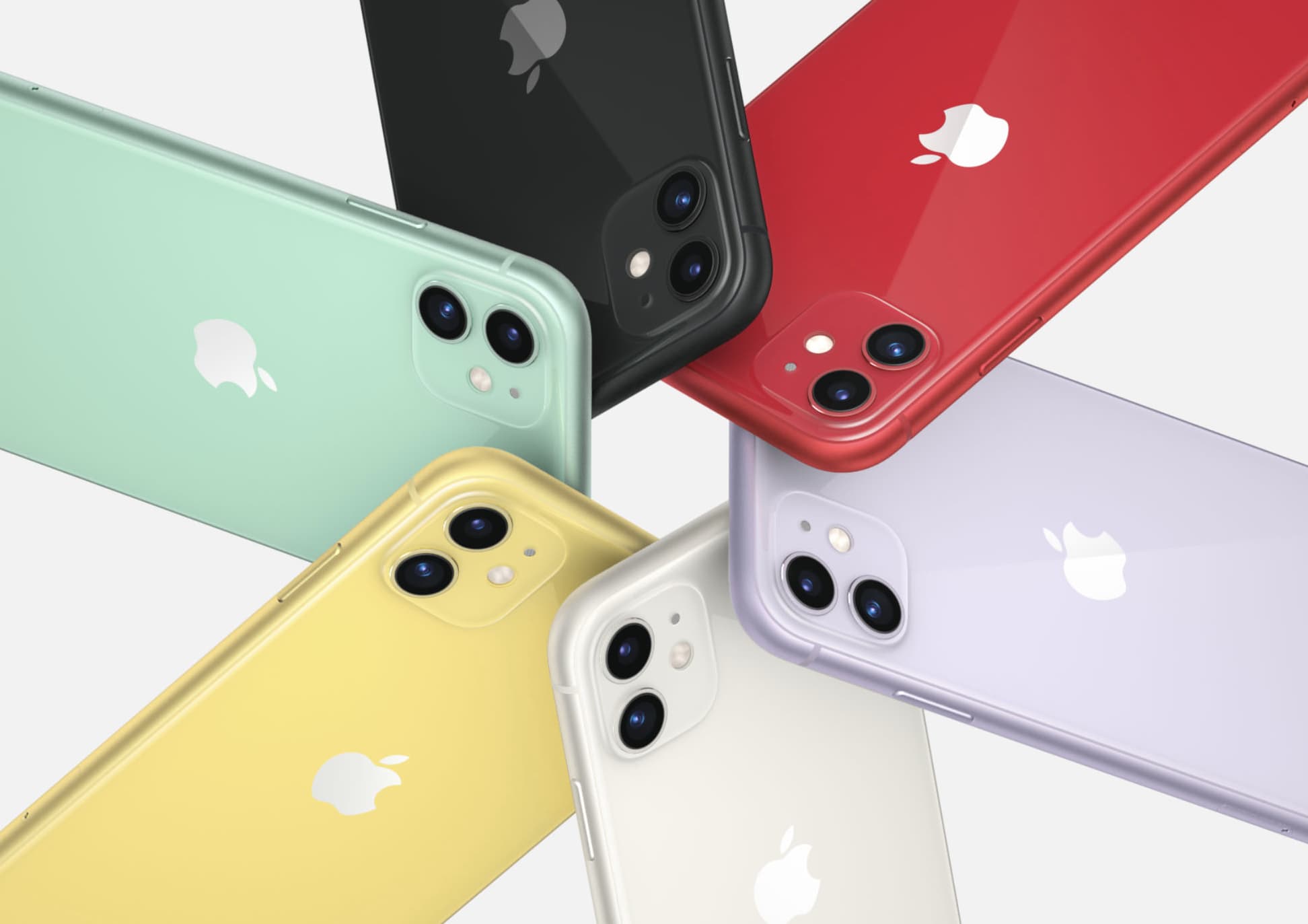
An iPhone shortage means you might not find the model you want in a wireless carrier’s store. Photo: Apple
Production halts in China last month caused by the COVID-19 outbreak have resulted in iPhone shortages in some US stores, according to market analysts.
Fortunately, Apple’s top contract manufacturer said today it’s ramping production back up.
Foxconn doesn’t assemble every iPhone. And soon there’ll be another company putting together iOS handsets. Photo: Ed Hardy/Cult of Mac
Apple reportedly will expand the number of companies that can assemble iPhones. Luxshare Precision could join a rather exclusive club, according to reliable analyst, supposedly to reduce the risk that problems with one manufacturer will cause a shortage of iPhone units.
The days every iPhone has a Lightning port may well be numbered. Photo: Kristal Chan/Cult of Mac
In a move that seems squarely aimed at killing Apple’s Lightning port, a large majority of the European Parliament voted in favor of establishing a common charger standard for mobile devices.
This is only a step in a process that is likely to see the Lightning connector banned from devices sold in Europe, but it’s a significant one.
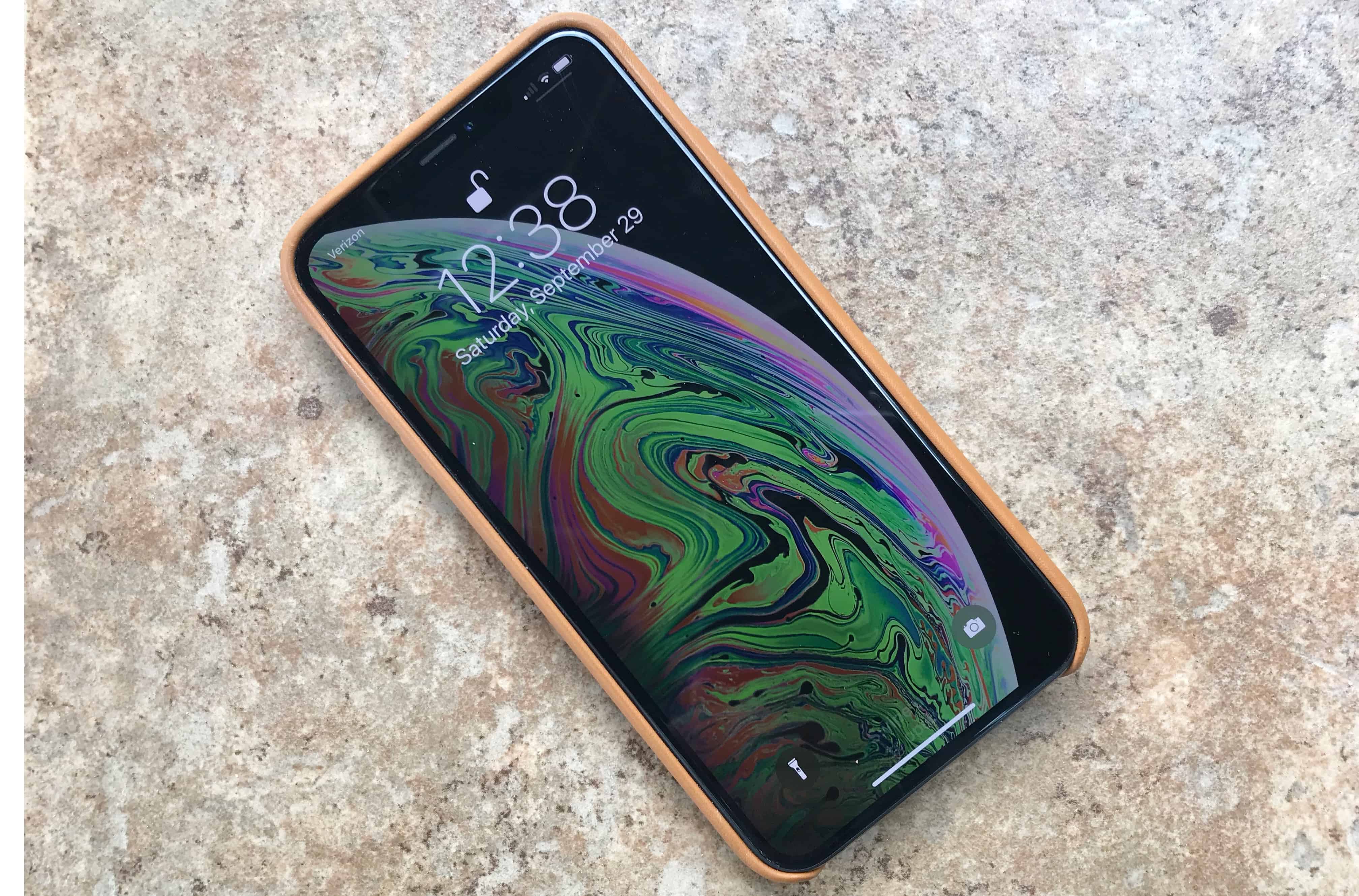
Keep your iPhone close by. Photo: Ed Hardy/Cult of Mac
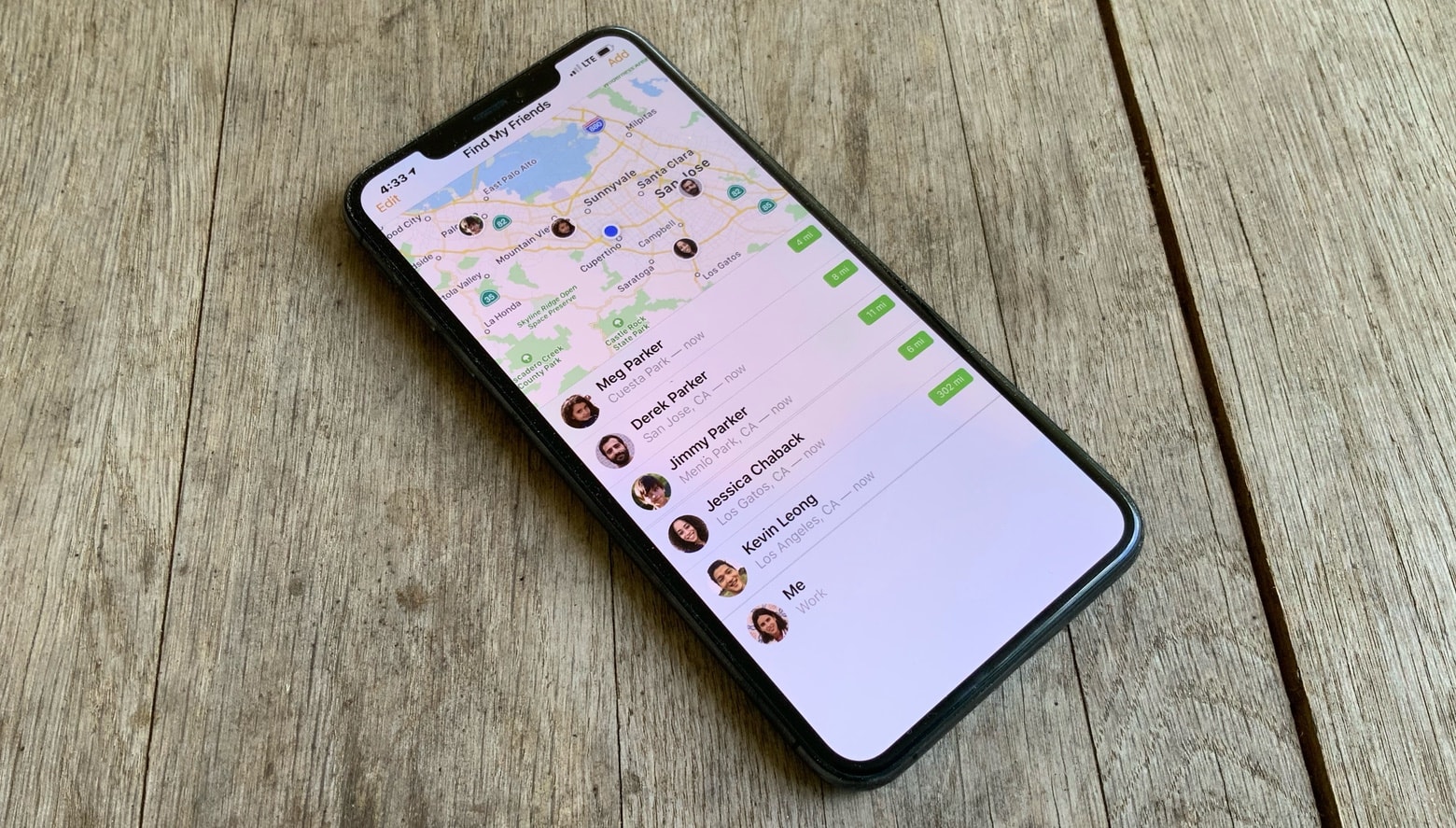
When 17-year-old Macy Smith was late coming home and didn’t answer her phone, her mother knew something was wrong. But she was able to track the girl down thanks to the Find My Friends application on her daughter’s iPhone, even though Smith was trapped in a wrecked car at the bottom of an embankment.