Schedule payments using the easiest way to pay someone — Apple Cash. Image: D. Griffin Jones/Cult of Mac
Set up scheduled, automatic Apple Cash payments to send money to your friends or family on a regular basis. You can use this to pay back your housemates for bills, send your kids some money or pay back personal debts.
★★★★☆
Pebblebee Clip is a real help if you need to find your keys. And now it supports iPhone or Android. Photo: Ed Hardy/Cult of Mac
Attach the Pebblebee Clip to your keys, backpack or purse and you won’t need to worry about misplacing your item or leaving it behind. You can locate the missing item with your iPhone (or Android), or have the tracker tag play an audible alarm.
The item tracker is a rival to Apple’s AirTag, and both use Apple’s Find My network so they can be located almost anywhere on Earth. But Pebblebee has a new advantage: it just launched a Universal version that supports either Apple’s or Google’s similar tracking service.
I tested the new version of Pebblebee’s tracker tag and found a lot to like. It even improves on Apple’s offering, but not in every way.
Turns out, it can be done — really easily. Image: D. Griffin Jones/Cult of Mac
So, you accidentally disabled Bluetooth on your Mac, and now you can’t use your wireless mouse or trackpad. You could dig out a wired mouse to reenable Bluetooth, but that’s a lot of effort. Instead, just use your keyboard to turn on Bluetooth on your Mac without a mouse.
We’ll show you how to get out of this computing pickle.
★★★★★
iPhone 16 Plus might be a better choice for you than the Pro Max. Photo: Ed Hardy/Cult of Mac
I’d like to save you between $200 and $400. It’s easy: Don’t assume you must buy an iPhone 16 Pro or Pro Max to get an excellent handset. The more-affordable iPhone 16 and iPhone 16 Plus are both brilliant.
Traditionally, customers choose the basic iPhone because they’re willing to forgo cutting-edge features to get a cheaper device. But the gap between iPhone 16 and iPhone 16 Plus versus the Pro versions proves quite narrow. My time reviewing Apple’s latest iPhones shows that if you go with a “regular” iPhone this year, you will give up less than you think in exchange for significant savings.
Fix the worst sins of the Photos app. Image: D. Griffin Jones/Cult of Mac
If you’re one of the many people frustrated by the Photos app redesign in iOS 18, you can fix it to make it easier to use again. Apple’s updated design replaces the Photos app’s tab bar for navigation with a single, scrollable list view.
You scroll up for your photo library, and scroll down to browse your collections, people and albums. But its default layout makes it hard to find a few useful features, like Hidden and Recently Deleted. There’s only one library view now, but it’s sorted by Date Captured by default — a lot of people prefer to sort by Recents.
It’s possible to revert some these changes to “fix” the Photos app in iOS 18 and make it easier — or at least more comfortable — to navigate. However, the changes aren’t obvious. Here’s how to restore your sanity.
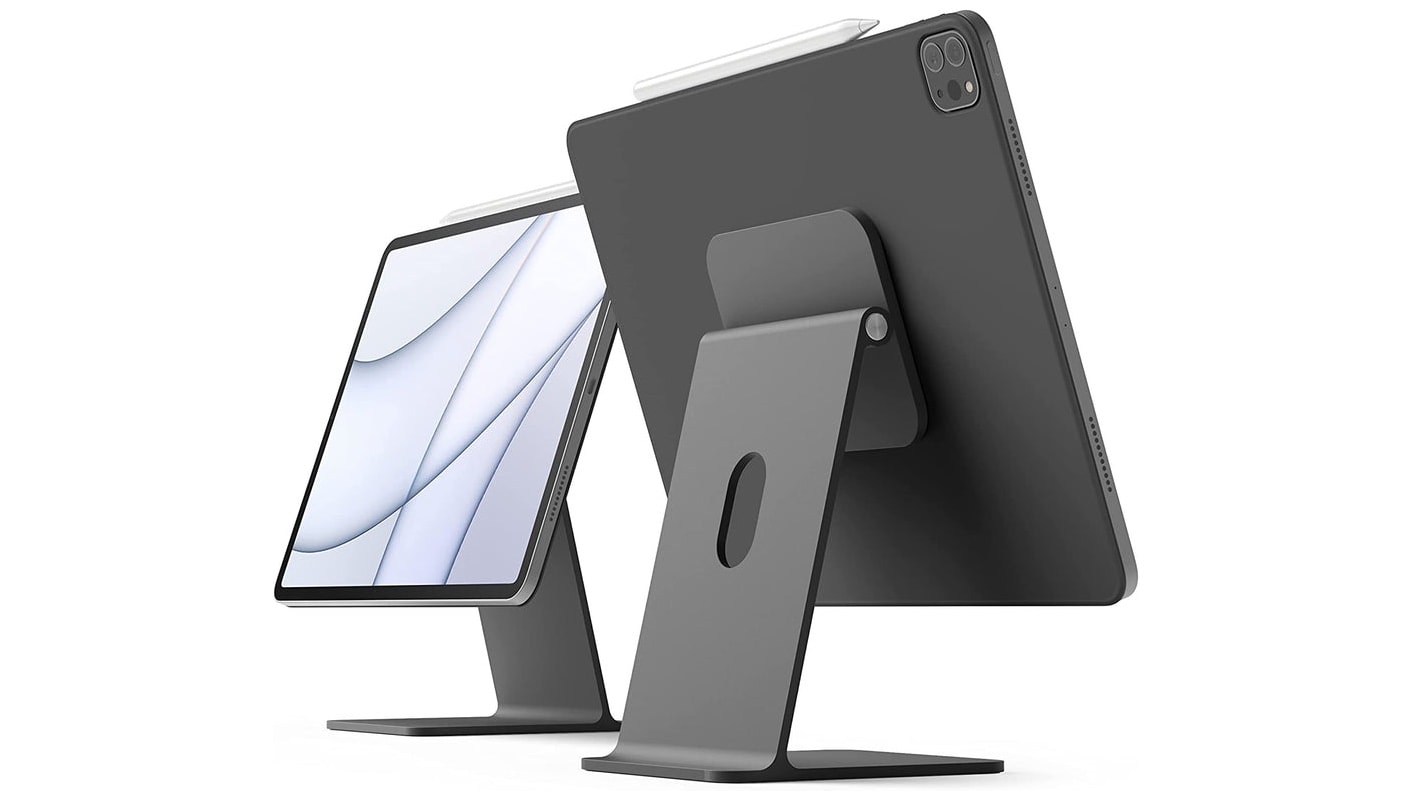
Your iPad can also be a stylish iMac mini with this stand. Photo: Elago
If you love your iPad, there’s no reason to buy a second computer. Add a few accessories and you can quickly transform an iPad into an iMac mini — a small desktop computer easily up to personal use.
I use an iPad as my primary computer, so I have some recommendations for items to take your tablet to the next level.
Here's how you can install the final version of iOS 18 on your iPhone today. Graphic: Rajesh Pandey/Ed Hardy//Cult of Mac
iOS 18 will go out to iPhones everywhere on September 16, but you don’t have to wait. It’s possible to go ahead and install the final version this weekend when you have time to tinker with it.
And doing so doesn’t require doing anything dodgy or risky. You’ll be getting the final version of upgrade straight from Apple… just a little earlier than scheduled.
Apple Maps can help you find your way anywhere you need to go — but I can help you find hidden features in the app. Image: D. Griffin Jones/Cult of Mac
With tons of advanced features, Apple Maps competes quite handily with the likes of Google Maps and Waze. I put together a big list of the best eight features hidden in Apple Maps.
You can learn them all in this post — and see them in action in our video below.
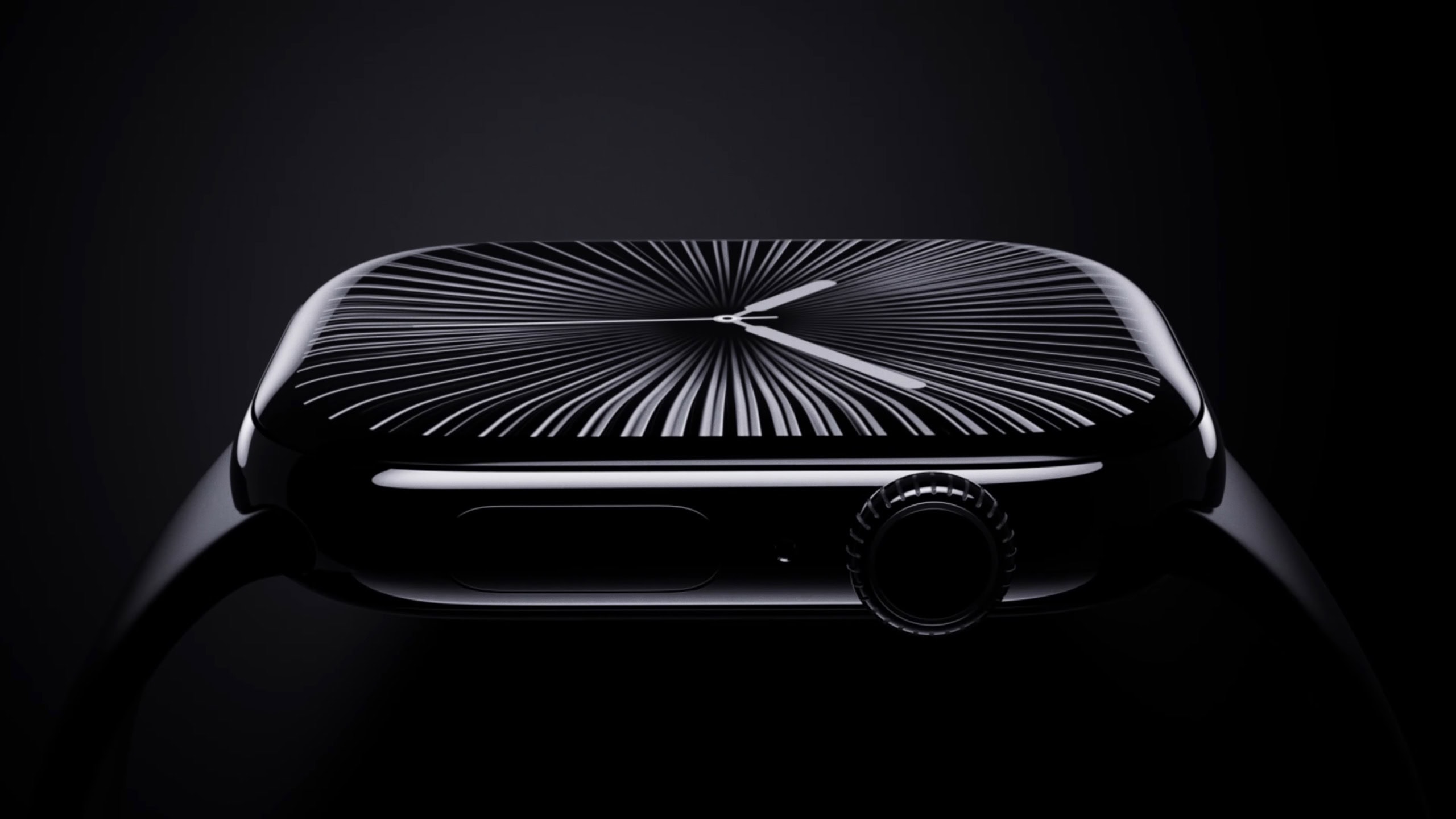
The new jet black polished aluminum Apple Watch Series 10 looks perfect for Darth Vader cosplay. Photo: Apple
The all-new Apple Watch Series 10 is the slimmest Apple Watch yet. With a bigger screen, longer battery life, improved water resistance, and a titanium finish upgrade, it’s now a serious alternative to Apple Watch Ultra. But despite all these sporty new features, Apple Watch Series 10 looks more refined than ever, with an elegant new polished aluminum look.
“It’s the thinnest Apple Watch ever, with our largest and most advanced display in a sleek, lightweight, all-metal case that comes in gorgeous new finishes of aluminum and polished titanium,” said Apple COO Jeff Williams during Monday’s taped “It’s Glowtime” event. “The design of Series 10 is truly a milestone of watchmaking.”
iPhone 16 features an iPhone X-like design. Photo: Apple
Apple unveiled the iPhone 16 and iPhone 16 Plus on Monday. The new iPhones feature an iPhone X-like rear camera design and upgraded internals for Apple Intelligence support.
“iPhone 16 celebrates color in an unparalleled way. We evolved the process of developing our unique and durable color back glass to create new rich colors,” said Kaiann Drance, Apple’s VP of iPhone marketing, during the “It’s Glowtime” event.
If you're upgrading to iPhone 16, now is the time to secure the best possible price for your old iPhone trade-in. Photo: Jim Merithew/Cult of Mac
With Monday’s impending iPhone 16 reveal, excitement abounds! However, one downside of the “It’s Glowtime” event is the impending drop in value of your iPhone trade-in.
Every year, newer models push older iPhones, Apple Watches and MacBooks further and further down the path to obsolescence. But there’s good news: Cult of Mac will still buy your old devices. And we’ll help you maximize the money you get for your iPhone trade-in, too.
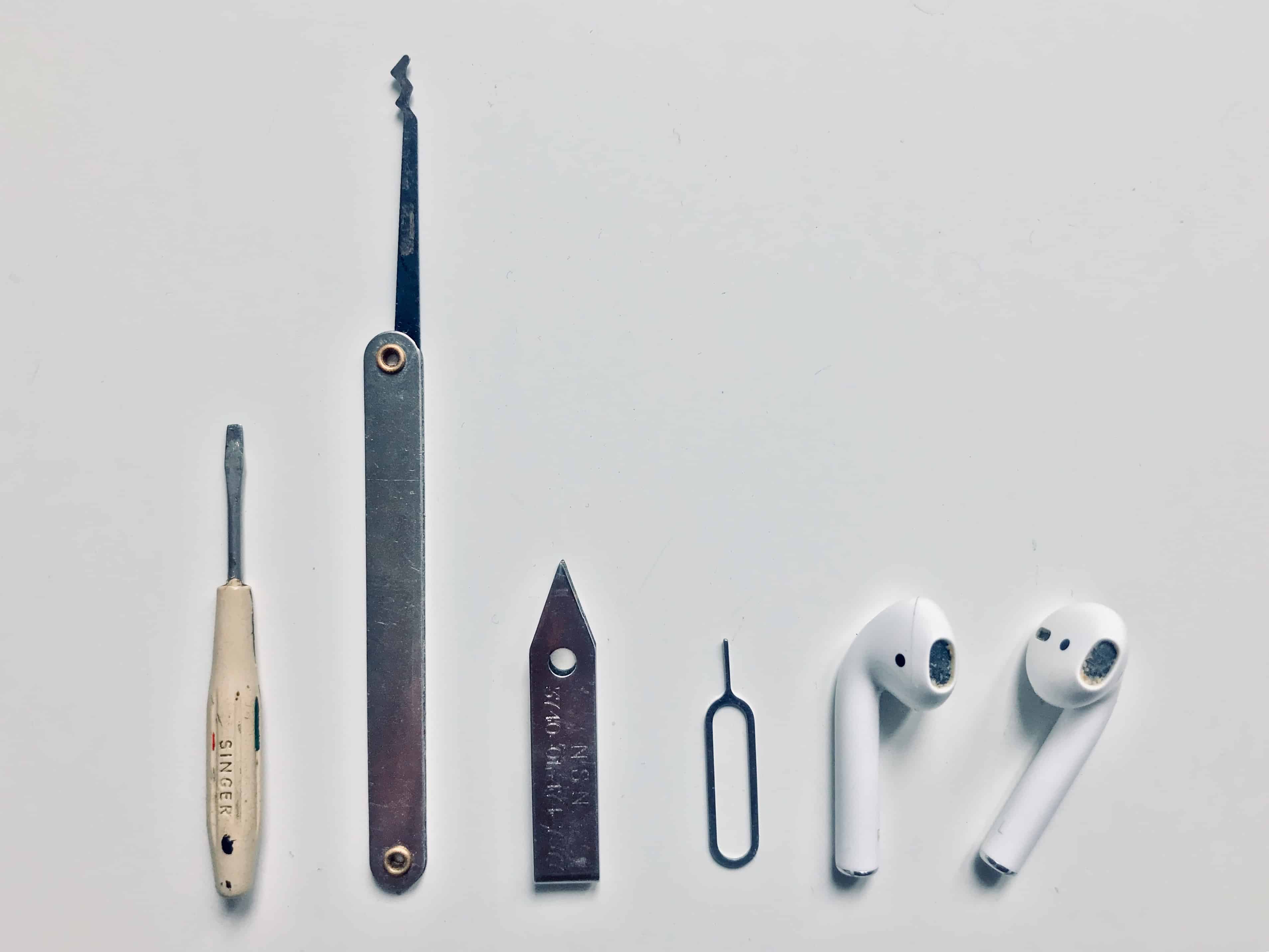
Cleaning your AirPods is easy, and you probably have the tools to do it already. Photo: Charlie Sorrel/Cult of Mac
Today we’re going to see how to clean AirPods, AirPods Pro or any other earbuds, using tools you probably already have. It’s essential to keep your AirPods clean to keep them working properly. Plus, it’s easy for them to get gross.
For instance, the other day on the metro, I pulled out my AirPods and dropped one on the floor. The earbud bounced over dried and dirty beer stains, and who knows what other filth and bacteria that had been traipsed in on a million passengers’ shoes (and the odd hippie’s bare feet). I gave up on listening to anything on the trip home, and slipped the rescued AirPod back into its case.
It’s not only hippie toe jam that we have to worry about, either. Because we constantly push AirPods deep into moist holes in our heads, they crust up with earwax and whatever bacteria live in our earholes. Happily, cleaning and disinfecting AirPods is not only easy. It’s just about as satisfying as digging a deep-seated booger out of your nose, or picking an almost-healed scab.
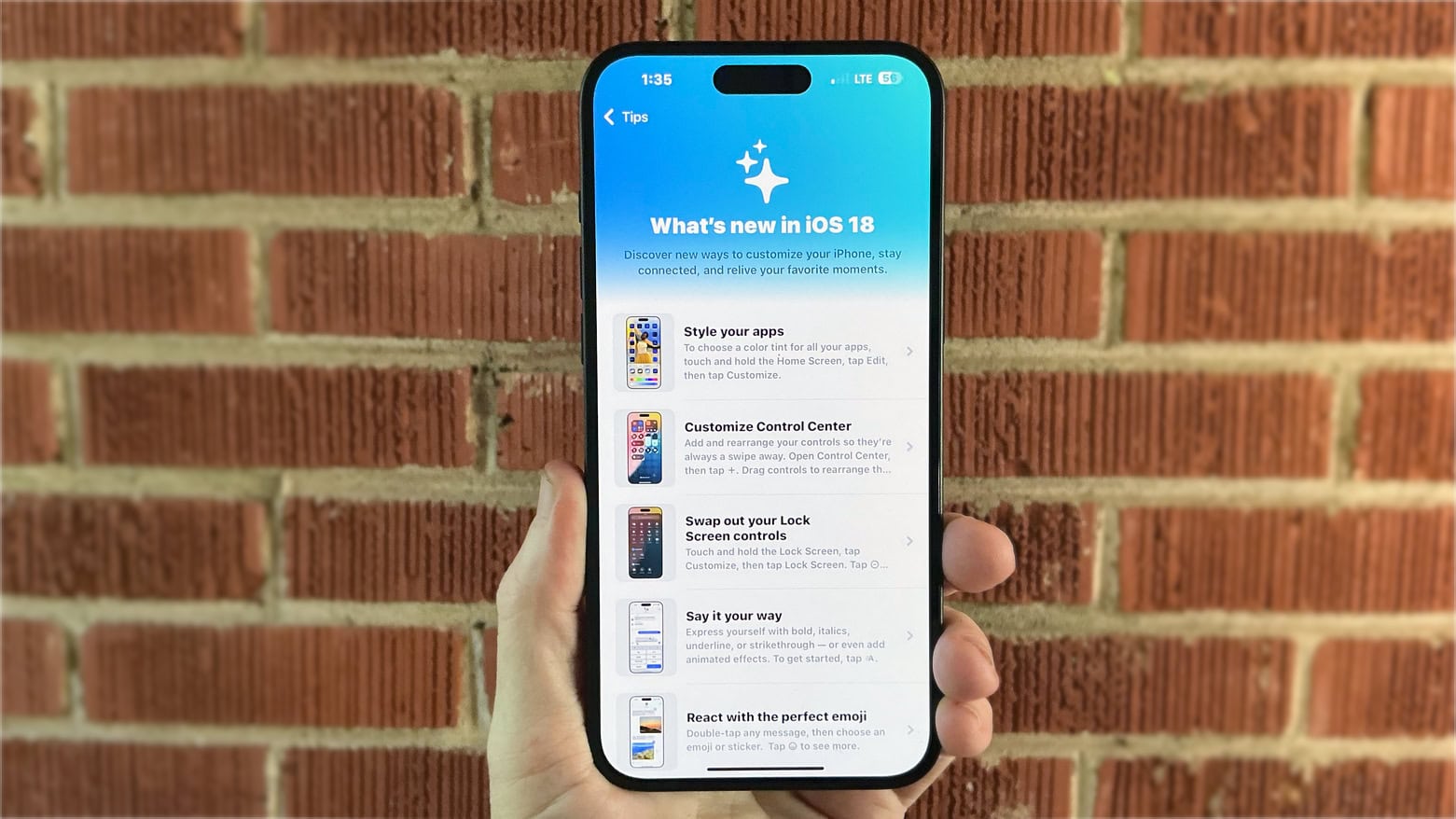
There are so many hidden features in iOS 18 to try out! Photo: Rajesh Pandey/Cult of Mac
iOS 18 is packed full of great features Cult of Mac has covered at length — but the upcoming iPhone software update packs many more tiny features and small improvements that Apple did not mention or talk about. If you know to look out for these features, they’ll make the everyday interactions with your phone faster and easier.
Here’s a roundup of 18 little changes and useful features in iOS 18. Keep reading or watch our video.
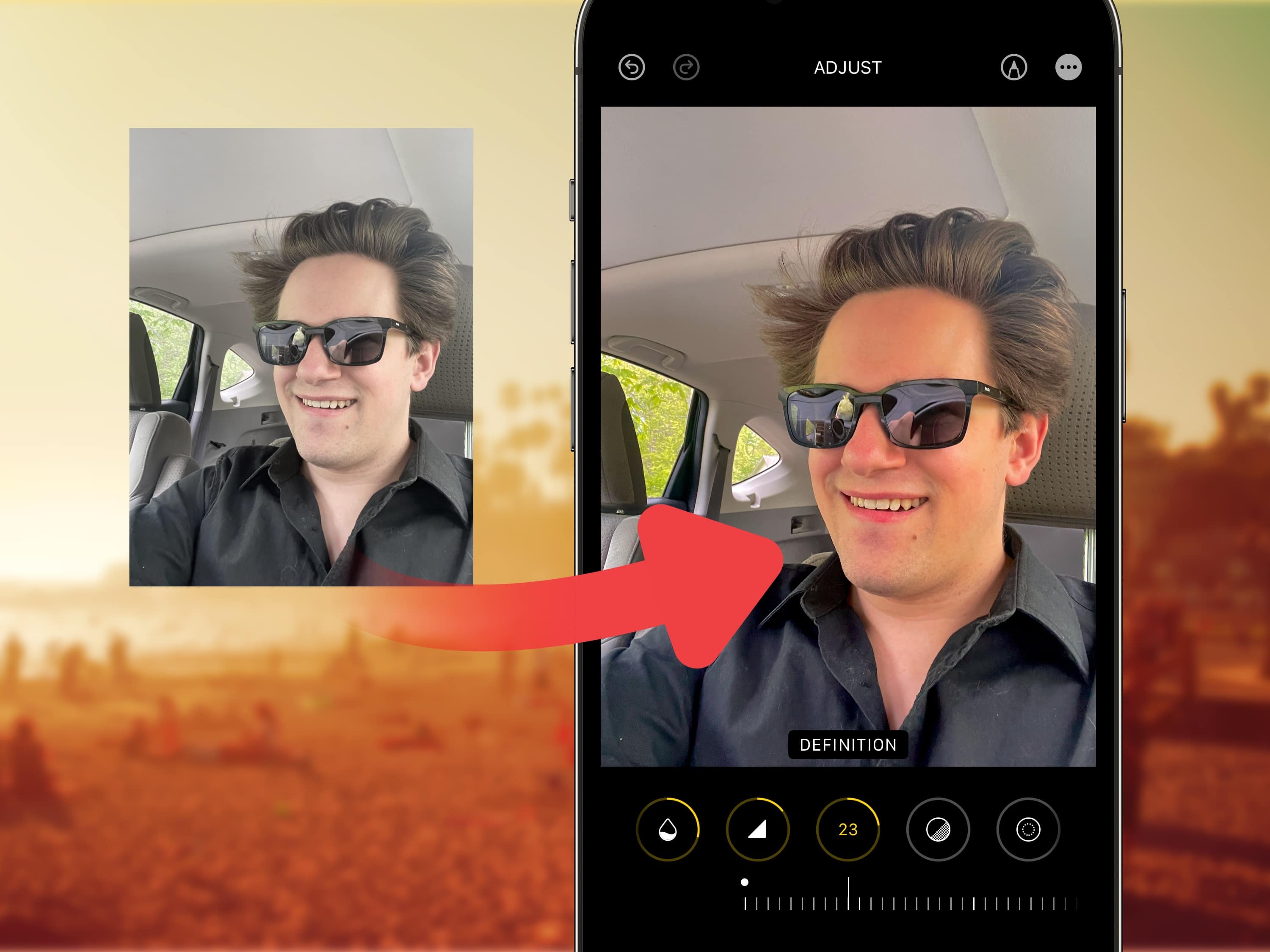
Many filters will brighten your photos, but sorry, nothing will make you look like you’re in your 20s. Image: Levi Clancy/Wikimedia Commons/D. Griffin Jones/Cult of Mac
Viral clips on TikTok show how to edit selfies for a more stunning, popping image on your iPhone. I live in a part of Ohio that’s perpetually overcast, but you would think I’m on my way to the beach, given the warm hues this method imparts upon your pictures.
Read on for detailed instructions on how to use TikTok’s winning selfie formula and how to apply the same filters in bulk on all the pictures from a photo shoot. Plus, I’ll tell you about my recommended selfie stick for taking great group shots and landscapes.
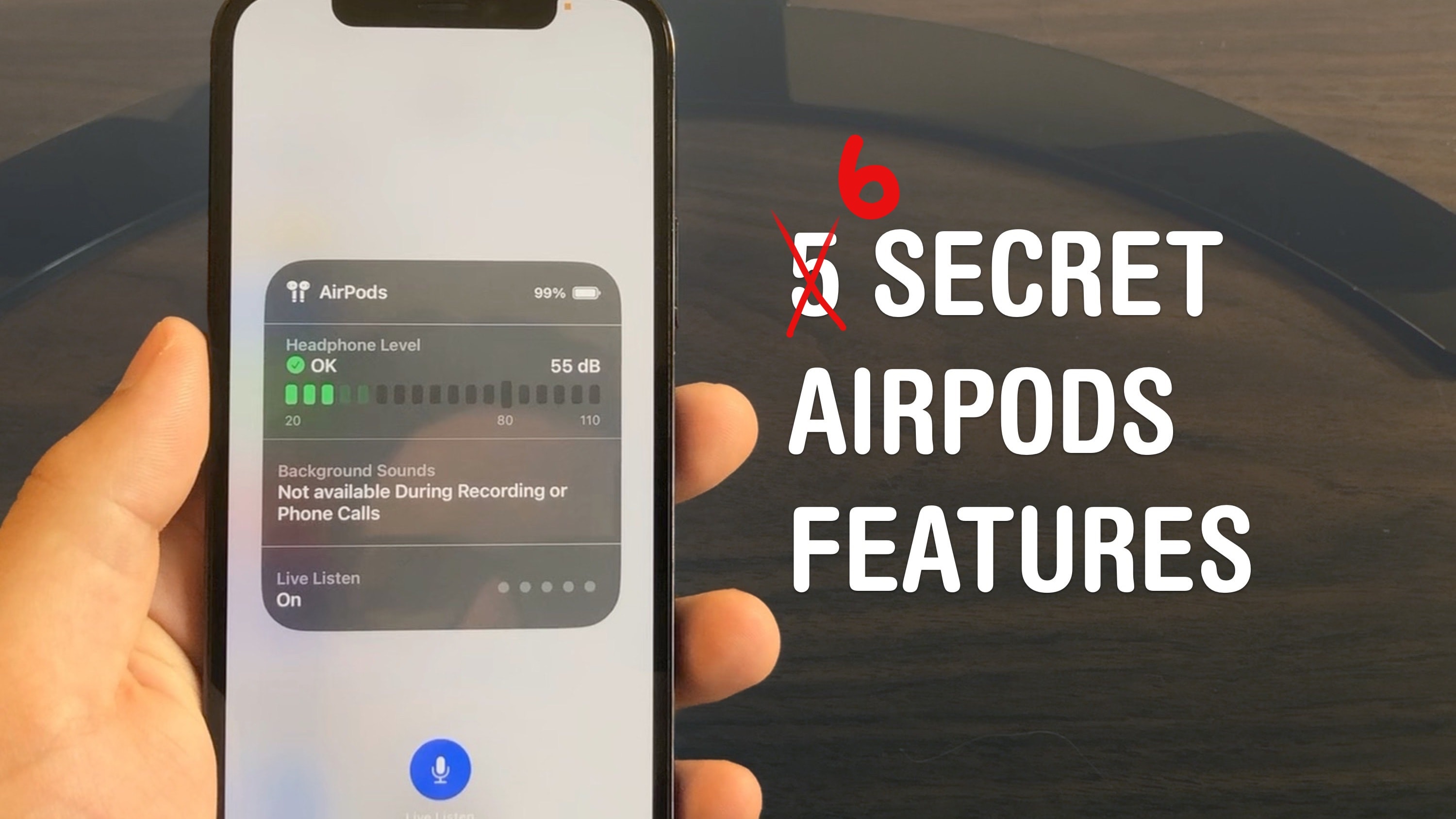
Master your AirPods with these six tricks you’d have to really dig to find. Photo: D. Griffin Jones/Cult of Mac
AirPods are the wireless earbuds that ordinary Bluetooth headphones want to be when they grow up. They’re seamlessly integrated with your iPhone, Apple Watch, iPad and Mac. They’re deceptively simple — but if you want to get more out of them, you need to dig through Settings. These AirPods tips will show you where to look to unlock maximum functionality.
I did some spelunking and found six super-handy hidden features you might not know about.
★★★☆☆
Zagg Crystal Palace protects your iPad while still showing it off. Photo: Ed Hardy/Cult of Mac
The Zagg Crystal Palace solves a vexing problem for iPad users: you want to show off your gorgeous iPad but you need to protect it too. That’s why most of this folio case is transparent. Nevertheless, it provides 6.5 feet of drop protection.
It also acts as a stand, and there’s a useful Apple Pencil holder.
Zagg’s case offers plenty of great features, but an unfortunate design flaw in the cover flap makes it hard for me to recommend this product.
You don't need an Apple Watch to track your sleep stats. Photo: Cult of Mac Deals
Going nine rounds with your snooze button every morning? If you aren’t waking well, you might not be sleeping well, either. The Go2sleep 3 sleep-tracking ring provides a comfortable and inexpensive way to learn about what’s going on with your body while you’re off in dreamland.
The AI-powered sleep tracker identifies patterns in your sleep and gives you insights into what you can do to rest easier. You can get one of these advanced sleep-tracking rings for just $98.99.
A fake iPhone 16 event invite fooled the internet. Photo: Leander Kahney/Cult of Mac
Beware, Apple leakers: The hoaxer who created a fake Apple invite for the iPhone 16 event says he’ll probably try to pull off a similar prank in the future. Lorenzo, a 14-year-old video editor from Italy, says he created the bogus invite in about 10 minutes out of boredom when he was sick. Then he sent the image to a known leaker — and watched as the fake document whipped up a frenzy in the Apple rumor mill.
“I feel like leaks can be boring sometimes so I want to spice it up,” he told Cult of Mac in a direct message. “Maybe by putting more effort into making a good concept next time.”
The side button does much more than you think. Who needs an action button? Image: D. Griffin Jones/Cult of Mac
The iPhone 15 Pro’s customizable Action button lets you pick from several presets, including Accessibility — which lets you choose from 25 different accessibility features that you can toggle on or off. These features aren’t limited to the iPhone 15 Pro’s Action button, either. On any older iPhone, you can simply triple-click the side button to access those same 25 accessibility features.
Here are all 25 of the accessibility features you can assign to a button on your iPhone — and what they do.
★★★★☆
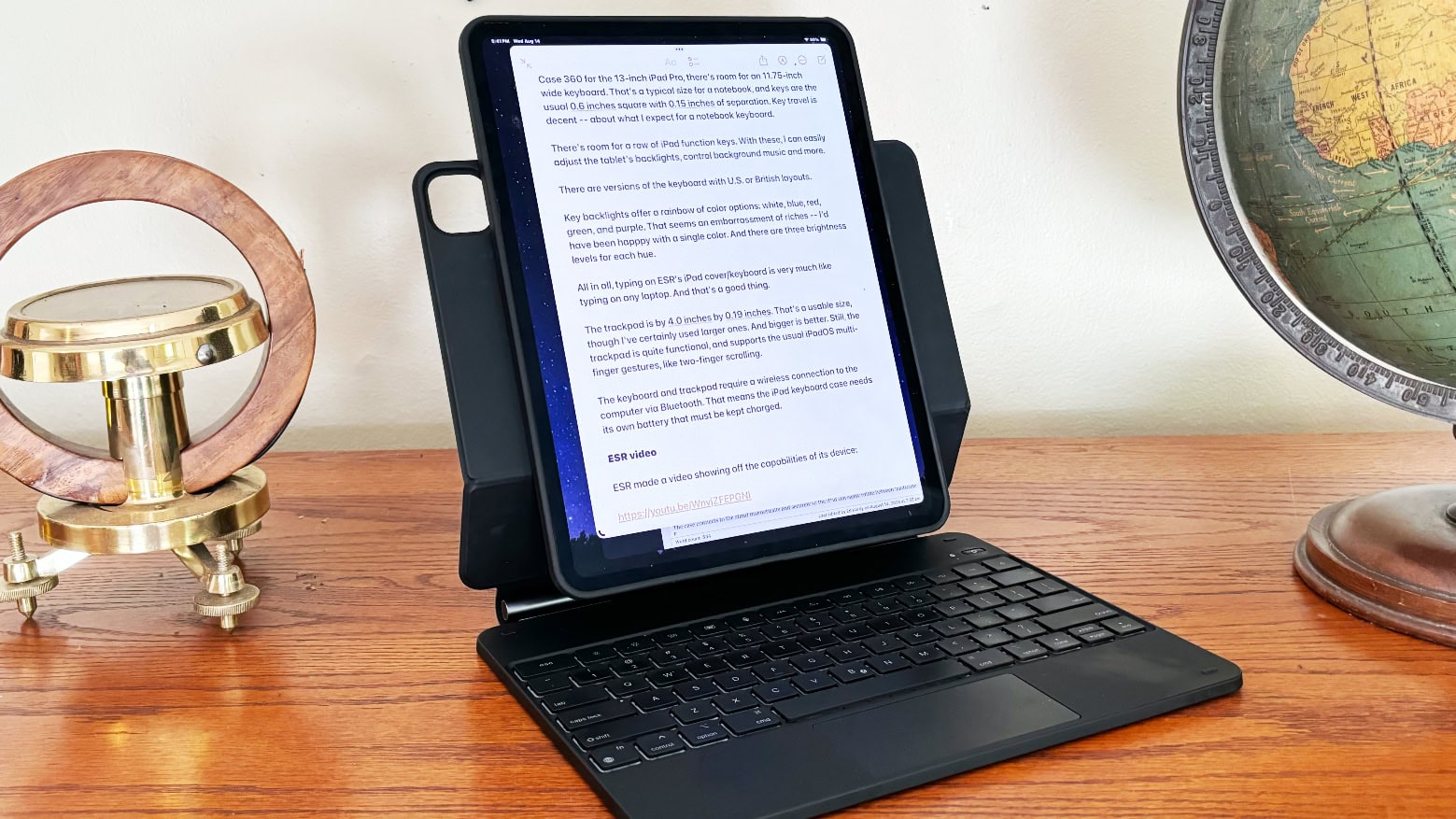
ESR Rebound Magnetic Keyboard Case 360 lets iPad users type in portrait mode, not only landscape. Photo: Ed Hardy/Cult of Mac
ESR’s Rebound Magnetic Keyboard Case 360 includes a protective case for an iPad as well as a keyboard and trackpad. It offers typing with the tablet in portrait or landscape, a trick Apple’s own case/keyboard can’t match. You also can use the case when you leave the keyboard behind.
I tested it with my 13-inch iPad Pro. Here are my hands-on impressions.
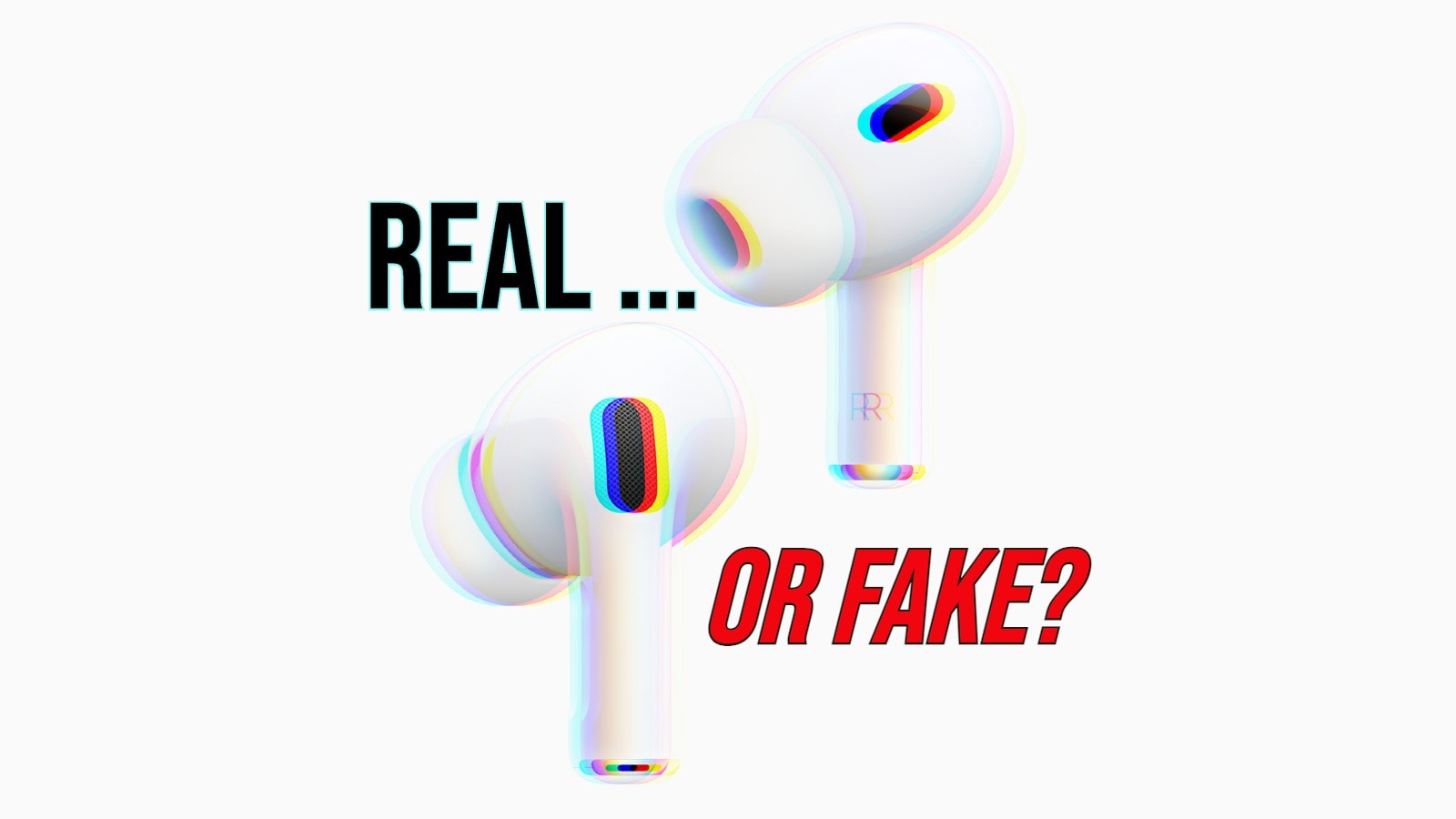
Ensure your AirPods are the real deal. Image: Cult of Mac
Fake AirPods are a bigger problem than you might think. With so many legit-looking AirPods clones floating around, it can prove difficult to spot counterfeit earbuds.
However, you can take several steps to see if the AirPods you are contemplating buying — or that you already bought — are genuine Apple products.
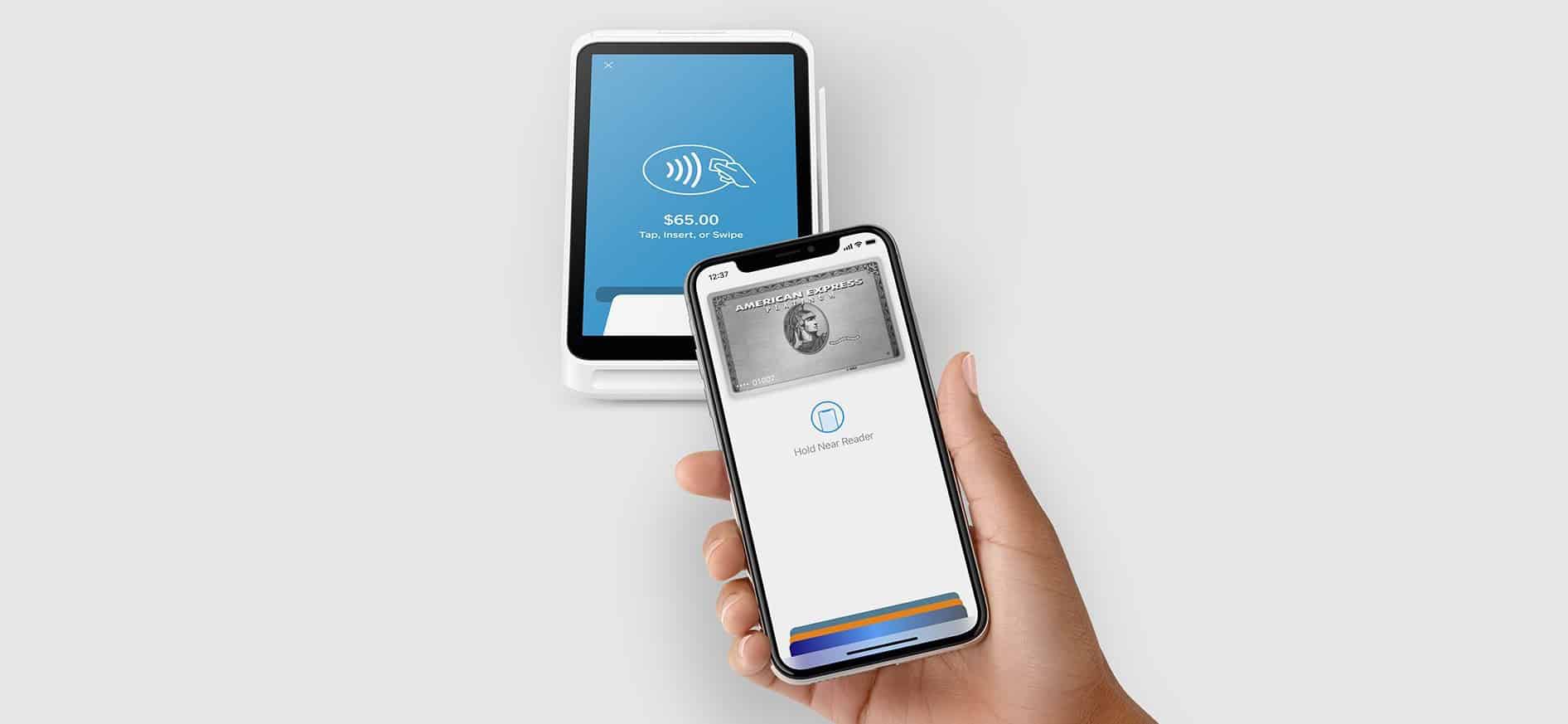
With iOS 18.1, developers will gain access to API enabling secure, in-app NFC payments. Photo: Square
The introduction of NFC and Secure Element (SE) APIs in iOS 18.1 unlocks new monetization opportunities for iOS app developers, Apple said Wednesday — though fees apply. But on the plus side, secure in-app near-field communication (NFC) transactions in iOS 18.1 will let devs integrate secure, contactless transactions directly within their apps on iPhone, independent of Apple Pay and Apple Wallet.
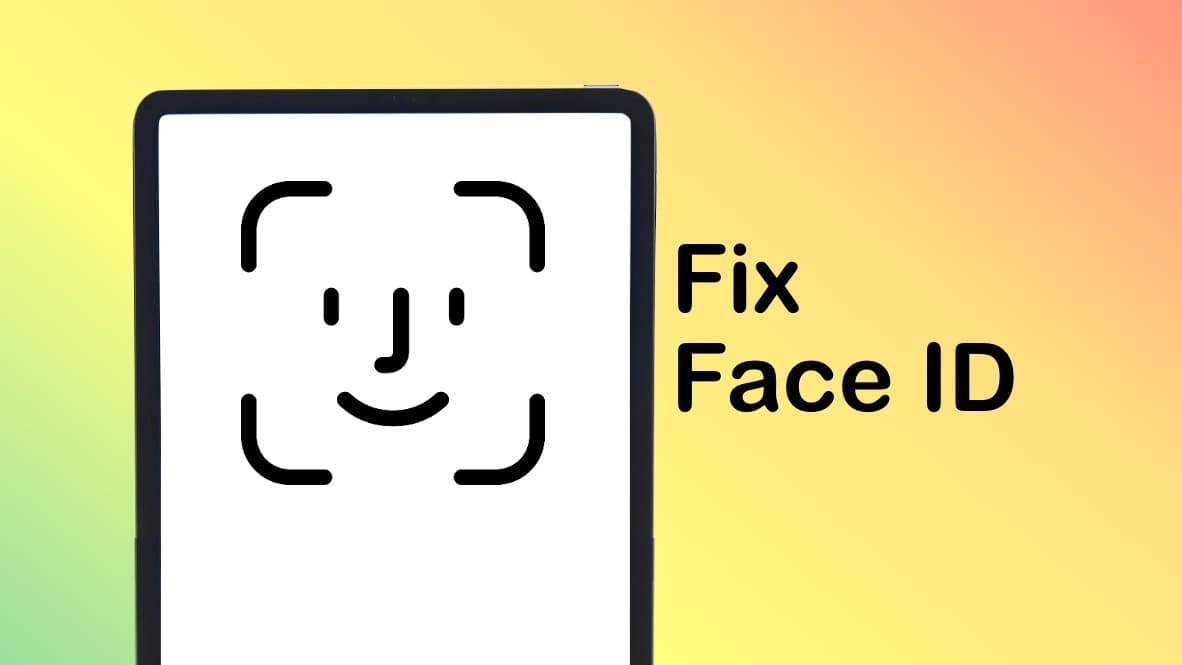
If you think there's something wrong with Face ID on your iPad, it could be it's set to be too picky. Graphic: Ed Hardy/Cult of Mac
I’ve read complaints online that Face ID on iPads is defective. I think what’s happening instead is that the biometric security system in Apple’s tablets has been set to be overly exacting. If it seems like Face ID is not working on your iPad, changing a single security setting can help.
I turned off the Require Attention setting on my iPad Pro and it made Face ID noticeably better. Presto, unlocking anything on my iPad became quick and easy. Previously, it felt like the computer was working to avoid giving me access.
Admittedly, changing this setting made my tablet a little bit less secure. But that’s a very small risk for a significant gain in usability. I recommend it to anyone who uses an iPad and thinks Face ID is not working properly.
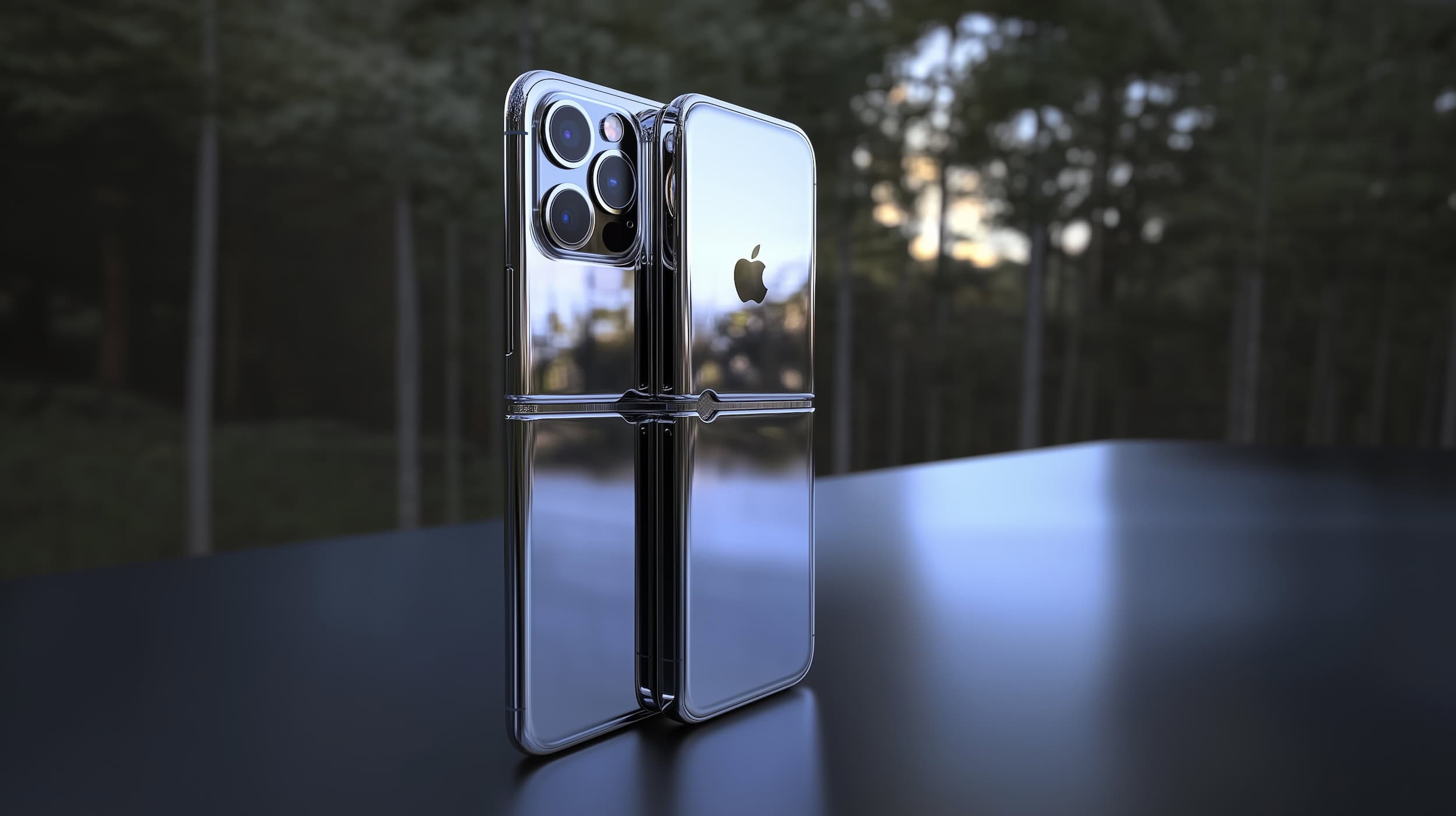
What will the "iPhone 17 Slim" look like? AI image: Midjourney/Cult of Mac
Leaks tell us Apple is prepping a super-slim version of next year’s iPhone 17 without all the features of the Pro models but with a price that’ll make it the most expensive in the lineup. These reports left many of us skeptical. Would anyone pay more for a slim-but-stripped-down iPhone?
But let’s change the rumor slightly — what if Apple is prepping a super-slim iOS handset that folds? If the recent leaks are actually about the iPhone 17 Fold, they make a lot more sense.
iOS 18 is another beta closer to release. Photo: Rajesh Pandey/Cult of Mac
Since WWDC24, Apple has released five developer beta builds of iOS 18 every two weeks. The company has now switched to a weekly beta release cycle. iOS 18 beta 6 is here, packing some minor changes as Apple focuses on squashing all the bugs.
You can find all the new features and minor enhancements in iOS 18 beta 6 below.


![4 ways Pebblebee Clip tracker tag is better than AirTag [Review]](https://www.cultofmac.com/wp-content/uploads/2023/08/Pebblebee-Clip-review-2.jpg "5 ways Pebblebee Clip tracker tag is better than AirTag [Updated review] ★★★★☆")