Mobile menu toggle

Top stories - page 731

Siri and App Store will make Apple TV a game-changer

By

post-316548-image-46635db21036c1afe4d1f6b4585db437-jpg
We're finally going to get the TV experience we deserve. Photo: Jim Merithew/Cult of Mac

A new Apple TV set-top box is set to arrive this summer at Apple’s World Wide Developers Conference, according to a new report citing sources familiar with the situation.

The upgrade would represent a much-needed “significant overhaul” of the device, letting it go far beyond Apple’s current TV offering and crossing over into other areas such as music, apps and even home automation — with a nifty Siri-based interface, to boot.

This brute-force device can crack any iPhone’s PIN code

By

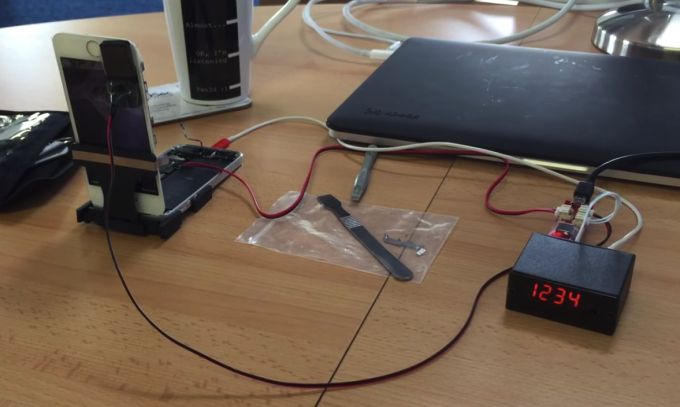
Photo: MDSec
It's not exactly the Enigma Machine, but it'll do the trick! Photo: Mobile App Hacker's Handbook

Touch ID might be a more convenient and secure security implementation than PIN codes, but for now at least PINs are sticking around — which makes your iPhone vulnerable to anyone who gets their hands on it.

Of course, your iPhone only gives you a certain number of failed guesses, which means that unless the hacker somehow quickly guesses the correct code out of the 10,000 possible combinations, your iPhone’s contents remain safe.

A new video which has surfaced online, however, shows off a brute-force machine capable of trying every possible four-digit numerical combination in turn, while also resetting your iPhone to try again when it runs out of attempts. You can check it out below.

Steve Jobs’ high school yearbook lands on eBay for $13,000

By

Jobspic
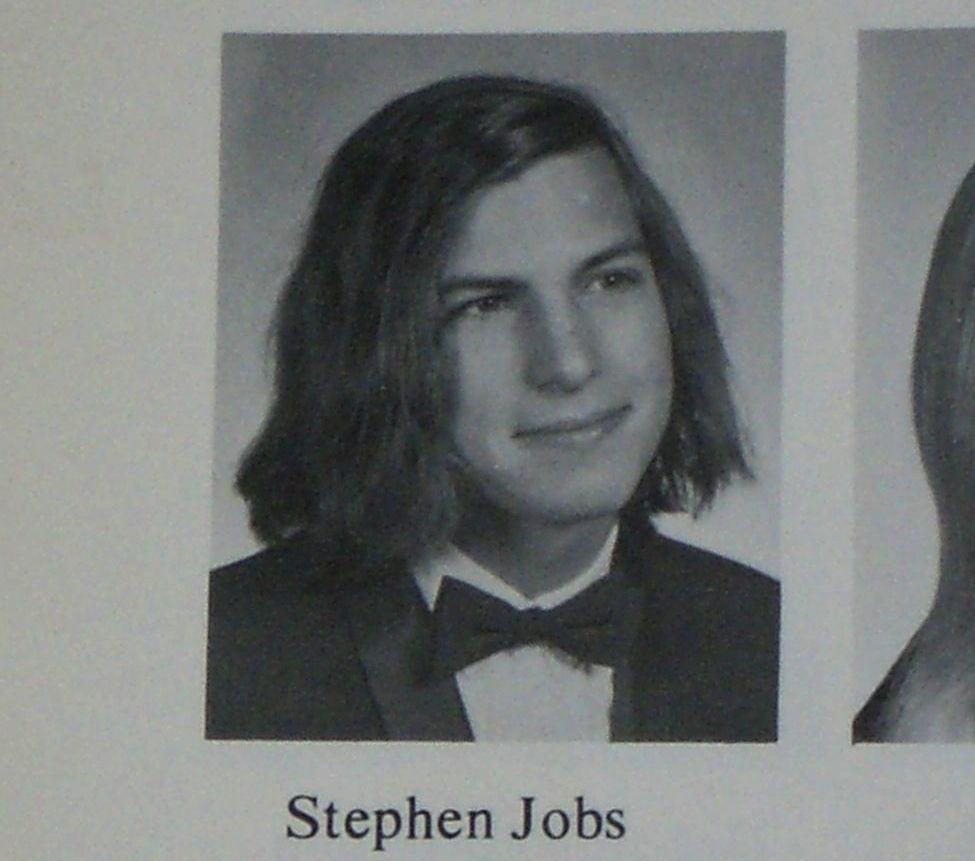
The luscious hair didn't last into the Apple years, unfortunately. Photo: Homestead High School


Have you always wanted to own a piece of Steve Jobs history, while also disposing of $13,000 in a hurry?

If so, you may be the perfect buyer for an eBay copy of the high school yearbook for Steve Jobs’ graduating class, in which the long-haired future Apple co-founder looks more on course to be voted “Most likely to start a progressive rock band” than “Most likely to become CEO of the world’s most valuable company.”

Carrying a Buy It Now price of $12,999.98 (or an opening bid value of $4,999.98), the book currently belongs to a fellow student at Homestead High School, who spoke with Cult of Mac about the sale.

Tony Stark is The Avengers’ Jony Ive

By

Tony Stark really does make the Avengers look cool. Photo: Marvel Studios

Tony Stark isn’t just Iron Man — he’s The Avengers’ own personal Jony Ive.

“He’s the boss,” says Stark (referring to Captain America) in the new TV spot for The Avengers: Age of Ultron. “I just pay for everything … and design everything … make everyone look cooler.”

While Ive doesn’t pay for everything at Apple, the rest of that self-confident self-description sounds a lot like Cupertino’s design guru.

An Apple drone? One man dares to dream

By

Apple drone
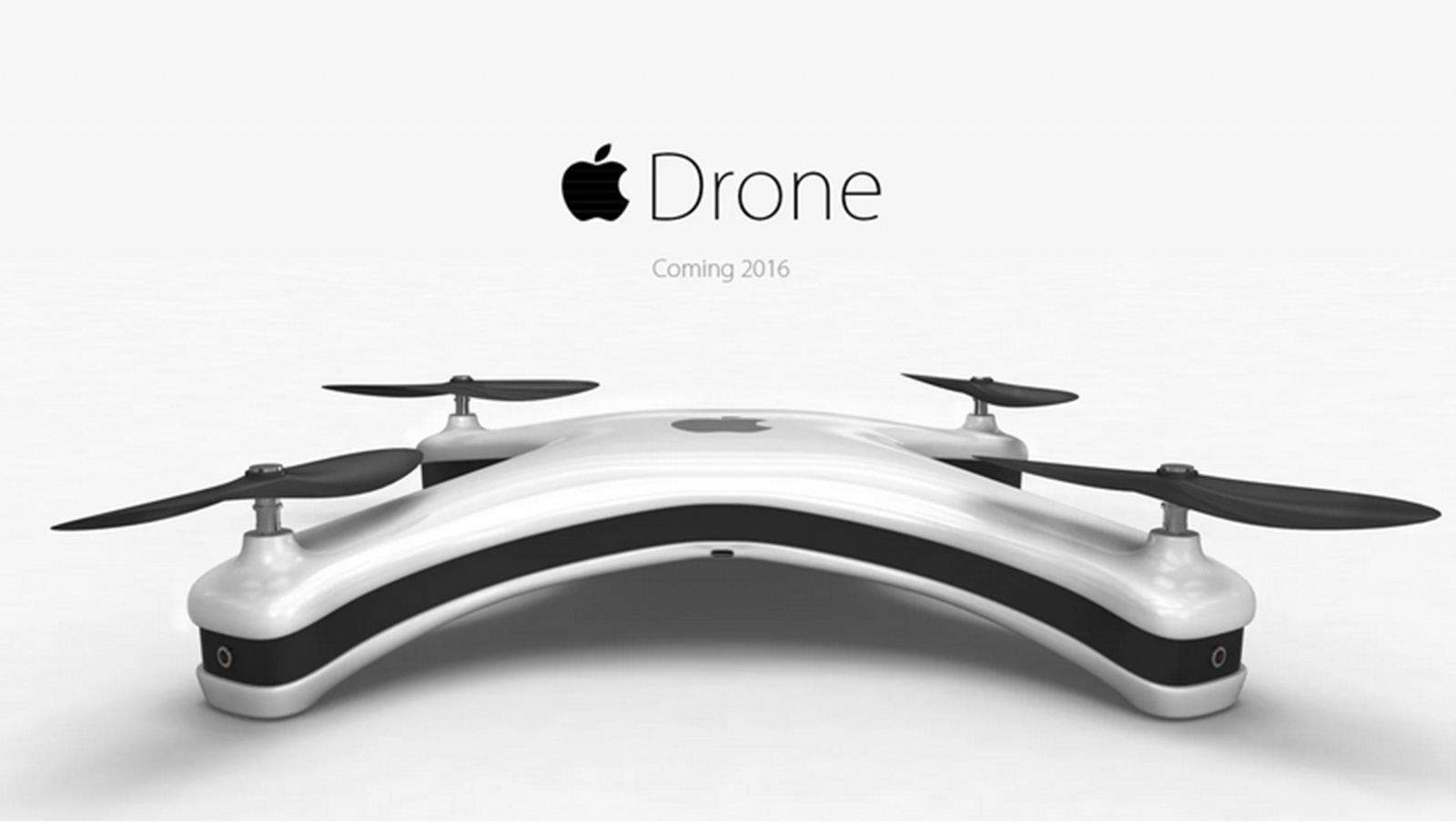
The Apple Drone is an unauthorized concept, but the design looks right. Photo: Eric Huisman
Photo: Eric Huisman

We have Apple products atop our desks, in our pockets and, soon, on our wrists. As if there aren’t enough Apples in our airspace, one man is nudging his favorite company to design a quadrocopter. He’s even taken a stab at designing his dream Apple drone — and was careful to remain faithful to the Jony Ive aesthetic.

Eric Huisman presents his Apple drone concept like a classic Apple ad, with the product photographed on a seamless white background, perfectly lit, with a subtle shadow.

Force Touch could make your next Mac keyboard a virtual one

By

Photo: Matt Buchanan CC
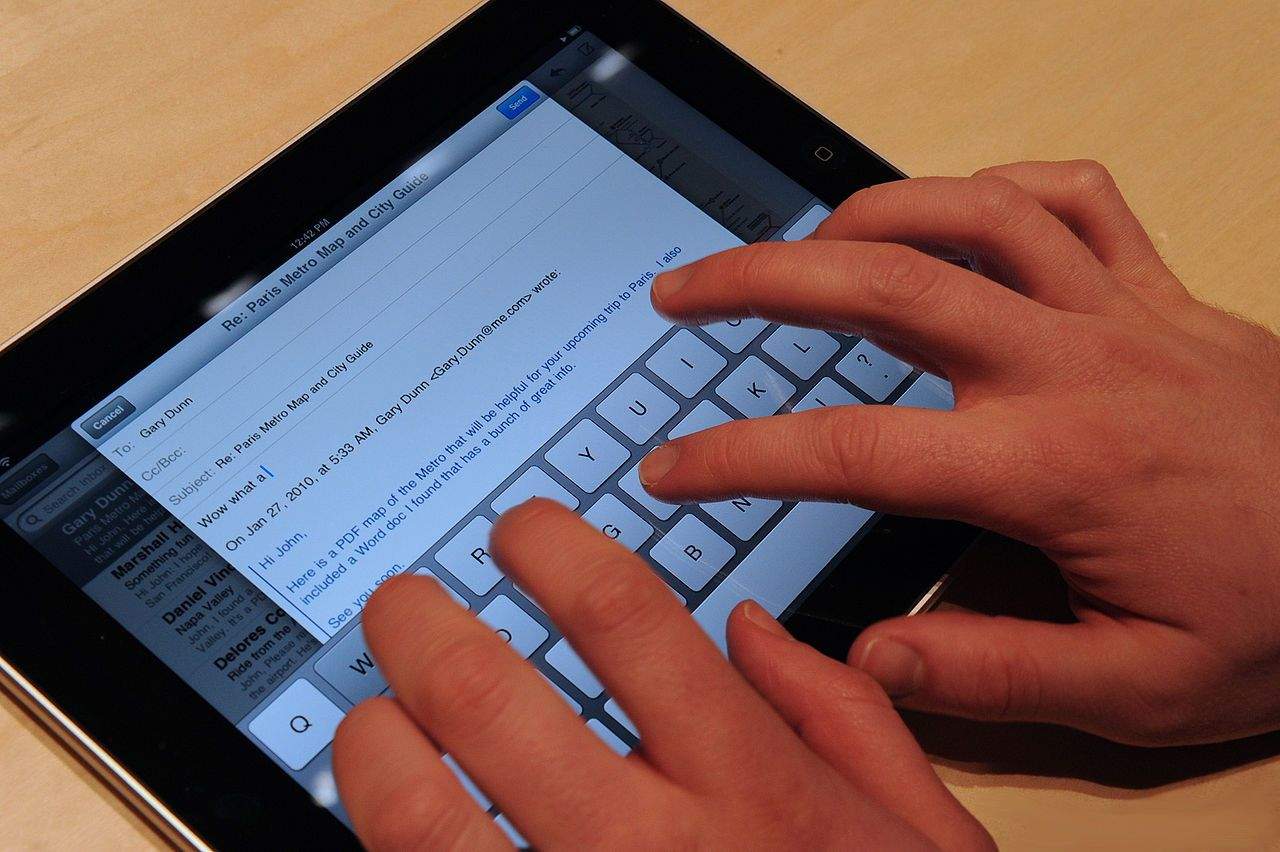
Typing on your iMac may one day be like using your iPad. With one crucial difference. Photo: Matt Buchanan/Flickr CC

Apple’s magical Force Touch trackpad — which uses haptic technology to make the new MacBook trackpad feel like it’s clicking, even when it’s not — was unveiled at the company’s recent “Spring Forward” event.

But a patent application published today suggests that this is merely the tip of the iceberg when it comes to the interest in haptic technology on the part of Tim Cook and co. The application describes a whole virtual keyboard for the iMac, meaning that users could type onto a flat glass or metallic plate, but would still be able to feel the individual keys.

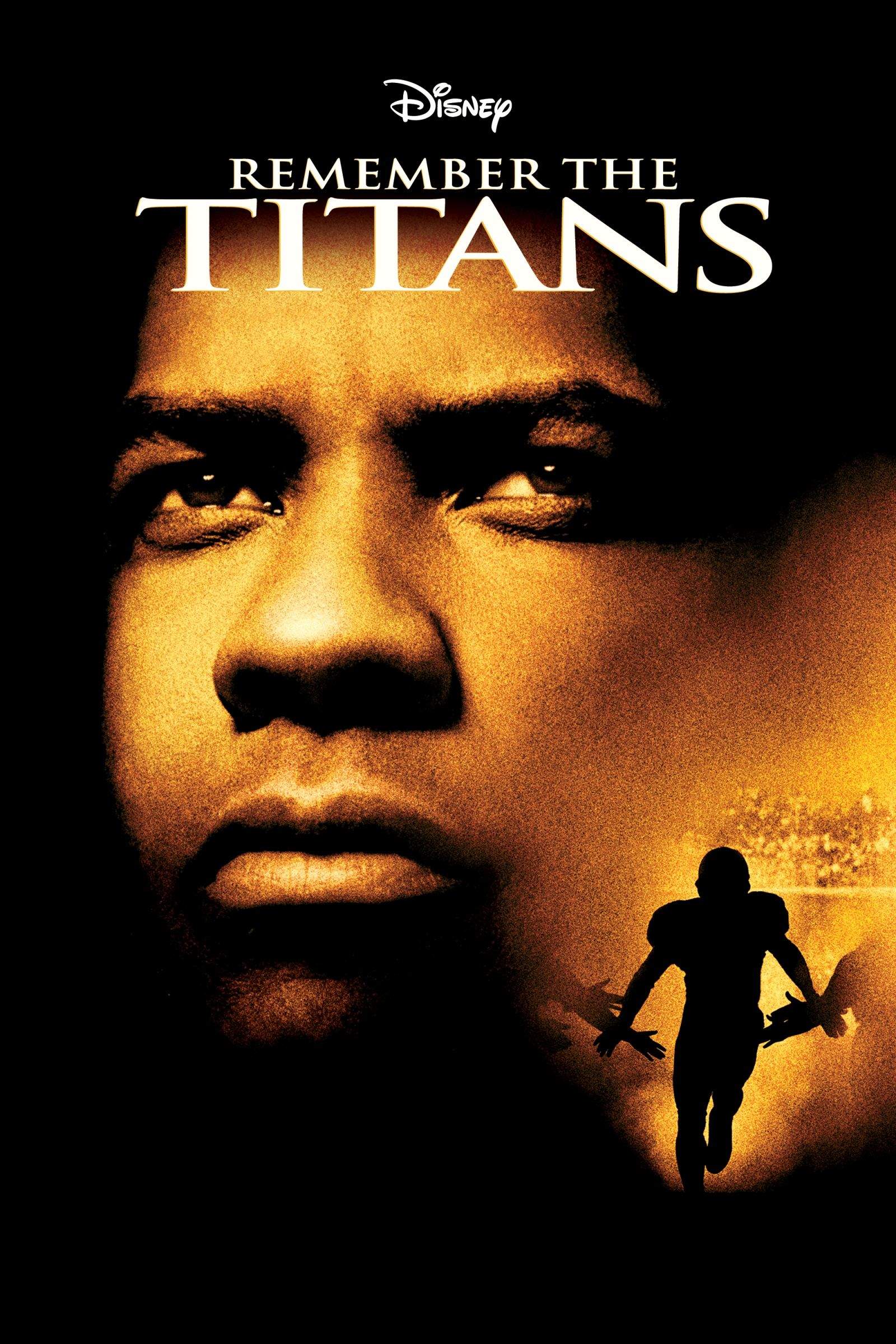
Why did Steve Jobs make Tim Cook watch Remember the Titans?

By

Remember the Titans is a movie starring Denzel Washington as a shouty coach who turns a disorganized football into a crack, disciplined outfit. Credit: Disney
Remember the Titans stars Denzel Washington as a shouty coach who turns a disorganized football team into a disciplined outfit. Photo: Disney

A few days before he died, Steve Jobs asked Tim Cook over to his house to watch a movie together.

The movie he selected was Remember the Titans, a football drama starring Denzel Washington. It’s set in the South, and concerns the struggles of integrating a racially mixed team during the civil rights’ era. Cook was surprised by Jobs’ choice of movie — Jobs had little interest in sports — but he said they talked about it afterward.

Why would Jobs, who had recently stepped down as Apple CEO and appointed Cook in his place, want to watch this movie with his successor just a few days before he died? Was he trying to pass on some crucial knowledge?

I re-watched the movie last night and have a pretty good idea.

Here’s how to make your very own Apple Watch out of Lego

By

Your Apple Watch could be on the way! Photo: Apple
This Apple Watch is brick-tastic! Photo: Chris McVeigh

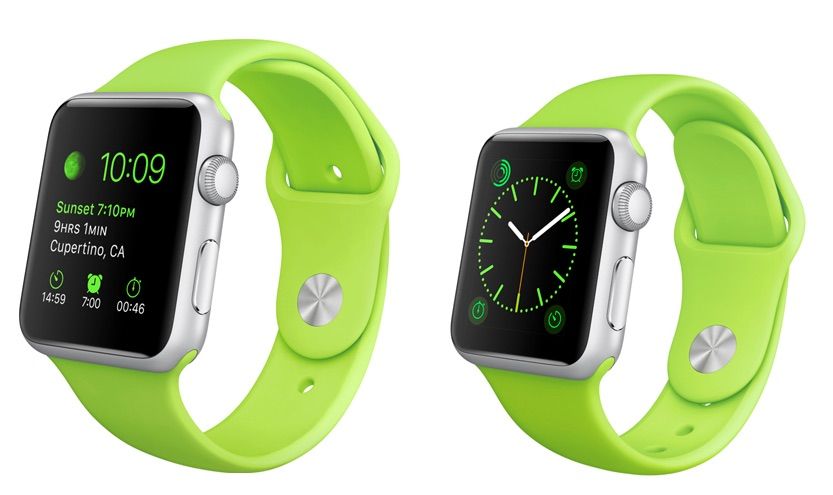
Are you still trying to work out how to scrape together enough money to buy a $349 Apple Watch, let alone a $10,000-plus Apple Watch Edition? If so, an answer could be the neat solution dreamed up by Chris McVeigh: Build one out of Lego.

Rather than waiting until April 24, by following master builder McVeigh’s instructions you can have the joy of building a Lego Apple Watch from the privacy of your own home, even putting up “Do Not Enter” signs and making your spouse sign nondisclosure agreements to achieve that fully authentic Apple effect.

Check out the details below:

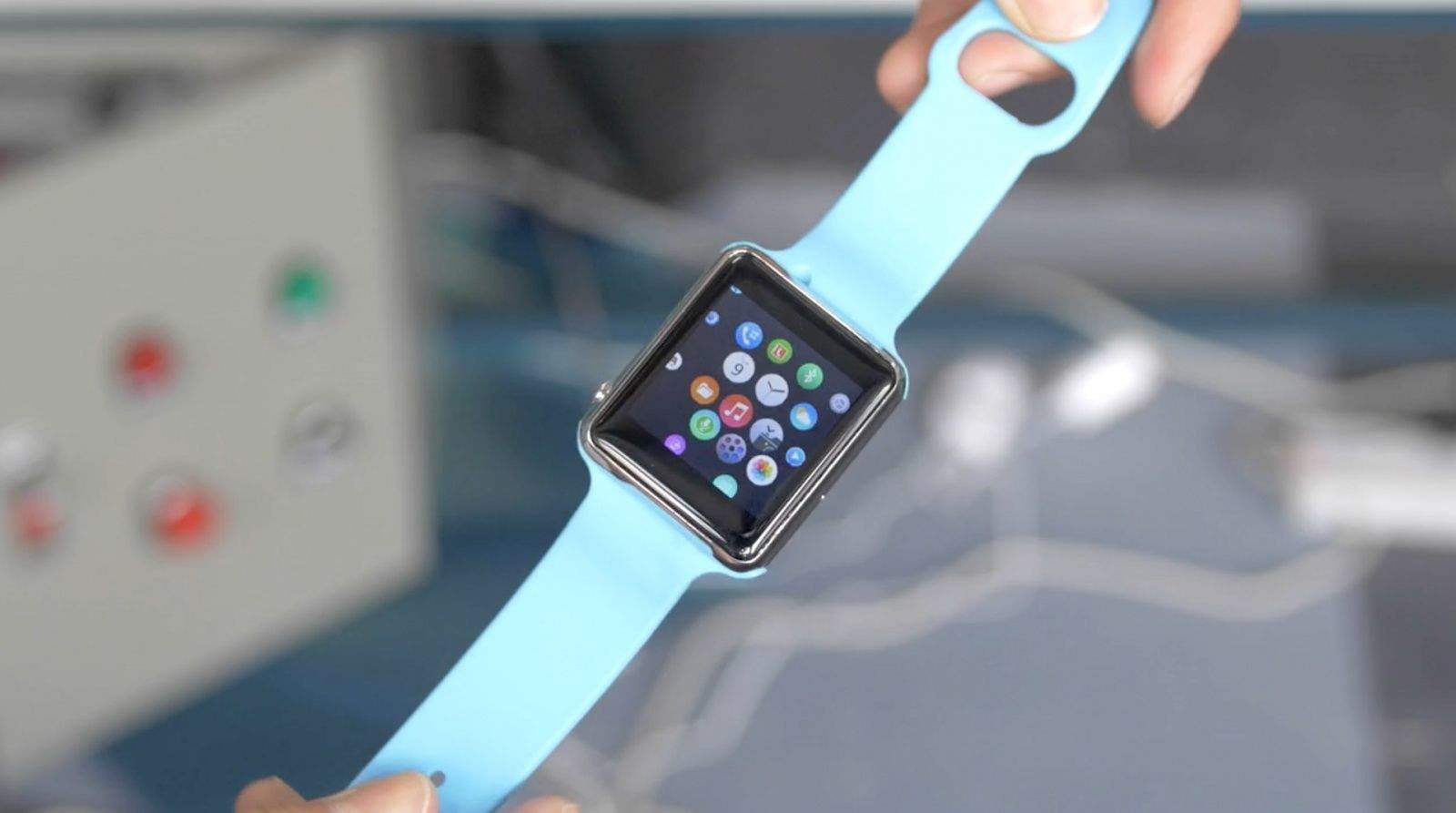
Behold this shameless Chinese Apple Watch clone running Android

By

Screen Shot 2015-03-18 at 4.48.58 PM
Trying too hard to be an Apple Watch. Photo: HAX

We got our first look at Apple Watch knockoffs at CES earlier this year, and while those junky devices were about as basic as they could be, more advanced knockoffs have hit the market since.

From right out of China, behold this shameless Apple Watch clone running Android:

Apple gives the boot to dev who allegedly fabricated cancer story

By

apple watch
Disgraced app developer Belle Gibson was profiled on many TV shows, including "Australia's No. 1 breakfast show." Photo: Sunrise
Photo: Sunrise

An Australian indie developer who was flown to Cupertino by Apple to work on an Apple Watch app alongside giants like Twitter and BMW has come under fire for reportedly falsifying a story about suffering from terminal cancer.

Created by healthy-living proponent Belle Gibson, iPhone food app The Whole Pantry has been pulled from the App Store, while an accompanying Apple Watch app has vanished from Apple’s list of “coming soon” apps for its upcoming wearable.

8 things we learned from Tim Cook’s interview with Fast Company

By

As if Tim Cook doesn't already have enough on his plate!
No one is more of a believer in Apple culture than Tim Cook. Photo: Apple
Photo: Apple

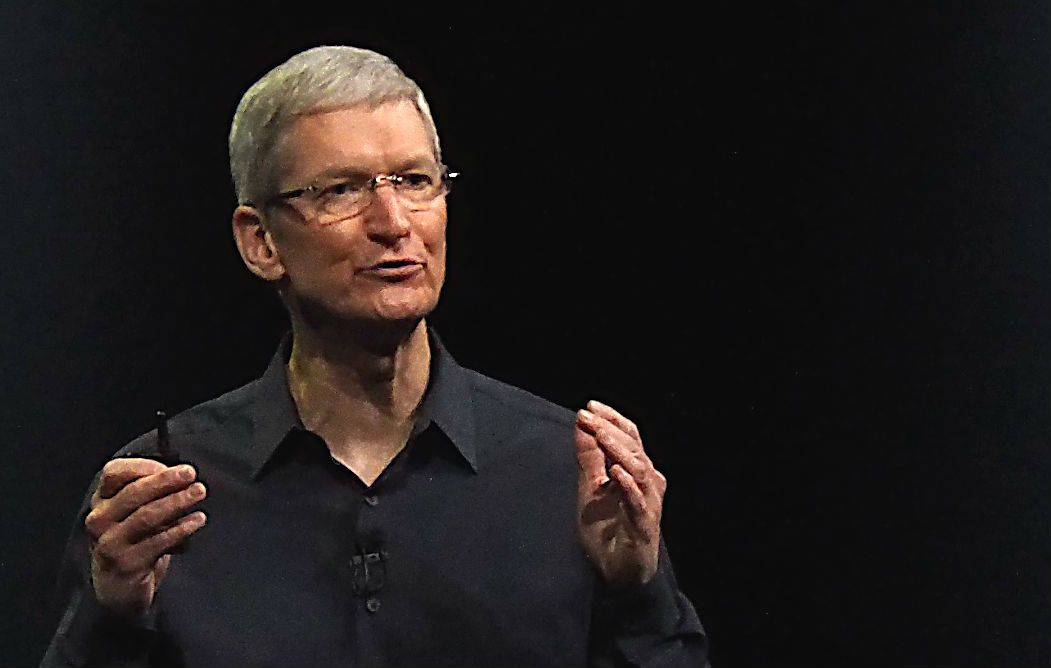
Tim Cook tells how Apple avoids Microsoft-style screw-ups, how many Apple Watches the company plans to sell, and why he keeps Steve Jobs’ office exactly as he left it in a new interview filled with fascinating tidbits.

The interview in Fast Company comes in the run-up to the March 24 launch of Becoming Steve Jobs, a biography by veteran journalists Brent Schlender and Rick Tetzeli. The book is viewed by some Apple execs as a corrective following Walter Isaacson’s Steve Jobs bio, and this is Cook’s well-timed salvo in the campaign to set the record straight.

Here are the parts we found most interesting.

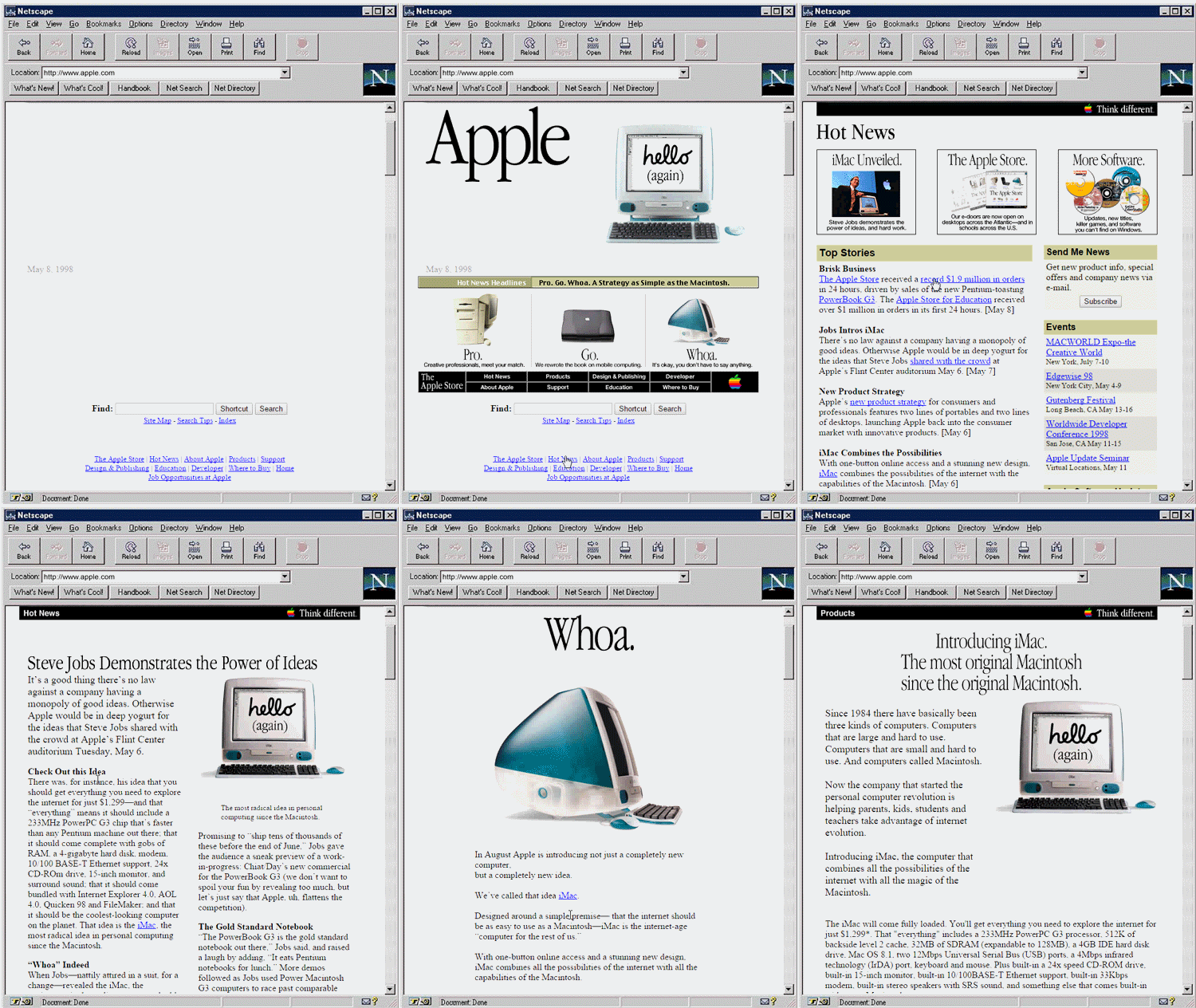
What browsing Apple.com was like in 1997

By

apple-90s-website
Relive the web in the 90's. Photo: Open University

Young Apple fans may not remember the unveiling of the original iMac that put Apple back on the map, but now you can experience what it was like to learn all about Jony and Steve’s candy-colored creation on the World Wide Web like it’s 1997 all over again.

Relive the thrills and horrors of what it was like the surf Apple.com back in 1997, thanks to the folks at Open University who created a series of GIFs that capture the the web of the late-90’s thanks to the Internet Archive Wayback Machine.

Apple’s old website didn’t look too bad back then, especially s hideous compared to most websites at the time, which heavily featured crappy graphics, block graphic links, and clumsy navigation, Apple’s website stands out from the other options at the time.

For a full run-down on the history of Apple.com’s design changes through the years, check out our feature here.

10 incredible, Apple-worthy staircases that will make your head spin

By

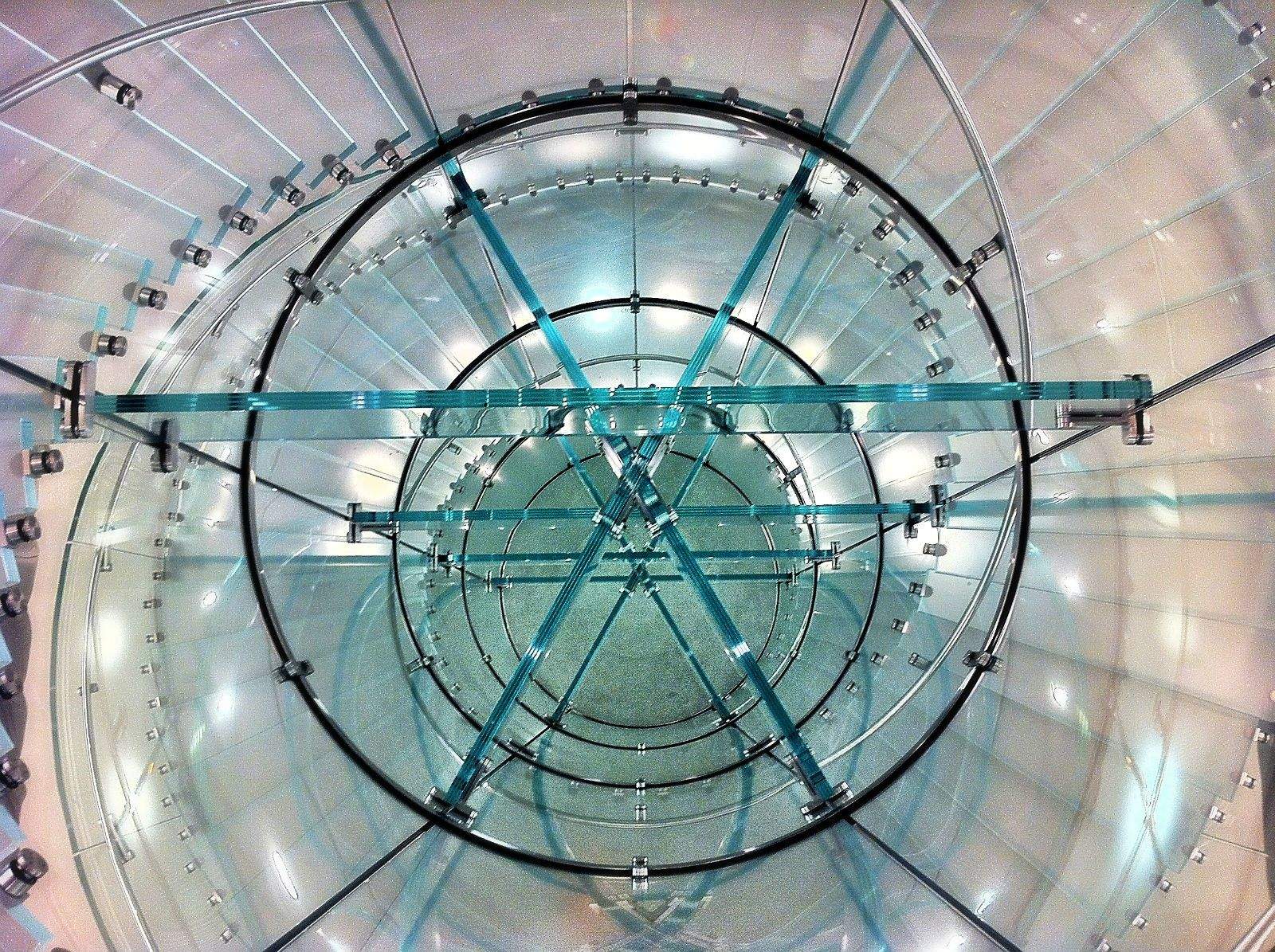
The Apple Store on  Boylston Street in Boston boasts a remarkable spiral staircase. Photo: Joseph Thornton/Flickr CC
The Apple Store on Boylston Street in Boston boasts a remarkable spiral staircase. Photo: Joseph Thornton/Flickr CC

If you’ve ever walked into a flagship Apple Store unconvinced of the magic of Cupertino’s products, a wondrous curvy, glass staircase might have softened your psyche.

Apple’s retail outlets are almost as well known for award-winning architecture and eye-catching staircases as for the MacBooks, iPads and iPhones on sale. But Apple Stores aren’t the only places to make vertical trips seem like a magical journey.

Steve Jobs was already preparing Apple for his departure in 2004

By

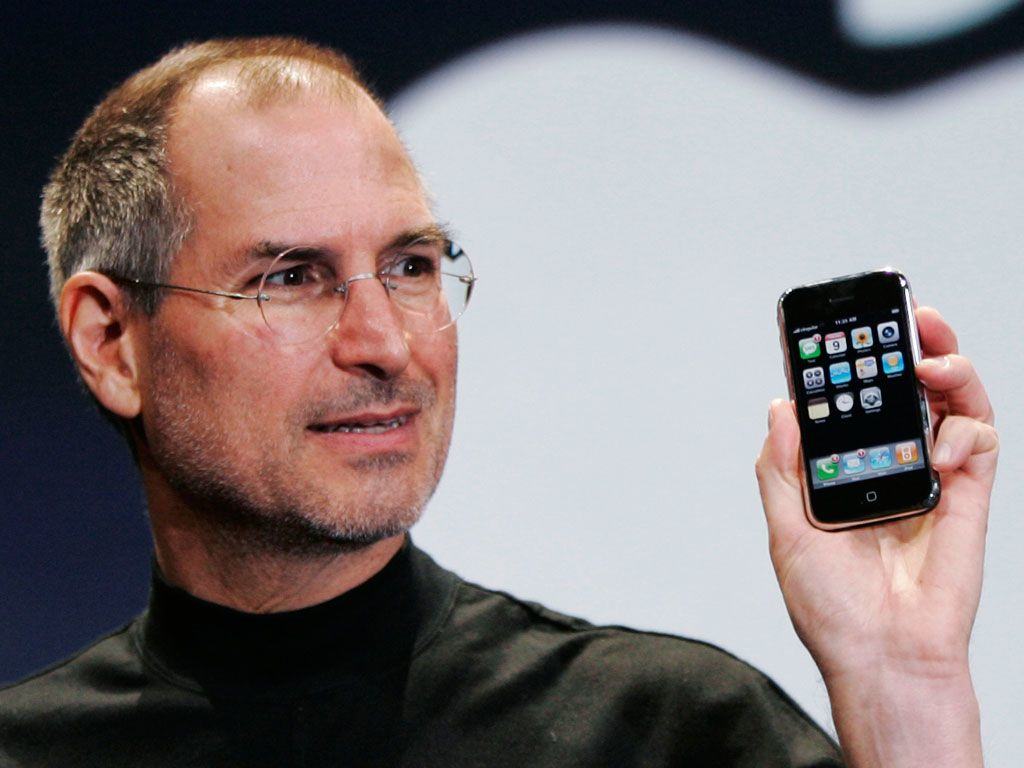
iPhone could have looked a lot different had Steve Jobs had his way.
Long before Steve Jobs unveiled the iPhone, he was already planning his successor.
Photo: Apple

Although he ultimately ran the show at Apple until the middle of 2011, Steve Jobs began thinking about succession plans as early as 2004, when he was just 49 years old, according to a new Fast Company excerpt of the upcoming book Becoming Steve Jobs.

2004 was one year after Jobs had a medical scan which revealed he had a tumor in his pancreas. While it was later revealed to be a rare type of pancreatic tumor which grows slower than usual, at the time Jobs was told that he should expect to live no longer than three to six months. 2004 was, of course, years before Apple unveiled the iPhone and iPad: two of the devices for which Jobs is best remembered.

The book excerpt also reveals that, right up until the very end, Tim Cook was convinced that Steve Jobs had a longer role to play at Apple as chairman.

Apple TV streaming service coming in June with 25 channels

By

Adobe reports breaks down why refreshed Apple TV is going to be the biggest thing since sliced bread.
Photo: Jim Merithew/Cult of Mac

It’s looking like 2015 will finally be the year that Apple’s dream TV service becomes a reality.

After years of reports that the company has been trying to get its own TV subscription off the ground, June is on track to be the month it’s debuted for the world to see. The service will reportedly offer around 25 channels and cost a little more than the competition.

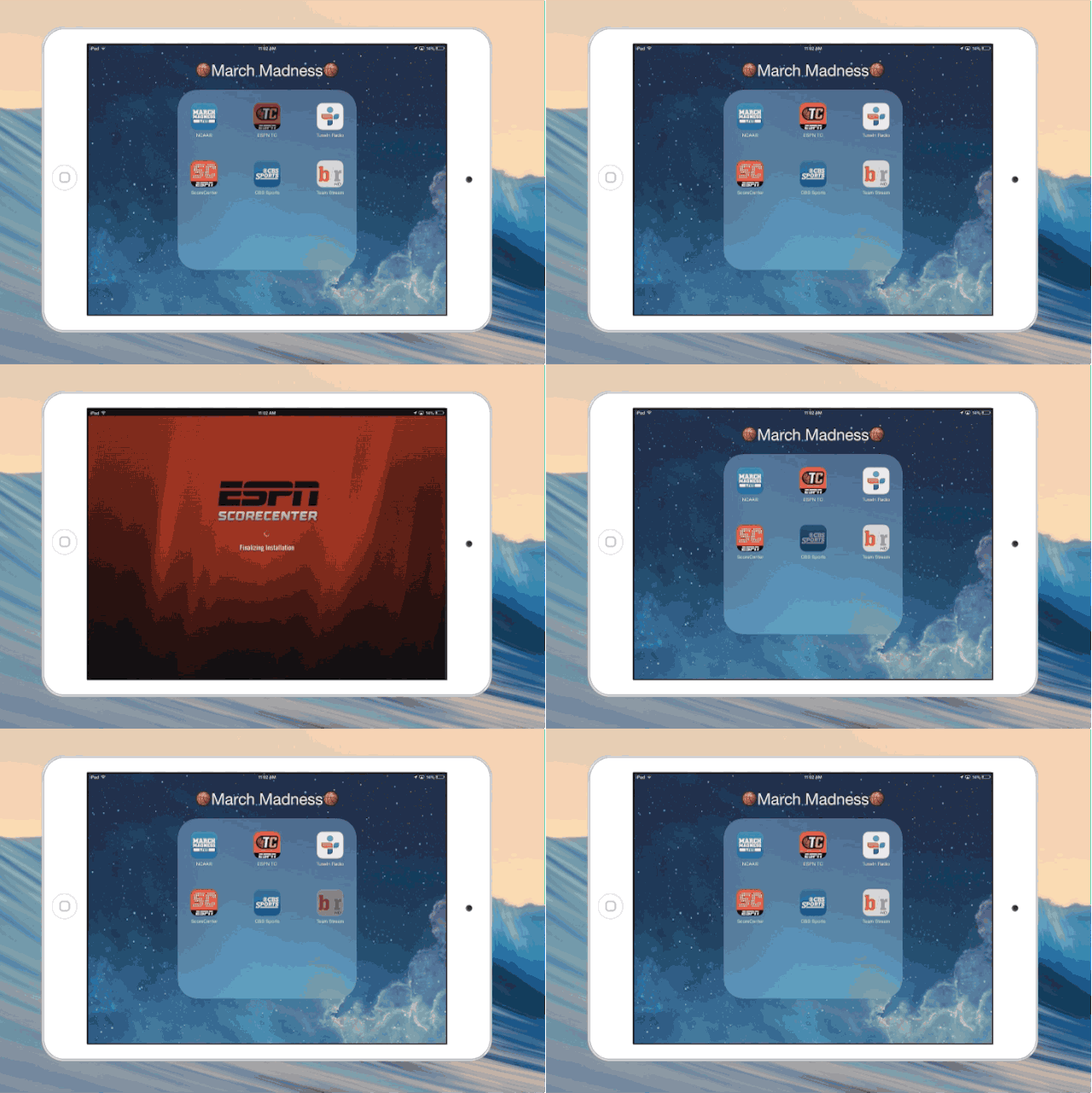
The best March Madness apps for iPhone, iPad and Mac

By

marchmadness
March Madness is here. Will your bracket survive? Photo: Cult of Mac

It’s that time of year when office work comes to a standstill for weeks thanks to the NCAA’s annual celebration of sweat, leather and nylon nets. The brackets have been set and teams are en route to play the 67 basketball games that will take place over the next few weeks, with Kentucky being the undisputed favorite to walk away with a perfect season.

Thanks to the glories of technology, you can follow all the action this year even if you don’t have a cable subscription. With the right combo of apps, you can get expert insight into your favorite Cinderella team, watch every game — and maybe even pick the perfect bracket.

Dominate March Madness this year with these apps for Mac and iOS:

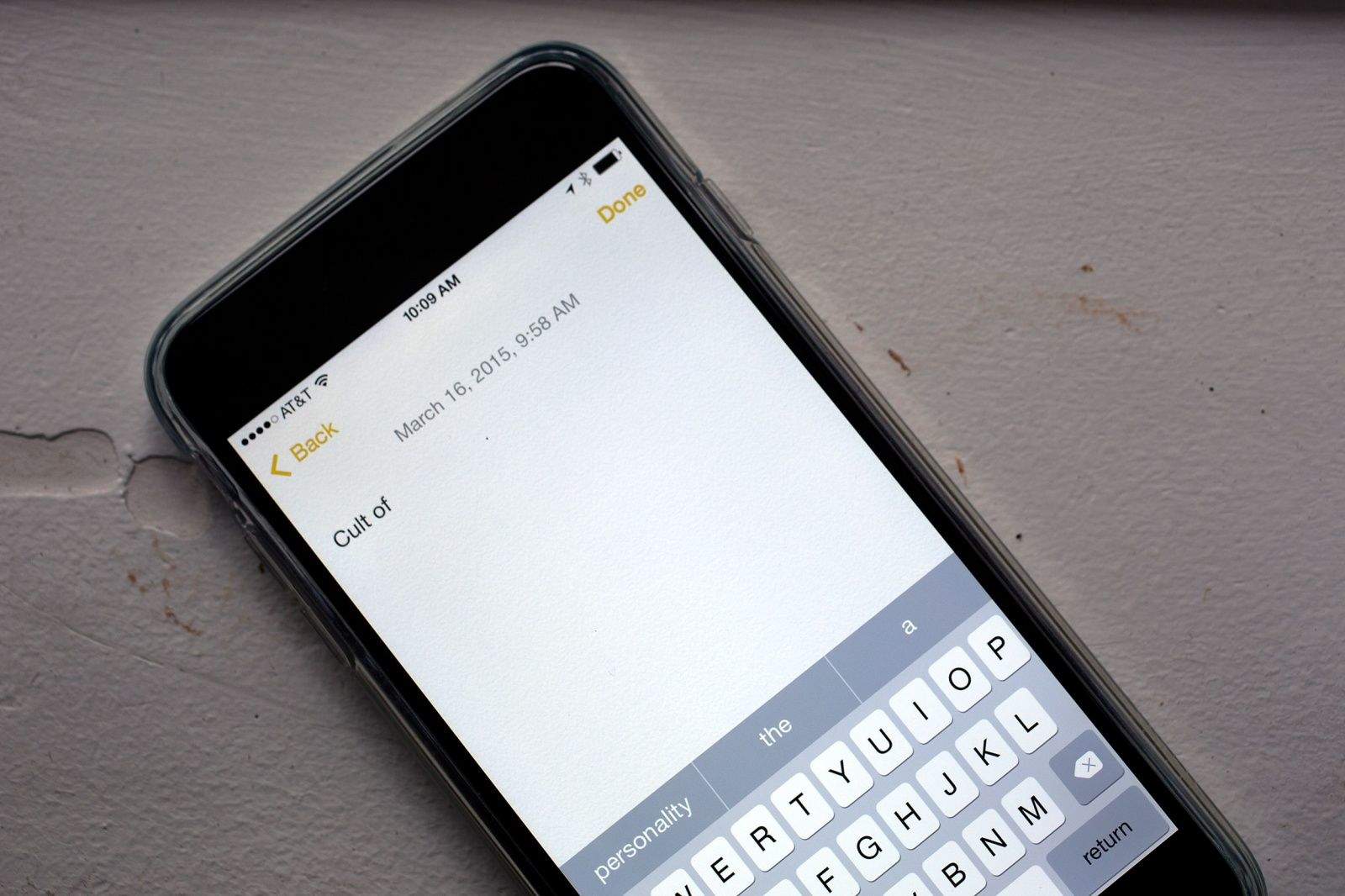
Hide iOS QuickType bar and free up screen space

By

QuickType just might be cramping your style. Photo: Jim Merithew/Cult of Mac
Photo:

Got an iPhone 6 or smaller? You might be feeling a little cramped for space on your screen due to iOS 8’s new word-prediction system.

That little gray bar that sits just above your iOS keyboard is called the QuickType bar, and it’s where all the auto-correct and typing suggestions appear when you’re sending an email, typing a note or iMessaging with someone. The suggestions are based on your past conversations, which lets QuickType take your writing style into account. It even keeps track of who you’re writing to, since your word choice is typically tied to your conversation partner.

If you want to hide it because you need more space on your screen, you can do so in any of three ways. You can also bring it back if you’ve inadvertently hidden it and don’t know where it went.

Predicted 58 million iPhone sales will crush the competition this quarter

By

iPhone
The iPhone 6 and 6 Plus are well on their way to clearing the 100 million units mark. Photo: Jim Merithew/Cult of Mac
Photo: Jim Merithew

Like a Terminator in a downhill marathon, the runaway sales of the iPhone 6 and 6 Plus aren’t slowing down in a hurry.

Analysts expect Apple’s smartphone to trample all competition in its path this quarter, with massive sales of more than 50 million units.

New Steve Jobs docu depicts a man ‘utterly lacking in empathy’

By

Citizen Jobs? Photo: Ben Stanfield/Flickr CC
Photo: Ben Stanfield/Flickr CC

Oscar-winning director Alex Gibney’s Steve Jobs documentary, Steve Jobs: The Man in the Machine, debuted over the weekend at the South by Southwest (SXSW) film festival in Austin, Texas.

Financed by CNN Films, the 127-minute doc was described by its maker as delivering a “far more complex interpretation” of Jobs than any of the previous movies depicting the life of Apple’s iconic co-founder.

But what did the press think? Well, the first reviews are out and, while they’re generally strong, they certainly don’t describe a documentary that paints Jobs in a favorable light — or one that contains too many revelations that will be new to anyone who read Jobs’ maligned 2011 biography by Walter Isaacson.

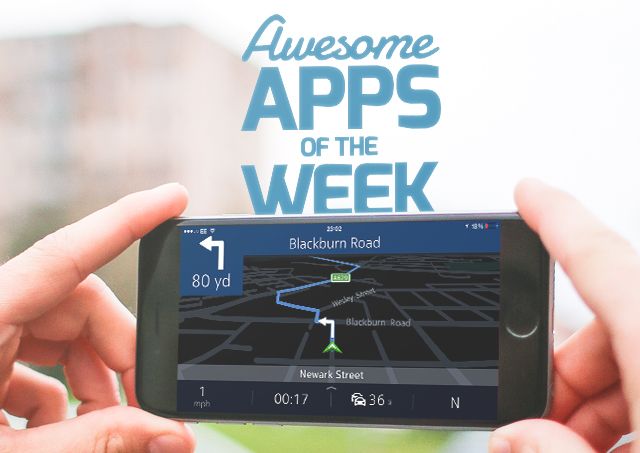
Enlight and other awesome apps you might have missed this week

By

Awesome-Apps-of-the-Week1

It’s the weekend again, and Cult of Mac is here to bring you all the app awesomeness you might have missed throughout the week.

Nokia has its own maps app for iPhone, a hot new photo editor has arrived, Google Calendar gets a sexy iOS app, and more.

Without further ado, here are this week’s awesome apps!


Awesome Apps

How an Android user created a hit Apple viral video

By

The
The "Apple Engineer Talks" viral video by Armando Ferreira clocked more than 3 million views in a few days. Photo: YouTube

The viral video hit “Apple Engineer Talks,” which mocks the new MacBook, is a scream. I nearly died laughing — along with millions of other people.

The clever parody was crafted by somebody who clearly has a deep knowledge of Apple, so I was surprised to discover its creator is actually an Android user.

Here’s how he did it, and why he didn’t make any money off his wildly successful Apple viral video.

It turns out Apple invented USB-C

By

USB-C might be another Apple invention after all. Photo: Apple

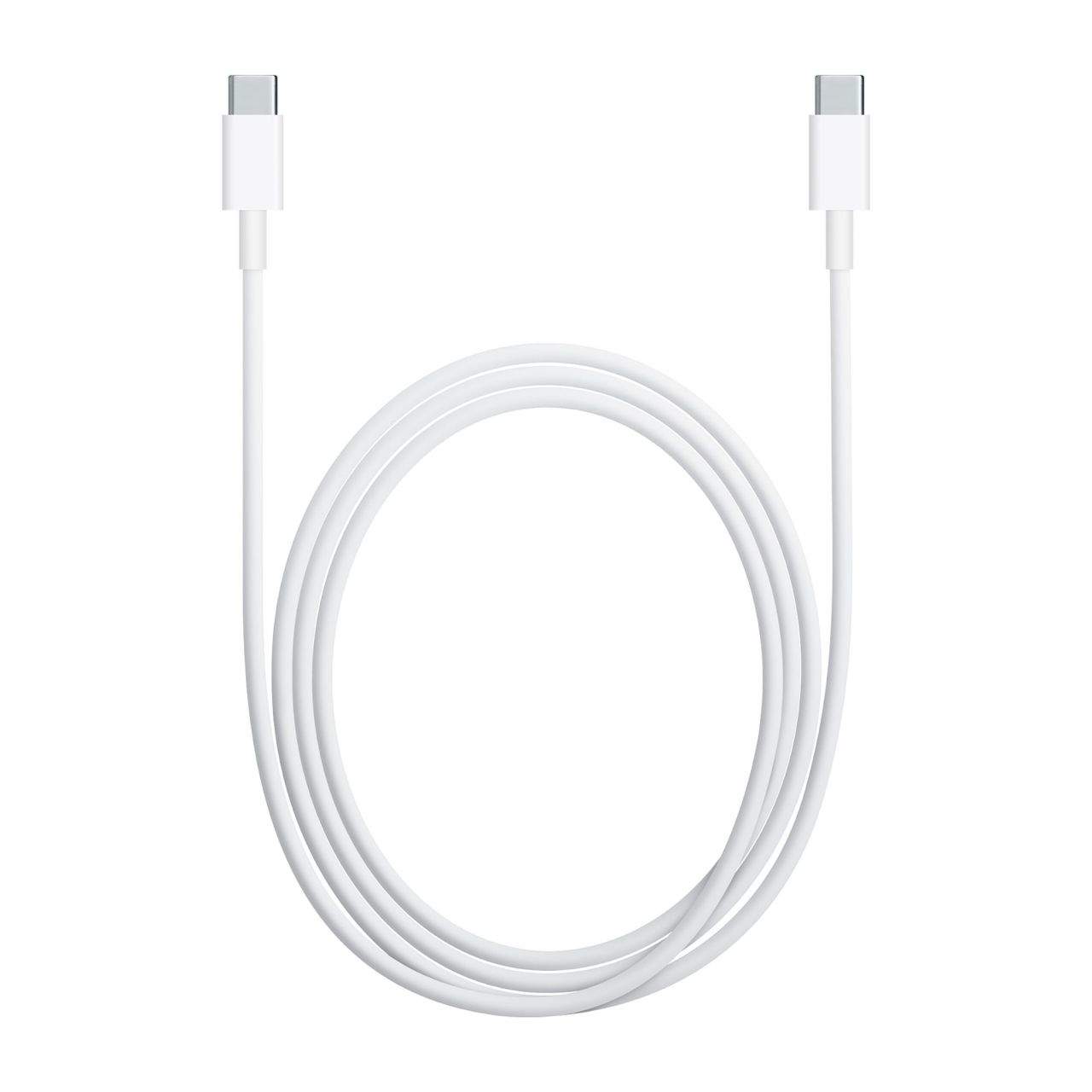
If it seems weird to you that Apple abandoned Thunderbolt, its all-in-one connector created just a few years back, in favor of USB-C for the new MacBook, you’re not the only one. It is weird. But there might be a more straightforward explanation for that than you think: According to a new rumor, Apple effectively invented USB-C.

12 accessories to trick out your Apple Watch

By

Photo: Jim Merithew/Cult of Mac
Photo:

The Apple Watch isn’t available for preorder yet, but that hasn’t stopped accessory makers from proudly showcasing their wares for the upcoming device.

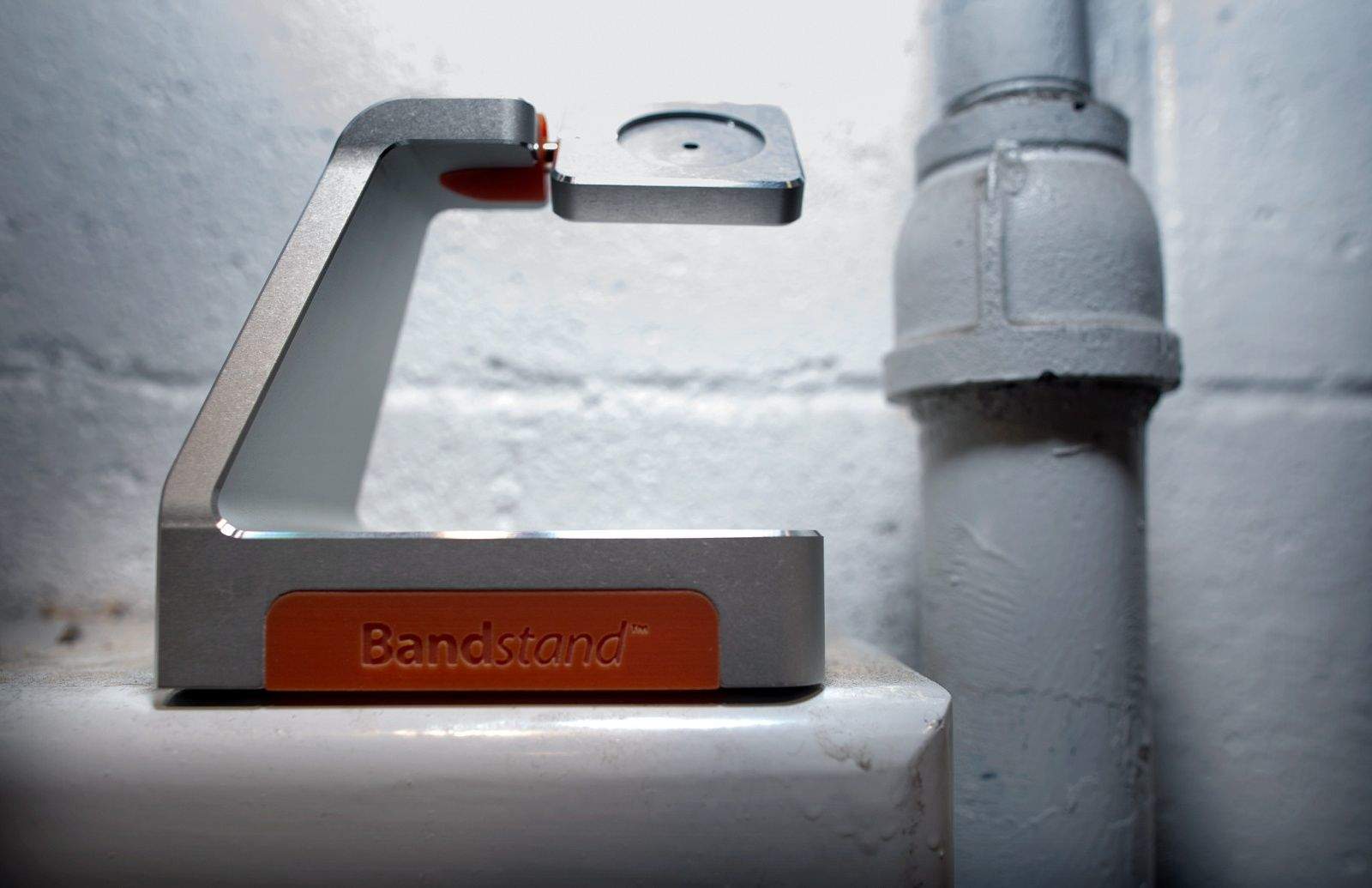
We still don’t know if Apple will let Apple Watch accessories connect directly into the smartwatch’s mysterious port, but there will be plenty of fancy stands and even some third-party bands.

Here are 12 Apple Watch accessories to trick out your fancy new wearable: