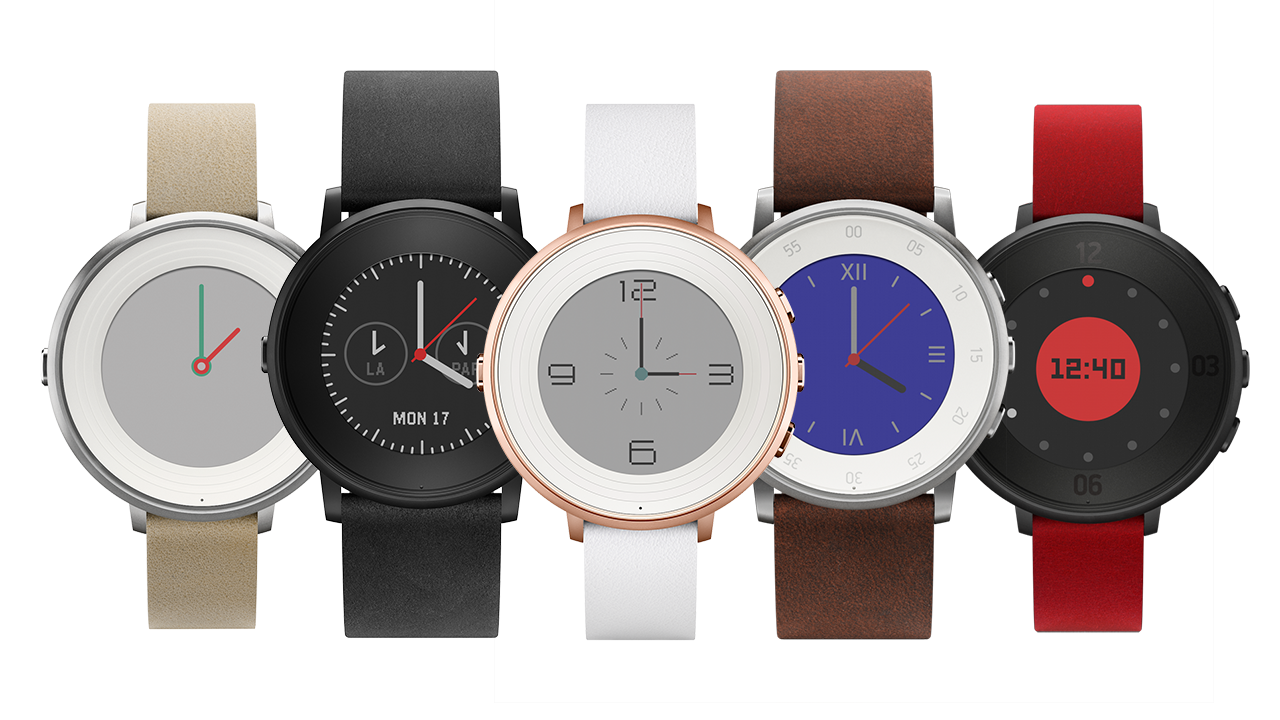
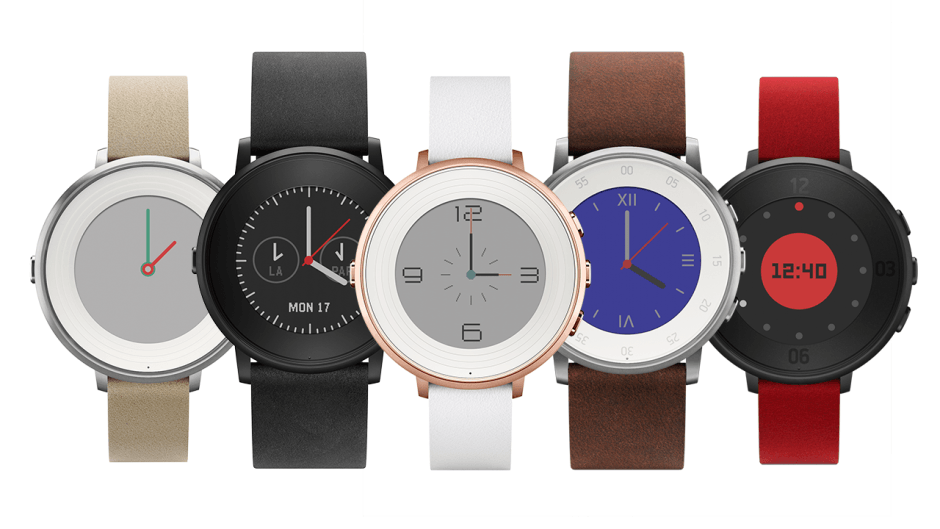
Pebble Time Round is the thinnest smartwatch so far. Photo: Pebble
Pebble’s latest smartwatch forgot it’s hip to be square.
The Pebble Time Round has a circular display that hopes to appeal to traditional watch wearers, and compete round rivals like the Moto 360 and Samsung’s upcoming Gear S2. Its all-metal design is also the thinnest and lightest Pebble has crafted to date.
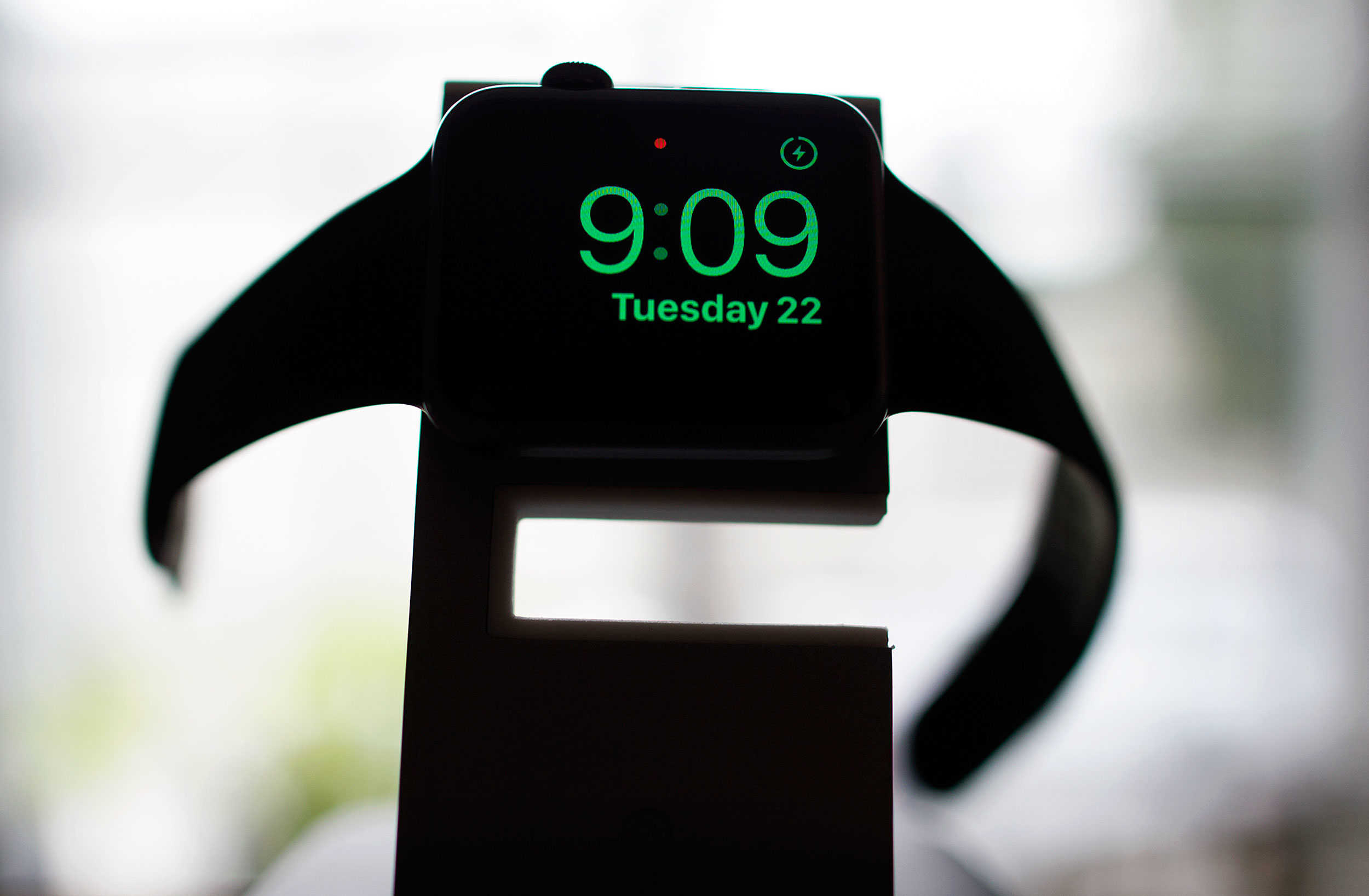
Use your Apple Watch to wake up without all the hassle. Photo: Jim Merithew/Cult of Mac
Every day, it’s the same thing. Wake up to my iPhone blaring OK Go’s “I Won’t Let You Down” at me, then fumble the Tap to Snooze function (which never seems to work for me in the morning). It’s not as simple as an alarm clock, and the distraction of having your iPhone with you when you go to sleep at night is something I think we all can do without.
Apple Watch now has the answer, in the form of a new watchOS 2 feature, Nightstand mode.
Here’s how to use it to help you get your sorry butt out of bed in the morning.
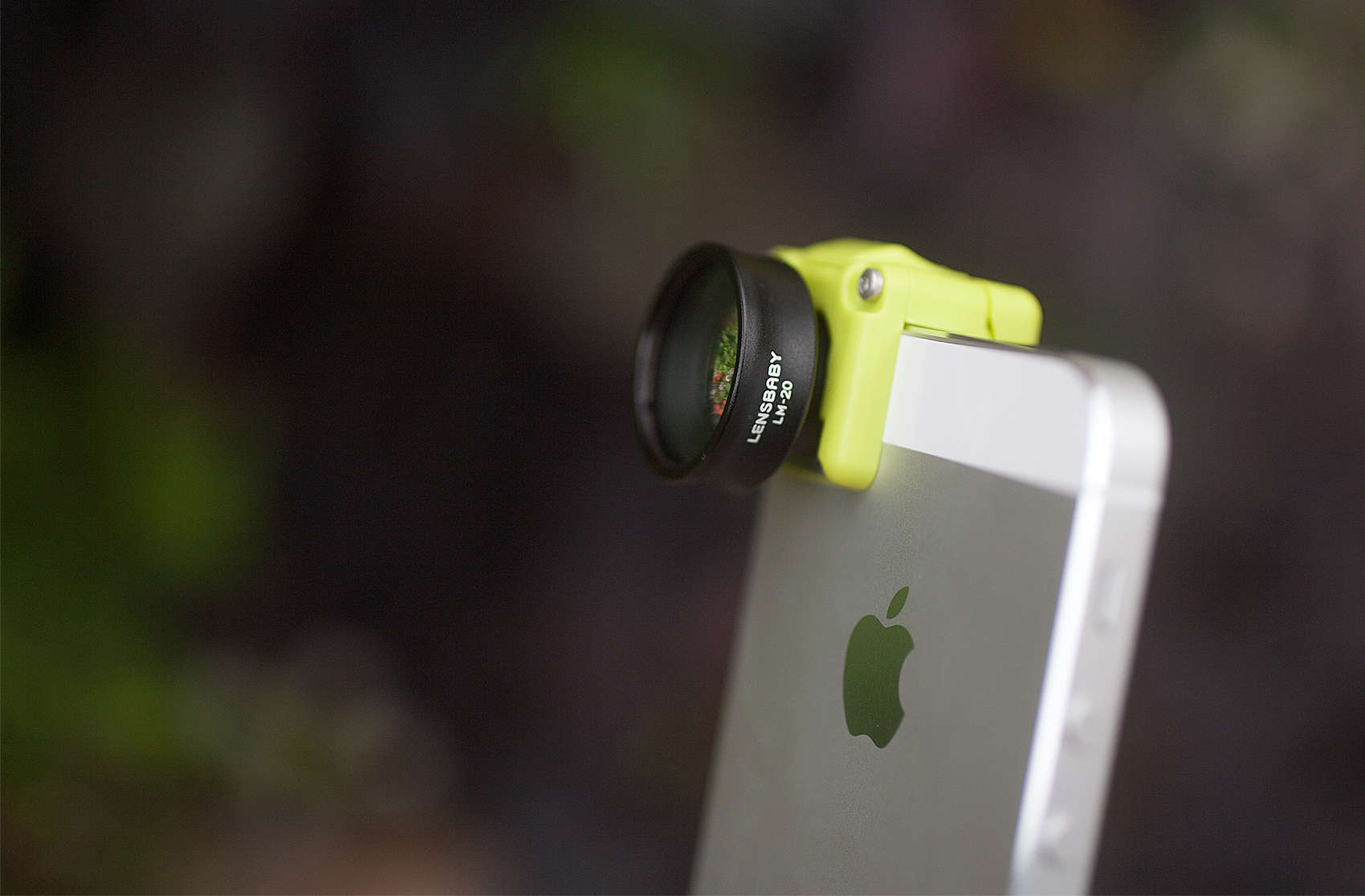
One of the lenses in the Creative Mobile Kit by Lensbaby. Photo: David Pierini/Cult of Mac
We love our iPhone cameras because it takes away the need for technical know-how and leaves us with nothing but fun for our photography. But sometimes fun needs to be turned up a notch.
Enter the Creative Mobile Kit from Lensbaby, a two-lens package that turns any scene into a dreamy state of smeary colors and blurred shapes that surround the focus of a subject. Just clip on the kit’s magnetic mount bracket, select a lens and go play.
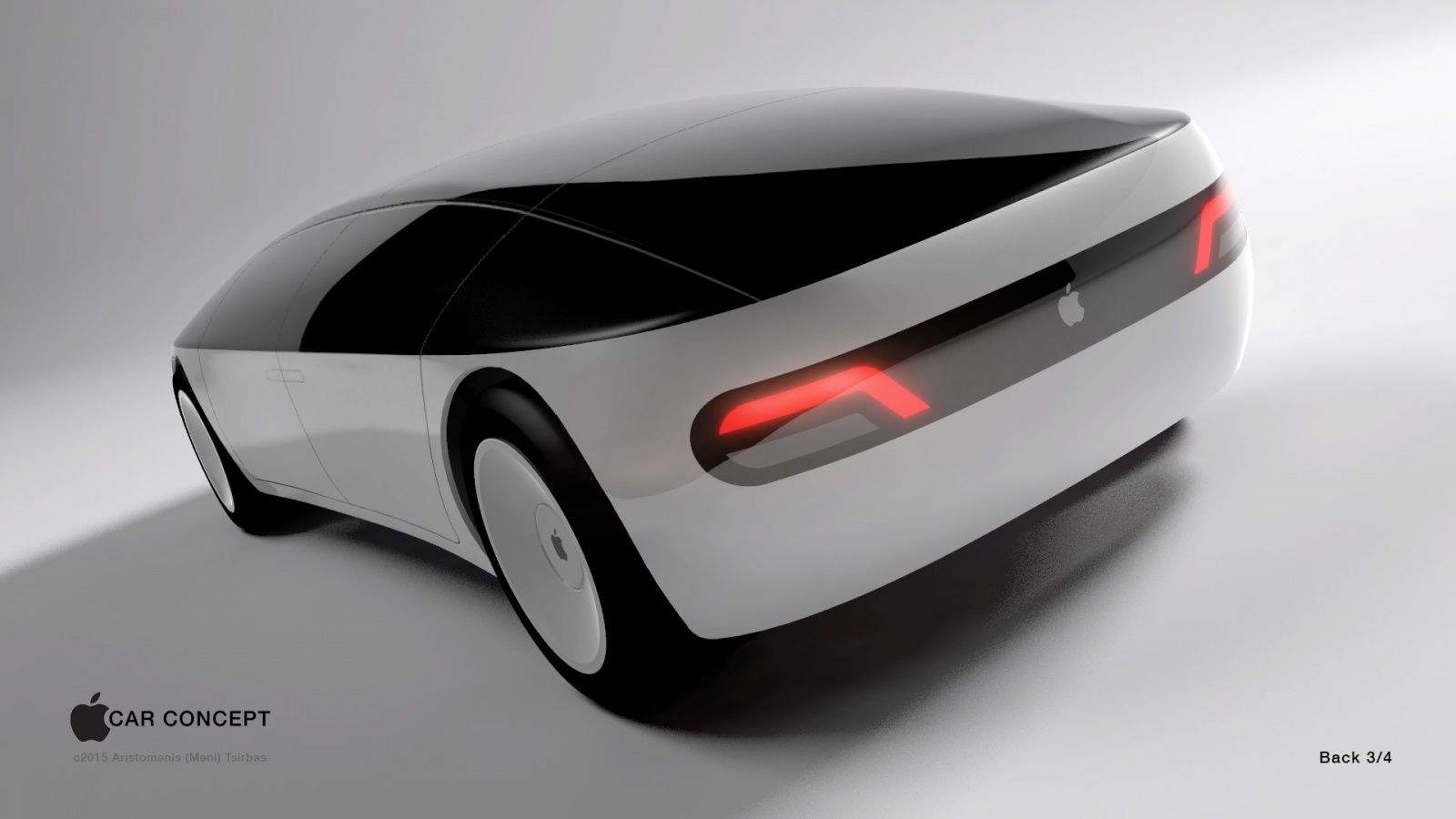
An Apple Car has the potential to save lives. In all sorts of ways. Photo: Aristomenis Tsirbas/Freelancer
Morgan Stanley analysts Adam Jonas and Katy Huberty — who regularly follow Tesla and Apple — claim an autonomous Apple Car could save drivers a collective 400 billion hours of “non-productive” time each year.
“What is the value of 400 billion hours a year?” they write in a note to clients. “How much value could Apple create from this time or said another way how much are consumers willing to pay to recoup this time? It’s time to start thinking about… time.”
And we thought the Apple Watch was Apple’s attempt to focus on timekeeping!
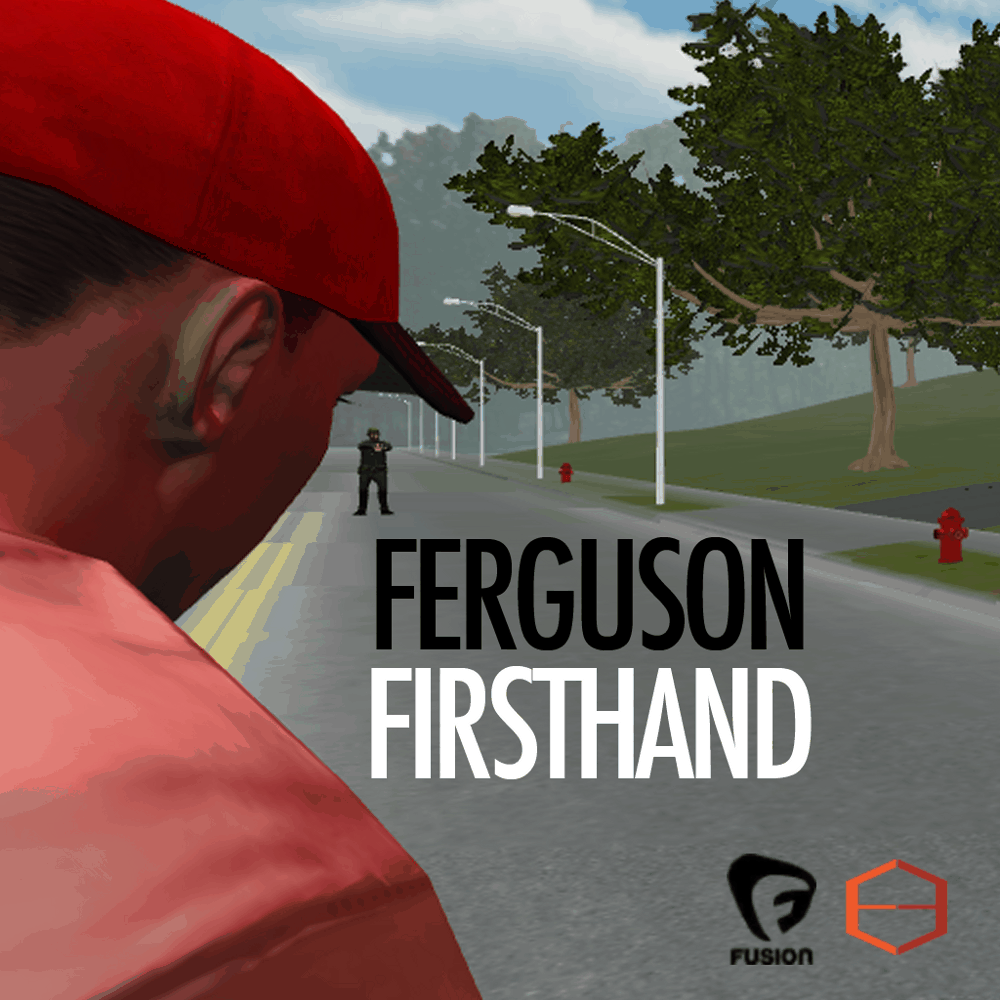
Ferguson Firsthand was intended as an "educational app." Photo: Dan Archer
In the latest controversy over Apple’s stringent App Store guidelines, the company has rejected an “educational app” about the August 2014 shooting of Michael Brown in Ferguson, Missouri.
The reason? Apple objects to “the subject matter” of the game, which deals with the impact of the real-life shooting that sparked rioting and a continuing conversation about race and police brutality.
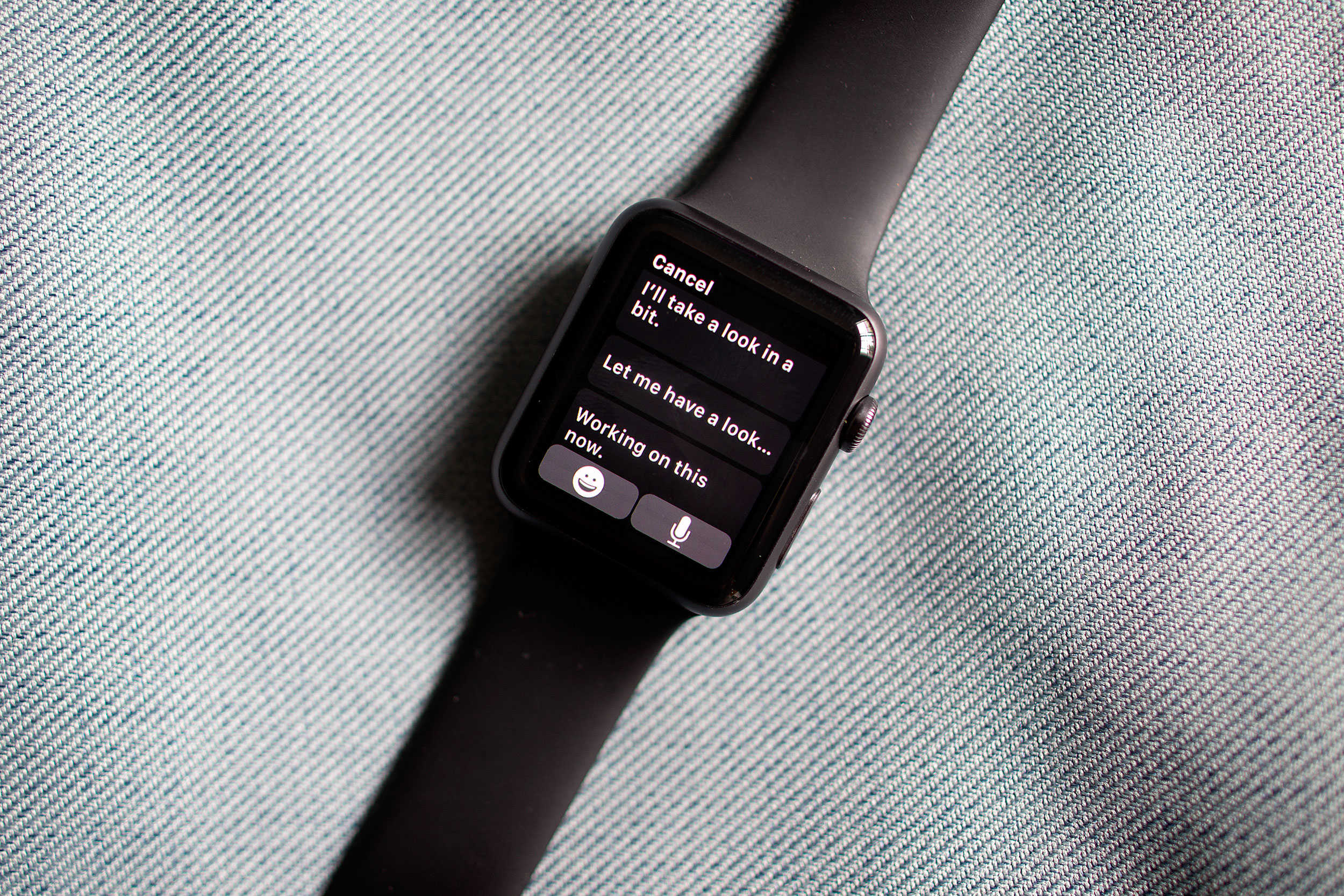
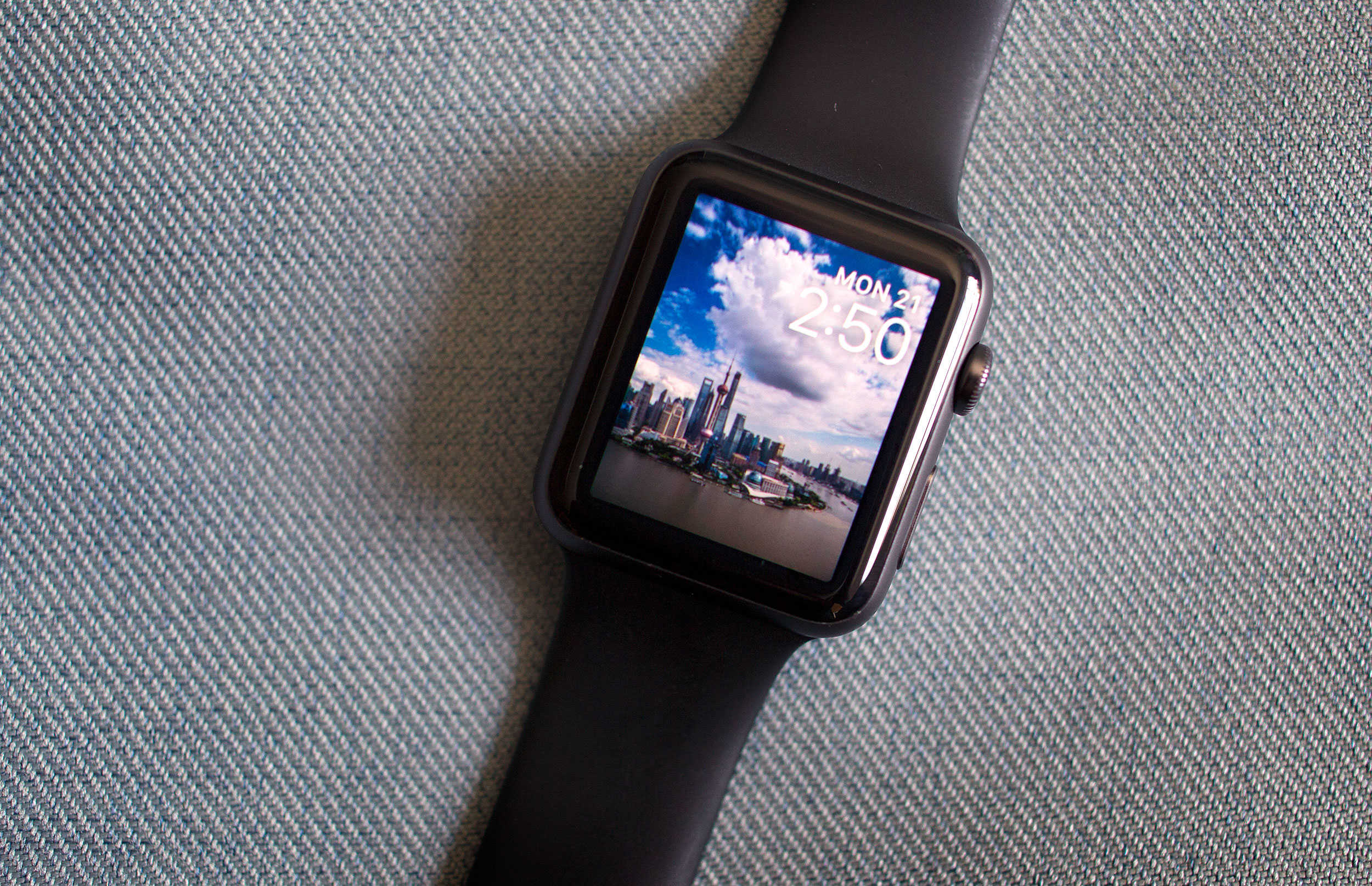
Don't go anywhere, Apple Watch -- we're not finished yet. Photo: Jim Merithew/Cult of Mac
Here’s another tip that’s snuck into watchOS 2: Did you know that you can keep your Apple Watch awake longer now while you’re using it?
Apple hasn’t mentioned this feature much, if at all; we couldn’t even find it on the details screen when we upgraded. But it’s a great addition to the firmware that will save you a little frustration and a lot of wrist-flipping.
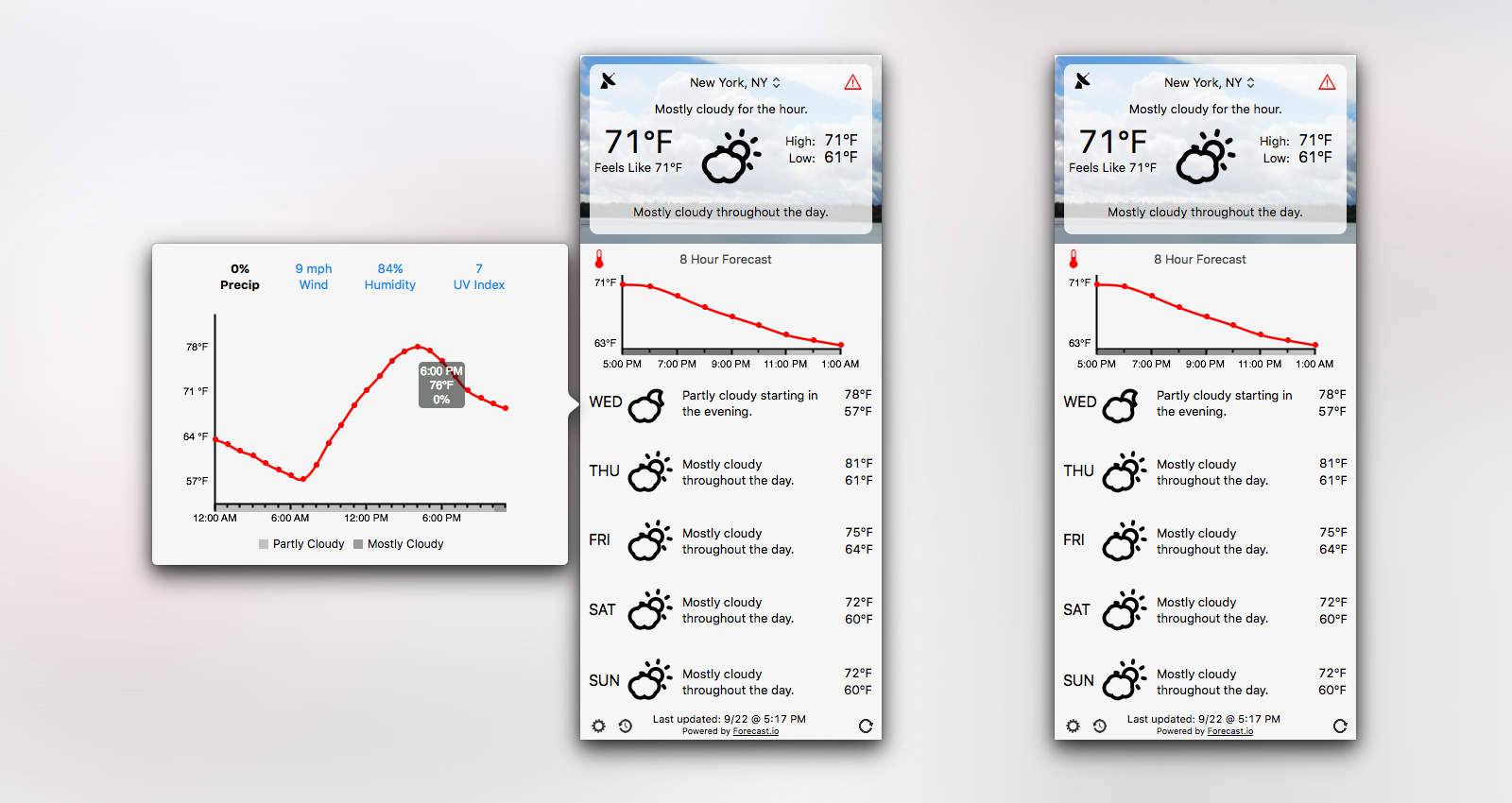
Forecast Bar brings loads of weather data your Mac's menu bar. Photo: Forecast Bar
Forecast Bar brings all the features you love about awesome weather app Dark Sky to a Mac app. Not only does it look similar to Dark Sky, but it’s powered by the same Forecast API, which means you’re getting the same accurate weather predictions.
Forecast Bar also works the way you want it to. Keep it in the menu bar or let it sit in your Dock. Enable certain notifications and display a three-day, five-day or seven-day forecast — up to you. With its detailed weather and range of customization options, it should very quickly take your Mac by storm.
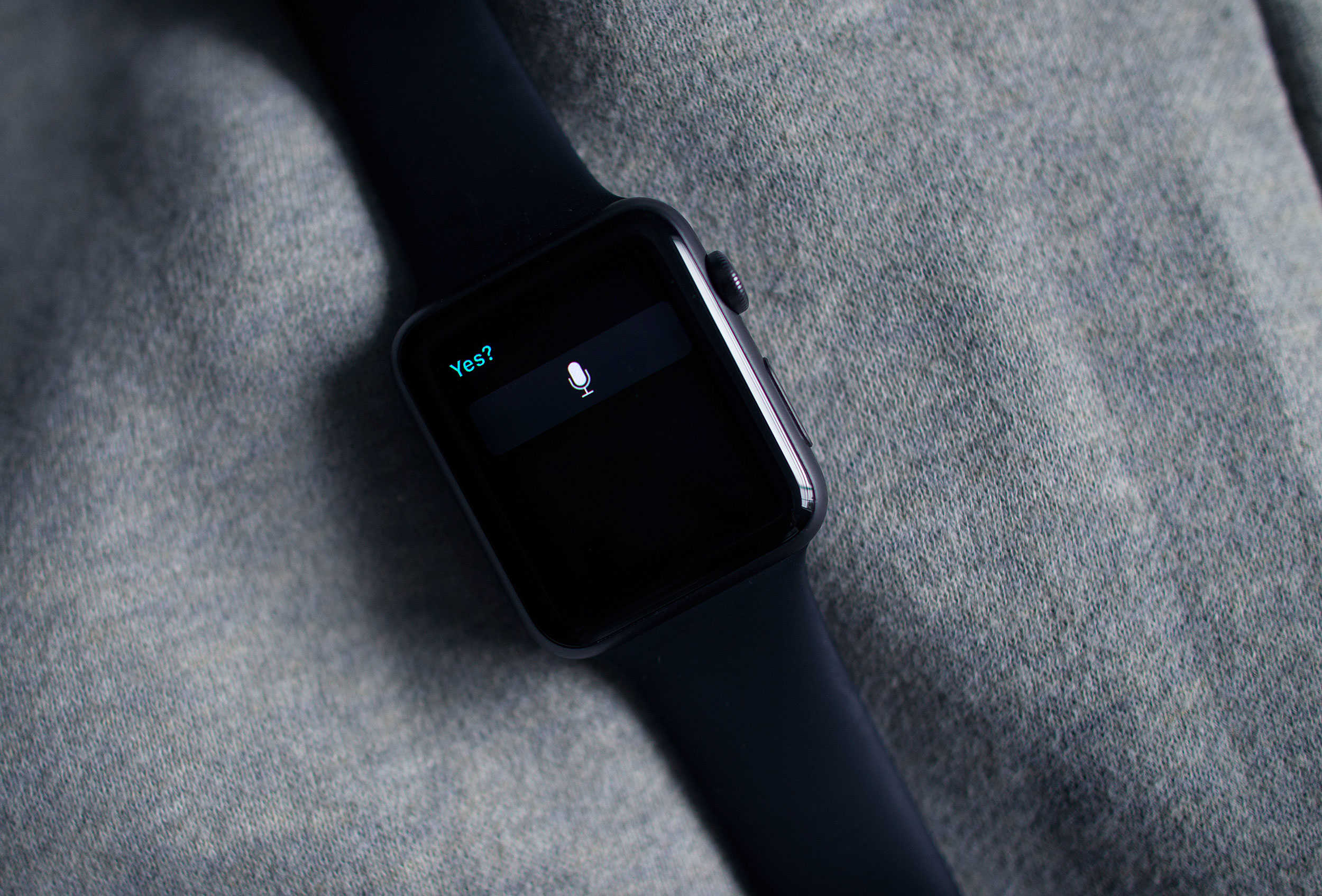
Yes, Siri. It's already on. Photo: Jim Merithew/Cult of Mac
This week’s release of watchOS 2 brings a much-needed security update to Apple’s wearable by adding Activation Lock to the device, and the great news is that you may not even have to do anything to add it.
Activation Lock has been around for a while for other Apple devices, and its purpose is to keep thieves from using them even if they manage to get ahold of your preciouses. The first version of watchOS only included basic locking features and a passkey, which wouldn’t keep smart evildoers from gaining access to sensitive data like your Apple Pay data.
Here’s how the feature shows up on the Apple Watch.
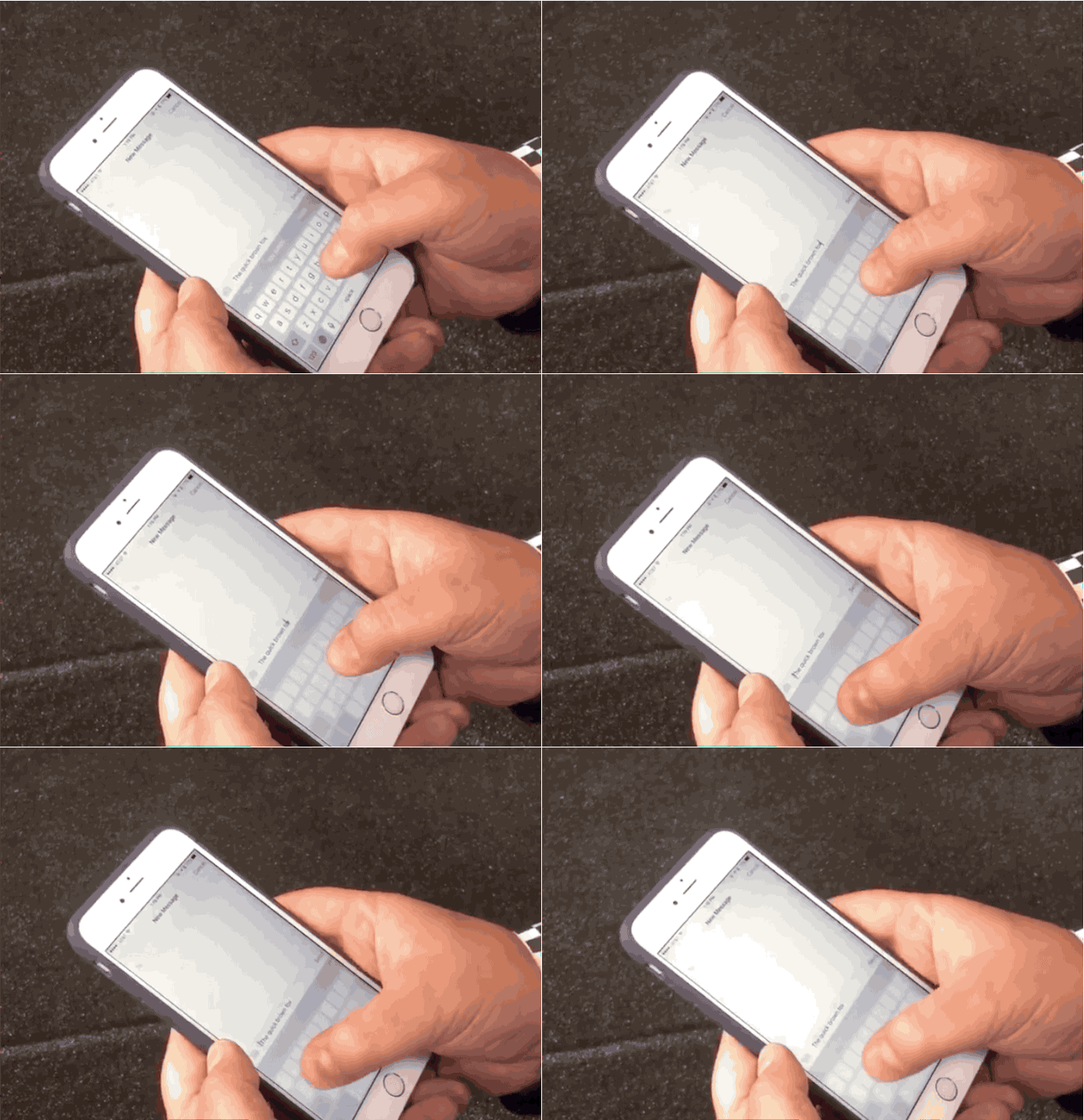
Selecting text on the iPhone 6s is ridiculously easy. Photo: Matthew Panzarino/Twitter
Selecting text on the iPhone 6s will be a whole lot easier thanks to the introduction of 3D Touch, which can quickly change your iOS 9 keyboard into a trackpad.
iPhone 6s owners will be able to use two levels of touch to activate the trackpad, and then a deeper push to highlight text. The trick was first discovered by Apple analyst Ben Bajarin while reviewing the upcoming smartphone. TechCrunch’s Matthew Panzarino uploaded a video this afternoon showing off the new feature and it might be the best reason yet to upgrade to the new 3D Touch iPhones.
Native apps, like Dark Sky, take advantage of the new OS for Apple Watch. Photo: Jim Merithew/Cult of Mac
The future of computing may be sitting on your wrist, but it’s still tethered to something a little old-fashioned. But as of Monday, the Apple Watch’s new operating system allows it to cut a few of the cords that connect it to the iPhone.
Apple’s watchOS 2 debuted, giving the watch new superpowers but also allowing native apps to run independently of the iPhone.
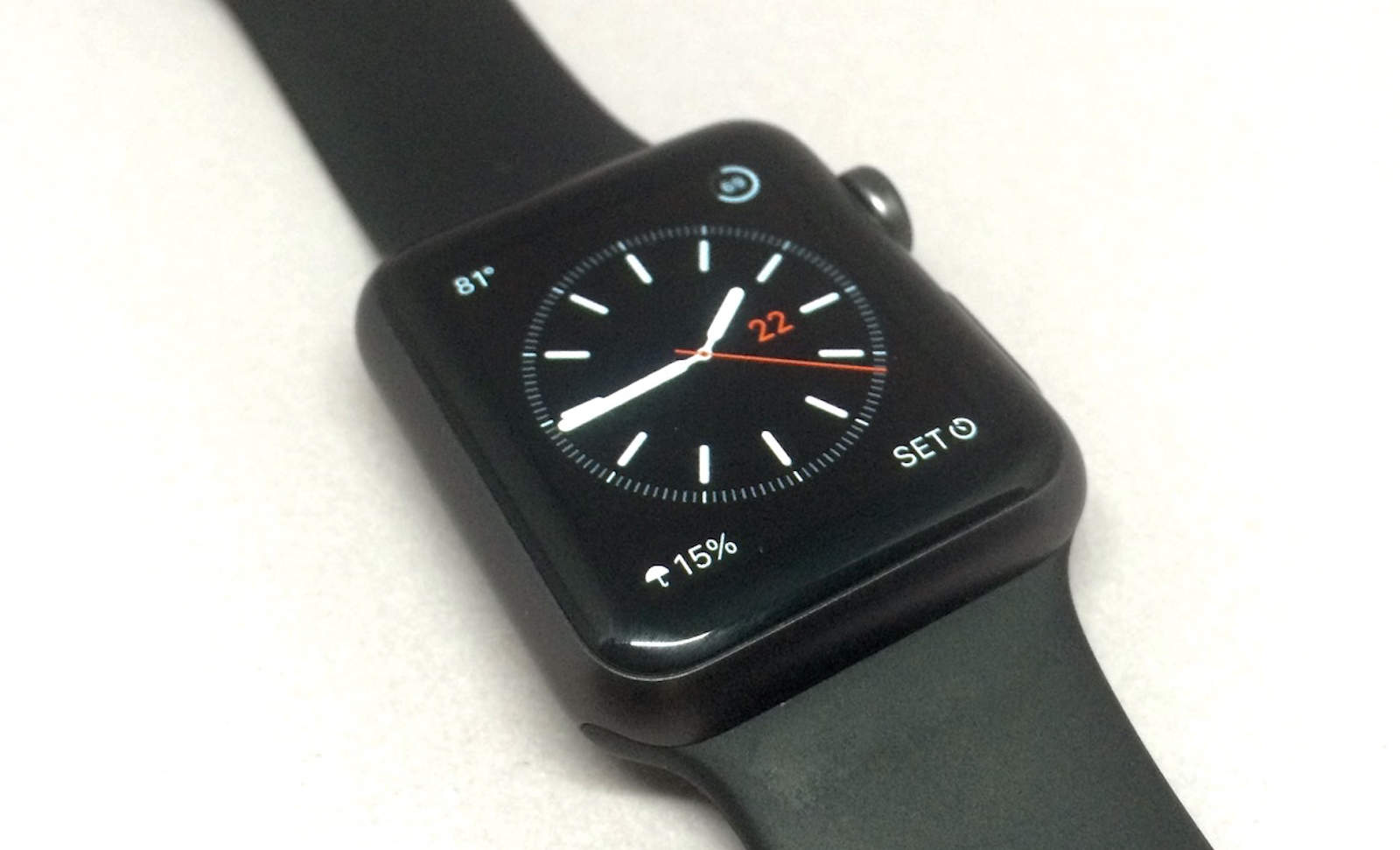
Third-party complications are here in watchOS 2. Photo: Evan Killham/Cult of Mac
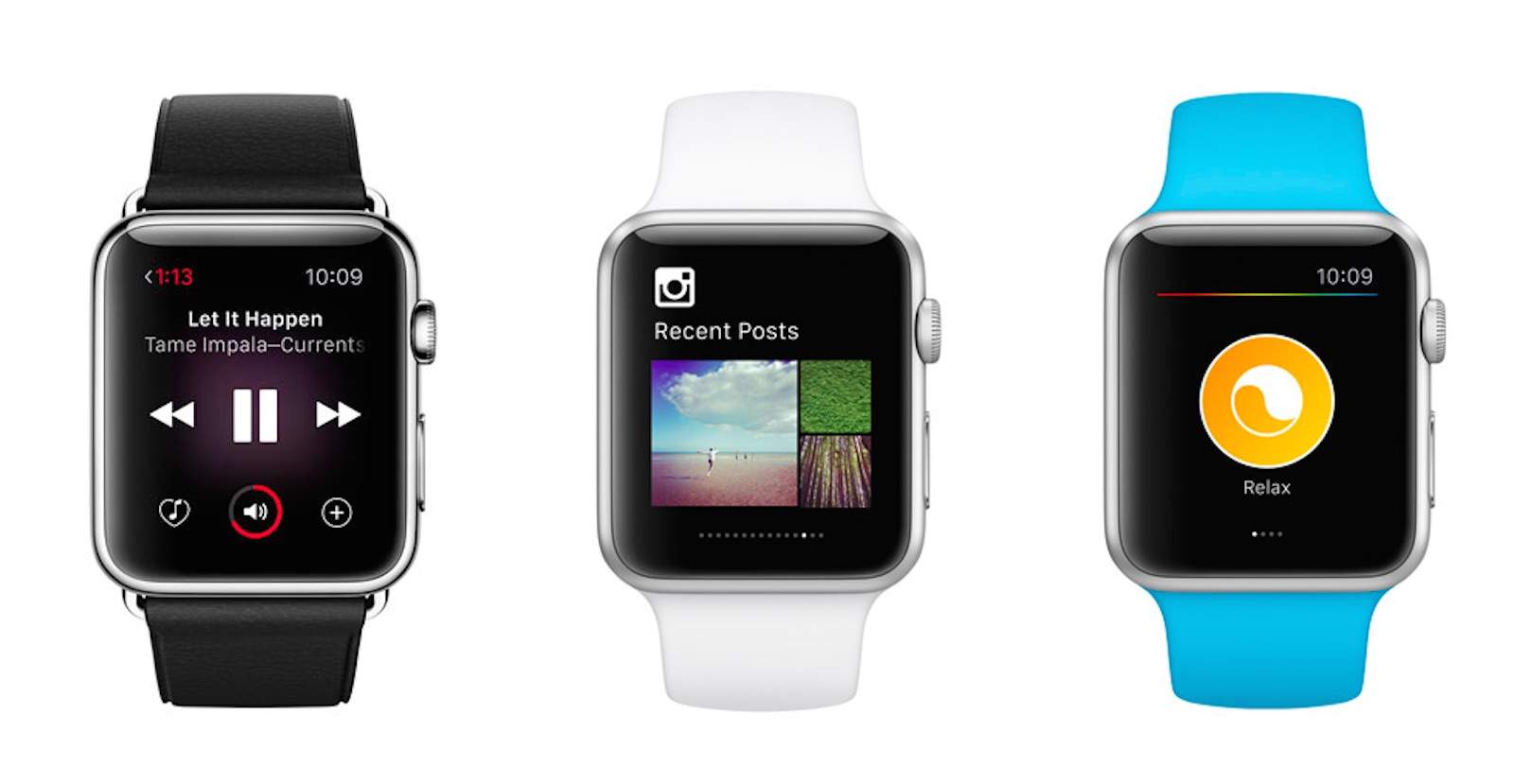
Third-party complications have arrived to the Apple Watch in watchOS 2, and setting them up is far from complicated.
The new operating system for Apple’s wearable dropped this week, and this is one of the features the company has talked up the most. And rightly so, because it adds a ton of new functionality to the device.
Here’s how to put a wealth of new information on your watch face.
Sign up to Prime on Friday for a big discount. Photo: Amazon
If you still haven’t succumb to Amazon Prime, then now is the time, because Amazon’s offering a generous discount that’ll save you a bunch of dimes (to celebrate the Emmys).
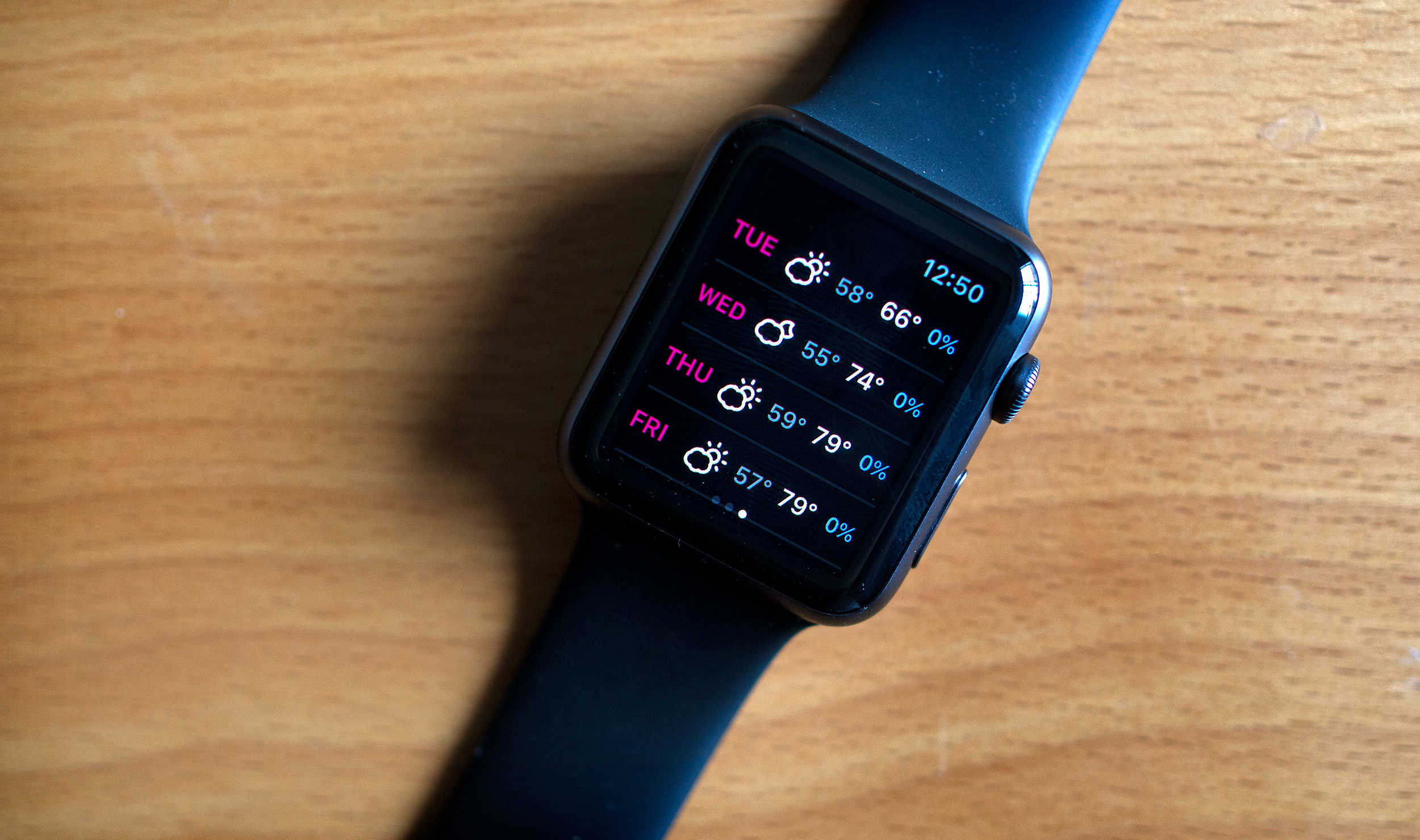
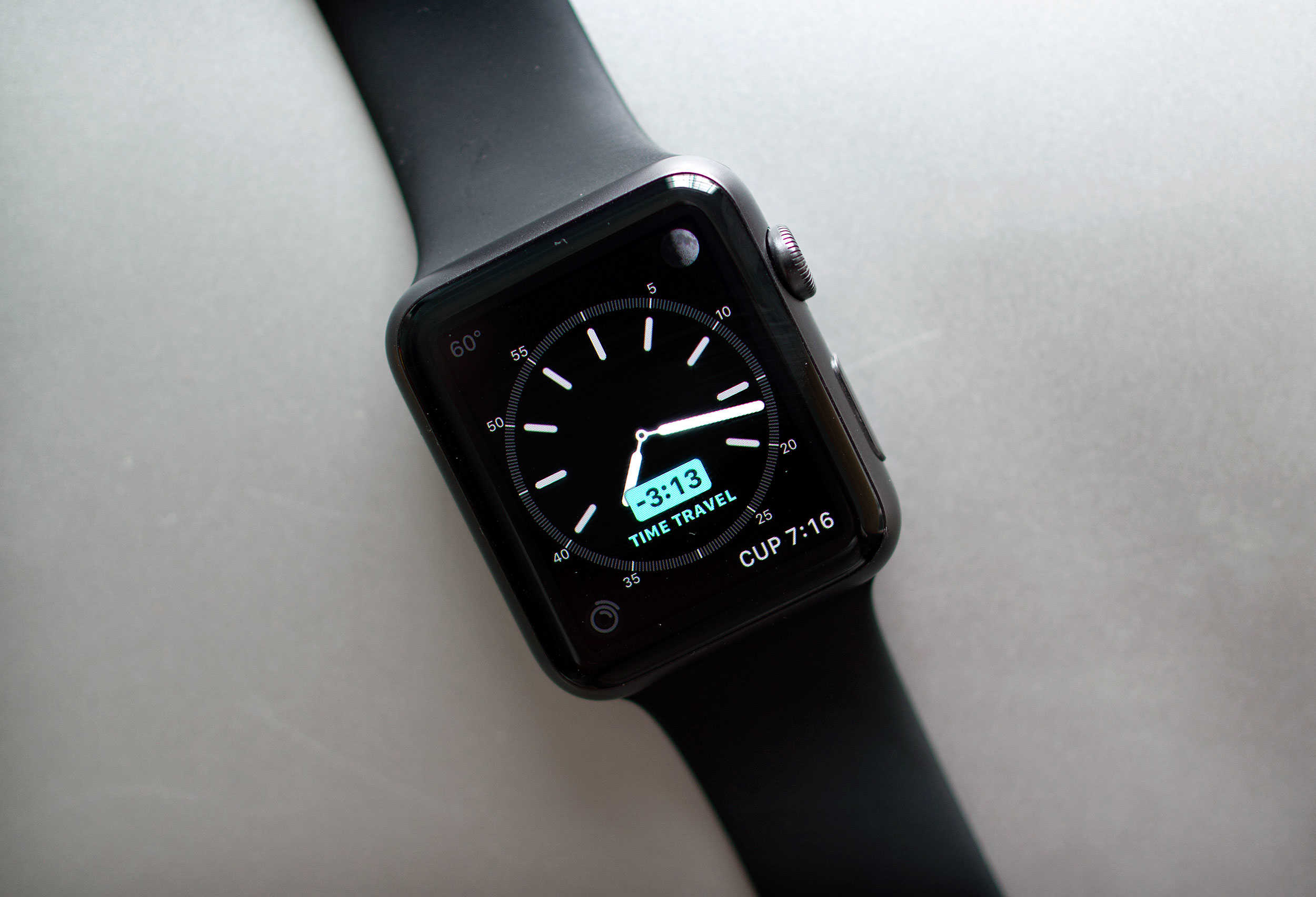
Time travel without a flux capacitor - right on your wrist. Photo: Jim Merithew/Cult of Mac
If there’s one thing we could all benefit from, it’s more time in the day. Unfortunately, Time Travel on the new Apple Watch operating system, watchOS 2, won’t actually let you travel back in time to get a few extra hours of Netflix in, no matter which edition you purchased.
However, watchOS 2 does now include a new feature called Time Travel, which lets you see the past and future right on your wrist. You can check what the weather will be a few hours from now for your drive home, see if you’ve got any appointments later in the day, or just figure out what time the sun set yesterday to prove you were home before it got dark.
Either way, here’s how to Time Travel on your Apple Watch running watchOS 2.
Blocking contacts in Gmail is simple. Photo: GoogleBlocking contacts in Gmail is simple. GIF: Google
Google has added two awesome new features to Gmail that every email client should provide: the option to block contacts you don’t want to hear from, and the ability to instantly unsubscribe from mailing lists you no longer with to be a part of.
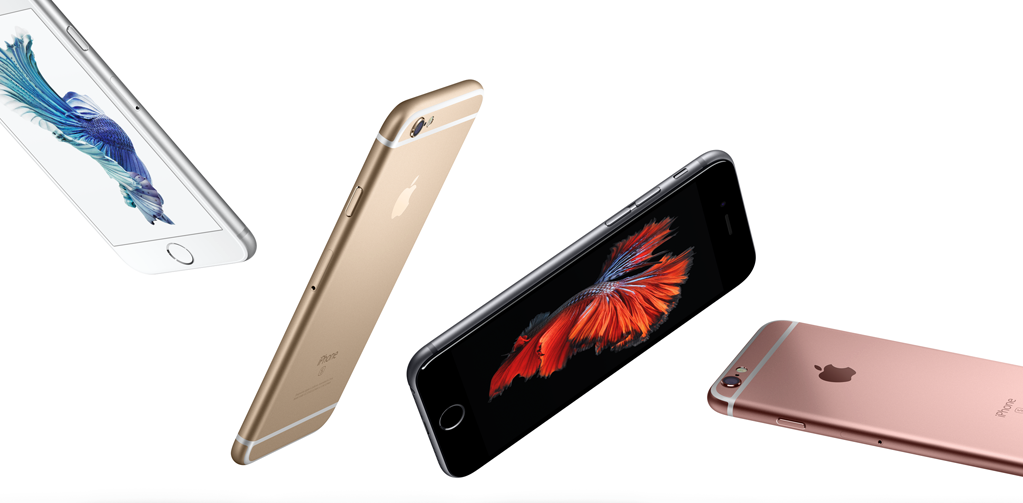
It’s been two weeks since Apple announced its latest iPhones, and the first reviews are in — letting the rest of the world know what we can expect to find this Friday (or possibly before, if you’re an AT&T customer.)
So what do reviewers think? Mainly that 3D Touch is the way of the future, that Apple should concentrate on battery life, and that the iPhone 6s may just be Apple’s greatest handset yet… although the iPhone 7 will be better.
Yep, it’s a mixture of insane expectations coming into contact with an iPhone that was only ever going to be a marginal improvement on last year’s best-selling iPhone 6.
Found on the floor at Interbike was this beautiful Italian goodness in the form of a blinged-out DeRosa. Photo: Jim Merithew/Cult of Mac
LAS VEGAS — If you need proof that the entrepreneurial spirit is alive and well in the bike industry, look no further than Interbike. The massive bike show here is an undeniable indication that innovators are still plugging away in their garages, trying to build the next big thing and prep it for Kickstarter.
Independent innovators are making cargo bikes one at a time, marketing lightweight welding masks to protect riders from the rain, and dreaming up helmet inserts for the world’s great sweaters. Cult of Mac takes one more lap around the convention center hall …
You wouldn't get this from any other company. Photo: Cult of Mac
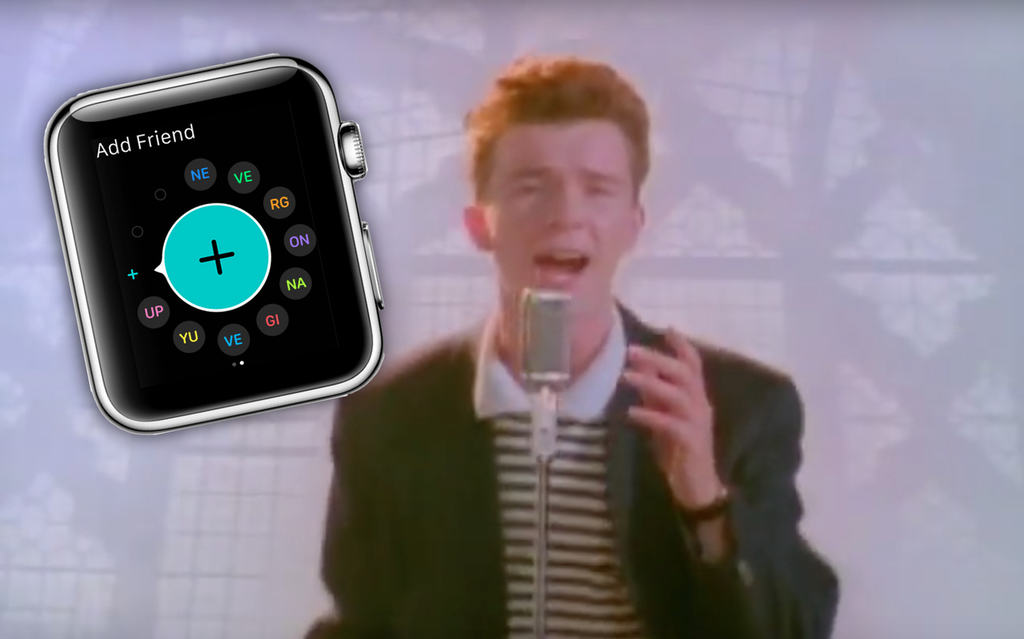
Apple has hidden a Rickroll in plain sight in its latest Apple Watch help page, with a FAQ on how to add friends on your Apple Watch spelling out a very familiar reference.
Sure, it’s all a bit 2008 by now, but there’s still something hilarious about Apple spelling out “NE VE RG ON NA GI VE YU UP” as the initials of your apparent Apple Watch friends.
The new custom faces aren't the only great part of watchOS 2. Photo: Jim Merithew/Cult of Mac
Apple’s second major iteration of its wearable firmware, watchOS 2, is finally out today, and it has some extra fun features hiding along with all of the ones the company has been talking about since it first announced the update back in June.
Sure, native apps and custom watch faces are cool, but watchOS 2 also contains some smaller updates that you have to look for. Here are some of the hidden gems.
Apple Watch is a killer device, even without a "killer app." Photo: Jim Merithew/Cult of Mac
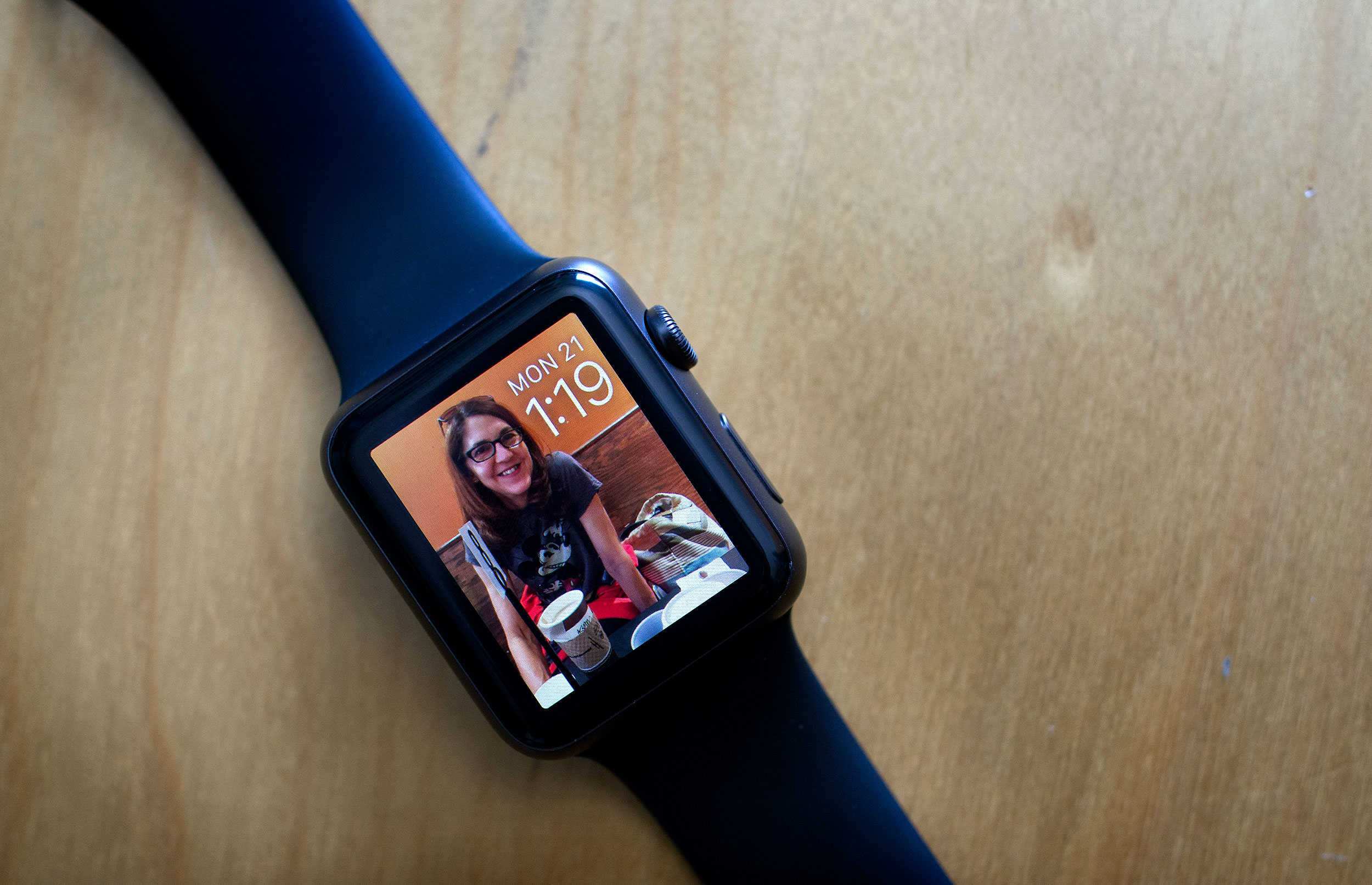
I was so excited to have a color screen on my Apple Watch when I picked the Sport up this past April.
When I went through all the watch faces, though, I was rather underwhelmed; really, you have a bright, high-resolution monitor on your wrist and all you can do is put a moving moth or Mickey Mouse on it? Ugh.
Luckily, with watchOS 2, Apple’s made things just a little brighter and a little more animated. Here’s how to get these snappy new watch faces on your own Apple Watch.
Steve Jobs' old mantra about "It's better to be a pirate than join the navy" probably wasn't on Apple's application form. Photo: George Hodan/Public Domain Pictures
If you’re as confused as we were when we first heard about the major App Store hack over the weekend, we’re here to help.
Here’s a compilation of everything we know about the XcodeGhost story, and we’ll be updating it as more develops.
False versions of Xcode may have gotten into your apps; here's how to fix the problem. Photo: Apple
Apple has now been affected by the worst security snafu in iOS history when it found that hundreds of apps, mostly in the Chinese App Store, have malicious code in them, called “XcodeGhost.”
Apple’s pulled the affected apps from the App Store to contain the security breach, but you’ll still need to take a few more steps to make sure your iOS devices aren’t affected. Here’s what you need to do.
The App Store just experienced its worst security breach ever. Photo: Apple
The App Store suffered its worst security breach in history over the weekend, when it was discovered that hundreds of Chinese apps have a malicious program dubbed ‘XcodeGhost’ embedded in their software.
The huge security lapse made its way into legitimate apps thanks to Chinese developers who used a counterfeit version of Apple’s Xcode software that was uploaded to file sharing service Baidu. By using XcodeGhost to compile their apps, developers accidentally allowed the malicious code to be distributed through the App Store.
Apple has pulled infected apps off the store to stop stop the spread, but users still need to delete XcodeGhost apps off their devices manually. Most of the apps infected are mostly used in China, however some big name apps like WeChat, Angry Birds 2, and Didi Chuxing (Uber’s biggest rival in China) were also hit.
Everybody loves emoji. Even the weird ones. Photo: Technewz
A mysterious new emoji has been added by Apple to iOS 9.1 and OS X El Capitan, but unlike the other emoji supported by Apple, this weird new pictogram wasn’t created by the Unicode Authority, and no one knows why it exists.
Apple plans to give emoji the middle finger when iOS 9.1 drops later this year, but it looks like the iPhone-maker has developed its own emoji called “eye in speech bubble,” and no one has any idea what it means.
SkyHub offers an easy way to get a lifetime of backup with a terabyte of cloud storage. Photo: Cult of Mac Deals
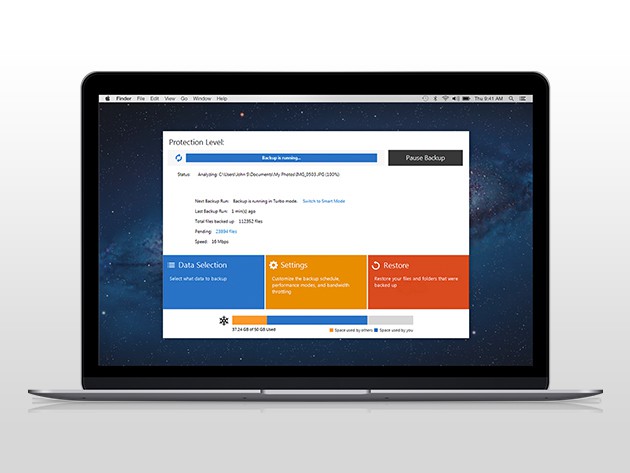
A terabyte is a huge chunk of digital real estate, likely enough to keep your whole computer backed up for years. Mechanical hard drives don’t always last for years though, which is why adding a cloud-based backup is key to keeping your digital stuff safe. Right now’s a good time to do it — SkyHub is offering lifetime access to 1TB of cloud storage for just $49.99.