Mobile menu toggle

Top stories - page 703

Pro Tip: New emoji aren’t out for iOS 9 yet

By

Emojis
How will we express this emotion?!
Photo: Evan Killham/Cult of Mac

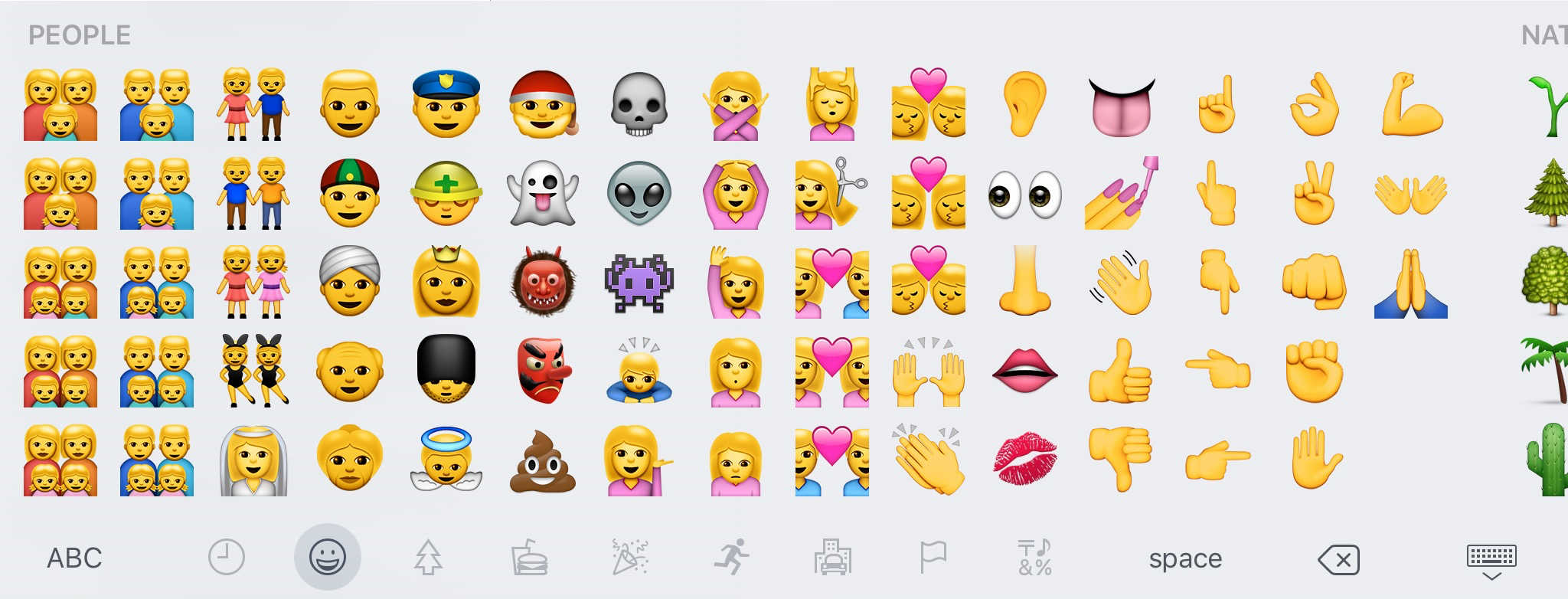
Pro Tip Cult of Mac bugSome iPhone and iPad users upgrading to iOS 9 today have been looking forward to expressing their love of tacos, burritos, and unicorns — and their disdain for everything else — using the much-touted new emojis, which include the coveted and versatile “middle finger” icon.

But unfortunately for those folks, we’re going to have to wait a little longer to start flipping things the bird.

Our biggest app bundle ever has something to improve anyone’s Mac & right now it’s 94% off [Deals]

By

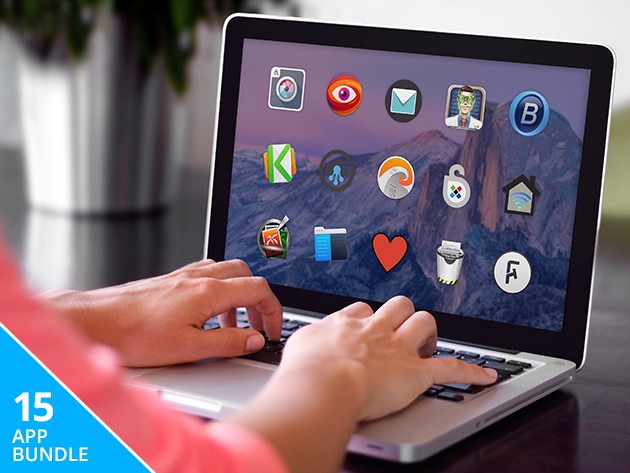
This bundle of 15 apps will give your Mac a whole new set of skills, streamlined performance, and security features.
Photo: Cult of Mac Deals

You could be doing a lot more with your computer. The Mega Mac 2015 Bundle will help you get better performance, security and even a couple new tricks out of your Mac. From remote file access to HDR photography, enhanced web searches and tapping into Google’s Deep Dream, and a lot more in-between, there’s something in here for everybody.

It’s all going for a whopping 94% off, just $29.99 at Cult of Mac Deals.

How to use content blockers in iOS 9 (and whitelist Cult of Mac!)

By

Silentium (left) and Purify, two great content blockers for iOS 9.
Photo: Rob LeFebvre/Cult of Mac

iOS 9 includes a new feature that desktop users have had for a while: content blocking. More conventionally known as ad blockers, this software cuts out all the advertisements and other cruft from web pages, allowing faster load times and a more streamlined experience.

Of course, most websites you read these days (including Cult of Mac!) rely on advertising to keep the lights on.

Luckily for all of us, most new content blockers let you whitelist specific sites so you can continue to help them pay their bills.

Apple’s iOS 9 update woes break the Internet’s heart

By

iOS 9 not working Twitter
We know you're upset, Sir, but please stop fueling our nightmares.
Photo: @YunnqPrince (via Twitter)

If you’re having trouble downloading iOS 9, you’re not alone.

Apple released the latest version of its mobile operating system today, but a lot of users are getting download errors when they try to snag the new firmware. With nowhere left to turn, they have taken to Twitter to vent their frustrations.

Here are some of the more interesting reactions we’ve seen from people who just can’t seem to get that download started.

17 secret iOS 9 tricks everyone should know

By

iOS 9 has tons of little tweaks waiting for you.
Photo: Jim Merithew/Cult of Mac

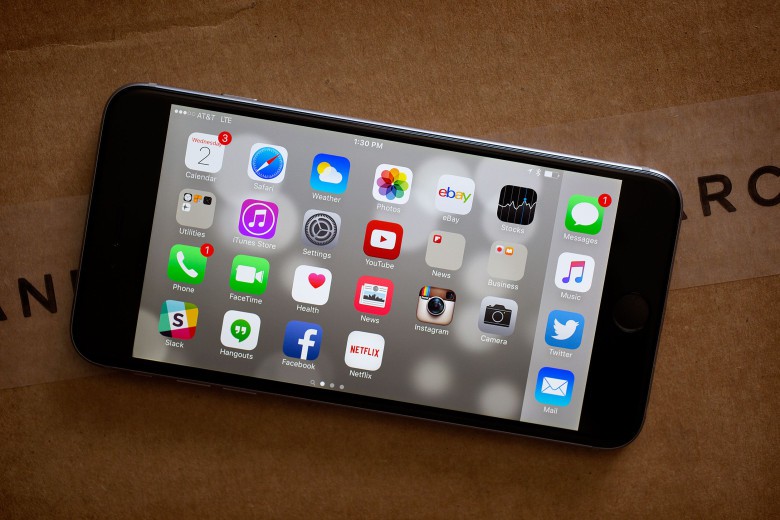
Once you get your iPhone upgraded to iOS 9, you might be overwhelmed. While Apple’s new mobile OS doesn’t pack a lot of grand new visual features, the update does include tons of little tricks that make using your iPhone and iPad even more ridiculously easy to use.

Here are all the secret iOS 9 tricks every user should know:

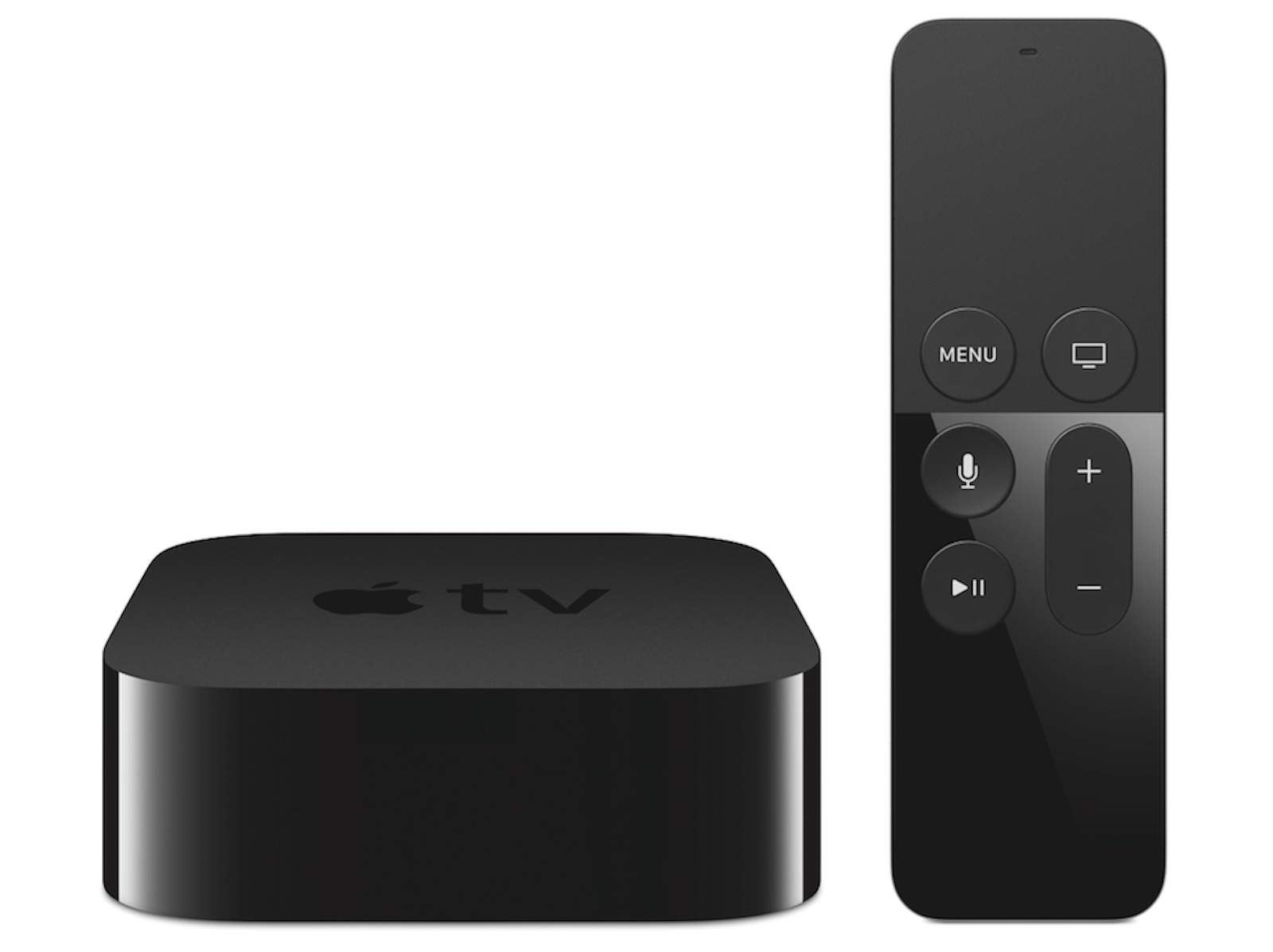
Why Apple TV’s strict new gaming mandate is a good thing

By

The best controller for Apple TV is the one you'll use.
Photo: Apple

Apple’s flip-flop on game controllers for Apple TV might be bad news for developers, but it’s great news for gamers.

It’s a virtual guarantee that all games will work better out of the box when running on the refreshed Apple TV, which will have its own App Store for the first time.

How to master iOS 9’s killer new features

By

20150814_siri-music_0024
iOS 9 is loaded with new features. Here's how to use them.
Photo: Jim Merithew/Cult of Mac

We’re all going to be diving into the deep end with iOS 9. While many of the changes are subtle, there are a fair number of differences in both the visual style and the under-the-hood workings of Apple’s new mobile OS.

That means this a perfect time to take a deeper look at all the killer stuff you don’t want to miss. These iOS 9 tips will help you make the most of all the great new features.

No, iOS 9 probably isn’t too big for your iPhone

By

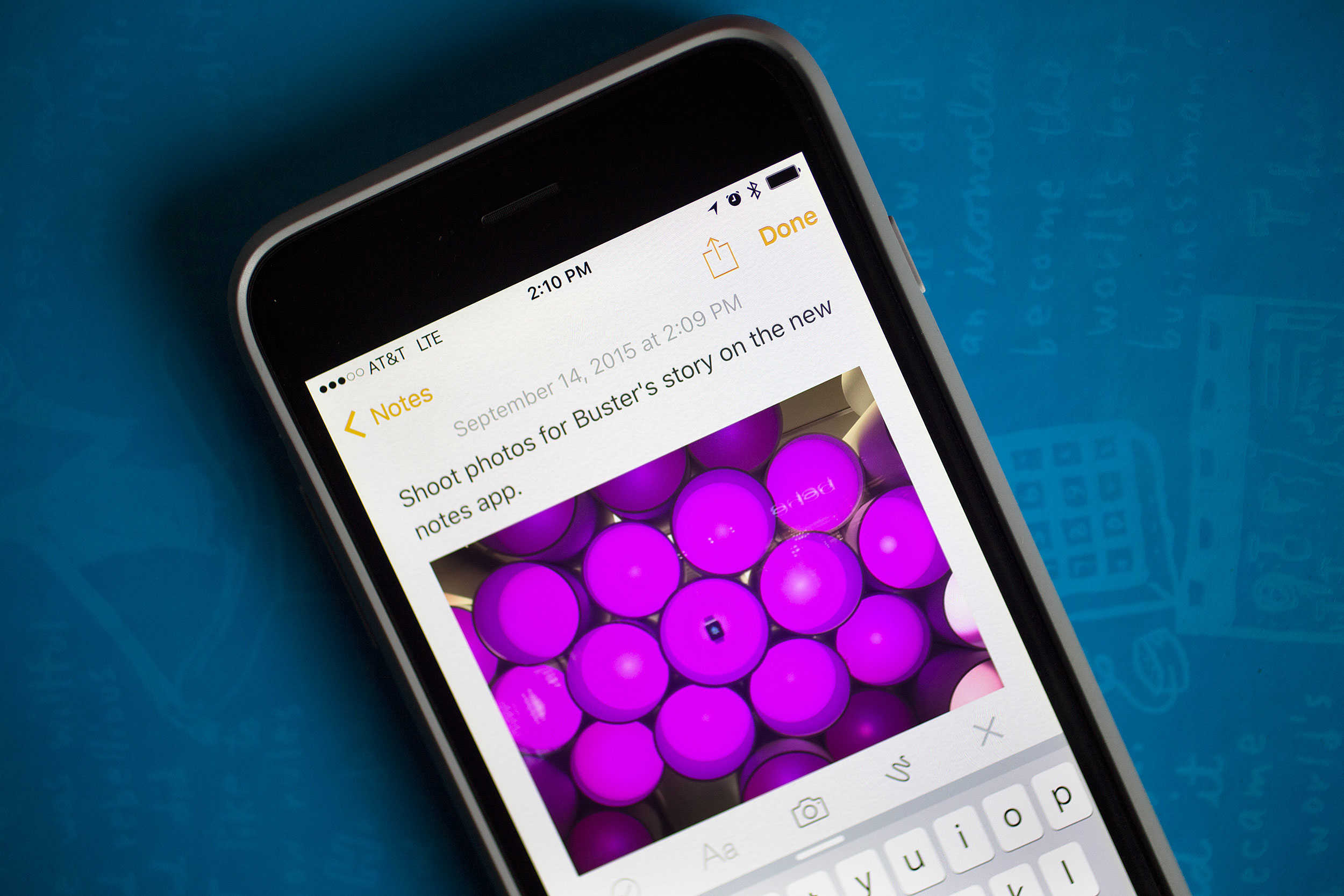
Notes-app
Unlike iOS 8 last year, iOS 9 shouldn't be much of a hassle to install.
Photo: Jim Merithew/Cult of Mac

Apple made two important changes to the way you install iOS 9 that will help out your storage space and probably your anxiety. If you’re like a lot of other people, you were pretty frustrated last year trying to install iOS 8. Your 16GB iPhone already has to store all your apps and photos, and it just seems downright greedy of Apple to ask you to install a software update that would take up even more space. This year’s update should be much smoother sailing.

AirDrop vulnerability is the best reason yet to upgrade to iOS 9

By

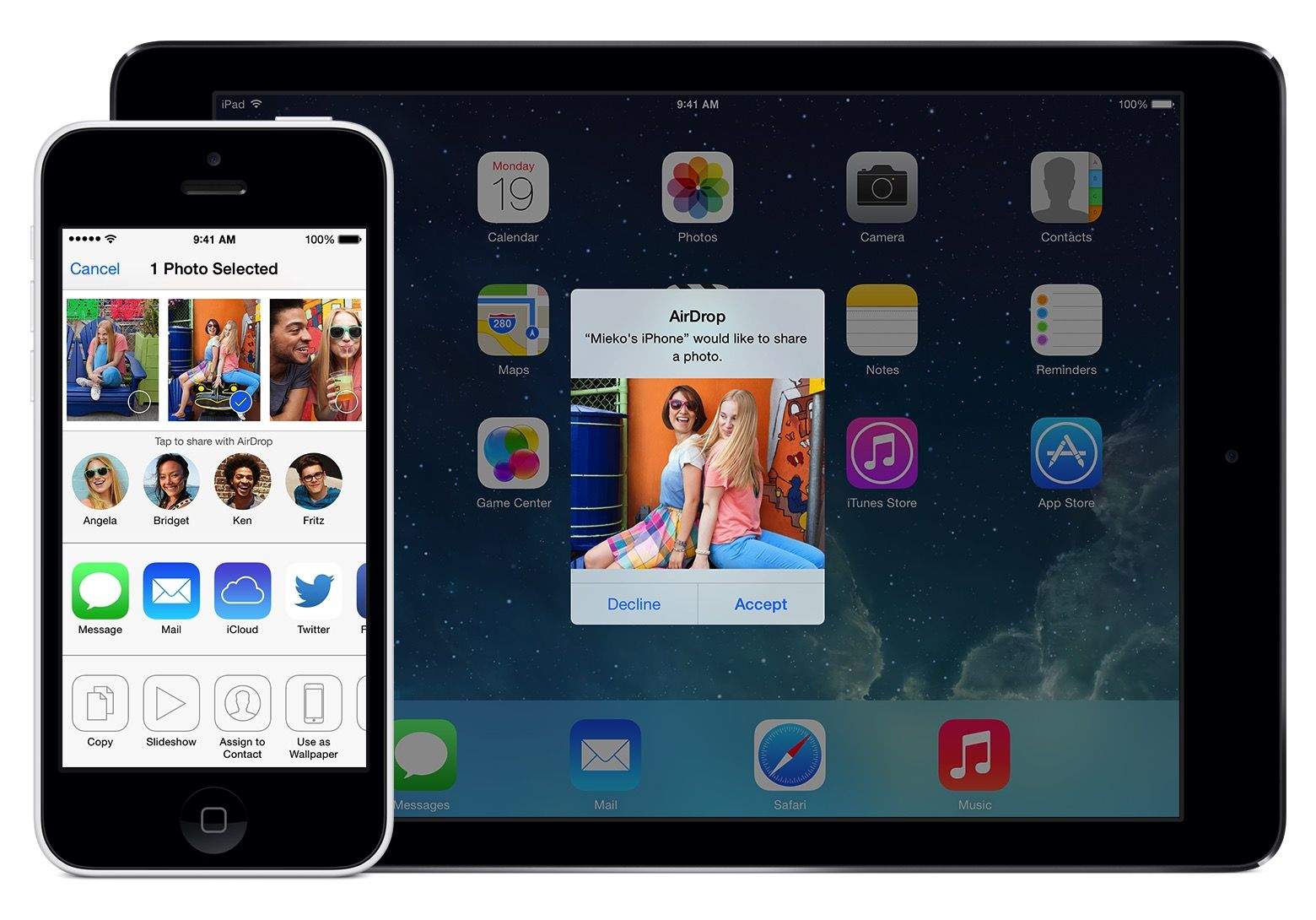
AirDrop has a serious problem.
Photo: Apple

Hackers have just given iPhone and iPad users a big reason to upgrade to iOS 9 due out later today: it fixes a serious AirDrop security vulnerability.

Mark Dowd, an Australian security researcher with Azimuth Security, revealed this morning that iOS 8.4.1 contains a critic security flaw in AirDrop that could allow an attacker to install malware on any device within range. Worst of all, even if a victim tried to reject the incoming AirDrop file, the bug lets attackers tweak the iOS settings so the exploit will still work.

Check out the lethal bug in action:

Critical bug delays watchOS 2 release

By

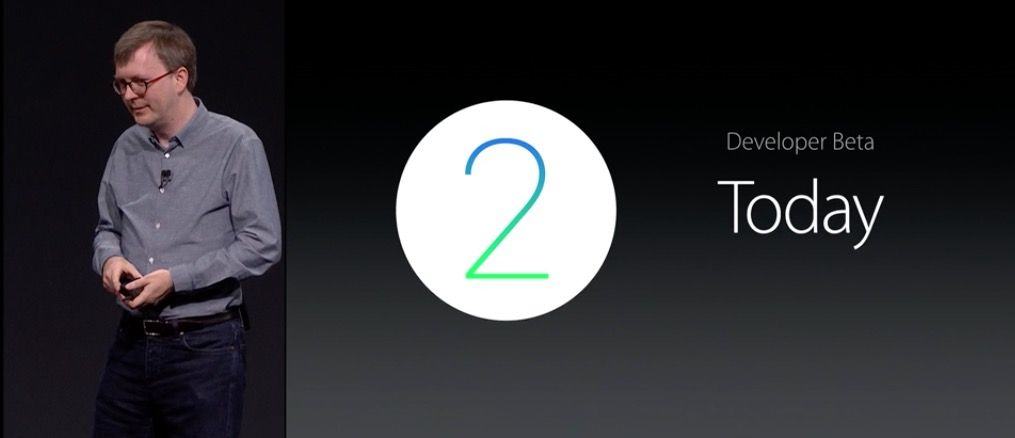
watchOS 2 is available to developers today.
Or the next day. Or the day after that.
Photo: Apple

If you’ve been anxiously waiting to upgrade your Apple Watch to watchOS 2 today — well, sadly, you’re out of luck.

Despite announcing last week that watchOS 2 and iOS 9 would be released today, Apple has just dropped the bombshell that Apple Watch users won’t be upgrading their operating systems quite yet, thanks to the discovery of a critical bug.

Pro Tip: iTunes is your best bet for iOS 9 backup and upgrade

By

Siri
Back up everything you can before you try to upgrade to iOS 9, OK?
Photo: Jim Merithew/Cult of Mac

Pro Tip Cult of Mac bug When you back up your iPhone before upgrading to iOS 9, you have a couple of choices. You can use iCloud or iTunes.

For your best, most comprehensive backup, connect your iPhone (or iPad) to iTunes. Seriously, iTunes backs up almost everything — and it’s your best bet for downloading iOS 9 when the upgrade becomes available today.

Here’s how to do it.

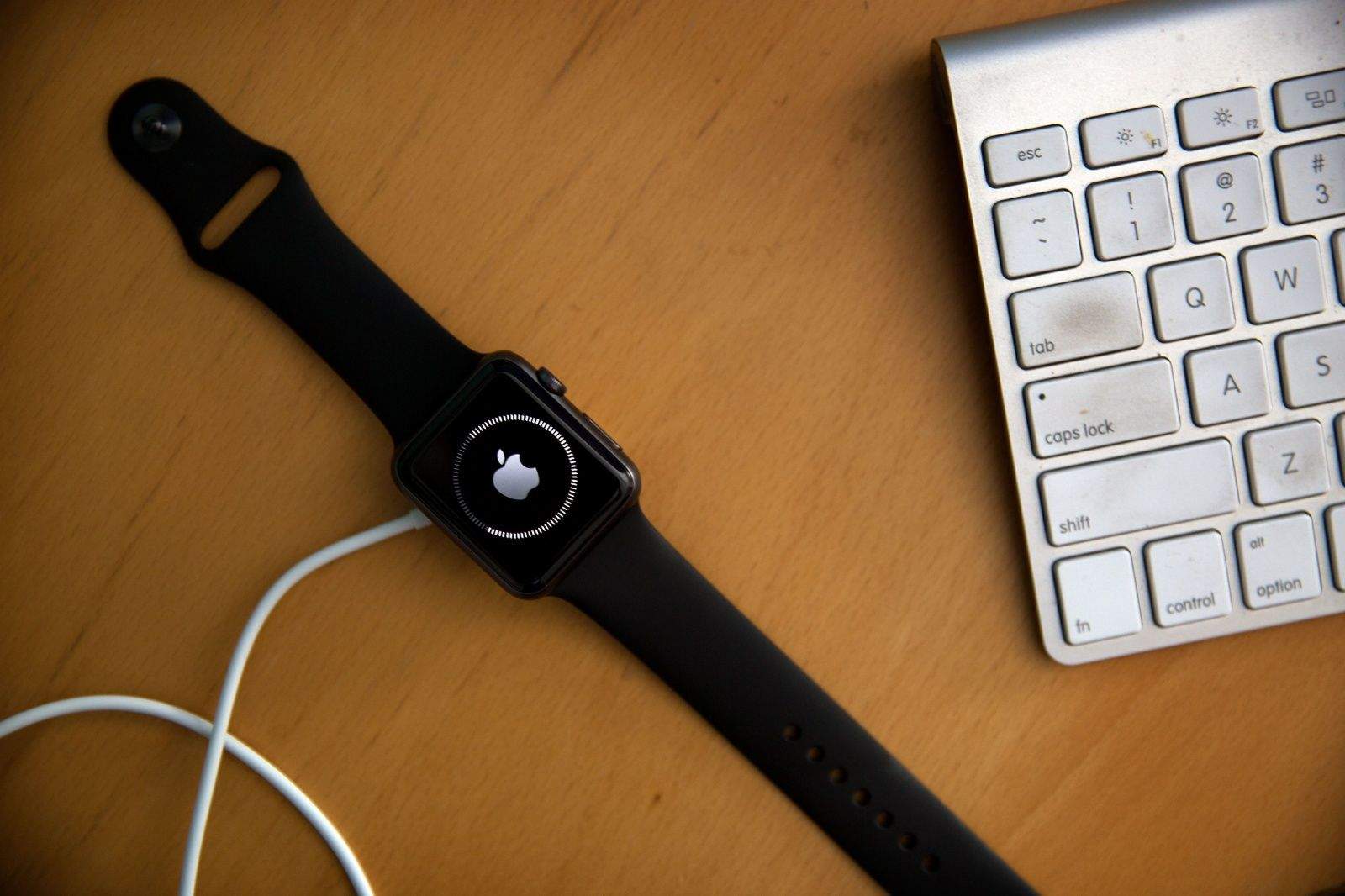
How to install watchOS 2 on your Apple Watch the right way

By

Can't wait for all the new Watch stuff? Here's how to install watchOS 2.
Photo: Jim Merithew/Cult of Mac

Update: Apple has delayed deployment of watchOS 2, possibly for a day or more, after discovering a bug that’s taking longer to fix than expected.

Are you ready? It’s finally time to update your Apple Watch to watchOS 2. The software upgrade will let you run third-party apps right on the Watch without your iPhone, add nightstand mode and new watch faces (including your own photos), and much more.

If you’re ready to make it so, read on and get all these new features on your wrist today.

iOS 9 review: It’s all about speed

By

Here's what time iOS 9 is landing in your area.
iOS 9 is going to shift your mobile life into the fast lane.
Photo: Jim Merithew/Cult of Mac

iOS 9 won’t shock you with a bunch of whiz-bang new features or a drastic new look, but in many ways, Apple’s latest mobile operating system is more important than its two immediate predecessors. While iOS 7 and iOS 8 laid a foundation that embraced the future of mobile design, iOS 9 is making all those changes worth a damn.

Apple drops iOS 9 today, bringing a more intelligent UI, better built-in apps, a smarter Siri and much more. Our iOS 9 review shows how the new software makes everything you do on your iPhone or iPad easier — and far faster — than ever before.

iOS will finally let you delete stock apps (someday)

By

Tim cook
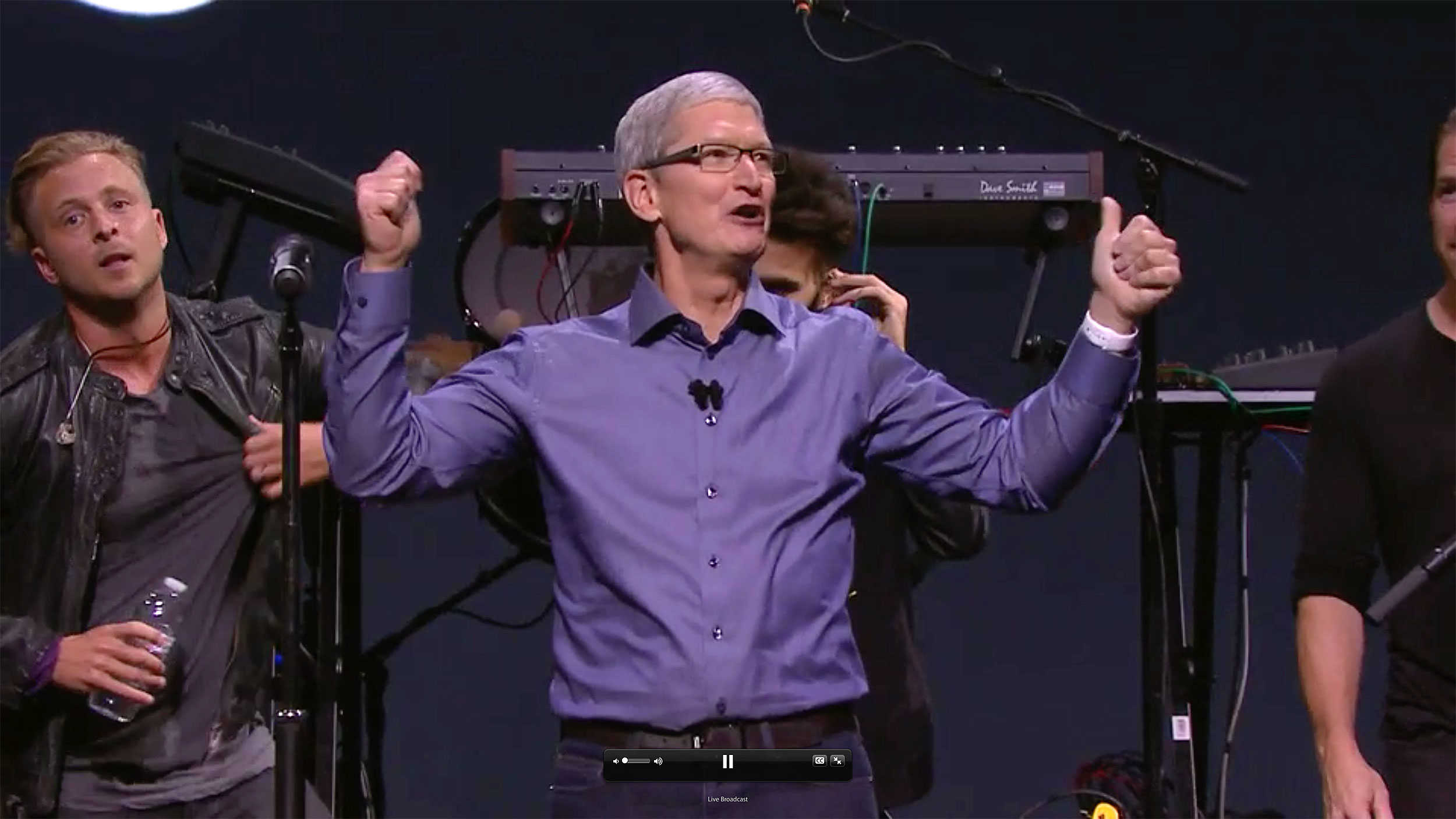
Tim Cook wants everybody to be happy, and that means deleting some stock apps.
Photo: Apple

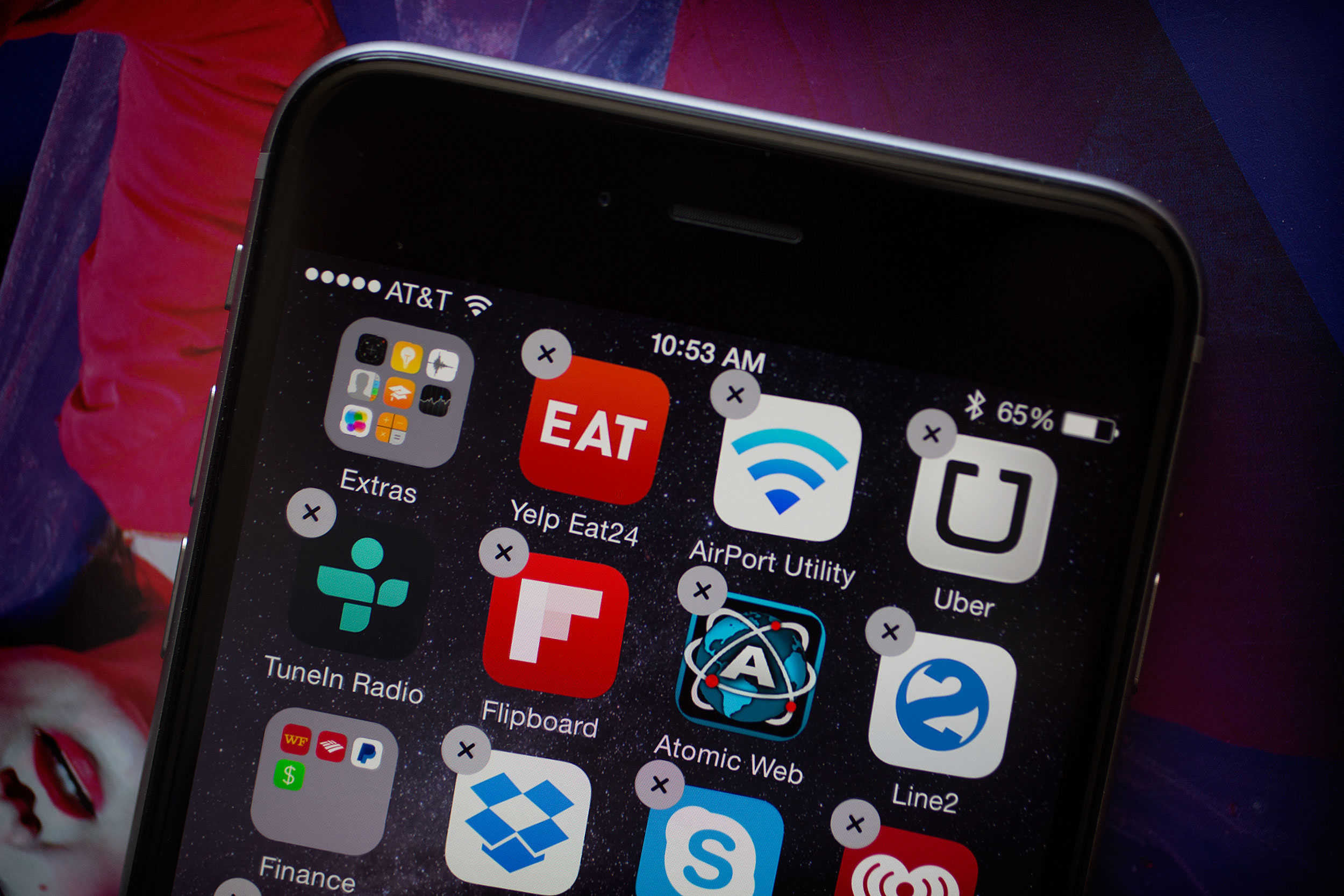
The days of having a junk drawer full of stock iOS apps might finally be coming to an end.

On the way to a surprise appearance at the Fifth Ave Apple Store, BuzzFeed spent 20 minutes with Tim Cook, who revealed some iOS apps will come with a delete option soon. The Apple CEO also talked about the future of computing, 3D Touch, “Hey Siri” privacy concerns and more. Here are the most interesting tidbits from Cook’s drive-by interview:

How to get ready for your iOS 9 upgrade the right way

By

This action plan  will ensure your iOS 9 upgrade is buttery smooth.
This action plan will ensure your iOS 9 upgrade is buttery smooth.
Photo: Jim Merithew/Cult of Mac

Whether you’re getting a new iPhone 6s or not, you’re going to want to upgrade to iOS 9 to take advantage of everything Apple’s new mobile operating system has to offer.

iOS 9 is ready to revolutionize your mobile life, but there are a few things you should do before making the leap. Here’s how to get your iPhone (or iPad) ready for its iOS 9 upgrade — the right way.

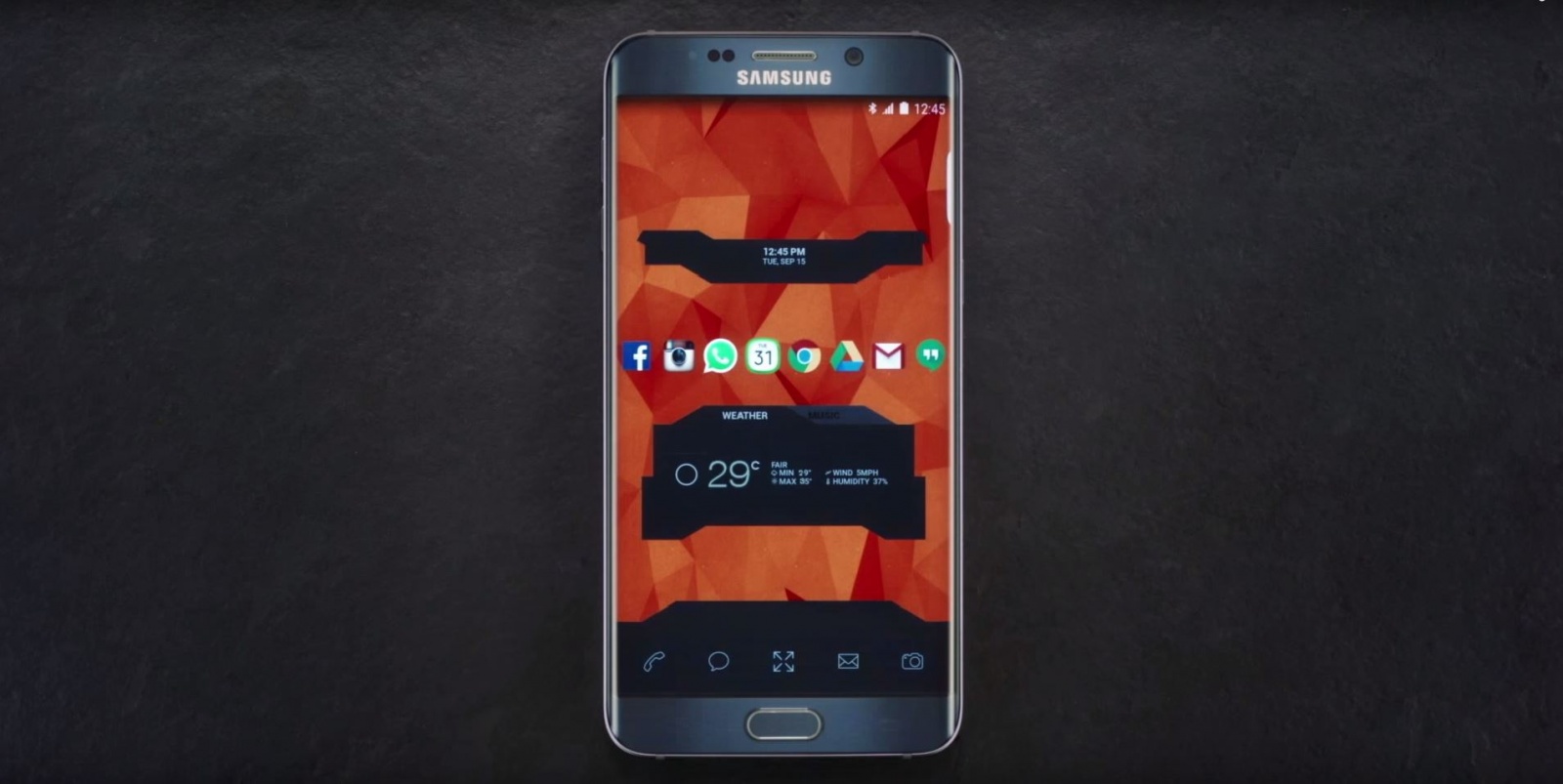
Samsung reminds iPhone users they can’t customize iOS

By

samsung-reminds-iphone-users-they-cant-customize-ios-image-cultofandroidcomwp-contentuploads201509Galaxy-customization-jpg
A custom theme on the Galaxy Note 5.
Photo: Samsung
A custom theme on the Galaxy Note 5. Photo: Samsung

If it doesn’t look like your phone, it’s not your phone… apparently.

That’s the tagline for a new Samsung ad that hopes to remind iPhone users they can’t customize iOS, and should therefore choose a Galaxy smartphone instead.

Viper SmartStart makes your smartwatch an essential car accessory

By

viper-smartstart-makes-your-smartwatch-an-essential-car-accessory-image-cultofandroidcomwp-contentuploads201509Viper-SmartStart-jpg
Viper SmartStart comes to your wrist.
Photo: Viper
Viper SmartStart comes to your wrist. Photo: Viper

Remember that Ericsson phone that let James Bond control his BMW 750iL remotely in Tomorrow Never Dies? Now you can have your own… kind of.

Viper SmartStart is a smartwatch app for Android Wear and Apple Watch that puts car controls on your wrist, allowing you to locate, start, and control your vehicle before you even get in it.

Apple Car based on BMW i3 would be a ‘nice idea,’ says CEO

By

Apple Car
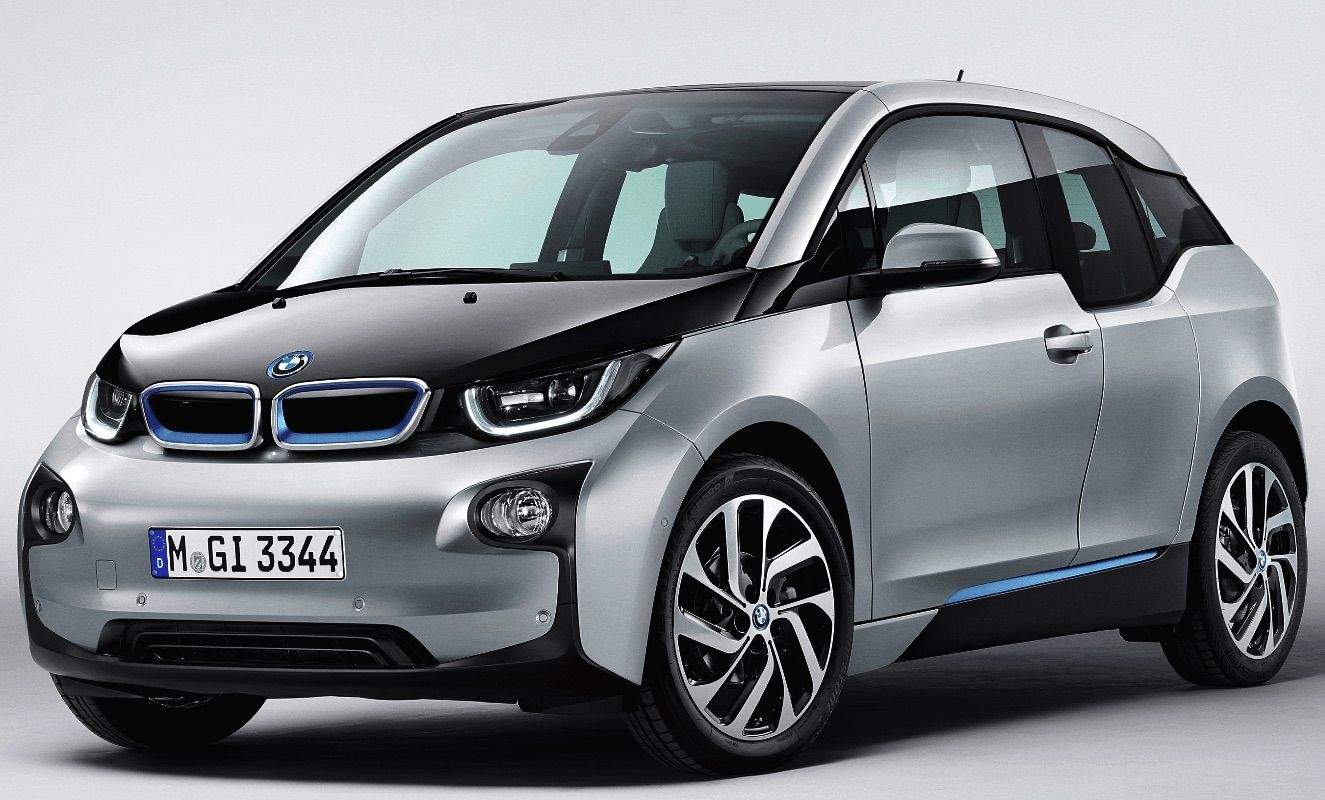
Tim Cook allegedly wanted to use the BMW i3's body for Apple Car.
Photo: BMW

BMW’s CEO Harald Krüger thinks an Apple Car modelled on BMW’s electric i3 vehicle would be a “nice idea,” although he’s keeping tight-lipped about the chances of it actually happening.

And when there’s the potential of iPhone money involved, who can blame him?

Why the iPhone 6s is heavier than the iPhone 6

By

The iPhone 6s has more junk in the trunk.
Photo: Apple

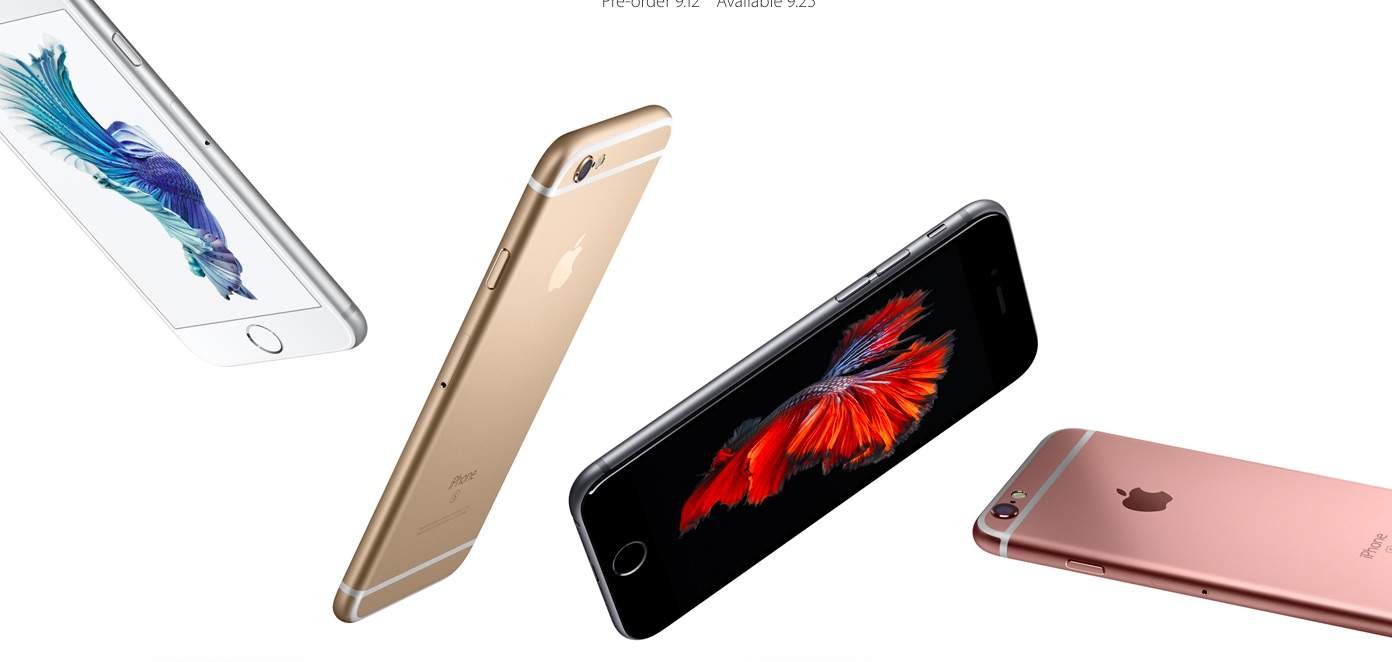
In appearance, the new iPhone 6s and iPhone 6s Plus look almost identical to the handsets that preceded them. But pick them up, and even without turning the handsets on you might notice a difference: Each is about 11 percent heavier than the previous year’s model.

Why’d the iPhone get so chunky? It’s all about 3D Touch.

UE Boom 2 speaker brings more of everything (except for screws)

By

The UE Boom 2 is pretty on the inside, too.
Photo: Ultimate Ears

SAN FRANCISCO — Ultimate Ears could have borrowed the iPhone 6s tag line to market its new UE Boom 2 Bluetooth speakers.

Like Apple’s latest smartphones, which Cupertino hypes with the clever catchphrase “the only thing that’s changed is everything,” UE’s second-generation Bluetooth speaker is almost indistinguishable from its tubular predecessor — at least on the outside. But upgraded specs and a few pleasant surprises give the Boom 2 a welcome boost.

“There’s something magic about this design,” said Diego Gabathuler, head of brand and global marketing for Ultimate Ears, as he showed off the Boom 2 during a demo at the Cult of Mac offices. “It would have been a shame to take that magic away.”

Save your ears from Apple Music’s endless loops

By

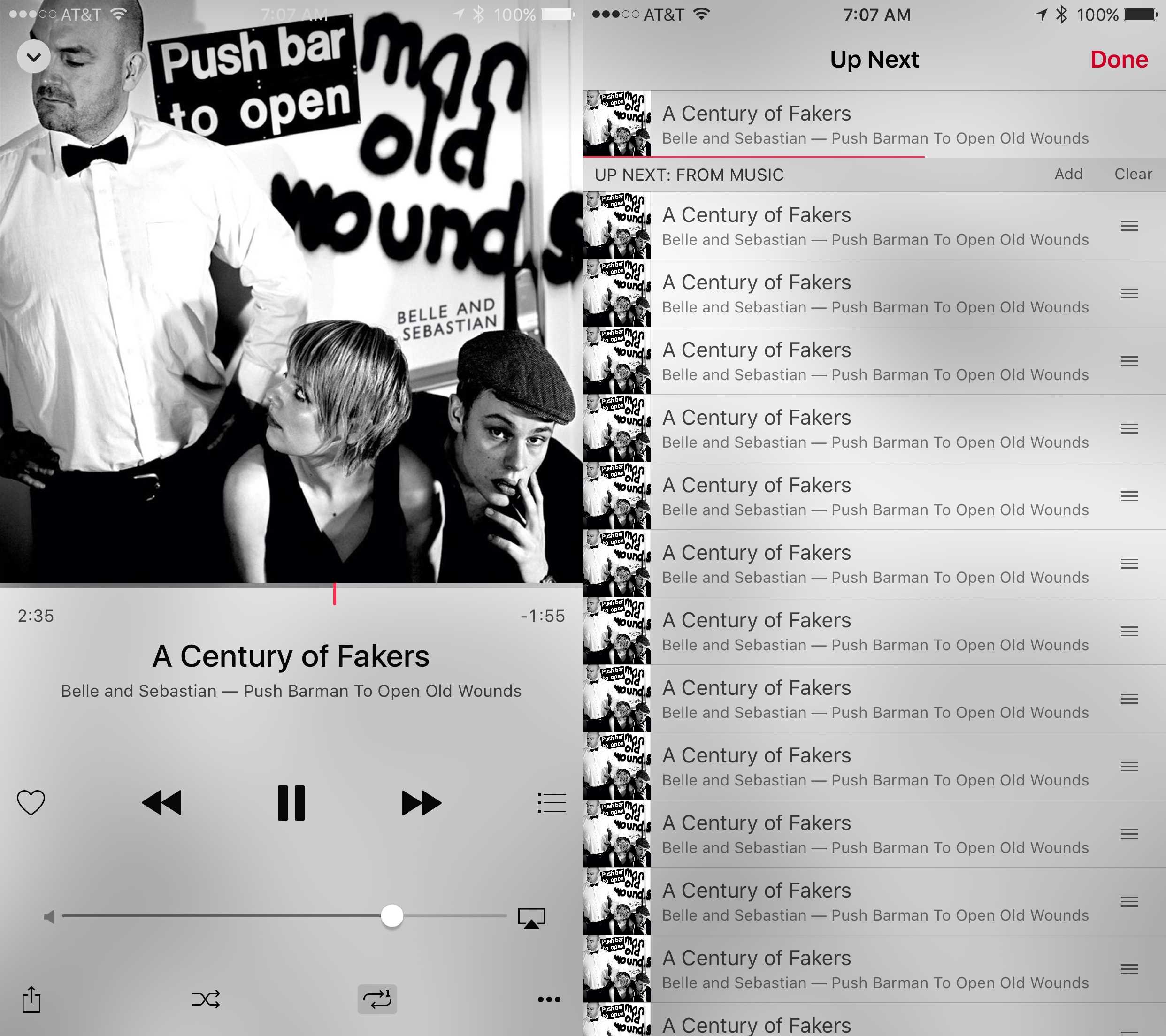
Even Belle & Sebastian can get old with too much repetition.
Screen: Rob LeFebvre/Cult of Mac

Sometime in the last few weeks, I’ve had a big problem with Apple Music.

Whenever I’d start an album or playlist, I’d only hear the first song I chose, over and over and over.

I’d hit the Up Next list button and see the same song, endlessly repeated.

The fix is an easy one, but man did it frustrate me for weeks. Here’s how you can make sure you’re not stuck on repeat.

Save over 50% on the award-winning Scrivener 2 [Deals]

By

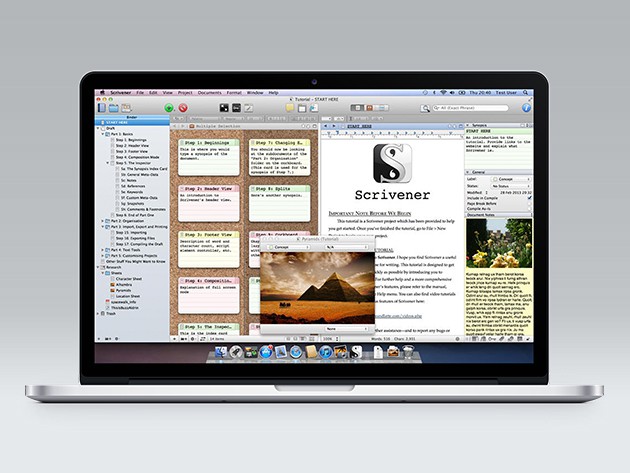
Scrivener declutters the digital writing process, presenting all research and notes on one screen.
Photo: Cult of Mac Deals

We were told that computers would make word processing way more efficient and less time-consuming. By now we all know the truth — writing on a computer is like fighting through an obstacle course of distractions, scattered notes and half-read articles. Scrivener is a word processor and project management app that streamlines and organizes research and writing on your computer, an invaluable resource that you can get for $19.50 at Cult of Mac Deals.

Why the iPad Pro is Apple’s vision for the future of personal computing

By

Best Buy is preparing for shoppers wanting iPads.
Photo: Apple

This is a guest post by Fraser Speirs, a teacher, systems administrator and consultant specializing in the application of modern mobile technology in schools. It originally appeared on his personal website.

“The iPad is the clearest expression of our vision of the future of personal computing.” — Tim Cook

The above statement by Apple’s CEO is — by far — the most important thing that happened for iPad at Apple’s event last Wednesday. We have been through more than three years of the iPad playing a distant second to the iPhone and, to some extent, even the Mac at Apple events. It’s been three long years of “Here’s the new thinner, faster iPad. We can’t wait to see what you do with it. Bye!”

Fitness apps are not for beginners

By

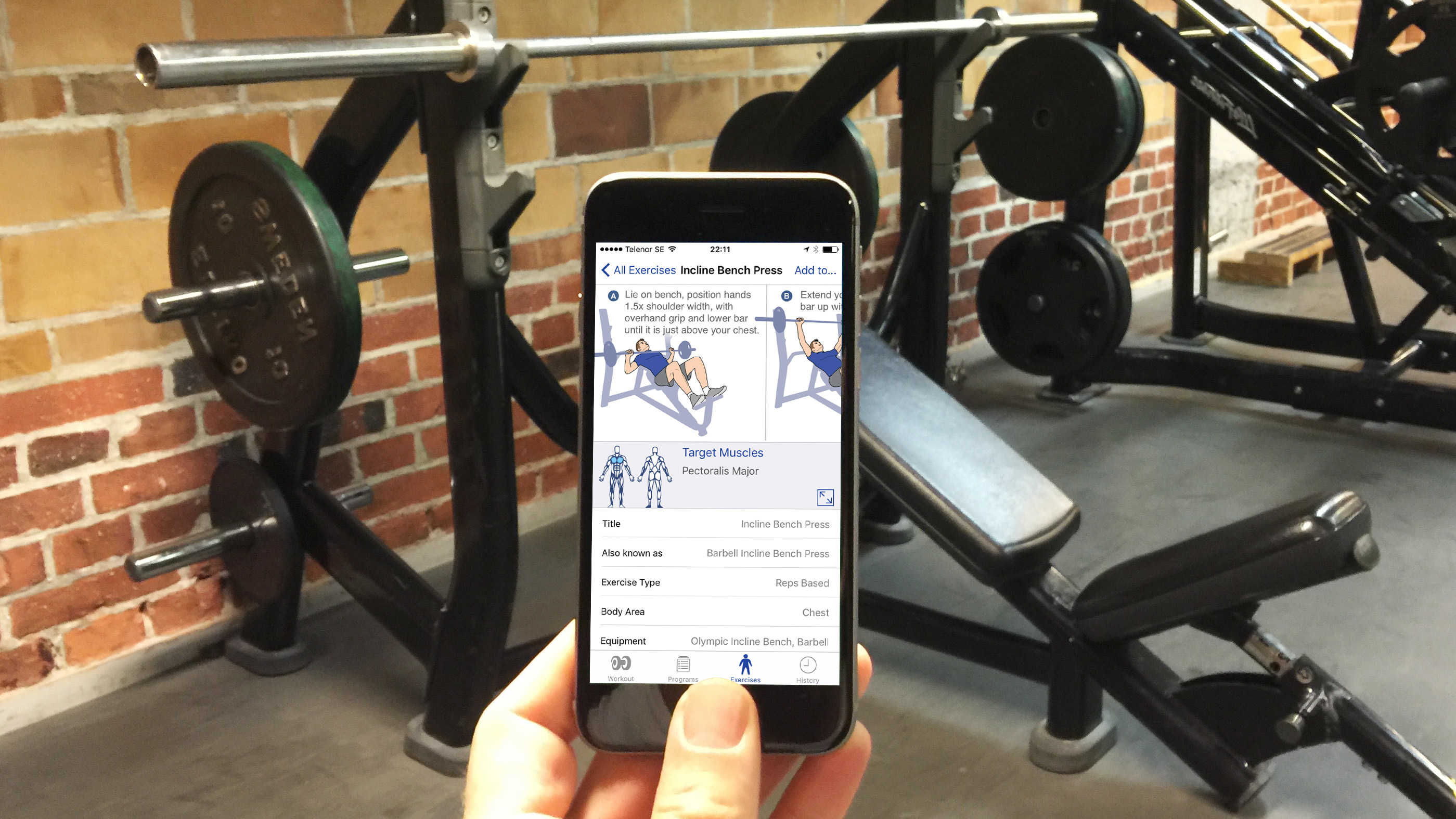
Fitness apps can tell you how to do an exercise, but they can't check whether you're doing it right.
Photo: Graham Bower/Cult of Mac

New research suggests that iOS fitness apps stink at giving you a complete workout. As the developer of one such app, you might think I would disagree. But I don’t. In fact, the only thing I would challenge is the researchers’ conclusion that app developers could do better. They can’t.

Fitness apps can be indispensable if you already know what you are doing, but If you are new to exercise, you should not rely on them to get you started.