
Mobile menu toggle

Top stories - page 700

Pope’s arrival in America greeted by a sea of smartphones

By

popes-arrival-in-america-greeted-by-a-sea-of-smartphones-image-cultofandroidcomwp-contentuploads20150921646304072_7f298bf6fa_h-jpg
Pope Francis gets engulfed by eager smartphone users in Washington, DC.
Photo: IIP Photo Archive/Flickr CC
pope-cameras-phones-america
Pope Francis gets engulfed by eager smartphone users in Washington, DC. Photo: IIP Photo Archive/Flickr CC

Pope Francis landed on U.S. soil for the first time last week on Tuesday, September 22. He has talked to victims of sexual abuse, spoke out about his views on immigration and gave several moving speeches across the country. However, the pope was also able to impact American culture in a way that is completely unintentional: he put the mobile phone revolution on giant display.

The last time a pope visited the United States was back in April 2008 when Pope Benedict XVI was still at the reigns of Catholicism. A lot has happened in seven years. Modern smartphones were only starting to become prevalent back then. Apple had just released the first iPhone less than a year ago and Android was still in development.

The change in our culture needs no explanation because photos of crowds swarming Pope Francis through his journey across America manage to say it all. Crowds glow with endless displays.

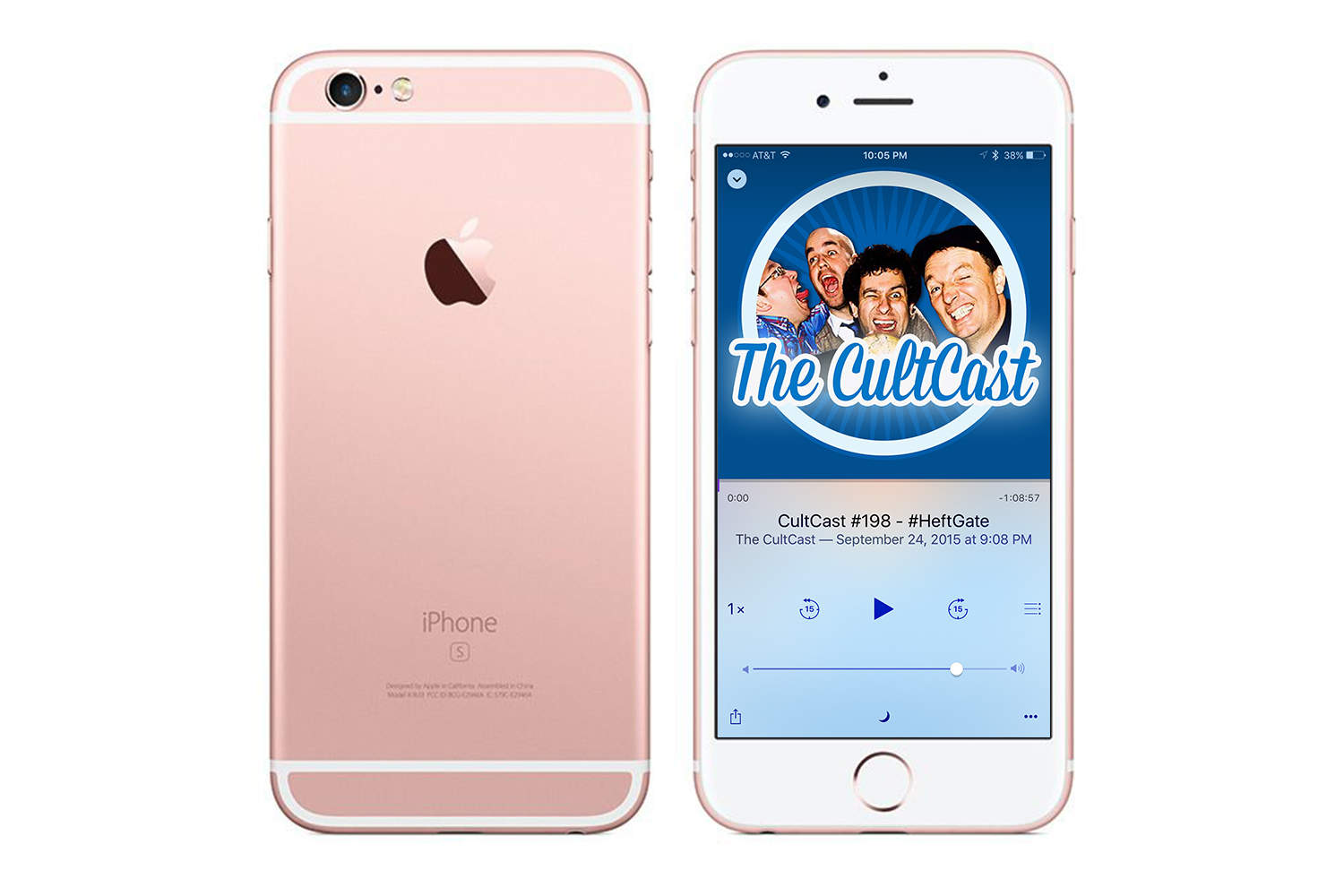
An Apple car in 2019 and the pros and cons of iPhone 6s on The CultCast

By

Ain't she purty?
Ain't she purty?
Photo: Apple

This week on Cult of Mac’s podcast: The embargoes have lifted and the iPhone 6s reviews are in. We’ll tell you what folks love — and don’t –about Apple’s newest iPhone. Plus: Apple car coming in 2019; why we love the new watchOS 2 update; and, with our three-month Apple Music trials running out, we ponder — is the service worth paying for?

Our thanks to Lynda for supporting this episode. Lynda is like the Apple Music of online education, with more than 3,000 expert-taught video courses you can stream straight to computer or mobile device. Learn how to use Logic’s new super-powerful Alchemy synth, or develop Mac apps for OS X — learn all you want for free for 10 days at lynda.com/cultcast.

Now is your last chance to save over 50% on the award-winning Scrivener 2 [Deals]

By

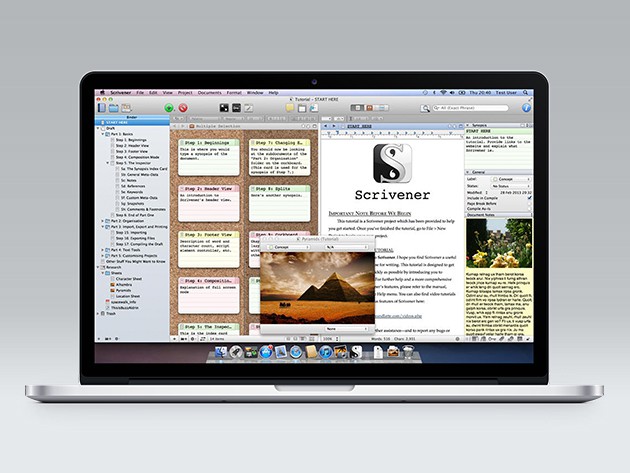
Scrivener reinvents writing on the computer, making ideas, sources, and text available all at once.
Photo: Cult of Mac Deals

Write anything longer than a couple paragraphs or involving more than a couple sources of research, and the computer can quickly become a confusing morass of pages, websites, and notes. Scrivener 2 cuts through the computerized clutter, making it easy to simultaneously outline ideas, take notes, and view research without flitting between pages and programs. It’s an invaluable tool for anybody who writes with any degree of regularity, and right now is your last chance to get it for $19.50 at Cult of Mac Deals.

A delivery service for geeks? Yep, that’s a thing now [Deals]

By

Get geeky gear, artwork, clothes, and more from top brands and franchises delivered every month.
Photo: Cult of Mac Deals

There’s never been a better time to be called a geek — the term has come to describe a culture represented by some of the biggest films, TV shows, games and gatherings in the whole world. Those who speak geek love to express their fandom for the fantastic in the tangible form of gear, collectibles, toys, apparel, artwork. Loot Crate delivers all of the above and more right to your door each month, and right now you can get a 3-month subscription for just $49.

Kahney’s Korner: iPhone 6s unboxing special

By

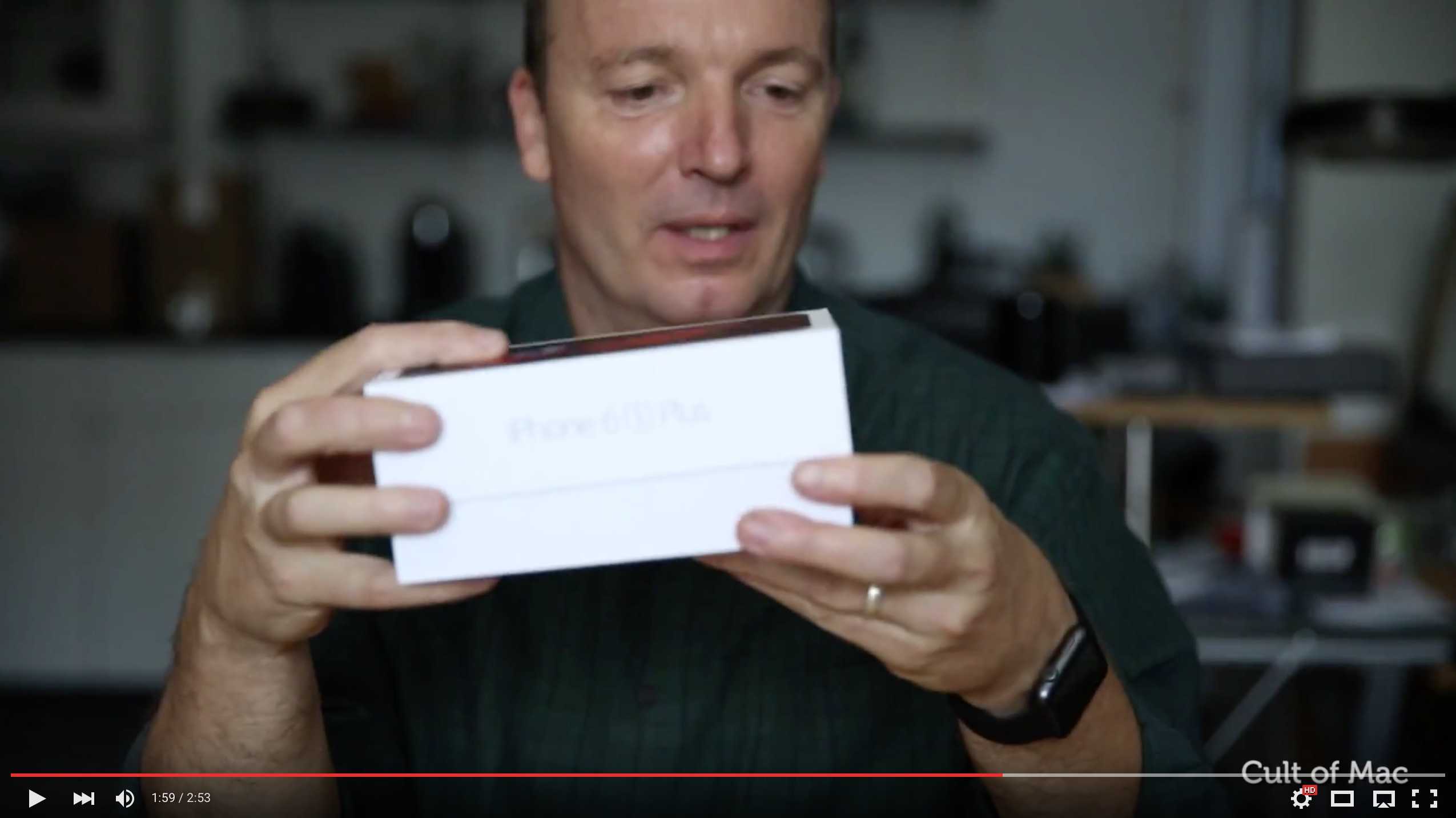
Check out our unboxing of Apple's new iPhone 6s Plus below.
Photo: Cult of Mac

It takes years to understand the appeal of the unboxing video. On the face of it, they’re very silly. And yet unboxing is one of digital video’s most popular and enduring genres.

Who wants to see someone else opening the box of a brand new gadget? Wouldn’t you want to do it yourself?

And therein lies their appeal — the vicarious pleasure of seeing a stranger enjoy a gadget you covet.

With that, here’s our contribution to the genre: Cult of Mac’s first unboxing video. Watch in enraptured fascination as we take the iPhone 6s Plus from its box.

Cult of Mac Magazine Special Edition: iPhone 6s Super Guide

By

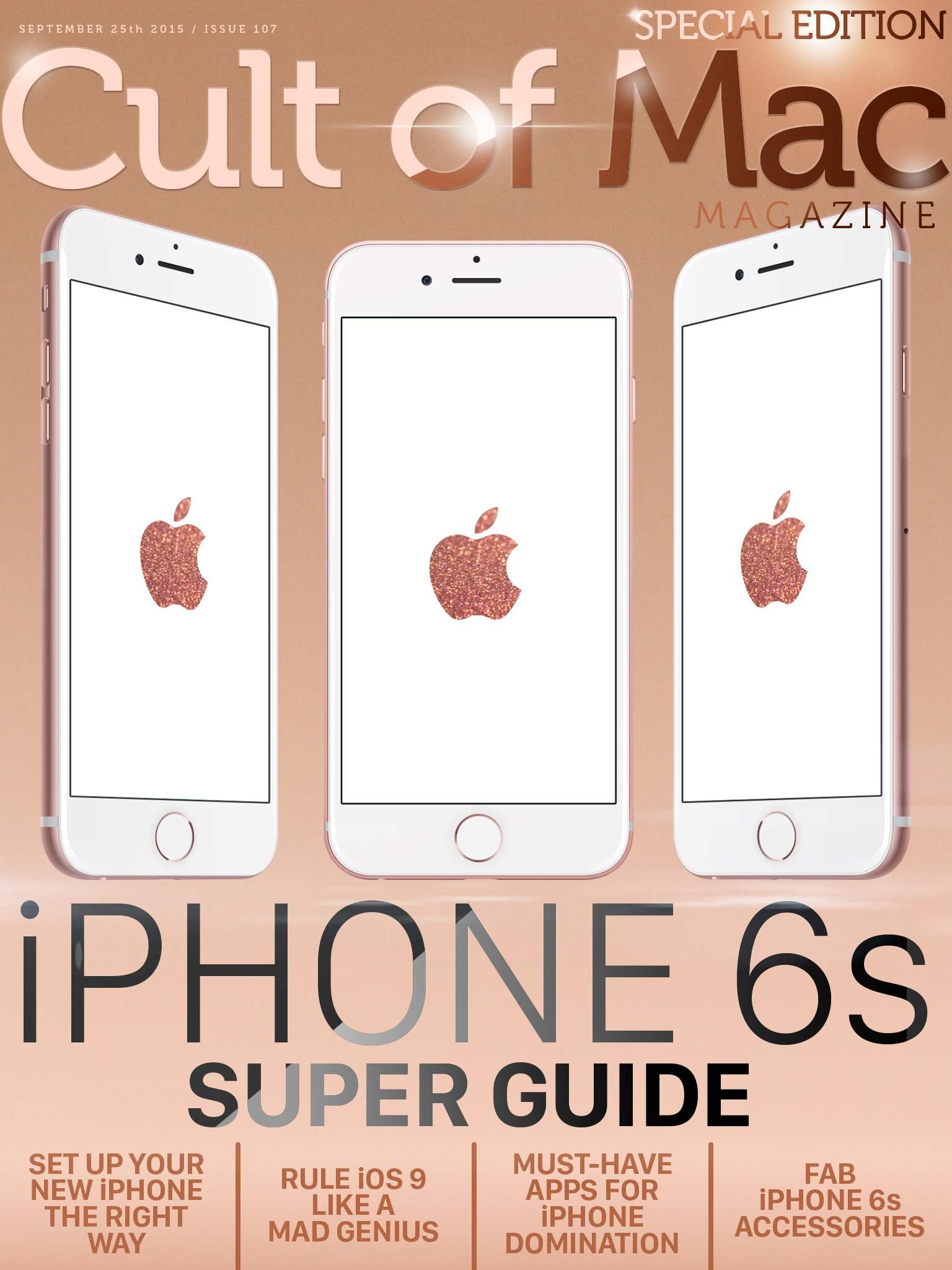
All that you need to know about Apple's greatest iPhone yet.
Cover Deign: Stephen Smith/Cult of Mac

We’re excited! This week marks the launch of our brand-new Cult of Mac Magazine app, version 2.0!

We’ve redesigned it to make it even easier to get all of the best Cult of Mac content in a version that’s optimized for touchscreen displays. Just zoom in with your finger and thumb to pull up a story. When you get to the end, it will automatically bring up the next one.

We’ve created a special issue for you this week, as well, as we bring you our iPhone 6s Super Guide, chock-full of handy info on setting up that brand new shiny iPhone 6s or 6s Plus, along with a ton of great tips on using Apple’s latest iOS 9 like a crazy bossman.

Download the brand new Cult of Mac Magazine app from iTunes right now, and you’ll get all this, and more, absolutely free.

Here’s the rundown of our top stories this week:

Pro Tip: How to fine-tune 3D Touch sensitivity

By

Try not to bust that thing, ok? You just got it.
Photo: Buster Hein/Cult of Mac

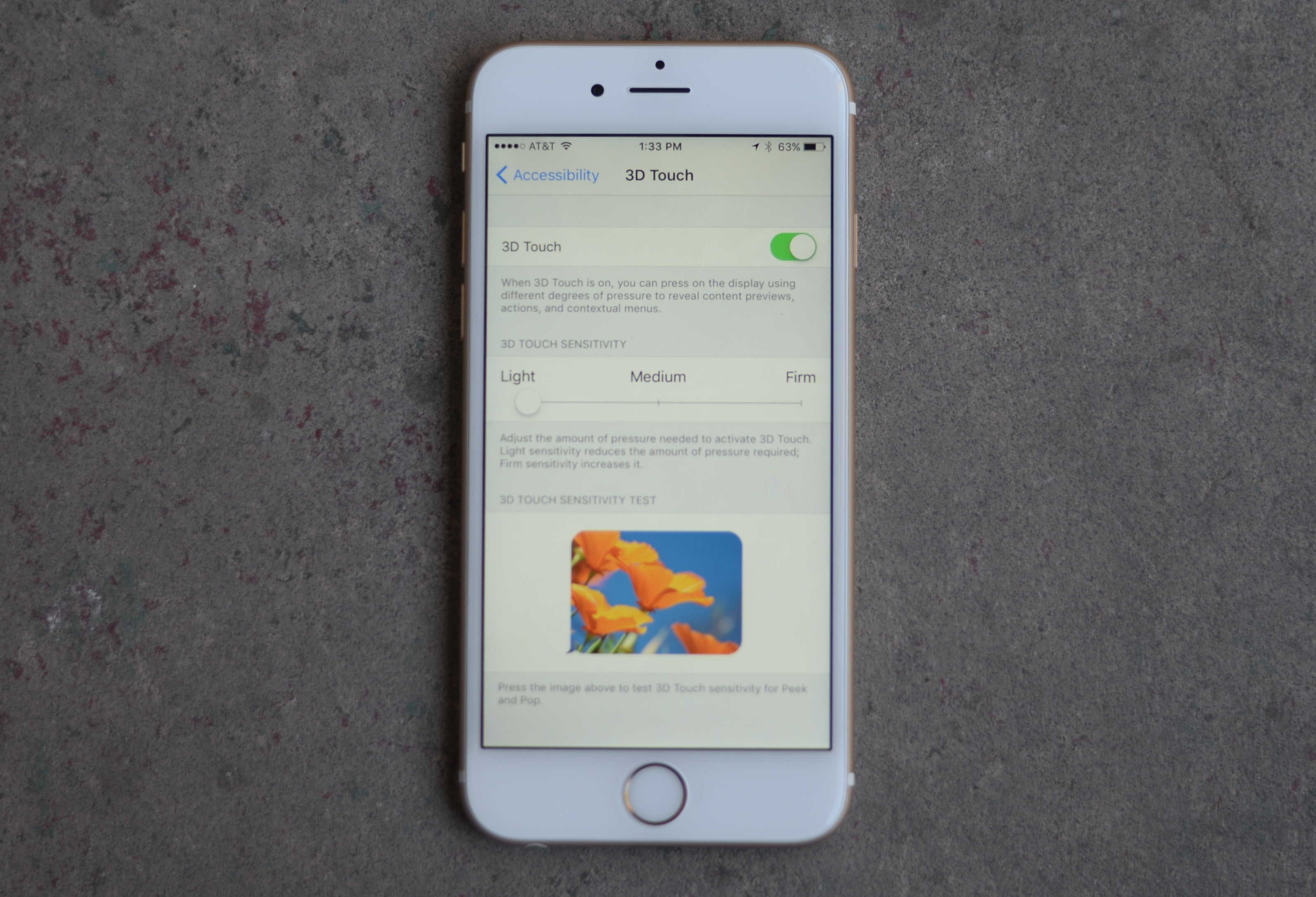
Pro Tip Cult of Mac bug You don’t have to press so hard on your expensive new iPhone 6s or 6s Plus to get the groundbreaking 3D Touch working easily.

We’ve all been looking forward to this killer UI upgrade, but some users say they’re worried about breaking their new iPhone screens because they’re pushing so hard to get the “pop” level of 3D Touch.

Here’s how to make this a little easier to use.

11 killer iPhone 6s tips everyone needs to know

By

3D Touch is just... awesome!
Photo: Killian Bell/Cult of Mac

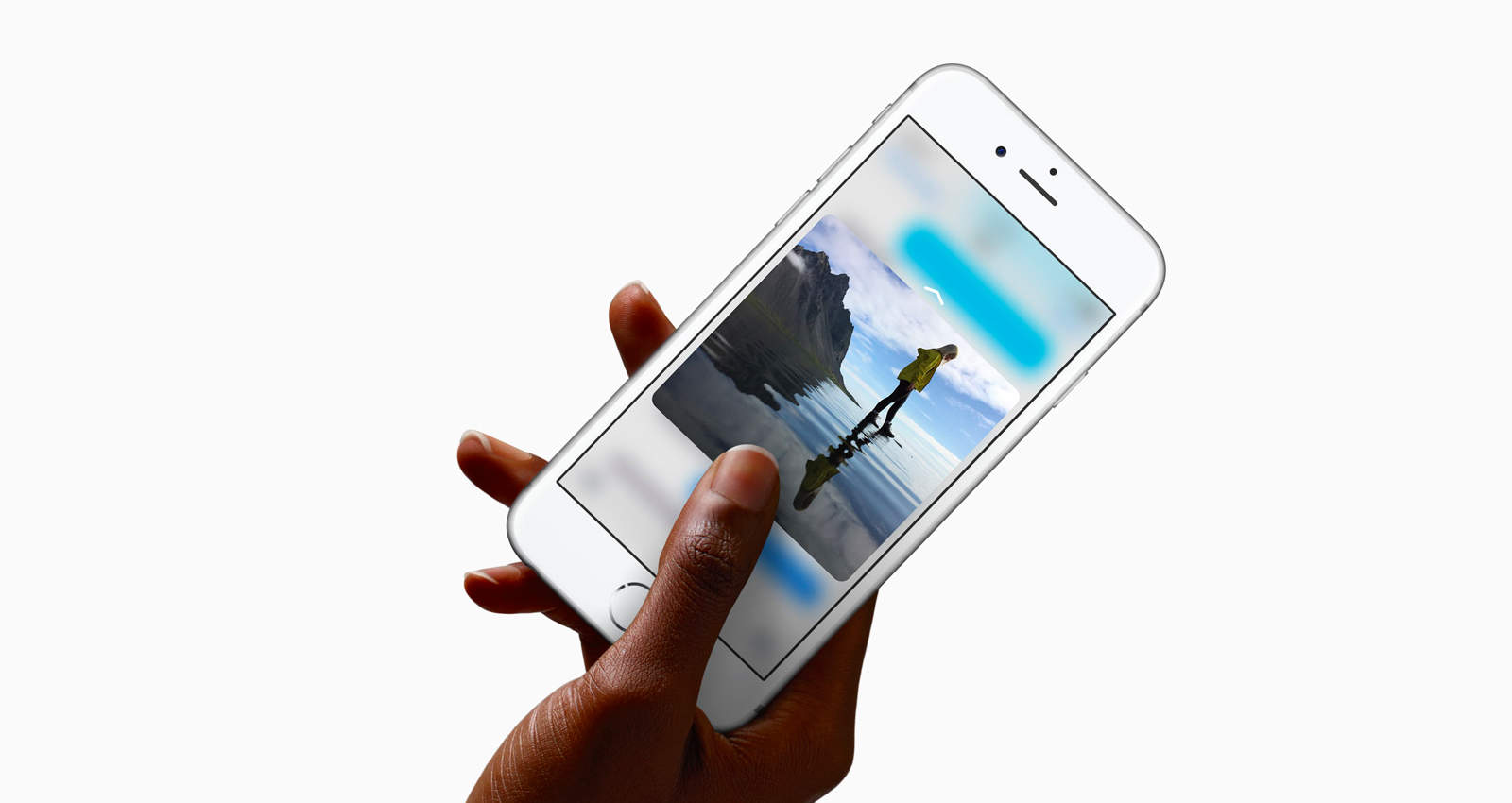
Even though the iPhone 6s look identical to its predecessor, using the new smartphone is actually way different thanks to 3D Touch and the new Peek and Pop gestures that essentially provide wormholes to other apps. Getting up to speed with the new input method can take some time, so we’ve compiled a list of all the sweet little features you probably didn’t know about.

Here are 11 killer iPhone 6s tips to help you master your new device:

3D Touch is killer UI; here’s how to best use it

By

3Dtouch
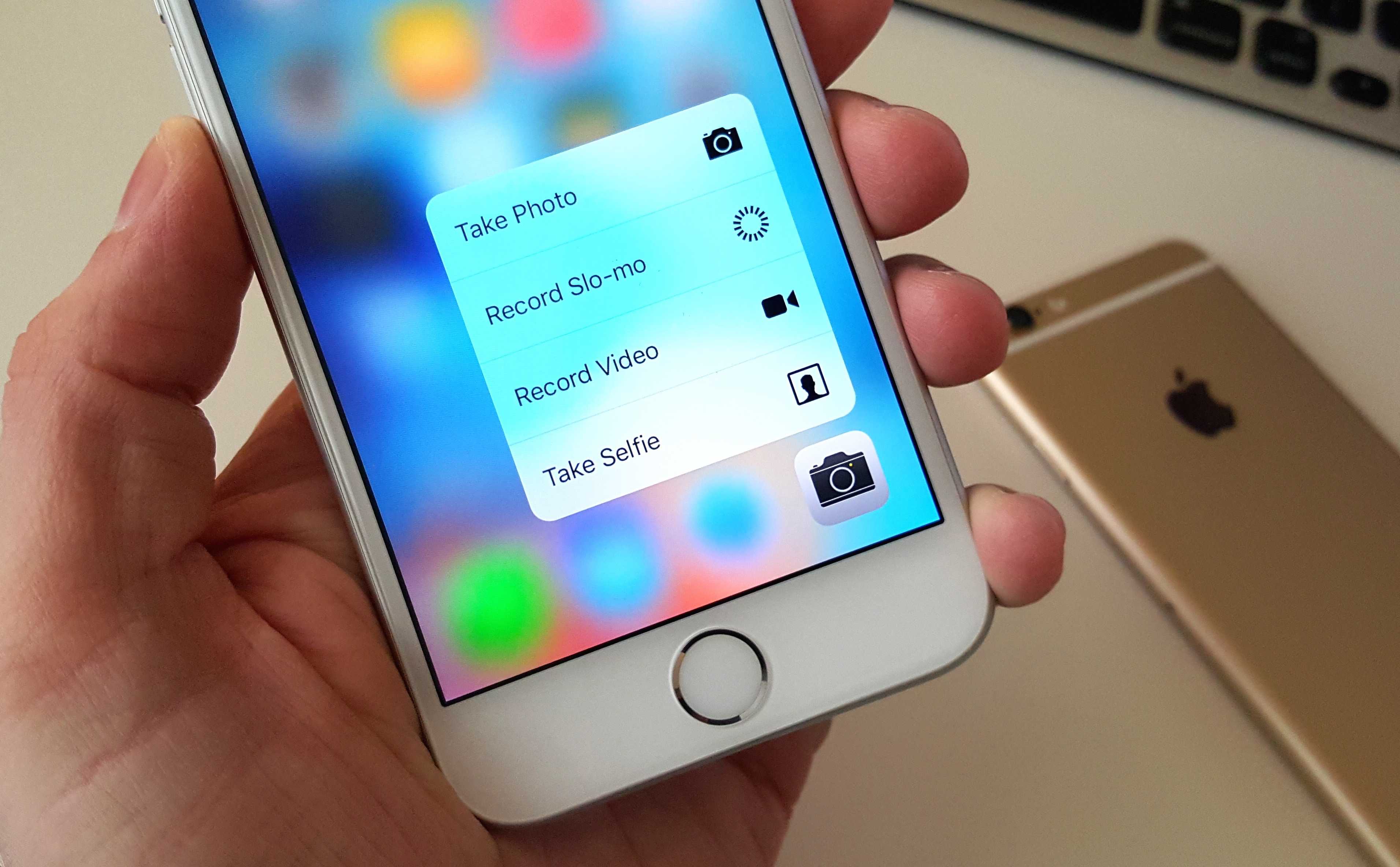
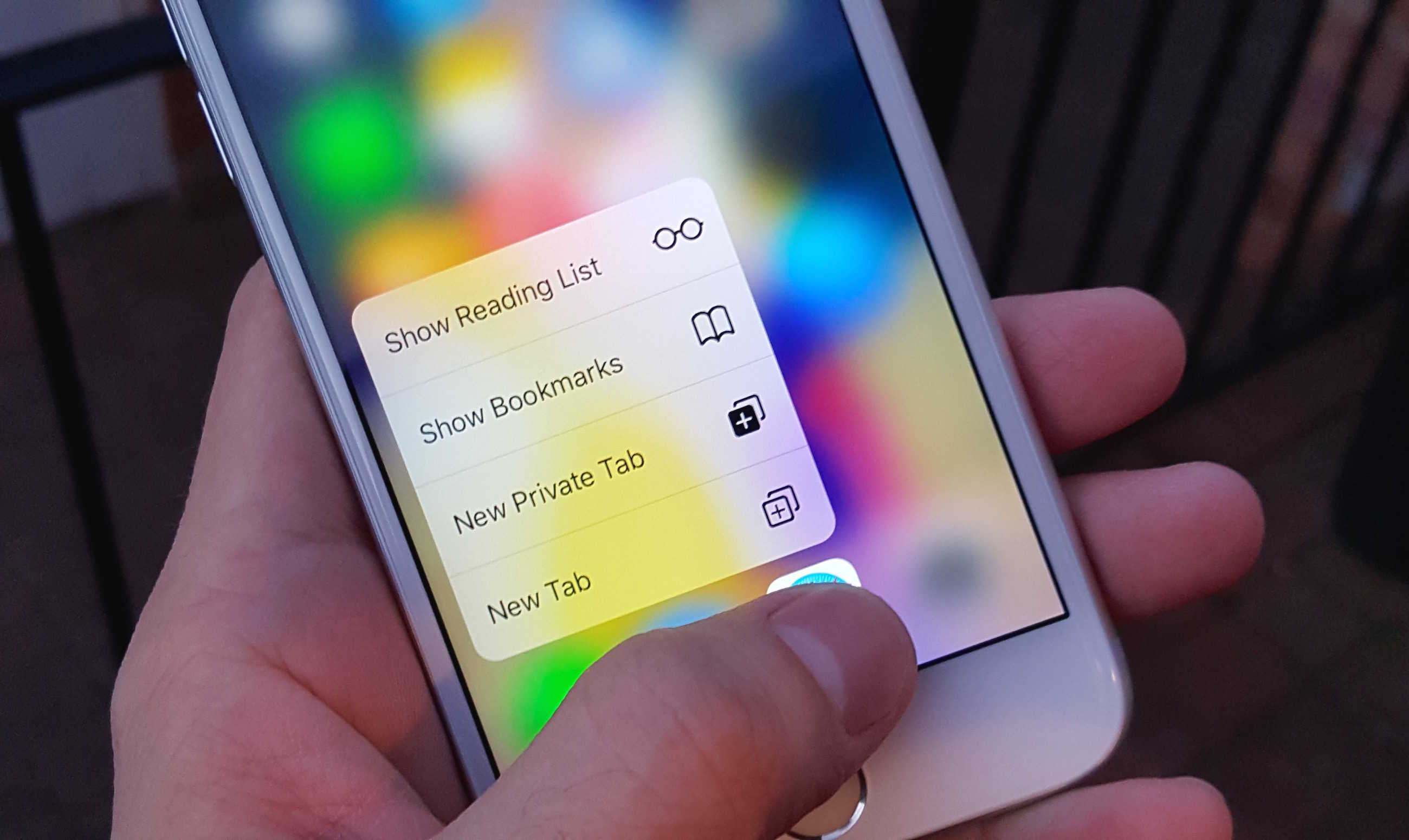
Quick Actions are the best thing about 3D Touch.
Photo: Killian Bell/Cult of Mac

If you’re trying your best to resist an iPhone 6s or iPhone 6s Plus, do not walk into an Apple Store and try 3D Touch. Once you’ve had a taste of it, your smartphone simply won’t feel complete without it.

Here are four ways in which 3D Touch makes life a lot sweeter.

10 essential apps for your new iPhone 6s

By

iphone-6s-3d-touch
Okay, you have the phone. Now what?
Photo: Apple

If you’ve braved a line (or just waited impatiently for your mail or a delivery from your local courier) and finally have your hands on an iPhone 6s or 6s Plus of your very own, you may be wondering what do do with your new precious. Sure, you could call all your friends and tell them you’re speaking to them through your shiny new gadget, like I did with my Apple Watch.

And I’m here to tell you that everyone loves that.

But you’re probably looking for some cool apps to play around with, and it may be hard to know where to start — especially if this is your first iPhone. So here are a bunch of apps that should be at the top of your list.

A lifetime’s worth of courses on all things code, web and design for 97% off [Deals]

By

Get a huge discount on a lifetime of online classes covering web design, coding, and lots more.
Photo: Cult of Mac Deals

There’s enough to learn about the workings of our wide, wired world to fill countless lifetimes of learning. Of course most Coders, Designers, and IT Admins only get one lifetime, but thankfully eduCBA Tech Training Bundle offers a way to learn for the rest of your days. And right now, at 97% off, you can sign up for just $49.

First impressions: What it’s like to finally get your hands on iPhone 6s

By

iPhone-6-vs-iPhone-6s
It has arrived.
Photo: Killian Bell/Cult of Mac

Merry iPhone 6s-mas!

Today’s the day Apple’s latest smartphones go on sale in 12 markets around the world, and thanks to some threats I made to the local UPS man last week, my shiny new handset arrived before I’d even had chance to make myself a coffee this morning.

After putting it through its paces for a few hours, here are my first impressions on all that’s new. It’s super-fast, Live Photos are tons of fun, and 3D Touch is a must-have.

Must have the iPhone 6s? These are your must-have accessories

By

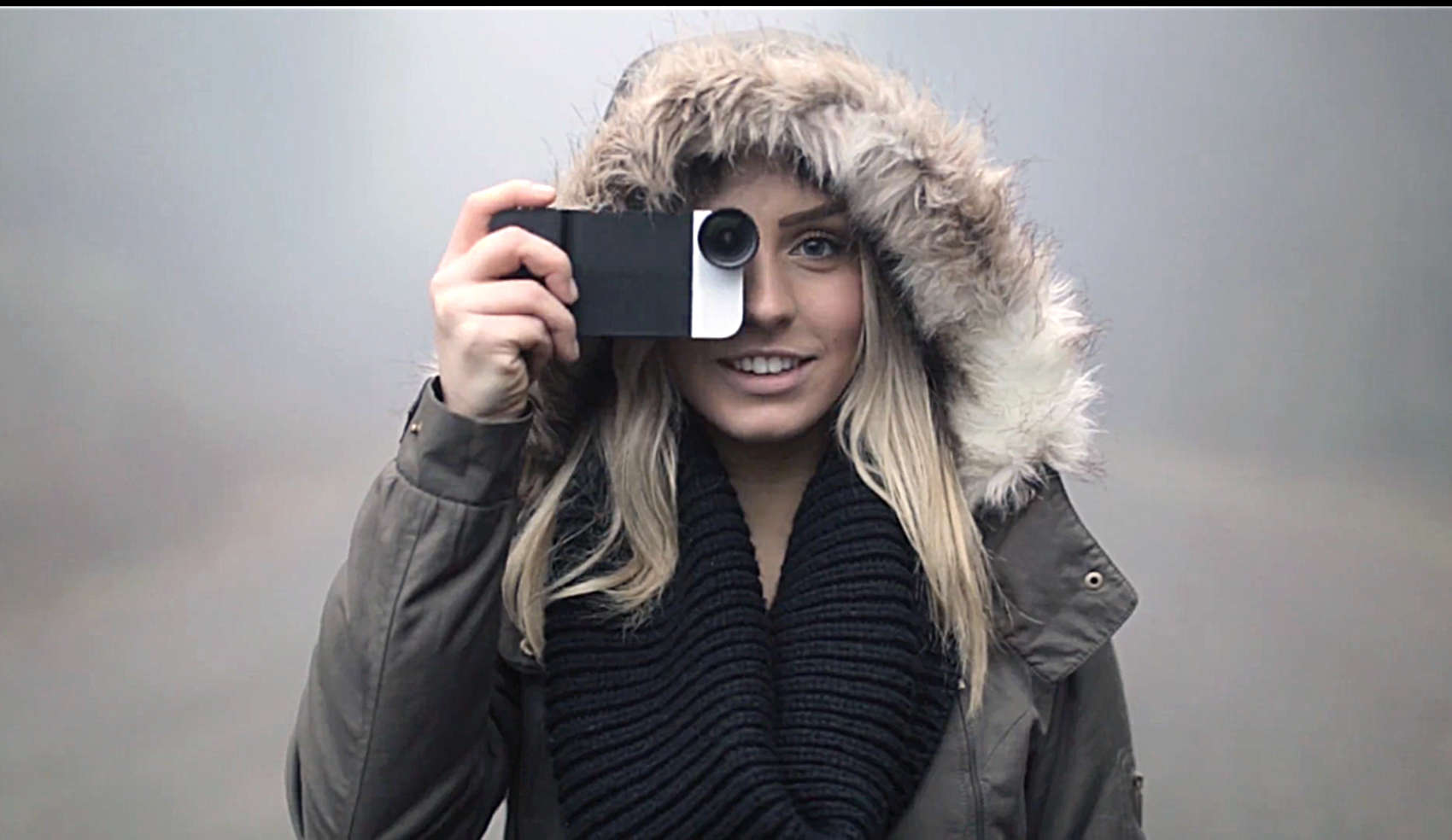
A lens attachment with case by Moment is a good compliment to the 12-megapixel camera in the new iPhone 6s.
Photo: Moment

Your personal hero now has an S on its chest and, behind it, are some new superpowers. Behold, the iPhone 6s.

But wait: There’s still some money to be spent on a new suit of armor and some other accessories to exploit the talents of the latest hardware out of Cupertino.

Cult of Mac has drawn up a shopping list for you. You could probably squeeze the 6s into the same case and carry on with your current set of headphones, but hey — a new iPhone only comes around once a year.

5 ways ‘Hey Siri’ will change your life for the better

By

Siri
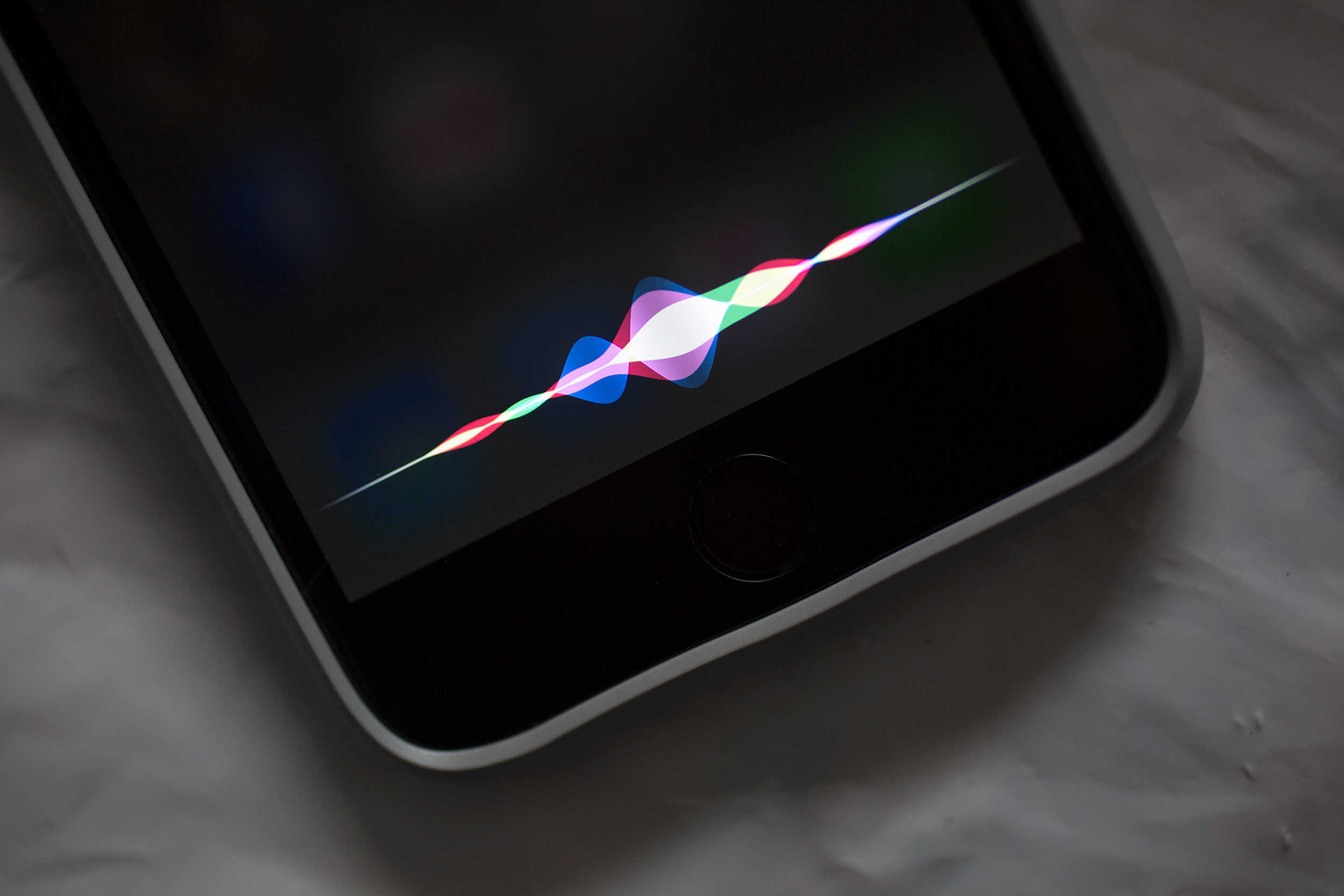
Apple's new "Hey Siri" feature promises to be a game-changer.
Photo: Jim Merithew/Cult of Mac

iOS 9’s new always-on “Hey Siri” feature promises to be a game changer for iPhone 6s-owning users of Apple’s AI assistant. For the first time ever, these owners won’t have to plug in their handsets in order to use Siri’s new voice activation tech.

So how exactly will this untethered “Hey Siri” improve your life? Let us count the ways…

Samsung tries to sell its Galaxy S6 edge to iPhone 6s buyers in London

By

samsung-tries-to-sell-its-galaxy-s6-edge-to-iphone-6s-buyers-in-london-image-cultofandroidcomwp-contentuploads201509CPuyh2QWsAAtxwS-jpg
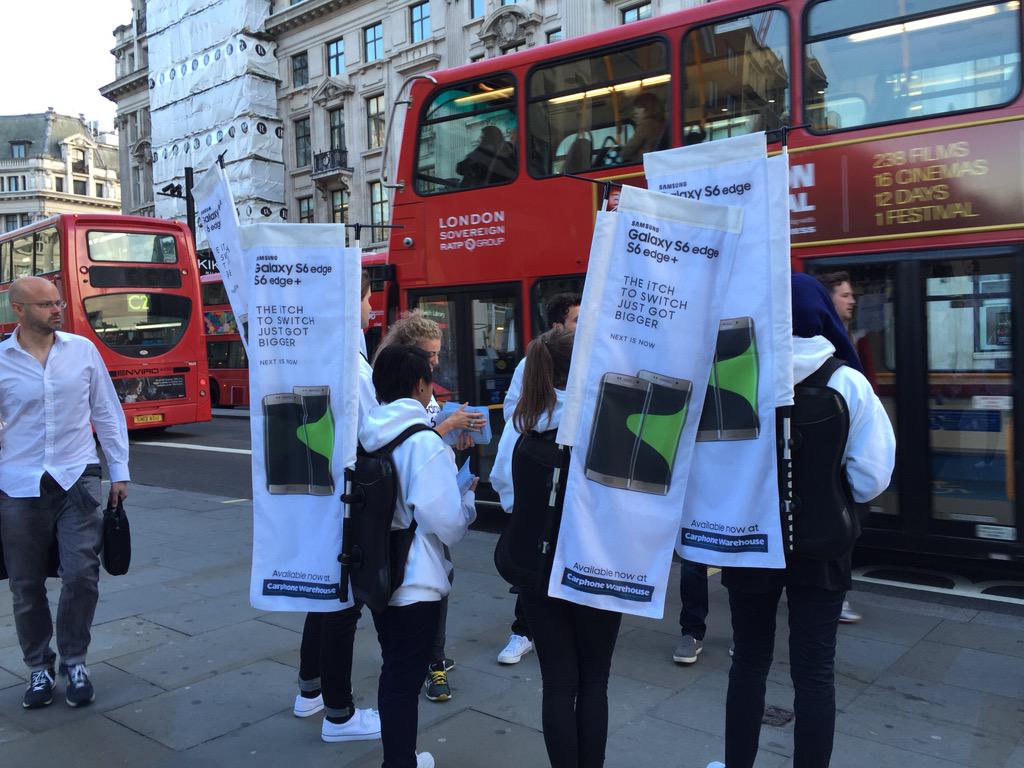
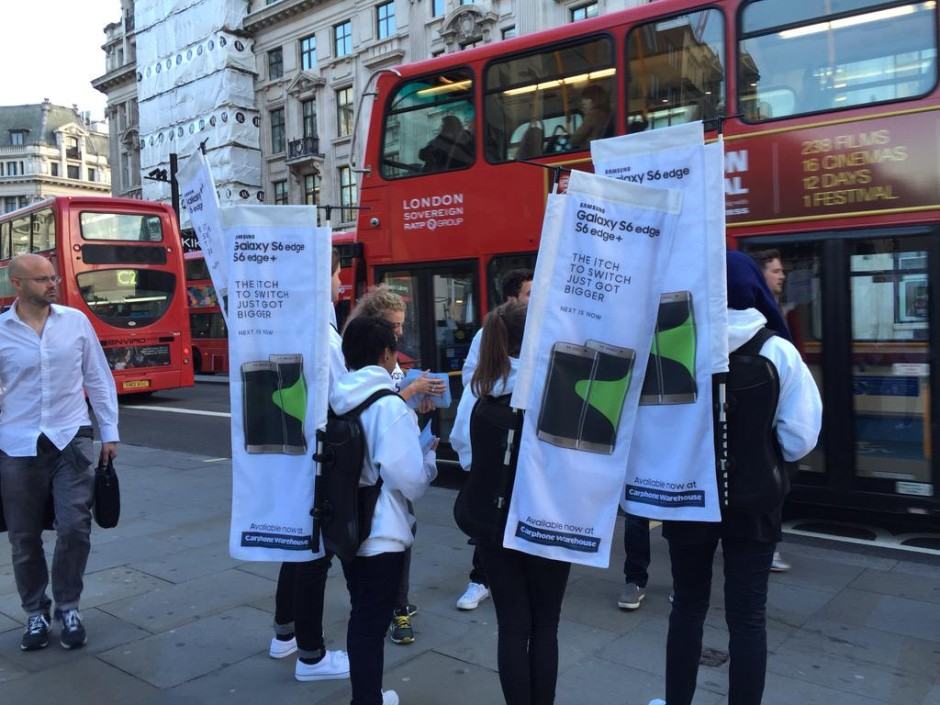
Really, Samsung?
Photo: Carly Page/The Inquirer
Really, Samsung? Photo: Carly Page/The Inquirer

When you’re lining up for a brand new iPhone on launch day, the last thing you expect to see outside the Apple Store is a whole team of people from Samsung. But that’s exactly what iPhone 6s buyers in London were greeted by this morning.

Samsung sent a flock of people to gatecrash the iPhone 6s launch at the Apple Store on Regent Street to promote the Galaxy S6 edge and S6 edge+, and to hand out free goodies bearing Samsung’s “#NextisNew” slogan.

Prep photos perfectly for your custom Apple Watch face

By

Apple Watch Update
Get ready to make custom Apple Watch faces like a champ.
Photo: Jim Merithew/Cult of Mac

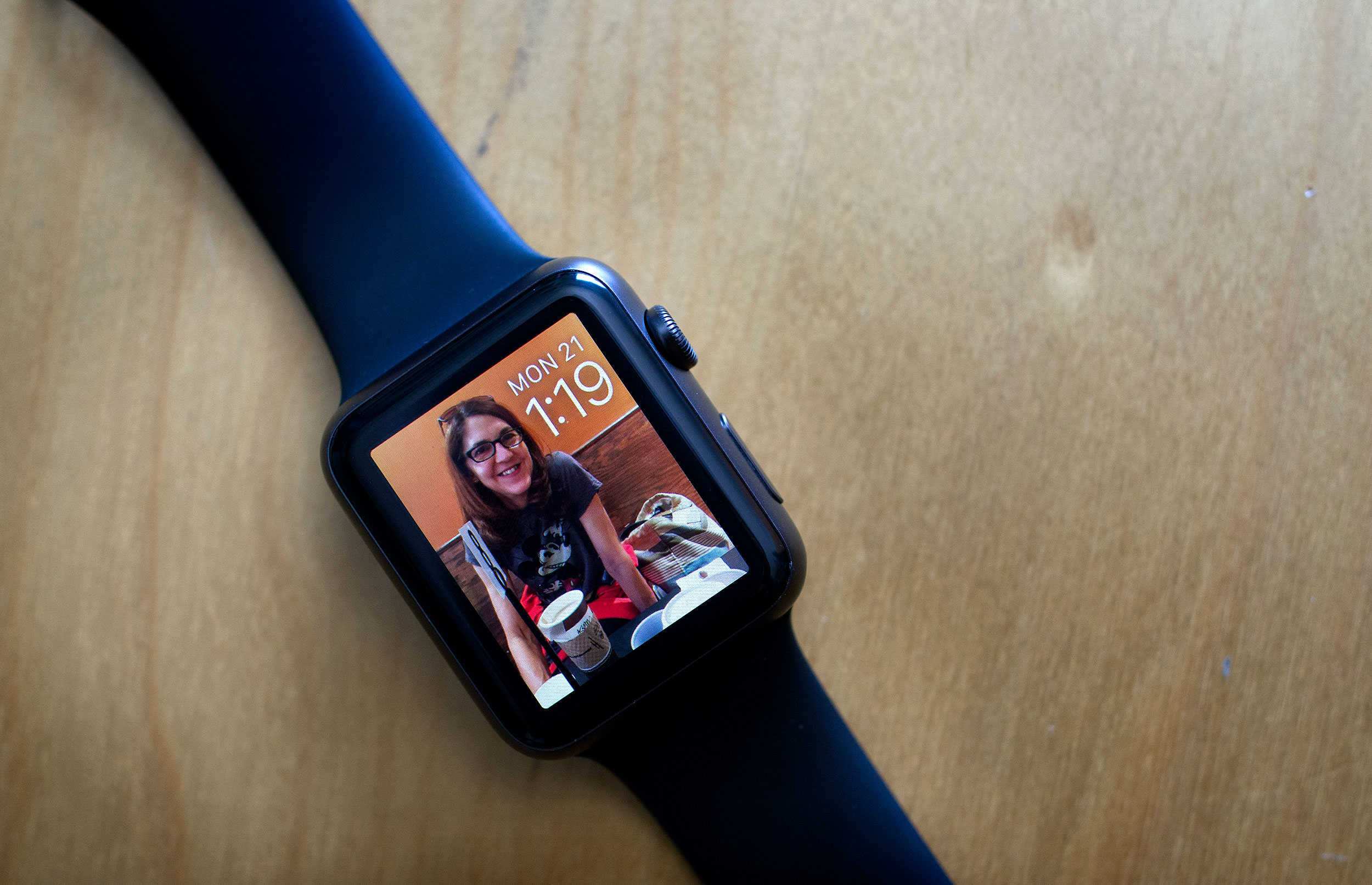
With watchOS 2, you can now use any photo in your library to make a custom Apple Watch face. And that gives you a lot of freedom to make the wearable your own, but sometimes, you and the watch might have different ideas for how to treat your pictures.

Here’s a quick and easy way to make sure that your Apple Watch looks exactly how you want it to.

Apple fans (and a robot) line up around world for iPhone 6s launch

By

Apple Store Hamburg line iPhone 6s
Apple fans are turning out in force in Hamburg, Germany for the iPhone 6s launch.
Photo: Thomas Knoop (via Twitter)

We figured tonight’s iPhone 6s launch would draw some crowds, and sure enough, they are. Fans all over the world are lining up to be the first to get their hands on Apple’s latest hardware, and we have the pictures to prove it, starting with that massive batch of Hamburgers above.

Here are crowds outside of Apple Stores from across the globe.

The best reason to upgrade to iPhone 6s Plus: optical image stabilization

By

4K video is better on iPhone 6s Plus.
Photo: Apple

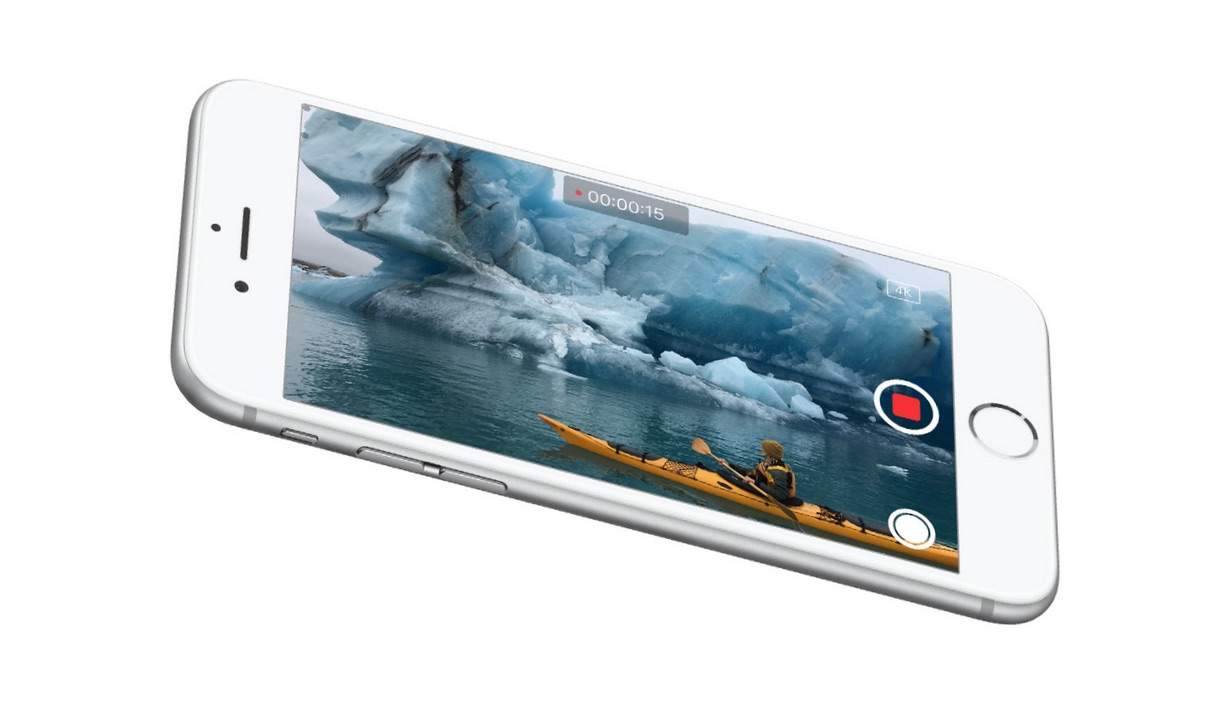
If you want to record the smoothest 4K video with an iPhone, skip the 6s and go with the 6s Plus.

The two new iPhones appear to be identical in almost every way except screen size, but in a new 4K video comparing the digital stabilization of the iPhone 6s against the optical/digital stabilization on the iPhone 6s Plus, the new camera on Apple’s bigger-than-big iPhone is clearly superior.

Check it out for yourself:

Finally, the key ring gets the upgrade it deserves [Deals]

By

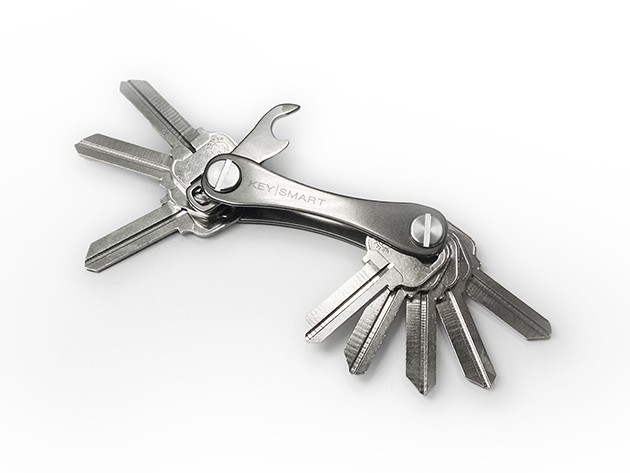
Made of lightweight titanium, KeySmart can keep up to 10 keys, a USB, and more.
Photo: Cult of Mac Deals

No matter how much slimmer the other stuff we put in our pockets might get, our keys remain the jangly, jagged mess they’ve always been. At least that was the case, until KeySmart 2.0’s Titanium Key Organizer came slicing into the scene, cutting the clutter and bringing the keeper of our keys up to the slim, sleek standards of the 21st century. It does all that and more, and it’s just $29.99.

Tim Cook has now launched more iPhones than Steve Jobs

By

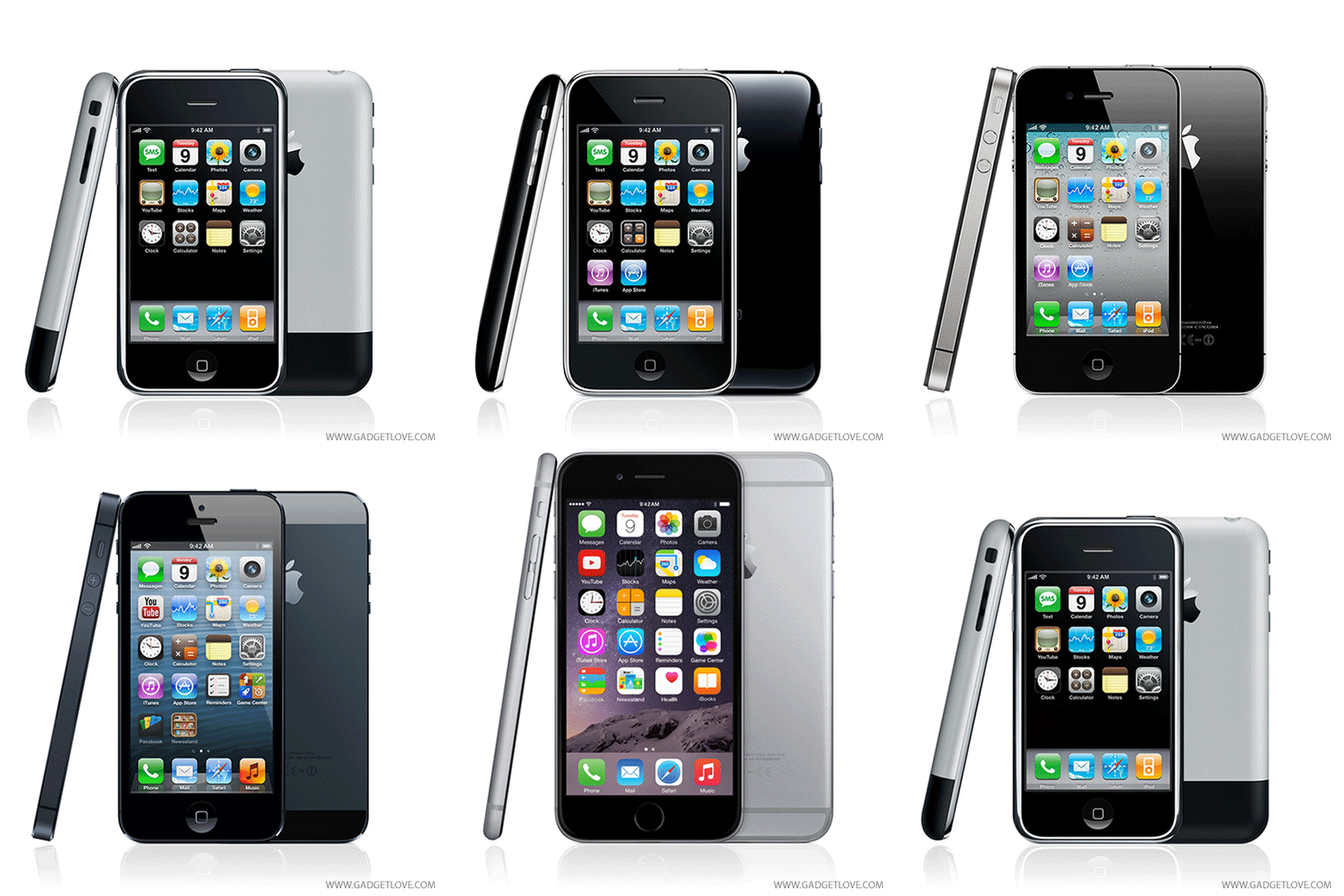
How the iPhone has evolved over the years.
How the iPhone has changed over the years.
Photo: Gadgetlove

Here’s a thought to make you feel old: With the launch of the iPhone 6s, Tim Cook will have officially overseen the launch of more new iPhone generations as CEO than Steve Jobs.

While Jobs was running the show at Apple during the original iPhone, 3G, 3GS and iPhone 4 era, Cook has been in charge during the 4s, 5, 5s, 6 and 6s timeframe.

In-app purchases flaw exposes developers to costly hacks

By

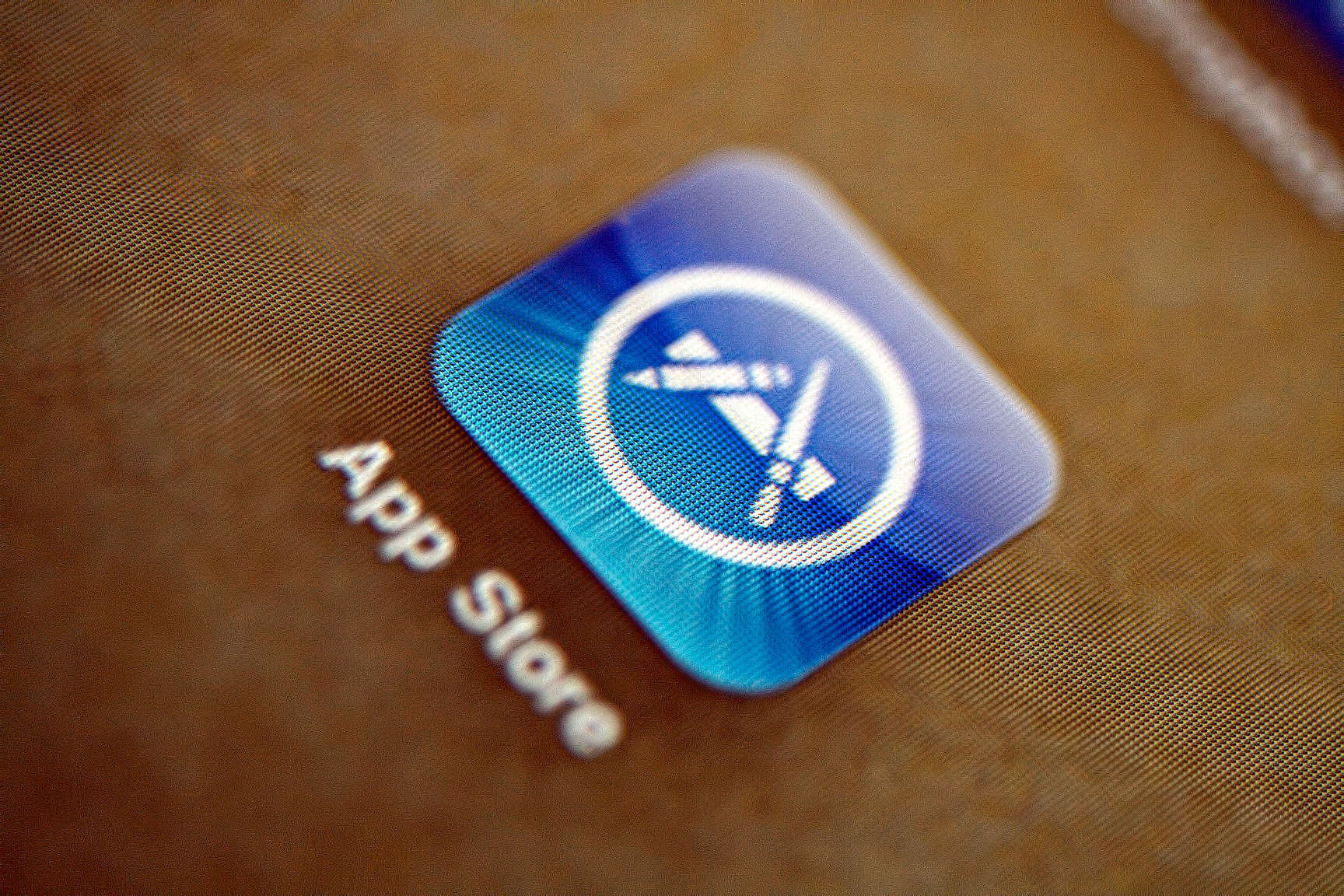
App Store icon
Business is booming for the App Store.
Photo: PhotoAtelier/Flickr

Sloppy coding in some popular iOS games allows hackers to give themselves and others thousands of dollars’ worth of in-app purchases for free.

The hole was discovered by developers at DigiDNA, creator of a backup tool called iMazing that allows iPhone and iPad users to access their devices’ hidden file systems. The developers found that the app backup/restore feature in iMazing 1.3 exposes weaknesses in the way games like Angry Birds 2 and Tetris Free handle in-app purchases.

To demonstrate how easy it is to hack in-app purchases using this method, the DigiDNA team tweaked Angry Birds 2 to start the game with 999,999,999 gems — the equivalent of $10,000 of in-game credits.

iOS 9 ad blockers could ruin your online shopping experience

By

unnamed-2
Before and after adblockers. Notice any difference?
Photo: Sears

One of the big innovations of iOS 9 was the ability for Safari users to download and take advantage of content blockers.

According to a new report, however, ads may not be the only content that is blocked by apps like Crystal. Online retailers such as Walmart, Sears and Lululemon are also seeing their e-commerce sites negatively affected by adblockers — with some crucial features failing to work as before.

HTC’s iPhone clone leaks out again with giant bezels, six color options

By

htcs-iphone-clone-leaks-out-again-with-giant-bezels-six-color-options-image-cultofandroidcomwp-contentuploads201509HTC-One-A9-colors-jpg
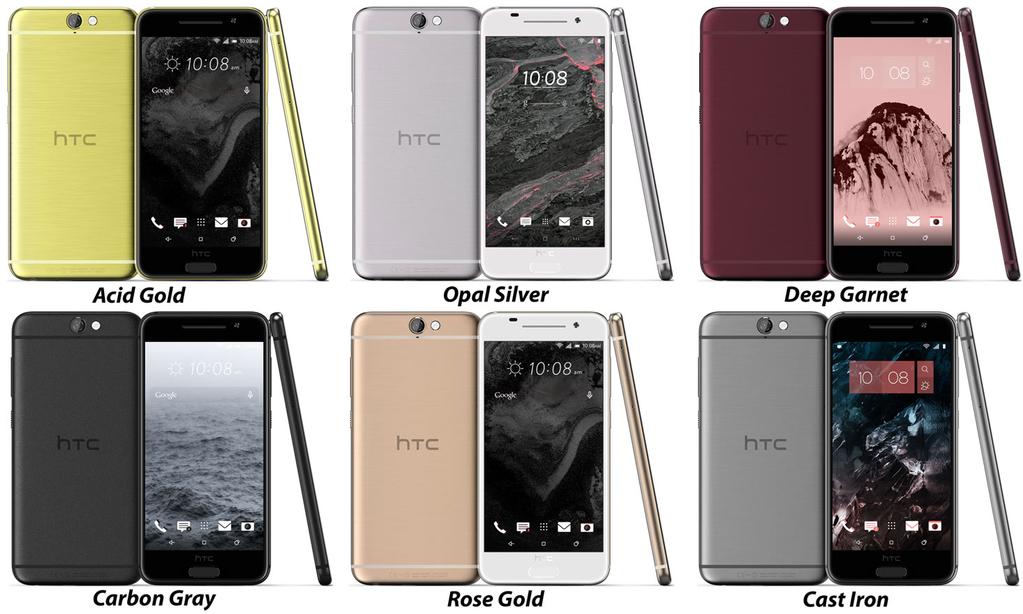
One A9's six color options.
Photo: Evan Blass
One A9's six color options. Photo: Evan Blass
One A9’s six color options. Photo: Evan Blass

HTC’s upcoming iPhone clone, the One A9, has leaked out again ahead of its official unveiling.

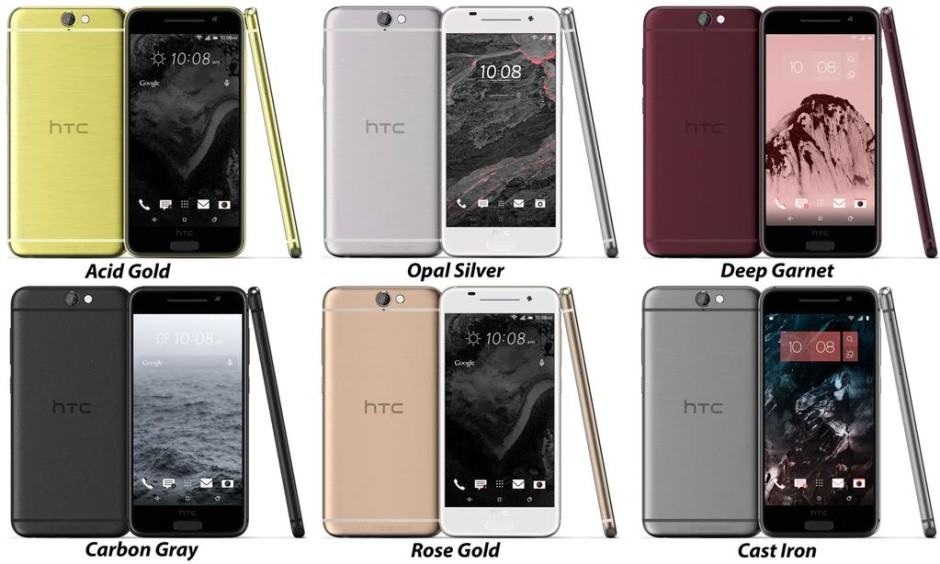
A new press image confirms the device will be available in six colors, with gigantic bezels above and beneath its display that somewhat spoil its otherwise attractive look.