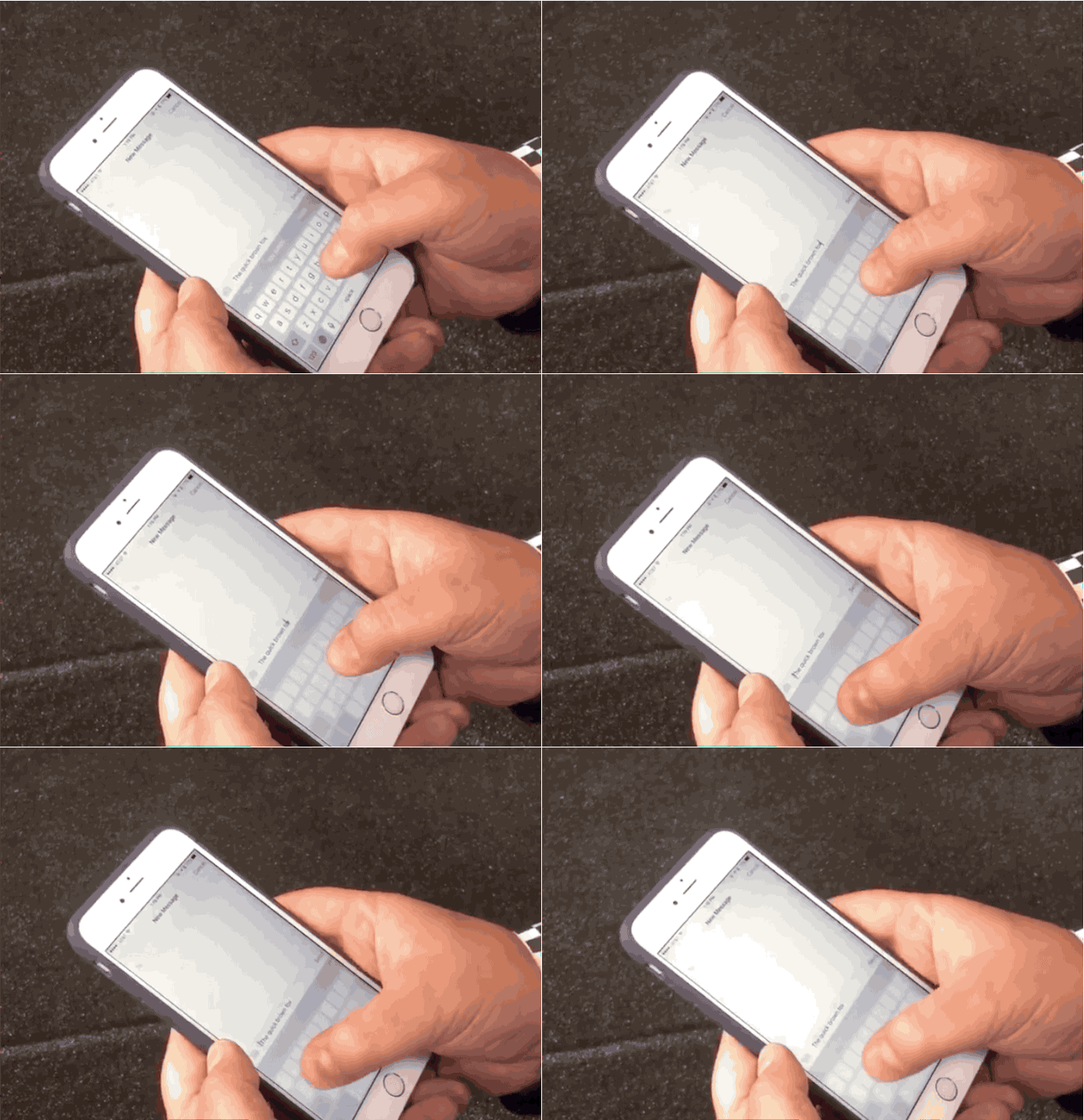
Selecting text on the iPhone 6s will be a whole lot easier thanks to the introduction of 3D Touch, which can quickly change your iOS 9 keyboard into a trackpad.
iPhone 6s owners will be able to use two levels of touch to activate the trackpad, and then a deeper push to highlight text. The trick was first discovered by Apple analyst Ben Bajarin while reviewing the upcoming smartphone. TechCrunch’s Matthew Panzarino uploaded a video this afternoon showing off the new feature and it might be the best reason yet to upgrade to the new 3D Touch iPhones.
Check it out in action:
3D Touch on new iPhones: Push to activate touchpad, move your cursor and select text. World changed. Via @BenBajarin pic.twitter.com/l0oSJ0rHW8
— Matthew Panzarino (@panzer) September 22, 2015

Buster Hein is a freelance writer who lives in Phoenix, Arizona. Twitter: @bst3r.


12 responses to “3D Touch turns iPhone 6s keyboard into a touchpad”
I’m sure Samsung thought if it first. In 2018.
So bad that xperia has it since Z1
Total BS. The iPad air does this without 3d touch. No reason at all this was not available for the 6 Plus. For the record, the iPhone has always been able to determine a tap from a long press.
You don’t need a 6S to do this. iOS 9 allows all devices to do this by simply doing a two-finger tap and drag- the keyboard (and full screen, for that matter) will then turn into a touchpad. (Just used it to type this post on my iPad Air). Not sure if this is new to iOS 9 but this maneuver does the same thing as 3D Touch.
They removed that function.
No, that function is still intact. (Using it as I type this on my iPhone 6 just to make sure). LOL. Try it!
Tried many times. Just doesnt work. Weird.
Allow me to show you a fantastic ways to earn a lot of extra money by~ finishing basic tasks from your house for few short hours a day — See more info by visiting >MY___{DISQUS}___ID::
Force touch is kind of … not necessary if you think about it. Apple could build same functions into iOS without forcetouch. Tap and hold an app now and it will start jiggling. Remove that and a menu will instead come up with options to delete it or use app functions. Same with everything really.
This is not 3D-Touch only. Use 2 Fingers on older iOS9-Devices.
Im not sure that’s actually the case. It certainly doesn’t work on my 6plus. Only my ipad
I’m doing this since iOs 7. SWIPESELECT from cydia FTW!