Mobile menu toggle

Top stories - page 676

Transform your mobile into a full-on gaming platform [Deals]

By

Phonejoy's Bluetooth gamepad turns almost any phone or tablet into a fully-fledged gaming platform.
Photo: Cult of Mac Deals

The more our phones become a platform for high quality gaming, the less adequate the touch screen feels for keeping up. With the Phonejoy GamePad 2, your phone gains the precision and range of a full-fledged game controller. It’s an instant upgrade the way you interact with your phone, powered by Bluetooth and available for $59.99 at Cult of Mac Deals.

Insanely crap: Top critic calls Steve Jobs one of 2015’s worst movies

By

Aaron Sorkin’s Steve Jobs movie is coming to Netflix
Why do you hate me?
Photo: François Duhamel/©2015 Universal Studios

One of the most surprising movie flops of 2015 was Aaron Sorkin and Danny Boyle’s Steve Jobs: a movie which, miraculously, earned even less for its creators than 2013’s panned Jobs, starring Dude, Where’s My Car‘s Ashton Kutcher.

Now the movie has received another ignominious fate: being singled out by major film critic and former co-host of At the Movies Rex Reed as his pick for no. 1 worst film of the year. Ouch!

iOS tip: The weird way to find keywords in a webpage

By

Find what you want in mobile Safari.
Photo: Rob LeFebvre/Cult of Mac

Sometimes I’m browsing a site like Cult of Mac on my iPhone and I’m looking for something specific, like a story about encryption, for example. Instead of swiping down the page and hoping I see the story I’m looking for, I want to just search for it.

When you’re on your Mac, it’s super easy to find something like this: simply hit Command-F, type in the text string you’re looking for, and Safari (or any other web browser on the Mac, really) will find them all in the web page you’re on, highlighting them for you.

But what about finding stuff when browsing the web on your iPhone? There’s no Command-key on the built-in keyboard, so how do you search your favorite web page to find keywords?

Turns out, there are two ways to do it, which is kind of odd.

HappySacs keep your boys out of some sticky situations

By

HappySacs
HappySacs: They go on your man-bag.
Photo: Evan Killham/Cult of Mac

Best List: HappySacs

Let me just make this clear up front: HappySacs are little, elastic-banded bags that you put over your testicles. This is probably when you start wondering why a person would do such a thing, and nobody will blame you for thinking so.

But HappySacs have a noble mission in mind, and it extends even beyond comfort. These weird little pouches want to save your balls in both the short and long term. And they do so way less awkwardly than you might think.

Weirdest of 2015: This year’s most dedicated iFans

By

Apple fanatics got up to some strange stuff in 2015.
Image: Stephen Smith/Cult of Mac

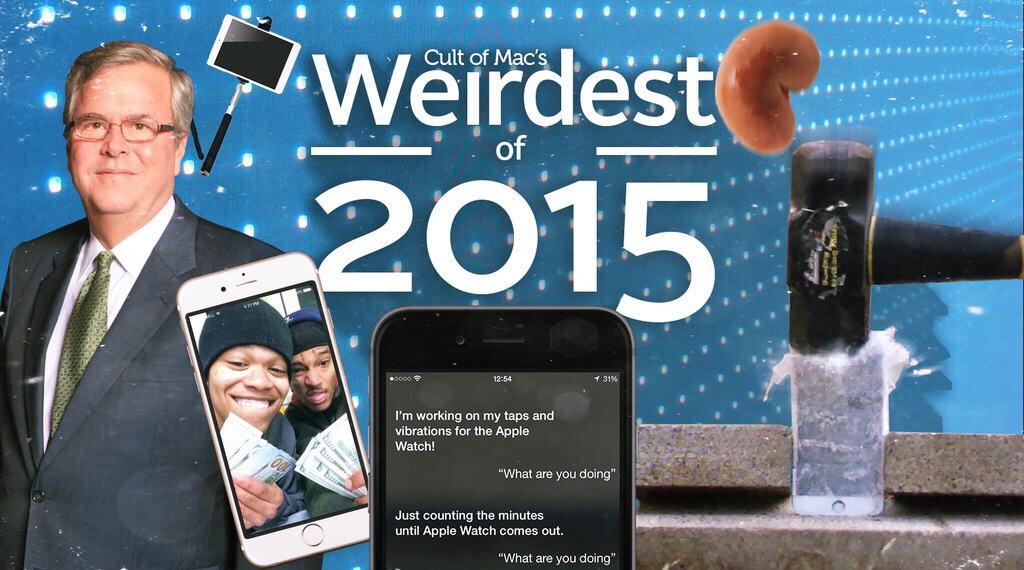
Cult of Mac's Best of 2015Apple fans are some of the most dedicated in all of tech (some might even call them a cult), but a few enterprising and/or desperate people really outdid themselves this year.

Not that we can really blame them. Cupertino brought the heat this year with the Apple Watch, a cool new Apple TV, the iPhone 6s and 6s Plus, and the massive iPad Pro. We can forgive the superfans for really going all out to get their hands on the latest iGear. But some of their efforts might have been a bit too enthusiastic.

Here are some times when people’s love of Apple outweighed logic this year.

The greatest Xmas gift you can give: Apple evangelism

By

The holidays are the perfect time to spread the Apple love.
Photo: Jack Mayfield

As an Apple fan, there’s a great gift you can bestow upon your friends and family this holiday season. The amazing part is, it’s free.

I’m not talking about the free tech support you’ll inevitably dole out to befuddled relatives (Cult of Mac’s how-to section can help with that, BTW). I’m talking about evangelizing for two of Apple’s least-loved products — and this gracious act will also goose the greater good.

This concept turns the iPhone 7’s touchscreen into an infinity edge pool

By

If Apple took a page out of Samsung's bezel-less design book.
Photo: SCAVidsHD

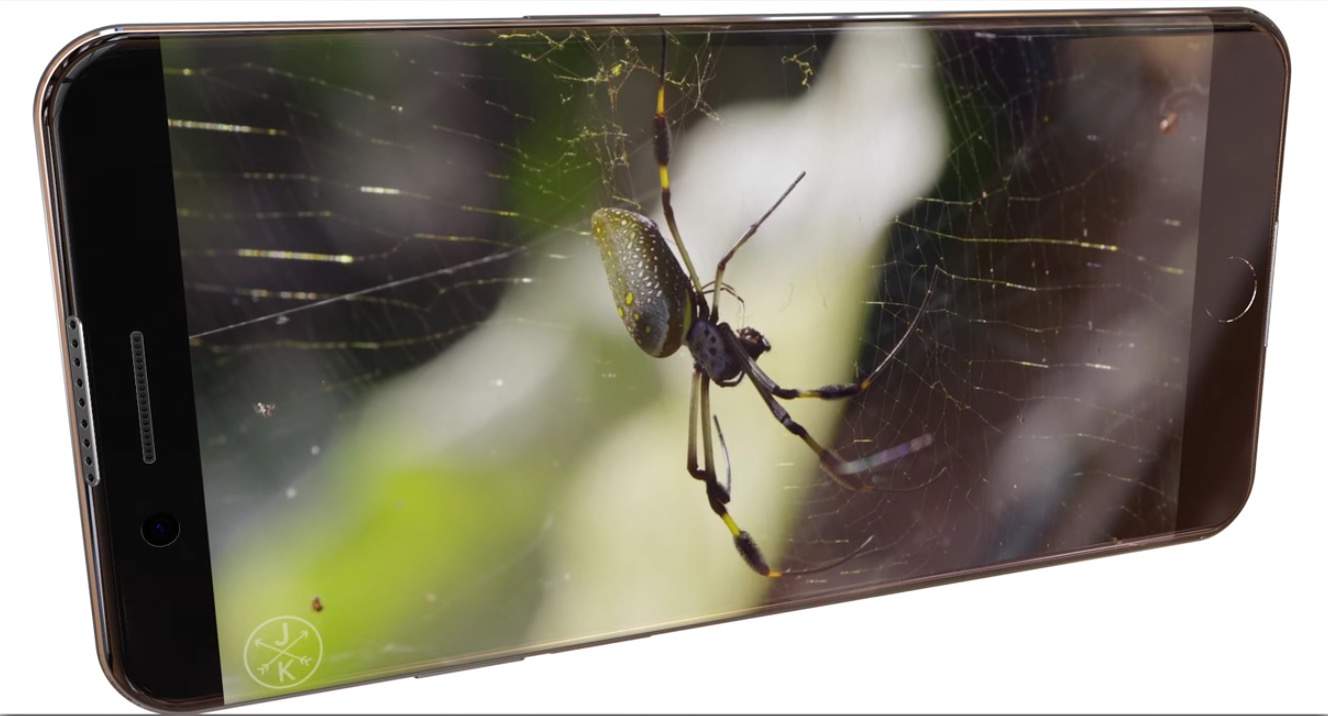
There have been plenty of rumors about Apple creating bezel-less iPhones over the years, and as many concept videos turning those rumors into sci-fi CGI.

This concept’s different, though, in that it’s actually plausible. Meet the iPhone 7 Edge, a concept that takes the concept of the Samsung Galaxy S6 Edge and applies it to the next iPhone.

360-degree videos debut on Apple TV

By

appletv
Immersive 360-degree videos are now available to fourth-gen Apple TV owners.
Photo: Jim Merithew/Cult of Mac

Now you can watch (and explore) 360-degree videos on the new Apple TV, thanks to virtual reality network Littlstar’s free app.

The network’s new tvOS app delivers content from the likes of Showtime, Disney and PBS. It works with Apple TV’s Siri Remote, granting users the ability to control the angle used in the immersive 360-degree videos via the remote’s nifty trackpad.

The absolute best gifts to get loved ones for the holidays

By

'Tis the season for giving.
Photo: Ste Smith/Cult of Mac

If you’re anything like us, procrastination is one of the biggest hallmarks of the holidays. We’re here to help with our gift guide liveblog, which will be updated from now until Santa starts dropping through chimneys.

Whether you’re looking for something for a friend, spouse, significant other or just your dog, we’ve got a little something for everyone. Snap up these great gift ideas now — so you can get back to procrastinating.

How to free up iPhone space with iMyfone Umate

By

iMyfone Umate makes it quick and easy to clear cruft from your iPhone.
Photo: iMyfone Technology Co.

This post is brought to you by iMyfone Technology Co., maker of iMyfone Umate.

Sure our iPhones look sharp, but the sleek exterior hides an inner life that resembles the floor of a bachelor pad. Broken bits of uncompressed photos, unused files, app caches, cookies, backup logs and whatnot clog up the works (there’s probably a few empty pizza boxes in there, too).

Tiny audiophile earbuds deliver big, clear sound

By

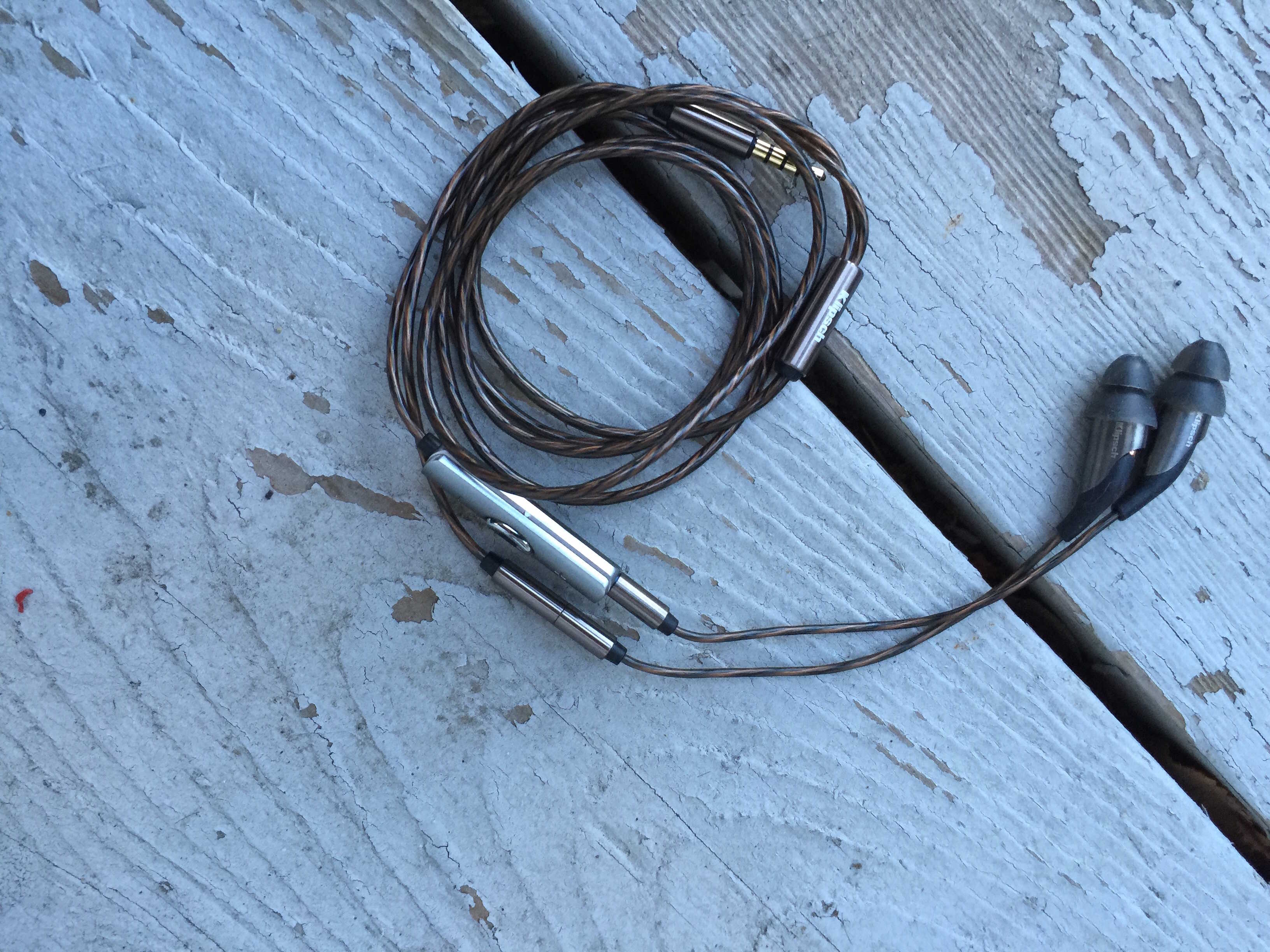
Small and unassuming, with incredibly clarity and tone.
Photo: Rob LeFebvre/Cult of Mac

Best List: Reference X20i In-Ear Headphones by Klipsch

Have you ever wondered whether a pair of $550 earbuds is worth the price? I have, but never really had the scratch to put it to the test.

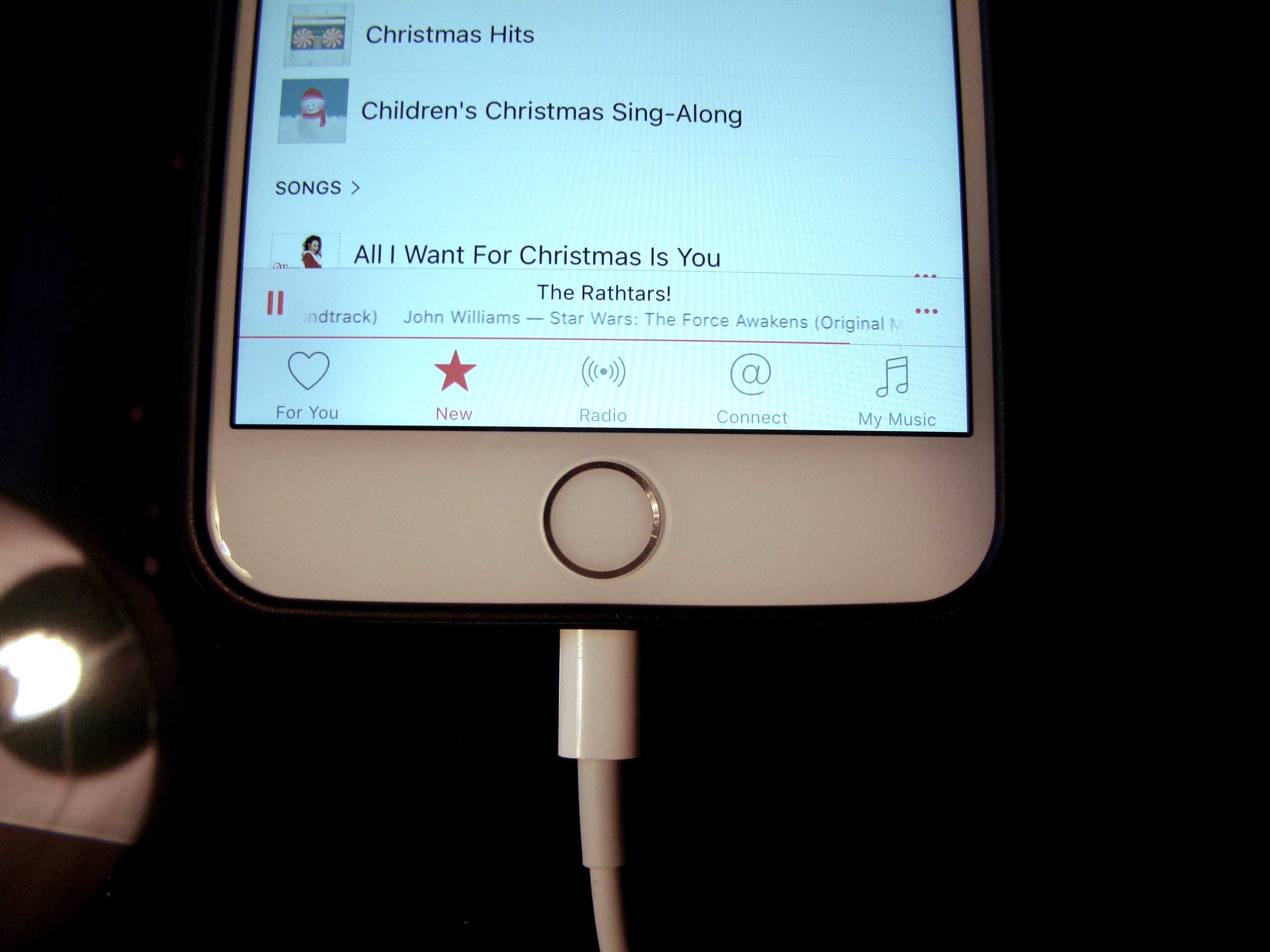
Klipsch, however, sent me a pair of their high-end earbuds, the Reference X20i In-Ear Headphones, to test. When I opened the wooden box and slid the headphones out of their leather pouch, then slipped their oval-shaped eartips into my sound holes, I went to the Star Wars: The Force Awakens soundtrack. The orchestral music seemed like a great way to see if these really expensive headphones match their price tag.

A pair of apps to clean up your iPhone’s act [Deals]

By

original_3114_PhoneClean_MF

Our mobile devices have to be cleaned out regularly, a time-consuming and often frustrating task. Unfortunately Apple doesn’t really provide the best tools for doing the job, often leaving bits and pieces of apps and files behind, or ignoring the storage methods of various third-party apps. That’s why this bundle is a must for anybody looking to streamline their mobile experience. Included are a pair of apps that will clean out any iOS device’s drives, and keep what’s left organized and easily accessible. You can get both for just $19.99 at Cult of Mac Deals.

2015: The year photography moved (and moved us)

By

More than a trillion photos were captured in 2015.
Photo: HypeBeast

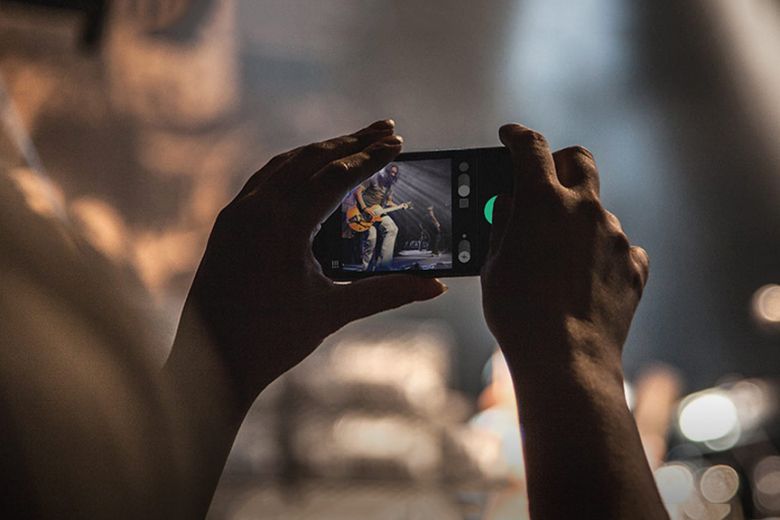
We were too busy taking our own pictures in 2015 to notice that something about photography had changed.

This was the year the photo moved. It shed its flat, two-dimensional constraints and showed a life once left to the imagination.

The movement could be slight, as in Apple’s Live Photos, a new feature on the iPhone 6s and 6s Plus camera that records a snippet of video before and after the frozen moment to add an extra dimension.

Dark Fear will scare you to death this Christmas

By

darkfear-1024x768
The scariest iOS game of 2015.
Photo: Arif Games

T’was the night(s) before Christmas and all through the App Store, not a creature was moving except… wait, was that? I thought I was alone in here!

Welcome to the world of Dark Fear, a retro-styled pixel horror game that’s creepy and creative enough to keep you tingling throughout the holiday season.

There’s a reason it’s so damn scary: Dark Fear was created by Arif Majothi, a 38-year-old game developer who got his start working on horror movies. He combined his mastery of the horror genre with his love of classic ’80s and ’90s Sierra games like Phantasmagoria (it even starts with an MS-DOS-style floppy disk prompt).

The resulting title pays homage to the past, while being spooky enough to scare the bejesus out of you in the closing days of 2015. What more could you ask for?

iPad Pro sales may be off to a disappointing start

By

iPad Pro
Apple's supersize tablet may not be headed for supersized sales.
Photo: Leander Kahney/Cult of Mac

Apple may be hoping that the iPad Pro can help turn around its flagging tablet sales, but according to a new report sales are off to a somewhat disappointing start — with just 49,000 units selling in the first month in Apple’s much-emphasized China region.

Pro Tip: How to get iTunes to ignore iPhone while charging

By

Disconnect  your iPhone while still connected via USB and charge without iTunes bugging you.
Disconnect your iPhone while still connected via USB and charge without iTunes bugging you.
Photo: Rob LeFebvre/Cult of Mac

Pro Tip Cult of Mac bugSometimes you just want to plug your iPhone into your Mac without having to deal with all that iTunes stuff, like synchronizing or backing up.

Or, maybe a friend of yours needs to sip off your Macbook’s power and you don’t want to have iTunes sync their iPhone.

Either way, you can eject the connected iPhone, thereby avoiding all the iTunes stuff but still letting the physically connected iPhone pull power from the USB port. Even better: when you’re done charging, just pull the USB cable out from your Macbook without any worry.

Here are three different ways to do just that.

Facebook adds support for Live Photos — but there’s a catch

By

facebook-news-feed
Your Facebook News Feed is about to liven up.
Photo: Facebook

A few months after Apple birthed Live Photos into existence with the release of the iPhone 6s, Facebook is catching on to the idea. The social network is building the feature right into its iOS app so iPhone 6s and 6s Plus owners can start uploading their animated photos and viewing others. But it’s not all good news, since there are two issues with Facebook’s implementation.

Apple may have accidentally leaked new MacBook

By

Did Apple accidentally reveal a new MacBook?
Photo: Apple

Apple gave the world its first-ever peek inside Jony Ive’s super-secret design studio last night on 60 Minutes, but eagle-eyed Apple fans think the company may have revealed more than it intended.

During a very brief shot, taken during Apple’s weekly leadership meeting, a MacBook is seen in the background behind Apple’s general counsel Bruce Sewell that some speculate could be the upcoming 15-inch MacBook Pro.

See for yourself below:

Learn to hack for the light side for whatever you’re willing to pay [Deals]

By

Learn to crack into computers for the good side with this white hat hacking lesson bundle.
Photo: Cult of Mac Deals
The term ‘hacker’ has been hijacked by popular culture to be synonymous shady, nefarious people using their mastery of computers to wreak havoc. Obviously that’s not true, and hacking — which really boils down to the act of taking something apart to see how it works and how it might work better — operates on a spectrum like any other discipline. If you’d like to learn the arts of hacking, from the basics of hacking to specifics on how to hack Node.js apps, Windows, Wi-Fi devices, and a lot more. Name your price for this bundle of 7 courses full of invaluable knowledge — what’s more, portion of what you spend goes to support the work of Save the Children. Doesn’t get much more white hat than that.

The 10 best iOS games of 2015

By

The best iOS games of the year.
These are our favorite iOS games of 2015.
Image: Stephen Smith/Cult of Mac

Cult of Mac's Best of 2015 It’s an age of abundance in the iOS gaming scene, with everyone from Apple to indie enthusiast blogs weighing in on what the best games are for our beloved iOS platform.

We’re here to focus on the best mobile games we have actually played and loved, rather than just the blockbusters everyone’s already heard of. If we kept a game on our iPhone for more than a few days and dug right in on a regular basis, it’s on the list.

Here are Cult of Mac staffers’ choices for the 10 best iOS games of 2015.

Apple Stores to start stocking accessibility products in 2016

By

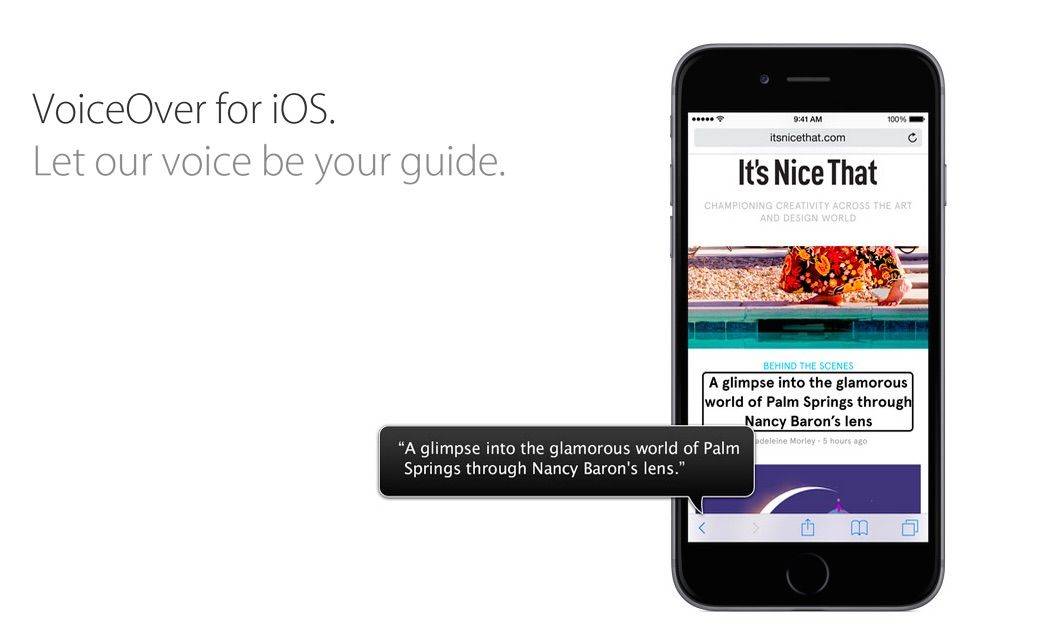
Apple's focus on accessibility isn't going unrecognized.
Apple is stepping up its focus on accessibility.
Photo: Apple

Apple is reportedly set to start selling new accessibility-related peripherals and accessories for both Mac and iOS in its brick-and-mortar Apple Stores as well as online.

The accessories, which are reported to be going on sale in the first quarter of calendar year 2016, are designed to help users with disabilities to better engage with Apple products.

10 things we learned from Apple’s 60 Minutes episode

By

60 Minutes
Jony Ive shows Charlie Rose the company's secret design studio.
Photo: CBS

60 Minutes host Charlie Rose took a deep dive into all things Apple in an episode that aired Sunday.

Featuring interviews with Tim Cook, Jony Ive, Phil Schiller, Angela Ahrendts and others, the show explored everything from the iPhone’s inner workings and Apple’s manufacturing in China to Cook dancing around the question of whether Apple is building a car.

Check out our 10 takeaways below.

2015’s top e-learning and web services offers at Cult of Mac Deals

By

These lessons cover web development top to bottom.
Photo: Cult of Mac Deals

‘Tis the season to take advantage of soon-to-end deals, and boy have we got some good ones. These are the top five deals of the year on comprehensive lesson bundles on several facets of web development plus a few other goodies, including a couple you can buy for whatever price you want. From learning to code for iOS to securing your internet connections with a VPN, it’s well worth checking out these top five deals.