Mobile menu toggle

Top stories - page 674

Three great ways to streamline your time at the computer [Deals]
By

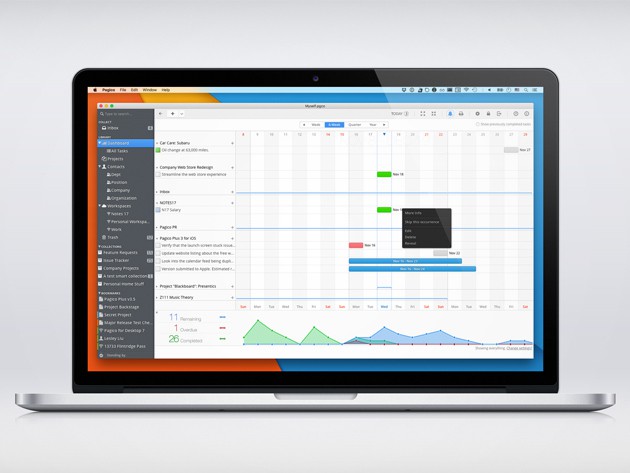
Stay organized and productive by visualizing your data and notes in a brand new way.
Photo: Cult of Mac Deals
If you spend any amount of time at the computer, there are lots of ways you can save time by making easy changes. That can be a change of habit or a solid productivity app, and we’ve found deals on three great ones for you to take advantage of. Whether visualizing your notes and data or keeping distracting websites out of the way, there’s something here to help anybody make better use of their screen time.

Win a brand spanking new 13-inch MacBook Pro [Deals]

By

MacBook
Is Apple about to surprise us with a new MacBook Pro?
Photo: Apple

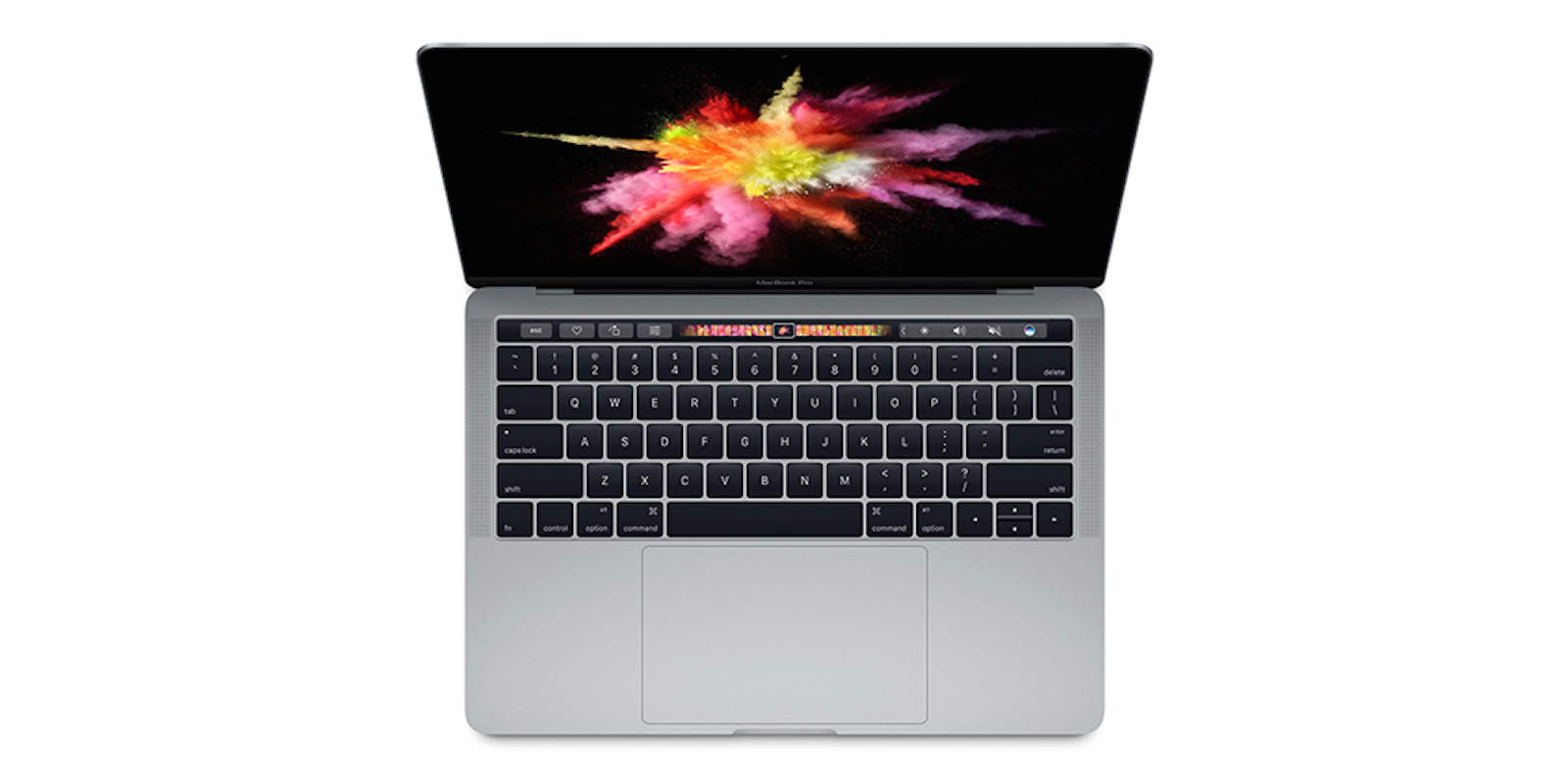
The latest MacBook Pro has made waves, not least by adding a brand new Touch Bar feature. If you’re hankering for the latest powerhouse productivity station from Apple but don’t want to wait in line or drop the $1,800 to get one, today’s your lucky day. Right now, we’re giving away a brand new 13″ MacBook Pro at Cult of Mac Deals.

Obama uses Fitbit to get a fit bod while snubbing Apple Watch

By

fitbit
Obama decided against an Apple Watch.
Photo: Comedians in Cars Getting Coffee

When it comes to wearables, Barack Obama has given the POTUS stamp of approval to the Fitbit Surge, leaving the Apple Watch out in the cold.

Viewers got a glimpse of Obama’s presidential wrist during his recent appearance on Jerry Seinfeld’s web series Comedians in Cars Getting Coffee. Given that Obama’s previously been open about his inability to own an iPhone (which the Apple Watch needs in order to operate) due to security concerns, it’s no surprise he would opt for a Fitbit.

Still, it’s another compelling example of why the Apple Watch 2 needs to be more of a standalone device!

Apple’s 2015, exciting future tech, and our Force Awakens deep dive, on The CultCast

By

Welcome... to the future!
Photo: Popular Science

This week on The CultCast: Why 2015 was one of Apple’s best (and worst!) years ever; what Apple needs to improve in 2016; and future tech that could change the world. Plus, stick around for our deep dive into The Force Awakens, our in-depth review of the magic, delight and heartbreak of J.J. Abrams’ new Star Wars universe.

Our thanks to FreshBooks for supporting this episode, the easy-to-use invoicing software designed to help small business owners get organized, save time invoicing and get paid faster. Get started with a free trial at Freshbooks.com/cultcast.

Enhance your computer or mobile with these awesome peripherals [Deals]

By

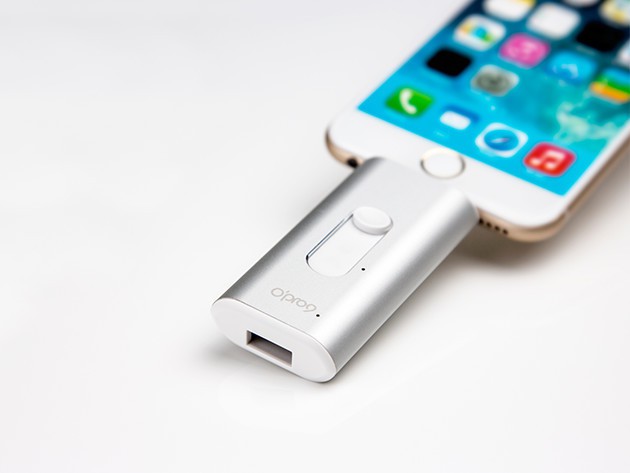
Back up and expand your mobile capacity by 32 gigs without having to sign up for cloud storage.
Photo: Cult of Mac Deals
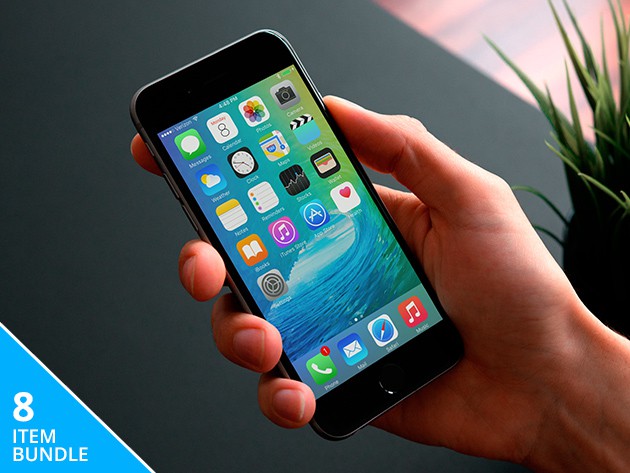
iPhones, iPads, and Macbooks are great, but they can always be improved. Whether you’re looking to game better on your mobile or just make sure you’ve got a spare charger when your old one goes kaput, we’ve collected some of the best deals on peripherals for your portable tech.

How knockoff Apple Watch bands are nearly as good as the real thing

By

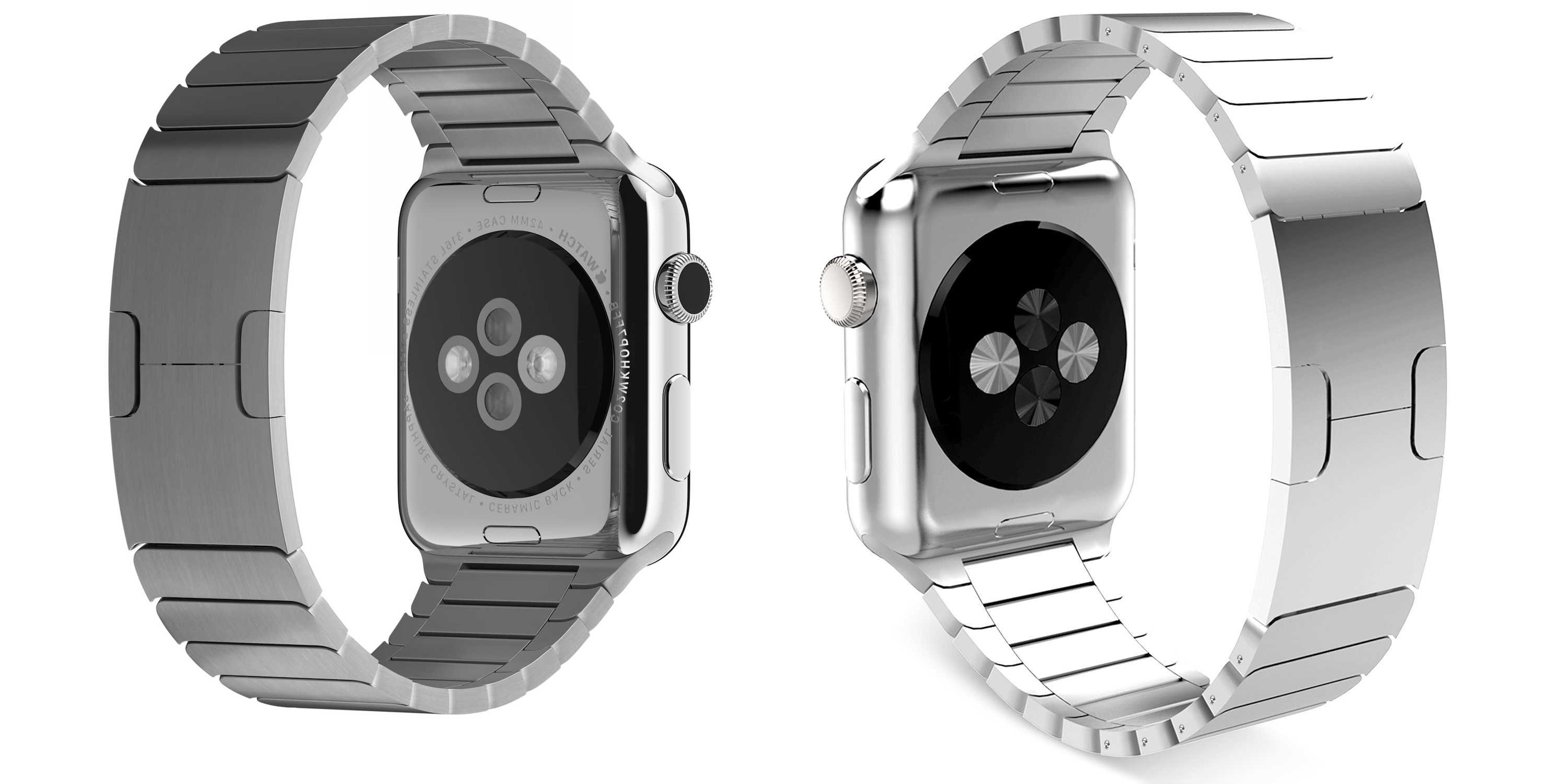
Spot the difference. On the left is Apple's $450 Link Bracelet for Apple Watch. On the right, a $90 knockoff that gets 4.5 stars on Amazon.
Photo: Apple

The internet is awash with knockoff bands for the Apple Watch that are almost as good as the genuine articles.

Knockoff products are traditionally cheap and nasty, but tons of these replica Apple Watch bands are so good, they rival Apple’s own products — at a fraction of the price.

We’ve taken a tour of knockoff band land, and found that there are lots of cheap, inexpensive bands on eBay and Amazon that are high in quality and are getting glowing reviews from customers.

“My black Apple Sport band has started flaking off, while the third-party knock-offs still look brand new,” said Neven Mrgan, a designer for Panic software in Portland, Oregon who bought a less-than-half-price band on Amazon.

Make yourself an online marketing master [Deals]

By

Attract more users with this live course, and earn two diplomas in the process.
Photo: Cult of Mac Deals
Marketing in the digital age comes with a whole new set of tools, concepts and challenges. Social media, SEO, video content, the range of avenues to promote a brand or product are are a vast topic, but we’ve found some great lessons for helping you chart your way to marketing mastery. Most of them are 98% off, and it doesn’t take any marketing knowledge to know that’s a good deal.

Cult of Mac Magazine: Apple’s best and worst of 2015, must-have apps, and more

By

Happy New Year everyone!
Cover Design: Stephen Smith

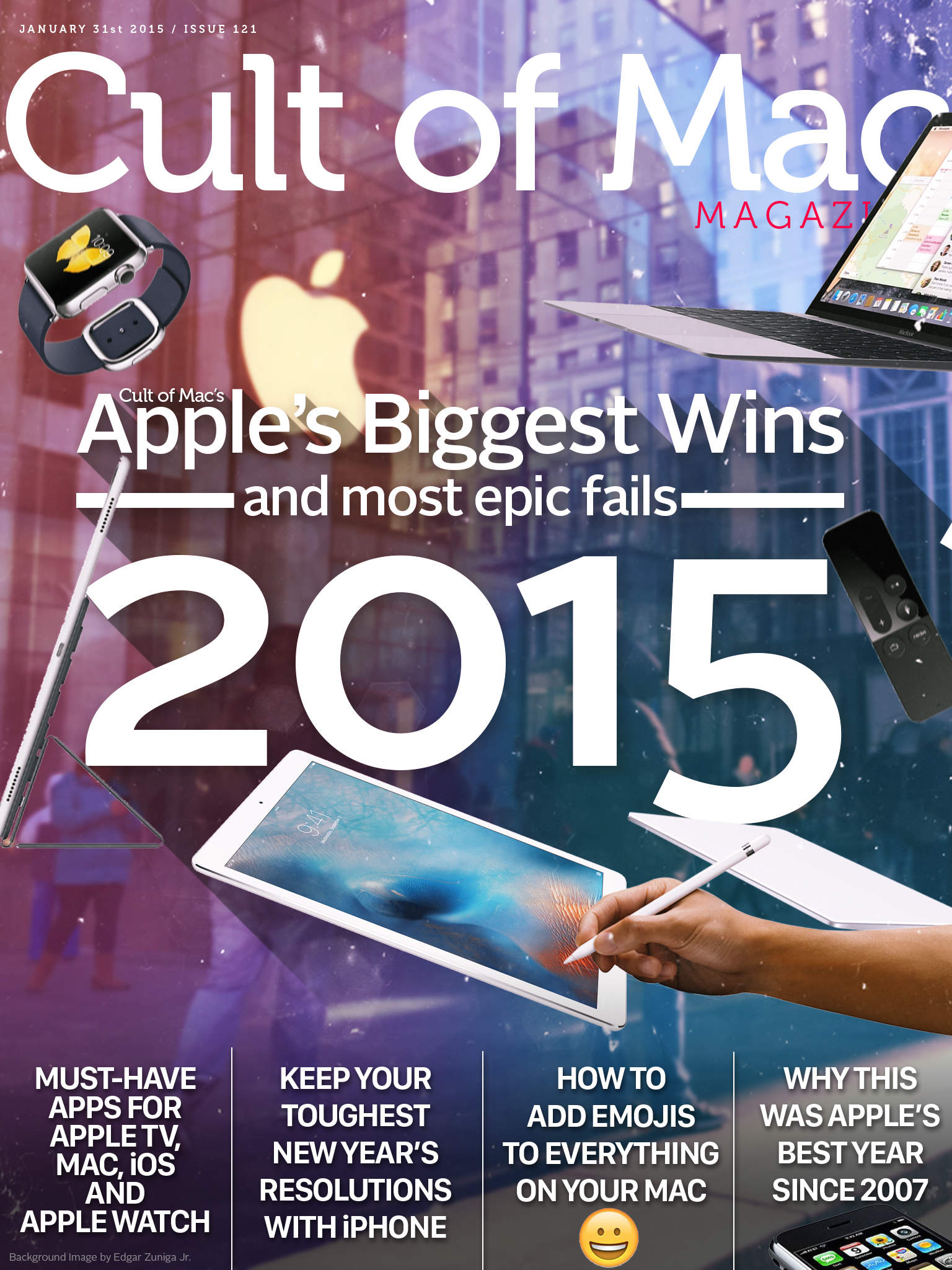
It was the best of times, it was the worst of times. We take a look at them all from 2015 in this end-of-year issue of the delightful and informative Cult of Mac Magazine. We’ve got Apple’s best and worst wins and fails of the year, the must-have apps on Apple TV, Mac, iOS, and Apple Watch, how to keep your toughest New Year’s resolutions with your iPhone, a quick trick on adding emojis just about anywhere, and our thoughts on why 2015 was actually Apple’s most important year since 2007.

Dive in with your own copy of Cult of Mac Magazine. Below is the rundown for this week.

Happy New Year from all of us here at Cult of Mac.

2015: The year Apple super-sized its ambitions

By

Apple year in review 2015
2015 was a great year for Apple -- mostly.
Image: Stephen Smith/Cult of Mac

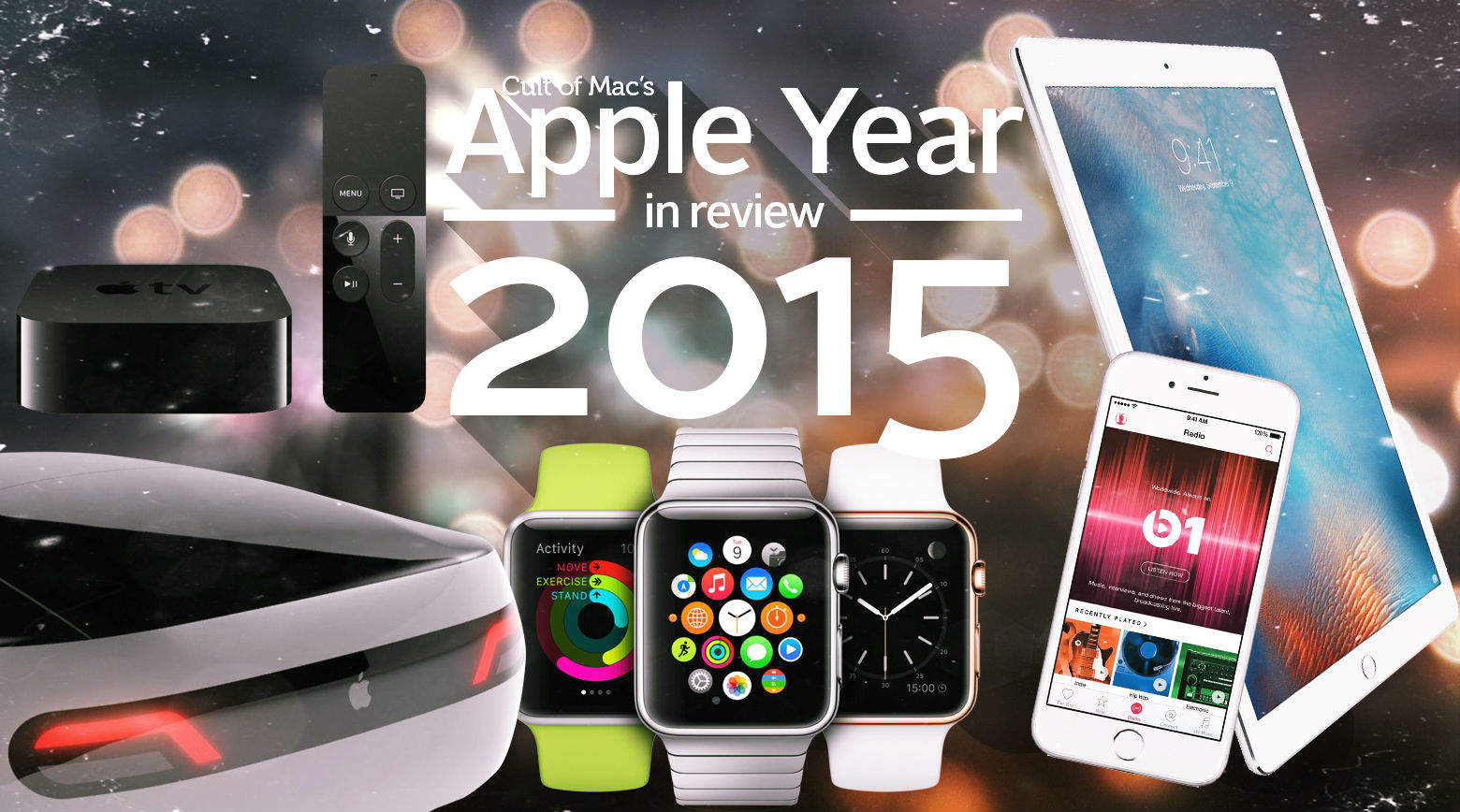
Cult of Mac's Best of 2015 You could say 2015 was a product-ive year for Apple. The company entered the wearable market with the Apple Watch, released a hugely updated version of the Apple TV streaming box, unveiled the massive iPad Pro (and considerably less massive iPad Mini 4), took on tune-streaming with the Apple Music service, and made its annual update to the iPhone with the 6s and 6s Plus.

We also saw updates to the operating systems that run all those things, as well as a new desktop OS in El Capitan, but it wasn’t all great news. Apple encountered lawsuits, shakeups and investigations by countries and entire federations thereof.

So whether we ultimately decide Cupertino had a good or bad year, at least it was pretty interesting. Relive the ups and downs with this Apple year in review 2015, Cult of Mac-style.

Wireless iPhone charging case is stacked with power

By

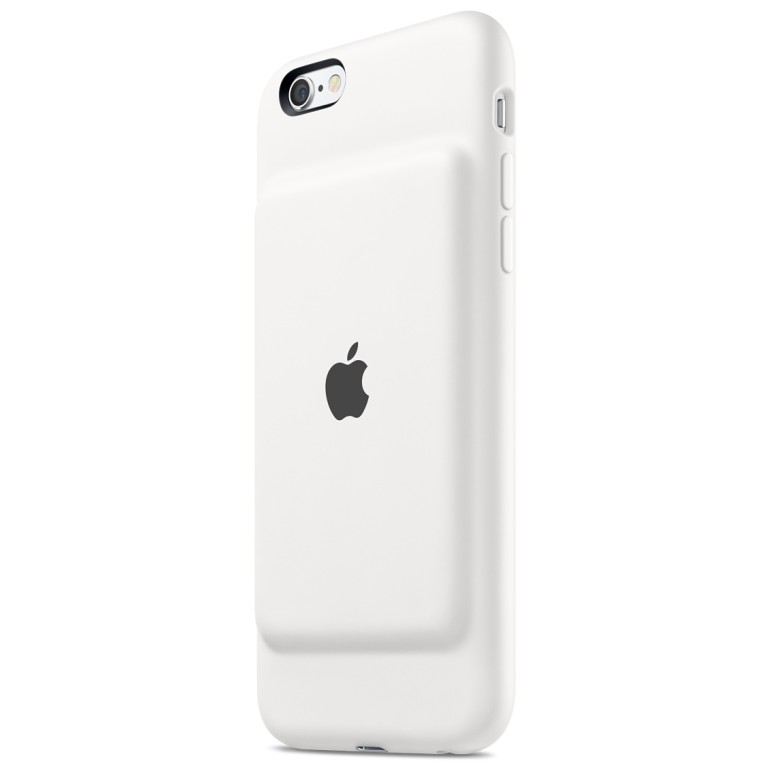
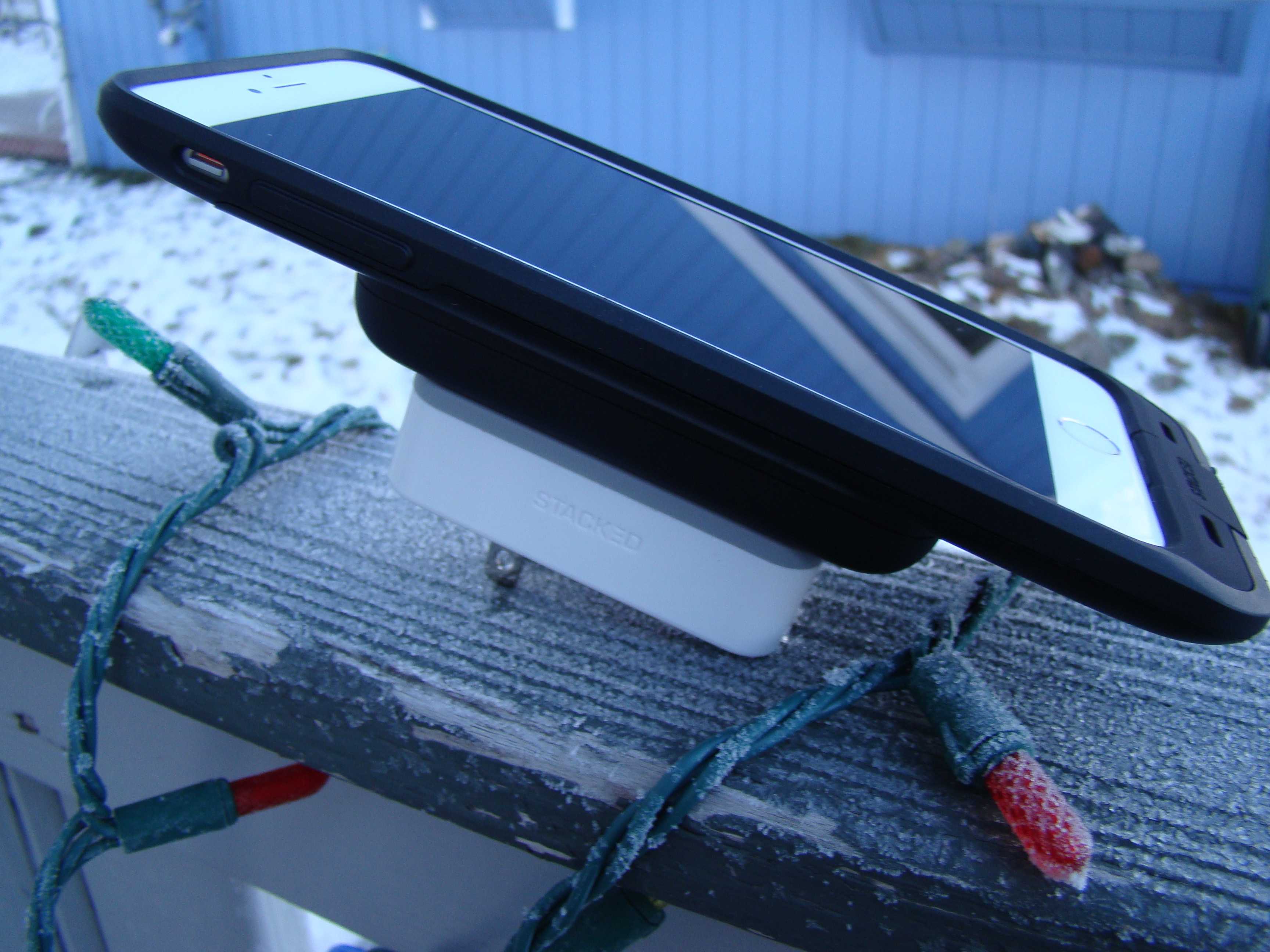
Wall charger, battery pack, iPhone case all stacked up and ready to go.
Photo: Rob LeFebvre/Cult of Mac

Best List: Wireless iPhone Charging System by Stacked

If there’s one thing I can never have enough of, it’s power for my iPhone. Even on normal, about-town sort of days, I’m always looking for ways to keep the battery topped off, in case I need it for something power-intensive later on. I carry around external chargers like some people carry around ChapStick and tissue, and I’ve always got a spare cable to share. All of that stuff can add up to a ball of wires and plugs, making for a nasty mess in my backpack.

I’ve long wanted an easier, wire-free charging existence, and that’s where the Stacked iPhone charging case comes in. It’s a clever system that’s a truly wireless solution to keeping my iPhone at the top end of the charged-up spectrum.

Best Apple Watch apps of 2015

By

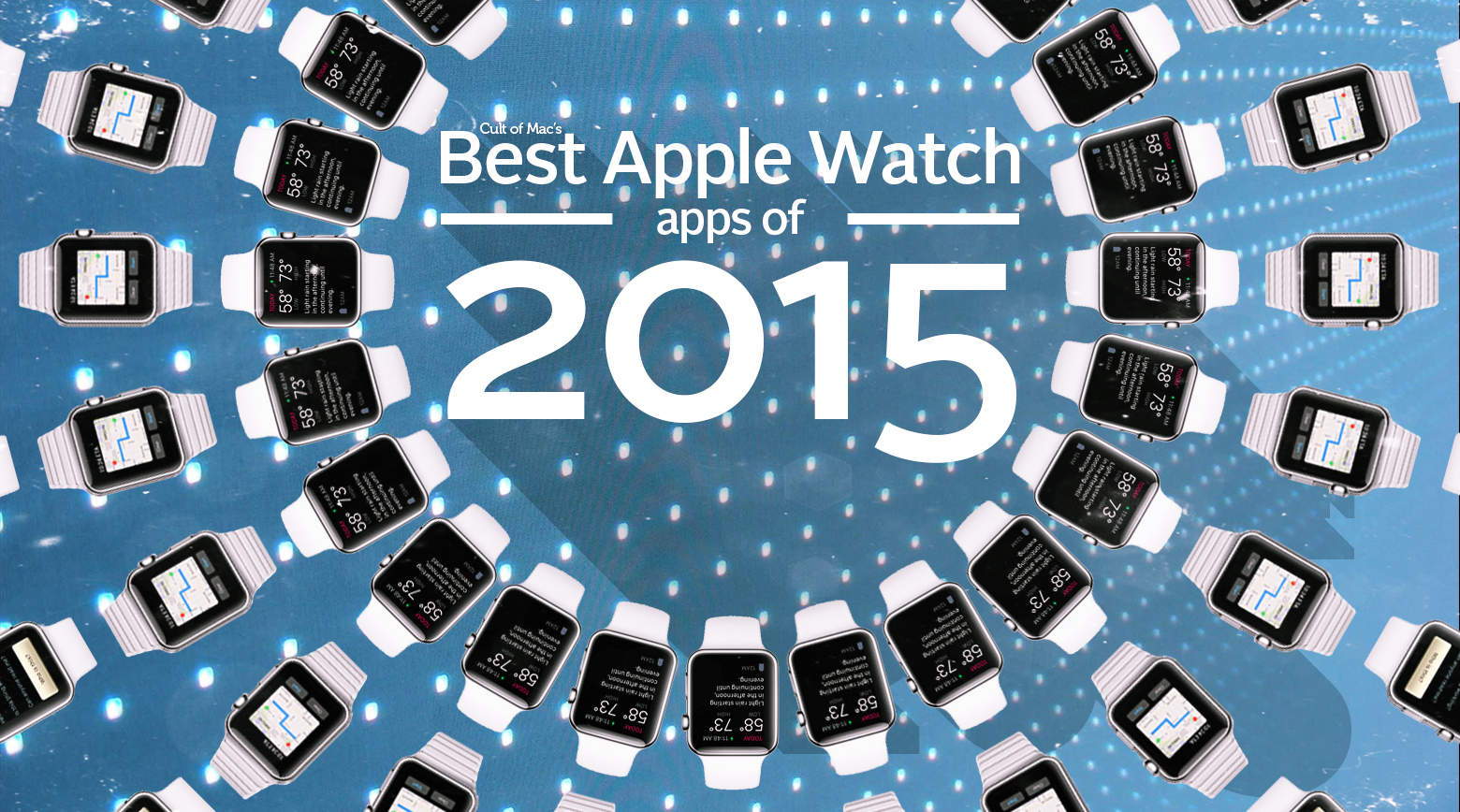
Ready to set your wrist on fire? Download these hot, hot, hot Apple Watch apps now.
Image: Stephen Smith/Cult of Mac

Cult of Mac's Best of 2015 While the Apple Watch is still waiting for its “killer app,” plenty of great apps already exist for the new wearable. They ease us through common tasks, add value to awesome iPhone apps, or delight us with subtle functions that we didn’t necessarily know we needed (but now practically can’t live without).

These apps might not be homicidal, but they make us want to strap on an Apple Watch each and every day. These are our favorite Apple Watch apps of 2015.

Start the new year paying what you want for new workplace skills [Deals]

By

Get a complete tour of development for iOS 9.
Photo: Cult of Mac Deals
Enter the new year with a head full of new ideas and your wallet full of cash. These bundles on essential web and mobile development courses are brimming with invaluable knowledge that give your professional life an upgrade. They can be yours for whatever you’re willing to pay for them, and a portion of whatever you spend goes to support the good work of Save the Children.

Crushgate? What happens when 3,500 pounds of force meets an iPhone 6s

By

Screen Shot 2015-12-31 at 14.19.43
This doesn't end well.
Photo: TechRax

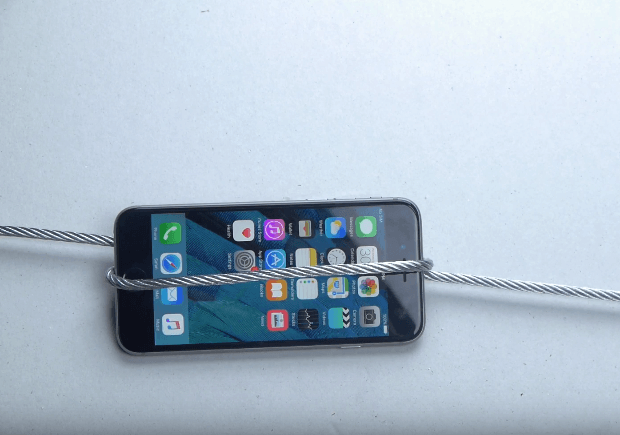
Remember Bendgate, the massively overblown period following the iPhone 6’s release, in which people acted like Apple’s handset was about as sturdy as a slice of processed cheese?

Well, destructive YouTuber TechRax is back with a new “stress test” designed to see how the studier iPhone 6s fares against 3,500 pounds of pressure. Answer: nNt very well at all.

If, to paraphrase Fight Club, you want to see out 2015 by watching the destruction of something beautiful, check out the video below.

Apple’s biggest wins (and most epic fails) of 2015

By

It was the best of designs, it was the worst of designs. Apple  really went for it in 2015, with varying degrees of success.
It was the best of designs, it was the worst of designs. Apple really went for it in 2015, with varying degrees of success.
Image: Stephen Smith/Cult of Mac

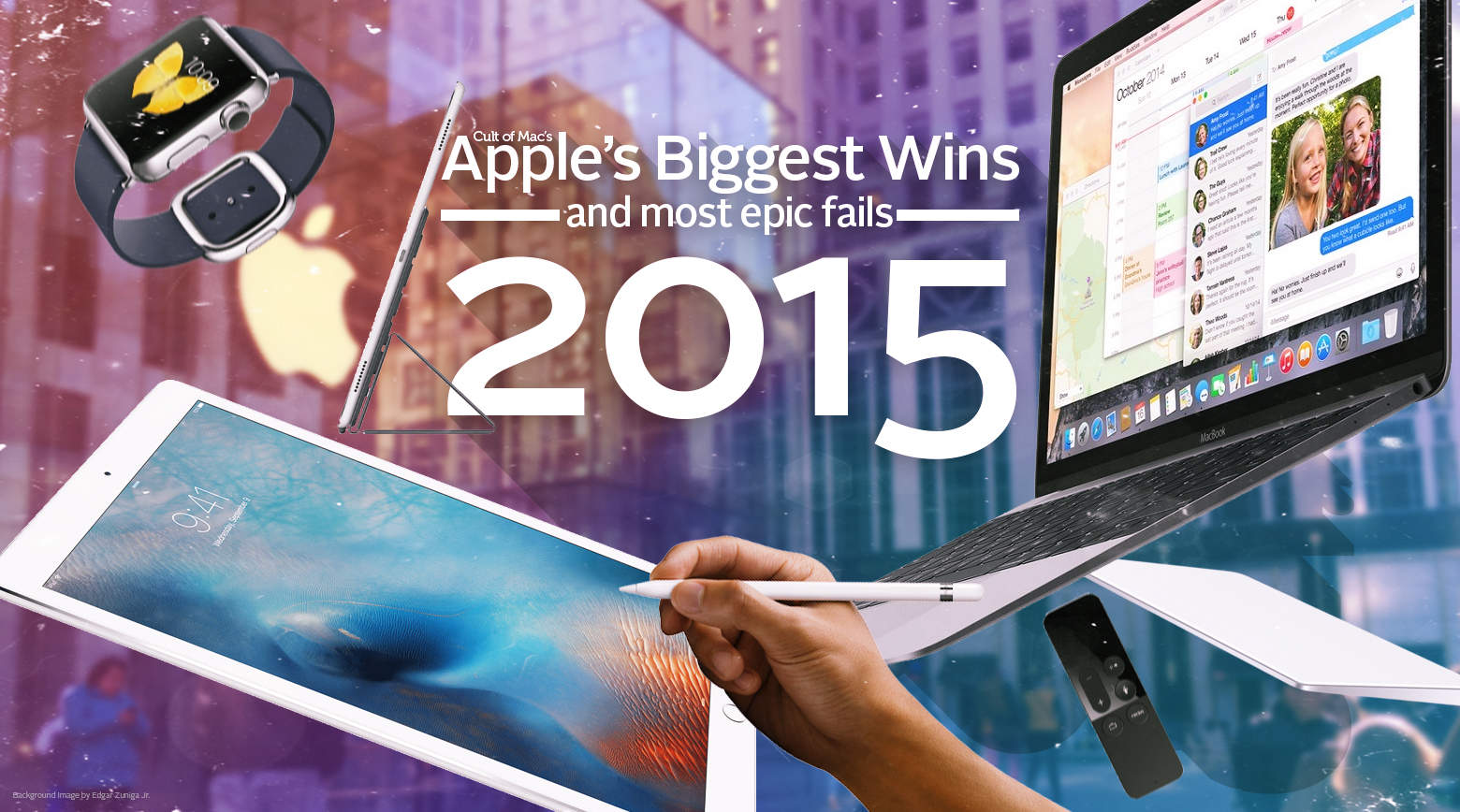
Cult of Mac's Best of 2015 2015 was a bold year for Apple. The company jumped into new product categories, polished its existing hardware and software lines, and wowed us repeatedly.

Apple also made most of us throw up in our mouths a little bit now and then, due to some questionable (and some undeniably bad) choices.

These are Apple’s biggest wins and most epic fails of the past year, as remembered — fondly and otherwise — by Cult of Mac staffers.

App Store app acting weird? Try this quick fix

By

You'll want to find these.
Photo: Rob LeFebvre/Cult of Mac

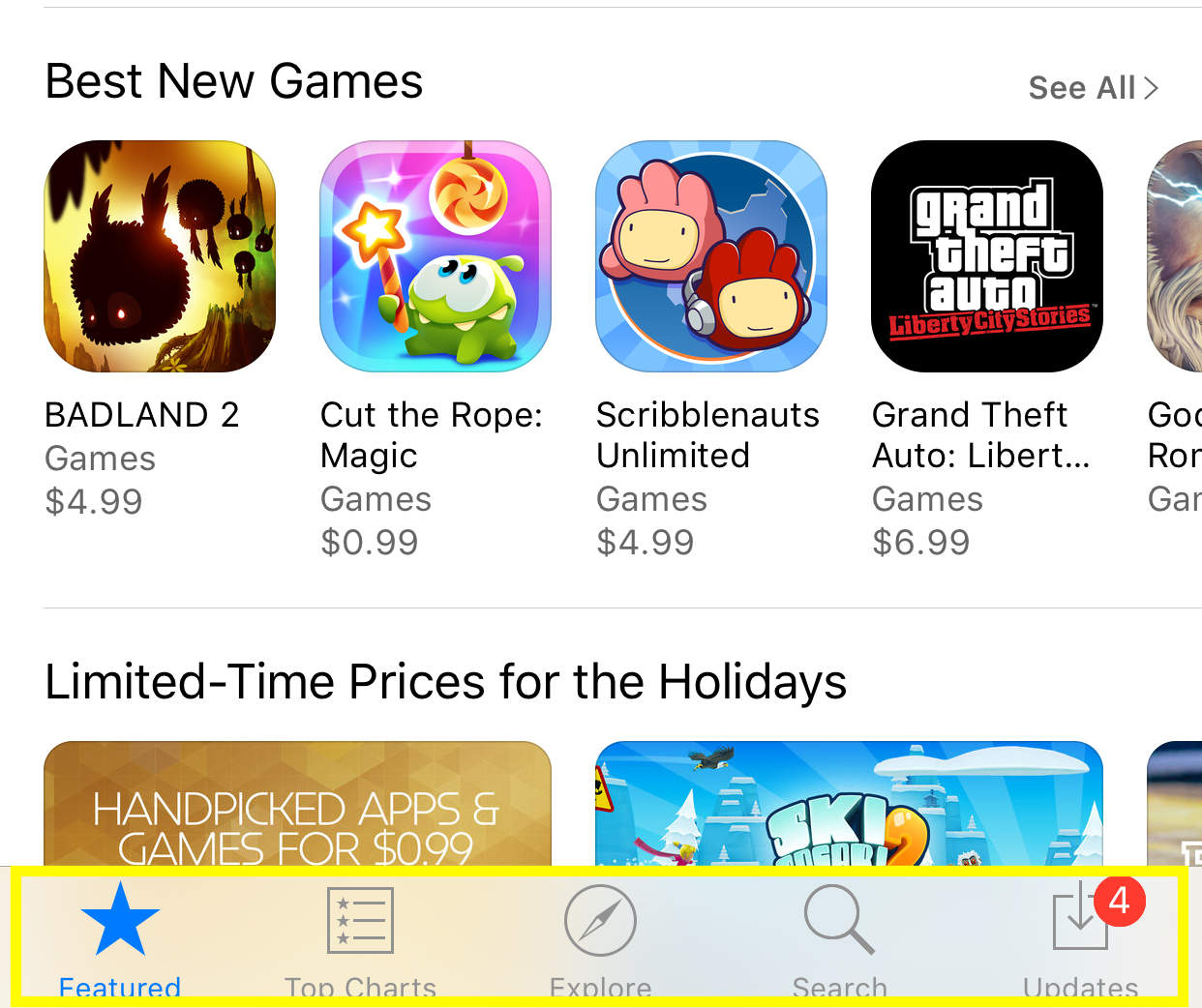
Twitter user and developer Peter Steinberger shouted out to the Twitterverse when his App Store app kept showing an app that needed an update, but would never actually update, even with an iPhone restart.

He got a reply from Zachary Drayer, a mobile developer himself, on how to get the App Store to force refresh.

It’s totally nonintuitive, but utterly cool, and you can do it on your Apple Watch and iTunes app as well. Here’s what to do if you’re in the same situation.

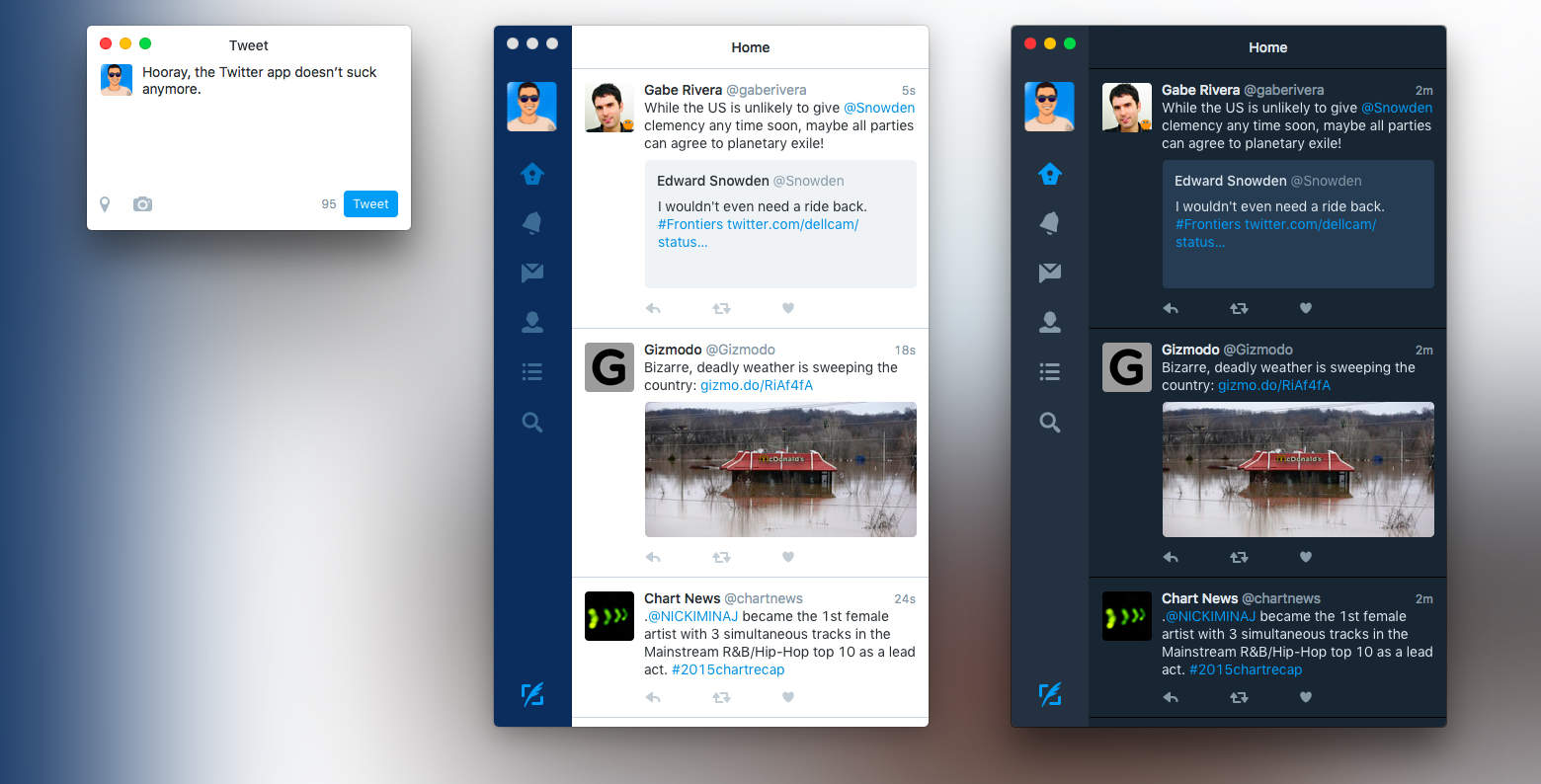
Twitter for Mac doesn’t suck anymore

By

twitter-mac-update-4
That didn't take too long, did it?
Photo: Twitter

Twitter finally resurrected its Mac app with just about everything its users have been asking for over the past several… well, for a really long time. The update at long last looks much like the Twitter you’re familiar with on your smartphone or desktop browser. It’s complete with highly requested features like GIF support and group direct messages with up to 50 people, plus a dark theme for power users and more.

“Don’t call it a comeback!” Twitter wrote in the update description. “Twitter for Mac is getting the update you’ve been asking for.”

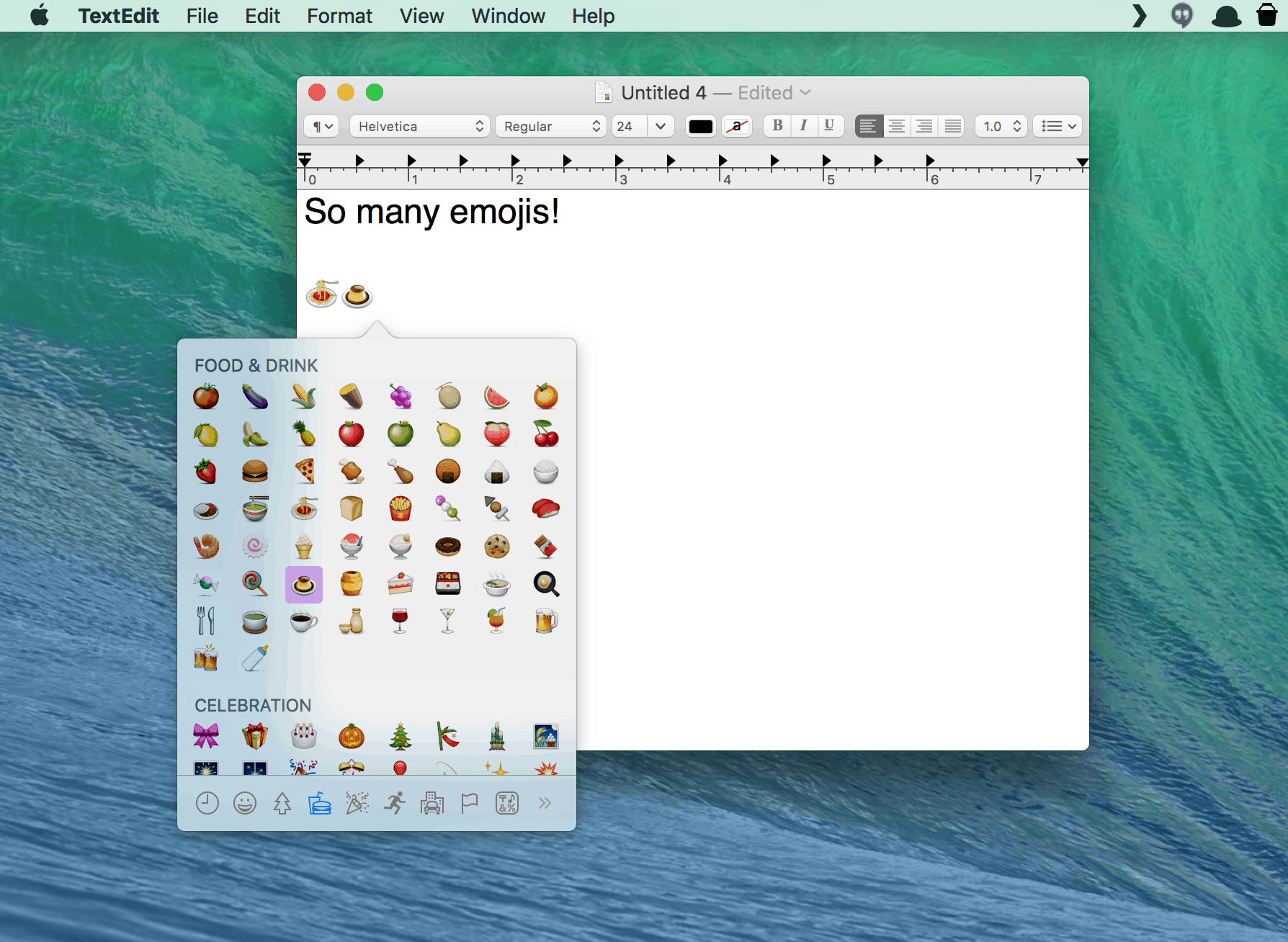
The easy way to add emojis to everything on your Mac

By

Emoji for all your textual needs.
Photo: Rob LeFebvre / Cult of Mac

In Apple’s Messages app, you can easily add emojis with a quick click on the little happy face icon in the iMessage text field. If you use a chat app like Slack, you can do the same.

But what if you want to add an emoji to an email, a letter, or any other text field? Turns out there’s an often-overlooked menu item (with a corresponding keyboard shortcut) that lets you do just that.

Check it out.

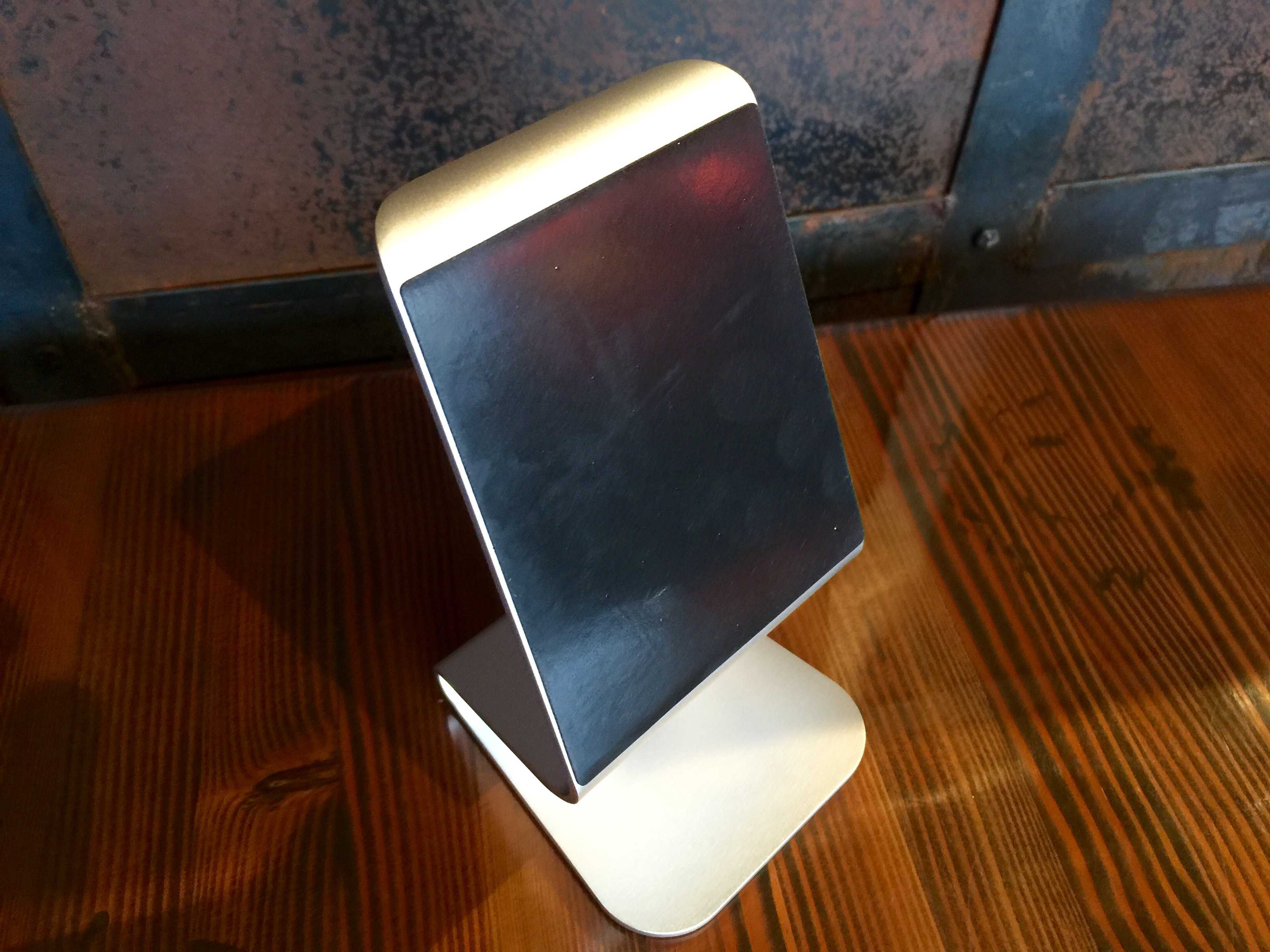
Clever aluminum iPad stand upgrades your Apple lifestyle

By

iQunix iPad stand
It's a beautiful life (thanks to aluminum).
Photo: Rob LeFebvre / Cult of Mac

Best List: Zand Aluminum iPad Stand by iQunix

Living in an Apple ecosystem, my world revolves around brushed aluminum and white cables. My iPhone 6 Plus is silver on the back, my iPads are black and space gray, and my MacBook Pro is — you guessed it — a lovely brushed aluminum.

The new iQunix Zand Aluminum iPad stand looks like something Apple would design to set your iPad next to that MacBook Pro for a perfectly matched finish.

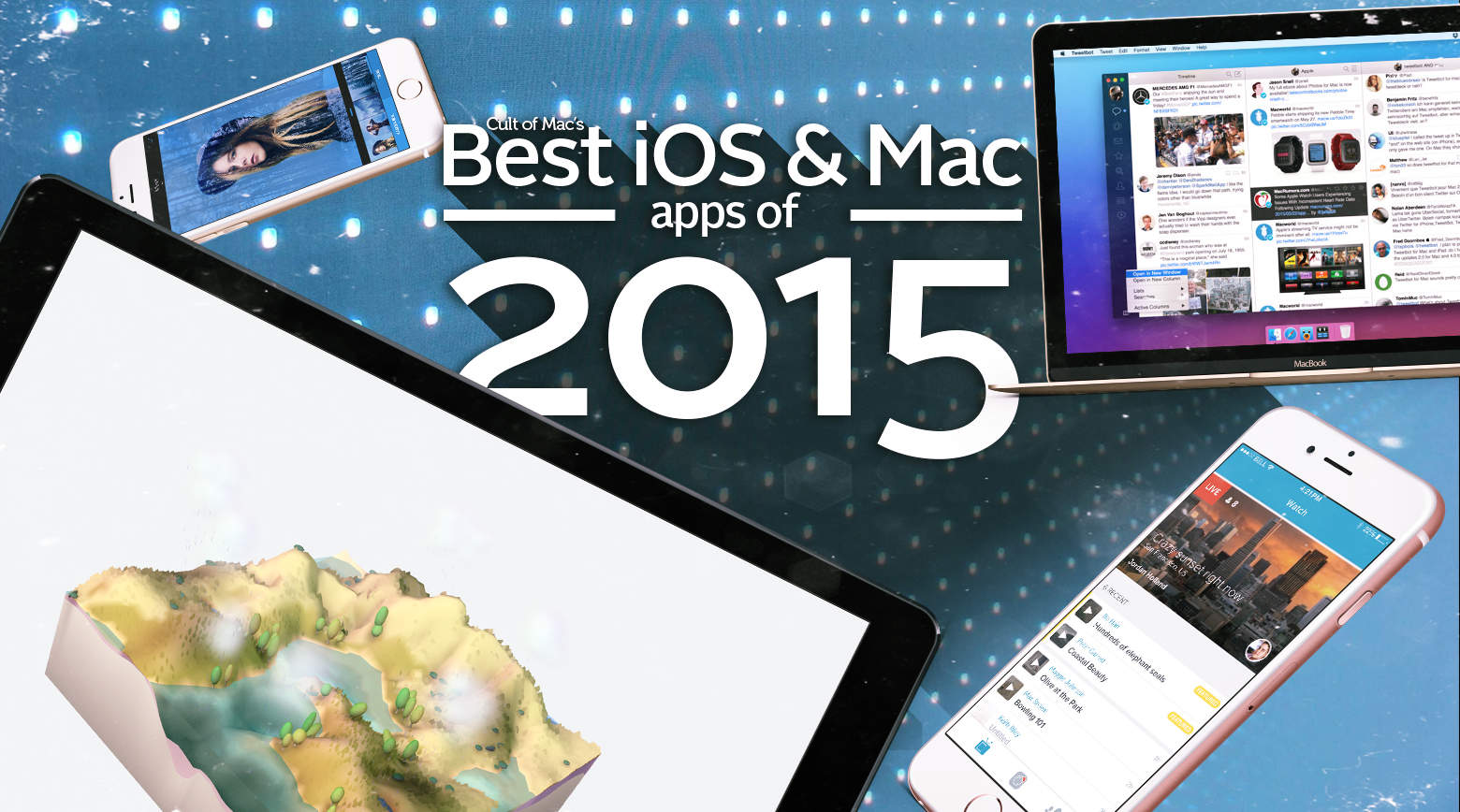
10 superb iOS and Mac apps we loved in 2015

By

ios_and_mac_apps
'Appy new year.
Photo: Ste Smith/Cult of Mac

Cult of Mac's Best of 2015 Witnessing the ingenuity of app developers both small and large is a real highlight of my job writing about the Apple ecosystem. In that regard, 2015 didn’t disappoint: Some tremendous new apps got unleashed this year on both iOS and OS X.

Here are Cult of Mac’s picks for the absolute best apps of the year for iPhone, iPad and Mac.

Start the new year with new career skills [Deals]

By

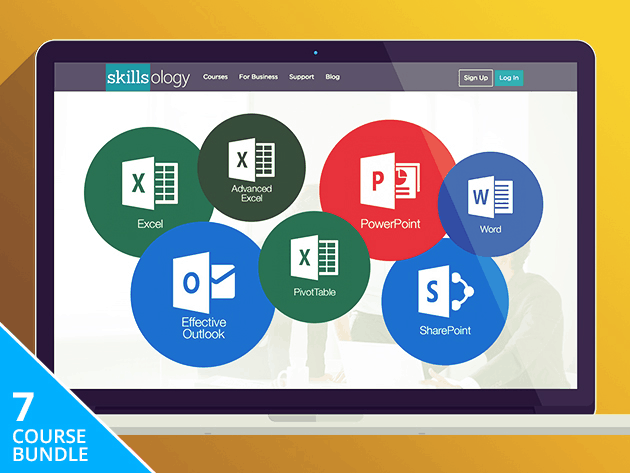
These 7 courses cover every corner of Microsoft Office, essential to any modern workplace.
Photo: Cult of Mac Deals
The new year is here, but if you want your career to look any different you’re going to have to learn some new skills. We’ve collected some of the best deals on the lessons you need to keep that resolution to step up your professional game. Whether you’re looking to work with data, managing projects, master Microsoft Office or learn to develop games, we’ve got you covered.

Weirdest of 2015: The year’s biggest ‘whoops’ moments

By

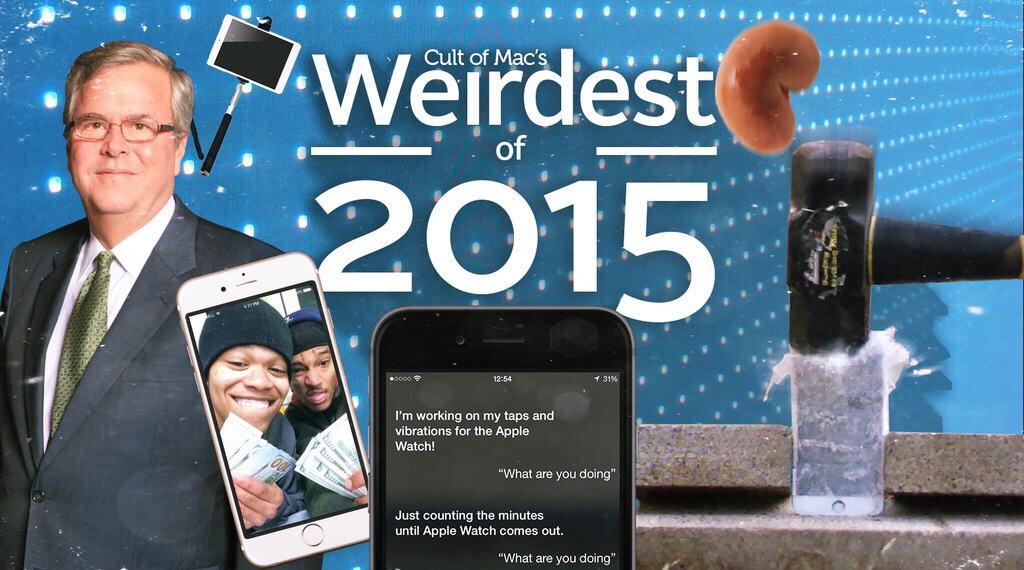
Apple fanatics got up to some strange stuff in 2015.
We all made a lot of mistakes this year.
Image: Stephen Smith/Cult of Mac

Cult of Mac's Best of 2015 We aren’t going to pretend we’re perfect, but that doesn’t mean we have no appreciation for the mistakes of others. They make us feel better about our own glaring flaws, and they also make for some good fodder for “weirdest of 2015” news roundups.

This year, we saw some really impressive corporate blunders as well as some head-slapping moments from Apple fans.

$5 million lawsuit asks: Did iOS 9 cripple iPhone 4s devices?

By

iPhone 4s
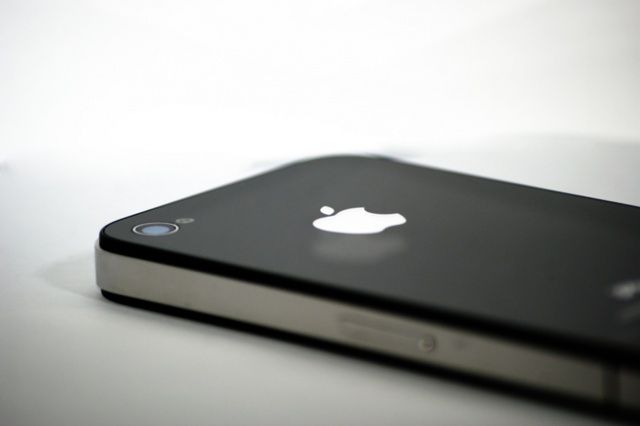
A lawsuit claims the battery of an iPhone 4s is responsible for a house fire.
Photo: Apple

Smart upgraders know that when a major new version of iOS drops, older devices might want to think twice about updating. That advice isn’t much comfort to people on the iPhone 4s, though, who pulled the trigger on iOS 9, and saw their devices slow down as a result. Now, a class-action lawsuit is targeting Apple on behalf of iPhone 4s owners, arguing that Cupertino essentially crippled their phones with the update.

Android’s design guru says iPhone interface is ‘heavy and burdensome’

By

iPhone 6
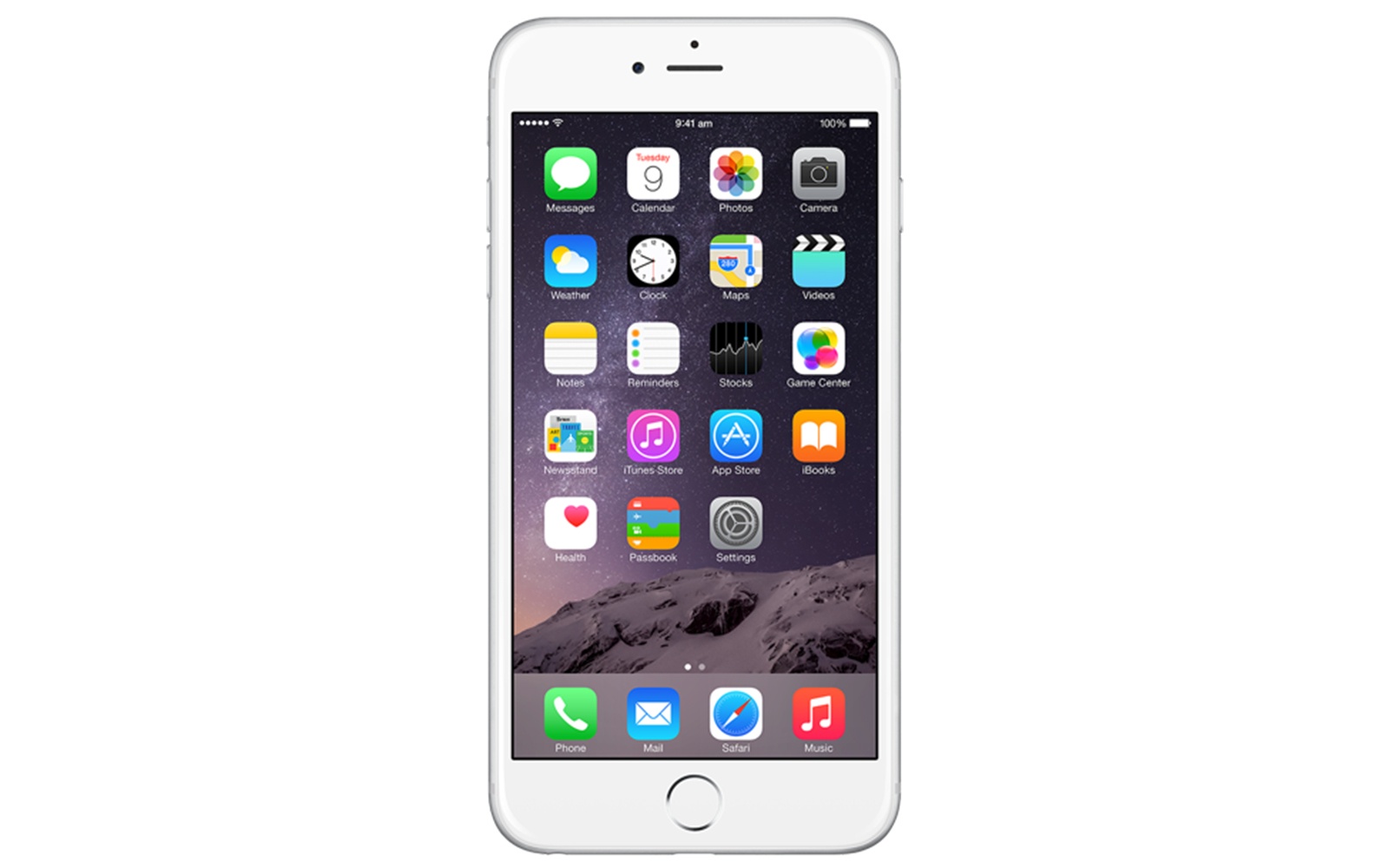
Damn that easy-to-use grid of apps!
Photo: Apple
Damn that easy-to-use grid of apps. Photo: Apple

The iPhone may have fundamentally changed Google’s plans for its Android smartphone platform, but according to Google’s design chief, the iOS homescreen layout — consisting of grids of apps icons — is disappointingly stagnant.

“[The iPhone] crystallised a lot of other things that were kind of stayed even by that point, like the rows of icons, which don’t scale very well,” Matias Duarte, Google’s vice president of design, told Wired. “This idea of a tiny grid that you manually curate starts to feel very heavy and burdensome.”