Because all accessories needed to be categorized, the Pictar One is an iPhone camera grip.
But the word grip kind of sells it short when you learn just how the Pictar One works to make the iPhone camera feel and shoot more like a DSLR.
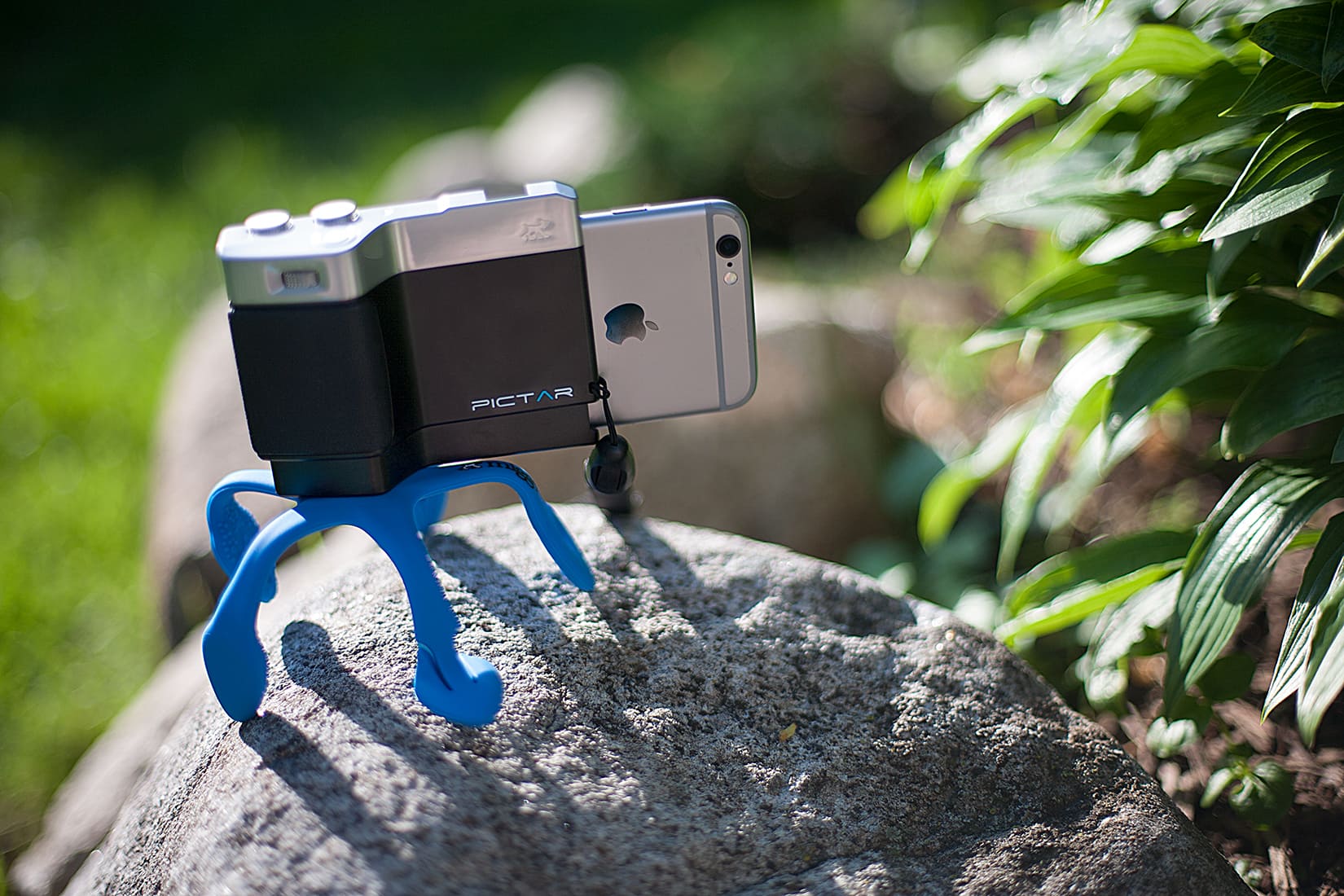
Because all accessories needed to be categorized, the Pictar One is an iPhone camera grip.
But the word grip kind of sells it short when you learn just how the Pictar One works to make the iPhone camera feel and shoot more like a DSLR.


The iPad might be designed for touch, but it’s also surprisingly good with an external hardware keyboard, and includes excellent support for keyboard shortcuts. What’s more, it shares many keyboard shortcuts with the Mac, so if you have these already ingrained in your muscle-memory, they’ll carry right across. Let’s take a look at five of the most useful keyboard shortcuts for the iPad (and iPhone).
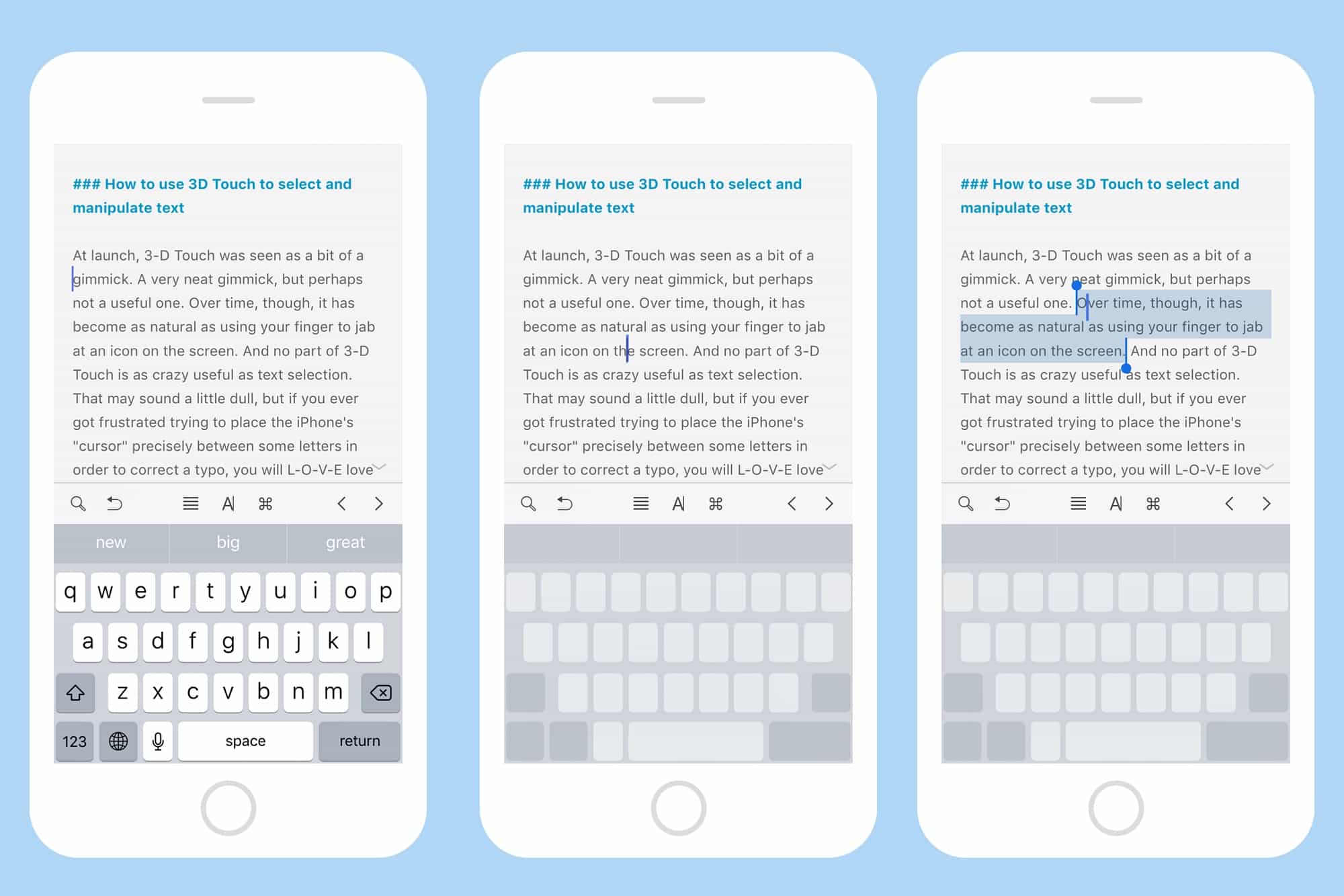
At launch, 3-D Touch was seen as a bit of a gimmick. A very neat gimmick, but perhaps not a useful one. Over time, though, it has become as natural as using your finger to jab at an icon on the screen. And no part of 3-D Touch is as crazy useful as text selection. That may sound a little dull, but if you ever got frustrated trying to place the iPhone’s “cursor” precisely between some letters in order to correct a typo, you will L-O-V-E love this tip.
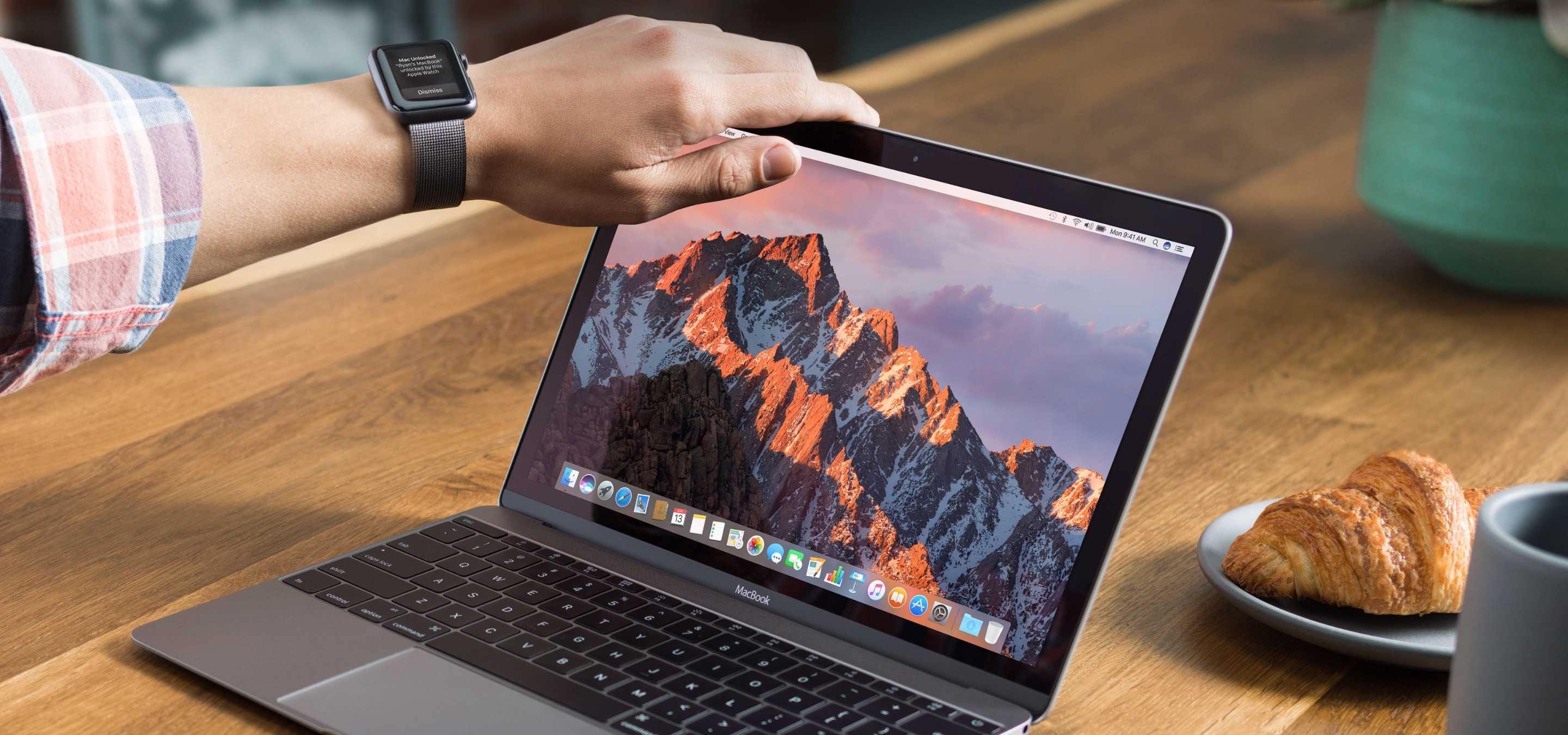
Apple today rolled out new betas for iOS, tvOS, watchOS, and macOS — just one day after releasing public updates.
The new releases are only available to registered developers for now, and they’re focused on improving stability and security.
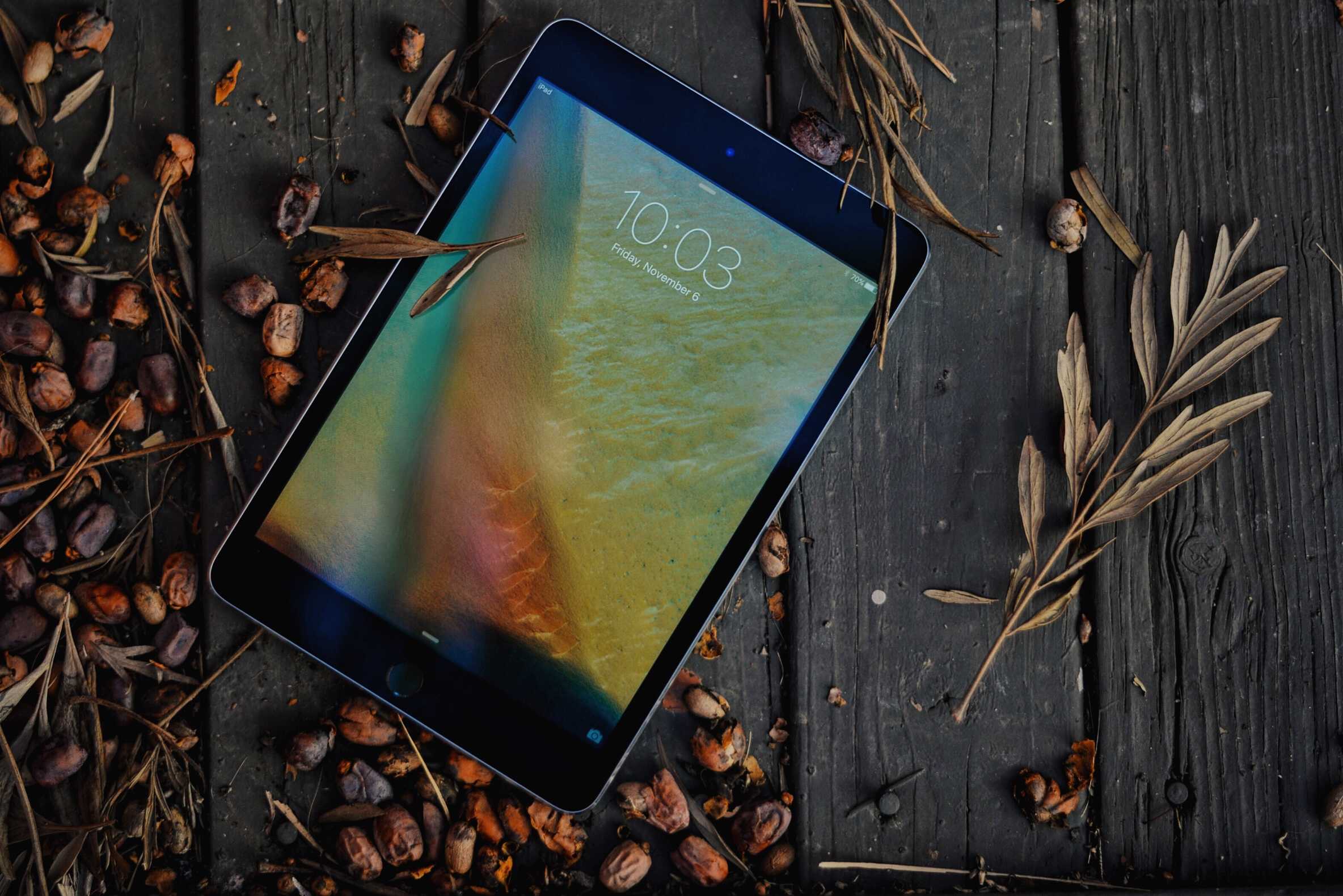
Still a fan of the iPad mini? Get one while you can, because a new rumor claims Apple is planning to eliminate the device from its iPad lineup in the near future.
The device was only refreshed (albeit halfheartedly) two months ago, but growing demand for Apple’s larger tablets and disappointing sales mean it won’t be around for long.
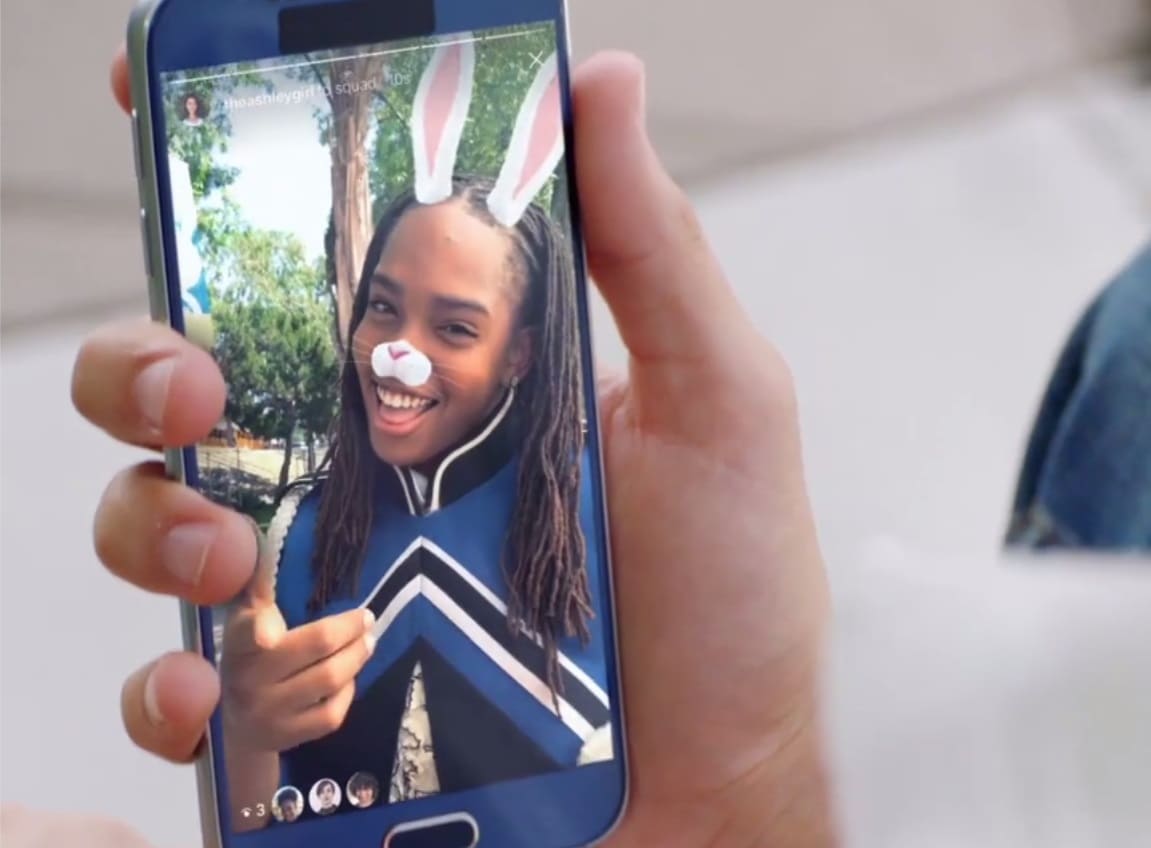
Instagram’s fight to stay ahead of Snapchat involves stealing its best features so that users have no reason to switch. That continues today with the introduction of Face Filters, which, just like Snapchat’s, apply things like glasses, hats, animal ears, and more to your selfies.
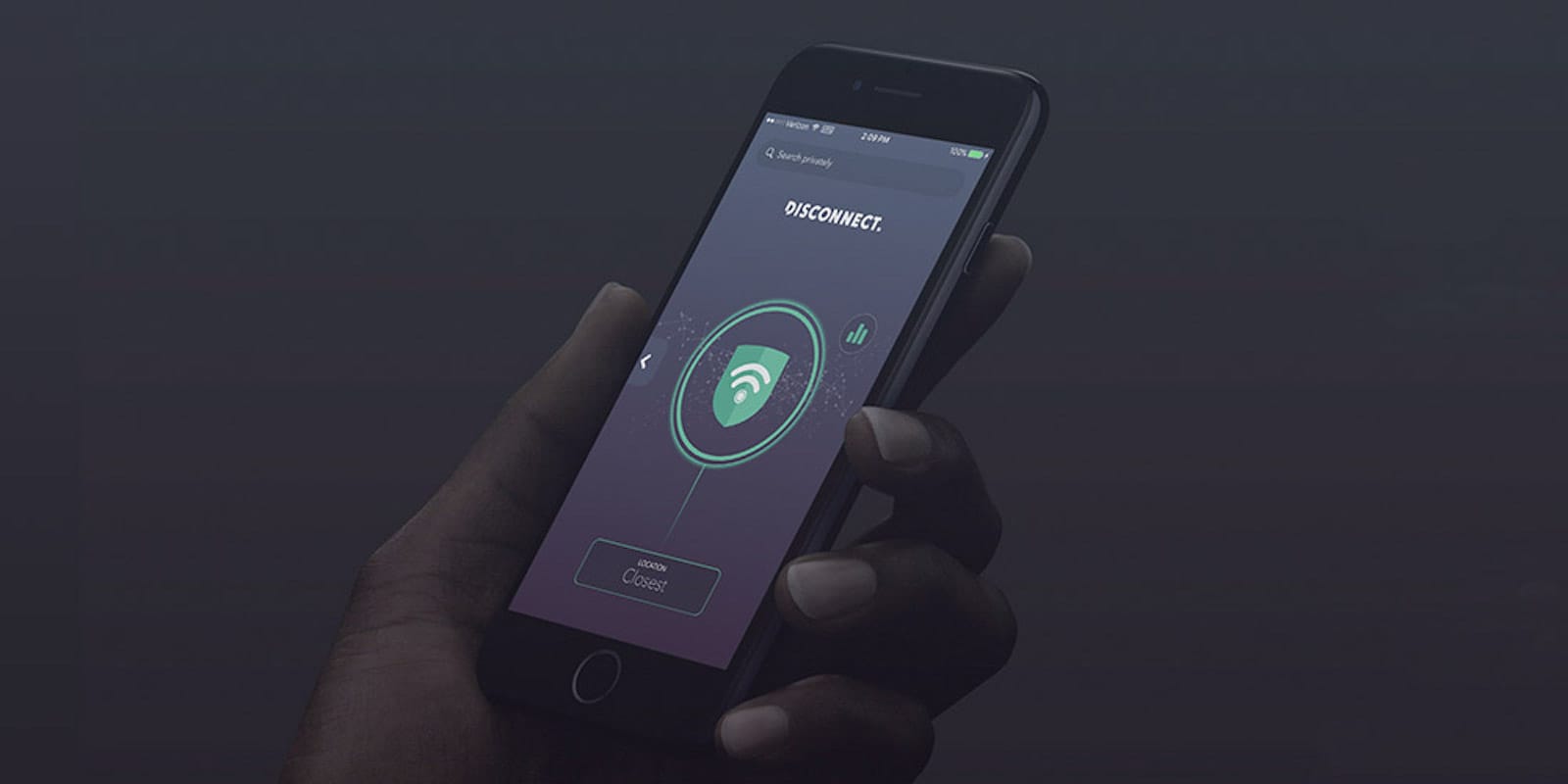
Here at Cult of Mac, we’re big fans of virtual private networks (VPNs). They offer an encrypted, anonymous channel into the internet, and are an essential way to stay secure online. VPNs come in all shapes and sizes, but not all of them can also increase your connection speeds and extend your battery life. That’s just what Disconnect does, on top of being a great tracker blocker that guards against malware, ads, and data snoops on all your mobile browsers. And right now, you can get a lifetime premium subscription to Disconnect for just $49 at Cult of Mac Deals.

Apple’s epic Apple Park campus is more or less complete, and it’s celebrated in a great new Wired cover story, written by one of the best Apple journalists out there.
In the article, Steven Levy — who has had the inside scoop on Apple since the 1980s, and written two great books (The Perfect Thing and Insanely Great) on the company — makes a great argument that Apple Park is nothing less than the final product of Steve Jobs himself.
Here’s why:
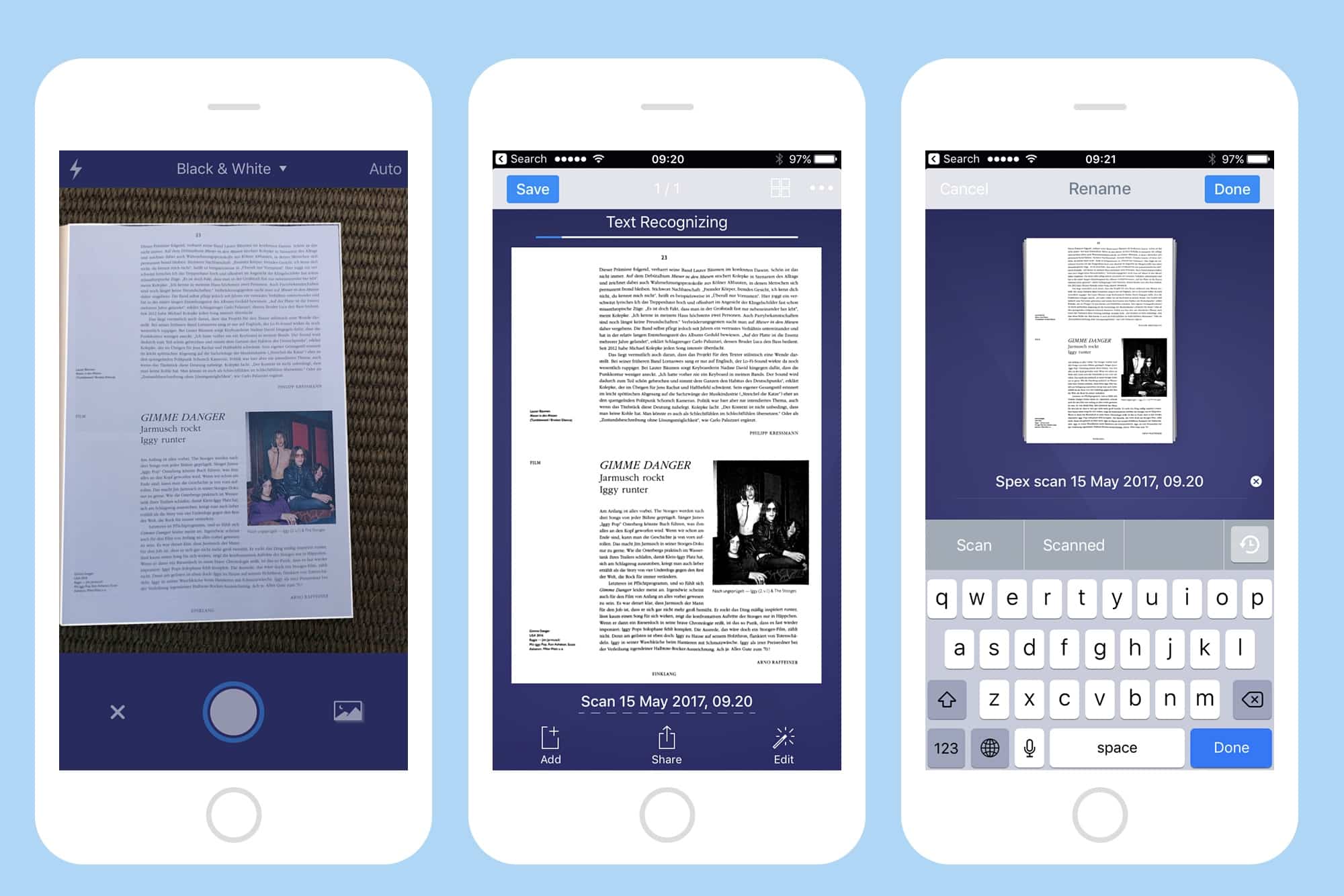
Paper is still great for a lot of things. It’s lightweight, it’s fairly water-resistant, and is just about the best tool available for reducing the number of trees in the world. But it doesn’t sync with iCloud, and anything written on it is not searchable.
Luckily, there’s an easy way out of this dark age. You can scan all those clipped recipes, and those receipts, all those sheets and scraps you have laying around, and which annoy you until you ned one, at which point it disappears. Today, we’re going to use Readdle’s excellent Scanner Pro to turn your paper into pixels. You may be surprised at just how easy and useful this can be.
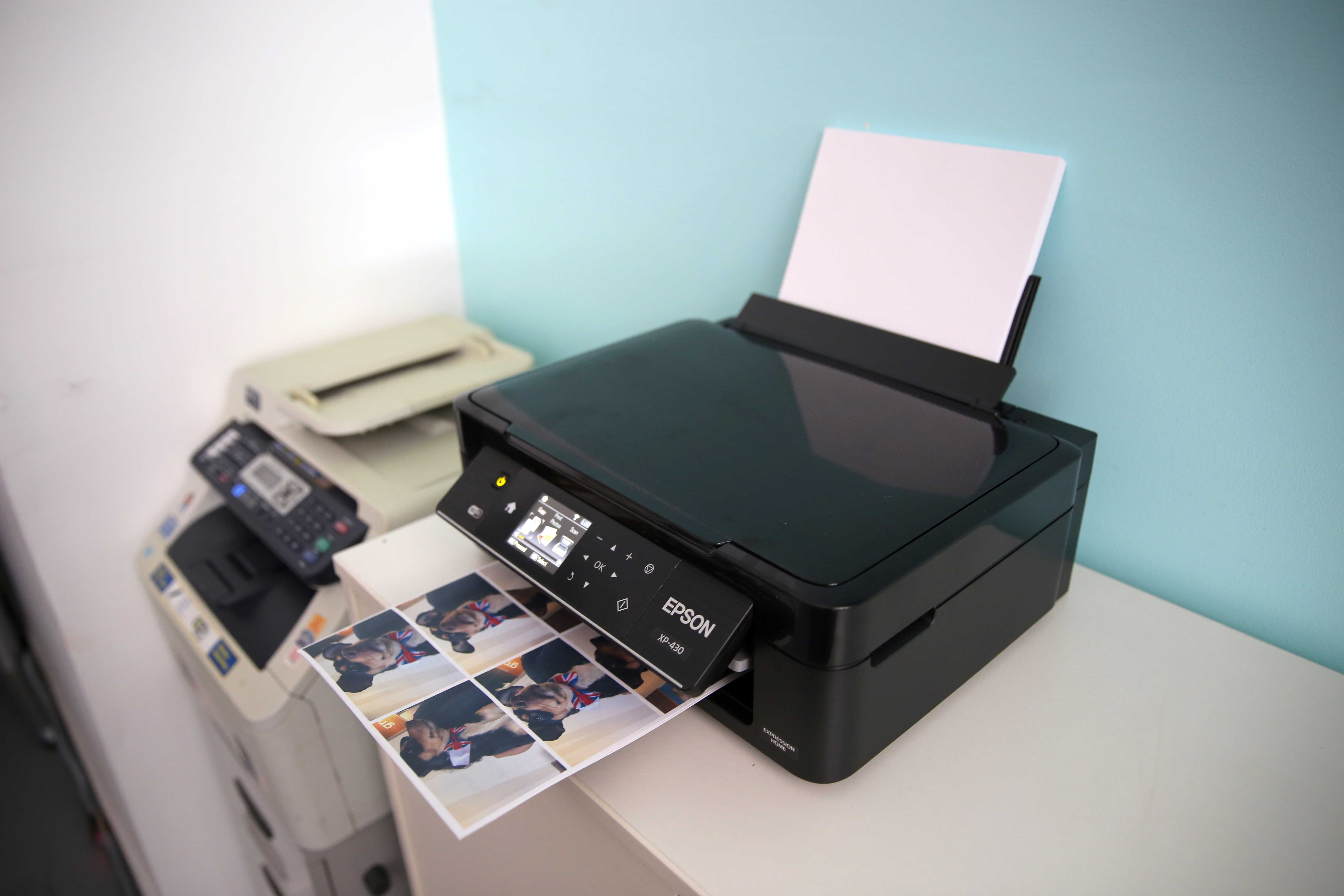
Picture this scenario: You’ve multiple computers at your office and only one of them (which is a Mac) is connected to the printer. Every time you need to print a document stored on these “other” computers, you have to manually transfer the file to the Mac and start the printing process from there. Wouldn’t it be super-convenient if you could just send a document wirelessly and instantly initiate the process of printing files remotely?
Today, I’ll show you how to break apart from this hassle and easily print files remotely from any computer using a combination of Dropbox and Automator.

Google is planning to bring its fancy new Assistant to iOS, according to a new report.
The virtual assistant will be available inside a standalone app, and a “trusted source” claims it will arrive soon.

More than 230,000 computers in 150 countries have been hit by a cyberattack that encrypts data until a ransom has been paid. It’s thought to be the biggest in history, with India, Taiwan, and several European countries being the worst effected.
If you use a Mac, you have nothing to worry about for now, since this particular “ransomware” only targets Windows PCs. However, the number of attacks built for macOS is rising at a rapid rate every year.
So, what exactly is ransomware, and how can it be avoided? Here’s what you need to know.
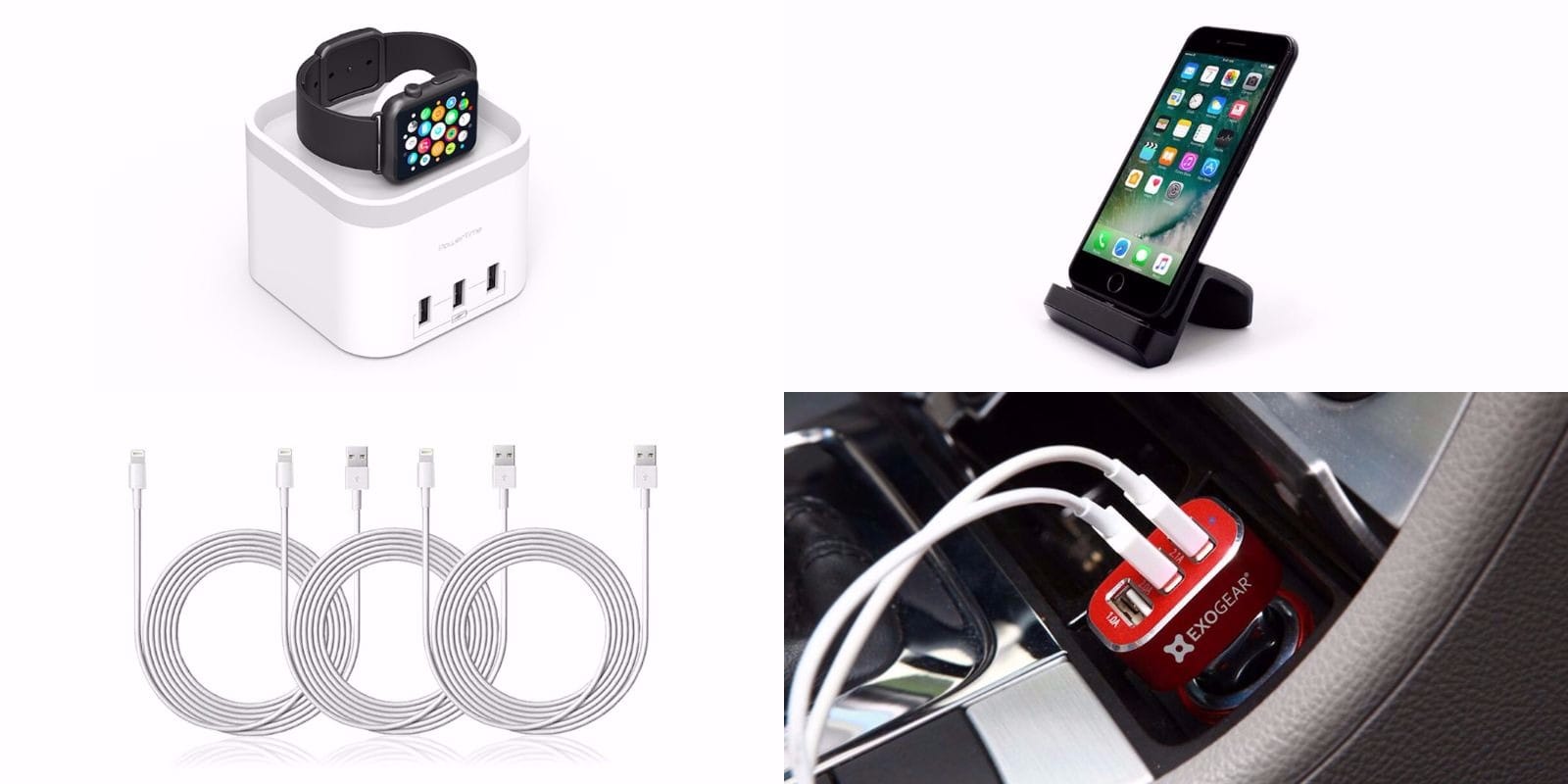
For all the convenience of mobile technology, it can be a drag having to keep our devices juiced up. Whatever your situation, we’ve rounded up some top shelf charging upgrades that’ll offer new ways to juice up your most-used devices. We’ve got a universal Lightning dock, a wireless charging station for Apple Watch, a set of extra long set of Lightning cables and super sleek USB charging hub for your car. Everything’s going for a healthy discount, read on for more details:
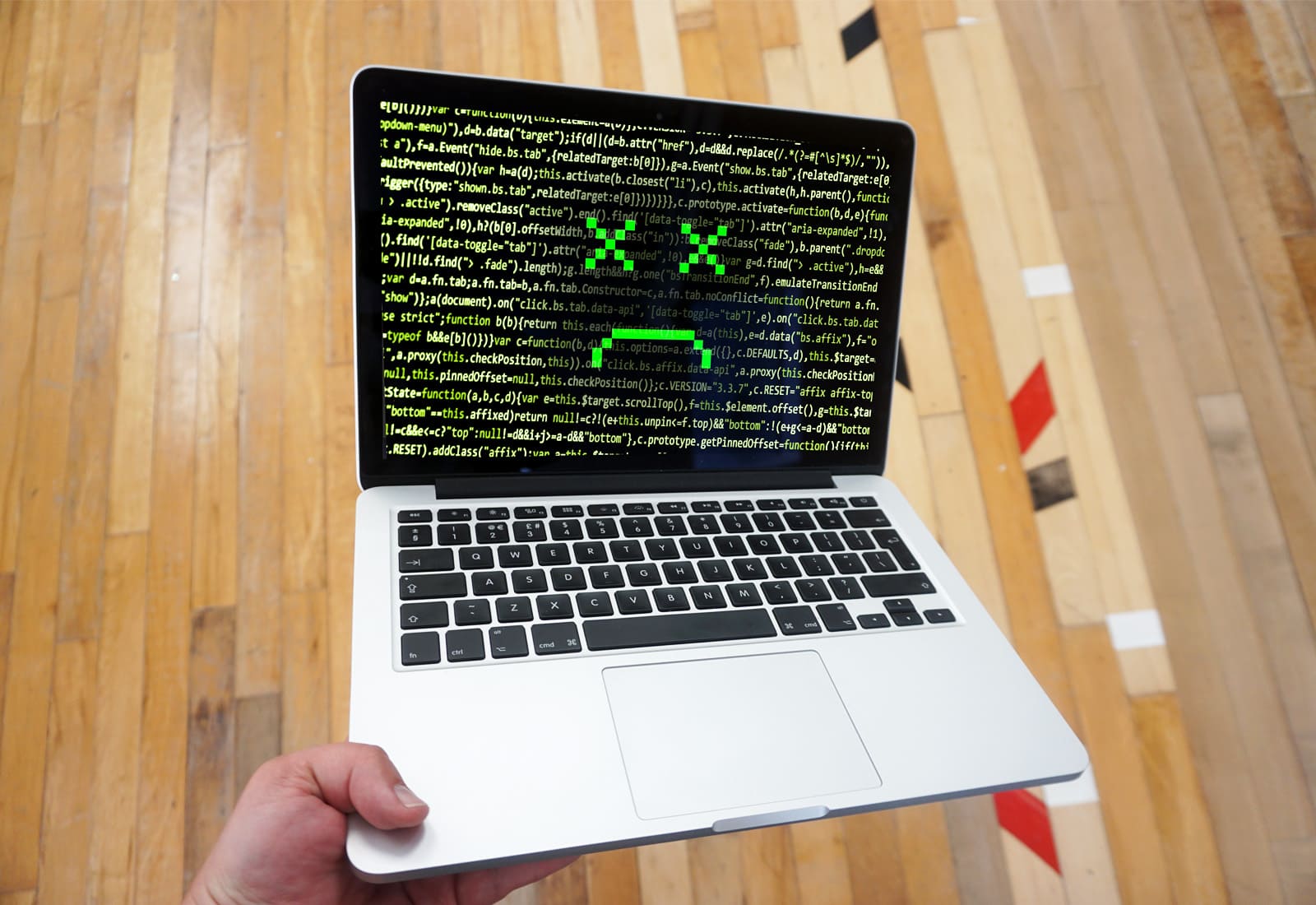
Over the past few weeks a new Mac malware called OSX/Dok has been all over the news. The Trojan horse accessed user’s Macs through email phishing. Once opened, it prevented users from doing anything on their Mac until they installed a bogus software update.
Malware attacks have been skyrocketing as of late, which means it’s more important than ever to be aware.
In today’s video, I’m going to show you 4 ways to help keep your Mac safe from malware.

The Legend of Zelda will finally break away from Nintendo consoles to grace Android and iOS devices in 2018, according to a new report.
The first ever Zelda game on mobile will be developed by DeNA, the studio behind Super Mario Run and Fire Emblem Heroes.
Apple has acquired an AI company as part of its continued push to embrace artificial intelligence.
The company in question is the Menlo Park-based Lattice Data, which specializes in taking unstructured, “dark” data and transforming it into more useful, structured information. Apple acquired around 20 engineers as part of the deal.

Ever wanted to run your own AI startup, hopefully without bringing about the end of humanity in the process? A new game from the maker of the popular CARROT series of iOS apps gives you exactly that opportunity.
That’s just one of the great apps we’ve got covered in this week’s Awesome Apps roundup. We’ve also got a Snapchat update, a Steam gaming classic finally landed in the App Store, and a great Myst-inspired architectural puzzle game. Check out our picks below.
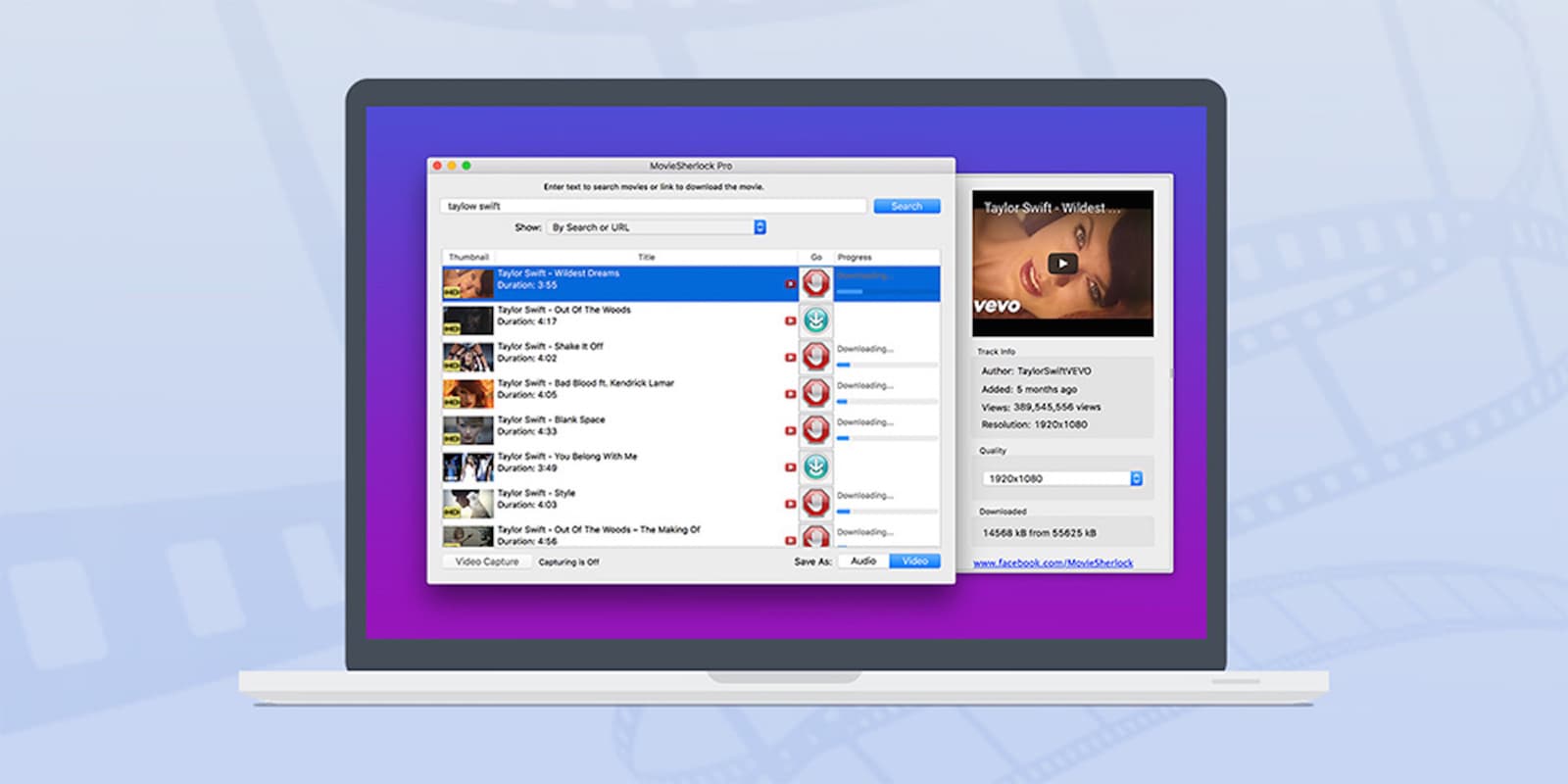
All our favorite videos are available to us online. Unless, of course, there’s no internet connection. When you’re on a flight or just away from WiFi and looking to pass the time, or if you’ve got uses for video that YouTube just won’t allow, you can use Movie Sherlock Pro to easily stockpile movies, shows, and all your other favorite streaming videos straight to your Mac. You’ll be able to access and work with all your videos in full HD, any time, anywhere. And right now you can get Movie Sherlock Pro for just $15 at Cult of Mac Deals.
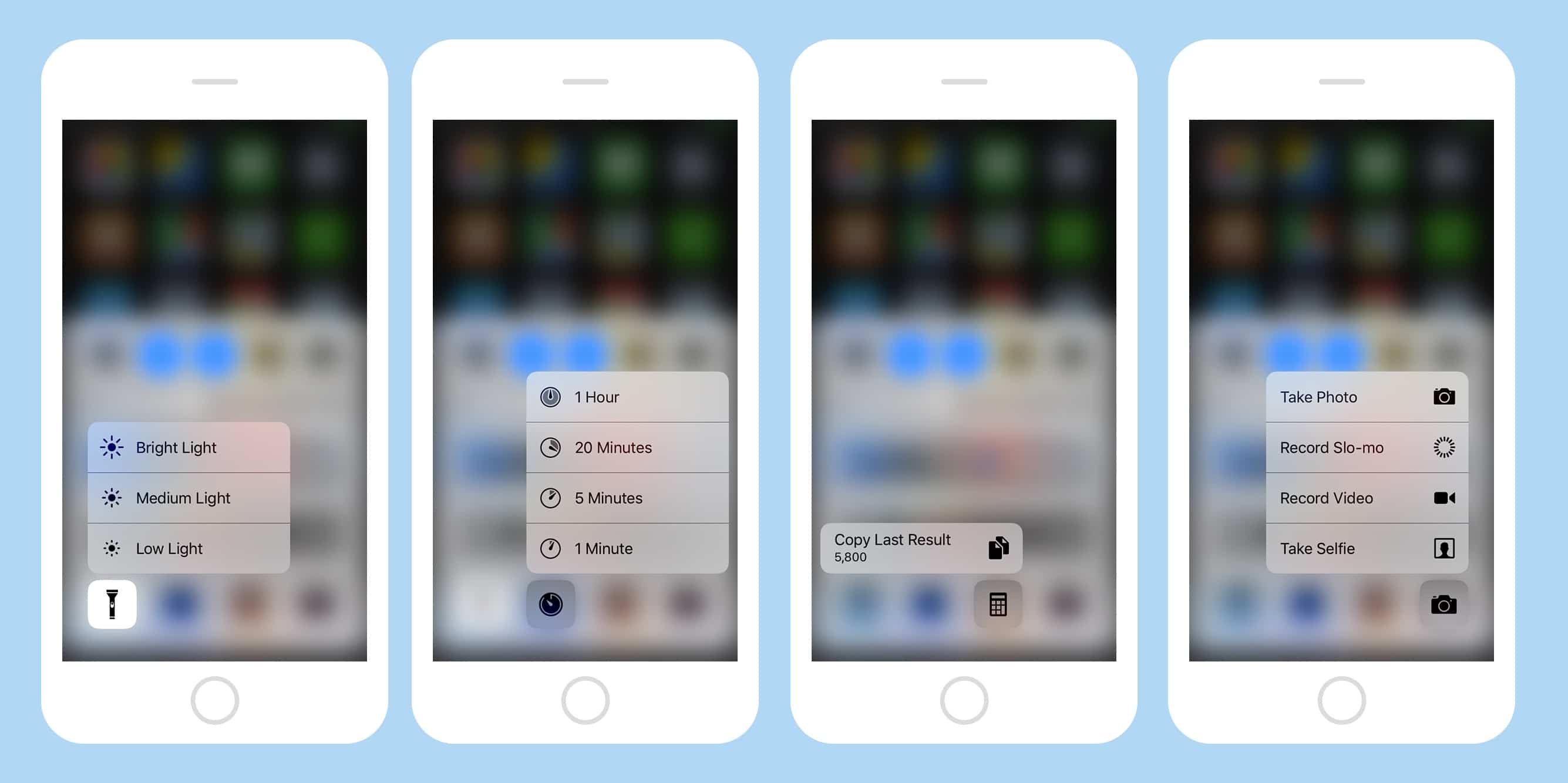
It pays to experiment with 3-D Touch, the feature that lets you press harder on your iPhone’s screen to get extra functions. But while we may be used to force-touching app icons, there are all kinds of other spots where it works. For instance, you press on the row of icons at the bottom of the Control Center to access some fantastic shortcuts.
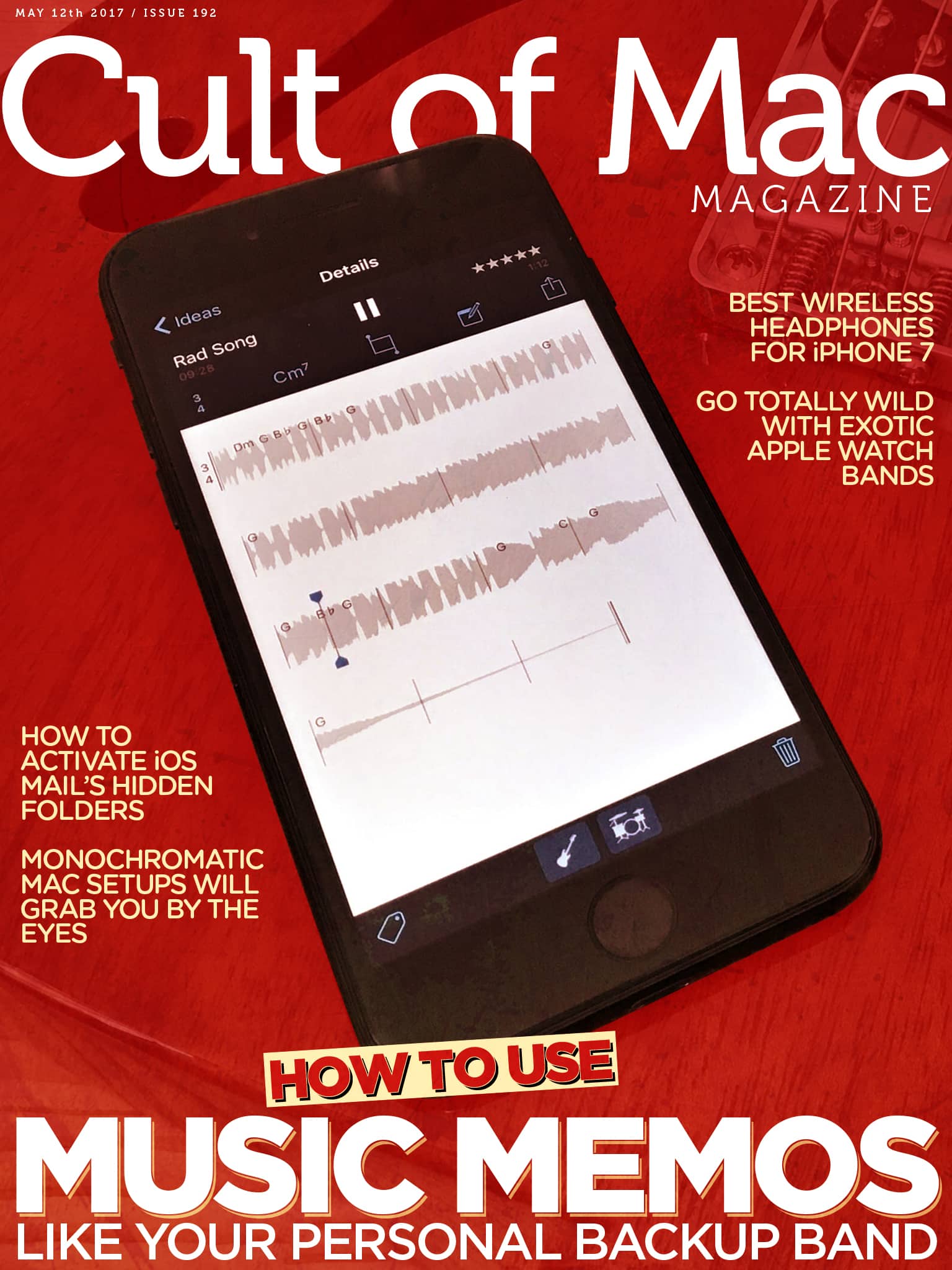
In this week’s Cult of Mac Magazine, we show you how to use Apple’s Music Memos app to record your musical ideas as well as how to hook a guitar up to your iPhone and rock out.
Learn about Tekserve’s impressive Apple computer artifact collection which is now on display in a museum in the Ukraine — at the headquarters of software developer MacPaw.
Check out Cult of Mac Watch Store’s first major sale on Apple Watch straps! Enjoy 20 percent off great brands including Meridio, Strapple, Nyloon and more!
Here are this week’s top stories.
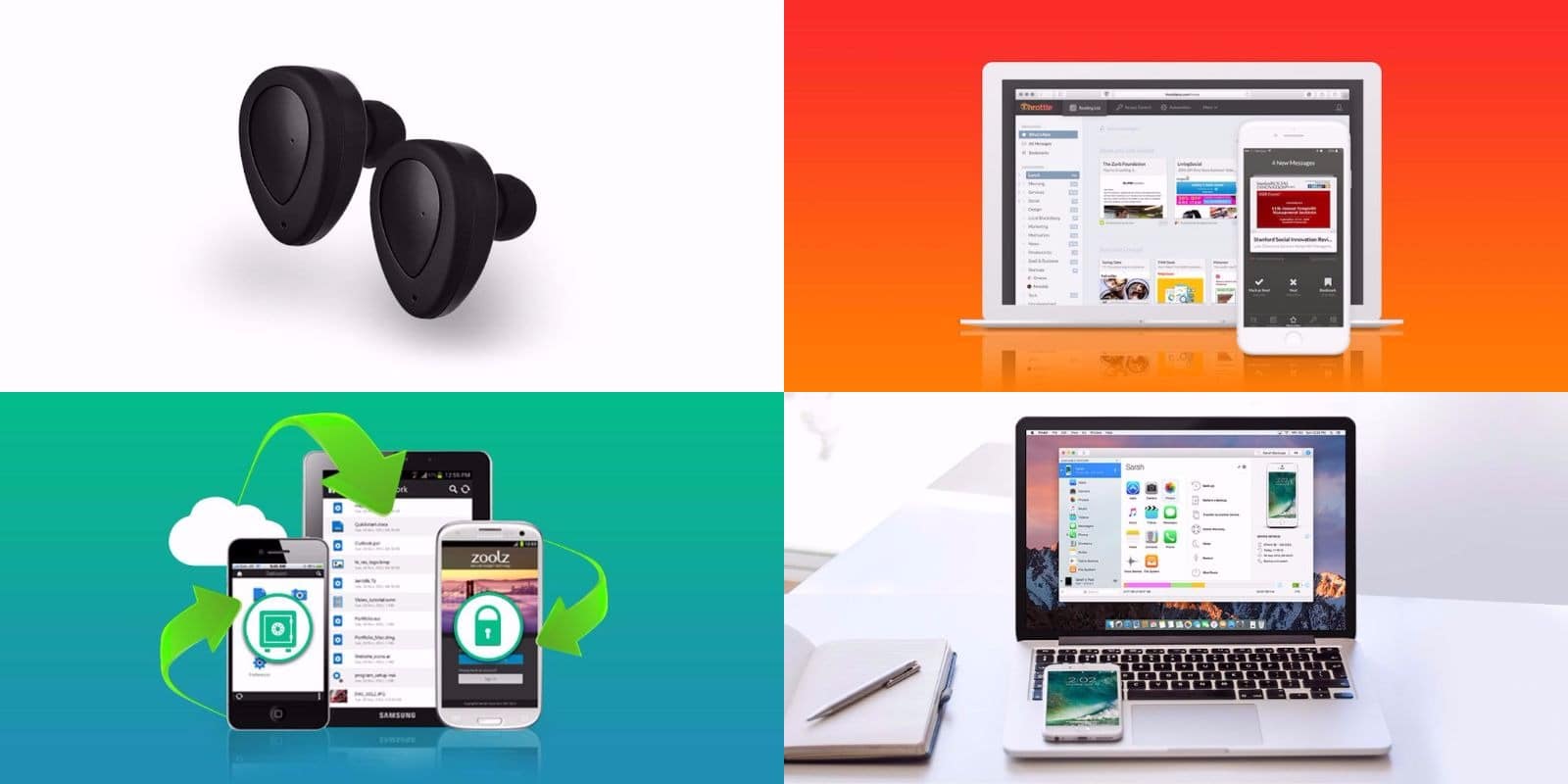
As the weather warms up, we’re still rounding up the hottest new deals at the Cult of Mac Store. This go-round, we’ve got a set of future-ready wireless earbuds, a swiss army knife for iOS data, a full terabyte of super secure cloud storage, and a tool that’ll help you finally reach the bottom of your inbox. Best of all, everything is discounted by more than 60 percent. Read on for more details:
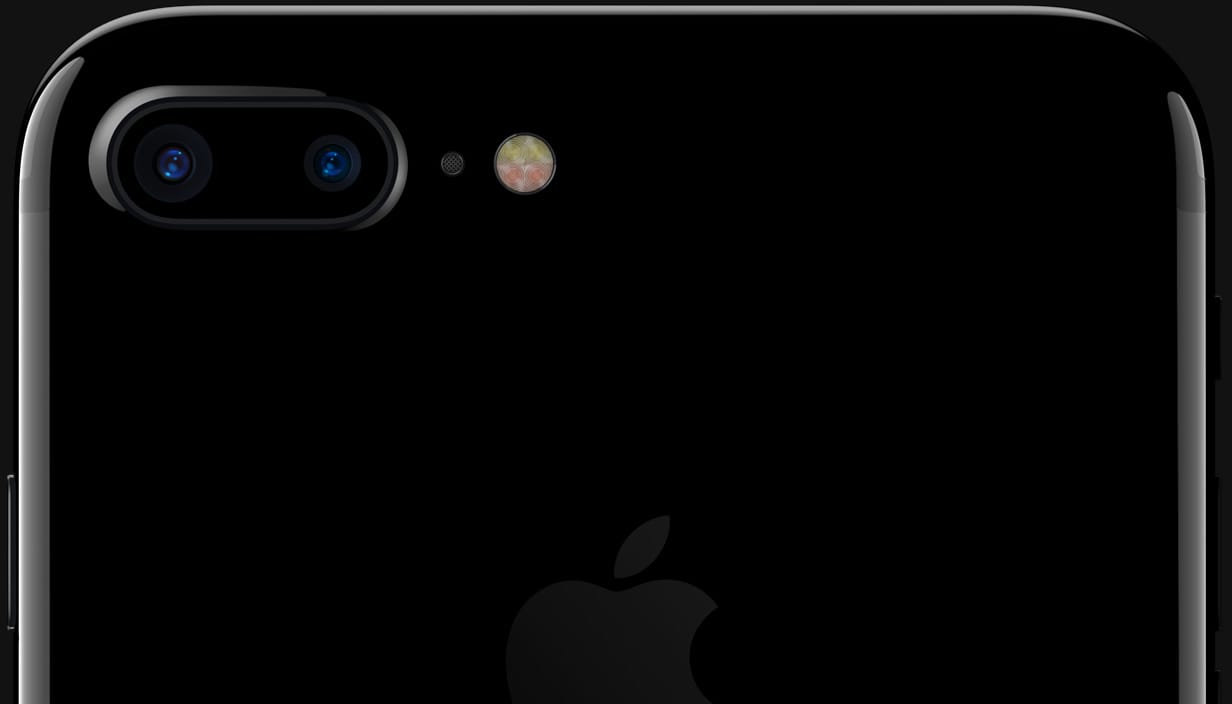
The iPhone’s Quad-LED True Tone flash is pretty good as camera flashes go, but you should never use it to take actual photos, unless you want shiny-faced, red-eyed people in your portraits. Instead, you should put it to work in more useful applications. And no, we don’t just mean using it as a flashlight next time you take a trip into the basement.
Updated: May 11, 2017
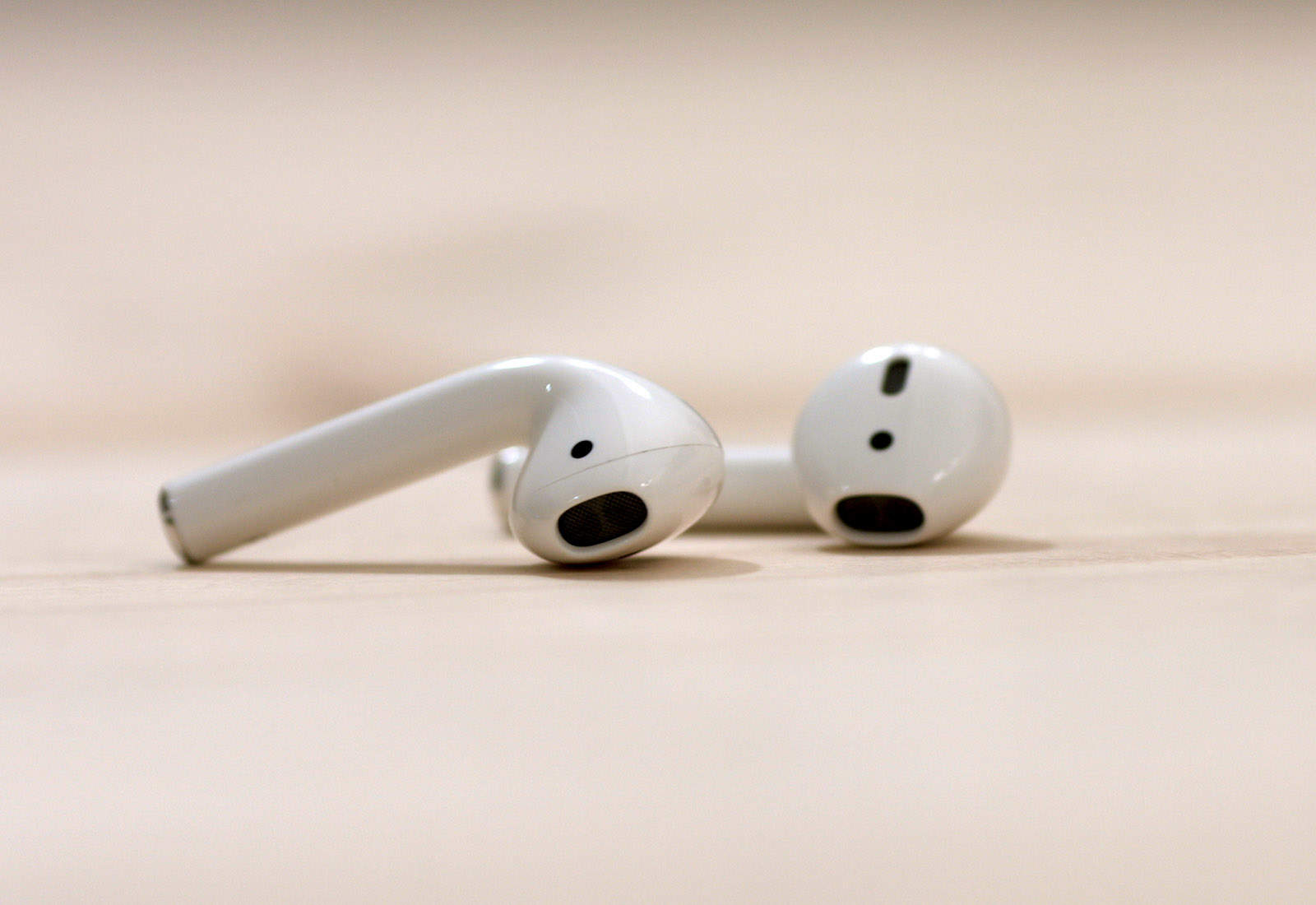
The iPhone 7 and iPhone 7 Plus are Apple’s first iPhones to drop the headphone jack. And while you can keep using your old headphones by plugging them into the adapter that comes in the box, that gets old as soon as you discover you left the little dongle at home connected to a speaker, and you can’t listen to any music.
You’ve got two options. One, stick with a cable and buy some Lightning headphones. That’s fine, but then you can only use them with recent-vintage iOS devices, and you can’t charge your device while you use them. Or two, go wireless. That means Bluetooth, either the vanilla kind, or Apple’s augmented Bluetooth headphones, with the special W1 chip added to make pairing easier.
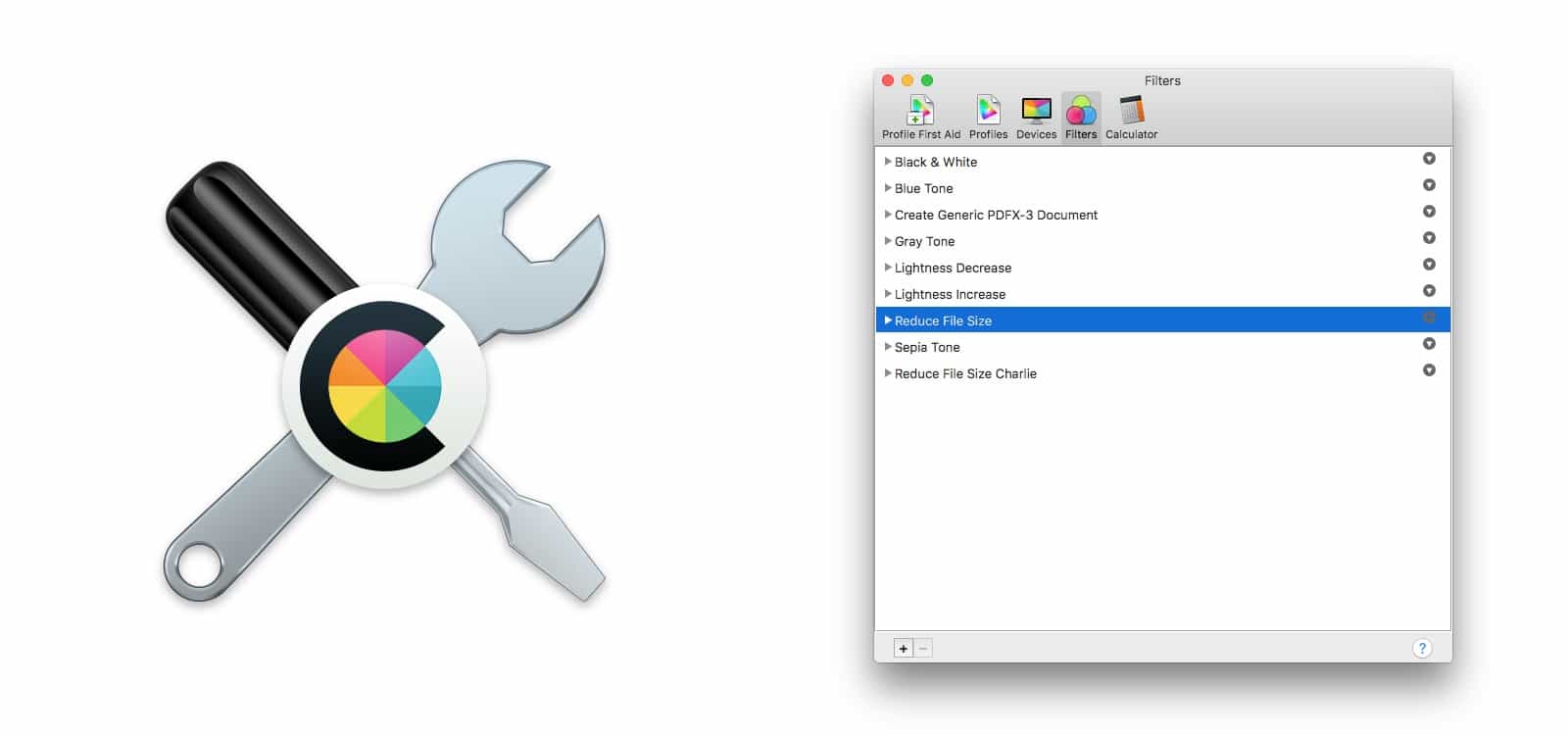
PDFs are fantastic. If you send somebody a PDF, you know it will look exactly the same on their computer as it does on yours. Same if you print it. But if your PDF contains a lot of images, it can quickly swell to an impractical size, making email impossible. Today we’re going to find out how to shrink that huge PDF dramatically, while making almost no difference in quality to the images therein. And we’ll do it using an app that’s already on your Mac, hidden in the Utilities folder: ColorSync Utility.
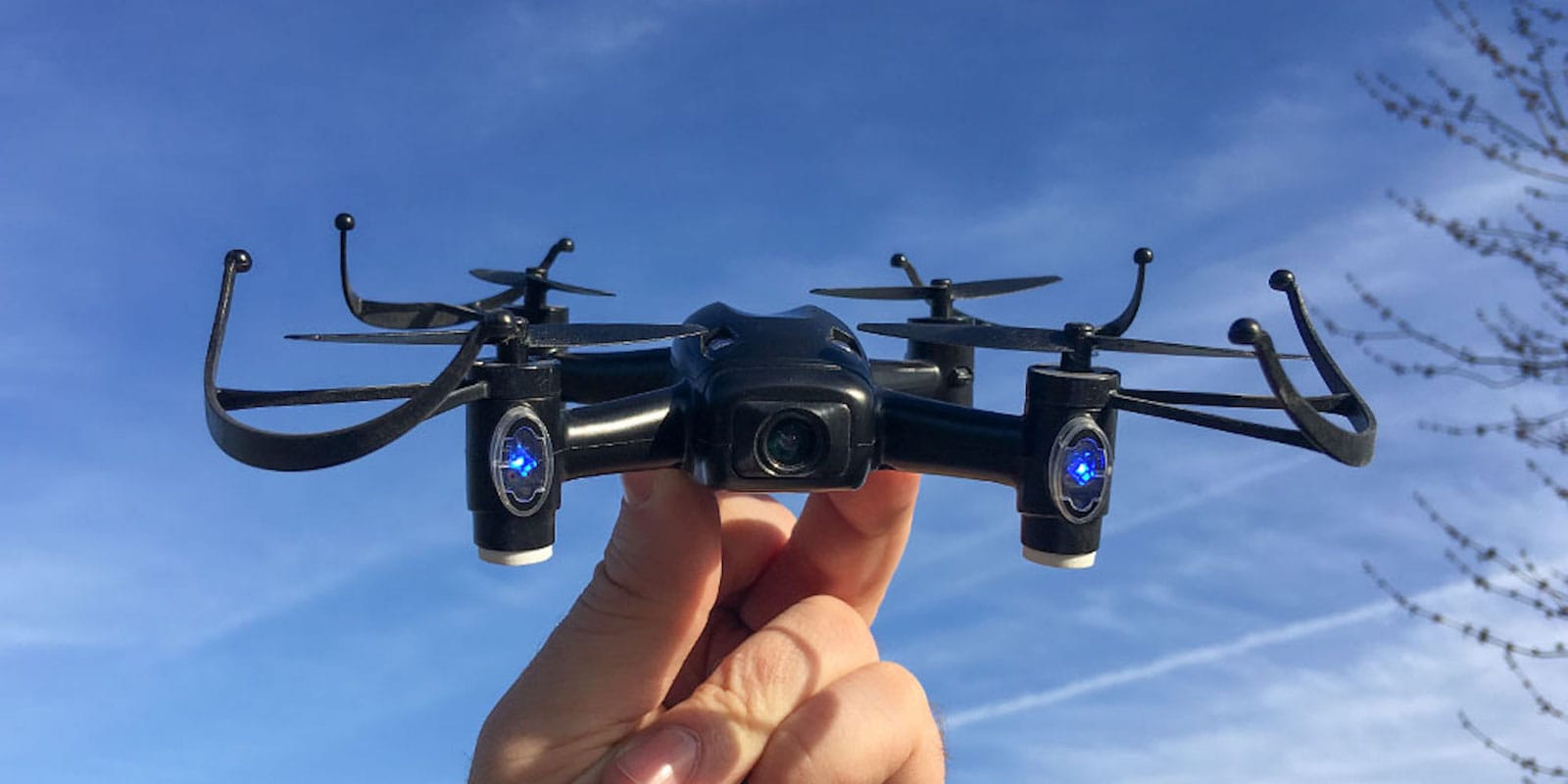
Consumer-level drones are fun, but someone with a proper racing drone can pull aerial moves like Luke Skywalker — and it can make anybody jealous. Racing and doing acrobatics requires a better drone and more experience than most people have money or time for. That makes the Aerix Black Talon an exciting option for anybody looking to up their drone game.
It’s an affordable, high-performance drone that will scratch your itch for speed and maneuverability. It sports a range of flying options, a built-in HD camera and other great features. And right now, you can get an Aerix Black Talon for just $99.99 at Cult of Mac Deals.