Apple has begun charging a fee for its Apple Music trials in some countries.
New users could previously enjoy the service for three months before having to hand over any cash, but those in Australia, Spain and Switzerland must now pay 99 cents.
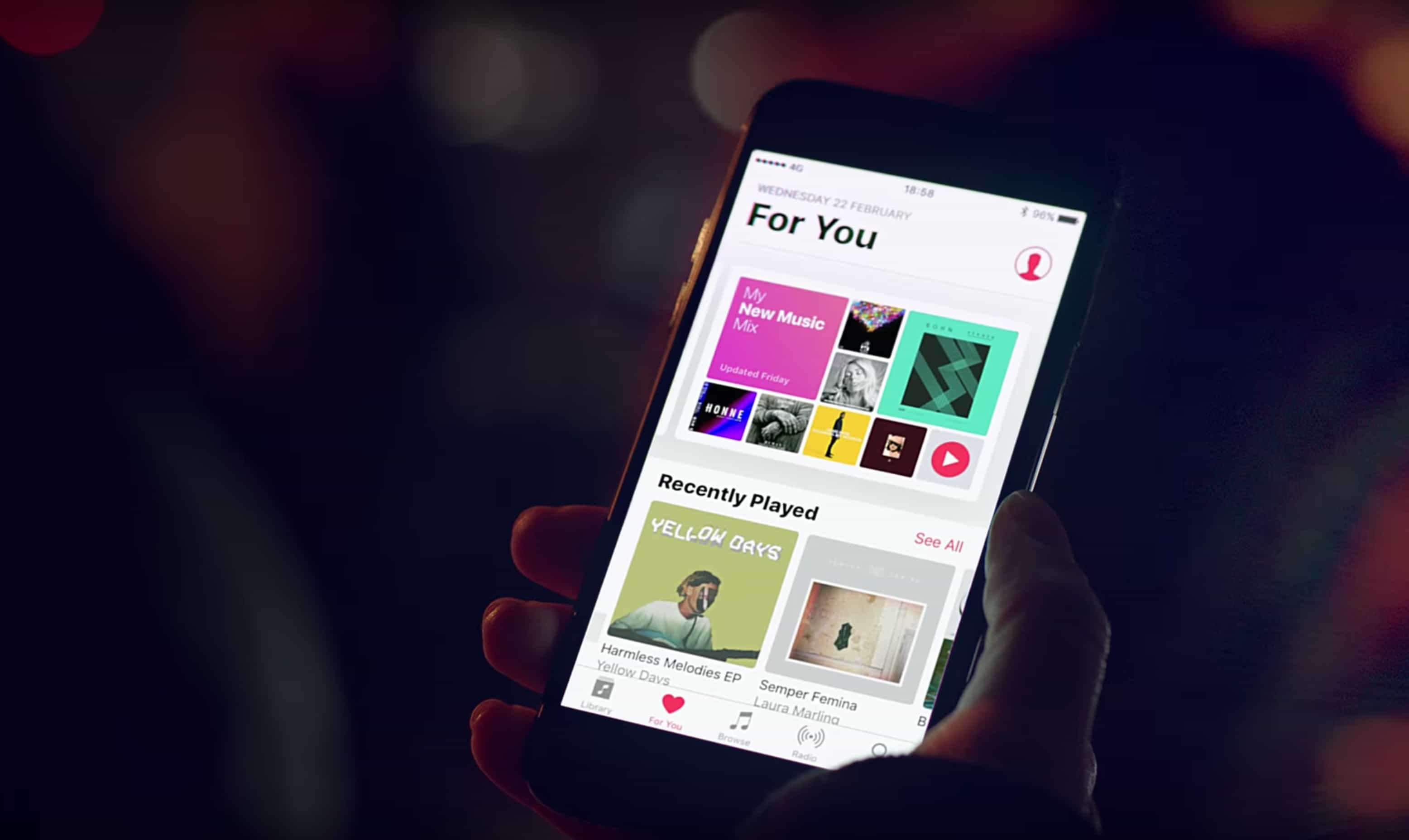
Apple has begun charging a fee for its Apple Music trials in some countries.
New users could previously enjoy the service for three months before having to hand over any cash, but those in Australia, Spain and Switzerland must now pay 99 cents.


A gorgeously illustrated, story-driven game with an utterly unique gameplay mechanic is just one of the titles we’ve picked out for this week’s “Awesome Apps” roundup.
We’ve also got Google’s AI assistant, a classic Capcom game finally landed in the App Store after almost 30 years, and a third party keyboard that’s gotten even better. Check out our picks below.
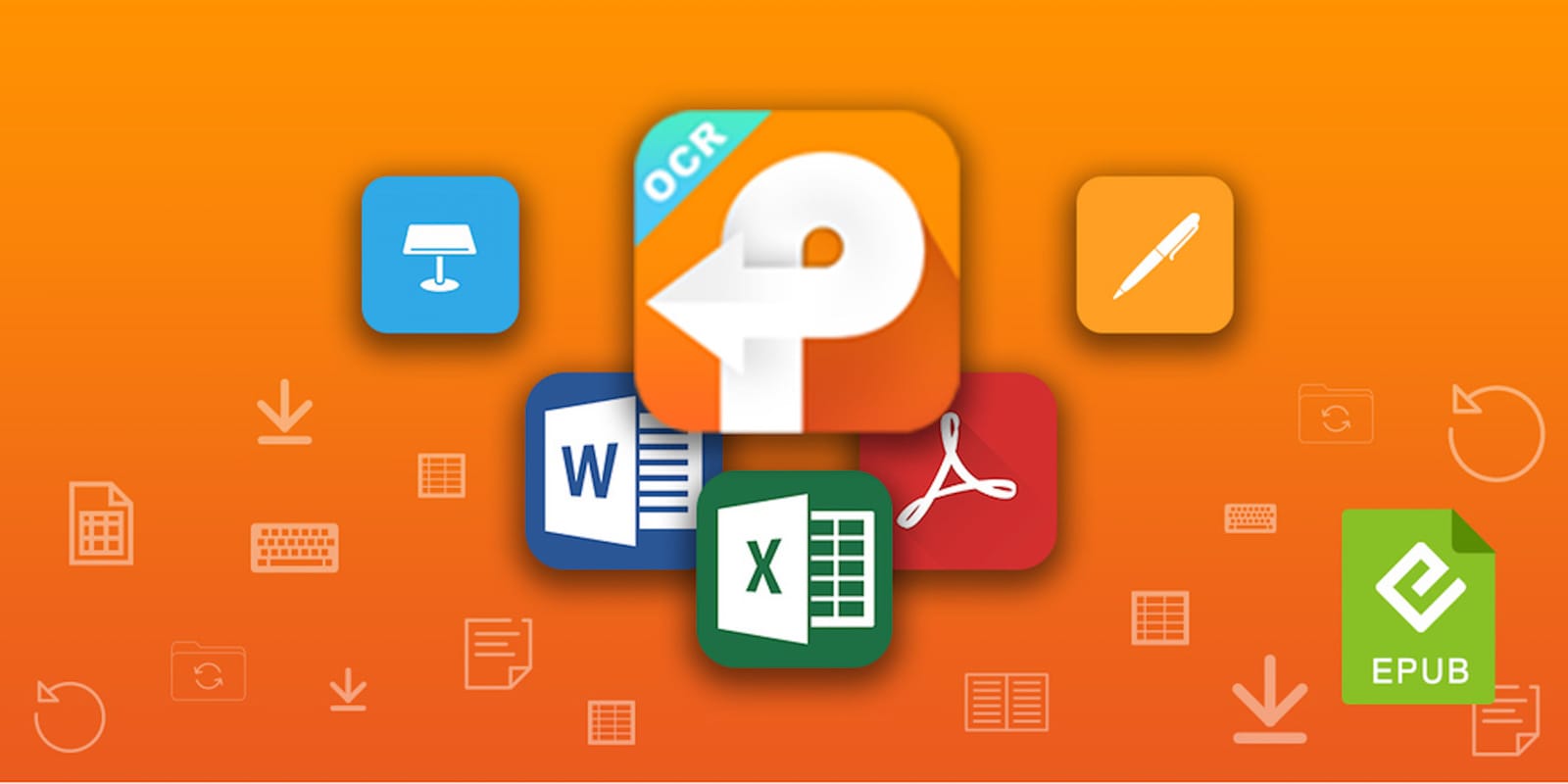
If you work at a computer, PDFs probably cross your desktop on the regular. It’s a content-rich format that can make digital documents a pleasure to read. But when the time comes to make changes to a PDF, you’ve got to have the right tools. PDFConverterOCR is a great example, with the ability to convert native or scanned PDFs into a wide range of fully editable document formats. It’s a must have for anyone who regularly deals in digital documents, and right now you can get a lifetime license for just $19.99 at Cult of Mac Deals.
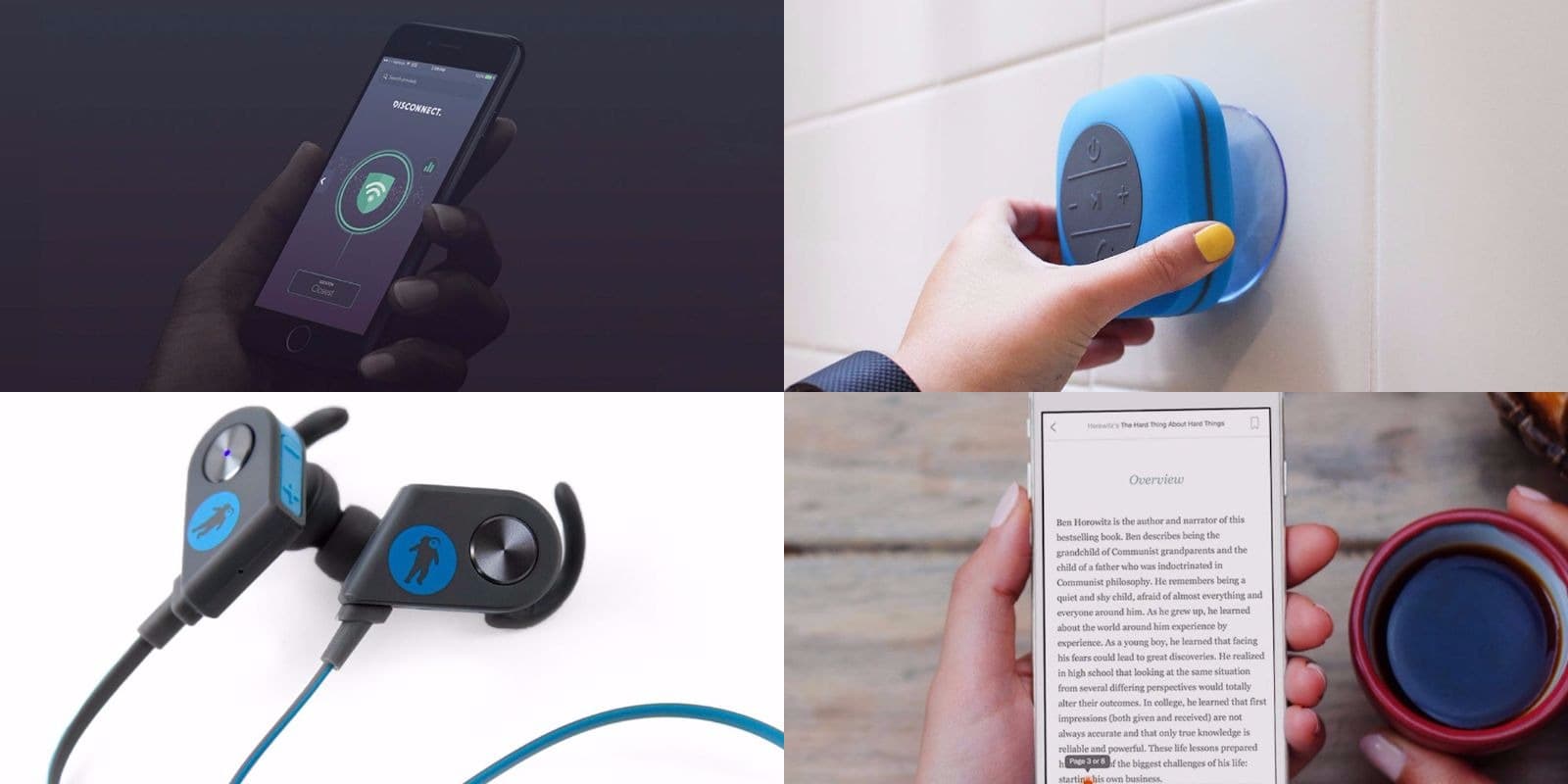
We’re back for another round of the very best deals on gear and gadgets in the Cult of Mac Store. This week, we’ve got an extra huge Bluetooth shower speaker, a simple but powerful mobile VPN, a handy app for cutting down on reading times, and a set of workout-ready Bluetooth earbuds. Everything in this week’s roundup is discounted by 75 percent or more, read on for more details:
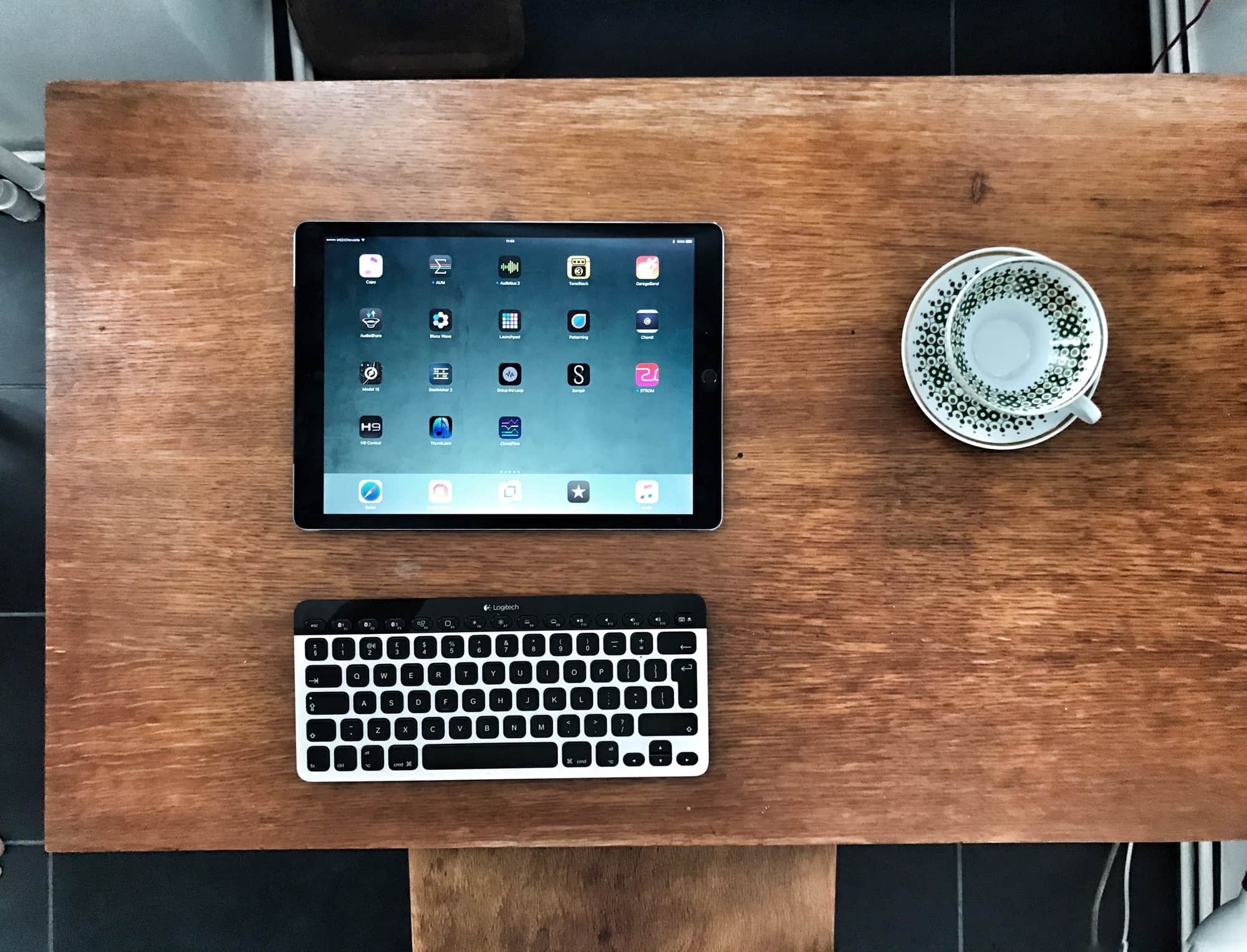
Safari on the Mac is almost entirely controllable by the keyboard. You can open tabs, navigate forms on the page, and search through pages. And even if there’s no built-in shortcut, the Mac lets you add custom shortcuts to any menu item. The iPad isn’t quite so well-served, but you’d be surprised at just how many keyboard shortcuts there are for Safari on the iPad. In fact, there are so many great shortcuts that you may even forget you’re not using a Mac. Let’s take a look.
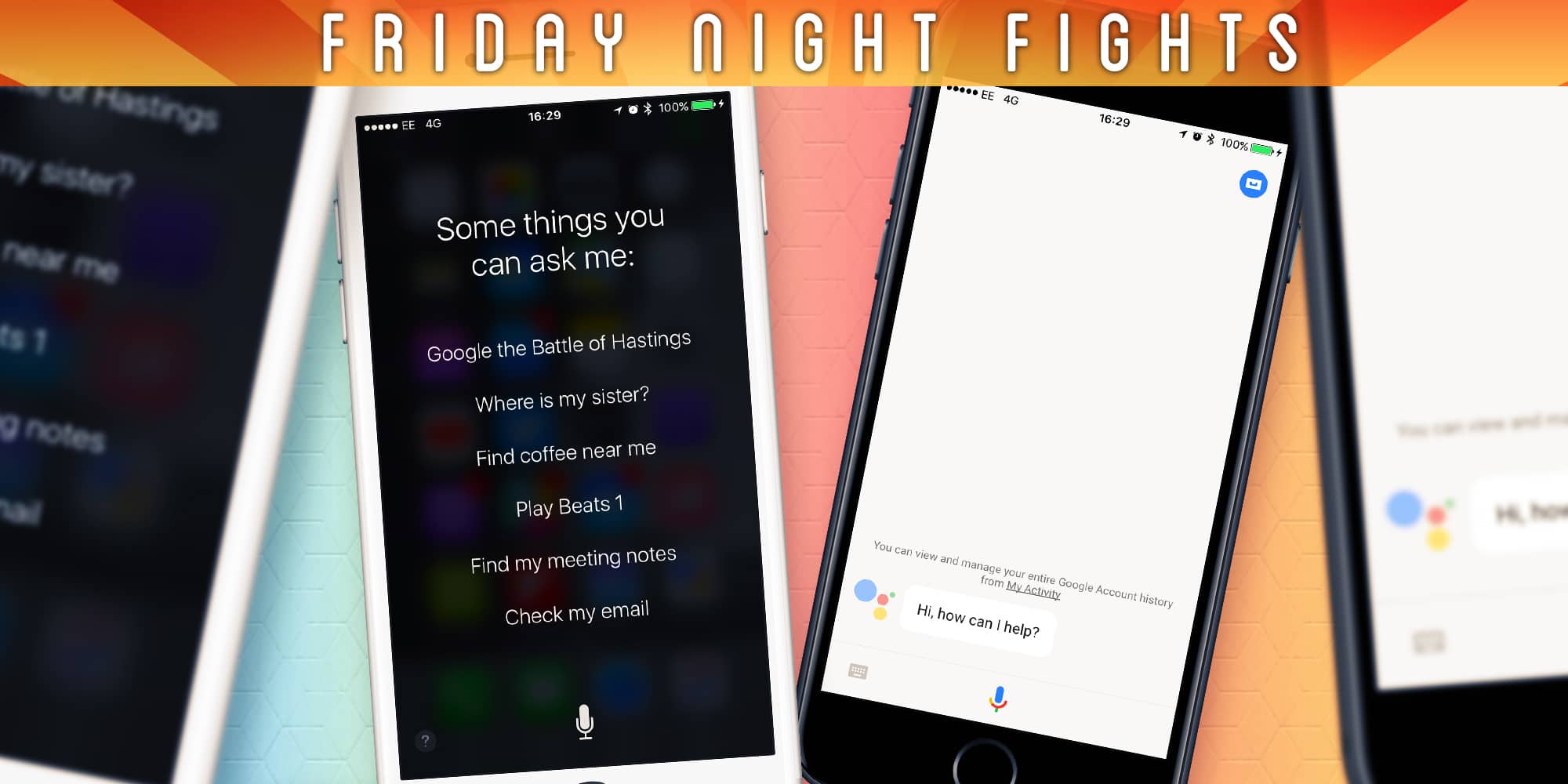
Google brought its Google Assistant to iOS this week, finally giving iPhone fans a taste of the best virtual assistant on the planet. But those on Android are in for so much more, with major improvements on the way, including impressive Google Lens integration.
 The changes make it harder than ever for Siri to catch up. Despite the improvements Apple made with iOS 10, it still feels like Siri is well behind its rivals. Is that gap now too big, or can Apple catch up? Will Siri ever be as good as the Google Assistant?
Join us in this week’s Friday Night Fight as we wage war over virtual assistants.
This post is brought to you by PDF Expert
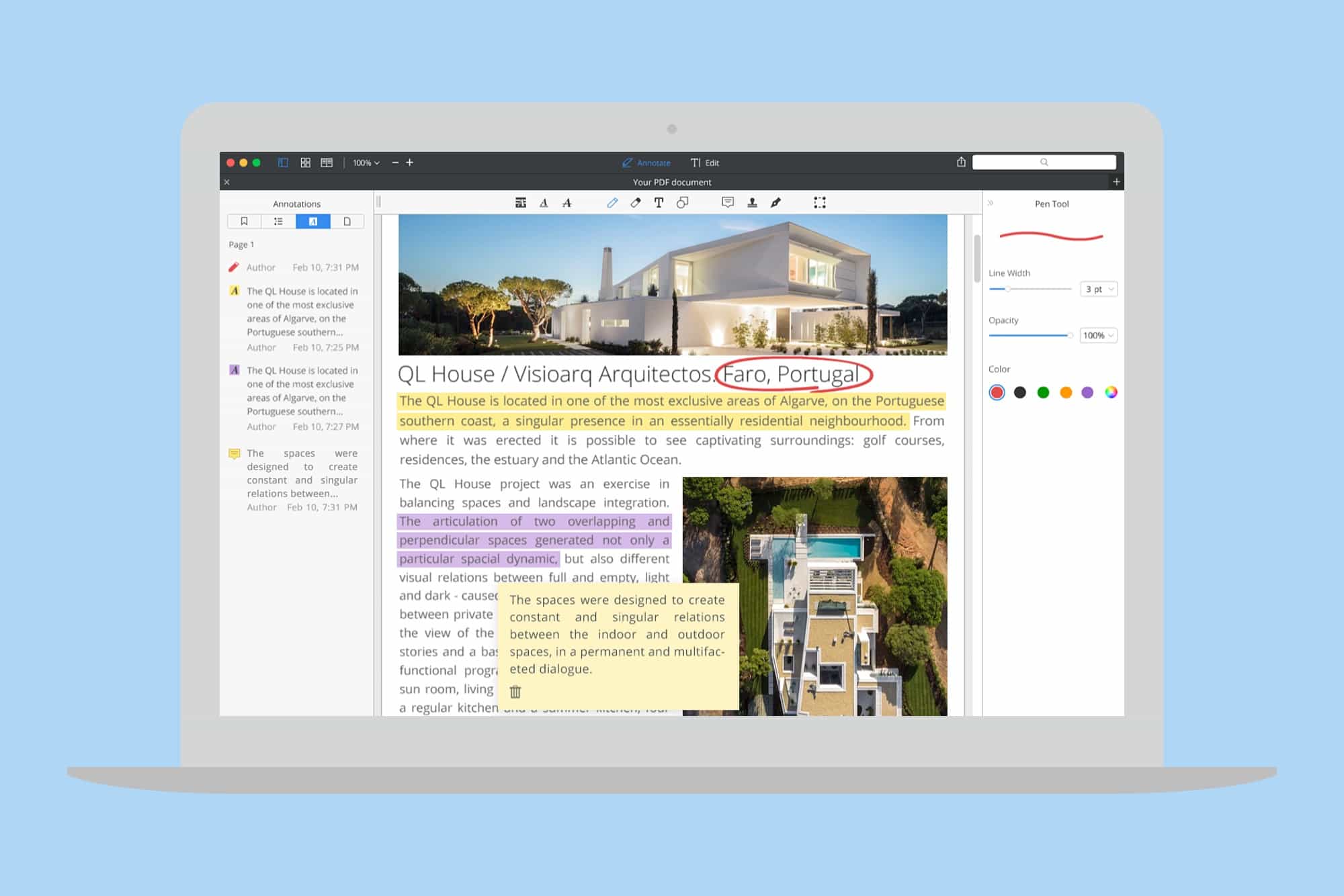
Students take heed: The winter semester is off and running, and it’s going to be time to turn in term papers before you know it. If you’re stressing out about getting through your reams of writing in a timely fashion, we’ve got a suggestion you might not have considered — writing with PDFs.
PDFs not only produce a great looking final document, they also offer a versatile and flexible format for the writing and research process itself. With the right tool, you can build PDF documents that include time-saving annotations, perfect for highlighting the important parts of your research and adding notes along the way. You can organize your work in super useful ways and create a table of contents for easy navigation.
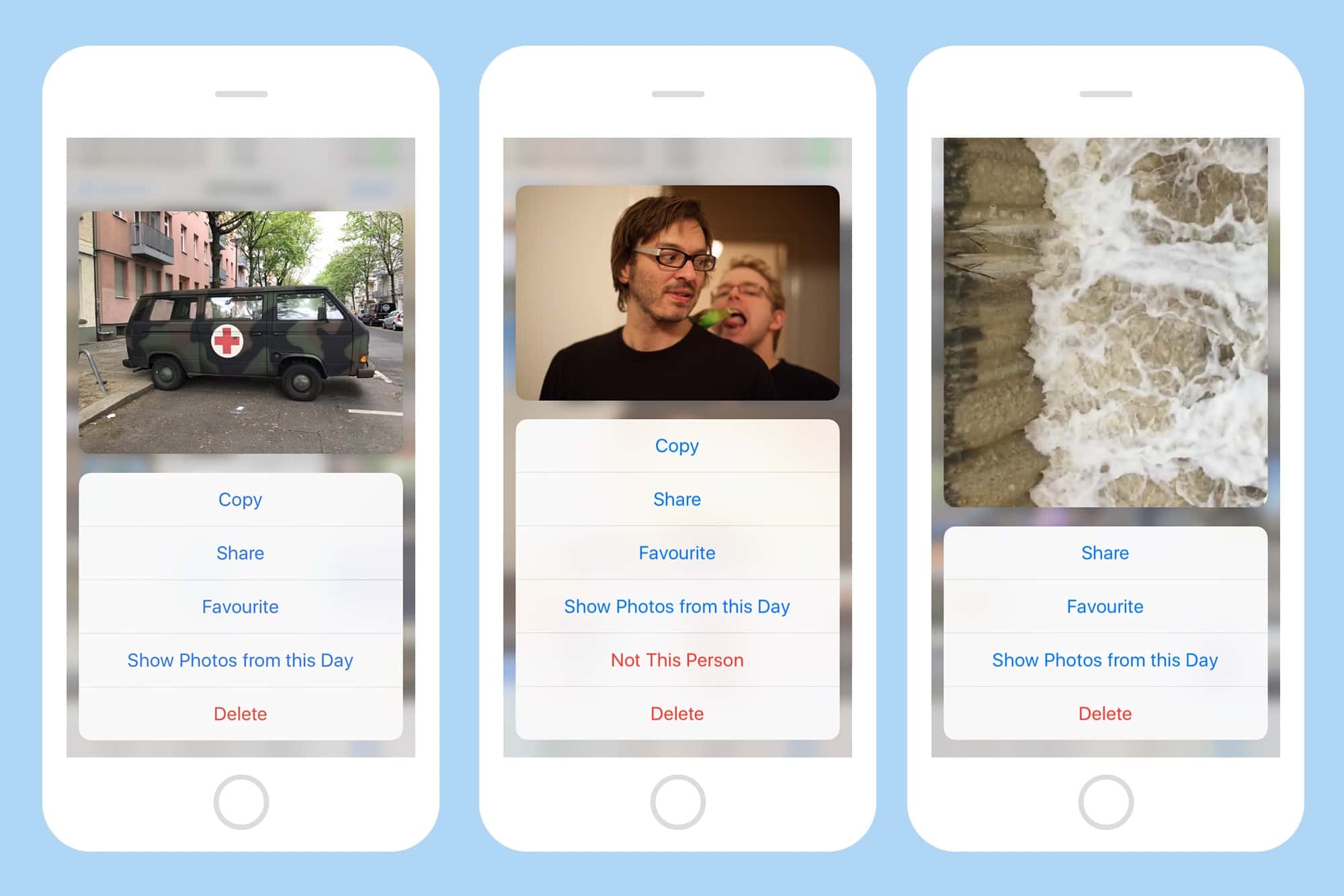
3D touch is the feature that keeps on surprising you. Just when you thought you’d discovered all its tricks, up pops another one. Today we’re going to see how pressing on pictures in the Photos app offers all kinds of handy shortcuts for wrangling Faces, Albums, and Moments.
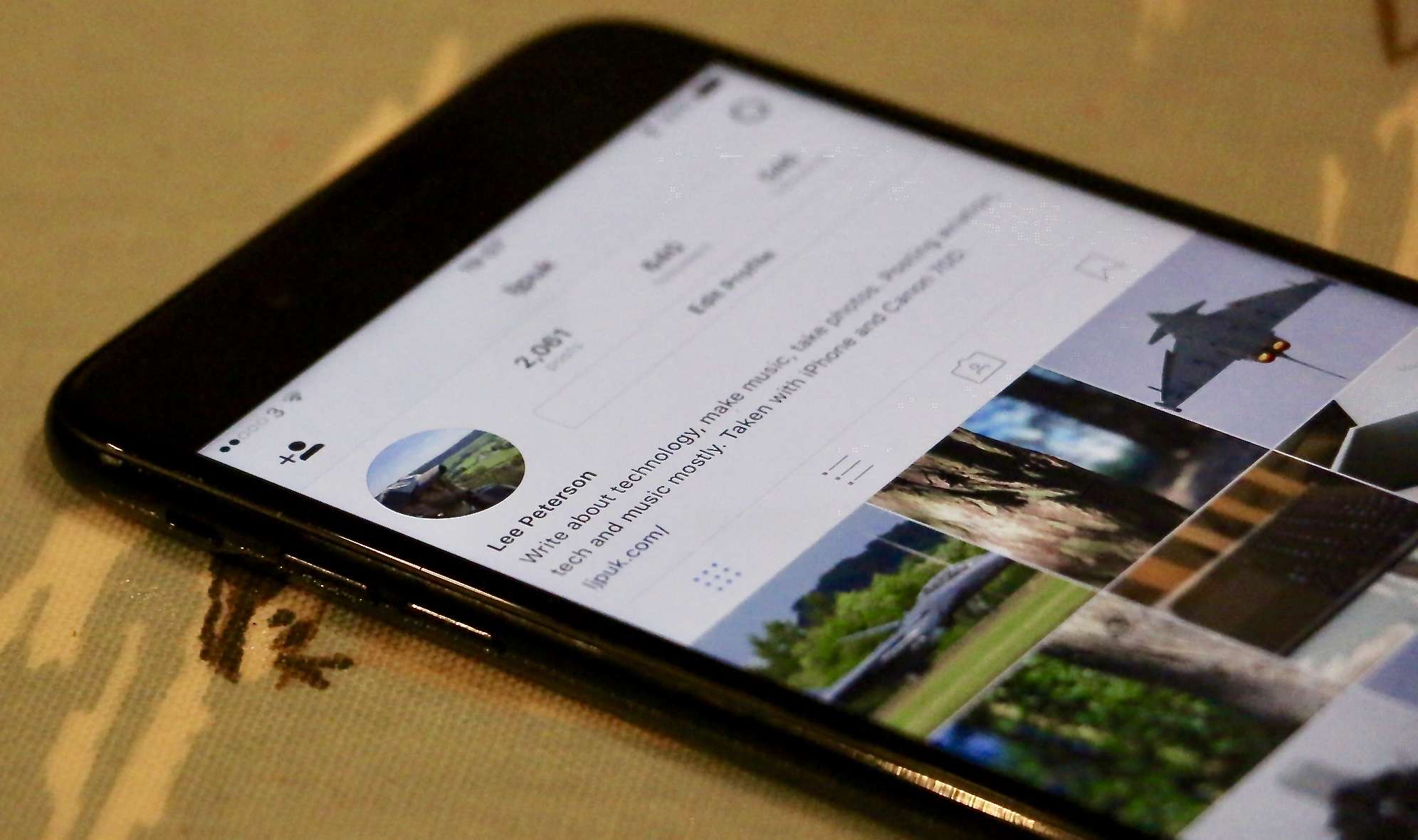
Instagram has been a “mobile first” company ever since its inception. Since then, it has gradually changed its course and brought several features to the desktop and the mobile website. As of now, you can browse your Instagram feed and view notifications on the website. However, there are still app-specific features like Stories and uploading pictures that haven’t made their way to the website.
With features such as Continuity and Handoff bridging the gap between the iPhone and the Mac, carrying the iPhone has become less essential. Unfortunately, I still have to reach for my iPhone when I need to upload pictures or view Stories. Wouldn’t it be great to have these features on the Instagram web version? Let’s see how we accomplish that.
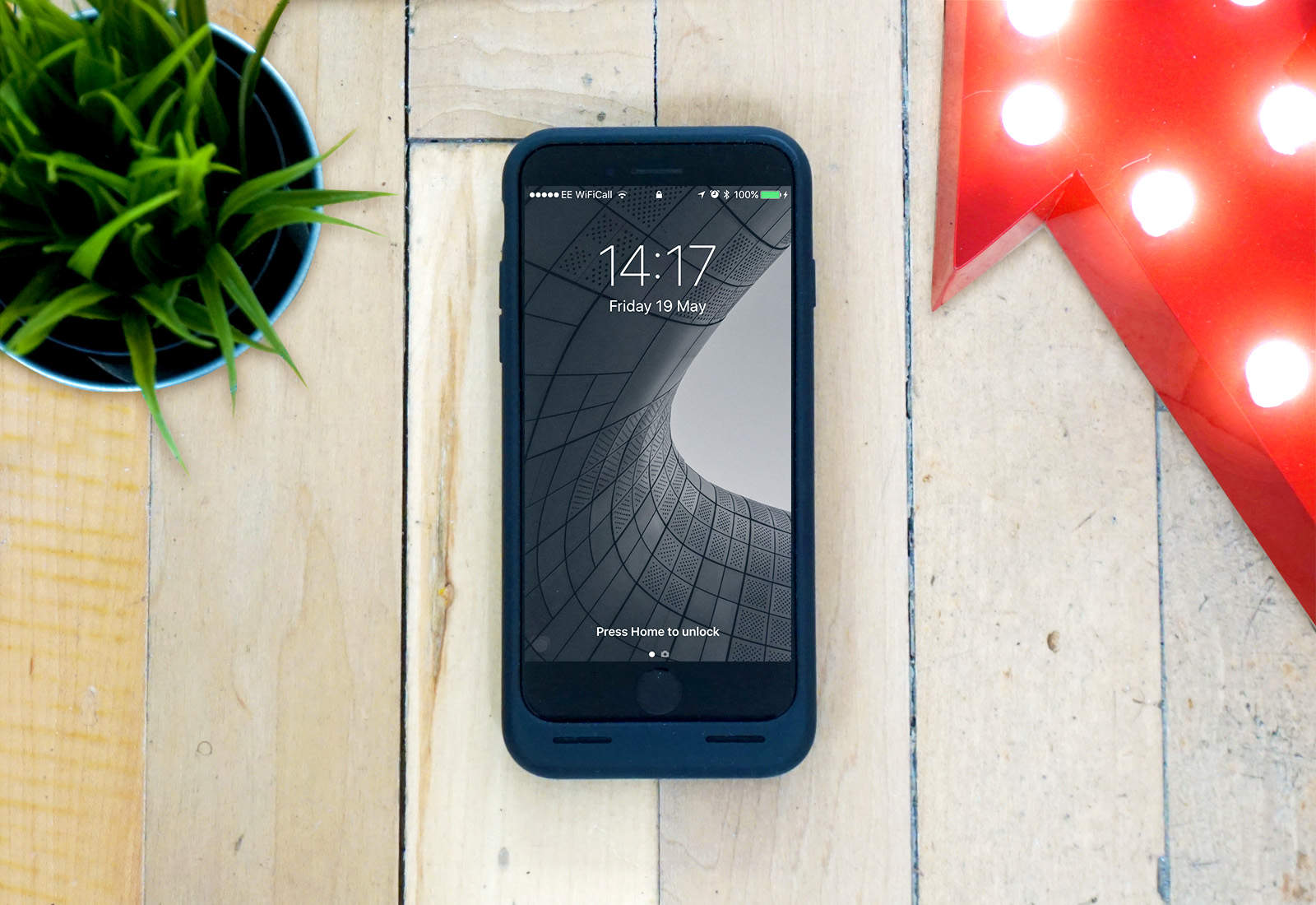
Apple’s own battery case, cleverly titled the Smart Battery Case, has been on the market for over two years now. I had never really taken an interest in it; it was just another battery case, only this one looked like it was pregnant with an iPod.
That was until last week, when I was desperately in need of some form of charger for my iPhone and decided to pick one up. Since then, my thoughts on what was just an ugly, overpriced battery case have totally changed.
Check out the video below to find out why it’s earned a place in my heart — and is now my favorite iPhone case.
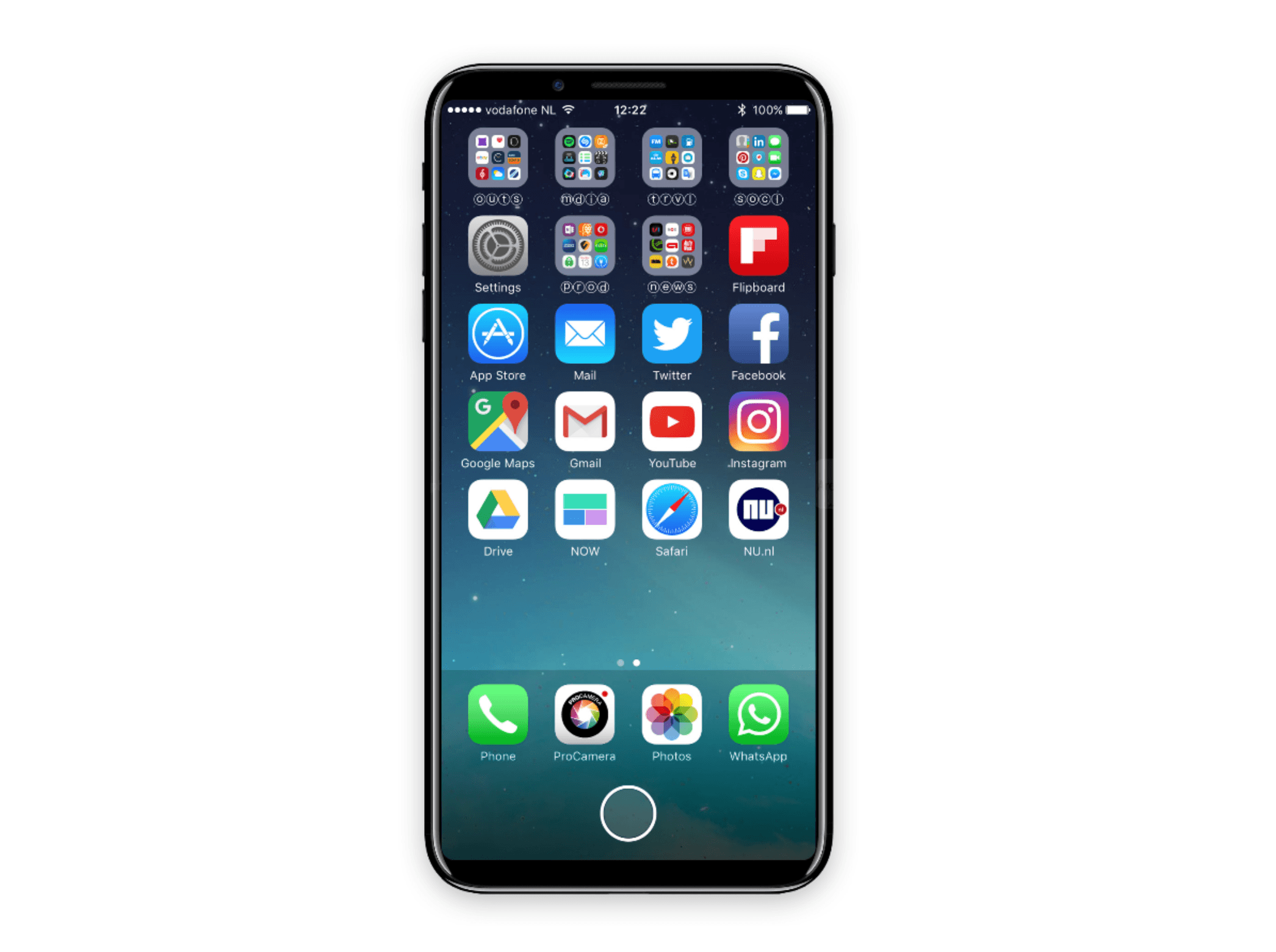
Worry no more about an iPhone 8 delay.
According to the latest rumors surrounding Apple’s next-generation smartphone, a launch will go ahead in September as originally planned. Analysts say they see no delays in the company’s supply chain, and still expect the iPhone 8 to enter mass production on time.

Tis the season for a spring clean, which can mean anything from simple tidying up to a major upgrade. Considering all the money and time you’re likely to spend on any significant improvements, it’d be a big help to get a look at what the final result will be ahead of time. Thankfully, technology offers a ready solution that’s also affordable. Live Home 3D Pro is a powerful Mac app that makes it easy to build fully realized buildings in 3D, from basic structures to complex buildings of any size. And right now you can get Live Home 3D Pro for just $24.99 at Cult of Mac Deals.

Apple has blamed a third-party battery for the explosion of a pair of noise-cancelling headphones.
Apple does not specify which batteries should be used with its devices, and the owner, who was wearing the headphones when they blew up on a flight between Australia and China, is “disappointed” with the company’s response.
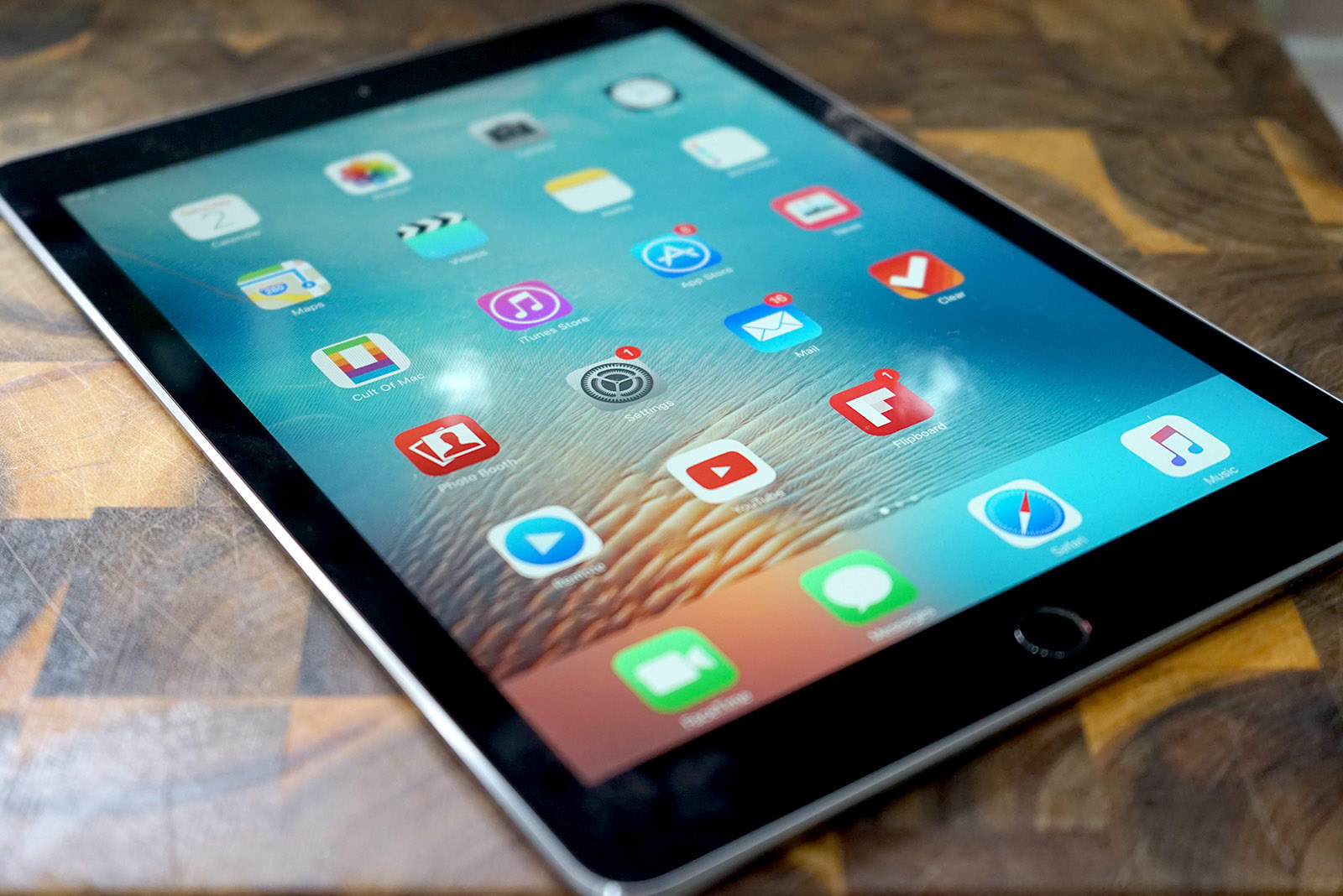
Apple is reportedly planning to increase production of the new 10.5-inch iPad Pro ahead of its official debut.
The device is said to have entered mass production back in March or April, with monthly shipments currently at around 500,000 units. However, in July, that figure will rise to 600,000.

The iOS Photos app might just look like a simple grid-like list, but it has a ton of hidden power. For instance, you can see your photos on a full-screen, 3-D Flyover map. And with one simple swipe on a photograph, you can see where it was taken, see other photos taken nearby, and collections photos that your iPhone figures are related to the one you’re looking at. It’s a fantastic way both to find out more about your pictures, and to browse. After all, why limit yourself to flipping through pictures, one by one, in the order you shot them, like some film-camera using hipster luddite, when you can see your photos on a map in Apple’s glorious 3-D Flyover view?
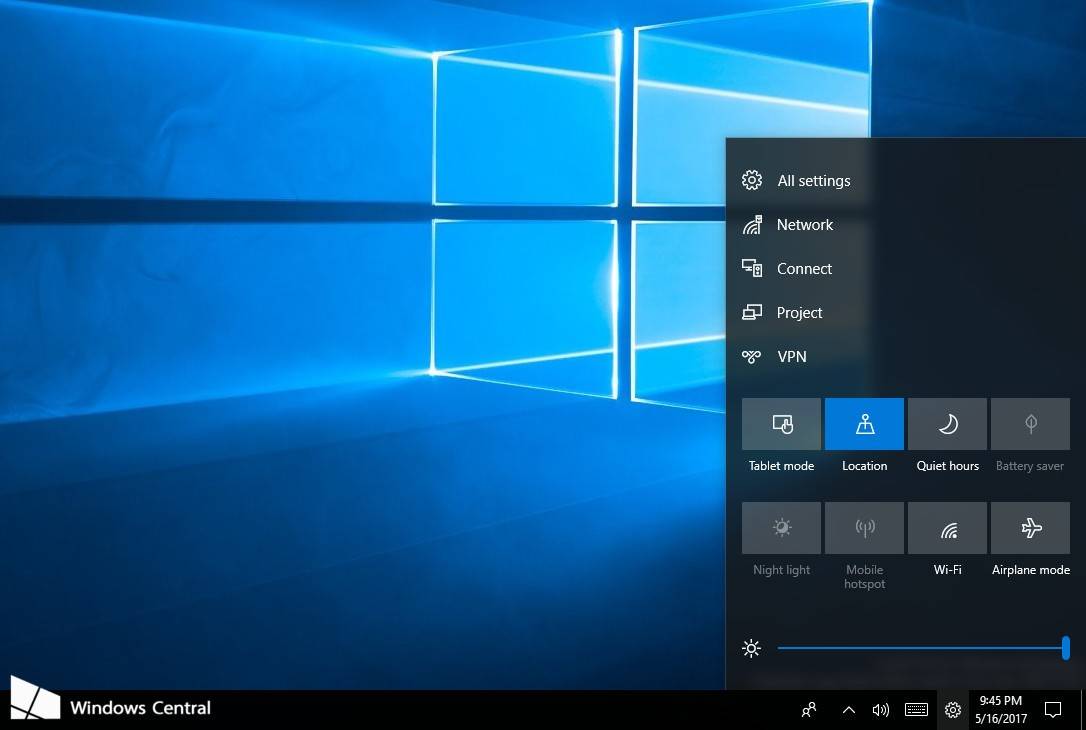
As part of some big improvements coming to Windows 10, Microsoft is stealing the iOS Control Center to give users a quick and easy way of changing display brightness and toggling settings from the desktop.
Unlike Apple’s Control Center, however, Microsoft’s will be customizable.
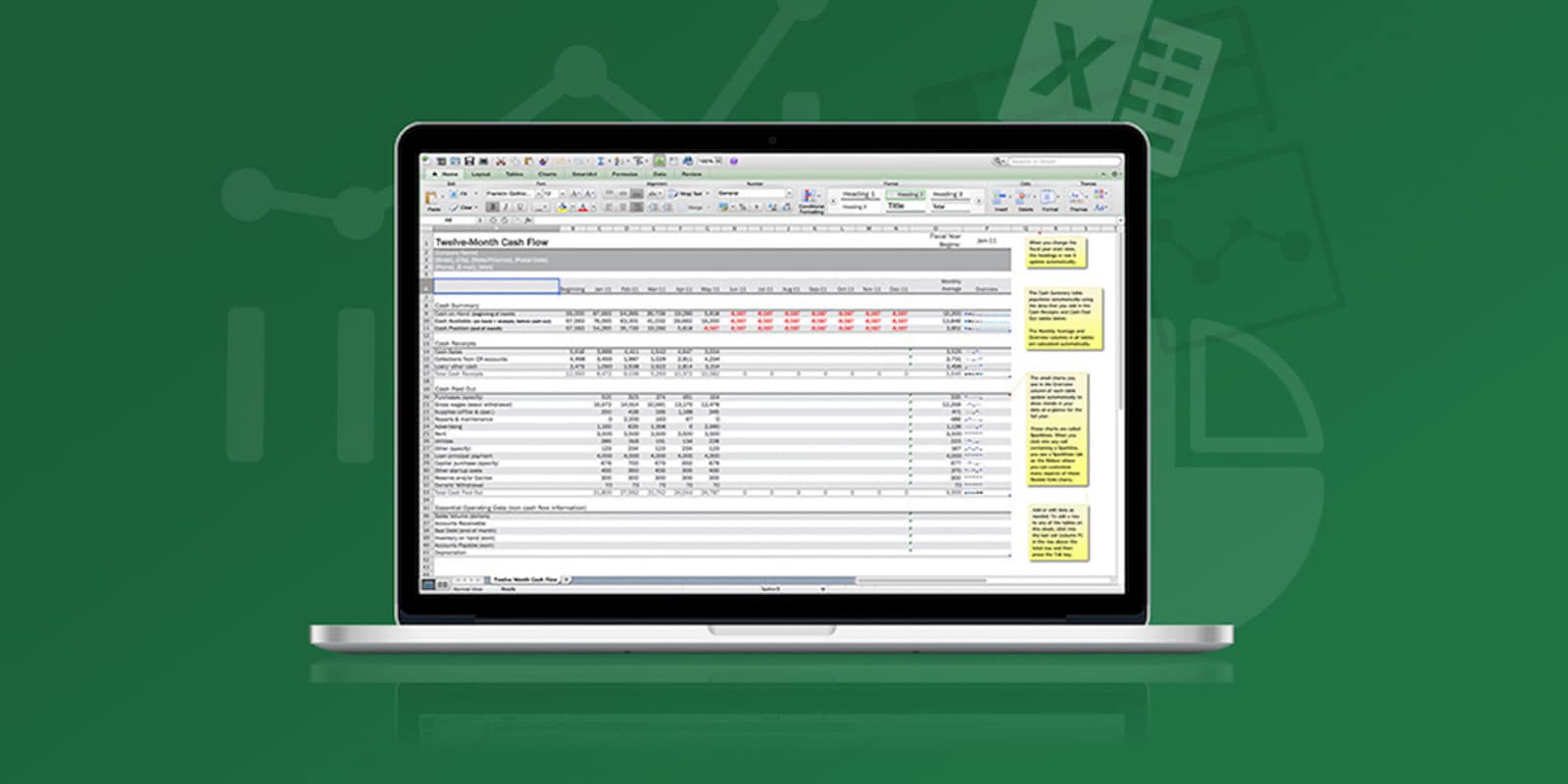
In the modern office, Excel spreadsheets are a part of daily life. Whether tracking invoices and expenses, organizing projects, doing advanced math or just keeping track of phone numbers, these days a mastery of Excel is one of the most portable and useful skills you can have. But let’s face it, for all the benefits of doing so, learning Excel isn’t something most of us have made time for. But with this pair of lessons in Microsoft’s mighty spreadsheet software, you can up your skills and get certified to prove it whether you’re just a beginner or already a pro. And right now, you can get the whole shebang for just $15 at Cult of Mac Deals.
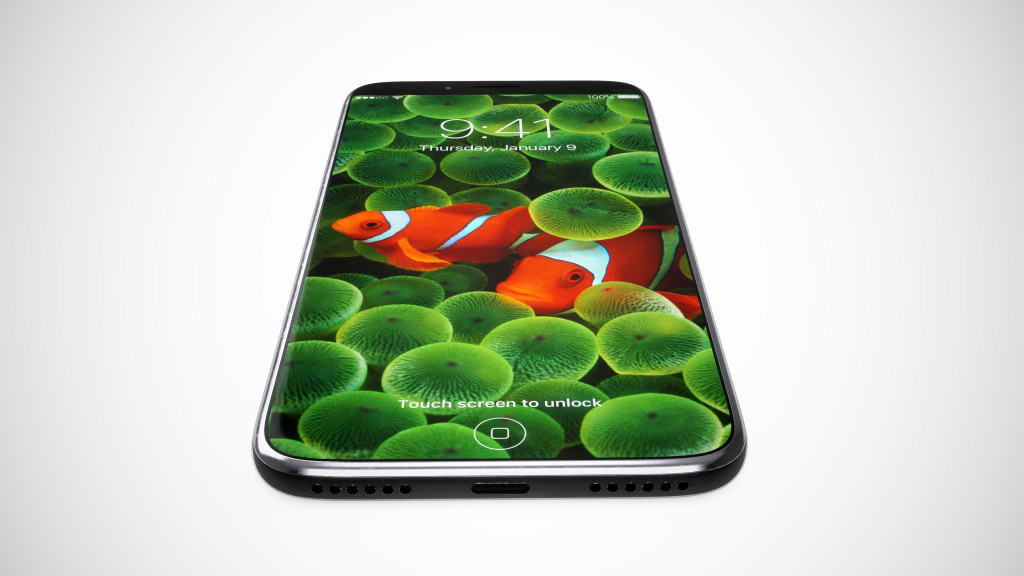
Even the biggest of iPhone fans would admit that the device has become somewhat boring in recent years, but that hasn’t had any impact on loyalty to the Apple brand.
According to a new study, a whopping 92 percent of iPhone owners who plan to upgrade within the next 12 months will choose another Apple smartphone. That’s the highest retention rate among any smartphone maker, and it suggests iPhone 8 will be huge.

Instagram just added Face Filters, letting you add things like spectacles, bunny ears, and princess’ tiaras to your video selfies. Right now, you can only share these clips to your Instagram Stories, or send them directly to other users. But there’s a workaround that lets you post them like regular Instagram videos, putting them in your feed for all your followers to “enjoy.” Let’s find out how.

Google Assistant may have just made its way to iPhone, but it’s not even close to the most exciting thing to come out of Google I/O today.
That would be all of the incredible new features coming to Google Photos, including new sharing options, stunning Photo Books you can build in just a few taps, intelligent photo editing, and Google Lens integration.

Google Assistant is ready to do battle with Siri on its home turf.
iPhone users can now get their hands on the dedicated Google Assistant app for iOS, but don’t expect it to offer everything you get on Android.
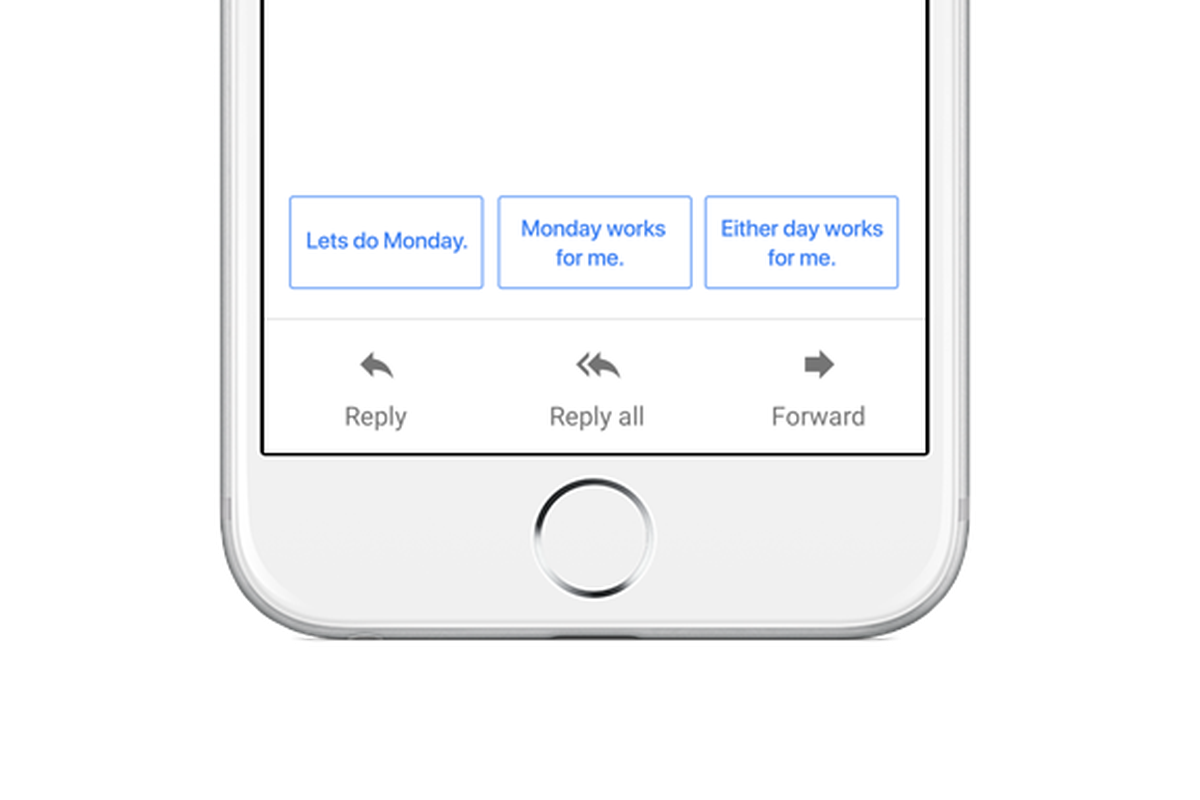
The official Gmail app for Android and iOS is getting Google’s impressive Smart Reply feature.
By taking advantage of machine learning, Smart Reply can help you power through outstanding emails in your inbox by suggesting suitable replies that are friendly and conversational.

The internet has become awash with apparent iPhone 8 schematics and fan-made mockups in recent months, but these images claim to reveal the final design of a real device in all its glory.
The design looks familiar, proving previous leaks were right on the money, with glass panels flanking the front and back of the device, a redesigned iSight camera module, and a shiny metal frame that holds everything together.

The coming internet of things is going to require a lot of, well, things. If you’ve got an interest in building physical devices that run on digital DNA, the best place to start is with Arduino. With their simple electronics platform, you can bring almost anything your mind imagines into the real world. From games, gadgets and toys to sensors, robotics and way beyond, Arduino is the ideal canvas for any mechanically-inclined creative. If you’re interested and not sure where to start, or a seasoned builder looking to sharpen your skills, you’ll want to see this pair of can’t-miss deals on a top shelf Arduino board and a set of eight instructional e-books. Read on for more details:

Apple’s first iOS 10.3.3 beta, rolled out to registered developers on Tuesday, hints at a 12.9-inch iPad Pro refresh is imminent. The device could get its unveiling next month at WWDC, alongside iOS 11 and the rumored 10.5-inch iPad Pro.