Mobile menu toggle

Top stories - page 561

Delete workflow distractions with this essential app [Deals]

By

Pagico 8.7
Pagico keeps your computer a tool for productivity, instead of a wormhole of distraction.
Photo: Cult of Mac Deals

As much as our computers help us get work done, they’re just as good for keeping us distracted. For every minute of work, there’s a minute of cat GIFs to binge on, games to be played, feeds to be perused. Pagico keeps your eye on your work by making it a lot more engaging and intuitive. Their app offers a one-stop for turning your tasks, notes, and projects into beautiful interactive flowcharts that defy distraction. The latest version will keep you on task when diversions arise, and will help to make work minutes even more productive. And right now, you can get Pagico 8.7 for just $19.99 at Cult of Mac Deals.

App Store developer earnings surpass $70 billion

By

Downloads have grown 70 percent over the last year.
Photo: Ste Smith/Cult of Mac

Developers have now earned over $70 billion from the App Store since it opened its doors in 2008. Apple says downloads have grown over 70 percent in the last year alone, thanks in part to “breakout hits” like Pokémon GO and Super Mario Run.

Use AudioShare to slice, dice, zip, and share audio files on iOS

By

audioshare
If there was a music app that was like a kind of military tool from a neutral European country, then AudioShare would be it.
Photo: Cult of Mac

There’s no iTunes for iOS. Thank God, some may say — after all, iTunes on the desktop is Apple’s Office, a bloated, do-it-all app that does nothing well, and is impossible to kill. But this also means that there’s no good way to save and wrangle music files on iOS — not from Apple at least. Which is where Kymatica’s AudioShare comes in. AudioShare is really a tool for musicians and other folks who work with sound, but it is so useful, and so easy to use, that everyone should have it on their iPhone and iPad to deal with audio files of all kinds.

Get drawing tips as we cover WWDC with sketchnotes

By

Andy McNally/ Cult of Mac

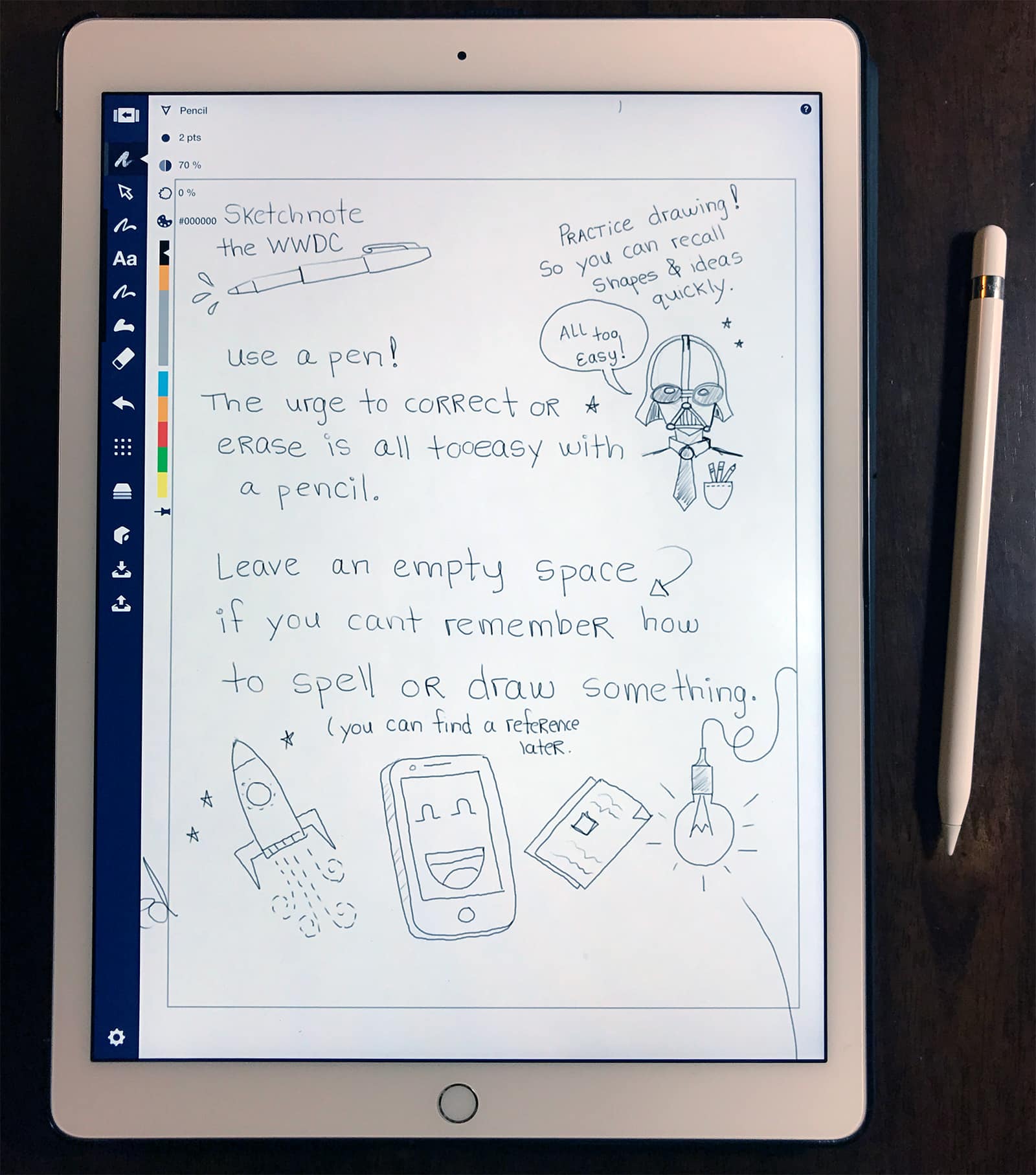
“Sketchnotes” are an increasingly popular form of visual note-taking. By combining text and images, sketchnotes are not only beautiful, but often easier to recall than text alone. The technique is an effective way of capturing notes and ideas in the classroom, meetings and conferences.

All next week, illustrator and senior UX/UI designer Andy McNally will be sketchnoting Apple’s Worldwide Developers Conference (WWDC) for us, starting with the big keynote on Monday.

Andy has been covering Apple’s events as sketchnotes for some time. We ran some of his sketchnotes from last year’s event, which proved very popular. He’s back again this year, and is planning to publish sketchnotes from a variety of sessions at the conference.

Before he gets started, Andy shared some tips and techniques for getting started on sketchnoting yourself. Let’s take a look:

BYOA! Build your own apps with this killer App Builder Bundle [Deals]

By

CoM - The 2017 iOS 10 Complete App Builder Bundle
Get in on the app building game with this comprehensive set of lessons.
Photo: Cult of Mac Deals

Any time is a good time to sharpen your skills for creating apps. The market for mobile and desktop applications is as hot as ever, and any extra skill in developing for iOS will make your work that much more marketable. With more than 250 hours of lesson content, this bundle of nine comprehensive courses can offer a jumpstart to anyone looking to get involved in app development, or sharpen the skills of even seasoned coders. And right now, you can get the 2017 iOS 10 Complete App Builder Bundle for just $59.99 at Cult of Mac Deals.

How to quickly search settings in iOS

By

iOS search settings
You'll be surprised at the how many settings are unearthed by a simple search.
Photo: Cult of Mac

The iOS Settings app is more like a chaotic junk drawer that a neatly-organized filing cabinet. Back when the iPhone launched, it was tidy, with only a few items, all methodically arranged. Then, as more and more features were added to iOS, their settings were tossed in there like you toss spare keys into that kitchen drawer with the rubber bands and spare fuses. Unlike a real junk drawer, though, which will slice your fingers with hidden tools and pieces of broken teacup if you rummage too hard, the Settings app has a way to ignore the detritus and get straight to the setting you want: Search settings. This feature is essential, but very few of the folks I asked about it this week even knew it existed. This how-to is for them, and for anyone else who hates changing settings.

Mac lover’s funny video throws serious shade at Apple

By

Roberto Hoyos is singing out of desperation.
Photo: Roberto Hoyos/YouTube

Roberto Hoyos has a message for Apple that is made in fun but is deadly serious and is said – well, sung – on behalf of many frustrated Mac users.

The founder and CEO of Throwboy, the maker of emoji pillows and other plush toys inspired by digital culture, has made a music video that parodies Ed Sheeran’s Shape of You, but warns Apple that Mac users will soon turn to PCs if they don’t get a major update on iMacs and MacBook Pros soon.

North Korea gets its own ‘iPad’ knockoff

By

The Ryonghung iPad has more than 40 apps!
Photo: NK News

Recent rumors have promised exciting iPad launches this year, but none of them warned us about the Ryonghung iPad.

That could be because it wasn’t made by Apple. It’s a North Korean knockoff with an ugly design and terrible specifications, but it steals the iPad name in an effort to be more popular in a marker where Apple’s lawyers are unlikely to come knocking.

Drone flyover video shows Apple Park nearing the finish line

By

Apple hQ
Apple Park doesn't quite look like this yet, but it's getting there.
Photo: Apple

It’s almost the start of a new month, so that can only mean one thing: the latest Apple Park drone flyover video.

As with the latest flyover videos of the site, this video shows that construction work on buildings is almost complete, with only minor touches still to be done. However, the most significant work is on landscaping the massive site — which is likely to extend through the rest of 2017.

Check out the video below.

Intel’s next chips will be 30% faster than Kaby Lake

By

Intel Coffee Lake
Intel's Coffee Lake processors have a lot of potential.
Photo: Intel

Intel’s next-generation Coffee Lake processors will be up to 30 percent faster than today’s Kaby Lake chips, the company has confirmed.

Its eight-generation CPUs will be manufactured using the same cutting-edge 14-nanometer process it is already using — and it’s great news for future MacBooks.

The smartphone controlled plane that’s simpler than a drone [Deals]

By

Moskito: Smartphone App Controlled Airplane
This lightweight little airplane is easy to fly and controllable straight from your smartphone.

It’s easy to be jealous of the guy or girl playing with a drone at the park. With the Moskito, you too can have a flying gadget that turns heads wherever it goes. But this is no drone. It’s more like a futuristic version of those lightweight wooden planes you used to throw around as a kid. Only this one is much better built and controllable straight from your smartphone. It’s like something from the Jetsons, just throw it into the air and it flies. This is a simple, portable, and eye-catching way to have fun outside, and right now you can get a Moskito Smartphone App Controlled Airplane for only $44.99 at Cult of Mac Deals.

Android creator takes wraps off new Essential Phone

By

Essential Phone
Essential Phone will expand its reach to new markets.
Photo: Essential

Android creator Andy Rubin has finally unveiled his new Essential Phone, a device that aims to break barriers with a unique design and support for modular upgrades.

Its edge-to-edge display and sleek form factor make the iPhone look even more outdated, while its internal specifications give even the Galaxy S8 a run for its money.

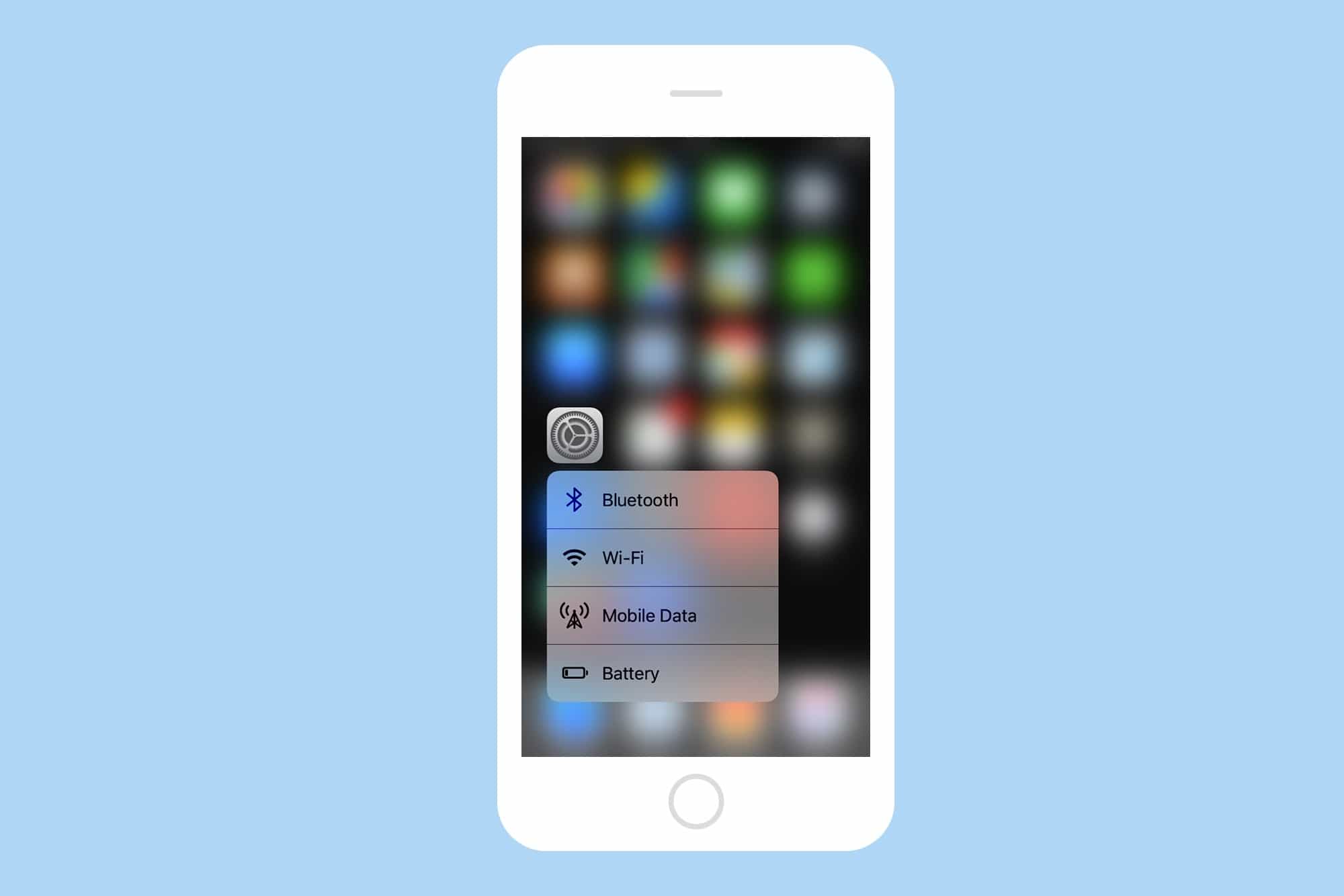
How to quickly change iOS Settings with 3D Touch

By

3d touch settings shot
Get quick access to the settings you change the most.
Photo: Cult of Mac

Perhaps the best way to ease yourself into the relaxing, time-saving bathtub of increased productivity that is 3D Touch is to start by pressing a little harder on Apple’s own app icons. Specifically — in today’s article at least — the Settings app icon, where you will find quick-access shortcuts to your most often-used settings. Let’s take a look:

Dive deep into Adobe Creative Suite’s design potential [Deals]

By

Graphic Design Certification School

Photo: Cult of Mac Deals

Adobe makes the tools that digital creatives use to make their work. Their Creative Suite can take years to master, but if you’re looking into a career in digital design, you’ll have to. Luckily, we’ve found a great deal on essential education in Adobe’s top design tools. Clocking in at over 40 hours, this set of courses c0vers Adobe Photoshop, InDesign, and Illustrator, offering a way to learn essential design skills or refine your existing chops. Even better, those hours also count toward a Continuing Professional Development (CPD) certification. And right now, you can sign up for the entire Graphic Design Certification School for a massive discount, just $47.99 at Cult of Mac Deals.

Magikarp Jump, 4K Video Downloader, and other awesome apps of the week

By

Awesome Apps
'Appy Memorial Day weekend!
Photo: Ste Smith/Cult of Mac

The surprisingly addictive new Pokémon game, starring everyone’s favorite fish Pokémon Magikarp, is just one of the great titles we’ve picked out for this week’s “Awesome Apps” roundup.

We’ve also got a tremendous free video downloading tool, a SEGA classic gone free, and a slate of productivity apps that now let you easily drag and drop content between them on your iPad.

Check out our picks below. There’s really no better way to spend the middle day of the Memorial Day weekend!

You should never go online without VPN protection [Deals]

By

CoM - VPN Unlimited- Lifetime Subscription
This powerful VPN will let you browse online safely and anonymously, for life.
Photo: Cult of Mac Deals
Going online is risky business. The many hazards and headaches of the internet include identity thieves, corporate and government data snoops, restrictions on content based on location, just to name a few. One surefire way to sidestep all of these issues and more is to log in with a virtual private network. With this deal from VPN Unlimited, you can get lifelong protection for all of your devices, anywhere you use them. Right now, you can get a lifetime subscription for just $39 at Cult of Mac Deals.

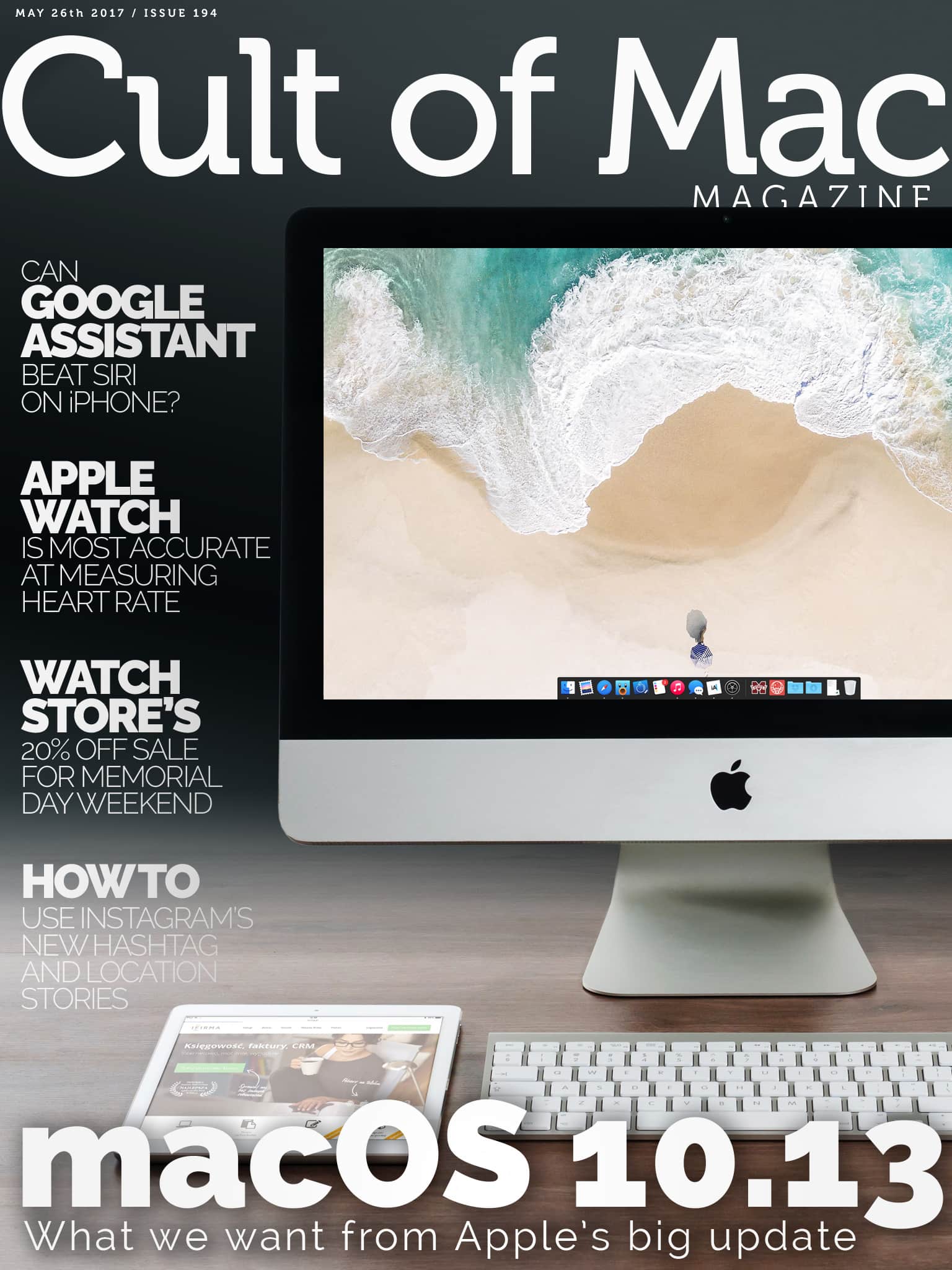
Cult of Mac Magazine: Huge Memorial Day sale at Watch Store, macOS 10.13 update, Google Assistant vs. Siri, and more!

By

x

Photo: Ste Smith/Cult of Mac

In this week’s Cult of Mac Magazine, we give you our wish list for macOS 10.13, which will be introduced by Apple in two weeks at the WWDC.

Take advantage of our massive Memorial Day weekend sale at Watch Store, where we offer 20 percent off a large selection of Apple Watch bands an chargers from top name brands: JUUK, Clessant, Form Function Form, Just Mobile, Jack Foster and more. Sale starts today, so get shopping!

Here are this week’s top stories.

Reach new levels of digital creativity and productivity [Week’s Best Deals]

By

collage-2017-05-23 (1)
The apps and accessories in this week's best deals will add new dimensions of productivity and efficiency to your Mac.
Photo: Cult of Mac Deals

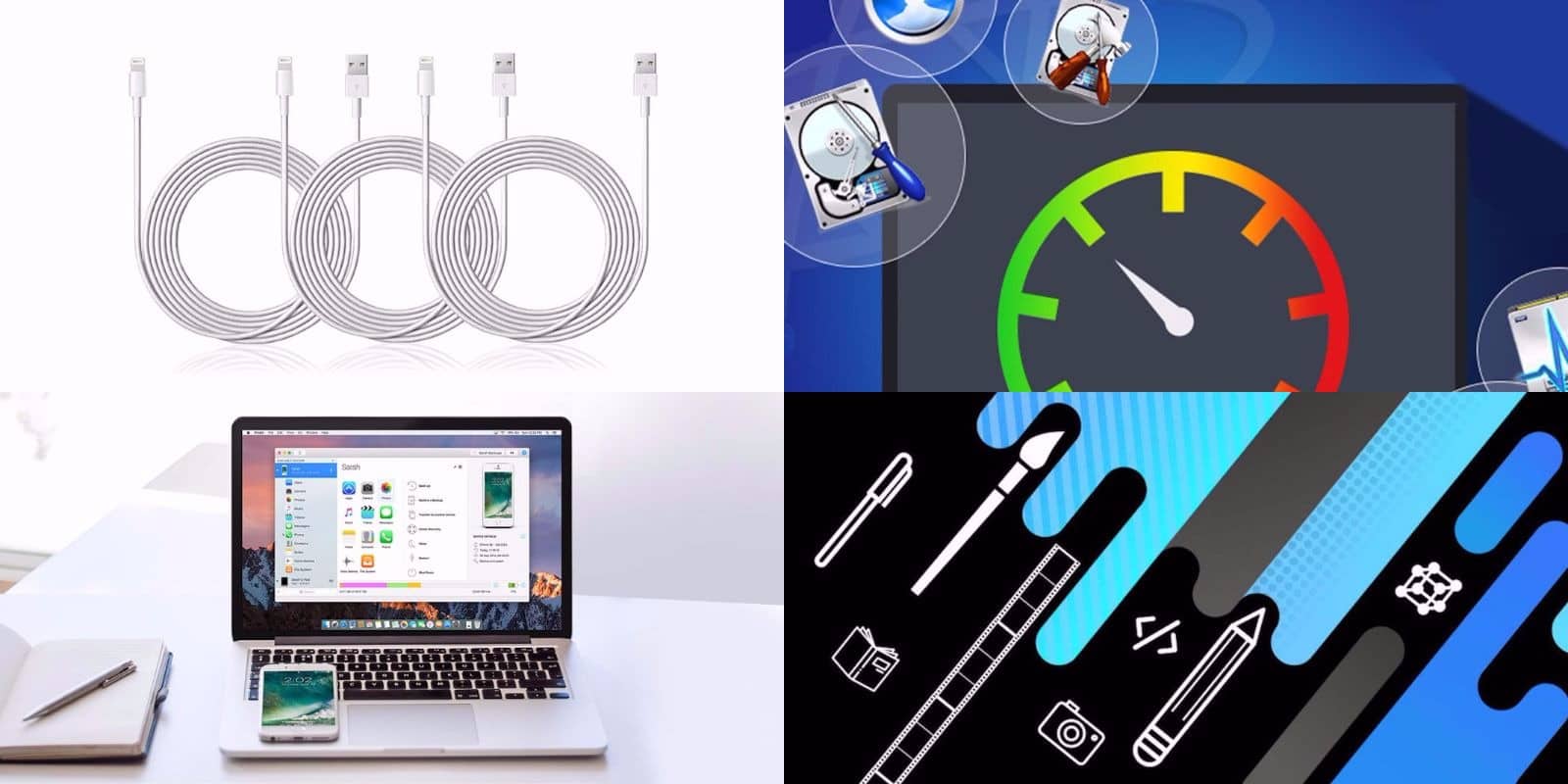
While you’re outside enjoying the warm weather, we at the Cult of Mac Store are busy stocking up on great new deals. This week, we’ve got a great roundup of apps that’ll add new levels of control and creativity to your Mac and iOS devices. We’ve got a drastically discounted license for the maintenance app Drive Genius 5; iOS data transfer tool iMazing 2; a top shelf bundle of Mac apps and lessons; and a triple set of extra long, Apple-certified Lightning cables. Read on for more details:

How to use 3D Touch in Maps to see the weather anywhere

By

maps app 3d touch weather
One of the neatest tricks in Maps app is the ability to quickly check the weather anywhere in the world.
Photo: Cult of Mac

Apple’s Maps app has gotten pretty great recently, as long as you don’t want parks and forests marked in green. Like most of Apple’s built-in apps, Maps is even better when used with 3-D Touch. By pressing on everything from the app icon to the tiny weather can on the corner, you can access shortcuts and extra info. Let’s take a look.

How to drag-and-drop content between Readdle’s iPad apps

By

drag-and-drop readdle iapd
You'll wonder how you ever used your backwards iPad without inter-app drag-and-drop.
Photo: Cult of Mac

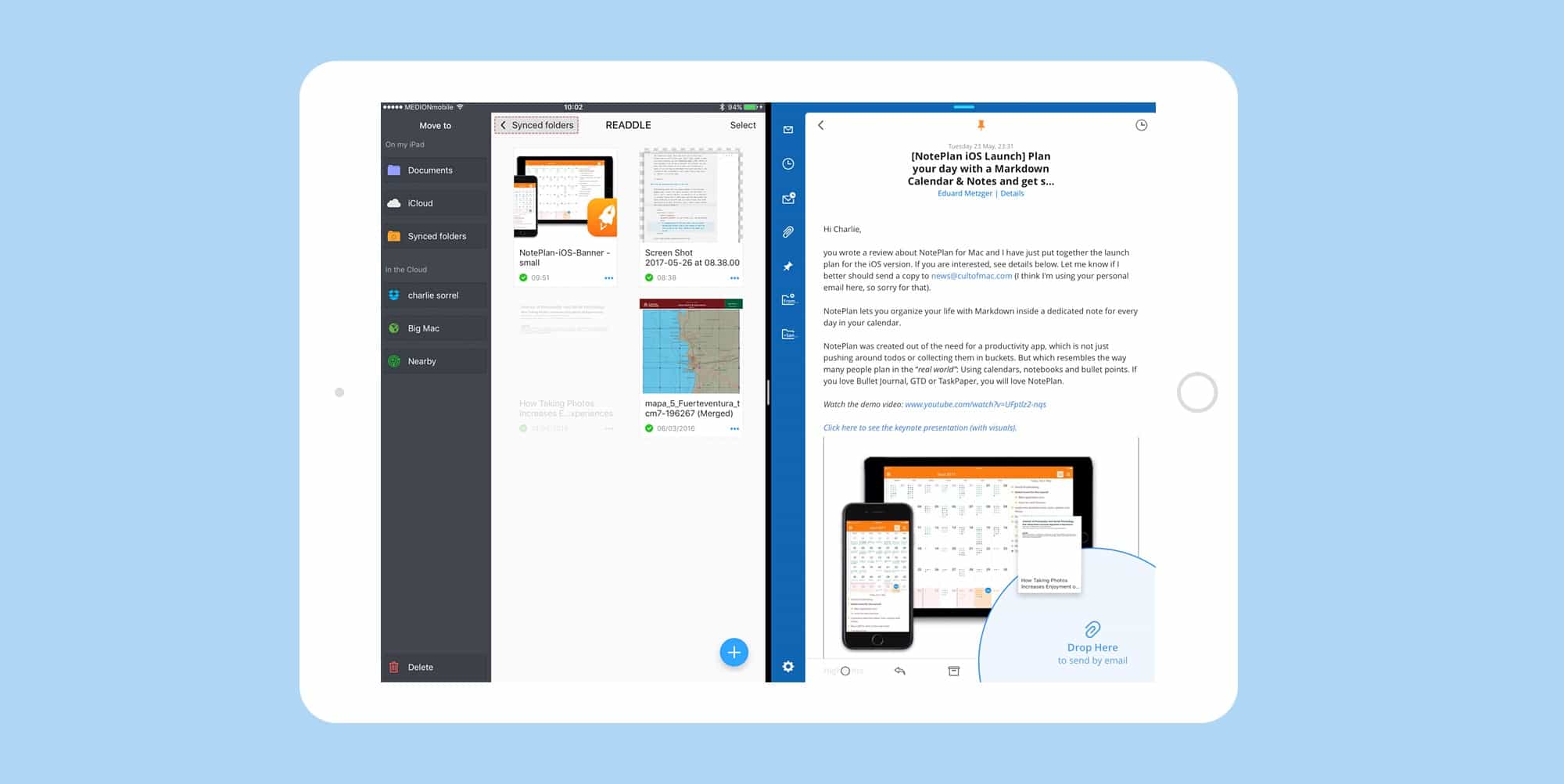
If you want to get an idea of how drag-and-drop could work on the iPad, then take a look at Readdle’s latest updates to its iOS productivity apps, which now allow you to drag files between the apps in split-screen view. That’s right, thanks to some very clever hacking, you can seamlessly drag a PDF, photo, or other document, from one app to another. For instance, you can drag scans from Scanner Pro to an email you’re composing in Spark, or you can take an attachment from Spark and drag it into a folder to save in Documents. Let’s take a look at how to do it. Spoiler: it’s pretty easy.

Is it time for Apple to say goodbye to Jony Ive? [Friday Night Fights]

By

friday_night_fights
Is Apple in desperate need of new ideas?
Photo: Ste Smith/Cult of Mac

It’s been some time since Apple delivered something really revolutionary. Every product in its stores looks just like it did last year… and the year before that… and the year before that.

Friday Night Fights bugFans will pin most of the blame on chief design officer Jony Ive. After more than two decades of spectacular and unparalleled ideas, it seems Steve Jobs’s best friend is running on empty. Is it time for him to go to make room for fresh blood and new ideas?

Join us in this week’s Friday Night Fight as we battle it out over whether Apple’s design team needs significant change.