Mobile menu toggle

Top stories - page 559

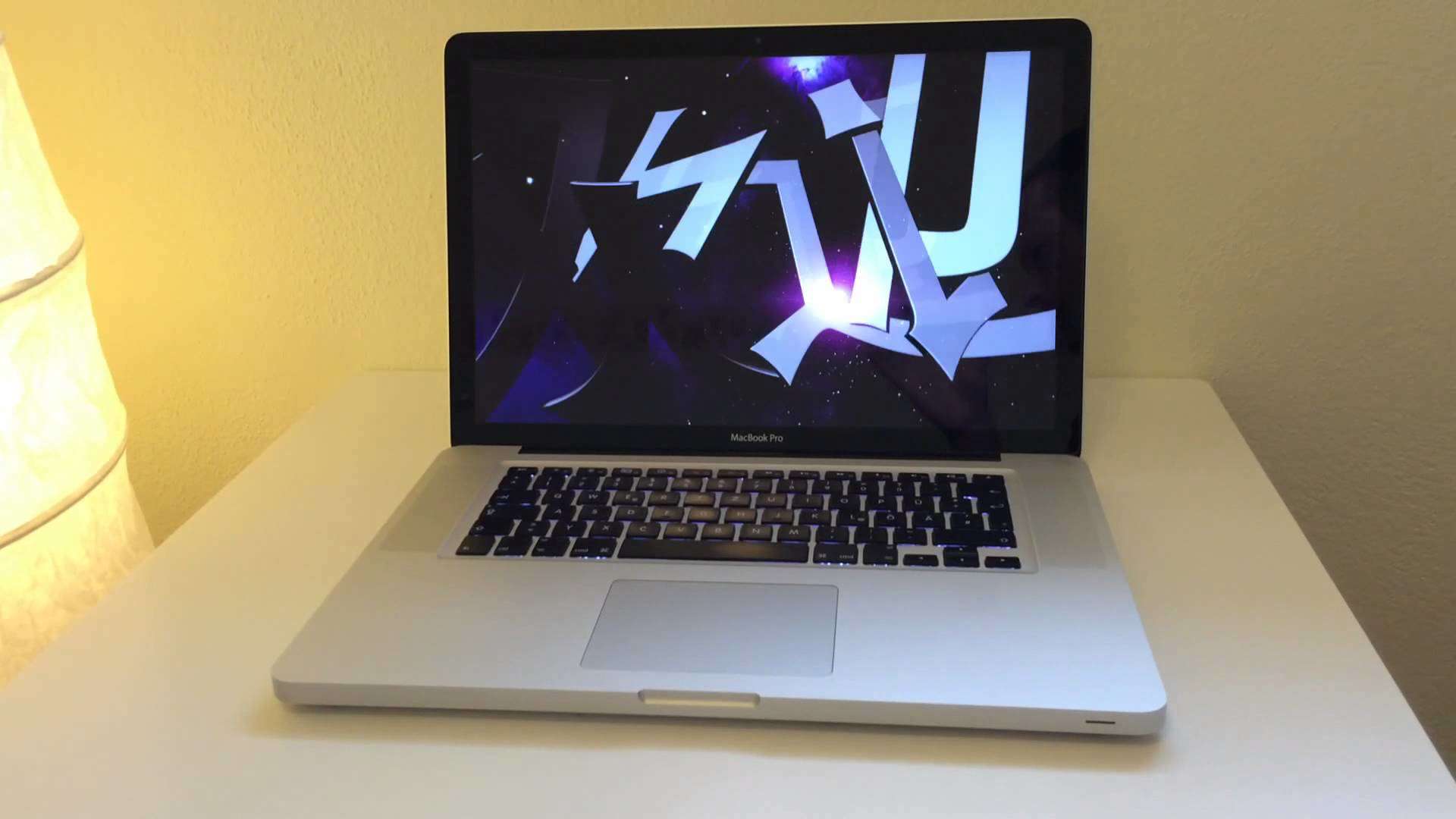
Today in Apple history: 13-inch MacBook Pro makes power more portable

By

maxresdefault
Did you own the 2009-era MacBook Pro?
Photo: Bert Schulze/YouTube

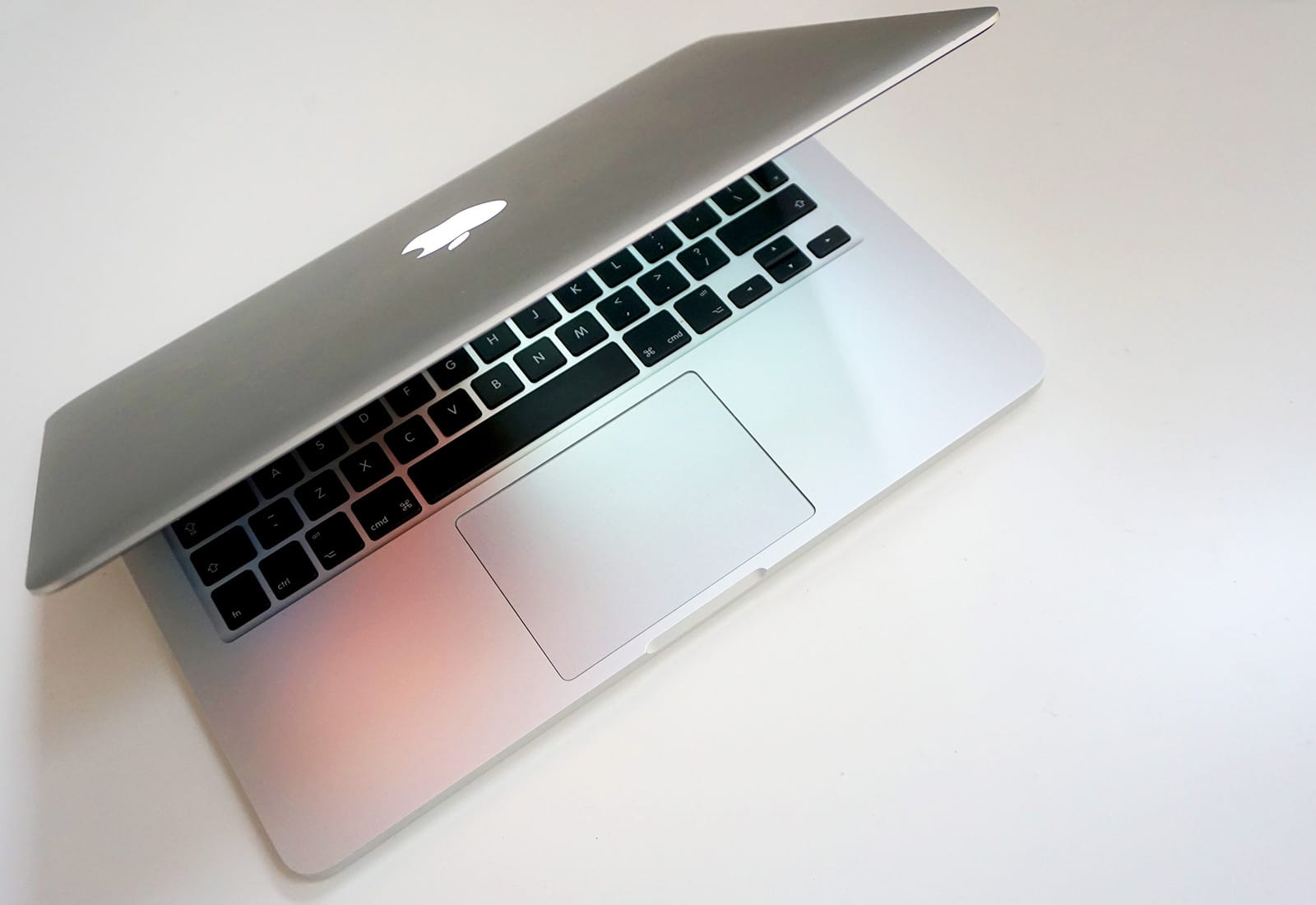
xJune 8, 2009: Apple promotes its 13-inch MacBook to join the MacBook Pro family, adding a speed bump, new FireWire 800 port, the first SD card slot on a MacBook, improved LED-backlit screen, and backlit keyboard across all models.

Coming the year after Apple radically upgraded its MacBooks with a new aluminum unibody design, the update is more about evolution than revolution. But it still makes for a pretty darn great laptop!

Hands on: iOS 11 brings brilliant new features (especially for iPad)

By

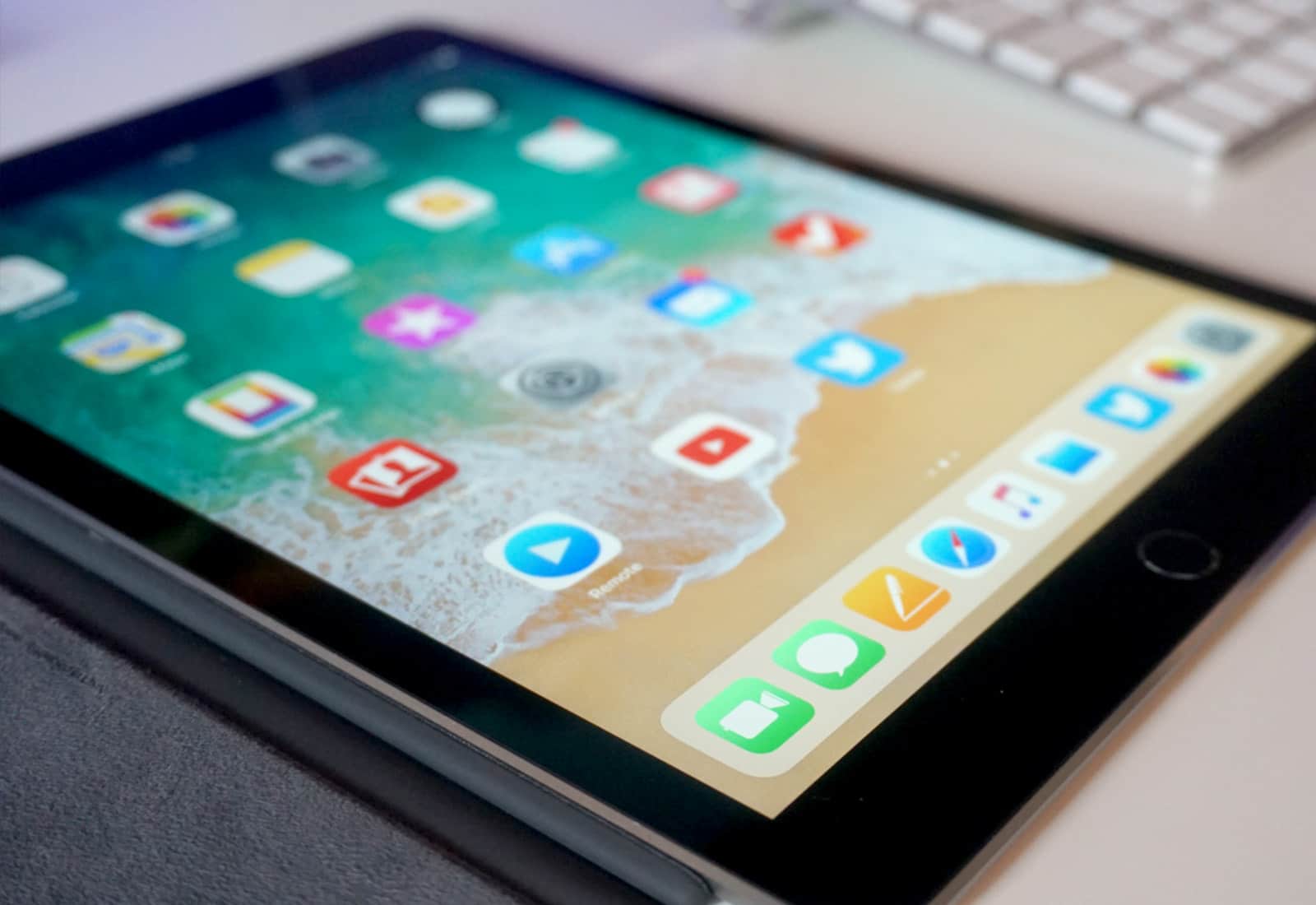
iOS 11 on iPad
New features in iOS 11 make the iPad a multitasking beast.
Photo: Ste Smith/Cult of Mac

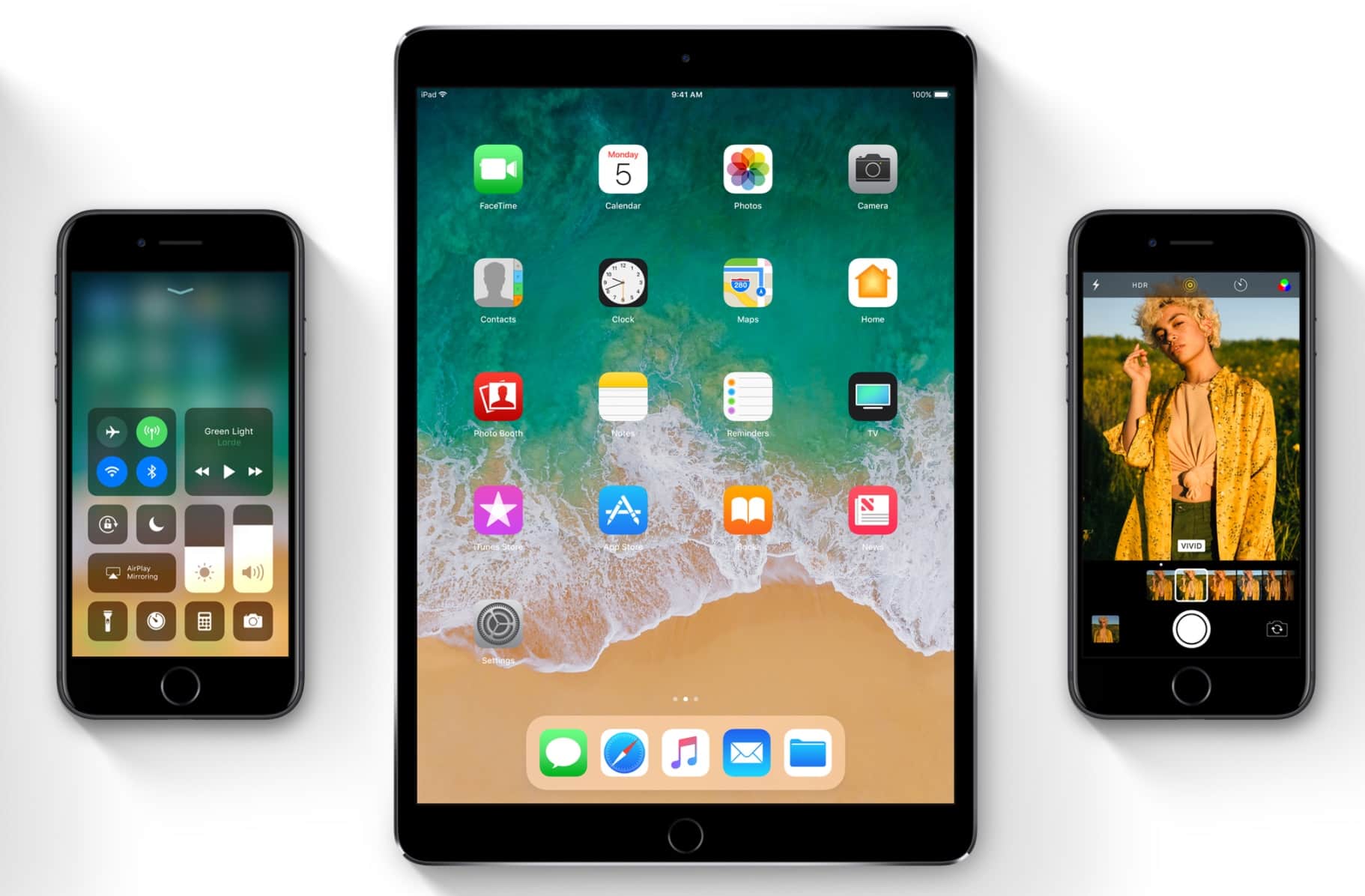
iOS 11 brings brilliant new features and enough design tweaks to make everything feel fresh. The first developer beta landed this week, and we’re loving what we see – especially when it comes to the great new options for iPad users.

See for yourself in our iOS 11 hands-on video.

Apple ditches its most affordable 13-inch MacBook Pro

By

Mac
Isn't it time you swapped that dusty old Mac for a new one?
Photo: Ste Smith/Cult of Mac

Apple’s most affordable 13-inch MacBook Pro has been discontinued.

The 2015 model has held onto its place on the Apple online store as a more affordable alternative to more recent MacBook Pros, but you’ll have to buy one of the company’s latest notebooks if you want to stick with a 13-inch display.

You don’t need iTunes to manage your iOS data [Deals]

By

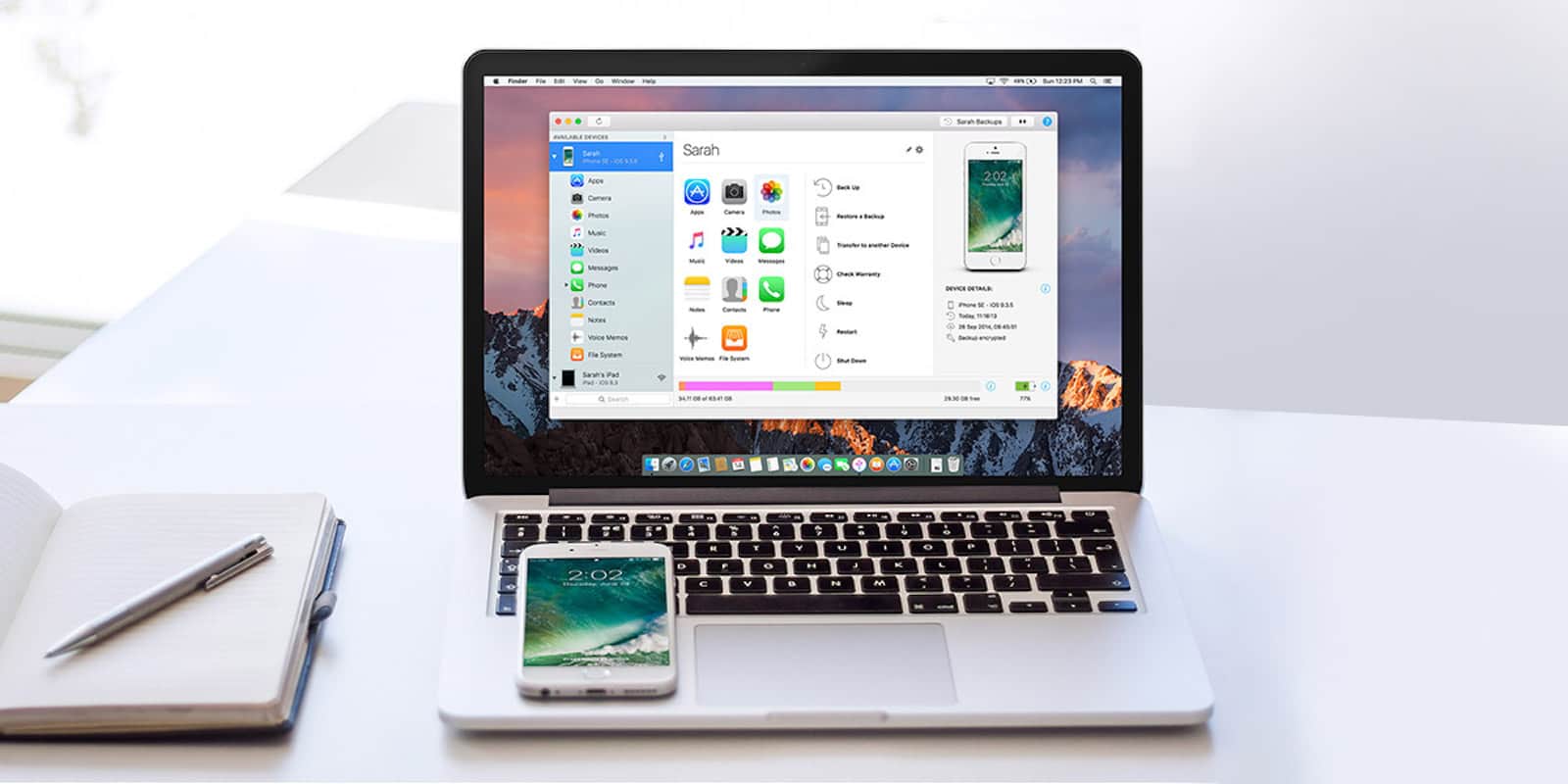
This popular app offers a range of tools that makes it much more versatile than iTunes for iOS management.
Photo: Cult of Mac Deals

For all the use we get out of our iDevices, iTunes doesn’t offer much choice in how we manage their data. Whether it’s hidden files eating up storage, or the complex dance required to move a single song from one place to another, it can be more hassle than convenience. There’s just has to be a better way. And of course, there is.

iMazing 2 is a popular app that offers a spread of tools for moving and managing every category of iOS data. No wonder this app calls itself the Swiss Army Knife of iPhone, iPad, and iPod management. Easily browse and manage backups, extract and print text messages, drag and drop songs from one device to another, all without jailbreaking or other trickery. And right now is your last chance to get iMazing 2 for just $24.99 at Cult of Mac Deals.

With Planet of the Apps, Apple fails to crack the code for good TV [Review]

By

Screen Shot 2017-06-07 at 11.45.49
When it comes to original programming, this isn't exactly Netflix's House of Cards.
Photo: Apple

With its new reality show Planet of the Apps, Apple didn’t try to reinvent the wheel. It slapped a new body on a well-worn vehicle — wannabe entrepreneurs pitching their precious ideas to a panel of questionable celebrity experts — and drove straight to “Meh-ville.”

iOS 11 can prevent apps from tracking your every move

By

Take that, Uber!
Take that, Uber!
Photo: Uber

iOS 11 can prevent apps like Uber and Waze from using your location at all times.

Apple has added a new location option in the update that will rollout to everyone this fall, which only allows certain apps to access location data while they are open and active.

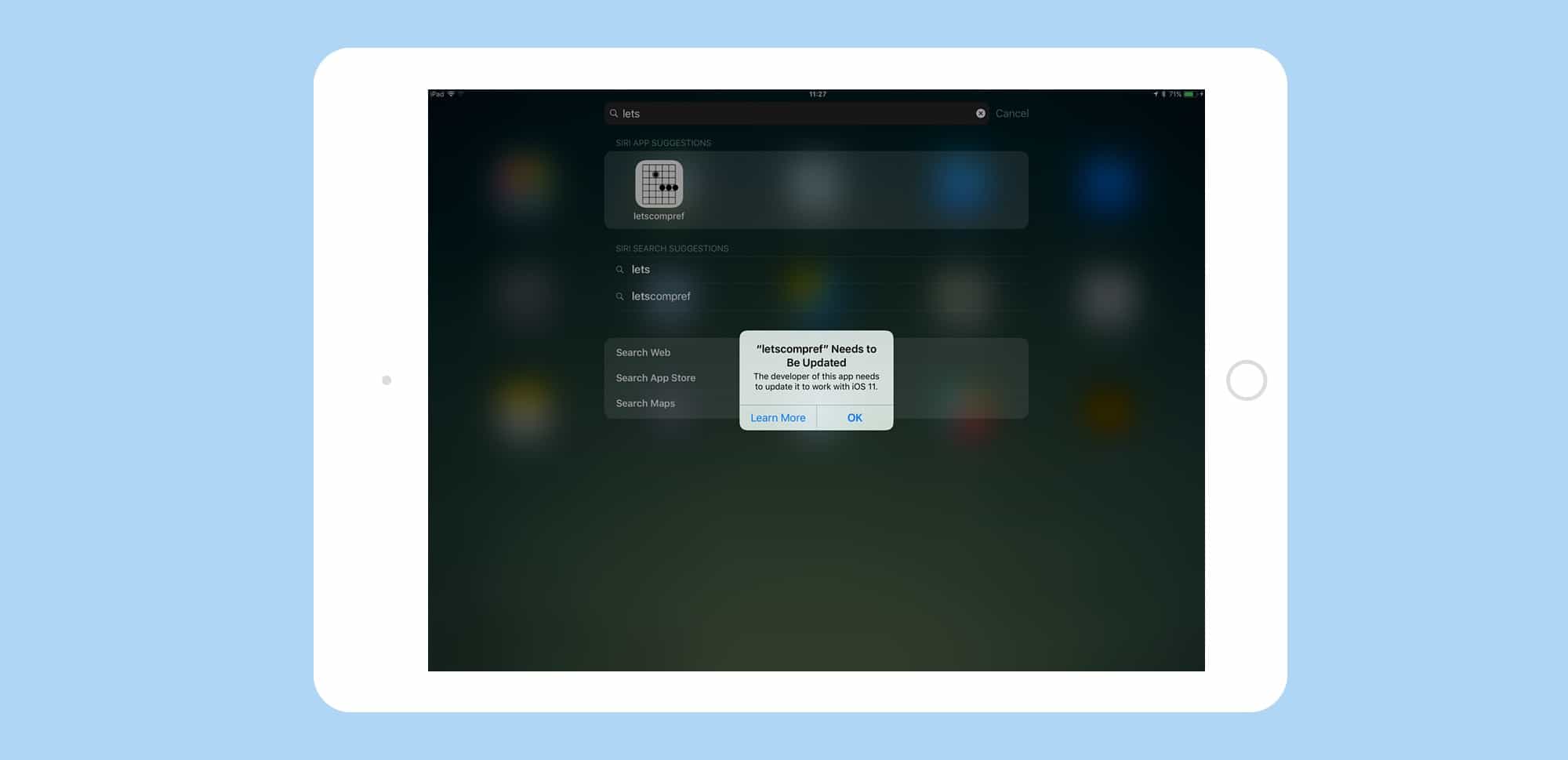
How to identify 32-bit apps that won’t work in iOS 11

By

32-bit apps
32-bit apps won't launch on iOS 11. Here's how to get a list of the ones on your device.
Photo: Cult of Mac

iOS 11 won’t run any 32-bit apps. Most of the time, that won’t make any difference — most apps you use every day were updated to be 64-bit a long time ago. But we all have a few of those old apps laying around that haven’t been updated in years. Perhaps they’re still useful for you, or maybe Apple kicked the app out of the App Store and there’s no modern alternative?

Under iOS 11, those apps will no longer work. You may as well just delete them. And to help, there’s a spot in the Setting app where you can see a list of all those incompatible apps.

iOS 11 video player gets a serious upgrade

By

iOS 11 video player
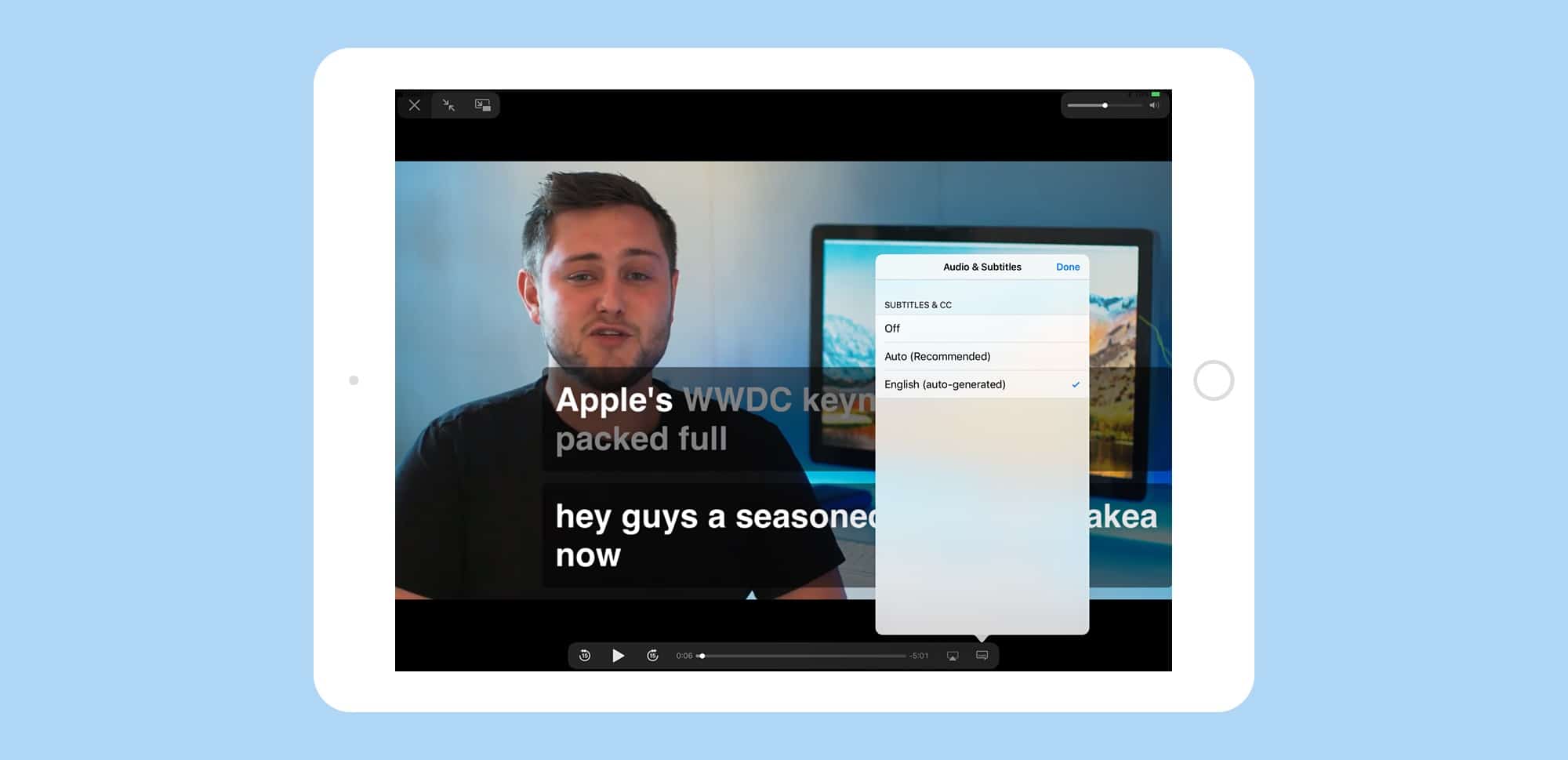
The iOS 11 video player even supports YouTube's auto-generated captions, not that you'll ever want to use them.
Photo: Cult of Mac

iOS 11 has gotten a big upgrade to its QuickView video player, the one that takes care of videos playing in apps, on web sites, and so on. Previously you only got a basic video scrubber, a volume slider, and a play button. Now, you can not only access subtitles and AirPlay right from the video screen, but you can control pretty much everything in the new iOS 11 video player with a keyboard.

How To always open a website in Persistent Reader View in iOS 11

By

persistent reader view compare
Clean up the busiest sites automatically with the new Persistent Reader View.
Photo: Cult of Mac

Do you have any websites you read regularly in Reader view? Maybe they’re covered in popovers that keep distracting you? Or perhaps the design hurts your sensitive eyes, or the otherwise smart author insists on using Comic Sans for the text body? Well, there’s good news: Safari on iOS 11 and macOS High Sierra now let you activate Persistent Reader View, which automatically switches the clean Reader view in as the page loads.

Apple finally proves it’s serious about AI

By

Apple AI
Apple's ready to embrace machine learning.
Photo: Gordon Johnson/Pixabay CC

Sitting on a cash pile of billions, Apple’s not a company that’s used to being left behind. But when it comes to artificial intelligence, that’s exactly what has happened in recent years. While companies like Google and Facebook led the way with cutting-edge AI, Apple lagged. It was embarrassing for a company in Apple’s position to miss out on the single best tech revolution taking place at the moment.

But during Monday’s WWDC 2017 keynote, Apple went a long way toward making amends.

The Iron Man of Lightning cables doesn’t fray [Deals]

By

CoM - Toughlink MFi-Certified Metal Braided Lightning Cable
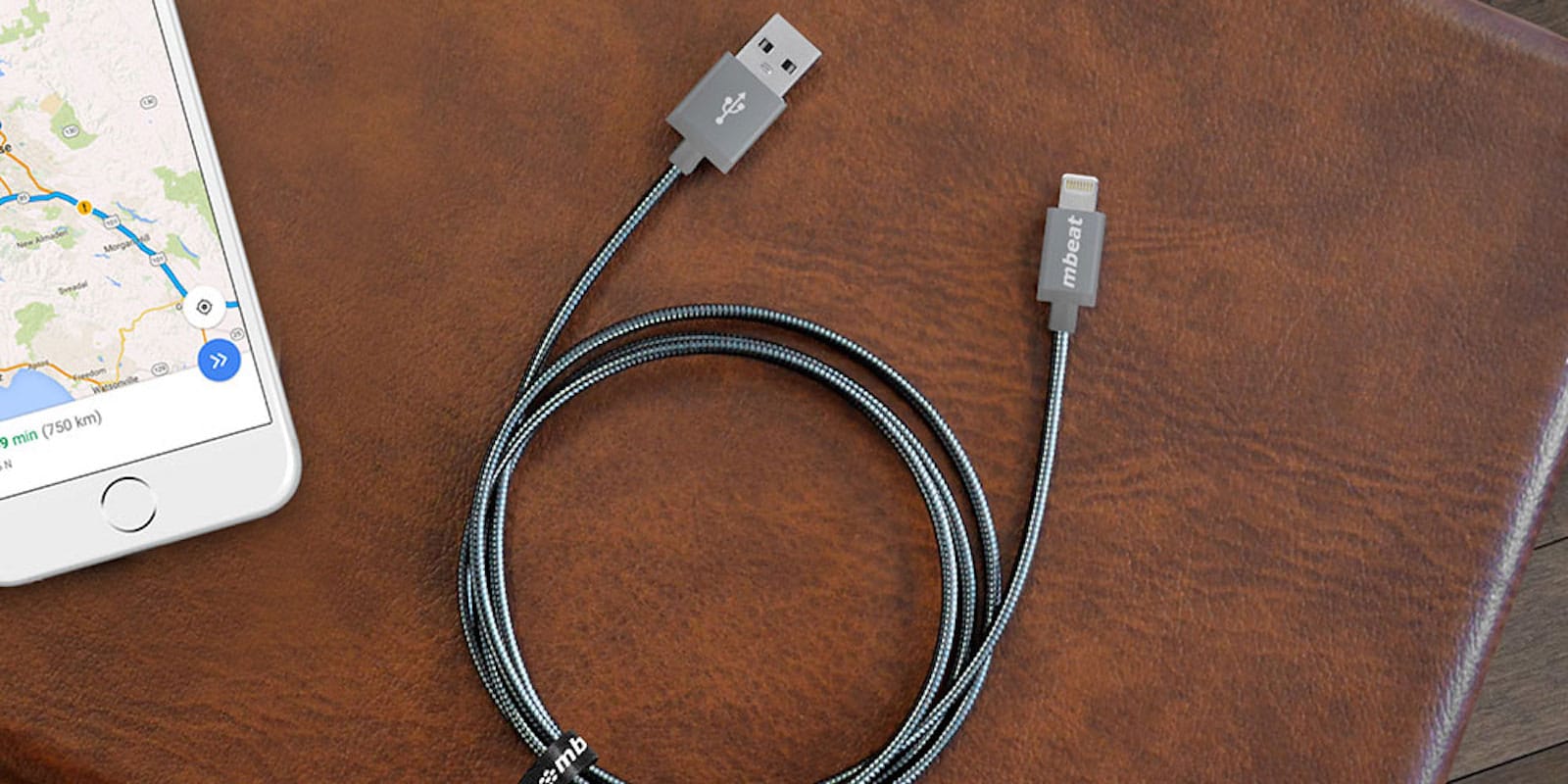
These metal-wrapped Lightning cables are built to withstand almost anything you can throw at them.
Photo: Cult of Mac Deals

Lightning cables are the lifelines for our most used mobile devices. Without them, we can’t charge or sync the data on our iPhones, iPads or iPods. And if you buy a wonky third party alternative, you’re often going to get a lot of buzzing and failed connections thrown into the mix. These ultra tough, MFi-Certified Lightning cables address all of the above. Worthy of any Apple device, they’re built to Tony Stark standards of toughness so that they’ll outlast the devices you connect them to. And right now, you can get a two pack of Toughlink MFi-Certified Metal Braided Lightning Cables for just $29.99 at Cult of Mac Deals.

Cut the extra keystrokes that kill your productivity [Deals]

By

Cut down on repeats of the same strings of text, and save yourself valuable typing time.
Photo: Cult of Mac Deals

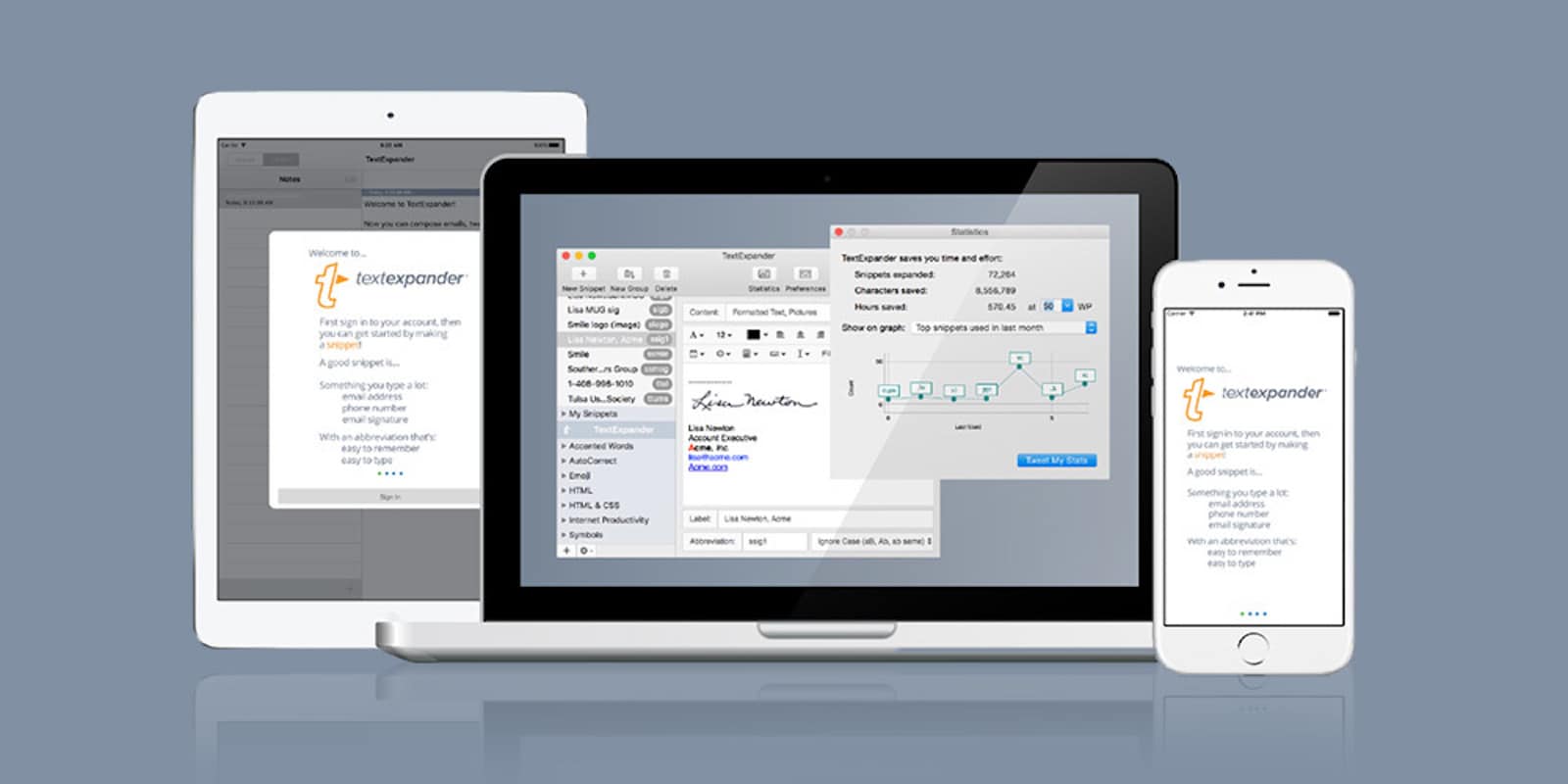
When you spend time working at the keyboard, you inevitably waste time by typing the same thing over and over. You might not notice it, but these small patterns can add up to a lot of wasted time. TextExpander is a popular app designed to cut down on these time-wasting typing patterns. It works via a set of custom shortcuts that you can call up whenever you need them. And right now, you can get a year of TextExpander for just $19.98 at Cult of Mac Deals.

Our reactions to one of the most action-packed WWDCs ever, this week on The CultCast

By

WWDCs don't get better than this.
Photo: Apple

This week on The CultCast: In one of the most exciting and action-packed keynotes in years, Apple updates just about everything. Catch our reactions, plus our picks for best in show!

Our thanks to Squarespace for supporting this episode. It’s simple to accept Apple Pay and sell your wares with your very own Squarespace.com website. Enter offer code CultCast at checkout to get 10 percent off any hosting plan.

WWDC keynote is proof of Apple’s awesome power and poise

By

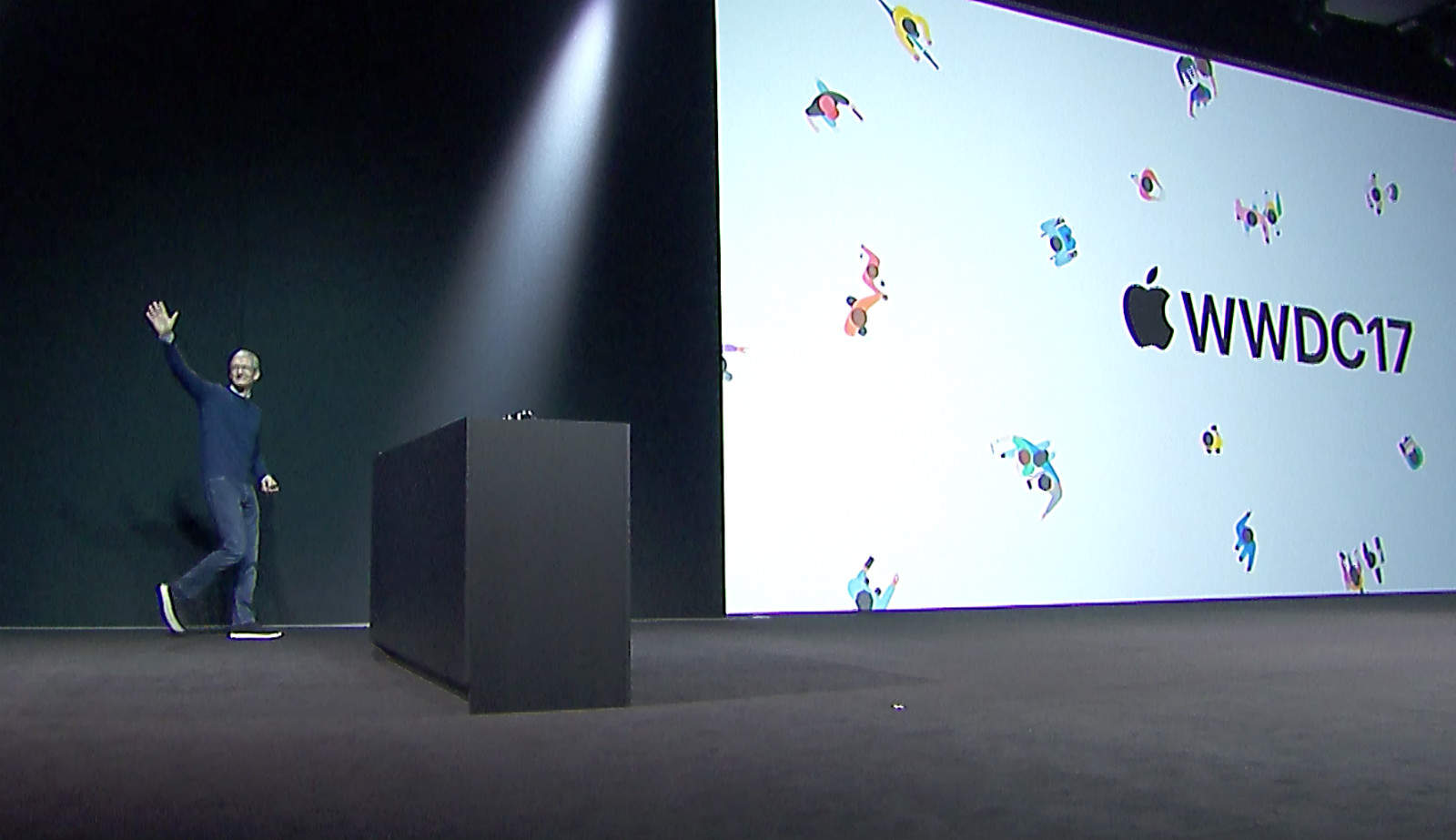
Tim Cook opening remarks WWDC 2017
Tim Cook presided over one of Apple's busiest presentations in years.
Photo: Apple

Over the last year or so, you could be forgiven for thinking Apple has been dickering about. The company seemed sluggish and slow.

Yeah, there have been a few hardware upgrades, but nothing special, and certainly nothing breakthrough.

And then today! Bam! A jam-packed WWDC keynote with a slew of amazing-looking new hardware and software.

Apple is back, in a big way!

WWDC 2017’s biggest moments in sketchnotes

By

ipad-wwdc-keynote

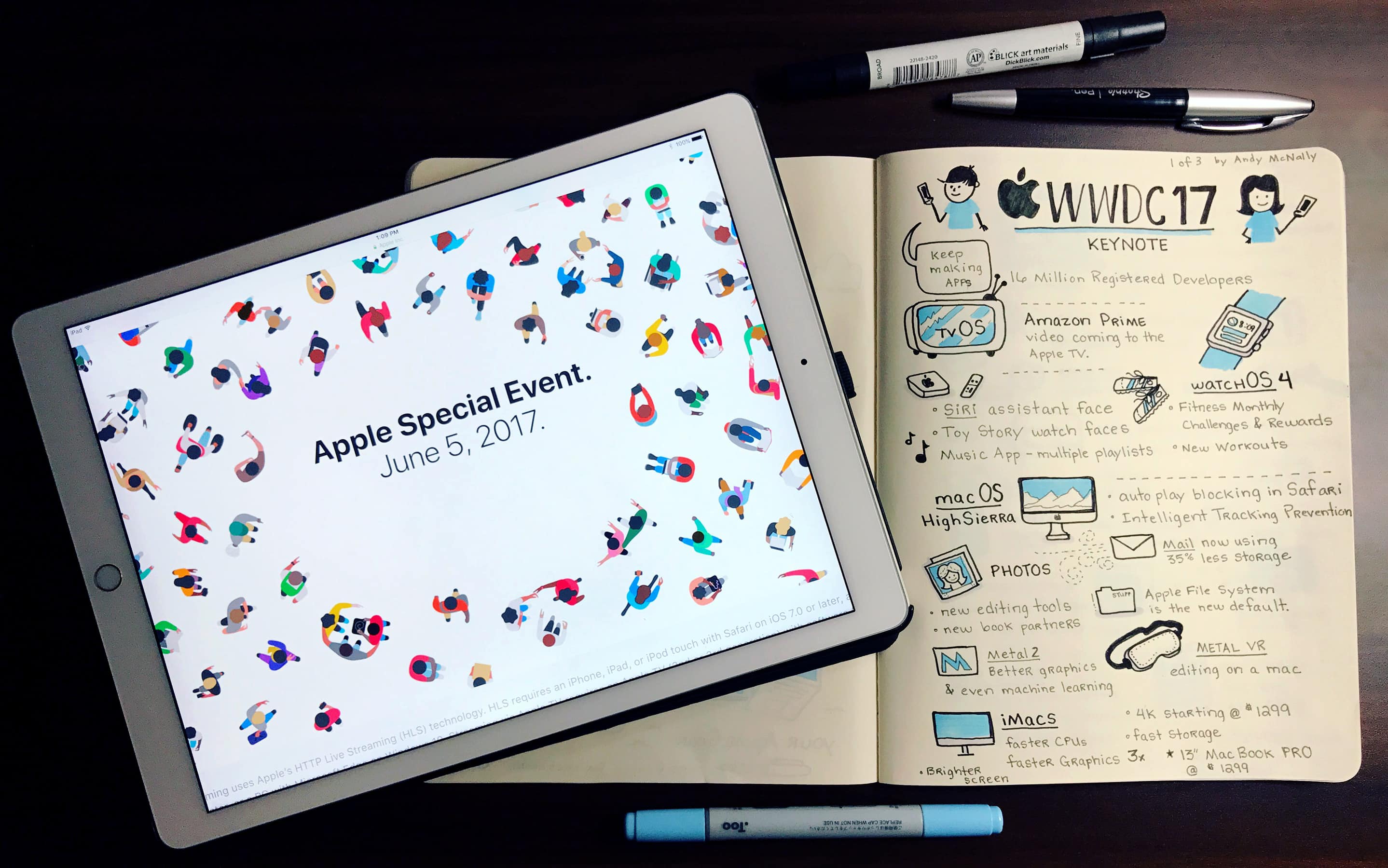
All this week, illustrator and senior UX/UI designer Andy McNally will be sketchnoting Apple’s Worldwide Developers Conference for us.

My markers and pens worked overtime to capture all of the news and announcements in this year’s WWDC keynote. I captured three pages of notes on watchOS 4, macOS HighSierra, the iMac Pro, the new 10.5 inch iPad Pro, and iOS 11. The artist in me is excited about trying out the new iPad Pro to test the improved Apple Pencil latency. You can check out all of Apple’s announcements and details here.

Hardware, software and surprises: Key takeaways from Apple’s WWDC 2017 keynote

By

Tim Cook WWDC 2017
Tim Cook uncorked a load of surprises during the WWDC 2017 keynote.
Photo: Apple

If you felt worried about Apple’s supposed lack of innovation, today’s action-packed WWDC keynote should have allayed your fears. Apple execs sprinted through a 2.5-hour technology showcase filled with hardware updates, serious software upgrades and even a whole new product category.

The whirlwind presentation showed the end result of a busy company with almost unimaginable assets. Far more than a sleepy kickoff to an annual developers confab, today’s stunning presentation showed the magical output of an innovation machine firing on all cylinders.

Anyone who pegged Tim Cook as asleep at the wheel better think again. Here are the key takeaways from Apple’s Worldwide Developers Conference 2017 keynote.

Halide makes manual photography easier than auto

By

halide for iPhone
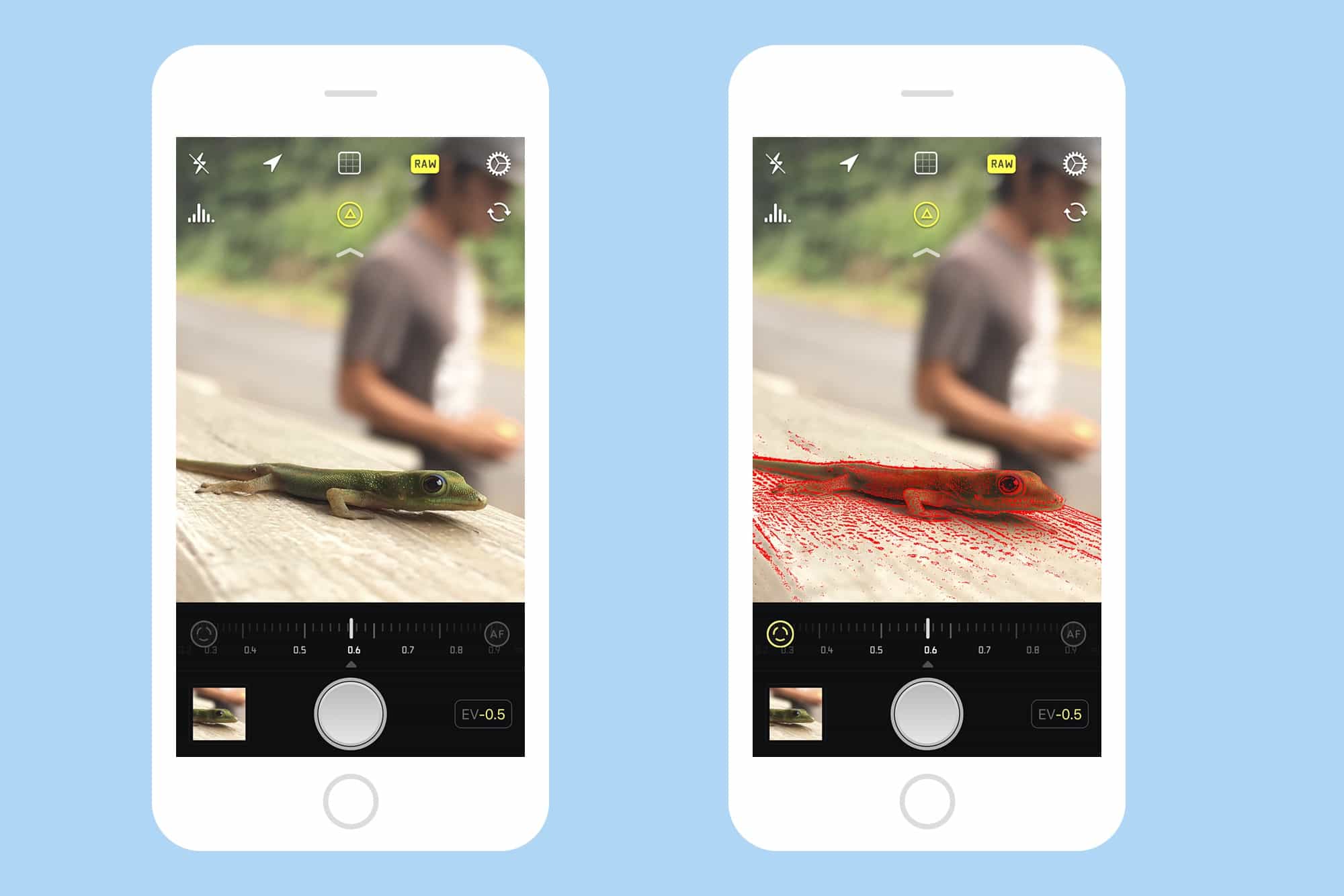
Halide is packed with neat features that are intuitive to use.
Photo: Halide/Cult of Mac

Halide is yet another iPhone camera-replacement app, only this is one you’re going to want to use. Why? because it not only adds extra control to the stock camera app, it is also easier to use than Apple’s built-in app. In addition to being one-handed simple, Halide adds power features like manual focus and RAW capture. It’s quite a feat.

How to convert currency from your lock screen

By

currency conversion iOS
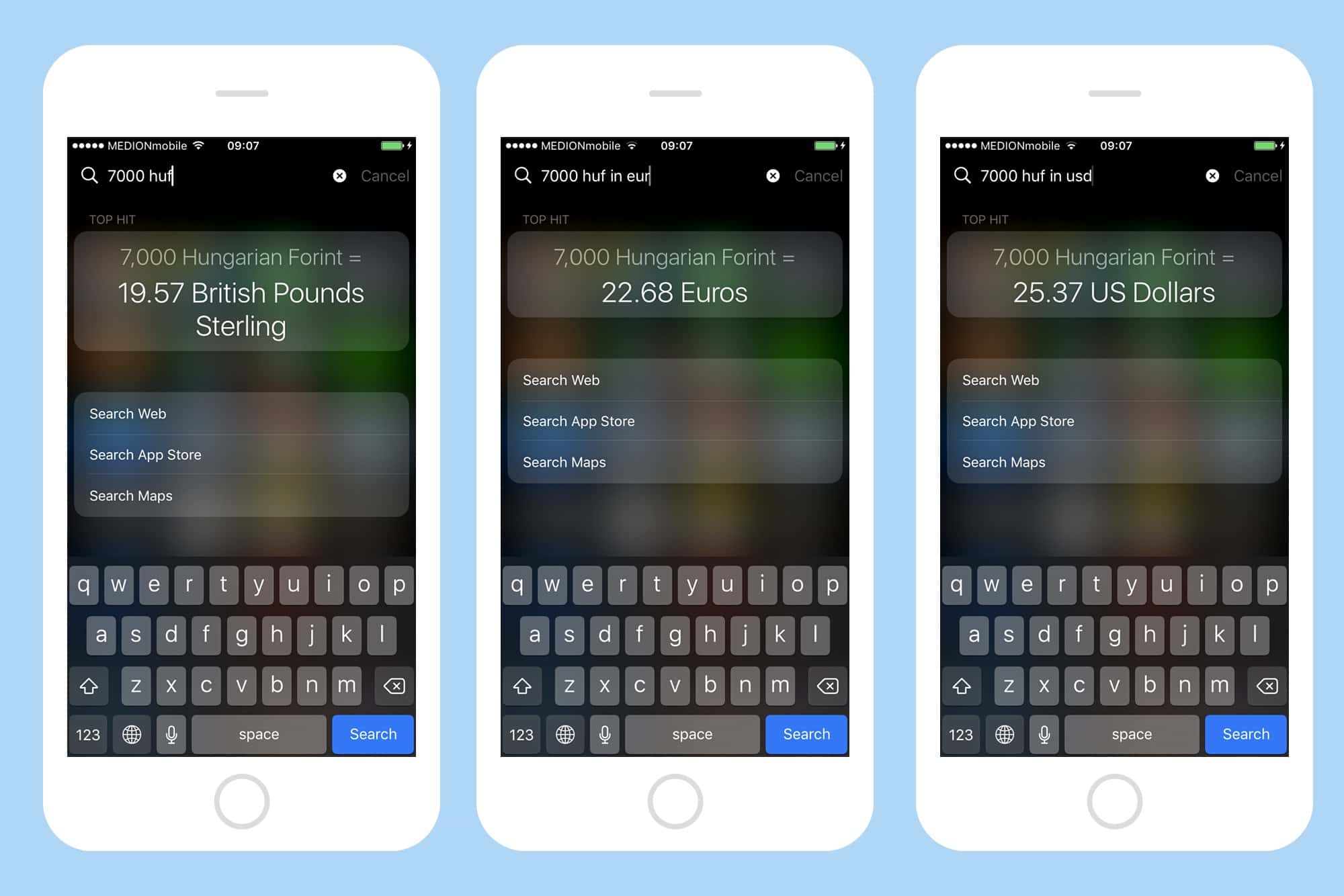
Spotlight might be the quickest way to convert currency on iOS.
Photo: Cult of Mac

Traveling? You need a currency conversion app then, right? No! If you’re carrying your iPhone, you can do those conversions quickly, using Spotlight, without even unlocking your iPhone. Better still, you can do those currency conversions while offline, which might be essential when you’re roaming in a foreign land.

11 awesome iOS 11 features Apple didn’t bother to mention

By

The best gesture in iOS 11 isn't just for iPad.
Photo: Apple

Developers just got an early preview of Apple’s upcoming iOS 11 update for iPhones and iPads today during the company’s WWDC 2017 keynote in San Jose.

The new update packs some huge new features that make iOS more powerful and easier-to-use than ever. Apple’s update is so jam packed that some of the best new additions didn’t even get some stage time at WWDC.

HomePod smart speaker will totally rock (and control) your house

By

Apple's new HomePod smart speaker is ready to rock your house.
HomePod will launch in December, but supplies will be constrained.
Photo: Apple

Apple’s upcoming HomePod smart speaker will “reinvent the way we enjoy music in the home,” says Apple exec Phil Schiller, who offered a sneak peek at the product today.

Calling it a “breakthrough home speaker,” he outlined how the 7-inch wireless speaker will work seamlessly with Apple Music — and totally rock the house, while also giving you a way to control your house.

New 10.5-inch iPad Pro is Apple’s best tablet yet

By

wwdc 2017
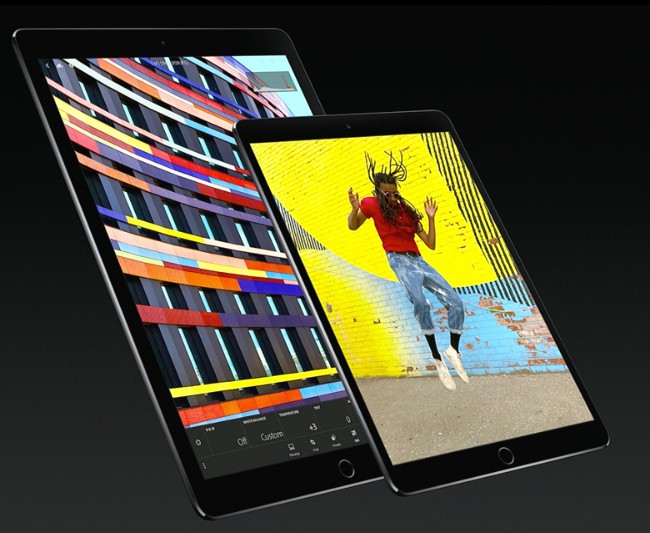
Meet the 10.5-inch iPad Pro and improved 12.9-inch iPad Pro.
Photo: Apple

Apple just unveiled the 10.5-inch iPad Pro we’ve all been waiting for. It delivers a faster 120Hz display for smoother motion and enhanced Apple Pencil performance, but Apple’s latest A10X Fusion processor for the best performance on an iPad to date. 

iOS 11 brings big UI changes, smarter Siri and much more

By

iOS 11 is Apple's biggest update in years.
Photo: Apple

Developers received an early look at iOS 11 today, Apple’s next big update for iPhones and iPads that adds a host of new features and user-interface changes to make iOS devices better than ever.

“Today we’re going to take the world’s best and most advanced operating system and turn it up to 11,” said Tim Cook.