This pair of courses is for anybody who wants to master the Microsoft Office staple, Excel. Photo: Cult of Mac Deals
If you work in an office, you probably work with Microsoft Office. Their productivity software suite has become a staple of work environments around the world. Learning Word or PowerPoint is useful for any professional. But few are as useful to master as Excel, which is one of the most widely used professional applications.
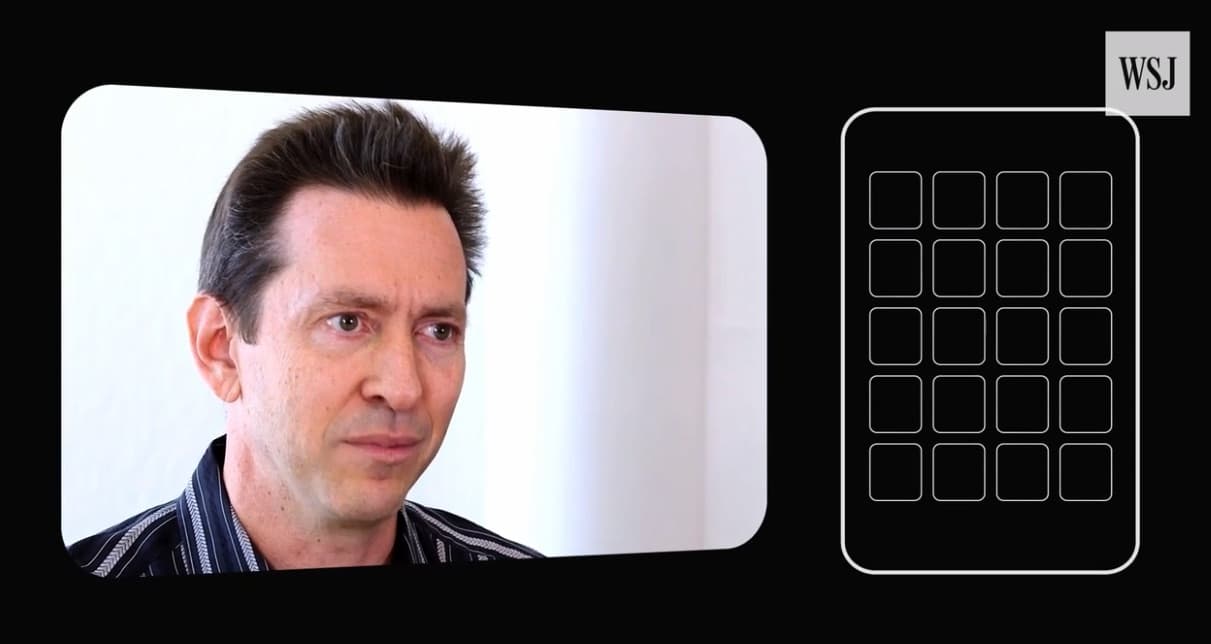
Scott Forstall and others chip in to tell their iPhone war stories. Photo: WSJ
If you hadn’t heard by now, this week marks the tenth anniversary of a little device called the iPhone going on sale. To celebrate, the Wall Street Journal has created a new mini-documentary, entitled Behind the Glass, detailing the making of Apple’s breakthrough smartphone.
Courtesy of interviews with former Apple execs Tony Fadell, Scott Forstall and Greg Christie, here are the top factoids we learned from it.
The iPhone sure has changed over the years. Photo: Ste Smith/Cult of Mac
The iPhone packed a lot into its first astonishing decade. Not only has the device itself evolved significantly since its promising-but-by-no-means-perfect beginnings, but it’s transformed Apple’s business — and many of our very lives — in the process.
All this week, Cult of Mac’s “iPhone Turns 10” series will look at the innovative device’s massive impact on worldwide culture. The iPhone, which launched on June 29, 2007, truly changed the world.
What iPhone milestones have passed since Steve Jobs introduced this stunning hybrid device, which combined a widescreen iPod with touch controls, a revolutionary mobile phone, and a breakthrough internet communications device? Check out our handy guide to 10 years of iPhone history.
Building a proper business plan is never easy, which is why it pays to have help. Photo: Cult of Mac Deals
Today’s entrepreneurial environment is always changing, and there’s just no way forward without a solid business plan. Whatever your idea, it has to be framed with an eye to what investors really expect.
'Appy weekend everyone! Photo: Ste Smith/Cult of Mac
SEGA unleashed some of its classic games for free on iOS this week, bringing a plethora of games from the Genesis era to the iPhone and iPad as part of its SEGA Forever series.
That’s just one of the picks we’ve highlighted for this week’s “Awesome Apps” roundup. We’ve also got a great Slack alternative, a nifty WhatsApp upgrade, and a puzzle game that’s sure to appeal to anyone who loves Tetris. Check out our choices below.
Anna Katrina Shedletsky is a former Apple product design engineer who is using her experience to build AI that helps companies streamline manufacturing. Photo: Instrumental
On this week’s Apple Chat (the podcast formerly known as Kahney’s Korner): I talk with former Apple product design engineer Anna-Katrina Shedletsky about her take on modern manufacturing and how AI will revolutionize factories. She introduces us to her new company, Instrumental, which is using machine learning to help manufacturers identify and fix problems on their assembly lines.
Using her hard-earned experience at Apple overseeing the production of the first Apple Watch and several generations of the iPod, Shedletsky says machine learning is coming fast to manufacturing. Amazingly, almost all consumer electronics products are still assembled by hand — including hundreds of millions of iPhones.
But that’s changing. Manufacturing is undergoing a huge sea change with the advance of robotics and AI.
Get great new gear for mobile devices, digital photography, and Mac productivity. Photo: Cult of Mac Deals
Summer’s finally here! Along with the warm weather has come bunch of hot new deals in the Cult of Mac Store. This round, we’ve got a bundle of top shelf Mac apps that you can name your price for. There’s also a universal mount and grip for any mobile camera, and an iPhone case that can survive almost any fall. We’ve even got a powerful backup battery that you’ll never lose thanks to a built-in Bluetooth tracker.
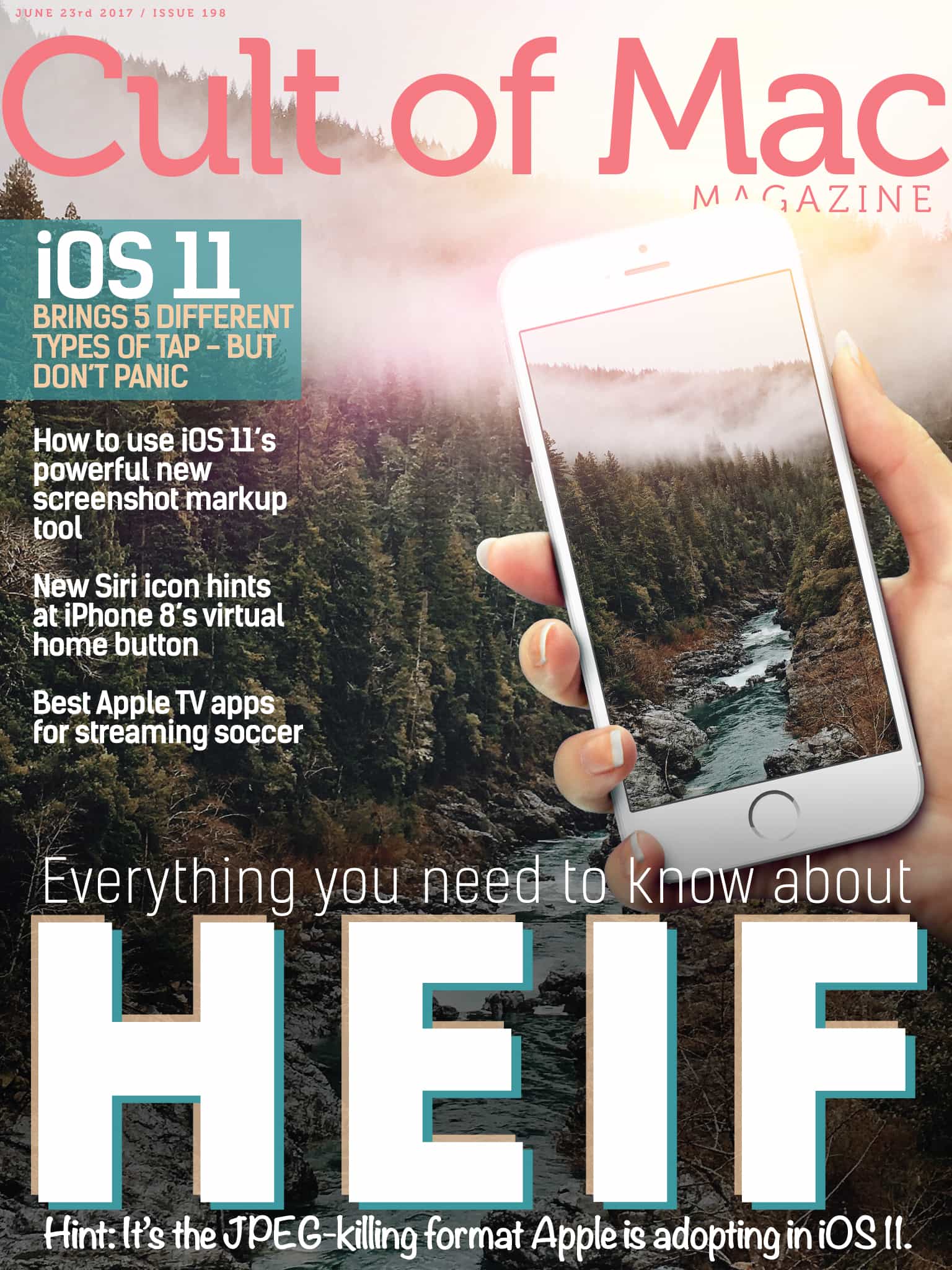
HEIF is the still-image version of the HVEC video format. Its main advantage for you and me is that photos saved in HEIF are roughly half the size of JPEGs, and of better quality. Photo: Ste Smith/Cult of Mac
In this week’s Cult of Mac Magazine, we’re going to tell you everything you need to know about HEIF (High Efficiency Image File Format), Apple’s new photo format to replace JPEGs. Discover the many advantages HEIF has over JPEG.
Discover all the great ways to watch streaming soccer this summer on Apple TV with our handy list. Learn how to easily save lots of iMessage pictures and movies all at once toCult of Macthe iPhone Photos app.
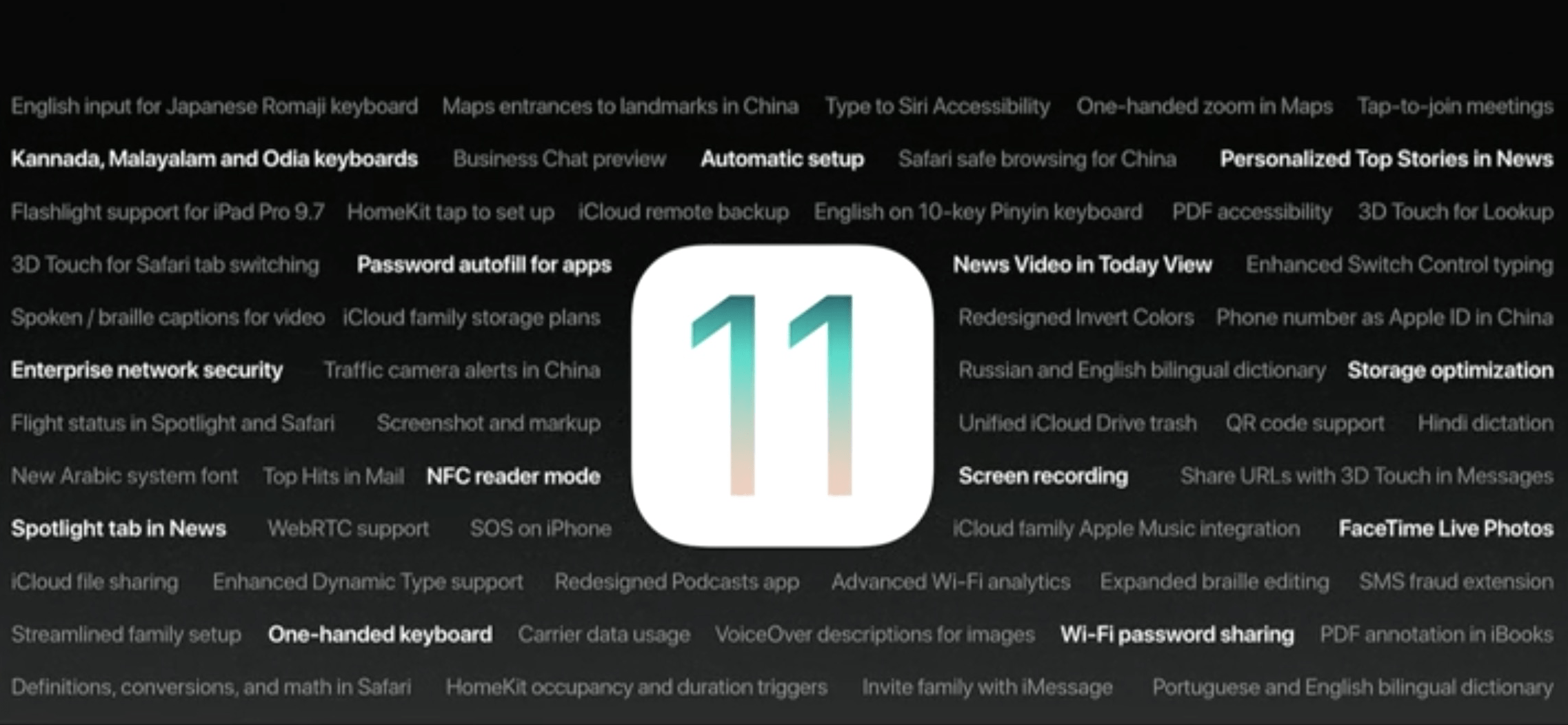
This week we'll tell you about iOS 11's best lesser-known features. Photo: Apple
This week on The CultCast: More of the powerful new iOS 11 features you’ve never heard of! Plus: The talented app that will harnesses the power of Apple’s new augmented reality features; Scott Forstall is back, and he’s sharing the bizarre story of how the original iPhone really came to be; and everything you need to know about HEIF, the JPEG-killing format Apple is adopting.
Our thanks to Blue Apron for supporting this episode. Blue Apron makes it easy to cook delicious meals at home. Get your first three meals free at BlueApron.com/CultCast.
Is this our best look yet at the iPhone 8? Photo: Benjamin Geskin
An iPhone 8 “dummy unit” made from leaked parts give us an early glimpse at what Apple’s next big upgrade might look like.
Its form is similar to that of recent handsets like the iPhone 7, but with a larger edge-to-edge display that will help it compete with rivals like the Galaxy S8.
View all your messages individually if you prefer. Photo: Google
Google is going to stop scanning your Gmail messages for ad personlization, it has confirmed today.
You will still see ads when you use Gmail on your phone or in a web browser, but they will no longer be based on information Google has pulled from your emails.
You’ll need a new iPhone if you can’t update to iOS 8 or later. Photo: Killian Bell/Cult of Mac
Everyone’s using WhatsApp these days, which makes it an ideal platform for quickly sharing files with friends and colleagues. And it just got even better at doing that, because you can now use WhatsApp to share any file type.
Master Corel's many creative facets with this bundle of comprehensive lessons. Photo: Cult of Mac Deals
Since the very beginning, Corel has been at the forefront of digital publishing, design and illustration. Their suite of creative tools are powerful tools for creatives of all levels and types. Their flagship application, Corel Paint, is an essential tool for countless digital creatives.
The Espin electric bike is a fun and functional electric bike at an entry-level price. Photo: Leander Kahney/Cult of Mac
Best List: Espin Sport electric bike
I love electric bikes, but a lot of them look butt-ugly. Their batteries and motors are strapped to the frame, ruining their lines. Stromer’s bikes, which integrate motor and battery into the frame, are a notable exception. But the latest Stromers cost an eye-watering $7,000 and up.
Enter Espin’s electric bikes, which look like Stromer’s but cost just $1,888, a steal for an eBike this capable and fun.
Soccer is one of the most popular sports in the world — there are soccer fans everywhere. With all of this popularity comes a ton of potential leagues and tournaments to watch. If you’re a big fan, you’ll be glad to know there are some great ways to watch streaming soccer on Apple TV.
This roundup includes brand new ways of ensuring your devices get the charge they need. Photo: Cult of Mac Deals
There are so many ways to run out of battery at just the wrong moment. Maybe you underestimated the lifespan of your backup battery, forgot your cable, or mistook them for your Lightning headphone cables. Whatever the case, it pays to have options, and that’s why we’ve rounded up these great deals on charging accessories that can save the day when the juice runs low.
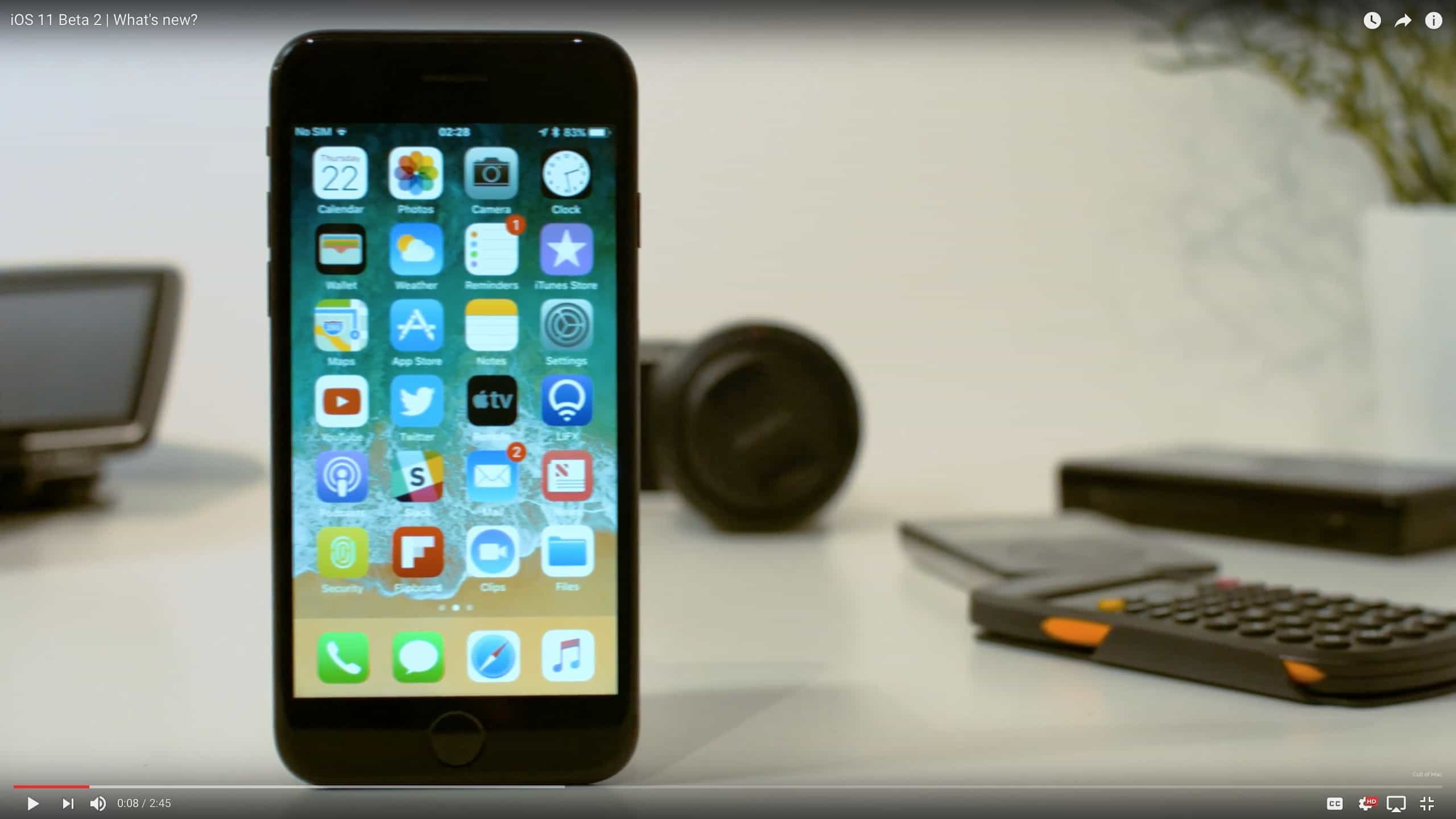
Lots of polish, and a few new features, in iOS 11 developer beta 2. Photo: Ste Smith/Cult of Mac
Apple just released iOS 11 beta 2, and as expected it irons out plenty of wrinkles. It’s still not ready for everyday use on a main machine, because there are still plenty of glitches (the Dock and all kinds of multitasking were missing from my iPad Pro until I rebooted, for example). But overall the latest iOS 11 beta is a lot smoother, and a lot faster-feeling compared to the first beta.
SEGA’s back catalog of games is one of the best there is, and the Japenese giant won’t stand by and watch it die. The new SEGA Forever collection for iOS offers a growing catalog of classic console titles from every era — from Master System to Dreamcast.
The world is constantly growing more connected. That means there’s more value than ever in learning a new language. Of course, at the same time, people are more busy than ever, which makes it hard to find the time for a new language.
Timing 2 makes time tracking on your Mac easy, not a chore. Photo: Screenshot: Timing / Daniel Alm
I recently switched back to freelancing full-time, and whilst I am lucky enough to have clients who don’t ask for precise hourly breakdowns, I have always been intrigued to know how much time I was spending on work tasks, especially those tasks that I didn’t directly bill for.
Many time trackers rely on you explicitly setting the task you are tracking and remembering to switch to another task when it’s time to track that. This is easy to forget, and for someone like me who switches tasks frequently, it’s hard to always know when one task finishes and another begins.
Timing 2 takes a different perspective. Instead of tracking by task, it tracks by application usage and uses a set of rules to assign activities in those applications to certain projects and tasks. The premise is that after a learning process, you can leave the application running behind the scenes and it’ll track everything for you automatically. You only need audit the results.
Apple doesn't want to pay twice for Qualcomm chips. Photo: Ste Smith/Cult of Mac
Apple’s ongoing legal battle with Qualcomm just got even more interesting after the iPhone-maker branded its partner’s license agreements invalid.
Cupertino is fighting to prevent Qualcomm from taking a cut of every iPhone sold, and to prevent the chipmaker’s alleged double-dipping to maximize revenue it earns from its modem chips.
iPhone could have looked a lot different had Steve Jobs had his way. Photo: Apple
Since it made its debut in 2007, the iPhone has relied on just one physical button for returning to the Home screen. But if Steve Jobs had his way, it would have had two.
The Apple co-founder and former CEO tried to convince other executives that the iPhone also needed an Android-style back button for navigation.
Easily save lots of iMessage pictures and movies all at once. Photo: Cult of Mac
You can’t yet automatically save incoming photos and videos from the Messages app in iOS, but there is a way to quickly select a whole bunch of iMessage pictures and movies, and save them all to your Camera Roll.
Why would you want to do this? The main reason is search. Once your media gets inside the Photos app, it can be searched and included in Memories. Plus, all the pictures of people will get scanned and recognized. In short, right now some of your most valued pictures don’t show up in the place you keep all your pictures. Let’s change that.