The Think Tank TurnStyle V2.0 is a camera bag with a different look for a different feel. Photo: David Pierini/Cult of Mac
I’ve never been one to wear a camera bag with the shoulder strap going across my body. I put all the burden on my right shoulder and, as time wore on, I wore out my shoulder.
The TurnStyle V2.0 sling bag by Think Tank Photo changed the way I carry my camera gear. For one, I now carry it more comfortably.
With this deal, you'll get 2 terabytes worth of secure cloud storage for life. Photo: Cult of Mac Deals
Hard drives have a lot of drawbacks. They break, external drives disappear, they’re noisy and power-hungry. No wonder more and more people are looking to the cloud for their storage needs. But the price for secure, high capacity cloud storage is often steep.
Apple won't make a 2-in-1, but Microsoft has more up its sleeve. Photo: Microsoft
A leaked Microsoft memo confirms that Consumer Reports was right to retract its recommendation rating from the Surface lineup due to reliability concerns.
Microsoft previously denied that users were experiencing an abnormal number of issues with its devices, but an internal document reveals that the Surface Book and Surface Pro 3 both have unusually high return rates long after launch.
Grab this massive bundle of essential coding courses. Photo: Cult of Mac Deals
In 2017, coding is one of the most lucrative skill sets you can learn. Maybe you want to develop games, or websites, build mobile apps or just cool digital tools and toys. Whatever your ideas, you’re going to need an education.
'Appy weekend everyone! Photo: Ste Smith/Cult of Mac
Remember the innocent joy of gaming in the 1990s? You can relive it this weekend, courtesy of two rereleases of forgotten console gems from the decade of Nirvana and dial-up internet.
Those are just two of the picks we’ve highlighted for this week’s “Awesome Apps” roundup. We’ve also got a great update to an iOS email client and a livestreaming app for Mac.
AirDrop works across the room to make sharing files between Apple devices easy as can be. Photo: Charlie Sorrel/Cult of Mac
AirDrop, Apple’s built-in sharing feature, lets you beam pretty much anything between any Apple devices. You can use it to share photos, videos, URLS, documents, snippets of text — in short, anything that can be shared using the standard “sharing arrow” icon is fair game for AirDrop.
AirDrop really should be your first choice for sharing, because it doesn’t use the internet to send the files. It connects you and the recipient directly to each other using Wi-Fi, and makes the transfer that way. This makes AirDrop secure and lightning-fast. It also mean it works as well on the top of a mountain as it does in a busy office.
Not all apps should use subscriptions, but for some, it’s the best choice. Photo: Charlie Sorrel/Cult of Mac
Ulysses, one of the best writing apps on the Mac and iOS, just switched to subscription pricing. It’ll now cost you $5 per month, or $40 per year. This is fantastic news for Ulysses users. It means the app will generate enough income to support itself. And it minimizes the risk of the developers abandoning the app when the flow of new users dries to a trickle.
Yet despite this good news, the internet lost it mind after yesterday’s announcement of the pricing change. Currently the Ulysses blog is only serving a single post, the one detailing the change, because the traffic has been enough to collapse the servers. What happened?
Hopefully I won't need to carry this stuff around after Apple Watch Series 3 arrives. Photo: Graham Bower/Cult of Mac
The latest rumors about the next-generation Apple Watch indicate it might come with LTE cellular data in a slick new design. But Apple Watch already offers data connectivity via iPhone, and Cupertino’s marketing tends to focus on benefits, not features. So how will Apple craft a new product story around built-in cellular?
My guess is it will all be about replacing the need for a very old technology: pockets. Apple Watch Series 3 will move all the contents of our pockets into the cloud.
This week's best deals include lessons in the basics of cryptocurrency investing and digital marketing, along with stereo Bluetooth speakers and a massive backup battery. Photo: Cult of Mac Deals
Summer’s drawing to a close. But the deals rolling into the Cult of Mac Store are showing no signs of slowing. This week, we’ve got a guide cryptocurrency investing for beginners started in, and a digital marketing masterclass. Additionally, we’ve got a stereo pair of portable Bluetooth speakers, and a powerful but slim backup battery. Everything is massively discounted, some by more than 90 percent. Read on for more details:
All kinds of iPhone 8 details have been discovered in Apple’s HomePod firmware ahead of the handset’s official unveiling. Photo: Ste Smith
Saying goodbye to the physical Home button won’t be easy, but going virtual offers some clear advantages. Clues buried in HomePod firmware reveal one of iPhone 8’s coolest features.
In this week’s issue of Cult of Mac Magazine, you’ll find that story and more. Get all the new tweaks in iOS beta 5. And check out Nomad’s brand-new Sport Strap for Apple Watch. Get your free subscription to Cult of Mac Magazine from iTunes. Or read on for this week’s top stories.
This app will download your favorite videos from pretty much any major streaming site. Photo: Cult of Mac Deals
Streaming videos have made our favorite content available pretty much anywhere we go. It’s also made the loss of an internet connection cause for disappointment and frustration. Luckily, it’s real easy to download your favorite streaming video from basically any site straight to your hard drive.
This week on The CultCast: What does Apple have in store for the next generation of Watch? We round up the current rumors and reveal our Series 3 wish list. Then: Could Face ID actually replace Touch ID on iPhone 8? We have concerns. Plus: Proof that a 4K Apple TV is right around the corner; more incredible demos of ARKit; and we share our favorite new shows, movies and board games in an all-new What We’re Into!
Our thanks to EERO for supporting this episode. The EERO router system will blanket your home in hyper-fast, reliable Wi-Fi, and you can score free overnight shipping with code CULTCAST at checkout.
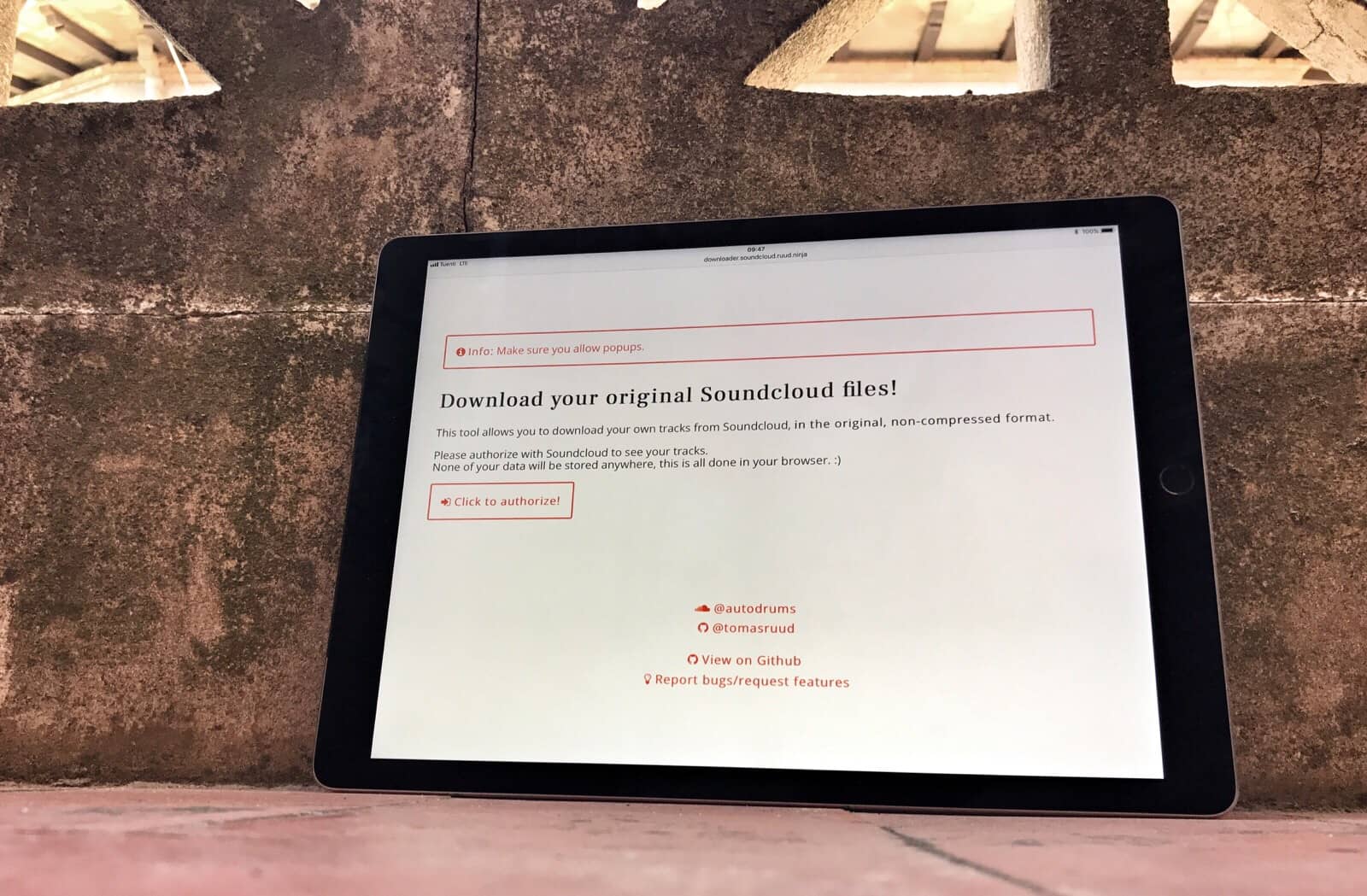
Grabbing your own SoundCloud music is easy with this free tool. Photo: Charlie Sorrel/Cult of Mac
SoundCloud faces a do-or-die vote Friday. If you uploaded a bunch of your own music to the service, and have no idea where your original copies are, you should probably download your SoundCloud music now, just to be safe.
Incredibly, there’s no built-in way to quickly grab your own files from SoundCloud. Thankfully, though, somebody built an easy-to-use tool to get the job done. Today we’re going to see how to use it.
Try this with an iPad Photo: Charlie Sorrel/Cult of Mac
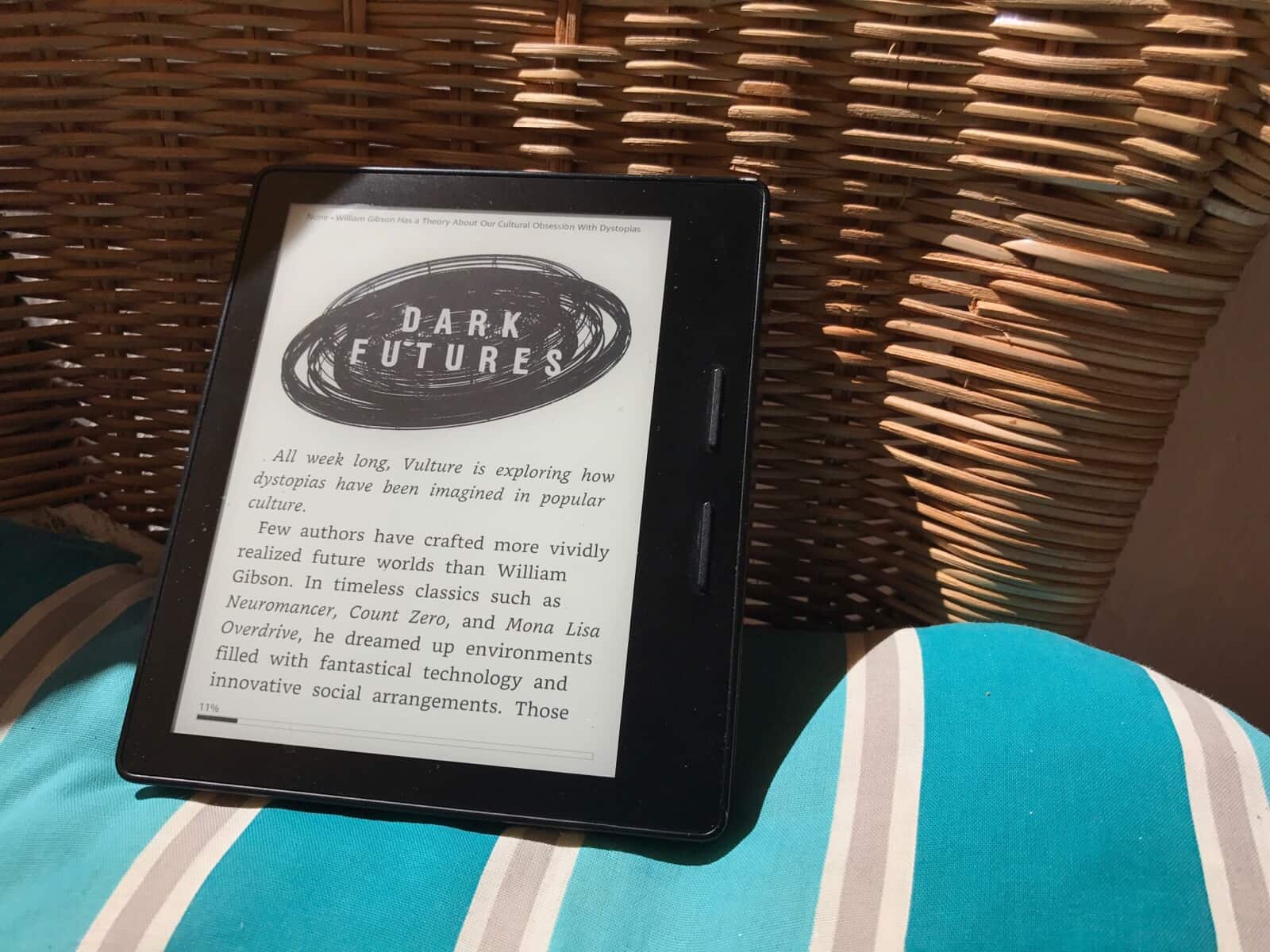
If you’re hanging out on the beach this summer, or kicking back on the porch with a beer and one of Cult of Mac’s amazing how-to articles, you might notice how hard it is to see the iPhone or iPad’s screen in the sunlight. How about sending that long article to you Kindle instead? Not only is the e-ink screen perfect for reading in bright light, but the battery lasts forever, saving you from burning through your iPhone’s juice even faster than usual because you have the screen brightness all the way up.
Happily, it is now easier than ever to send an article to you Kindle from your iPhone. Today we’ll see two ways to do it.
The iOS Notes app is now even more powerful than the Mac version. Photo: Charlie Sorrel/Cult of Mac
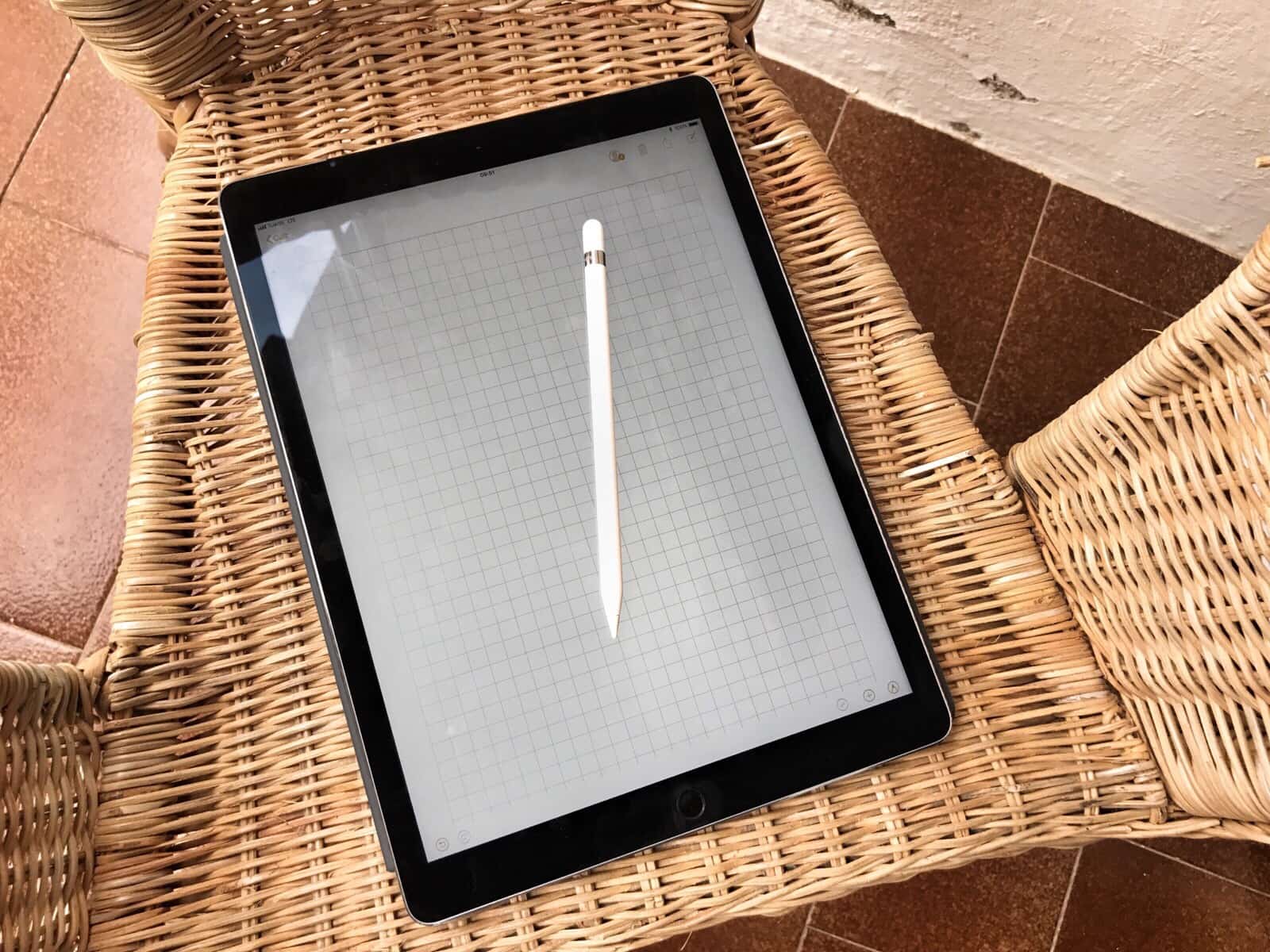
iOS 11’s Notes app is fantastic, and can probably replace apps like OneNote or Evernote for many people. In iOS 11, it mostly catches up with the Mac version — and adds a bunch more neat features only possible on the iPad, like sketching with the Apple Pencil.
Today, we’re going to see how to pin notes to the top of the list; how to swipe to delete, password-protect or move a note to a folder; and how to pick a stationery background for a new note.
Sick of those annoying bars that follow you around certain websites, urging you to share a story on Facebook? A new iOS app called Unobstruct lets you banish those “dickbars” forever.
The creator of the $1 app says he hopes it sends a clear message to web designers: Nobody wants these weapons of messy distraction.
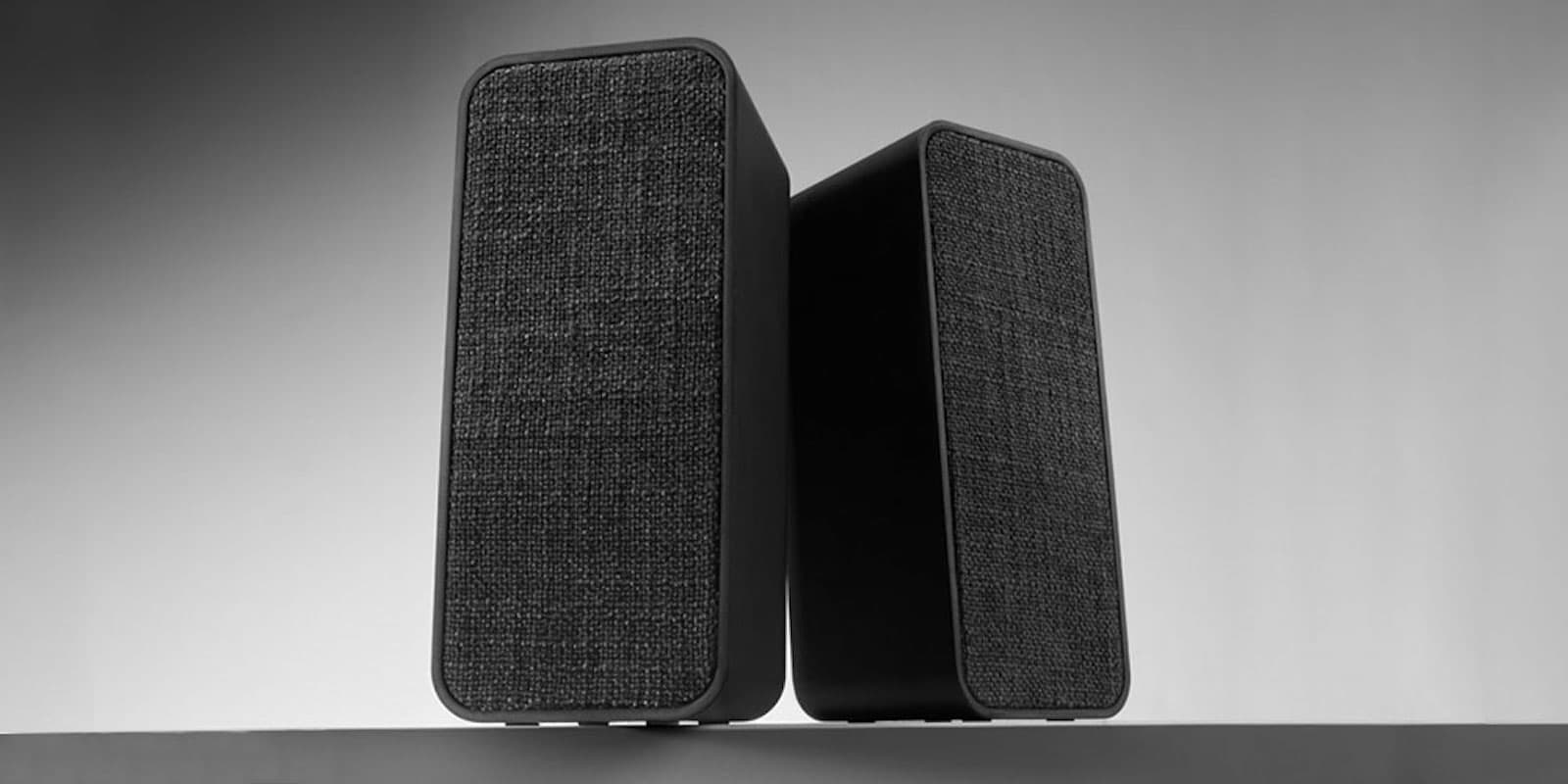
This pair of Bluetooth speakers brings stereo sound to portable audio. Photo: Cult of Mac Deals
When you think portable audio, Bluetooth box or pill-shaped Bluetooth speaker probably comes to mind. Although these popular personal audio devices are great, they’re hardly immersive. But when you turn one speaker into two, you can take immersive stereo sound on the road.
You're going to have to get used to life without Touch ID. Photo: Ste Smith/Cult of Mac
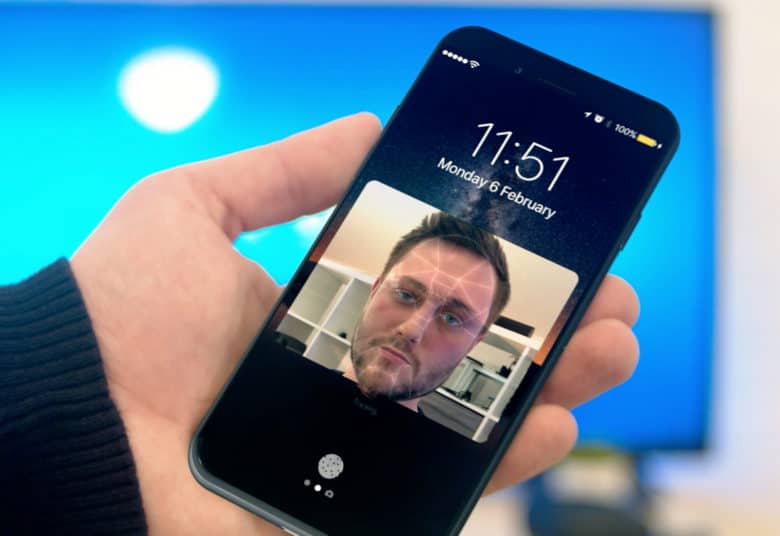
iPhone 8’s new facial recognition functionality will be just as versatile as Touch ID, giving users the ability to authorize Apple Pay transactions, unlock third-party apps, and more.
Apple’s code suggests “Face ID” will even support multiple faces for different users.
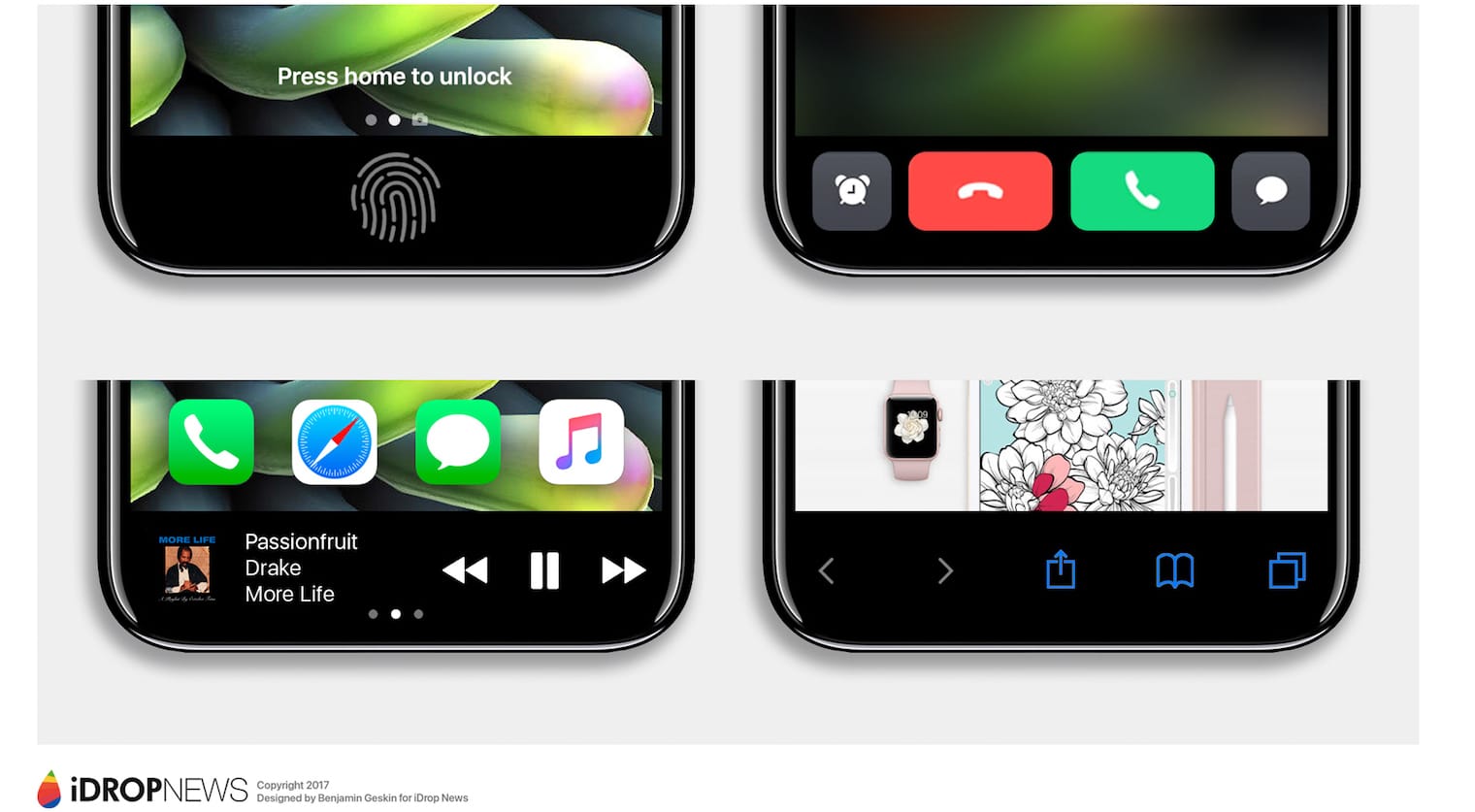
Don't expect this kind of functionality. Photo: iDropNews
Bidding goodbye to the iPhone’s physical Home button won’t be easy, but there are some advantages to going virtual for iPhone 8.
Not only will it allow for a larger edge-to-edge display, but it also means you’ll be able customize the virtual button. Apple code suggests we’ll have the option to resize it and hide it away if we don’t want it to be displayed on screen at all times.
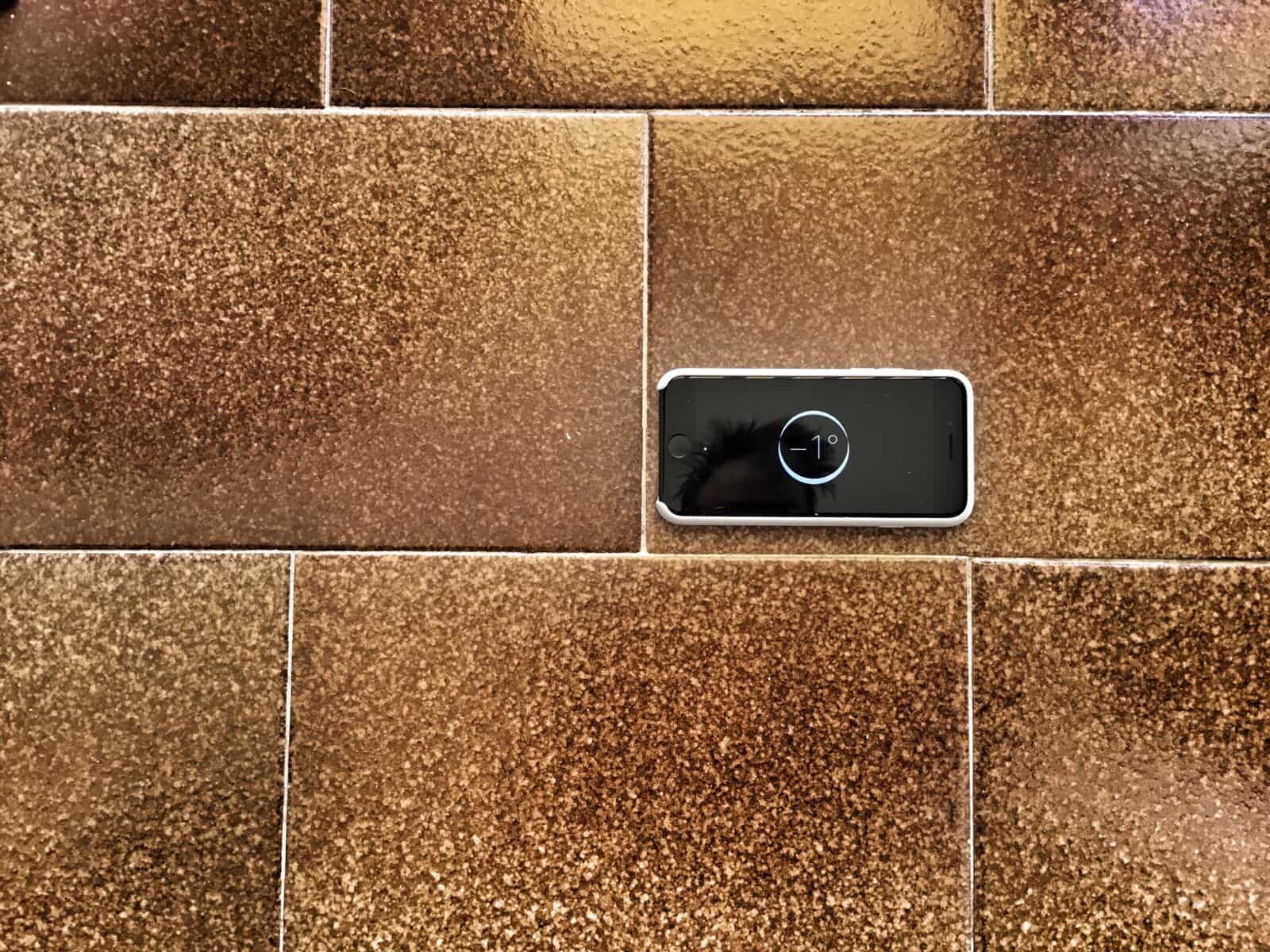
Level up: I used the iPad’s camera level to shoot this picture of the iPhone compass level, and it’s still not level. Photo: Charlie Sorrel/Cult of Mac
Did you ever try to take a photo of something flat on the ground, and spend ages trying to line it up right so that it is square in the frame? No, well, humor me here, because Apple just granted everyone’s biggest iOS camera wish: The camera app now has a level that kicks in when you hold the iPhone horizontally, and which will tell you when you’re holding the iPhone, uh, level.
Apple should be worried about Galaxy Note 8. Photo: Samsung
Samsung may have finally worked out how to rip off 3D Touch.
A new report claims its upcoming Galaxy Note 8 will be the first to offer the feature, which will recognize presses as well as touches — just like the iPhone.
Files app keyboard shortcuts Photo: Charlie Sorrel/Cult of Mac
The Files app is iOS 11’s Finder. You can use it to browse the files in your iCloud Drive, along with files and folders in your Dropbox, and inside other apps that open up their file systems to iOS. Apple has also added some keyboard shortcuts to the Files app. This lets you carry out many common tasks without touching the screen when you have a hardware keyboard attached.
Most of the new keyboard shortcuts are great, and show how serious Apple is about the new user-accessible iOS file system. But some serious limitations mean you’ll still need to reach up and tap the screen to do the most basic things.
It would make shooting video a whole lot simpler. Photo: Apple
Apple could be planning to add a pause and resume function to its Camera app in iOS 11. References to the feature have been spotted in the company’s beta code, but it’s not yet clear which devices will support it.
Regular maintenance with apps like Drive Genius can keep your Mac humming. Photo: Cult of Mac Deals
Underneath the sleek Mac exterior is a machine hard at work. Accessing and crunching data takes a toll on any computer. As a result, any drive’s works will gum up without regular maintenance .
Often, our eye is drawn to something because of its color. But sometimes we’re attracted by a pattern, or perhaps color even detracts from an image (like a row of cars in front of a beatific white building). At those times, we should shoot black-and-white images, which emphasize pattern, texture and shape.
The iPhone — with its giant screen, its great camera and its huge library of photo apps — is fantastic for shooting B&W pictures. Let’s take a look at how to shoot amazing black-and-white photos with your iPhone.