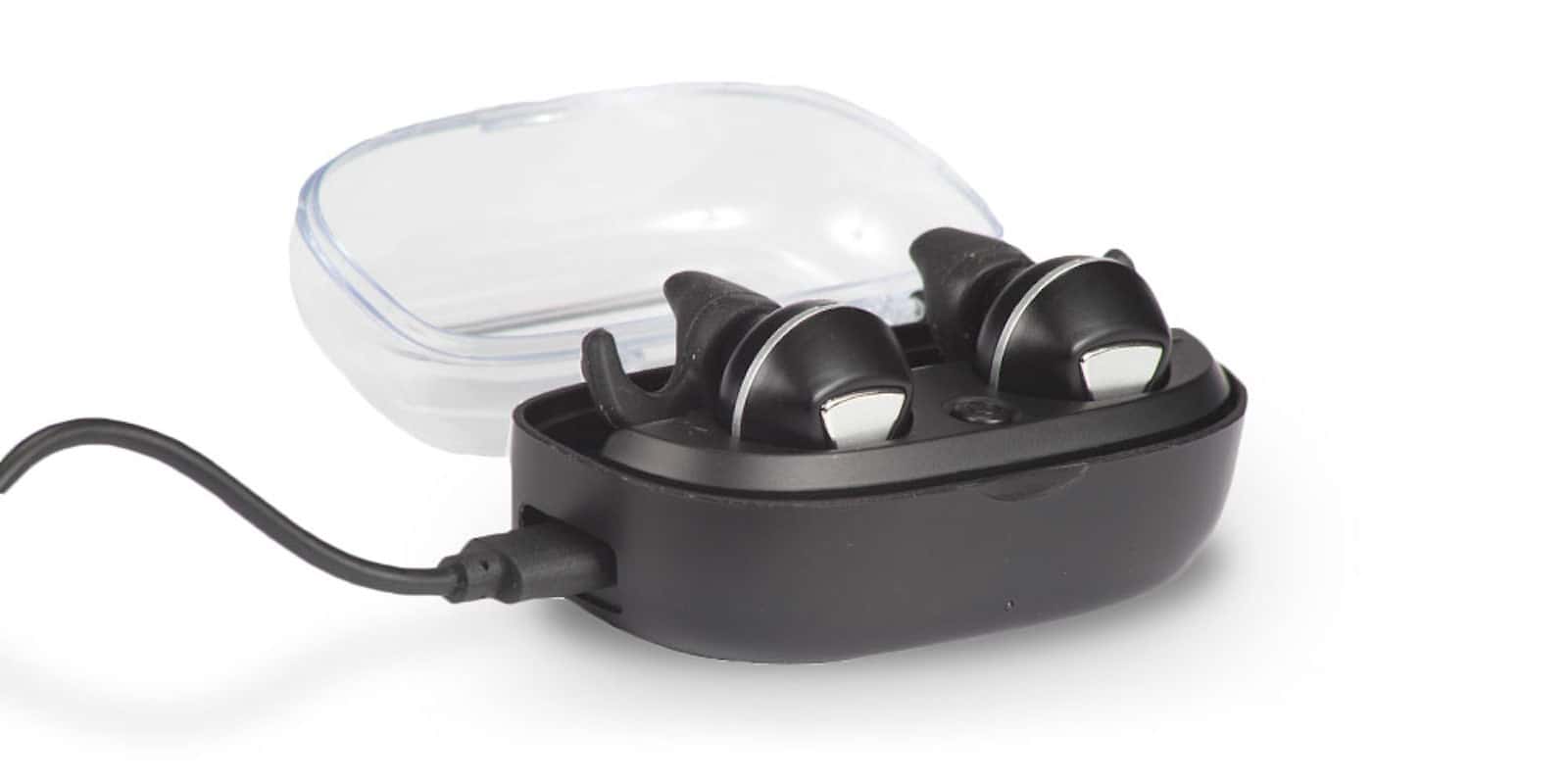
These Bluetooth earbuds include with a charging case that can revive them up to 7 times. Photo: Cult of Mac Deals
Wireless Bluetooth earbuds are basically the ultimate in convenience for listening to music. Unfortunately, their one weak point is the constant need for recharging. Even with improving battery lives, running out of juice is a problem worth avoiding.
HomePod firmware spills more iPhone 8 secrets. Photo: Apple
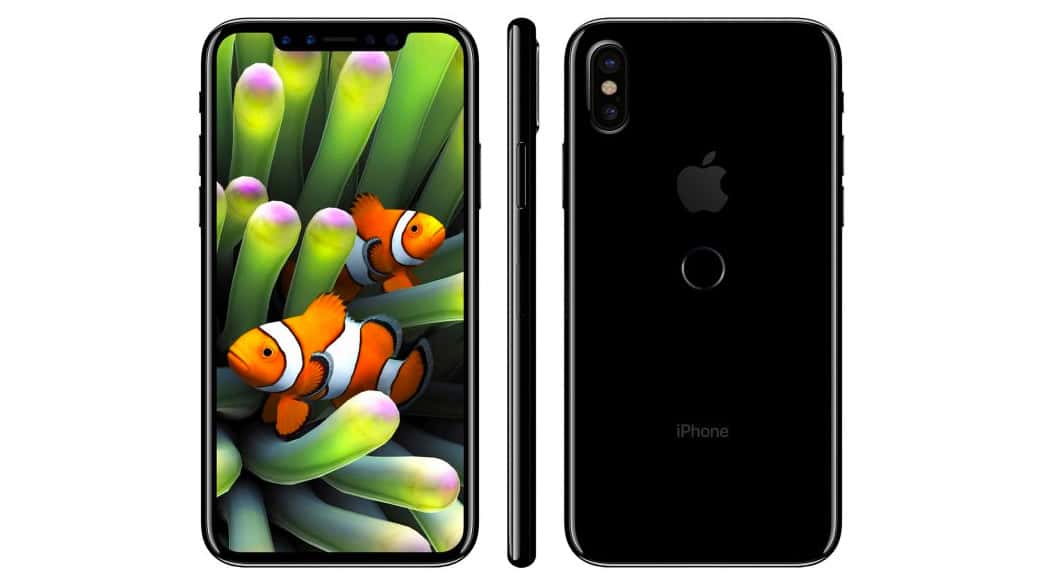
Yet more information about the iPhone 8 has been discovered in Apple’s HomePod firmware. We now know the device will have a split status bar designed to fit its edge-to-edge display and tap to wake functionality like its Android-powered rivals.
However, the future of Touch ID still looks bleak.
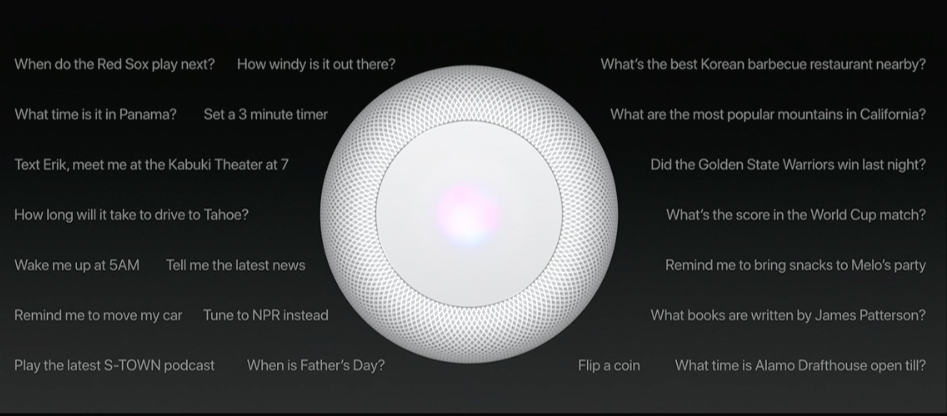
There are still a lot of unanswered questions about the HomePod speaker Apple announced at WWDC last month. But thanks to the firmware that was released to developers on Friday, we now know a little bit more about its internal hardware.
You can use third-party apps to load podcasts on your Apple Watch. Photo: Ste Smith/Cult of Mac
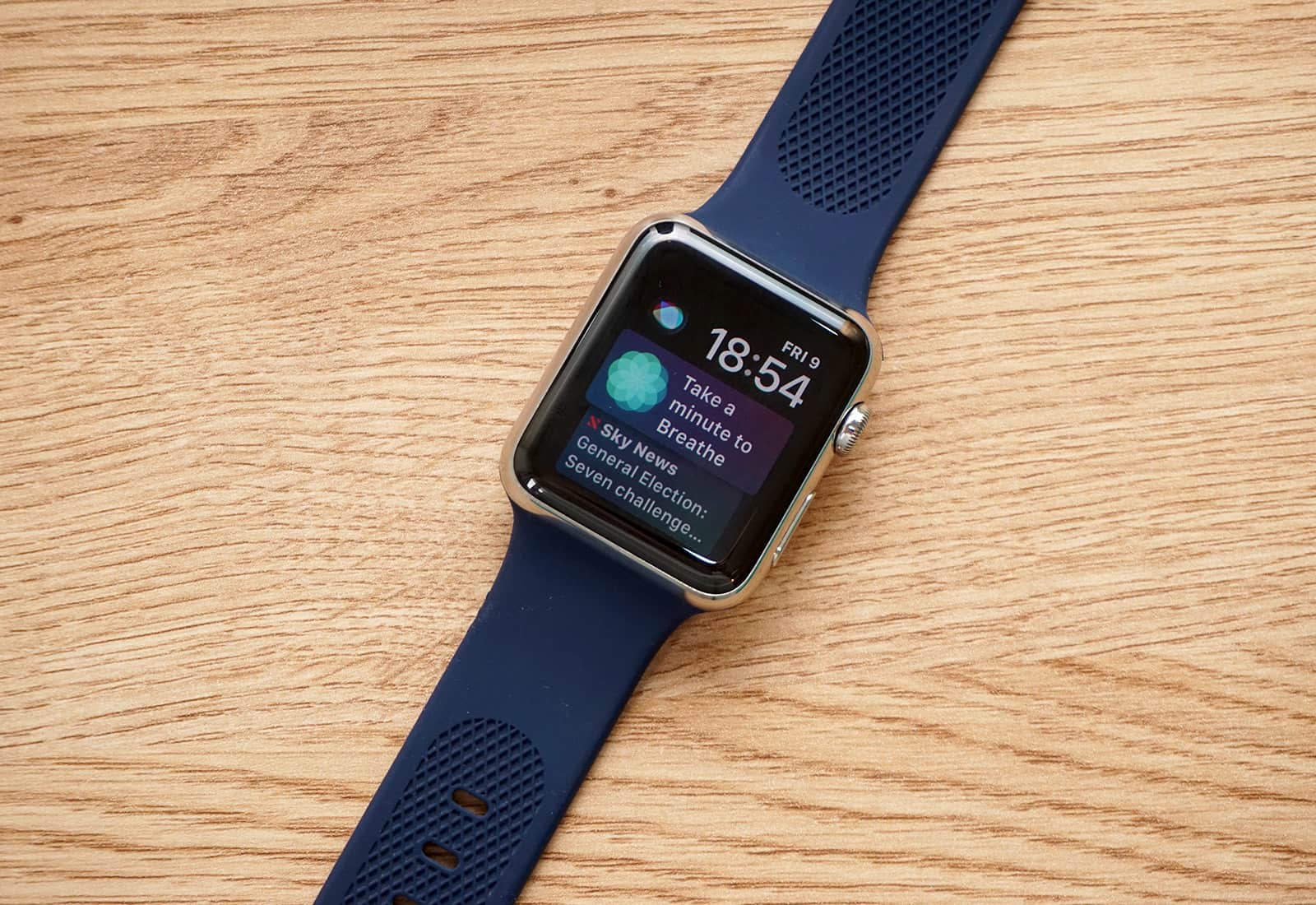
A lot of people who enjoy listening to podcasts or music while jogging will agree that it’s inconvenient to carry an iPhone. While music lovers can sync playlists from their iPhone to their Apple Watch, Apple’s Podcast app doesn’t do the same for podcasts.
That’s unfortunate. However, it’s simple to send podcasts to Apple Watch using third-party apps.
Apple could be a $2 trillion company by end of 2021 Photo illustration: Ste Smith/Cult of Mac
Apple is set to unveil its latest earnings report on Tuesday, and Wall Street analysts predict it will probably be the most boring earnings call of 2017.
This will likely be Apple’s last public announcement before it unveils the next generation of iPhones. Apple CEO Tim Cook might drop some hints on what to expect, and when, as investors look forward to Apple’s next big blockbuster quarter. As usual, Cult of Mac will be here liveblogging the entire event with all the analysis and wit we can muster.
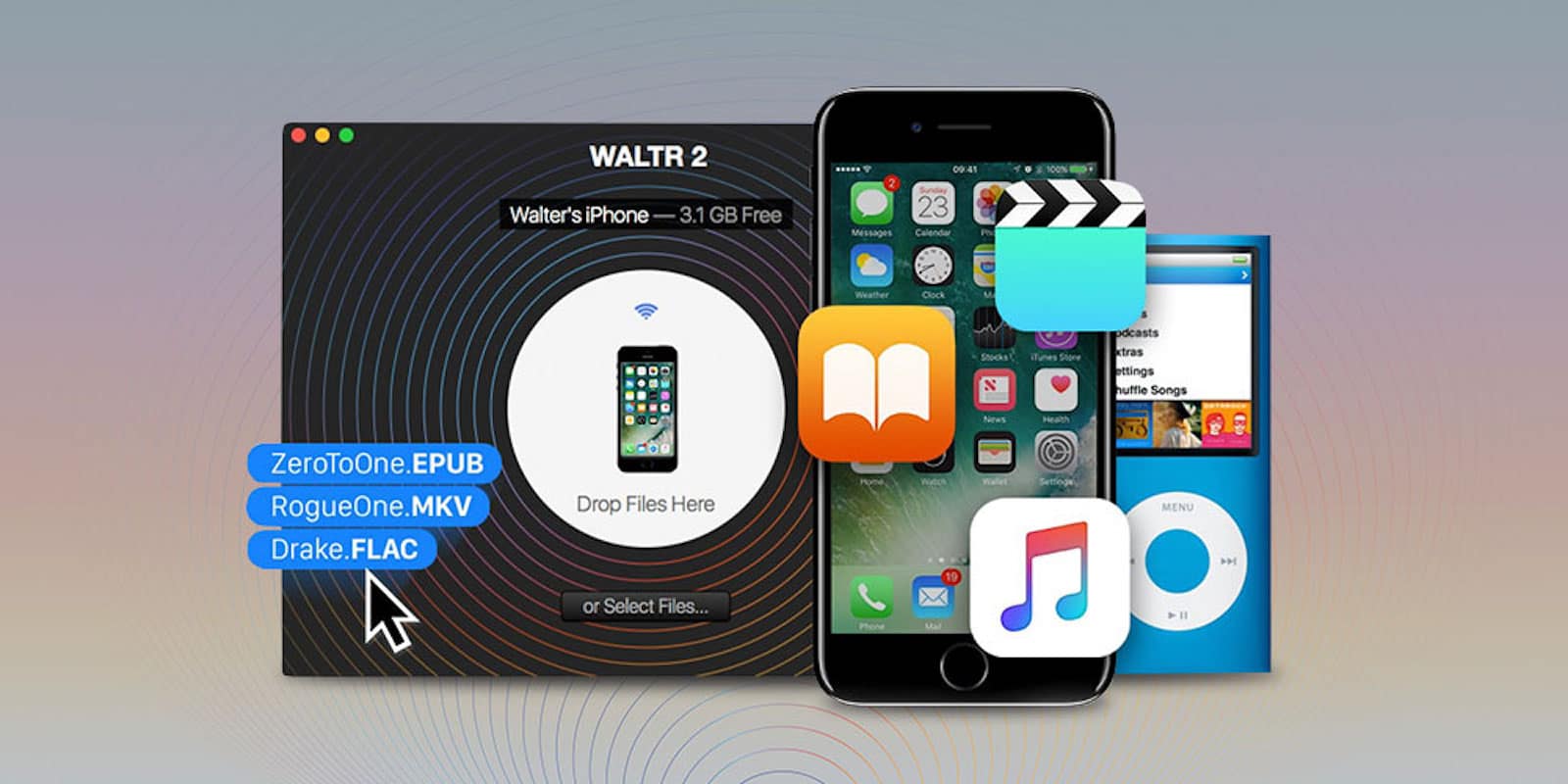
WALTR 2 makes it easy to transfer music, videos, PDFs, and other media to iPhone or iPad compatibility issues. Photo: Cult of Mac Deals
iPhones and iPads are great platforms for movies, TV shows and music. That is, if you can get them on there and working. iTunes doesn’t always make it easy, and some popular formats like FLAC don’t work at all.
'Appy weekend everyone! Photo: Ste Smith/Cult of Mac
A stunning minimalist iOS puzzle game, in which you must guide a beam of light through a network of pipes, is just one of the great App Store picks we’ve highlighted for this week’s “Awesome Apps” roundup.
We’ve also selected a great music-making app for iPhone and iPad, a smart Bluetooth device finder for tracking down your lost Apple Pencil, and an entertaining parkour endless runner. Check out our choices below.
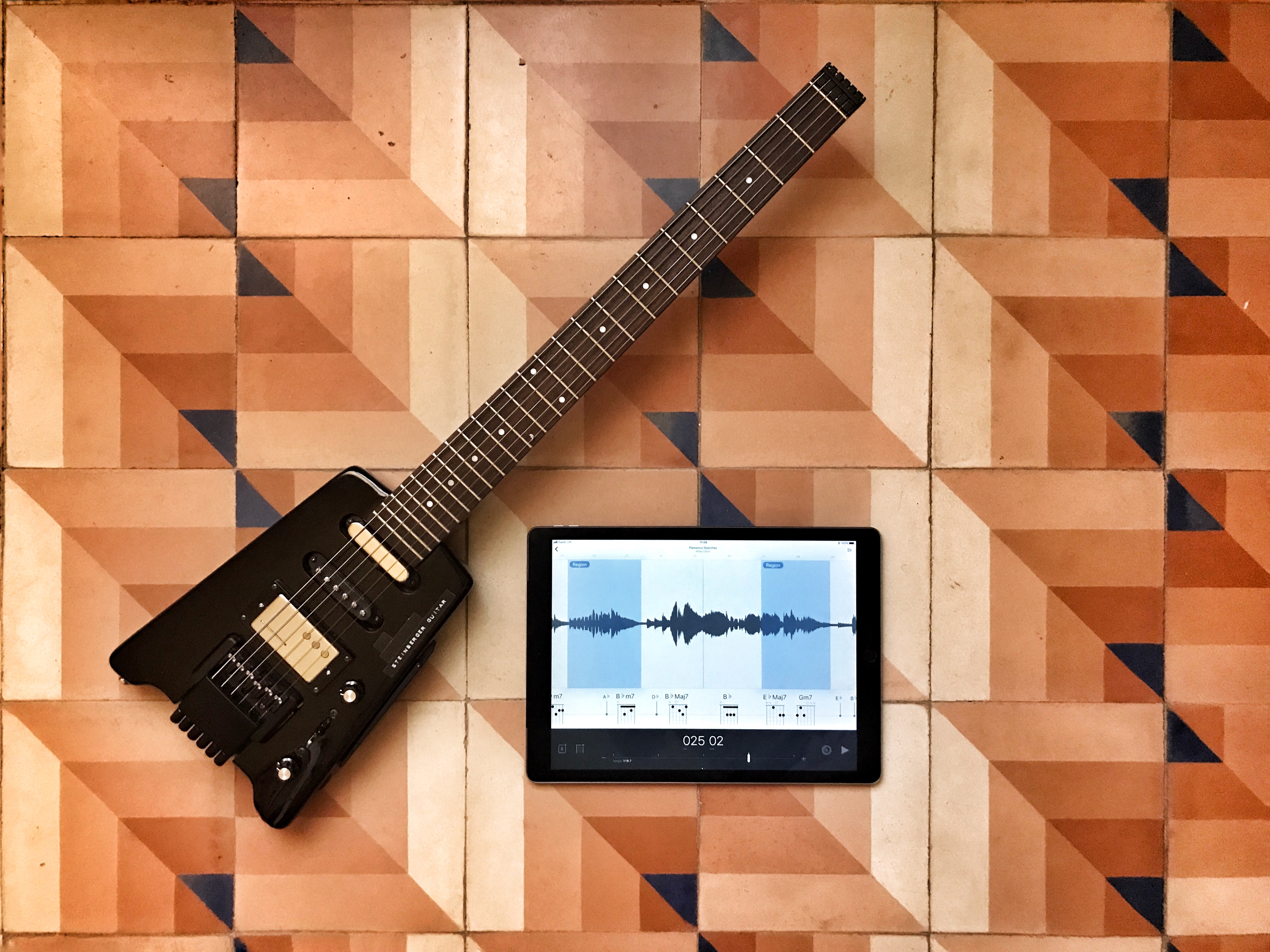
Fantastic slow-downer app Capo Touch just got even better. Photo: Charlie Sorrel/Cult of Mac
Capo touch is the iOS version of Capo, an amazing Mac app that lets you slice and dice a song, slowing it down so you can learn it on guitar or another instrument.
Developer SuperMegaUltraGroovy added some great new features to Capo touch version 2.5. If you’re a long-time user, you’ll appreciate the interface tweaks, the Apple Music support and the new audio-scrubbing engine. If you never used Capo, and you play a guitar, you should buy Capo touch right now.
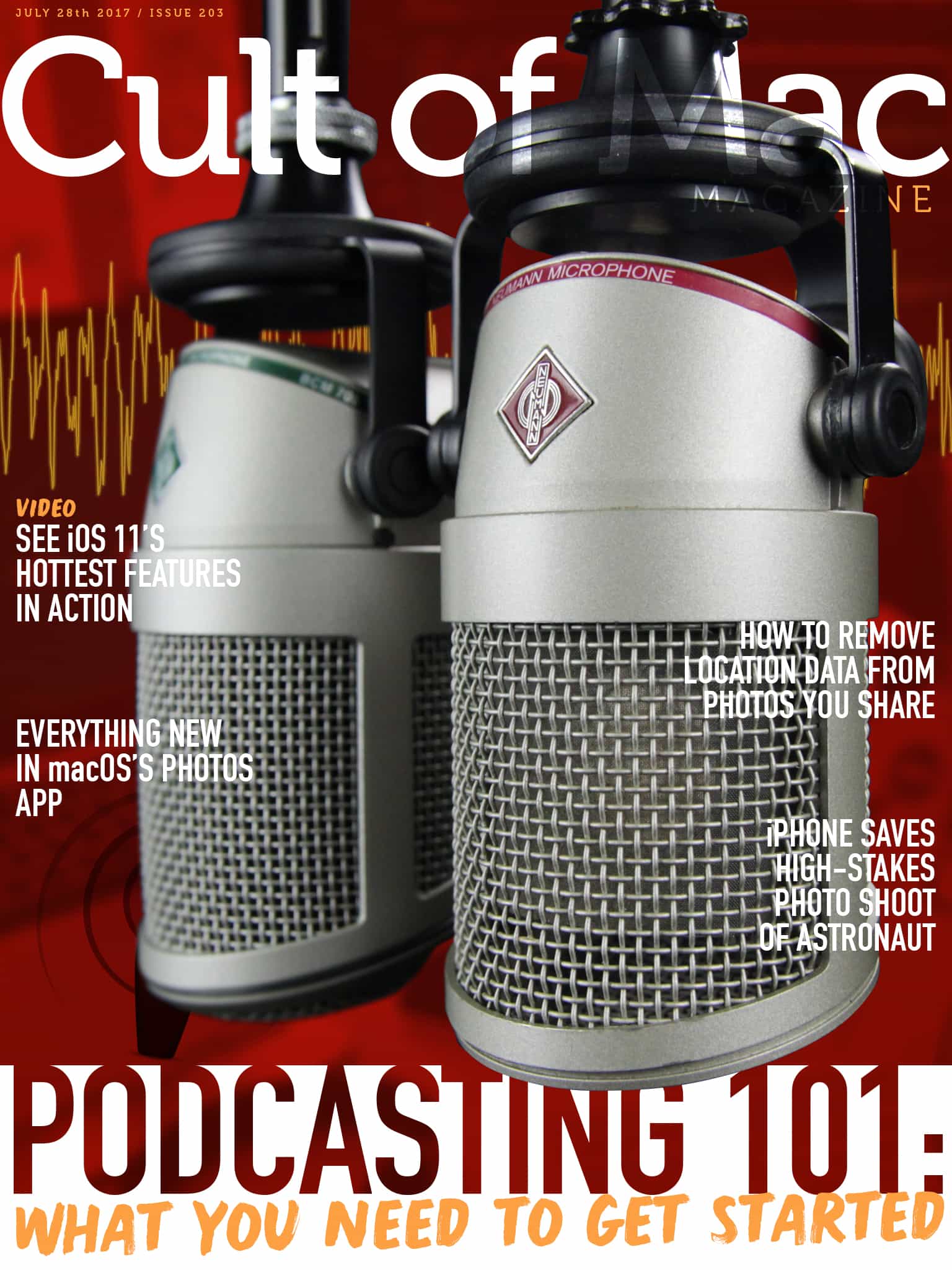
One thing that sets apart the amateurs from the professionals is good content, but the other is production values. Photo: Ste Smith/Cult of Mac
In this week’s Cult of Mac Magazine, amateur podcaster and video-tutorial creator, Chris Ward, shares what he’s learned, along with recommendations on the hardware, software and techniques to get you started podcasting using your Mac.
We’ve got video of iOS 11 beta 4 changes, and how the flashlight mode on iPhone helped a photographer light the simulated workspace of European astronaut Paolo Nespoli. Check out the long-awaited Rainbow Apple Watch Band from Juuk, and more. Get your free subscription to Cult of Mac Magazine from iTunes. Or read on for this week’s top stories.
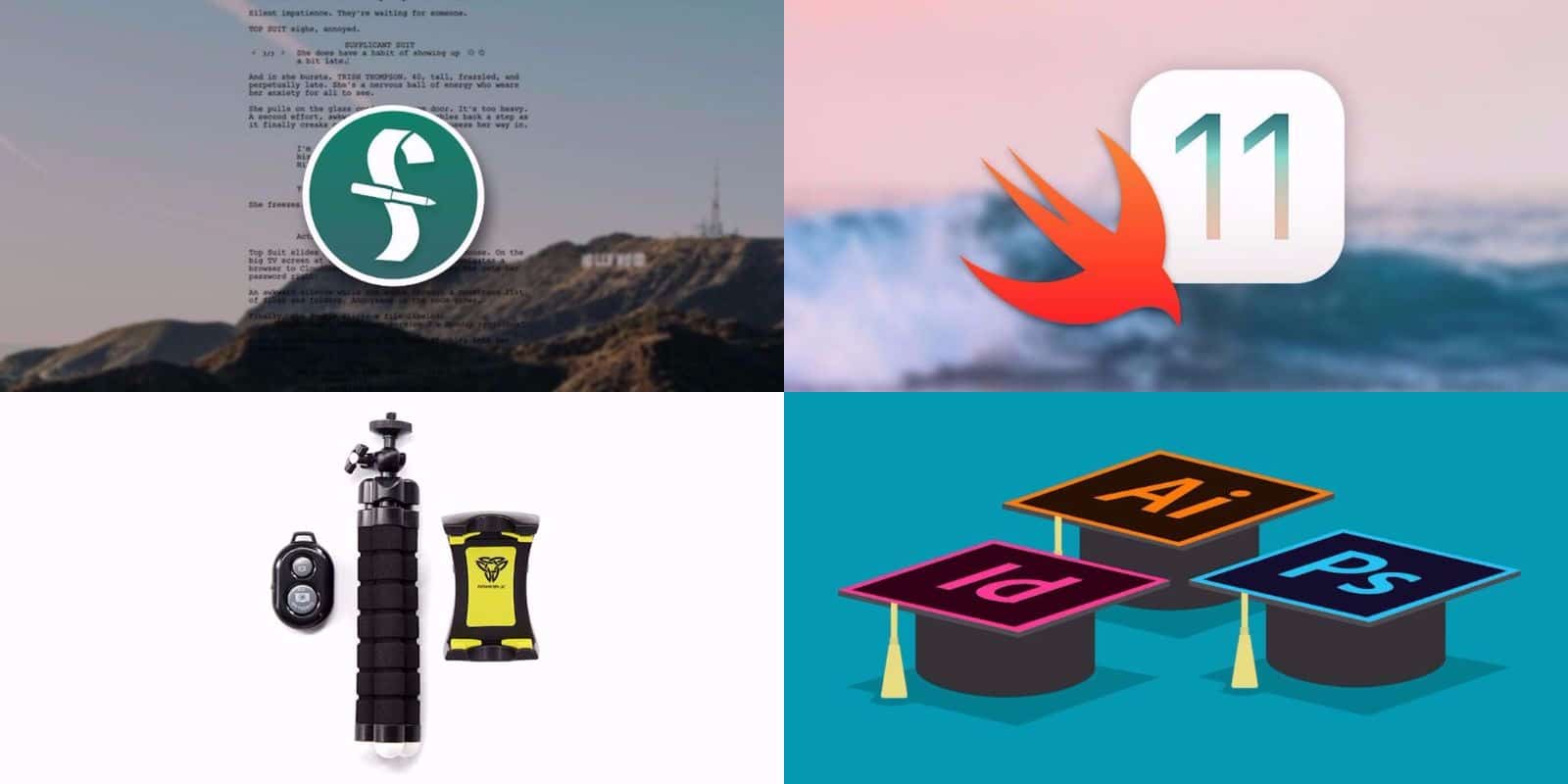
Get pro-level tools and guidance for screenwriting, graphic design, coding, and more. Photo: Cult of Mac Deals
We’re right in the middle of the dog days of summer. But the hottest place you’ll find is at the Cult of Mac Store. We’ve been busy stacking up a bunch of new deals that are ideal for digital creatives. We’ve got a set of lessons in coding for the all new iOS 11, and Adobe’s suite of graphic design apps. There’s also the industry standard app for screenwriters, and a rugged phone tripod for mobile photography and video. Discounts range from 40 percent to 95 percent off, read on for more details:
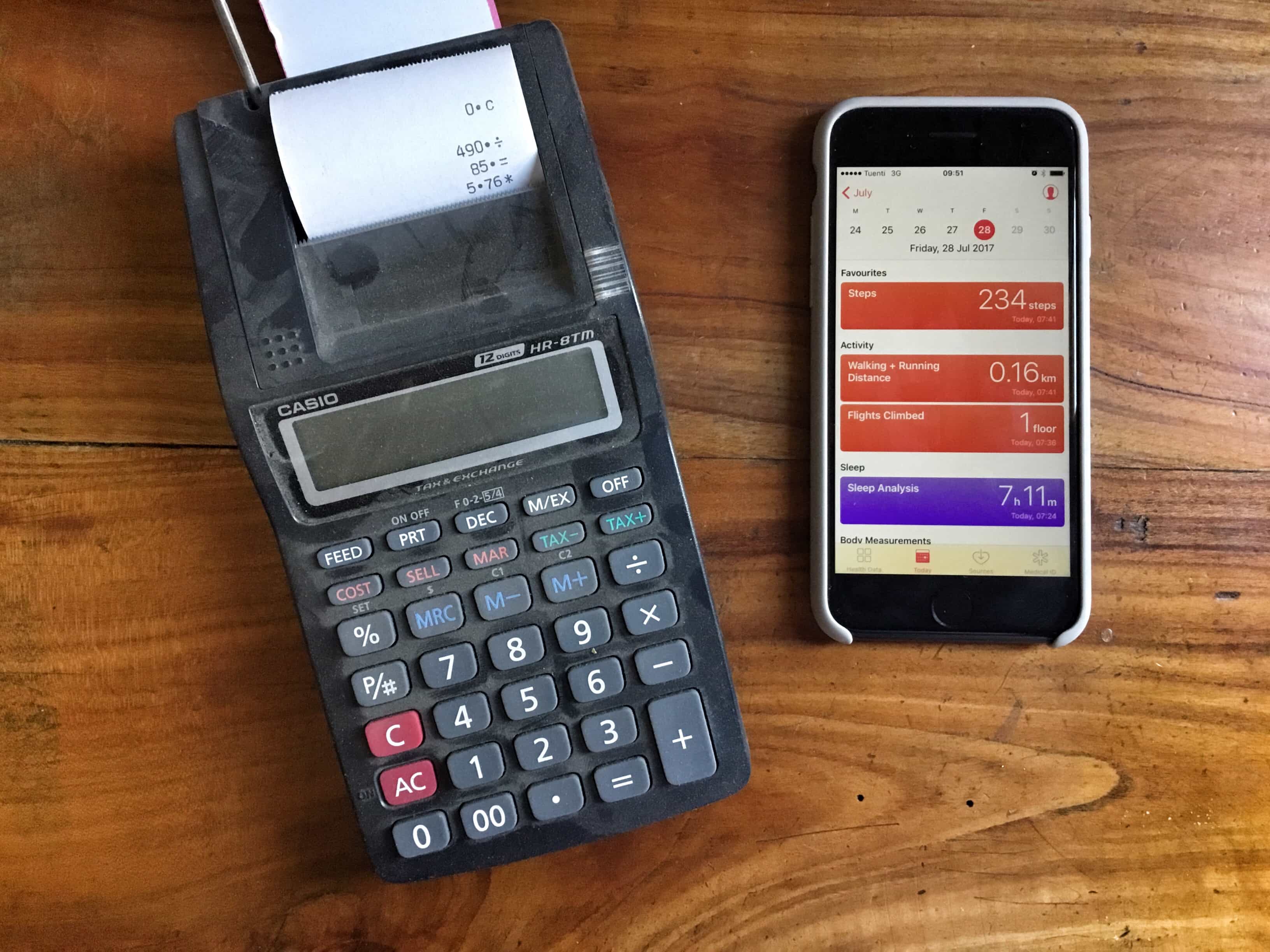
Like a calculator or a vampire, the iPhone’s pedometer loooooves to count. Photo: Charlie Sorrel/Cult of Mac
Your iPhone isn’t slacking off when it sits in your pocket. No, it’s industriously counting your every step, ready to tell you the total so you can celebrate by buying cake if you hit your daily goal. The good news is that the iPhone pedometer comes built-in, and requires no third-party apps to do its stuff. The even better news is that there’s a free app — Pedometer++ — that makes it even better.
Is this Apple Watch clone worth it's $26,900 asking price? Photo: Ste Smith/Cult of Mac
This Apple Watch clone costs more than an Apple Watch Edition, but comes with zero apps. The H. Moser Swiss Alp Watch Zzzz might look like it’s straight outta Cupertino, but it’s actually an old-fashioned luxury timepiece.
Would you pay $26,900 for an Apple Watch clone without all the smart functionality? See our video review for more on this completely bonkers Swiss watch.
TSMC has ramped up production for a September launch. Photo: Ste Smith/Cult of Mac
Apple manufacturing partner TSMC has reportedly started mass-production of the A11 chip that will power the iPhone 8.
The new chip is said to be based on a 10-nanometer manufacturing process, which should make it faster and more efficient than the 16-nanometer A10 Fusion in the iPhone 7.
Early benchmarks suggest it will be even faster than the A10X Fusion chip in the latest iPad Pros.
Protect your sensitive info with this highly rated password manager. Photo: Cult of Mac Deals
Seems like every time you refresh the news there’s another story about massive leak of private information. Data theft is big business these days. That means having a strong password is an absolute must. It’s a lot easier to do when you have a good password manager.
Where’s my iPhone? I know I left it around here somewhere Photo: Charlie Sorrel/Cult of Mac
Your iPhone knows where you are, pretty much all the time, and you probably know that it can share your location with other people, too, if you let it. Many apps ask to know where you are so that they can do their job (a weather app, a mapping app), but the iPhone has a few built-in ways to let other folks know where you are, and also to help you find a lost iPhone. There are so many ways to use location sharing that it can get a little confusing, but really, all those options are connected to the same service.
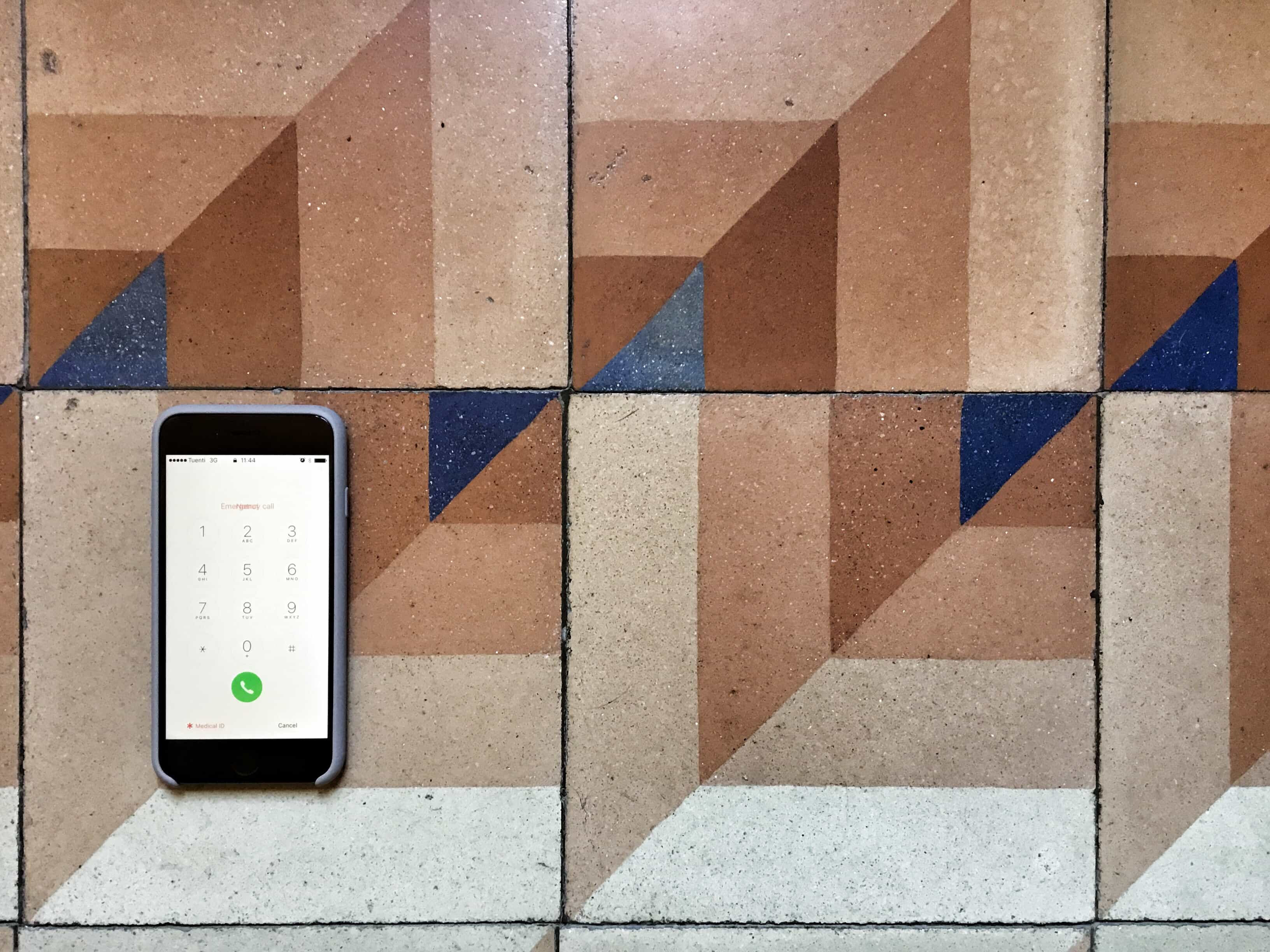
Adding your Medical ID means that anyone can check your details without unlocking your iPhone. Photo: Charlie Sorrel/Cult of Mac
Inside the iPhone’s Health App, the app that counts your steps and hooks up with other apps to monitor your activity and health, lives your Medical ID. This is a page containing everything important that you might want a doctor or first responder to know in an emergency, and is accessible from your iPhone’s lock screen without a password.
By default, the app only contains your name, and a few details automatically culled from your address book, but fleshing it out is quick and easy. Here’s how to set up your Medical ID with any and all the information you want to make available.
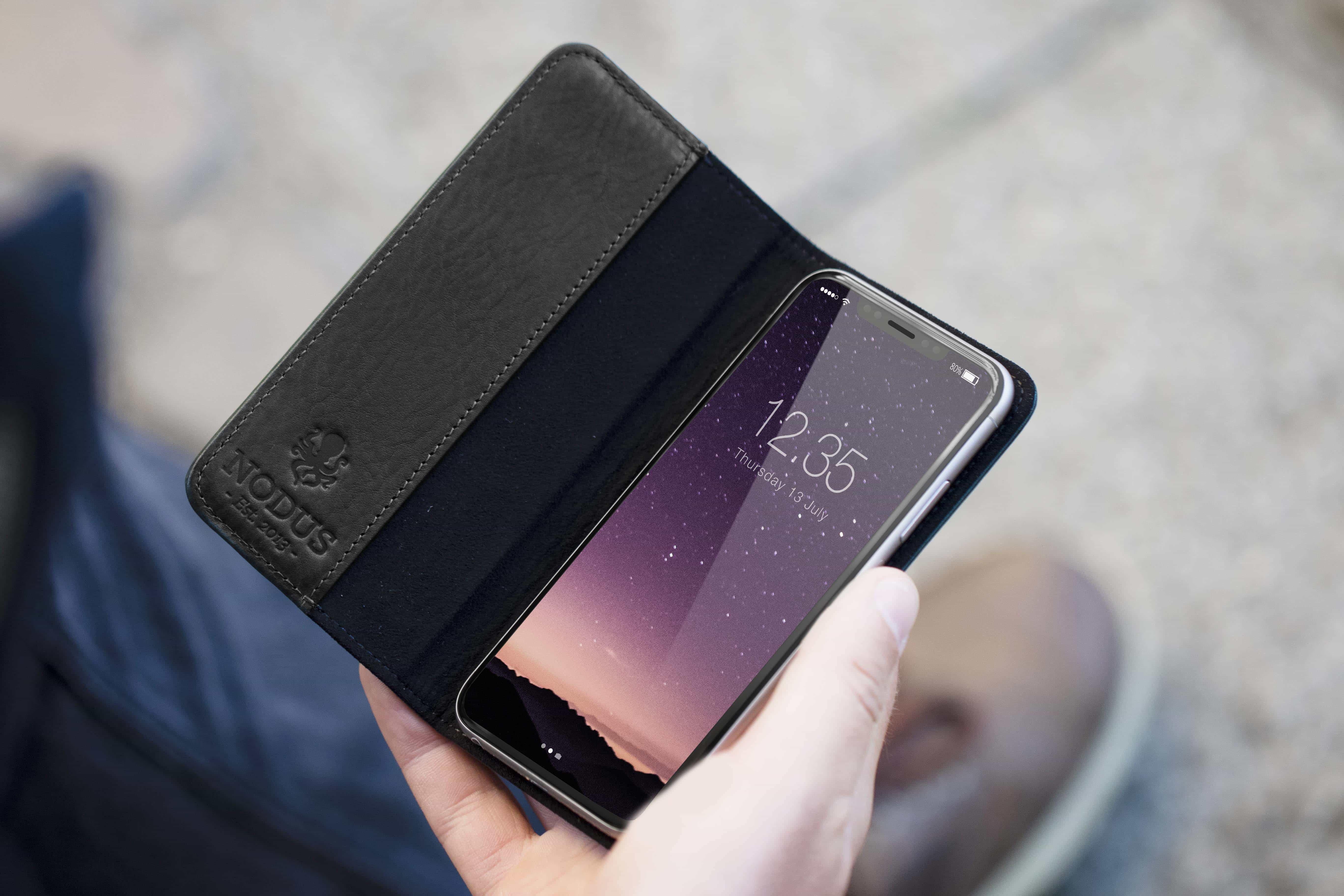
Being one of the first to market with new iPhone accessories can mean big business. We won’t get confirmation of Apple’s plans for the iPhone 8 until September, but some companies are already manufacturing cases based on leaks and rumors.
One of those is Nodus. Launched in 2013, the case-maker focuses exclusively on the iPhone, and its plans for Apple’s next big refresh are already well underway. Here’s everything it knows about the iPhone 8 so far, and how it’s fighting to beat others to market.
Learn the ins and outs of developing for iOS 11 by building 20 working apps. Photo: Cult of Mac Deals
iOS 11 is fast approaching. Along with it are coming a whole host of improvements and entirely new features. That means developers have to catch up before Apple’s latest and greatest mobile operating system drops this fall.
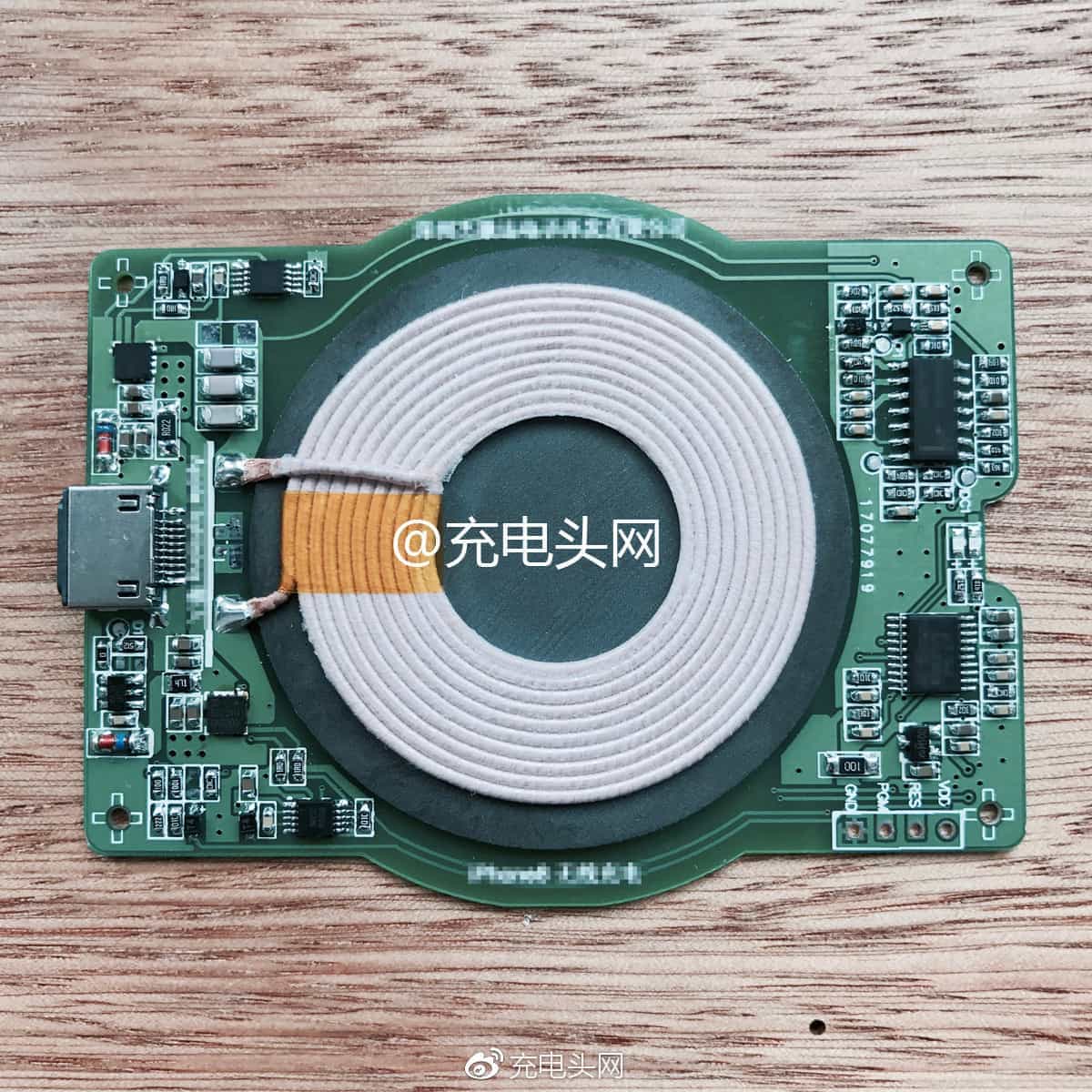
This is what will bring wireless charging to iPhone 8. Photo: Weibo
A new iPhone 8 leak all but confirms one of the handset’s biggest new features.
A component we haven’t seen in an iPhone before — almost certainly a wireless charging module — surfaced recently on a Chinese social network. It appears to be equipped with a Lightning connector and is clearly labeled “iPhone.”
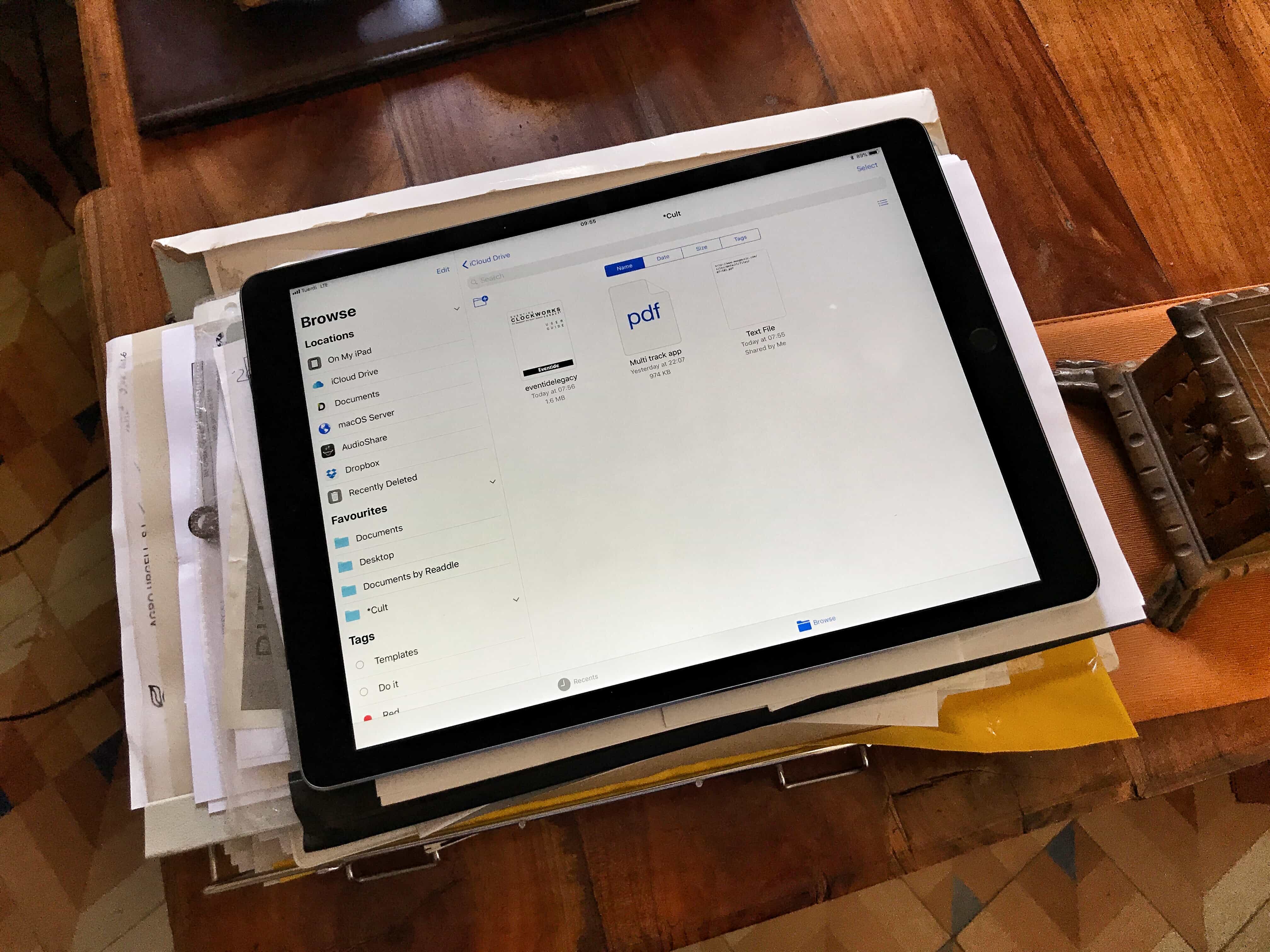
Files is awesome, but it could be better. Photo: Charlie Sorrel/Cult of Mac
We’ve been able to share and collaborate on iWork documents for a while, but in iOS 11 (and macOS High Sierra) you’ll be able to collaborate on any document, just by sharing it through iCloud Drive. To begin with, this will only work with Apple’s own apps, but third-party developers may add real-time collaboration features to their own apps. Here’s how to get started.
The flashlight mode on an iPhone helped the photographer light the simulated workspace of European astronaut Paolo Nespoli. Photo: Alessandro Barteletti
We’ve all used the iPhone flashlight to shine on a keyhole or search for change dropped in a dark room. Alessandro Barteletti used his to land a cover picture for National Geographic.
Barteletti’s photo of an astronaut training in a Soyuz launch simulator graces this month’s cover of the Italian edition of the venerable publication.
Podcasting is undergoing a renaissance with listeners consuming on-demand shows at unprecedented levels, and creators enjoying surprising levels of success with their work. One thing that sets apart the amateurs from the professionals is good content, but the other is production values.
I have been running my own small podcast for about a year, trying different ideas and formats to see what works. While I’m an amateur podcaster, I create tutorial videos for a living and I used to be a professional musician, so I know a thing or two about sound, music, and music production. I have also been using a Mac since 1997, and have recorded audio with just about every port that Apple has released. For me, the podcast is a great outlet to cover topics I don’t get to cover in my paid writing work. And of course, like many other podcasters, I like the sound of my own voice.
Here are some of the things I’ve learned, along with recommendations on the hardware, software and techniques to get you started podcasting using your Mac.
You won’t be able to stop grooving. Photo: Charlie Sorrel/Cult of Mac
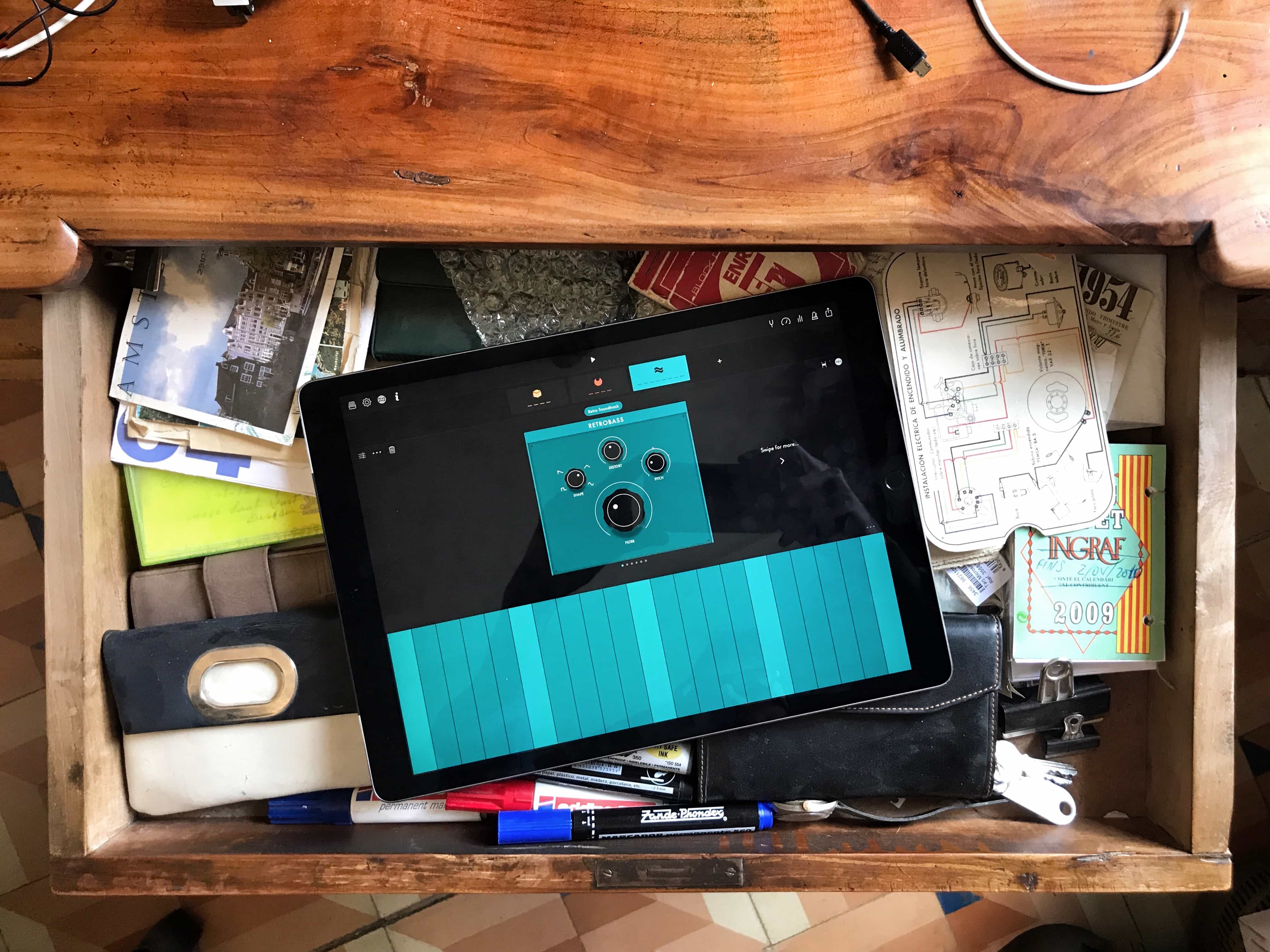
If you’re looking for a way to lose a few hours later today, you could do a lot worse than Groovebox, a free music-making app for iPhone and iPad. It’s simple enough to start making music as soon as you launch it, but offers enough depth (and enough in-app purchases) to keep you going for quite a while.