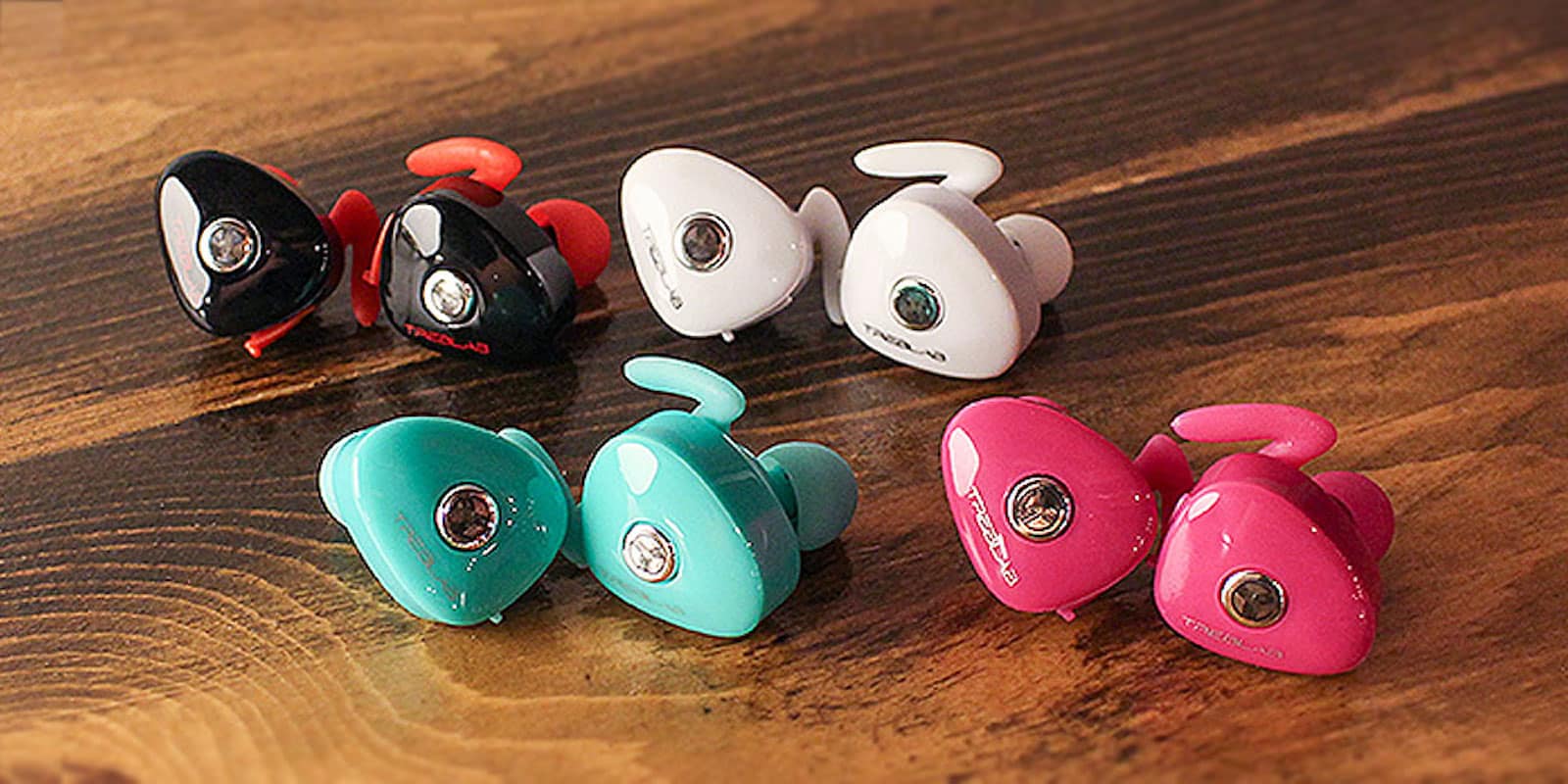
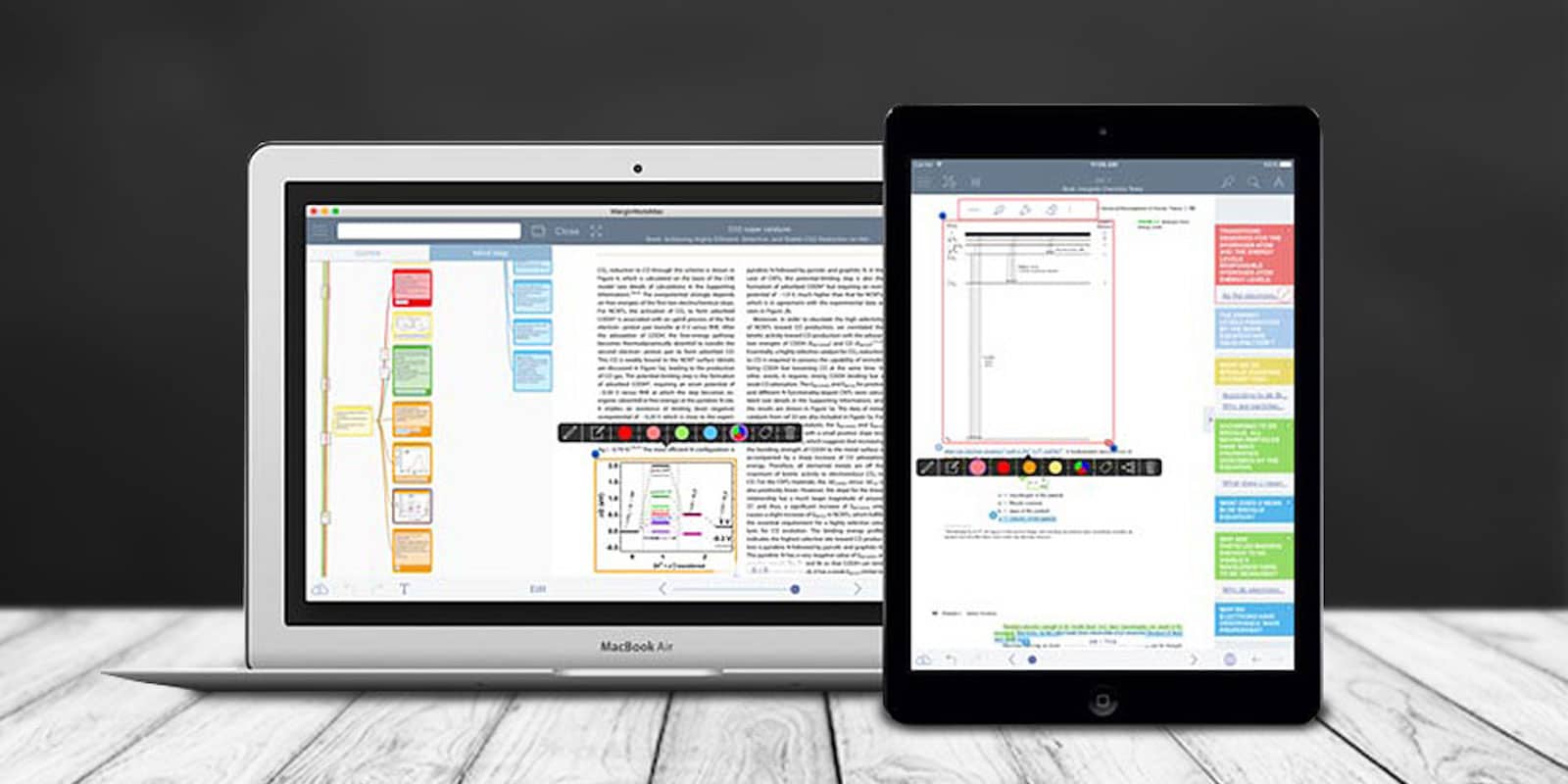
These funky little wireless earbuds come backed with a bunch of cool features. Photo: Cult of Mac Deals
Wireless earbuds are all about convenience. And if they also sound great, that’s a big plus, enough that it doesn’t matter that they look a little unusual.
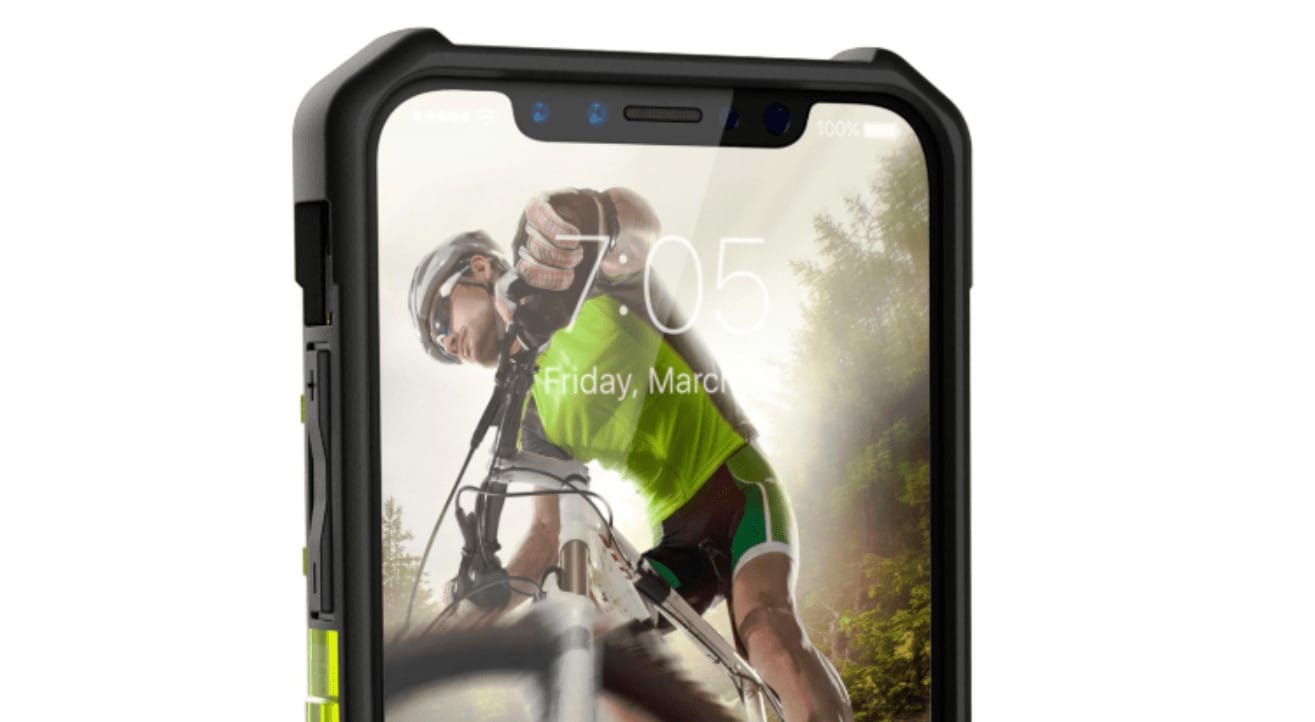
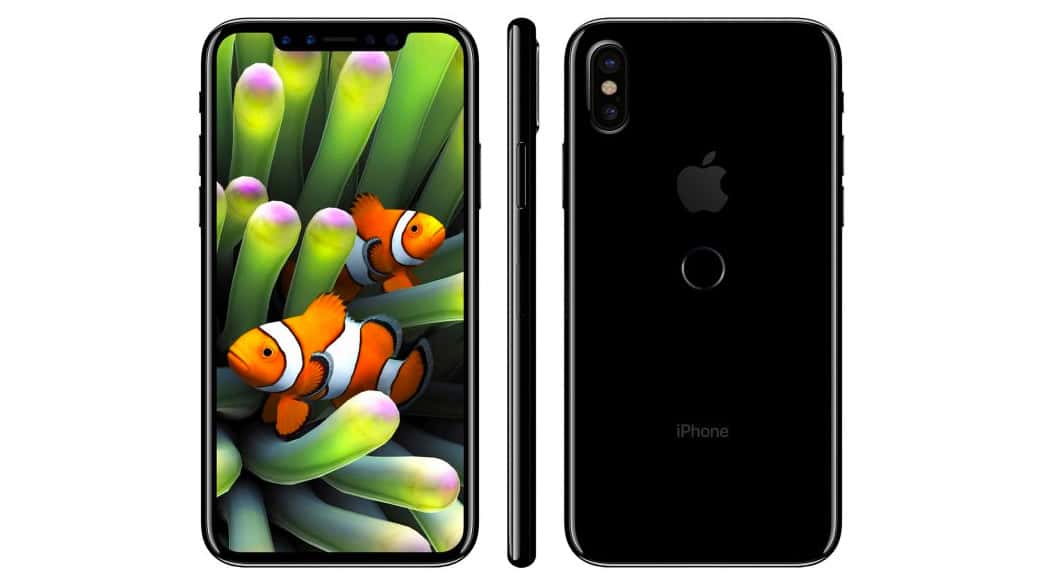
The iPhone 8 has been spotted again ahead of its official debut this fall. This time, it’s in a super-sharp case render that provides a high-res look at its gorgeous edge-to-edge display.
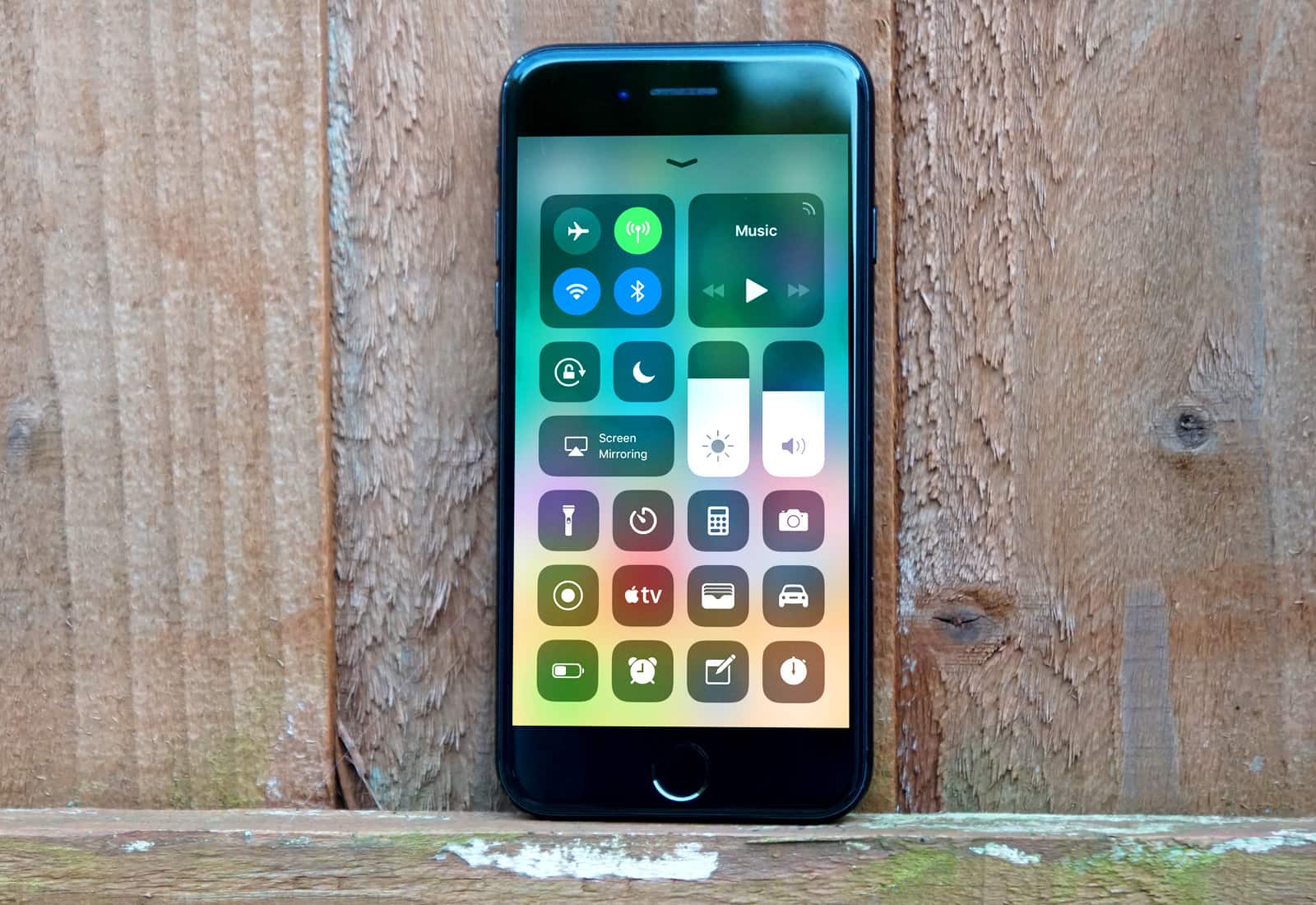
Check out all of the new features and tweaks within iOS 11 Beta 5. Photo: Ste Smith/Cult of Mac
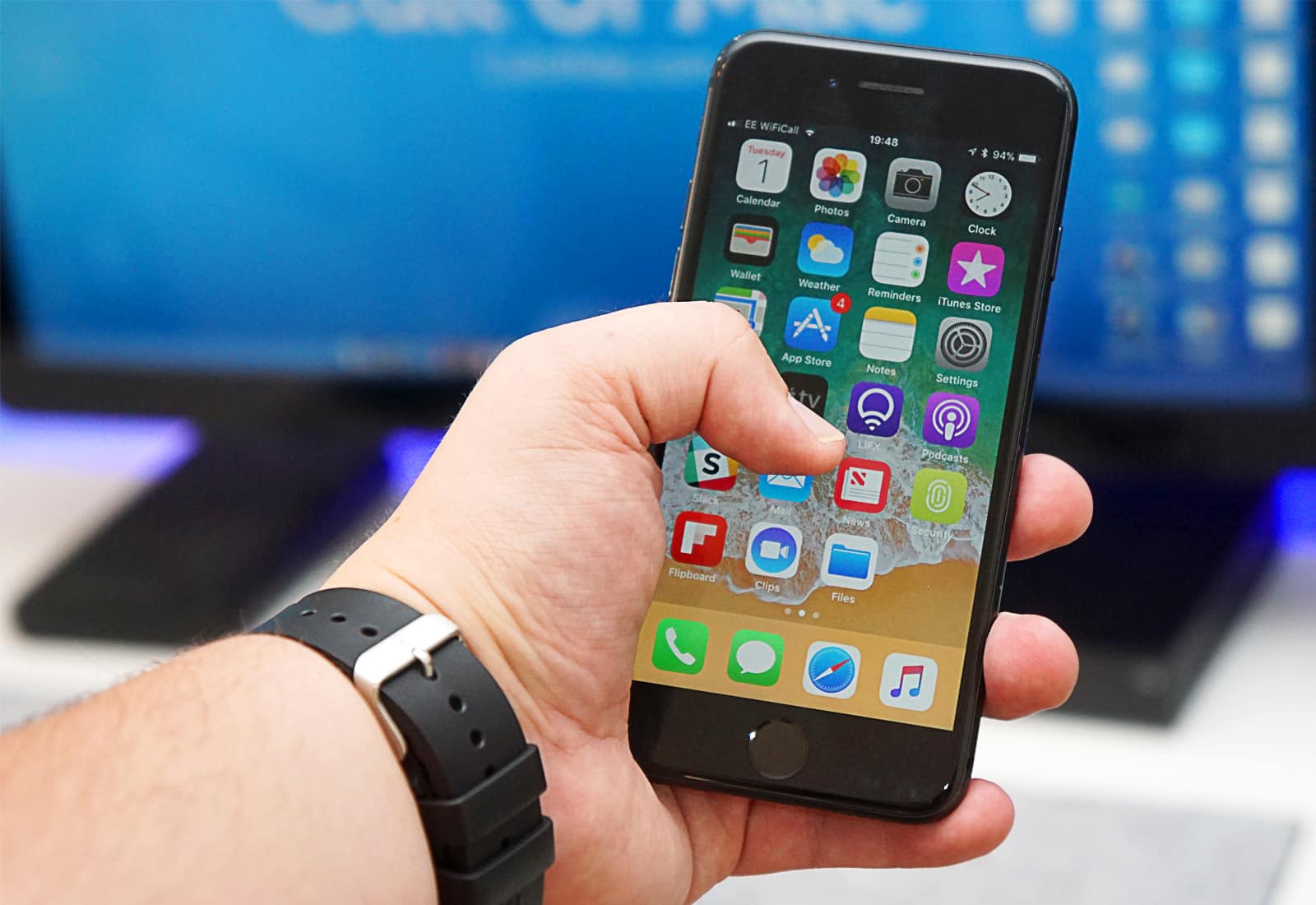
Just like clockwork, two weeks after the release of iOS 11 beta 4, Apple has graced developers with iOS 11 beta 5. As per usual, we went straight ahead and installed it to dig around and see what’s new. Among our finds were new camera settings and a pretty cool feature for FaceTime.
Check out all of the new tweaks and changes in action in our video below.
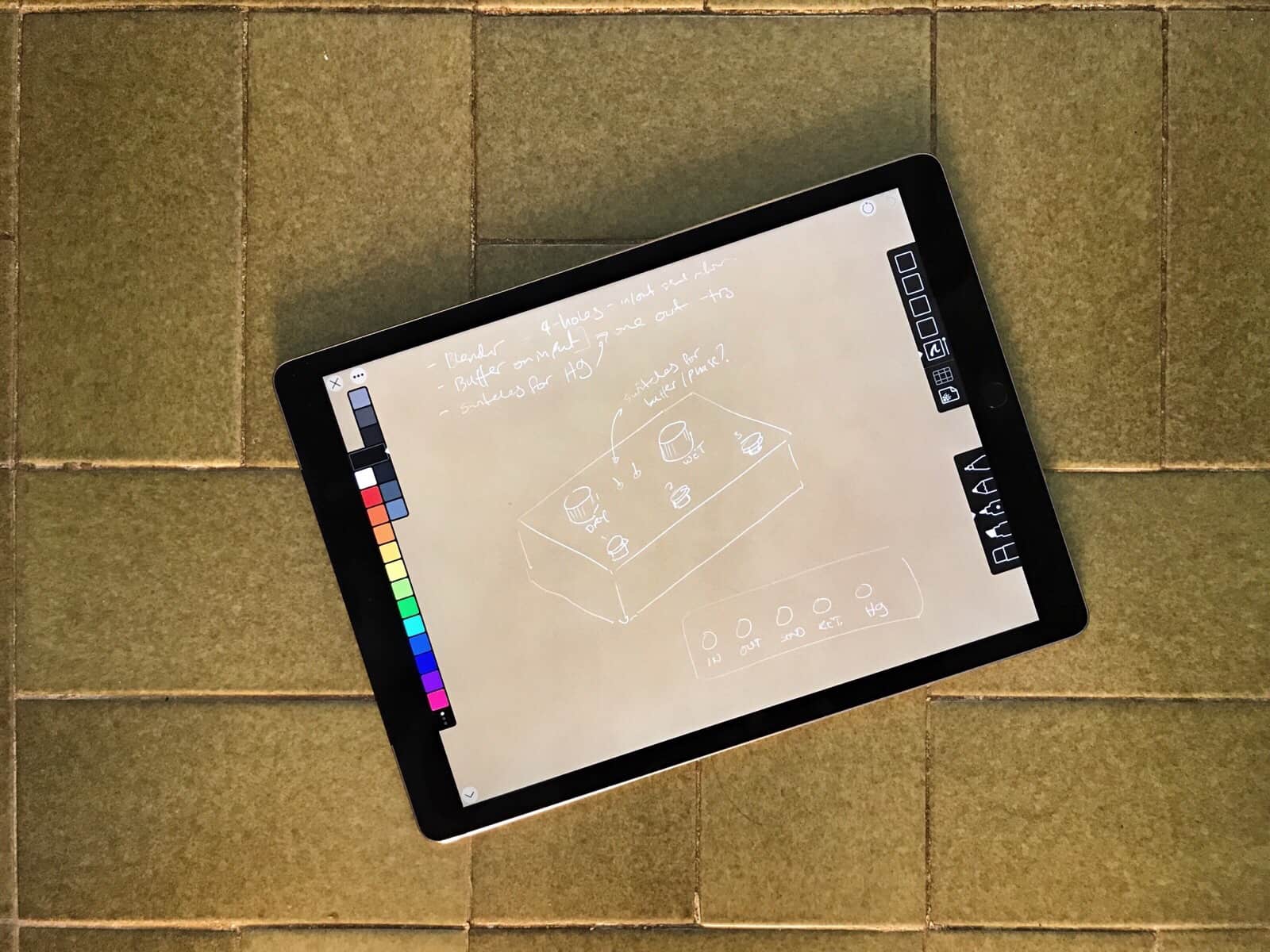
App’s like Linea don’t need to read your whole photo library just to save a sketch. Photo: Charlie Sorrel/Cult of Mac
In iOS 11, developers have a new way to access your Photos library: write-only access. Instead of granting permission for an app to read and write to your Photos library, just so it can save the odd image, an app can now only be allowed to write — or save — images, without getting to poke around inside your library to see what else is there. It’s much more private,
Universal Clipboard lets you copy something on one Apple device, then paste it on another. Photo: Charlie Sorrel/Cult of Mac
Since last fall, your Mac and your iOS devices have shared a Universal Clipboard. That is, you can copy on one device and paste on another. It’s seamless, and incredibly useful. For instance, you could copy a shipment tracking number in Mail on your Mac, then paste it into the tracking app on your iPhone. Or you could take a screenshot on your iPhone, then paste it into a blog post you’re writing on your iPad.
Universal Clipboard is so easy to use, you might have used it already without even realizing. Here’s how it works.
A mockup of iPhone 8 with its edge-to-edge display. Photo: Benjamin Geskin
Countless rumors have warned iPhone 8 won’t be cheap. One of the things pushing up its price tag is the manufacturing process for its swanky new OLED display.
According to one Foxconn executive, the display is proving difficult to produce because of the “special cutting” required to create the notch at the top of the screen.
An apparent iPhone 8 photo straight out of Foxconn has confirmed one of our biggest fears for Touch ID: It will be relocated to the back of the device.
Apple has been working to embed its fingerprint scanner into the iPhone’s display, but it seems the technology won’t be ready in time for this year’s big refresh.
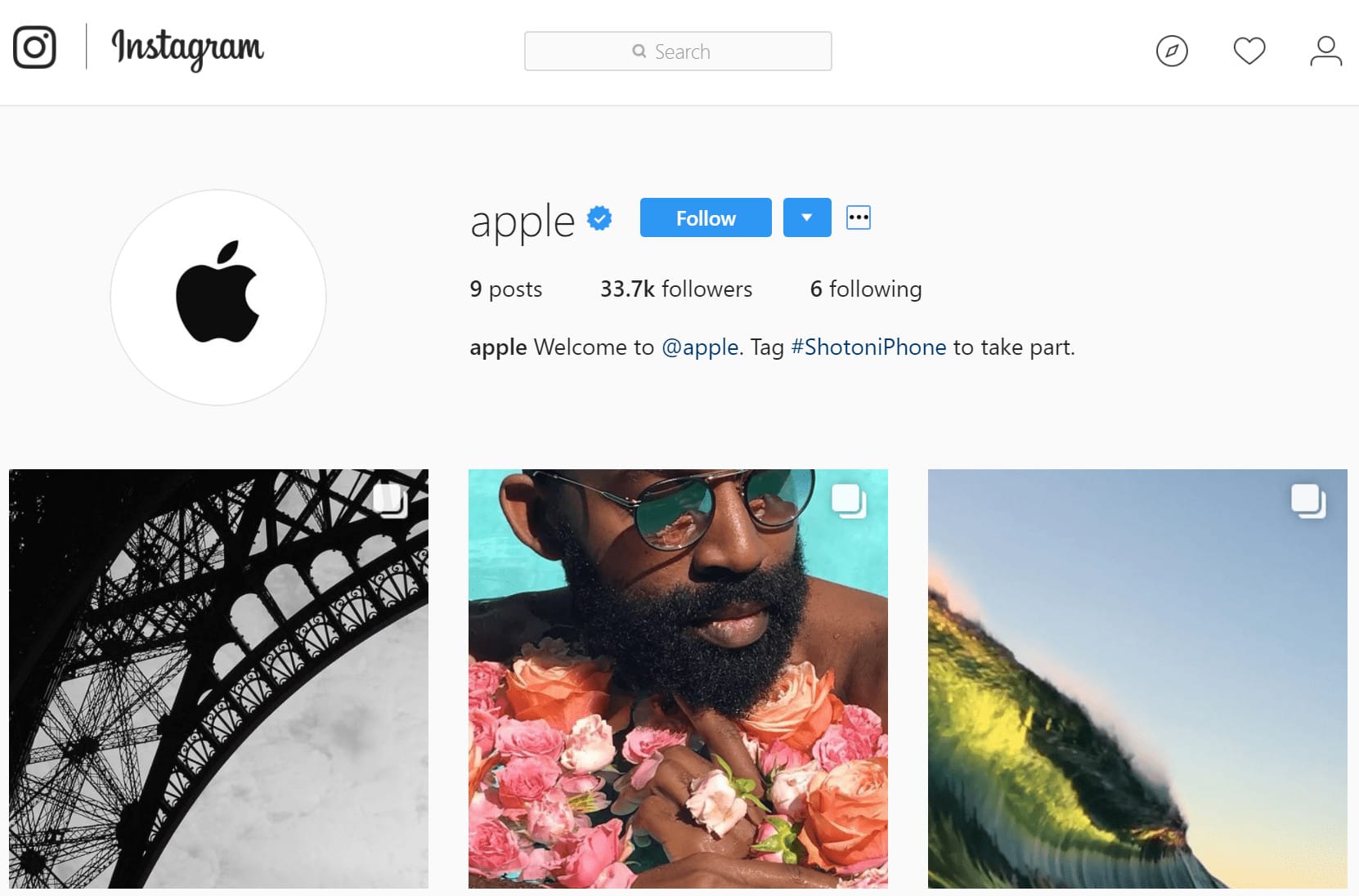
Apple finally has an official Instagram account. The company has expanded its social media presence to promote Shot on iPhone photos, and it is inviting fans to take part by using the #ShotoniPhone tag on their Instagram uploads.
Learn the same digital marketing tools and skills used by the pros. Photo: Cult of Mac Deals
In today’s world, digital marketing is the dark magic that makes the world go round. Maybe you’re selling a product, promoting a message, or just trying to get more followers on Instagram. Whatever you’re up to online, you have to get familiar with digital marketing.
Thanks to secrets discovered in Apple’s own firmware, we already know a lot about the iPhone 8. Now an apparent X-ray of the device has all but confirmed even more of its hottest features ahead of its official debut this fall.
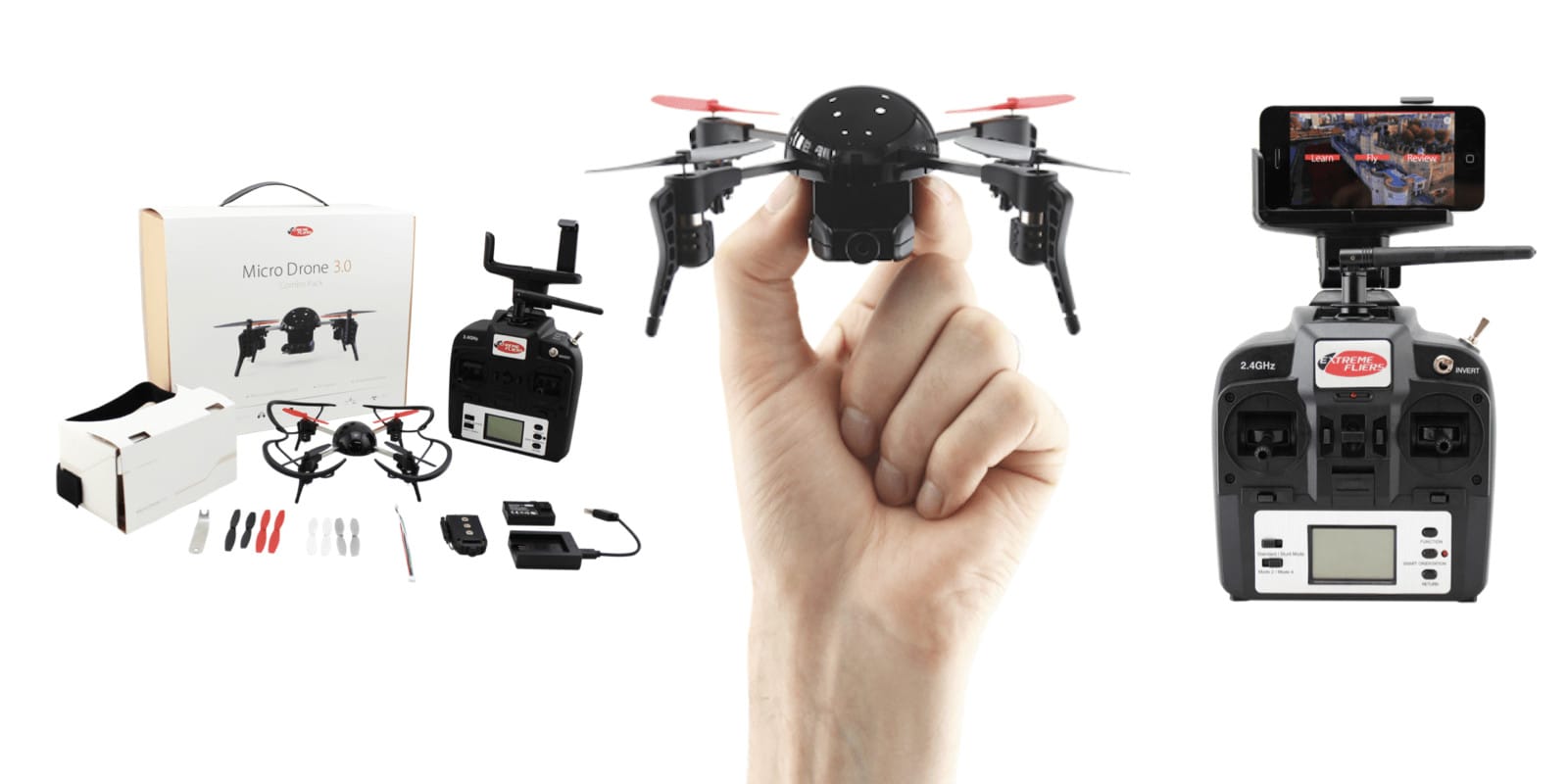
Ease of use, high def VR streaming, and affordability made this micro drone a huge Indiegogo hit. Photo: Cult of Mac Deals
For the tech-aware, few things catch the eyes and ears as surely as a drone. They seem like tangible proof that the future has finally arrived. Ultimately, they’re just plain fun.
However, drones can be expensive. Luckily, new drones are hitting the market that offer easy flight, awesome features and a reasonable price point. The lure of the drone life grows stronger every day!
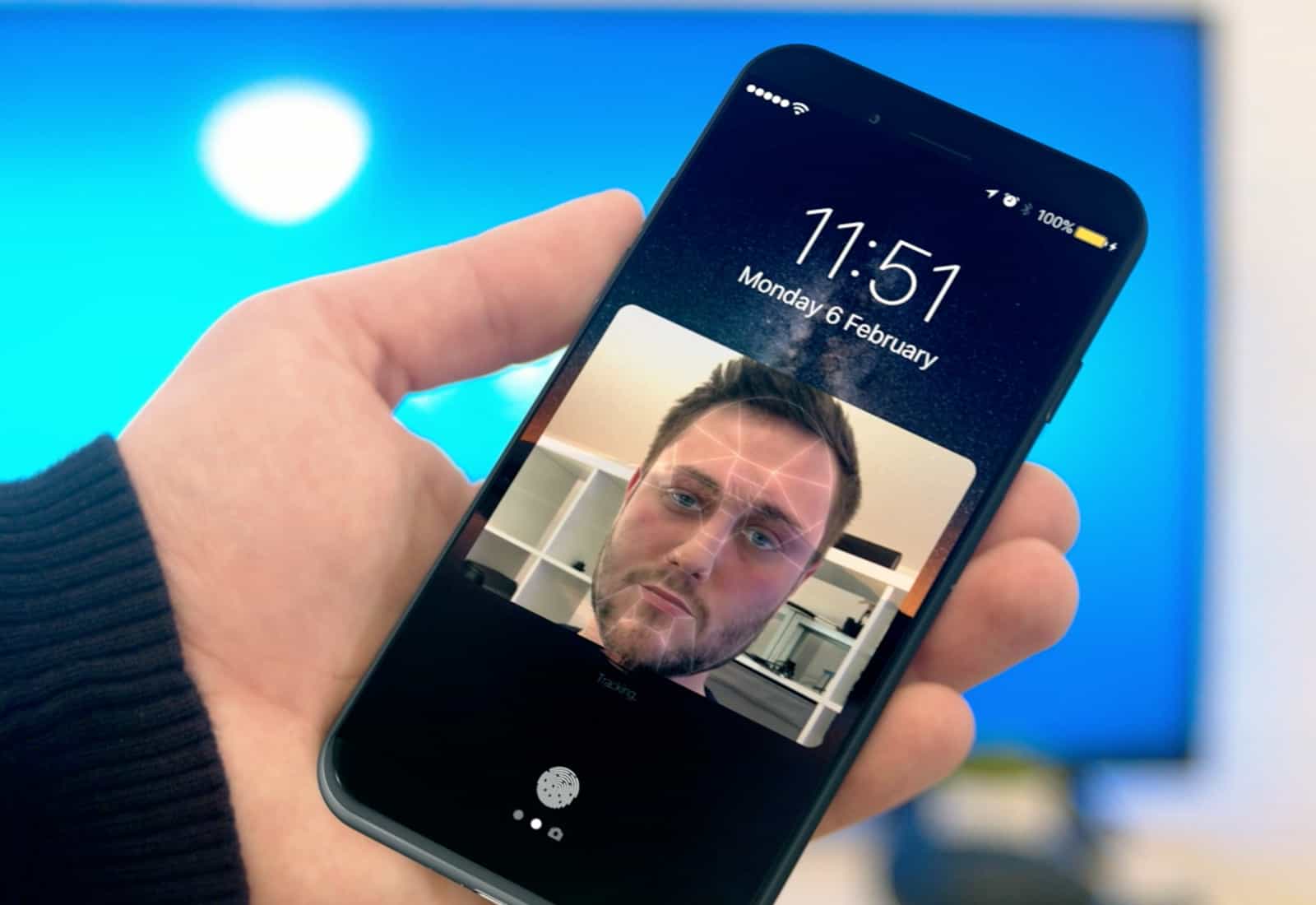
HomePod’s software contains mentions of facial recognition. Previous rumors also claimed Apple would add facial scanning to the iPhone 8 as a replacement to Touch ID. Photo: Ste Smith/Cult of Mac Magazine
HomePod software appears to reference an unannounced “SmartCamera” feature built into iOS 11 or the yet-to-be-released 2017 iPhone. And it could totally change the way we snap photos.
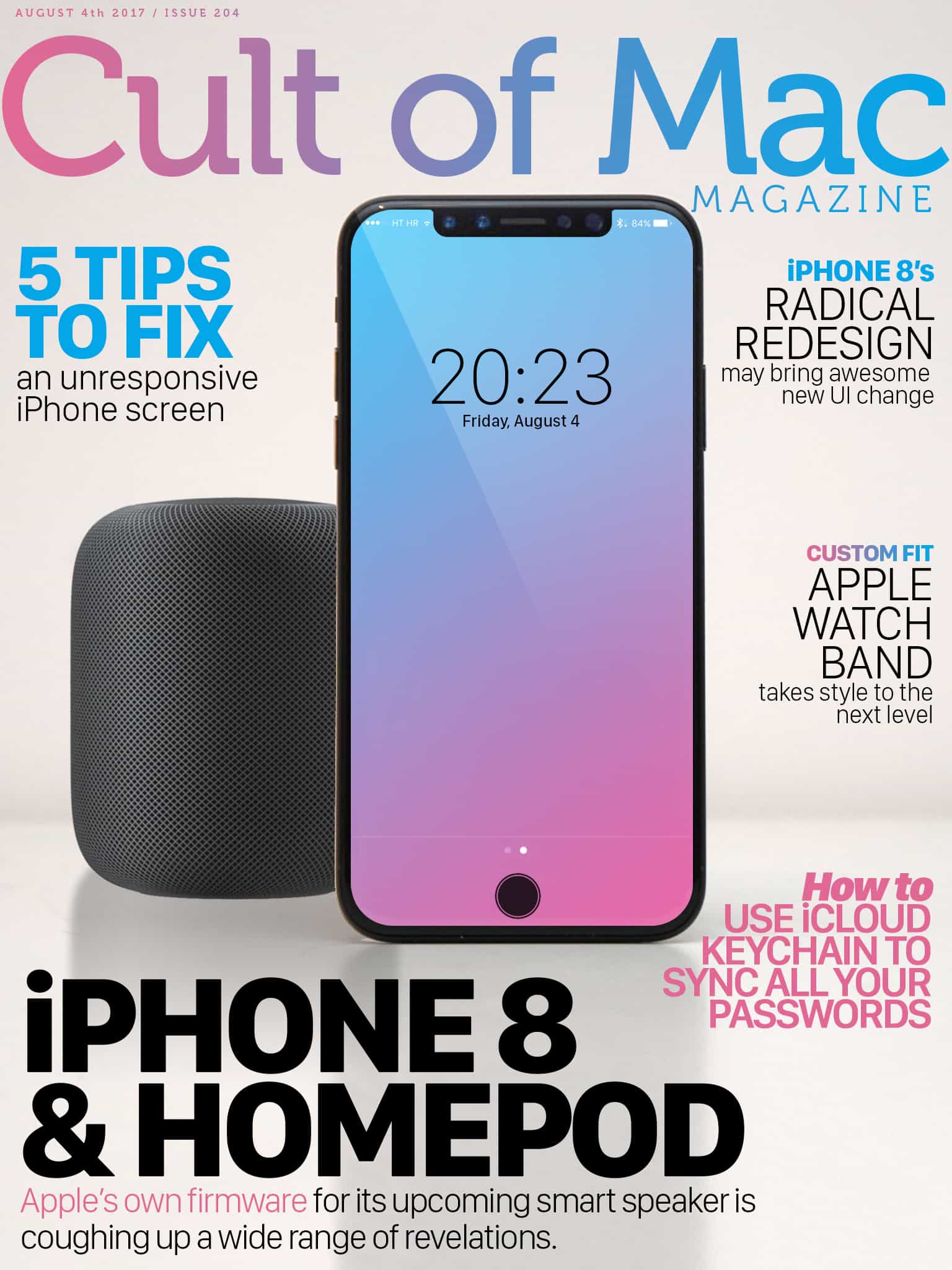
In this week’s issue of Cult of Mac Magazine, you’ll find that story and more. Get more juicy details on iPhone 8. And check out one of our favorite custom-fit bands for Apple Watch now available in seven new leather colors. Get your free subscription to Cult of Mac Magazine from iTunes. Or read on for this week’s top stories.
Is this our first look at a real iPhone 8? Image: Apple
This week on The CultCast: Apple accidentally leaked major details about the iPhone 8 and HomePod — we’ll tell you everything we’ve learned. Plus: Leaked audio files show off the HomePod’s cool UI sounds; we reveal exclusive new audio of the HomePod’s boot-up noise; and we wrap with our reviews of the best internet-connected security cameras and the hawt new flagship Olympus OM-D EM-1 mirrorless camera in an all-new Under Review.
Our thanks to Squarespace for supporting this episode. It’s simple to accept Apple Pay and sell your wares with your very own Squarespace.com website. Enter offer code CultCast at checkout to get 10 percent off any hosting plan.
Will Carpool Karaoke: The Series be Apple's first hit? Photo: Apple
This coming Tuesday Apple is set to debut its newest original TV show Carpool Karaoke: The Series, but with Planet of the Apps being such a dud, some of us at Cult of Mac are questioning whether Apple has anything to gain by making mediocre TV shows.
During Apple’s Q3 earnings call this week, Tim Cook said Apple will continue to explore original content for Apple Music. Can Apple actually make great TV shows, or is it losing focus on what’s more important?
Join us in this week’s Friday Night Fight as we discuss Apple’s media ambitions:
Setting up iCloud Keychain is extremely straightforward and easy. Photo: Cult of Mac
Nobody likes having to type a password every time they need to sign in to a website or service. iCloud Keychain is Apple’s take on simplifying password management across the Mac, iPhone and iPad. It securely stores your user names, passwords, and credit and debit card details, then auto-fills fields when required. It can also generate strong passwords and sync Wi-Fi credentials.
If you’re deep into the Apple ecosystem, it might be a good idea to start using this handy feature. Before we dive in to use it, let’s have a look at all the features of iCloud Keychain.
This simple app takes the good habit of note taking into the digital age. Photo: Cult of Mac Deals
This is a great time for learners. Because of the internet, mobile devices, and other tech advances, it’s effortless to get at basically all of humanity’s information. Of course, that also makes it harder than ever to stay focused and organized. Note taking is proven to be helpful for study. But we’re less likely than ever to scrawl in our textbooks as we read.
This VPN takes the form of a browser extension and desktop app, protecting multiple devices at once. Photo: Cult of Mac Deals
The internet is teeming with data thieves, snoops, and annoying location restrictions. With all those headaches and hazards, the need for encryption and anonymity has never been greater. Which raises the question: why aren’t you already using a virtual private network?
We could be waiting a long time for iPhone 8. Photo: Ste Smith/Cult of Mac
Apple’s HomePod might have revealed another huge new iPhone feature after developers did some more digging into the beta software for the upcoming smart speaker.
The software appears to reference an unannounced “SmartCamera” feature built into iOS 11 or the yet-to-be-released 2017 iPhone. And it could totally change the way we snap photos.
Is your iPhone screen acting up? Here's how to fix it. Photo: Ste Smith/Cult of Mac
If you’ve been having problems with your iPhone or iPad screen not acting quite as responsive as usual, don’t panic: You can try out plenty of quick and easy tricks before heading to your closest Genius Bar.
Get five tips for fixing an unresponsive iPhone screen in our how-to video:
Score these apps to stream NFL games, starting with preseason matchups this Thursday. Photo: Erik Drost/Flickr CC
By Chris Brantner
During the fall and winter, football fans across the United States devote entire Sundays to diligently following all the NFL action. But you don’t need to wait: The football action gets underway Thursday when the NFL preseason games begin.
If you’re one of the many people who love both football and Apple devices, you’re in luck. You can easily combine the two to stream NFL games during the entire season, whether you have cable or not. A bunch of different apps let you watch the NFL on Apple devices, so let’s take a look at some of the best ones out there.
Genuine leather along the base of the Commuter Satchel provides extra strength and durability. Photo: Lewis Wallace/Cult of Mac
Best List: Commuter Satchel by Toffee
After years of depositing my MacBook into an oversize, freebie laptop bag, it was time. Time to forego the ugly, embrace the new and, most importantly, get some real protection for my Mac.
The Commuter Satchel by Toffee arrived at the request of one of my colleagues. He, too, recognized the deplorable excuse of a laptop bag I was lugging around.
I can’t emphasize how much I love this sleek and stylish satchel.
Whatever your power needs, this roundup of outlets, surge protectors and USB chargers will solve them. Photo: Cult of Mac Deals
Life in the digital age means keeping a bunch of devices charged. Between our homes, workplaces, cars, and travel destinations, that can become a complicated task. We’ve rounded up a set of charging accessories to handle any personal power shortage. We’ve got a 6-port modular surge protector, a smart power strip with USB outlets, a car charger with four ports, and a super thin, massively powerful portable battery. Read on for more details:
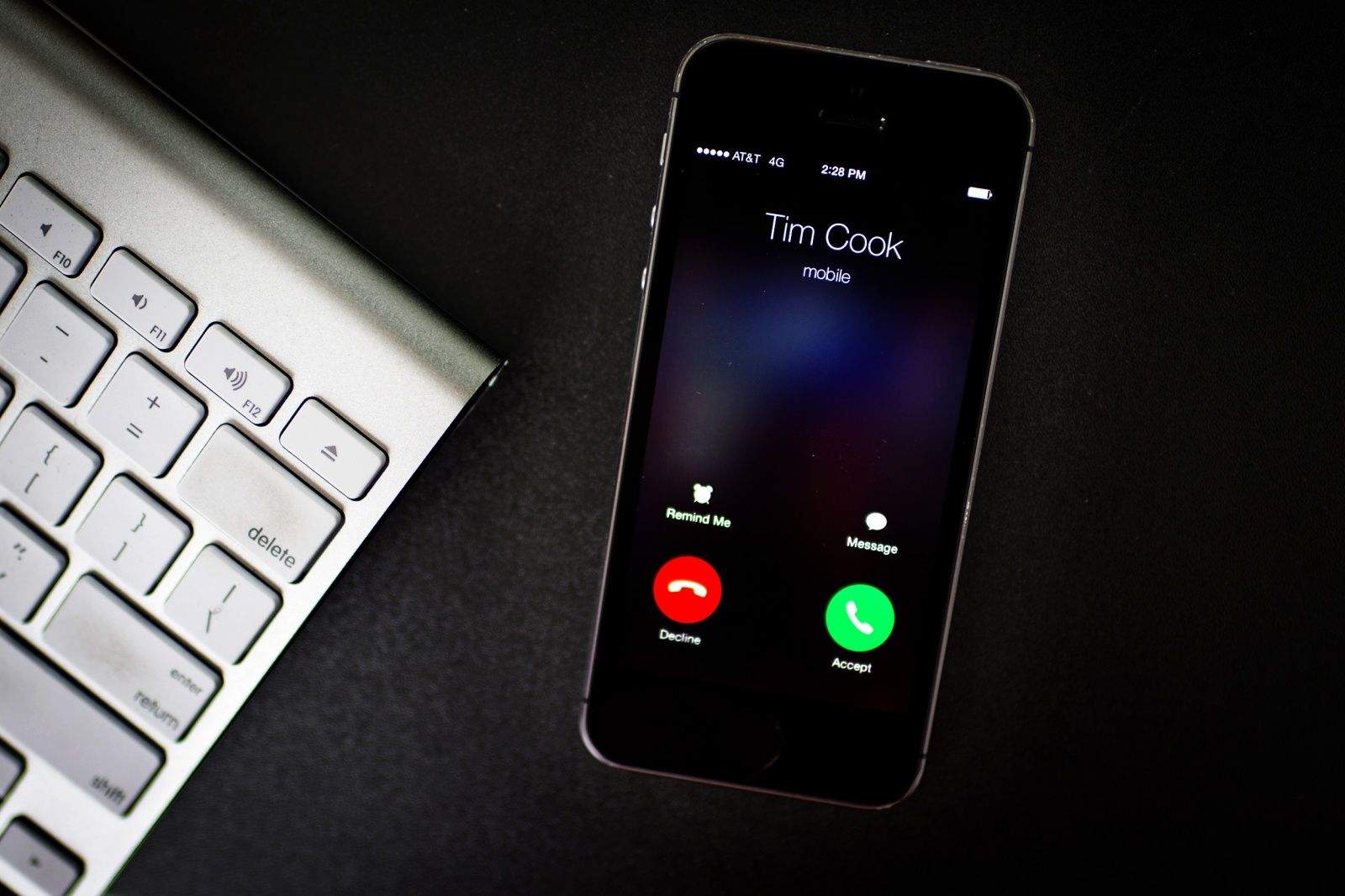
Tim Cook was stoked about Apple's Q3 earnings. Photo: Jim Merithew/Cult of Mac
Apple posted its second-highest Q3 earnings ever today, surprising investors with $45.4 billion in revenue powered by strong iPhone, iPad, Mac and services revenues.
CEO Tim Cook sounded pleased during Apple’s earnings call, but he wasn’t just looking back on the past three months. By the end of the call, Cook had analysts hyped for the future and upcoming Apple products.
Here are the five biggest takeaways from the Apple Q3 2017 earnings call.
HomePod will launch in December, but supplies will be constrained. Photo: Apple
Apple’s early software for the HomePod continues to reveal new features of the smart speaker, as developers dive deeper into files. After details on the speaker’s screen got discovered, another developer unearthed the UI sounds that will be used on HomePod.
The Nerve Black messenger bag by booq delivers some serious attitude. Photo: David Pierini/Cult of Mac
Best List: Nerve Black messenger bag by booq
Most messenger bags would look out of place slung over the shoulder of a leather-clad Harley rider. Not the Nerve Black by booq: It exhibits a transcendent cool, whether paired with a business suit or motorcycle chaps.
There’s no cowhide on this bag. Yet the water-repellent tarpaulin flap looks a lot like leather and makes a striking first impression.