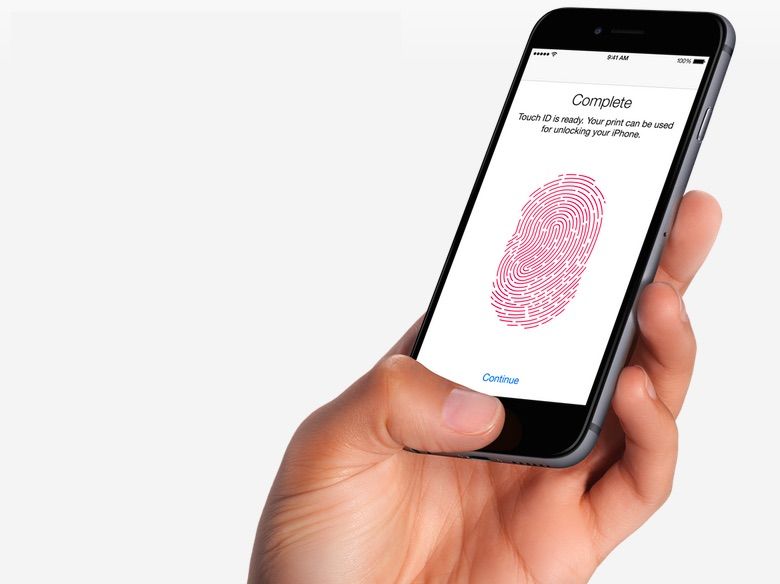
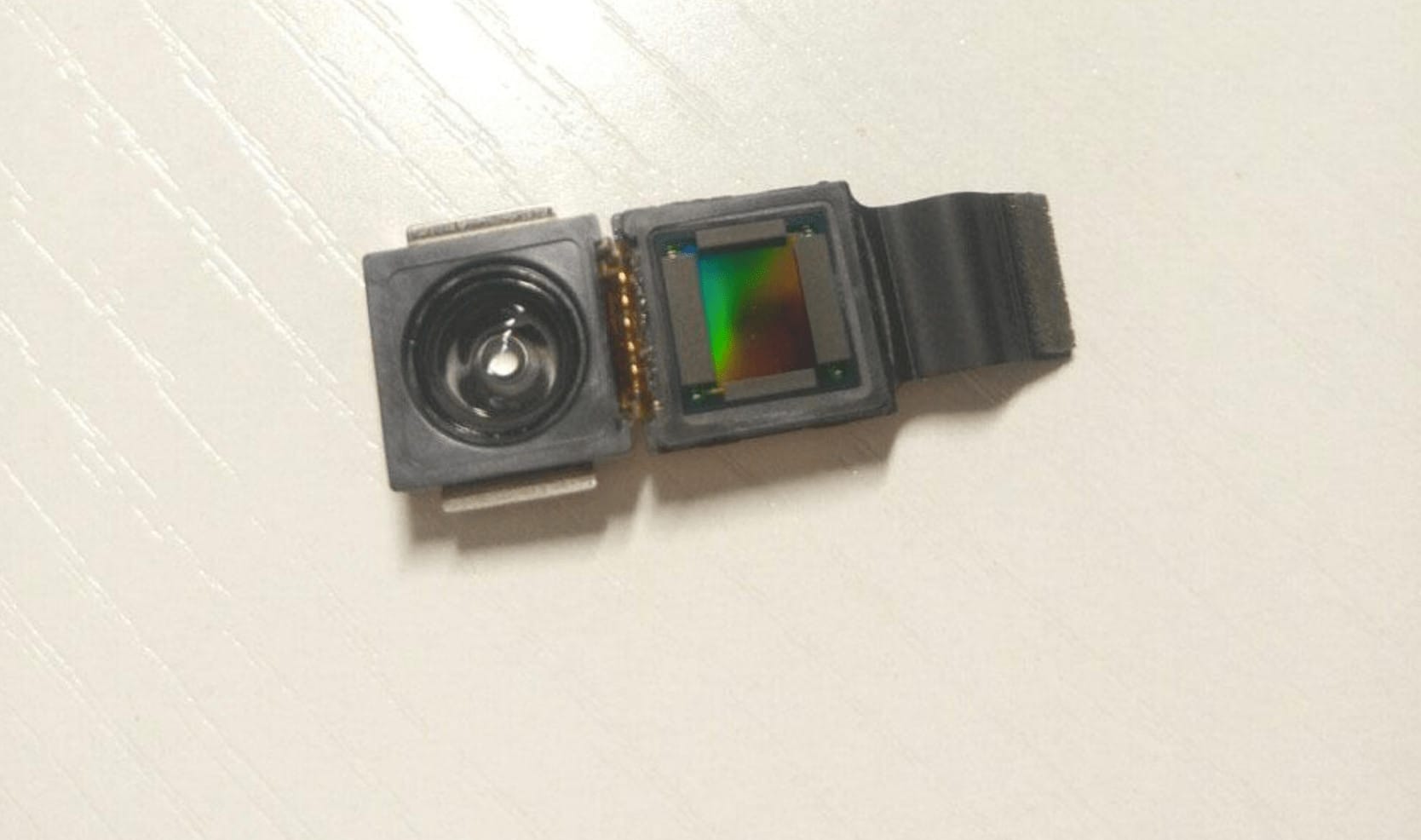
This could be the sensor that brings 3D facial recognition to iPhone 8. Photo: SlashLeaks
The most exciting component Apple will pack into iPhone 8 has supposedly leaked out early. The module pictured above is what will allegedly provide the tenth-anniversary iPhone with impressive facial recognition capabilities that could one day replace Touch ID.
The GO MIXER adds good-quality sound to your iPhone videos. Photo: Roland
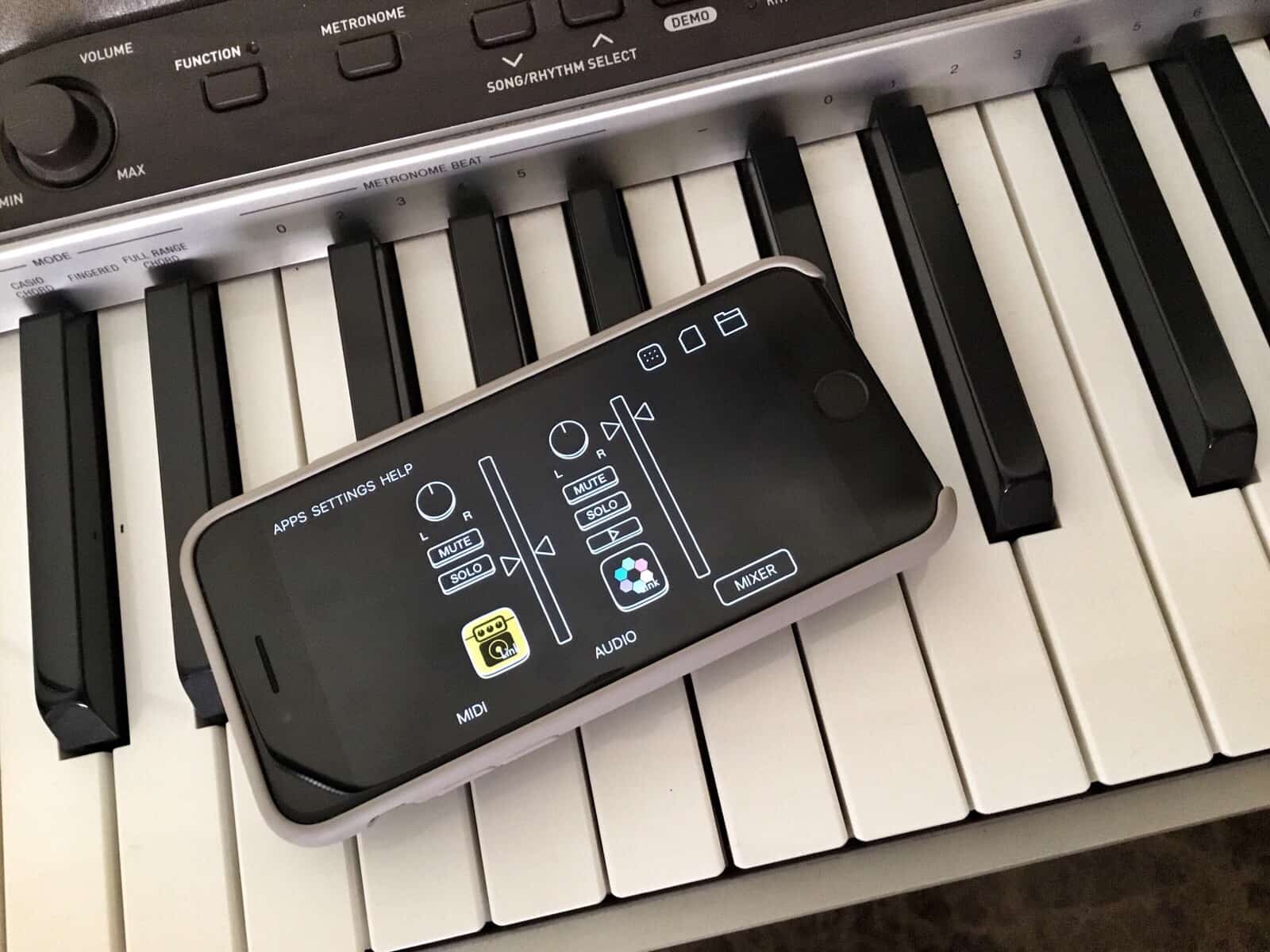
The Roland GO MIXER is a little box that improves the audio on your movies. Aimed mostly at musicians, but usable by anyone with a microphone and the need to shoot a video, the little Lightning-powered box hooks together all your musical instruments and mixes them, live, before sending the audio to your iPhone (or Android device).
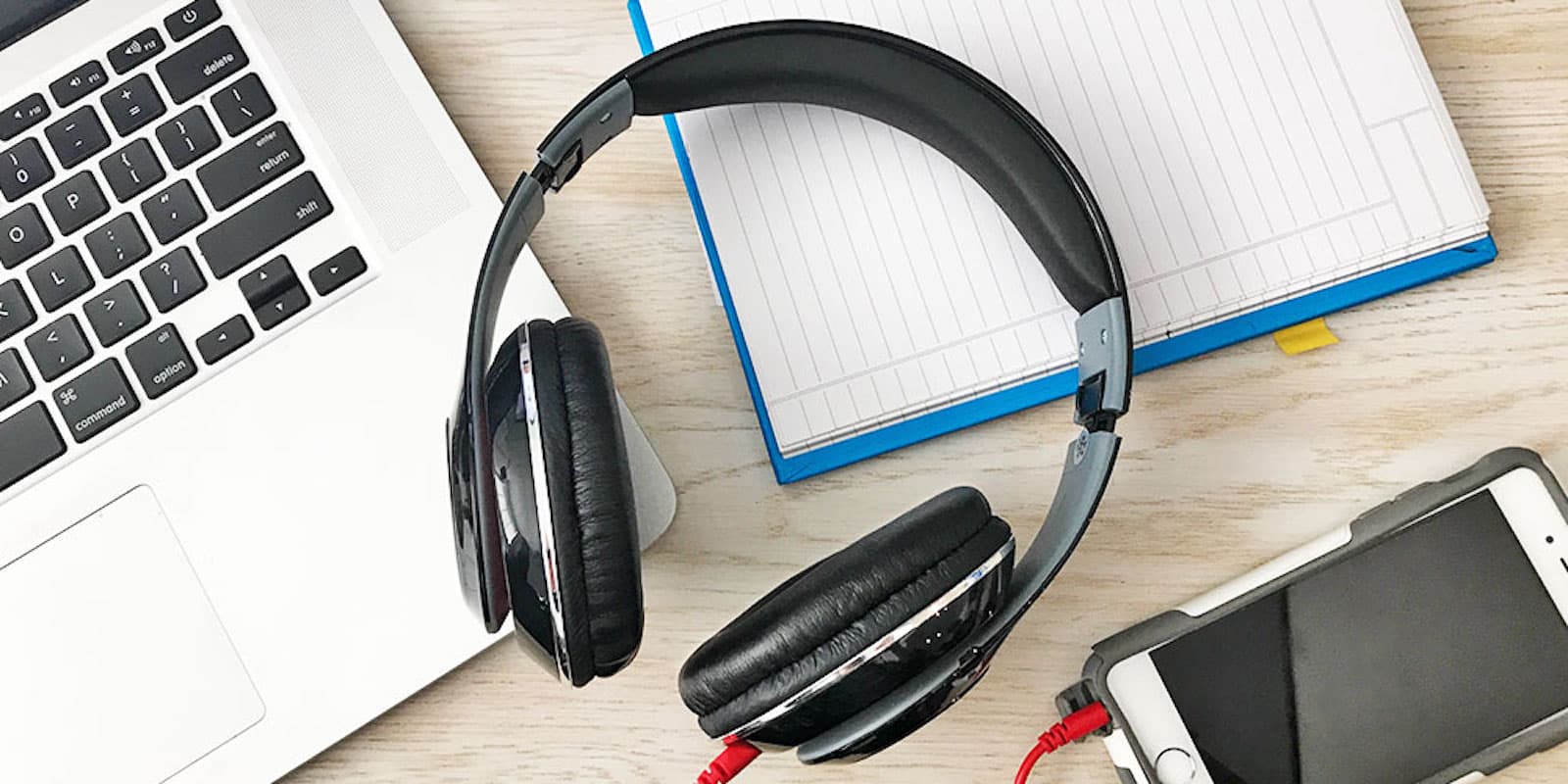
These over-ear Bluetooth headphones last up to 5 hours on a single charge, and are compact enough to go anywhere. Photo: Cult of Mac Deals
When we’re traveling, our mobile devices help keep us entertained. But when traveling, taking a proper set of headphones can be a real inconvenience. That’s why so many of us use the tiny, sonically inferior earbuds — it’s just easier.
With a little preparation, there's no reason you can't take a an eclipse photo like this on your iPhone. Photo: Takeshi Kuboki/Flickr CC
In photography terms, snapping a photo of the moment the moon drifts in front of the sun is as easy as snapping any other fleeting event. In future-blindness terms, though, it is quite different.
Staring into the nuclear furnace that is our nearest star won’t only fry your own eyes, it could also finish off your camera’s sensor. With a few simple precautions, though, you can not only view the eclipse safely through your iPhone’s lens, but take some great photos.
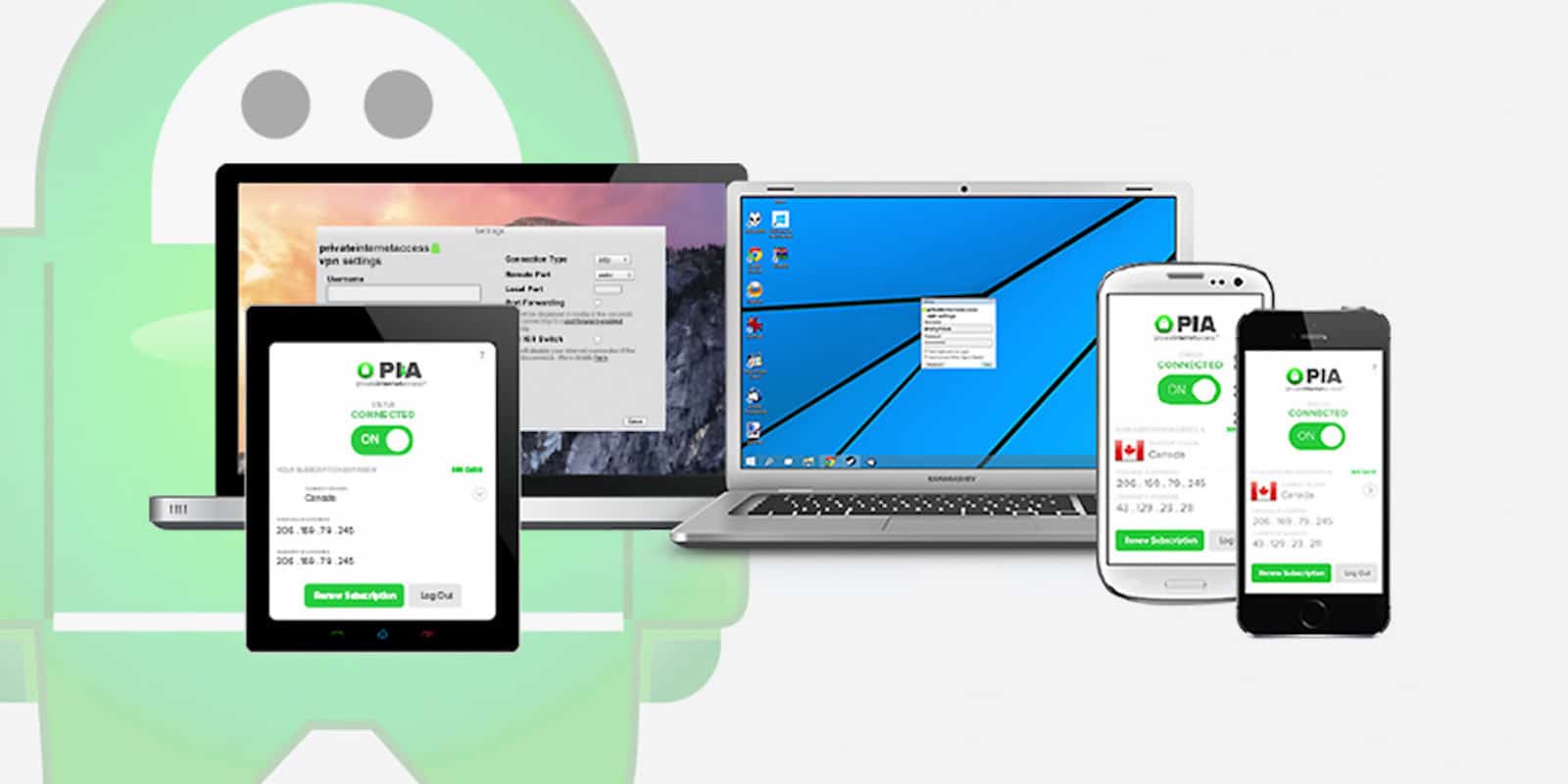
Get 2 years of a VPN that'll protect you from snoops, thieves, and annoying content restrictions. Photo: Cult of Mac Deals
In this day and age, going online without VPN protection is like going into battle wearing a bathrobe. With threats of identity theft, surveillance, and the annoyance of content restrictions all make using VPNs a must. It’s an easy way to anonymize and encrypt your online life.
By 2012, Apple was a giant. Photo: Ste Smith/Cult of Mac
August 20, 2012: Apple breaks records as it becomes the most valuable public company in human history.
When markets close, Apple’s market cap — the stock price multiplied by the number of outstanding shares — sits at an astonishing $623.5 billion. This beats the previous record of $618.9 billion set by Microsoft on December 30, 1999, at the height of the dot-com bubble.
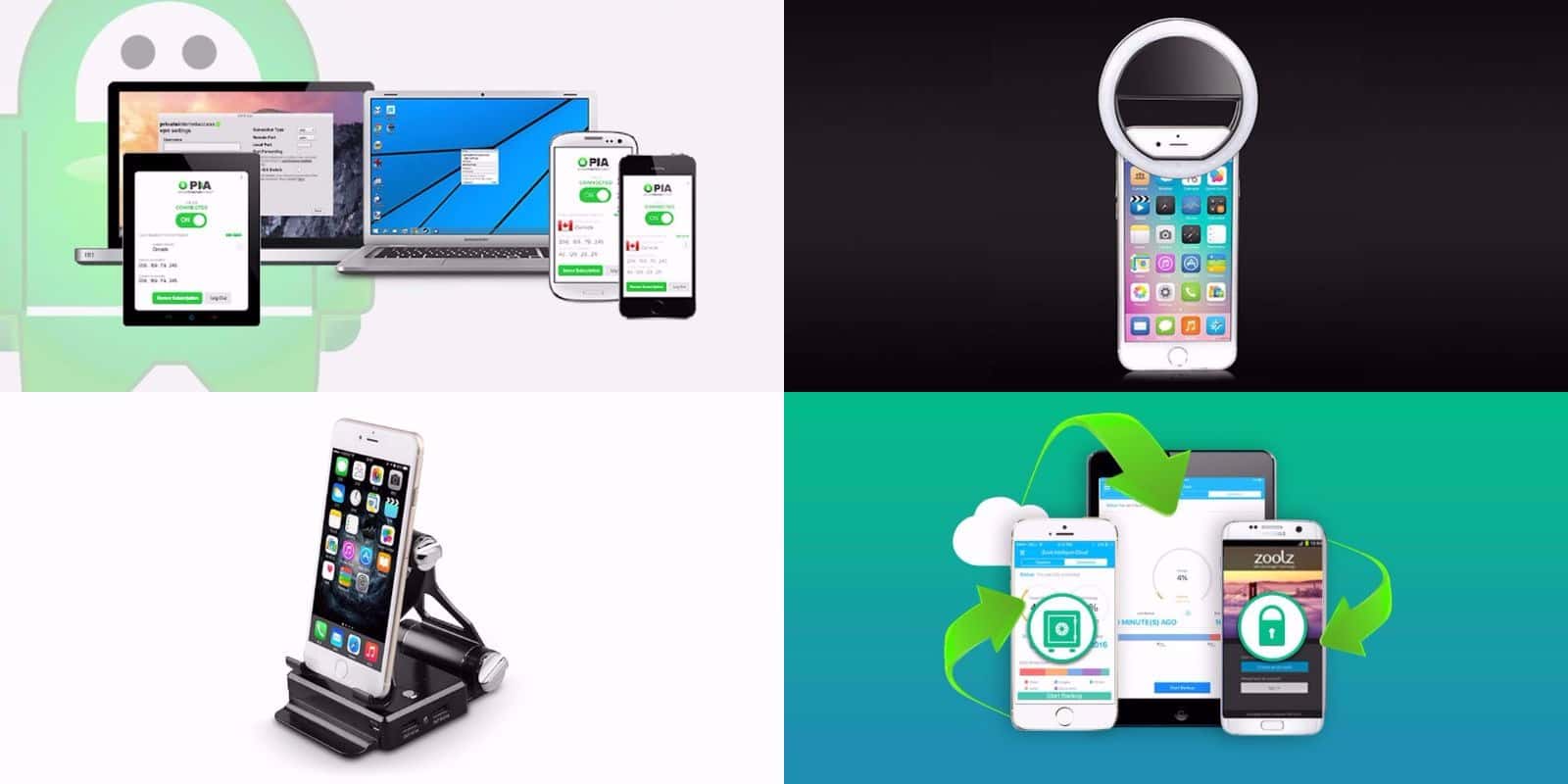
This week's best deals include a new way to take selfies, 2 TB of secure cloud storage, and lots more. Photo: Cult of Mac Deals
Another week, another round of awesome new deals on gear and gadgets in the Cult of Mac Store. This go around, we’ve got a special lens for taking ultra slick selfies, and 2 terabytes of secure cloud storage for life. On top of that, there’s a powerful VPN subscription, and a special podium stand for your iPhone. Plus, everything’s discounted more than 60 percent. Read on for more details:
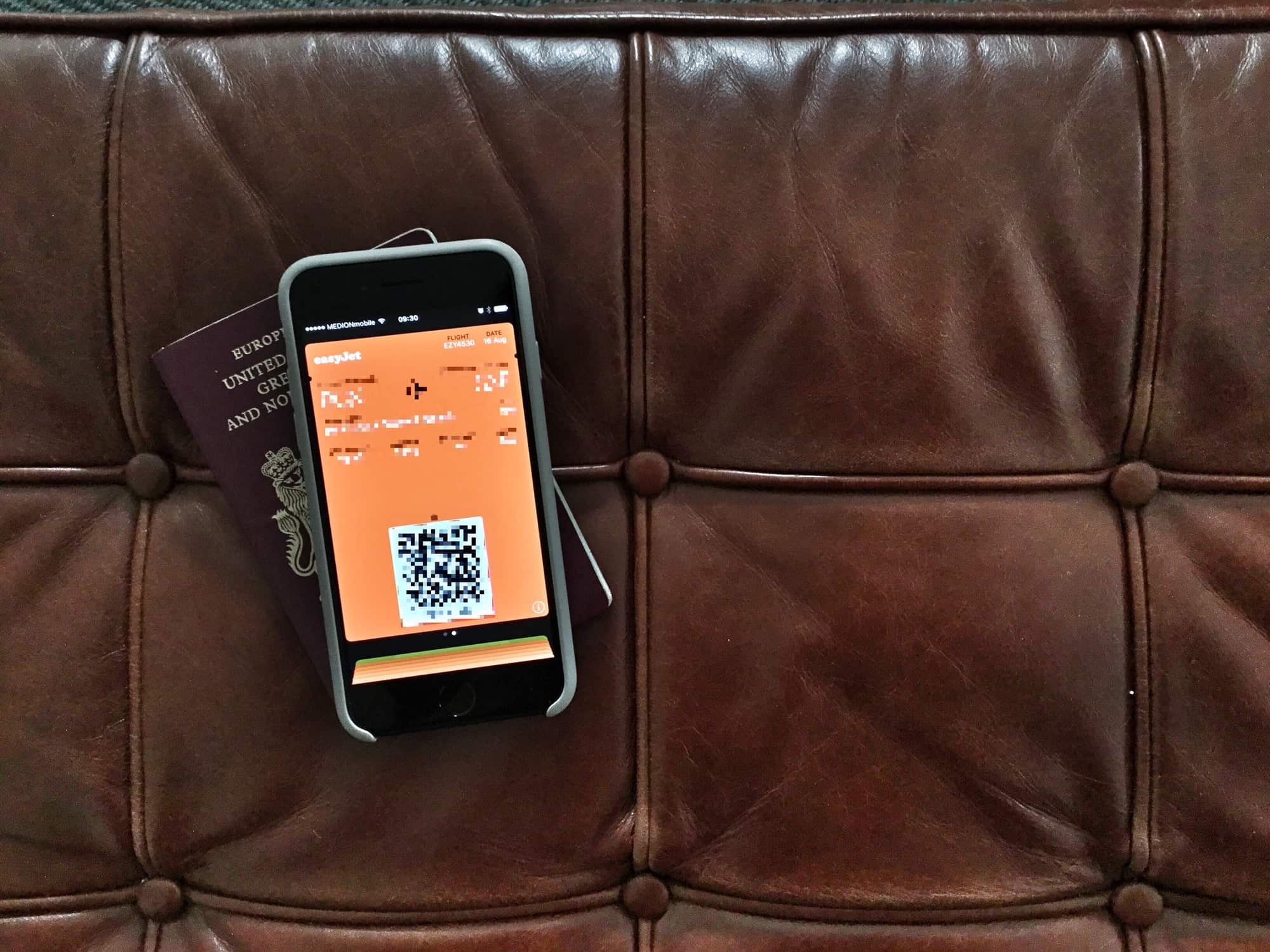
If you know where to look, getting the boarding pass off your lock screen is easy. Photo: Charlie Sorrel/Cult of Mac
Picture the scene: You’re on a plane, and your iPhone is your entertainment hub. You may be listening to podcasts, or music, or audiobooks. You may be playing a game, or reading Instapaper, or just checking and editing your vacation photos. Whatever you’re trying to do, it will be interrupted every time you unlock your iPhone, because your stupid boarding pass is right there on the lock screen. Even hours into a transatlantic fight, the boarding pass you already used hangs around, blocking things like the now-playing feature, and lock-screen controls for any music or audio apps.
Thankfully, it’s easy to get rid of — if you know where to look.
This bundle of Raspberry Pi courses will take you from neophyte to pro. Photo: Cult of Mac Deals
Raspberry Pi is the premier platform for DIY computing. It’s beloved by makers of all sorts, perfect for projects in coding, robotics, gaming, cryptocurrency mining, you name it. The possibilities are endless, so where do you begin?
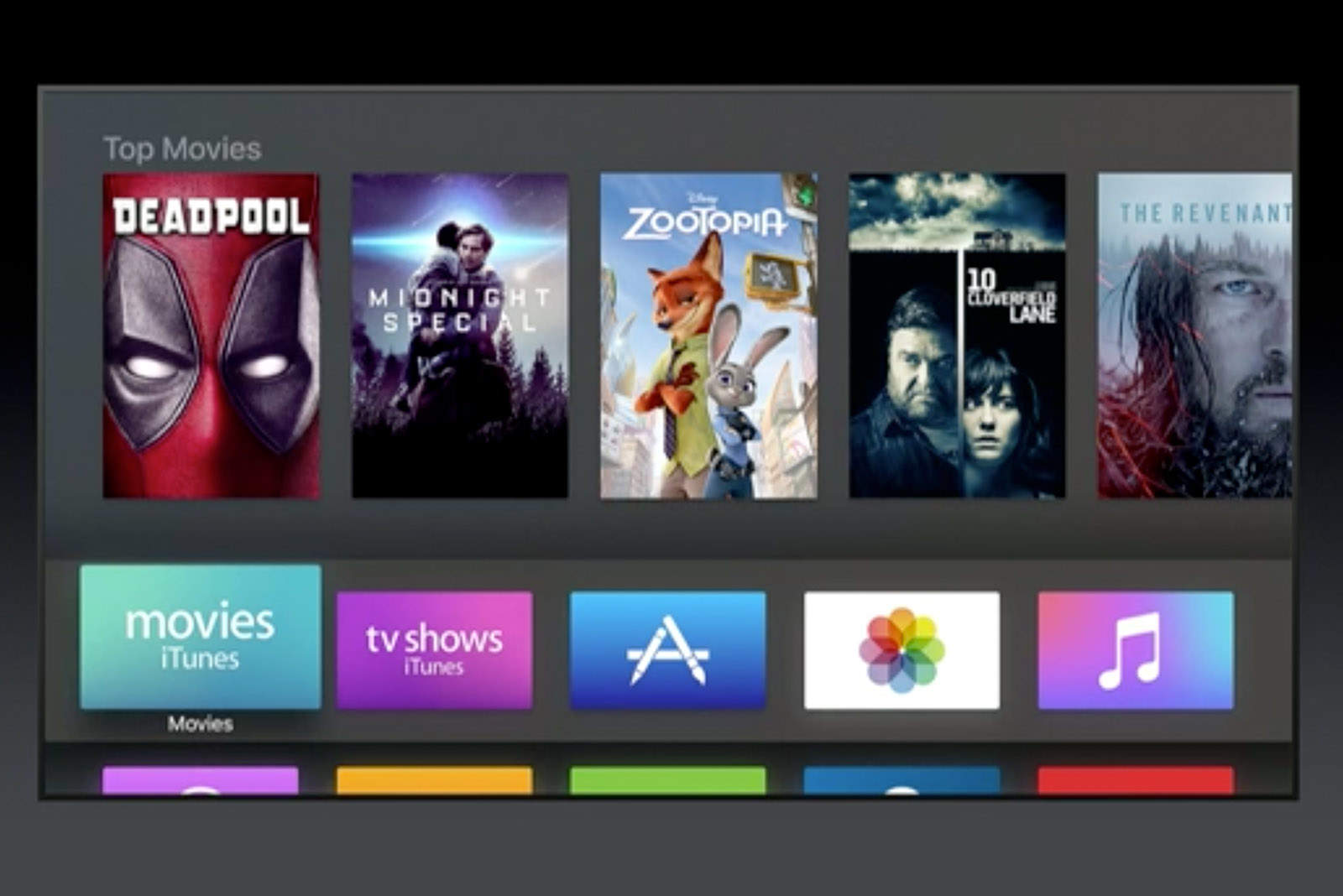
The wait for new movies could be just two weeks. Photo: Apple
Hollywood is pushing for iTunes to show the latest blockbuster movies just weeks after they hit the theater.
Sources say a deal between Apple and a number of major studios could be signed as early as next year without the blessing of theater chains. However, talks are currently held up over the price that Hollywood wants to charge for new rentals.
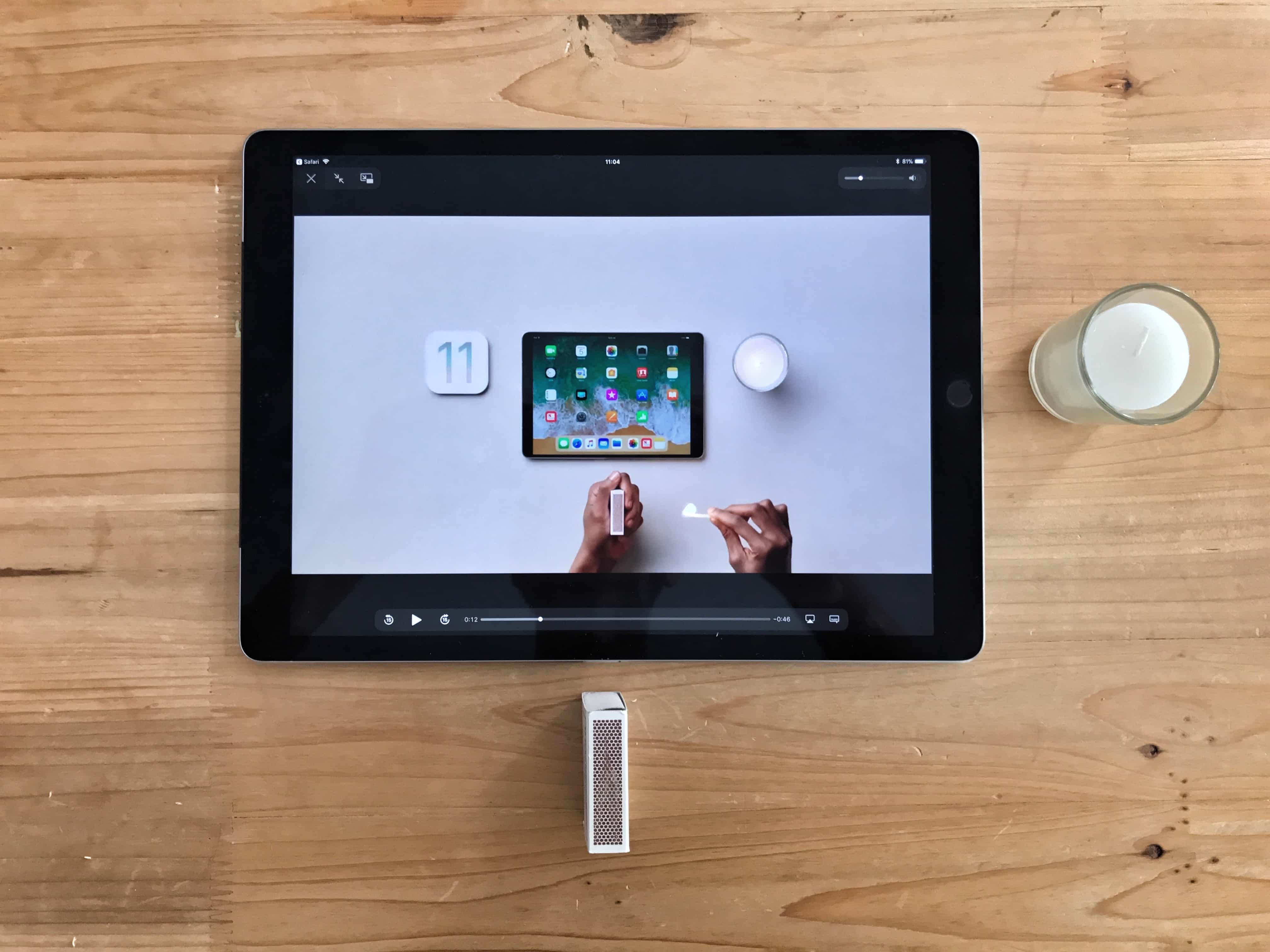
Apple's new how-to videos showcase the best new iPad features in iOS 11. Photo: Charlie Sorrel/Cult of Mac
Six new how-to videos from Apple show how to do things with your iPad running iOS 11. The minute-long episodes are engaging, informational and make iOS 11 look super-exciting, which it totally is.
If you want to get an idea of the neatest new features in iOS 11, these videos make a great place to start. Even better, you might want to send them to somebody else to show them what they will be able to do with their own iPad when Apple releases the final version of iOS 11 in a few weeks time.
Adding subtitles is easy with SubsMarine. Photo: Cult of Mac
iTunes on the Mac, and the Videos app on iOS, both have great support for subtitles. You can add subtitles for multiple languages, and the iOS 11 video player can even pull in subtitles from YouTube videos. Subtitles help out of you have hearing loss, or if you’re watching shows and movies in a foreign language. And a lot of the time, actors are so mumbly that having subs is essential to follow the story, even in your own language, and with the sound jacked up. But unless you’re buying movies and TV shows from the iTunes store, how do you add subtitles to your videos? The good news is that it’s easy, and once you’ve bought our preferred app — SubsMarine — it’s also free.
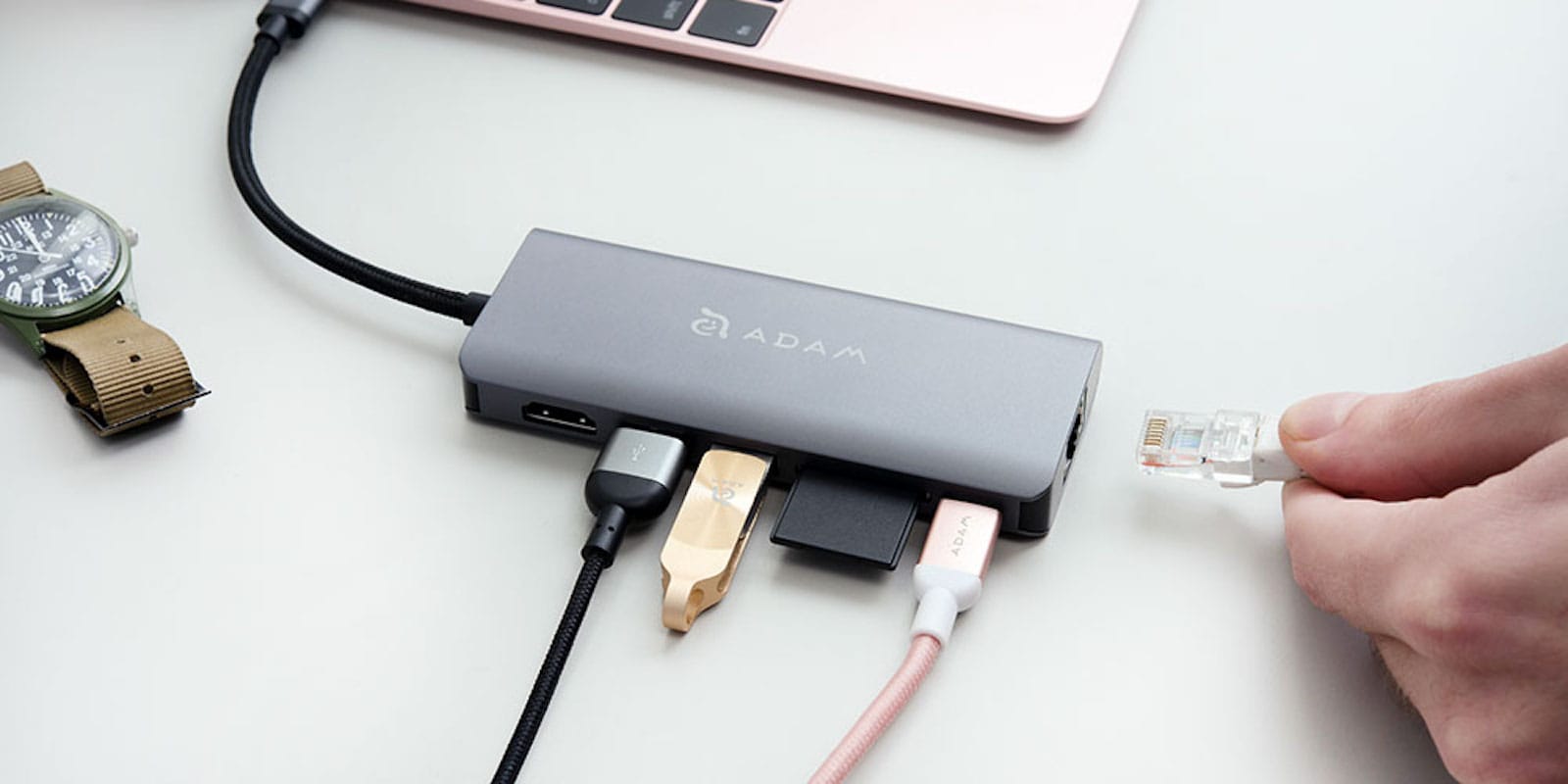
This USB-C hub turns your MacBook's single port into six. Photo: Cult of Mac Deals
When you get a new MacBook, you get a powerful machine with one connection for peripherals. Simplicity is great, but let’s be real: Nobody uses USB-C exclusively. That makes having a single USB-C connection severely limiting.
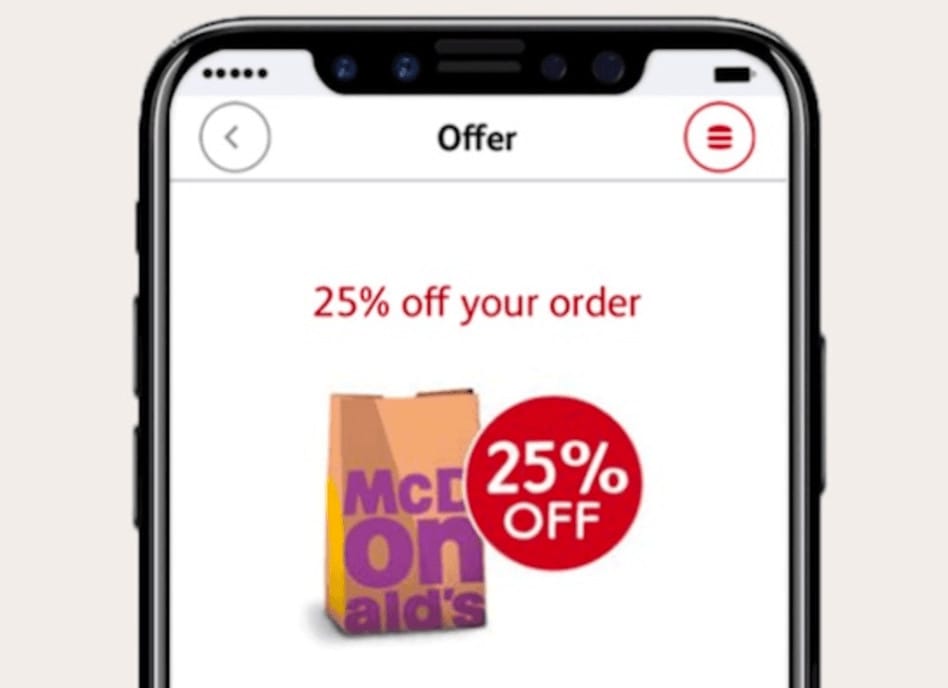
Would you like an iPhone 8 with that? Photo: McDonald's
What’s the best way to generate interest in your latest ad campaign? Include pictures of the next iPhone before it’s even announced, of course!
That’s exactly what McDonald’s has done, using an unofficial iPhone 8 render created by Benjamin Geskin, for a campaign to promote its new mobile ordering app down in Australia.
New photos of apparent iPhone 8 components once again corroborate rumors that the device will finally deliver wireless charging. We’ve already seen an image of its wireless charging coil, and now we have a charging circuit to go along with it.
Zipping is so last century, but you can still do it easily enough on iOS. Photo: Charlie Sorrel/Cult of Mac
Zipping files is easy on the Mac. You just right-click on one or more selected files in the Finder, then click Create Archive. The files get turned into an easy-to-handle .zip file.
On iOS, it’s a bit trickier. Even in iOS 11’s new Files app, you’ll find no built-in support for zipping files into a single package (or for unzipping them). To zip files in iOS, I use Readdle’s excellent Documents app. Lots of one-shot iOS apps will also do the job, but I like Documents because it’s also where all my documents live.
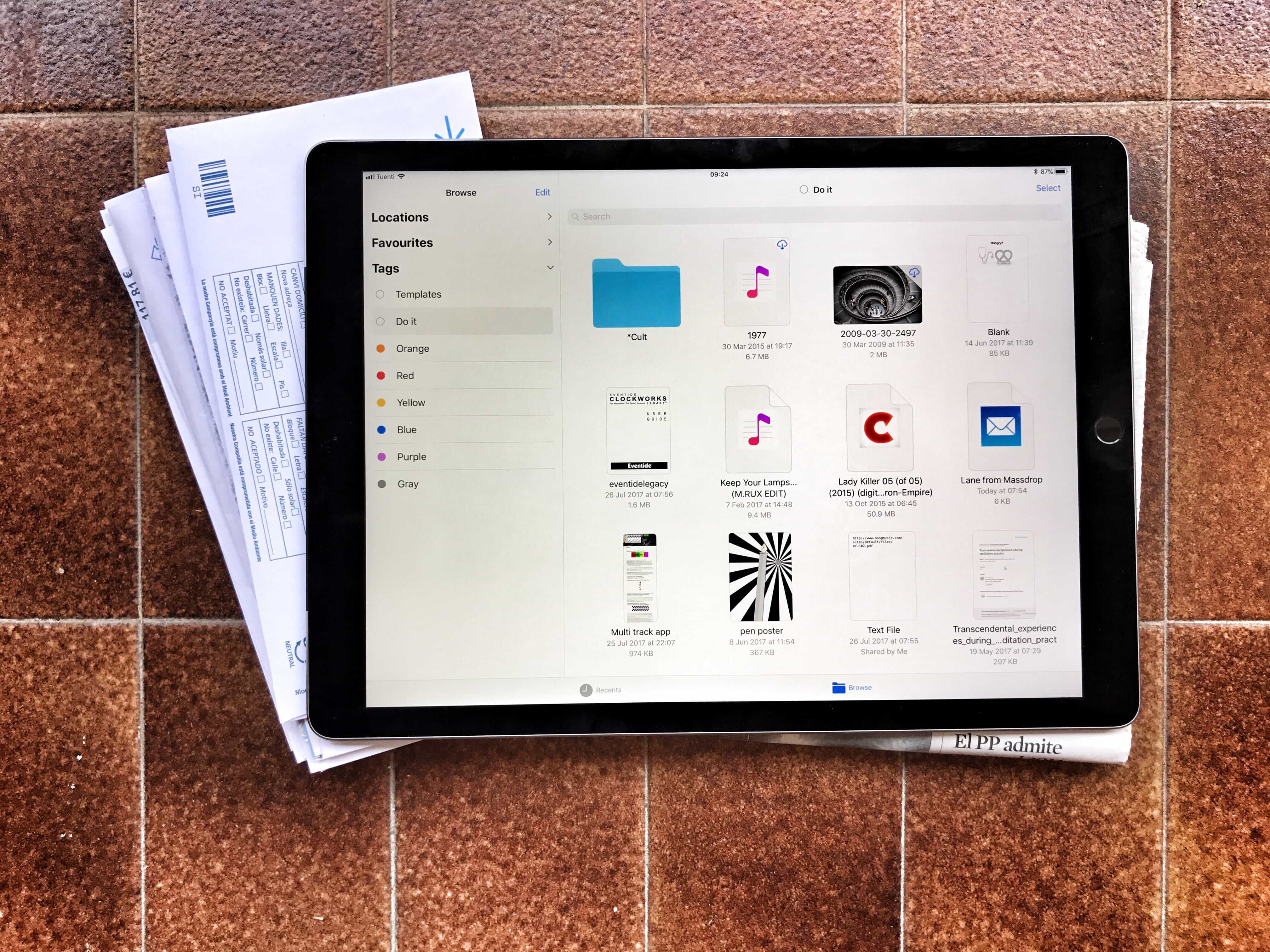
Tagging files is a powerful and easy way to tidy up your files, but it’s currently limited to the new iOS 11 Files app. Photo: Charlie Sorrel/Cult of Mac
One of the most useful features in iOS 11’s Files app may turn out to ta tagging files. Tagging lets you gather pictures, folders, documents and any other files from all across your iPad and iCloud storage by giving them the same tag.
This means you can organize files without moving them — you could create a Vacation tag, for example, to collect maps, a PDF with your Airbnb info, your boarding passes, and even related emails. Then, when the vacation ends, you can delete the tag. The grouping disappears but the files never get moved.
Tags are also synced between the Mac and iOS, so your collections can group files from both platforms. You can also apply many tags to the same file, including it in as many “projects” or lists as you like. The tagging functionality is built into the Files app at a deep level, making it easy to use wherever you are. Here are all the ways you can use tags in iOS 11.
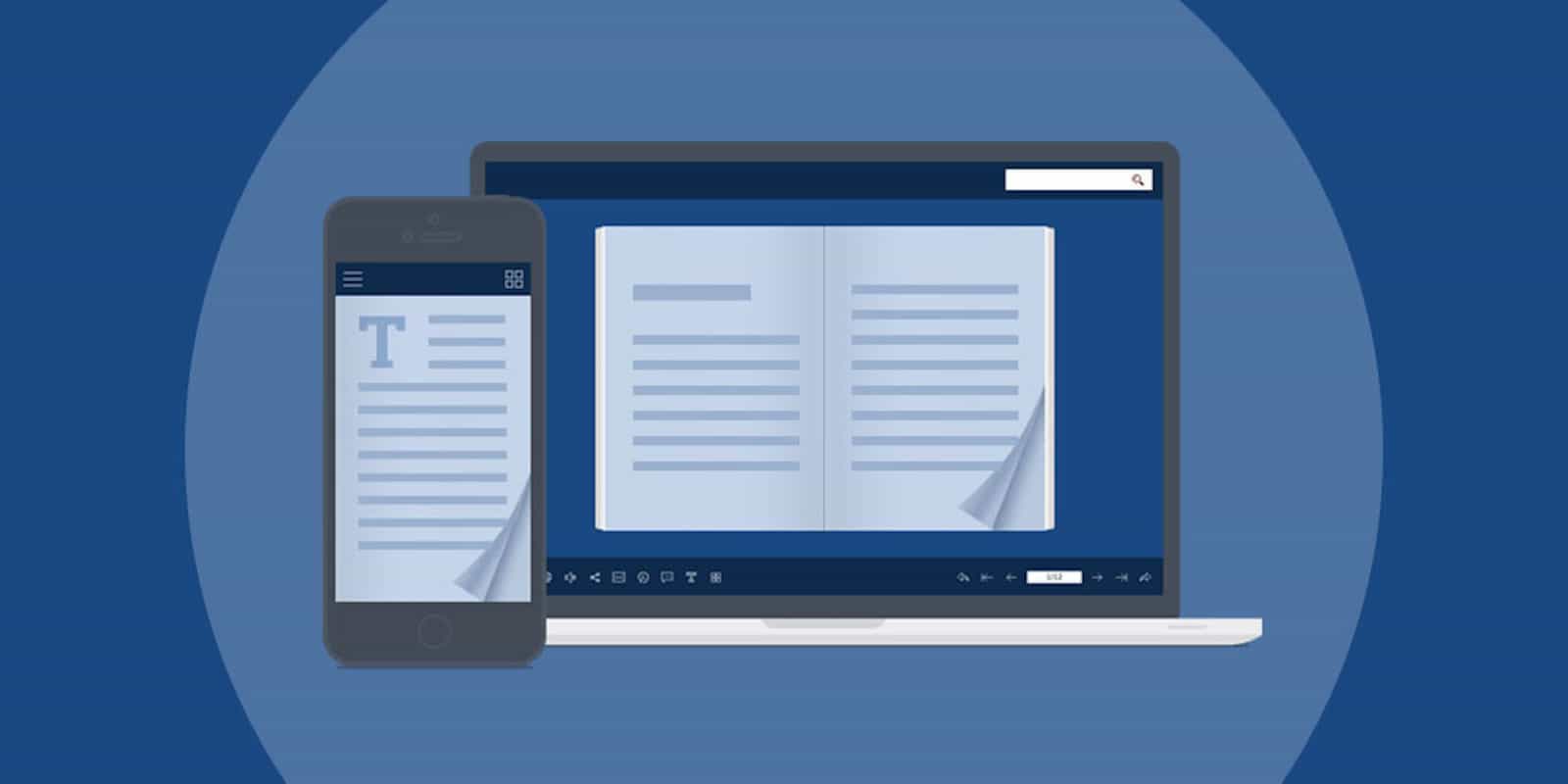
This app lets you present your regular old PDFs as lovely, interactive digital flipbooks. Photo: Cult of Mac Deals
If you work with a computer, you probably work with PDFs. The familiar file format graces everyone’s computer desktop. But you can do a lot more with PDFs than you might think.
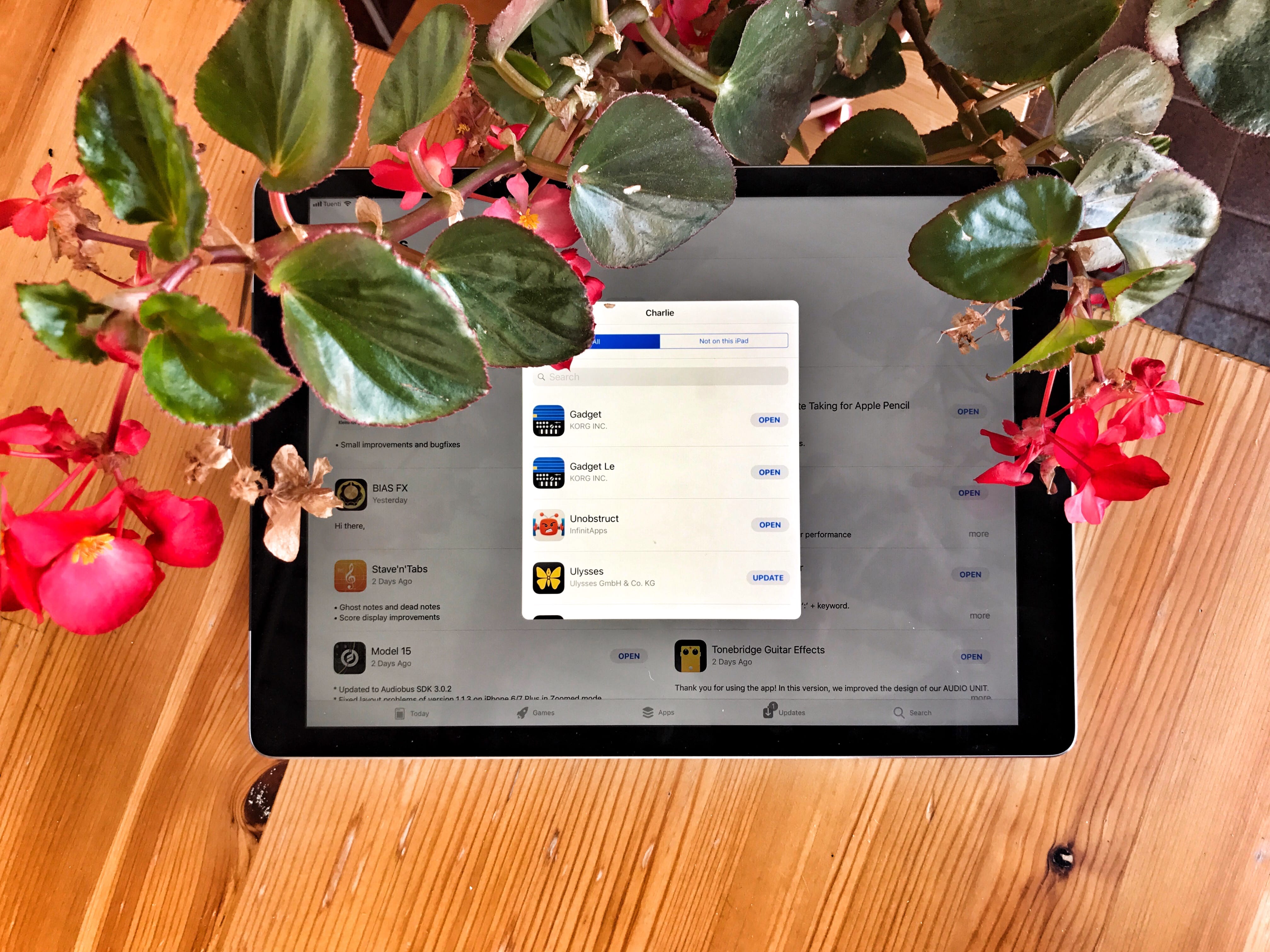
Your purchased apps haven’t gone in iOS 11 — they’ve just been hidden. Photo: Charlie Sorrel/Cult of Mac
The Purchased tab in the iOS App Store may seem to have disappeared in iOS 11, but don’t worry — it has only moved. And got a little less useful. Whereas in iOS 10 and prior, your previously purchased apps were found in their own dedicated App Store tab (iPad) or above the list of app updates (iPhone), now they’re accessed by tapping the little silhouette of a head in a circle, which indicates your user account.
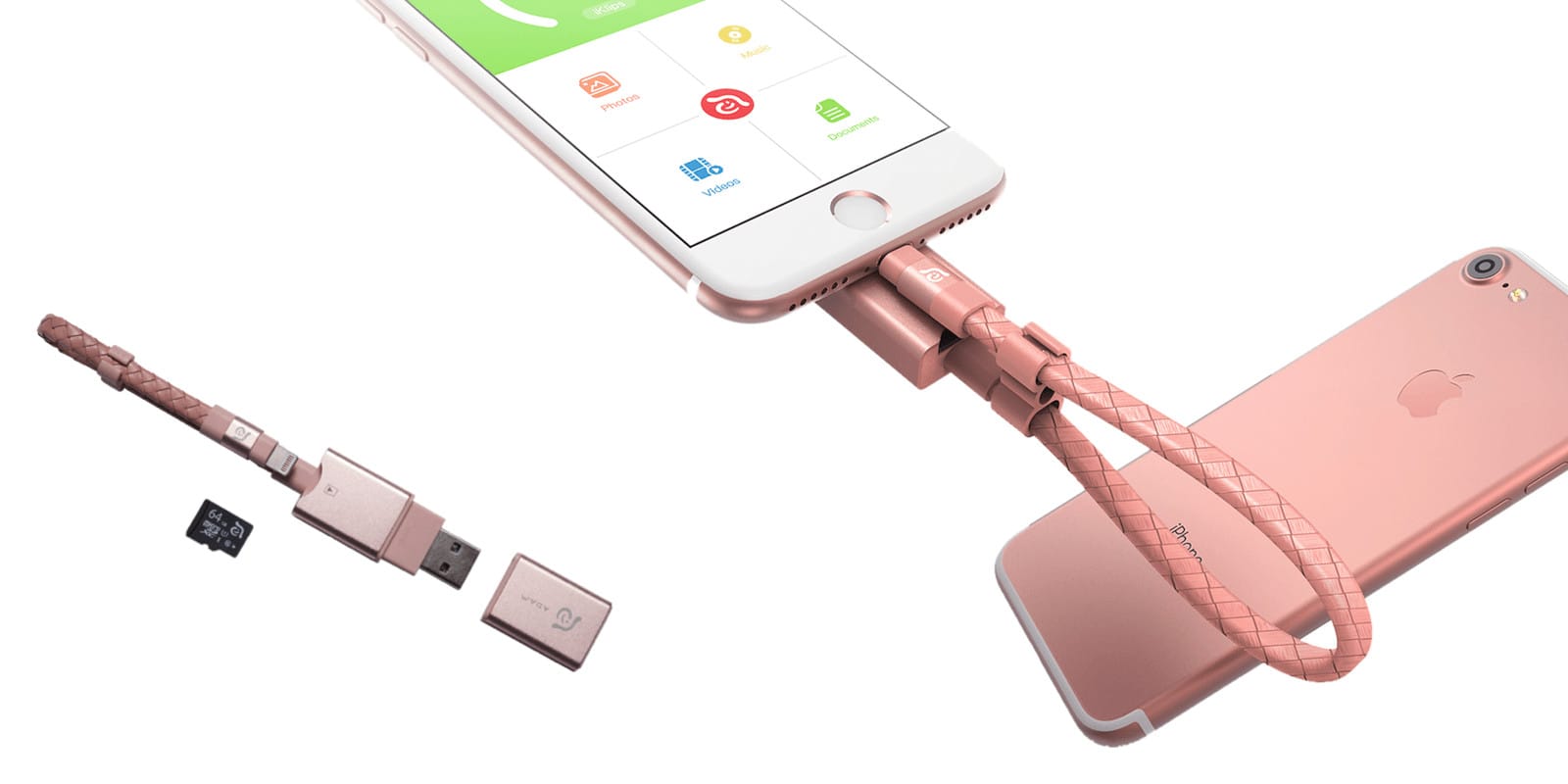
This single device can connect three storage solutions at once, and doubles as a handy kickstand. Photo: Cult of Mac Deals
One of the biggest reasons we use smartphones is to share media. But the increasing fidelity of pictures, videos, and other media is outpacing network speeds. You can try texting a 4K video to a friend, but make sure you’ve got a good book to read while you wait.
Apple Watch Series 3 will look exactly the same as its predecessors. Photo: Jim Merithew/Cult of Mac
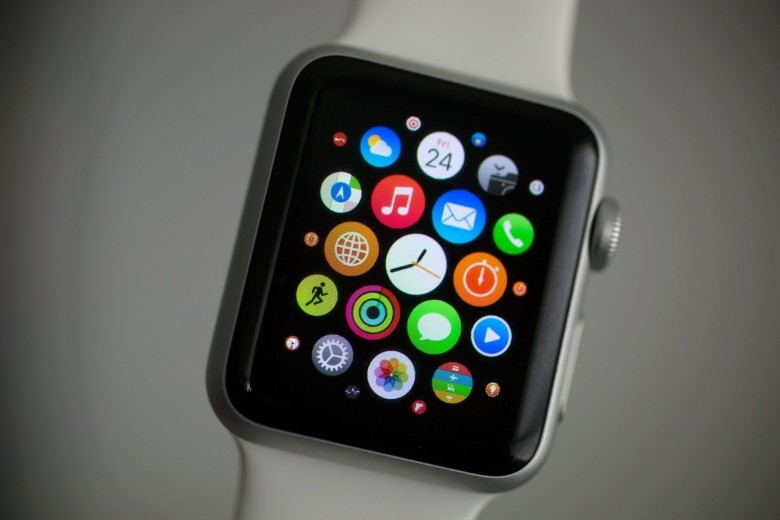
Apple Watch Series 3 will be a significant upgrade thanks to LTE connectivity, which will allow you to use apps and receive notifications without being tethered to your iPhone over Bluetooth.
But one reliable analyst warns that the new model will look exactly the same as its predecessors.
Audiobus is like a set of virtual patch cables for musical apps. Photo: Charlie Sorrel/Cult of Mac
If you want to make music on iPhone or iPad, you can choose from an embarrassment of fantastic iOS apps. You’ll also find plenty of music effects and recording apps on the platform.
The problem is using two types of apps together, because iOS isn’t nearly as flexible as macOS when it comes to digging into the system. But with a $10 app called Audiobus 3, you can route audio between apps. That means you can send music from, say, a drum machine to an audio recorder, or from your guitar to a sampler.
Further, you can route audio from many apps at a time, letting you create as complex or simple a setup as you like. If you think of Audiobus as a set of virtual patch cables for your iPhone or iPad, you’re on the right track.
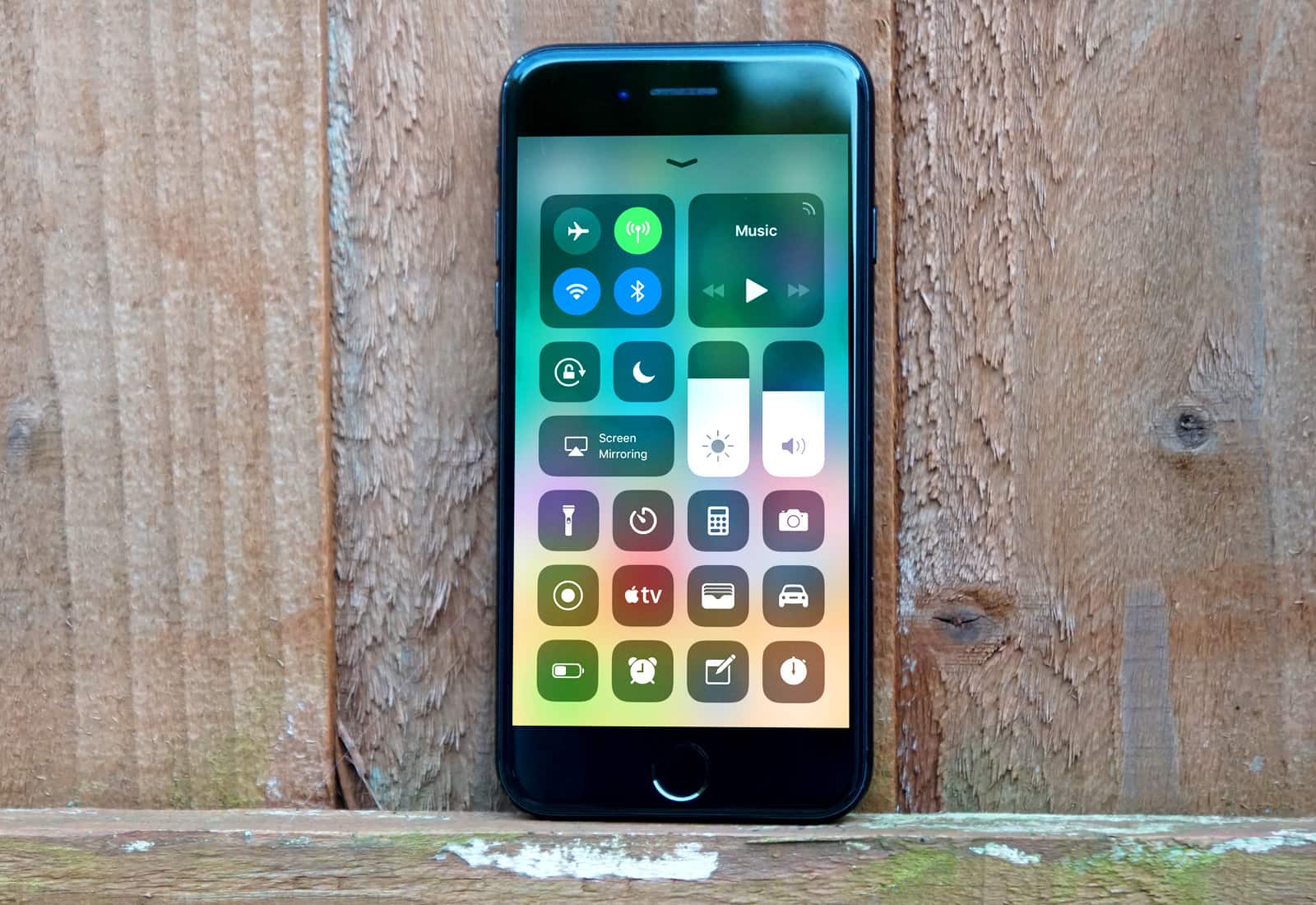
A redesigned Control Center is one of many changes to look forward to in iOS 11. Photo: Ste Smith/Cult of Mac
Apple’s sixth betas for iOS 11, macOS High Sierra, tvOS 11, and watchOS 4 are now available to download for registered developers.
This rollout comes just one week after Apple seeded its fifth beta releases, which indicates the company is close to finalizing these updates for their public debut this fall.



 August 20, 2012: Apple breaks records as it becomes the most valuable public company in human history.