Mobile menu toggle

Top stories - page 376

Amazon aims for Apple with 15 surprising new products

By

EchoStudio
Amazon fired shots at the HomePod, AirPods, CarPlay and more today.
Photo: Amazon

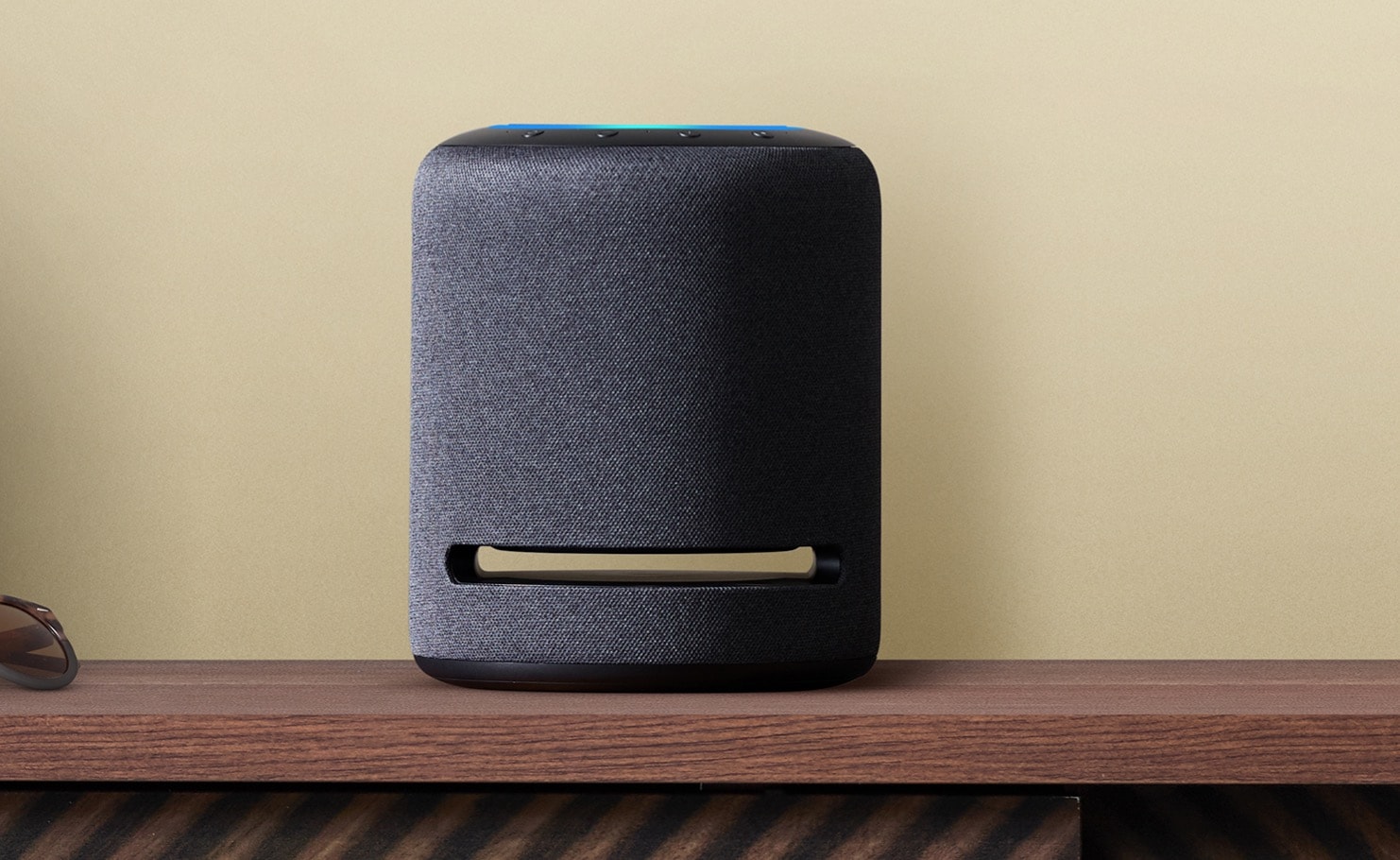
Amazon is ready to push Alexa into every single corner of your life with a new wave of Echo products unveiled this morning.

Armed with 15 new products, Amazon is ready to challenge Apple like never before. The company even introduced some bold new products, like new smart glasses and a smart ring — wearables that give you 24/7 access to Alexa wherever you go. While Apple’s iPhone 11 keynote featured zero mentions of Siri, Amazon’s yearly product keynote put Alexa’s might on full display.

How to drag and drop bookmarklets to the iPad’s bookmarks bar

By

Bookmarklets IRL.
Bookmarklets IRL.
Photo: Charlie Sorrel/Cult of Mac

Every time I’ve written about bookmarklets, I’ve had to add a section on how to add them to Safari in iOS. On the Mac, you just drag them up to the bookmark bar, and you’re done. On iOS, the situation was so complex that I wrote a whole how-to just so I could link to that, instead of writing several paragraphs every time. But there is a way to drag and drop bookmarklets on iOS.

I’ve tested it on iOS 12 and iOS 13, and it’s amazing.

The problem with Apple Arcade? It’s just not that special [Opinion]

By

Apple-Arcade
Can Arcade ever become the service Apple promised?
Photo: Apple

Apple Arcade’s slate of more than 100 games for $4.99 a month looks like one of the best deals in gaming at first glance. But Apple’s new game subscription service fails to live up to the expectations of many iPhone and iPad owners.

That’s not because the games are bad. Or because there are hidden fees we weren’t expecting. It’s because Cupertino billed Apple Arcade as something special … and it just isn’t.

Apple Watch Series 5 teardown confirms it’s a tweaked Series 4

By

Apple Watch Series 5 teardown
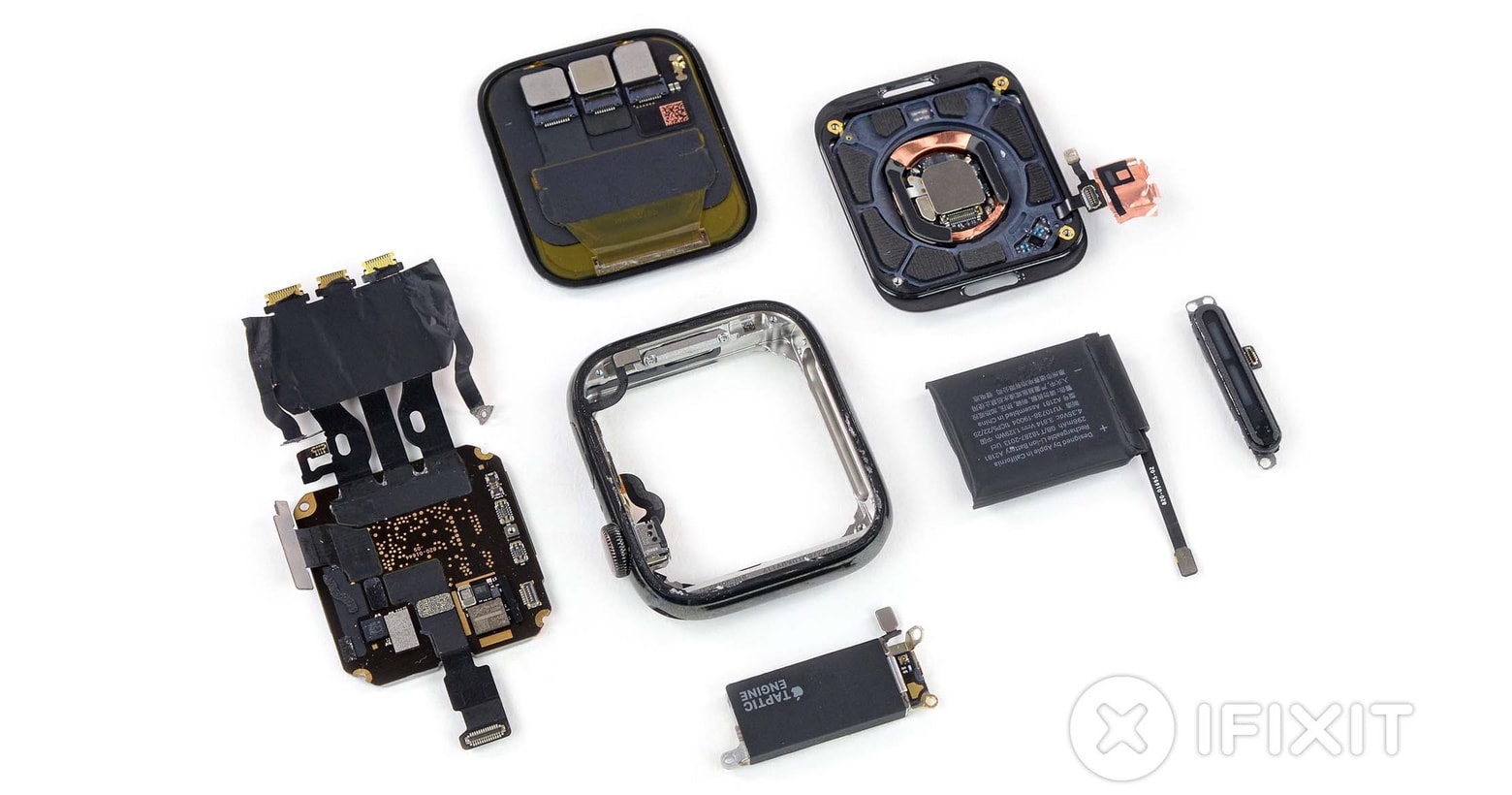
Opening up the newest Apple Watch Series 5 doesn’t find any surprises.
Photo: iFixit

Disassembling the latest Apple Watch doesn’t find very much that’s different from last year’s model. That doesn’t mean there aren’t improvements in the new Series 5; they’re just not visible in a teardown, even one done by the experts at iFixit.

Boost privacy of Apple Watch Series 5’s always-on face

By

apple watch series 5 sleep
When dimmed, the Series 5 can be set to hide sensitive information.
Photo: Charlie Sorrel/Cult of Mac

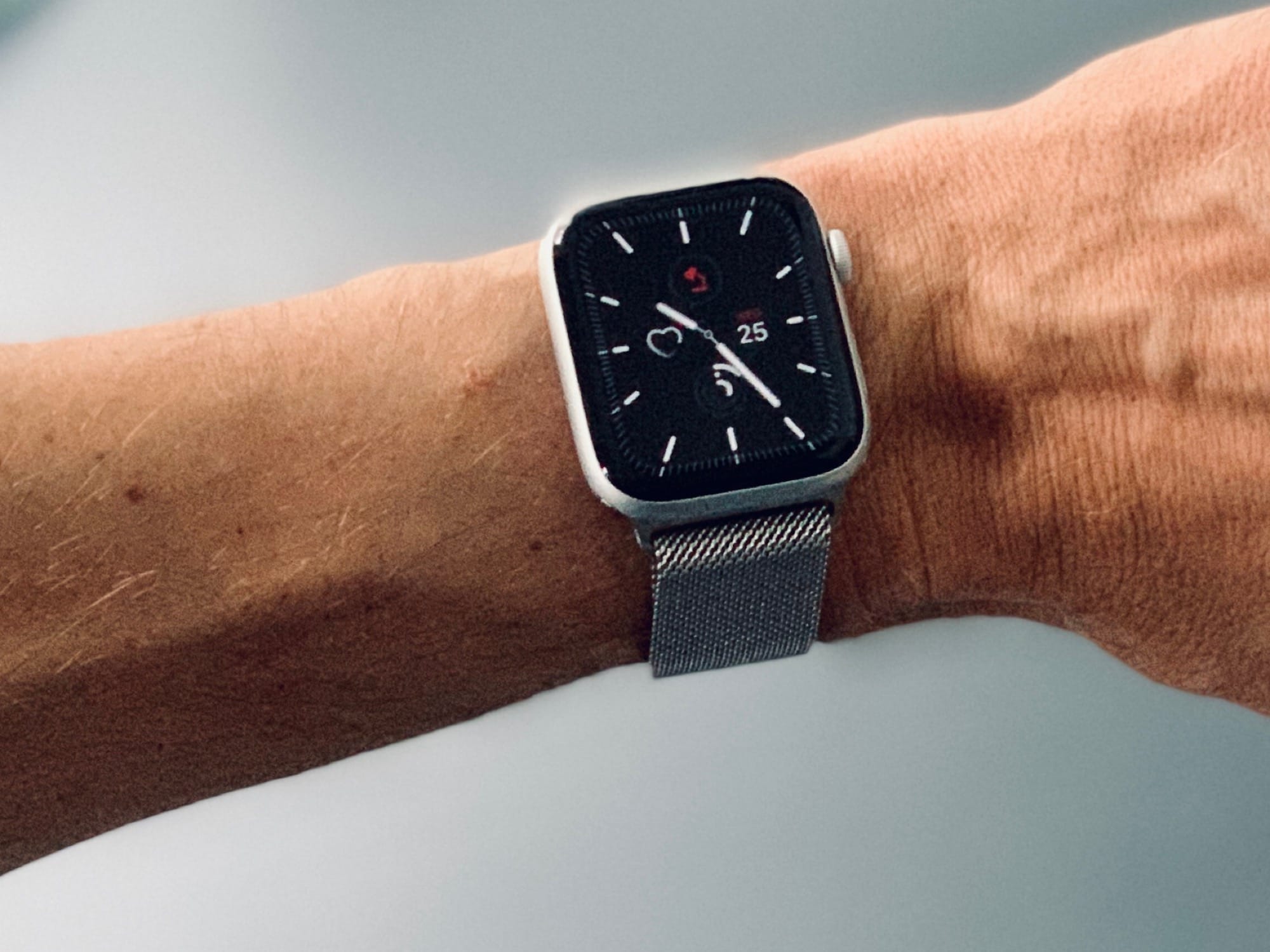
The one huge new feature in the Apple Watch Series 5 is the always-on display. Day or night, the screen never shuts off. It dims as soon as you stop using it, and all animations stop, but the face stands ready for your curious glance at any time.

However, if you wear your Apple Watch in bed, or you don’t like the idea of the watch showing your info to anybody who cares to look at the device, then there are a few settings that can help. Let’s take a look.

Apple begins shipping first 10.2-inch iPad to customers

By

Here’s the 10.2-inch iPad for 2019.
Anyone who pre-ordered the new iPad will receive it soon.
Photo: Apple

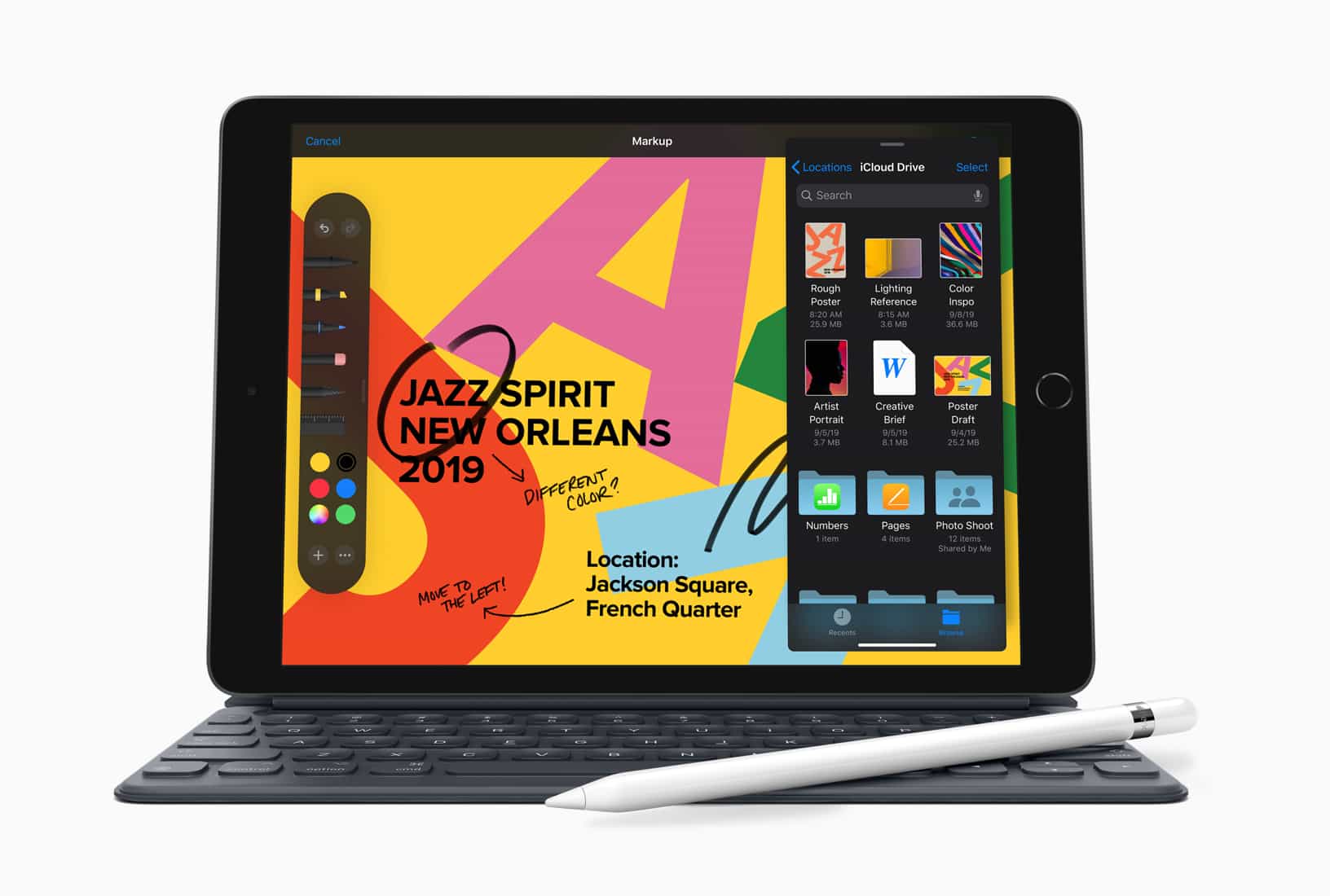
Apple today started shipping its latest budget iPad to those who pre-ordered this tablet after it was unveiled earlier this month. It will hit Apple Store shelves later this week; Apple isn’t saying exactly when, however.

This is the first 10.2-inch iPad, and it replaces the last 9.7-inch model in Apple’s lineup.

Mario Kart Tour comes to mobile — and it’s kinda disappointing

By

Mario Kart Tour was 2019's most downloaded iOS game
There's stuff to like. But some banana peels too.
Photo: Nintendo

It’s been a long time coming, but Mario Kart Tour has finally raced (well, maybe dawdled) into the App Store.

The free-to-play kart racing game is available to download now, although currently you can only play a New York City-based course. Other courses will roll out at a later date.

So what did we make of it? Read on for Cult of Mac’s first impressions.

Play on! tvOS 13 brings Apple Arcade to Apple TV

By

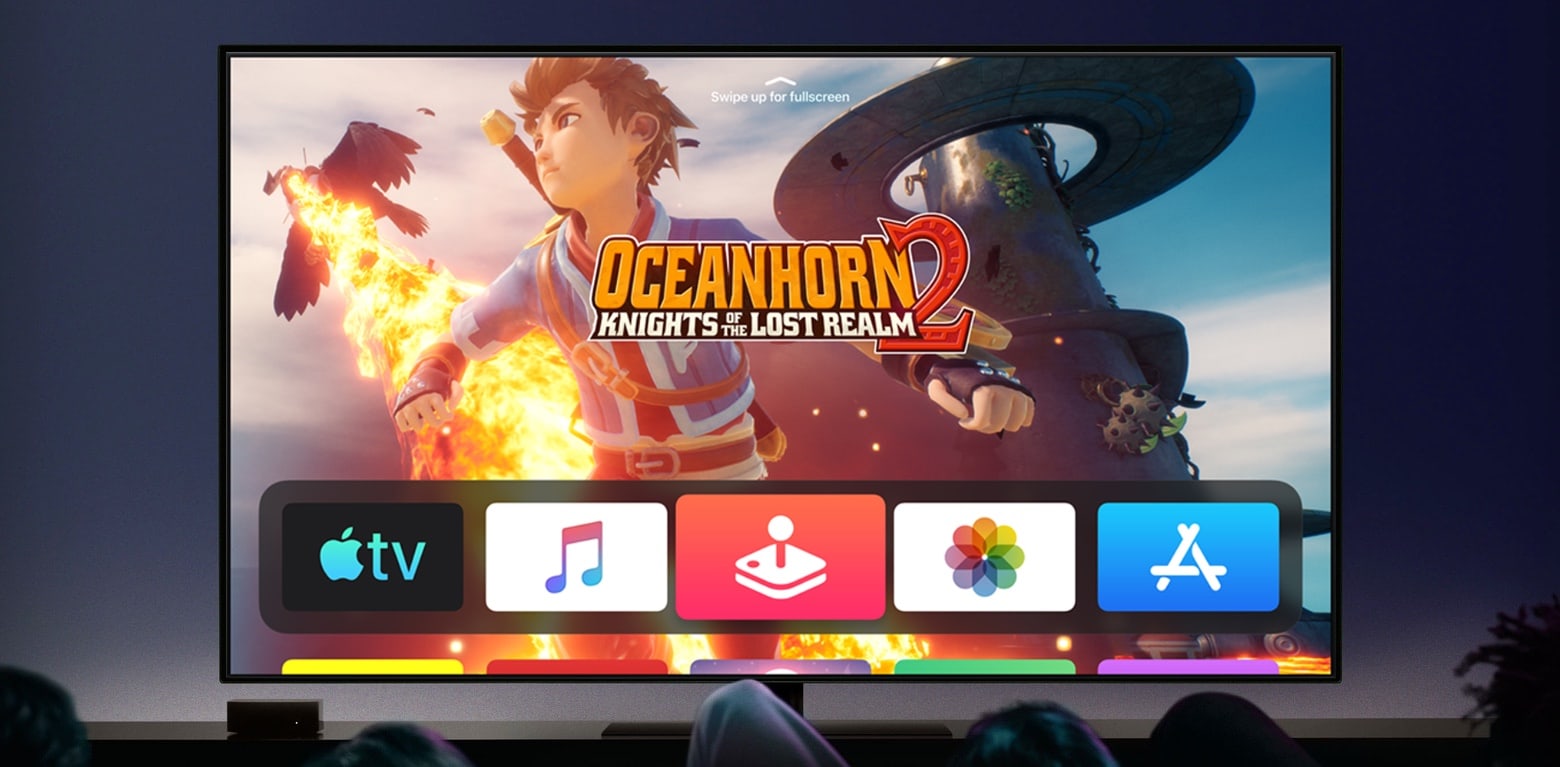
Oceanhorn 2 on Apple TV through Apple Arcade
Oceanhorn 2 is one of the Apple Arcade games available with tvOS 13.
Photo: Apple

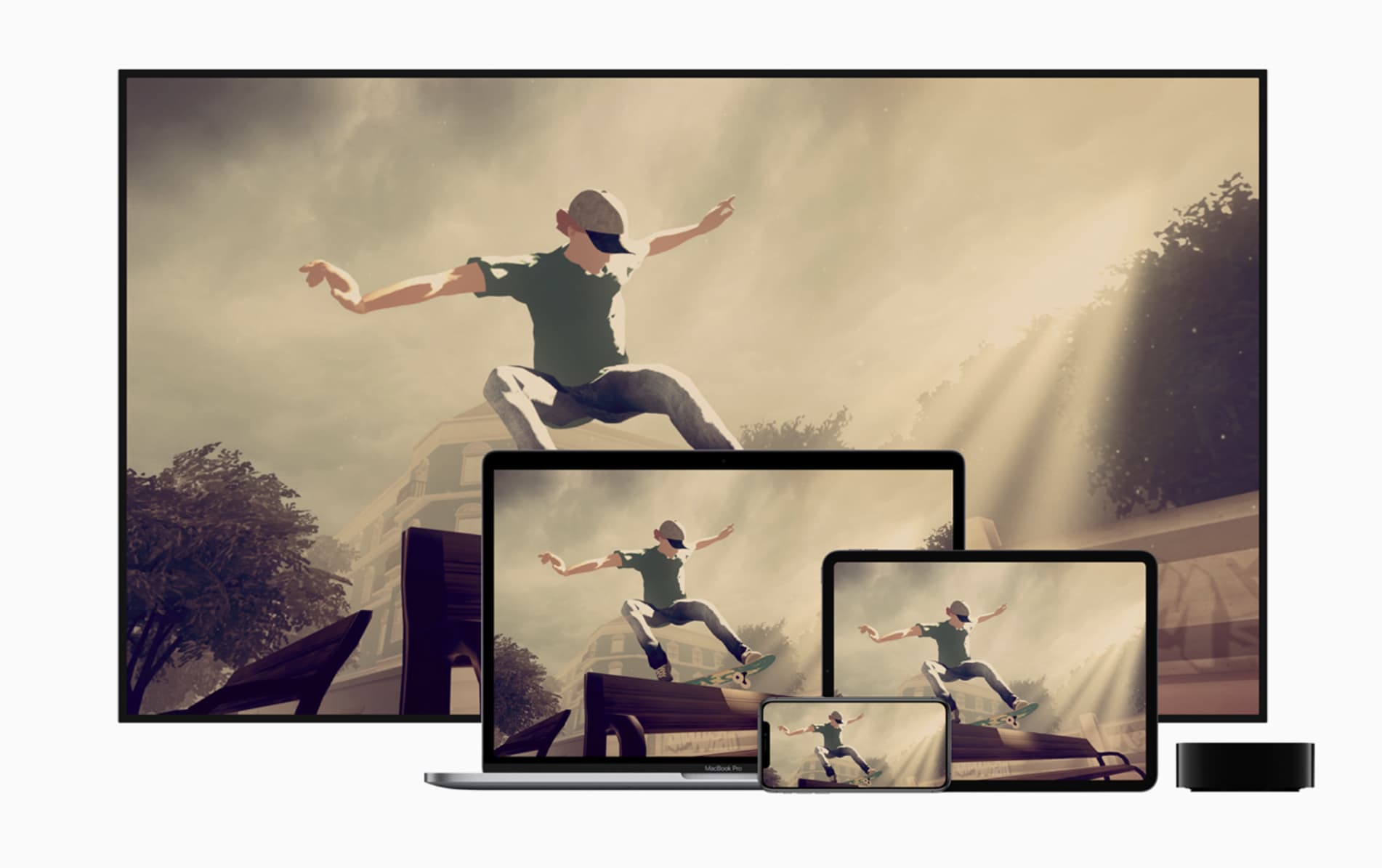
After months of beta testing, the full version of tvOS 13 launched to the public today. Updates to the Apple TV operating system don’t often make headlines, but this one stands out because it brings support for the all-you-play Apple Arcade service.

tvOS 13 also allows some off-the-shelf game controllers to be used, as well as non-game improvements.

iPadOS Files’ search is now almost as good as the Mac’s

By

Files app iPadOS
Files can be stored in drawers.
Photo: Charlie Sorrel/Cult of Mac

The Files app is waaaaay better in iOS 13 and iPadOS. It adds external USB storage support, so you can plug in anything from a hard drive or USB-C stick to a synthesizer that can mount as a USB drive to load samples and presets.

Apple’s built-in file-management app adds column view (with a handy preview) and all the metadata you want to know about a given file. And it also benefits from a massively upgraded search feature.

How to take iOS 13’s new PDF screenshots, including text!

By

iOS 13 pdf screenshots
Screenshots are even better in iOS 13.
Photo: Daniel von Appen/Unsplash

The screenshot tool gets a radical makeover in iOS 13, and I’m not even talking about the fancy new toolbar for Apple Pencil markup. You can take advantage of two cool new features when you snap a screenshot in the upcoming version of iOS.

One, you can capture the entirety of a web page — not just what you can see on the screen right now, but all of it, from top to bottom, as if you’d stitched together lots of screenshots. Two, you can save these all-page screenshots as PDFs with active, selectable text and links.

Here’s how to make the most out of PDF screenshots in iOS 13.

How to use Safari’s download manager in iOS 13

By

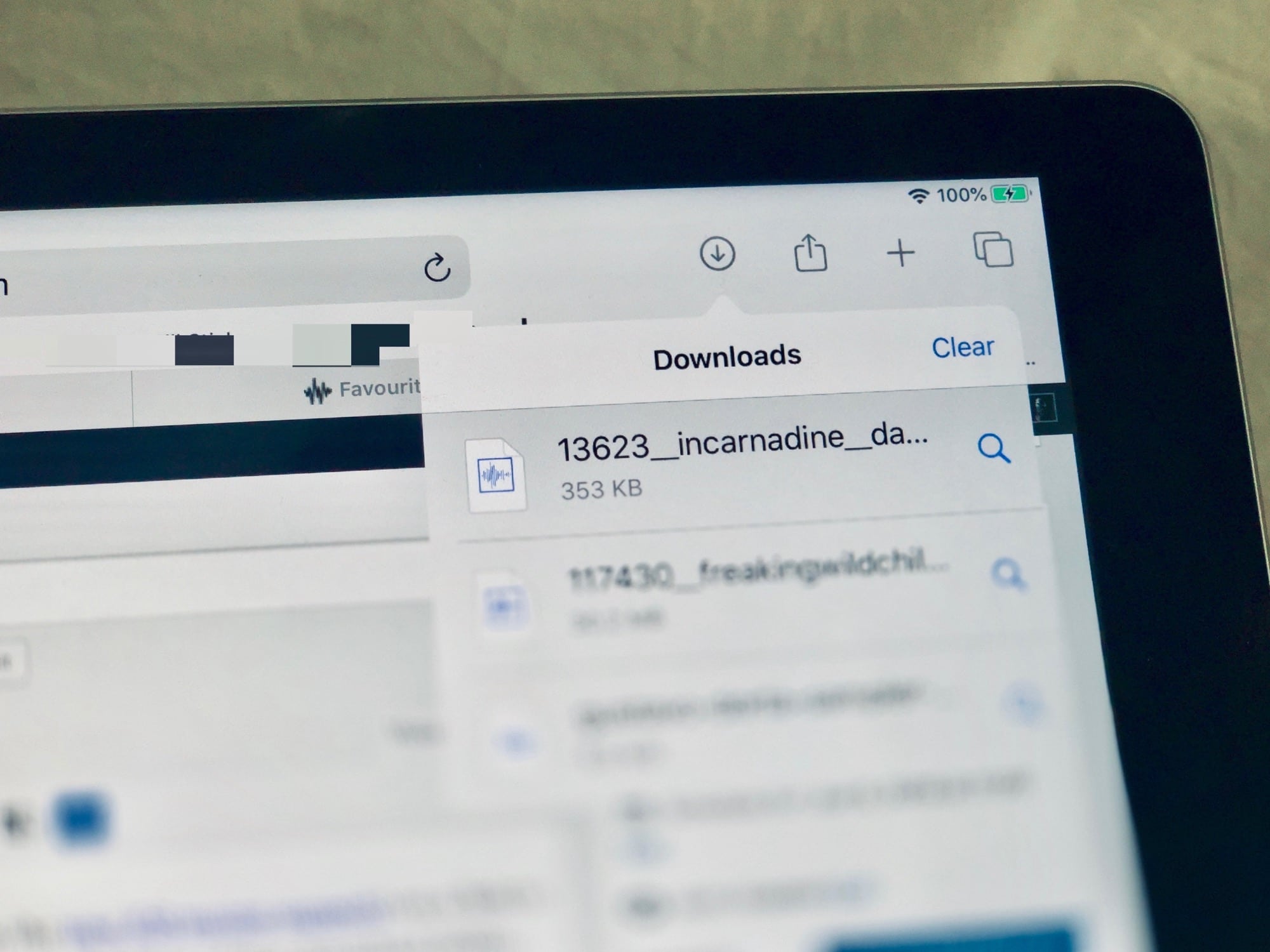
Safari's new download manager in iOS 13.
Photo: Charlie Sorrel/Cult of Mac

In iOS 13 and iPadOS, Safari gets a download manager. If you tap (or click, with the new iOS mouse support) on a link to a file, that file will now get downloaded to a folder. What’s more, you can change the location of that download folder.

This is one of the small but essential new features in iPadOS that really turns the iPad into a viable MacBook replacement, even for those who aren’t yet used to the arcane ways of iOS. Let’s check it out.

What you need to know about Dark Mode on iOS 13

By

Dark Mode on iPadOS
Dark Mode is available in iPadOS too.
Photo: Apple

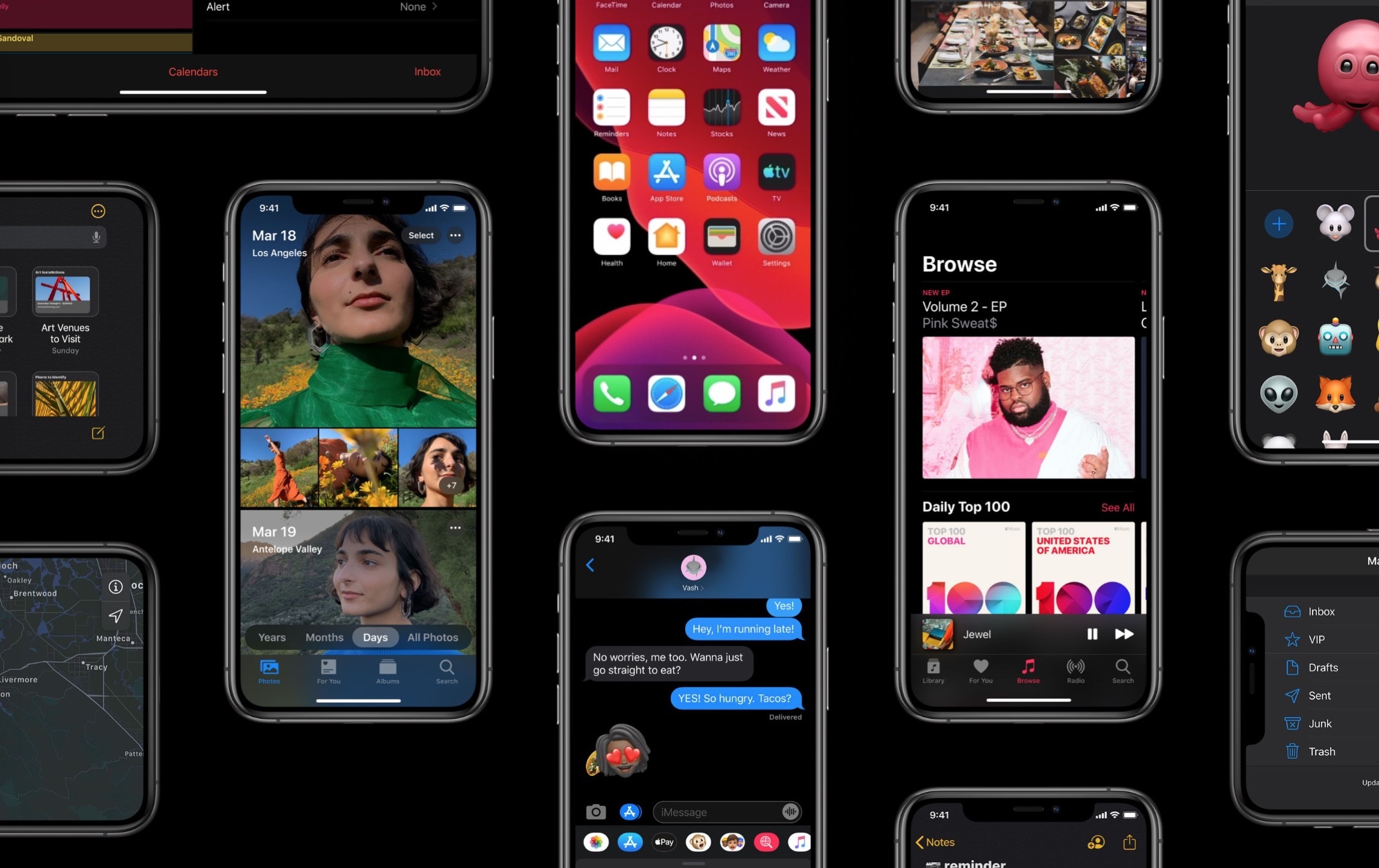
The iPhone finally joined the dark side with the new Dark Mode feature introduced in iOS 13. Apple delighted fans who have been clamoring for the feature for years — and it appears the wait has been worth it.

After using Dark Mode, I don’t think I’ll be going back to the bright white iOS interface anytime soon. Apple poured a bunch of thought into Dark Mode so that it does more than just make everything black.

How to use 3D Touch menus in iPadOS

By

3D Touch shortcuts now work on the iPad.
Photo: Charlie Sorrel/Cult of Mac

3D Touch is dead. Long live 3D Touch! Even though Apple removed the 3D Touch hardware from iPhone 11, the company resurrected the feature via Haptic Touch on its latest devices (just the way it mimicked it with iPhone XR). And now that iPadOS is here, that means 3D Touch is coming to iPads (in the form of a medium-long press).

In the new iPad version of iOS, you can long-ish press on an app icon, and it will pop up the same 3D Touch menu as you would find on an iPhone. Let’s see how it looks.

How to use iPadOS’ new full-page PDF capture tool

By

Now you can capture an entire web page as a single, long, PDF.
Photo: Charlie Sorrel/Cult of Mac

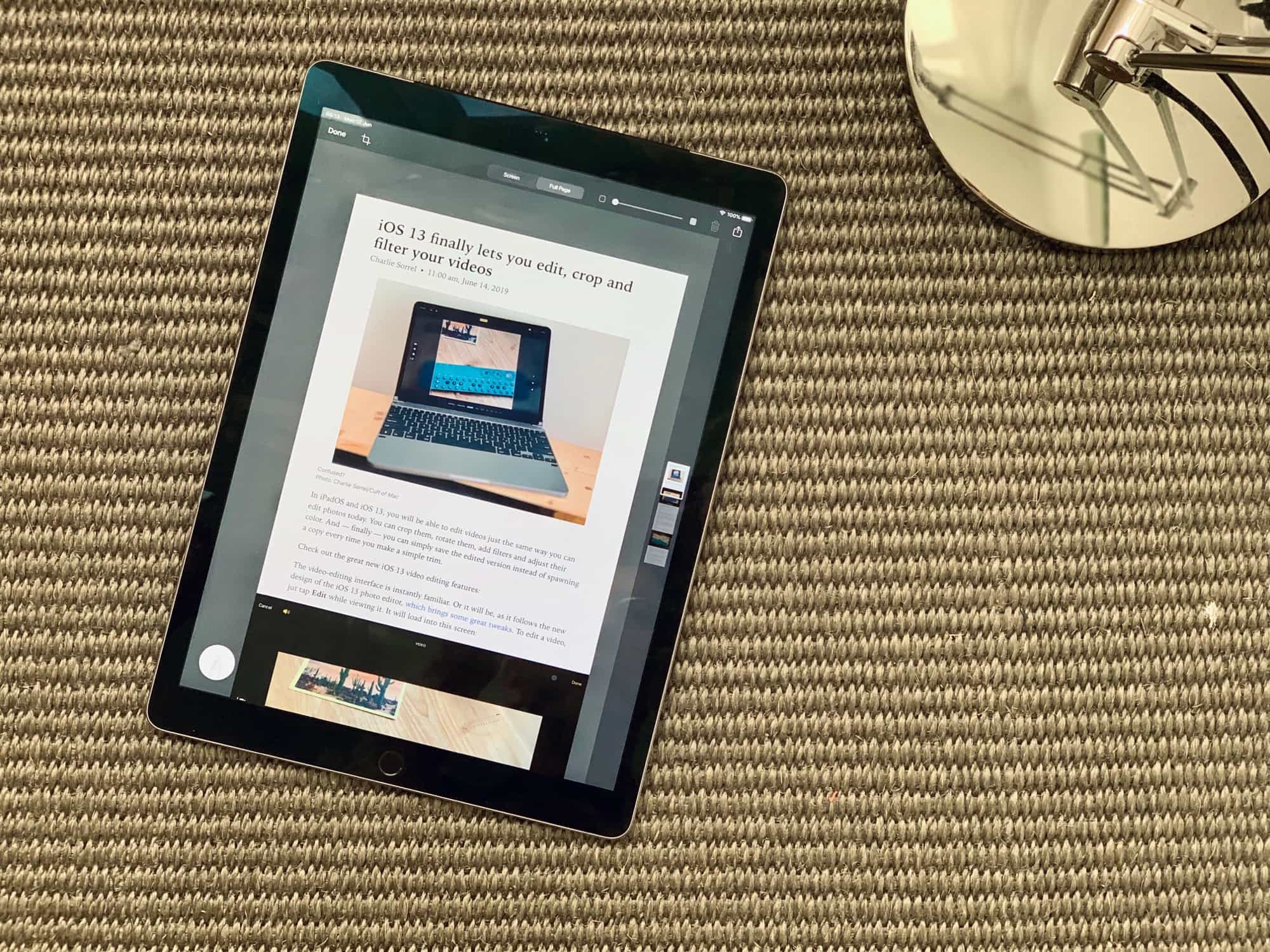
iPadOS 13 soups up its screenshot tool with the ability to capture an entire webpage as a PDF. That means it doesn’t just grab what you can see on the screen right now. If you’re viewing a webpage that’s really, really long, it will capture the whole thing, and turn it into a very tall PDF.

You can also mark up the resulting PDF before you save it to the Files app. This is a fantastic way to save a webpage, especially when you combine it with Reader View to remove the ads, sidebars and other junk first.

Let’s see how to use it.

Apple rushes out iOS 13.1 with new features and bug fixes

By

ios13
iOS 13 is loaded with new features, and iOS 13.1 adds to the total.
Photo: Apple

That sure didn’t take long. After releasing iOS 13 last Thursday, Apple is already out with the replacement.

iOS 13.1 brings Shortcuts Automations and other new features. It also squishes some bugs in the earlier version.

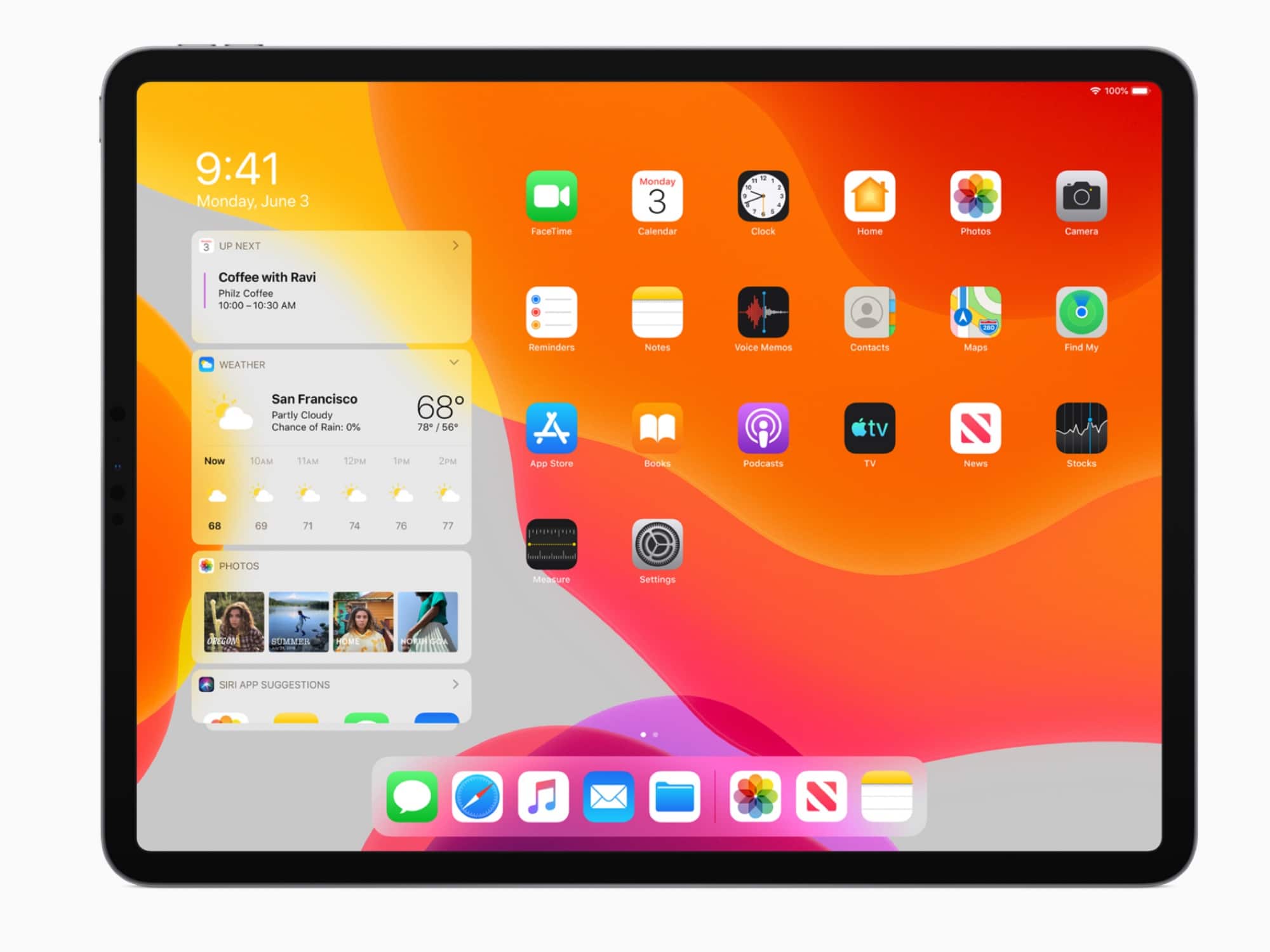
iPadOS arrives with the killer iPad features we’ve been craving

By

iPadOS launch date
Beta testing is over. iPadOS 13.1 can be installed on any recent Apple tablet.
Photo: Apple

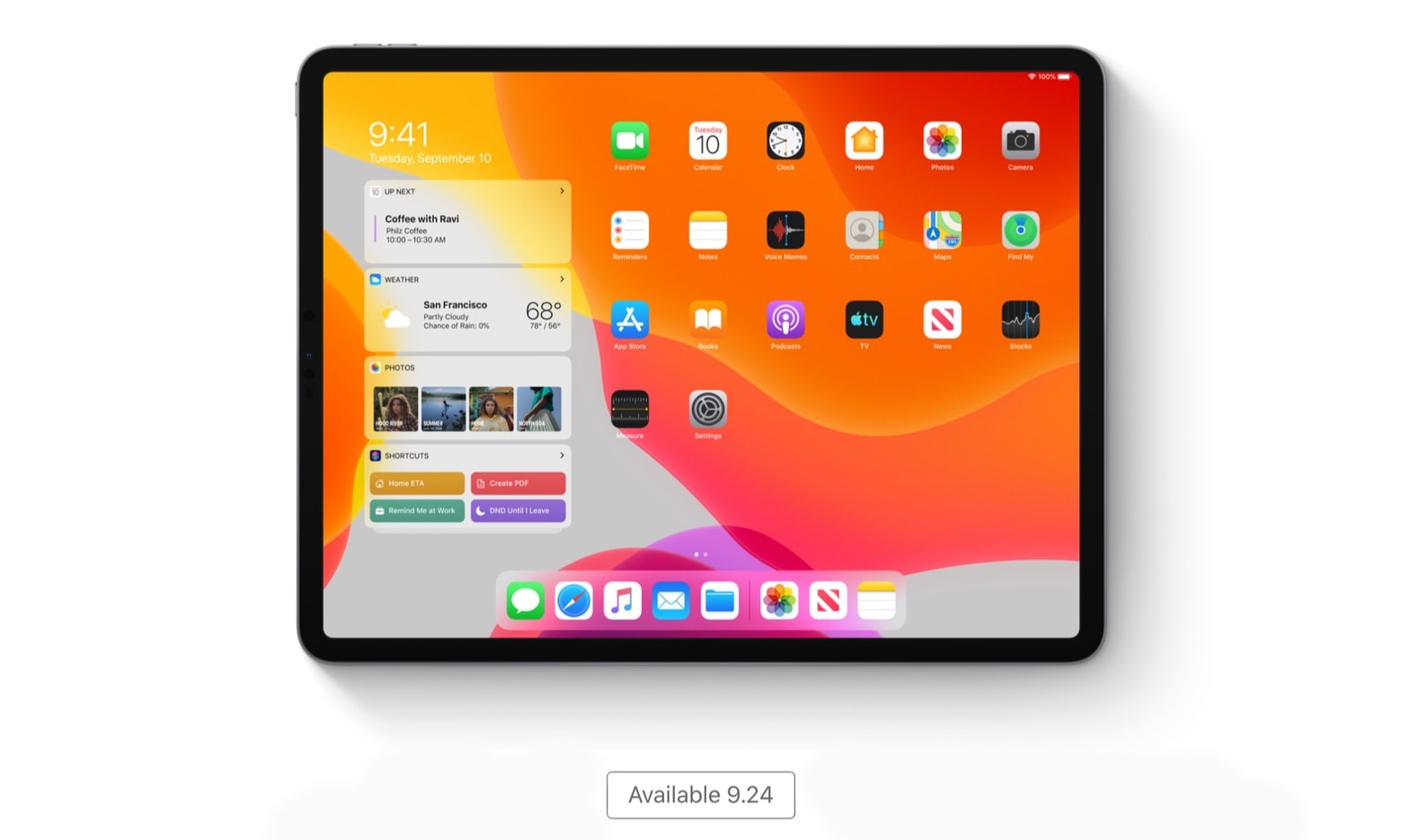
iPadOS 13.1 is now available, ready to be installed on a wide variety of iPad models. It brings features Apple tablet users have long been asking for: allowing applications to open multiple windows, support for mice, full access to USB drives, and much more.

This new version was announced in June and has been in beta testing all summer so there are no surprises. But the time for testing is over. Almost everyone with an iOS tablet made in the past five years can install iPadOS.

How to use the amazing new text tools in iPadOS

By

Trashy novels
Not all text is equal.
Photo: Charlie Sorrel/Cult of Mac

In iOS 13 and iPadOS, Apple rejigged the text-selection engine and the cut/copy/paste tools. And they’re amazing. For the last 10 years, selecting and manipulating text has been a frustrating nightmare on the iPad. Try to select a couple of words in Safari, for instance — a package delivery tracking number, for instance — and the selection would bounce back and forth between a few characters and the entire page.

It was enough to drive you back to the comfort of the Mac’s mouse pointer.

In iOS 13, though, this all changes. Text selection is accurate and predictable. And the new copy/paste gesture shortcuts become second nature almost immediately.

iPhone 11 Pro Max battery beats Galaxy Note 10+ by hours

By

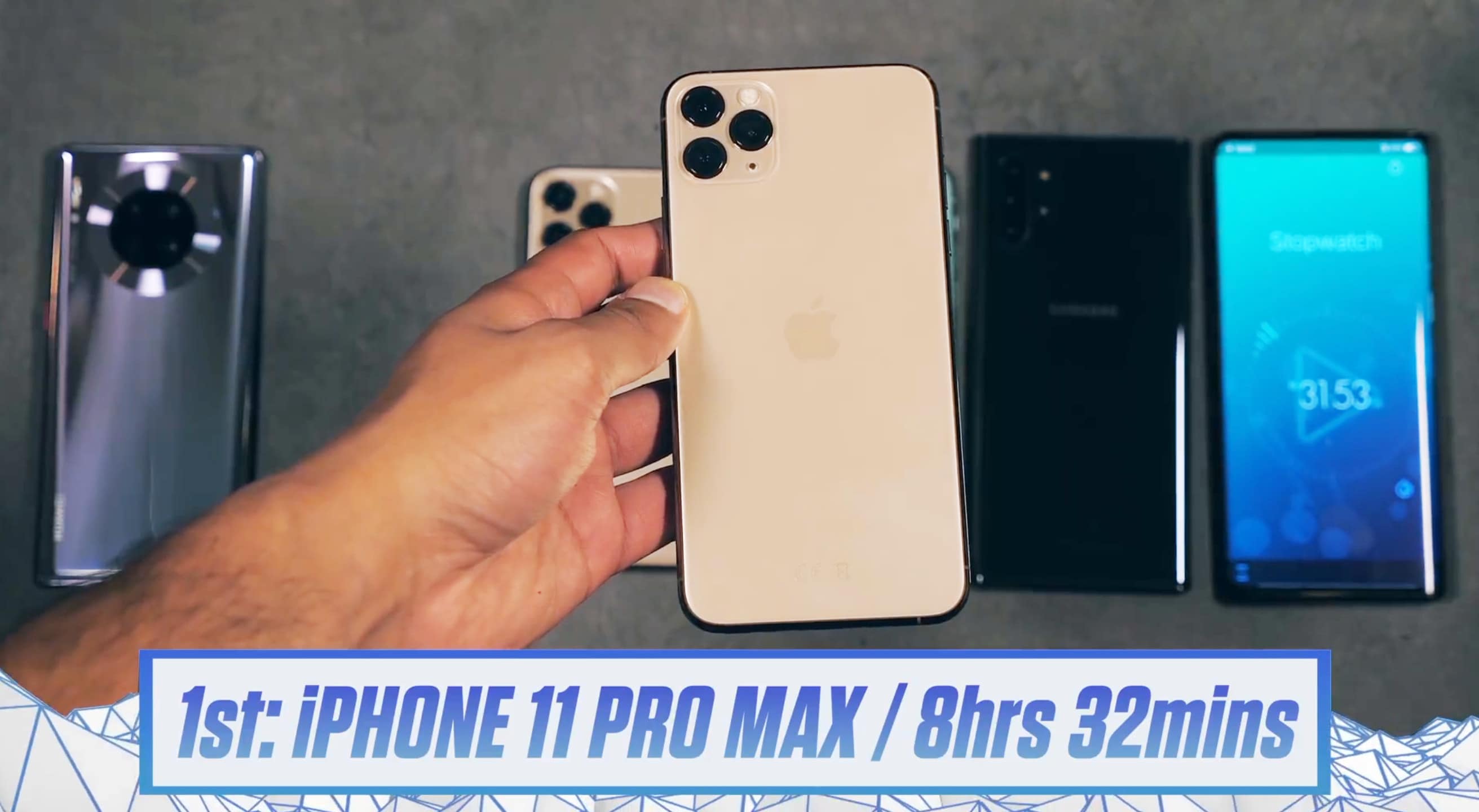
iPhone 11 Pro Max battery outlasts four recently-released smartphones
iPhone 11 Pro Max outlasted four recently-released marquee smartphones in a battery showdown.
Photo: Mr. Whosetheboss

In a head-to-head “torture test” challenge, the iPhone 11 Pro Max battery not only lasted longer than the ones in Apple’s other 2019 handsets — it beat Samsung’s new flagship model by a wide margin.

Apple put its largest battery ever in the new 6.5-inch iOS device, and it’s clearly paying off.

iPadOS lets you open multiple instances of the same app for powerful multitasking

By

Ipad app windows
The iPad now has app windows.
Photo: Charlie Sorrel/Cult of Mac

In the next version of iOS, the iPad will be able to open several “copies” of the same app. You can then switch between them, treating them just like any other individual apps, or you can combine these instances with other apps.

For example: You could have one “space” with your Mail app and your to-do app in a 50:50 Split View. And then you can have another space with a different instance of your Mail app and, for instance, the Notes app. Each version of the Mail app can show a different folder or message.

You can even have two versions of, say, the Maps app, sharing the same screen, showing totally different places. It’s a powerful addition to iPad multitasking. Let’s see it in action.

iPadOS shuts up all those ‘not a real computer’ claims [Opinion]

By

With iPadOS, you're one step closer to replacing your Mac with an iPad.
Photo: Charlie Sorrel/Cult of Mac

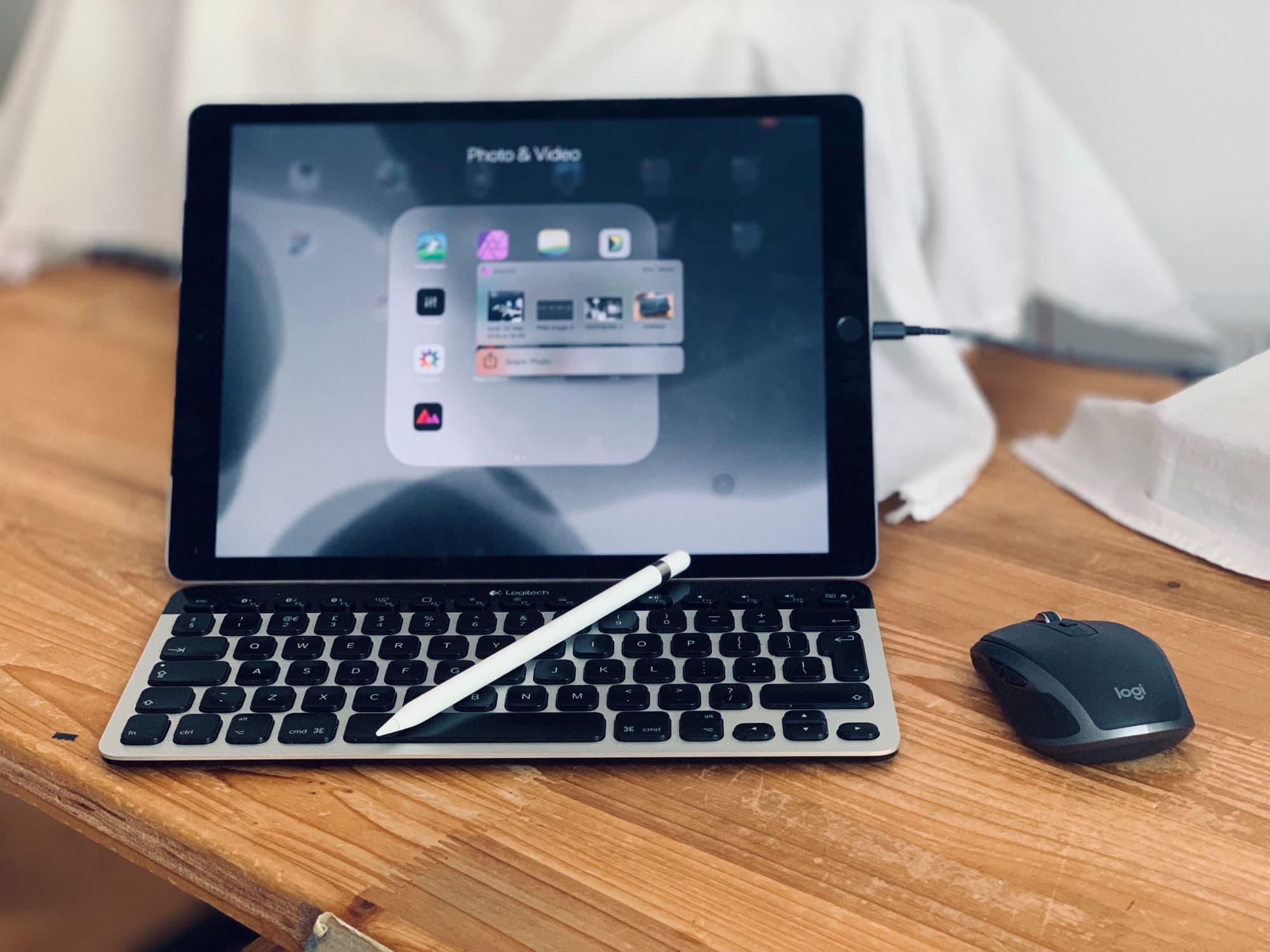
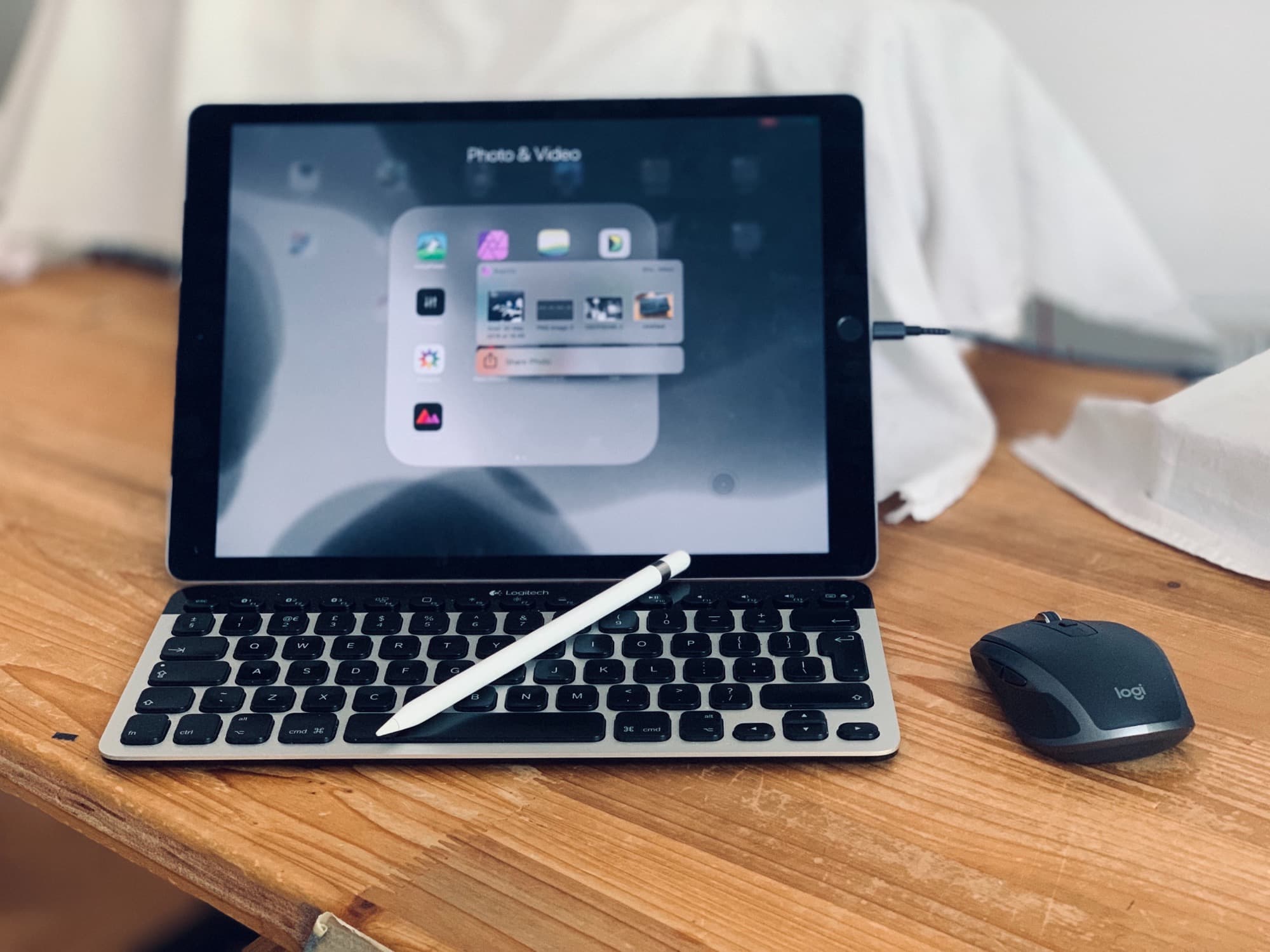
iOS 13 is pretty great on the iPhone, but the real deal is iPadOS 13. With the new operating system, Apple split its tablet and phone platforms for the first time since the launch of the original iPad, and the tablet went in a whole new direction. iPadOS is still iOS, but now there are contextual menus, multiple windows for apps, a home screen that isn’t just a blown-up iPhone home screen, and a proper web browser. You can even plug in mice and USB hard drives.

Apple managed a fine balancing act here. If you update to iPadOS 13 and don’t really think about it, then everything (mostly) works the same, with just extra speed and polish. But if you want to dig in, you will find a whole new computer just below the surface.

olloclip inventor creates clever clip to carry AirPods

By

AirPods clip accessory The Anchor
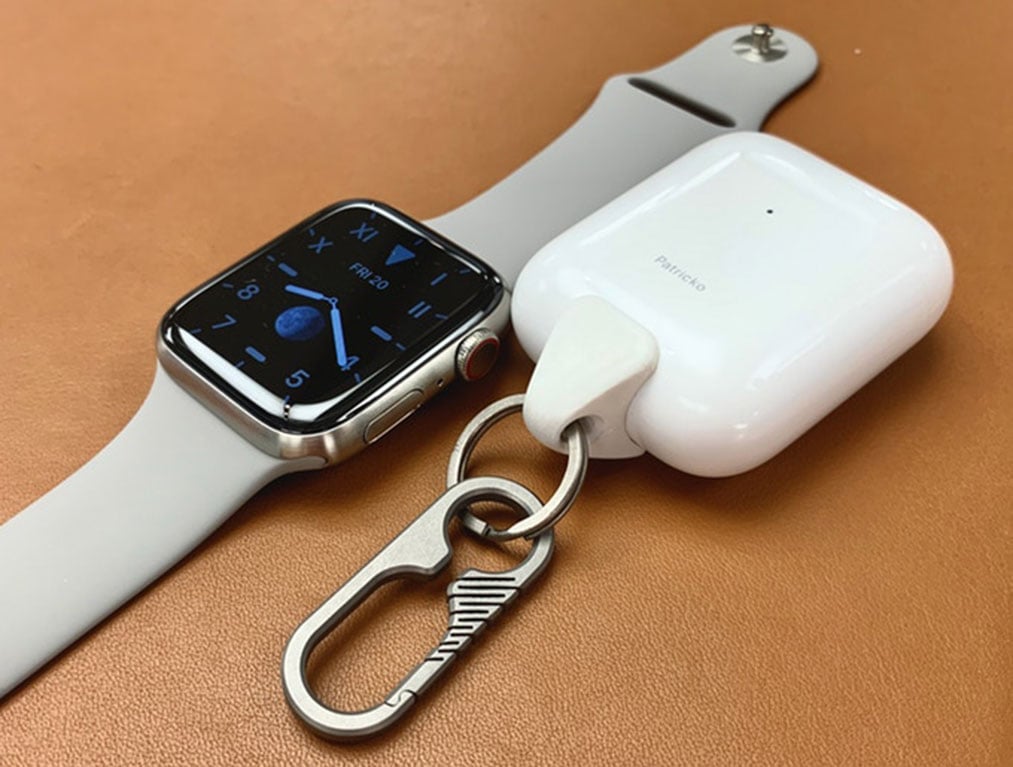
The Anchor with its titanium carabiner next to a pretty titanium Apple Watch.
Photo: Patrick O'Neill

Patrick O’Neill created the olloclip, a clip-on lens system for the iPhone camera that sold millions and is now featured on the Apple web page for accessory designers as an example of compatible design.

Now O’Neill brings his clip-sense design to AirPods with an attachment solution for the charging case.

Awesome accessories bring your Mac to a new level [Deals]

By

MacBook Roundup Main
From display stands to USB expansions to laptop cases and more, we've rounded up our best deals on Mac and MacBook accessories.
Photo: Cult of Mac Deals

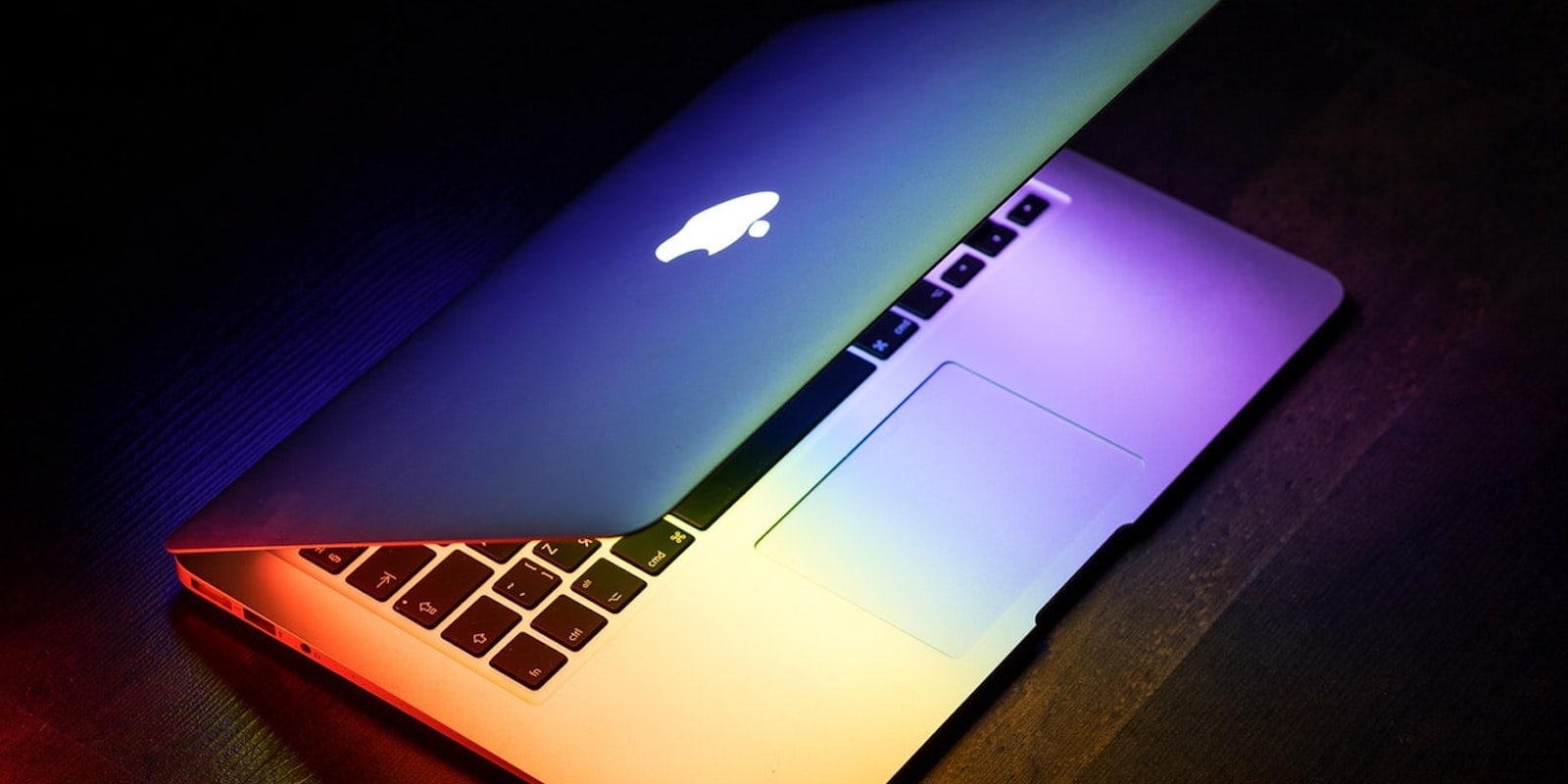
Macs feel good to use, but there are plenty of ways to make the experience even better. In fact, we’ve got a few of them in the Cult of Mac Store, and at a discount. From an aluminium monitor stand, to a globally-compatible wall adapter, USB expansion hub and sleek, durable computer bag, these are some great deals on great gear, so read on for more details: