Don't believe the scaremongers. Photo: Killian Bell/Cult of Mac
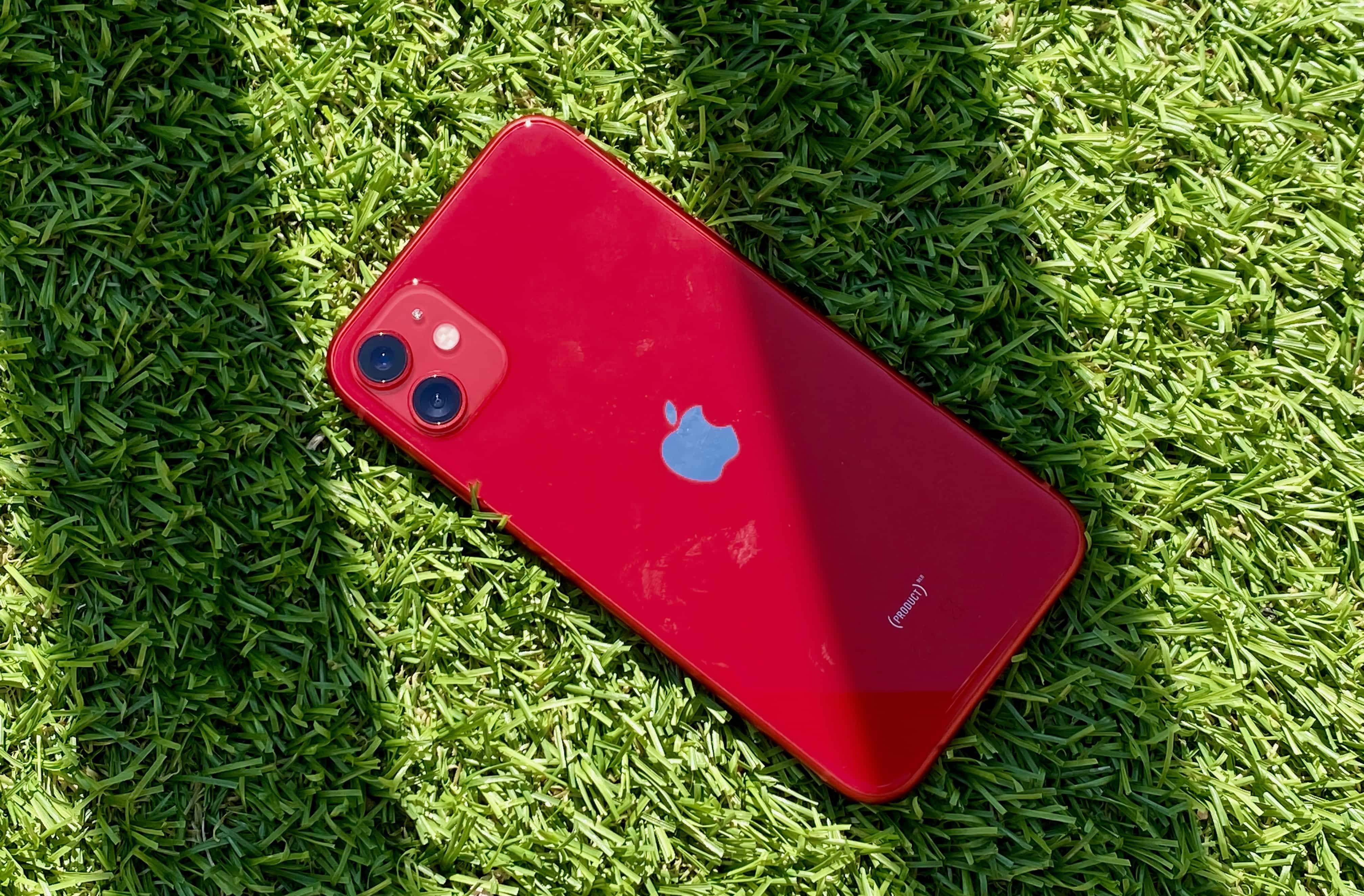
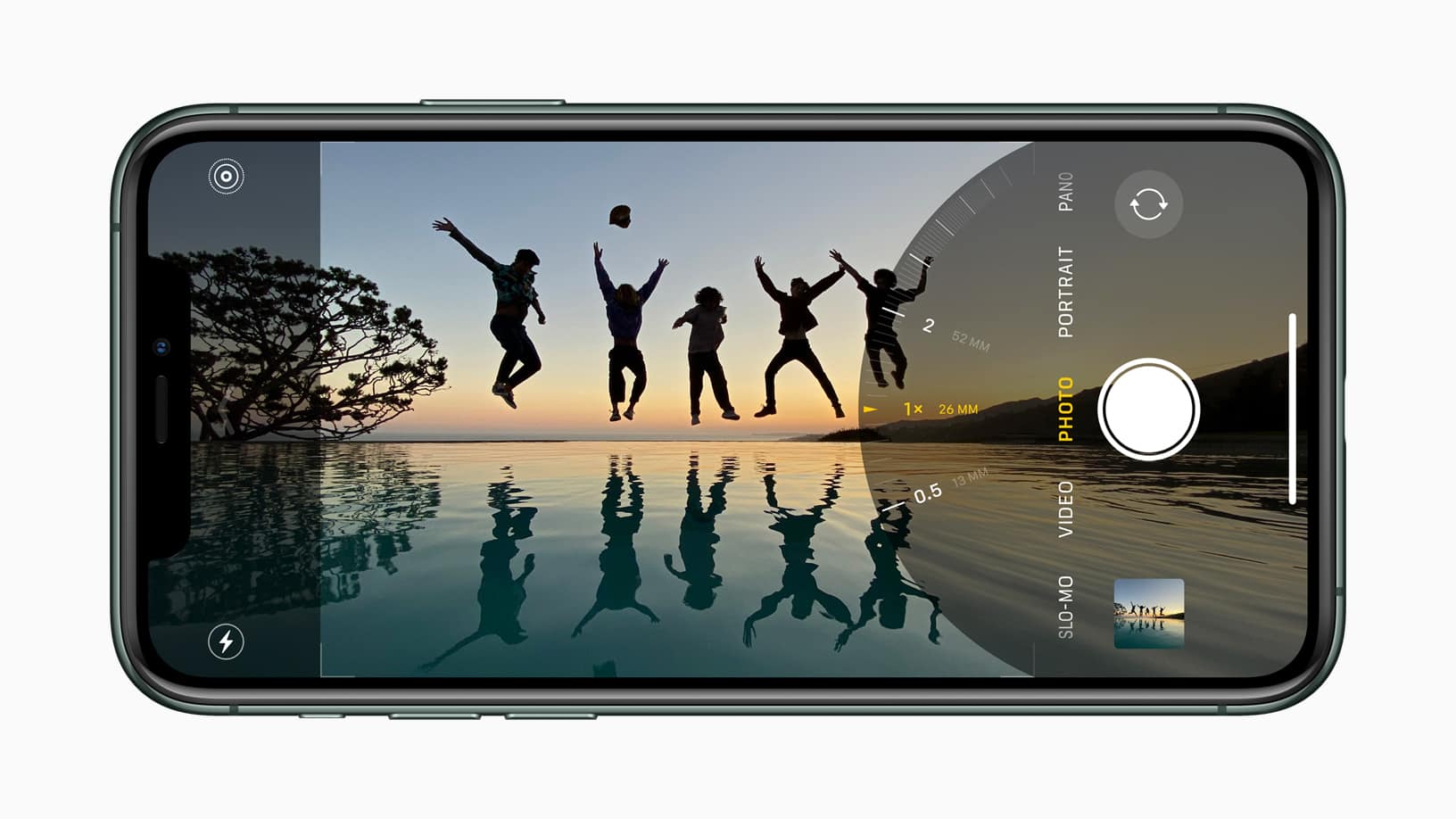
Apple’s newest iPhone lineup has landed. I picked up an iPhone 11 this year and I’ve hardly put it down since it landed on my doorstep this morning. So, here are my first impressions so far.
Tile will speak out against Apple in Congress antitrust hearing Photo: Tile
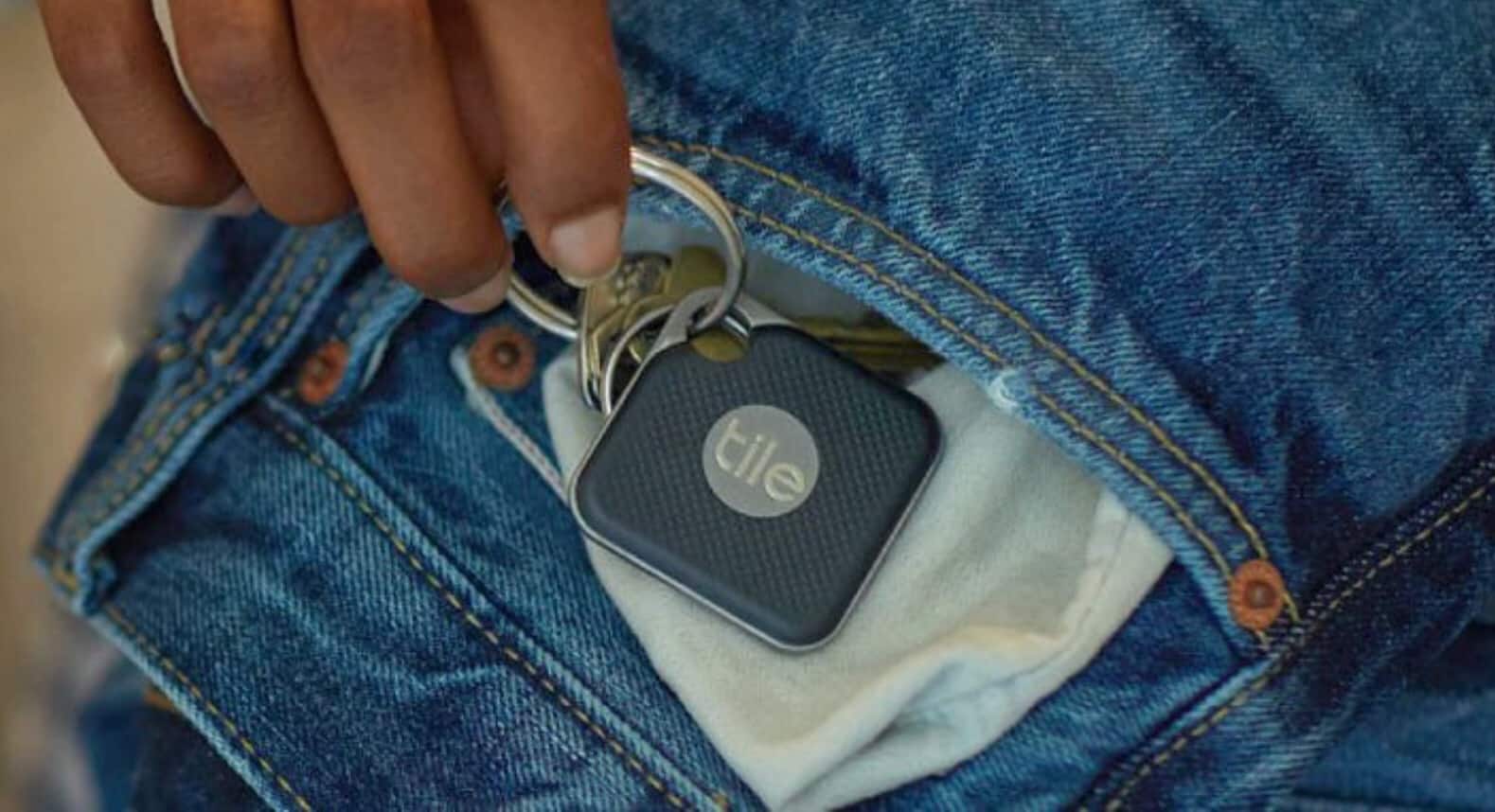
iOS 13 screenshots have revealed a new “Items” tracking feature that appears to pave the way for rumored “Apple Tags.”
Baked into the Find My app, but currently hidden in the public version of the software, the Items section appears alongside People and Devices and lets you “keep track of your everyday items.”
Look how friendly these people are. Just look. Photo: Apple
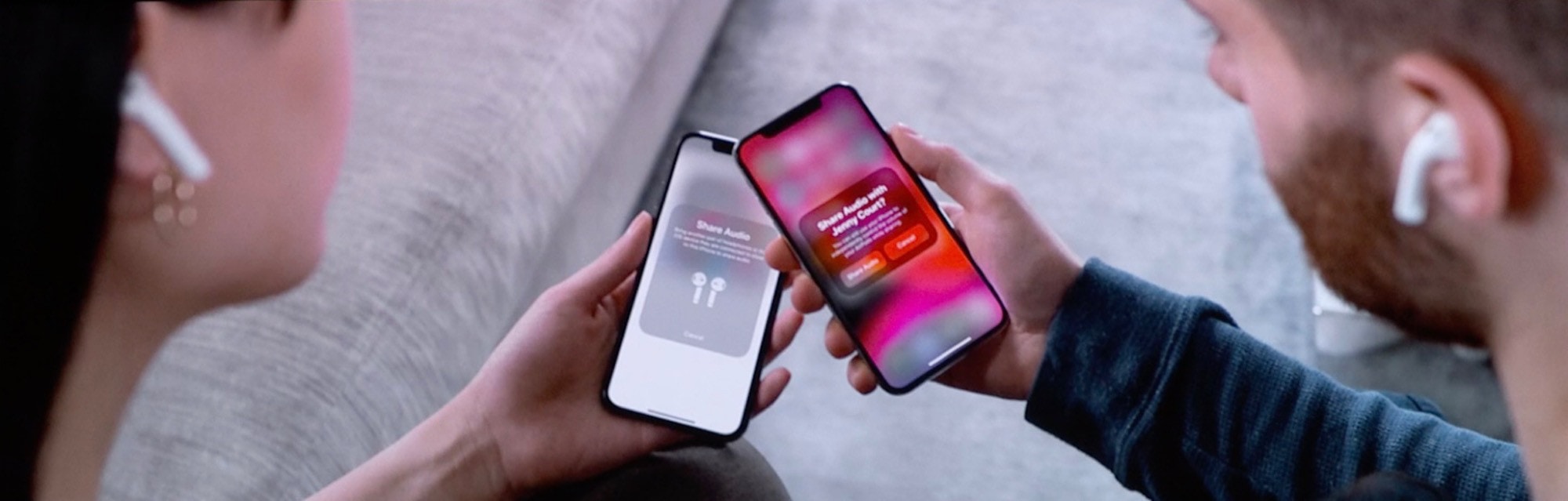
In iOS 13, you can share songs and watch movies with a friend, with each of you using your own AirPods. The new feature is called Audio Sharing, and it lets you instantly — and temporarily — pair a second set of AirPods to your iPhone or iPad. It’s like the olde schoole method of using a headphone splitter to plug two sets of headphones into one jack socket, only way more expensive and fancy.
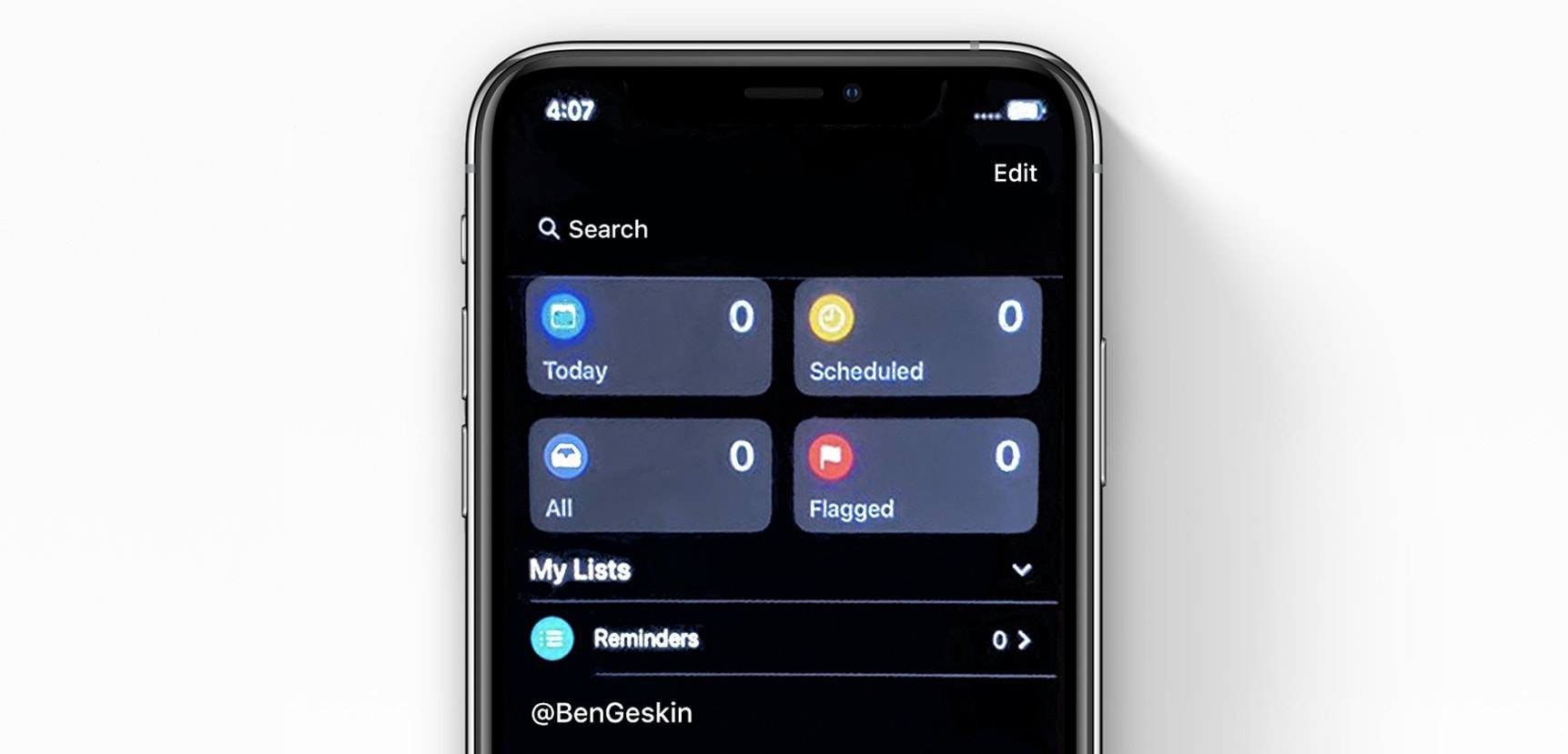
Apple’s Reminders app gets a massive update in iPadOS and iOS 13. It’s no longer a joke app that needs a million taps just to set a notification time on your action item. We already know about the new layout, which splits tasks into Today, Scheduled, All and Lists, and we also know about the excellent new natural-language input, which makes typing a reminder as easy as dictating it to Siri.
But the big update also brings some other new features you likely haven’t heard about yet: Today Notifications and Type to Siri (right there in the Spotlight screen).
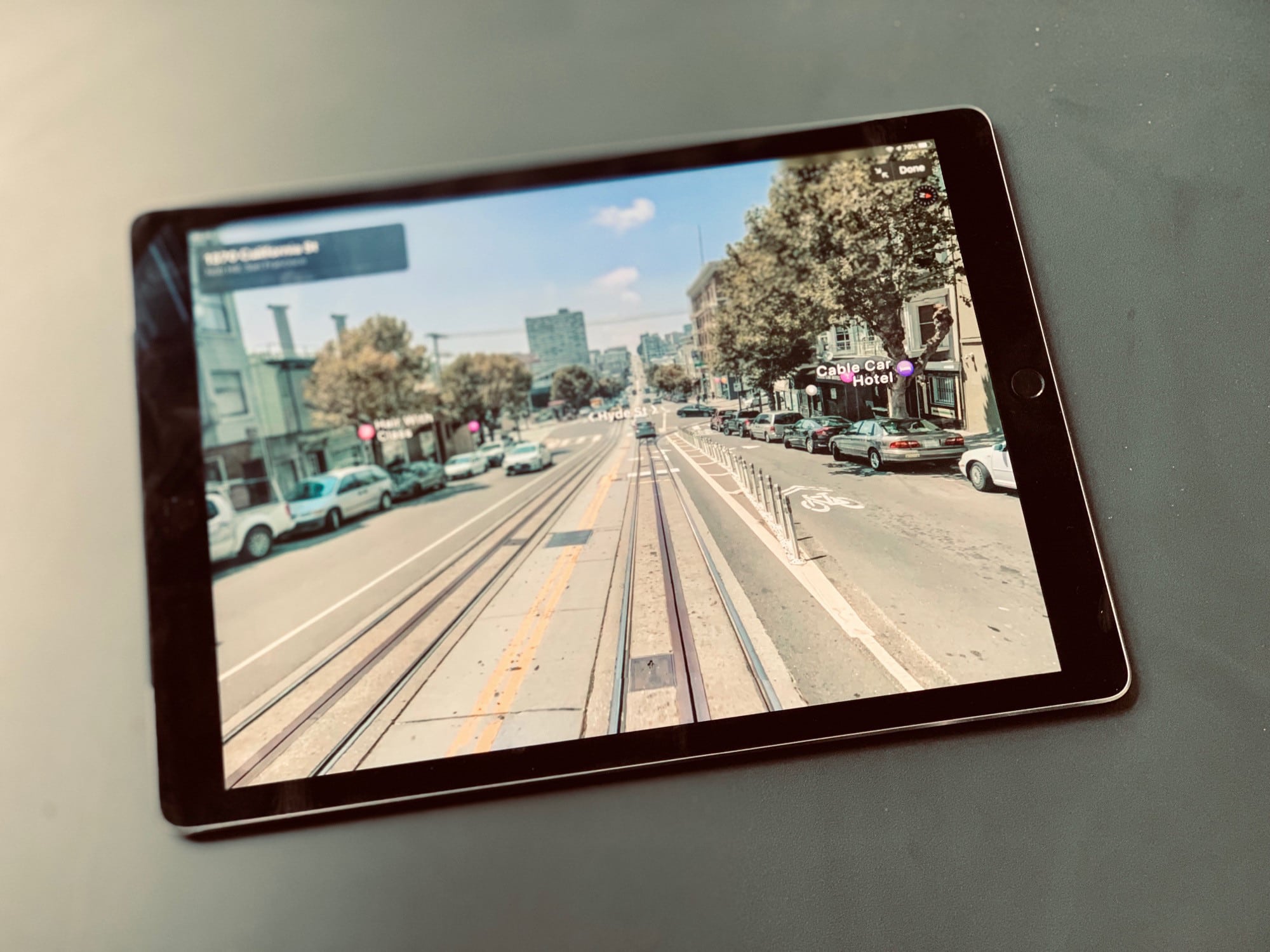
Look Around is like GTA, only you can't steal cars or murder people. Photo: Charlie Sorrel/Cult of Mac
Look Around is Apple’s answer to Google’s Street View, and it’s about a zillion times better — if your area has coverage, that is. Look Around is just getting started, and covers very few places. Street View, on the other hand, is available for pretty much anywhere, including underwater, up mountains and on hiking trails.
Why is Look Around better? Well, it’s faster, for one. And it just looks nicer. The images are super-high-resolution and full-screen. Using it on a 13-inch iPad Pro feels like taking a virtual street tour of a neighborhood.
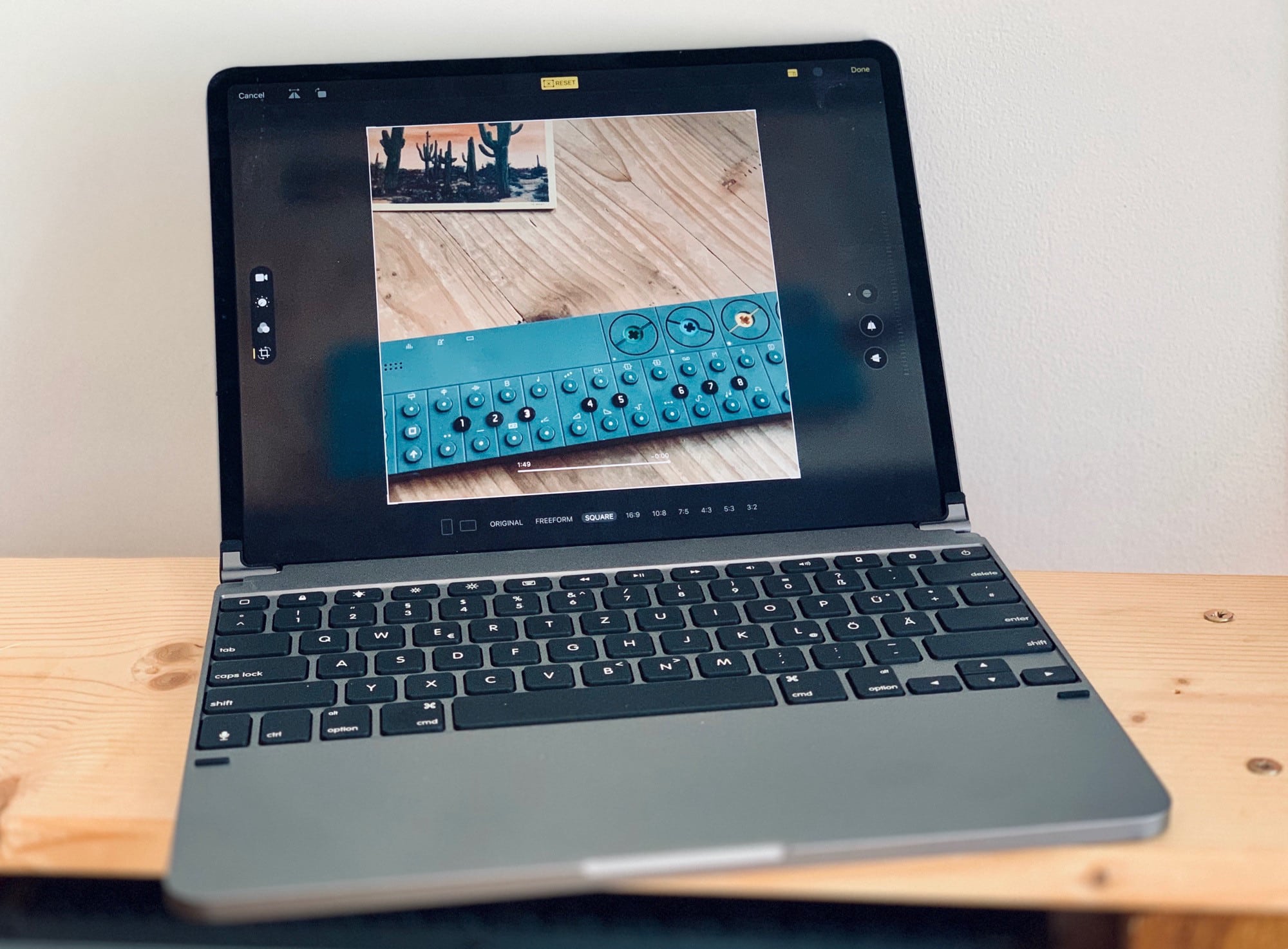
In iPadOS and iOS 13, you can edit videos just the same way you’ve always ben able to edit photos. You can crop them, rotate them, add filters and adjust their color. And — finally — you can simply save the edited version instead of spawning a copy every time you make a simple trim. No need for iMovie — the iOS Photos app can now perform radical edits to videos. This isn’t limited to the iPhones 11, either. You can do all this on any iPhone or iPad running iOS 13.
Check out the great new iOS 13 video editing features:
It's even simpler to block email, messages and unknown callers in iOS 13. Photo: Charlie Sorrel/Cult of Mac
The trouble with modern technology is that anyone can try to reach you, at any time. Your boss can leave a passive aggressive email at the top of your inbox overnight, so you see it when you want to check personal mail. Anyone can send you an SMS or iMessage. And anyone with your phone number can spam you, any time.
Currently in iOS, you can block iMessage senders. But in iOS 13, you gain two new ways to keep stalkers, weird friends and over-sharing co-workers out of your digital life. Now you can block unknown phone callers and email senders.
Apple Arcade has a surprisingly wide array of games for a service launching today. Photo: Apple
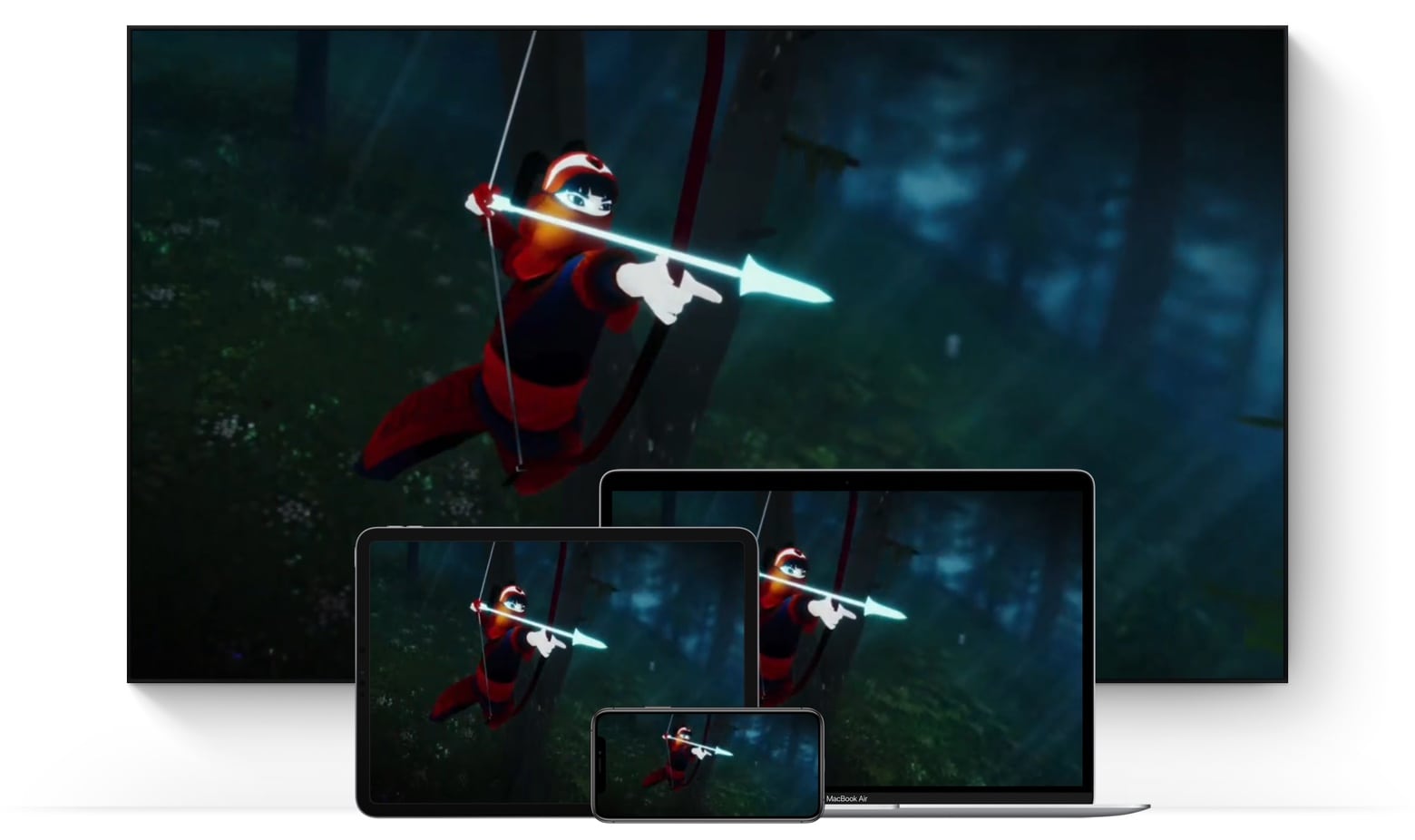
You can write off being productive for the rest of the day because Apple Arcade just launched. This all-you-can-play gaming service brings dozens of titles in a variety of genres. The monthly cost is fairly low, and games can be played on almost every type of Apple computer.
Thanks to early access, I’ve been enjoying Apple Arcade for several days. Here’s why I think you’ll like it too.
In iOS 13, Photos is now an image-editing powerhouse Photo: Charlie Sorrel/Cult of Mac
The Photos app in iOS 13 is now good enough that you may never need another app to edit your photos, for regular edits at least. Somehow Apple made the app even easier to use, and added some new features, while making existing features far easier to find.
For instance, Portrait Mode now gets its own tab; the automatic magic wand tool can now be fine-tuned (as can the built-in filters); and the crop tool now fixes perspective, and mirror-flips your photos.
iOS 13 is loaded with new features. Screen capture: Apple
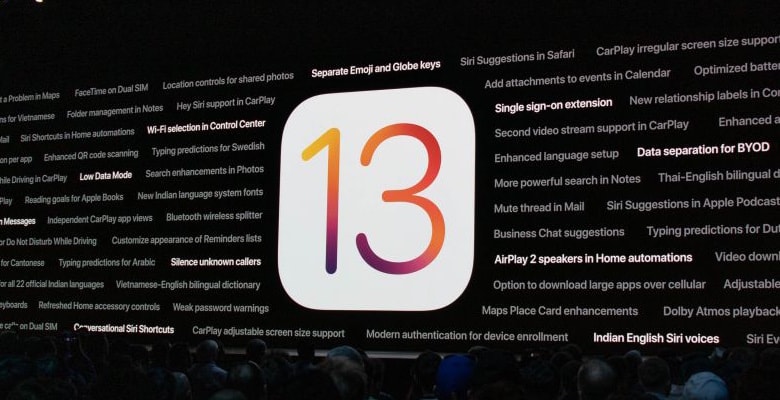
The long wait for the next version of iOS is finally over. Apple just released the upgrade to iOS 13 to iPhone users, bringing Dark Mode, a better version of Safari, and lots more improvements.
iPad users won’t get their version until next week. And even iPhone owners might consider holding off until that same time.
Now you can check your heart rate while you are swimming Photo: Graham Bower/Cult of Mac
Fitness tech startup Form launches its first product today: augmented reality swimming goggles.
You might think AR sounds like a bit of a gimmick for swimmers. I certainly did. My Apple Watch already does a pretty good job of logging my swimming workouts, so I didn’t see the need for yet another gadget.
But after testing a pair of Form Swim Goggles for the past month, I’m so impressed that I’ll never use my Apple Watch in the pool again.
Not this kind of safari. Photo: Cult of Mac/Charlie Sorrel
Safari’s new “desktop-class” features are getting all the press in iPadOS, but the new download folder, and better website support aren’t everything. There’s also a new in-app settings panels with a ton of options — per-site text size, for example — and even a new font in the Safari Reader View. Let’s check it out.
It wasn’t until I installed iPadOS on my regular iPad that I realized how great iOS 13 is. It’s one thing to run it on an old, battered test unit, but a whole other thing to use it day to day. And, surprisingly, it’s the small features that make the biggest difference. The per-page view setting in Safari, for example. Or the new multi-app Slide Over panel. And, more than anything else, the new text-editing gestures, which are finally good enough to replace a mouse and a Mac.
Let’s take a look at how to use iPadOS 13’s new copy, paste, undo and redo gestures, plus text selection in general.
Master the tools and concepts of solo entrepreneurship. Photo: Cult of Mac Deals
In these days of freelancing and precarious employment, more and more people are striking out on their own. It doesn’t have to feel uneasy, though — if you have the right tools and skills.
If you’re thinking of working on your own terms, this lesson bundle is a great place to start.
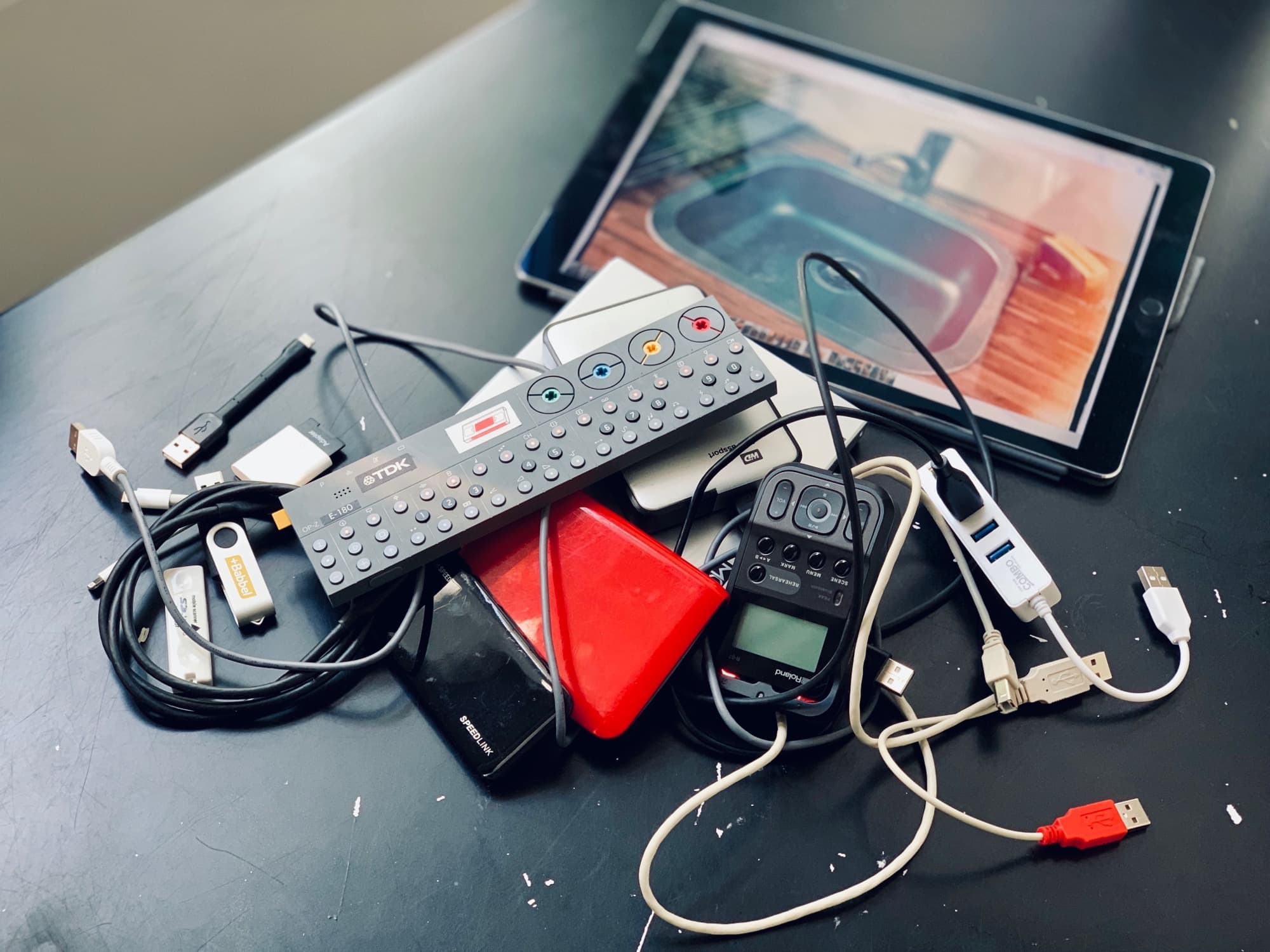
iOS 13 lets you plug almost any USB device into your iPhone or iPad. Photo: Charlie Sorrel/Cult of Mac
iOS 13, which launches today, focuses more on adding a range of incredibly useful features and tweaks rather than pursuing a bold, overarching new direction. For instance, Safari on iPad now functions as a full desktop browser, just like on your Mac. Another great addition is the redesigned share sheet, which includes a top row of one-tap buttons for easily sharing with friends via iMessage. If you’re curious about when someone shares their location how do you see it, iOS also introduces enhancements to location-sharing features, which you can learn more abouthere.
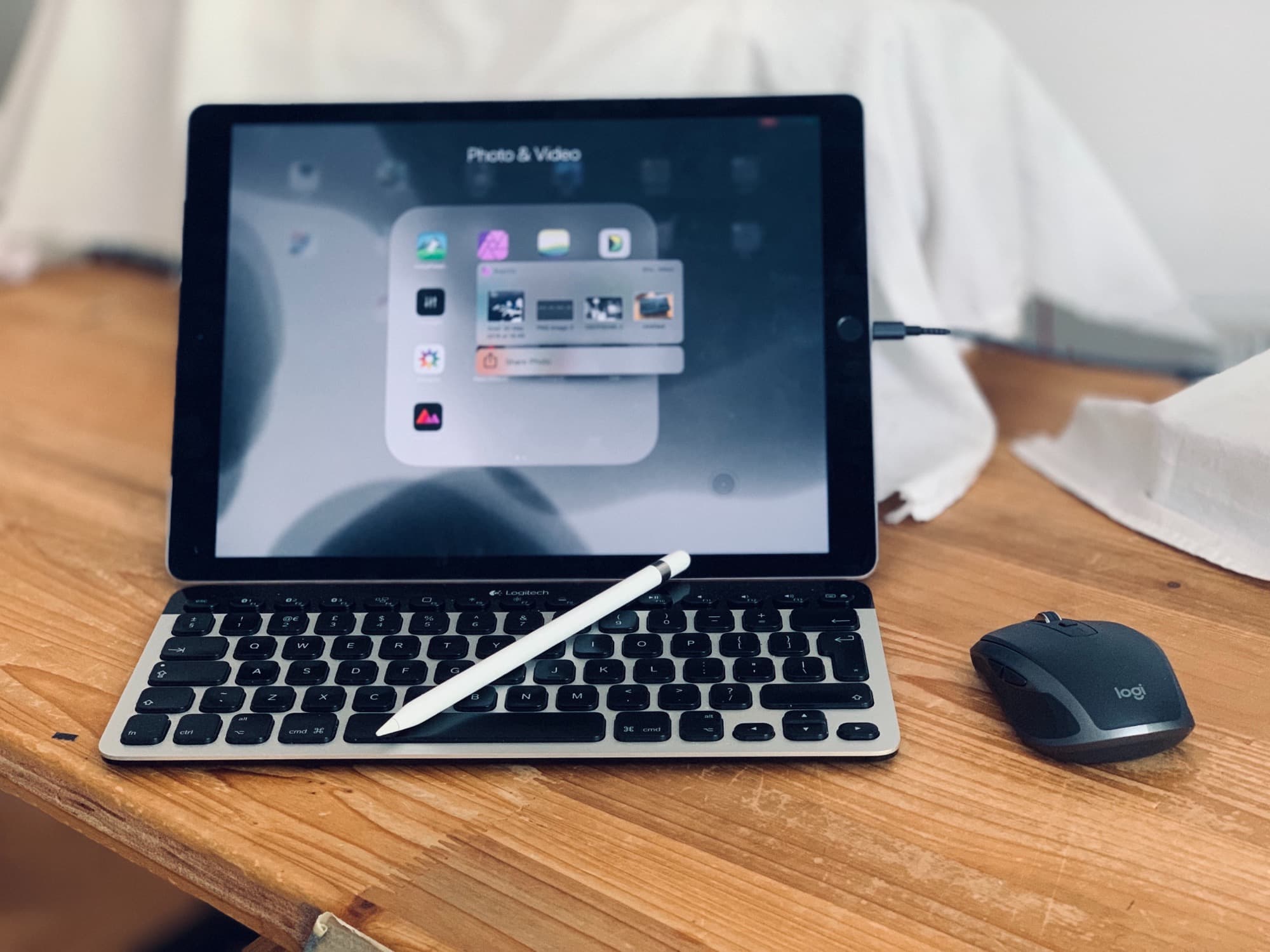
Or, in iPadOS 13, which ships at the end of the month, you can plug in pretty much any USB device and it will work. Hard drives, SD cards full of movies, anything.
So, while you’re waiting for the new version of iOS to install on your device(s), check out all the new iOS 13 features right here.
Google won't let original photos go free. Photo: Apple
Apple’s new iPhone 11 lineup may be hiding an additional 2GB of RAM allocated exclusively to its camera.
We learned this week that iPhone 11, 11 Pro, and 11 Pro Max pack 4GB of system RAM for everyday tasks. But it now appears there could be more, fenced off for one important funtion.
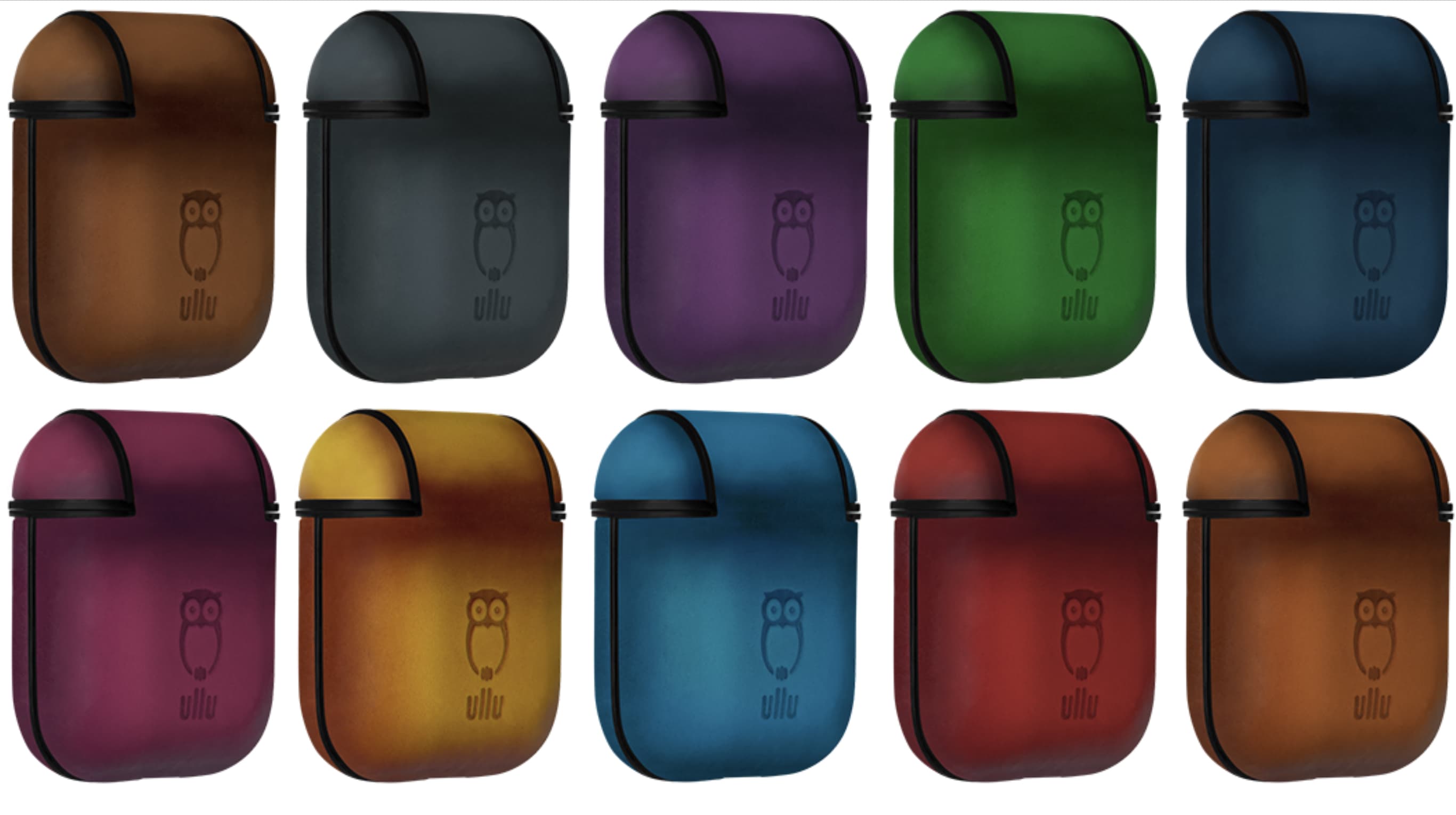
Ullu's new case comes in a range of pretty colors. Photo: Ullu
Keep your beloved AirPods safe and secure with Ullu’s gorgeous new case. It’s made from fine Italian leather and hand-colored for a unique finish. And it’s unbelievably affordable!
A larger battery will contribute to a longer time between charges for the iPhone 11 Pro Max. Screenshot: Apple
A teardown video divulges one of the specs Apple refuses to reveal about the iPhone 11 Pro Max. The new phone includes a 3,969 mAh battery, significantly larger than the one inside the XS Max.
See other internal details of Apple’s new flagship device by watching the teardown video below.
Apple today rolled out iOS 13.1 beta four ahead of the update’s public release on September 30.
The latest release is available to both public and developer testers. It doesn’t appear to make any obvious changes, so likely focuses on performance and stability improvements.
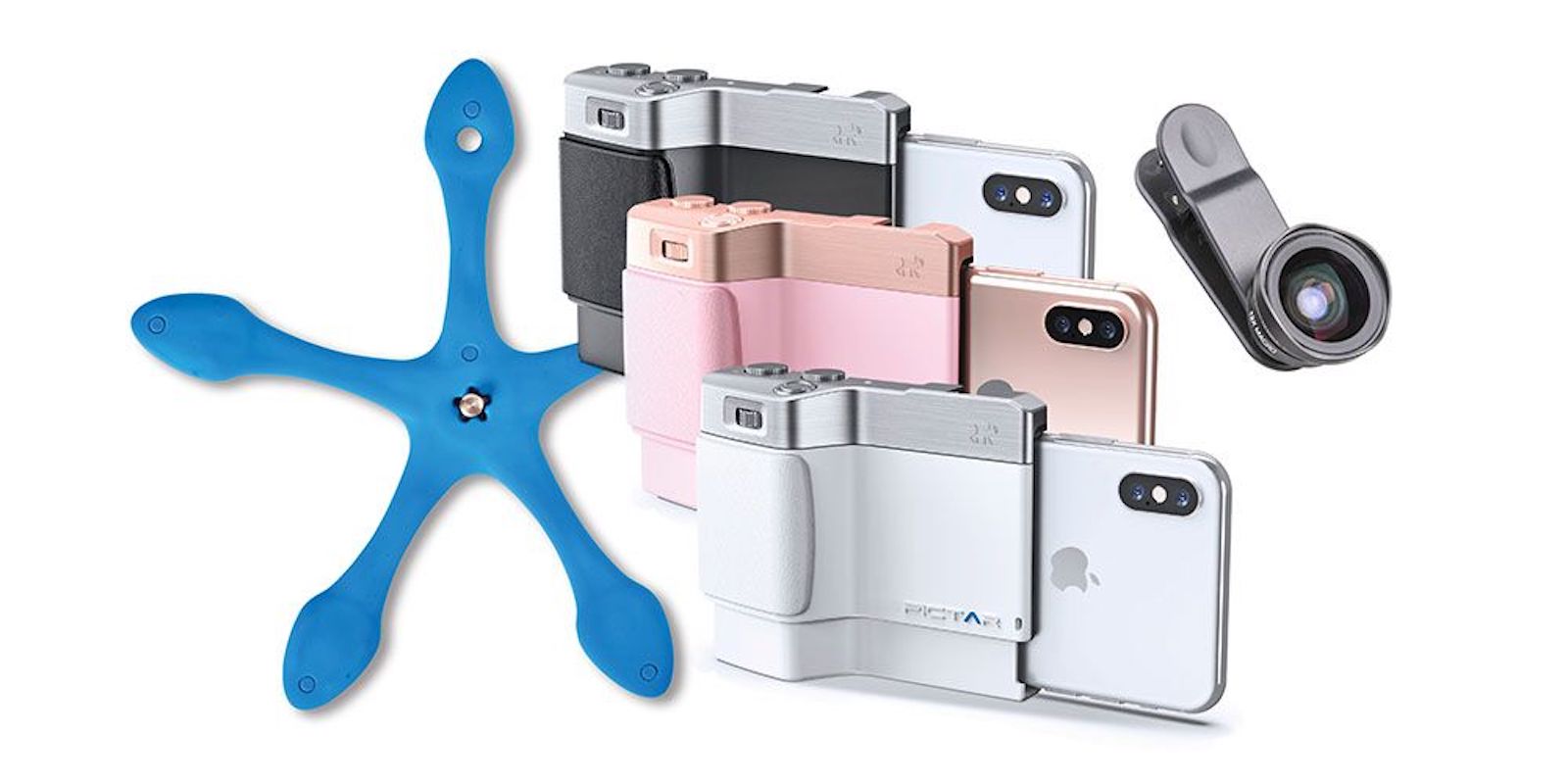
Give your iPhone the feel and features of a dedicated camera. Photo: Cult of Mac Deals
We take so many pictures with our phones, it might make sense to think of them as cameras that also make calls. But they don’t quite feel or work like a dedicated camera, unless you get this decked-out accessory.
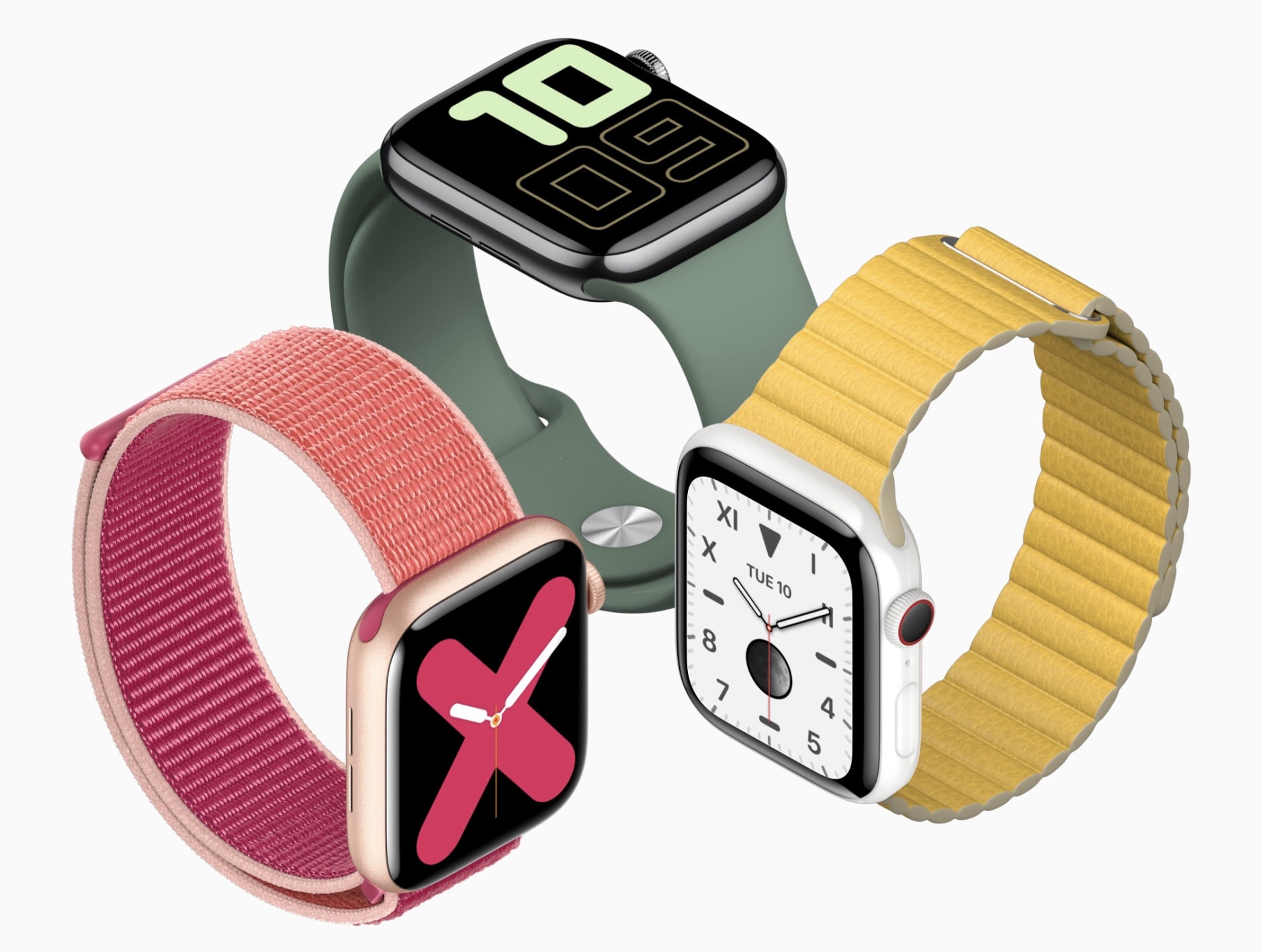
There's no better smartwatch for iPhone owners. Photo: Apple
Is Apple Watch Series 5 really worth the upgrade if you already have an older model? The answer is yes if you care about an always-on display, according to the first reviews out today.
Here’s what everyone is saying about Apple’s newest wearable.
New regulatory filings have spilled fresh details on the bigger batteries packed into iPhone 11, 11 Pro, and 11 Pro Max. They also reveal exactly how much RAM each model offers.
The days when iPhones use Intel modems are almost over, but not yet. Photo: Thomas Hawk/Flickr
The end of the Apple’s war with Qualcomm didn’t come soon enough for this chip maker to get its 4G modems into the 2019 iPhone models. All three of Apple’s new handsets use a modem designed before Intel got out of this business.
Which possibly means this phone isn’t as fast as it could be.