Wattpad: The app that's transforming the entertainment industry Photo: Graham Bower/Cult of Mac
Ever dreamed of penning a Hollywood blockbuster? Turns out there’s an app for that: social reading and writing app Wattpad.
With more than 70 million monthly users (and growing fast), Wattpad is a low-key App Store hit. The app is like Instagram, but for sharing stories instead of photos. It’s a great way to find fantastic new stories — and it’s flipping the script on how Hollywood makes movies.
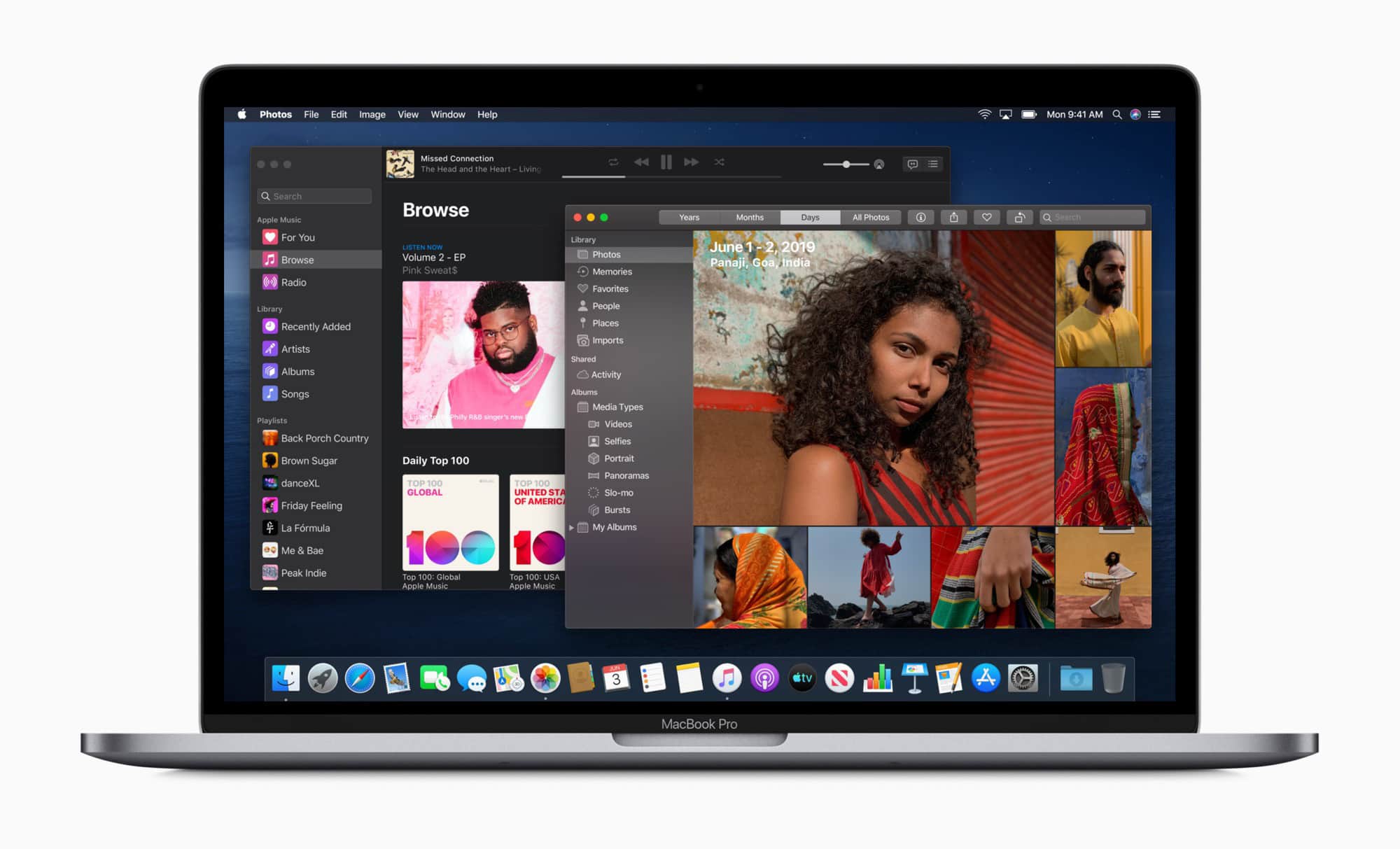
The macOS Catalinapublic beta is here, so if you’re feeling brave, you can go ahead and install it on your Mac. But should you bother? Is early access to Project Catalyst apps, Voice Control, the Photos app redesign, Sidecar and Screen Time worth the risks?
Probably not. Or not yet, at least. But if you want to go ahead and install macOS Catalina on your Mac, here are a few tips and warnings.
Apple just dropped its first public beta builds of iOS 13 and iPadOS, making it easy for anyone to try them out months ahead of their official launch. But you should really resist the urge to install them right now.
Don’t assume these betas are ready for everyone just because they’re available to the public now. If you upgrade your primary iPhone and iPad early, you’re almost certainly going to run into frustrating problems.
I’ve suffered all kinds of issues since upgrading — and I’m not the only one.
iOS 13 could render your iPhone useless. Photo: Charlie Sorrel/Cult of Mac
The iOS 13 and iPadOS public betas are here. And if you plan to test them, you need to take a few steps to get ready. And remember, you will be testing them. Or, more likely, you’ll be testing your own patience.
The early betas are almost always buggy, screwy and crashy. You may lose work. Weird things may happen to your iCloud data. Your favorite (and essential) apps may flat-out fail to launch.
But still, these public betas are already more stable than the very raw early developer versions. If you’re planning on trying them out, here’s how to do it.
A keyboard, upon which one might perform shortcuts. Photo: Charlie Sorrel/Cult of Mac
Safari in iPadOS is “desktop-class,” according to Apple. And part of that definition means Safari offers plenty of keyboard shortcuts, just like when you use Apple’s web browser on a Mac.
Just a quick look at the screenshots below will show you how many more Safari shortcuts are available in iPadOS than in iOS 12: Holding down the ⌘ key now reveals two panels in the pop-up help screen, instead of just one.
Let’s take a look at the new Safari keyboard shortcuts in iPadOS.
The first public beta of iOS 13 is finally available to public testers.
Apple launched iOS 13 public beta 1 and iPadOS public beta 1 this morning. The software gives everyone the opportunity to try out all the new features, like the system-wide Dark Mode that looks absolutely beautiful. However, you might not want to take the jump quite yet.
The Galaxy Note 10 will be here in August. Photo: Killian Bell/Cult of Mac
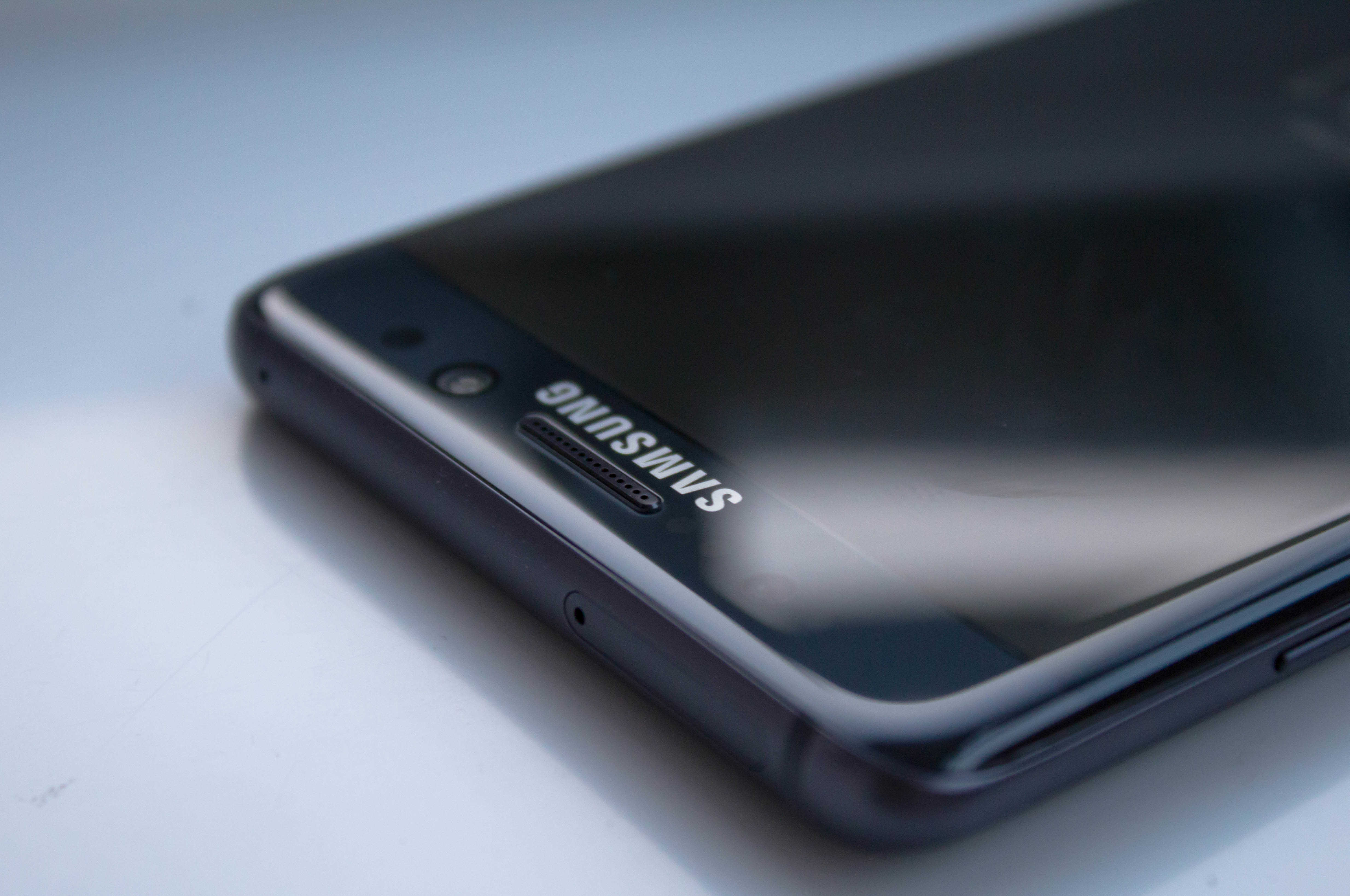
Samsung fans will be pleased to hear that the ongoing Galaxy Fold delay won’t affect the launch of its upcoming Galaxy Note 10.
A company official has confirmed to Korean media outlets that its newest iPhone XS Max rival is on track for an August launch. The statement comes after some rumors suggested its arrival would be pushed back.
It will look very different to a standard Surface tablet. Photo: Microsoft
Microsoft is rumored to be working on a new dual-screen Surface tablet that will run Android apps.
The slate, which is codenamed Centaurus, will reportedly pack two 9-inch displays that fold together like a book. Supply chain sources expect it to launch in the first quarter or first half of 2020.
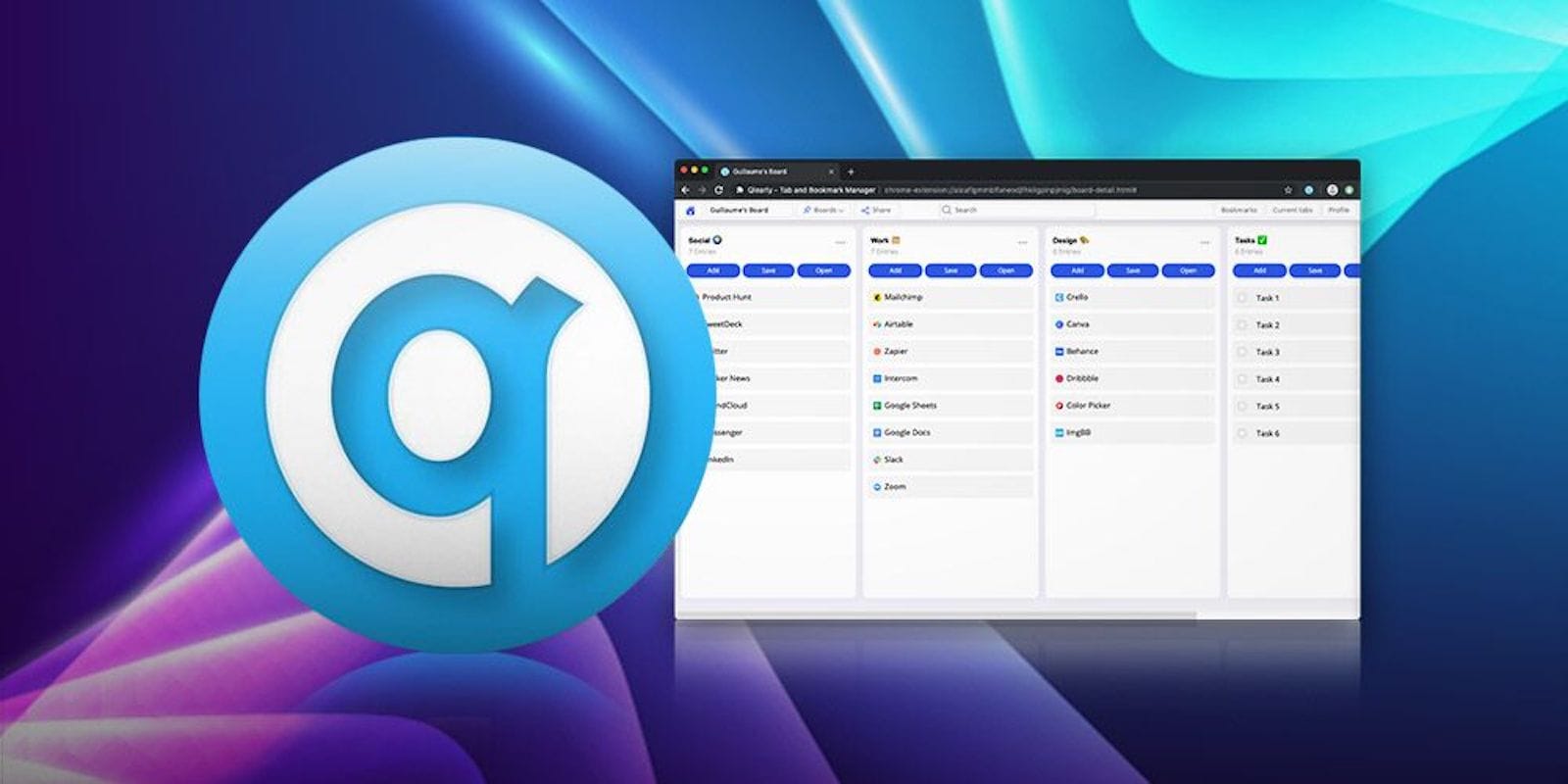
This bookmark manager upgrade offers new ways to organize, sync and share your favorite pages. Photo: Cult of Mac Deals
The internet is a distracting place. And somehow, leaving tabs open or bookmarking pages never seems to bring us back to the things we say we want to read later. But with this bookmark manager and browser extension offers an upgrade that can help make browsing less of a grind.
Roll up, roll up! Look at the apps we have for your this week! Photo: Cult of Mac
This week, we make our music more magical with FabFilters on iOS, edit multiple streams of 4K video with Lumafusion 2, stay private with Guardian Firewall, and ridicule Microsoft’s Office to-do app, which has finally been released on the Mac.
Save 95% on a lifetime of language lessons backed by AI, AR and other innovative features. Photo: Cult of Mac Deals
Languages are better than passports. When you learn a new one, a whole new world opens up wherever you go, even if you never leave the country. So this chance to pick up five language lessons at once is a way to bring the world to you.
Nothing makes it onto an Apple App Store without a human looking at it. That takes less time than you might think. Photo: Apple
With close to two million applications in its software stores, Apple reportedly doesn’t have much time to devote to testing most new submissions. Details leaking out about the process show that a typical app either gets approved or blocked in 5 or 10 minutes.
We dug through the latest iOS 13 beta so you wouldn't have to. Cover: Leander Kahney/Cult of Mac
If you’re not ready to chance running the latest iOS 13 beta on your daily driver, let Cult of Mac take the risk for you. We found some great new features in iOS 13 beta 2 — along with some neat fixes and plenty of rough edges.
Find out what we liked (and what we didn’t) in this week’s free issue of Cult of Mac Magazine for iOS. Or hit the links for the usual roundup of top Apple news, reviews and how-tos.
Some of our best deals got even better, with discounts as steep as 98% off. Photo: Cult of Mac Deals
Pretty much every deal we share is already great, so when they get even better, you’ll want to pay attention. Right now in the Cult of Mac Store, prices on VPN subscriptions, lessons in Logic and Excel, and a loaded Raspberry Pi kit have reached new lows. Read on for more details:
This sleek wireless charging pad can juice up a Qi-enabled iPhone, Apple Watch and AirPods all at once. Photo: Cult of Mac Deals
More and more Qi-compatible devices are coming out, wireless charging is looking like the new norm. But if you’ve got a bunch of wireless chargers cluttering up your desk, it’s really not worth the extra convenience.
Ming-Chi Kuo says some big changes are coming to iPhone.
This week on The CultCast: New iPhone rumors point to some big changes coming in 2020. Plus: Leander gives his take on the new betas; two long-awaited features are finally coming to tvOS; and scientists say iPhone is making teenagers too … horny.
Our thanks to Squarespace for supporting this episode. Easily create a beautiful website all by yourself, at Squarespace.com/cultcast. Use offer code CultCast at checkout to get 10% off your first purchase of a website or domain..
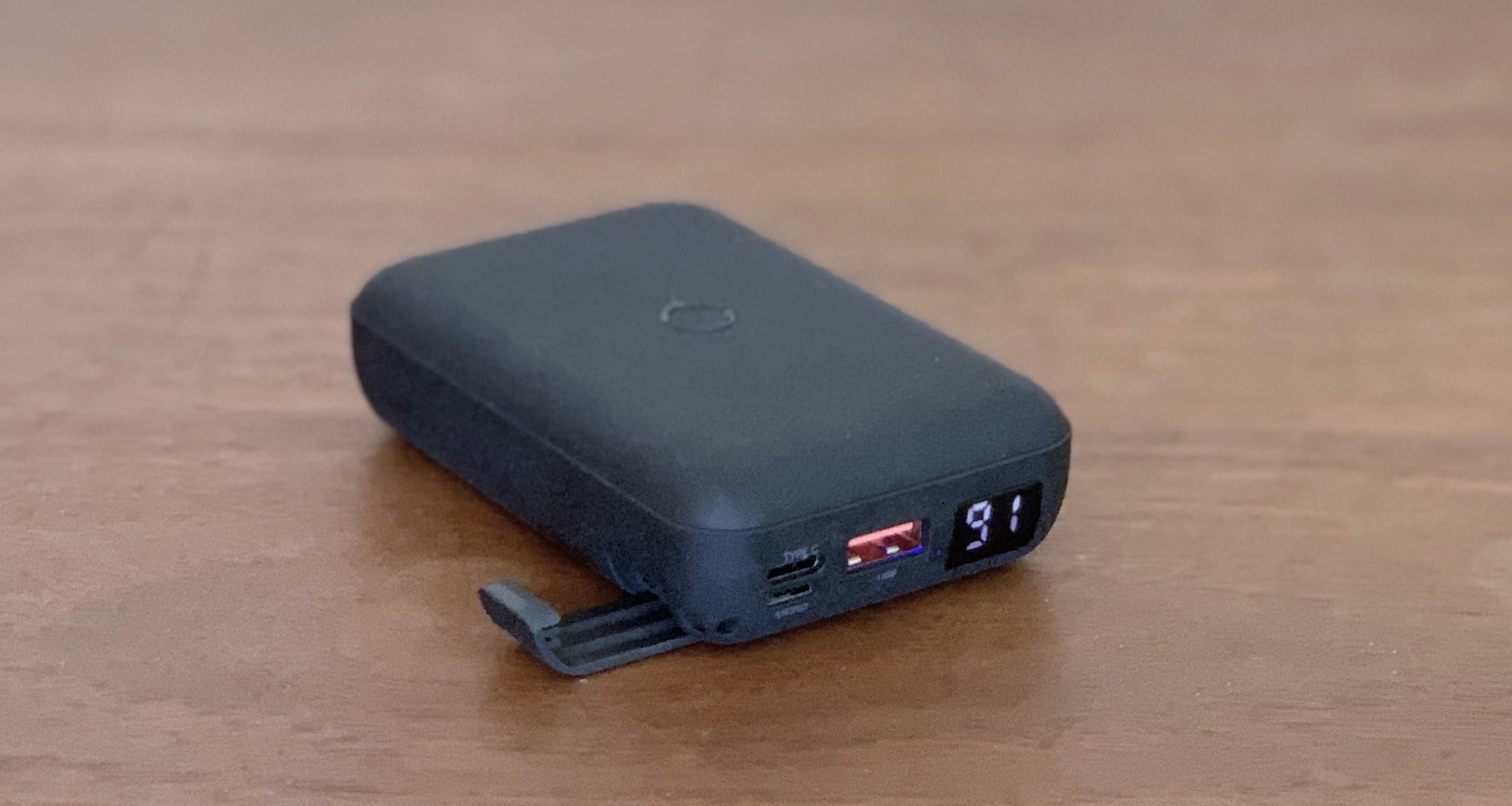
The Uniq HydeAir sports several unique features along with the expected ones. Photo: Ed Hardy/Cult of Mac
The Uniq HydeAir isn’t your standard 10,000mAh external battery. Beyond USB-A and USB-C ports, it also lets you enjoy the benefits of wireless charging when traveling. And it even has a built-in stand for your phone.
Charge into our hands-on review to discover if HydeAir is right for you.
You *could* use the Mac Pro to grate cheese. But you won’t be happy. Photo: Winston Moy
The new Mac Pro sure looks a lot like a cheese grater, but it turns out that it’s pretty bad at grating cheese.
YouTuber machinist Winston Moy painstakingly re-created the complex circular structure of the new Mac Pro grille using his Shapeoko mill to put Jony Ive’s work to the test. The video of the entire process proves quite fascinating. However, the end result kind of disappoints.
Assemble your tools for a fun hack attack Photo: Charlie Sorrel/Cult of Mac
USB is dirty. Just like you’d never stick your body parts into a mysterious public hole, neither should you plug your iPhone into a public charging station. iOS is pretty good at rejecting unknown connections from USB, but why take the risk?
There are a few ways to make public iPhone charging safe. One is to plug into a power outlet using your own plug and cable. But what about on a plane or train, or other public spot where only USB outlets are available? Or a friend’s computer, one that might be riddled with malware? Then you need a custom USB cable, one that only passes power, and not data. The good news is that, if you have an old Lightning USB cable laying around, you can easily fashion your own, just by yanking out two pins from inside the USB plug. Alternatively, a charging keychain can be a great portable solution to ensure safe and convenient charging wherever you go.
You could achieve the same effect with a nicotine-stained ziplock bag. Photo: Amazon
One new feature in the upcoming Kindle Oasis will make a huge difference to many people. The new model adds a Night Shift-style display capable of shifting color to match the warmer light of evening.
Other than that, the new Kindle Oasis is almost exactly the same as the current model. But this great new addition means no more cold blue pages when you’re reading in bed at night.
Apple says you should stop using affected machines. Photo: Apple
Apple is now inviting some 15-inch MacBook Pro owners to return their machines for a battery replacement.
The company says some aging units “contain a battery that may overheat and pose a safety risk.” The problem affects machines sold primarily between September 2015 and February 2017.
Apple is asking customers to stop using their MacBook Pro if it is eligible for a free battery replacement.
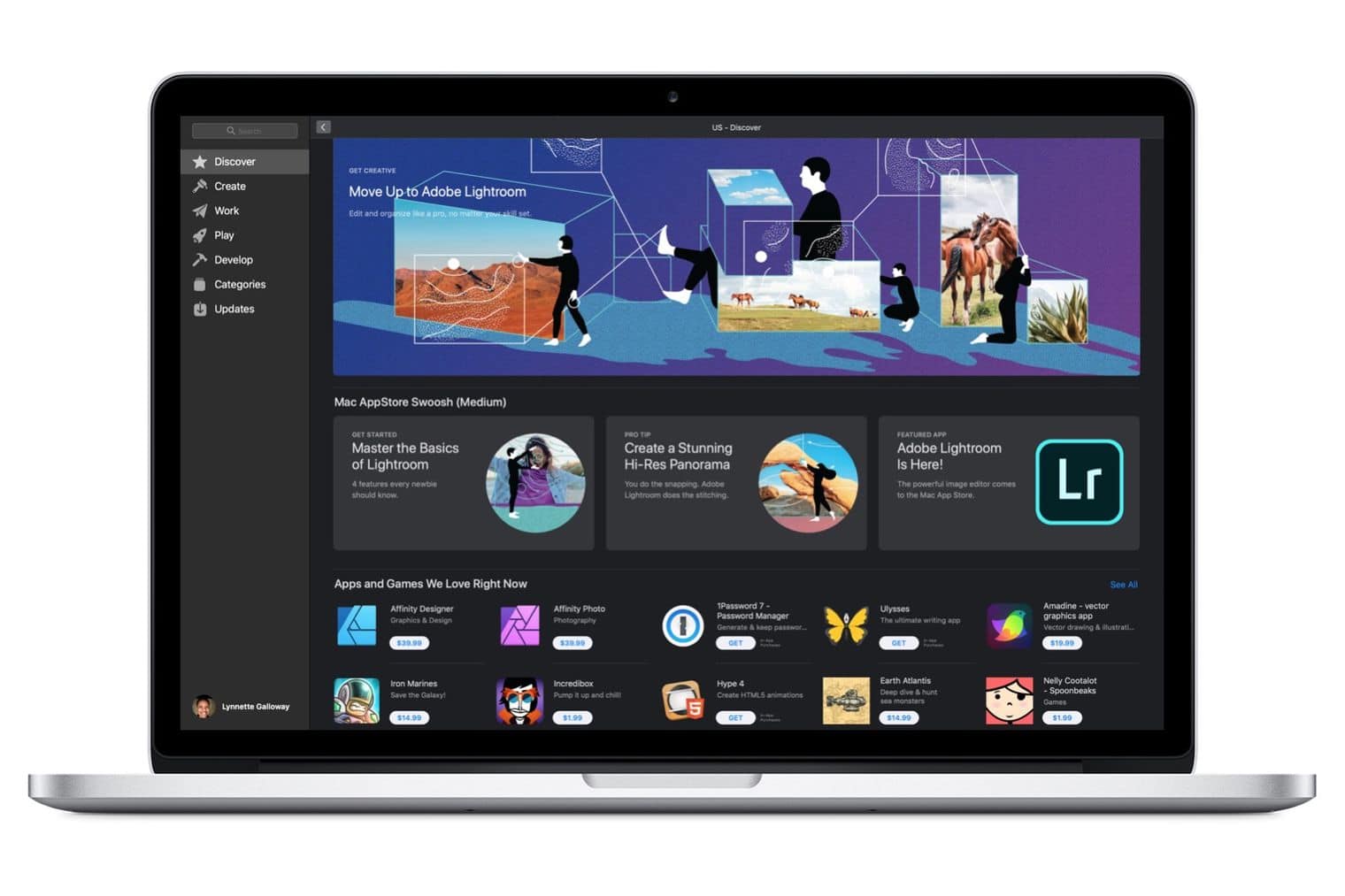
Adobe has brought its professional photo editing software to the Mac App Store.
Lightroom for macOS is available now as a free download, and you can try it for seven days before deciding whether or not you want to cough up for it. This is the full version of Lightroom — just like you would get from Adobe.
With 24/7 access to four UI and UX courses, you can boost your resume at your own pace. Photo: Cult of Mac Deals
In the precarious gig economy, there’s no such thing as being overqualified. One of the many great ways to boost your resume is becoming fluent in UI and UX design. In our digital age, there’s almost no industry that these disciplines don’t touch, so it’s a valuable skill indeed.
Photos were much simpler in the old days. Photo: Charlie Sorrel/Cult of Mac
I hate my friends. I want to show them a photo, or that screenshot I took of those cute otters, and all they can do is take one look, and then swipe off into the rest of my photos. And trust me, you don’t want to know what I have lurking back there. And I also hate myself, because I do the exact same thing without thinking. It’s human nature.
Some apps let you load up a few photos to show to other people, so they can’t pull back the virtual shower curtain and peek at your private photos. But these require that you do extra work to prepare them.
Happily, iOS offers a way to lock down a single image. That way, when you hand your iPhone or iPad over to a friend, or anyone else, they can’t swipe to other photos. In fact, they can’t do anything at all, because you’ve locked the whole touchscreen. Best of all, you can toggle this on and off in a second.
Look at how much fun it is to play. Just look. Photo: Roli
Roli is best known for its squishy, multitouch, pressure-sensitive music keyboards and controllers. Those are great. But the new Roli Lumi goes in a different direction. It’s a small portable keyboard with light-up keys. And not the kind of light-up keys you might see in a movie set during the 1970s disco scene: These light up keys help you learn to play the piano.