Mobile menu toggle

MacBook Pro - page 2

FCC leaks reveal Apple’s next Vision Pro headset and upcoming Macs and iPads

By

FCC leaks of Apple products
FCC's wireless certification test result documents show a familiar-looking diagram.
Photo: FCC

The Federal Communications Commission accidentally exposed Apple’s plans for several unreleased products, including an updated Vision Pro headset, new MacBook Pro models and refreshed iPad Pro tablets, on Tuesday. The FCC leaks of Apple products mark the latest in a series of premature disclosures from the regulatory agency that have frustrated Apple’s typically secretive product launch strategy.

This MacBook subscription program is built for businesses and professionals

By

MacBook with the words
Outfit your team with the latest MacBooks, without big upfront costs and other hassles.
Photo: Upgraded

MacBooks make you faster, sharper and more productive. But they’ve always come with one big problem: price. Upgraded’s affordable MacBook financing program changes that.

Whether you’re buying a MacBook for yourself or outfitting an entire company, it usually means a huge upfront bill, a complicated reselling process, or headaches when managing devices for remote employees.

Upgraded solves this with simple monthly MacBook subscriptions, starting at just $33.28 per month. For businesses, Upgraded’s innovative MacBook financing also means turning big upfront capital expenses into smaller operating expenses you can write off, while handing off the hassle of device management.

Killer standing desk lifts MacBook rig in more ways than one [Setups]

By

Uplift standing desk
At standing height Uplift Standing Desk V3 remains rock solid.
Photo: David Snow/Cult of Mac

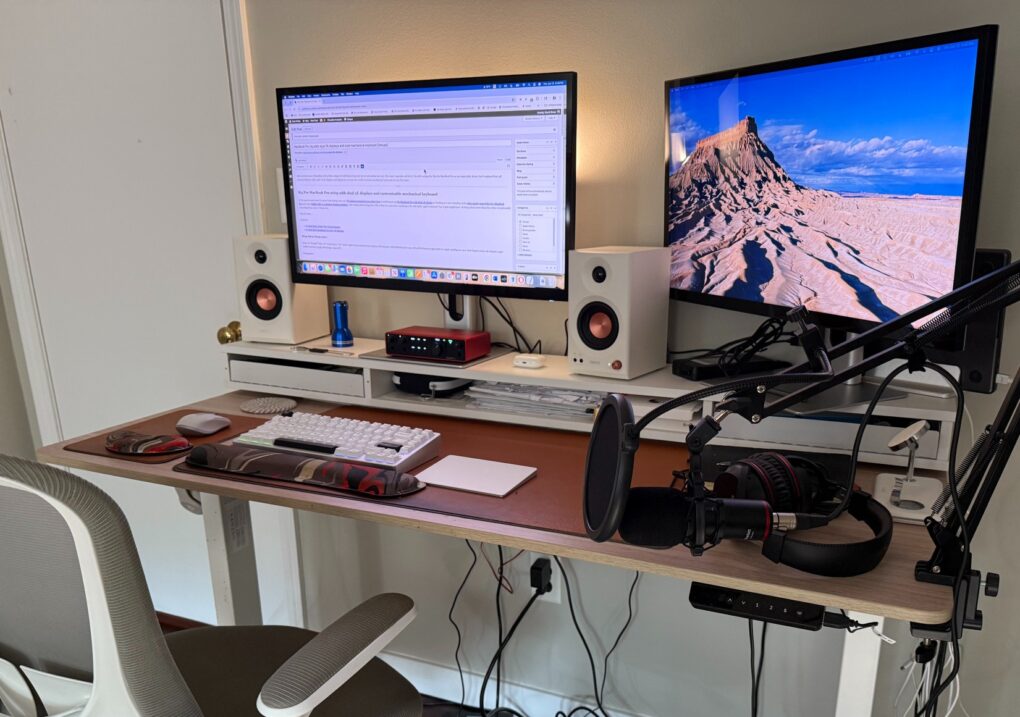
What’s the biggest upgrade a computer setup can undergo other than a new computer, external display(s) or a massive audio boost? It’s the very platform the setup sits on — usually a desk. In my case, it’s an Uplift Standing Desk V3, which I reviewed recently (five stars, btw).

It’s a huge upgrade aesthetically and functionally. And it changes how I mount and use my gear, too. 

First OLED MacBook Pro could add touchscreen support

By

Keyboard and screen of 13-inch MacBook Air.
Are you excited about MacBook Pro finally getting touchscreen support?
Photo: Lyle Kahney/Cult of Mac

Apple’s next-gen OLED MacBook Pro supposedly will feature a touchscreen panel, further blurring the line between iPads and MacBooks.

TF International Securities analyst Ming Chi Kuo thinks the new OLED MacBook Pro will enter mass production in late 2026.

Grab an M4 MacBook Pro for the lowest price yet

By

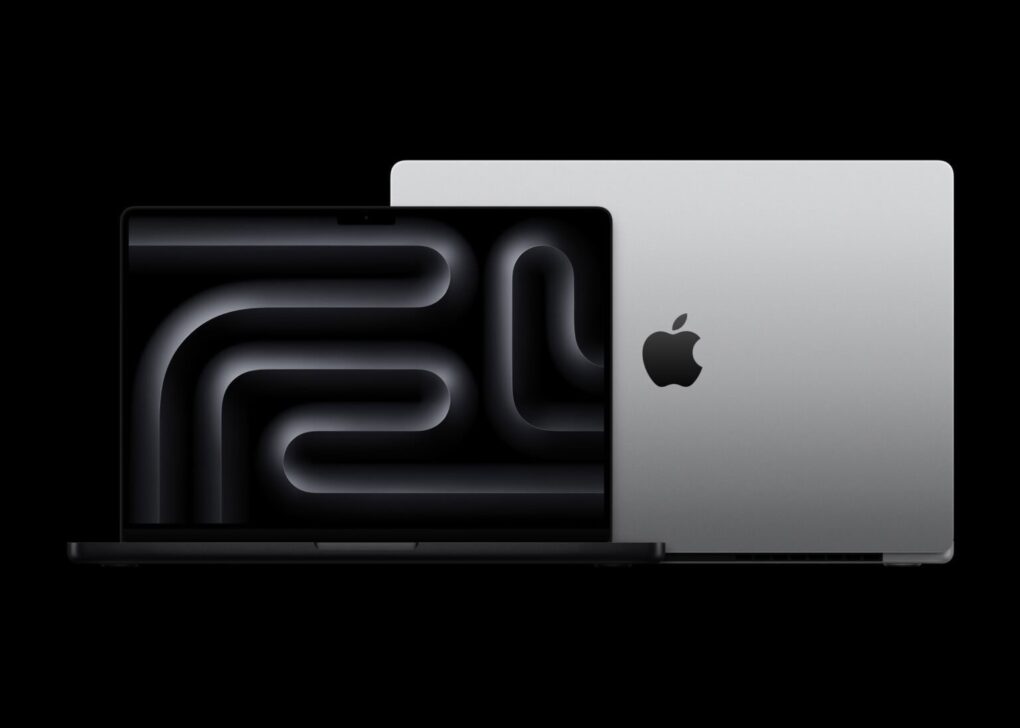
An image of M4 MacBook Pros in space black and silver, used to illustrate the latest MacBook Pro deal
M4-series MacBook Pro models are on sale at Amazon.
Photo: Apple

A new sale on the 14-inch M4 MacBook Pro drops its price to just $1,299 — the lowest price we’ve seen for this model.

Apple’s workhorse professional laptop is a great get for anyone when it goes on sale. And with the M5 models reportedly delayed until 2026, now’s the time to upgrade. If you want a model with a bigger screen and/or beefed-up specs, you can browse a bunch of great MacBook Pro deals in the sale links below, many with nice new price cuts.

Entry-level pro laptop
14-inch MacBook Pro with M4 chip (2024)
$1,599.00 $1,349.00

Apple's latest base-model MacBook Pro features an M4 chip with a 10-core CPU and a 10-core GPU. It also boasts a 14.2-inch Liquid Retina XDR Display, 16GB unified memory, 512GB SSD storage and silver or space black colors.

Pros:
  • Great performance and "built for Apple Intelligence"
  • Outstanding 24-hour battery life
  • Beautiful Liquid Retina display
Cons:
  • More expensive than MacBook Air
12/15/2025 04:10 pm GMT

This post contains affiliate links. Cult of Mac may earn a commission when you use our links to buy items.

How many external monitors each MacBook Pro or MacBook Air supports

By

MacBook external monitor guide
Don’t know how many external monitors your MacBook supports? We have the answer.
Image: Google ChatGPT/Cult of Mac

You can be excused if you don’t know off the top of your head how many external monitors your MacBook supports. The number varies by model, processor version, and even whether the laptop is open or closed. Still, there’s a good chance it’s more than you think.

Now that notebooks with the new M4 family of processors are available, here’s an updated guide to how many external screens you can attach to your MacBook.

Why we shouldn’t expect the M5 MacBook Pro until 2026

By

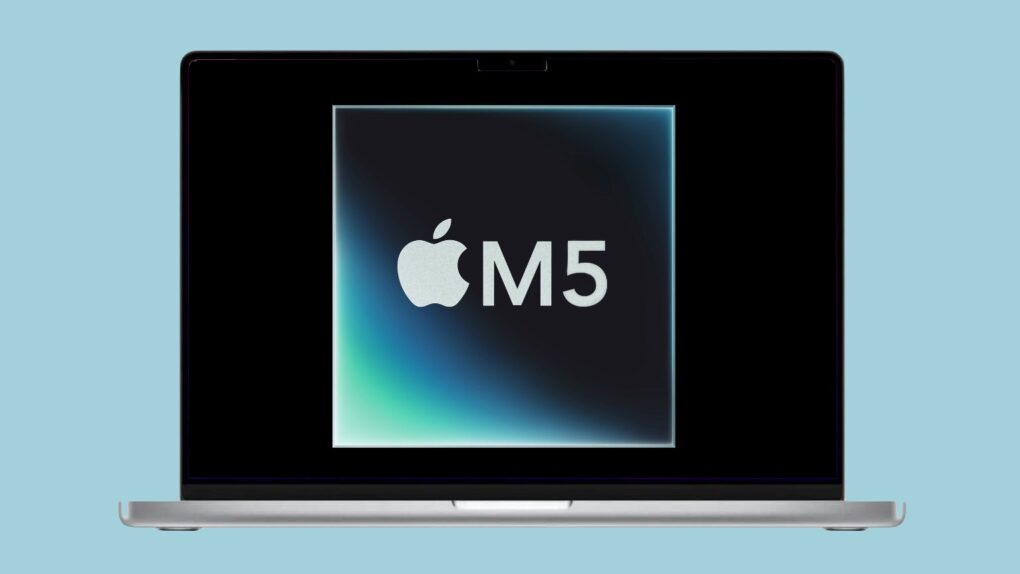
M5 MacBook Pro rumors
The latest M5 MacBook Pro rumor says the updated macOS notebook won’t be out until next year.
Photo: Apple/Cult of Mac

Don’t set your heart on a MacBook Pro with a speedy new Apple M5 processor under the Christmas tree this year. A growing body of evidence indicates the next version of Apple’s premier laptop won’t arrive until 2026.

But the M5 processor should be available before then.

Reduce eye strain with these workspace fine-tuning tips [Setups]

By

reduce eye strain
This M4 Pro MacBook Pro and Studio Display user takes eye strain seriously and offers helpful tips.
Photo: [email protected]

So many of us sit at a computer all day peering at a screen, it’s no wonder eye strain is a common problem. But only some of us — like today’s featured MacBook Pro and Studio Display user — really attack the problem beyond taking more breaks. They offer tips to reduce eye strain below.

All the new Apple products coming in the next year

By

Apple roadmap 2025-2026
Here’s everything rumors told us to expect from Apple in the next year.
Photo: Google Gemini/Cult of Mac

Apple is gearing up for a blockbuster year, with a packed product roadmap that spans nearly every category in its lineup. From an iPhone redesign to upgrades for the Mac, iPad and Apple Watch families, the next twelve months promise a steady stream of hardware refreshes, software milestones and perhaps a few surprises.

Whether you’re a casual user or a die-hard fan, here’s a look at every major Apple product expected between now and next summer.

Even killer OLED monitor can’t touch Studio Display [Setups]

By

240Hz OLED monitor
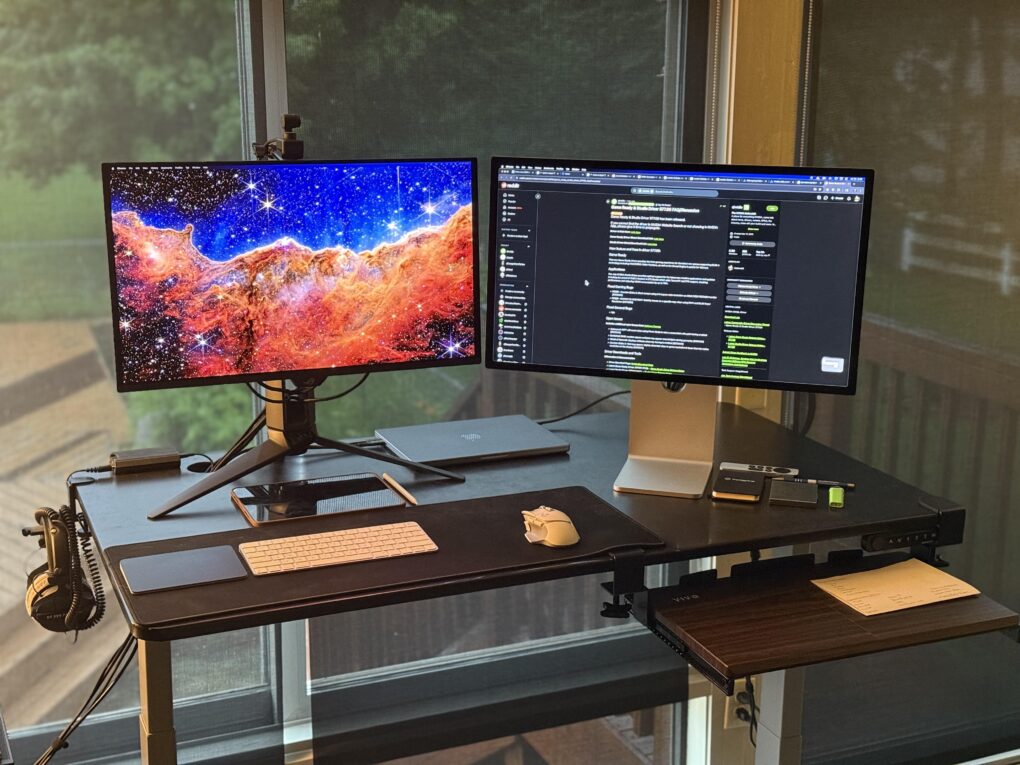
If this MacBook and PC user could only have one, he'd take the Studio Display over the 240Hz OLED display.
Photo: [email protected]

Though relatively high costs is a perennial complaint about Apple’s popular Studio Display, the 5K resolution monitor with a fair number of bells and whistles continues to gain fans willing to pay. Today’s setup belongs to a gamer with a MacBook Pro and a gaming PC, plus a Studio Display and a 240Hz OLED monitor.

He said if the house caught fire and he could only choose one display to save, it’d be Apple’s.

User ponders M3 iMac vs. M4 MacBook Pro [Setups]

By

iMac vs MacBook Pro
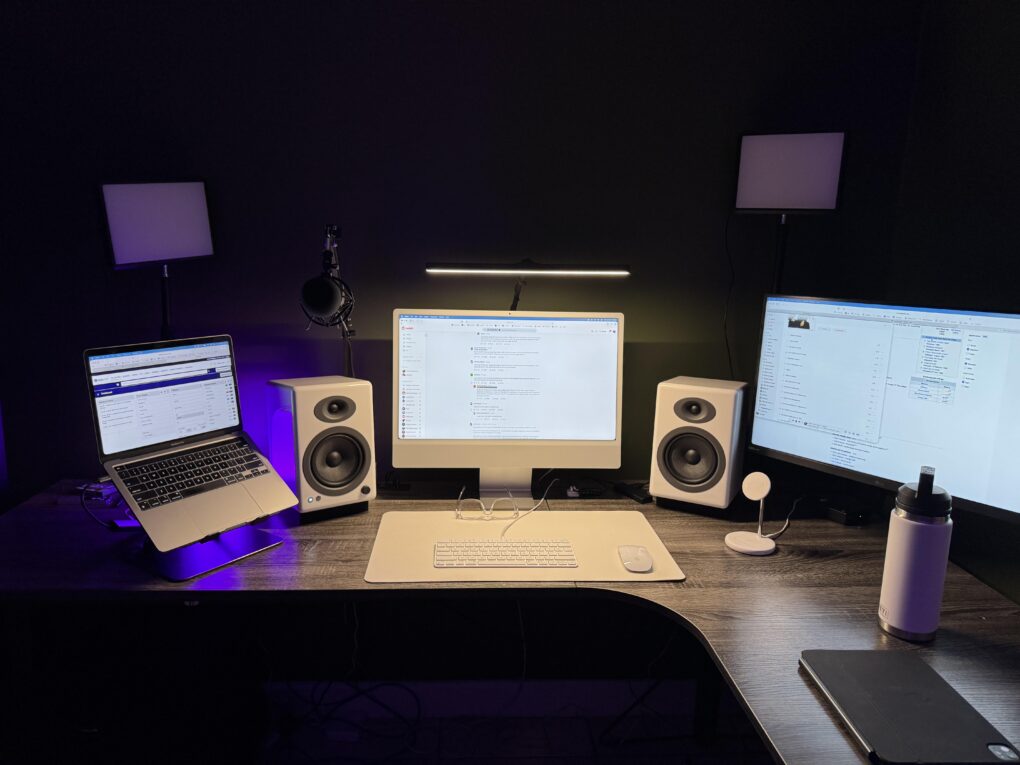
This user ponders replacing both the M1 MacBook Pro and the M3 iMac, possibly with an M4 Pro MacBook Pro.
Photo:

Today’s featured setup user seeks out and gets good advice on his upgrade questions. He runs an aging MacBook Pro and a more recent iMac, but wonders about replacing them both with a newer MacBook Pro, perhaps an M4 Pro model. Commenters on his post offered useful thoughts, below, on future-proofing choices of Mac models as well as external display options.

Try these brilliant MacBook mounting and storage tips [Setups]

By

mount MacBook
The user wants suggestions on how to "get rid of" those MacBooks on the right.
Photo: [email protected]

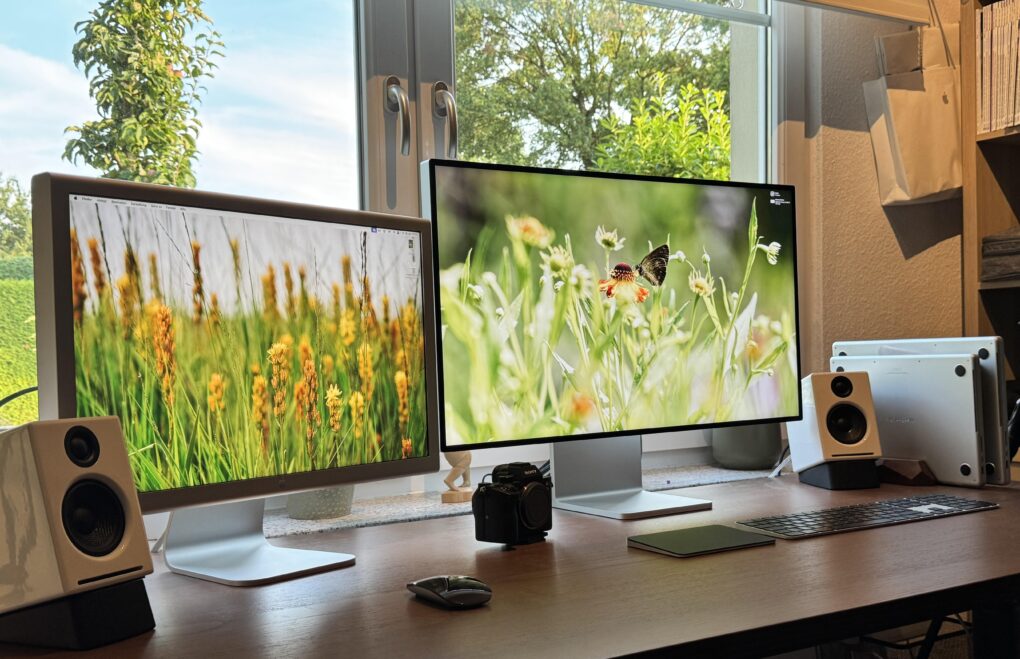
Sometimes even a MacBook in a vertical laptop stand takes up too much space on the desk. Today’s dual MacBook Pro setup user asks the question of how to “get rid of” the laptops — as in how to mount MacBook out of the way but still in use. And they get plenty of excellent advice, below.

And in addition, the workstation grabs the attention for its “odd couple” of Apple monitors, old and new. The user said they love both displays (despite that rather significant differences between the two).

Watch me go for world record number of input devices [Setups]

By

ergonomic workstation
My setup now bristles with four separate input devices and a new webcam.
Photo: David Snow/Cult of Mac

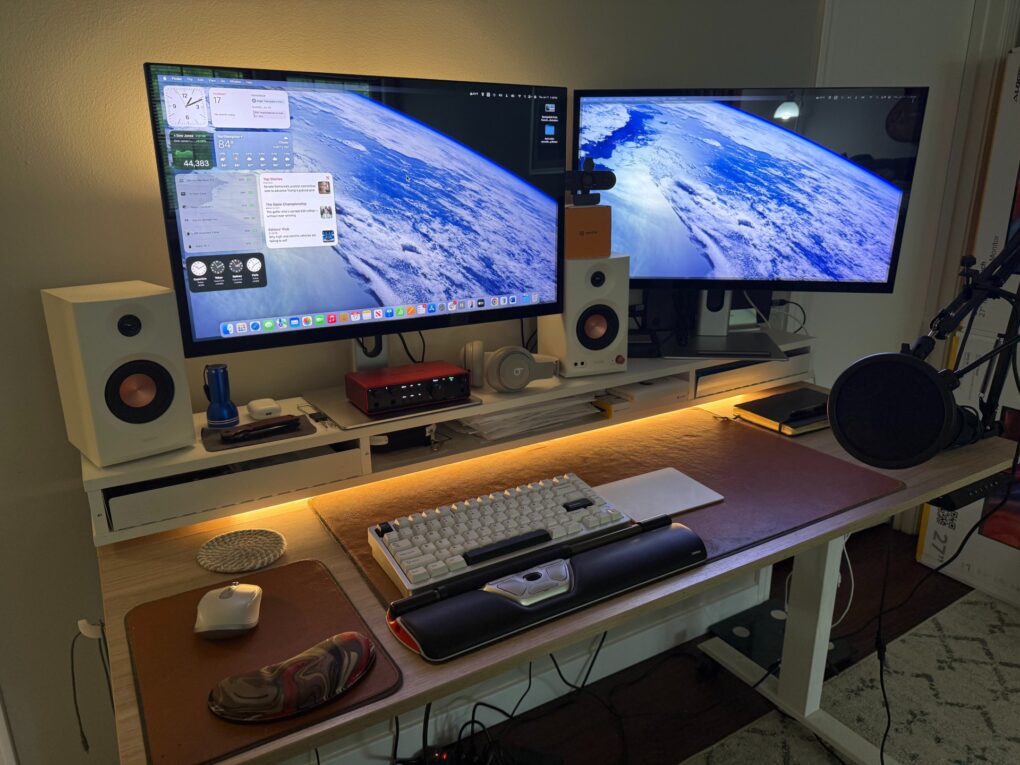
Guess what, it’s time for another installment of Dave’s Setup Upgrades. Only about six weeks after I last wrote about my own computer setup instead of everybody else’s, here I go again. An M4 Pro MacBook Pro driving a pair of 5K touchscreen displays remains the core of my rig. But I’ve gone a little nuts lately with computer input devices as I strive for a more ergonomic workstation. I’m up to four, with backups for most, and that’s got to be some kind of record.

And I added a webcam because my current external displays don’t pack one. And my laptop, with its only-pretty-good webcam, sits hidden away on a vertical stand. I don’t want to have to pull it out for video calls.

New HDMI adapters overcome Apple silicon Mac external display limits

By

OWC HDMI adapters
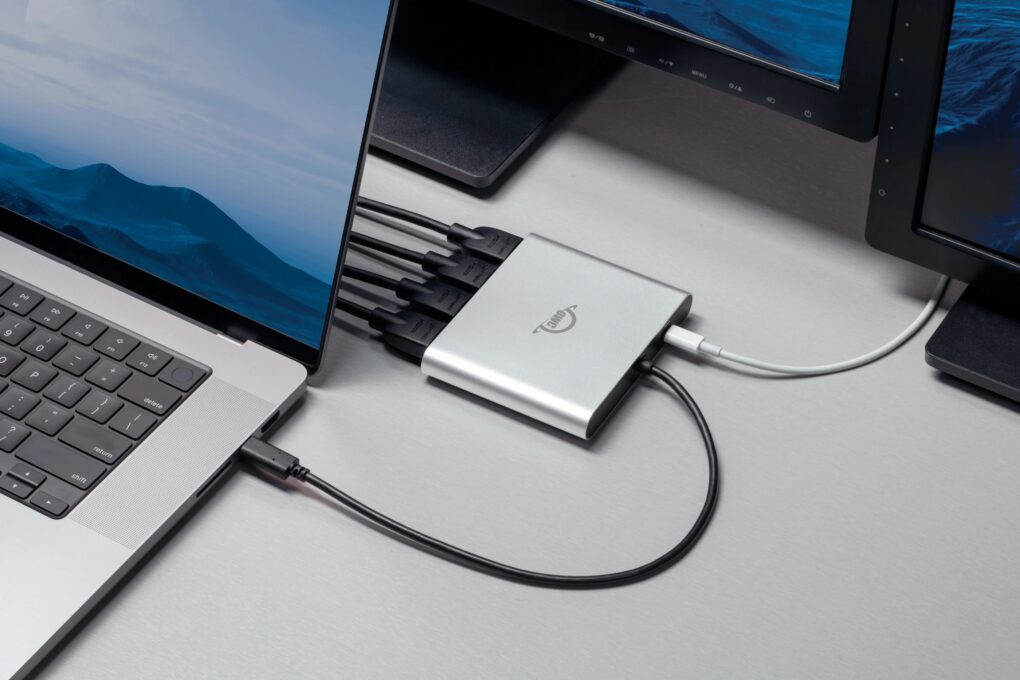
OWC's new Quad HDMI adapter makes running multiple 4K external displays a breeze.
Photo: OWC

Two new HDMI adapters from Other World Computing (OWC) solve the external display limitations that have frustrated Apple Silicon Mac users since the M1 chip’s introduction, the company said Monday. The new OWC USB-C Quad HDMI 4K Adapter and redesigned OWC USB-C Dual HDMI 4K Adapter offer Mac owners a way to connect multiple external monitors without juggling multiple dongles.

“Whether you’re working with spreadsheets, streaming data, editing video or just need more screen real estate to stay productive, we believe your gear shouldn’t hold you back,” said Larry O’Connor, OWC’s founder and CEO. “With our new Quad and enhanced Dual HDMI adapters, we’re giving users the power to easily expand their visual workspace, without the complexity or cost of juggling multiple adapters or sacrificing performance.”

M5 MacBook Pro no longer coming in 2025

By

M5 MacBook Pro rumors
The latest M5 MacBook Pro rumor says the updated macOS notebook won’t be out until next year.
Photo: Apple/Cult of Mac

Apple might not get the next-generation MacBook Pro with the upcoming M5 processor out this autumn, as had been expected. The notebook will instead launch early next year, according to a respected source of insider information.

If true, it means that Apple’s new Mac processor will once again launch in an iPad.

Yamaha studio monitors power MacBook Pro rig’s sound [Setups]

By

Yamaha studio monitors
This MacBook Pro setup features great speakers and other audio gear.
Photo: [email protected]

Today’s featured setup sports an M1 Max MacBook Pro still going strong, but the user posted the workstation on social media to show off a newly added Mchose mechanical keyboard — an unfamiliar but solid-looking brand. And I couldn’t help notice the stellar audio gear in the mix, including excellent Yamaha studio monitors for focused sound in the room, plus a surprising array of great headphones and audio interfaces.

Portable monitor has one job in rig with curved ultrawide display [Setups]

By

portable monitor for Mac
Why keep a portable monitor in a setup with an ultra-wide curved display? It's nice to have a separate hub for chats and such.
Photo: [email protected]

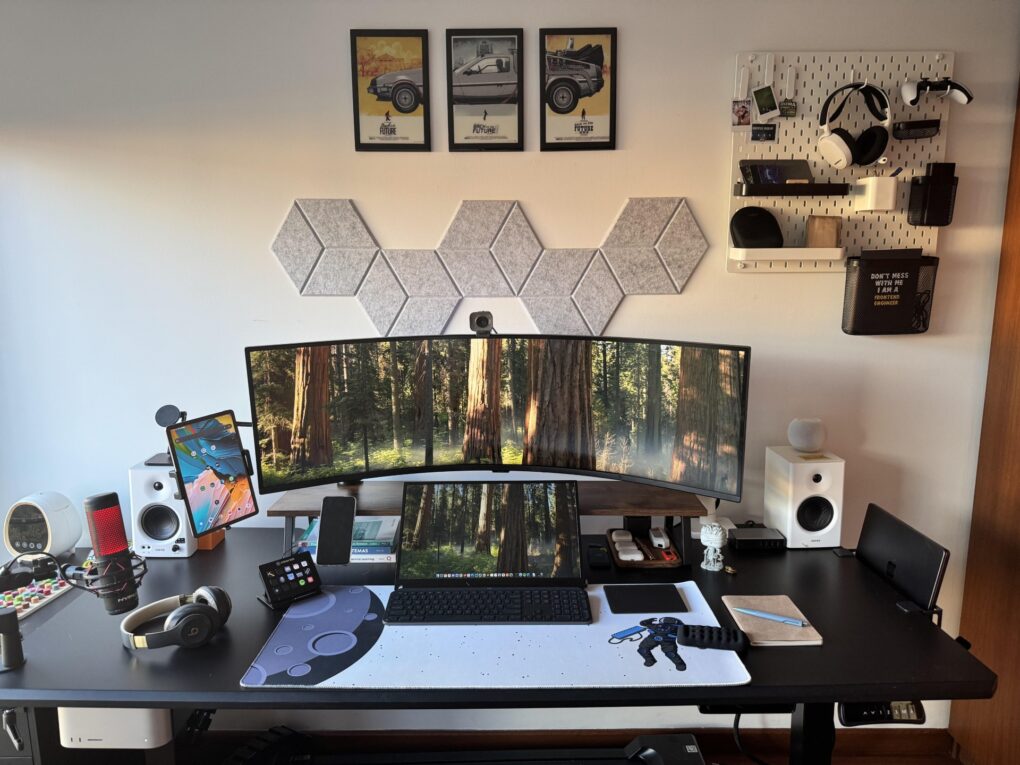
Seems like smallish portable monitors are cropping up more often lately as fixtures in computer setups featuring other display options. Today’s dual-Mac setup sports a massive curved external display with an 18-inch portable just below, front and center.

And those aren’t the only two screens. A tablet mounted on an arm comes into play too, but it’s not an iPad.

Long live Apple’s late, great iPod Hi-Fi stereo [Setups]

By

iPod Hi-Fi
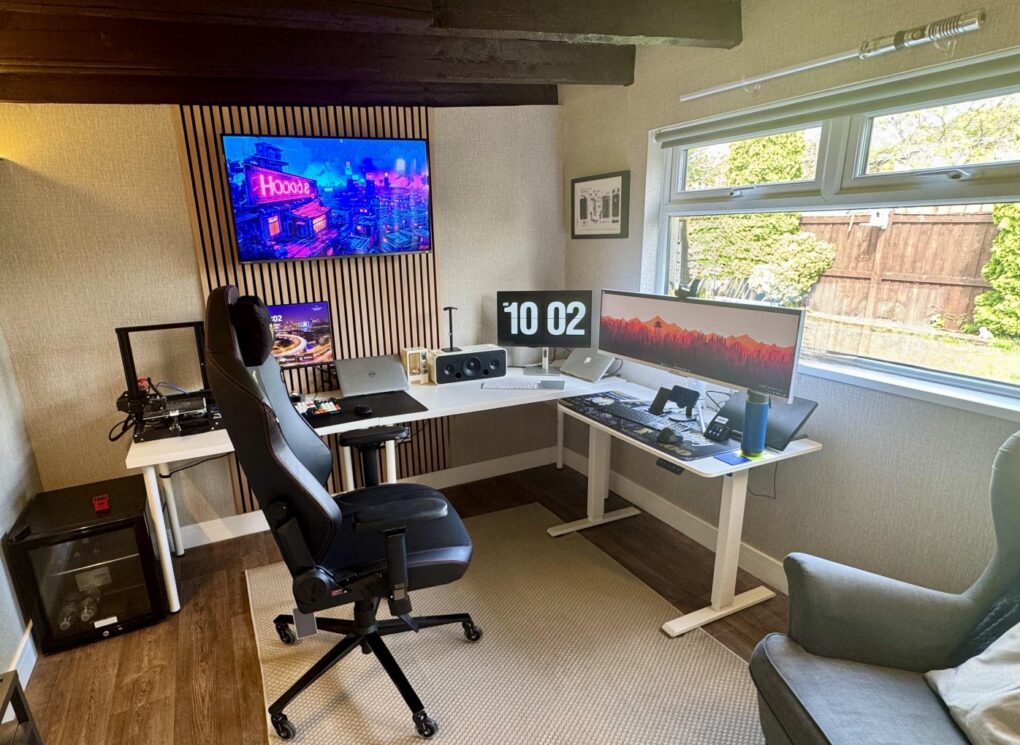
That ultra-wide monitor on the right seems even wider because it's so narrow. And don't miss the light saber over the window.
Photo: markgsj90-Reddit.com

Near the very top of my list of enviable things about computer setups sit two drool-worthy items — one, when the setup is in an irresistibly cool remodeled space, like a man cave or a she shed, and two, when the setup’s audio blows the dang roof off. Today’s expansive example is a multi-computer, multi-display outfit in the UK with a very special stereo system, one of Apple’s brilliant failures — iPod Hi-Fi. It’s so much more than an iPod dock.

Picture-perfect Studio Display rig puts iPad Pro front and center [Setups]

By

studio-display-ipad
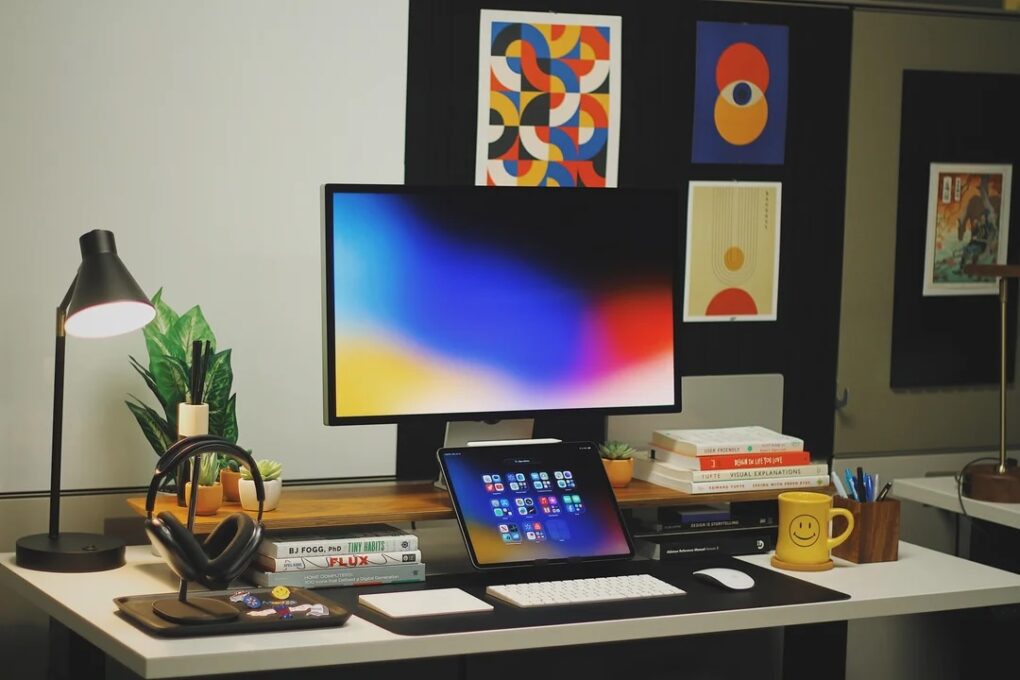
Nick's setups has changed a lot since the one we showcased in early 2024.
Photo: [email protected]

A growing number of people rely on iPad tablets — particularly iPad Pro — as their main daily driver. And with iPadOS 26 software currently in beta testing and available to all in September, this will become even easier to do. Today’s featured iPad-Studio Display setup doesn’t abandon Mac — in fact, it includes a hidden M4 MacBook Pro — but it makes the most of iPad Pro and looks damn good doing it.

This MacBook upgrade plan starts at just $33 a month

By

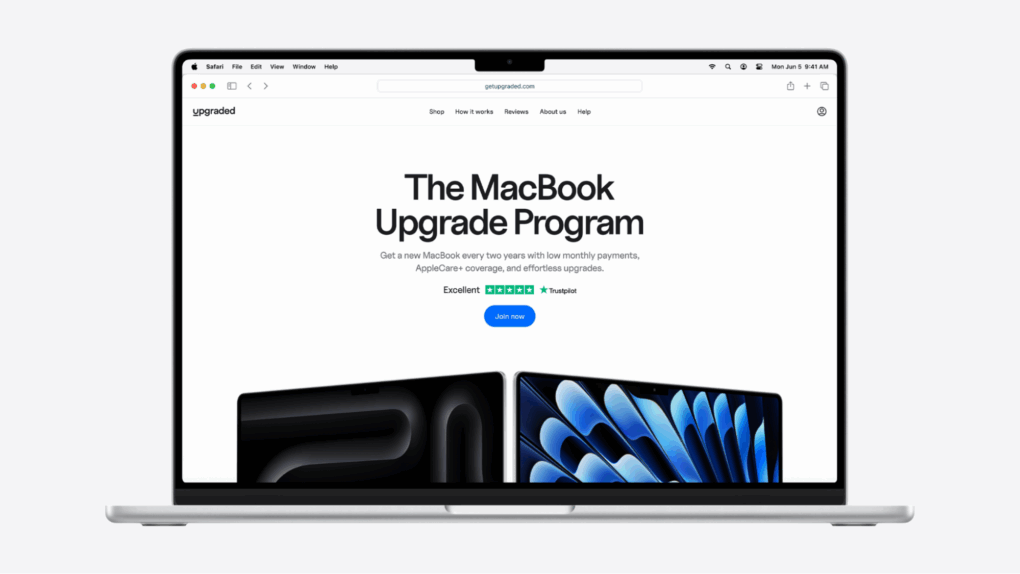
Photo of a laptop with the Upgraded's monthly payments plan for financing a MacBook, with an image on-screen that says
Subscribing to the latest, greatest MacBook has never been so easy.
Image: Upgraded

Want to buy a MacBook and pay monthly? Apple fans love staying current. But when it comes to MacBooks, upgrading isn’t always easy. Base models at big box stores can feel underpowered. Reselling is a pain. And dropping $2,000-plus upfront? Not ideal.

That’s why more people are switching to Upgraded, a MacBook installment plan that starts at just $33.28 per month. It lets you customize your machine’s specs, and offers an easy upgrade every two years.

No resale headaches. No massive upfront cost. Just the Mac you want, when you want it.

MacBook Pro drives wild stacked dual display with hinges [Setups]

By

uperfect portable monitor
It's not two displays mounted in stacked formation, it's one dual display with hinges.
Photo: [email protected]

I’d call it a rare sighting in setups featured on Cult of Mac, but I think it’s actually a first sighting ever — stacked dual displays held together by hinges. As such, they’re actually one product, the Uperfect Delta Dual Portable Monitor. To say the least, it’s unusual to see one in a home setup, driven in this case by an M4 MacBook Pro. And those two screens make up just half the setup’s total of four.

Here’s the best way to hide your computer [Setups]

By

under desk mount
The M4 Mac mini is small, but it takes up even less space when it's mounted under the desk.
Photo: [email protected]

The M4 and M4 Pro Mac mini desktop computers are smaller than their predecessors, but they still take up space on desks. That is, unless you come up with a clever way to hide them while keeping them fully functional. In today’s featured setup, which also includes a MacBook Pro under an overarching external display, the user mounts the mini under the desk. And under-desk mount is the best way to hide your computer.

MacBook Pro rig adds dual 5K displays and badass mechanical keyboard [Setups]

By

dual 5K displays
Since other recent changes, I added two 5K touchscreen displays and a mechanical keyboard. And yeah, please pardon my hideous cables.
Photo: David Snow/Cult of Mac

After several years of covering the Cult of Mac setups beat, I still rarely write about my own. But major new upgrades call for it. Since a spate of recent changes, I’m still rocking the M4 Pro MacBook Pro as my main daily driver. But I replaced dual 4K external displays with a pair of 5K touchscreen displays. And I dipped my toe into the world of serious mechanical keyboards for the first time.

User wants to downsize ultra-wide display, jack up refresh rate [Setups]

By

Setups tech-ant-Reddit high refresh rate June 6 2025
The M1 Pro MacBook Pro is still going strong, but the user wants to get a smaller external display with a higher refresh rate.
Photo: [email protected]

In Setups world, the struggle continues over display preferences, in terms of those who want bigger and those who want more. Today’s MacBook Pro user dwells on the “bigger” side an an ultra-wide monitor user, but they actually want to downsize from a mammoth 49-incher and get something with a higher refresh rate. Meanwhile, they’re thrilled their M1 Pro MacBook Pro still runs like a champ. And they conceived a way to have Touch ID while hiding the keyboard it comes with.

MacBook Pro covers for aging Mac mini in picture-perfect rig [Setups]

By

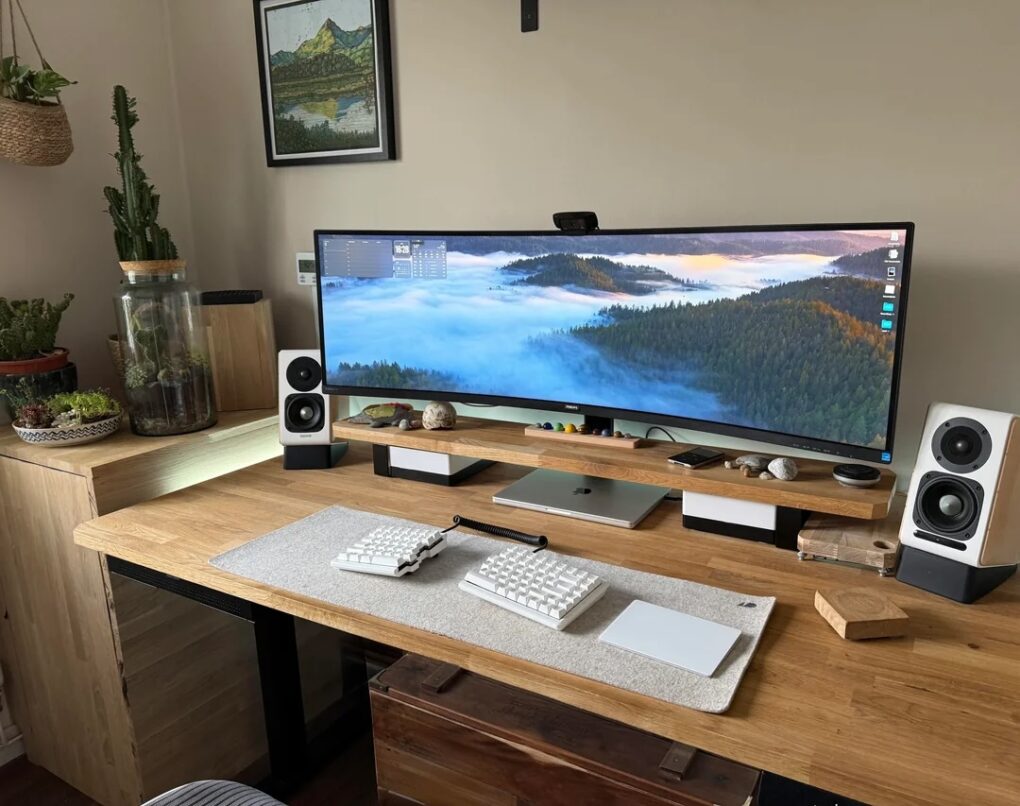
LG ultra-wide display
Cool wallpaper on that LG ultra-wide display, eh? There's also an old Mac mini hiding in this pic.
Photo: [email protected]

Some computer setups showed off on social media aren’t packed with the latest and greatest tech gear — they just look great. Today’s featured setup is a fine example. It packs two still-going-strong older Macs — a MacBook Pro from 2021 and a Mac mini from all the way back in 2012 — driving an LG ultra-wide display. But the subtle lighting and tasteful decor, including great use of plants, go a long way in this one.