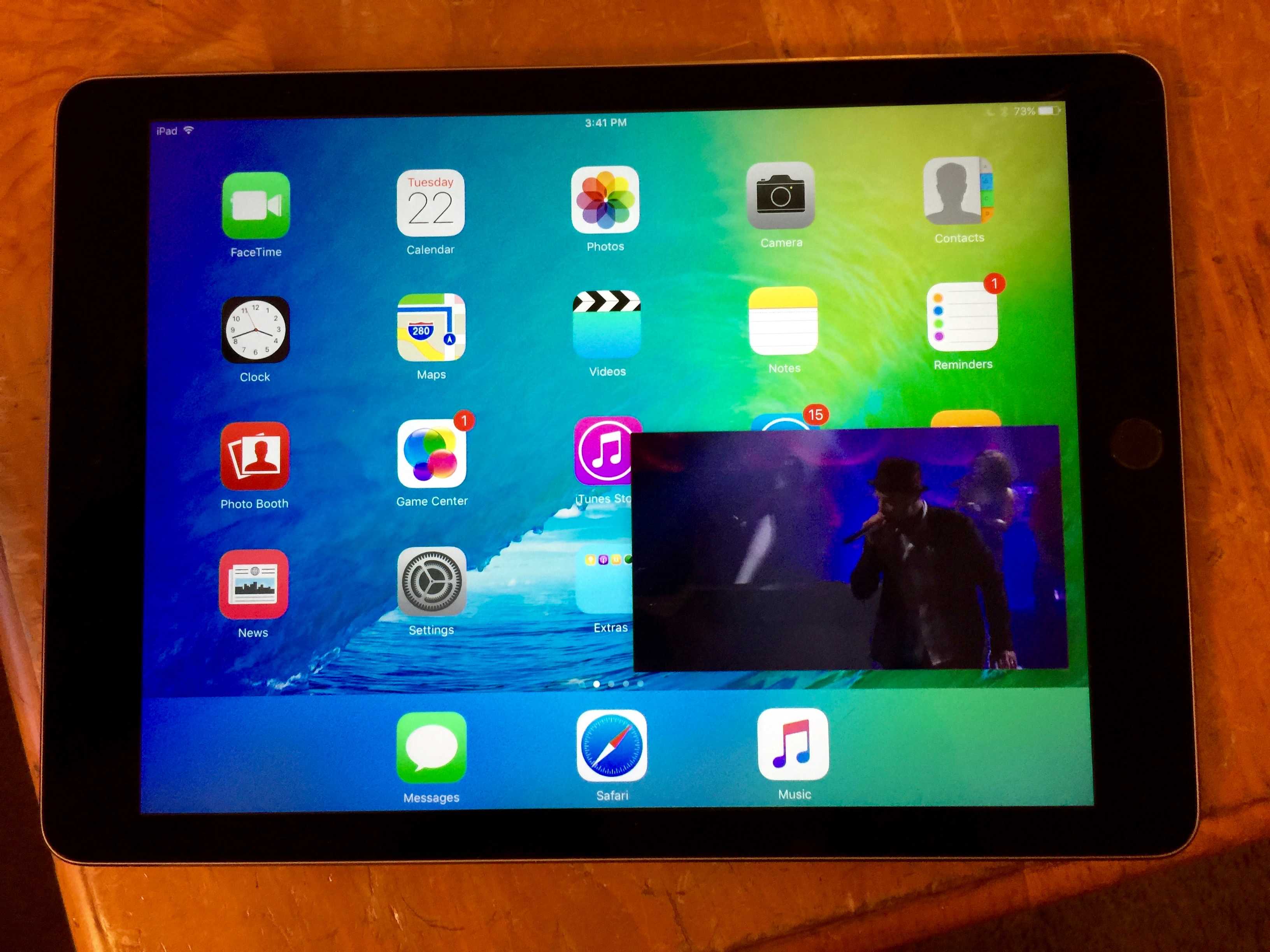
 So you’re watching a TV show or movie on your iPad and you hear the ding that means you just got a new email. You could double press on the Home button to bring up the multitasking bar and swipe over to your Mail app, but why?
One of the cool gosh-wow things of iOS 9 on a newer iPad is the picture-in-picture multitasking feature, which means you can switch over to any app while you continue watching that video.
Here’s how.