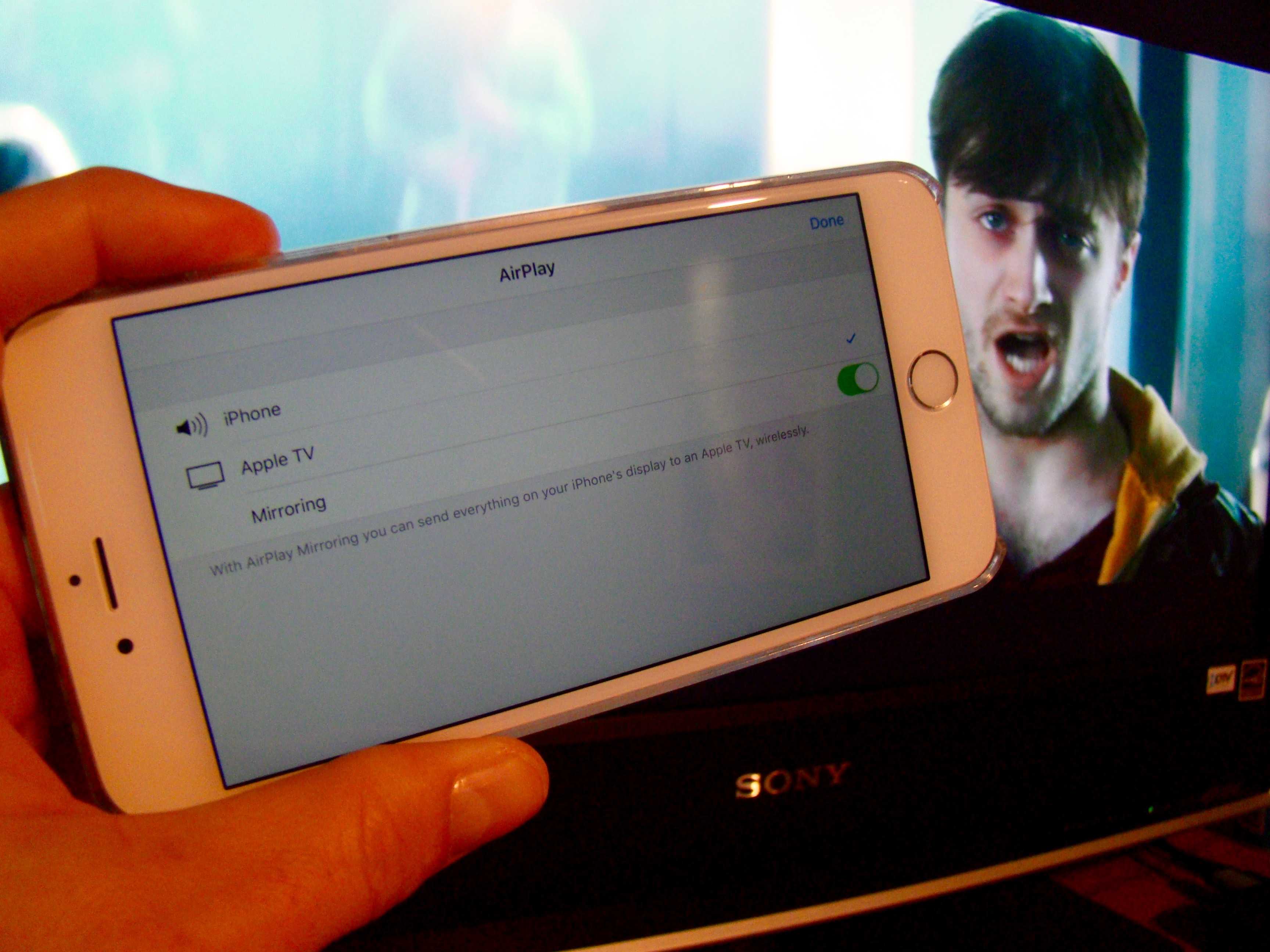
 If you’ve got an Apple TV, you’ve got a ready way to get any videos from your iPhone or iPad onto your big screen.
While we all wait for the latest version of Apple’s famous “hobby,” why not watch a video or two on our current Apple TV, right from our iOS device of choice.
Here’s how to AirPlay videos from your iPhone to your giant TV.
First up, make sure your Apple TV of any generation is connected to power and cabled to your television set via HDMI. Once that’s covered, make sure your Apple TV and your iPhone or iPad are both on the same Wi-Fi network.
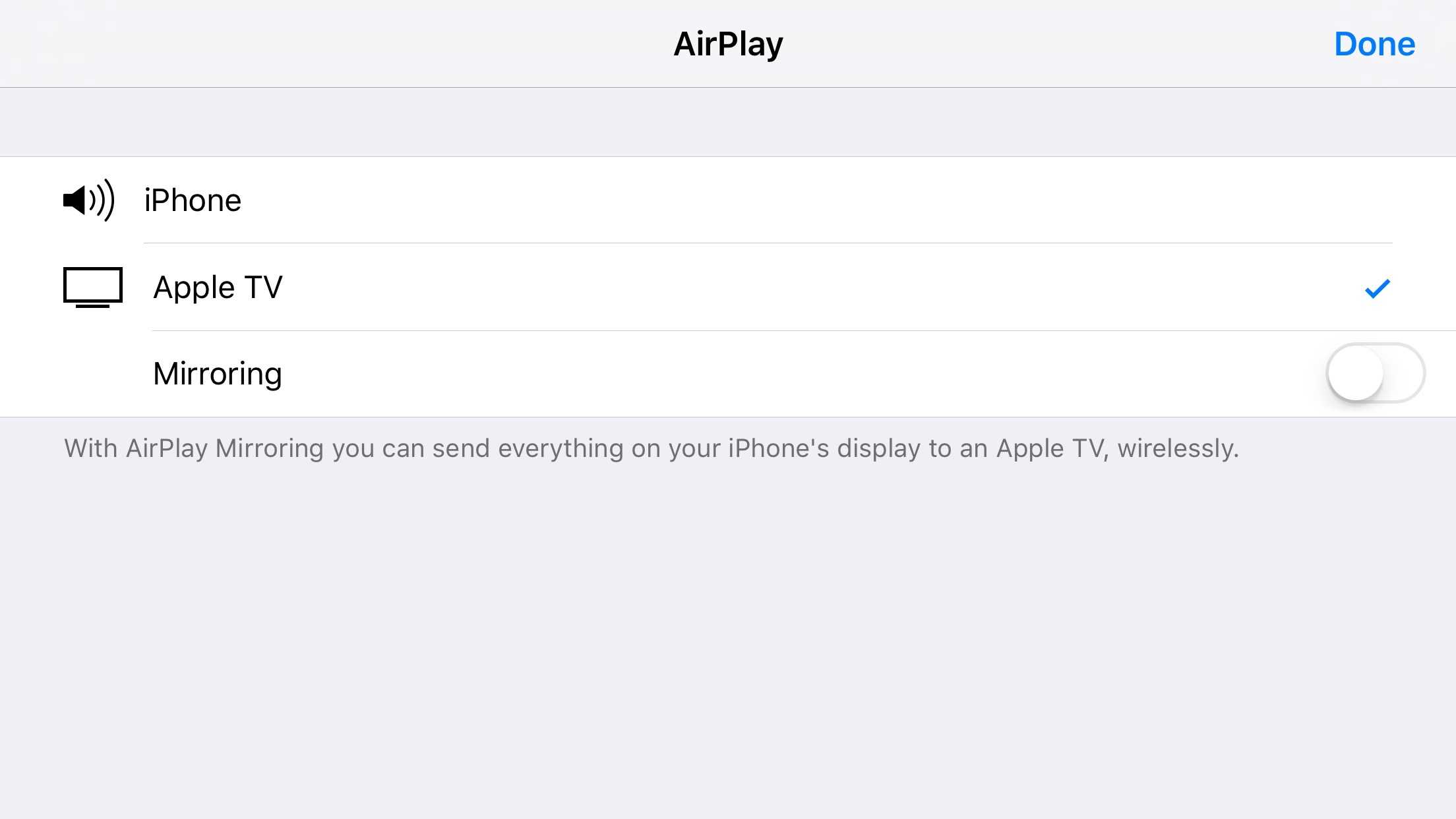
Start a video on your iPhone or iPad and then swipe up from the bottom to access Command Center. Tap on the Airplay button you’ll see there.
Screen: Rob LeFebvre/Cult of Mac
Next, tap on the name of the Apple TV you want to stream the video to. If you have a ton of them on the same Wi-Fi network, you can swipe and scroll through the list to find your target Apple TV.
Once you tap on the Apple TV you want to stream to, you’ll have the option to Mirror your iOS device’s screen. You only need to do that if you want to see your iPhone or iPad’s screen up on the big TV. Otherwise, just leave the toggle to OFF and the video will play up on your HDTV just fine.
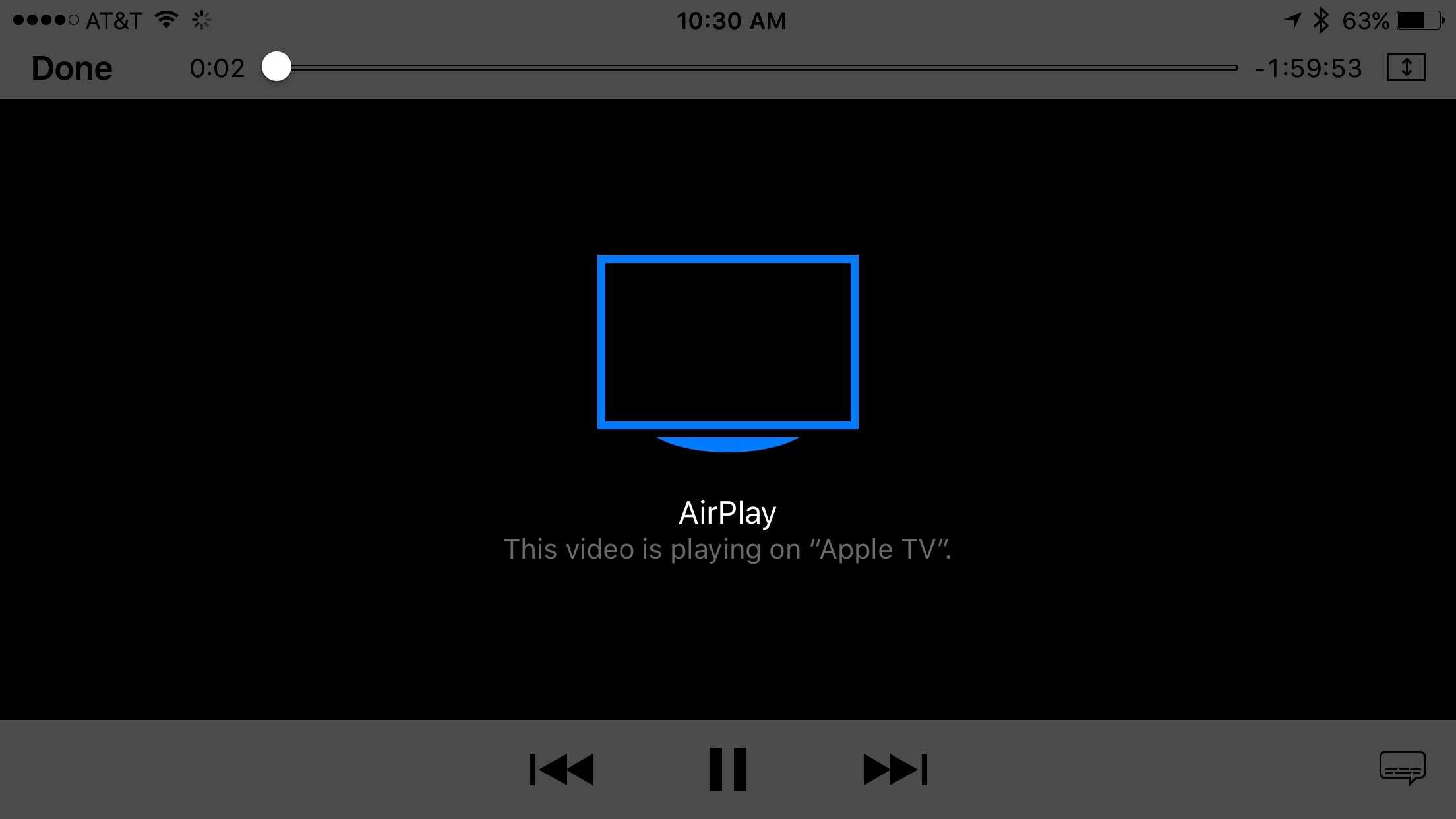
To turn of AirPlay streaming, just do the same steps, only choose iPhone (or iPad) in the AirPlay source list as above.
Screen: Rob LeFebvre/Cult of Mac
AirPlay is pretty fantastic on your Mac as well. Here’s how to get YouTube up on the big screen via AirPlay and your Apple TV.
Source: Apple

Rob LeFebvre is an Anchorage, Alaska-based writer and editor who has contributed to various tech, gaming and iOS sites, including 148Apps, Creative Screenwriting, Shelf-Awareness, VentureBeat, and Paste Magazine. Feel free to find Rob on Twitter @roblef, and send him a cookie once in a while; he’ll really appreciate it.


8 responses to “Pro Tip: How to AirPlay videos from your iPhone to your Apple TV”
Any time I try to stream a video shot on my iPhone to my AppleTV (2nd gen), it takes forever to load and has to buffer every 5 seconds. Useless.
Funny, YouTube, Netflix, etc. all streams quickly and without re-buffering, so there’s nothing wrong with my wireless setup.
Yeah, that kind of sucks. I wonder if it’s a combination of the older hardware and videos not optimized for streaming?
I thought I read somewhere that the MP4 or whatever format on the iPhone was not native on the AppleTV so it had to get software-converted hence the delays. I have an iPhone 6, makes no difference.
I’m angry that I never had good iPhone-to-AppleTV streaming since day one. That, and they REMOVED YouTube support.
My Uncle Evan got a new yellow Chevrolet Camaro Z28 only from working parttime off a macbook air.original site on my` prof1Ie`
-f
Pretty useless when you can’t stream Comcast and many other video serving apps
Mine stops playing every time the phone goes to sleep, so annoying.
i cannot select the mirror function when streaming to my atv2 and i only hear sound no pic!
If you’ve got an Apple TV?? Really? You do know that “you’ve” means “you have”, right?