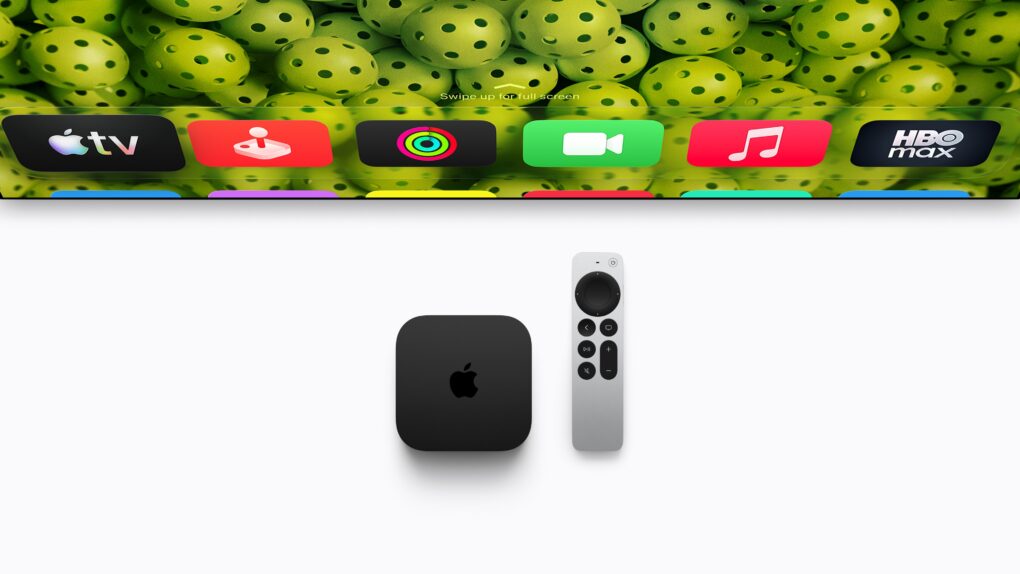
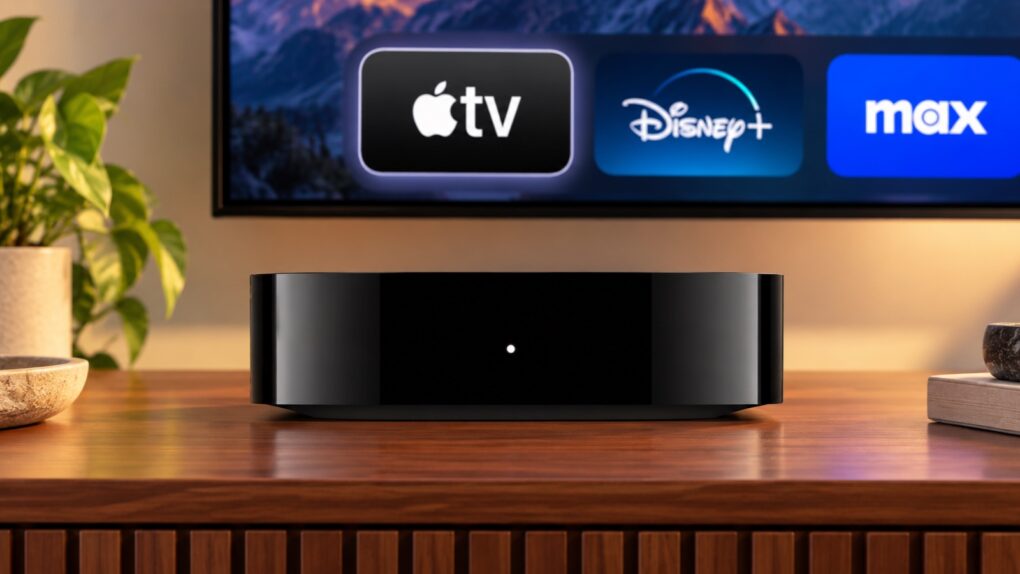
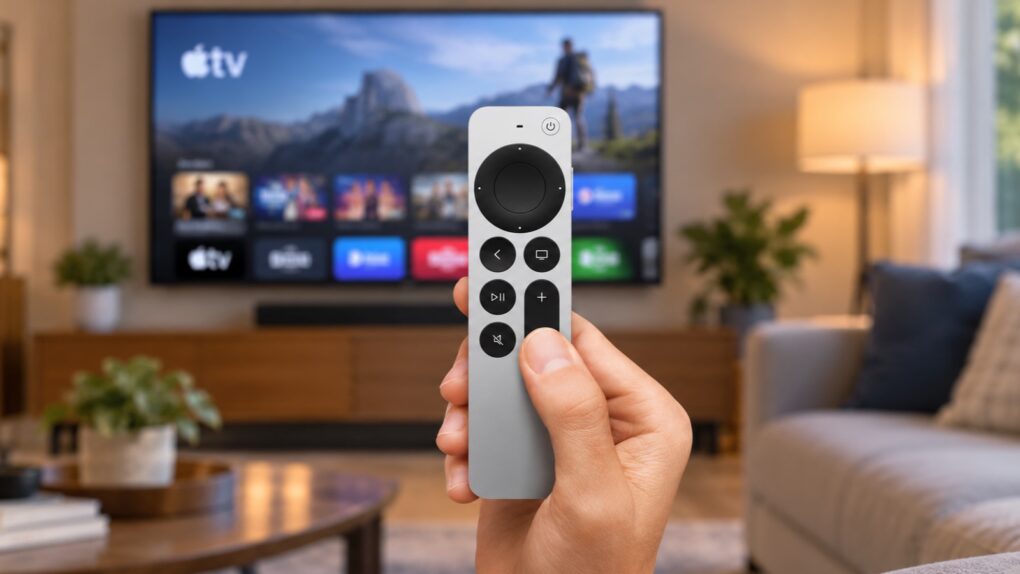
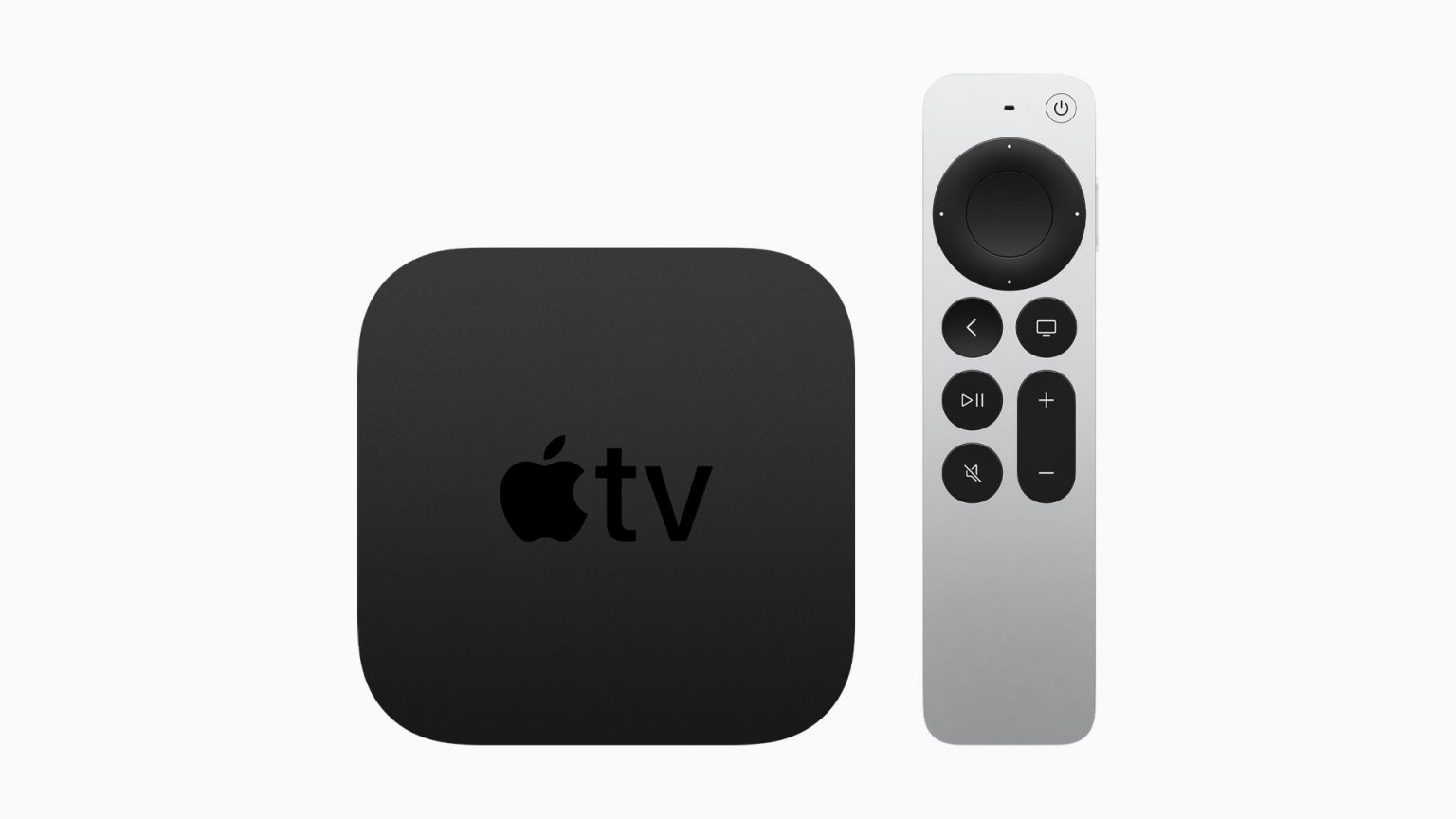
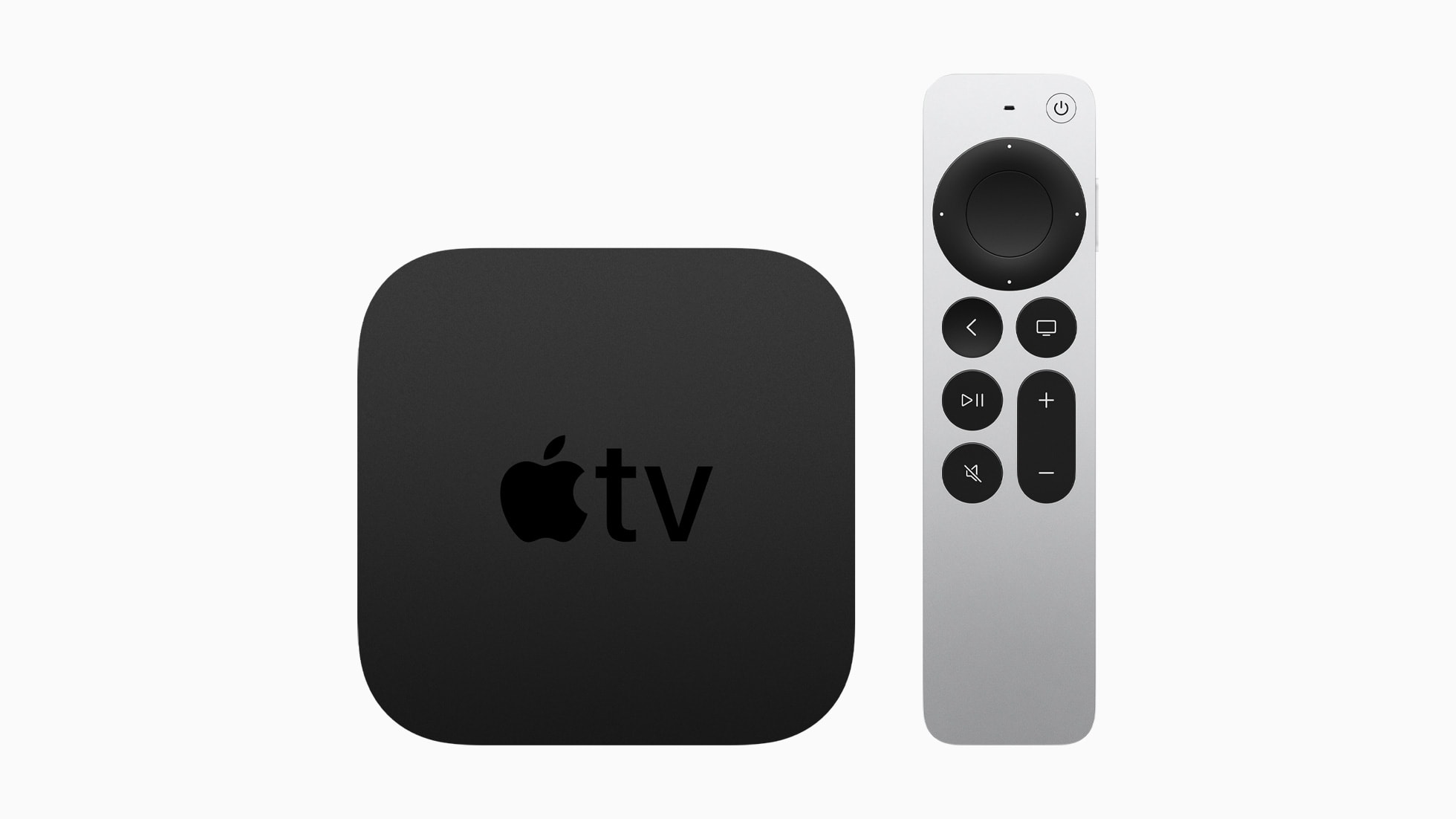
The Siri Remote is Apple’s dedicated controller for the Apple TV 4K, letting users navigate menus, launch apps, control video playback and adjust the volume on a connected television.
It includes a touch-enabled clickpad for swiping through content or clicking to select items. A dedicated Siri button lets users search for movies and TV shows, open apps and perform other tasks with voice commands.
The remote connects wirelessly to Apple TV and charges through USB-C.
Siri Remote (4th Generation)
In 2026, Apple introduced the fourth generation model that adds a built-in speaker so users can play a sound when it goes missing. It also supports Precision Finding to guide users toward the remote with the iPhone’s Find My app.
Don't ditch your trusty Apple TV 4K (3rd gen) just yet. Photo: Apple
The fourth-generation Apple TV 4K comes four years after its predecessor. While the streaming box retains almost the same design as its third-generation sibling, it packs some notable usability upgrades. That’s in addition to faster internals for a better overall experience.
Do these improvements make the Apple TV 4K (4th generation) a worthy upgrade from the third-generation model?
Do you really need the latest Apple TGV 4K? Maybe not. Image: Apple/Cult of Mac
The Apple TV 4K (4th Generation) is raising eyebrows and dropping jaws, but not with amazing new features. It’s the price: $299. Fortunately, owners of older versions of the streaming box can get many of the biggest upgrades without buying new hardware.
And for a small investment, the improved Siri Remote can also upgrade a current Apple TV 4K.
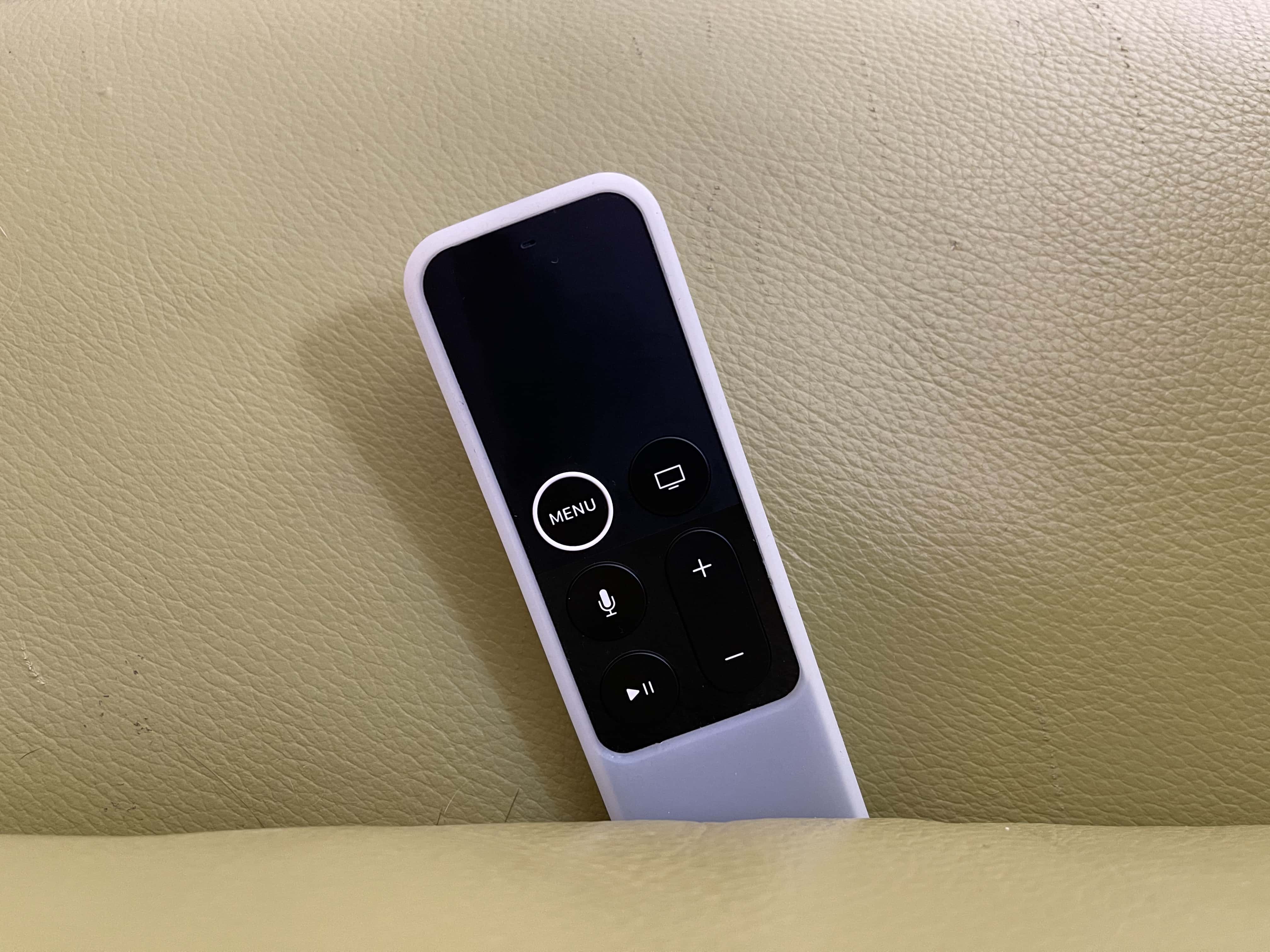
Ah-Ha! It was between the couch cushions! Image: Apple/Cult of Mac
Apple’s new Siri Remote adds a long-requested feature that makes it easier to track down the little controller when it goes missing… which you know it will. And you don’t have to buy the company’s new Apple TV 4K to get it.
The updated remote, announced Tuesday alongside Apple’s latest streaming box, adds an audible alert sound to make the device more findable. And it has Precision Finding, too.
The Siri Remote (4th Generation) is sold separately, so owners of older Apple TV models can upgrade to it.
Fix the remote, the Home Screen, and those pesky sports notifications. Image: Davidbspalding/Wikimedia Commons/D. Griffin Jones/Cult of Mac
There are three Apple TV settings I always tell people to change as soon as they set up their set-top box. While I heartily recommend the Apple TV over the clunky and ad-infested experience of Roku and other smart TVs, it’s not perfect. You’ll want to change a few things to make it right.
First of all, you can put one of the Siri Remote buttons to better use. The TV button, by default, opens the Apple TV app — but you can have it take you to the Home Screen instead. Also, you’ll want to change the Home Screen to show your Continue Watching list, not its recommendations. And finally, you can turn off those annoying Apple TV sports notifications to stop the interruptions while you’re watching your shows.
Change these three annoying default settings, and you’ll enjoy a far better viewing experience. Keep reading or watch our video to find out how.
All hail the mighty Siri Remote. Image: D. Griffin Jones/Cult of Mac
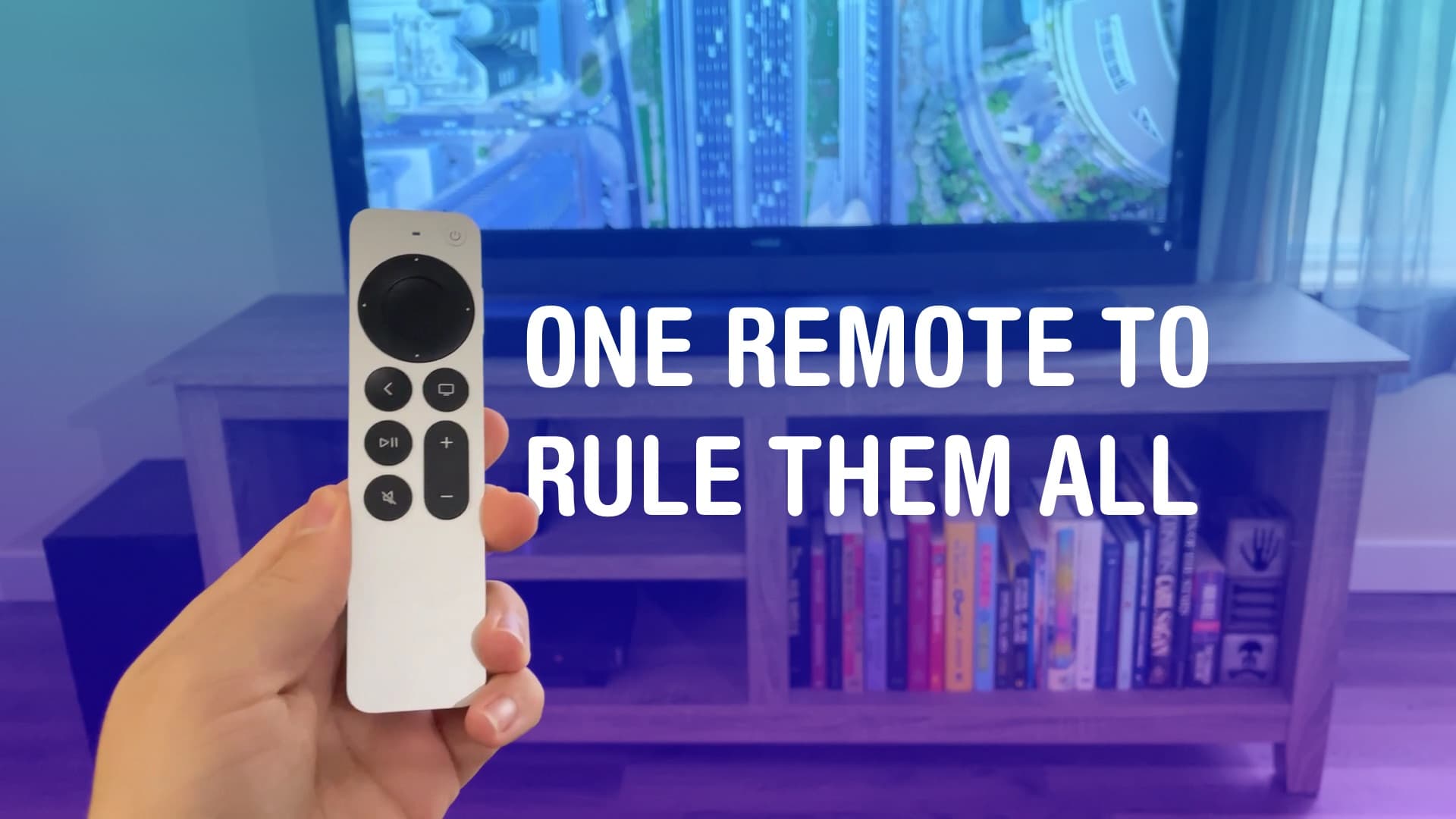
You can set up your Apple TV’s Siri Remote to control the volume levels of a separate sound system. It might not work out of the box. But with a little poking around in Settings, you can set it up so you can use the convenient volume buttons built into the Siri Remote to control sound bars, etc.
That means you won’t need to keep two or three remotes lying around — you can make it all work from just one. It just takes a little setup.
★★★★☆
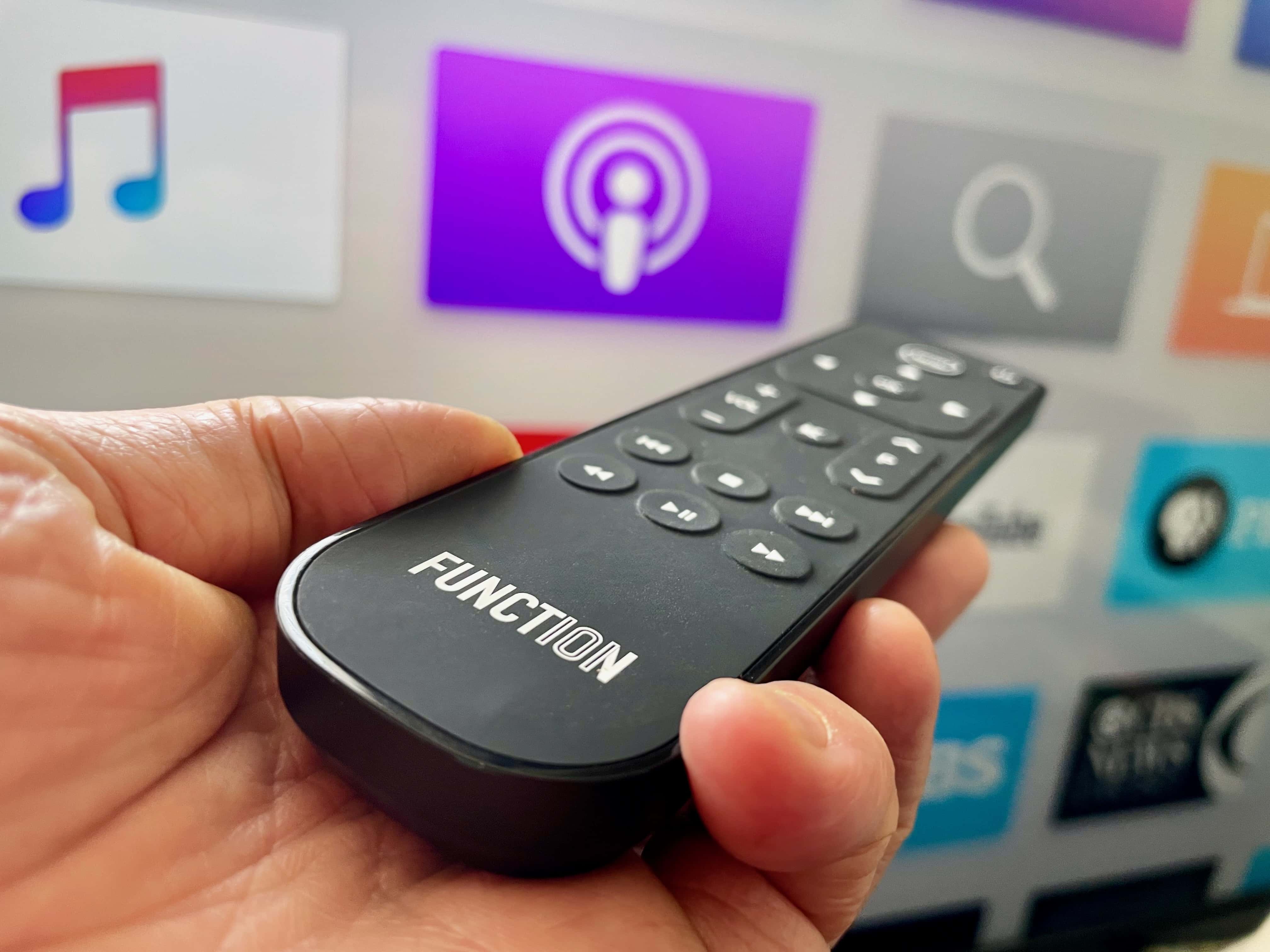
This Apple TV remote has what others lack -- buttons! Photo: Leander Kahney/Cult of Mac
Update: Function 101’s Button Remote for Apple TV has been upgraded with Bluetooth, allowing the multibutton remote control to work without direct line of sight to your Apple TV. This proves essential if you mount the streaming box behind your TV or hide it away in a cabinet. Otherwise, the remote looks and works the same, and is an excellent replacement remote for your Apple TV.
If, like me, you hate the fiddly Apple TV Siri Remote, Function 101’s Button Remote for Apple TV is a good replacement remote.
It’s a traditional infrared remote control — and now with added Bluetooth — with 18 simple buttons, hence the name. Thanks to its familiar design, it’s perhaps the easiest way to use your Apple TV.
It works with most TVs and home theater components out of the box, works with regular batteries, and isn’t as easy to misplace as Apple’s remote. There’s a lot to like, and it’s on sale for 25% off exclusively for Cult of Mac readers over the Memorial Day weekend. Use code CULTOFMAC25 (code applies to sitewide to all Function 101 products).
Before your Siri Remote goes missing, make sure you can track it. Photo: Elago
Forever losing your Siri Remote for Apple TV? You should probably do something about that — like wrapping yours in one of these protective silicone cases from Elago that also can house an AirTag.
Priced at less $15, the R5 case keeps your sleek and slender remote in tip-top condition, and allows it to be easily tracked when it inevitably goes missing. It also makes your 2020/2021 Apple TV remote more comfortable to hold onto.
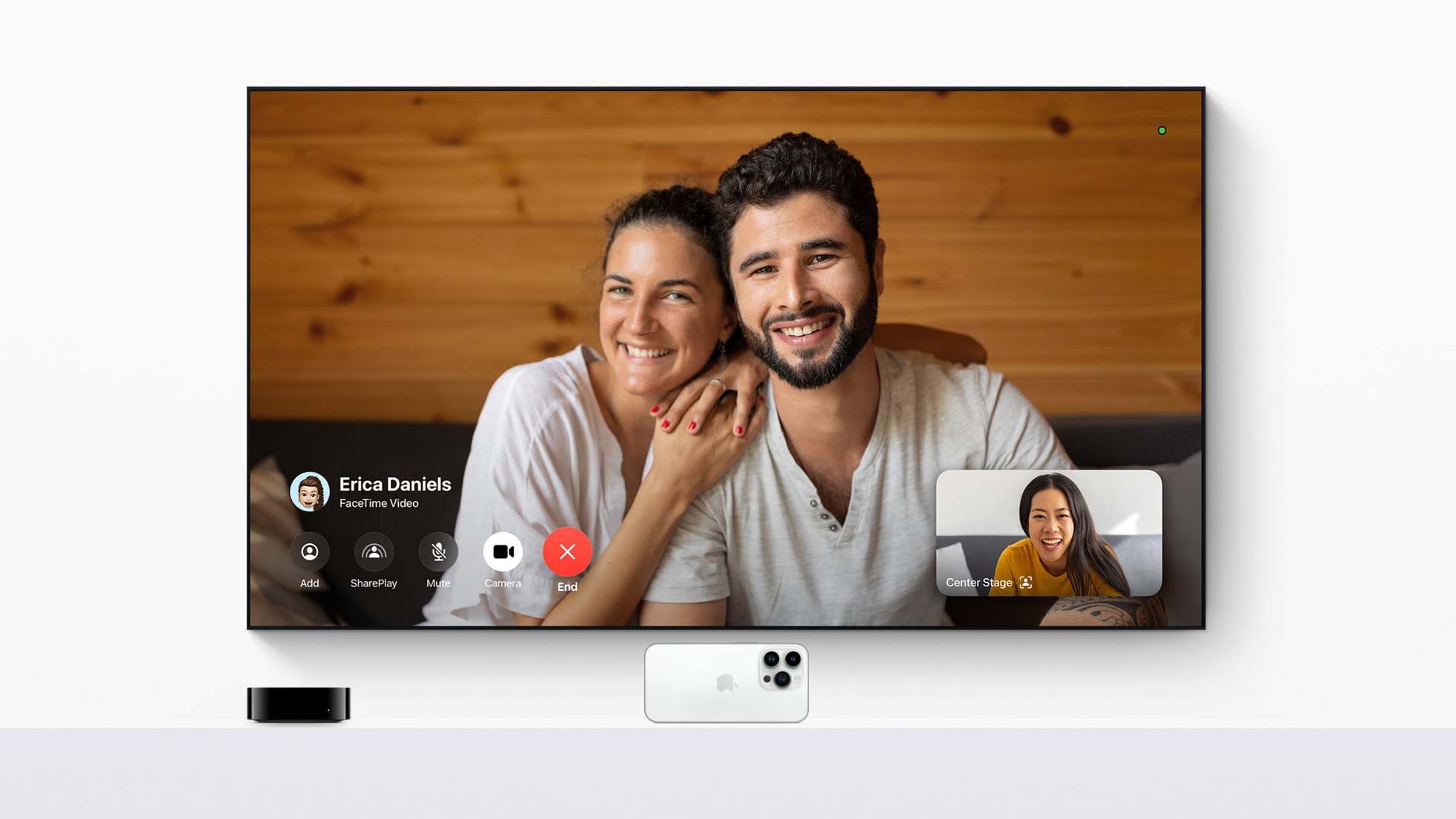
With the tvOS 17 update, FaceTime comes to Apple TV 4K for the first time. Photo: Apple
Apple TV 4K became a more versatile living room device with Monday’s launch of FaceTime on tvOS 17, Apple said, referring to it as “a powerful integration of hardware and software.”
“Users can make calls directly from Apple TV 4K, or start calls on iPhone or iPad, and hand them off to Apple TV 4K,” Apple noted. “FaceTime on Apple TV 4K takes advantage of Continuity Camera support to wirelessly connect to iPhone or iPad, and leverages the devices’ cameras and microphones to bring participants together on the TV.”
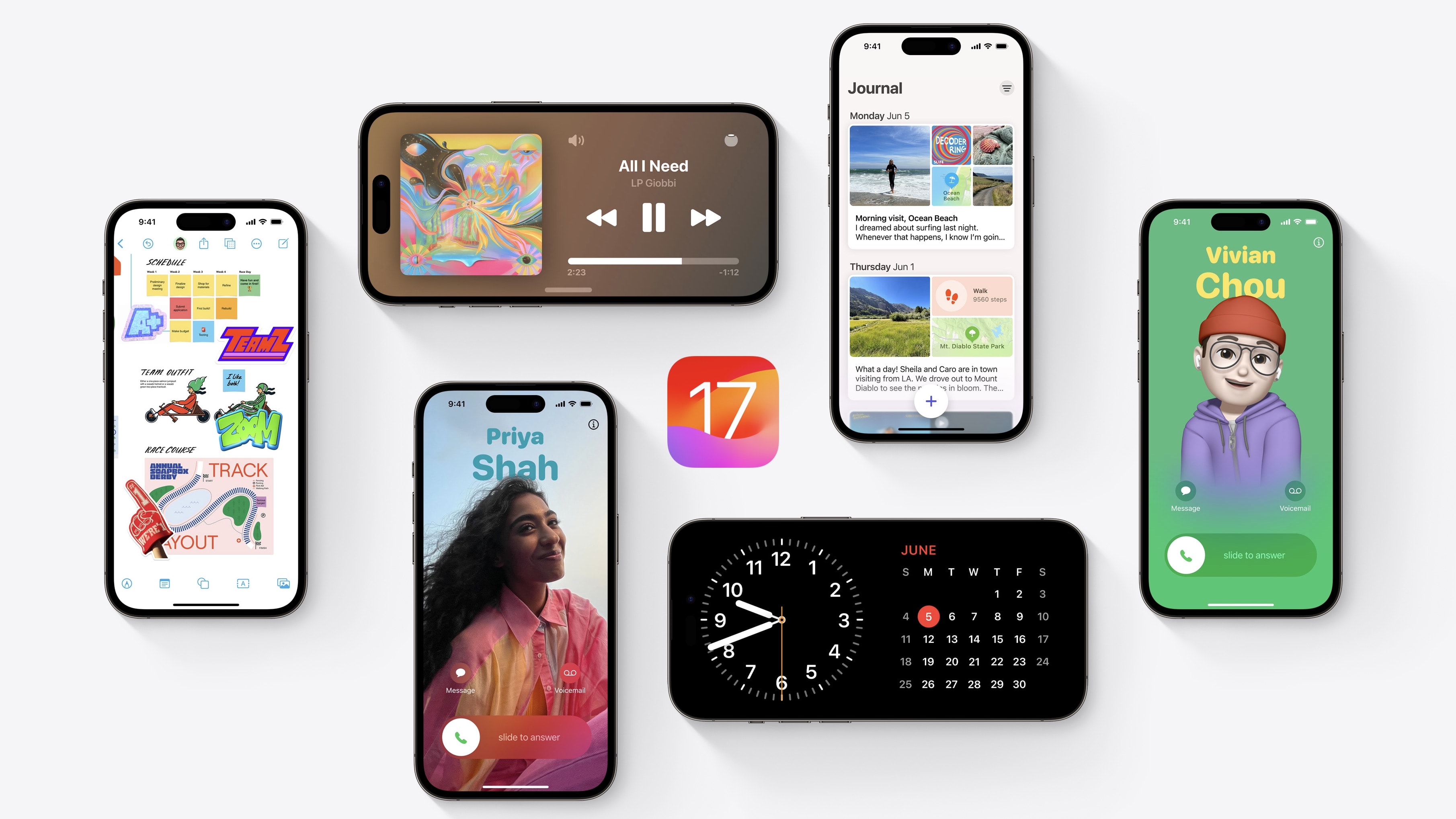
The fourth iOS 17 developer beta is here with some minor changes. Photo: Apple
Apple continues beta testing iOS 17, with the seventh beta dropping on August 22nd. As the beta program has progressed, the company has made fewer and fewer user-facing changes to new builds.
It’s the same story with iOS 17 beta 7, which hardly packs any meaningful changes or improvements. Below is everything new in the latest iOS 17 and iPadOS 17 beta.
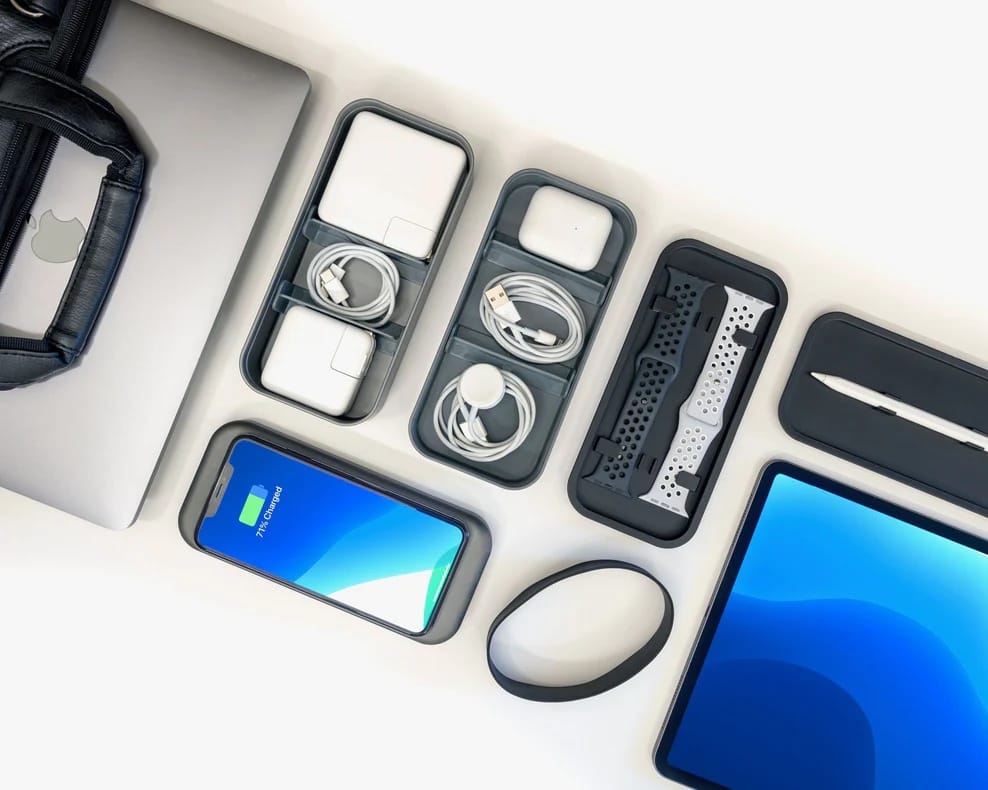
You can use the BentoStack to neatly store you Apple accessories (and charge them). Photo: Function101
Do you ever feel like you could be neater and less disorganized? Some of us always feel like that. But plenty of tools exist to help you get organized, like the Function101 accessories listed for 20% this week in the Cult of Mac Store.
You can find 10 helpful items in the Function101 collection, from desktop organizers to cable-management must-haves. See some highlights of the sale below. The sale runs through July 5.
Elago's W5 Apple Watch Stand is a blast from the past. Photo: Elago
Elago is known for its fun and interesting stands and cases, often in a retro vein. If you’re in need of Apple accessories along those lines — or along any lines, really — you should check out the big Halloween Sale in the Cult of Mac Store. It ends today (Tuesday, November 1).
The three Elago items below, for example, are all offered at 15% off regular prices.
Does the Siri Remote have you going around in circles? Photo: Graham Bower/Cult of Mac
When Apple TV 4K launched last year, it had fans salivating. But not for the sharper picture or faster processor. It was the new Siri Remote that caught everyone’s eye. Had Cupertino finally made a TV remote control that didn’t suck?
With its iPod-style scroll wheel, the second-generation Siri Remote promised to make scrolling through content effortless. In reality, the scroll wheel turned out to be hard to use, and lacked support from third-party apps like YouTube.
But don’t throw your remote at the TV just yet. When you get the hang of its quirks, the Siri Remote scroll wheel works surprisingly well. And you can use it with loads of essential apps, including Netflix, HBO Max and, of course, Apple TV+.
Apple TV 4K is a real steal after a massive 27% discount Photo: Apple
Looking to buy the Apple TV 4K? Amazon currently has an irresistible deal that drops the streaming box to its lowest-ever price of $129.99. That’s a massive $49.01 discount off its MSRP.
The deal is unlikely to last for long, so pull the trigger on it as soon as possible.
Bag yours before they're all gone! Photo: Ste Smith/Cult of Mac
Update your home entertainment experience with an Apple TV 4K at its lowest-ever price. OWC is offering brand-new previous-generation units for just $109 for a limited time only.
That price is a whopping $70 off the hardware’s original price, and well below the previous low of $119. Act fast — you can buy up to three while inventory lasts.
You don't need to buy the cow to enjoy the sweet cream. Or something. Photo: Jeremy Zero/Unsplash CC
You can get the best part of this year’s Apple TV update — the totally redesigned Siri Remote — at a healthy $9 off from Verizon Wireless right now. It’s the first discount we’ve seen on the new Apple TV remote, and it drops the price to just $49.99 with free shipping.
By buying the remote separately, current Apple TV owners gain major benefits while avoiding the big (and mostly pointless) investment in the pricey new set-top box. And you don’t need to be a Verizon Wireless subscriber to jump on this hot deal, either.
Its new interface better resembles the new Siri Remote that ships with the latest Apple TV 4K, introduced back in April, and offers greater functionality over the old design.
It's a big improvement from its predecessor. But not easy to open up. Photo: Apple
Most people haven’t gotten their hands on the 2021 Apple TV 4K yet. The good folks at iFixit have not only picked one up, but they’ve also stripped it down to peer inside.
A new teardown video suggests that the next-gen set-top box could be fairly straightforward to fix. However, don’t expect that same repair ease to apply to the upgraded Siri Remote.
Wouldn't it have been great if the Siri Remote featured some of Apple's smart AirTag tracking tech? Photo: Apple
Of all the items that get misplaced regularly in my home, the TV remote has got to rank up there as number one. Other items, such as keys and wallet, may have a smaller footprint, but for whatever reason it’s the TV remote which constantly winds up going MIA.
With Apple redesigning the hated Siri Remote for its 2021 Apple TV 4K, you’d think it would be the perfect time to add some kind of tracking functionality to the device. After all, Apple’s just introduced AirTag, its location-tracking smart tech which promises to help you locate those hard-to-find with impressive accuracy.
Surely Apple could have squeezed its U1 Precision Tracking tech into the revamped Siri Remote? Apparently not. And according to a somewhat cryptic comment by Tim Twerdahl, Apple’s vice president of product marketing for home and audio, it’s to do with it being too thick. Or something.
Apple once labelled the Apple TV a “hobby.” Now, six generations down the line, it’s proven it’s longevity as an interest for Apple. But is it the “must-have” streaming box the company has long promised?
With the review embargoes having lifted for the 2021 Apple TV 4K, it seems like Apple may have finally cracked the formula. And all it took were some neat upgrades and switching out that darn Siri Remote for something a whole lot better.
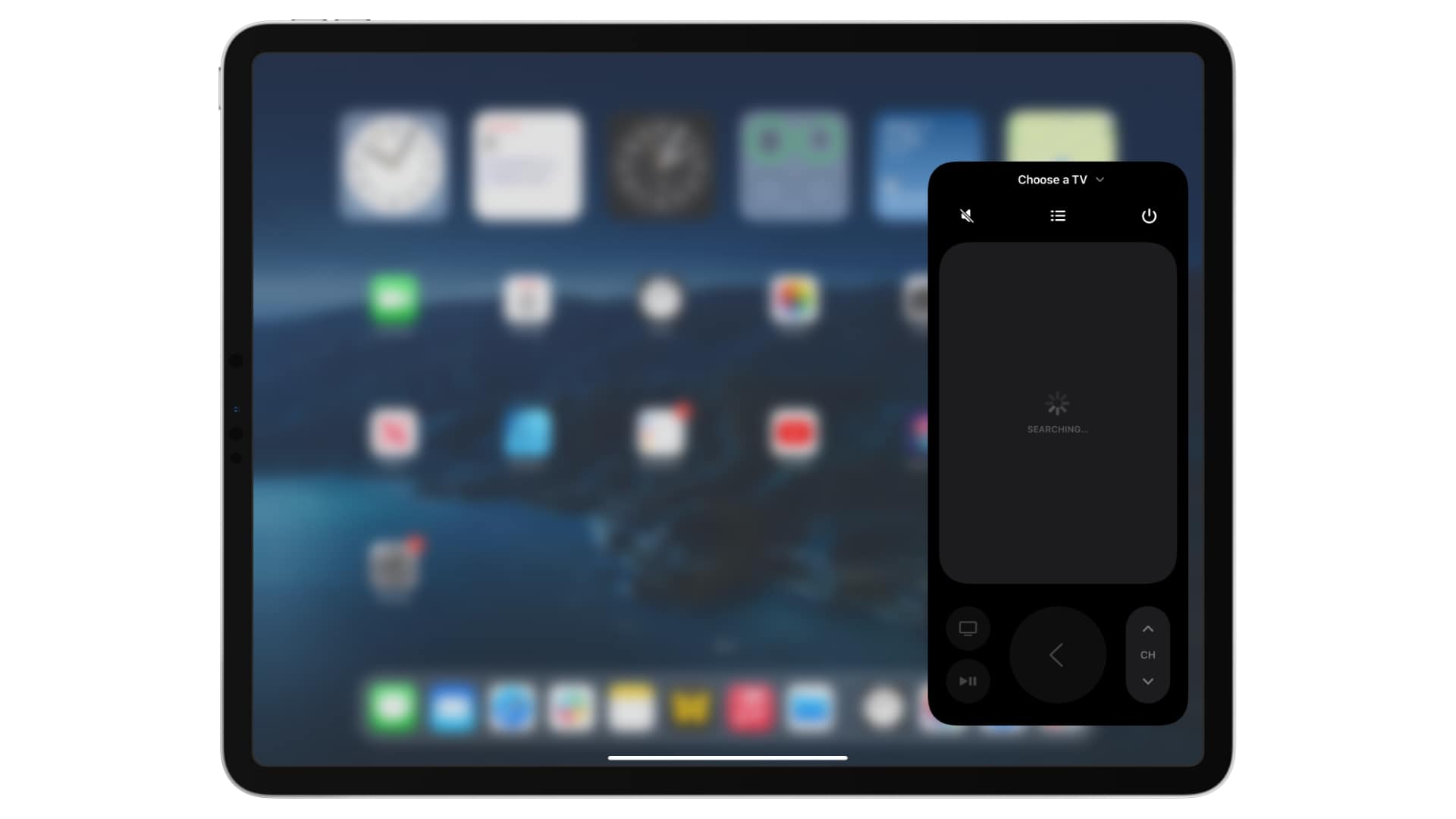
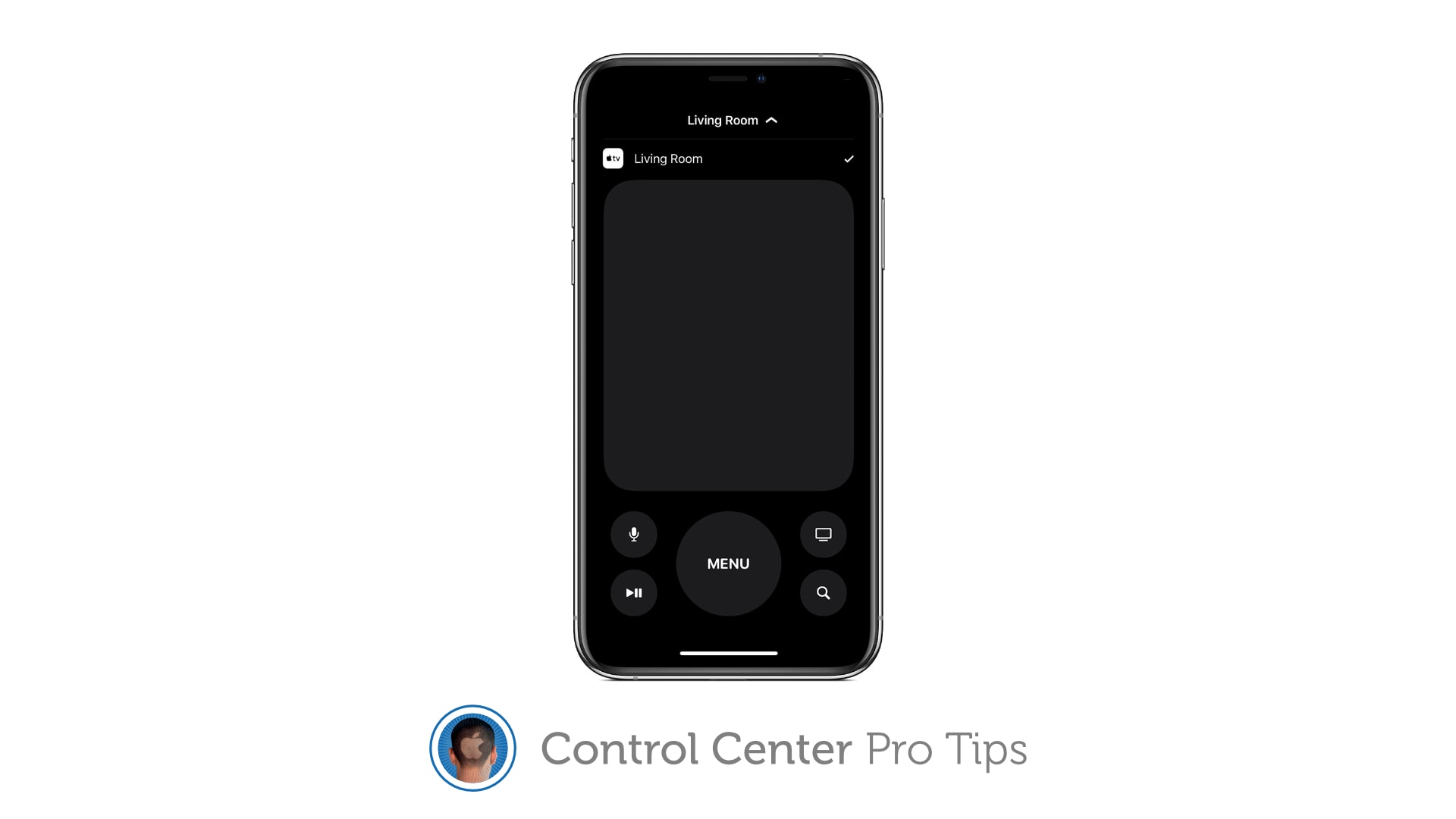
Your iPhone or iPad can replace your Apple TV remote completely. Image: Killian Bell/Cult of Mac
We want to help you master Control Center, one of the most powerful and underutilized features on Apple devices. Cult of Mac’sControl Center Pro Tips series will show you how to make the most of this useful toolbox on iPhone, iPad, Apple Watch and Mac.
Lost your Apple TV’s Siri Remote? Control your set-top box using Control Center on your iPhone or iPad instead. It’s super-simple to set up and you get all the buttons you need for complete control.
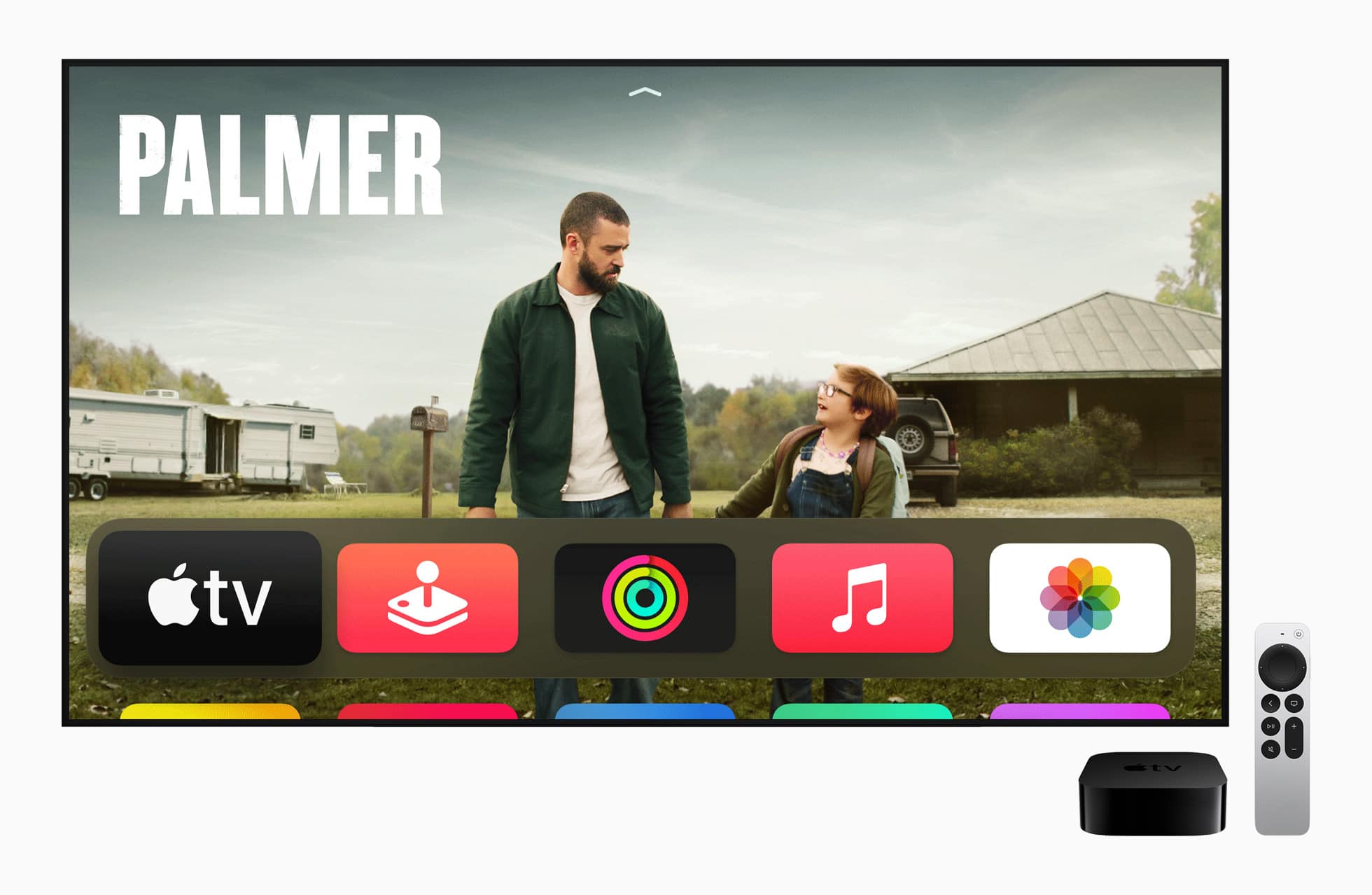
Apple TV's sixth-gen version is here. As is a new remote. Photo: Apple
Apple took the wraps off the new sixth-generation Apple TV 4K on Tuesday. The upgraded set-top box boasts Apple’s A12 Bionic chip, which should bring a welcome performance boost. But perhaps more importantly, Apple redesigned the controversial Siri Remote.
The upgraded remote packs a new clickpad control system, a touch-sensitive ring that makes it easy to jog video backward and forward, and dedicated power and mute buttons.
Say goodbye to losing your Apple TV Siri Remote. Photo: Lewis Wallace/Cult of Mac
In pictures, the Apple TV’s sleek Siri Remote looks like a total winner. In practice, it’s a bit of a disaster. Luckily, the fix is in: Elago’s inexpensive R4 Retro case makes the Siri Remote easier to use and harder to lose.
Plus, the silicone sleeve looks sporty and provides some protection to the surprisingly fragile Apple TV remote.