Mobile menu toggle

Search results for: shortcuts

6 must-know shortcuts for every Smart Keyboard owner
By

`
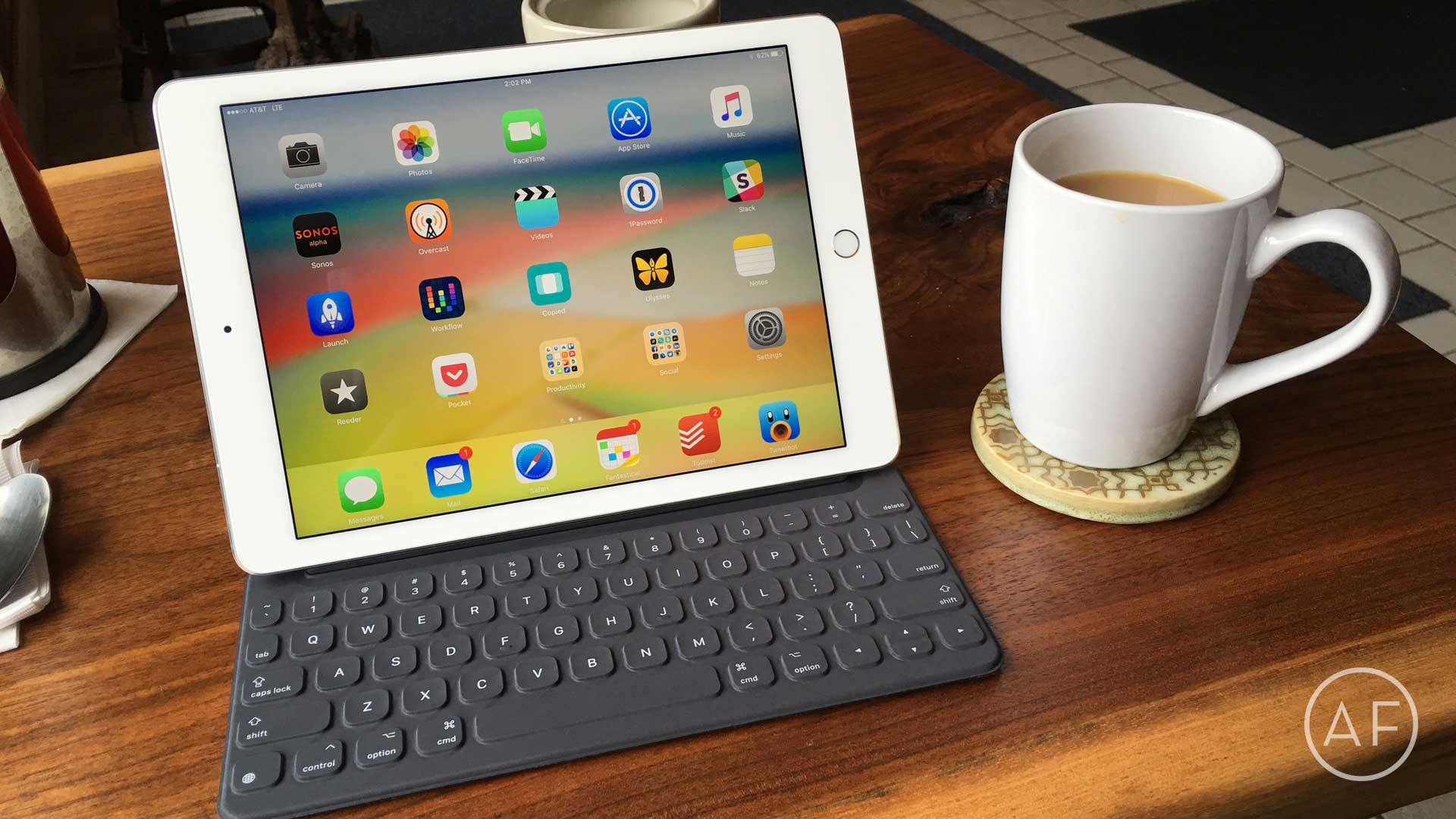
Apple has extended service on the Smart Keyboard for iPad Pro to address "functional issues."
Photo: Ally Kazmucha/The App Factor

app-factor-logo-thumbnail Back in November, I purchased a 12.9-inch iPad Pro and a Smart Keyboard to go with it. I was so used to my Belkin keyboard paired with my iPad Air 2 that I quickly became frustrated with the Smart Keyboard’s lack of a shortcut row. Before long, I returned the Smart Keyboard (and the 12.9-inch iPad Pro).

5 Netflix keyboard shortcuts that put you in charge

By

Netflix on a MacBook
You now have to pay more for the best Netflix package.
Photo: Stephen Smith/Cult of Mac

When you’re binge-watching a show like Walking Dead or Person of Interest on Netflix, you may at times need to get up for a snack or bathroom break (or both).

Fumbling around for the mouse to bring up the playback overlay is fine, but using the keyboard to pause your streaming media is much faster. Here are five hidden keyboard shortcuts that will put you in charge of your Netflix experience.

iOS 9.3 brings all-new 3D Touch shortcuts

By

iphone-6s-3d-touch-780x414
3D Touch is becoming more indispensable.
Photo: Apple

3D Touch gets a big boost in iOS 9.3, the latest version of Apple’s mobile operating system.

On top of the various other “what to expect” features we’ve told you about, the iOS update, which arrived yesterday, also adds a host of new shortcuts you can use from the home screen for all standard pre-installed apps. Check out our list below.

Pro Tip: iPad Pro uses same keyboard shortcuts as your Mac

By

Use your new iPad Pro with these familiar keyboard shortcuts.
Photo: Leander Kahney/Cult of Mac

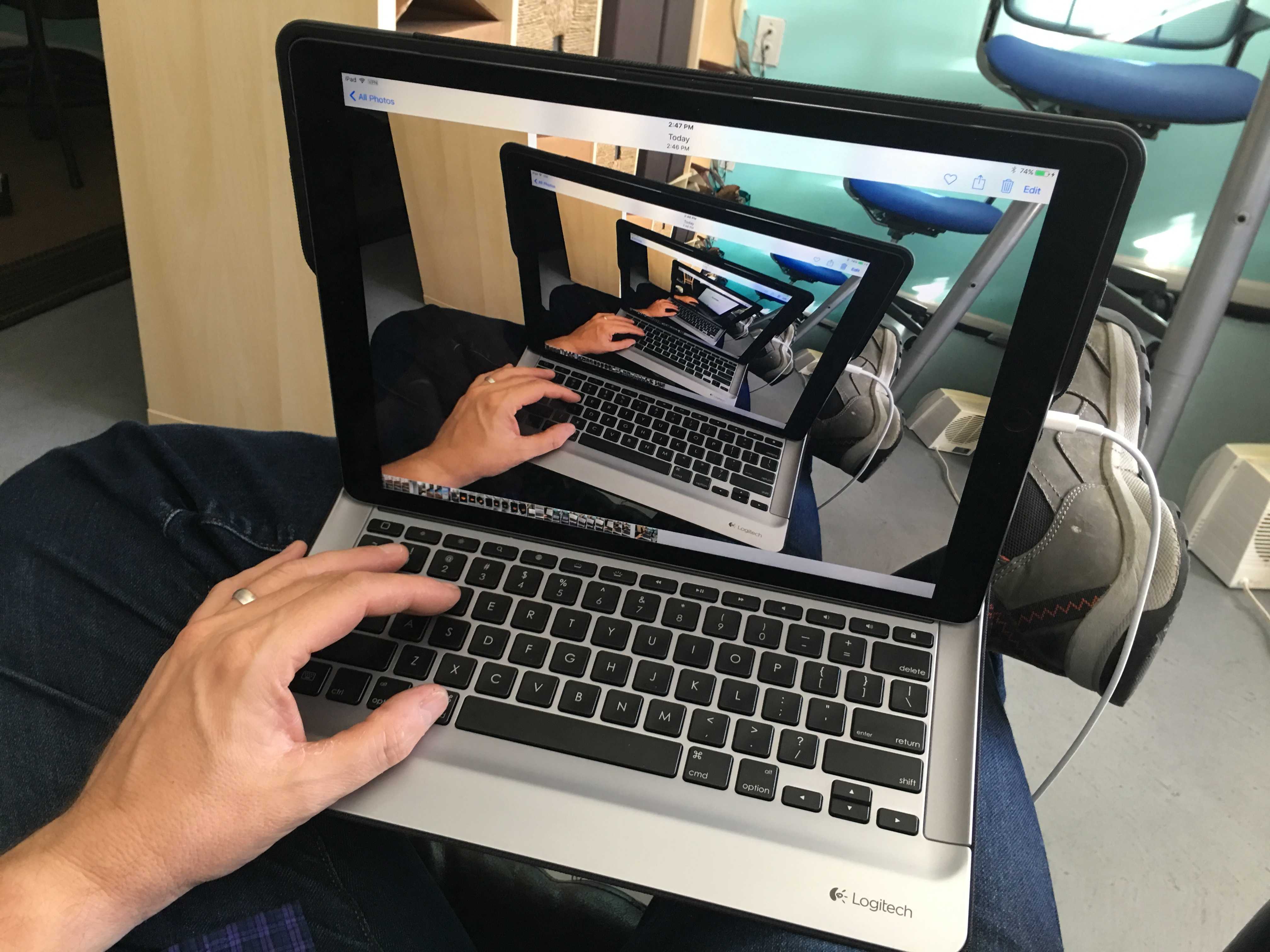
Pro Tip Cult of Mac bugIf you’re one of the lucky ones to get your hands on a big, beautiful iPad Pro, you might be surprised that many of the same OS X keyboard shortcuts, like the ones for cut, paste, find, etc., are available right on your new giant laptop replacement.

The iPad Pro keyboard has a Command key on it, as do several third-party keyboards.

If you’re already a Mac user (and you should be), you’ll feel right at home when you need to create a new document in Pages, make your text bold or italic, or even show the word count in a document. Here are several key combinations you can use right out of the box.

Even more essential Mac keyboard shortcuts

By

So many shortcuts, save a little time. Photo: DeclanTM/Flickr CC

There are a ton of Mac keyboard shortcuts to make your digital life easier and more productive. Last week, we showed you 10 of the best shortcuts to keep in mind when using your Mac, and you responded with even more.

Here are Cult of Mac readers’ suggestions for even more fantastic Mac keyboard shortcuts.

Top 10 Mac keyboard shortcuts everyone should know

By

Using these simple keyboard tricks will make your life so much better. Photo: Jim Merithew/Cult of Mac
Using these simple keyboard tricks will make your life so much better.
Photo: Jim Merithew/Cult of Mac

Mastering a few crucial Mac keyboard shortcuts will make using your Apple computer easier and much more efficient. Cutting your reliance on your mouse will help you work more quickly, and you’ll undoubtedly impress your family, friends and co-workers to no end. You might even end up becoming the go-to Mac person in your office, and we all know how wonderful that will be.

Here are the top 10 Mac keyboard shortcut tricks you really need to memorize right now, whether you’re a Mac newbie or a veteran user who still uses the mouse for everything out of habit.

5 more Mac keyboard shortcuts that make computing even easier

By

post-286246-image-7678fb1f6198f66ae1accb76fde31b2c-jpg

After we posted our handy Mac keyboard shortcuts video, we got a ton of comments — and more great suggestions about ways to streamline working with your Apple computer.

In today’s video, we take a look at another handful of great Mac keyboard shortcuts, and show you how you can make your own.

Subscribe to Cult of Mac TV on YouTube to catch all our latest videos.

5 handy shortcuts that will make using your Mac painless

By

post-285964-image-7ce6e6b2c8b537da500142384088a899-jpg

Sometimes things aren’t as easy as they could be when you’re using your Mac to plow through the day’s tasks. Cluttered screens and excess clicking become irritating and tiresome. In today’s video, we take a look at five useful Mac shortcuts that can make using your Apple computer even more efficient.

Subscribe to Cult of Mac TV on YouTube to catch all our latest videos.

Create A Quick Response To Any Message With Keyboard Shortcuts [iOS Tips]

By

shortcut1

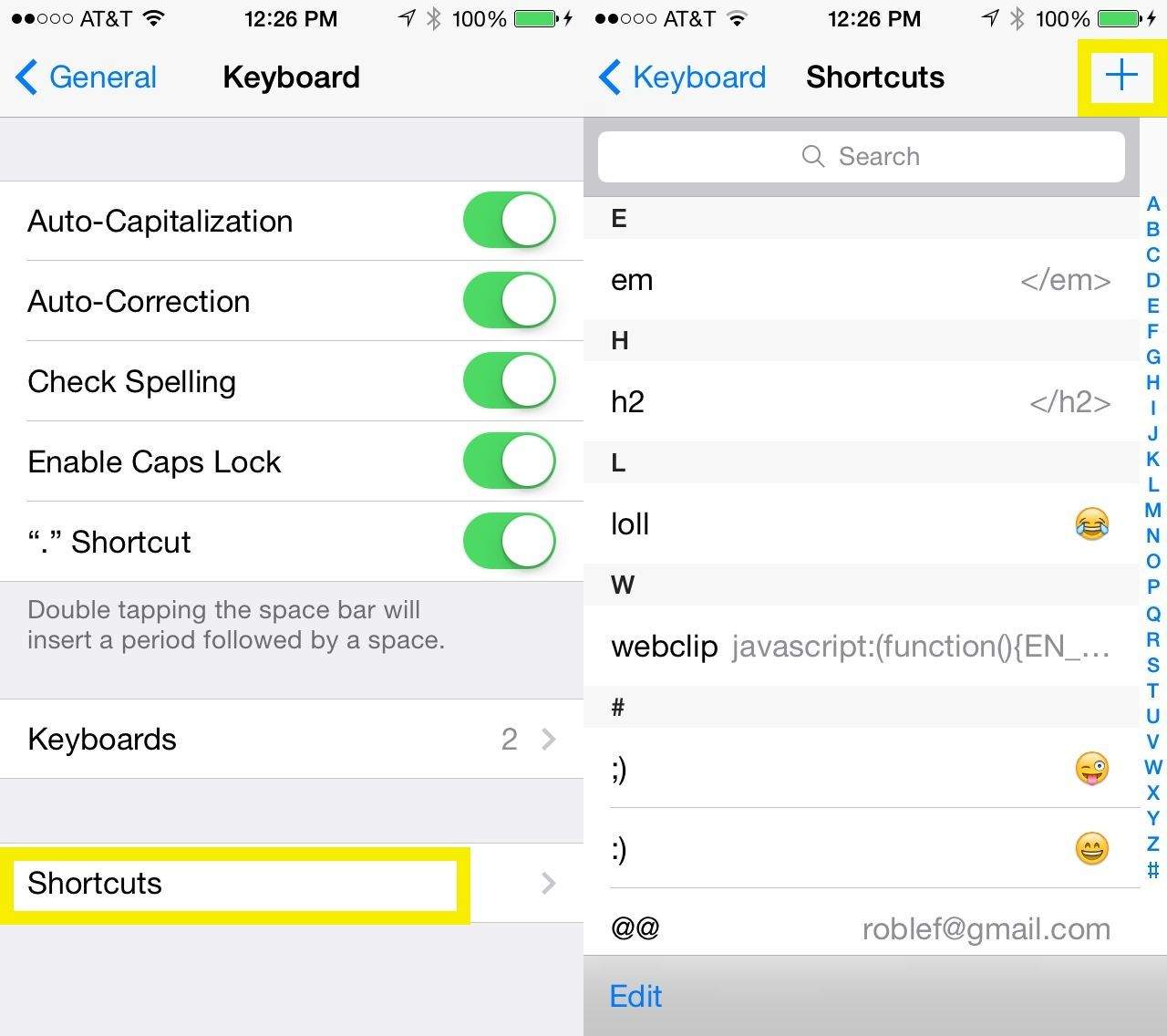
We’ve shown you how to change the default “On my way!” shortcut on your iOS device, making it just a bit less dorky. We’ve also helped you sync those keyboard shortcuts via iCloud.

Today, however, let’s look at this great use case of iOS keyboard shortcuts – the quick response template.

Cam Bunton over at Today’s iPhone has a great idea – use keyboard shortcuts to create your own short, simple message to respond to folks via Messages or Mail with this same iOS feature.

1 6 7 8 9 10 121