Mobile menu toggle

Search results for: shortcuts

These apps just got an iOS 12 and Siri Shortcuts overhaul

By

Not every shortcut is worth taking.
Photo: Charlie Sorrel/Cult of Mac

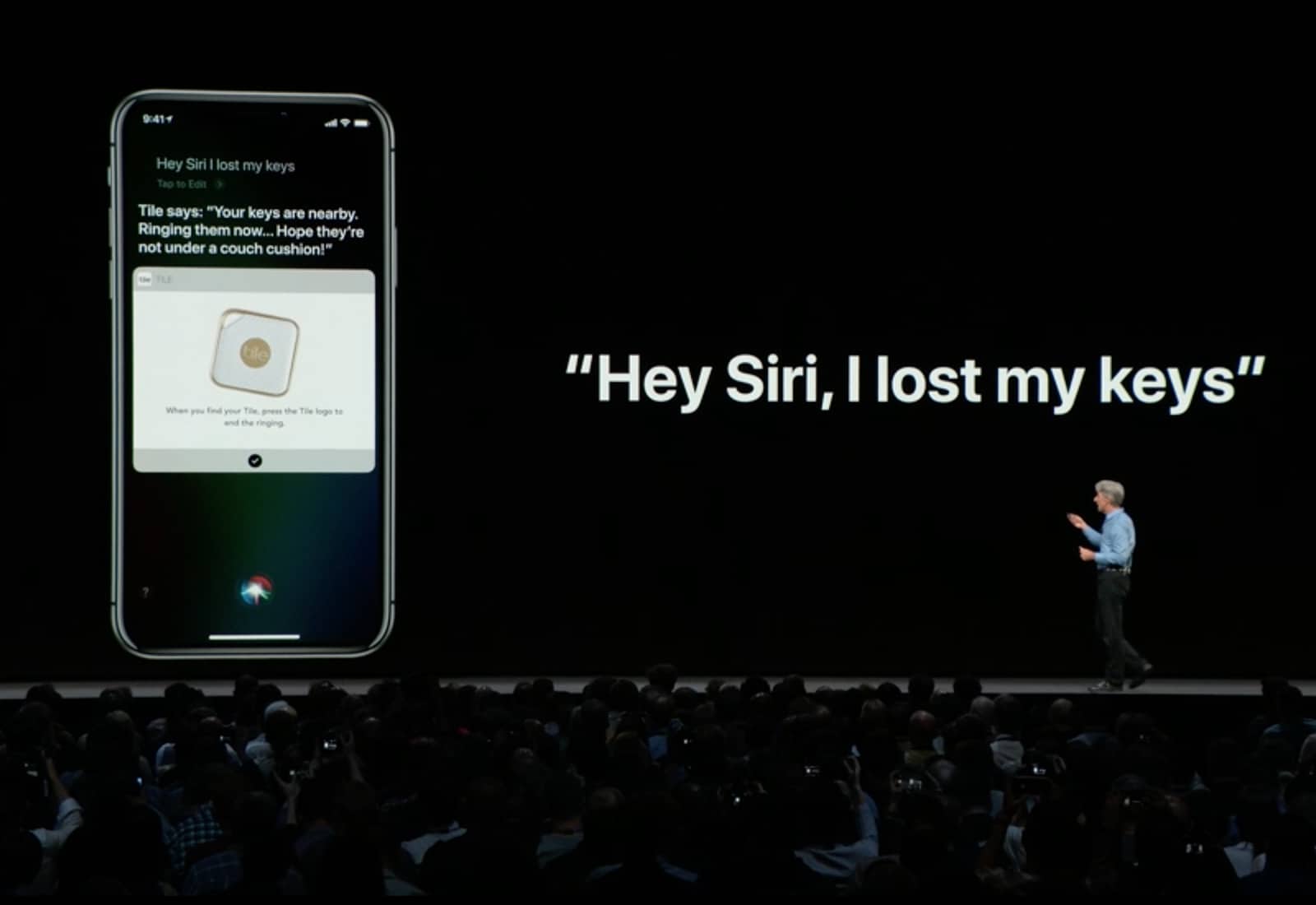
iOS 12 launches today, and there are a whole bunch of updates to apps that take advantage of the new features available in iOS 12. If you visit the App Store’s updates page, you’ll see that many apps are adding support for Siri Shortcuts. Shortcuts in iOS 12 can refer to several related new things, but in this case, Siri Shortcuts lets you interact with, and control apps just by talking.

For instance, say “Hey Siri, check my commute” to get a report of the disruptions, departures, and your ETA at work from Citymapper, or say “Show today,” and see a list of today’s tasks in Things app.

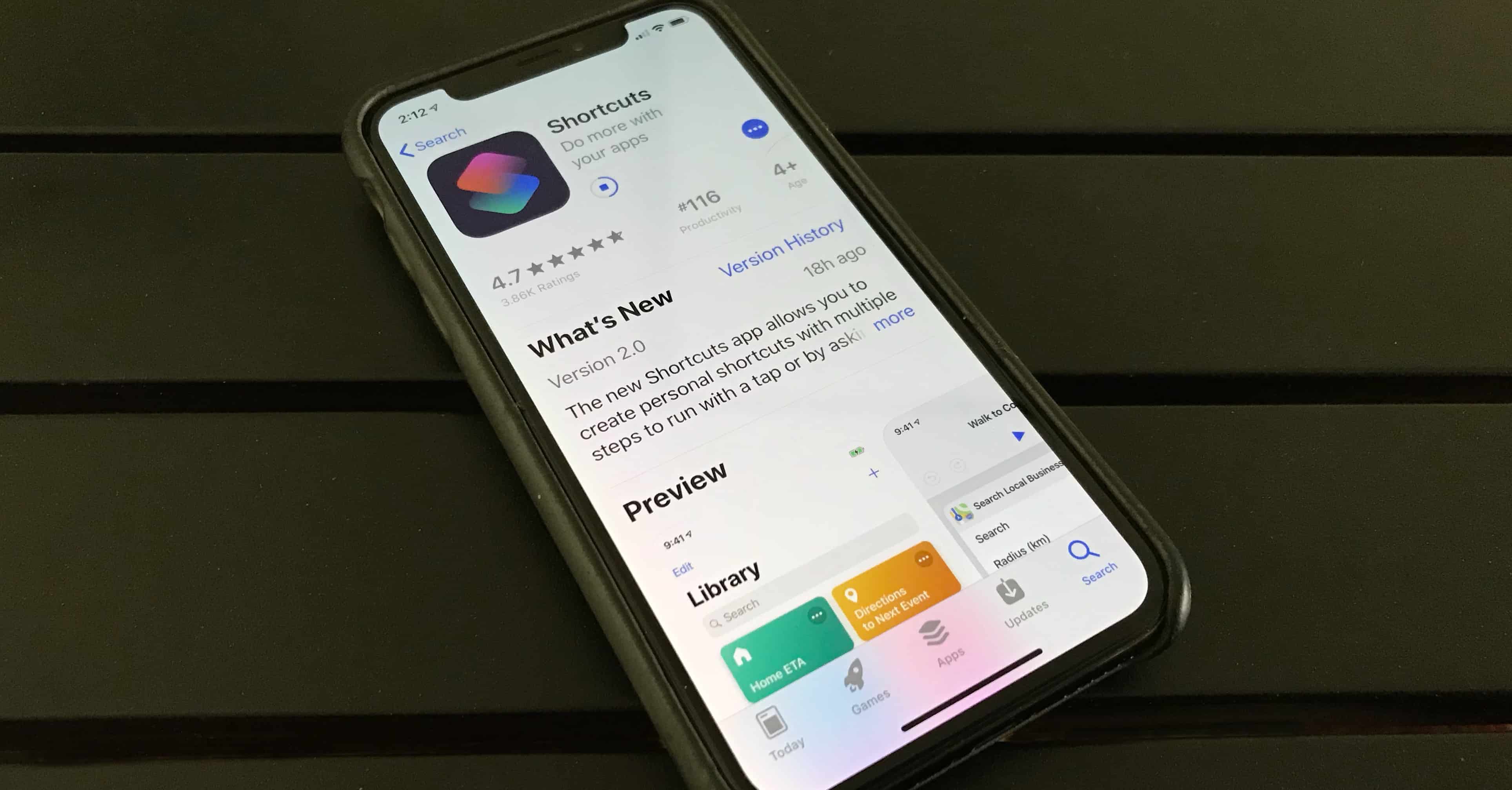
Handy Shortcuts app launches alongside iOS 12

By

Shortcuts app from iOS 12
Apple's new Shortcuts automation app has to be downloaded separately from iOS 12.
Photo: Ed Hardy/Cult of Mac

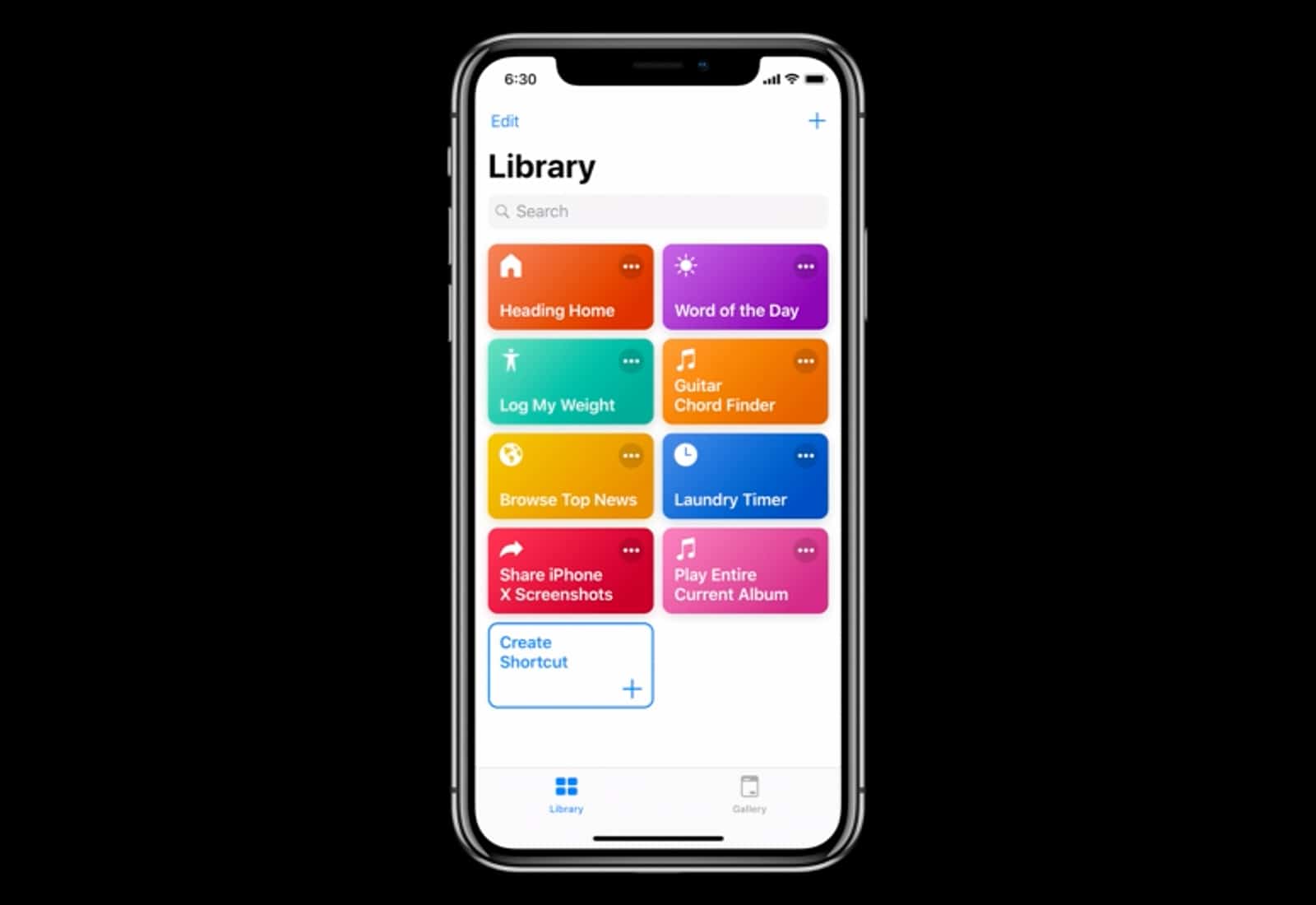
The full version of iOS 12 is now available for everyone. One of its cool new features is Siri Shortcuts, but those who want to automate functions on their iPhone also need to download a separate application from the App Store.

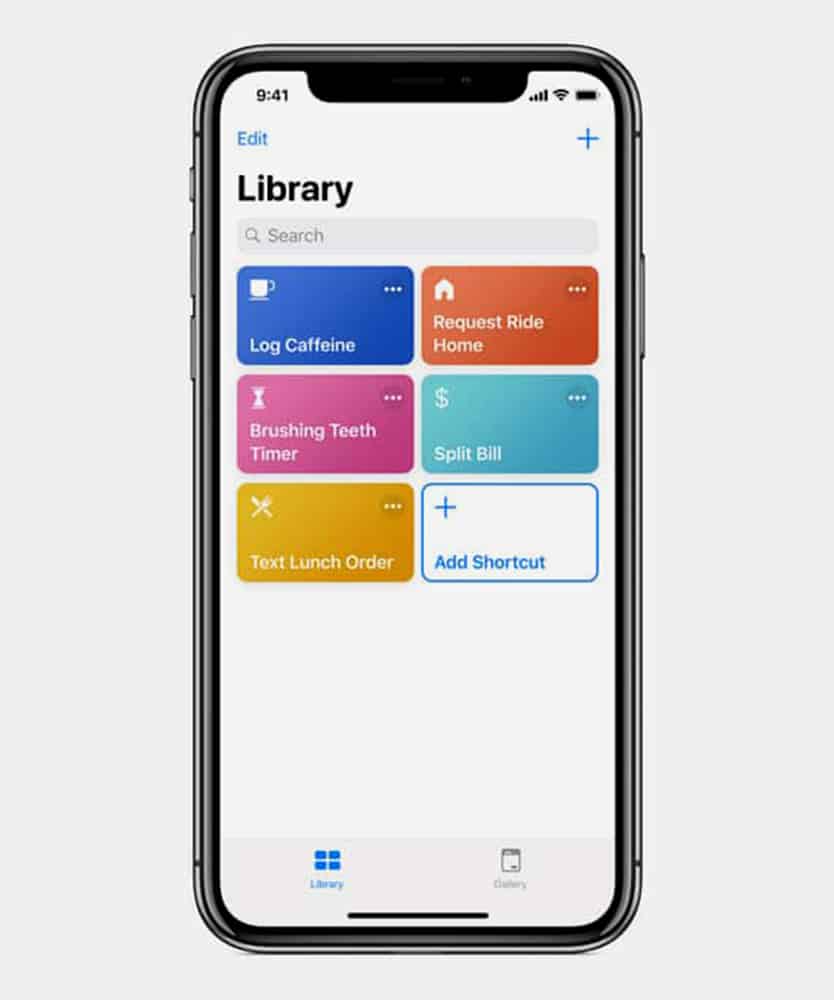
The new utility lets people create scripts that collect several actions together, then launch them with a voice command. The idea is to let you automate actions that you perform regularly.

Shortcuts for iOS 12 adds iCloud syncing

By

Sharecuts
Control your smart home devices with Siri Shortcuts.
Photo: Apple

Apple came out with a new beta for its Shortcuts app that will be released to the public as part of iOS 12 and in the latest build, you can finally take advantage of iCloud syncing.

This is the fourth beta build of Shortcuts and it contains some pretty major changes that make it even more useful for iPhone and iPad users.

Use Siri Shortcuts to quickly send photos to your family

By

siri shortcut share photos
Workflow Vs. Siri Shortcuts.
Photo: Cult of Mac

How do you send a photo to several of your family members? Do you compose a group message, adding all their various addresses and phone numbers manually? Do you have several existing threads, each with a different combo of family members?

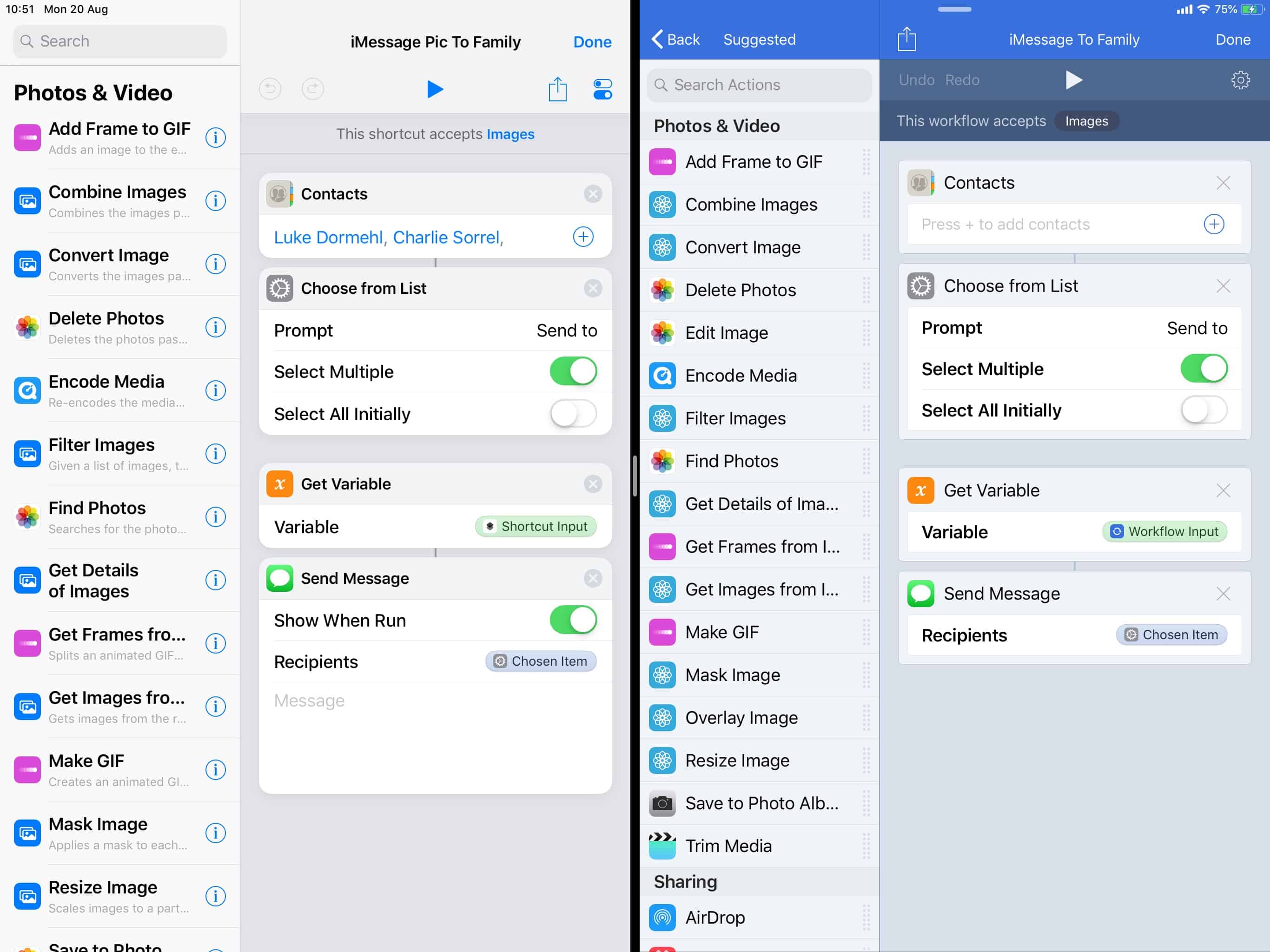
Today, we’re going to see a much easier way to send a photo to multiple recipients using Siri Shortcuts (or Apple’s Workflow app). It’s so simple that it should be built in to the iPhone.

Siri Shortcuts can now control your HomeKit devices

By

Sharecuts
Control your smart home devices with Siri Shortcuts.
Photo: Apple

Apple’s new Siri Shortcuts app, which is currently being beta tested ahead of a release alongside iOS 12, now comes with limited HomeKit support.

Its latest update gives testers the ability to add certain smart home controls to their workflows.

How to run Siri Shortcuts from Reminder alerts

By

Get a reminder to log your run every day.
Photo: Charlie Sorrel/Cult of Mac

Today we’ll see how to put a Shortcut into a reminder, so you can just tap the reminder alert to run it.

For this, we’ll use the new iOS 12 Shortcuts app, or Apple’s existing Workflow app. For instance, you could have a reminder that pops up every morning at 9AM, telling you to log your run. In the pop-up alert, right there on the lock screen, will be a button to execute a Shortcut/Workflow to do just that. Tap it, and you’ll be able to log your run via a pop up.

And of course this isn’t limited to fitness, nor even to time-based reminders.

Sharecuts will be the place to swap Siri Shortcuts

By

Sharecuts
Control your smart home devices with Siri Shortcuts.
Photo: Apple

Siri users looking forward to a new app called Shortcuts will have a place called Sharecuts to suggest and swamp custom voice commands for the Apple-based digital assistant.

Sharecuts creator, Guilherme Rambo, wanted to build a website where people could share shortcuts and suggest ways for fine-tune existing ones. It is currently a black-and-white page, but will be more colorful and robust by the time Shortcuts comes out this fall with the launch of iOS 12.

Siri Shortcuts app is now ready for testing

By

Siri Shortcuts
iOS developers can now play with a beta version of Siri Shortcuts.
Photo: iPhone Hacks

Apple said Siri would be smarter with iOS 12. The digital assistant will also multitask with the help of a native app.

A single command will kick Siri into high gear through an app called Siri Shortcuts, now available in a beta version to developers through the TestFlight platform.

How to add your own iOS 12 Siri Shortcuts right now

By

Siri
Siri Shortcuts could become super powerful.
Photo: Apple

Siri Shortcuts are the iOS way to automate actions you do over and over. The WWDC 2018 keynote gave an examples of chaining together a bunch of these actions into one shortcut — order your favorite “coffee,” and give you directions to work, or switch on the lights at home one whole hour before you get there in order to, I don’t know, waste electricity? To trigger these little automations, you just tell Siri, using a pre-chosen keyword/name.

However, you don’t alway want to put together lots of steps. Sometimes you just want Siri to carry out a single action with a Shortcut. For instance, opening up your favorite news site in Safari, or sending a message to your spouse, or viewing your most recent photos. The good news is, you can do all of these right now, even without the fancy new Siri Shortcuts app.

Small company claims Apple stole Shortcuts logo

By

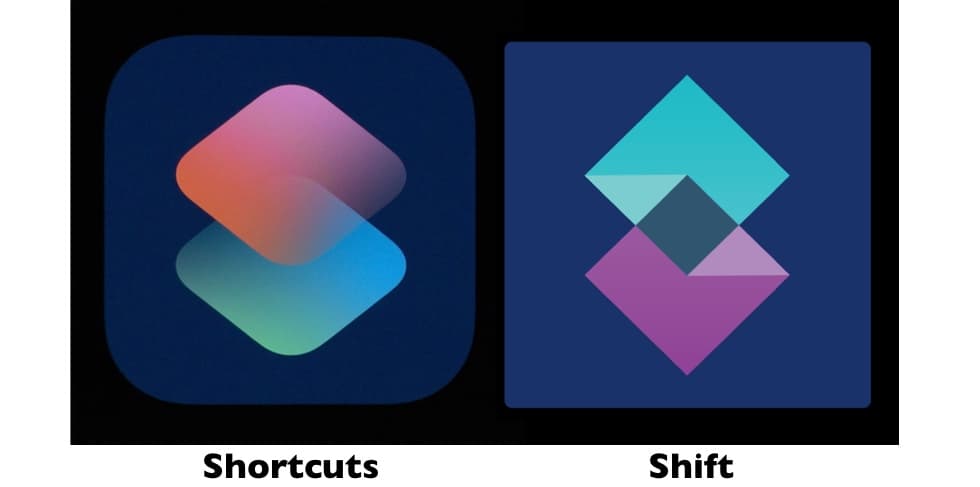
Apple Shortcuts vs. the Sift logo
Is the Apple Shortcuts logo a ripoff of this company's corporate one?
Graphic: Apple/Shift

Shortcuts is a cool feature in iOS 12 that carries out a collection on actions with a single Siri command. But a startup accuses Apple of stealing its logo.

The company’s name is Shift, and both it and the Apple Shortcuts app have logos that are stylized versions of the letter ‘s.’ Additionally, both use similar colors: blue and magenta.

1 4 5 6 7 8 121