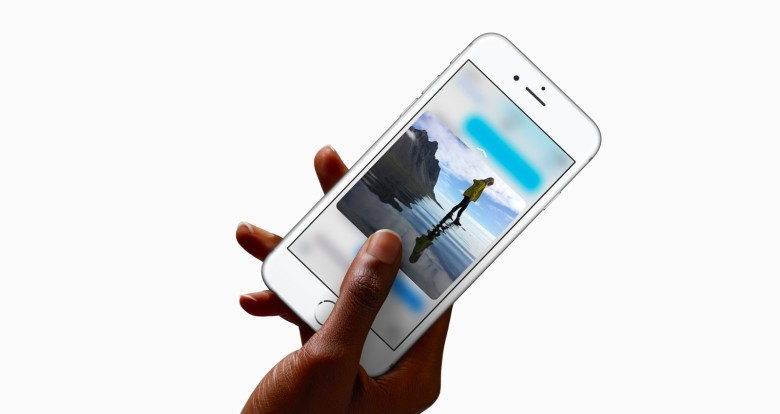
3D Touch gets a big boost in iOS 9.3, the latest version of Apple’s mobile operating system.
On top of the various other “what to expect” features we’ve told you about, the iOS update, which arrived yesterday, also adds a host of new shortcuts you can use from the home screen for all standard pre-installed apps. Check out our list below.
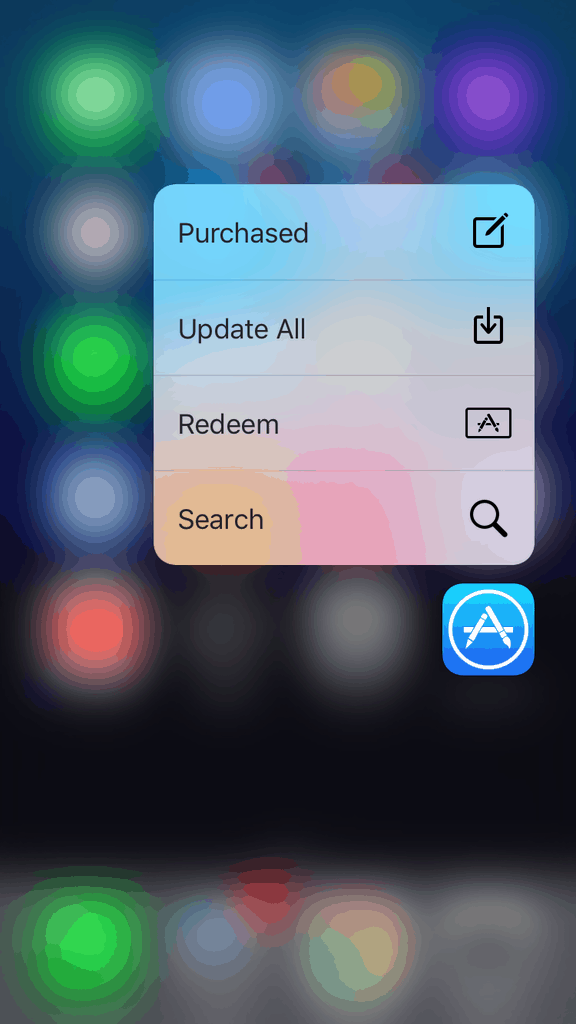
Photo: Apple
Compass, for instance, now lets you either “Start Compass” or “Set Level” with nothing more than a quick capacitive touch tap.
The App Store lets you “Search,” “Redeem,” “Update All” or check out a list of your “Purchased” items.
Health allows you to “Show Dashboard” or “Show Medical ID.”
Stocks lets you “Search.”
Weather gives you the ability to easily switch between locations or add new ones you’ve not previously searched for.
Settings allows you to “Set Wallpaper,” check battery or toggle Wi-Fi or Bluetooth.
Based on the Apple Watch’s Force Touch, 3D Touch was one of the most heavily praised features of the iPhone 6s when it made its debut last September. Additions like these take 3D Touch one step further out of the gimmick camp, and help make it the indispensable feature I truly believe it is proving itself to be.

Luke Dormehl is a U.K.-based journalist and author, with a background working in documentary film for Channel 4 and the BBC. He is the author of The Apple Revolution and The Formula: How Algorithms Solve All Our Problems … and Create More, both published by Penguin/Random House. His tech writing has also appeared in Wired, Fast Company, Techmeme and other publications.


6 responses to “iOS 9.3 brings all-new 3D Touch shortcuts”
Sad… Apple subtilize a very nice feature… this 3D touch of iOS… At OS X I never use so much it is subtilized…
No update today or yesterday.
It’s developer beta I believe. Are you paying the $100 a year for a developer account?
Oh. Probably should put the word ‘beta’ in there somewhere.
Yep exactly like switching to 2g 3g lte tab or getting into the hotspot…
Is anyone else not seeing the update? I have been a beta user on my 6plus since before iOS 9 even came out and I’m stoked about getting 9.3 but it keeps saying that 9.2.1 is up to date. I’ve restarted my phone, I’ve resubscribed to the beta program but nothings changed. Anyone else having this issue? Any advice would be appreciated.