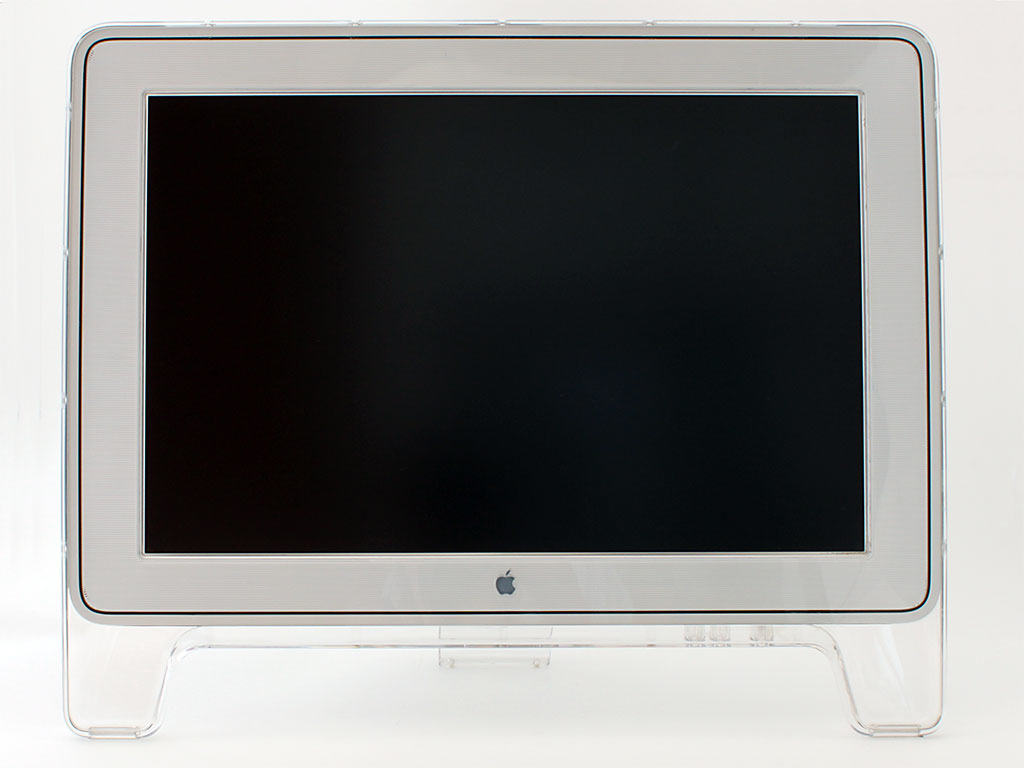
The Cinema Display was Apple's first widescreen monitor. Photo: Apple
December 29, 1999: Apple starts shipping its unfathomably large 22-inch Cinema Display, the biggest LCD computer display available anywhere,
Apple’s all-digital flat panel is a far cry from the bulky cathode ray tube monitor of the original iMac, which took the world by storm the previous year. The Cinema Display is also Apple’s first widescreen display — and the first to sport a digital video interface.
Anker has a great reputation for its charging products. Image: Anker
If you want the absolute best fast charger for your new iPhone, check out Anker, one of the top makers of phone accessories.
Anker makes an array of chargers for iPhone, including some of the fastest on the market. You never know when you have half an hour (or less!) to charge your phone. You can prepare yourself for that — get a fast charger. All modern iPhones support charging at high speeds, whether it’s plugged in, on a MagSafe stand or a Qi2 charger.
Don’t know the difference, or what your phone supports? Read our guide below.
A Critter Carol is a delightful holiday treat from Apple. Photo: Apple
Apple delivered some of its most memorable advertising campaigns in 2025, blending storytelling, humor and technical innovation. From emotional tributes to playful satire, the tech giant demonstrated why it remains a marketing powerhouse.
Here are the best Apple ads of 2025, which really helped define Cupertino’s creative year.
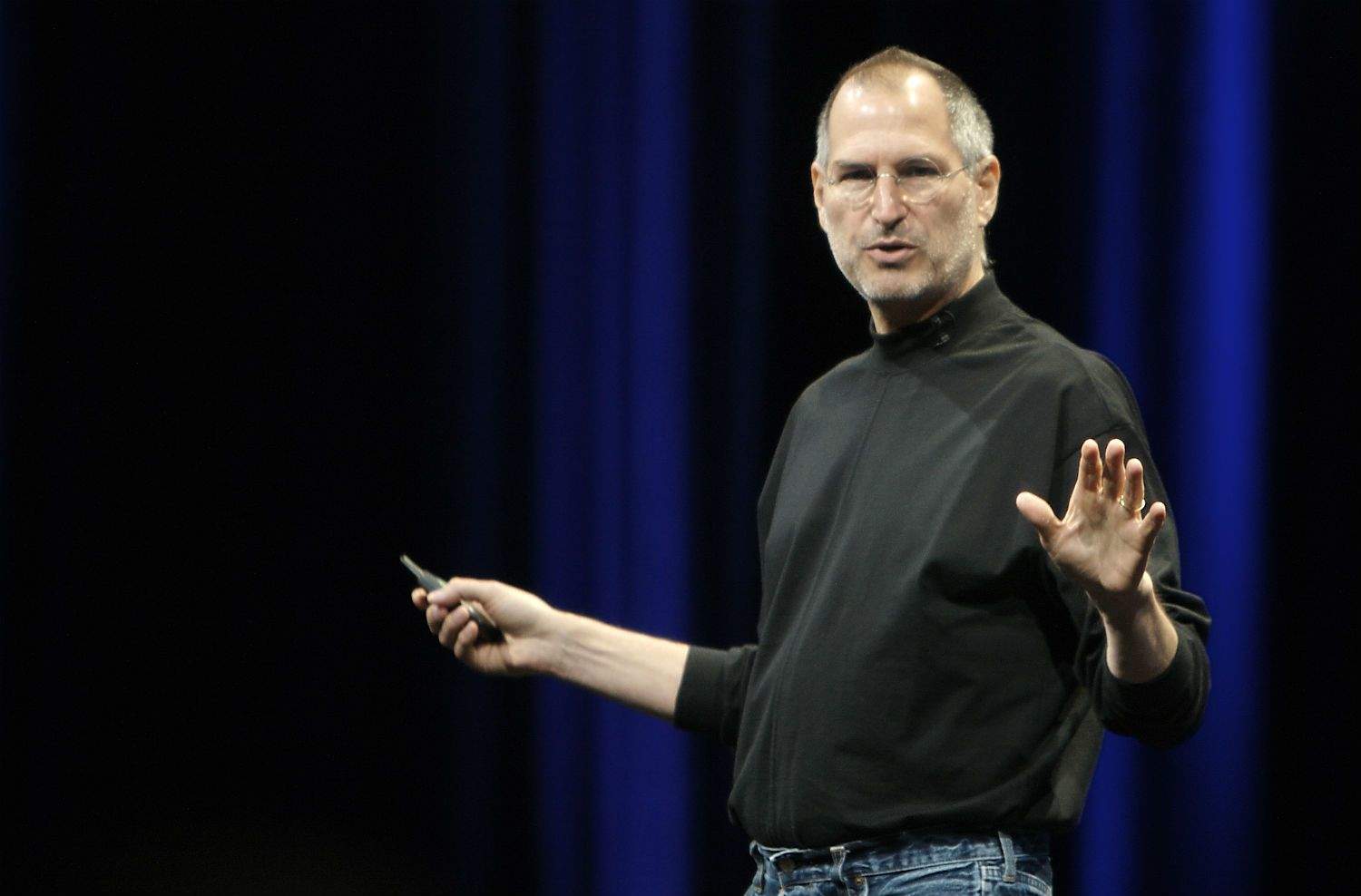
There was even some speculation Jobs could lose his, err, job. Photo: Ben Stanfield/Flickr CC
December 28, 2006: As the rest of the country enjoys a much-deserved holiday, Apple gets embroiled in a stock option “backdating” scandal.
The news, centered on the dubious awarding of stock options to CEO Steve Jobs, prompts Apple’s share price to fall. Some people even suggest Jobs might need to step down as Apple’s leader. Fortunately, that doesn’t happen.
Apple got a lot right and wrong this year. AI Image: Google Gemini
2025 was a busy year for Apple. The company launched multiple new products, some of which pushed its lineup forward in meaningful ways. However, others left plenty to be desired. Looking back, it’s clear that Apple delivered both standout successes and some head-scratching misses.
Here’s a look at the best and worst Apple products of 2025 — the ones that got everything right, and the ones that missed the mark completely.
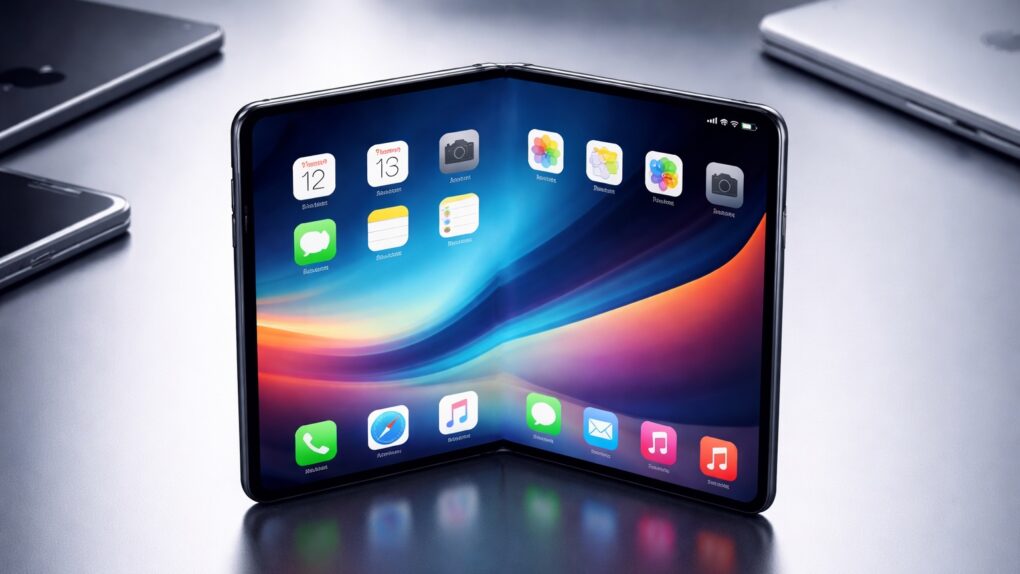
2026 could be the year Apple reinvents the iPhone — again. AI image: ChatGPT/Cult of Mac
The first folding iPhone is expected to break iOS out of its years-long rut, and new rumors give us the most complete picture yet of a handset supposedly set to launch in 2026.
These come from a formerly prolific source of often reliable Apple leaks.
On this day in 2010, the Apple TV hit a sales milestone. Photo: Jim Merithew/Cult of Mac
December 27, 2010: Almost four months after the second-gen Apple TV’s debut, Cupertino says it has sold 1 million of the streaming video devices.
The news shows that Apple’s set-top box is gaining momentum. However, Apple’s PR move — which included a preemptive press release issued on December 21 that said Apple “expects sales of its new Apple TV to top one million units later this week” — is also a low-blow shot at competitor Roku, which recently said it planned to hit the 1 million unit mark by the end of 2010.
Steve Jobs was devastated by the announcement. Photo: Time magazine
December 26, 1982:Time magazine names the personal computer its “Man of the Year.”
It’s the first time a nonhuman entity wins the award, which was created in 1927. The award devastates Apple co-founder Steve Jobs — because he thought the accolade would go to him.
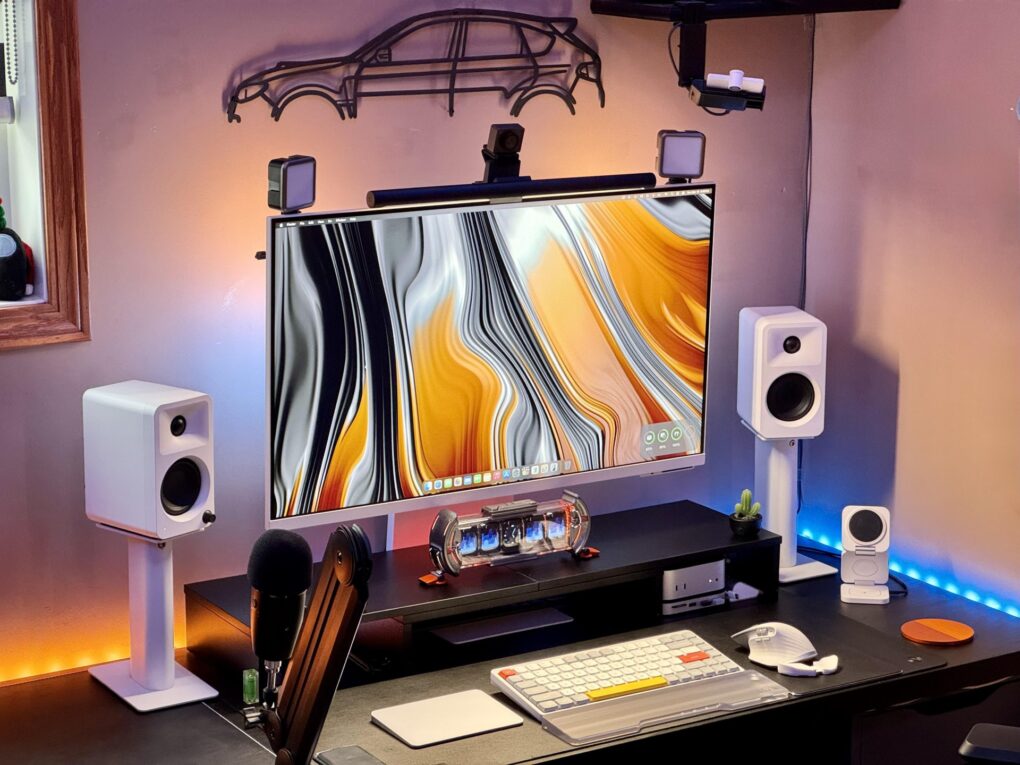
Another year, another incredible collection of Apple workstations in Cult of Mac‘s Setups section that make us rethink our own desk situations. From devices powered by the powerful M4 chip family to innovative display solutions and clever space-saving tricks, the top 10 Apple setups of 2025 brought us some truly remarkable gear and uses for it.
We combed through hundreds of featured workstations on Cult of Mac to bring you the cream of the crop — setups that excel in raw computing power, aesthetic beauty, functional innovation or that perfect combination of all three.
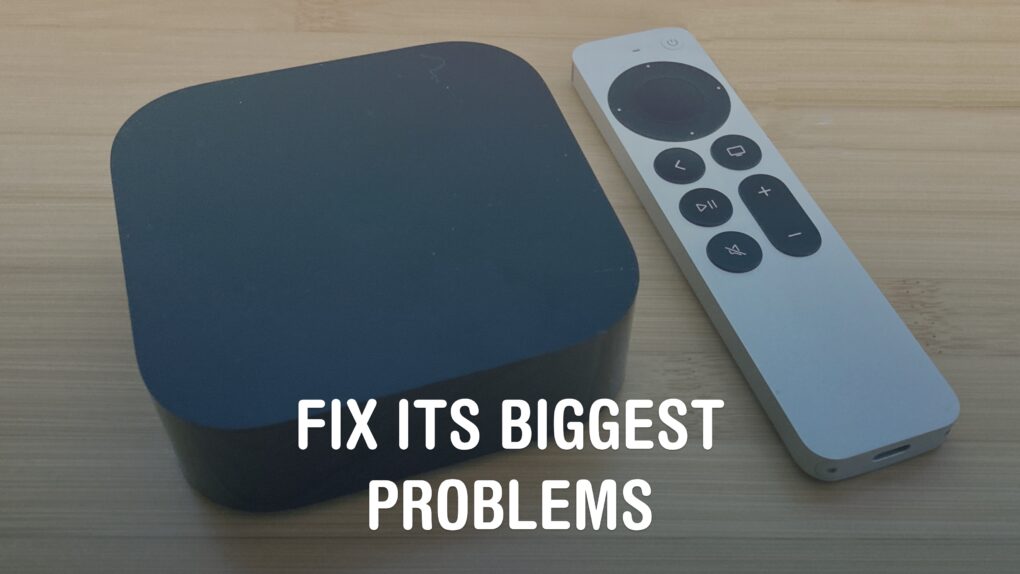
Fix the remote, the Home Screen, and those pesky sports notifications. Image: Davidbspalding/Wikimedia Commons/D. Griffin Jones/Cult of Mac
There are three Apple TV settings I always tell people to change as soon as they set theirs up. While I heartily recommend the Apple TV over the clunky and ad-infested experience of Roku and other smart TVs, it’s not perfect. You’ll want to change a few things to make it right.
First of all, you can put one of the Siri Remote buttons to better use. The TV button, by default, opens the Apple TV app — but you can have it take you to the Home Screen instead. Also, you’ll want to change the Home Screen to show your Continue Watching list, not its recommendations. And finally, you can turn off those annoying Apple TV sports notifications to stop the interruptions while you’re watching your shows.
Change these three annoying default settings, and you’ll be in for a far better viewing experience. Keep reading or watch our video to find out how.
 December 29, 1999: Apple starts shipping its unfathomably large 22-inch Cinema Display, the biggest LCD computer display available anywhere,

 December 28, 2006: As the rest of the country enjoys a much-deserved holiday, Apple gets embroiled in a stock option “backdating” scandal.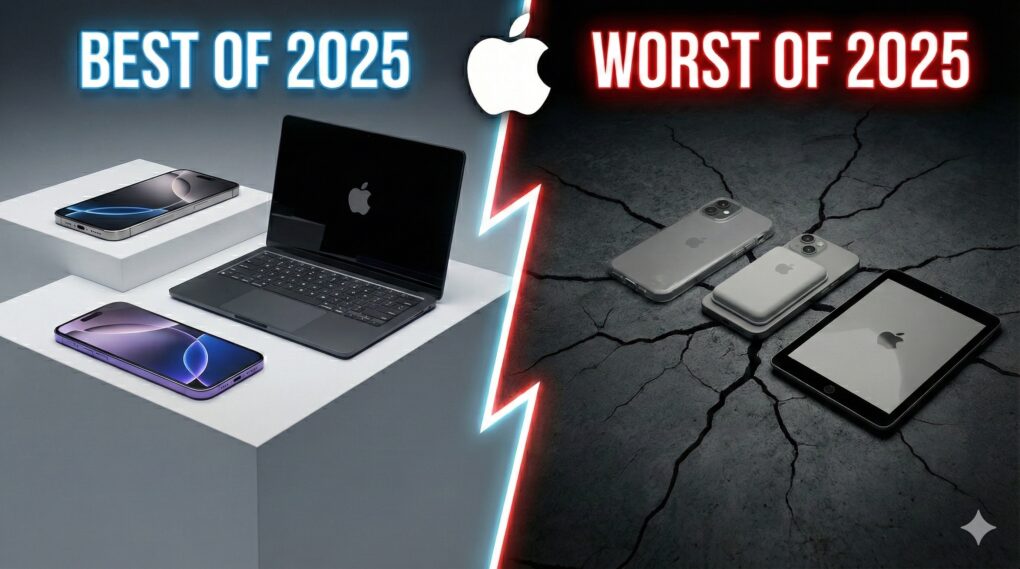
 December 27, 2010: Almost four months after the second-gen Apple TV’s debut, Cupertino says it has sold 1 million of the streaming video devices.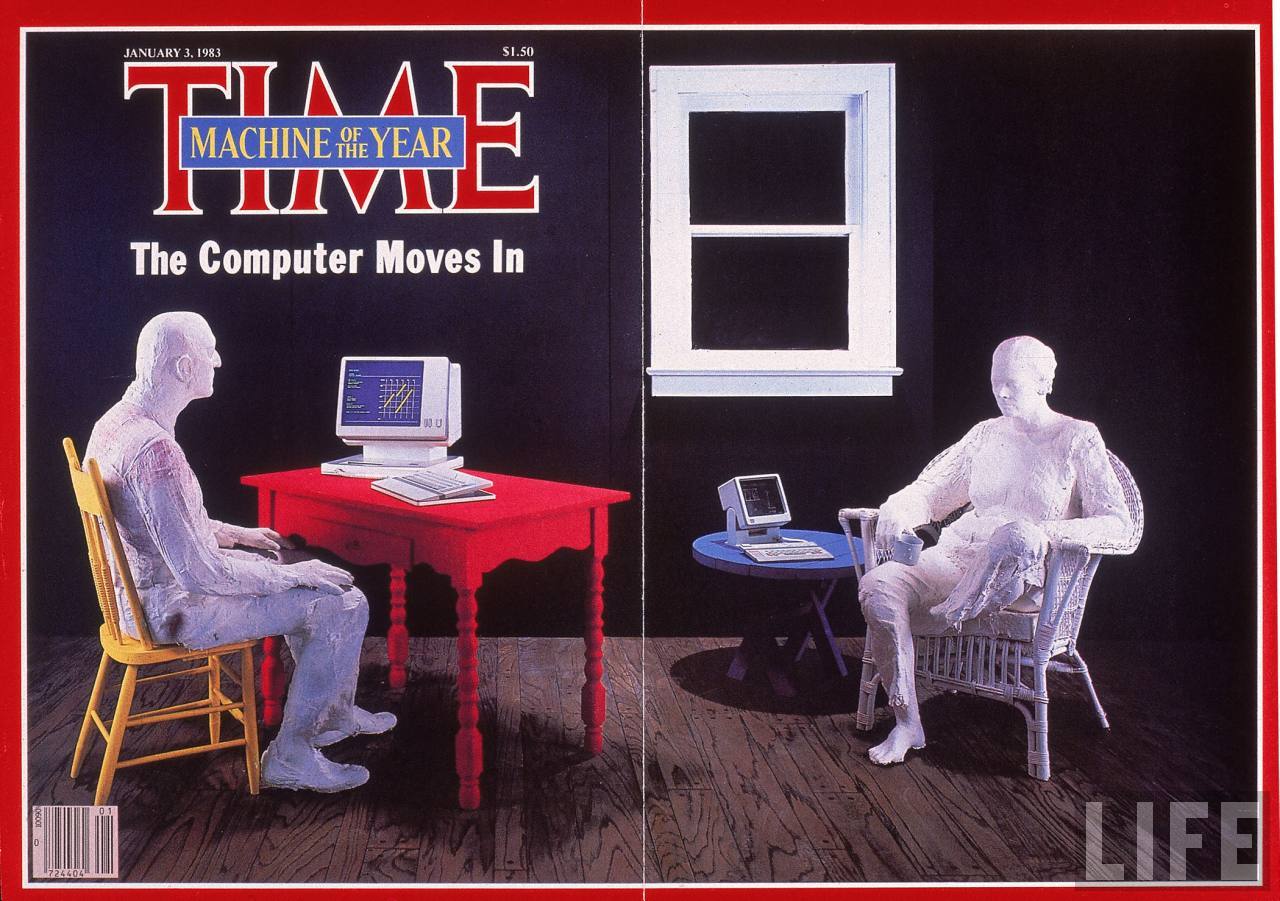
 December 26, 1982: Time magazine names the personal computer its “Man of the Year.”