Mobile menu toggle

Search results for: Apple One

Get a versatile iPhone scanning app for $28 (works with iPad, too)

By

Scan documents with your iPhone or iPad with iScanner, now only $35.
This iPhone and iPad-compatible scanning app works wonders.
Photo: Cult of Mac Deals

With the right scanning app, your iPhone or iPad can scan documents with vivid clarity. There’s no need for a printer-size scanner — you just need your Apple gear. A great example of such an app, iScanner is now on sale for only $27.99 (regularly $199.90) with code FLASH.

Today in Apple history: Apple licenses Mac OS to Radius

By

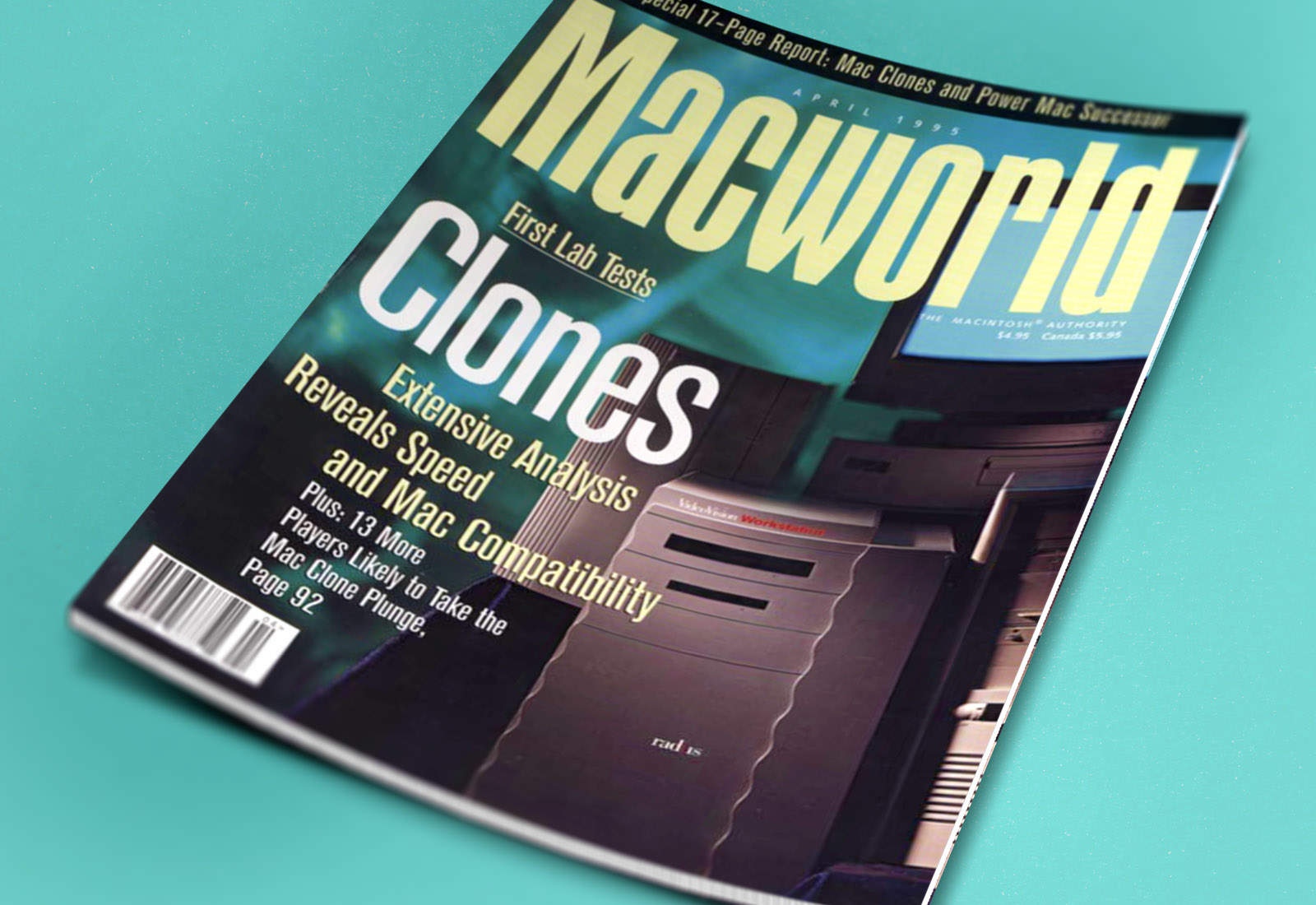
In early 1995, the Mac clone era was about to arrive!
Image: Ste Smith/Cult of Mac/Macworld

January 4: Today in Apple history: Apple licenses Mac OS to Radius January 4, 1995: Apple signs a deal with third-party Mac accessory-maker Radius, allowing the company to build Macintosh clones that run on Mac OS.
Radius is the second company to license the Macintosh operating system. (Power Computing did the same thing a month earlier.) However, Radius will become the first licensee to bring a clone to market when its System 100 ships in March 1995.

Today in Apple history: Apple becomes a corporation

By

Apple is worth more than the entire US energy sector combined
Today marks another key milestone in early Apple history.
Photo: Ste Smith/Cult of Mac/401Calculator

January 3: Today in Apple history: Apple becomes a corporation January 3, 1977: Apple Computer Co. is officially incorporated, with Steve Jobs and Steve Wozniak listed as co-founders. The Apple incorporation leaves out third founder Ron Wayne — who initially invested in the company — because he sold back his stake in Apple for $800.

The funding and expertise needed to turn Apple into a corporation is provided by a man named Mike Markkula, who becomes an important figure in the company’s history.

Apple Watch Series 11 hits record-low $299: Save $100 on latest smartwatch

By

Marketing image of Apple Watches with the words
Apple Watch Series 11 comes in a range of colors and combos, but not everything's on sale ... yet.
Image: Cult of Mac

If you didn’t get the smartwatch you wanted as a gift, take heart: a hot deal on Apple Watch Series 11 drops the cost to only $299 for the smaller 42mm size. That’s a $100 discount off Apple’s MSRP — 25% off!

The same $100 discount applies to the 46mm size, too, lowering it to only $329.

Unlock your iPhone’s hidden potential with StandBy mode

By

iPhone StandBy Mode
Turn your iPhone into a smart display on your desk.
Image: D. Griffin Jones/Cult of Mac

You can turn your iPhone into a smart display on your nightstand, at your desk or in the kitchen using StandBy mode. It’s an attractive way to put your iPhone to work as a small information board or digital clock when you’re not actively using it.

Of course, it works best if you own a phone with an always-on display. However, it works with any iPhone with MagSafe running iOS 17 or later. Best of all, StandBy remembers different preferences for different rooms, so you can set it up as a bedside clock in the bedroom, a digital photo frame in the living room, or a music controller in the kitchen.

Here’s everything you can do with StandBy on your iPhone.

Why Apple Watch users stick with fitness goals longer than most

By

Apple-Fitness-Plus-hero_big.jpg.large_2x (2)
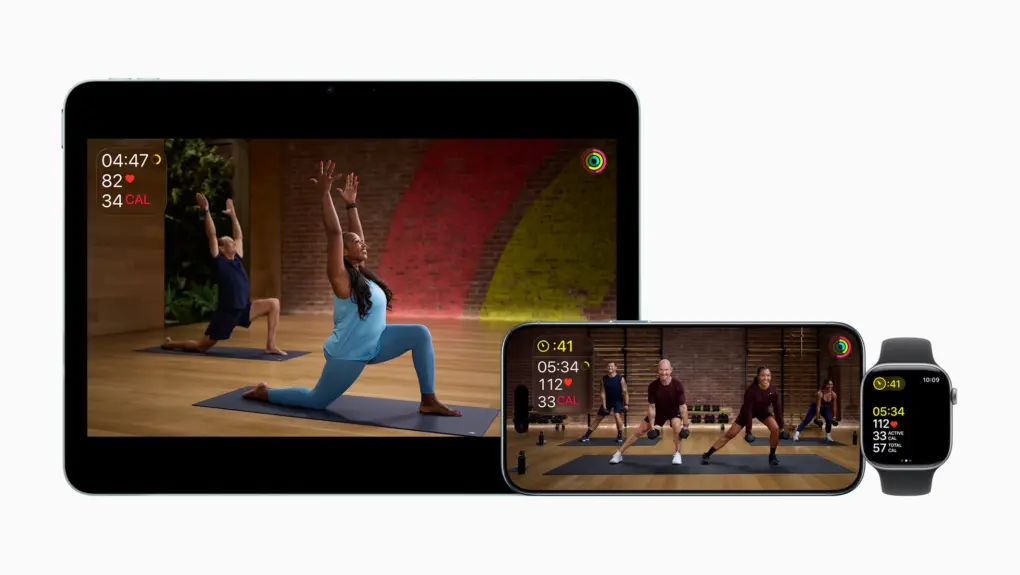
Apple Fitness+ introduced new ways to stay active and motivated to kick off 2026, including a new lineup of workout programs, Artist Spotlight workouts and new guests in Time to Walk.
Photo: Apple

New research from the Apple Heart and Movement Study reveals that Apple Watch wearers tend to buck the trend of abandoned fitness goals, Apple said Friday.

Data shows Apple Watch users consistently maintain elevated exercise levels well past the notorious “Quitter’s Day” in mid-January. To build on that in 2026, Apple now offers more ways to keep Apple Watch users motivated so they can nail their New Year’s fitness resolutions.

Why 2026 is gonna be a banger for Apple [Cult of Mac podcast No. 1]

By

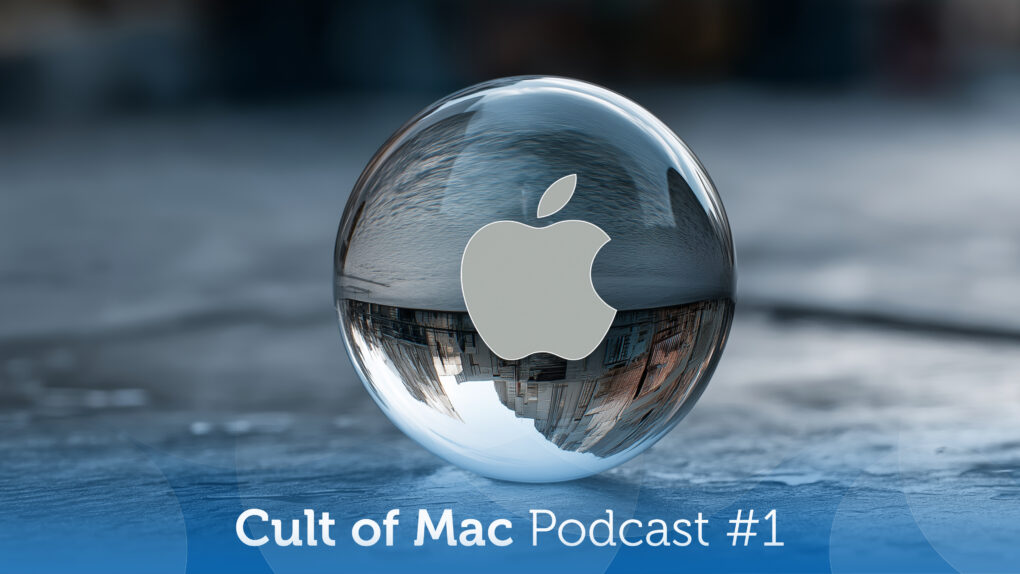
Image of a crystal ball with a translucent Apple logo, plus the words Cult of Mac podcast No. 1, used to illustrate a show notes post about Apple's new products coming in 2026.
Next year's going to be one for the ages.
Image: Cult of Mac

This week on the Cult of Mac podcast: Apple’s got a fantastic year ahead of it, with a genuinely prodigious pipeline of new products coming in 2026. From a folding iPhone and a low-cost MacBook to entirely new product categories, get ready for 12 months of exciting new Apple hardware.

In our first show under the new Cult of Mac branding, and our final podcast of 2025, we discuss all the great stuff that Apple fans have to look forward to in 2026.

Also on the Cult of Mac podcast:

  • We kick off with a thorough explanation of what’s up with the new podcast name, the direction we plan to take the show in 2026, and what Erfon is up to with The CultCast. We also apologize for any confusion about the changes (and, as always, we wish Erfon the best).
  • We wrap the show with Griffin’s dead Apple products draft, in which we each select discontinued hardware that’s ready for a comeback.

Listen to this week’s episode of Cult of Mac in the Podcasts app or your favorite podcast app. (Be sure to subscribe and leave us a review if you like it!) Or watch the video live stream, embedded below.

Today in Apple history: Apple II gets its first ‘killer app’

By

An Apple II with a copy of
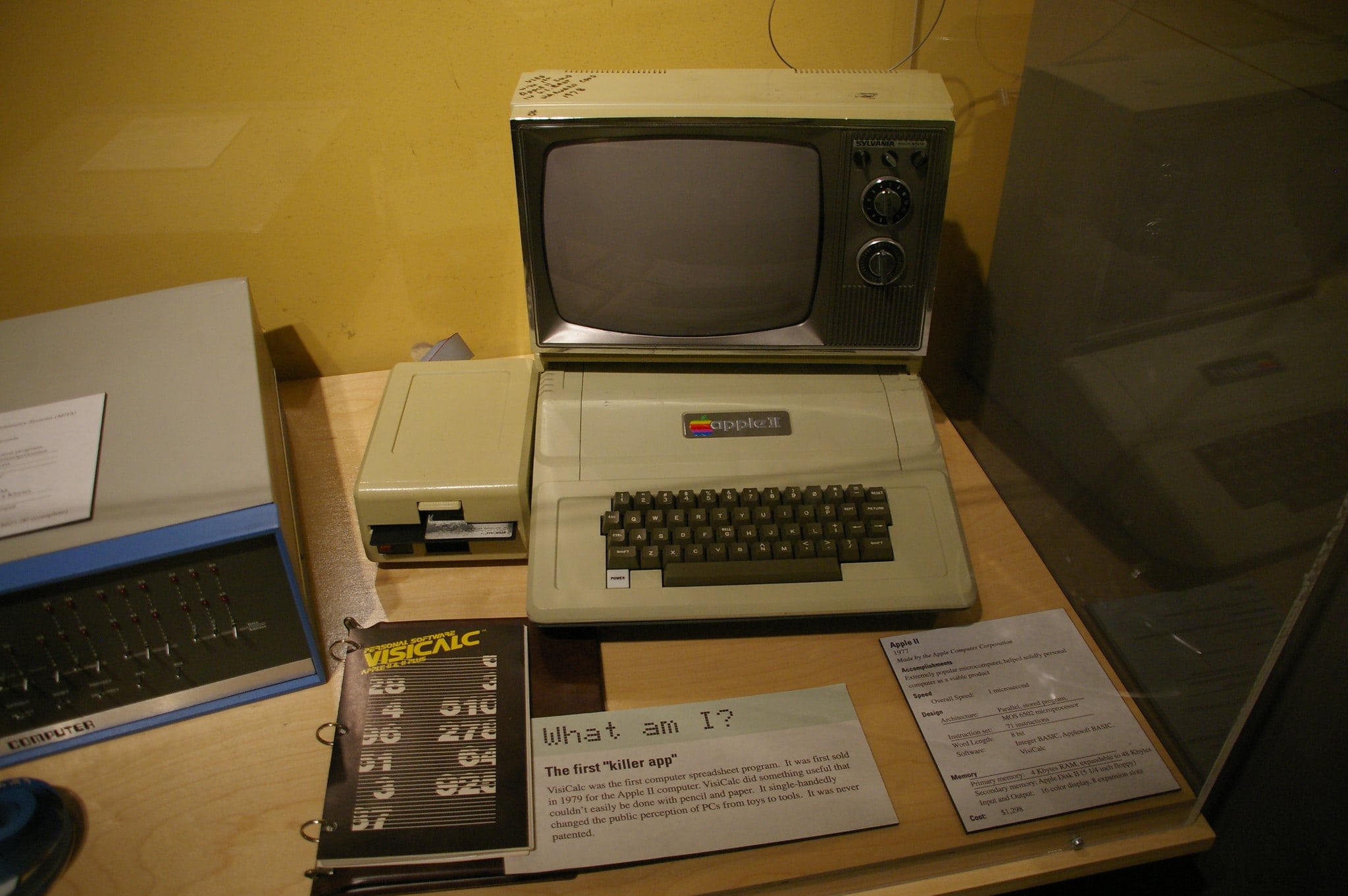
An Apple II with a copy of "killer app" VisiCalc, on display at the Museum of Science in Boston.
Photo: Jean-Edouard Babin/Flickr CC

January 2: Today in Apple history: With VisiCalc, the Apple II gets its first killer app January 2, 1979: Entrepreneurs Dan Bricklin and Bob Frankston incorporate their company Software Arts to publish a program called VisiCalc. The first spreadsheet software for the Apple II, VisiCalc ultimately becomes personal computing’s first “killer app.”

The software, which sells for $100, helps transform personal computers from “cool to have” toys into “must have” business accessories.

Discount code: Transfer and sync all kinds of files among your Apple devices

By

AnyTrans Mac app lets you transfer and sync files on Apple devices
Sidestep Apple's file-management hurdles with AnyTrans.
Photo: Cult of Mac Deals

AnyTrans is a one-stop content manager for iOS devices. The Mac app makes it easy to transfer any kind of data — music, photos, texts, whatever — among all your Apple gear.

And for a limited time, you can get a lifetime subscription to AnyTrans for just $19.97 with code SYNC10 (regularly $79.99).

Today in Apple history: Apple IIe becomes a high-profit hit

By

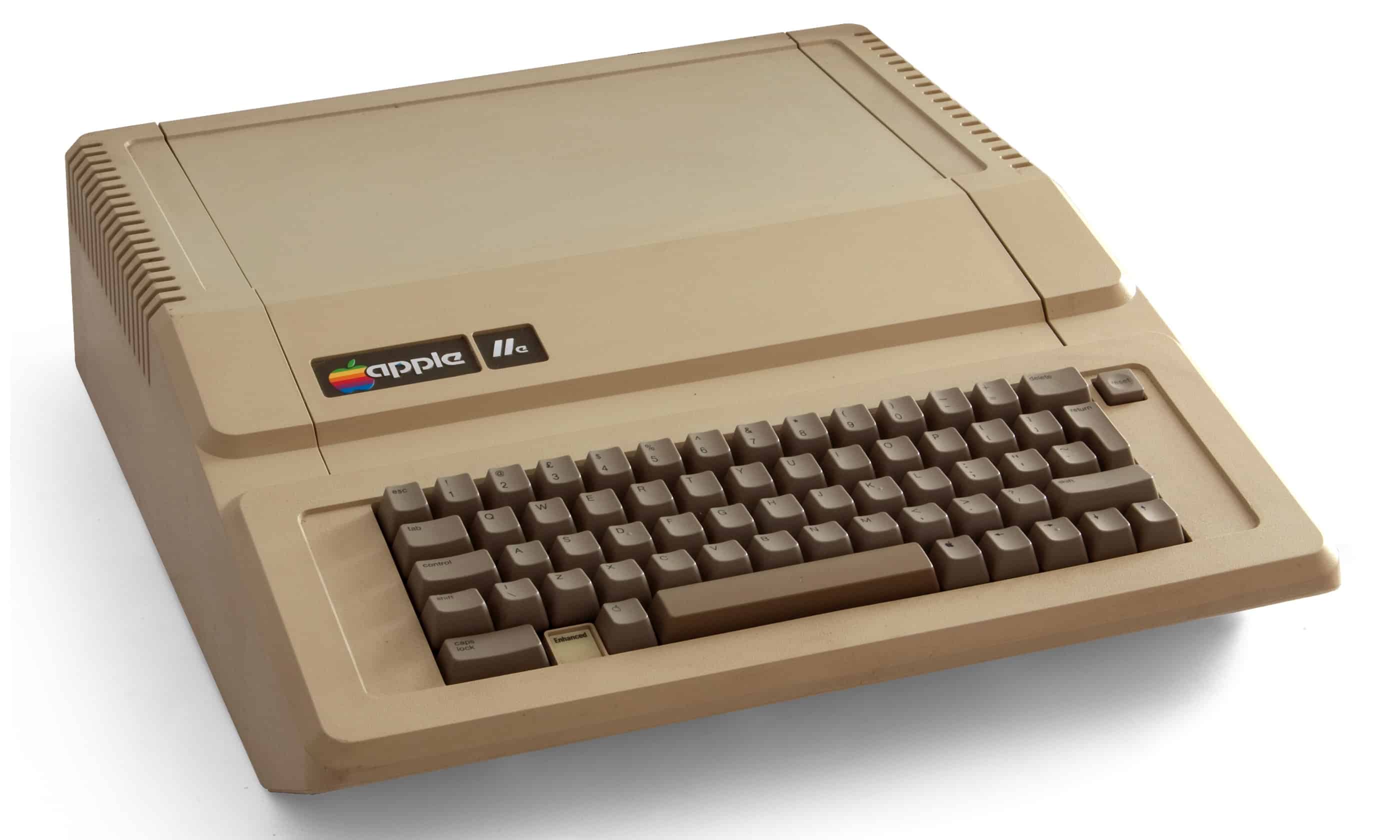
Apple IIe
The Apple IIe became a top-selling computer for Cupertino.
Photo: Bilby/Wikipedia CC

January 1: Today in Apple history January 1, 1983: Apple launches the Apple IIe, the third model in the Apple II series — and the last before the Macintosh will arrive a year later.

It proves a big seller, and proof positive of the Apple II brand’s sustained value.