Mobile menu toggle

Search results for: Apple One

Why 2026 is gonna be a banger for Apple [Cult of Mac podcast No. 1]

By

Image of a crystal ball with a translucent Apple logo, plus the words Cult of Mac podcast No. 1, used to illustrate a show notes post about Apple's new products coming in 2026.
Next year's going to be one for the ages.
Image: Cult of Mac

This week on the Cult of Mac podcast: Apple’s got a fantastic year ahead of it, with a genuinely prodigious pipeline of new products coming in 2026. From a folding iPhone and a low-cost MacBook to entirely new product categories, get ready for 12 months of exciting new Apple hardware.

In our first show under the new Cult of Mac branding, and our final podcast of 2025, we discuss all the great stuff that Apple fans have to look forward to in 2026.

Also on the Cult of Mac podcast:

  • We kick off with a thorough explanation of what’s up with the new podcast name, the direction we plan to take the show in 2026, and what Erfon is up to with The CultCast. We also apologize for any confusion about the changes (and, as always, we wish Erfon the best).
  • We wrap the show with Griffin’s dead Apple products draft, in which we each select discontinued hardware that’s ready for a comeback.

Listen to this week’s episode of Cult of Mac in the Podcasts app or your favorite podcast app. (Be sure to subscribe and leave us a review if you like it!) Or watch the video live stream, embedded below.

Today in Apple history: Apple II gets its first ‘killer app’

By

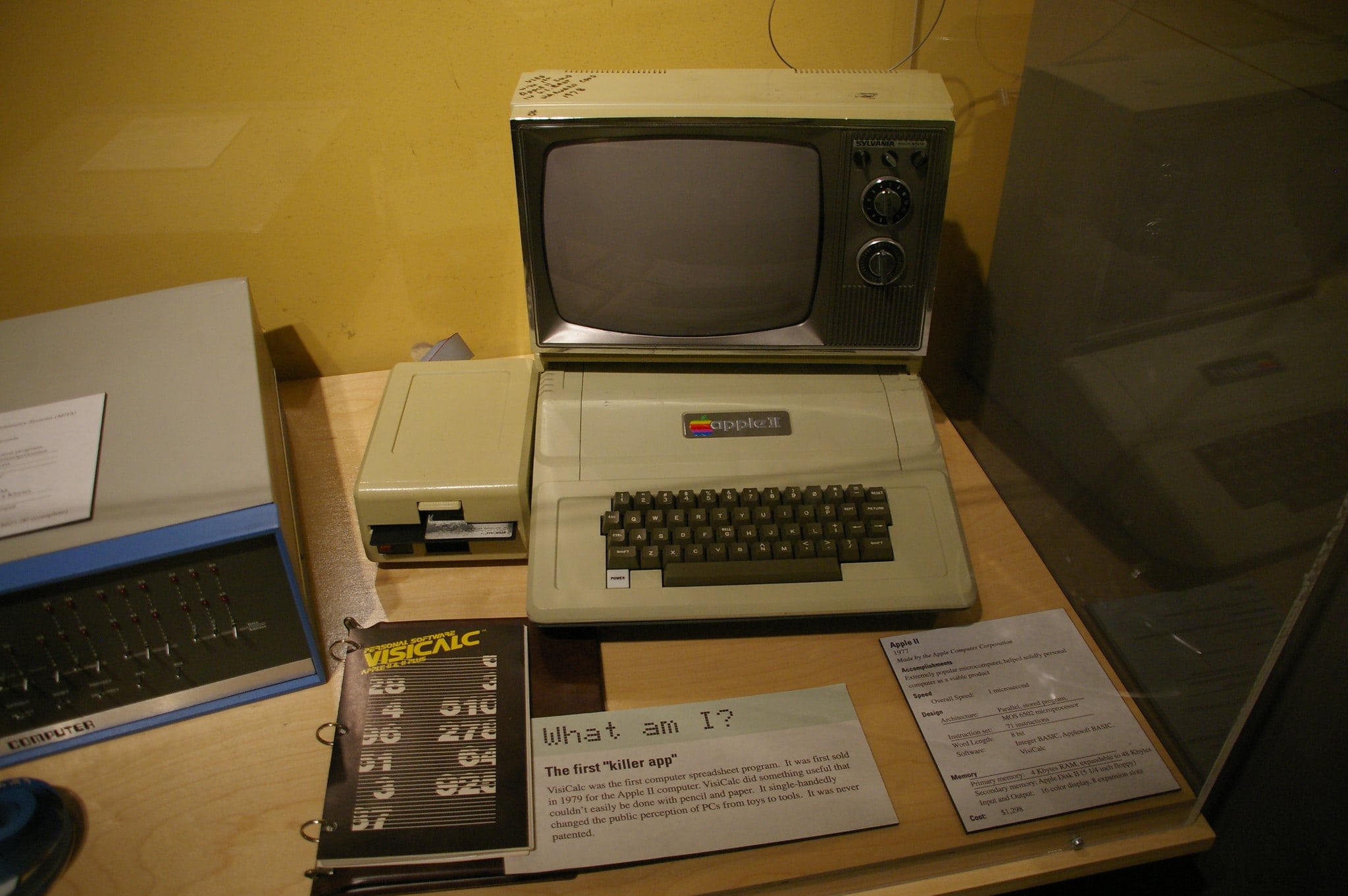
An Apple II with a copy of
An Apple II with a copy of "killer app" VisiCalc, on display at the Museum of Science in Boston.
Photo: Jean-Edouard Babin/Flickr CC

January 2: Today in Apple history: With VisiCalc, the Apple II gets its first killer app January 2, 1979: Entrepreneurs Dan Bricklin and Bob Frankston incorporate their company Software Arts to publish a program called VisiCalc. The first spreadsheet software for the Apple II, VisiCalc ultimately becomes personal computing’s first “killer app.”

The software, which sells for $100, helps transform personal computers from “cool to have” toys into “must have” business accessories.

Discount code: Transfer and sync all kinds of files among your Apple devices

By

AnyTrans Mac app lets you transfer and sync files on Apple devices
Sidestep Apple's file-management hurdles with AnyTrans.
Photo: Cult of Mac Deals

AnyTrans is a one-stop content manager for iOS devices. The Mac app makes it easy to transfer any kind of data — music, photos, texts, whatever — among all your Apple gear.

And for a limited time, you can get a lifetime subscription to AnyTrans for just $19.97 with code SYNC10 (regularly $79.99).

Today in Apple history: Apple IIe becomes a high-profit hit

By

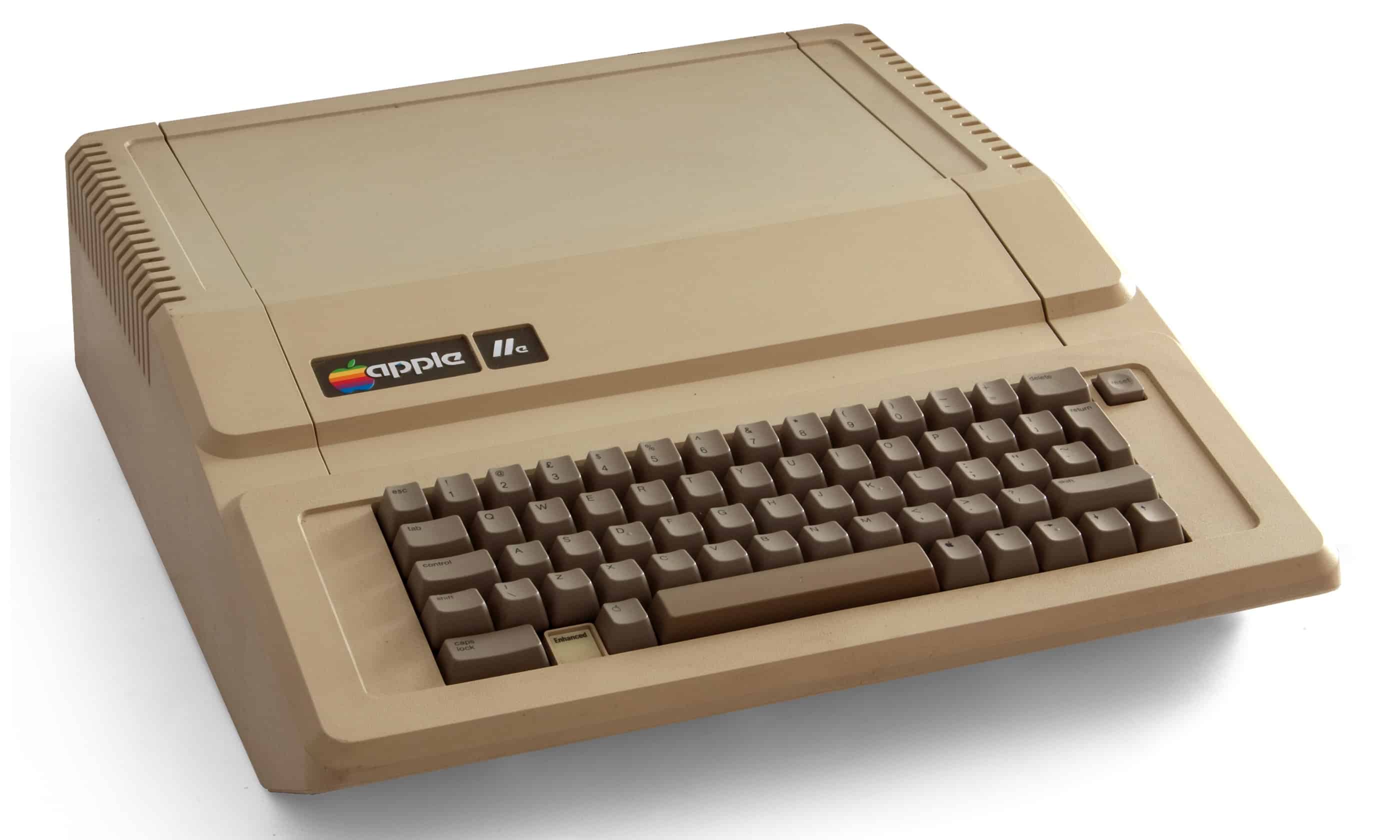
Apple IIe
The Apple IIe became a top-selling computer for Cupertino.
Photo: Bilby/Wikipedia CC

January 1: Today in Apple history January 1, 1983: Apple launches the Apple IIe, the third model in the Apple II series — and the last before the Macintosh will arrive a year later.
It proves a big seller, and proof positive of the Apple II brand’s sustained value.

Easy Apple Watch hack will keep you on time, even if you’re always late [Pro Tip]

By

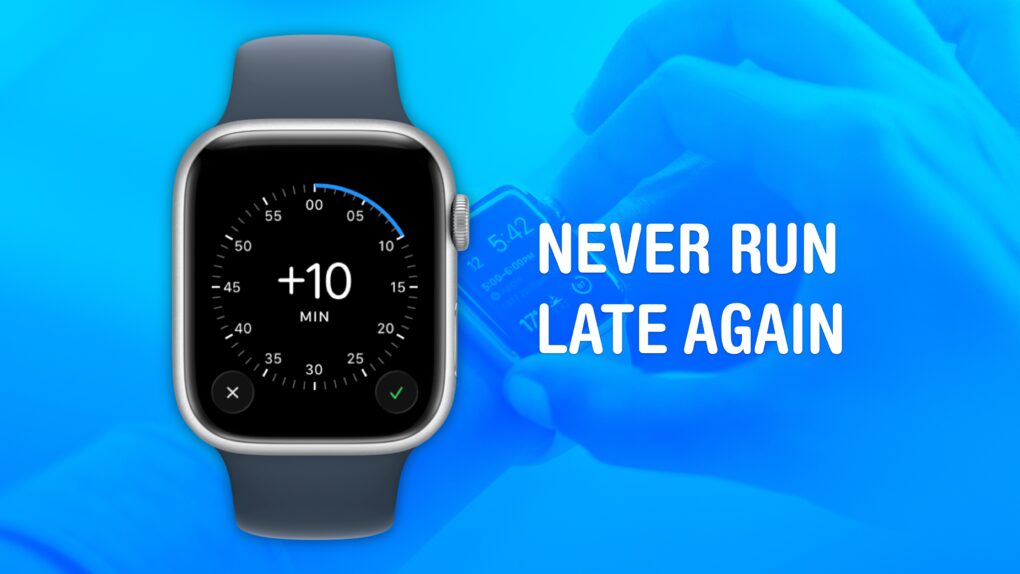
Never Run Late Again after you change your Apple Watch time
Cult of Mac is not legally responsible if you are still late after turning on this feature.
Image: Crew/Wikimedia Commons/D. Griffin Jones/Cult of Mac

Pro tip bug Set your Apple Watch time a few minutes ahead of the actual time and you might trick yourself out of running late every day. This is an officially supported feature, not a hack that will produce cascading, annoying side effects. And it doesn’t require you to set your smartwatch out of sync with internet time.

What will you gain? By running your Apple Watch a few minutes fast, you might nudge yourself to rush out the door a little earlier. And that might be enough to get you somewhere on time rather than late. If tardiness is a frequent problem for you, this little change could save your skin.

Today in Apple history: Pirate app service Hackulous shuts down

By

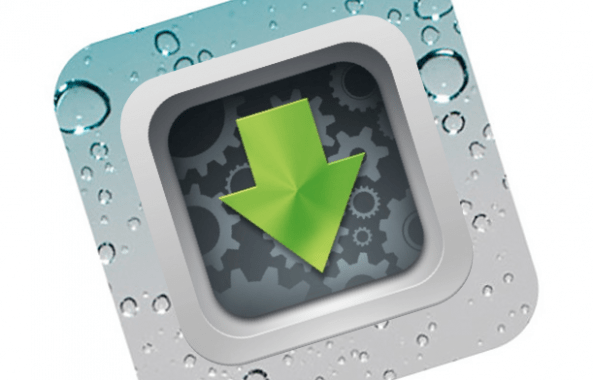
Image of the app icon for Hackulous, a pirate app service that shut down on December 31, 2012.
At one time, Hackulous aspired to be a Napster for pirated apps.
Photo: Hackulous

December 31: Today in Apple history: Pirate app service Hackulous shuts down December 31, 2012: App piracy hub Hackulous shuts down, bringing an end to two of its most popular pieces of software, Installous and AppSync.
Before the shutdown, iPhone jailbreak tool Installous allowed users to install “cracked” or pirated apps on their iOS devices, thereby avoiding paying Apple and developers. AppSync let users sync their cracked apps with iTunes.

The shuttering of Hackulous is a clear sign that the iPhone jailbreaking era is coming to an end — and that the App Store’s revolutionary business model is sound.

Apple TV 2026: Your guide to the most anticipated new and returning shows

By

Highly anticipated Apple TV shows
Apple TV has plenty in store for 2026.
AI image: Grok/Cult of Mac

Apple TV is poised for a banner year in 2026, with an impressive slate of new original series, highly anticipated spinoffs and beloved returning favorites. From cyberpunk epics to gripping thrillers, the Apple TV 2026 lineup helps cement the streamer’s reputation as a powerhouse for quality programming.

Here’s your complete guide to the most highly anticipated shows coming to Apple TV next year.

7-port magnetic mini hub makes your iPhone way more useful [Review] ★★★★

By

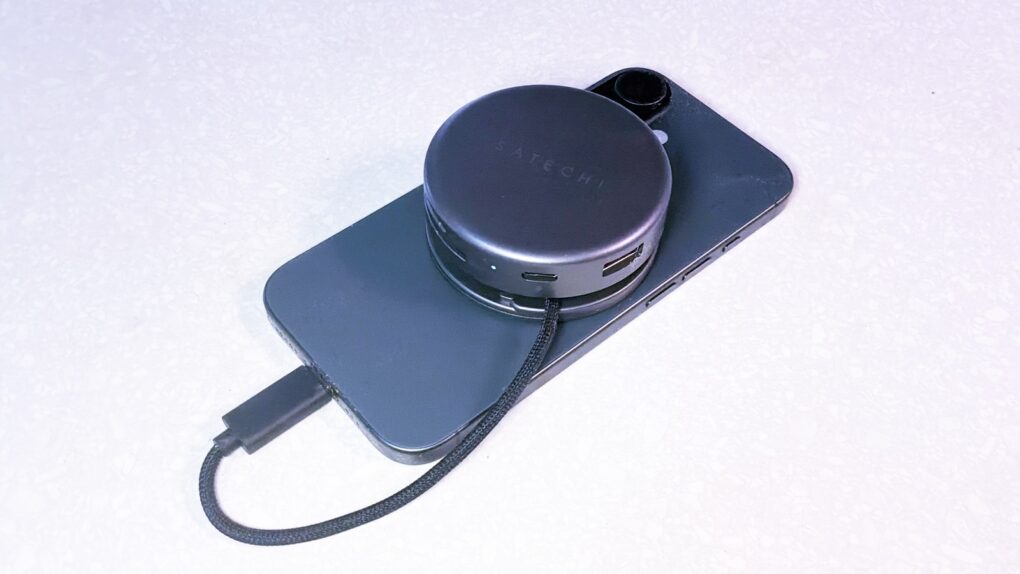
Satechi OntheGo 7-in-1 Multiport Adapter review★★★★
Satechi OntheGo 7-in-1 Multiport Adapter helps creators and travelers do what they need with their iPhone.
Photo: Ed Hardy/Cult of Mac

Your iPhone is a powerful computer held back by its single port. Connect the Satechi OntheGo 7-in-1 Multiport Adapter, and you can connect to a wide range of accessories — external monitors, SSDs and more — all without adding too much bulk. It really builds upon the phone’s capabilities.

I’m not saying it’ll turn your iPhone into a mini MacBook, but if you’re toting a laptop on trips simply to watch TV shows or give a presentation on a large screen, this hub is for you.

Plus, it stands out by connecting to the MagSafe magnets built into your iPhone, so the accessory conveniently clings to the back of your device.

I tested it out with my iPhone 17 to see what the multiport adapter has to offer. Here’s what I found.

15 new products to expect from Apple in 2026

By

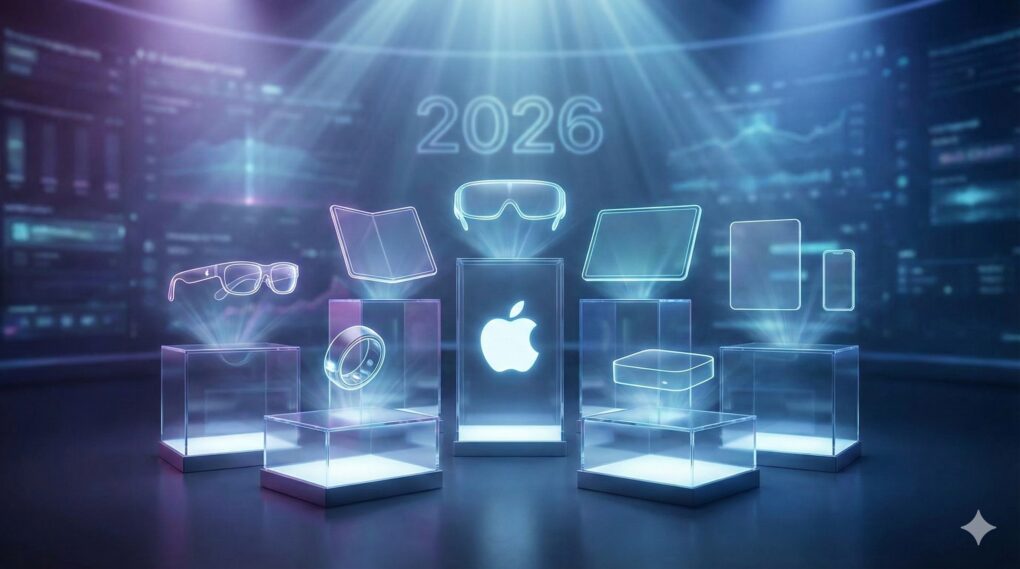
Apple products due to launch in 2026
Apple has a busy 2026 in store. Which of these new and upgraded products can we expect?
AI image Google Gemini/Cult of Mac

With more than a dozen new Apple products in the pipeline, 2026 is shaping up to be a busy and important year for the company. Among a plethora of high-profile device launches, we should see the first folding iPhone next year

If all the rumors prove true, Apple’s 2026 product road map looks bold, exciting and ambitious. Check out all the new products Apple likely will launch in 2026.

Speed up Haptic Touch with this hidden iPhone setting [Pro Tip]

By

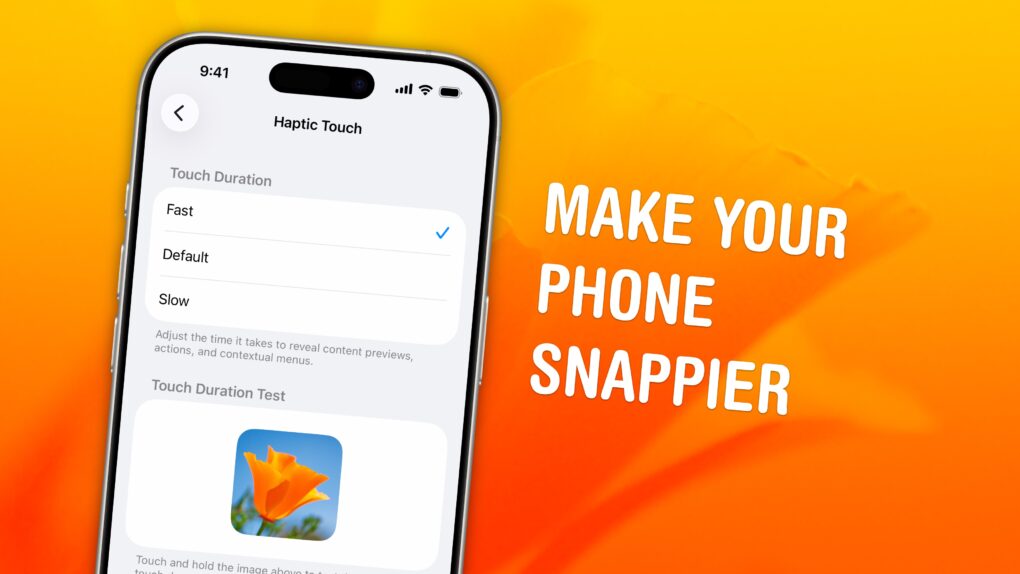
Haptic Touch: Make Your Phone Snappier
Speed up this universal gesture on your iPhone.
Image: D. Griffin Jones/Cult of Mac

Pro tip bug A hidden setting will speed up Haptic Touch, the fantastic feature that lets you preview links and bring up menus on your iPhone. If you use Haptic Touch all the time, like I do, changing this setting will make your iPhone feel turbocharged. With the settings tweak, your iPhone will bring up handy shortcuts — hidden actions, content previews and contextual menus — in a flash. And that saves you precious time as you tap around your screen. Alternatively, if you find Haptic Touch annoying and trigger it accidentally all the time, you can slow down the time needed to activate the gesture. That way, a tap won’t be mistaken for a tap-and-hold.