Mobile menu toggle

Search results for: Apple One

Today in Apple history: Woz spends Christmas building Apple II disk drive

By

Photo of the Disk II, the floppy drive for the Apple II computer that Steve Wozniak worked on over the Christmas holiday in 1977.
The Disk II became a massive success for Apple.
Photo: Wikipedia CC

December 25 Today in Apple history December 25, 1977: Apple co-founder Steve Wozniak spends the holidays building a prototype of the Disk II, the Apple II computer’s revolutionary floppy disk drive.

“I worked all day, all night, through Christmas and New Year’s trying to get it done,” Wozniak would later recall in his autobiography, iWoz. “[Early Apple employee] Randy Wiggington, who was actually attending Homestead High, the school Steve [Jobs] and I had graduated from, helped me a lot on that project.”

Wiggington takes December 25 off. Woz does not.

How to set up Apple Watch — and tips for getting the most out of it

By

Set Up Your New Apple Watch
Get your new Apple Watch up and running in no time!
Photo: Luke Chesser/Unsplash CC

How do you set up a new Apple Watch? Whether you got the surprisingly capable Apple Watch SE 3, the battery-boosted Apple Watch Series 11 or the rugged Apple Watch Ultra 3, you might be wondering how to get started. After all, the Watch is unlike any other Apple device, both in its dependence on an iPhone and in the way it works.

The good thing is, Apple has made it really, really easy to get things up and running. Let’s take a look.

How to set up your new iPhone the right way

By

Set Up Your New iPhone
We can get your new iPhone set up easily — no need to phone it in.
Photo: Apple

The new iPhone setup process gets easier every year. These days, you only need to do a few things to transfer all your old iPhone data to a new one. Still, certain tips and tricks can smooth the way.

The hot new tip this year is that you can directly transfer data from your old iPhone to your new one using a cable. Plus, other time-honored iPhone setup tricks will help things run smoothly. Here’s how to set up your new iPhone the right way.

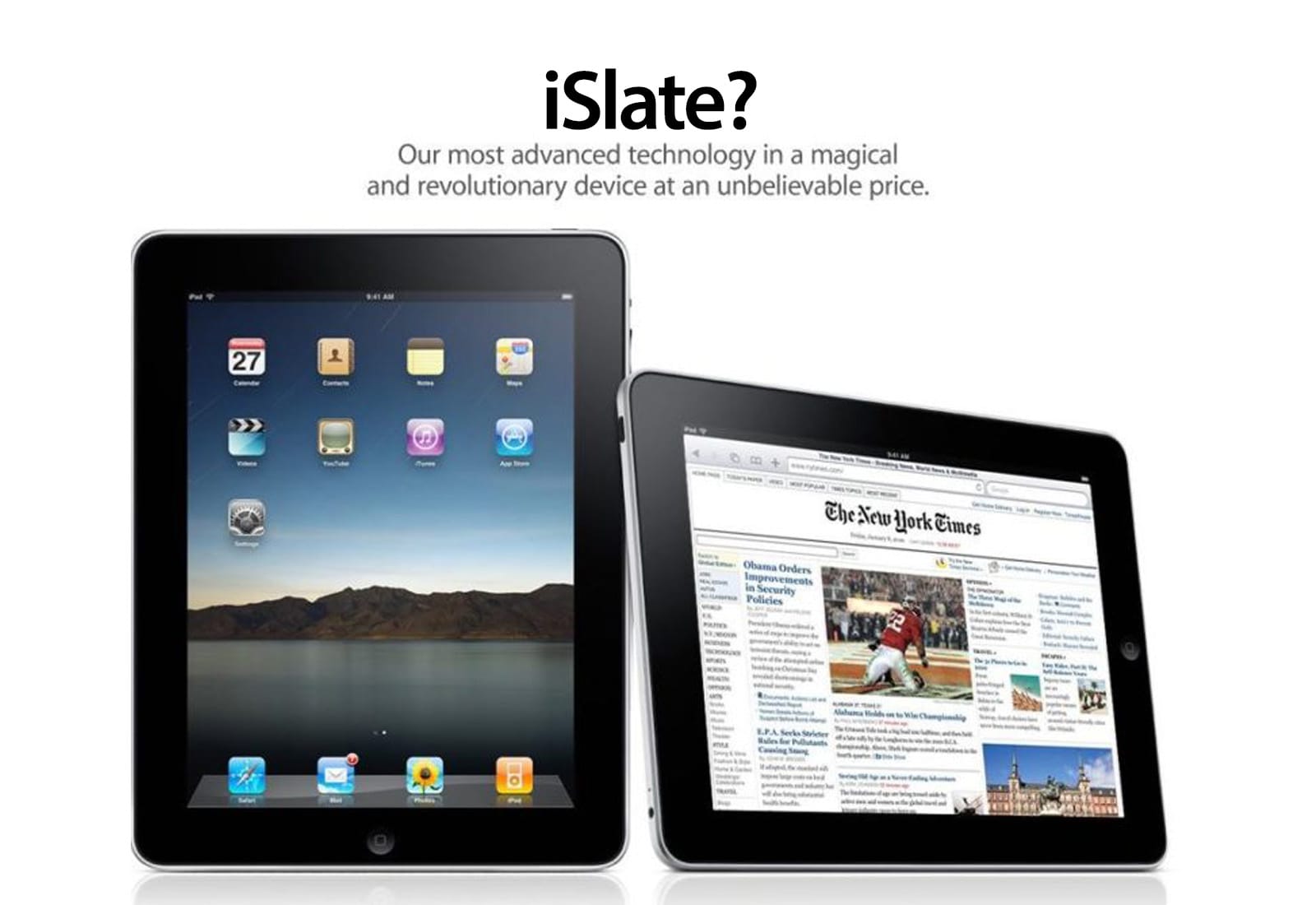
Today in Apple history: Apple’s new tablet is called … iSlate?

By

Today in Apple history: December 24, 2009: Pre-iPad rumors indicate Apple will call its tablet the
Pre-iPad rumors indicate Apple will call its tablet the "iSlate."
Illustration: Apple/Cult of Mac

December 24: Today in Apple history: Apple's new tablet is called ... iSlate? December 24, 2009: As rumors of a possible Apple tablet reach the boiling point, word spreads online that the new device will be called the “iSlate.”


The news is based on the fact that Apple quietly acquired the domain name iSlate.com a few years earlier. Since Apple did the same thing for the iPhone back in the late 1990s, years before the iPhone actually debuted, it makes total sense that the company would follow suit with the naming of its tablet.

Of course, that didn’t end up happening.

Why you should binge the 12 best Apple TV shows of 2025

By

Best Apple TV shows of 2025
AI image: Grok/Cult of Mac

Apple TV delivered another stellar year of television in 2025, cementing its reputation as a home for premium storytelling across genres. From stellar sci-fi to sharp Hollywood satire, here are 13 standout series that defined the best of the streaming service’s 2025 lineup of new and returning shows.

You should binge them because they’re great. And what better time to do so than during holiday downtime?

Convert your iPhone’s Live Photos to video in seconds

By

Save Live Photos as a Video
Turn your many, many cat photos into a few great videos.
Image: D. Griffin Jones/Cult of Mac

You can turn multiple Live Photos shot on your iPhone into a video. Simply select a group of Live Photos taken in a burst, and you can create a single, stitched-together video that you can save to your library and share on social media. It’s a much more accessible way to enjoy those little snippets of video. 

Here’s how it’s done.

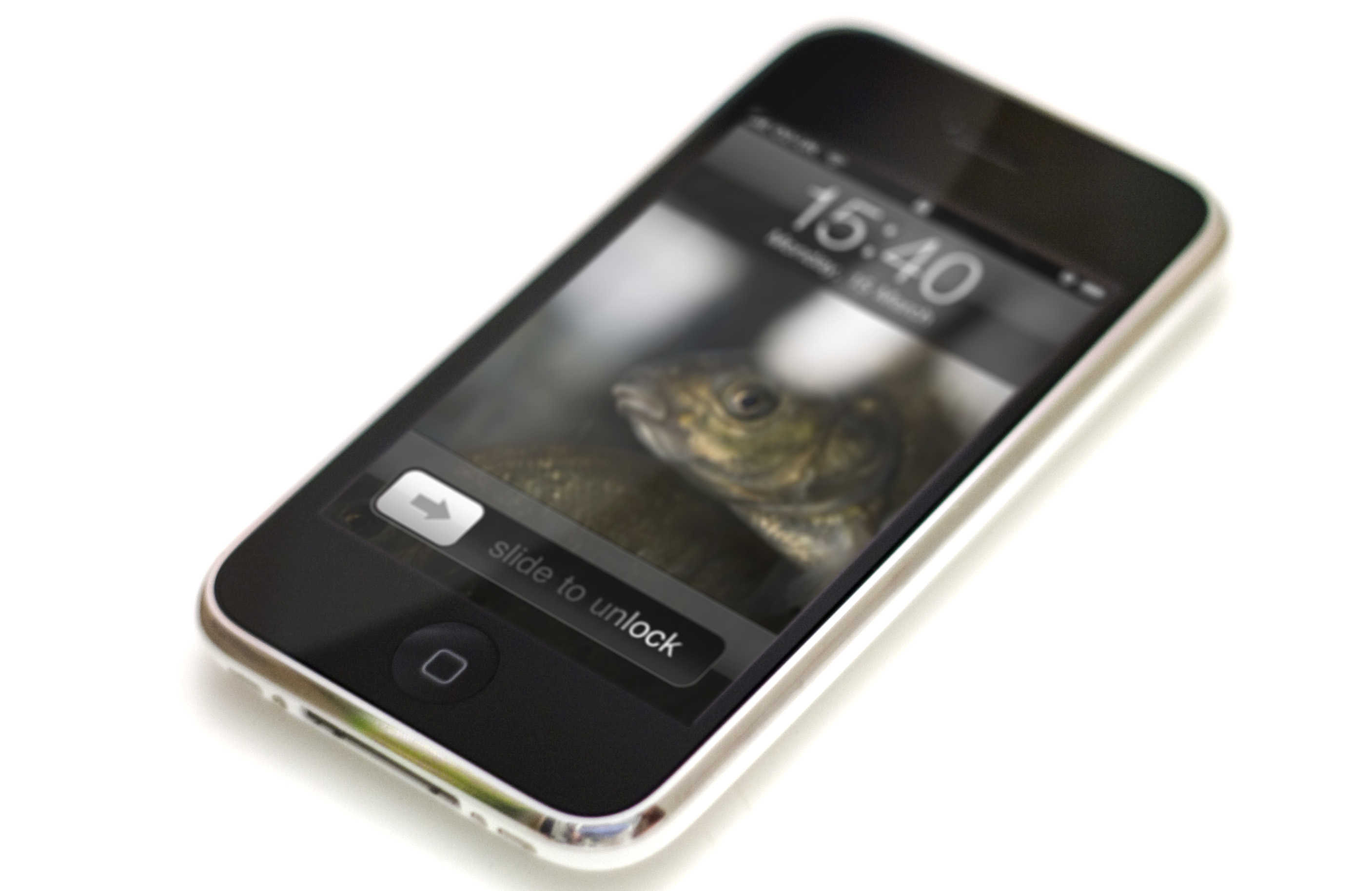
Today in Apple history: Apple invents ‘slide to unlock’

By

Apple didn't invent the Slide to Unlock gesture.
"Slide to unlock" drew audible gasps from the audience when Steve Jobs first showed it off.
Photo: Jared Earle/Flickr CC

December 23: Today in Apple history: Apple invents slide to unlock gesture for iPhone December 23, 2005: Apple files a patent application for its iconic “slide to unlock” gesture for the iPhone.

At this point, the iPhone remains a secret research project. However, the ability to unlock the device by sliding your finger across it signifies Apple’s big ambitions for its smartphone. Cupertino wants the iPhone that it’s racing to develop to be easy to use, intuitive and miles ahead of the competition technologically.

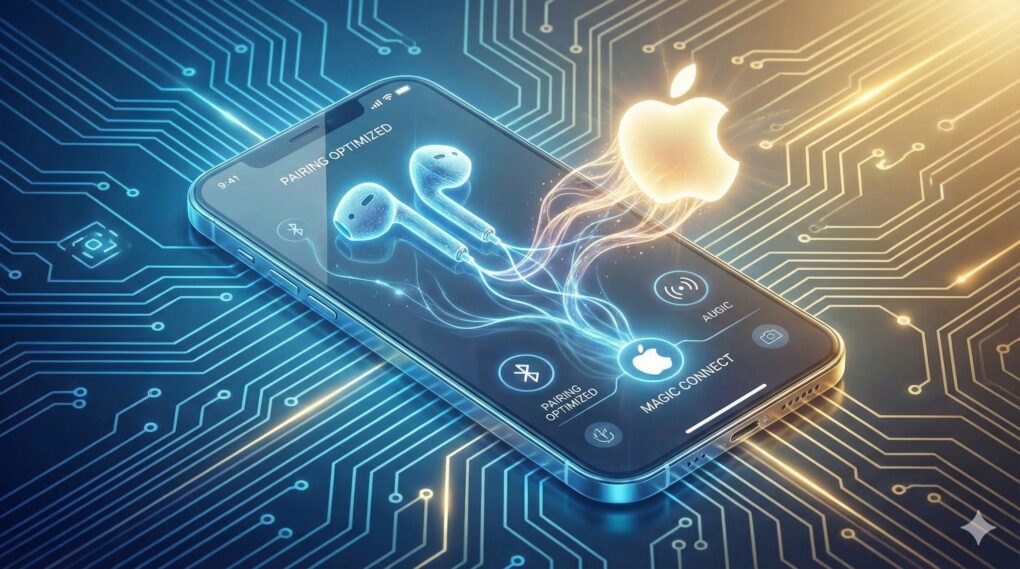
iOS 26.3 will give third-party earbuds a taste of Apple’s pairing magic

By

iOS 26.3 will bring AirPods-like pairing to non-Apple earbuds
Thank the EU's DMA for this change.
AI Image: Google Gemini

Apple is opening up its walled garden further with iOS 26.3. As part of the update, it will allow third-party Bluetooth earbuds to pair with an iPhone just as seamlessly as AirPods.

It will also enable third-party smartwatches and wearables to receive and mirror notifications from the iPhone. 

All the products Apple killed in 2025 — with more to come in 2026

By

products apple killed in 2025
They're not all in the junkyard or recycled just yet, but they're headed that way.
AI image: Grok/Cult of Mac

In 2025, Apple moved several well-loved gadgets to its dreaded obsolete list — including the original and popular iPhone SE — meaning hardware service is no longer available. Also chopped were the Apple Watch Series 1, second-generation iPad Pro (12.9-inch), and Apple Watch Series 4 Nike and Hermès models.

There’s often a fuss when Apple makes products obsolete, stemming from frustration with planned obsolescence. A lack of parts makes these older devices unrepairable, forcing upgrades and creating e-waste. Here’s the list of products Apple killed in 2025, and the ones heading to the chopping block in 2026.

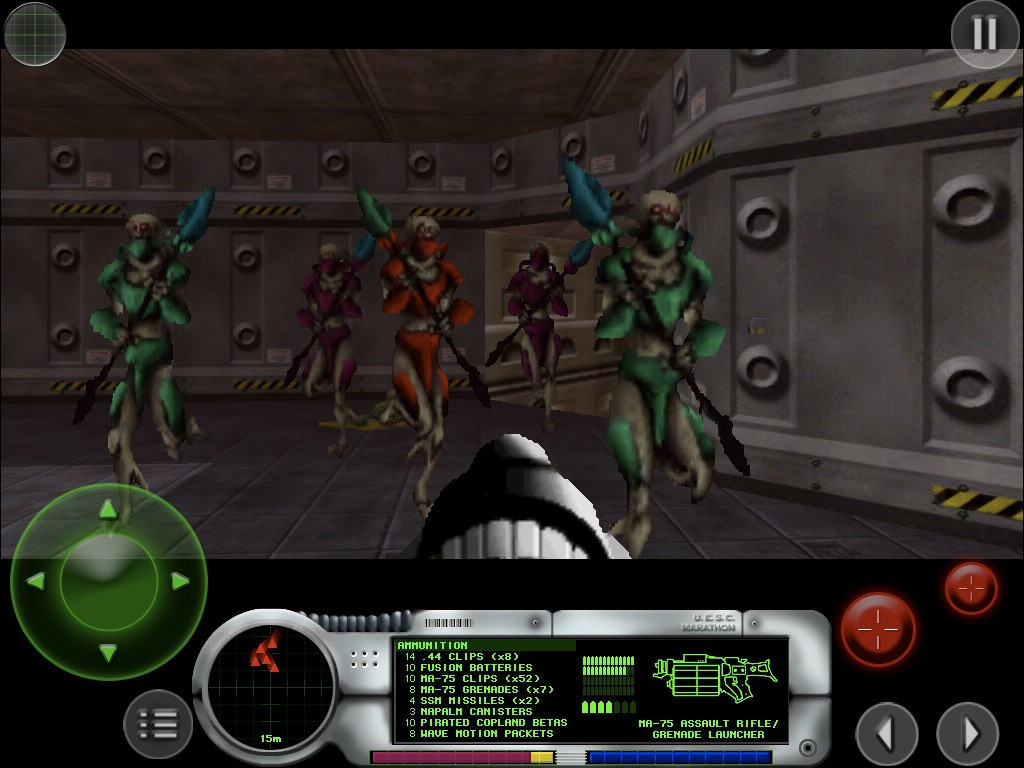
Today in Apple history: Marathon is Mac’s answer to Doom

By

First-person shooter Marathon gave Mac gamers something to be proud of.
Photo: Bungie

December 21: Today in Apple history: Marathon game is Mac's answer to Doom December 21, 1994: Mac gamers get their hands on Marathon, a sci-fi first-person shooter designed as an answer to the massive success of PC title Doom. Created by Bungie, the team that would later create the Halo franchise, the new Marathon game introduces important features to the FPS genre.

Just as importantly, it isn’t available on PC. Marathon quickly becomes a favorite among Mac gamers.