A Backbone game controller makes iPhone gaming much more like using a console. Image: Gemini
Nothing makes playing advanced games on an iPhone better than a Backbone game controller. Clip one to your phone, and it basically turns the handset into a mobile gaming console, ready to play wherever you go.
There are many top-quality first-person shooters and RPGs available for iPhone. Don’t waste your time playing these great games with just a touchscreen. Get a Backbone One or a Backbone Pro controller and snap it onto your iPhone. You’ll be glad you did.
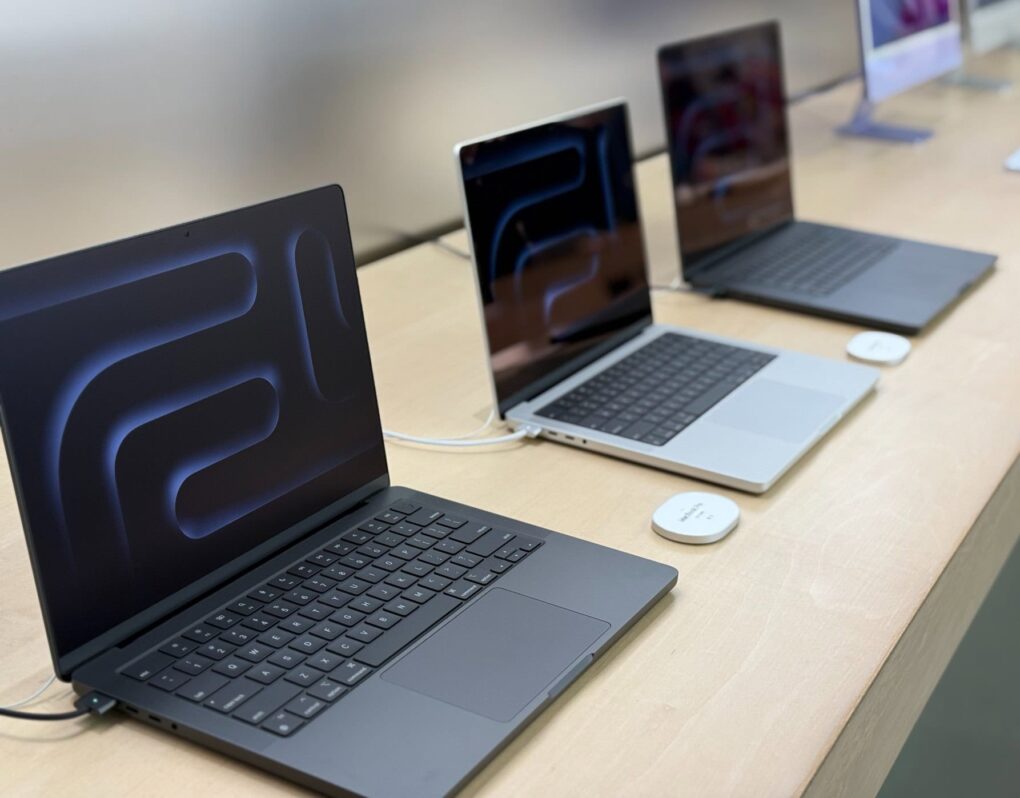
MacBook Pro deals abound on Amazon Prime Day. Photo: David Snow/Cult of Mac
As with Amazon Prime Day in July, Amazon Prime Big Deal Days (Tuesday and Wednesday) bring excellent deals on Apple’s popular laptops, MacBook Pro and MacBook Air. In fact, you can nab the very same M4 Pro MacBook Pro I have for $250 less than I paid — my exact model with 24GB RAM at $1,799. And you can get the base M4 MacBook Pro for an incredibly low starting price of $1,399. Plus some Prime Day MacBook Pro deals net you hundreds off higher-end models.
As for MacBook Air, the entry-level model now sells for a low $799. And you can add some bells and whistles for a bit more. Scroll down to see Prime Day MacBook Air deals.
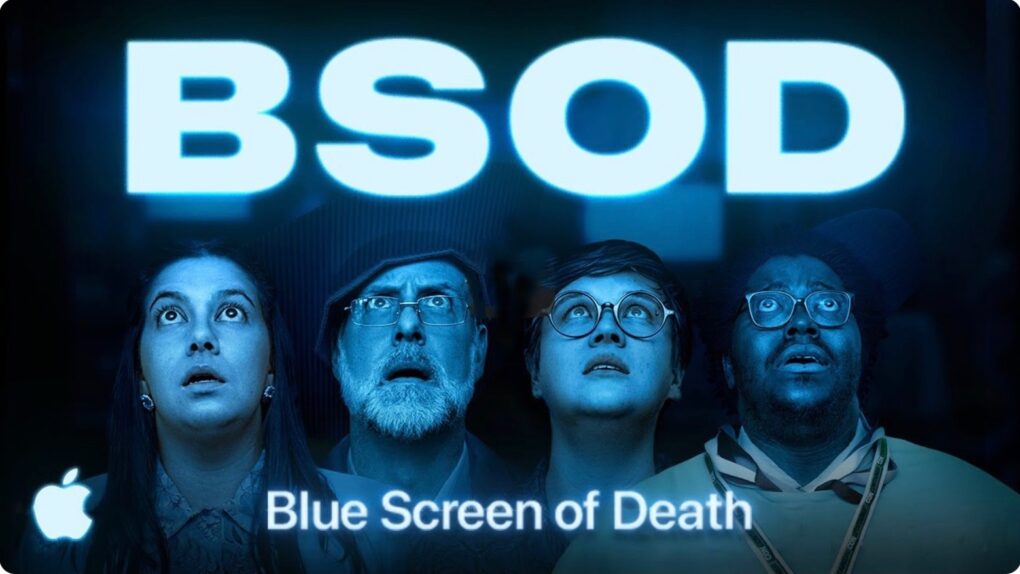
A new video shows the hapless Underdogs discovering the advantages of Mac security. Screenshot: Apple
The Underdogs are back in BSOD (Blue Screen of Death)! The fictitious team of nerdy Apple users once again star in a video demonstrating how Macs and iPhones get real work done. This time, the focus is on Mac security.
Watch the shortfilm now and have fun while learning about what your Apple gear can do for you.
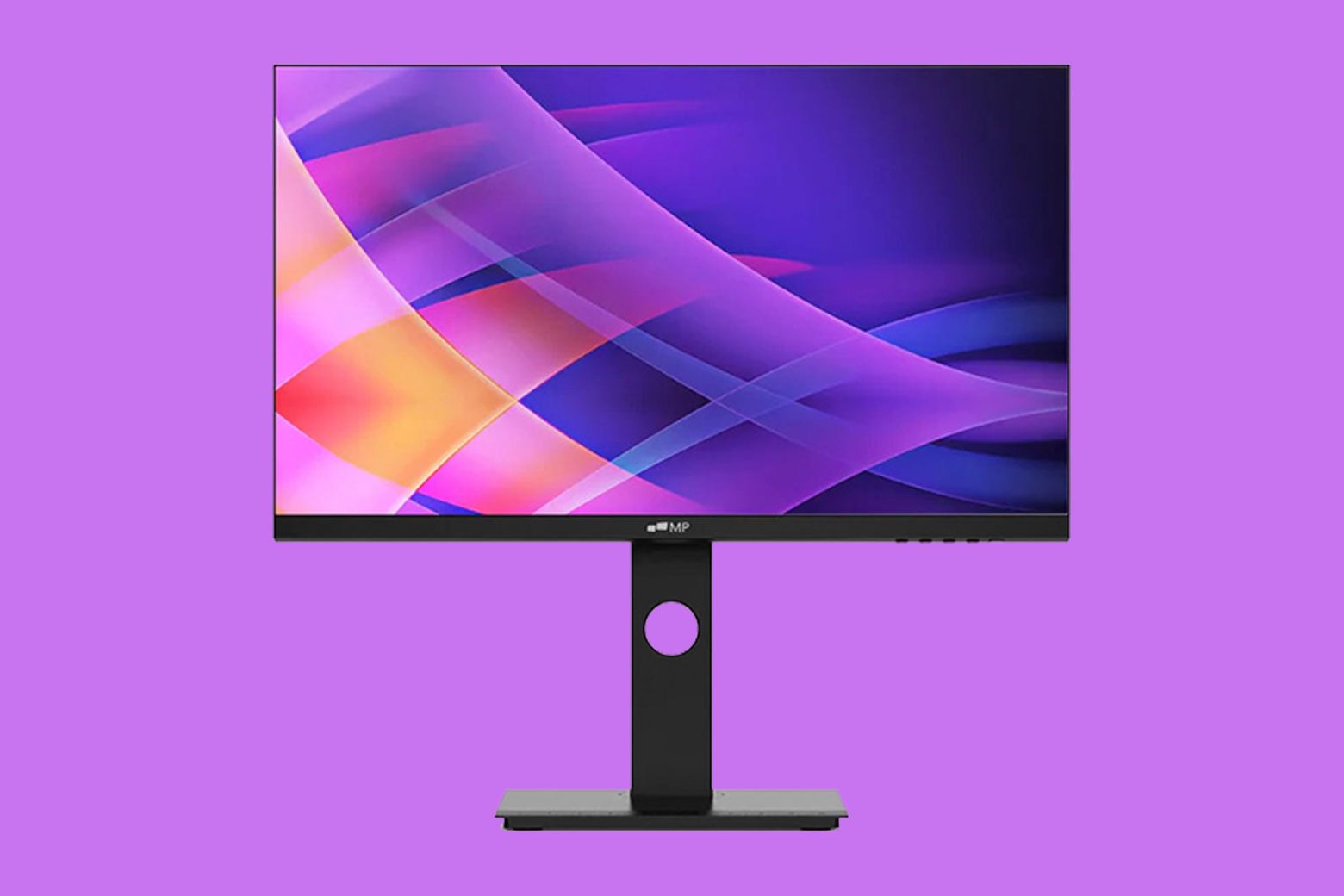
Save on this gorgeous and highly adjustable monitor. Photo: Cult of Mac Deals
Mobile Pixels’ 23.8-inch rotating desktop monitor is a full-HD display that’s sleek and highly adjustable. Its frameless design makes it perfect for multi-monitor setups, and it’s so tweakable that you can easily get your setup just right for maximum comfort with minimal effort.
Whether you’re a creative pro, a productivity power user or a casual Netflix binger, this is a great monitor, made to enhance your workflow and entertainment. And it’s on sale for just $149.99 (regularly $199.99) with code DISPLAY30.
MacBook Pro's M5 refresh might land this month. Photo: David Snow/Rajesh Pandey/Cult of Mac
Supplies of iPad Pros and 14-inch MacBook Pros powered by M4 chips are running low across Apple Stores. This indicates the imminent arrival of M5-powered models.
While reports of an M5 iPad Pro refresh surfaced before, this marks the first solid indication that Apple could launch an M5 MacBook Pro this year as well.
The AI companion from OpenAI might look something like this concept. AI concept: ChatGPT
OpenAI’s efforts to create and sell an “AI companion” device reportedly have serious obstacles to overcome. These are existential, including how the company can find enough computing resources to enable the artificial intelligence devices to function.
That’s good news for Apple, as there have been predictions that products designed specifically for AI might someday take the place of the iPhone and other smartphones.
AirPods can now connect you to talk to people who speak other languages. Image: D. Griffin Jones/Cult of Mac
I put AirPods’ new Live Translation feature to the test and came away impressed with the results.
I tested the feature with the help of Niléane, a native French speaker and fellow tech blogger. While we hit a few stumbling blocks in our conversation, we were able to have a perfectly good chat for a solid 10 minutes.
Apple CEO Tim Cook could soon be taking to the stage with more product announcements. Image: Apple/Cult of Mac
Apple isn’t done lunching new products this year, even though the iPhone 17 family and Apple Watch Series 11 reached customers in September. There are so many new products coming out of Cupertino this fall that rumors point to an Apple October event.
For some Apple fans, the best is yet to come: the Apple M5 processor, a new iPad Pro and (hopefully) the next MacBook Pro. And there could be more.
Navee ST3 Pro Electric Scooter is packed with features, many of which are accessible through your iPhone. Photo: Navee
I’m having so much fun riding the Navee ST3 Pro Electric Scooter. It’s powerful enough to be exhilarating, while also being a practical way to get around. Honestly, I haven’t been as stoked about a product since I got the first iPad.
That’s why I’m happy to say that Navee is having a special promo deal that knocks $190 off the e-scooter. You can get that price from Amazon or when you buy it straight from the manufacturer. It’s down to $759.99 —that’s 20% off. Now is a great time to buy!
This week on Cult of Mac’s podcast: The Federal Communications Commission leaks secret Apple info and Russian YouTubers get their hands on unreleased iPad Pros.
What’s going on with these crazy Apple leaks? We have a theory about why at least some of them are happening.
Also on The CultCast:
Logitech updates a classic — the new MX Master 4 mouse adds haptics!
A cool new Mac app called Folder Quick Look fixes a longtime annoyance, and it’s totally free.
We take a good, hard look at the latest addition to our colleague’s setup.
Listen to this week’s episode of The CultCast in the Podcasts app or your favorite podcast app. (Be sure to subscribe and leave us a review if you like it!) Or watch the video live stream, embedded below.
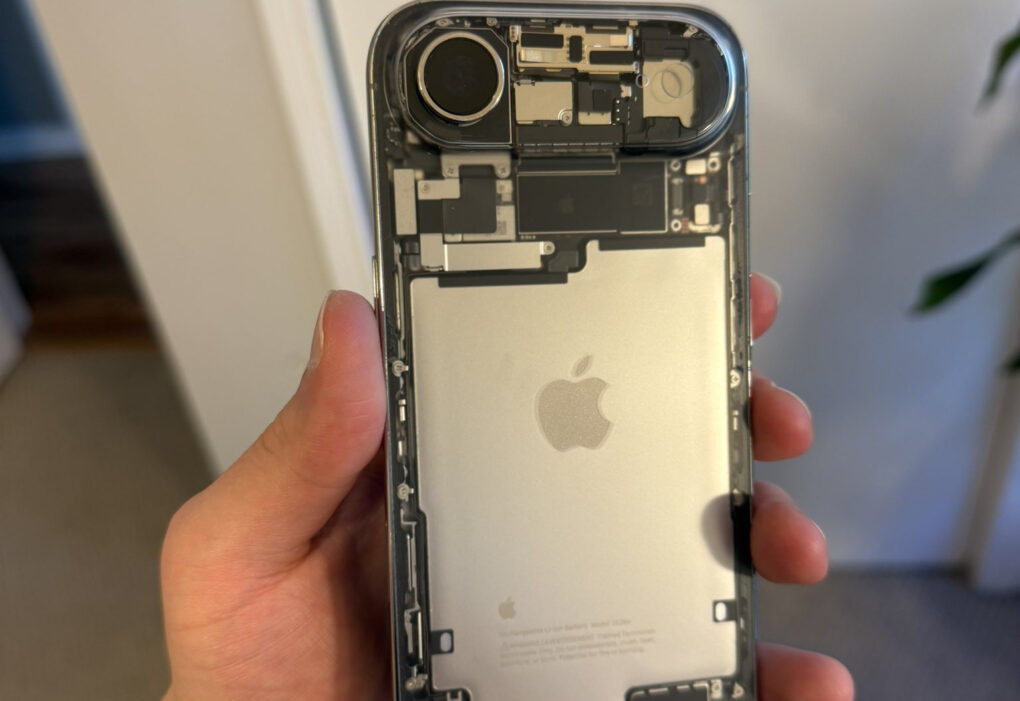
iPhone Air looks even more stunning with a transparent back. Photo: brt2412
The iPhone Air already stands out with its sleek, ultra-thin design. A modder has now taken it a step further and added a custom transparent back glass to give the phone an even stunning look.
The result is a retro-mod vibe that shows off the phone’s internals in all its glory.
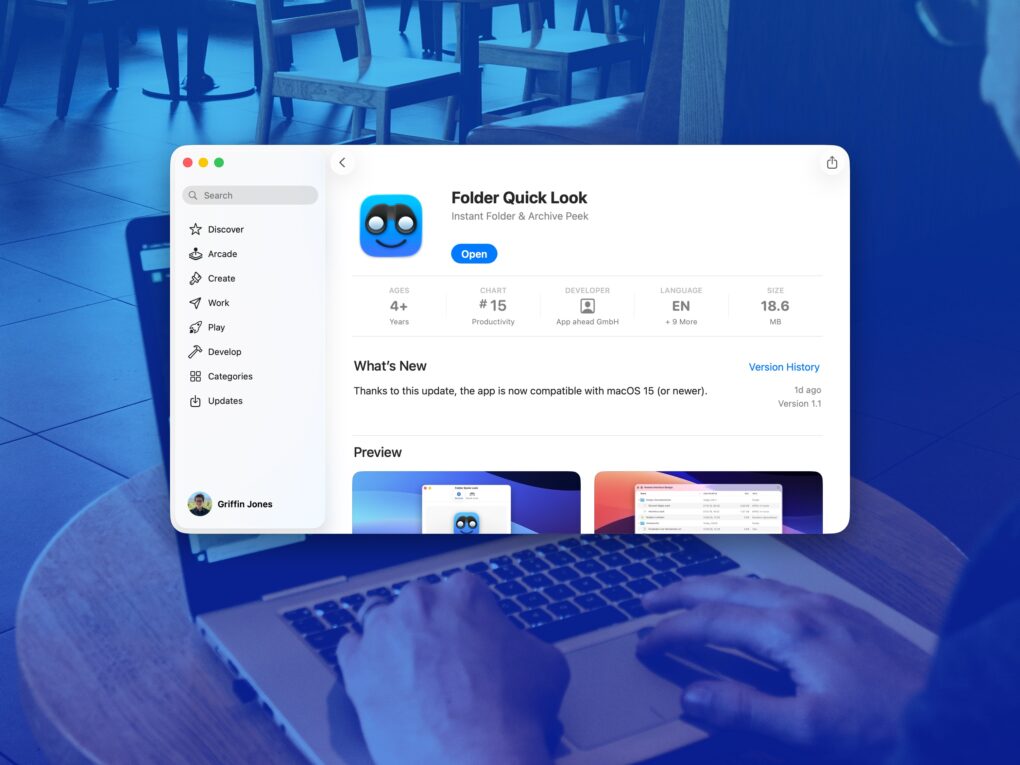
A simple app that solves a big problem. Image: D. Griffin Jones/Cult of Mac
Folder Quick Look is a totally free Mac app that scratches an irritating itch the Mac has had for a long time. It lets you preview the contents of a folder when using Quick Look.
It’s a great utility that does one thing, does it perfectly, and doesn’t cost you a dime — it’s free and collects no data! There’s no reason not to try out Folder Quick Look. Find out why it’s an instant must-have Mac utility in our Awesome Apps review below (or watch our video demo of the app).
Financing a MacBook Pro has never been so easy. Photo: Upgraded
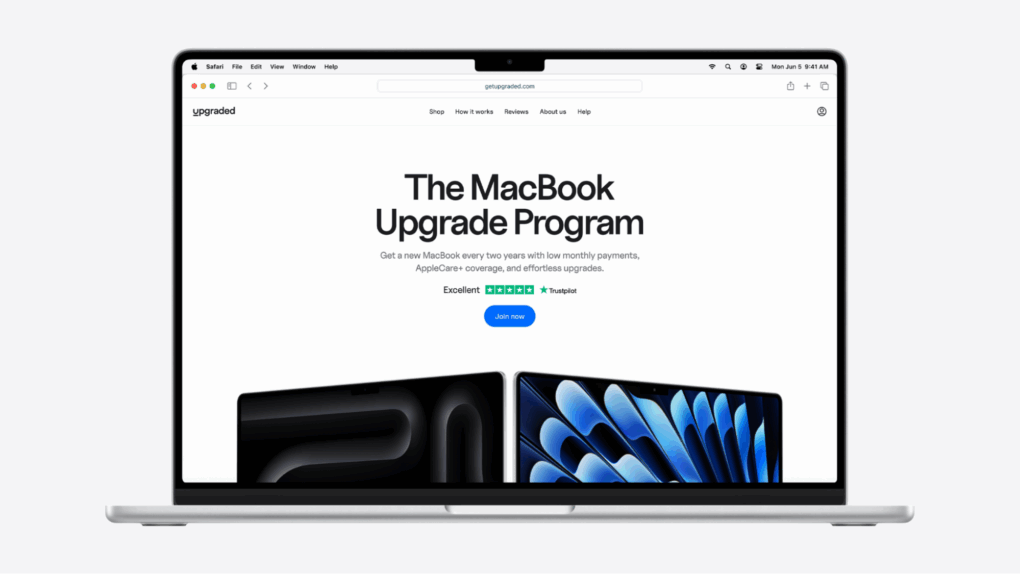
Thanks to a new method of financing for MacBook purchases, there’s a more affordable way to get your hands on the latest Apple laptop. Instead of dropping thousands today, Upgraded’s MacBook Upgrade Program lets you spread the cost over 36 months, with the option to upgrade to the latest device every 24 months.
Thousands of people are switching to Upgraded, thanks to the simple monthly prices, seamless experience and time saved from not dealing with reselling. You can get the latest MacBook starting at just $33.28 per month and as low as 0% APR with Upgraded.
No massive upfront bill. No time wasted on eBay or craigslist. And you can always have the newest MacBook, since you have the option to upgrade every two years.
The Sora app uses AI to generate fun, very realistic videos from user prompts. Screenshot: OpenAI
OpenAI introduced the Sora iPhone app Tuesday, and by Friday, it had already hit the No. 1 spot on Apple’s Top Free Apps list. The secret of the new AI video app’s appeal? It’s a lot of fun, letting users create hilarious short videos with a simple text description.
Watch some of the hilarious (and amazing) videos people have already created, there go make your own.
★★★★★
Stop worrying about losing your furry friend — get Halo Collar 5. Photo: Halo
You won’t find a better way to track your dog than the new Halo Collar 5. It uses GPS to accurately locate your pup anywhere on Earth and can show you the location on your iPhone (or Android). Plus, it offers two days of battery life.
As a bonus feature, you can set up a “fence” so the collar warns your pet to stay in its yard. And you can place virtual fences anywhere you go.
I did real-world testing of the GPS dog tracker and came away very impressed.
ICE tracking apps can help alert people about where immigration raids are taking place. Photo: Photo by Maciej Prus, Pexels
Apple removed ICEBlock and several similar immigration enforcement tracking apps from its App Store following pressure from the Department of Justice, according to reports late Thursday. The decision came after Attorney General Pam Bondi directly contacted Apple demanding the removal of ICEBlock.
It’s a crowdsourced app that allows users to anonymously report sightings of Immigration and Customs Enforcement agents within a five-mile radius. The app had been downloaded over 1 million times since launching in April 2025.
Save a bundle on JBL Tune Flex 2 earbuds with smart noise cancellation and booming bass. Photo: Cult of Mac Deals
JBL Tune Flex 2 noise-canceling earbuds offer advanced features at a very low price. And an open-box deal drops them to just $49.99, making them even more of a bargain.
If you’re not hooked on AirPods, this is a fantastic chance to upgrade your audio without blowing your budget.
Just watching Matthew McConaughey anguish over what to do with his empty school bus as tragedy looms made me squirm. Photo: Apple TV+
Apple TV+ viewers have a new pulse-pounding watch to take in Friday — The Lost Bus movie. It tells the story of the Camp Fire laying waste to Paradise, California, as a lone school bus driver played by Matthew McConaughey tries to save nearly two dozen children from the inferno. Action maven Paul Greengrass directs. He’s best known for Bloody Sunday, two Jason Bourne movies and Captain Phillips.
The film scores an 86% Fresh critical rating and a 92% Fresh viewer rating on reviews site RottenTomatoes.com. “McConaughey, as a nervy reluctant hero, steers the searing, intense narrative about normal people living through the most hellish of circumstances,” wrote USA Today. “The Lost Bus traps us in that disorientating push and pull — it’s a little too real to entertain, and a little too entertaining to feel real,” noted The Independent. Generally, even those who criticized the film’sHollywood-ness praised its intense realism and almost unbearable, horror-movie-style tension.
Are you hearing a whistling sound on your AirPods Pro 3 with ANC on? Image: Cult of Mac
Some AirPods Pro 3 owners report hearing an annoying whistling sound from their new earbuds. The noise typically comes when they have the earbuds in, with no music playing and active noise cancellation on.
The problem doesn’t seem widespread, but enough new owners are reporting it to raise eyebrows.
Apple Watch and M4 Mac mini drop the carbon neutral badge. Photo: Apple/Rajesh Pandey/CultOfMac
Apple no longer advertises the M4 Mac mini and its Apple Watch lineup as “carbon neutral.” The company proudly unveiled its first carbon neutral products — the Apple Watch Series 9 and Apple Watch Ultra 2 — in 2023.
But just two years later, it has removed the claim from all such product pages. And it’s not because Apple suddenly started making its devices differently.
Choosing the right power bank can transform how you use your iPhone, AirPods and Apple Watch throughout the day. We recently gathered the top 10 power banks for Apple users — and six of them are currently on sale at Amazon. These power bank deals include our No. 1 pick, Ugreen’s MagFlow Qi2.2 power bank. It features speedy 25W charging for iPhone, plus charging for other devices. See the deals below.
★★★★☆
The QQH Z12-4 4K Portable Monitor looks beautiful showing video… just not perfect. Photo: Ed Hardy/Cult of Mac
The QQH Z12-4 4K Portable Monitor shows that there’s no reason to get a 1080P screen for travel when a 4K one is so affordable. The 15.6-inch screen can make you more productive on business trips, or let you enjoy movies and games on a high-resolution display. All without straining your budget.
Don’t be concerned if you haven’t heard of QQH before. I hadn’t, so I went into this review with a skeptical eye. I tested the 4K portable monitor for weeks with my iPad Pro, and it also supports MacBook and even my iPhone. Here’s why I’m pleased with it.
Especially as there’s a deal that knocks 29% off the cost of the QQH Z12-4.
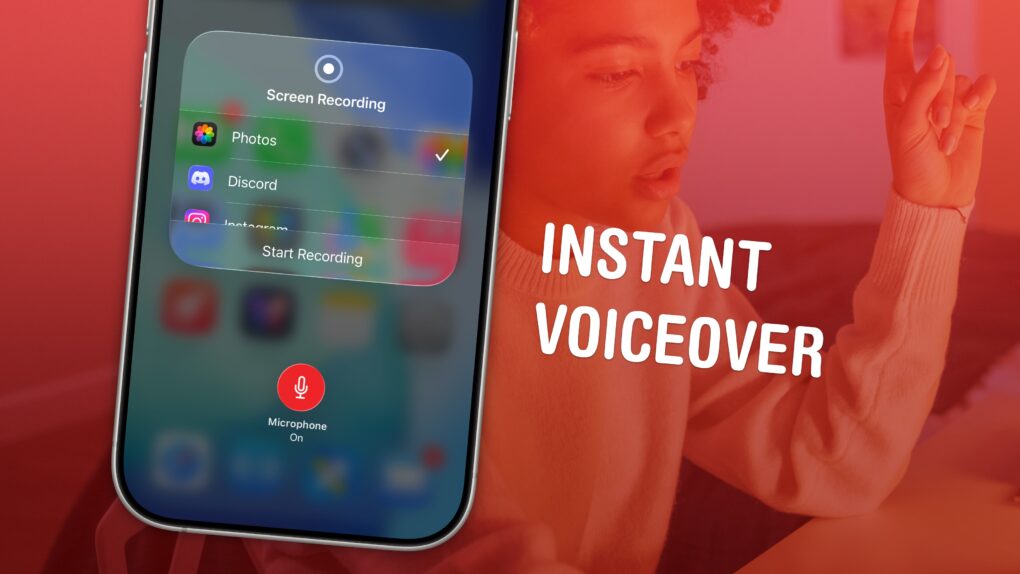
Record your screen, its audio, and your voiceover in one. Image: D. Griffin Jones/Cult of Mac
You can record your screen with audio (and a voiceover) on your iPhone to talk over your video. This functionality is built right into the iPhone. You don’t need to use a Mac or PC, or pay for an app to do it.
This can come in handy for making presentations or projects — and you don’t want to waste an hour or more editing a video yourself. You can also make a recording with your voiceover explaining how something works for helping someone out, testing an app, making a tutorial, recording your reaction to watching a video or more.
Here’s how to record your screen with audio — and add a voiceover — right from your iPhone.
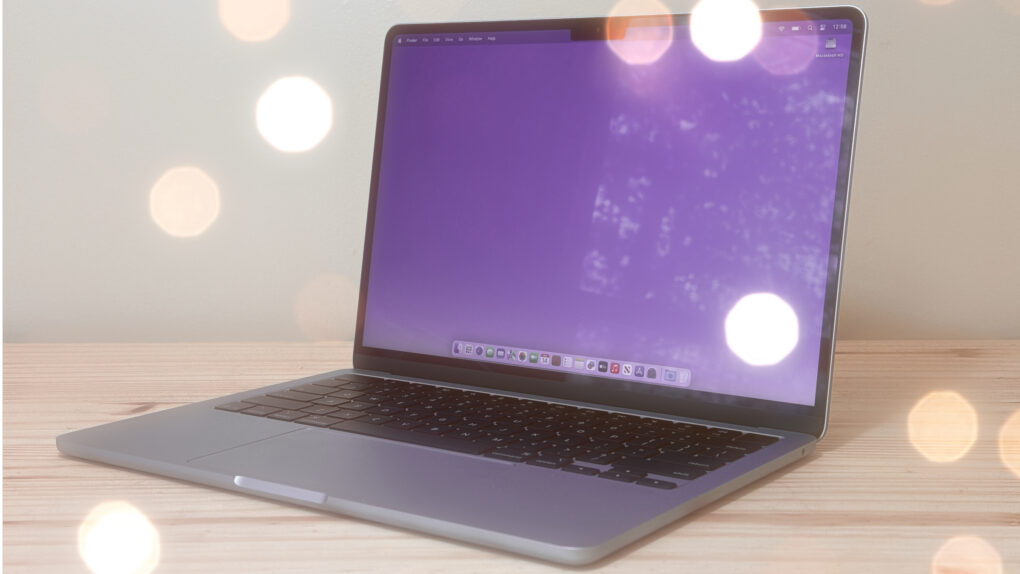
I can't use my Mac without these utilities. Photo: Cult of Mac
The best Mac utilities can make a great computer even better. From smarter window management to easier automation and cleaner navigation, a few well-chosen tools can dramatically improve your workflow.
I’m a longtime Mac user, and I can’t do my job without these six essential Mac utilities. In this guide, I’ll show you how they can make everyday tasks faster and simpler.