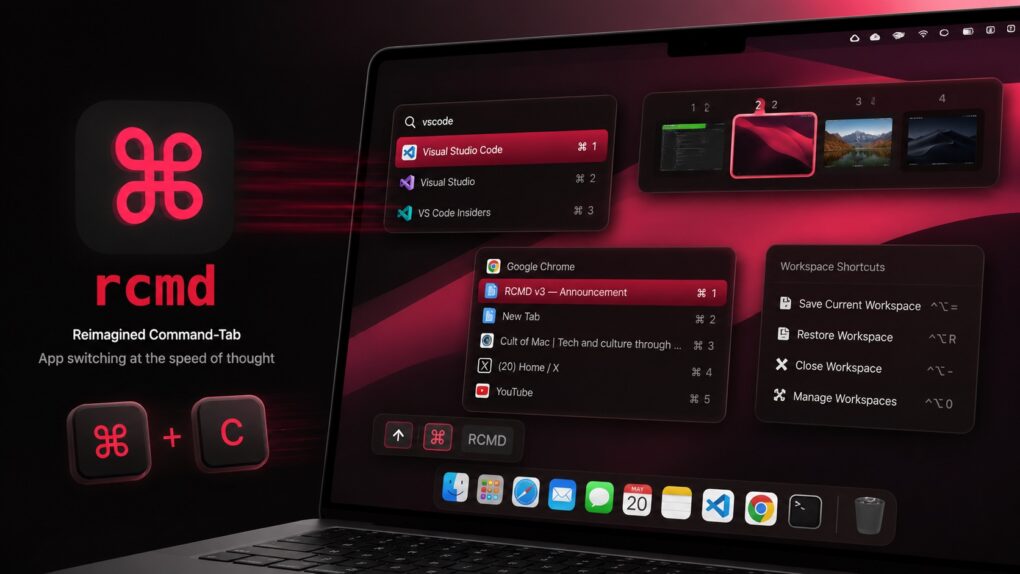
rcmd v3 supercharges window management on Mac. AI image: ChatGPT/Cult of Mac
Plenty of third-party Mac app switchers try to improve the experience, but rcmd is my favorite because of its keyboard-driven approach. Now, with the recently released rcmd v3, the app evolves from a simple app switcher into a more powerful productivity tool, adding features like fuzzy search, workspace switching and more.
Flying with a power bank? Here’s where EasyJet says it must go: in the cabin of the plane. Photo: EasyJet
An airliner took an unscheduled stop, delaying travelers for a day, after the crew learned that a passenger had a power bank in use in their checked luggage.
That happened in Europe, but take this as a reminder that Federal Aviation Administration rules also forbid power banks and other spare lithium-ion batteries from traveling in checked baggage on passenger aircraft. Don’t do it.
At least the color and prancing horse badge are familiar in this shot from Ferrari. Photo: Ferrari
Ferrari officially pulled the wraps off the Luce, its first-ever all-electric vehicle, on Monday — and for Apple fans, this one’s personal. The car’s exterior and interior took design cues from LoveFrom, the creative collective founded by former Apple design chief Jony Ive and longtime collaborator Marc Newson.
The Ferrari Luce is the highest-profile project the duo has taken on since leaving Cupertino, and it’s already dividing opinions. Plus, it’s the closest we’ll ever get to an Apple car.
Never worry about running out of storage (or money) again. Image: Cult of Mac Deals
If you want a reliable place to keep your photos, videos and other files, try Internxt Cloud Storage’s 10TB cloud storage plan. Instead of paying Apple or Google every month for a little extra space, you can get 10TB of secure cloud storage for life for a one-time payment of $269.97.
Yeah, it costs more than any single month of Google Drive or iCloud+, but you only pay once. Take a look at what makes this cloud storage a solid investment.
May 26, 2010: In a massive milestone, Apple passes Microsoft to become the world’s most valuable technology company for the first time.
The changing of the guard proves particularly amazing given that, just 15 years earlier, Apple looked close to dead, while Microsoft dominated the tech world thanks to Windows 95.
★★★★☆
Soundcore Liberty 5 Pro use AI for clear calls and come with a touchscreen charging case. Photo: David Snow/Cult of Mac
Anker’s Soundcore sub-brand spent years punching above its weight in the budget and midrange earbuds market, and Liberty 5 Pro is an ambitious new swing. Released alongside the pricier Liberty 5 Pro Max (reviewed separately tomorrow), these $169.99 earbuds aim squarely at anyone who wants AirPods Pro-level features without paying AirPods Pro prices.
This Soundcore Liberty 5 Pro earbuds review finds them excellent overall. They particularly excel at call clarity.
You can use your phone to take lo-fi pictures. You don’t need a separate point-and-shoot camera. Image: D. Griffin Jones/Cult of Mac
If you feel like every photo you take looks boring and overprocessed, you can change your iPhone camera settings to take natural, lo-fi pictures.
Turning down the exposure can prevent the photo from looking unnaturally bright (and more like something shot on an older digital camera). If you have a newer iPhone, you can even change its Photographic Style to “Natural,” for better-looking colors. A few quick trips into the Settings app can turn off the lens distortion on the Ultra Wide and selfie cameras, for that pure fisheye look.
You can even take things a step further and download a different camera app — one that captures totally unprocessed photos straight from your iPhone’s sensor.
Here are my top tips for taking lo-fi iPhone photos.
Stop struggling to make AI produce your desired results. Photo: Cult of Mac Deals
AI prompts generator Prompting Systems turns plain-text directions into effective directives that work with popular models like ChatGPT and Claude.
It makes it simple to get the results you want without burning an afternoon iterating on prompts that don’t deliver the goods. And a lifetime subscription to this tool for AI mastery just dropped to $24 with code PROMPT20 (regularly $360).
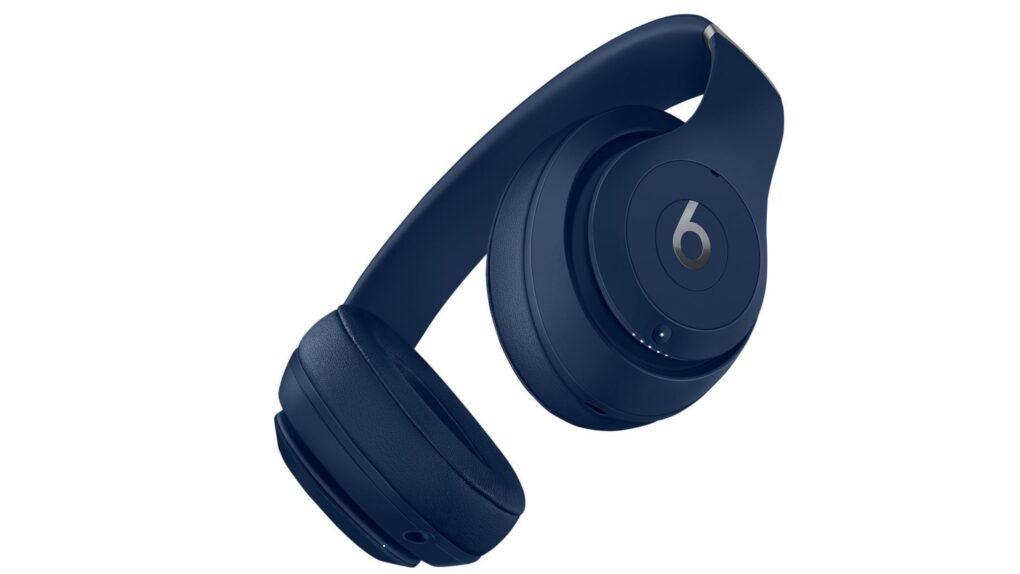
Apple's filing offers little detail, but hints at a new pair of Beats headphones. Photo: Apple
Apple appears to be working on a new pair of over-ear headphones, possibly Beats Studio Pro 2. A recently discovered filing in a Federal Communications Commission database describes an unreleased device as “Bluetooth over-ear headphones” with an antenna, battery and microphone.
The best guess right now is a long-overdue refresh of the Beats Studio Pro, which Apple released in 2023. Apple just released the AirPods Max 2, so it is unlikely the company will announce a new set of over-ear Apple headphones.
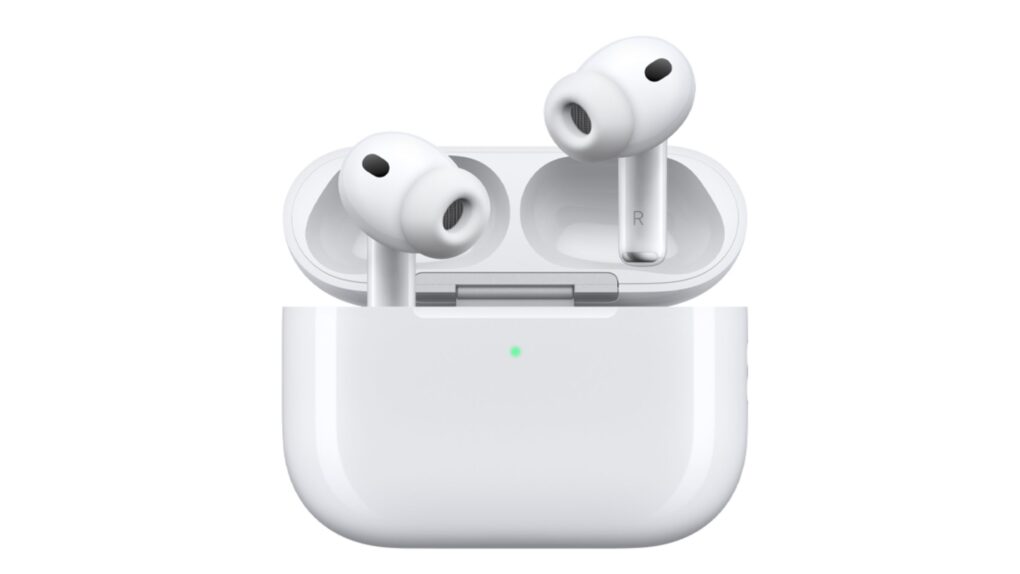
The AirPods' settings page just keeps getting more crowded as Apple adds new features. Photo: Apple
Apple is reportedly preparing to overhaul one of the iPhone’s most cluttered menus: the AirPods settings screen.
Over the years, the AirPods settings screen has grown more cluttered with every new feature Apple introduces to the popular earbuds. That could change with iOS 27, which could come with a completely revamped layout for the AirPods settings.
Apple faces criticism for conditions on the iPhone production line. Photo: SACOM Hong Kong/Flickr CC
May 25, 2010: Apple opens an investigation into a string of suicides at Foxconn, its Chinese manufacturing partner for assembling iPhones.
After reports of a ninth death at a Foxconn factory, Apple says it is “independently evaluating” Foxconn’s response. Cupertino vows to take a long, hard look at the facilities that manufacture its products. It’s a tough challenge for Apple to deal with — and CEO Steve Jobs’ controversial comments don’t exactly help.
Save on essential Microsoft software for Mac or PC. Photo: Cult of Mac Deals
Not a fan of monthly fees for software like Microsoft 365? This deal lands you a lifetime license to Microsoft Office Home & Business 2024 for Mac or PC.
Adding the iPhone's version of MagSafe to the Magic Mouse would make it even easier to charge. Photo: Ed Hardy/Cult of Mac
The charging port on the bottom of the Magic Mouse draws criticism — mostly from people who’ve never actually used one. But there’s a way Apple could quiet the complaints and improve the product at the same time: add MagSafe wireless charging.
The mouse could keep its iconic design, become easier to charge and the critics would have to find something else to complain about.
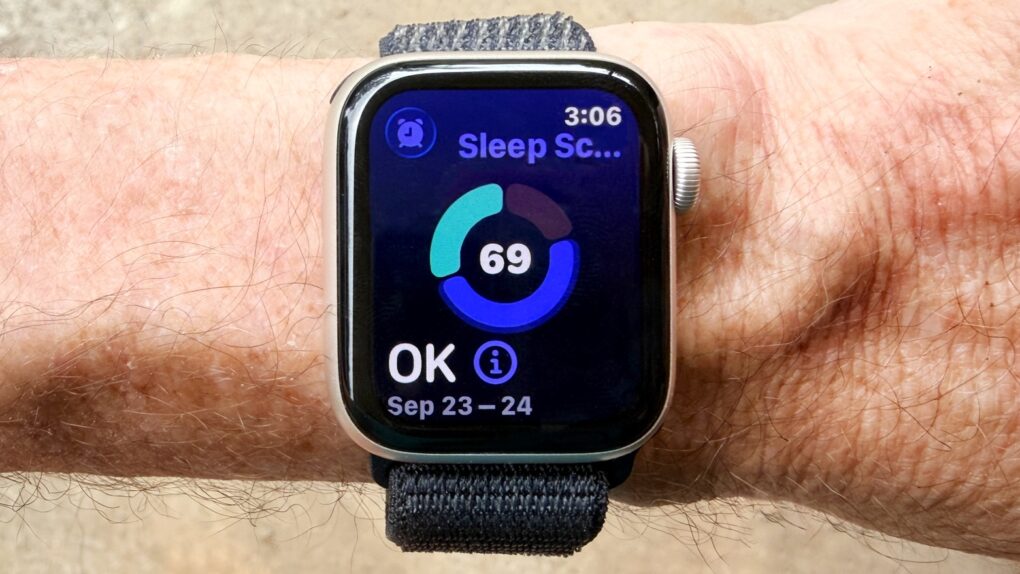
watchOS 27 may disappoint you with the lack of new features. Photo: Ed Hardy/Cult of Mac
The Apple Watch’s next big software update — watchOS 27 — will supposedly follow the same strategy as iOS 27: It will focus on stability and performance rather than introducing radical new features.
Apple will not launch its AI-powered health coaching service with the initial build, according to a new report.
AirPods Ultra could be an AI-focused device, not just a simple audio player. AI image: ChatGPT/Cult of Mac
Details continue to emerge about Apple’s next-generation premium earbuds, widely referred to as “AirPods Ultra” and sometimes described in leaks as fourth-generation AirPods Pro. The next-gen earbuds reportedly will bring a significant jump forward, including adding cameras and health-monitoring features. And they aren’t too far away.
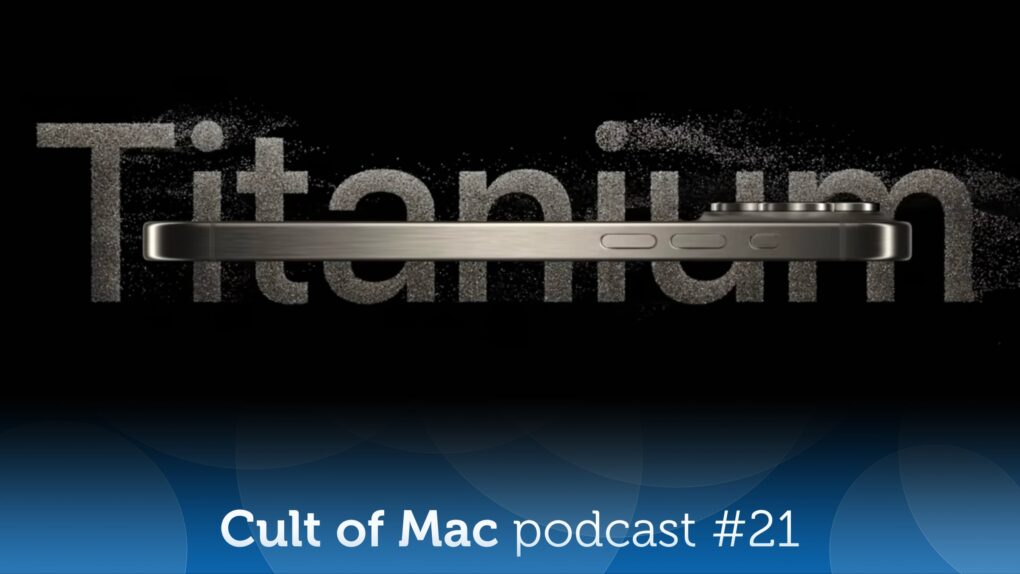
Will future iPhones come in titanium once again? Image: Apple/Cult of Mac
On the latest episode of the Cult of Mac podcast: Apple might go back to the iPhone future, thanks to some metallurgical magic that involves a special titanium alloy.
We discuss the pros, the cons and the possible timeline for such a retro upgrade.
Also on the Cult of Mac podcast:
Another recent Apple rumor also sounds like a bit of a flashback: The Apple Watch Ultra 4 might get high-blood-pressure alerts. Um, doesn’t it already do that? Yes, but …
As per tradition, Apple reveals new accessibility features coming in the next version of iOS. And, as always, they sound pretty incredible.
Special guest Niléane shows off TinyStart, a “tiny launcher for macOS, fast and focused on the essentials.”
Listen to this week’s episode of the Cult of Mac podcast in the Podcasts app or your favorite podcast app. (Be sure to subscribe and leave us a review if you like it!) Or watch the video version, embedded below.
Here's an easy way to get a handle on your blood pressure. Photo: Cult of Mac Deals
The iHealth Track blood pressure monitor offers an easy way to track your blood pressure at home. It syncs to your iPhone, tracks trends, and gives you real health data you can use.
May 24, 2013: Apple begins phasing out the option to download movie trailers from its once enormously popular iTunes Movie Trailers website.
The move signals a major change in the way people consume digital content as the internet evolves. Downloads will continue to decline, as streaming services like YouTube and Netflix gain steam.
Boost your devices' security with a VPN and password manager bundle. Photo: Cult of Mac Deals
The FastestVPN & Security Lifetime Bundle gives you two essential tools for safeguarding your data — a VPN and a password manager — all for one low price.
May 23, 1985: Bitter about being ousted from his position running the Macintosh division, Steve Jobs attempts to stage a boardroom coup to seize control of Apple from CEO John Sculley.
The 30-year-old Apple co-founder plans to overthrow Sculley while the CEO is away on a business trip in China. Unfortunately for Jobs, he makes a critical mistake when he tries to recruit the support of Apple executive Jean-Louis Gassée, who informs Sculley of the plot.
It’s the beginning of the end for Jobs’ first tenure at Apple.
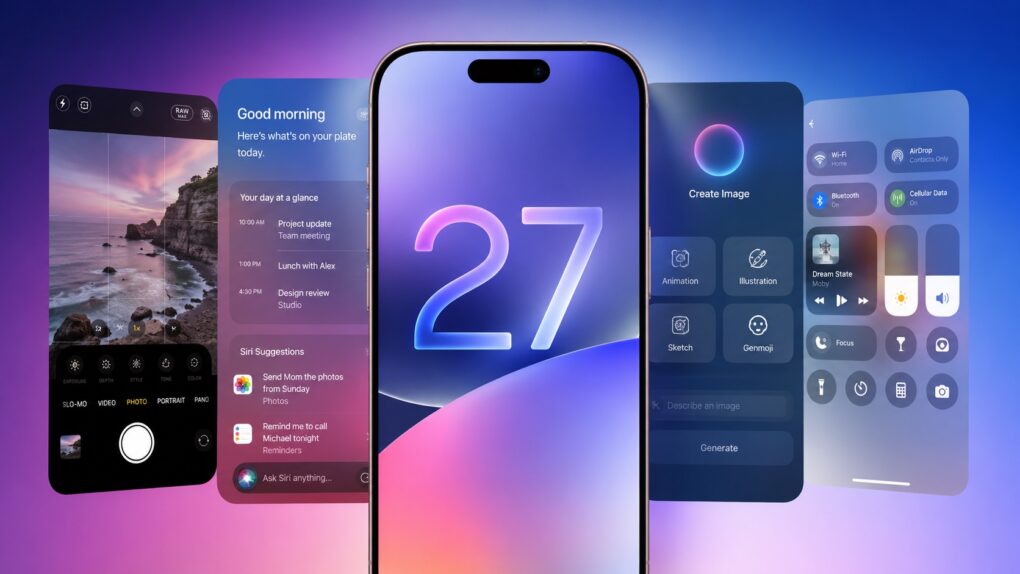
Leaks reveal a lot about iOS 27. AI image: ChatGPT/Cult of Mac
As it struggles to catch up on AI, Apple almost undoubtedly plans to focus on Apple Intelligence in iOS 27. But the company will also reportedly focus on refining the iPhone experience and tidying up existing features.
Thanks to leaks, we already have an early look at some of iOS 27’s biggest new features. While Apple certainly has some surprises planned, these are the leaked iOS 27 features I’m most excited to try.
Codex for Mac can now remotely handle tasks even while your MacBook stays closed. Photo: OpenAI
OpenAI just gave its Codex for Mac programming app a feature called Appshots that makes copy-pasting code or describing what’s on the screen unnecessary. Just press Command twice, and the AI assistant automatically takes a screenshot and captures text from your window, including scrollable content that isn’t visible.
Appshots is the headline addition in this week’s Codex update, and it’s only available on Macs for now. Think of it as giving your AI assistant a pair of eyes, instead of always explaining what you are looking at.
Save 41% when you get the Mini Wireless CarPlay/Android Auto Adapter now! Photo: Cult of Mac Deals
Plug in the Mini Wireless CarPlay/Android Auto Adapter once, then pair it with your phone, and every time you start the car, you’ll enjoy a wireless infotainment experience.
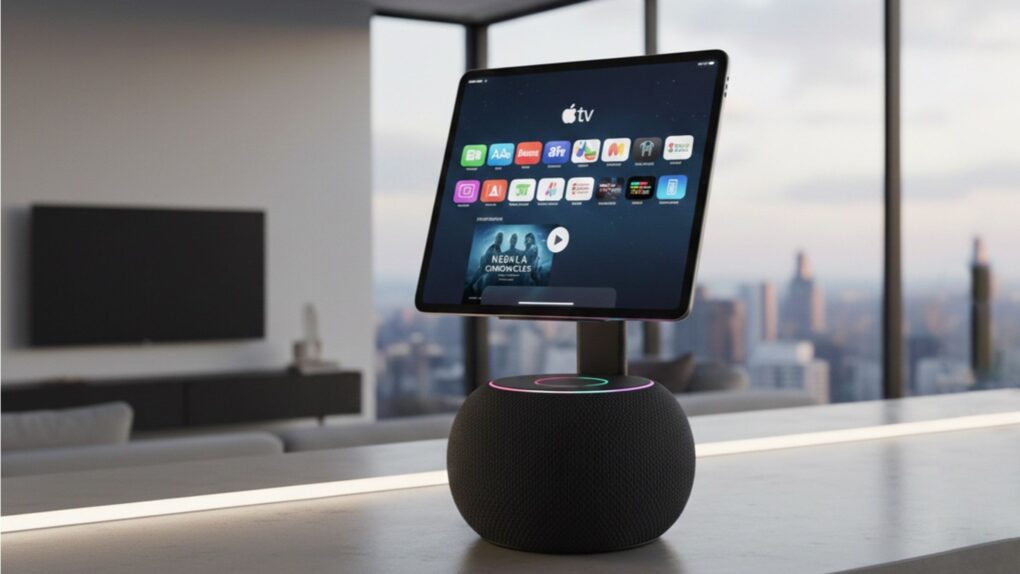
The HomePod 3 needs smarter software and not just faster hardware. AI image: Google Gemini
Apple’s next HomePod is reportedly stuck in limbo while the company works on its delayed AI Siri upgrade. And honestly? That might be what the HomePod 3 needs. But before Apple unveils the HomePod 3, it needs to address some serious gaps that make it feel far less intelligent than the competition.
The HomePod’s problem has never been its hardware. The speakers sound fantastic, and the device tightly integrates into Apple’s ecosystem. But the user experience still feels a generation behind competing smart speakers. If Apple wants the HomePod 3 to be the center of its smart home ambitions, a faster chip and a shinier enclosure won’t be enough. Here’s what actually needs to change.
★★★★★
The perfect NAS for most users. Photo: Rajesh Pandey/Cult of Mac
The Ugreen DXP4800 Pro is the kind of network-attached storage device, aka NAS, that blurs the line between simple network storage and a compact home server. It packs enough power to handle Plex streaming, Docker containers, virtual machines and multidevice backups.
With a faster processor and improved bandwidth over its predecessor, the DXP4800 Pro delivers a noticeable performance boost for users who want more than just basic file storage.
This added flexibility makes the DXP4800 Pro stand out.






 May 26, 2010: In a massive milestone, Apple passes Microsoft to become the world’s most valuable technology company for the first time.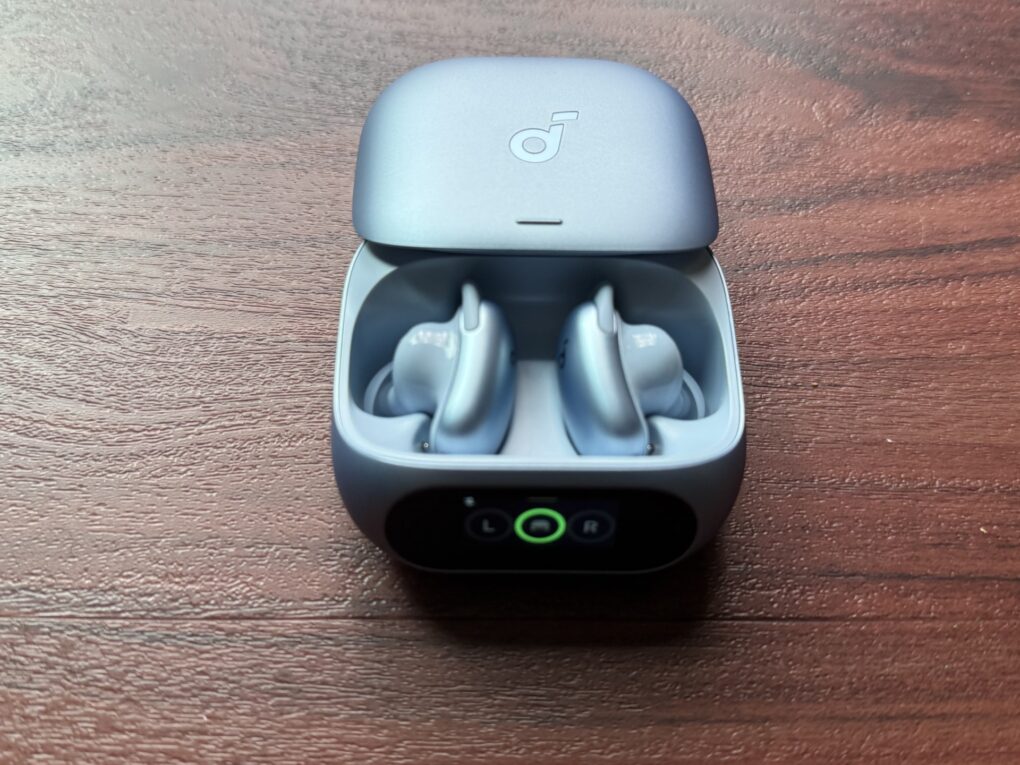



 May 25, 2010: Apple opens an investigation into a string of suicides at Foxconn, its Chinese manufacturing partner for assembling iPhones.




 May 24, 2013: Apple begins phasing out the option to download movie trailers from its once enormously popular iTunes Movie Trailers website.

 May 23, 1985: Bitter about being ousted from his position running the Macintosh division,