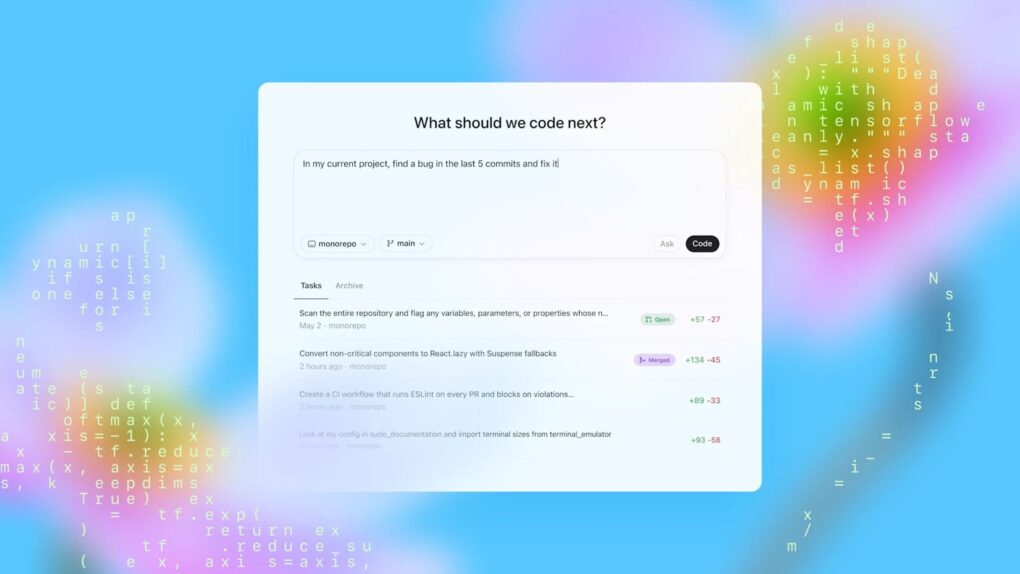
OpenAI just gave its Codex for Mac programming app a feature called Appshots that makes copy-pasting code or describing what’s on the screen unnecessary. Just press Command twice, and the AI assistant automatically takes a screenshot and captures text from your window, including scrollable content that isn’t visible.
Appshots is the headline addition in this week’s Codex update, and it’s only available on Macs for now. Think of it as giving your AI assistant a pair of eyes, instead of always explaining what you are looking at.
What is Codex?
Codex is OpenAI’s AI-powered coding assistant. It can handle everything from writing to debugging and can also navigate your desktop and complete tasks on your behalf.
Unlike an AI chatbot, where you paste or type your questions into, Codex can act like a developer sitting next to you. It can operate your Mac, browse the web, and work towards a goal for hours or days.
It is a part of a new class of agentic AI tools that not only answer questions but actually get things done. Think of it as autocomplete for your workflow, not just your code.
Codex can now ‘see your workspace with Appshots
When you press Command-Command in the Codex app, it will automatically attach the current app window to your active chat thread.
Codex then takes a snapshot and captures the text of not just what’s visible on the screen, but also content that’s out of view. It isn’t just a simple screenshot, but the AI is reading your working environment, which means a lot less back and forth.
Your Mac can also work when it’s locked
The update also brings another genuinely useful change for Mac users. Codex can now remotely control your Mac from your iPhone, even when the screen is off and locked. You can start a task from your phone and have Codex execute it without ever opening your MacBook’s lid.
Goal mode, faster browser, and more
And that’s not the only addition to Codex. The /goal command, previously available as an experimental feature, is now stable. It allows users to set a milestone and ask Codex to work toward it for hours or even days.
You can also pause and resume as needed and even use side chats to check the progress without interrupting the main task.
The built-in app browser is faster than before. It also gets an advanced annotation mode along with support for batch comments. If you are a business user, it is now possible to share custom plugins across teams, and enterprise accounts can ask for early access to the feature.
Analytics for business and enterprise users can now see more granular data, like active users, credit, token usage, lines of code generated, plugin activity, and other metrics.
The new version of Codex for Mac is available now.
Download from: OpenAI

Anurag Chawake is a tech-focused writer specializing in smartphones, apps and consumer technology. His interest in computers began during the Windows 98 era, eventually leading him to explore everything from operating systems to mobile devices and PC hardware. Anurag previously contributed to The Indian Express, covering Apple, Android, gaming and the broader technology landscape.

