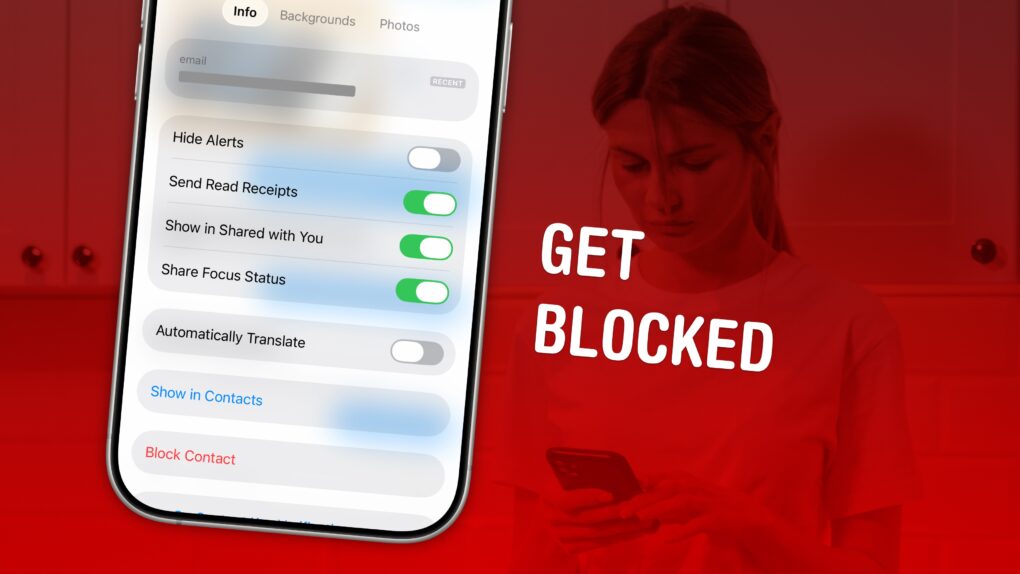
Spam calls and text messages seem absolutely relentless these days — you’ll want to know how to block a number on your iPhone to keep your sanity. Luckily, it’s easy. There are a variety of ways you can stop unwanted calls. You can block an incoming phone call or text message. And you can send unknown callers directly to Live Voicemail.
If you’re blocking a person in your contacts list, it doesn’t matter which app you block them from — Messages, Phone, Contacts, Mail, Settings — they will be blocked everywhere.
Here’s how to block calls from unknown numbers on iPhone and keep spammers at bay.





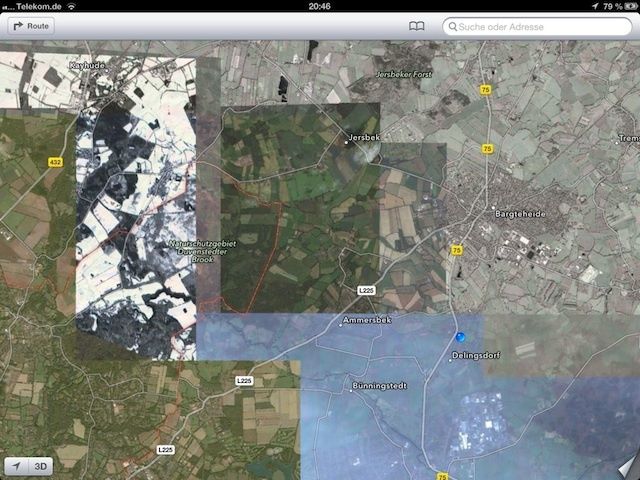
 November 27, 2012: Apple fires the manager responsible for the disastrous Apple Maps launch in iOS 6 after the glitchy software delivers embarrassingly bad data to users around the world.



 November 26, 1984: Microsoft co-founder Bill Gates praises Apple’s newly arrived Macintosh as the future of personal computing.



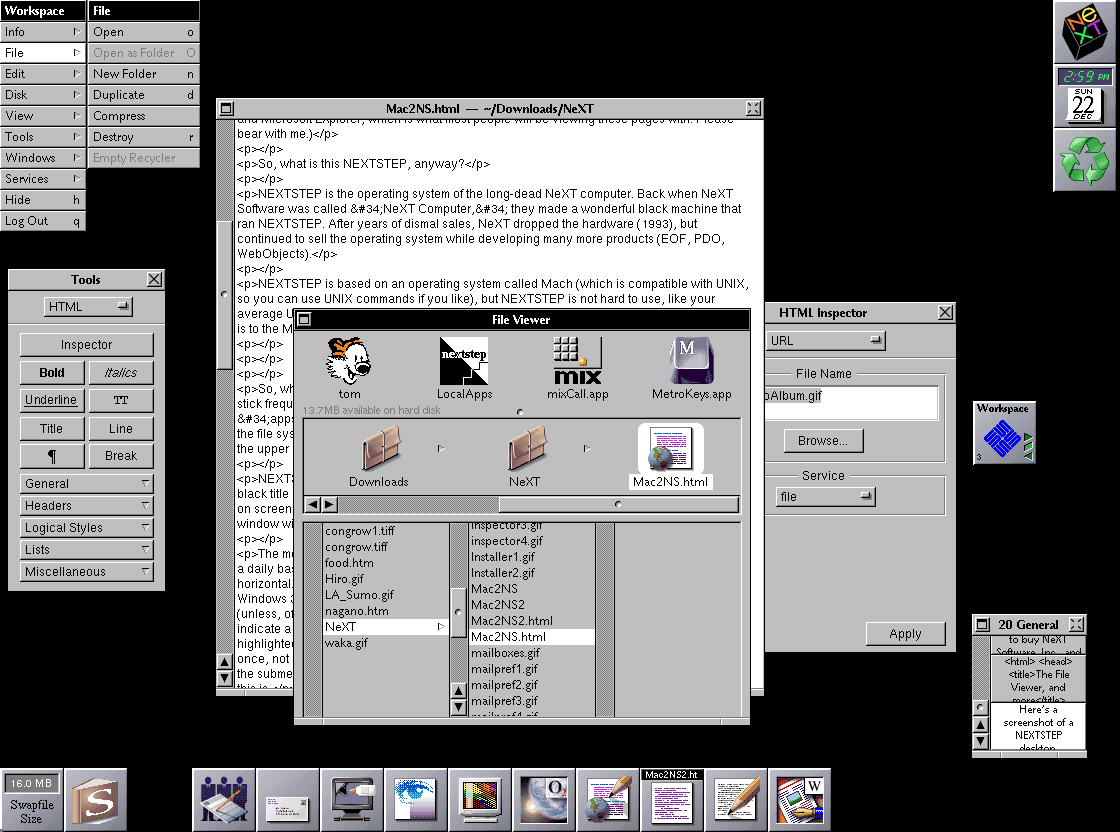
 November 25, 1996: A midlevel manager at NeXT contacts Apple about the possibility of Cupertino licensing NeXT’s OpenStep operating system. The phone call sows the seeds of Mac OS X and Apple’s rejuvenation.