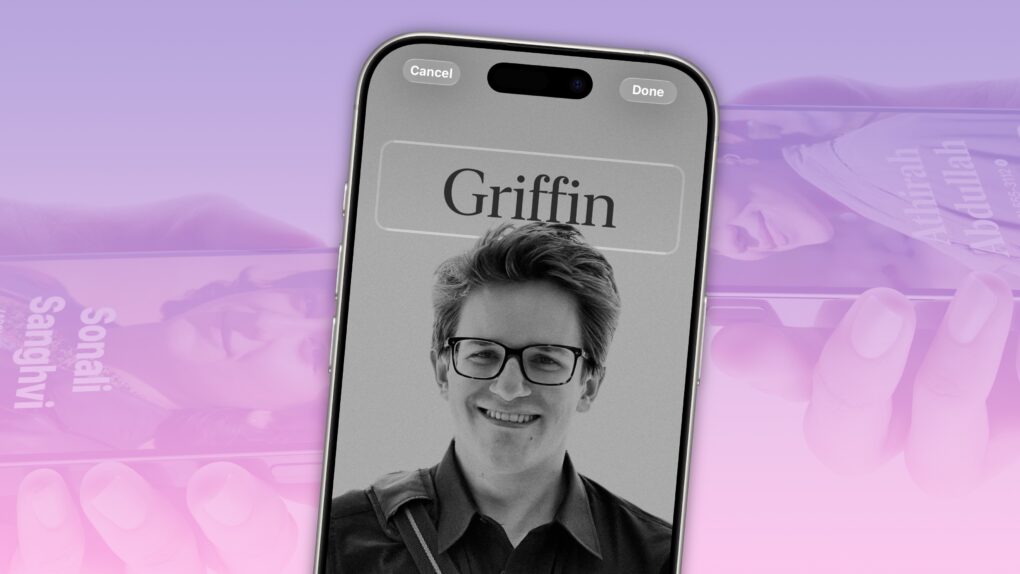
Contact Posters let you customize how your Apple contact card looks to other people when you call them. If they have your contact info in their address book, your customized Contact Poster will appear on their iPhone’s screen.
Done right, Contact Posters look great — way better than the old thumbnail images that preceded them. Plus, it’s really easy to turn an ordinary picture into a gorgeous-looking Contact Poster that makes a real impact.
And once you set one up, everyone with your matching phone number and/or Apple Account will see your chosen contact picture and personalized Contact Poster.
I’ll show you how to set one up; the process might look familiar if you’ve set up a custom Lock Screen.



 December 3, 2012: News Corp pulls the plug on The Daily, the world’s first iPad-only newspaper, less than two years after launching the publication.
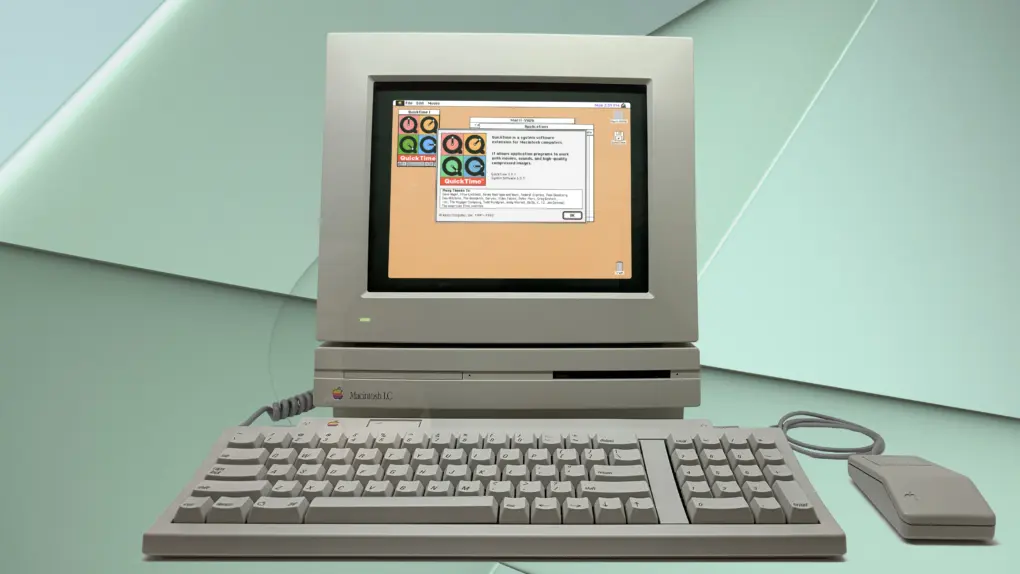
 December 2, 1991: Apple ships its first public version of the QuickTime player, bringing video to Mac users running System 7.



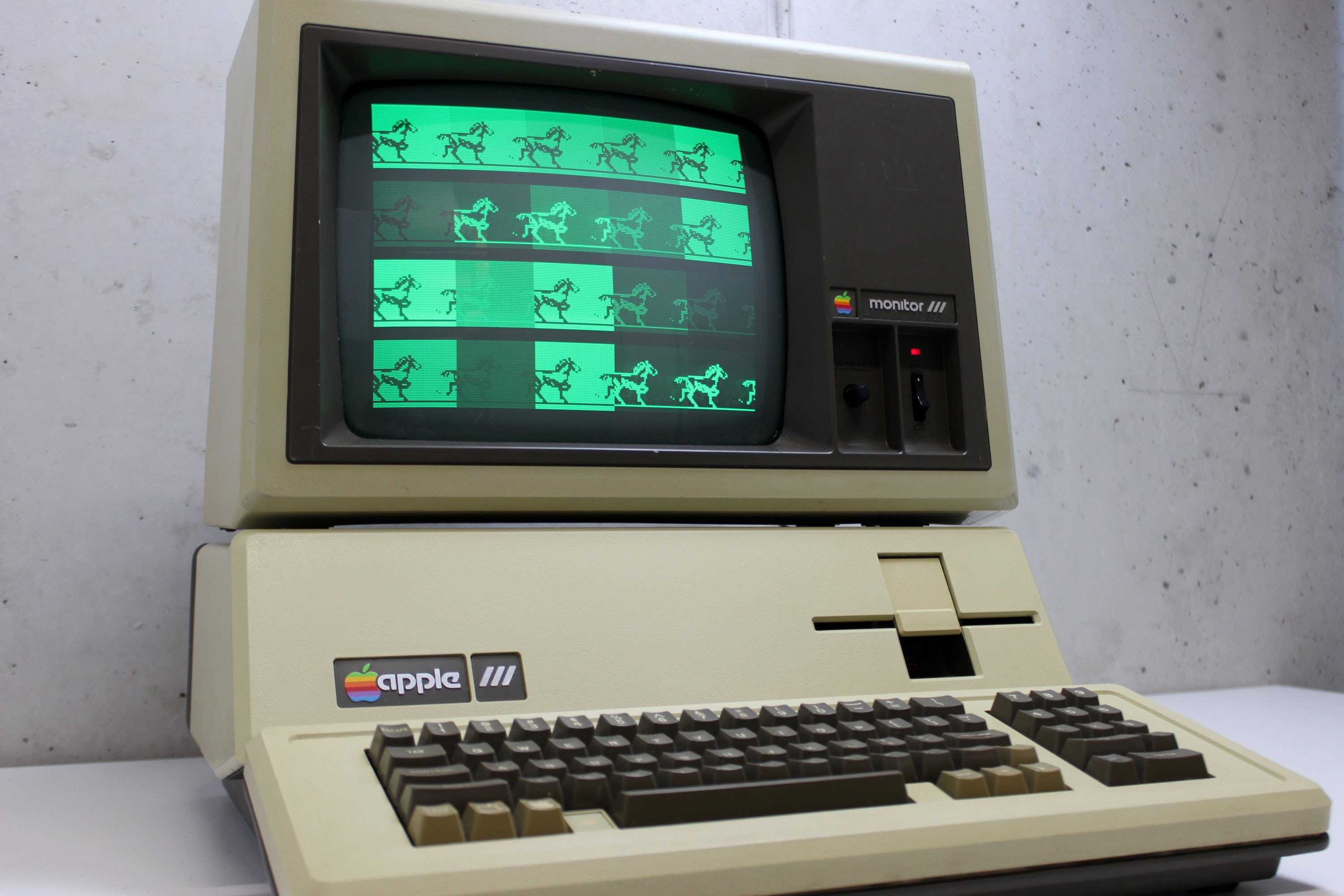
 December 1, 1981: After the disastrous rollout of the “next-gen” Apple III in 1980, Apple releases a revised edition of the computer that corrects most of its glaring hardware faults.