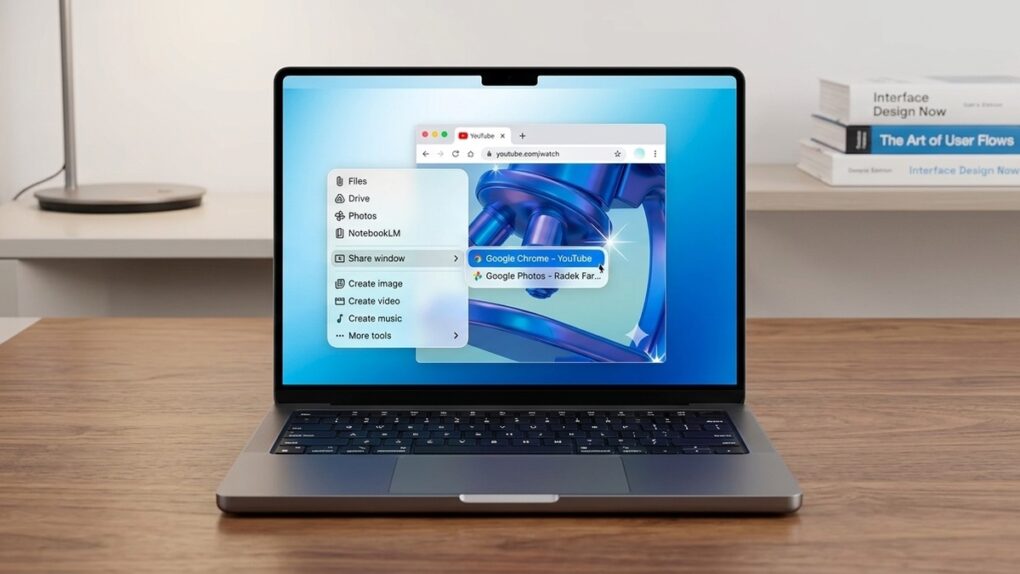
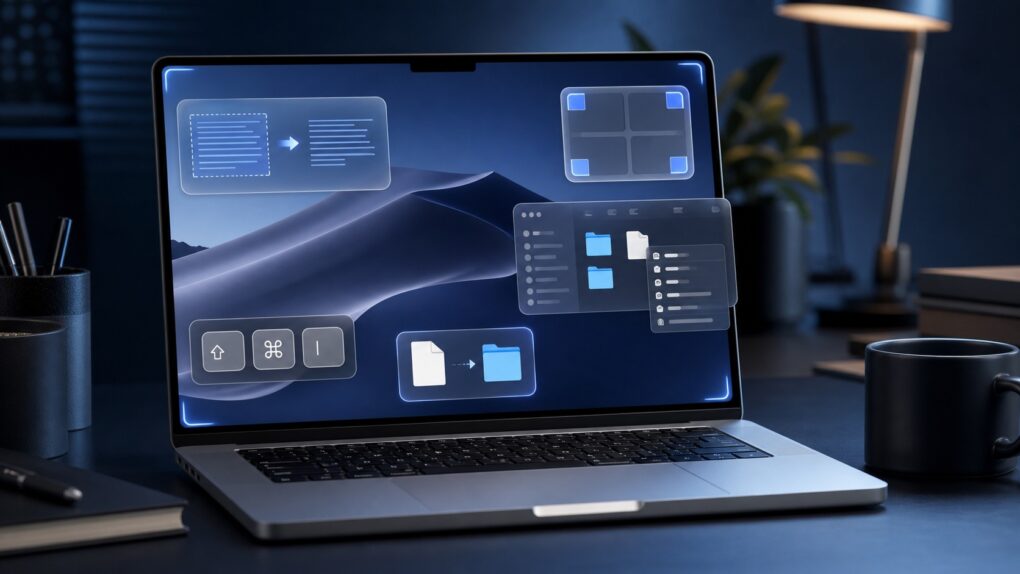
These small Mac tricks are big everyday time-savers. AI image: ChatGPT/Cult of Mac
After using Macs for years, I’ve come across several macOS features that most people overlook or quickly dismiss. But these incredibly useful Mac features have become an integral part of my daily workflow. They help me manage files, navigate my Mac more efficiently, breeze through repetitive text and more.
Even if you have been using macOS for years, chances are you are not using all of its features. And these should become part of your Mac repertoire.
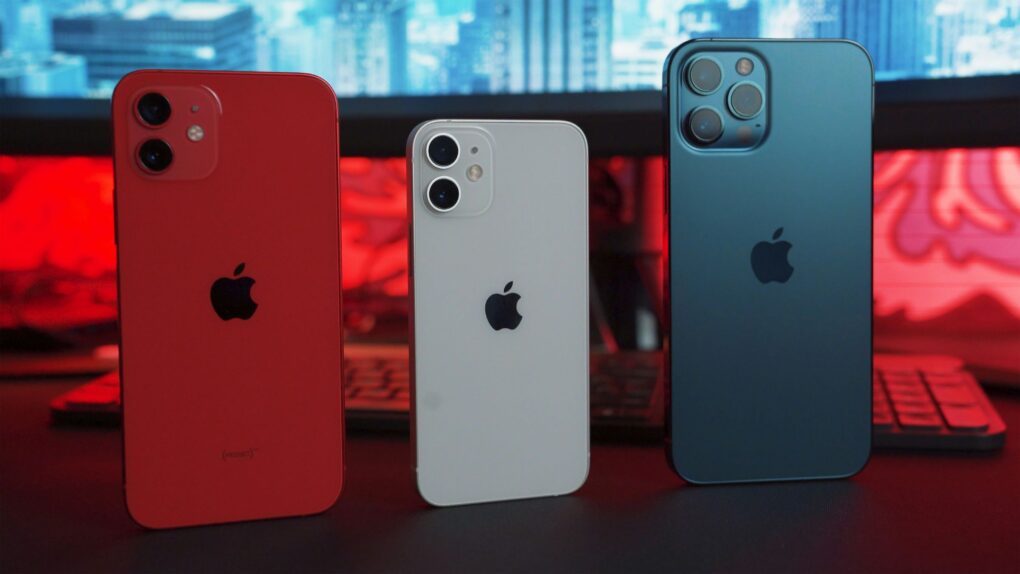
Buying an iPhone 18 or new Mac this fall could come with weeks of wait times. Photo: Unsplash
Availability of the iPhone 18 Pro series as well as new Macs and iPads could take a hit this fall. Apple admitted its supply chain is facing challenges.
The result could be lengthy wait times for this fall’s hottest new models. And an analyst warned that there could be price hikes for the iPhone 18 Pro and Pro Max, too.
Spotify Running Mode lets runners customize playlists by workout type, tempo and duration. Image: Spotify
Spotify’s new Running Mode can turn your next jog into a custom-built playlist. The feature builds listening sessions around your pace, workout style and the music you want to hear.
“Whether you’re training for a race, heading out for an easy jog, or just want a more motivating walk, Running Mode helps you spend less time hunting for the right music and more time moving,” Spotify said in a press release Thursday.
An AirTag in a bag can find a solution to an absolute calamity. Image: D. Griffin Jones/Cult of Mac
Traveling is a lot easier if you can keep track of your stuff with AirTags in your luggage. Placing one in your bag lets you make sure it’s with you all the way along your journey. And if the worst happens, an AirTag can help you quickly find a lost item.
Get certified with a professional e-degree in Claude. Photo: Cult of Mac Deals
Looking for Claude AI training? The Claude AI Professional E-Degree consists of four courses, with more than 100 lectures, practical projects, automation training, integrations and AI workflow skills.
This hands-on educational bundle will teach you how to make the most of Anthropic’s popular AI — it’s on sale for just $14 with code COURSE30 (regularly $159).
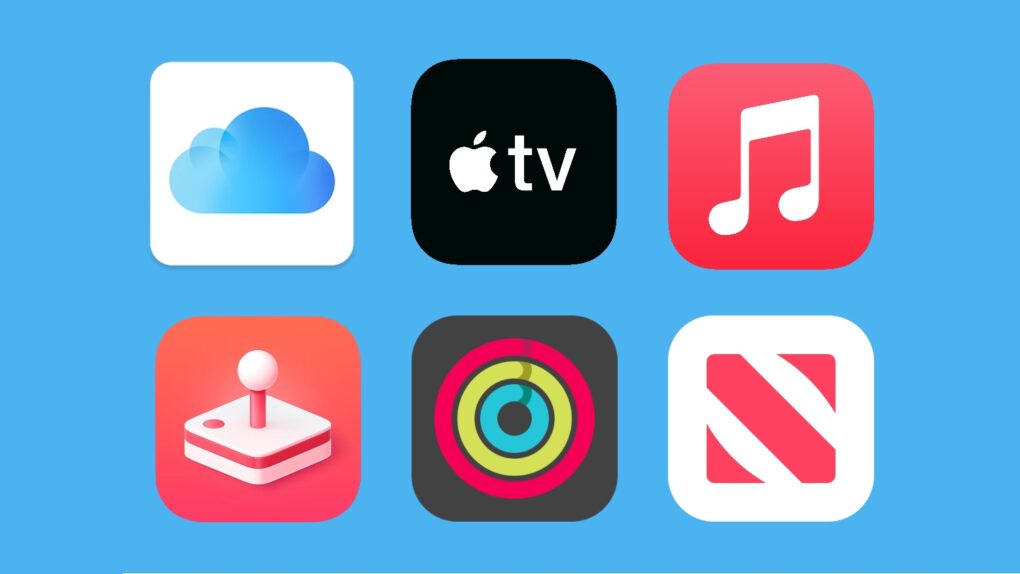
Save on Apple services by bundling them together. Image: Apple/Cult of Mac
The Apple One subscription bundle lets users save money on Apple’s subscription services like Apple Music, Apple TV and iCloud+ storage. The company offers three Apple One configurations. Check pricing on Apple One’s three tiers — Individual, Family and Premier — and find out what you get for your money (and, most importantly, how much you can save).
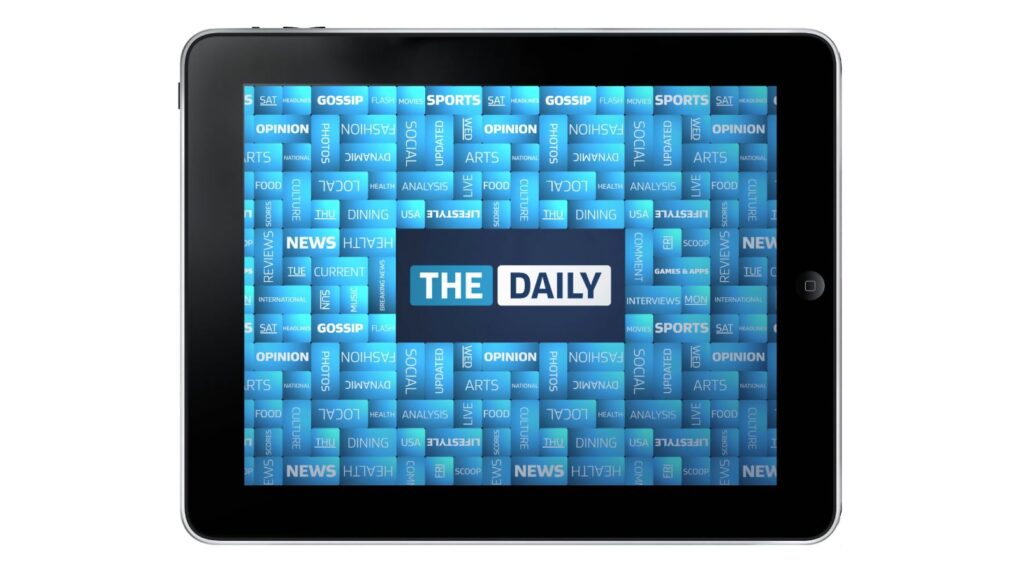
Designed exclusively for the iPad, The Daily was a great, but ultimately failed, experiment.
Photo: The Daily
July 31, 2012:The Daily, the world’s first iPad-only newspaper, lays off almost a third of its staff, signaling the demise of a bold publishing experiment.
The deep cuts — The Daily fires 50 of its 170 employees — affect mainly sports and editorial page staffers, although some production and design employees get the ax, too. The ominous move comes as News Corp places the iPad app “on watch” due to disappointing readership numbers.
Lease now or buy outright? The math tells the real story. AI image: ChatGPT
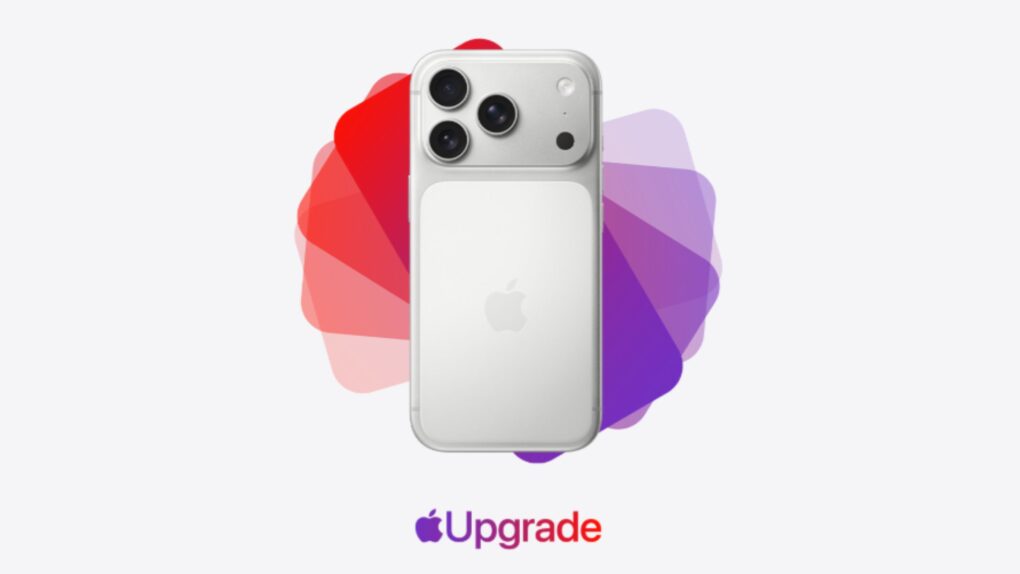
Apple Upgrade makes getting a new iPhone or Mac look surprisingly affordable. You select your preferred device, lease term and then pay for it in monthly installments. At the end of the lease, you can buy the device outright or upgrade to a newer model.
But is Apple Upgrade really worth leasing your next iPhone or Mac? I did the math to find out.
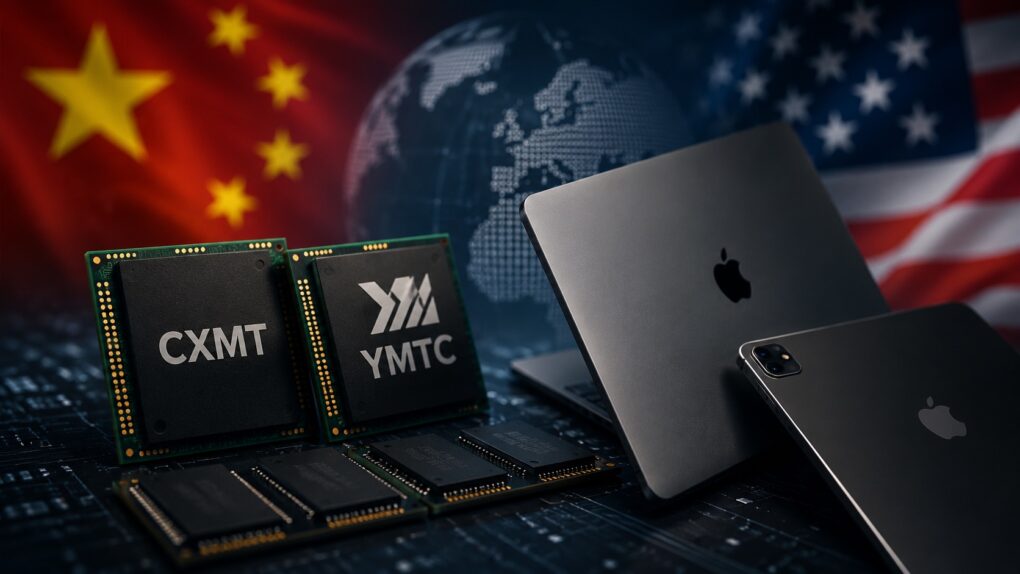
Chinese memory won't make Macs cheaper. AI image: ChatGPT
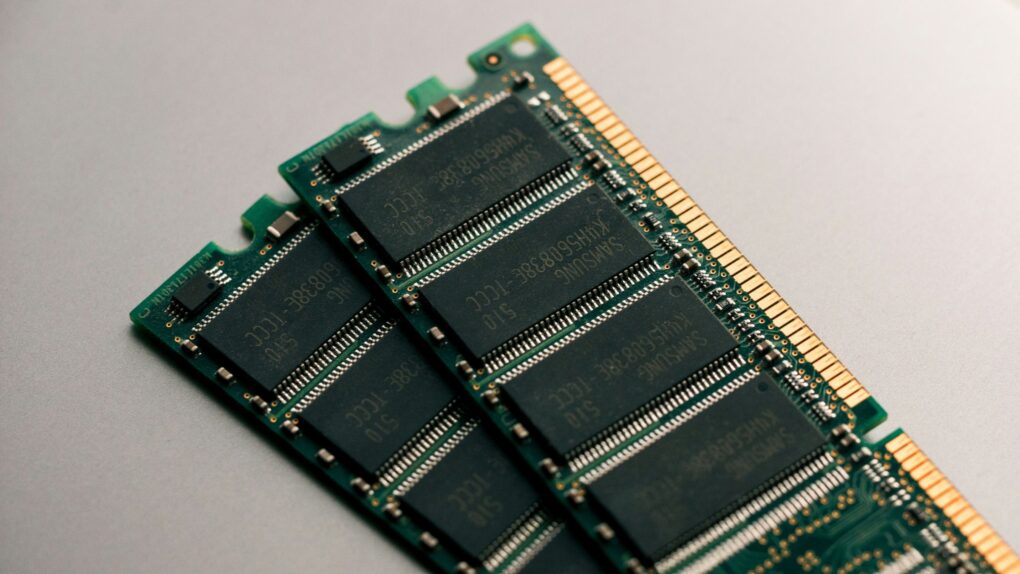
Despite its best efforts, Apple is not immune to the DRAM and NAND shortages and price hikes. This forced the company to substantially hike the prices of Macs and iPads.
To ease the memory crunch, Apple is considering sourcing memory from Chinese suppliers. But even if that happens, don’t expect the company’s products to become cheaper. The move is about securing a supply of critical components, not cutting prices.
Just try to wrap your head around these massive numbers. AI image: Midjourney/Cult of Mac
Apple posted yet another round of astonishing numbers when it revealed its latest quarterly earnings Thursday. Many of the numbers are so massive as to be practically inconceivable, but they provide a fascinating insight into the size — and the unbridled success — of Apple’s business.
In what will be his last earnings call, outgoing Apple CEO Tim Cook said the impressive numbers flow naturally from following Apple’s core values.
“Throughout all of it, we will remain guided by our North Star, building the best products and services to enable people to do magical things,” Cook said during Thursday’s call. “It’s a special privilege to be part of people’s lives in lasting and meaningful ways, helping them to create, connect, and experience the world around them.”
And it doesn’t hurt if you can generate enormous amounts of money as a result. Take a look at these Apple stats.
Siri AI is free, but for how long? Image: Apple/Cult of Mac
When Siri AI launches in the fall, the artificial intelligence-powered chatbot will be available at no extra cost on the devices that support it, but that could change in the future. Apple CEO Tim Cook raised the possibility on Thursday.
Apple posts its "strongest June quarter ever," with revenues powered by strong sales and tariff refunds. AI image: Midjourney/Cult of Mac
Apple’s boom continues. It just reported that revenue during its most recent financial quarter grew 16% year over year. That’s the ninth quarter in a row of revenue increases, and the third of double-digit increases.
“Today, Apple is proud to report our strongest June quarter ever, with double-digit revenue growth across iPhone, Mac and Services, and in every geographic segment,” said Tim Cook, Apple’s CEO, in a statement.
Senators say Apple’s push for Chinese memory chips could threaten U.S. national security. Photo: Unsplash
A bipartisan group of U.S. senators is pressuring Apple to abandon its pursuit of Chinese memory chips. In a new letter to Apple CEO Tim Cook, lawmakers warned that buying components from the two blacklisted suppliers could tie Cupertino to China’s military.
Apple is looking for a cheaper source of memory amid a global shortage. But the lawmakers say sourcing them from China is a step too far.
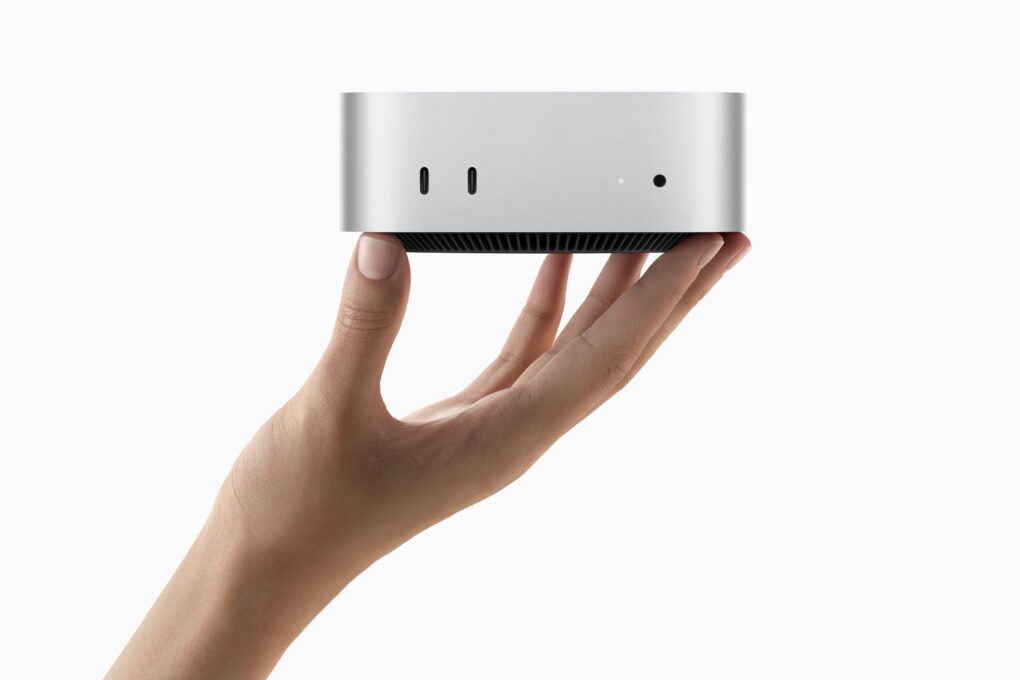
The Mac mini shortage has pushed wait times past four months for some configurations. Photo: Apple
The Mac mini shortage isn’t over. Three months after Apple CEO Tim Cook admitted that the company was caught off guard by demand, buyers are still stuck waiting.
Base models are easier to find now than they were in the spring, but bump up the memory, and you could wait months. Prices have climbed, too, thanks to the ongoing global memory chip shortage.
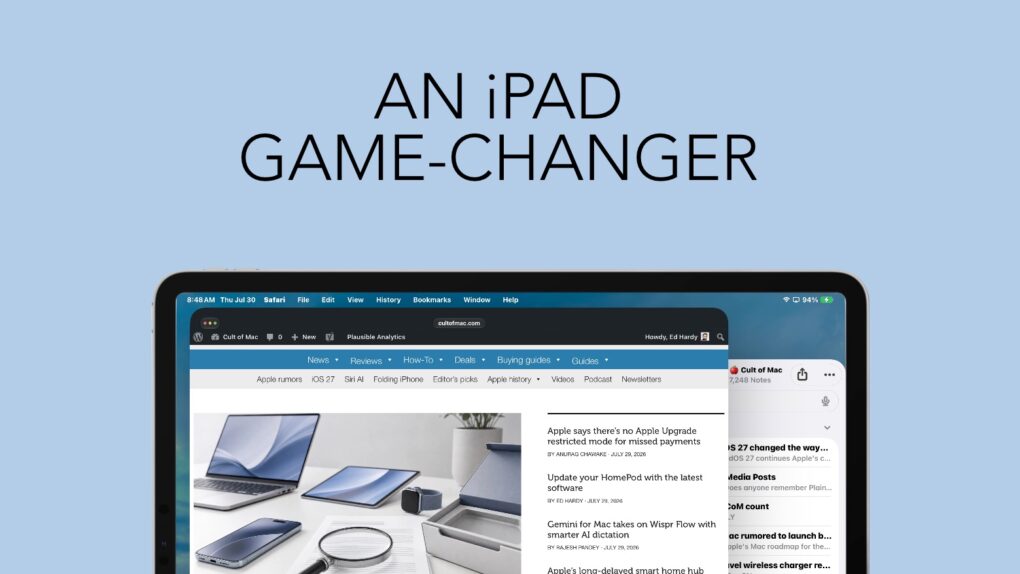
Bringing a familiar maOS feature to the iPad is a noticeable improvement. Graphic: Ed Hardy/Cult of Mac
iPadOS 27 continues Apple’s commitment to improving the iPad’s software. This time, another feature from macOS finds its way to Apple’s tablets, making them easier to use. And I love it.
Last year, Apple brought the macOS menu bar over to iPad. This year, iPadOS 27 makes it genuinely useful. It’s changed the way I use my iPad.
The Lisa became one of Apple's first flops. Photo: Auction Team Breker
July 30, 1979: Apple engineers begin work on the Lisa computer, the company’s first machine to come with a graphical user interface and mouse.
Incorporating technology that Apple co-founder Steve Jobs saw at Xerox PARC, the Lisa looks like a surefire hit. Things don’t turn out exactly like that, however.
★★★★☆
It's not a power bank, a telescope or a speaker. Nope, it's weirder. Photo: Ed Hardy/Cult of Mac
I have a case for my iPhone, a power bank, a wireless charger … plenty of other accessories. But when I heard about one gizmo, I literally laughed out loud. The idea was so ridiculous that I had to get it so I could relentlessly mock it on Cult of Mac.
The joke’s on me: Turns out I love it.
What is it? A USB-C fan. Sounds stupid, right? All it does is blow cool air in my face while I use my iPhone or iPad, but now I use it all the time. Here’s why.
Apple Upgrade’s low monthly price comes with plenty of fine print. AI image: ChatGPT/Cult of Mac
The new Apple Upgrade program makes a compelling first impression, enabling you to lease a new iPhone, Mac, Apple Watch or iPad at low monthly rates. You can lease a new iPhone for $17.99 per month or a Mac for as low as $24.99 per month.
However, the enticingly low lease price only tells part of the story. Before signing up for the Apple Upgrade program, you should examine the terms, restrictions and other factors in the fine print to see if leasing makes sense for you.
The Macintosh Centris 660av was astonishingly ahead of most rival computers at the time. Image: Apple
July 29, 1993: Apple releases the Macintosh Centris 660av, a computer packed with innovative audiovisual features. These include an AppleVision monitor with microphone and speakers, and a port that can work as a modem with a telecom adapter. It also comes with PlainTalk, the first Apple software to recognize and synthesize speech.
At the relatively low price of $2,489, this was one of the first great affordable multimedia Macs.
Gemini's Mac app gets two new features. AI image: Google/Apple/Gemini/Cult of Mac
Google upgraded the Gemini app for macOS to take on Wispr Flow and other AI-powered dictation apps. The update introduces the Intelligent dictation feature, which transcribes your spoken words into text in real time.
It also adds support for screen-aware reasoning, allowing Gemini to understand what’s on your screen.
HBO Max Shorts serves up a vertical, scrollable feed of AI-selected clips from the streamer’s library. Photo: HBO Max
HBO Max is testing a new video feed called HBO Max Shorts for select iPhone users in the United States. The feature uses an in-house AI tool to pick short clips from shows and movies, but the final call is still made by human editors.
The hook? The videos are vertical, not the usual horizontal orientation.
HBO Max Shorts lives behind a new icon in the app’s bottom navigation bar. Similar to TikTok, it offers a scrollable feed of trailers, clips and bonus content pulled from the streamer’s library.
Apple says the Apple Upgrade restricted mode fear sparked by iOS 27 code won’t come true. Photo: Apple
Missing a payment on your newly leased iPhone won’t nerf your device. Despite recent rumors, Apple confirmed that there’s no Apple Upgrade restricted mode.
The clarification caps a week of speculation over hidden iOS 27 code that described a system for restricting financed devices when payments went unpaid.
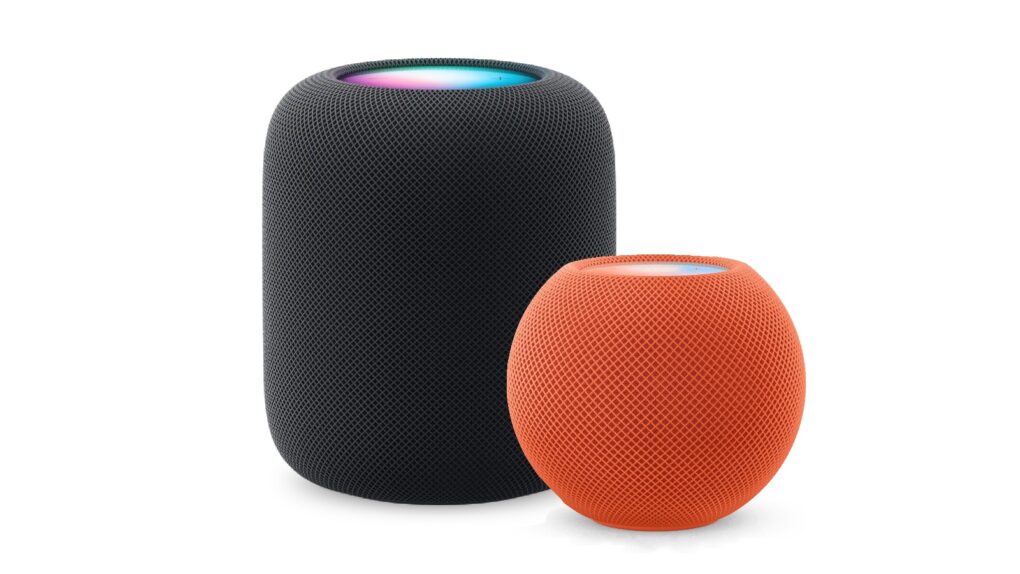
Here’s how to be sure you have the latest HomePod software update. Or stop your smart speaker from updating automatically. Photo: Apple
The HomePod operating system occasionally needs updating, because the device is a lot more than a simple speaker — it’s a computer. Here’s how to make sure your Apple smart speaker has the software version released this week. The new HomePod Software version 26.6 is a simple bug-fix update, but it’s still worth installing. Who wants bugs?
If you depend on automatic updates, it’s possible your smart speaker hasn’t yet installed the update. Here’s how to do so manually.
Host as many websites as you like — forever! — for one low price with this unlimited deal. Image: Midjourney/Cult of Mac
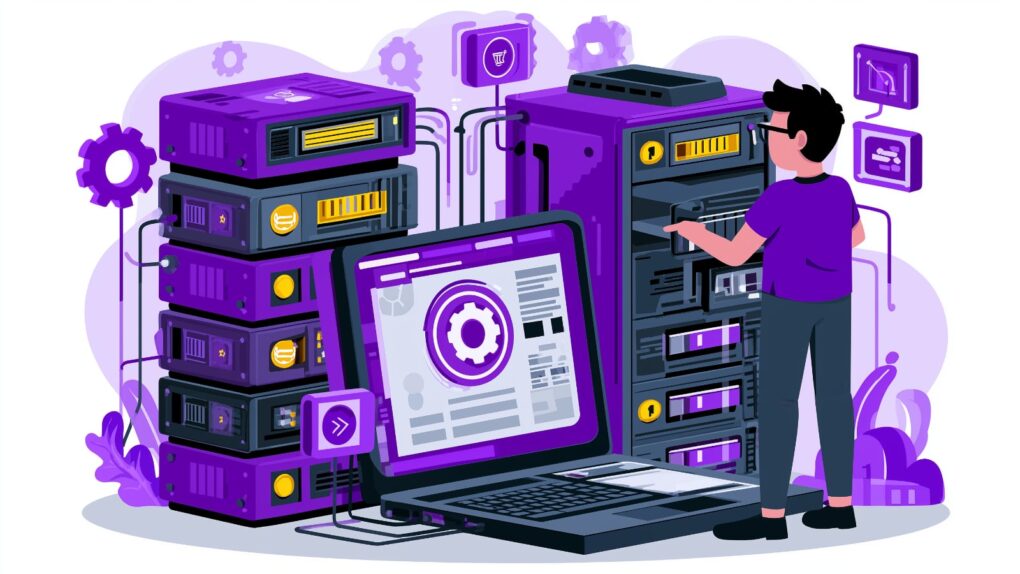
When it comes to affordable website hosting, how much is enough? This discounted Hostdeal Unlimited Plan lets you host unlimited websites, with unlimited NVMe SSD storage, and 54 free domains for life.




 July 31, 2012: The Daily, the world’s first iPad-only newspaper, lays off almost a third of its staff, signaling the demise of a bold publishing experiment.


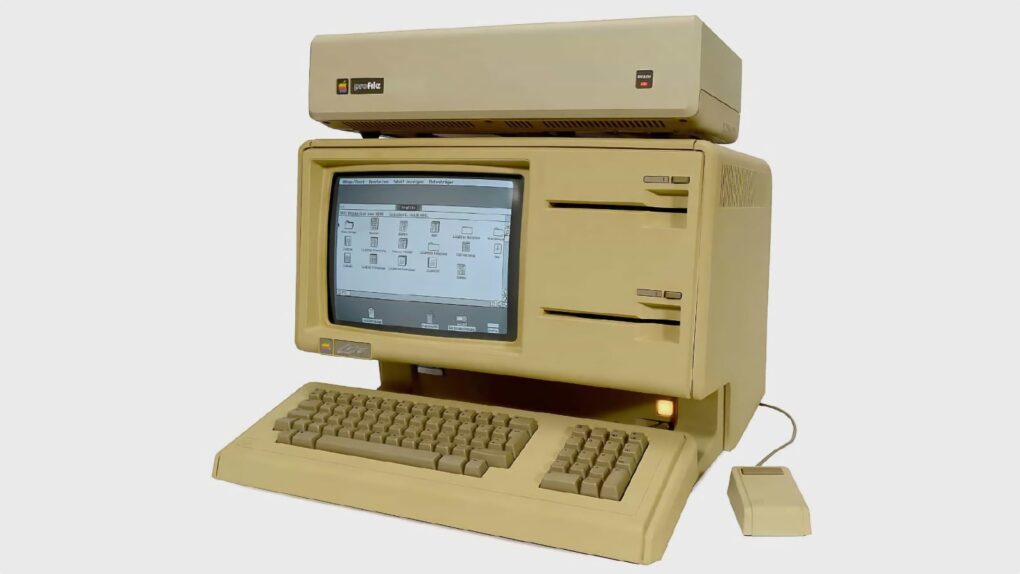
 July 30, 1979: Apple engineers begin work on the Lisa computer, the company’s first machine to come with a graphical user interface and mouse.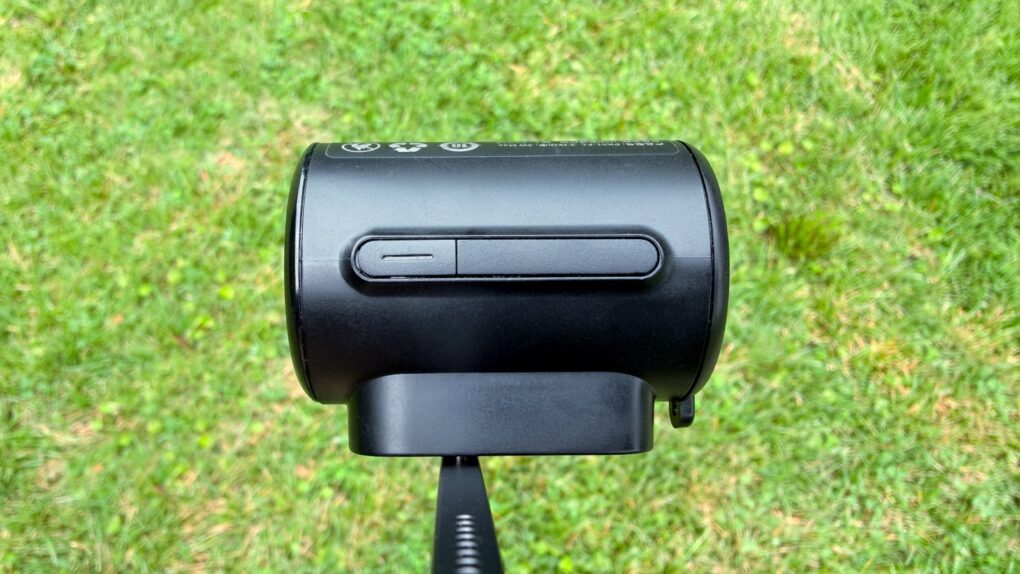

 July 29, 1993: Apple releases the Macintosh Centris 660av, a computer packed with innovative audiovisual features. These include an AppleVision monitor with microphone and speakers, and a port that can work as a modem with a telecom adapter. It also comes with PlainTalk, the first Apple software to recognize and synthesize speech.