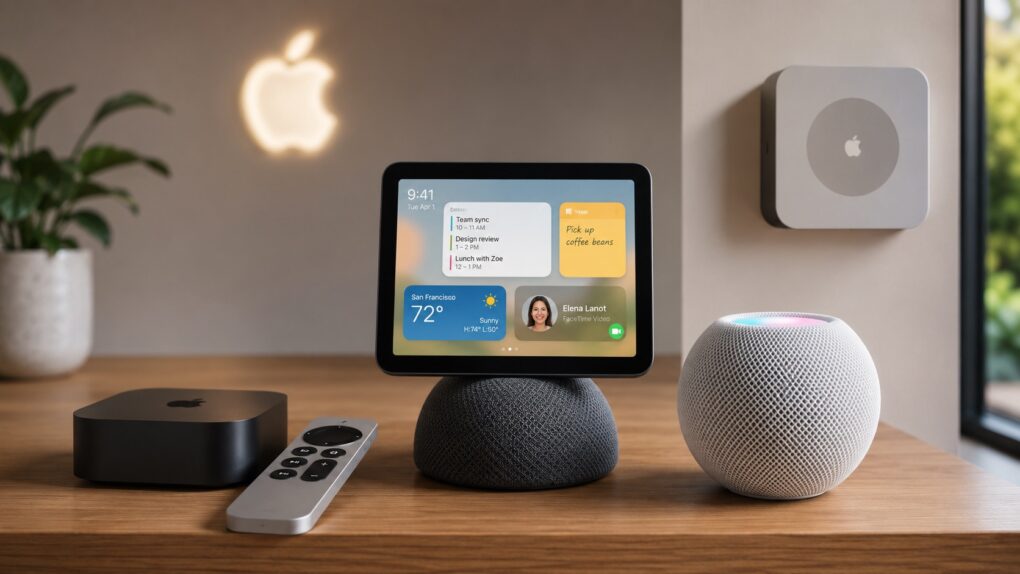
Apple gears up for its biggest smart home launch in years. AI image: ChatGPT/Cult of Mac
After years of lagging the competition, Apple is “nearly ready to launch” three new smart devices, according to a new report. An updated Apple TV and HomePod mini will debut as soon as this fall.
There’s also the long-rumored smart home hub, which could arrive anytime between October and early next year.
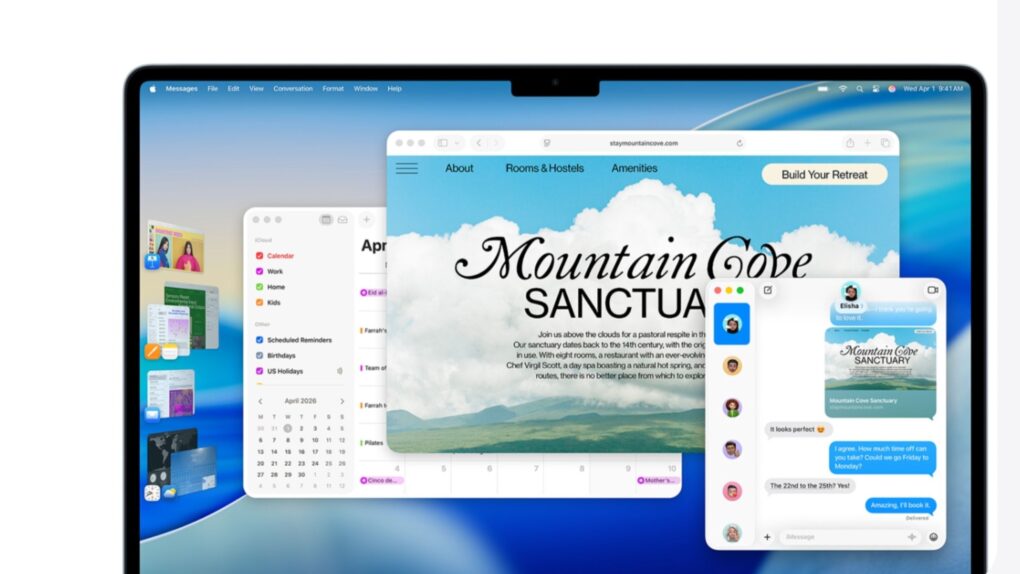
Apple keeps backporting fixes to older macOS versions even as macOS 27 Golden Gate nears its public debut. Image: Apple
If your Mac is still running macOS Sonoma or macOS Sequoia, the latest security updates aren’t optional. Apple released macOS Sonoma 14.8.8 and macOS Sequoia 15.7.8 on Monday, and together they patch nearly 140 security vulnerabilities.
Your Mac won’t gain any new features. But these maintenance updates are still important for anyone who has yet to update to macOS Tahoe. Apple fixed several WebKit flaws that could expose your data when browsing the web.
Incoming Apple CEO John Ternus is a fan of Apple TV. Image: Apple/Cult of Mac
Apple TV isn’t going anywhere once John Ternus takes over as CEO. This week, he praised the streaming service’s momentum and promised to keep building on it.
Ternus takes the reins from current Apple CEO Tim Cook on September 1. His comments suggest Apple’s entertainment push will remain a priority, even though the streaming service reportedly loses money each year.
A fake Sparrow Wallet app allegedly slipped past Apple’s App Store review process. Image: Sparrow Wallet
Three iPhone owners sued Apple last week over a fake Sparrow Wallet app they say they downloaded from the App Store. The plaintiffs say using the bogus app led to the theft of their Bitcoin, resulting in losses of roughly $1.8 million.
The lawsuit, Ramirez et al v. Apple, Inc., accuses Cupertino of failing to catch the scam app despite years of marketing the App Store as a safe place to download software.
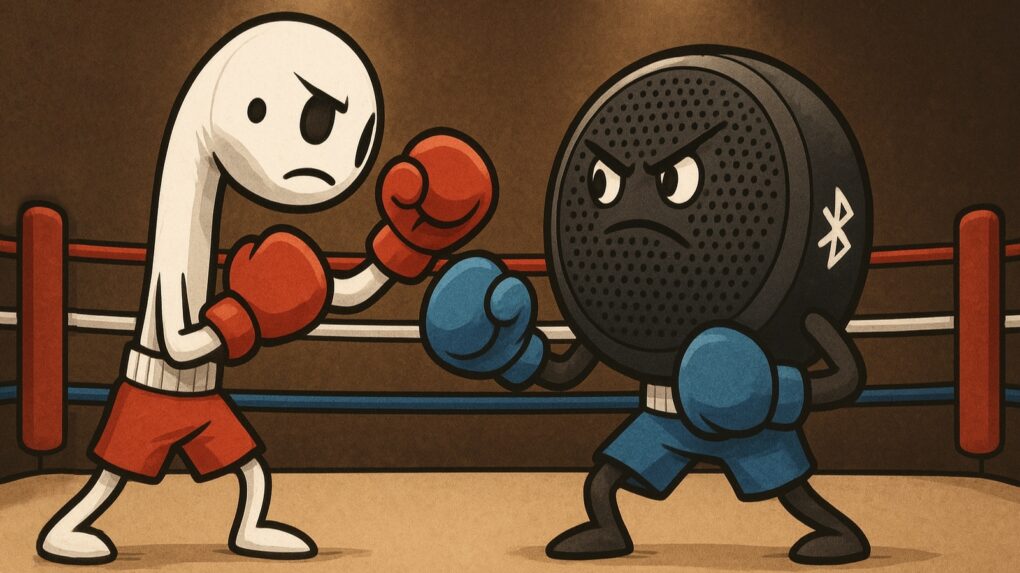
Your AirPods and Bluetooth speaker compete for audio coming from your iPhone. You can settle the fight. Graphic: ChatGPT
You’re happily listening to music on your AirPods when the audio suddenly gets yanked away by a Bluetooth speaker. Don’t get frustrated. Make a quick tweak to your iPhone settings, and it’ll never happen again.
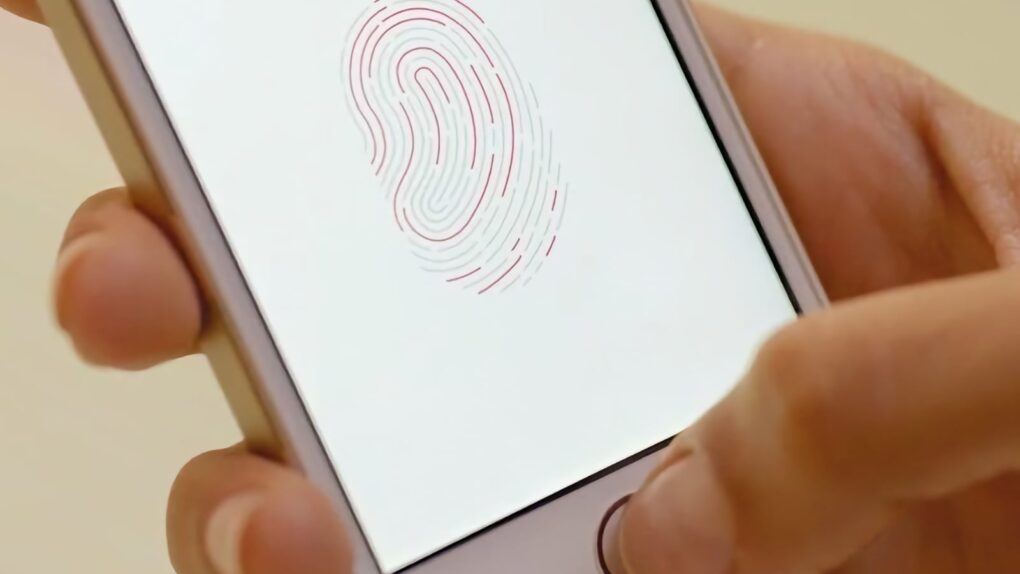
Touch ID represented a massive step forward for Apple. Photo: Apple
July 28, 2012: Apple buys biometrics company AuthenTec, acquiring the technology that will power Touch ID for authentication and secure payments on the iPhone and other devices.
With a price tag of $356 million, the deal gives Apple the right to use AuthenTec hardware, software and patents. In the short term, Apple engineers start working to build Touch ID sensors into the iPhone 5s. In the longer term, AuthenTec’s mobile wallet tech paves the way for Apple Pay.
Transform YouTube videos, podcast audio and unwieldy documents into info you can use. Image: Midjourney/Cult of Mac
GitMind turns PDFs, videos, podcasts, websites and notes into visual mind maps, summaries and diagrams. This AI-powered workspace turns information overload into something you can understand and digest much more easily.
It can produce instant summaries and transcripts of YouTube videos and audio content like podcasts, so you save time and walk away with an ordered list of key concepts. And right now, a lifetime subscription to GitMind costs just $49.99 (MSRP $169).
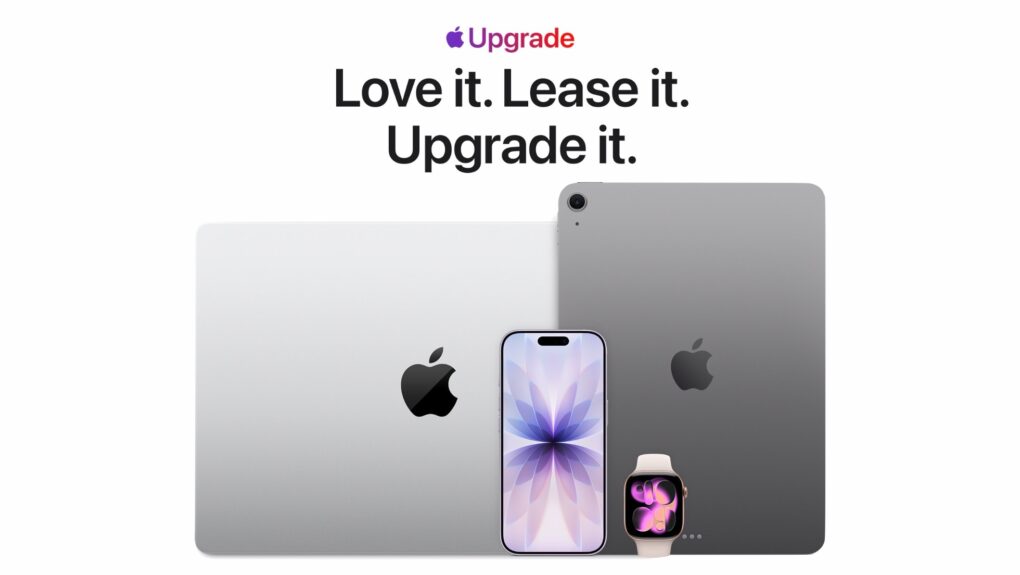
Apple Upgrade is a subscription-style leasing program for the latest Apple devices. Image: Apple/Cult of Mac
Apple just made it easier to stay on the latest hardware with the launch of Apple Upgrade, a new subscription-style leasing program that lets U.S. customers pay a monthly fee for an iPhone, Mac, iPad or Apple Watch.
The new service builds on the company’s old iPhone Upgrade Program by expanding to almost its entire product lineup, giving customers many more options when it’s time to move to a newer device.
“At Apple, we put the customer at the center of everything we do,” said Karen Rasmussen, Apple’s vice president of the Apple Store online in a press release Tuesday, “and we’re thrilled that Apple Upgrade offers our customers, both online and in-store, a more flexible way to pay for the products they love.”
YouTube Premium will soon come with Peacock Premium for free. Photo: YouTube Blog
YouTube Premium is already one of the best value-for-money subscriptions on the market. And it will soon get even better, with eligible YouTube Premium subscribers gaining access to Peacock Premium for free.
The bundle will be limited to YouTube Premium subscribers in the US.
Investors are once again bullish on Apple. Here's why. AI image: ChatGPT/Cult of Mac
After months of playing second fiddle to AI chipmaker Nvidia, Apple reclaimed the title of the world’s most valuable publicly traded company on Monday. A rally in Apple’s stock price over the last month resulted in the Mac maker sailing past Nvidia and all other rivals back to the top of the list. And if that wasn’t enough, Cupertino’s market capitalization is closing in on an astonishing $5 trillion!
AAPL is up about 30% in 2026 on investors’ changing attitudes about AI. Here’s what’s going on down on Wall Street, and why there is renewed confidence in Apple.
iOS 26.6 is here for your iPhone. Photo: Rajesh Pandey/Cult of Mac
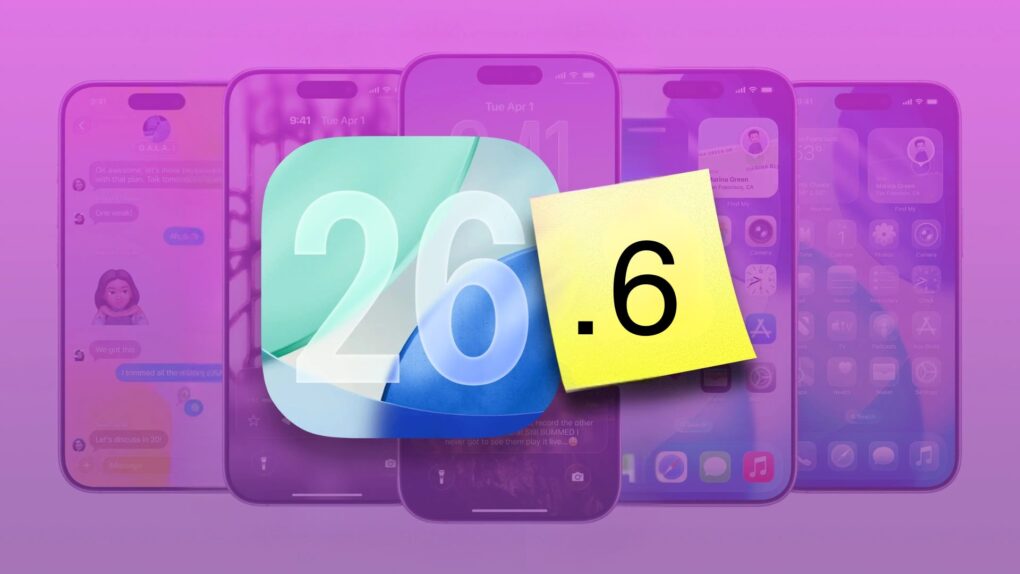
Following a few weeks of beta testing, Apple released iOS 26.6, iPadOS 26.6 and macOS 26.6 to the public on Monday. While the updates do not introduce any major new features or changes, iOS 26.6 is more important than it might initially appear.
According to Apple, iOS 26.6 includes more than 70 security updates. It also starts a process that proves very helpful if you plan to upgrade to iOS 27.
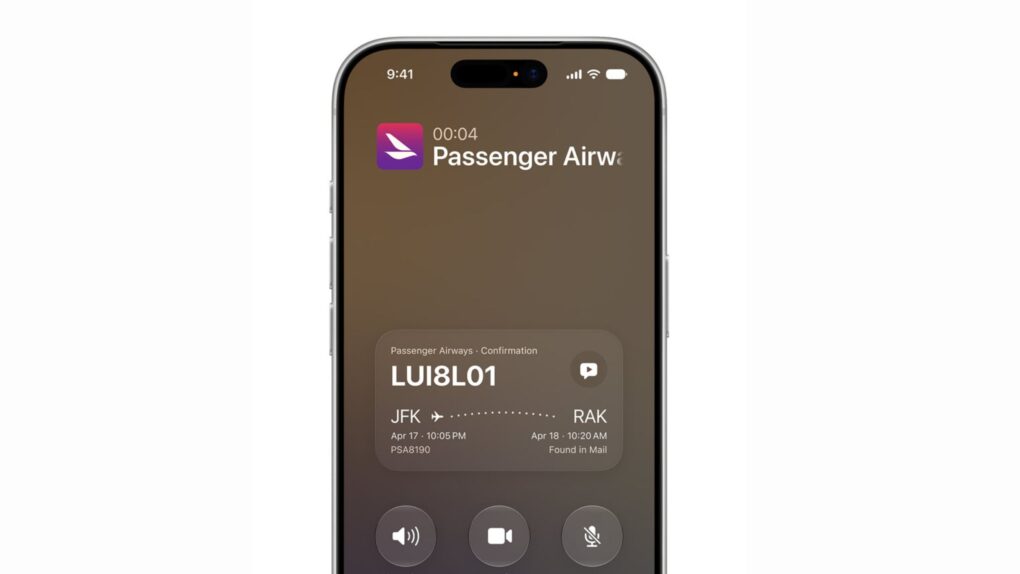
iOS 27 Call Context displays flight and reservation details right on the call screen. Photo: Apple
iOS 27’s Call Context feature is shaping up to be one of the most useful additions in Apple’s fall software update. The Phone app will automatically show confirmation codes, reservation details and other relevant info whenever you call a business.
The feature works by pulling information straight from your Mail app, saving you the hassle of digging through your inbox in the middle of a customer service call. And Apple processes all of this locally, without sending anything to the cloud or a third party.
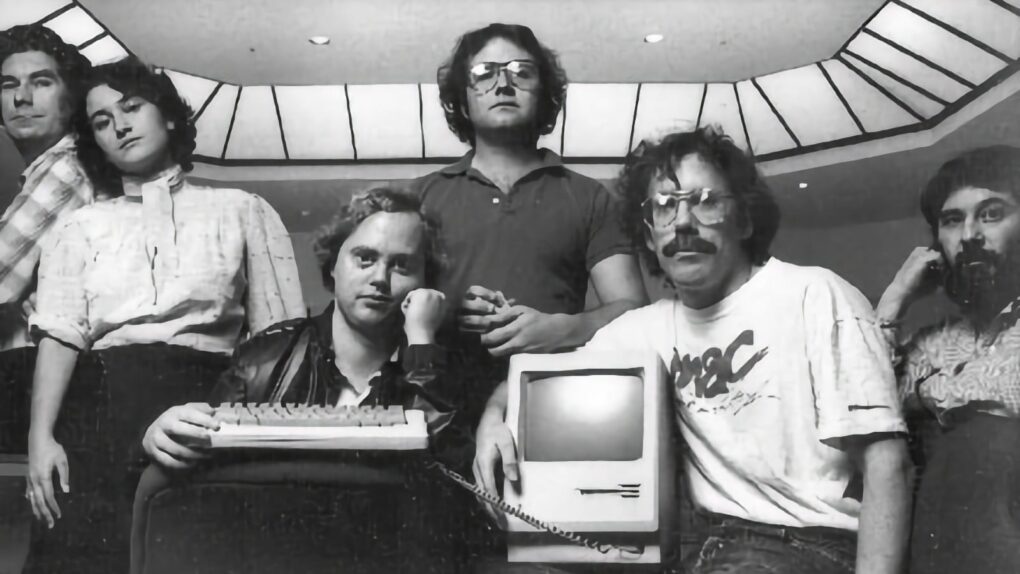
Joanna Hoffman, second from left, worked with the original Mac team to create the computer we all love. Photo: Folklore.org/Creative Commons/Modified by Cult of Mac
July 27, 1955: Joanna Hoffman, who will join the original Macintosh and NeXT teams and become Steve Jobs’ first right-hand woman, is born in Poland.
Six months younger than Jobs, the marketing executive is one of the few people willing and able to stand up to the oftentimes fierce Apple co-founder during the first part of his career.
In contrast to many other cloud platforms, Scramble Cloud really leans into personal privacy. Encryption happens on your device before anything gets uploaded, so your files never exist in an unencrypted state on someone else’s server. Scramble uses zero-knowledge architecture, which means even their own team can’t read what you’ve stored.
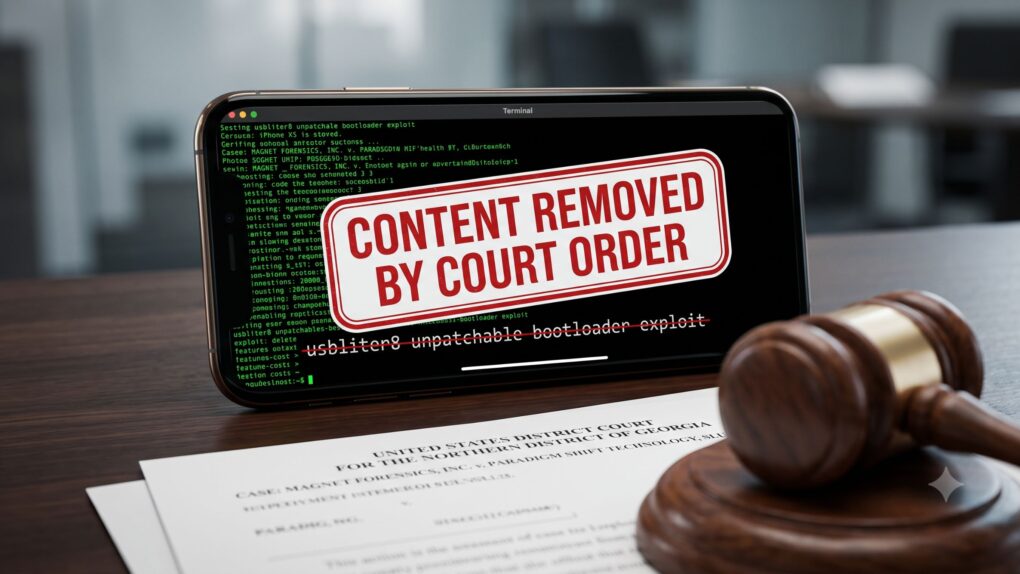
The usbliter8 lawsuit has already forced Paradigm Shift to pull the blog post detailing its once public iPhone exploit. AI image: Google Gemini/Cult of Mac
Remember usbliter8, the unpatchable iPhone exploit we told you about last month? Now, a lawsuit has gotten the whole thing offline, thanks to a court order.
Digital forensics firm Magnet Forensics says a former engineer stole its confidential iPhone-hacking research and gave it away to a rival company. That rival company — Paradigm Shift — then published the research as an original discovery.
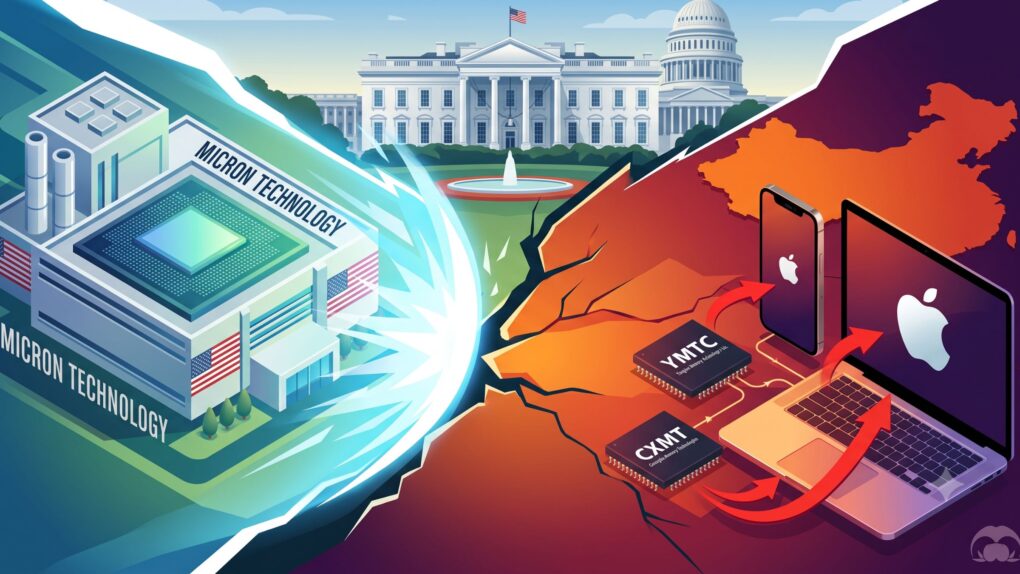
Apple’s Chinese memory chip plan has triggered a lobbying war with Micron. AI image: Google Gemini/Cult of Mac
Apple’s plan to source memory chips from China could be running into serious trouble. Micron, the only major memory chip maker in the United States, is lobbying the White House to shut it down.
The clash pits Apple’s push for cheaper memory against fears of hollowing out America’s chip industry. And now, it’s up to the Trump administration to pick a side.
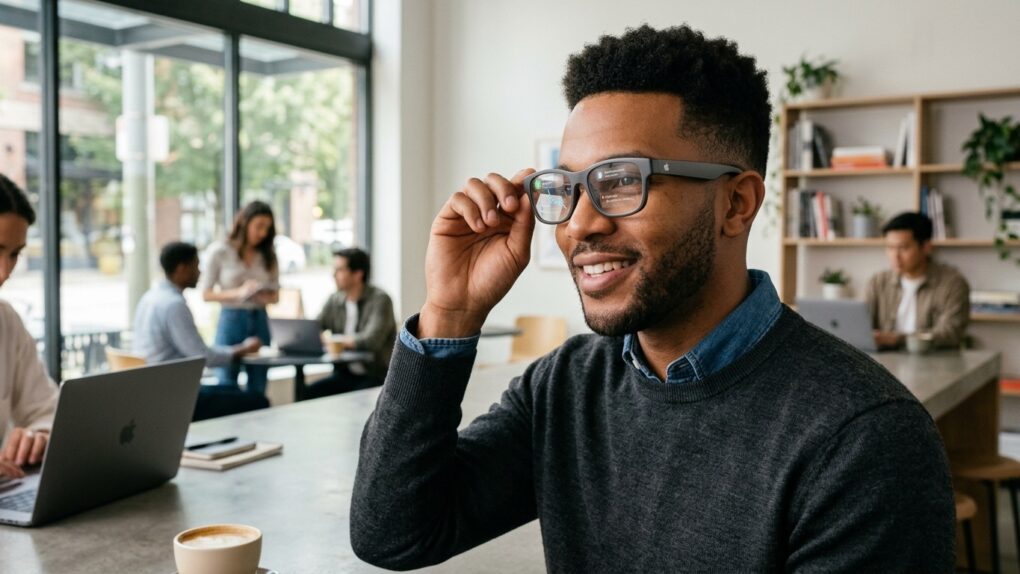
Apple needs to protect people's privacy without hobbling its smart glasses too much. Photo: Gemini/Cult of Mac
Apple will reportedly enter the smart glasses market in 2027, but the company is apparently worried the wearable will tarnish its reputation for protecting privacy. The cameras built into rival devices face criticism, and a new report describes Apple’s efforts to avoid the controversy.
Unfortunately, many of its options would block the feature that makes smart glasses most interesting to me.
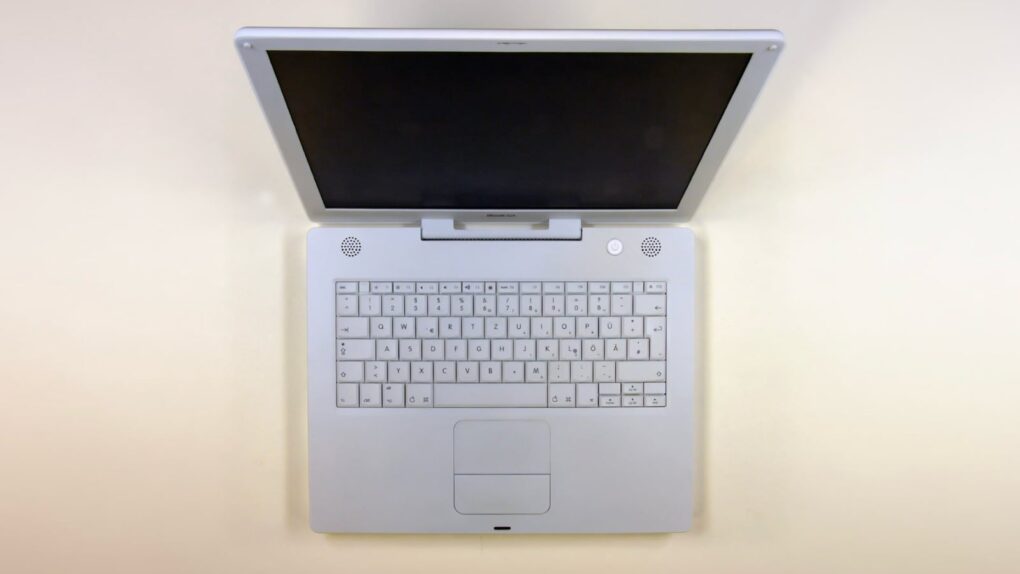
Rugged and pearly white, the iBook G4 was the last of its line. Photo: Hannes Grobe/Wikipedia CC/Modified by Cult of Mac
July 26, 2005: Apple debuts the opaque white iBook G4, the last of its laptops to launch under the iBook name.
The portable computer adds Apple’s scrolling trackpad for the first time. It also incorporates Bluetooth 2.0 as a standard feature, and becomes the last Apple laptop with a PowerPC chip.
All-in-one streaming video downloader Keeprix makes it easy to watch offline. Photo: Vitaly Gariev/Pexels
Streaming is great until you want to watch something offline, save a show before it disappears, or avoid the limits most platforms put on downloads — that’s when you need a streaming downloader like Keeprix.
It works with Netflix, YouTube and other major streaming services, letting you save the videos you care about so you can watch them whenever you want. That means no dealing with ads, expiration timers or unreliable Wi-Fi. And a lifetime subscription to Keeprix is on sale for $95.99 (regularly $159.99).
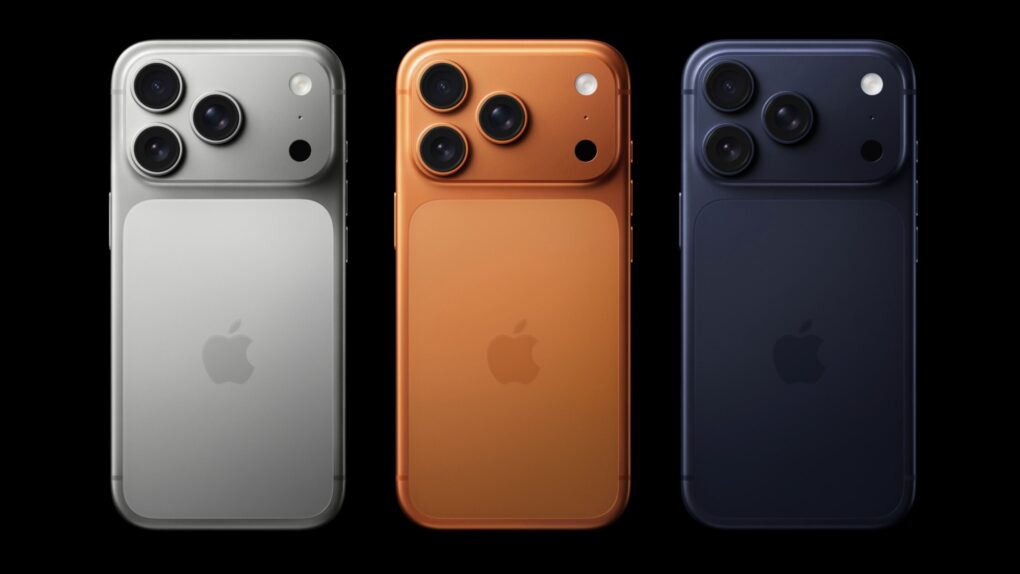
The touchscreen MacBook could pack so many new features it's a potential game changer for Apple. Image: Cult of Mac/Apple/ChatGPT
Persistent rumors leave little room for doubt that Apple will finally build a touchscreen into a MacBook, burt that’s only one of the significant changes we can look forward to. It could launch as early as this fall as the biggest revamp to macOS notebooks since 2020.
It’s important enough that there’s speculation the device could be the first MacBook Ultra, not simply another MacBook Pro version.
Here’s what the latest rumors say about the touchscreen MacBook.
Windows used a number of elements of the Mac UI. Photo: Ste Smith/Cult of Mac
July 25, 1989: Apple suffers a major setback in its copyright-infringement lawsuit against Microsoft for allegedly stealing the Mac’s “look and feel” to create Windows.
Apple sued Microsoft on 189 counts of copyright infringement relating to Windows 2.0.3. The judge overseeing the case throws out 179 of them. This paves the way for Microsoft’s dominance over Apple in the coming decade.
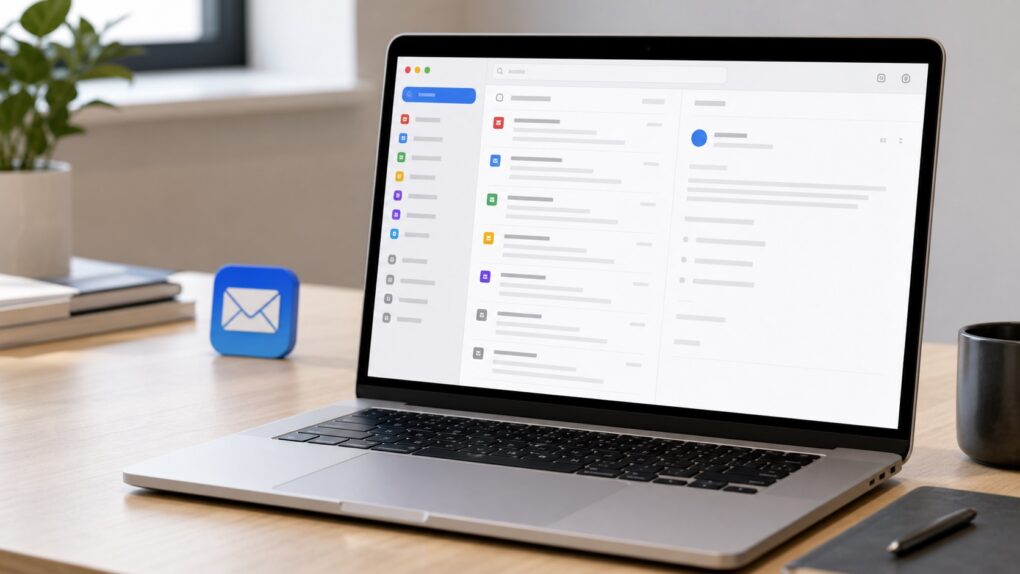
Mimestream tops Apple Mail for one specific reason. AI image: ChatGPT/Cult of Mac
As a Mac user, Apple Mail seems like the obvious email client. It comes installed on every Mac, costs nothing and works with practically every email provider. Yet I prefer using Mimestream’s native macOS app to manage my email.
That’s not because Apple Mail is a bad app. The problem is that Apple Mail treats Gmail like any other email service. Mimestream doesn’t, and that makes all the difference.
Apple wants to pay less for the iPhone 18 Pro Max's OLED panels. Photo: Apple
Apple seems to be squeezing its display suppliers hard this year. The company is reportedly asking for approximately a 20% price cut on iPhone 18 Pro Max OLED panels, even though the screens are getting harder to make.
Apple’s per-panel costs usually go down with each new iPhone generation, but that’s a steeper drop than usual.

 July 28, 2012: Apple buys biometrics company AuthenTec, acquiring the technology that will power Touch ID for authentication and secure payments on the iPhone and other devices.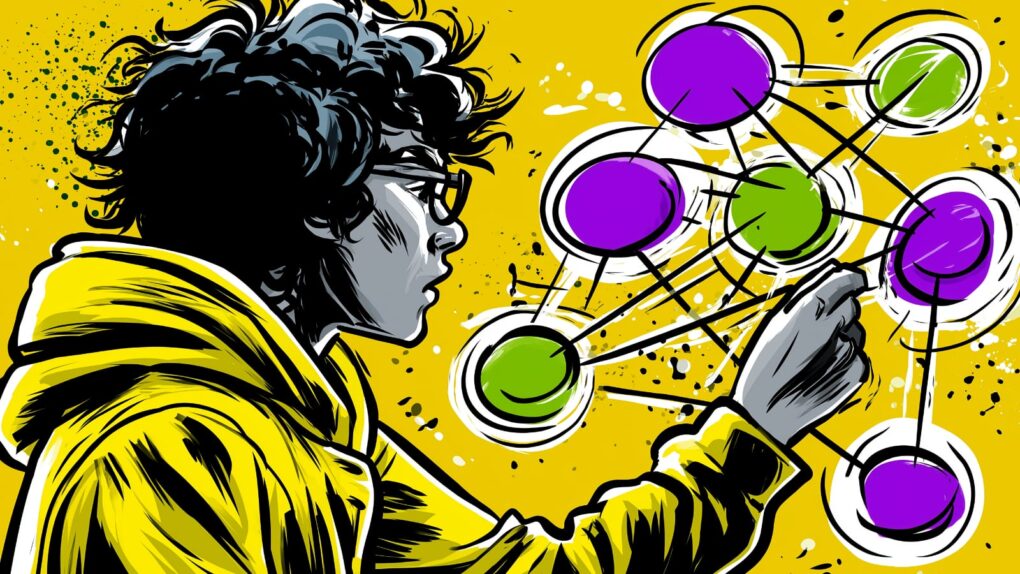


 July 27, 1955: Joanna Hoffman, who will join the original Macintosh and NeXT teams and become Steve Jobs’ first right-hand woman, is born in Poland.
 July 26, 2005: Apple debuts the opaque white iBook G4, the last of its laptops to launch under the iBook name.
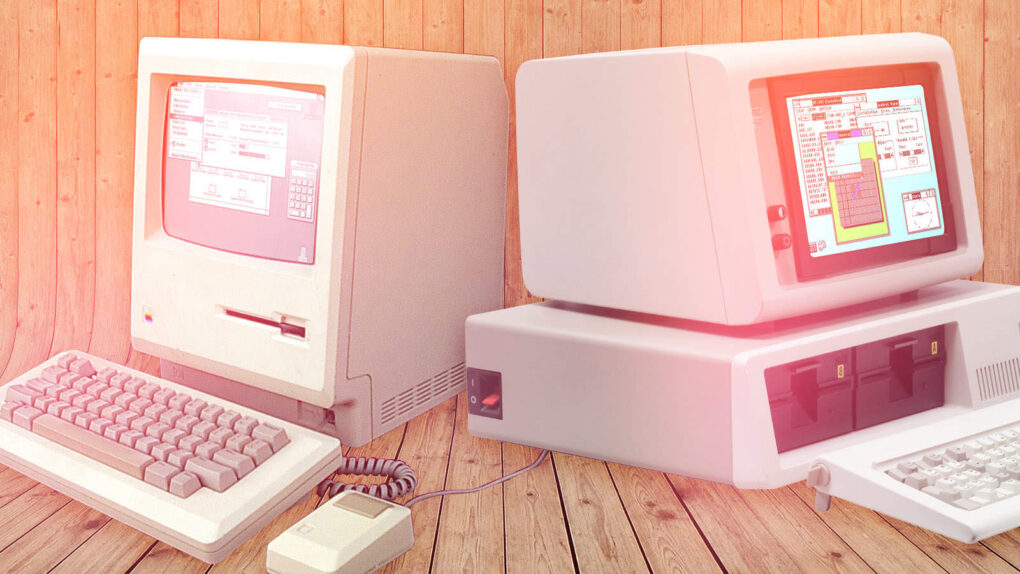
 July 25, 1989: Apple suffers a major setback in its copyright-infringement lawsuit against Microsoft for allegedly stealing the Mac’s “look and feel” to create Windows.