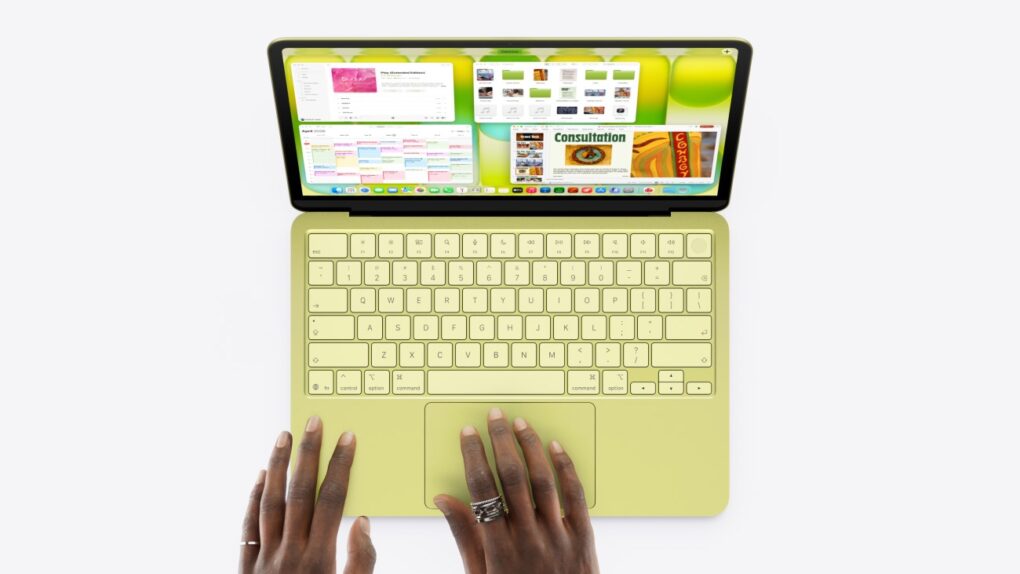
The new M4 iPad Air added significantly to Apple tablet shipments last quarter. Photo: Apple
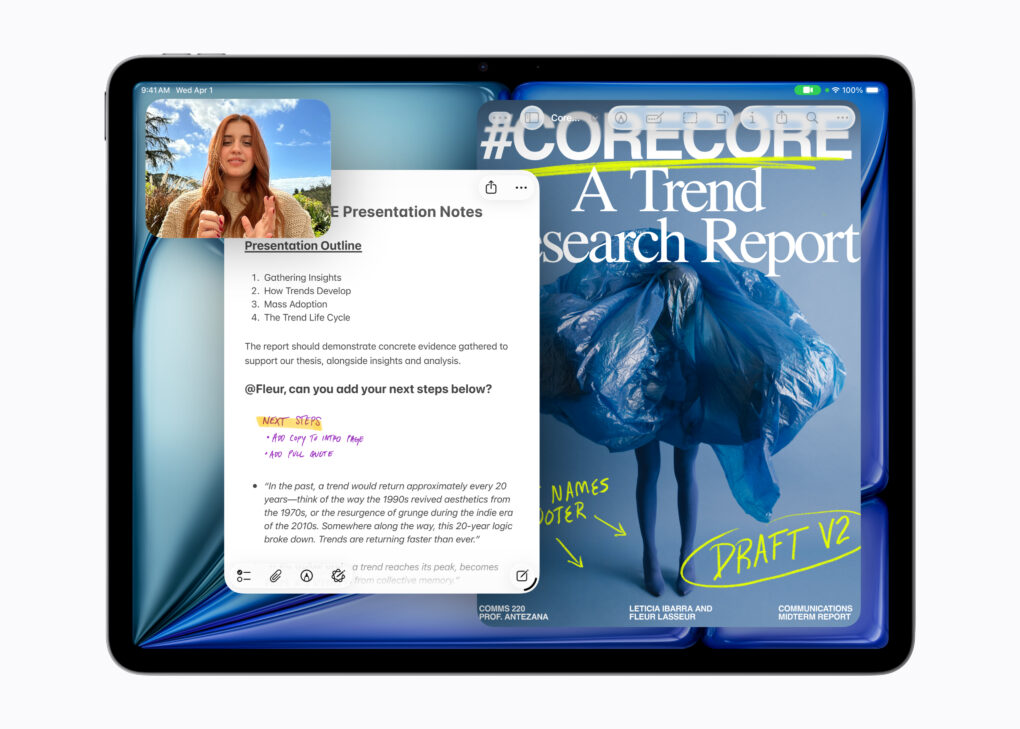
The M4 iPad Air that launched in March contributed strongly to robust growth in Apple’s tablet shipments.
As a result, the iPad’s share of the global tablet market increased. Approximately 2.5 times as many Apple tablets sold last quarter as the iPad’s biggest rival.
Steve Jobs introduced the world to OS X. Photo: Ben Stanfield/Flickr CC
May 11, 1998: As part of his mission to turn Apple around, CEO Steve Jobs spells out the company’s strategy for the Mac operating system going forward. The big news is that Apple is hard at work creating a major new operating system called OS X, he says at Apple’s Worldwide Developers Conference in San Jose, California.
However, first the company will ship Mac OS 8.5 and the first customer release of an OS called Rhapsody that fall.
Denon demonstrated some market smarts in releasing this speaker lineup while Apple fans wait for better HomePods. Photo: Denon
Apple users have long faced a frustrating paradox in home audio. Stay within the HomePod ecosystem and enjoy seamless Siri integration, or stray to better-sounding third-party options and sacrifice native Apple Home features. Denon’s new trio of Denon Home series speakers — Home 200, Home 400 and Home 600 — may finally have cracked that particular problem.
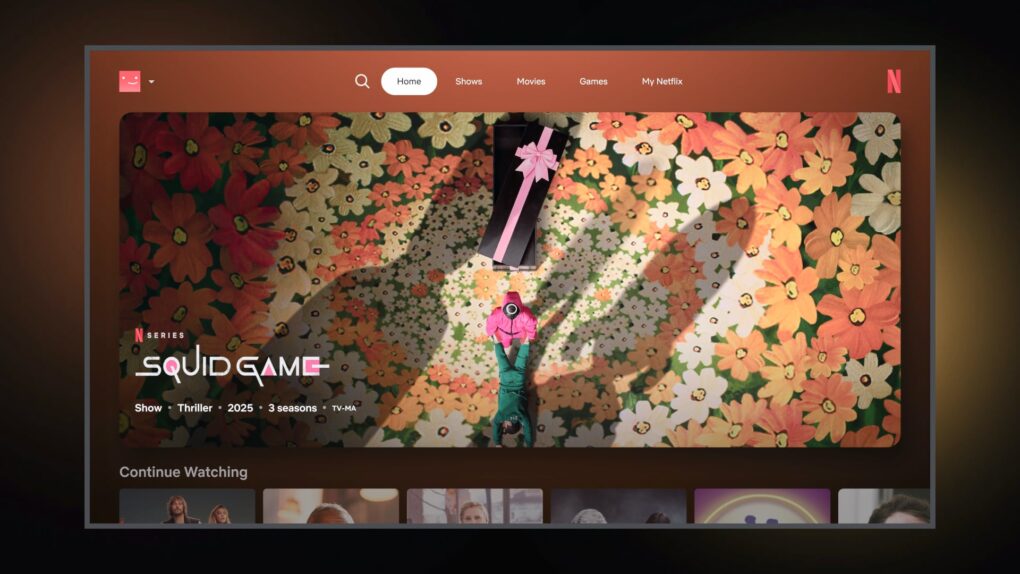
Netflix cooked up an AI voice search that makes Apple TV seem extra-feeble. Image: Netflix
Netflix is testing a powerful new AI voice search that shows just how badly the Apple TV 4K needs an upgrade. Currently limited to a handful of users, Netflix’s new AI-powered tool lets users search for content conversationally. And instead of searching for something simple like a movie genre or specific title, they can ask Netflix for entertainment that fits their current mood.
For example, users can ask for something like “find me something that’s emotional but not too long” or “a romantic comedy with a few episodes.”
It’s a real game changer, according to a beta tester who gained early access. When Apple’s long-delayed Siri upgrade finally arrives, it could provide a similar — or even better — experience on Apple TV 4K.
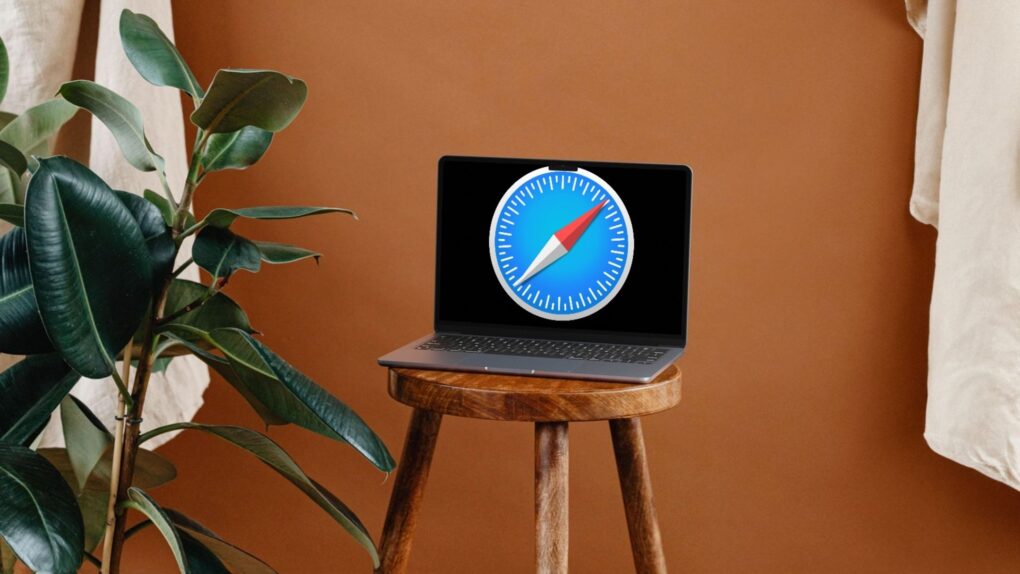
iOS 27 and macOS 27 should make Safari tabs easier to manage. Mockup: Rajesh Pandey/Cult of Mac
Safari in iOS 27 and macOS 27 will reportedly copy a handy Google Chrome feature to better manage your open tabs. It will build on the Tab Groups feature to organize similar open tabs into groups automatically.
Apple will apparently also provide a manual way to open tabs into groups.
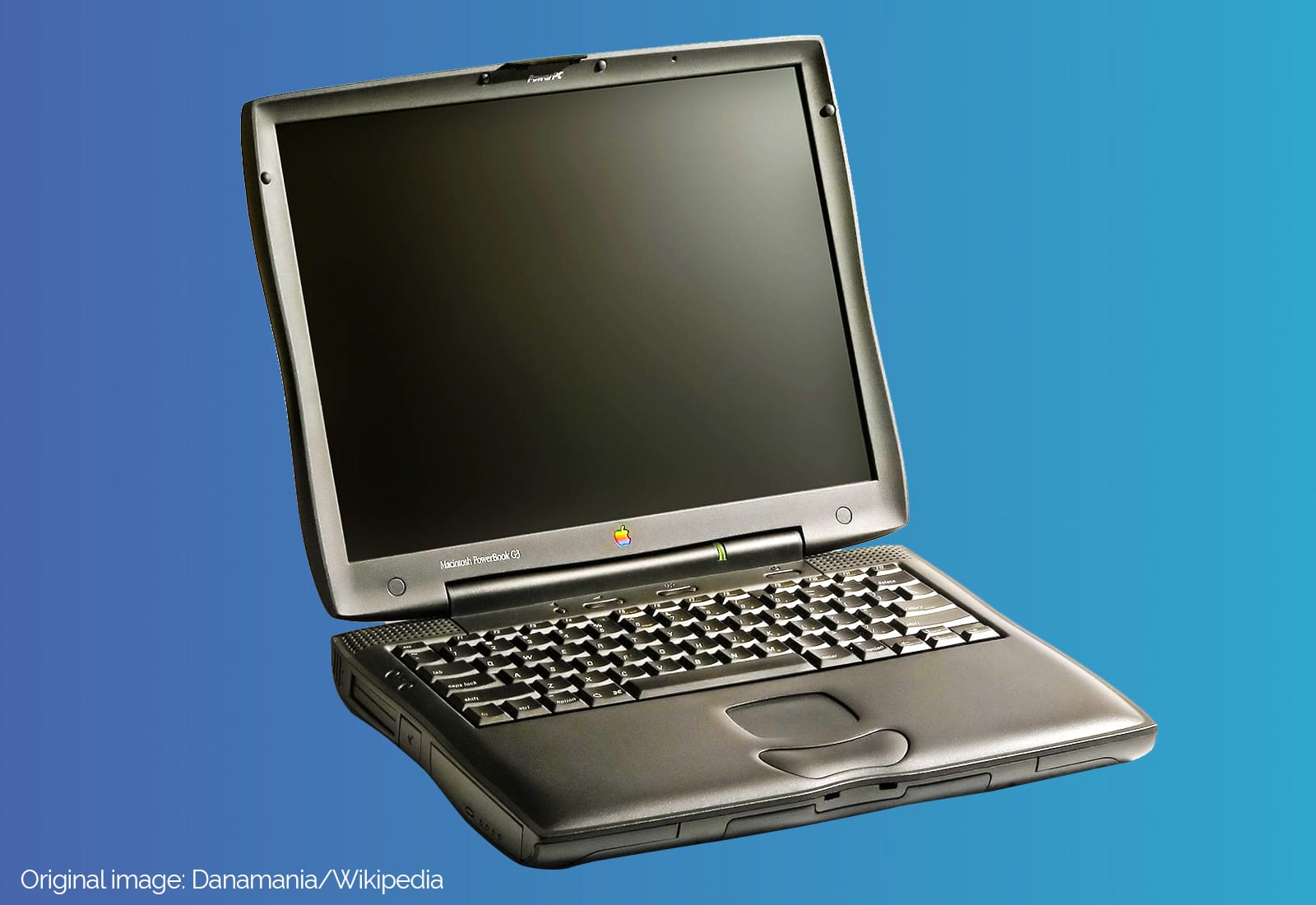
The PowerBook G3 Lombard brought a "bronze" keyboard and some real enhancements. Image: Ste Smith/Cult of Mac
May 10, 1999: The third-generation PowerBook G3 comes in 20% slimmer and 2 pounds lighter than its predecessor, but most people remember the laptop for its glowing Apple logo and the “bronze” keyboard.
Although it doesn’t get a new name to distinguish it from previous laptops in the lineup, fans call it “Lombard” after Apple’s internal code name (or simply the “PowerBook G3 Bronze Keyboard”).
The next big macOS update should make Liquid Glass more usable. AI image: ChatGPT/Cult of Mac
macOS 27 will reportedly feature a “slight” Liquid Glass redesign to address some of the complaints with macOS Tahoe. Apple will seemingly address the readability and transparency issues that currently plague the Mac operating system.
Bloomberg’s Mark Gurman says the redesign will not be dramatic. If anything, the “goal is more of a cleanup and refinement effort.”
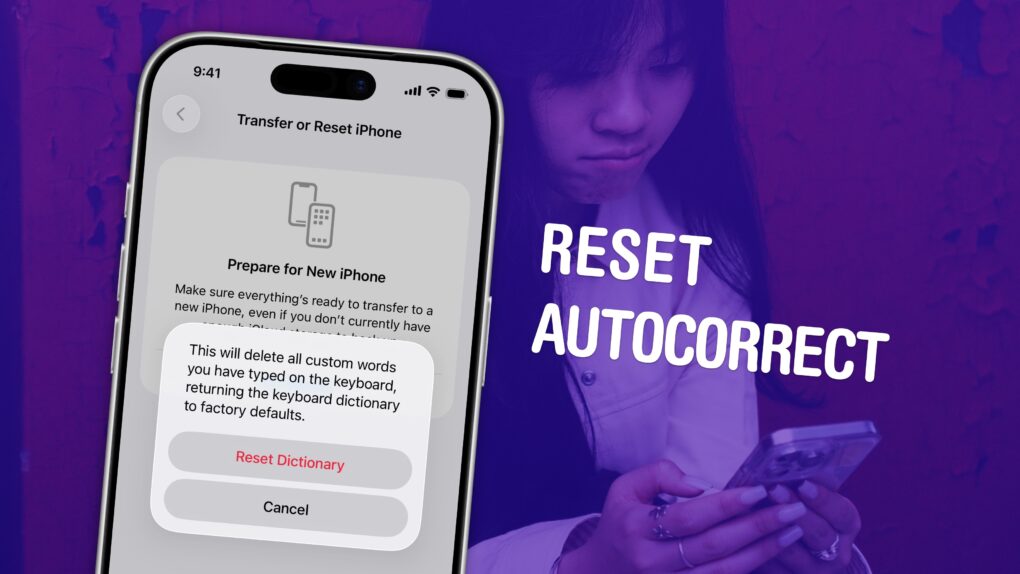
Put a stop to the madness. Image: D. Griffin Jones/Cult of Mac
If you’ve noticed that the iPhone’s autocorrect has been especially bad over the last few months, you’re not alone. It appears that iOS 26.2 introduced a bug that made the keyboard much more frustrating to use. Luckily, the solution is simple. You can learn how to reset autocorrect on your iPhone really quickly.
First, you need to update to iOS 26.4, the release that fixed the iPhone’s autocorrect bug. Then, resetting your keyboard dictionary will get rid of any bad patterns it may have picked up since December.
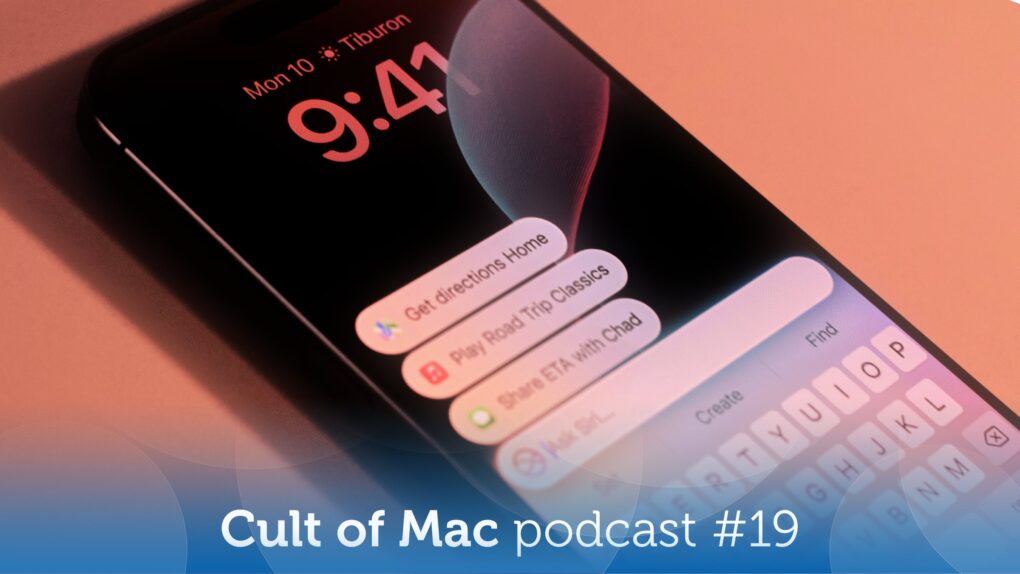
Will you get your slice of the stupid Siri pie? Image: appshunter.io/Unsplash License/Modified by Cult of Mac
This week on the Cult of Mac podcast: We’ve been complaining about just how stupid Siri can be for years, but Apple’s failure to deliver a promised AI upgrade just cost the company a cool $250 million.
We discuss how you can get your sliver of that payout, whether a stupid Siri is a deal-breaker (obviously not, since we all swear by our iPhones), and how Apple can really make things right.
Also on the Cult of Mac podcast:
The MacBook Neo is so popular that Apple totally missed the boat on its projections. Now the company is making an unusual move — and it might mean the budget laptop goes up in price.
If you’ve been waiting for the perfect time to buy a Mac, it’s here.
After getting banged up for its lack of savvy when it comes to artificial intelligence, Apple looks ready to win the AI wars, thanks to its brilliant strategy.
And finally, Griffin goes over the pros and cons of an affordable home rowing machine. Come for the review, stay for the extremely weird Ohio hallway.
Listen to this week’s episode of the Cult of Mac podcast in the Podcasts app or your favorite podcast app. (Be sure to subscribe and leave us a review if you like it!) Or watch the video version, embedded below.
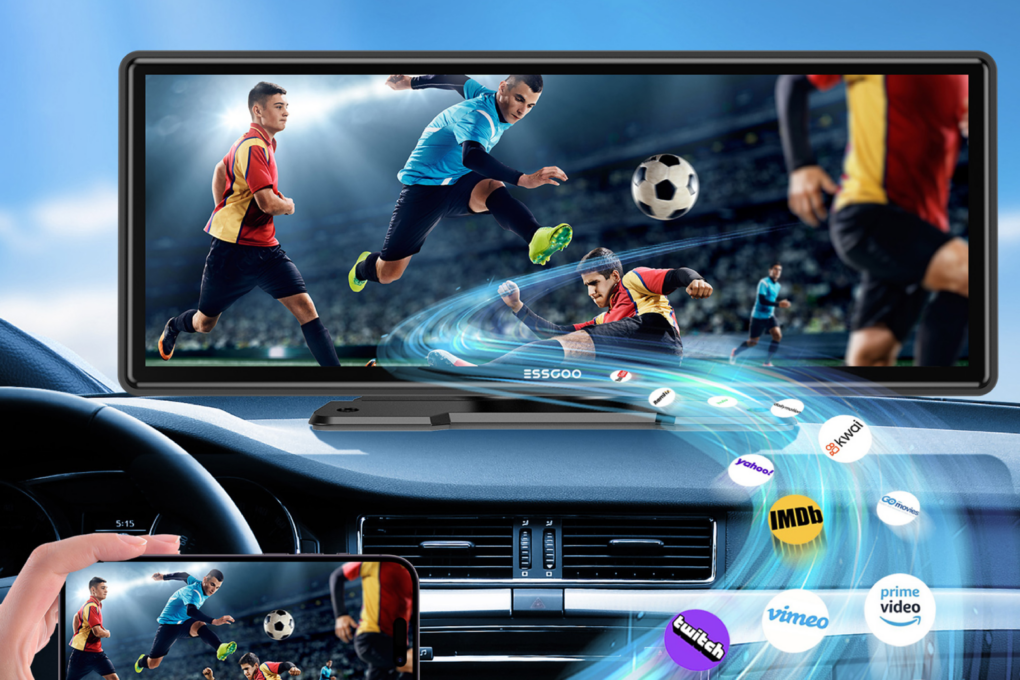
Upgrade your car’s in-car infotainment quickly, easily and on the cheap! Photo: Cult of Mac Deals
Essgoo’s 10-inch wireless CarPlay screen lets you upgrade practically any car in an instant. Whether you’re dealing with an old-school radio, a tiny in-car screen or, worse, no touchscreen at all, it’s time for an upgrade.
This 10-inch, full-HD touchscreen comes with a telescopic mount, so you can position it appropriately for safe driving. Or you can mount it on your dashboard with the included bracket, if that suits your car’s interior better.
Either way, it lets you easily add wireless Apple CarPlay (or Android Auto) and a touchscreen to any car — without an expensive trip to the dealership. And right now, you can get this 10-inch CarPlay screen for just $59.99 (regularly $89.99), with free shipping while stock lasts.
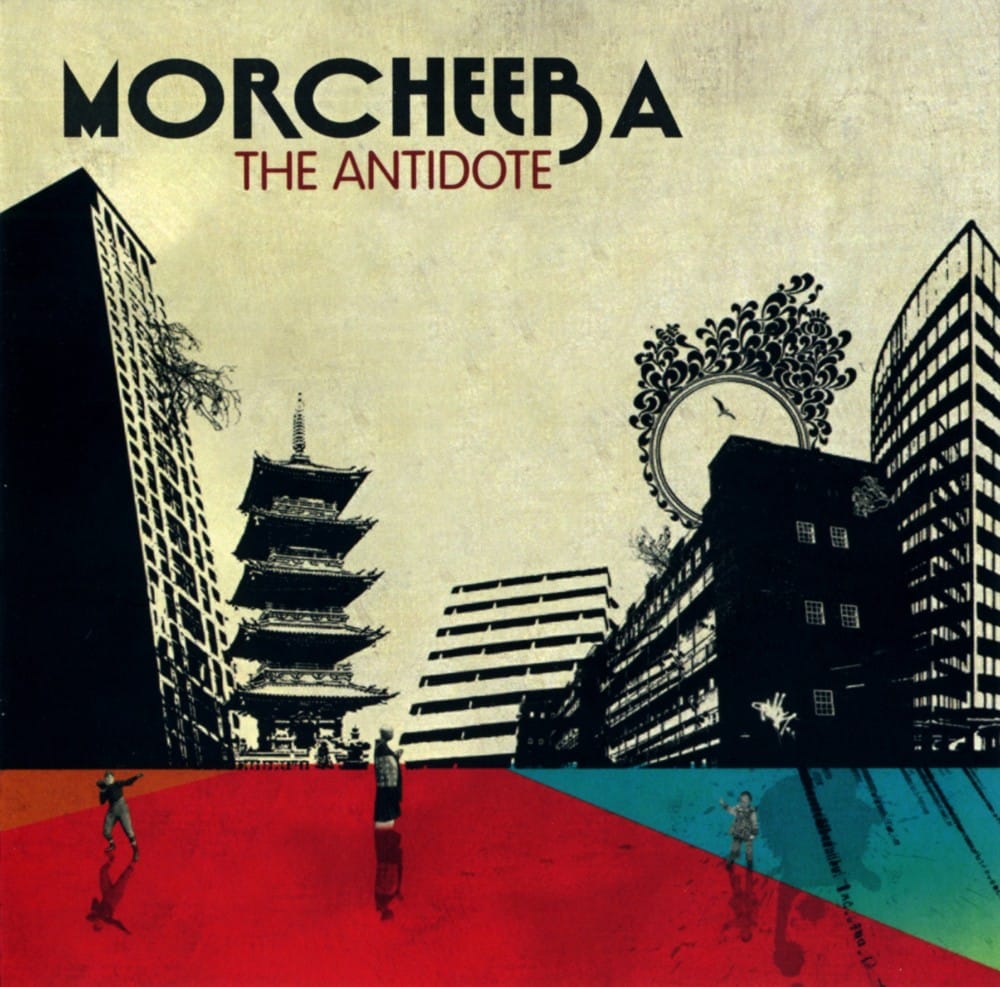
Morcheeba's "The Antidote" was one of the first music videos available on iTunes. Photo: Morcheeba
May 9, 2005: Apple quietly begins selling music videos in the iTunes Music Store.
The feature arrives with iTunes 4.8, initially offering bonus content for people purchasing albums through the store. It will take several months for Apple to start selling individual music videos, along with Pixar short films and a selection of TV shows, for $1.99 a pop.
Turn your scramble of icons into something that sparks joy. Image: D. Griffin Jones/Cult of Mac
There are two types of iPhone owners in the world: Those with a carefully manicured, minimalist Home Screen of perfectly arranged icons, and those with random icons spilled haphazardly across the screen.
If you find yourself among the latter group, you might think that it’s too late for you — that making a beautiful, aesthetic Home Screen is beyond your creative ability.
Well, cleaning up your iPhone’s Home Screen is a lot easier than clearing out your basement or organizing your kitchen junk drawer. A Home Screen that works better and looks better comes down to just a few simple tips. You can set one up in just minutes.
A new Perplexity app brings the Personal Computer AI agent to more Mac users. Photo: Perplexity
Perplexity’s new Mac app brings its Personal Computer AI agent to a much wider audience, expanding access beyond the group of high-level subscribers who first gained entry to the service in April, the company said Thursday.
★★★★☆
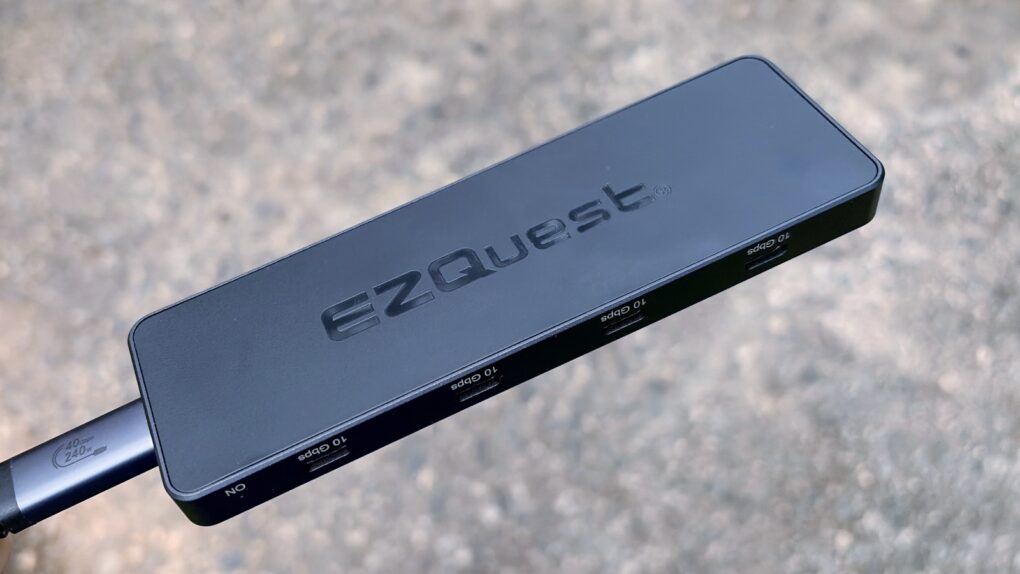
Get eight USB-C ports in a pleasingly small package with this new hub from EZQuest. Photo: Ed Hardy/Cult of Mac
The EZQuest USB 4 Dual Display 8-in-1 Hub is for Mac users who have gone all-in on USB-C ports. It boasts no less than seven high-speed ports and an eighth just for charging. And it takes up just one port on your Mac.
Unlike the USB-C ports in most hubs, EZQuest’s can be used for external screens, removing the need for HDMI. One or two displays are supported, depending on the computer the accessory is attached to.
As someone ready to dump all the old legacy ports, I happily put this product through testing.
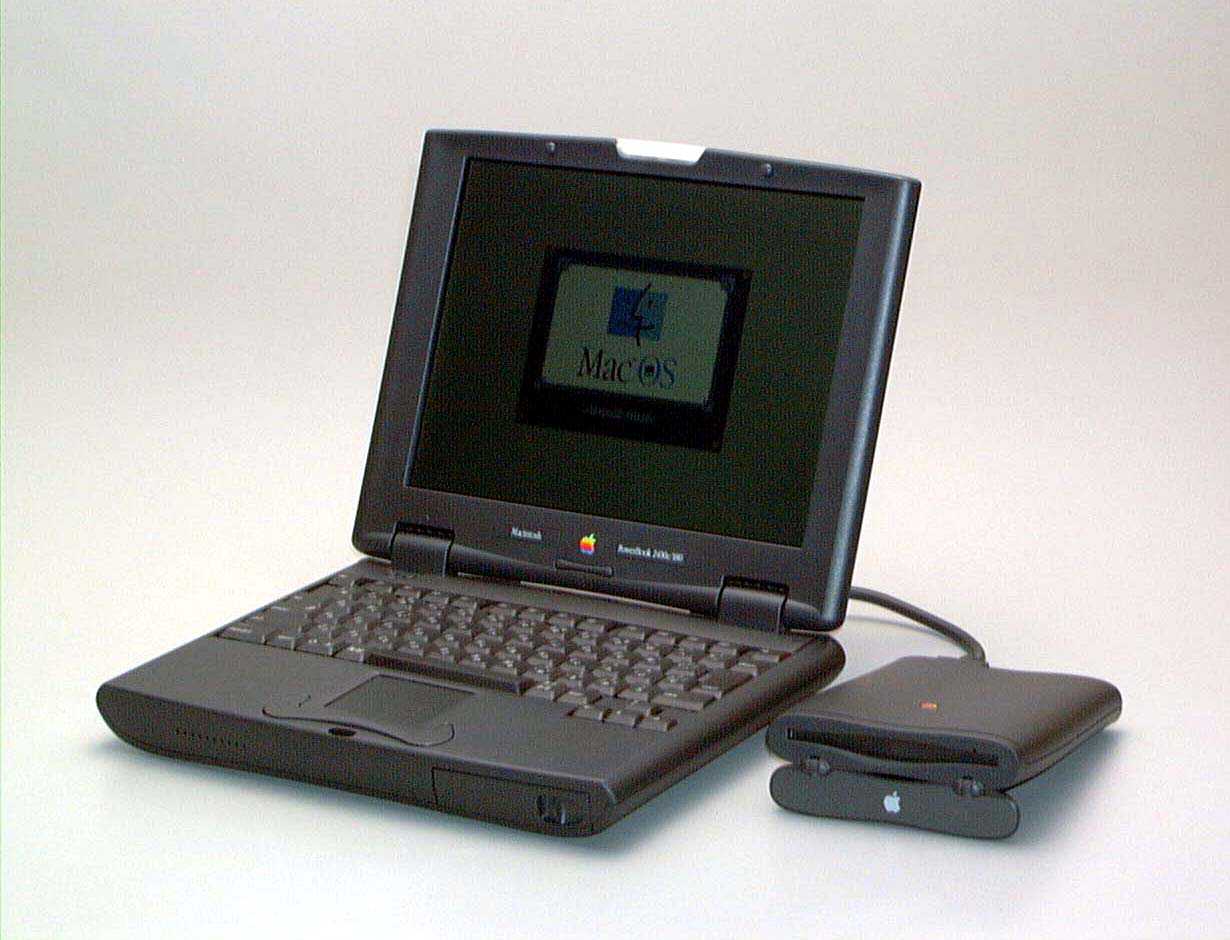
The PowerBook 2400c was Apple's ultra-thin laptop of the late '90s. Photo: Apple
May 8, 1997: Apple launches the PowerBook 2400c laptop, a 4.4-pound “subnotebook” that’s the MacBook Air of its day.
The PowerBook 2400c predicts the rise of speedy, lightweight notebooks, while also paying tribute to Apple’s past. Its design echoes the original PowerBook 100. Even years later, it remains a cult favorite among many Mac users.
This user's setup changed a lot since the one we showcased in early 2024. Photo: [email protected]
In some ways, iPad is the most versatile computer Apple makes — which makes it an unusually rich ingredient in a Mac workstation. And as iPadOS grows ever more capable, more users find new, smarter roles for their tablet. The following 10 examples drawn from the Cult of Mac Setups archive represent the best uses of iPad in Mac setups. They show just how many ways the tablet can earn its place on a desk.
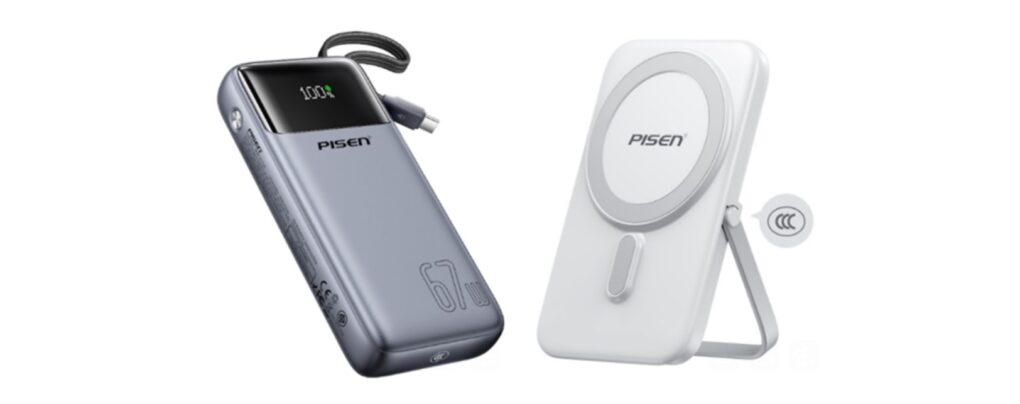
Certified for airline travel, these new power banks keep devices running on the go and won't break the bank. Photo: Pisen
Pisen unveiled two new portable power banks Thursday aimed at users who need fast, reliable power on the go — including solid support for iPhones and other Apple devices, plus certification for airline travel.
What might be called AirPods Ultra could be an AI-focused device, not just a simple audio player. AI image: ChatGPT/Cult of Mac
Apple’s next-gen AirPods are reportedly in “late stages of development,” with the addition of cameras being a standout feature of the earbuds. The goal of adding cameras is apparently to make the earbuds, potentially called “AirPods Ultra,” into AI-friendly devices that are aware of the user’s surroundings.
They could become the first of a new class of wearables from Apple designed for the AI era.
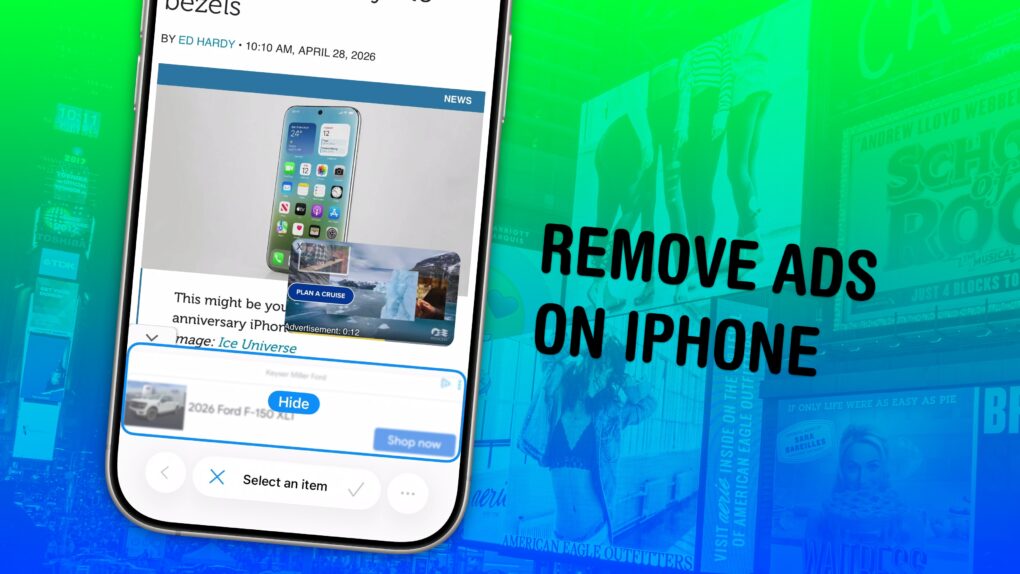
Simplify the web, one annoyance at a time. Image: D. Griffin Jones/Cult of Mac
Safari’s Hide Distracting Items feature lets you remove ads from your iPhone, along with other elements on the page that irritate you. It doesn’t require an ad blocker or a paid extension — Apple built it right into the browser.
Hide Distracting Items is not an ad blocker per se. But if pop-ups and other items that cover the page with no obvious close button pester you (like a cookie banner) Hide Distracting Items can come to the rescue. Here’s how to use it — keep reading or watch our video.
Left to right: Swift Student Challenge winners Yoonjae Joung, Karen-Happuch Peprah Henneh, Anton Baranov and Gayatri Goundadkar. Photo: Apple
Apple’s 2026 Swift Student Challenge produced some of its most socially conscious code yet, with four Distinguished Winners using Apple’s developer tools — and a lot of AI assistance from Claude, among others — to build apps that address tremors, presentation anxiety, flood safety and music education. Apple showcased them in a feature story Thursday.
Katie Cotton helped control Apple's narrative in the press for years. Photo: Apple
May 7, 2014: Katie Cotton, the fearsome, much-admired head of Apple’s worldwide publicity machine, steps down from her vice president post after 18 years with the company.
During her stint at Apple, Cotton worked in lockstep with CEO Steve Jobs and proved instrumental in controlling the company’s portrayal in the press. Her departure provides one more reminder that the Jobs era is over at Apple.
Apple will supposedly make twice as many MacBook Neos than it had earlier planned. Photo: Apple
Apple reportedly will produce twice as many MacBook Neos as it originally planned. That will require producing more A18 Pro chips, which might force Apple to raise the price of the popular laptops.
Demand for the company’s first entry-level notebook exceeds supply because it also exceeds Apple’s prelaunch estimate of how popular the MacBook Neo would be.
Stay secured online with Surfshark One+ with Incogni, now on sale at 81% off! Photo: Cult of Mac Deals
Here’s a privacy-focused security bundle that pairs two top-notch services — Surfshark One+ and Incogni — for one low price. Snag this deal to cover real-time security threats and remove your personal data from the internet, all for just $91.99 for two years.
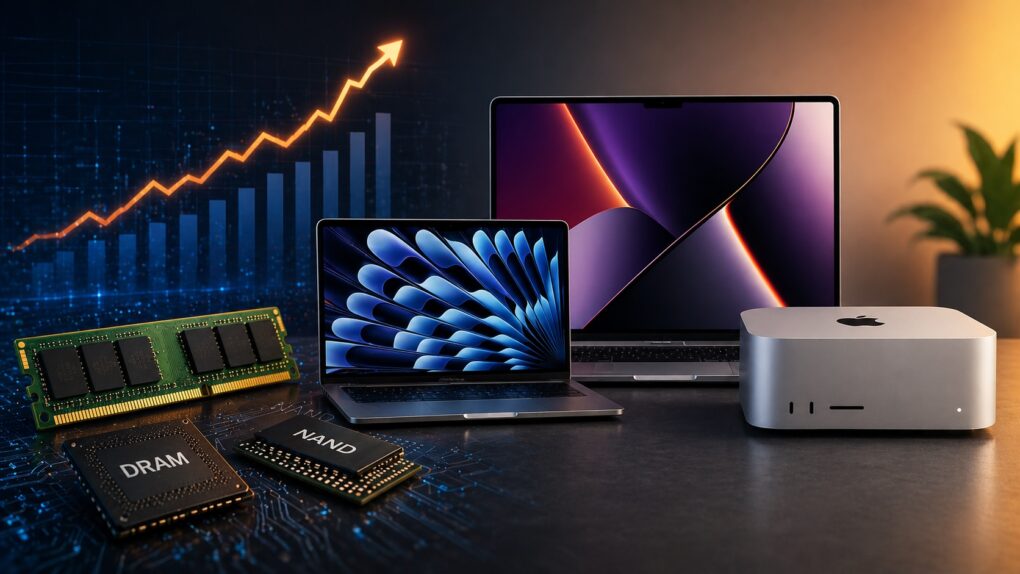
Rising memory costs and tightening supply means you should consider buying a Mac right now. AI image: ChatGPT
If you’ve been on the fence about buying a Mac, you might want to stop waiting. A growing DRAM and NAND shortage is about to make all kinds of computers more expensive and harder to find.
Right now, Apple is still (somewhat) ahead of that curve. But that window is closing fast. So, if you need to buy a Mac, now’s the best time to pull the trigger.


 May 11, 1998: As part of his mission to turn Apple around, CEO Steve Jobs spells out the company’s strategy for the Mac operating system going forward. The big news is that Apple is hard at work creating a major new operating system called OS X, he says at Apple’s Worldwide Developers Conference in San Jose, California.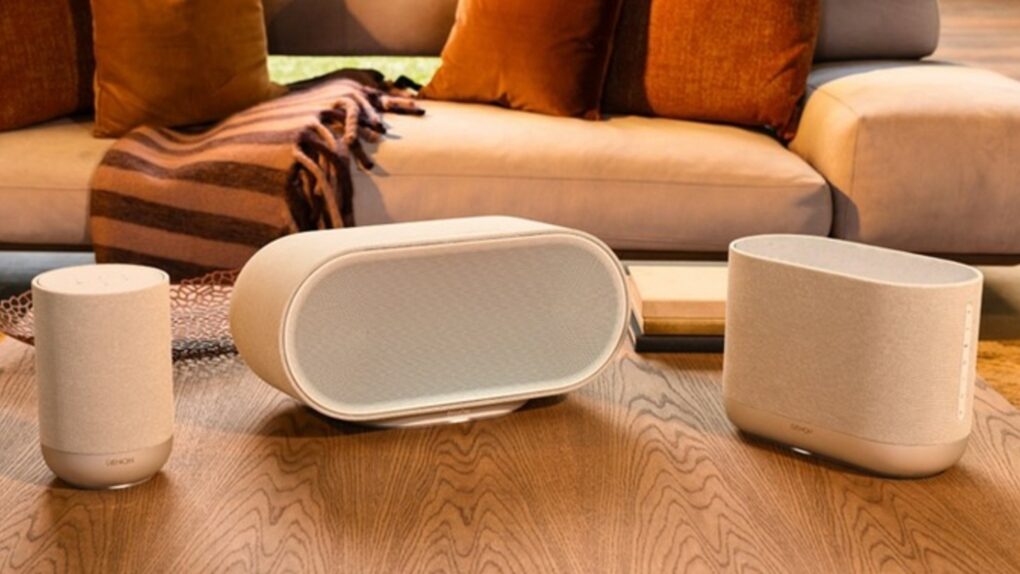
 May 10, 1999: The third-generation PowerBook G3 comes in 20% slimmer and 2 pounds lighter than its predecessor, but most people remember the laptop for its glowing Apple logo and the “bronze” keyboard.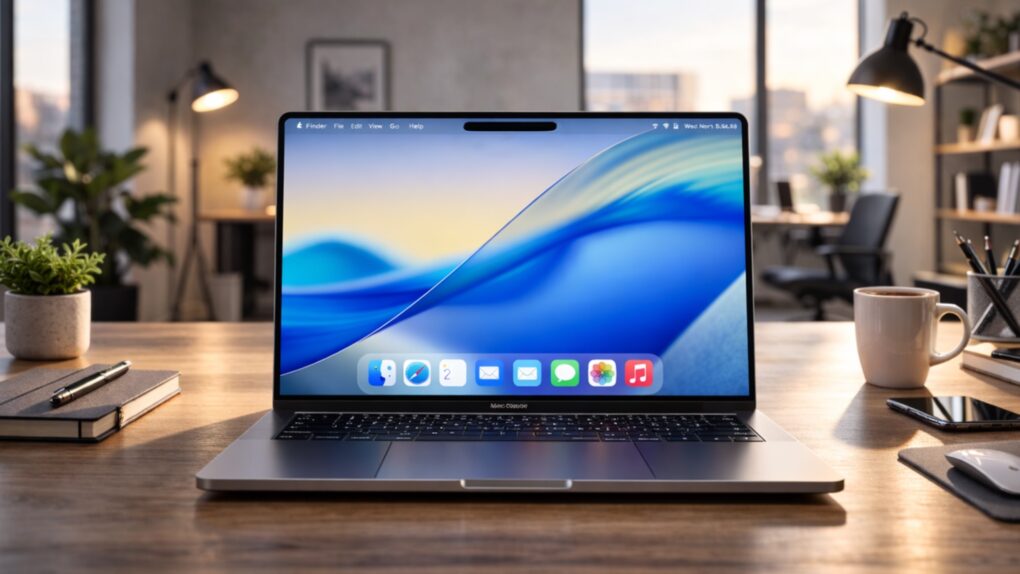
 May 9, 2005: Apple quietly begins selling music videos in the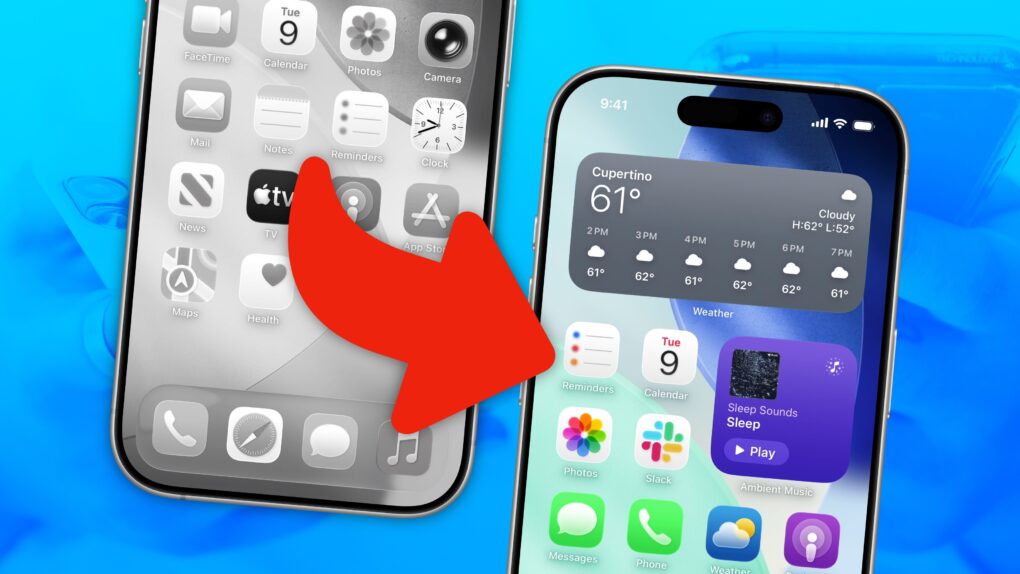

 May 8, 1997: Apple launches the PowerBook 2400c laptop, a 4.4-pound “subnotebook” that’s the MacBook Air of its day.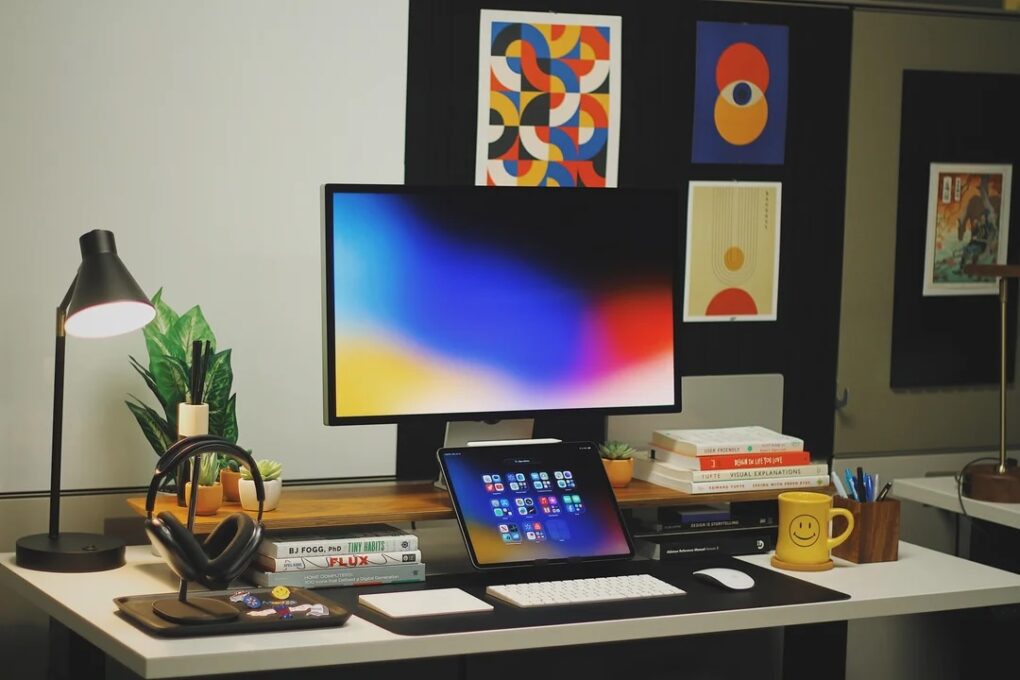


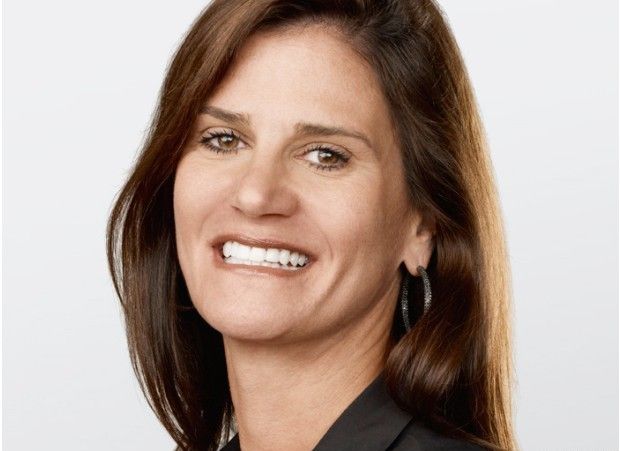
 May 7, 2014: Katie Cotton, the fearsome, much-admired head of Apple’s worldwide publicity machine, steps down from her vice president post after 18 years with the company.