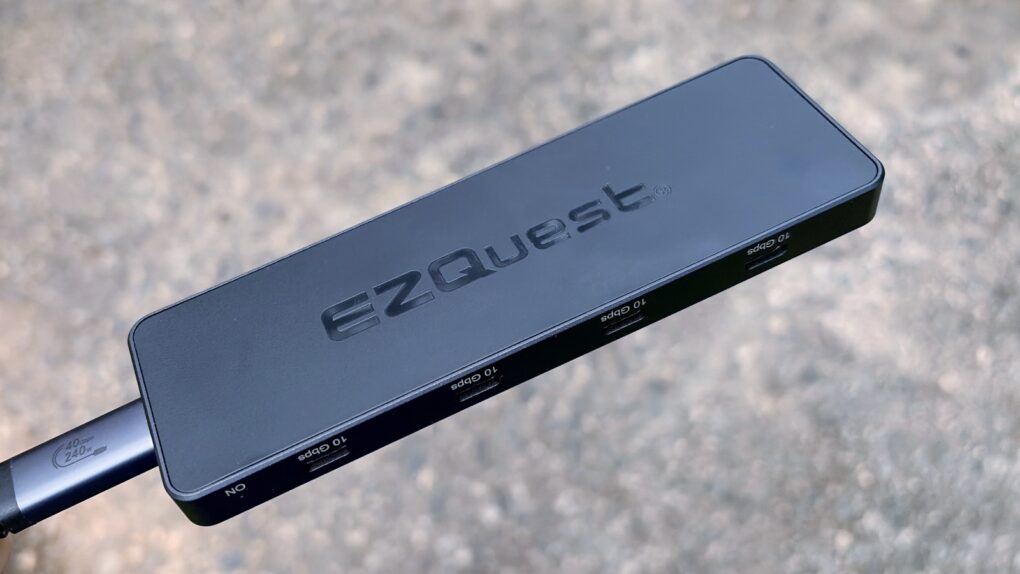
The EZQuest USB 4 Dual Display 8-in-1 Hub is for Mac users who have gone all-in on USB-C ports. It boasts no less than seven high-speed ports and an eighth just for charging. And it takes up just one port on your Mac.
Unlike the USB-C ports in most hubs, EZQuest’s can be used for external screens, removing the need for HDMI. One or two displays are supported, depending on the computer the accessory is attached to.
As someone ready to dump all the old legacy ports, I happily put this product through testing.
EZQuest USB 4 Dual Display 8-in-1 Hub review
For decades, computers relied on a cluttered collection of specialized ports such as HDMI, USB-A, Ethernet, headphone jacks and proprietary charging connectors. Increasingly, though, USB-C is replacing many of them with a single compact standard capable of handling power, data transfer, video output and more.
Many hubs offer a variety of ports, but the EZQuest USB 4 Dual Display 8-in-1 Hub looks to the future when all that’s needed is USB-C. And that includes connecting external monitors.
Because it’s easy to get hubs confused, this is product number H20008.
Designed for power users, this hub delivers advanced dual-display support, high-speed data transfer, and robust power delivery in a compact, travel-ready form factor.

Table of contents: EZQuest USB 4 Dual Display 8-in-1 Hub review
- Very portable hub packed with USB-C ports
- Dual monitors at up to 8K
- Speedy data transfers, too
- Fast charging for your Mac
- Doesn’t run hot
- EZQuest USB 4 Dual Display 8-in-1 Hub review: Final thoughts
- Pricing
Very portable hub packed with USB-C ports
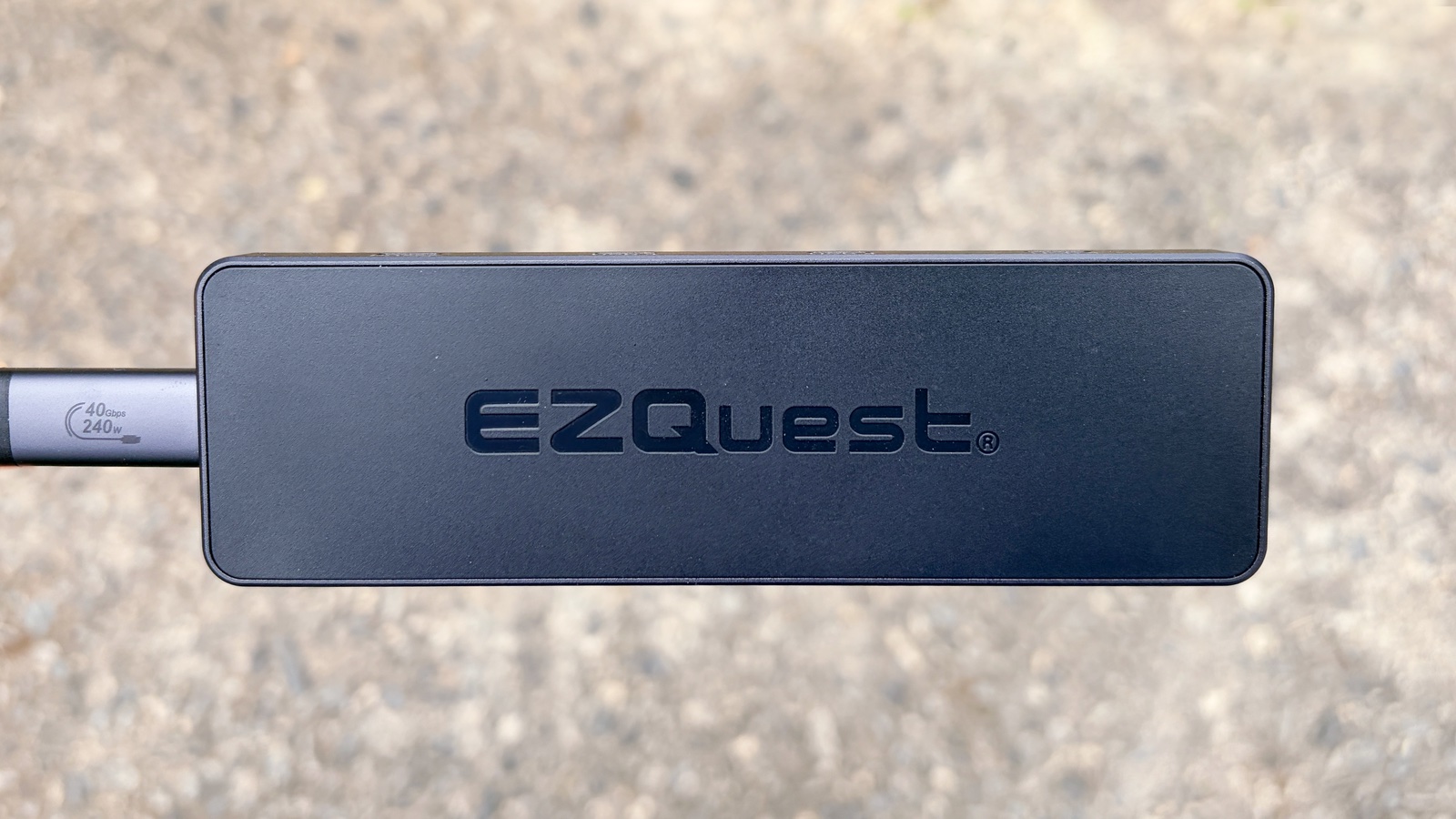
Photo: Ed Hardy/Cult of Mac
At 5.5 inches by 1.75 inches by 0.4 inches, and a mere 0.15 pounds, this accessory is quite portable. Don’t forget to leave room for its removable 20-inch cable, though. It fits easily into my gear bag.
The design includes rounded corners and a space-black color, so it matches the look of my Apple gear quite well.
There are USB-C ports on almost every edge. Not surprising, considering EZQuest had to find room for nine of them, including the one to connect the accessory to the host computer.
Dual monitors at up to 8K
What sets the EZQuest USB 4 Dual Display 8-in-1 Hub apart from most of its rivals is support for external screens connected via USB-C. And that support goes up to 4K at 60 Hz.
There are three ports that can be connected to monitors, but the most the hub supports is two. And not all computers can drive that many. Just don’t blame EZQuest — it depends on the processor in your Mac. Generally speaking, newer and more powerful chips (including all Pro, Max and Ultra versions) can handle two.
Another option is a single 8K screen at 30 Hz.
The MacBook Neo and iPads are limited to one at 4K and 60Hz.
I’m a big fan of the portable monitors made by Espresso Displays, plus they use USB-C, not HDMI, so they make an ideal mobile test for the H20008. I connected the Espresso 15 Pro to one of the USB 4 ports and it worked perfectly. It’s 4K, so it’s a real test.
The same goes for my 4K desktop monitor made by Innocn. Connecting it was as simple as plugging the display into EZQuest’s hub. There were no problems, and everything functioned as though I were using HDMI.
Unlike some rival hubs, the H20008 does not require a DisplayLink driver to access additional external screens. It’s completely “plug and play.”
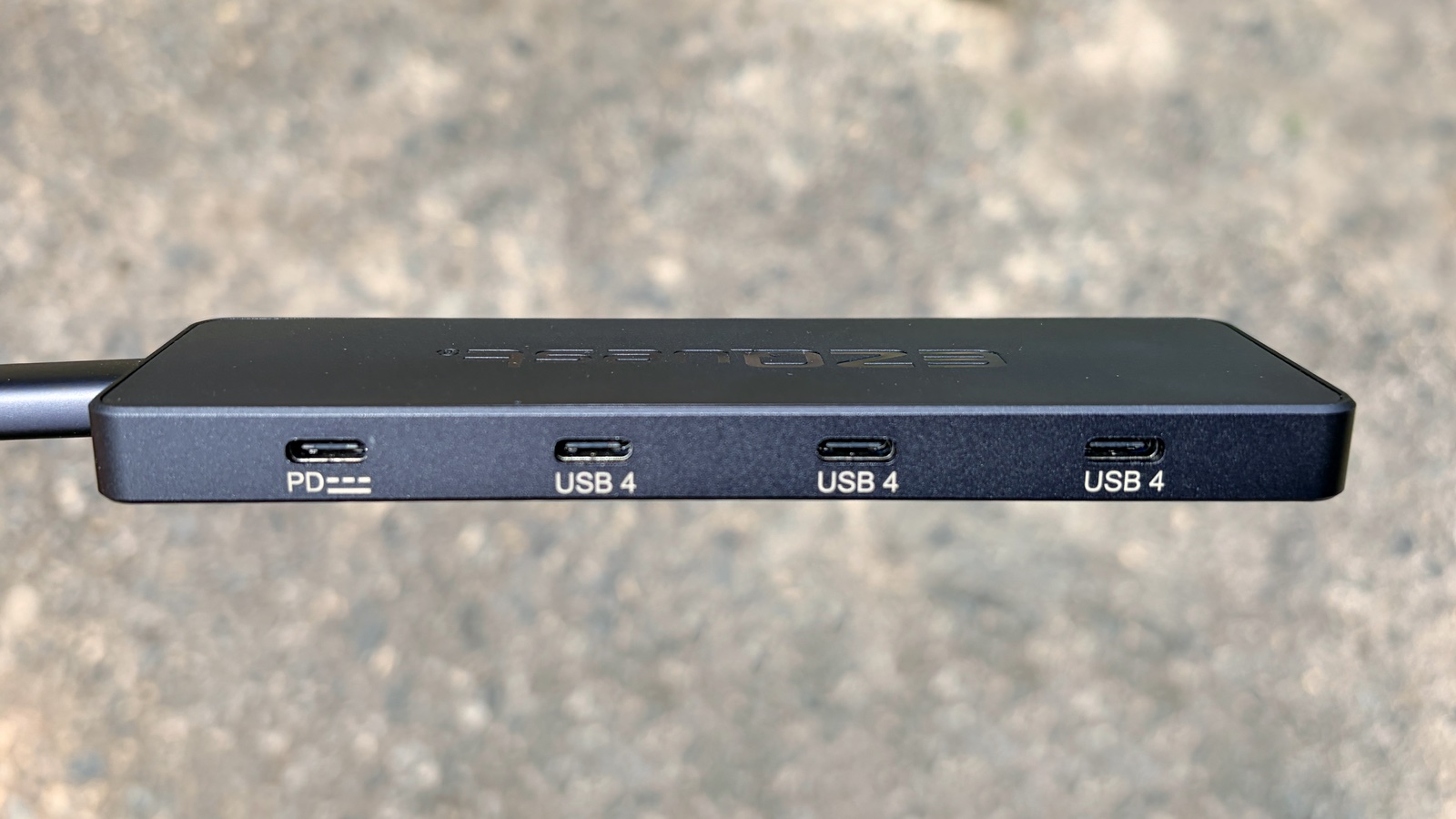
Photo: Ed Hardy/Cult of Mac
Speedy data transfers, too
To geek out for a second, the EZQuest USB 4 Dual Display 8-in-1 Hub is powered by the Intel Hoover Ridge JHL8140 USB4/TB4 chipset, so you can expect it to be fast.
That said, while there are three ports on the hub labeled “USB 4,” don’t expect 40 Gigabits per second speeds. These top out at 10 Gbps. But that’s quick.
In my testing, I transferred a 2.1 GB test file onto the brilliant Planck SSD (which I recently reviewed!) in 3.2 seconds. That’s 5.2 Gbps — impressive for real-world results.
The remaining four USB-C ports use USB 3.2 Gen 2, which is why they can’t drive an external monitor. However, they also have a theoretical max of 10 Gbps.
But my real-world testing shows there’s a definite difference. Even using the Planck SSD, transferring that same 2.1 GB file took 53 seconds over one of these four USB-C ports.
So if you need very fast data transfers, use the three USB 4 ports. The remaining four are for other accessories, like keyboards. Naturally, I tested one of these with the H20008, too. And a mouse, too. No problem.
Fast charging for your Mac
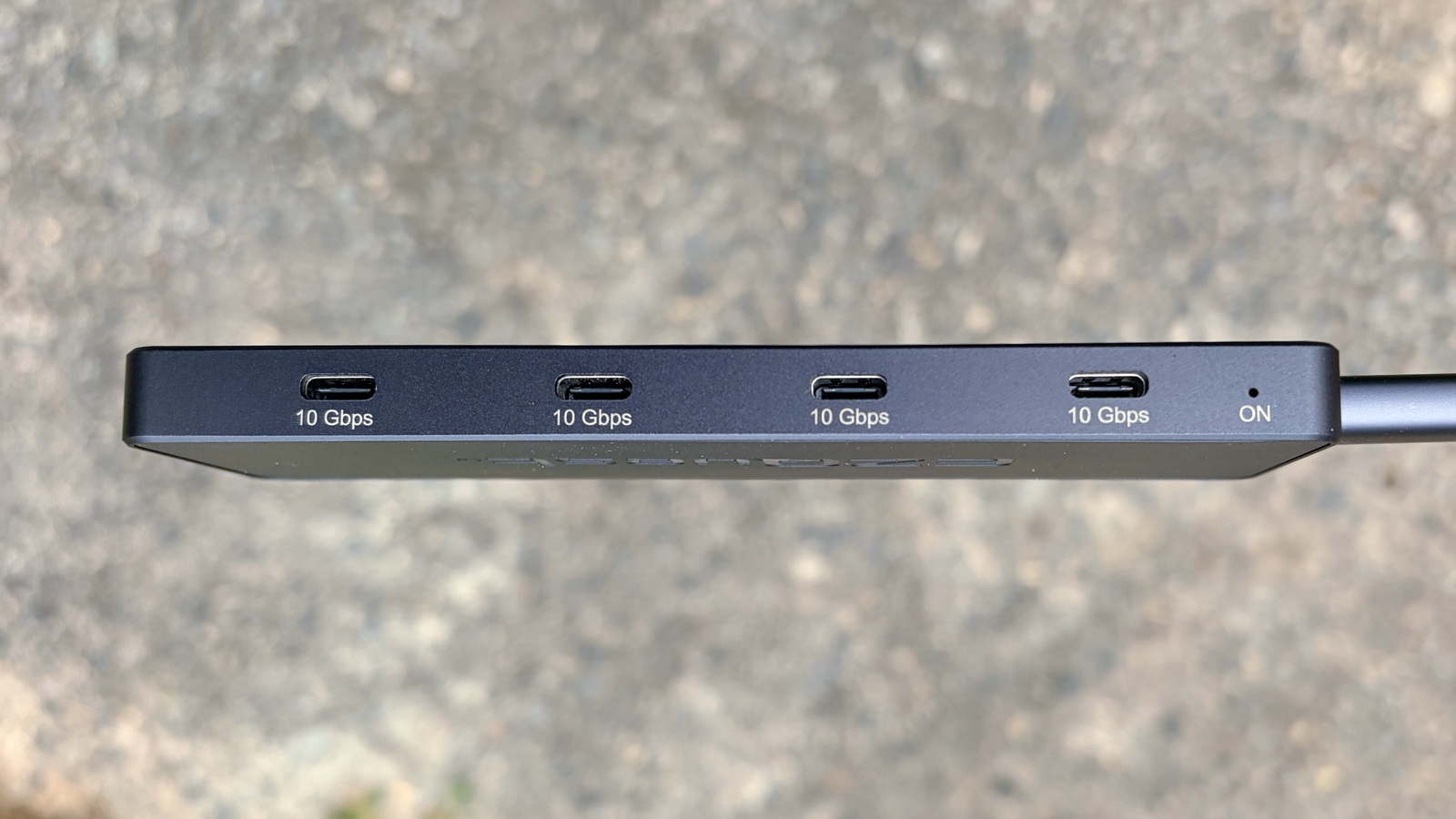
Photo: Ed Hardy/Cult of Mac
On one end of the EZQuest USB 4 Dual Display 8-in-1 Hub is the host port. Plug the provided cable into it and your computer, and it can send up to 100W of pass-through power. That requires connecting an external power source to the dedicated USB-C power port on one long edge.
It’s next to the trio of USB 4 ports that put out up to 15W each, while the remaining four ports on the opposite edge offer up to 7.5W. These send only about 6W to my iPhone 17, even with no other accessories plugged in.
Just note that the total for these can’t exceed 23W. Plug in too many energy-draining accessories and you lose your monitor, so you might need to make sure you’re ready to run power to it directly.
If you were thinking about using the H20008 as a way to simultaneously charge multiple handsets, I don’t recommend it. 23W doesn’t go very far.
Doesn’t run hot
I tested an earlier EZQuest hub that could handle USB-C monitors. It worked well but ran very hot. Naturally, that made me concerned about this new model. Turns out it wasn’t a problem.
I tested it with a digital thermometer and EZQuest USB 4 Dual Display 8-in-1 Hub never got much over 110 degrees in a 75-degree room. That makes it warm to the touch, but no more.
EZQuest USB 4 Dual Display 8-in-1 Hub review: Final thoughts
If you’ve come away from this review thinking that this product requires a few compromises, that’s true for all hubs. Even the most powerful one on the market — the iVanky FusionDock Ultra — is not easily portable.
EZQuest’s H20008 is ideal for those who have a portable monitor that connects via USB-C, as well as other accessories that use that same type of port. It easily handles external displays and provides fast data transfers.
It doesn’t provide quite as much power to accessories as I’d like, but other than that, it’s outstanding.
★★★★☆
Pricing
The EZQuest USB 4 Dual Display 8-in-1 Hub costs $149.99 … unless it’s on sale!
Happily, you can get one from Amazon for 20% off. That drops the cost to $119.99.
Designed for power users, this hub delivers advanced dual-display support, high-speed data transfer, and robust power delivery in a compact, travel-ready form factor.
EZQuest provided Cult of Mac with a review unit for this article. See our reviews policy, and check out more in-depth reviews of Apple-related items.

Ed Hardy has been writing full-time about tech for 26 years, and using it for much longer than that. His intro to Apple was a Macintosh SE/30 (which he still has), but now he uses a 13-inch iPad Pro as his primary computer.
That’s because he’s a “tablet first” type of guy. Rather than use a Macbook, he connects a keyboard case to the iPad. And instead of a desktop Mac, he connects his tablet to a 27-inch display and full-size keyboard. (So don’t try to tell him that everyone has to use a Mac to be productive.)
Before coming to Cult of Mac, Ed wrote for NotebookReview, TabletPCReview and Brighthand, as well as other sites.

