Mobile menu toggle

AirPods firmware update tunes up Apple earbuds and headphones

By •

how to update airpods
There’s new firmware for a range of recent AirPods models. Get it today.
Photo: Apple/Cult of Mac

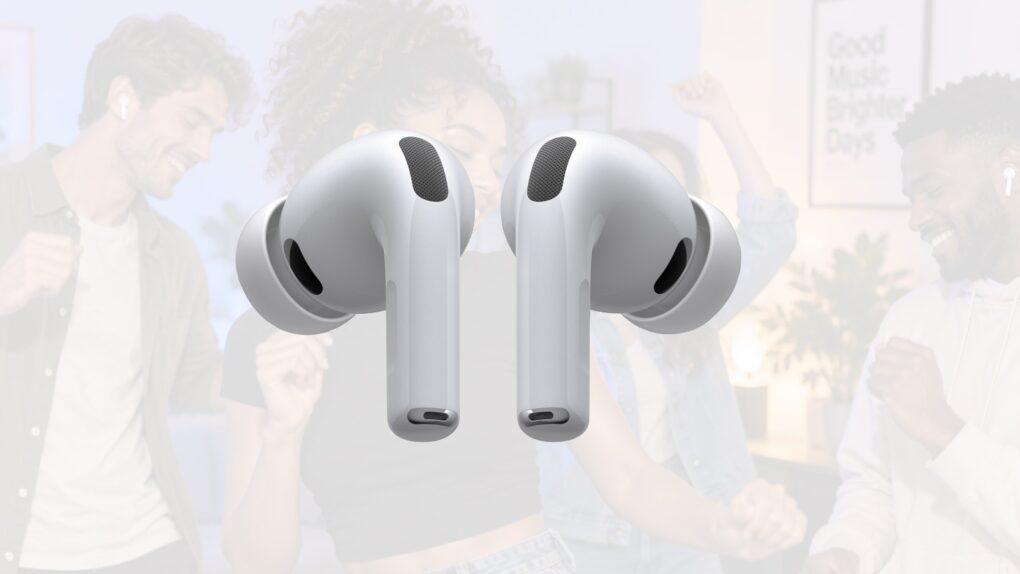
Apple just released new firmware for a wide range of AirPods models, bringing bug fixes to the company’s wireless earbuds and headphones. Firmware version 9B47 is available for AirPods Pro 3, AirPods Pro 2, AirPods 5, AirPods 4 and AirPods Max 2. 

Last year, Apple finally explained exactly how to update your AirPods firmware. The process can happen automatically, in the background, but there is a way to speed things up. It’s a good idea to manually check that you’re running the latest version, which brings bug fixes and sometimes great new features.

Read on for more details, and to find all current AirPods firmware versions along with instructions for getting the AirPods update as quickly as possible.

Apple’s upcoming Harbor app promises easier way to run local AI on your Mac(s)

By •

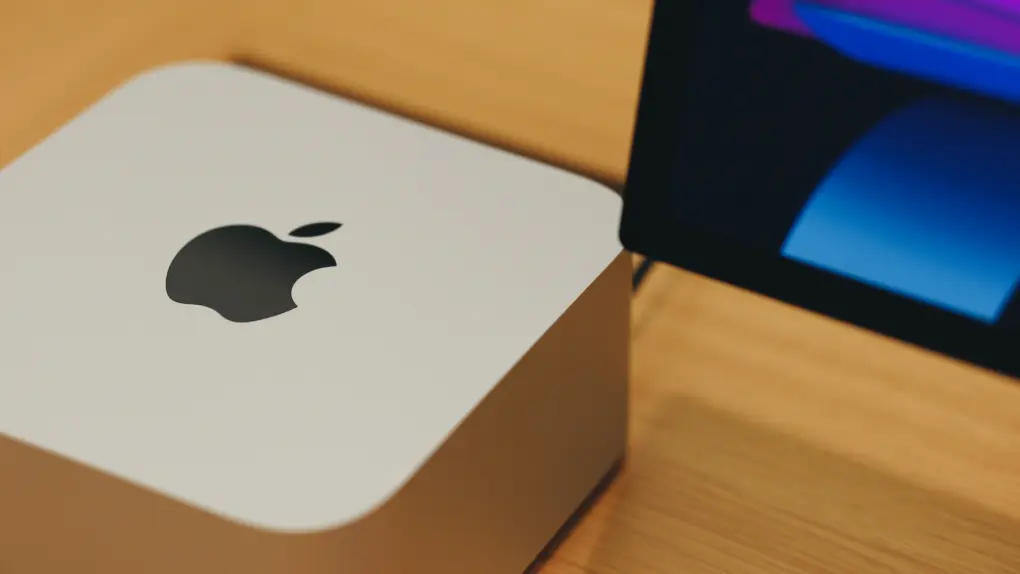
Apple logo on a Mac Studio
A new app from Apple could help your Macs tackle bigger AI models.
Photo: Peng Originals

A new app from Apple could make running local AI models on your Mac a breeze. Currently available in a private preview under the Claris brand, the app called Harbor “turns your Mac into a private AI inference server,” says leaker Aaron Perris.

It will make it easier to create a cluster of Macs for running large local AI models. 

Apple TV adds sign language interpretation to movies and shows

By •

Sign language interpretation being added to Apple TV
Apple TV will soon make it easier for Deaf audiences to enjoy its offerings.
Image: Apple TV

Apple TV is getting a new accessibility feature that lets viewers watch supported movies and shows with sign language interpretation shown overlaid on the video.

The feature launches Friday, November 13, with the global streaming debut of Being Heumann, a film based on the true story of disability rights activist Judy Heumann.

“At Apple, we believe everyone should be able to enjoy great stories and entertainment,” said Sarah Herrlinger, Apple’s senior director of Global Accessibility Policy and Initiatives. “Bringing sign language interpretation to Apple TV is an exciting step forward in making the viewing experience more accessible and inclusive for Deaf audiences. Accessibility is a core value at Apple, and we’re proud to continue creating experiences that allow more people to enjoy the content they love.”

OLED iPad Air launch is only a few months away

By •

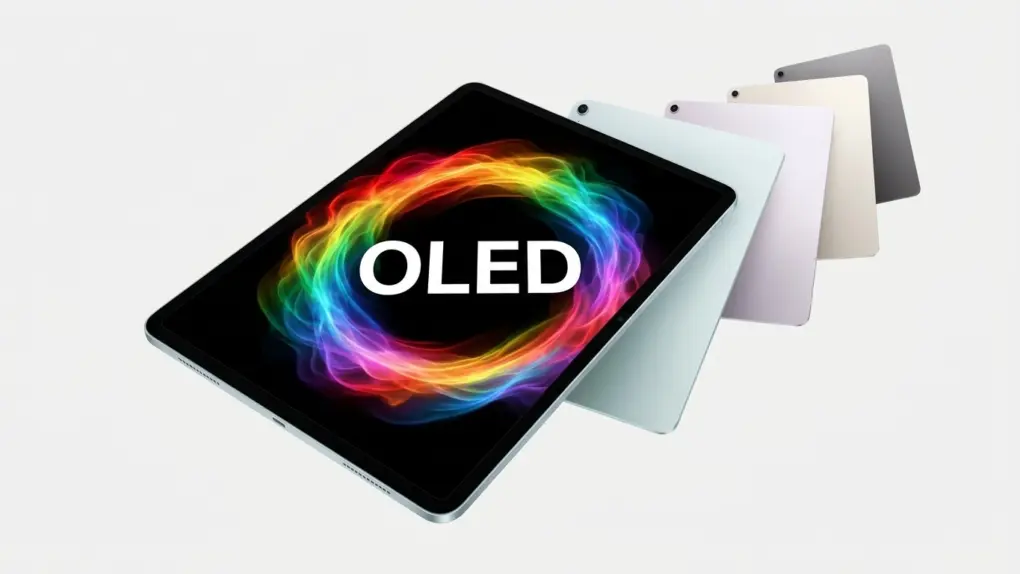
Expect an OLED iPad Air in 2027
Apple's next product going OLED is probably the iPad Air.
Image: Apple/Cult of Mac

Excited about the new OLED iPad mini, but want something larger? Apple’s first iPad Air with an OLED display remains on schedule to arrive in the first half of 2027, according to a new supply-chain report.

The upgrade is expected to bring richer colors and deeper blacks to Apple’s midrange tablet though it supposedly won’t be ale to match the high-end OLED display technology found in the iPad Pro.

Today in Apple history: Microsoft reveals its plans for Windows 1.0

By •

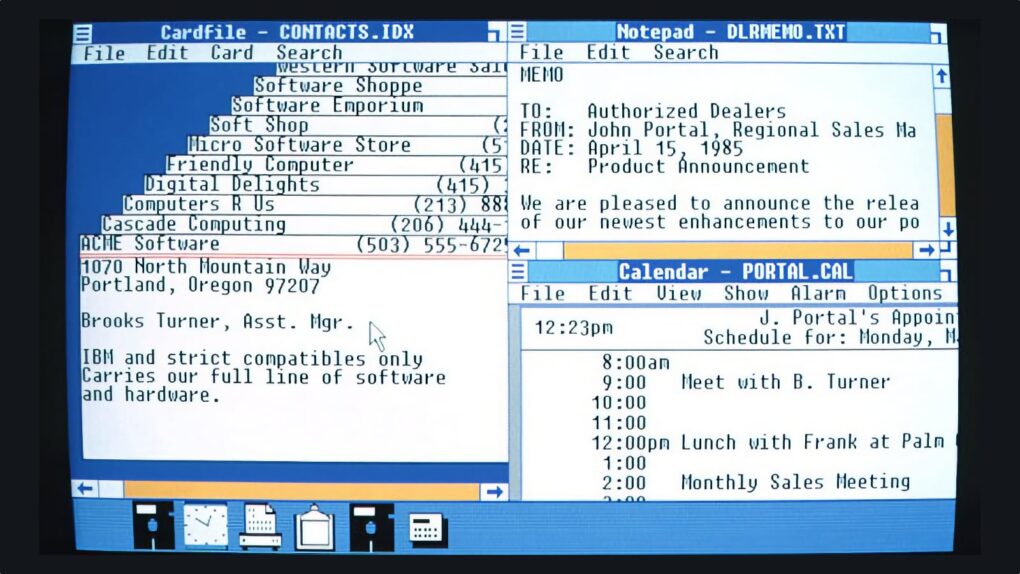
Screenshot showing what Windows 1.0 looked like when it shipped in 1985.
This is how Windows 1.0 looked when it finally shipped.
Screenshot: Microsoft

November 10: Today in Apple history: Microsoft Windows 1.0 November 10, 1983: Microsoft tells the world about an upcoming product called Windows that will bring the graphical user interface to IBM PCs. Although Microsoft’s announcement about the new operating system comes shortly before Apple launches the first Macintosh in January 1984, Windows 1.0 won’t actually ship until November 1985, earning it an early reputation as “vaporware.”
At the time, Apple doesn’t view Windows as much of a threat. That doesn’t take long to change, however.

Apple’s ‘intelligence usage packs’ put a price on extra AI

By •

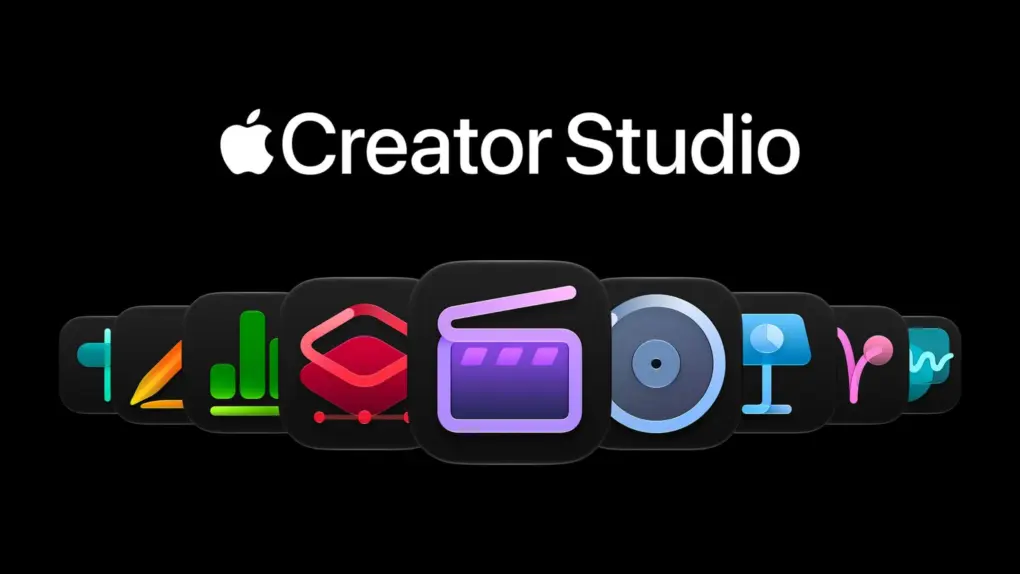
A picture of Apple's Creator Studio used in a story about the app suite getting paid AI packs.
Apple’s intelligence usage packs debut in Logic Pro, part of Apple Creator Studio.
Photo: Apple

Apple’s first “intelligence usage packs” put a price on heavy usage of the company’s AI features. A single pack costs $49.99, and music production app Logic Pro is the first to offer the paid upgrade.

For months, Apple said that heavy AI use would eventually cost extra. Now the bill has arrived, at least for Apple Creator Studio subscribers who max out their monthly limits.

Prep for your next trip with this $60 language-learning plan

By •

three people look at devices learning languages
Pay $59.99 once for lifetime Lingzio Premium access, with unlimited lessons
Photo: Cult of Mac Deals

Your iPhone or Apple Watch can translate for you, but you need a learning platform like Lingzio if you want to master a foreign language. It uses AI-powered lessons, flashcards and conversational practice to help you get comfortable enough to actually chat like a local when you travel abroad.

Lingzio’s Premium plan offers a structured way to make that dream of fluency come true. And right now, you can secure lifetime access, with no recurring fees, for just $59.99 (MSRP $199). Lingzio runs in your browser, so you can start a language lesson in Safari on your Mac and pick it up later on your iPhone or iPad.

macOS could make Full Disk Access harder for apps to get

By •

A disk icon used in a story about macOS 27.3 changing the way apps can ask for Full Disk Access.
A macOS 27.3 Full Disk Access change is possibly on the way.
Photo: Cult of Mac

A change to the way macOS 27.3 handles Full Disk Access could close a shortcut that apps use to get sweeping access to your Mac. Apps wouldn’t land in the permissions list on their own anymore.

It’s a small change, but it does hint at how Apple may make this powerful permission more deliberate to grant. For now, the feature flag behind it is reportedly switched off.

iPhone, iPad and Mac get a round of bug fixes [Updated]

By •

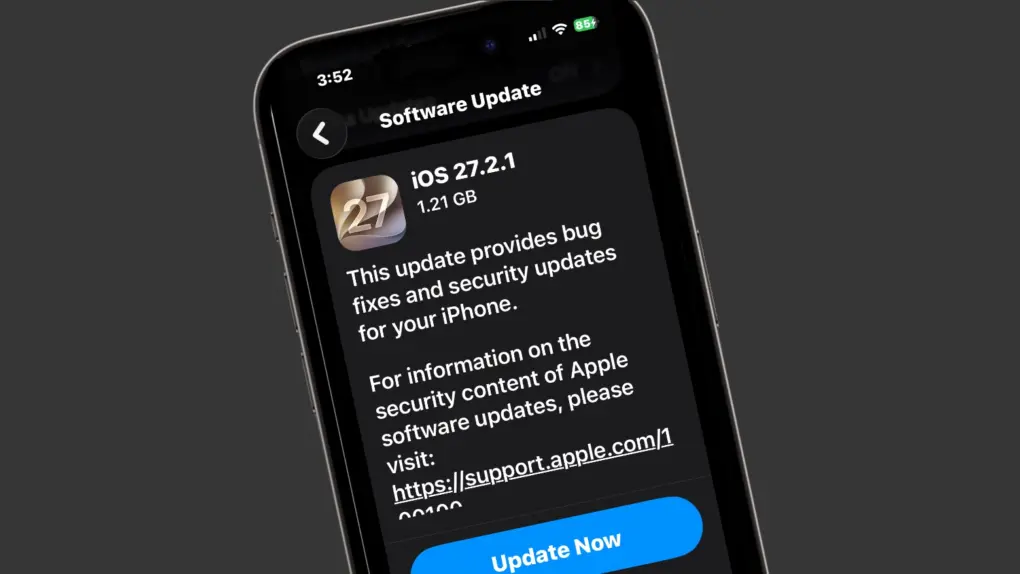
iOS 27.2.1 focuses on bug fixes and security
Your iPhone and many other Apple devices just got bug fix and security patches.
Screenshots: Ed Hardy/Cult of Mac

Apple on Monday rolled out iOS 27.2.1, iPadOS 27.2.1 and macOS Golden Gate 27.2.1, giving iPhone, iPad and Mac users a fresh batch of bug fixes and security improvements. The updates protect users from security flaws that affect the Messages app as well as AirPlay and Bluetooth vulnerabilities.

Don’t expect any exciting new features in these releases. Those will come when iOS 27.3 arrives in December. Instead, Apple focused on fixing problems and addressing security vulnerabilities with today’s updates.

How to turn off Liquid Glass in iOS 27 if you hate it

By •

Turn off Liquid Glass
You can easily deactivate Liquid Glass in iOS 27 and macOS Golden Gate if you really can’t tolerate it.
Photo: Gemini/Cult of Mac

The Liquid Glass user interface brought dramatic change to the iPhone with iOS 26, so it’s no surprise that some people hate it. Apple paid attention, and if the translucent look is just not for you, you can tweak or turn off Liquid Glass in iOS 27. And it’s easy.

Plus, you will find the same settings in macOS Golden Gate 27 and iPadOS 27, so you can turn off Liquid Glass on all your Apple devices if you like. Here’s how.

Today in Apple history: Turnaround artist Gil Amelio joins Apple’s board

By •

Photo of Gil Amelio, who joined Apple's board of directors on November 9, 1994.
Bringing on Gil Amelio was viewed as a big coup for the Apple board.
Photo: Apple

November 9: Today in Apple history: Gil Amelio joins Apple board of directors November 9, 1994: Gil Amelio, a businessman with a reputation as a talented turnaround artist, joins Apple’s board of directors.

Coming off his impressive revitalization of two other tech companies, National Semiconductor and Rockwell International, Amelio’s appointment at Apple sparks widespread celebration. Many Apple watchers think his arrival means the company’s dark days are over. Sadly, Amelio’s turnaround tricks won’t work in Cupertino.

Price cut: This iPhone app ends the nightly ‘what’s for dinner’ debate

By •

PlanEat AI app opened on an iPhone
Meal and nutrition planning, grocery list, and more, all in a single app—lifetime access to PlanEat AI now 81% off!
Photo: Cult of Mac Deals

The PlanEat app lets you build a personalized seven-day meal plan with built-in calorie and macro tracking — and even an auto-generated grocery list.

And right now, you can snag a lifetime subscription to PlanEat’s Premium plan for just $24 with code DEAL20 (regularly $159).

Apple CEO reportedly wants an agentic Siri, and he wants it fast

By •

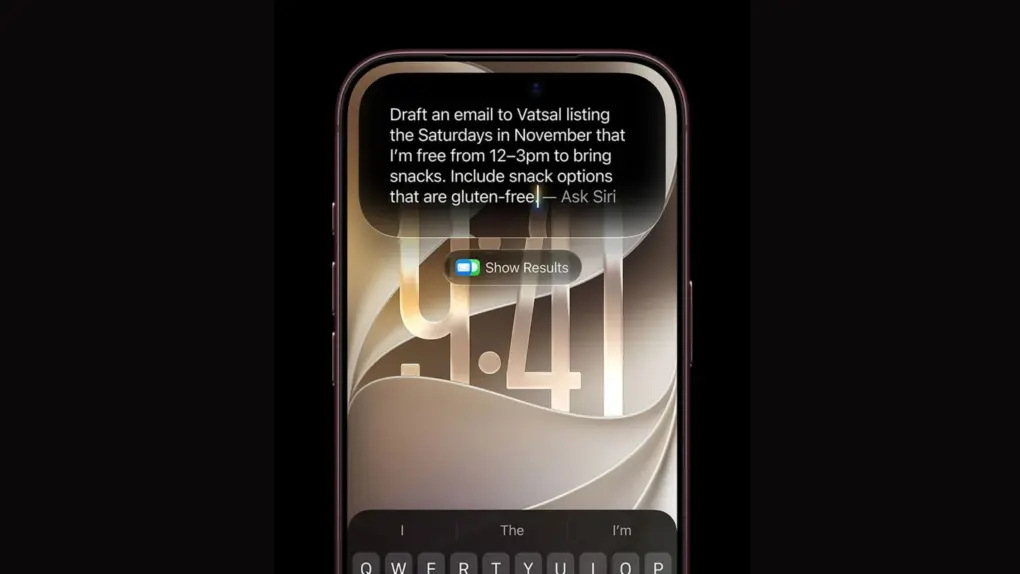
A picture of Apple's new Siri AI used in a story about the AI chatbot getting agentic capabilities.
An agentic Siri could let Apple’s assistant work on its own instead of waiting for requests.
Photo: Apple

Apple is eyeing an agentic Siri, and it might arrive as early as next year, according to information leaking out of the company.

Siri AI is far more capable than the old assistant, but it still waits for you to ask. Rivals like ChatGPT’s Dots and Meta’s Muse keep working between conversations, and Apple CEO John Ternus reportedly wants to close that gap.

This iPhone Wii remote app lets you aim your Mac’s cursor

By •

A picture with the AimMac icon used in a story about the same.
An iPhone Wii remote app lets you aim at your Mac’s screen to move the cursor.
Photo: AimMac/GitHub

A free iPhone “laser pointer” app called AimMac is here to take over your Mac’s cursor. With the software running, simply point your iPhone at your screen, and the cursor will land right where you aim, like you’re using a Wii remote. Tap to click, hold to drag.  Or you can lay the iPhone on a desk and it becomes a trackpad for the Mac.

The developer also made versions that let an Apple Watch or AirPods case work the same was as the iPhone.

Apple shakes up iOS 28 and macOS 28 development cycle

By •

Unofficial iOS 28 logo
Apple engineers get more time to build new features in iOS 28.
Photo: Apple/Rajesh Pandey/Cult of Maccom

Apple is reworking the initial iOS 28, iPadOS 28 and macOS 28 development cycle. It’s giving engineers more time to explore ideas and build new features for next year’s updates.

The change affects the first of Apple’s three internal software development milestones, says a reliable source

Today in Apple history: Wild stunt lets strangers take Macs for 24-hour ‘test drive’

By •

Image of a hand, covered with a racing glove, with its finger hovering over a Macintosh mouse, with the words,
Apple's innovative promo urged potential customers to take a Macintosh for a spin.
Image: Apple

November 8: Today in Apple history: Test-drive a Mac November 8, 1984: After initial Mac sales prove disappointing, Apple CEO John Sculley dreams up the “Test Drive a Macintosh” marketing campaign to encourage people to give the revolutionary new computer a chance.
The promotional strategy advises people to drop into their local retailer and “borrow” a Macintosh for 24 hours. The idea is that, by the time potential customers need to return the Mac, they will have bonded with it — and realized they can’t live without one of Apple’s computers.

While 200,000 would-be customers take advantage of the offer, Apple dealers absolutely hate the innovative promotion.

Find the beloved Clarus the Dogcow on your iPhone today

By •

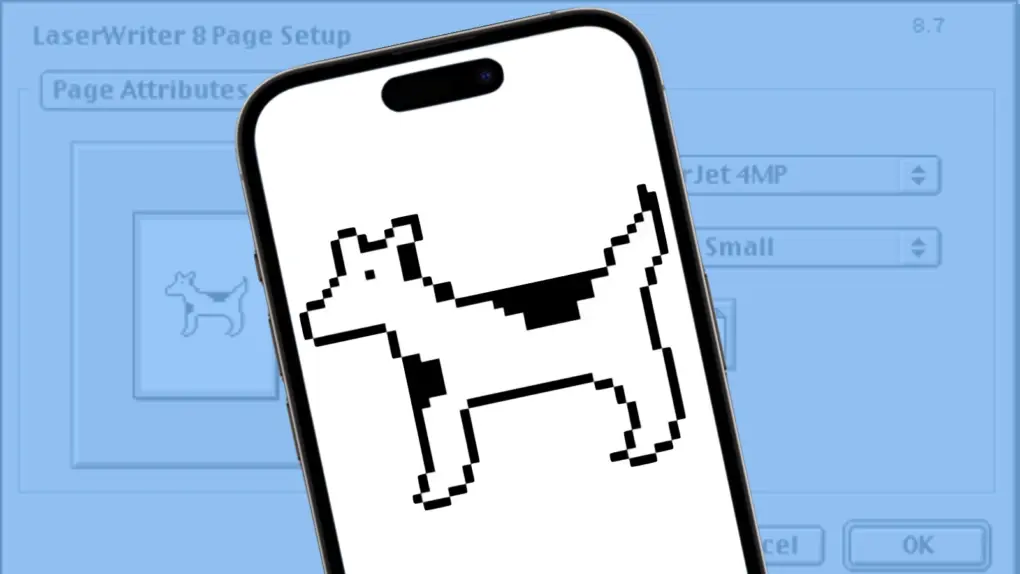
How to find Clarus the Dogcow on your iPhone
Moof!
Image: Apple/Cult of Mac

Clarus the Dogcow is back! The beloved Macintosh mascot, famous for her distinctive “Moof!” sound, appears as an Easter egg in iOS 27.

It’s a fun nod to Apple’s early days, when the company had a much quirkier personality and even a tiny illustration created to help demonstrate printer settings could become a beloved part of Mac culture.

Four decades after her debut, Clarus is still finding ways to make Apple fans smile.

Get these JBL Tune 530BT headphones with up to 76 hours of listening for just $47

By •

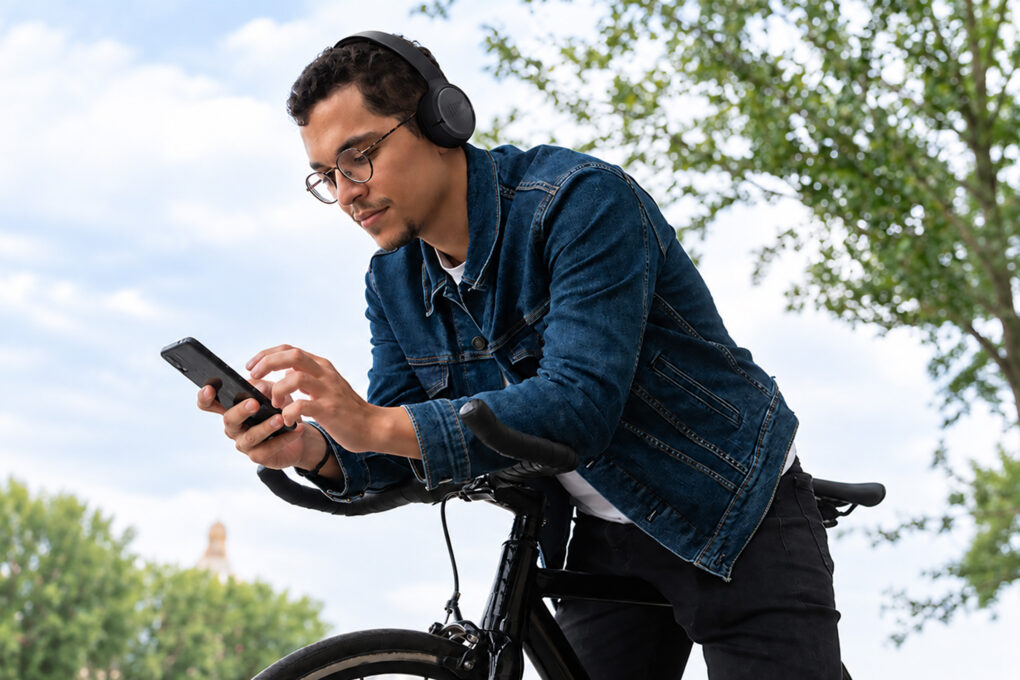
man looking at phone
Get new, open-box JBL Tune 530BT headphones for $46.99, with up to 76 hours of battery life
Photo: Cult of Mac Deals

Your headphones shouldn’t need charging every time you reach for them, so JBL Tune 530BT on-ear headphones offer up to 76 hours of battery life, plus a quick-charge option for the times you forget. And when it comes to the all-important audio, custom 33 mm drivers and JBL Pure Bass deliver the goods.

Right now, a new, open-box pair costs just $46.99 (MSRP $59.95). They’re a great, long-lasting option for everyday listening, calls and moving between devices.

Buckle up for the iOS 27.3 beta! [Cult of Mac podcast 40]

By •

iOS 27.3 icon with the words
This iOS update looks like a banger.
Image: Cult of Mac

This week on the Cult of Mac podcast: The first iOS 27.3 beta brings some pretty massive changes to the iPhone. The redesigned Health app’s back, Apple Fitness+ finally adds a weightlifting workout, and Siri gets potentially awesome new powers.

Also on the Cult of Mac podcast:

  • We go over some of the most mind-blowing numbers from Apple’s latest earnings call.
  • A guy’s DIY project that turns an iMac G4 into a homemade HomeView gets us reminiscing about one of Apple’s most iconic computers of all time. (The mod is pretty slick, too.)
  • And finally, we go heavy on the new Gym Strength workout in Fitness+ … and Graham breathes a sigh of relief. His strength-training app, Reps & Sets, didn’t get sherlocked after all!

Listen to this week’s episode of the Cult of Mac podcast in your podcast app of choice. Or watch the video version, embedded below. (Be sure to subscribe and leave us a review if you like it!)

VPNs aren’t enough anymore. GhostShield adds real-time AI threat protection.

By •

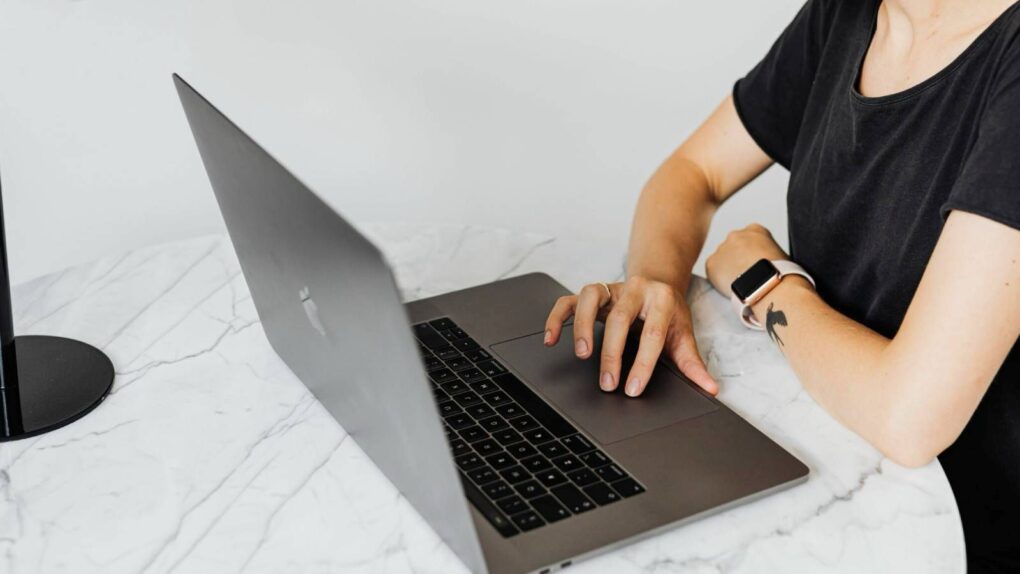
Photo of a woman working with her laptop on a round, marble table while using GhostShield VPN
Take protection to the next level with GhostShield VPN.
Photo: Cult of Mac Deals

Most VPNs perform the fairly straightforward job of encrypting your internet connection and concealing your IP address. GhostShield VPN Premium adds another feature to that equation: an AI-powered threat analyzer.

It inspects things in real time, looking for malicious domains and suspicious connections as you browse. And right now, you can secure lifetime access to GhostShield VPN Premium for just $49.99 (regularly $399). That includes the AI Threat Analyzer, ChaCha20 encryption, unlimited bandwidth and support for 10 simultaneous devices.

Today in Apple history: Newton MessagePad makes its last stand

By •

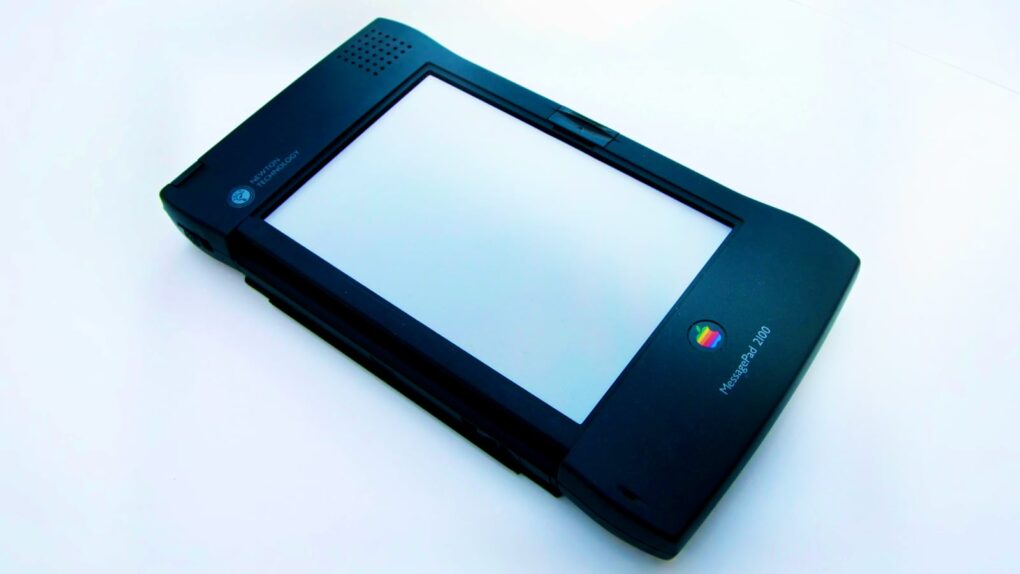
Photo of the Apple Newton MessagePad 2100
The MessagePad 2100 was the last hurrah for Apple's Newton line.
Photo: Moparx/CC

November 7: Today in Apple history: Apple releases the Newton MessagePad 2100, the last and best iteration of the company's PDA November 7, 1997: Apple releases the Newton MessagePad 2100, the last and best iteration of the company’s early line of handheld devices.
Among its improvements over previous generations, the MessagePad 2100 packs expanded memory, enhanced speed and upgraded communications software. Nevertheless, the Newton’s fate is sealed. Apple CEO Steve Jobs, freshly returned to the company, will scrap the product line within months.

Ditch your physical loyalty cards with this iPhone trick

By •

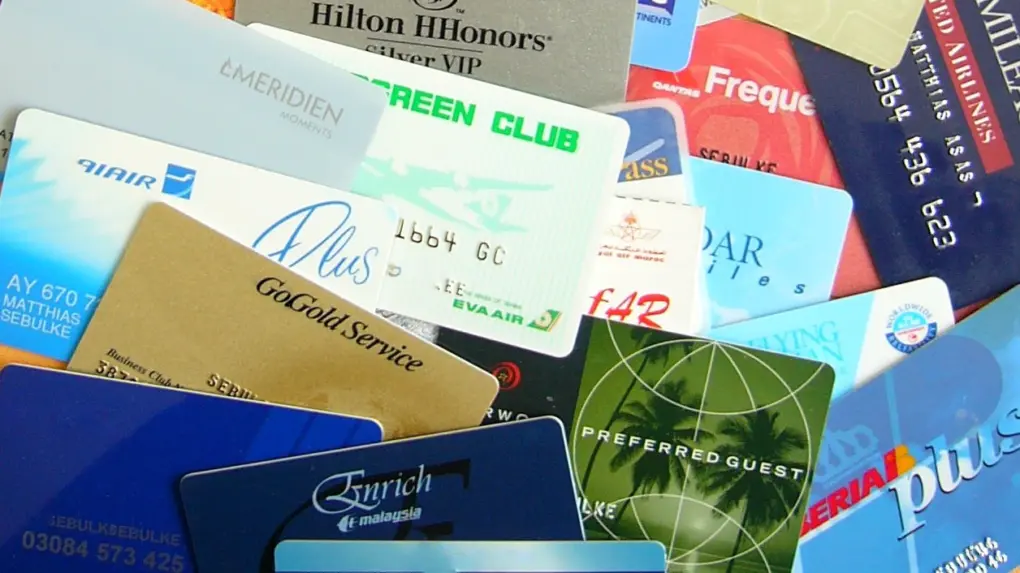
How to add any card with a barcode or QR code to Apple Wallet
Get rid of the clutter of loyalty cards. Put them on your iPhone!
Photo: Wikicommons

Got a gym membership card riding around in your wallet? Or maybe it’s a loyalty card from a store. Even a library card. You can now add these to the Wallet app on your iPhone and leave the plastic at home.

The new feature in iOS 27 means you no longer need to rely on a business or institution to offer an “Add to Apple Wallet” button. Instead, you can use your iPhone to scan an existing card or create a pass manually, then keep it alongside your other Wallet items.

Here’s how to turn almost any physical card or digital pass into a custom Apple Wallet pass.

How to set up your new Mac like a pro

By •

Set Up Your New Mac
Let's get that nice new Mac set up, shall we?
Photo: Apple

It’s a great season to get a new Mac, since every model is a great buy. If you’re one of the lucky people to get one this year, here’s how to set up your Mac like a pro.

So rip open that box, tear off that plastic, and let’s get to the good stuff.

Here is Cult of Mac’s guide to setting up your new Mac the right way.

3 ways to stop your Mac from sleeping

By •

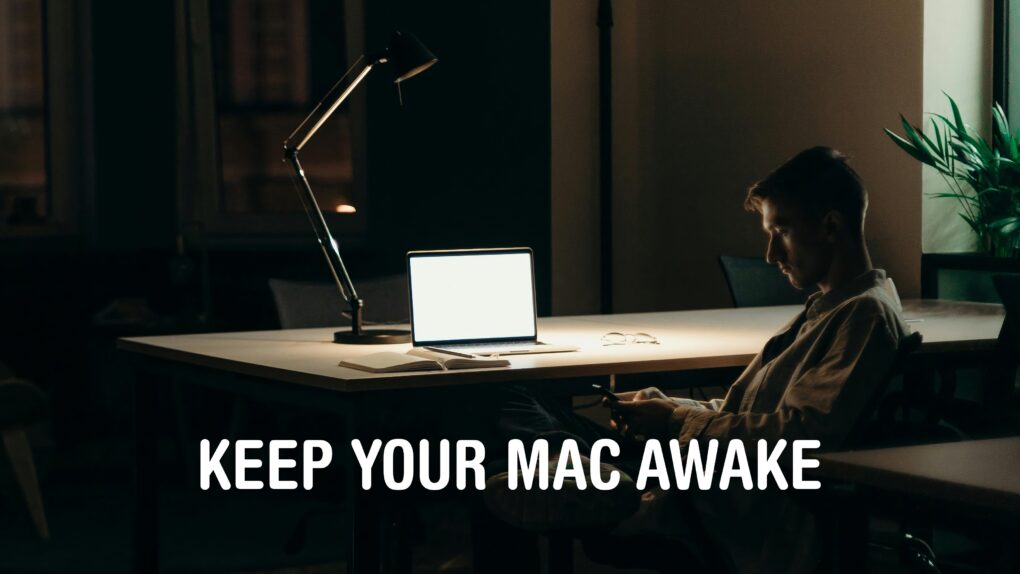
Keep Your Mac Awake
I certainly can’t stay up all night, but my Mac can.
Image: D. Griffin Jones/Cult of Mac

You can stop your Mac from sleeping if you want it to stay on indefinitely. This might prove handy if you find it locking when you don’t want it to, like during a class or meeting. You don’t need to wiggle the mouse every few minutes to keep the screen on.

There are a few different ways to set this up. The simplest and most permanent way is to disable sleep entirely in your Mac’s System Settings. However, if you just want a quick way to disable sleep temporarily, there’s a simple command you can enter in the Terminal. Or, if you want something more user-friendly and customizable, there’s a free app you can download that you can toggle on and off from your Mac’s menu bar.

Here are the three best solutions if you want to stop your Mac from sleeping.