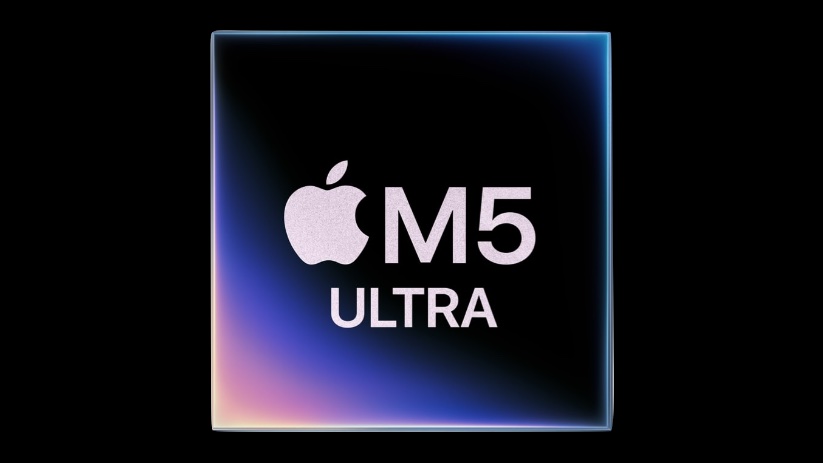
M5 Ultra flexes its multicore muscle, but M6 packs a single-core surprise. Image: Apple
The first Geekbench scores for the Apple processors inside the M6 Mac mini and M5 Ultra Mac Studio surfaced online, giving us a glimpse of their expected performance when the new computers hit stores next week.
Based on the scores, it looks like Apple’s new high-end and entry-level Apple silicon chips will set new standards in their respective categories.
Widow’s Bay sailed off with a whopping 14 Emmy awards. Image: Apple TV/ChatGPT
Apple TV enjoyed a huge night of wins at the 78th Primetime Emmy Awards on Monday, taking home 29 trophies to beat out all rivals. Leading the charge was Widow’s Bay, which made Emmy history as the most decorated freshman comedy series ever.
The breakout show won 14 Emmys, including Outstanding Comedy Series. That also makes Widow’s Bay the comedy series with the most wins in a single season.
It all seemed so innocent at the time. Image: Apple
September 15, 2014: Responding to its disastrous U2 album giveaway during the iPhone 6 launch event, Apple provides iPhone owners with a tool for wiping all signs of Songs of Innocence from their phones.
It comes after one of the strangest PR debacles in Apple history. After putting a free copy of U2’s latest release on every iPhone owner’s handset as a special promotion, millions find themselves with an album they didn’t order in their iTunes library. Many weren’t happy about it.
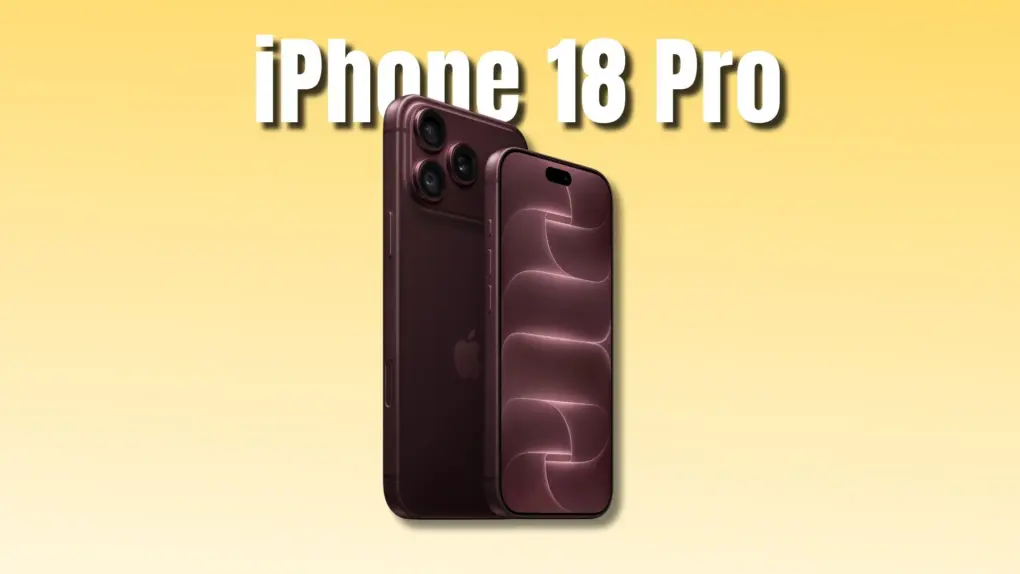
iPhone 18 Pro cases come in a variety of shapes, colors and sizes. Which one's right for you? Photo: ESR
Upgrading to the iPhone 18 Pro or Pro Max? You’ll need a new case to protect your expensive purchase. Since you’ll see and hold a case every day, it’s worth spending a few extra minutes choosing the right one.
To make the choice easier, check out our roundup of the best iPhone 18 Pro cases from popular case makers, along with some of their standout options.
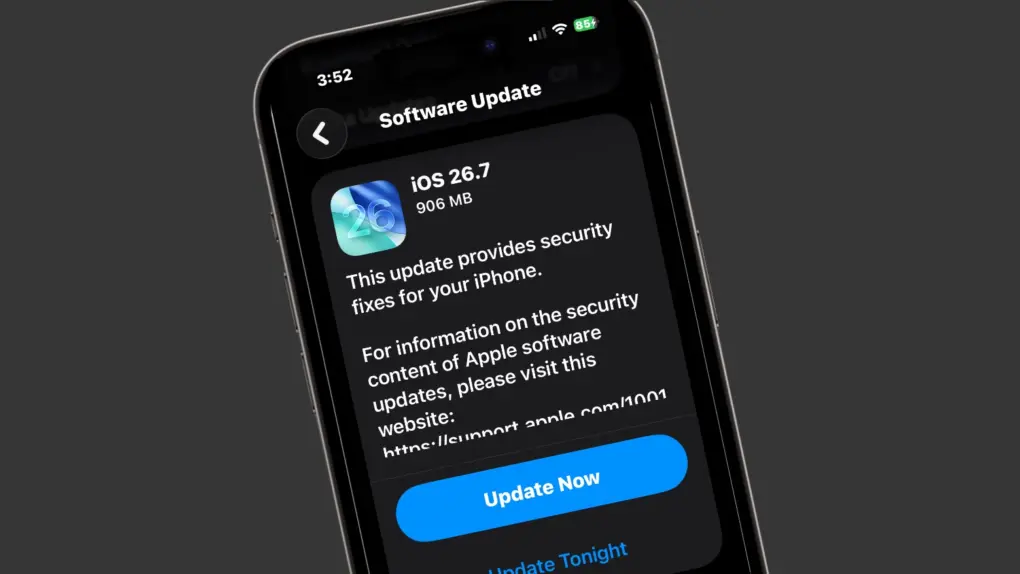
Not ready for iOS 27? there's iOS 26.7. Photo: Ed Hardy/Cult of Mac
Apple is now rolling out iOS 26.7. It’s a cautious option for iPhone users who aren’t ready to jump into iOS 27 just yet.
Apple ships these companion updates every fall alongside its new, big annual release. This year follows the same pattern. iOS 26.7 exists purely to patch security holes for users who want to sit out iOS 27 for now.
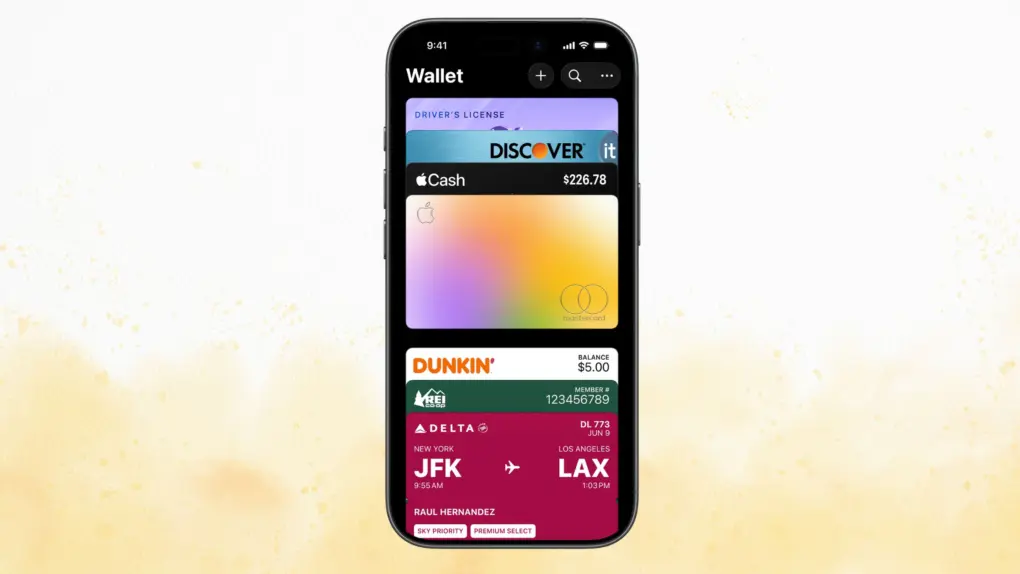
Apple Wallet gets much more clever in iOS 27. Photo: Apple/Cult of Mac
Apple Wallet in iOS 27 just got a glow-up. The app now splits restaurant bills, tracks Apple Card subscriptions and even builds custom passes. The best part? All of it happens without needing to leave the Apple Wallet app.
The update landed as part of Apple’s iOS 27 rollout. It pushes Wallet closer to becoming a true everyday hub, instead of it being just another simple card holder.
It's never been easier to turn song ideas into the finished product. Photo: Cult of Mac Deals
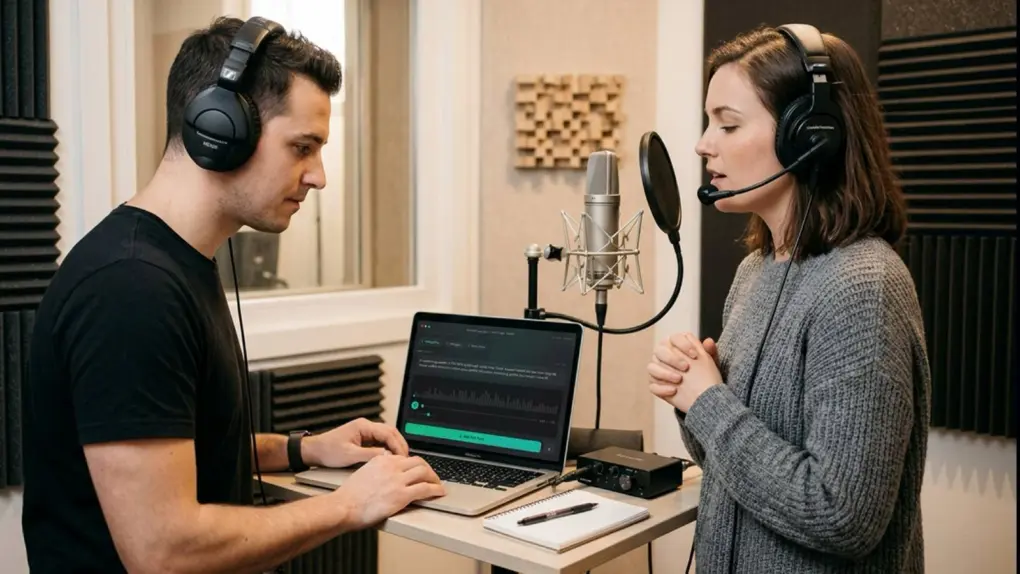
You might have a surprisingly great song idea sitting in your Notes app right now, and AI music generator MusicMagic makes it easy to turn it into a finished track — without assembling a band or learning music production.
The MusicMagic Starter Lifetime Plan costs just $49.99 (regularly $499) and gives you everything you need to produce your own music, plus the tools to take those songs from a basic idea to a full-fledged streaming release.
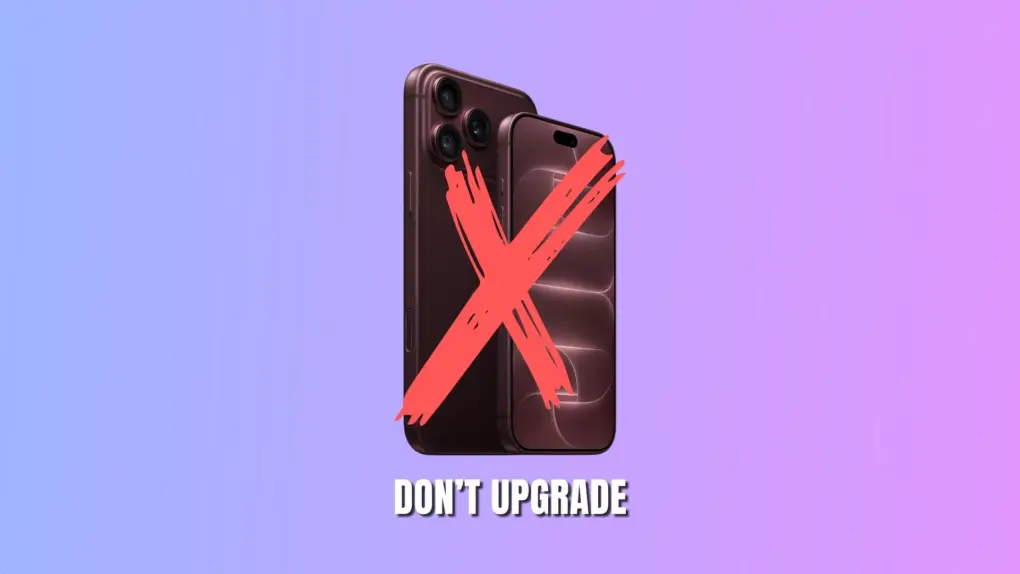
Plenty of reasons to skip buying the iPhone 18 Pro this year. Photo: Apple/Rajesh Pandey/Cult of Mac
Of two minds about upgrading to the iPhone 18 Pro from your current iPhone? While the newest iPhone packs some compelling upgrades, it might not be worth the higher price tag. Plus, wanting an upgrade and needing one are two different things.
With the 20th-anniversary iPhone rumored for next year, you might want to consider holding off on buying the iPhone 18 Pro this year. Here are some reasons you should not upgrade.
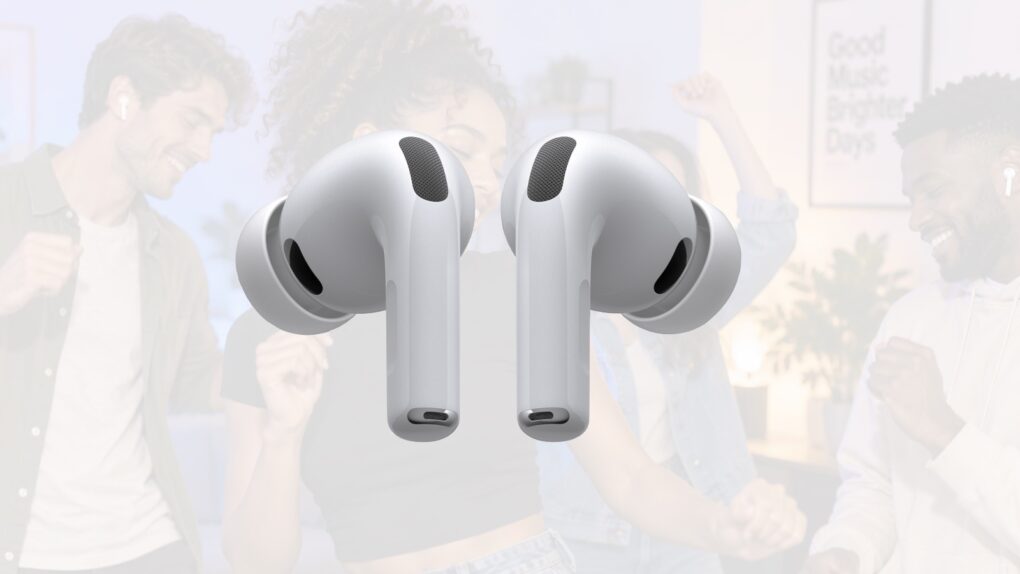
There’s new firmware for a range of recent AirPods models. Get it today. Photo: Apple/Cult of Mac
Apple just released new firmware for its latest AirPods models, bringing several new capabilities to the company’s wireless earbuds and headphones. Firmware version 9A348 is available for AirPods Pro 3, AirPods Pro 2, AirPods 4 and AirPods Max 2.
The update arrived Monday alongside iOS 27, enabling support for one of the most-requested AirPods features: a built-in equalizer that lets users customize the sound produced by their headphones.
Last year, Apple finally explained exactly how to update your AirPods firmware. The process can happen automatically, in the background, but there is a way to speed things up. It’s a good idea to manually check that you’re running the latest version, which brings bug fixes and sometimes great new features.
Read on for more details, and to find all current AirPods firmware versions along with instructions for getting the AirPods update as quickly as possible.
Learn how to get around your Mac's keyboard and edit text faster. Photo: fauxels/Pexels CC
You want to get faster at typing? Sure, you can hold down the Backspace key or mash it really fast. But there’s a better and more precise way to backspace and delete text on the Mac, using the Option (⌥) and Command (⌘) keys. These Mac typing shortcuts can make editing text lightning-fast and seamless.
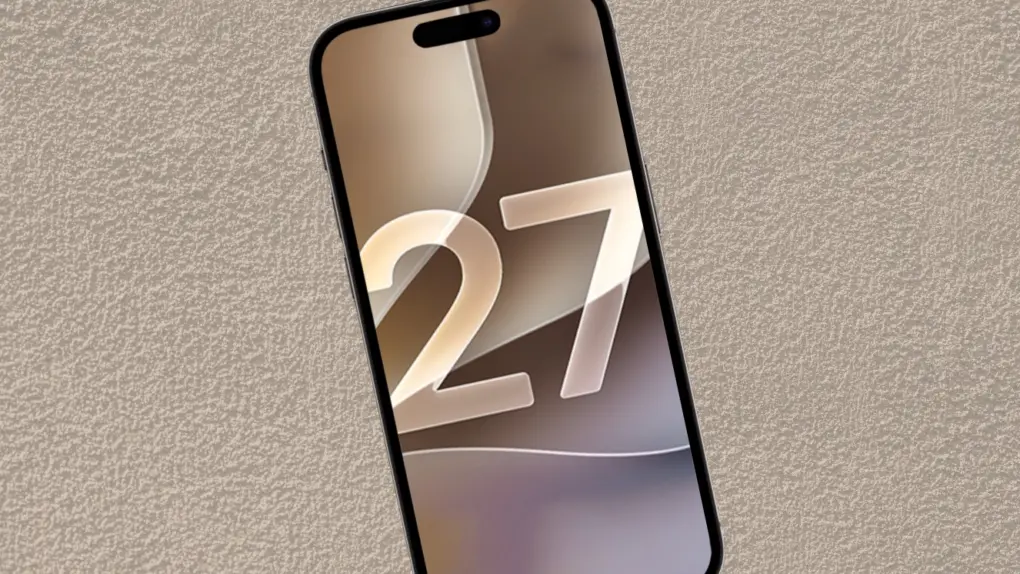
The wait is over! The final version of iOS 27 is out. Photo: Ed Hardy/Cult of Mac
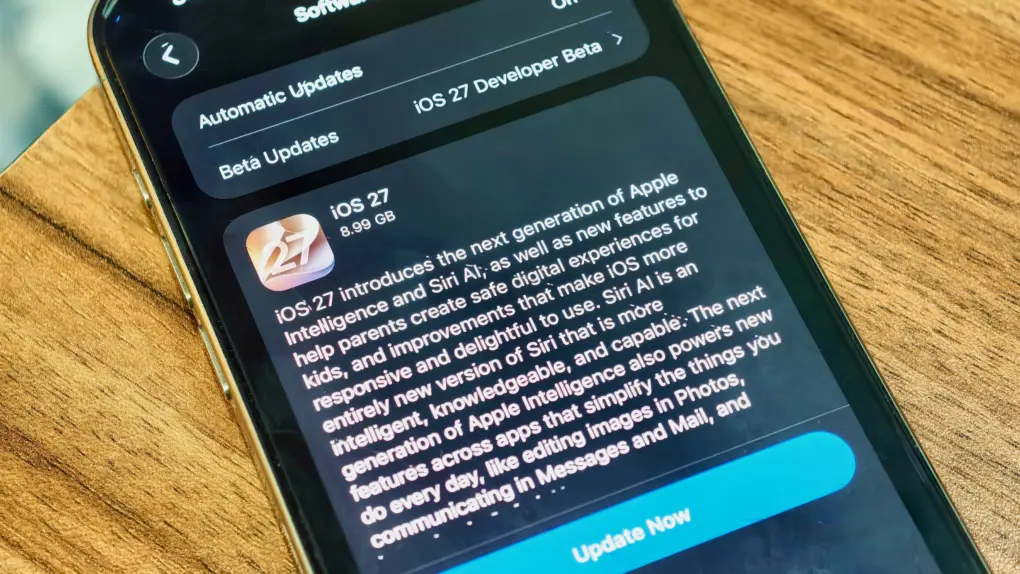
Your iPhone’s next big software update just arrived. Apple released iOS 27 on Monday, fixing many of the annoyances that iOS 26 inadvertently introduced last year, while also tweaking Liquid Glass to improve readability.
Alongside iOS 27, Siri AI also launches in beta today, finally bringing Apple’s AI assistant on par with Google, ChatGPT and others.
Jobs apparently tried to take one of these on his private jet. Photo: SecretNinjaNews
September 14, 2010: Security workers reportedly stop Apple CEO Steve Jobs at Japan’s Kansai International Airport. The reason? Jobs supposedly tried to bring ninja throwing stars onto his private plane while heading home from vacation. The “Steve Jobs ninja stars” story quickly becomes one of the most bizarre Apple stories ever.
The company, however, quickly spoils the internet’s fun. Cupertino issues a statement describing the reports as “pure fiction” (although Apple acknowledges that Jobs visited Japan over the summer).
All-in-one streaming video downloader Keeprix makes it easy to watch offline. Photo: Vitaly Gariev/Pexels
Streaming is great until you want to watch something offline, save a show before it disappears, or avoid the limits most platforms put on downloads — that’s when you need a streaming downloader like Keeprix.
It works with Netflix, YouTube and other major streaming services, letting you save the videos you care about so you can watch them whenever you want. That means no dealing with ads, expiration timers or unreliable Wi-Fi. And a lifetime subscription to Keeprix is on sale for $95.99 (regularly $159.99).
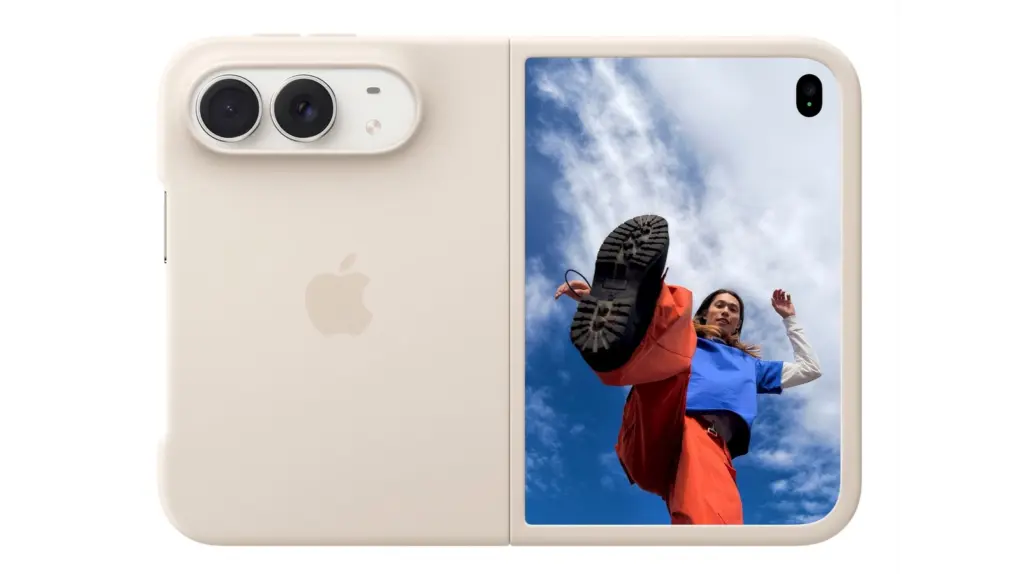
The iPhone Duo Shift Left Edge setting adds an extra black border along the outer display’s edge. Photo: Apple
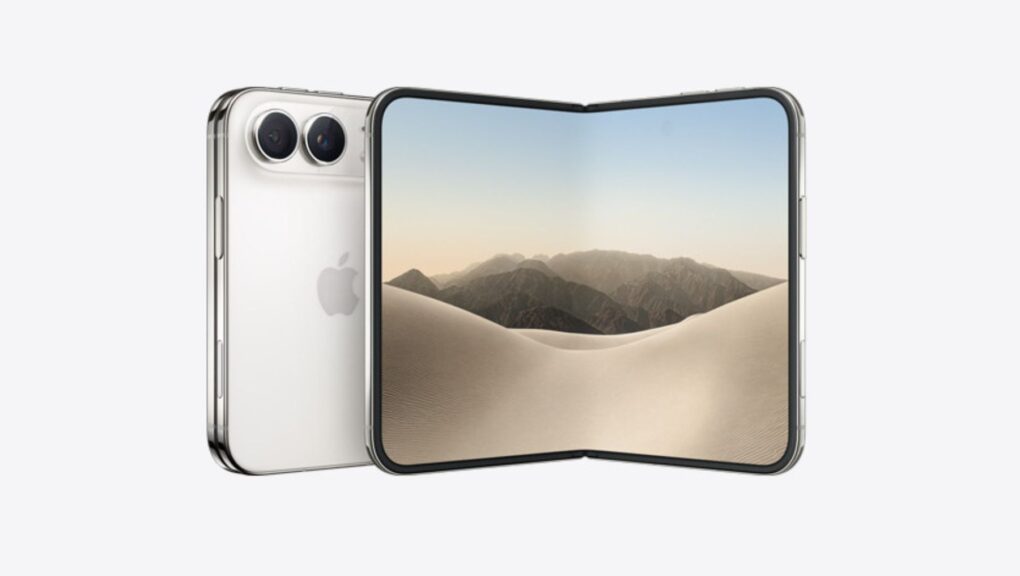
Apple’s new iPhone Duo reportedly comes with a new Shift Left Edge setting that lets users add a fake bezel to its outer display. The toggle is built for one job: helping the first folding iPhone play nicer with cases.
The setting lives inside iPhone Duo’s display options. Turn it on, and content will shift away from the left edge of the screen. That way, a case that extends over the display won’t cover anything important.
Here's every Mac, iPad and other Apple device we're still expecting before the end of 2026. AI image: ChatGPT/Cult of Mac
Apple’s Surprise and Shine product launch event is now in the rearview mirror, but that doesn’t mean the company is finished unveiling new products. Cupertino still has plenty of hardware in the pipeline, with several new Macs and iPads expected before 2026 comes to a close.
And the product pipeline doesn’t stop there. Apple is also expected to have more new hardware ready in early 2027, making the next several months a busy period for the company.
The iPhone Duo doesn't come with Face ID but Apple Intelligence could change that for future versions. Photo: Apple
iPhone Duo doesn’t use Face ID, but adding facial recognition to the foldable is reportedly on Apple’s roadmap. And so is the third camera that so many people want!
A new report says facial recognition and a telephoto camera are Apple’s top priorities for future versions of its new folding phone. Apple Intelligence could be the key to both.
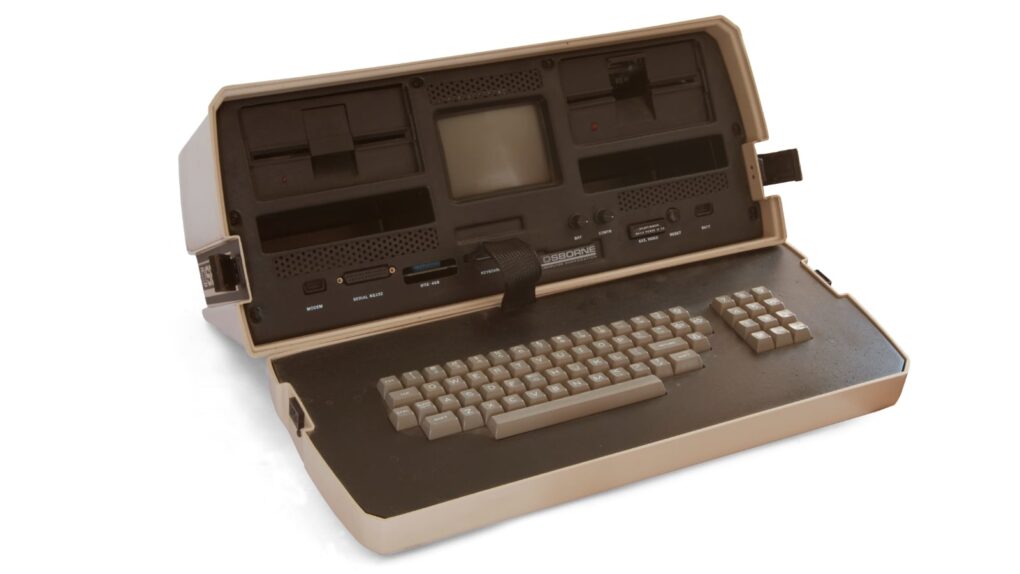
The Osborne 1 portable computer weighed 24 pounds and set the template for "luggables." Photo: Bilby/Wikimedia Commons CC
September 13, 1983: Osborne Computer Corporation, one of Apple’s early rivals, declares bankruptcy. Many considered the company’s Osborne 1 the world’s first truly portable, full-featured computer. It packed everything users needed to set up shop at home or on the road. Alas, it didn’t last!
Don't struggle with AI. Master it! Photo: Cult of Mac Deals
Want to get the most out of artificial intelligence? This six-course, 16-hour AI-training bundle walks you through Claude AI, Claude Code, Claude Cowork and ChatGPT 5. Dive in and you’ll soon be able to tap into the hottest tech around.
iOS 27, iPadOS 27, watchOS 27 and macOS Golden Gate are ready for public release. After previewing the updates at WWDC26 in June, Apple will release them on Monday, September 14.
But when exactly does iOS 27 land on your iPhone on September 14? Here’s when you can expect Apple’s latest updates to go live in your region. (Though you have the option to skip the wait and get iOS 27 now.)
New CEO John Ternus hit it out of Apple Park when he unveiled the iPhone Duo. Photo: Apple/Cult of Mac
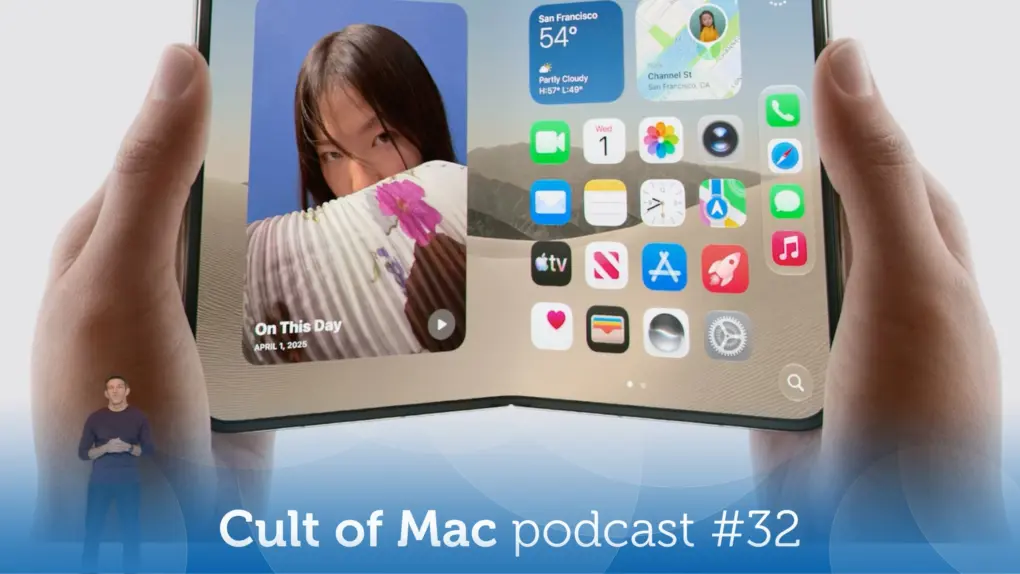
This week on the Cult of Mac podcast: Apple’s Surprise and Shine event is in the books! The iPhone Duo is real, and it definitely folds. New Apple CEO John Ternus didn’t, though. He acquitted himself admirably as he briefly uncapped Apple’s magic product pipeline.
We discuss how things went down and our reactions to iPhone Duo, iPhone 18 Pro, Apple Watch Series 12, Apple Watch Ultra 4 and AirPods 5.
Also on the Cult of Mac podcast:
How does iPhone 18 Pro stack up against iPhone 17 Pro? The new variable-aperture camera sounds impressive, but seriously … how much better do your iPhone pix need to be? And how much are you willing to spend for slightly better snapshots?
The new Apple Watch models come with a powerful new chip that enables a pair of controversial features: Live Rewind and Siri Recap. Both involve the Apple Watch Series 12 or Ultra 4 quietly listening in the background at all times. And that stirs real privacy concerns.
Another pair of Apple Watch 12 and Ultra 4 features — your readiness score and Health Age — raise a different kind of question. Namely, just how scientific and useful are they?
We wrap up the show with a show of hands: Who’s getting what new Apple products? The subject proves dicier than usual.
Listen to this week’s episode of the Cult of Mac podcast in the Podcasts app or your favorite podcast app. (Be sure to subscribe and leave us a review if you like it!) Or watch the video version, embedded below.
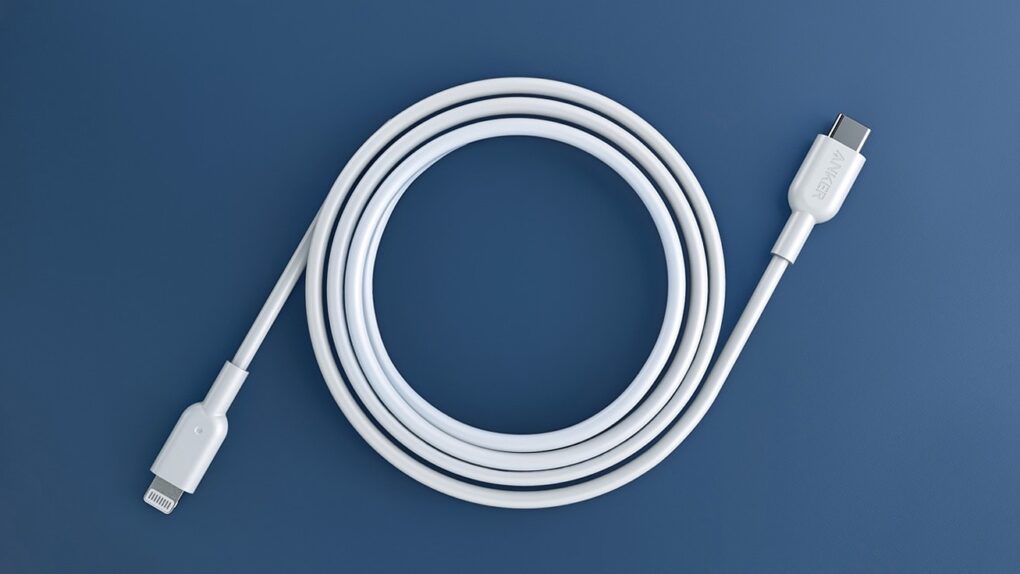
The Lightning connector was ahead of its time. Photo: Anker
September 12, 2012: The Lightning connector replaces Apple’s aging 30-pin interface, a proprietary data and power connector that debuted on the iPod Classic in 2003. The slender and capable new Lightning port debuts in the iPhone 5, bringing big improvements — and no small amount of controversy.
Apple soon will build the Lightning connector into many other products, including iPad, iPod and accessories. Lightning cables can charge the mobile devices as well as transfer data to a Mac or PC.
iOS 27 will roll out to iPhones everywhere on September 14, but there’s no need to wait. You can install the final version this weekend and start exploring the new features whenever you have time.
Best of all, there’s nothing dodgy or risky involved. You’ll be downloading the same final release Apple will push to everyone else — just a few days ahead of schedule.
Time to place your iPhone 18 Pro preorder. Photo: Apple/Rajesh Pandey/Cult of Mac
Apple began accepting preorders for the iPhone 18 Pro and iPhone 18 Pro Max this morning. Both phones arrive in stores on Friday, September 18, when the first preorder deliveries also reach customers.
The Apple Watch Series 12, Apple Watch Ultra 4 and new AirPods 5 were already available for preorder, with all three launching the same day. However, if you want the folding iPhone Duo, you’ll need to wait until October to place your preorder.
Visual Intelligence ads could soon appear when you point your iPhone’s camera at something you want to buy. Image: Apple
Visual Intelligence ads could be headed for your iPhone. Code buried in iOS 27 suggests Apple is exploring a new way to slip sponsored results into its camera-based search tool.
The change won’t have Apple selling the ad slots directly. Instead, search providers like Google may supply sponsored images. And these could sit right on top of the results Visual Intelligence already shows you.
An iPhone Edge Light might look like this concept. Photo: Apple/Cult of Mac
Apple’s Edge Light feature may soon make the jump from Mac to iPhone. Code in the iOS 27 release candidate suggests the glowing screen-border effect could be coming to the iPhone Duo. It could eventually make its way to other iPhone models, too.
The discovery comes from an analysis of Apple’s latest software beta. The code points to the Mac feature being adapted for iPhone, creating a soft ring of light around the edge of the display. The catch is that it’s still an early build, and some key settings aren’t finished yet.



 September 15, 2014: Responding to its


 September 14, 2010: Security workers reportedly stop Apple CEO Steve Jobs at Japan’s Kansai International Airport. The reason? Jobs supposedly tried to

 September 13, 1983: Osborne Computer Corporation, one of Apple’s early rivals, declares bankruptcy. Many considered the company’s Osborne 1 the world’s first truly portable, full-featured computer. It packed everything users needed to set up shop at home or on the road. Alas, it didn’t last!
 September 12, 2012: The Lightning connector replaces Apple’s aging 30-pin interface, a proprietary data and power connector that debuted on the