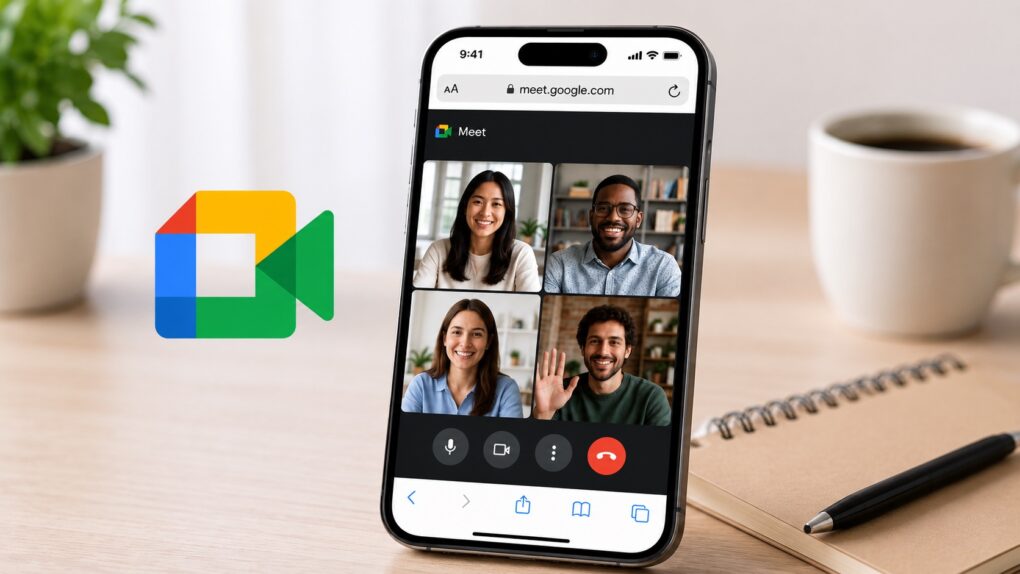
iPhone users can now join Google Meet calls directly from Safari without installing any additional apps. While it’s a small change, it makes joining Meet calls easier and more convenient.
You don’t even need a Google account to join a Meet call. Simply enter your name and request access to join the meeting.
Joining a Google Meet call on iPhone no longer requires an app
Until now, iPhone users could join Google Meet calls only through the Gmail or Meet app on iOS. Without either app installed, tapping a Meet link would prompt you to download the Google Meet app.
That’s changing now, with Google adding the ability to join Meet calls directly from Safari on the iPhone and iPad. The change should be particularly useful for users who aren’t heavily invested in Google’s ecosystem and don’t use Gmail or Google Meet. Even better, they can join the call by entering their name—no Google account required.
Instead of downloading an app for a one-time meeting, they can simply tap the invite link and join the call from Safari.

Photo: Google
Apple allows Android and Windows users to join FaceTime calls from a browser. So, Meet is catching up to the competition here. The improvement will make it easier for businesses, schools and organizations to invite external participants to their meetings who may not have Google’s apps installed on their iPhones.
Google says the feature is rolling out to all Google Workspace customers, Workspace Individual subscribers, and personal Google account holders. The company started rolling out the change on June 23, though it may take a few weeks before it becomes available to everyone.
This is a server-side change from Google, so you don’t need to do anything special on your iPhone to join Meet calls from Safari.

Rajesh has been writing about consumer technology for over a decade, with a strong focus on iPhones, Macs and Apple’s ecosystem. He enjoys digging into Apple software updates, hardware changes, and discovering new Mac apps that make work faster and more enjoyable.
You can reach out to him at mail[at]rajeshpandey.me.

