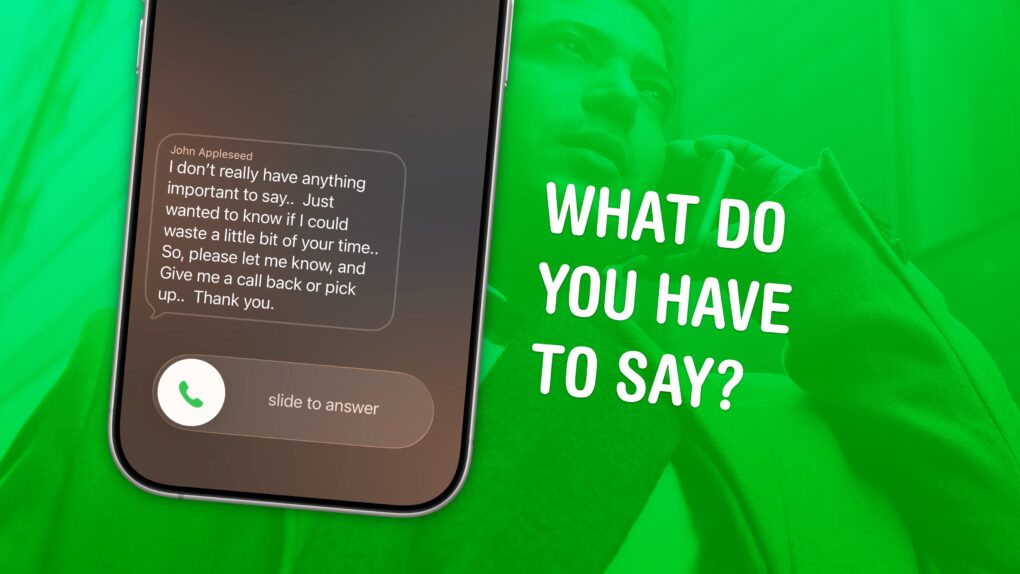
Screening calls on iPhone has finally gotten good. It’s now possible to block and screen all calls from unknown numbers and lead a life of peaceful zen. Apple has added a trio of features to iPhone to screen calls: one aptly named Call Screening, as well as Live Voicemail and Silence Unknown Callers.
Using these features together gives you a great way to stop unknown callers on iPhone. The Call Screening feature pairs very well with Live Voicemail. With both of these turned on, unwanted calls will be far less intrusive, but you will still be able to pick up important calls as they come in.
Here’s how to screen calls and other annoyances without missing any crucial conversations.



 October 8, 2014: Apple says it is “surprised” after GT Advanced Technologies, the supplier previously rumored to make ultra-strong sapphire glass displays for the iPhone 6, files for bankruptcy.


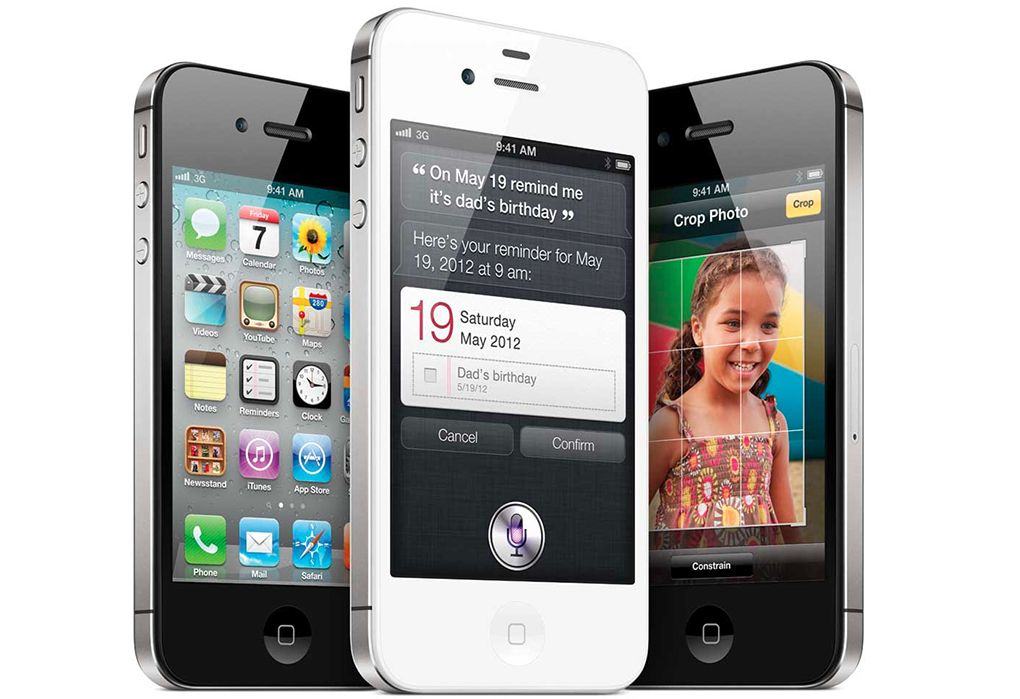
 October 7, 2011: Two days after the

 October 6, 1997: Michael Dell makes an incredibly bleak appraisal of Apple’s fortunes, uttering a quote that will become notorious. Asked what he would do with the struggling company, the founder of Dell Inc. says he would “shut it down and give the money back to the shareholders.”

 October 5, 2011: Apple co-founder