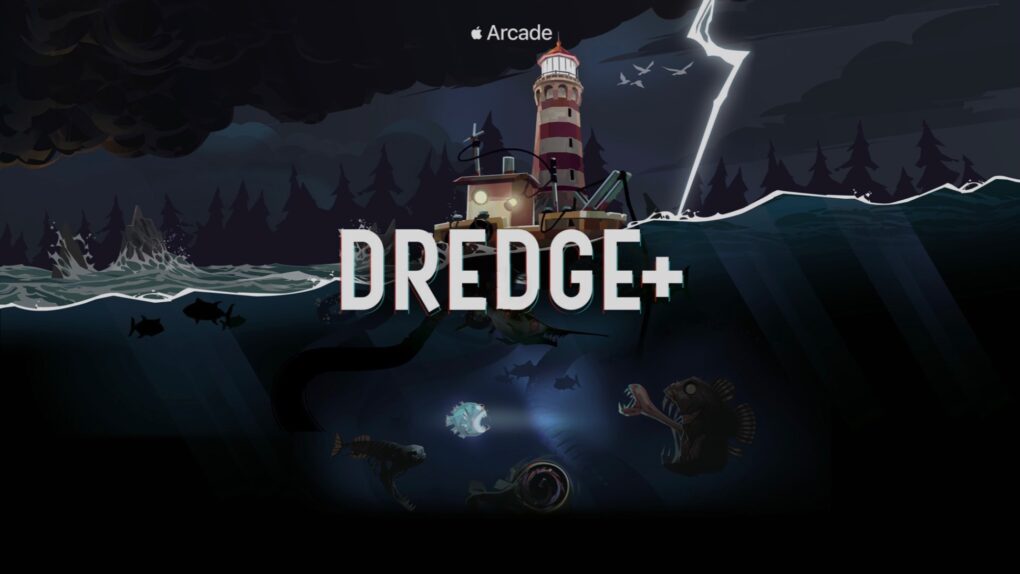
Dredge+ mixes fishing with Lovecraftian horror. Seriously. Image: Apple Arcade
Dredge has been described as “a cosmic horror-fueled fishing game,” so don’t expect a knockoff of Bass Masters when playing it on Apple Arcade. If that doesn’t pique your interest, it got named iPad Game of the Year.
And rather than the usual $25 charge for the app, Apple Arcade subscribers can play for $6.99 per month, plus enjoy hundreds more titles.
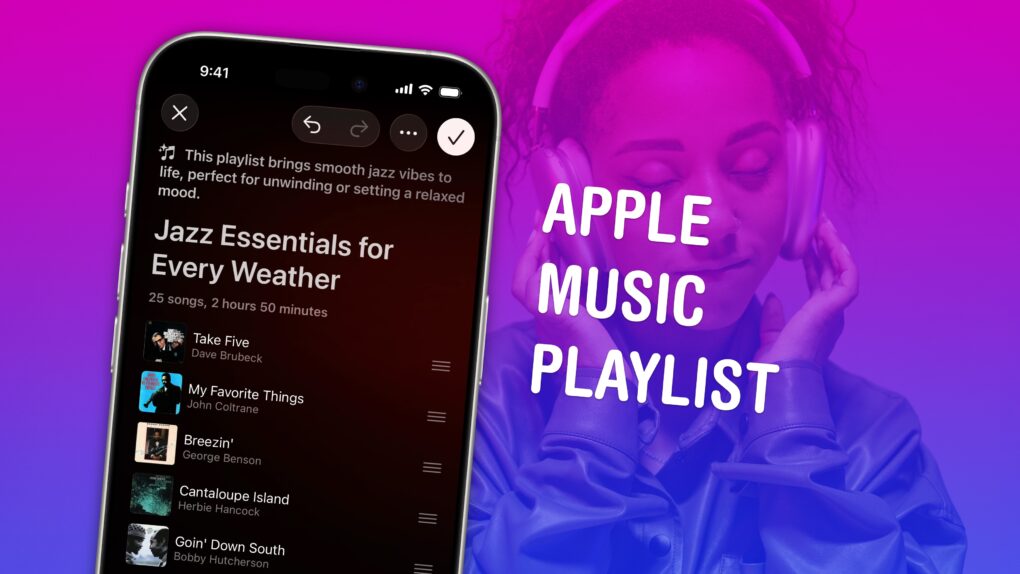
Build a soundtrack for specific moods. Image: D. Griffin Jones/Cult of Mac
Making a playlist in Apple Music is a great way to set the mood for a party, road trip or your own private time. You can create playlists for working, working out, studying, driving, doing dishes, etc. Your friends can contribute to your playlist, too. And you can share your masterpiece on your Apple Music profile.
In iOS 26.4, Apple added Playlist Playground, a new feature that lets you quickly create custom playlists via Apple Intelligence. On supported devices, you can type in any odd request — and your iPhone will do the rest. The results aren’t quite DJ quality, but they’re a good starting point if you want something specific or unique.
Here’s how to make a playlist by hand — and how to use the new Playlist Playground feature.
Still on iOS 18? Apple released a new security update you should install right now. Photo: D. Griffin Jones/Cult of Mac
Apple released an iOS 18 update on Wednesday to patch a major security vulnerability for iPhones that haven’t yet upgraded to iOS 26. The new version, iOS 18.7.7, is presumably intended to protect a range of iPhone models from the serious DarkSword hack.
This comes amid a recent push from Apple to address newly discovered vulnerabilities across older iOS releases. It has released multiple updates over the past few weeks.
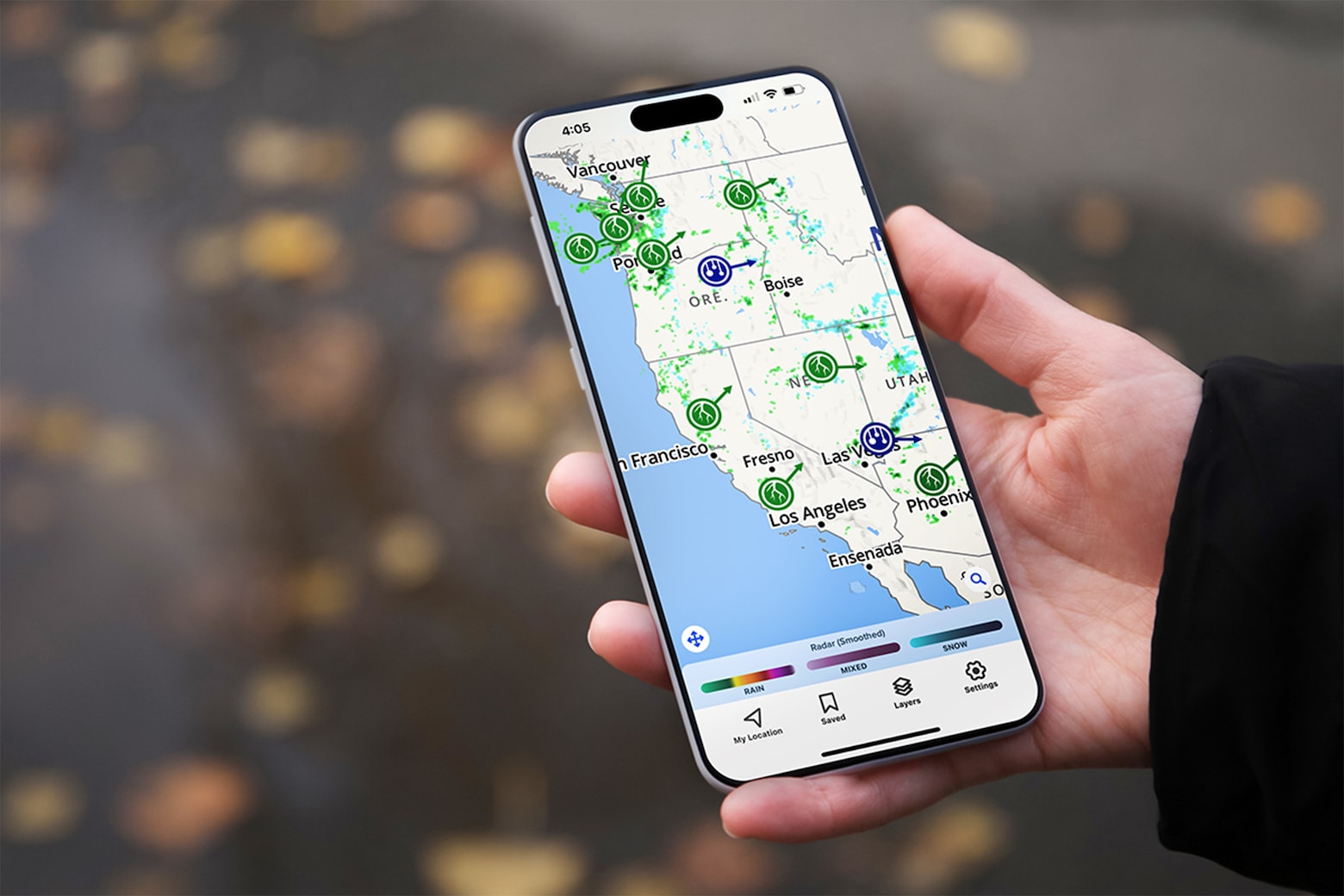
This advanced weather radar app keeps you updated on storms, fires and more. Photo: Cult of Mac Deals
With storms and flash floods becoming more prevalent, it’s more important than ever to stay up to date with the weather in your area. And a weather radar app like Weather Hi-Def Radar lets you do just that.
This isn’t just an upgraded version of the bare-bones Weather app on your iPhone. It’s an alert system and interactive map that allows you to plan your day and stay ahead of tornadoes, wildfires and more. And now, the Weather Hi-Def Radar Storm Watch Plus plan is priced at only $39.99 for life.
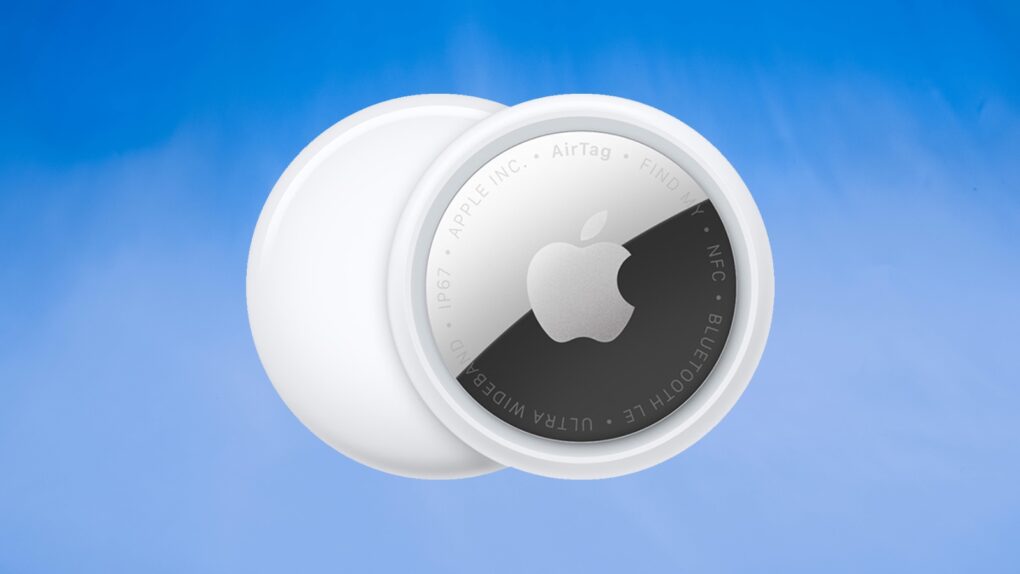
Updating AirTag firmware is easy. But it requires patience. Image: Apple/Cult of Mac
Apple is rolling out a firmware update for the AirTag 2 that makes it easier to locate one of the tracking tags if it’s being used to stalk someone.
You’ll probably want it, but it turns out that updating the AirTag’s software is both easy and hard. You don’t need to jump through hoops, but neither do you have much control.
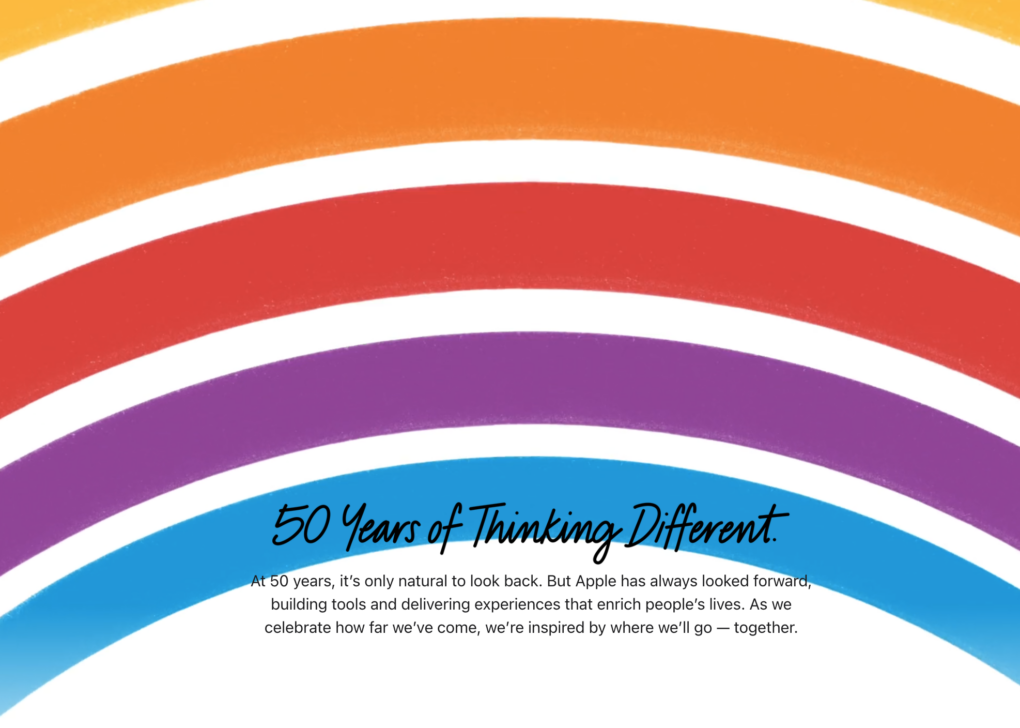
Apple's homepage turned into a nostalgic animation on its 50th anniversary Wednesday. Photo: Apple
Visitors to Apple.com Wednesday saw something unlike anything the company has displayed in recent memory: a full-screen takeover on its homepage featuring the iconic six-stripe rainbow Apple logo, the words “50 Years of Thinking Different,” and a quiet, elegant animation befitting a company that has always let its design do the talking.
★★★★★
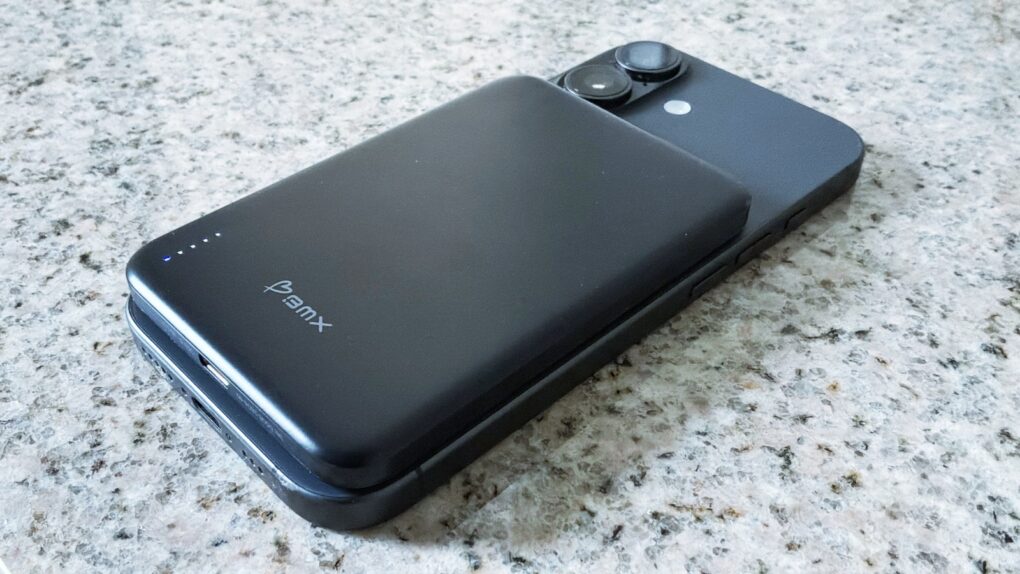
The BMX SolidSafe Air keeps my iPhone 17 going for an extra day. Photo: Ed Hardy/Cult of Mac
The BMX SolidSafe Air is the MagSafe power bank we’ve been waiting for. It’s a mere 0.27 inches (6.88mm) thin — slimmer than the iPhone 17 I tested it with.
The 5,000mAh iPhone accessory features a semi-solid-state cell design to reduce fire risk and a lightweight titanium build.
Here’s why it was such a pleasure to test out. This is the best MagSafe power bank I’ve ever used.
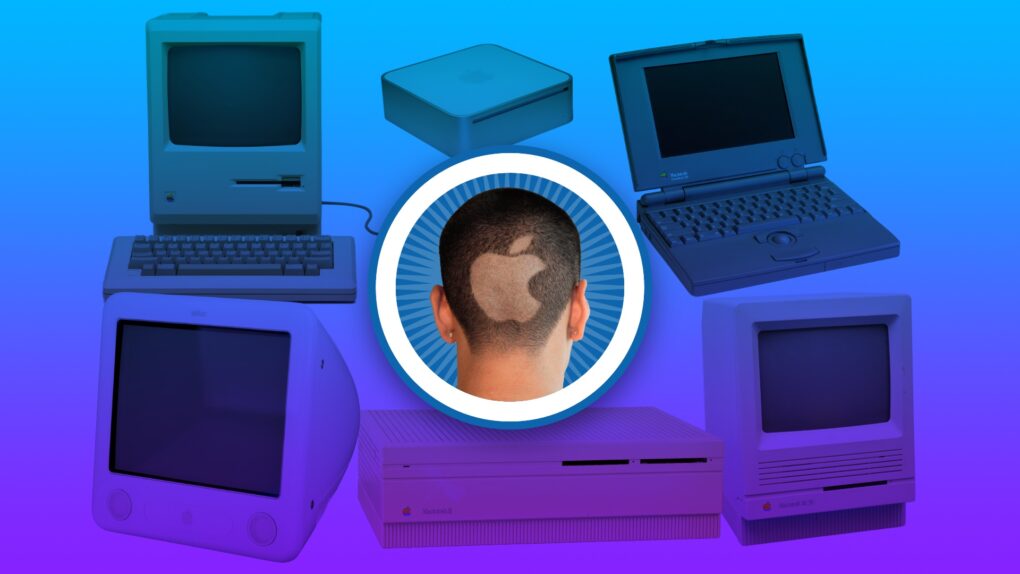
You always remember your first. Image: Apple/D. Griffin Jones/Cult of Mac
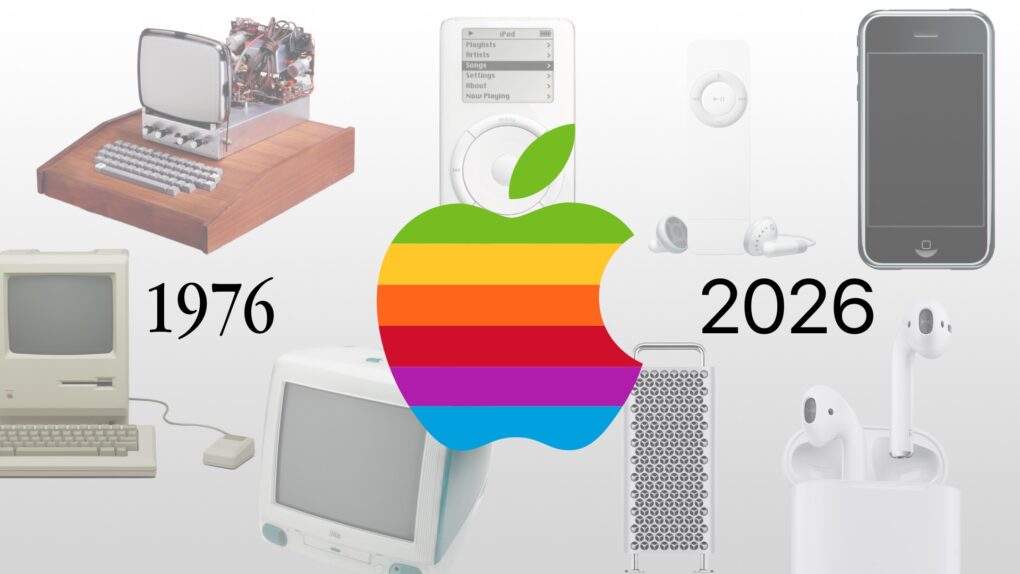
Apple started exactly 50 years ago, and most of the Cult of Mac staffers have been Mac users almost since the beginning. We have 170-plus years of experience!
Today’s milestone has us looking back on how we got started using Apple computers, from the original Macintosh to the first PowerBook to the early Mac mini.
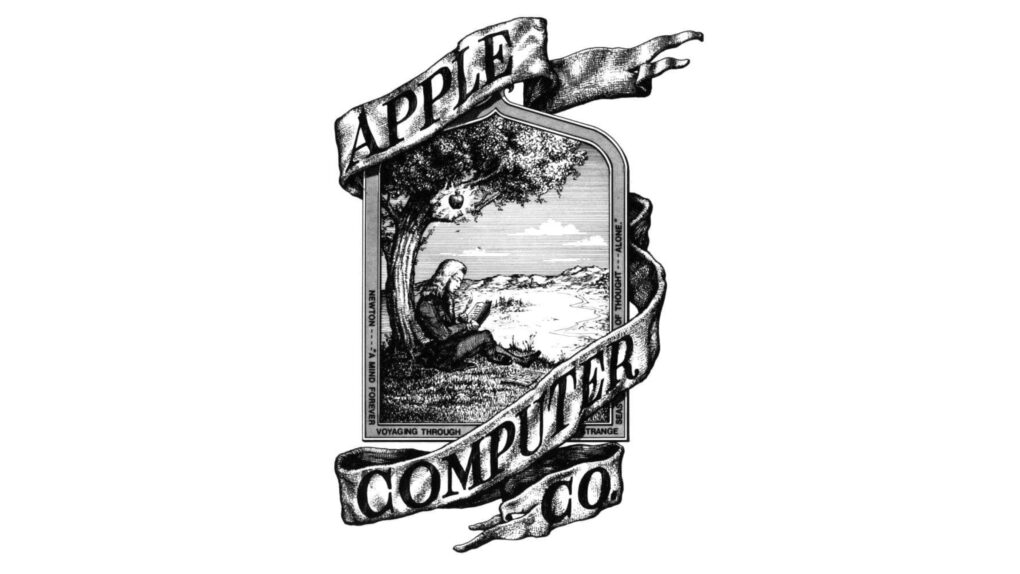
The original Apple logo, designed by Ron Wayne. Image: Apple
April 1, 1976: The Apple Computer Company is founded by Steve Jobs, Steve Wozniak and Ronald Wayne. The trio sets out to sell the $666 Apple-1 computer.
Apple will not officially become a corporation until January 3 the following year. By that time, Wayne is no longer a part of the business.
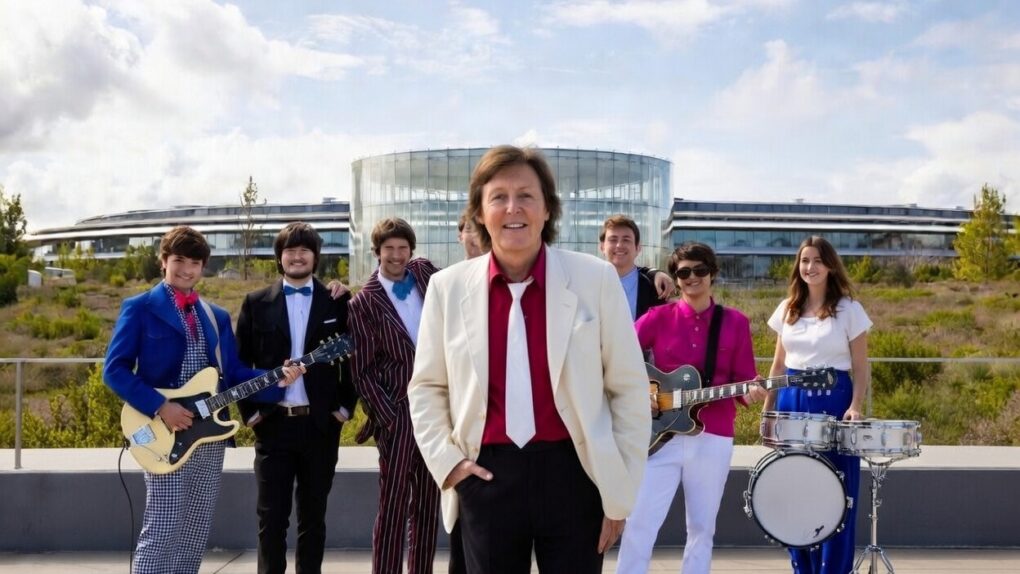
Paul McCartney plays Apple Park for the iPhone giant's 50th anniversary. Photo: @Diario_Beatles, X.com
Apple turned 50 on Wednesday, but the real party happened the night before. On Tuesday evening, Sir Paul McCartney took the rainbow stage at the heart of Apple Park and delivered a career-spanning performance for thousands of Apple employees.
It closed out weeks of global anniversary celebrations with one of the most storied voices in rock history — and a sky full of fireworks.
It’s a big birthday for the fruit company. Image: Apple/D. Griffin Jones/Cult of Mac
As Apple turns 50, it’s worth looking back on the company’s greatest accomplishments and lowest moments through history. If you don’t have time for David Pogue’s 600-page epic, Apple: The First 50 Years, maybe you can spare eight minutes to relive the single biggest piece of Apple news every year.
Apple is hard at work creating the new Siri. AI image: Apple/ChatGPT/Cult of Mac
Apple is working to upgrade Siri so the voice assistant can handle multiple requests at once, according to an unconfirmed report from Bloomberg. The feature would let users combine several commands into a single query instead of issuing them one at a time.
It’s apparently part of a much larger project to inject some real intelligence into Siri. Artificial intelligence.
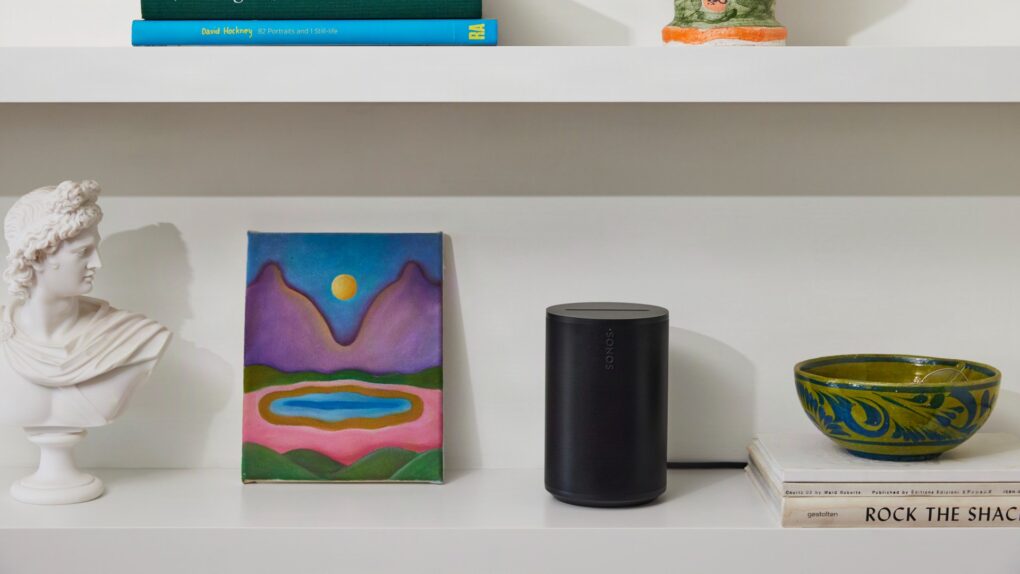
Sonos Era 100 SL features a mic-free design. Photo: Sonos
Two new Sonos speakers — one portable, one not — aim squarely at easy home setup for listeners who want room-filling audio without headaches. Both the portable Sonos Play ($299) and mic-free home speaker Era 100 SL ($189), which went on sale Tuesday, work with Apple AirPlay 2.
“Much of consumer tech promises innovation, yet too often delivers isolation — new devices replacing old ones instead of building on what already works,” said Sonos CEO Tom Conrad. “We believe a great sound experience shouldn’t reset every time you add something new. It should get better.”
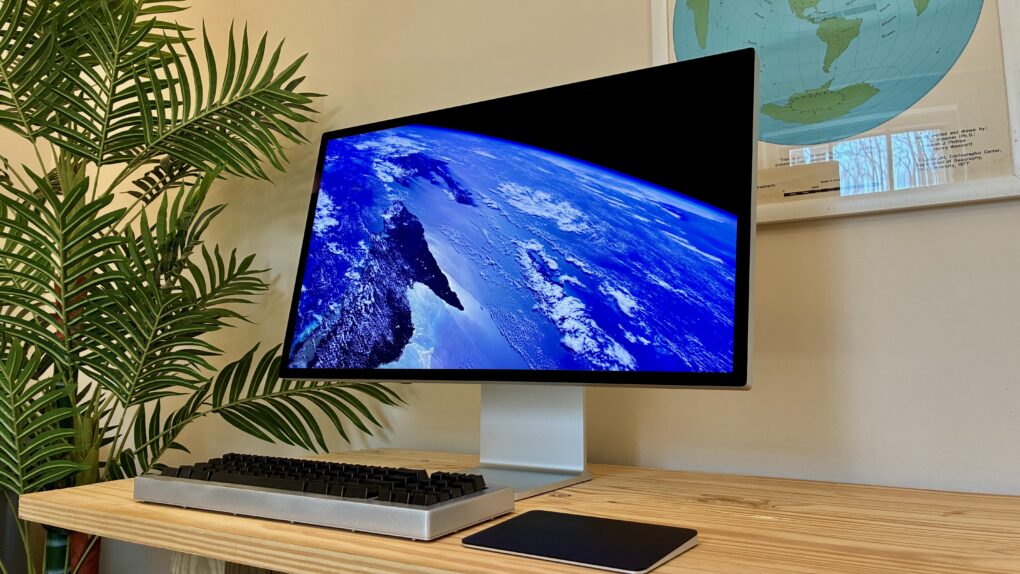
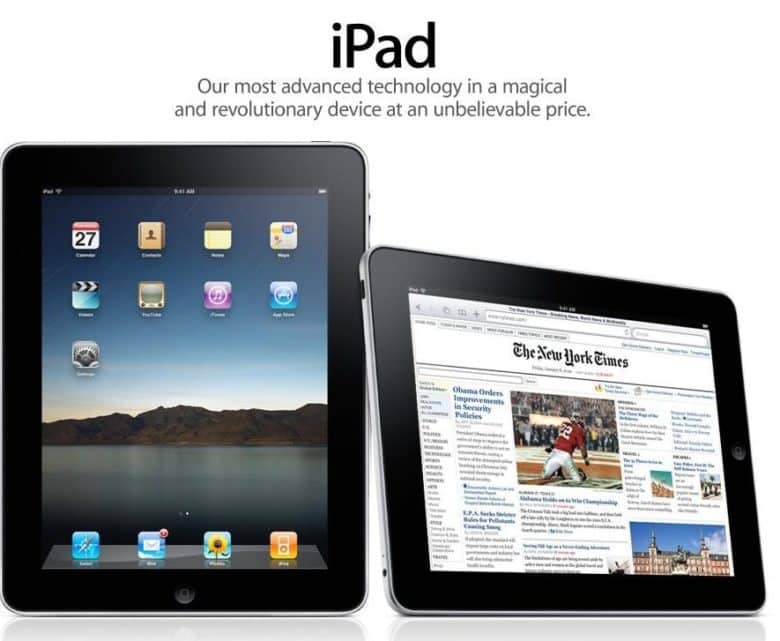
March 31, 2010: When the first iPad reviews hit the internet, the world gets a sense of how Apple’s new tablet measures up.
The consensus? That there’s no Flash, no USB, no multitasking — but Apple’s tablet offers an exciting new computing experience all the same. As USA Today writes, “The first iPad is a winner.”
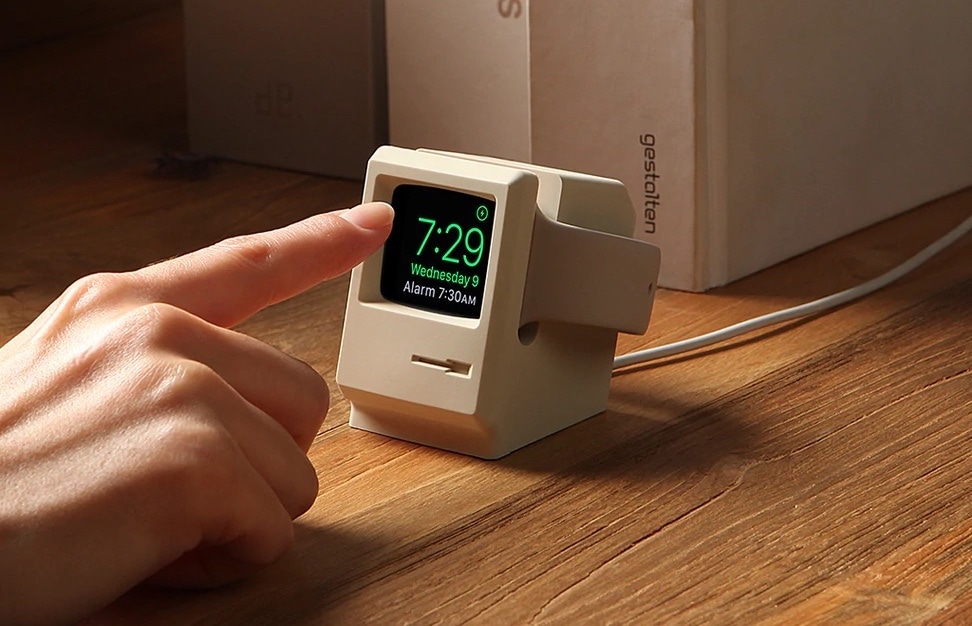
The Elago W3 Apple Watch Stand brings to mind a classic Mac. Photo: Elago
April 1 marks a milestone: Apple turns 50. Half a century after Steve Jobs, Steve Wozniak and Ronald Wayne signed the papers in a California garage, Apple has become one of the most valuable companies on Earth — and one of the most design-obsessed in history.
And lucky for gear fans, some of its brilliant products inspired other companies to make some great retro-futuristic Apple accessories.
Learn invaluable career lessons with these soft skills courses. Image: Cult of Mac Deals
Dial in your career skills with the Job-Ready Advantage: Career Prep & Soft Skills Bundle, a new batch of courses that will teach you to communicate better, interview smarter, and actually land the job you’re eyeing.
At just $19.99, this career-oriented educational bundle gives you the knowledge you need to succeed in today’s competitive employment landscape.
Some of the most important products from Apple's first 50 years might surprise you. Image: Midjourney/Cult of Mac
Apple produced an amazing string of hit products over its 50 years, but to paraphrase Napoleon the pig: Some are more important than others.
Here are the most important products in Apple’s 50-year history. And no, this list is likely not what you were expecting. They’re not necessarily the biggest or the most well-known.
These Macs will outlast Windows PCs, and give the users fewer problems. Photo: Mapbox/Unsplash License
Macs in enterprise settings typically last for five years, besting the three-year lifespan for Windows PCs, according to a company that makes software to help businesses manage their computers.
But the really shocking revelation from the report is that more than half of Windows PCs used in big business get replaced within a year.
Don’t pay full price for an Apple Magic Keyboard. Image: Cult of Mac
This rare Apple Magic Keyboard deal means you there’s no reason to use an old-fashioned wired keyboard with your Mac. Not when you can get an Apple Magic Keyboard on sale for 19% off, and say goodbye to cables.
Or maybe you’re using a third-party keyboard you don’t like. Perhaps your Apple keyboard is close to wearing out. Whatever the reason, get a new one at a welcome discount.
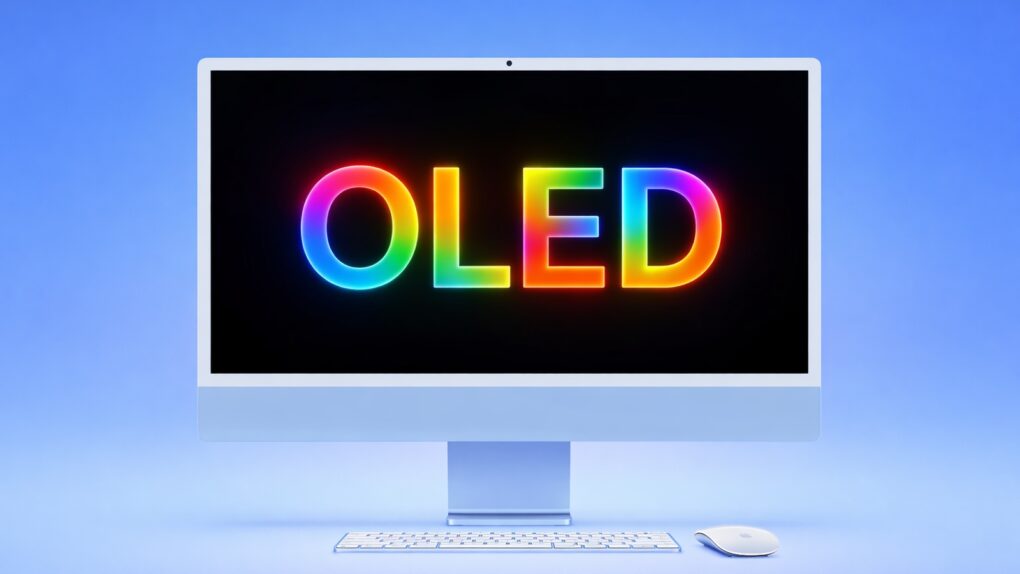
Apple is exploring an iMac with a gorgeous OLED display. AI image: ChatGPT/Cult of Mac
Apple’s first desktop Mac with an OLED screen is in early development, according to a report coming out of the company’s supply chain in Asia. That would give the all-in-one desktop a truly beautiful display.
At this point, OLED screens typically go into Apple’s premium models. It’s not clear if that’ll hold true for the iMac, however.
British Invasion performer. Will it be Sir Paul? Or maybe somebody from Herman's Hermits. AI image: Grok/Cult of Mac
Apple’s global 50th anniversary celebration is building to what might be its most memorable moment yet — and if the clues are right, it involves a Beatle performing at Apple Park this week. Or somebody else from the British Invasion that Steve Jobs loved.
Get a lifetime of ad blocking and privacy protection from AdGuard's top-rated family plan. Photo: Cult of Mac Deals
Hackers and malicious viruses are very much a concern when you’re on the web, but the biggest threats to your productivity and your privacy come from everyday internet hazards. AdGuard — an ad blocker for iOS, Mac, Android and Windows — helps protect your privacy by shielding you from the hidden bots that track your every online move and turn your data into currency for advertisers and bad actors both big and small.
When it comes to these threats, regular antivirus software won’t cut it. AdGuard, on the other hand, is specifically designed to deal with both annoying ads and the data crawlers hidden inside them. For a limited time, you can get a lifetime subscription to AdGuard’s family plan for just $15.97.


 April 1, 1976: The Apple Computer Company is founded by
 March 31, 2010: When the first iPad reviews hit the internet, the world gets a sense of how Apple’s new tablet measures up.